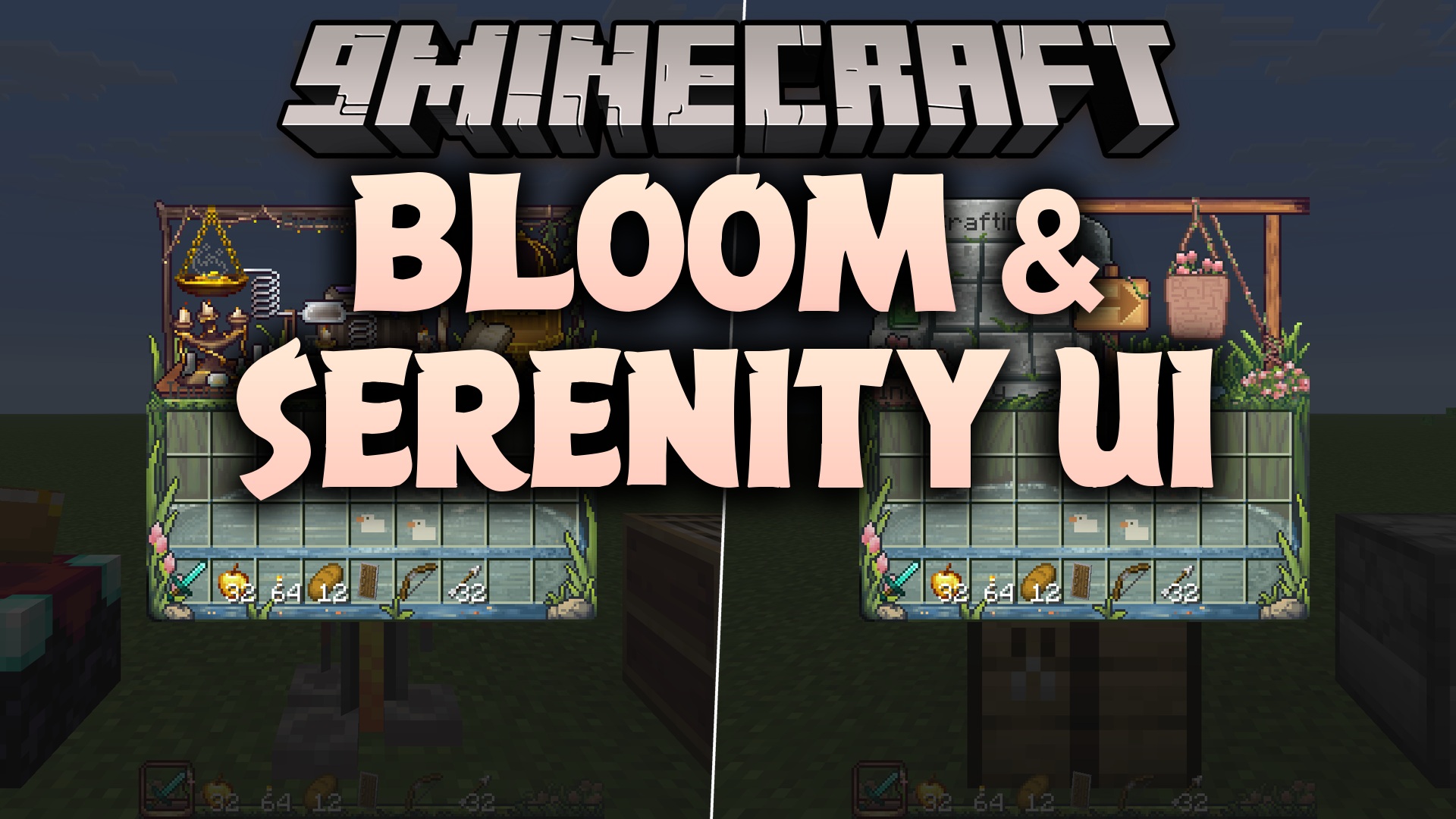
Bloom and Serenity UI 9minecraft Resource Pack (26.3) – Hand-Painted Menus
Java resource pack listed for Minecraft 26.x. Download on the author's site.
⬇ Download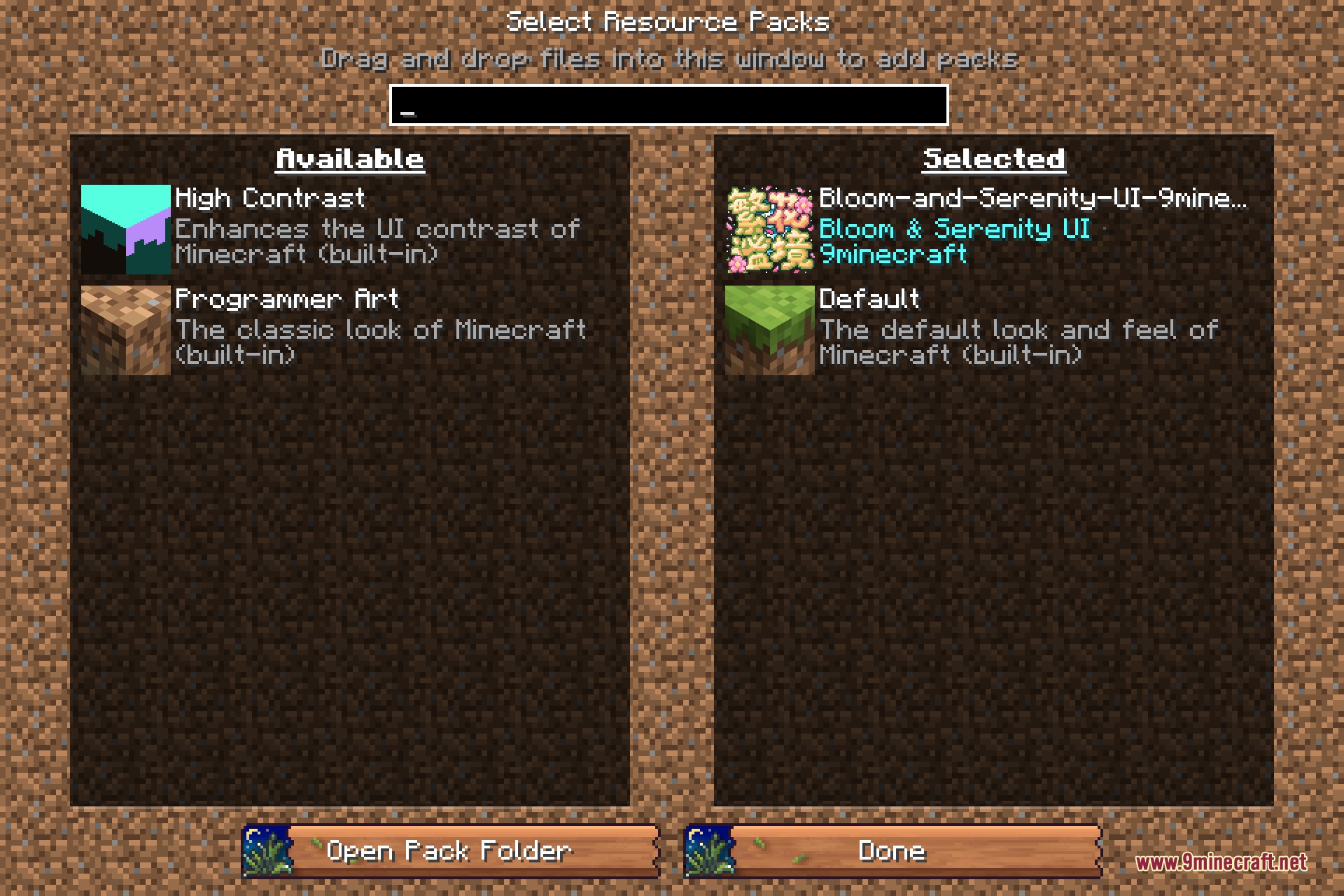
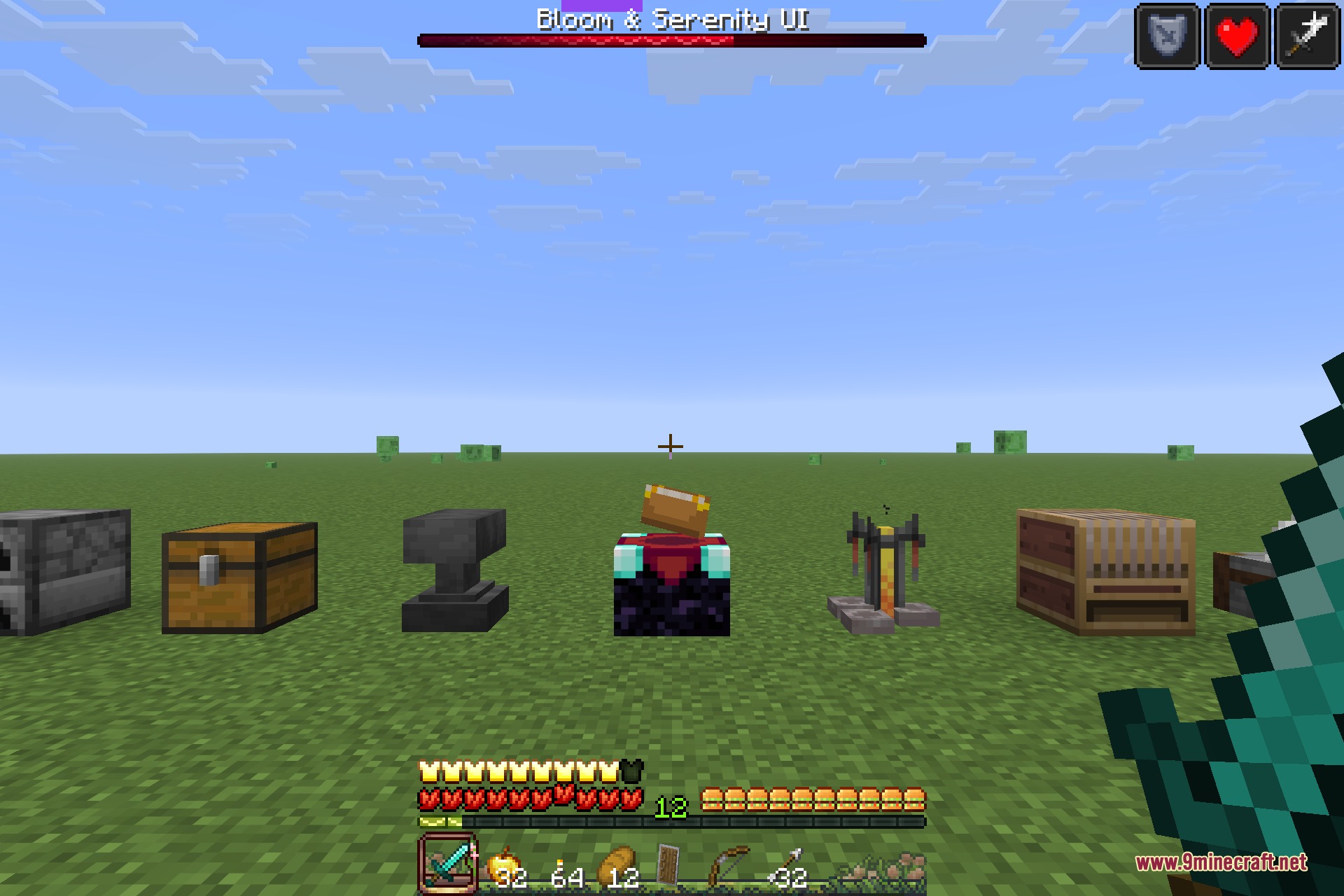
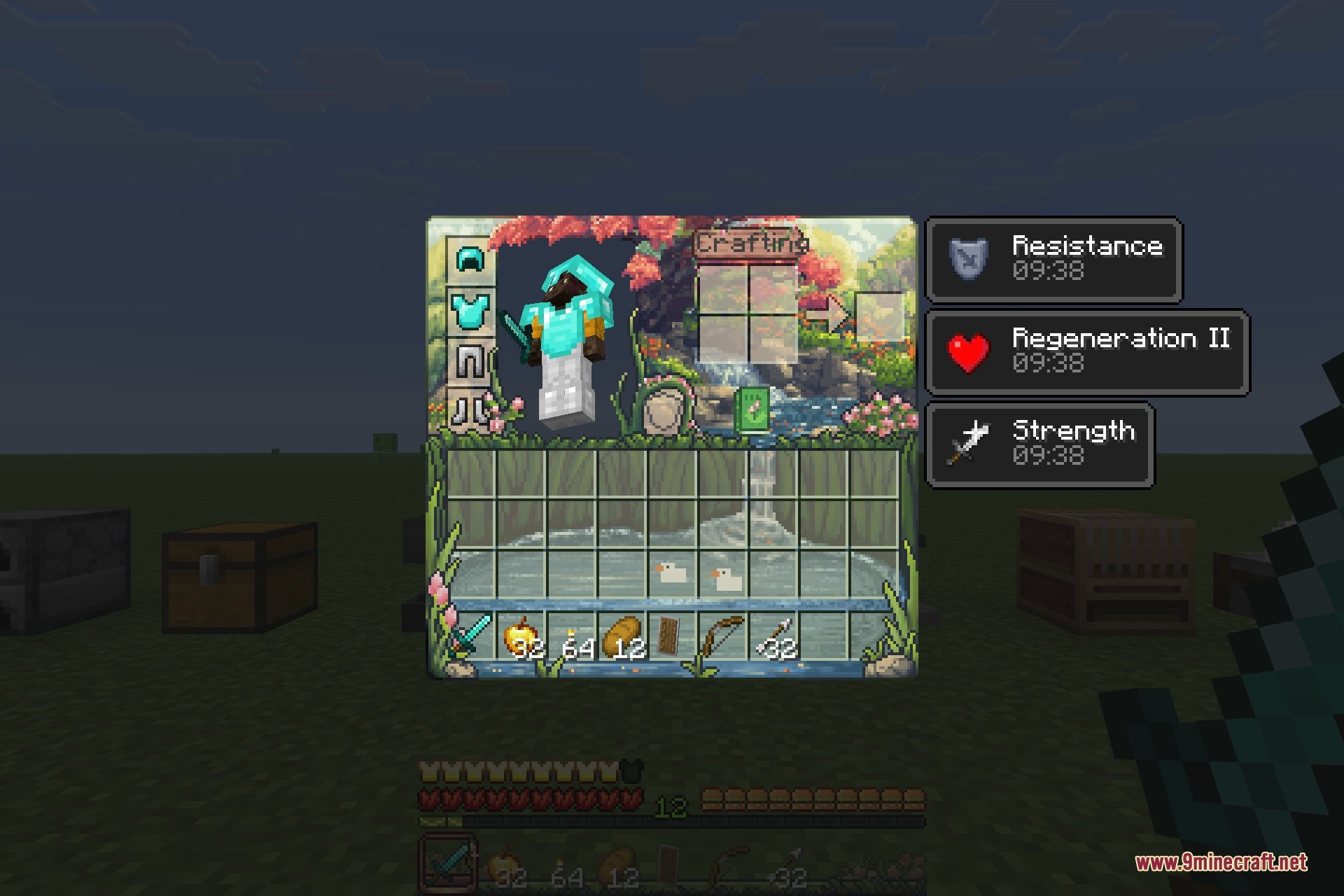
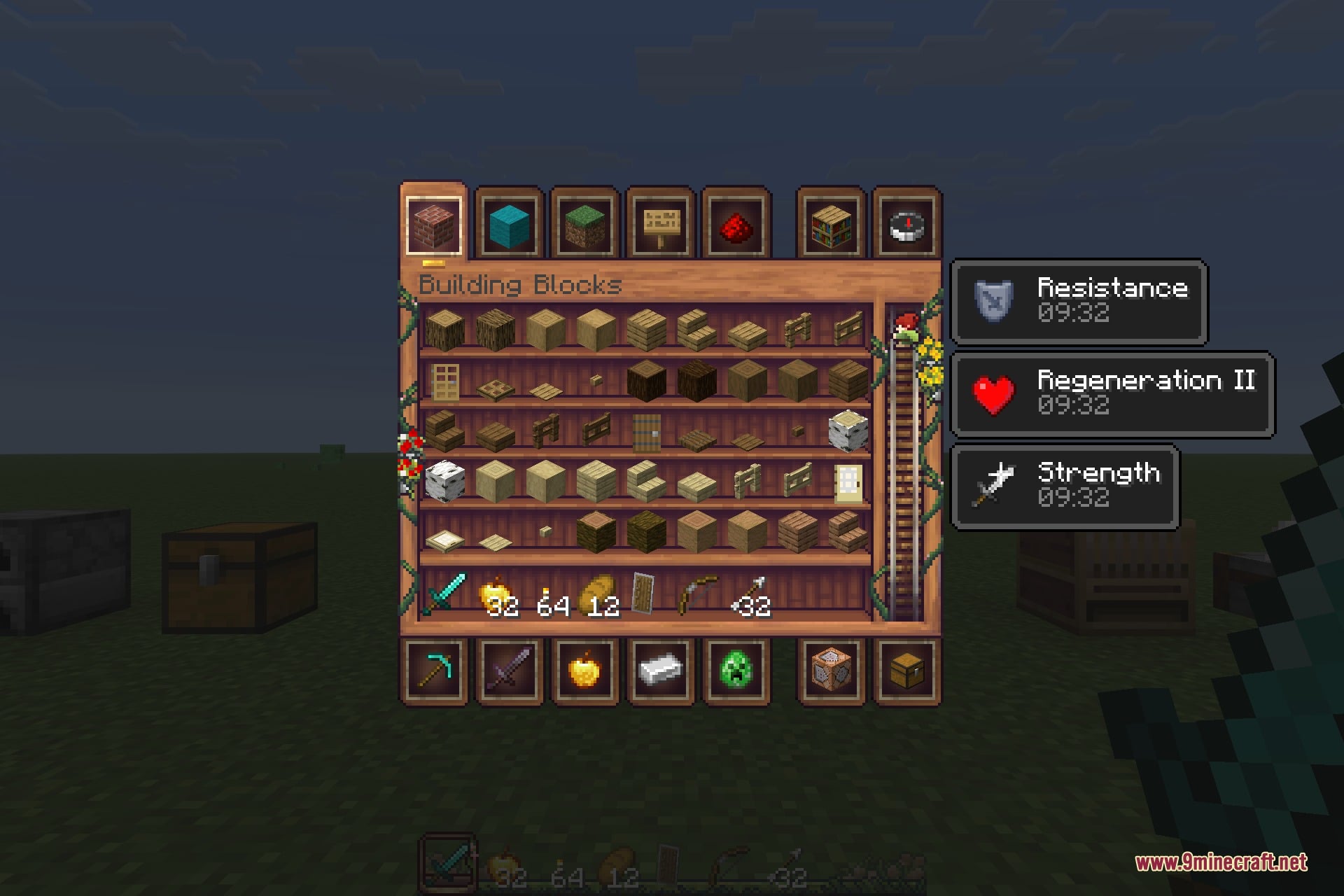
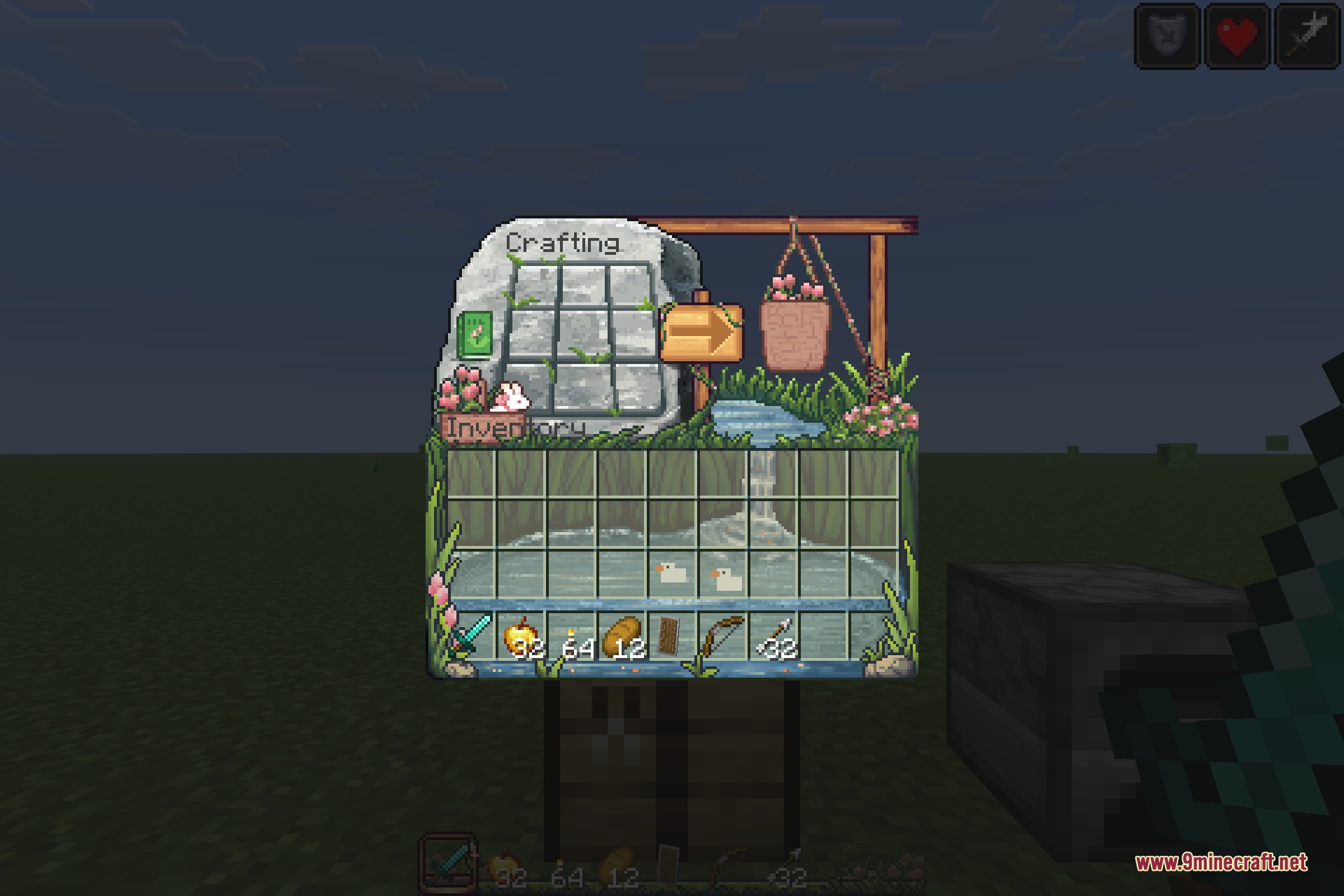
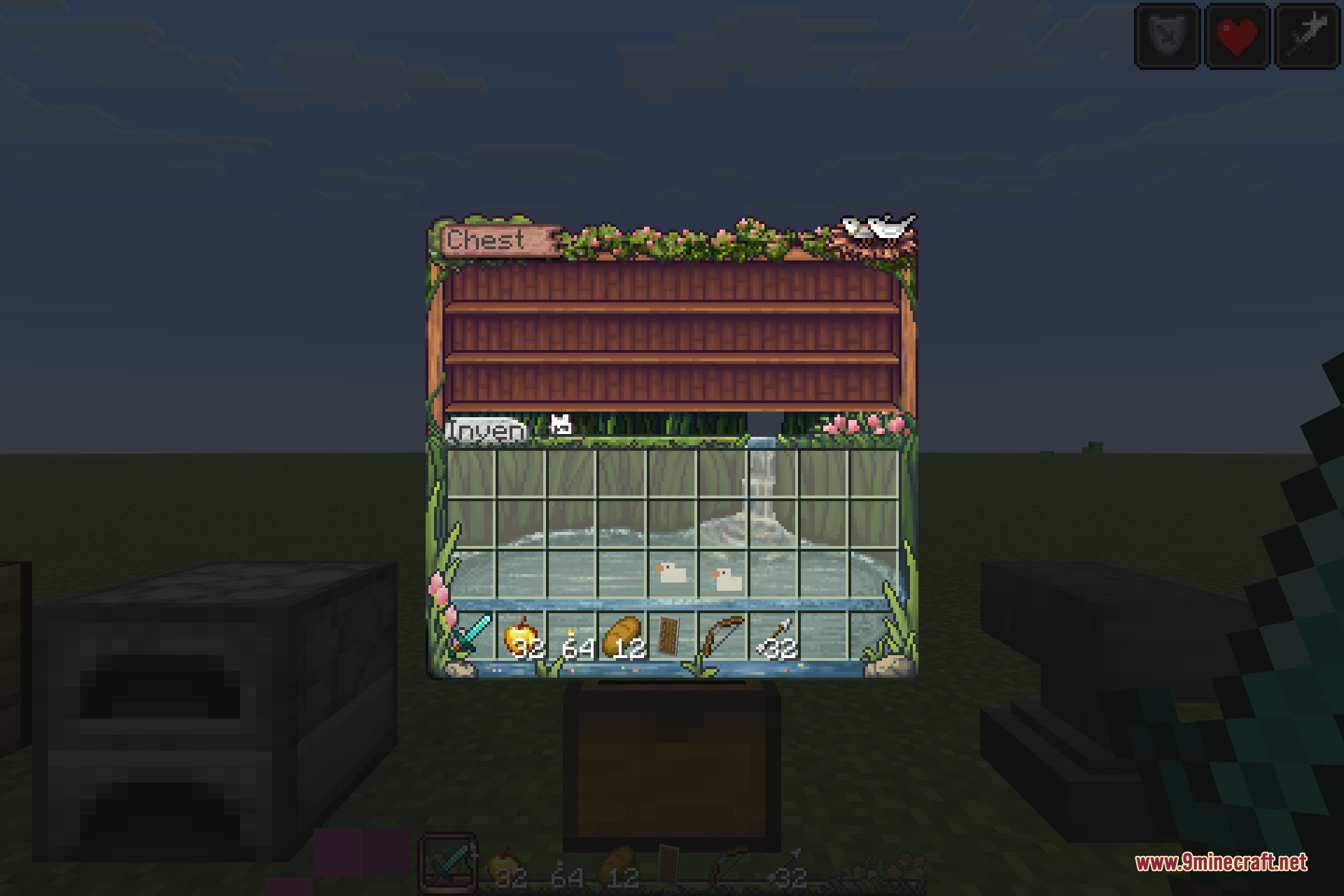
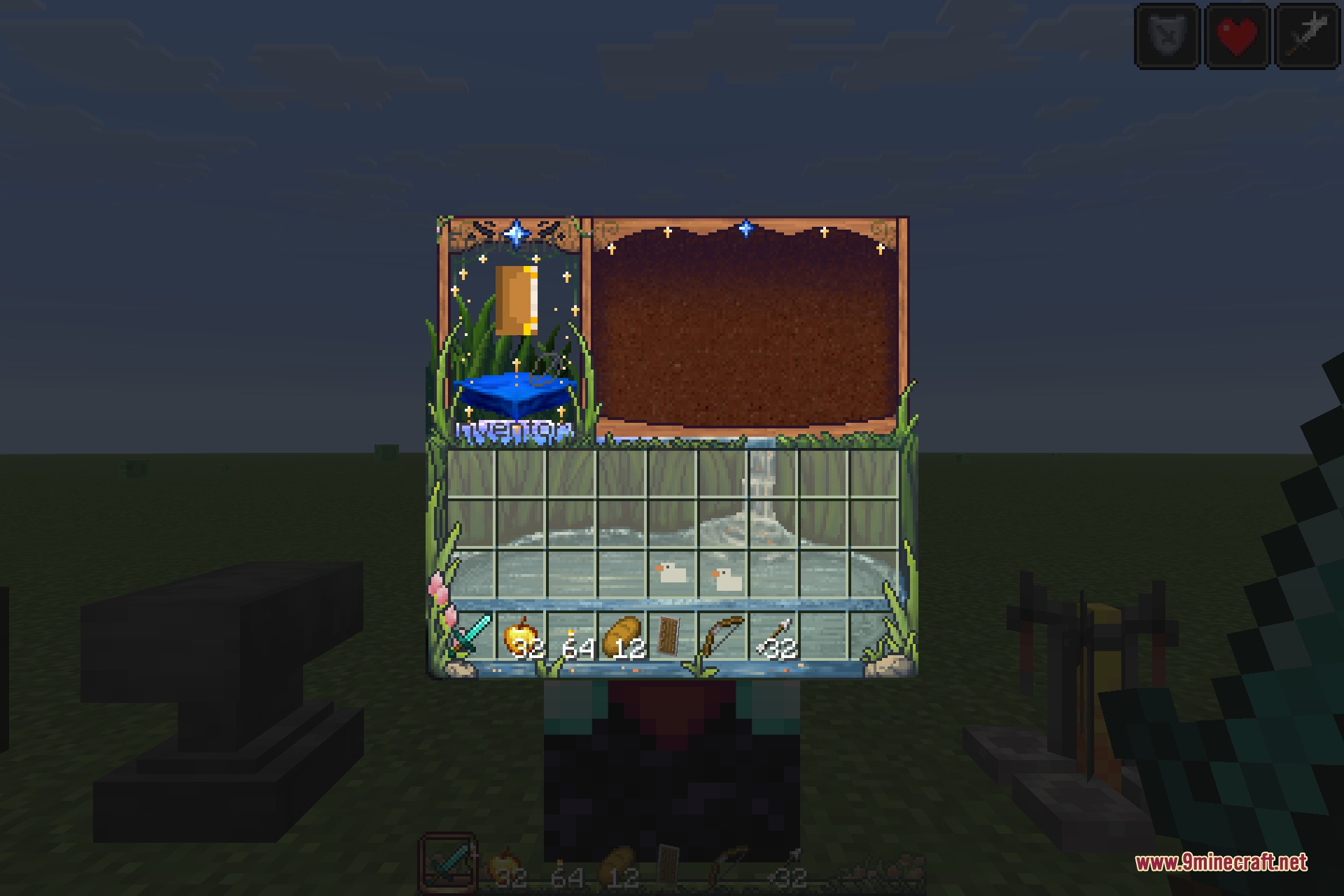
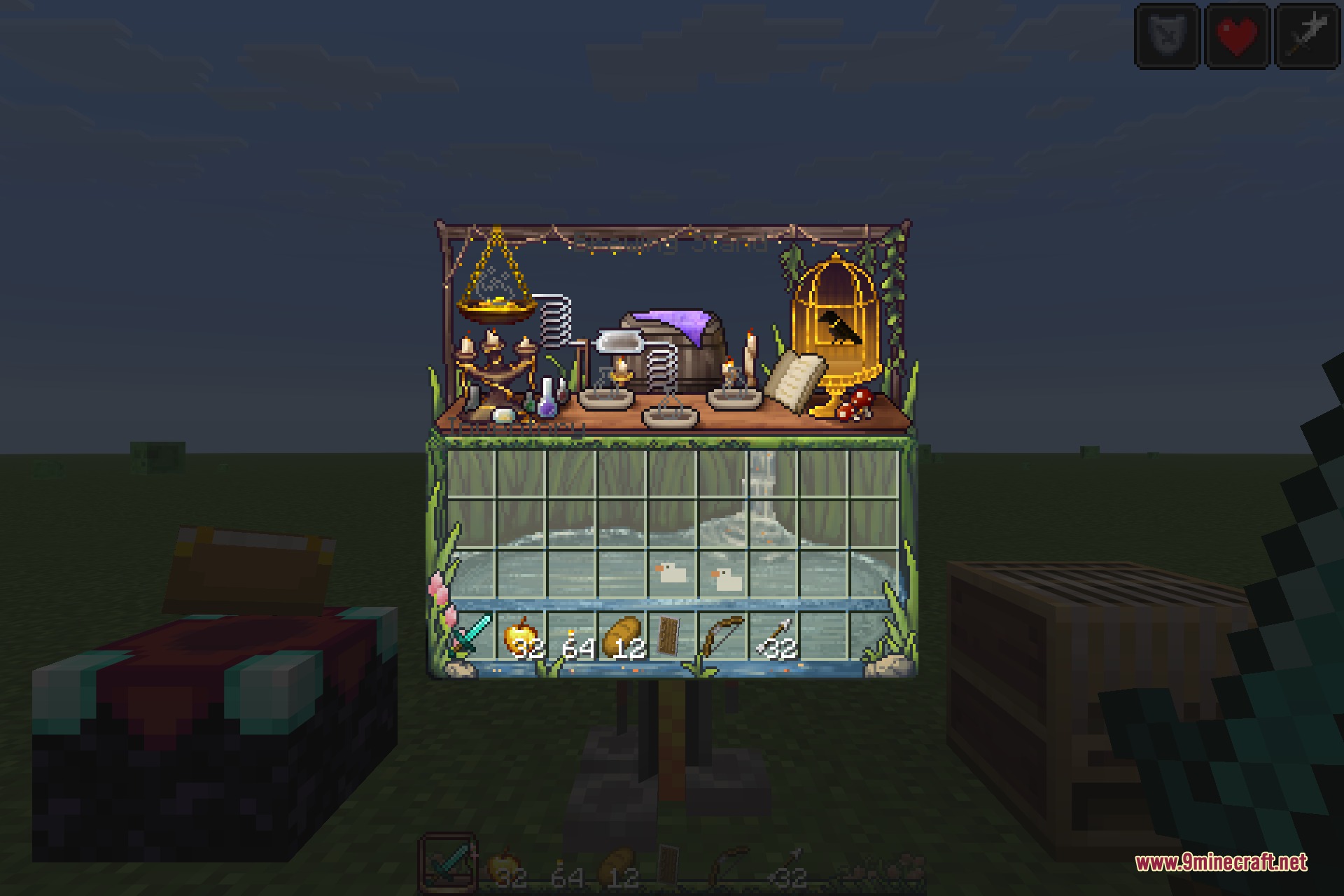
Bloom and Serenity UI 9minecraft Resource Pack leaves the world alone and rebuilds the interface. Every menu, every container and every button is replaced with hand-drawn artwork: mossy stone, running water, hanging baskets and flowers instead of the flat grey panels the game normally shows. Open a crafting table and you get a little garden workshop; open a brewing stand and you get a cluttered alchemist’s bench.
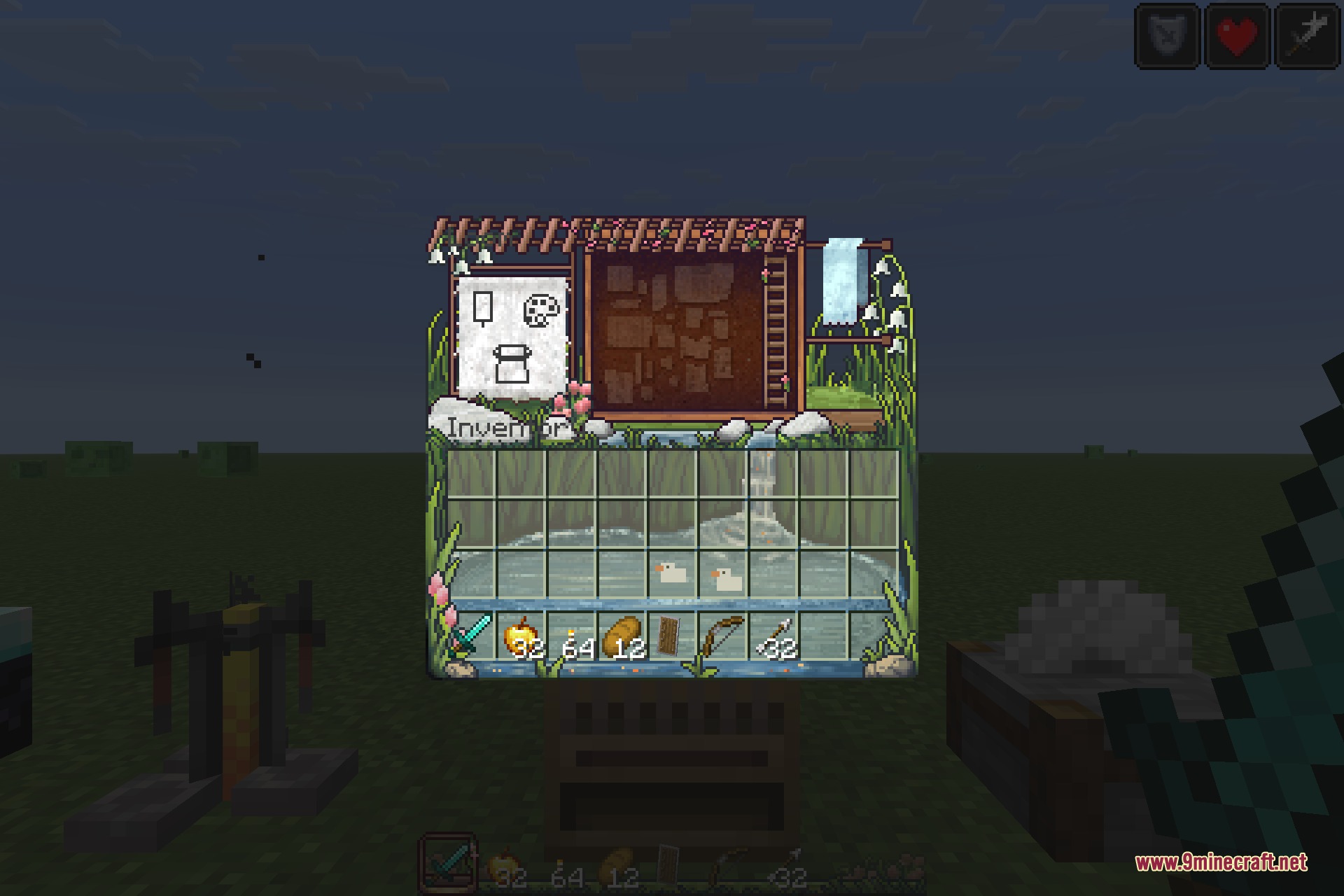
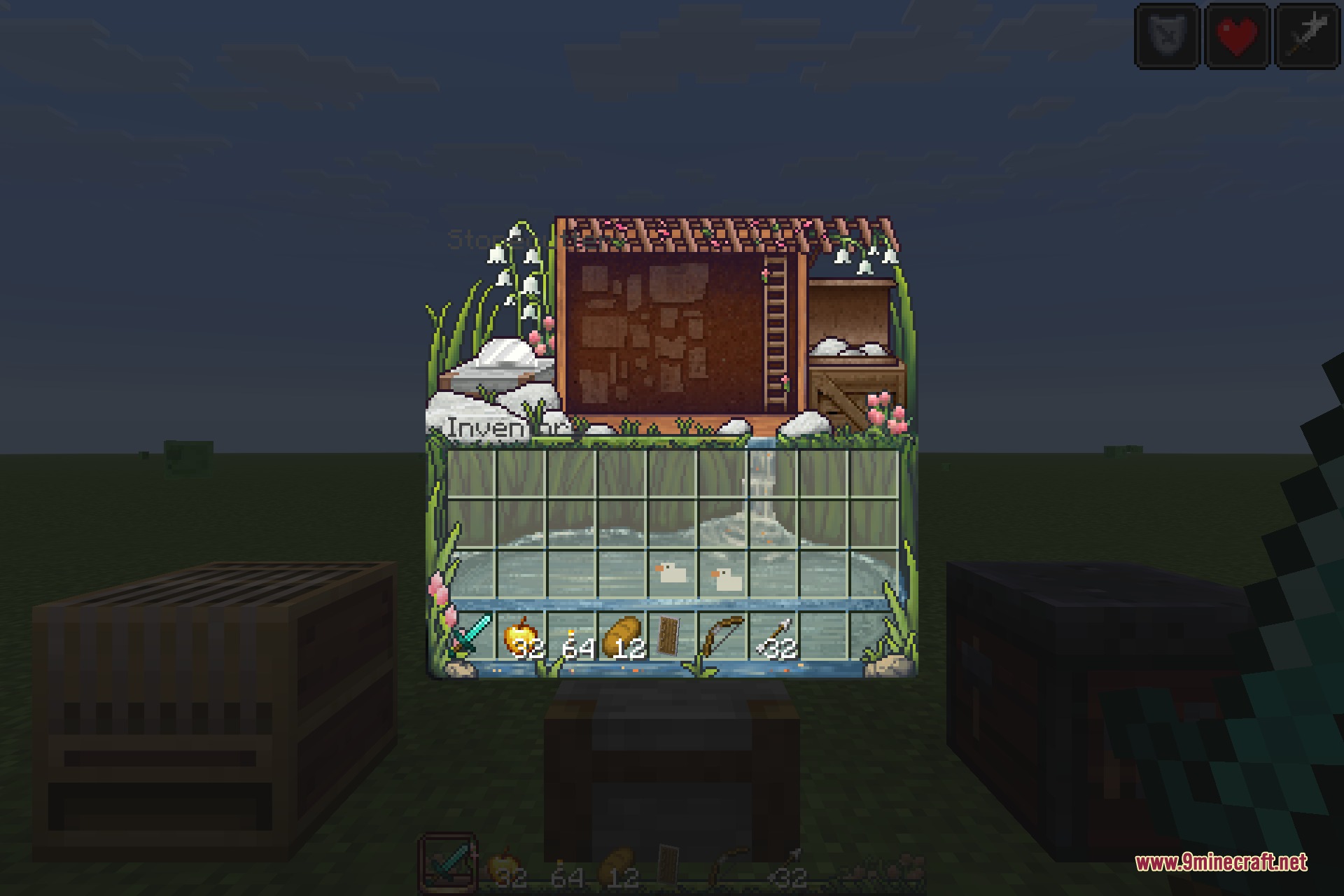
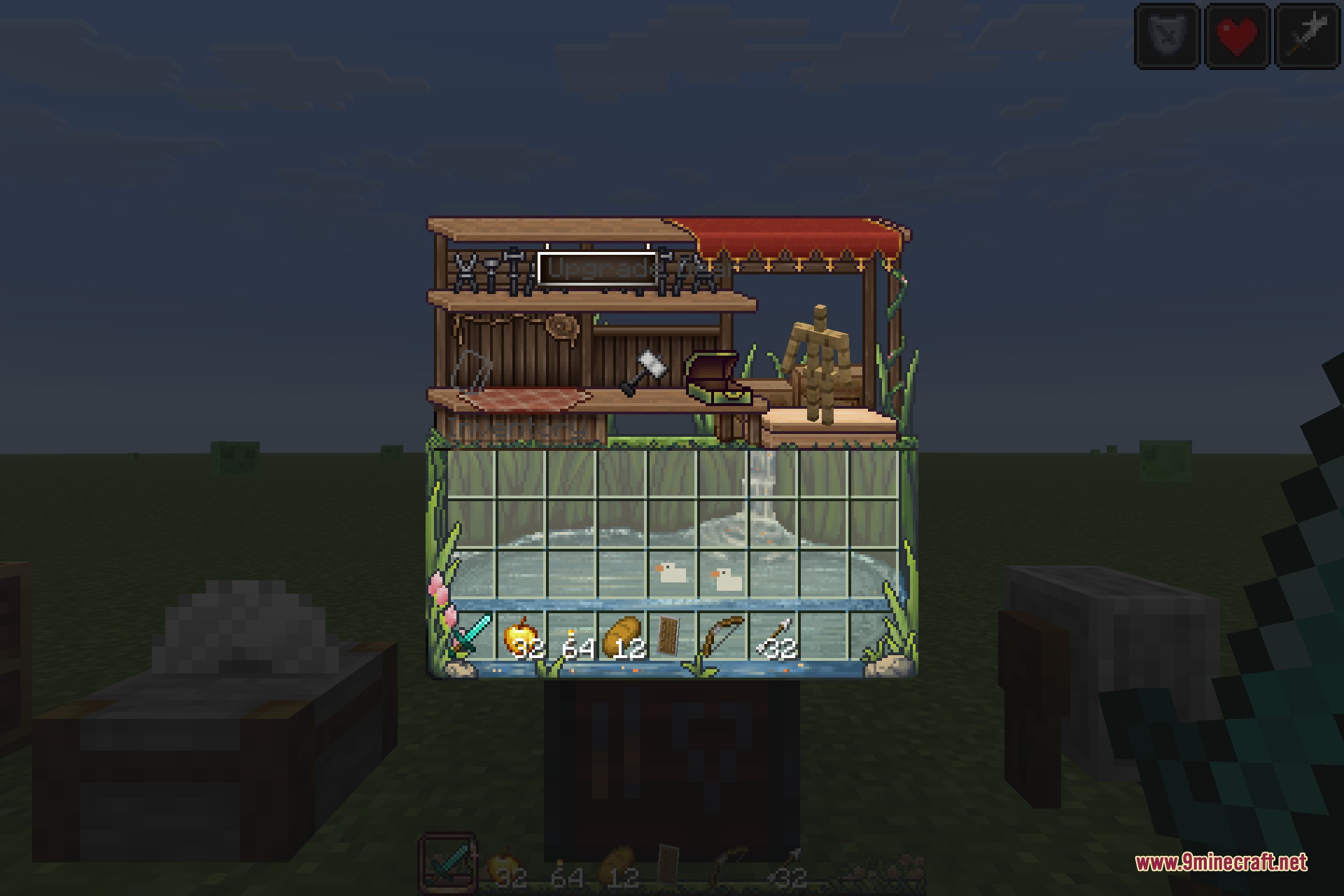
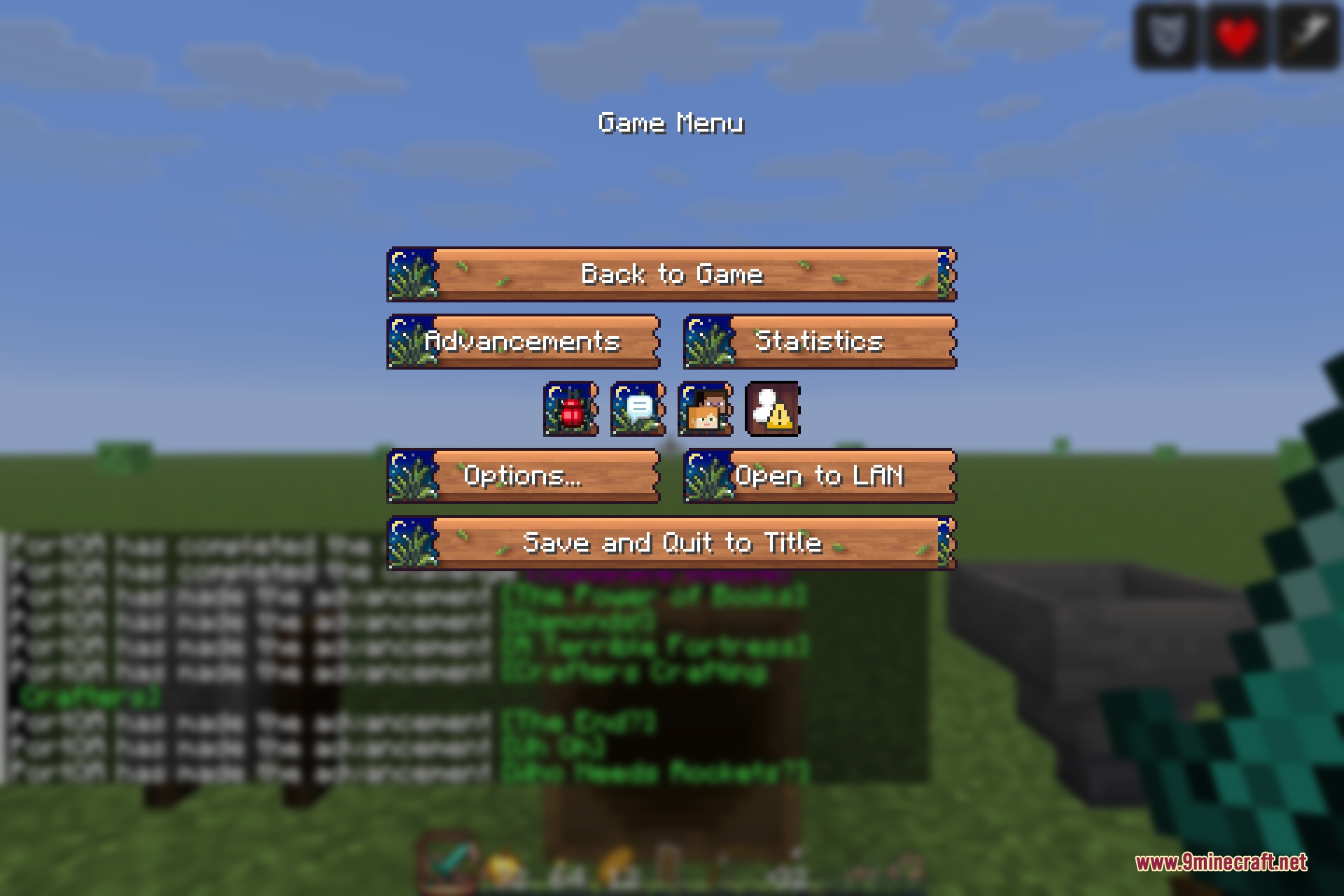
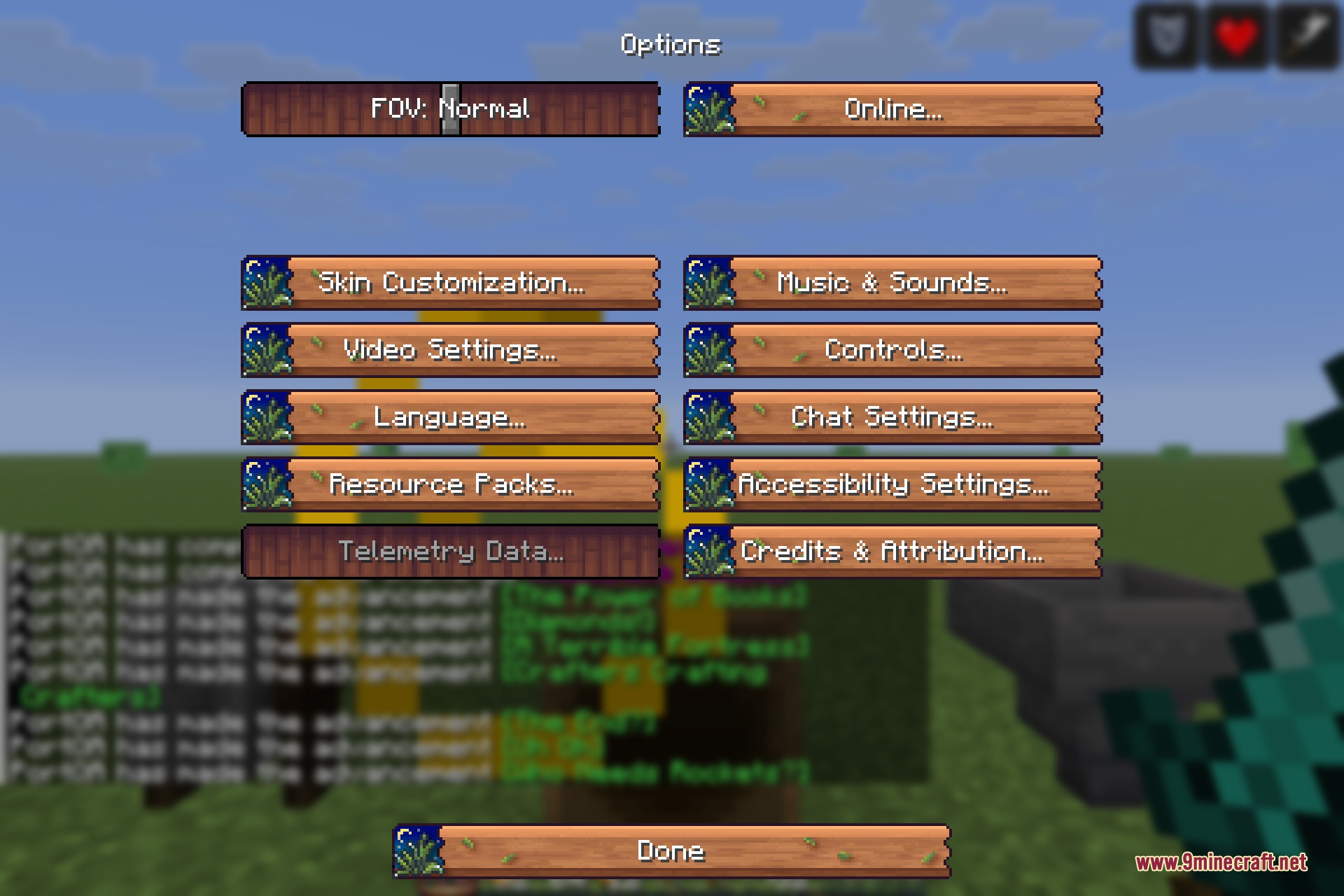
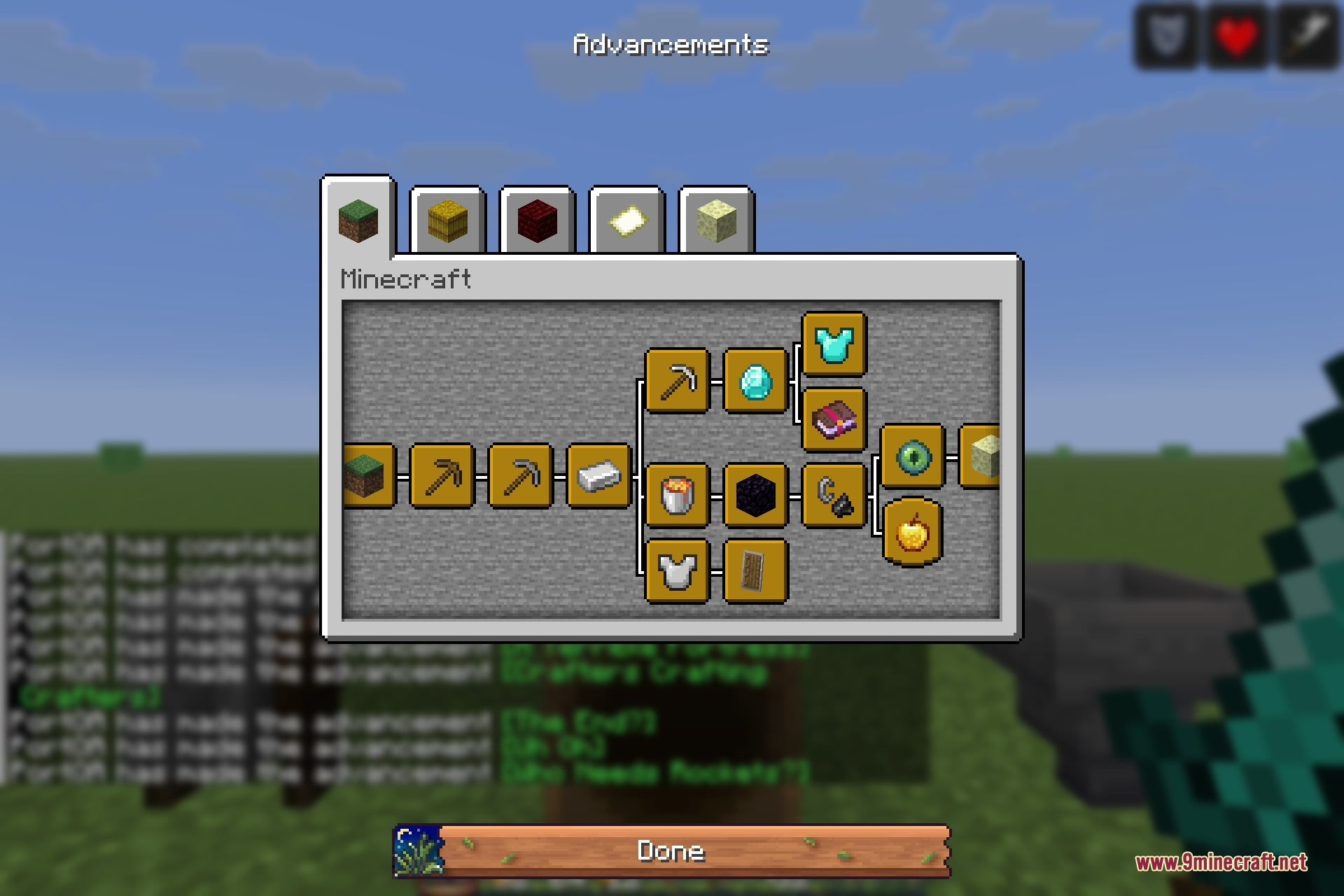
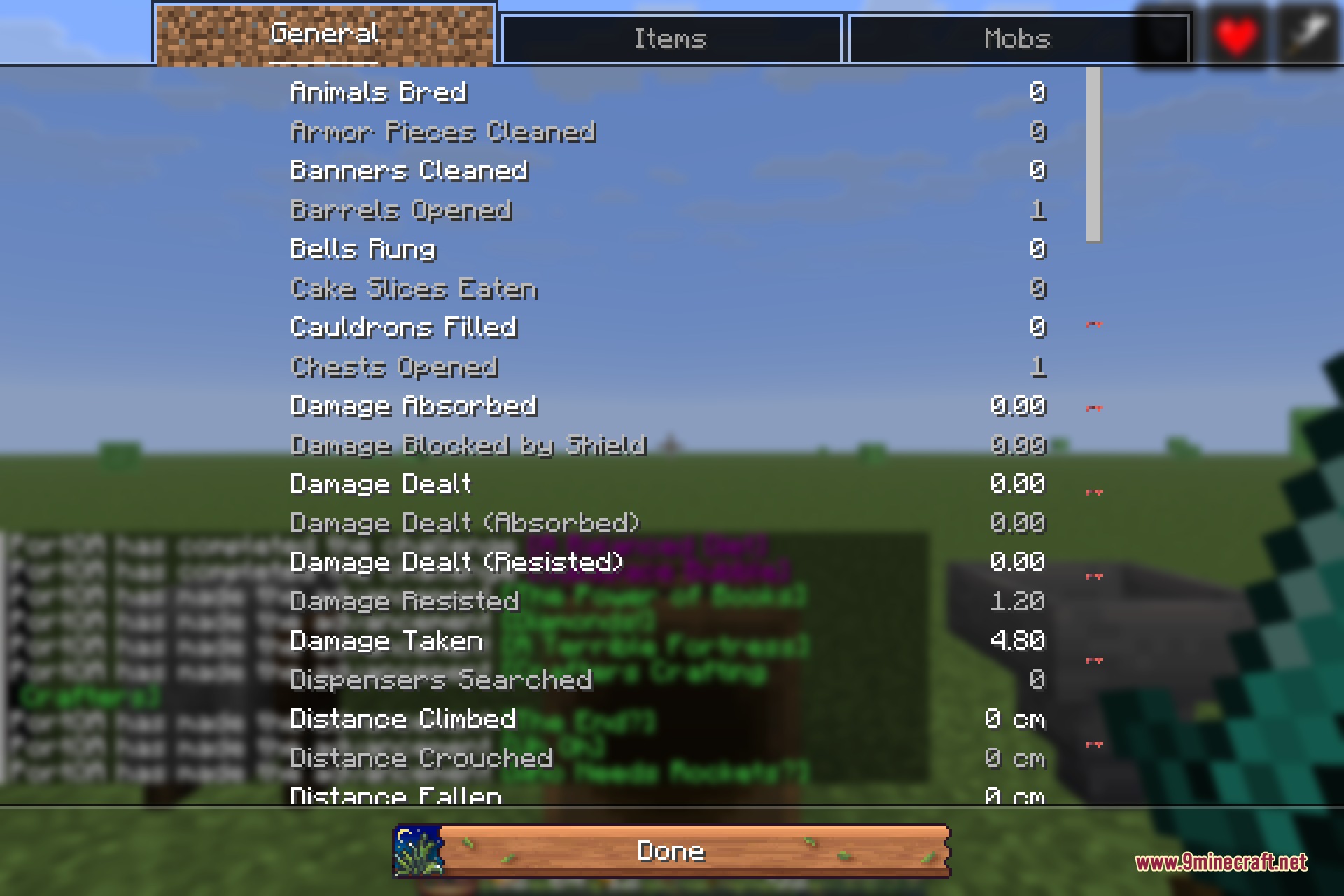
The redraw is thorough rather than decorative. The hotbar, hearts, armour and hunger icons are repainted, so the HUD matches the menus. The pause screen, options screen, advancements and statistics all get carved wooden buttons and a warm background. Container screens each get their own scene rather than sharing one panel, so a chest, a loom, a stonecutter and a smithing table all look like different places instead of the same window with different slots.
Because nothing outside the interface is touched, it stacks with anything. Block and item textures stay exactly as they are, so you can run it on top of a texture pack you already like and keep that pack’s world while getting this pack’s menus. Shaders are unaffected, and since it is client side only it works on any server.
Features:
- Every vanilla container screen redrawn as its own illustrated scene.
- Repainted HUD: hotbar, hearts, armour, hunger and experience bar.
- Carved wooden buttons across the pause, options, advancements and statistics screens.
- Redrawn creative inventory tabs and slot frames.
- Warm illustrated backgrounds in place of the plain dirt menu background.
- Blocks, items, entities and the world are left completely untouched.
- Layers on top of any texture pack and works with shaders.
- Client side only – nothing needs to change on a server.
Bloom and Serenity UI 9minecraft Resource Pack – Video Showcase
Screenshots:
Bloom and Serenity UI 9minecraft Resource Pack Download Links
- Edition: Minecraft Java
- File type: .zip (resource pack)
- Minecraft version listed: 26.3
- How to install: Download the .zip resource pack — do not unzip it. → Put it in .minecraft/resourcepacks. → Enable it in Options → Resource Packs.
- Where to get it: Opens on the file's original source — not every file is mirrored on our own servers.
Install steps are the general flow for this file type — How to install Minecraft Java resource packs walks through it step by step.
Bloom and Serenity UI 9minecraft Resource Pack (26.3) – Hand-Painted Menus is a free Minecraft Java resourcepack. Compatible with Minecraft 26.3. Download it and open it directly in the game.