
Redstone Turnstile
Bedrock add-on listed for Minecraft 1.21–26.x (behavior + resource pack). File opened and checked on 17 Sep 2026; installs from the MC Bedrock Mods app on Android.
I don't know my version
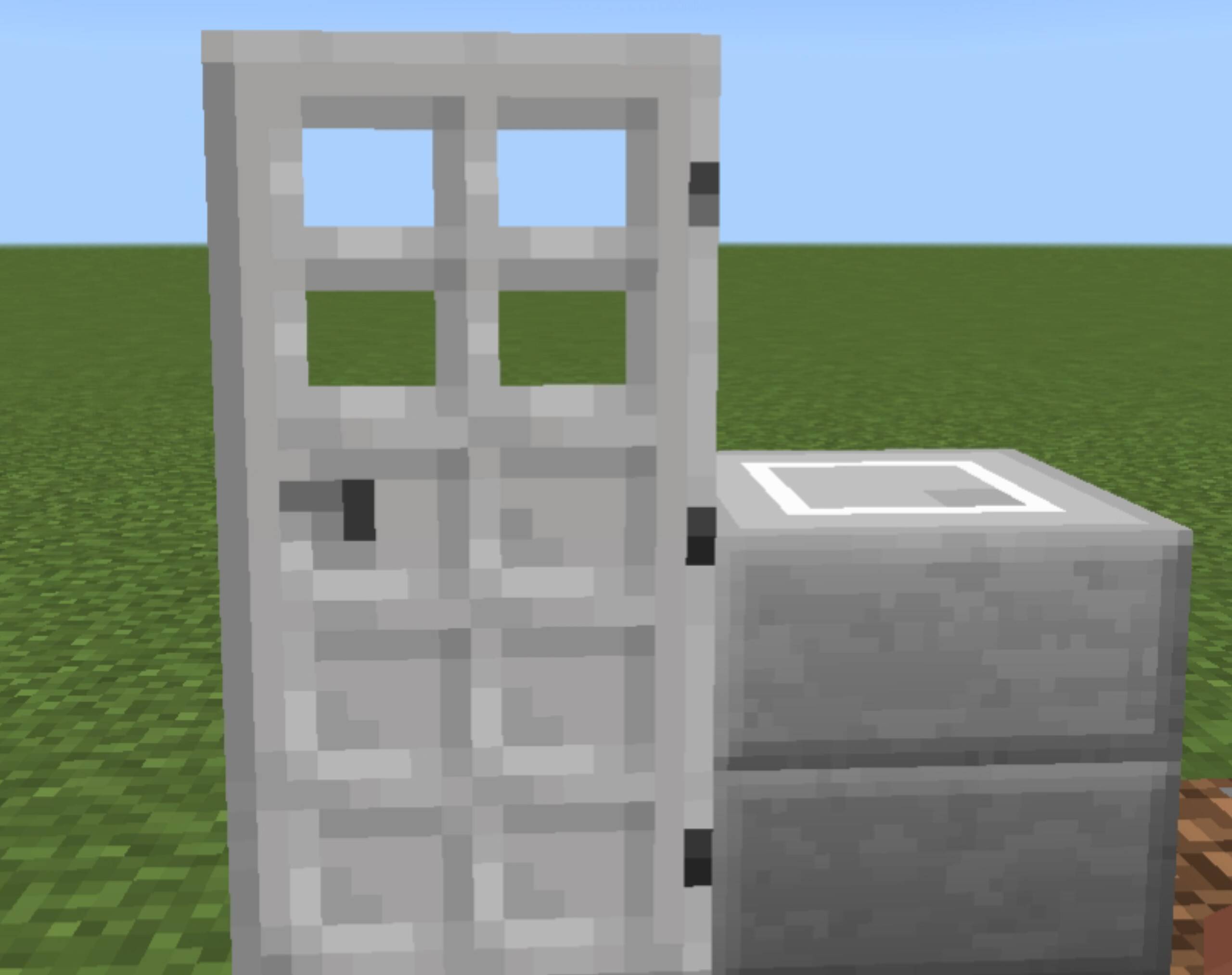
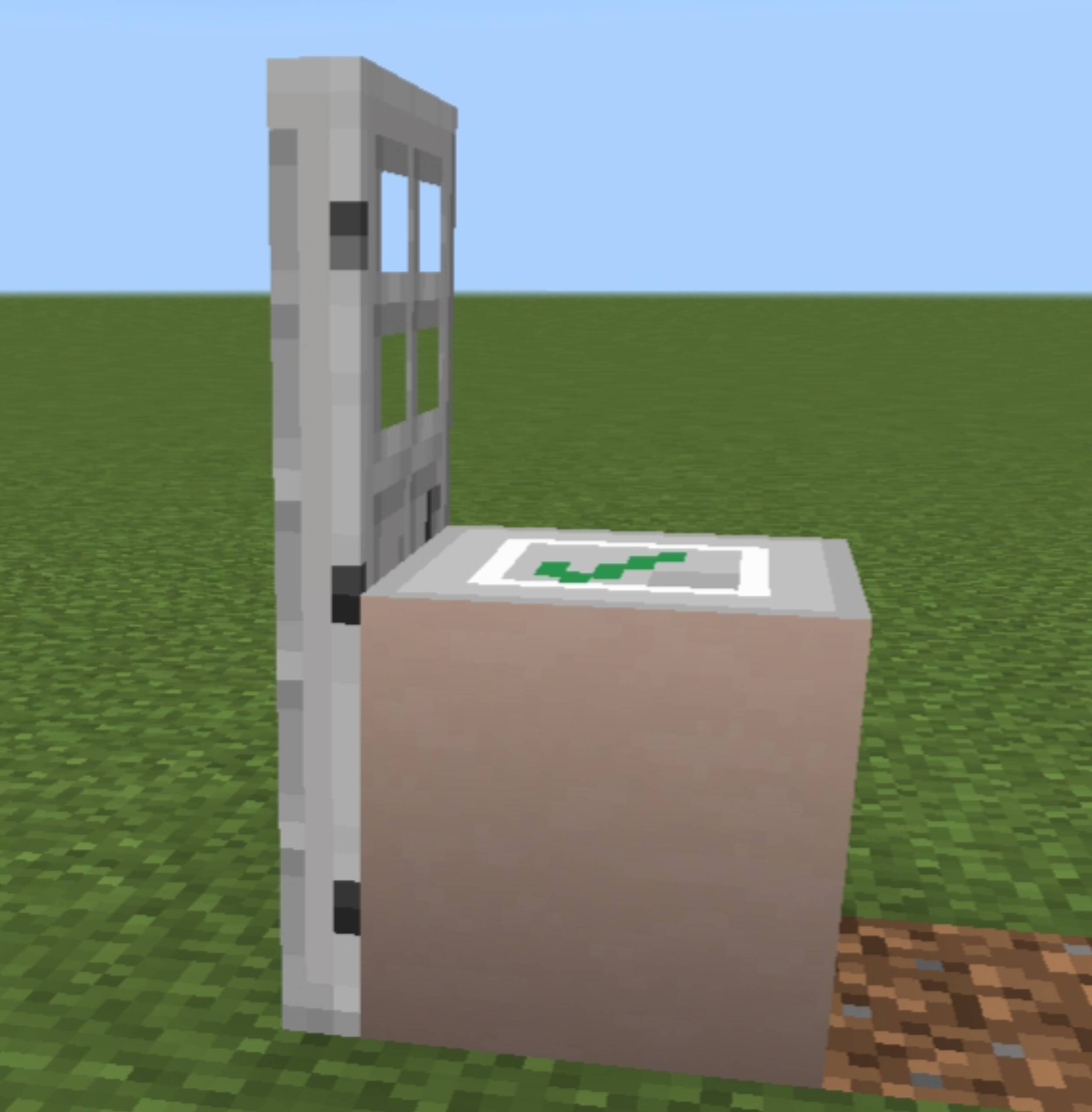
Tired of bulky vanilla circuits with pistons and item sorters just to make a simple toll gate? This addon introduces a single, compact Turnstile block for Minecraft Bedrock! Perfect for city maps, subway stations, amusement parks, and server spawns.
Key Features:
* Ultra Compact: The entire turnstile setup is only 1 block wide.
* Anti-Cheat Logic: The turnstile strictly accepts only the custom Ticket item (mwt:ticket). Clicking it with any other item (like dirt or diamonds) will do absolutely nothing.
How to build:
1. Dig 1 block down and place a Hopper to collect used tickets.
2. Place the mwt:redstone_turnstile block directly on top of the hopper.
3. Place an iron door, a trapdoor, or run a redstone wire next to the block.
4. Hold the mwt:ticket in your hand and interact ("click") with the turnstile.
5. The ticket will automatically drop into the hopper, and the turnstile will instantly emit a redstone signal to open the path!
Supported Versions: Fully tested and working perfectly from 1.21.100 up to the latest 26.40+ releases!
- Edition: Minecraft Bedrock
- File type: .mcpack or .mcaddon
- Minecraft versions listed: 1.21.100, 26.40, 26.20
- How to install: Download the .mcpack or .mcaddon file. → Open it — Minecraft imports it. → In your world: Behavior Packs → Available → Activate, then the same under Resource Packs.
- Where to get it: Opens on CurseForge — not every file is mirrored on our own servers.
Install steps are the general flow for this file type — How to install Minecraft Bedrock addons & mods walks through it step by step.
- Pack type: .mcaddon — behaviour and resource pack in one file
- Manifest requires Minecraft 1.21.100 or newer
- Complete pack — everything it depends on is inside the file
- Download size: 71 KB
- Download link checked 7 Oct 2026 — working
These come from our own check of the pack file, not from the source page.