
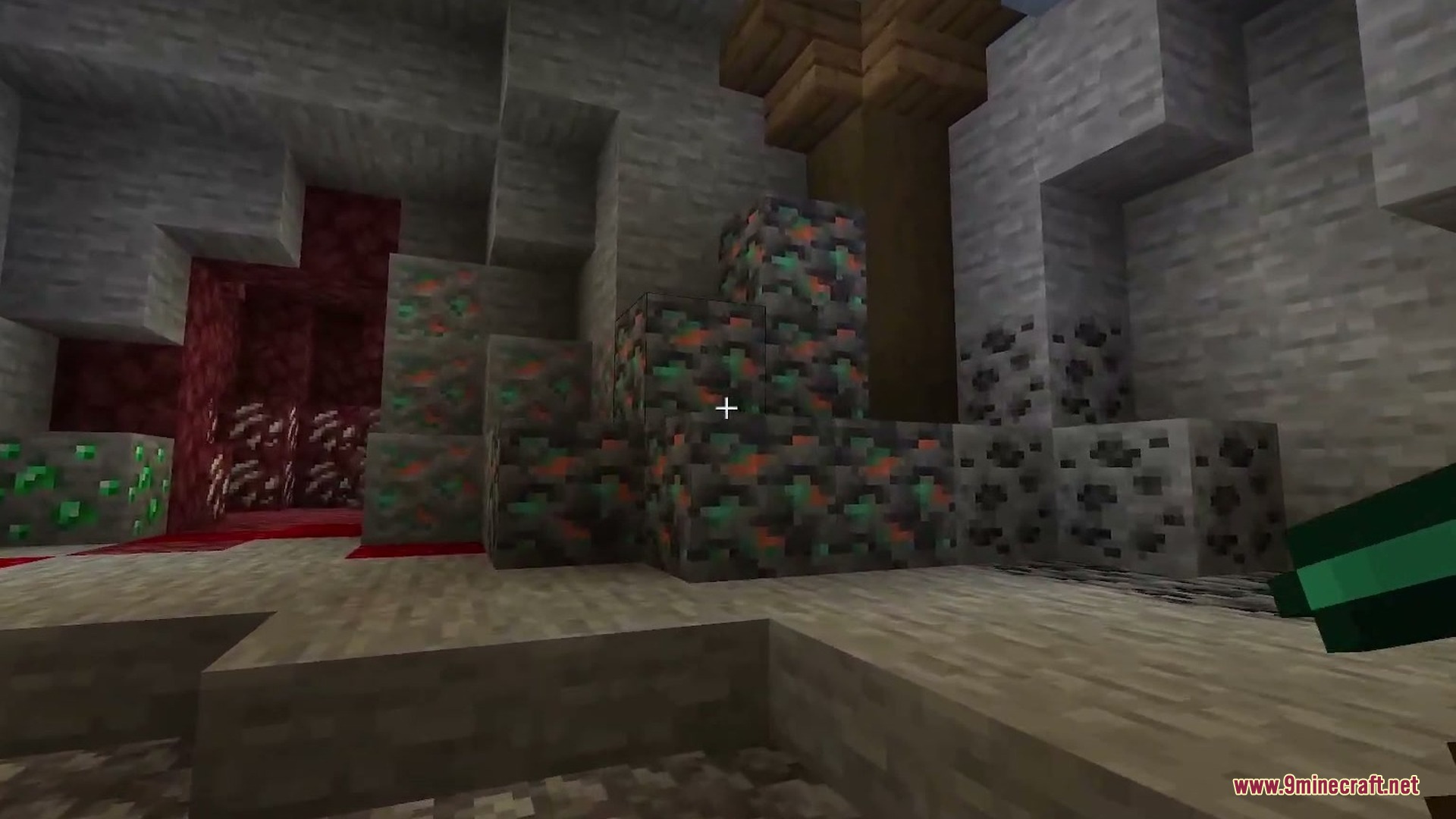
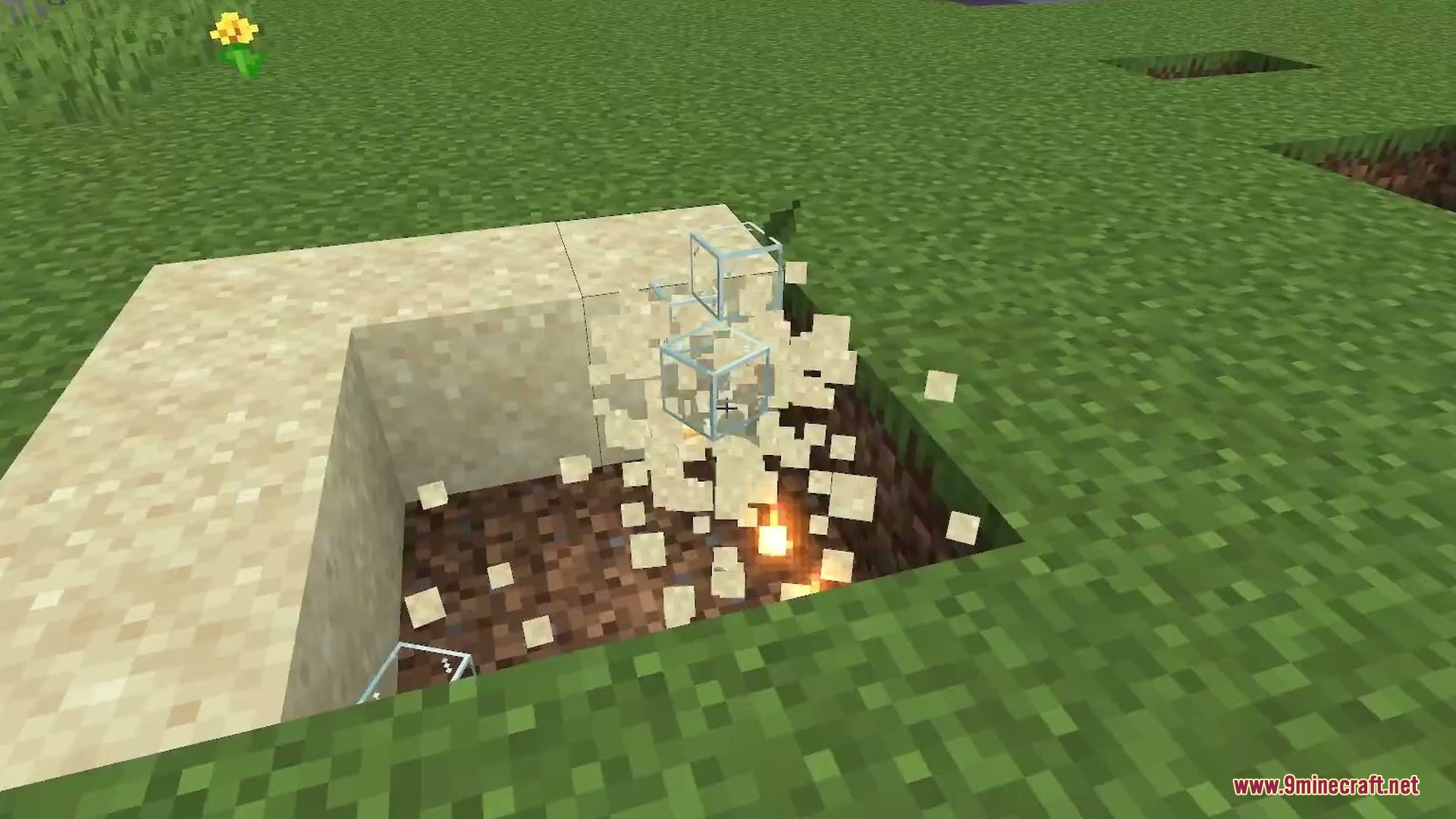






Auto Enchantment Addon automatically applies maximum-level enchantments to any tool or weapon the moment you hold it in your hand. It removes the need to grind for enchantment books or build an enchanting table. This makes your survival gameplay much faster while keeping achievements active.
Features:
- Applies max enchantments automatically when holding gear.
- Removes the need to use an enchanting table.
- Eliminates grinding for rare enchantment books.
- Keeps your achievements fully active in game.
Screenshots:
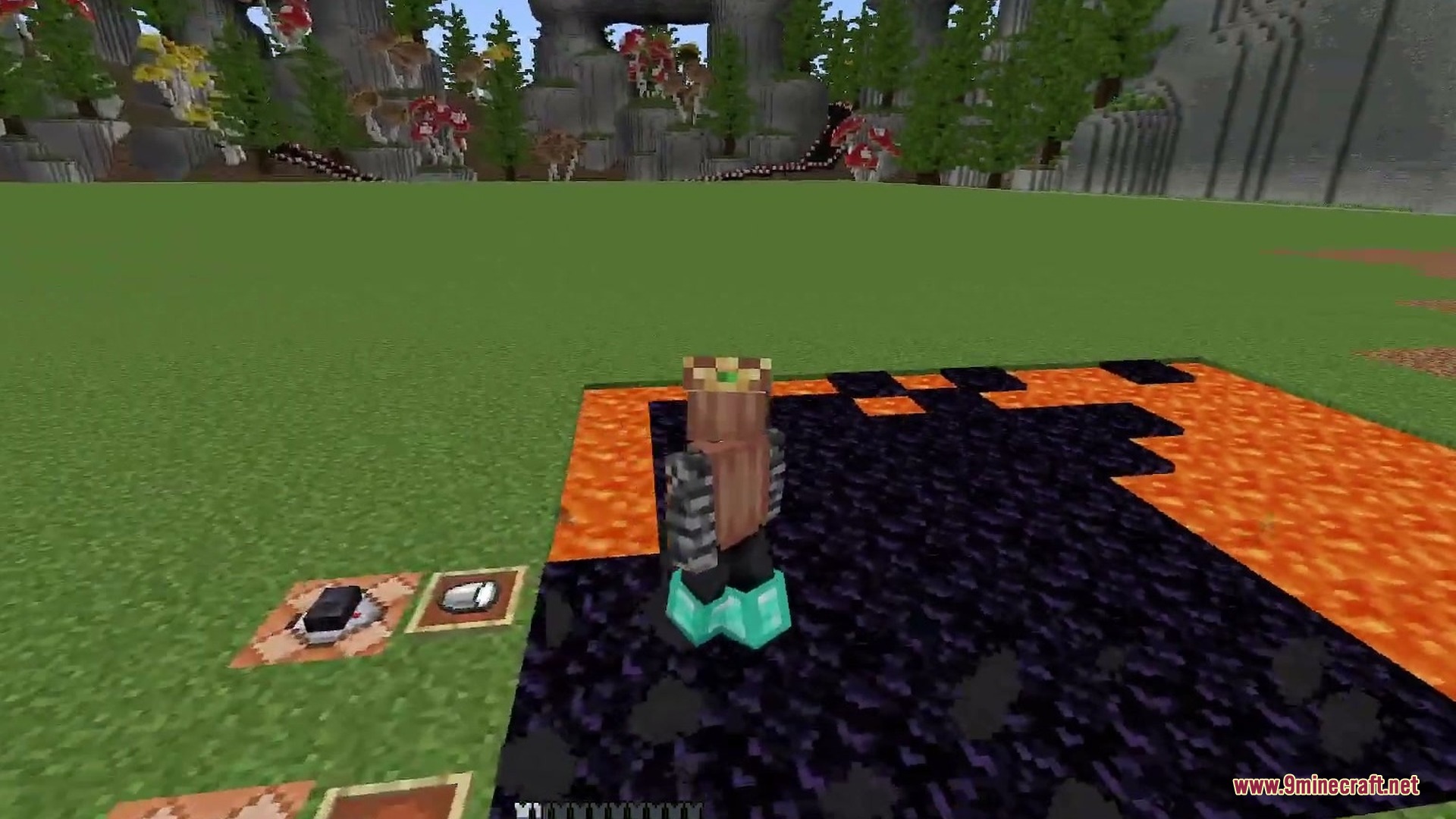

Auto Enchantment Addon Download Links
Quick facts
- Edition: Minecraft Bedrock
- File type: .mcpack or .mcaddon
- Minecraft version listed: 1.21
- How to install: Download the .mcpack or .mcaddon file. → Open it — Minecraft imports it. → In your world: Behavior Packs → Available → Activate, then the same under Resource Packs.
- Where to get it: In MCModsHub, or directly above on this page.
Install steps are the general flow for this file type — How to install Minecraft Bedrock addons & mods walks through it step by step.
Verified by MCModsHub
- Pack type: .mcaddon — behaviour and resource pack in one file
- Manifest requires Minecraft 1.21.80 or newer
- Complete pack — everything it depends on is inside the file
- Download size: 3 KB
- Download link checked 22 Sept 2026 — working
- Mirrored on our own servers — the download does not depend on the original host
These come from our own check of the pack file, not from the source page.