
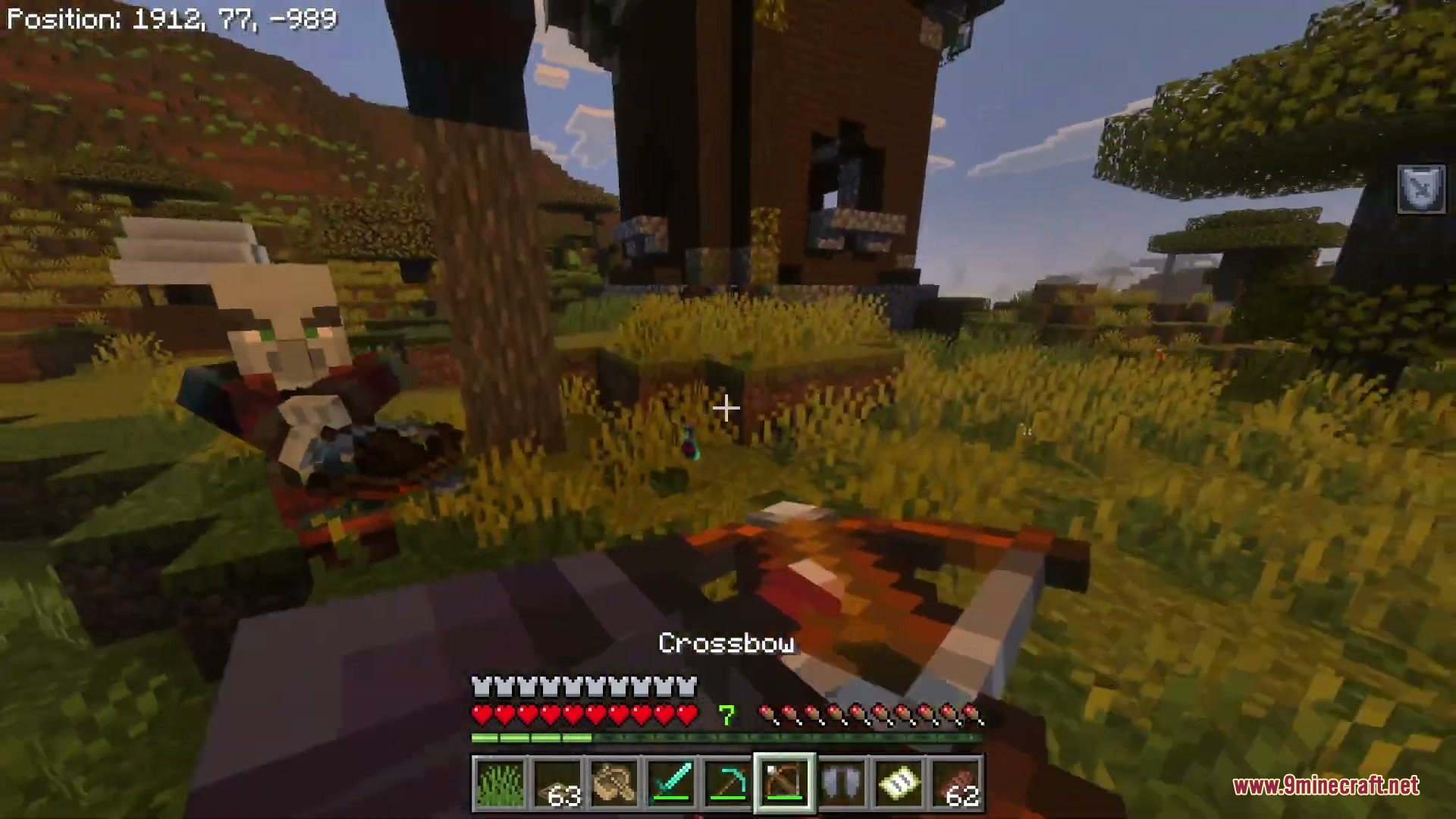
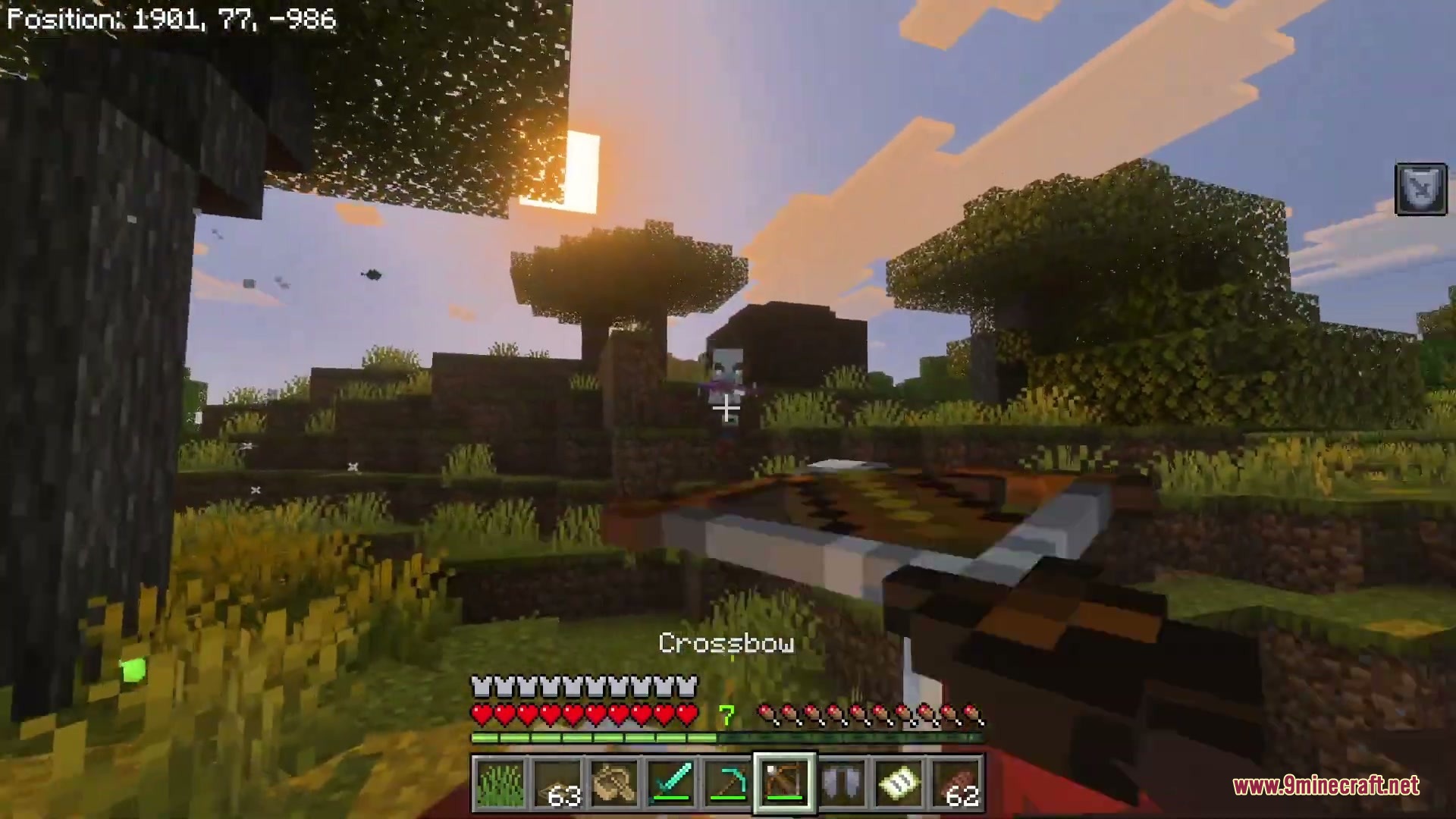
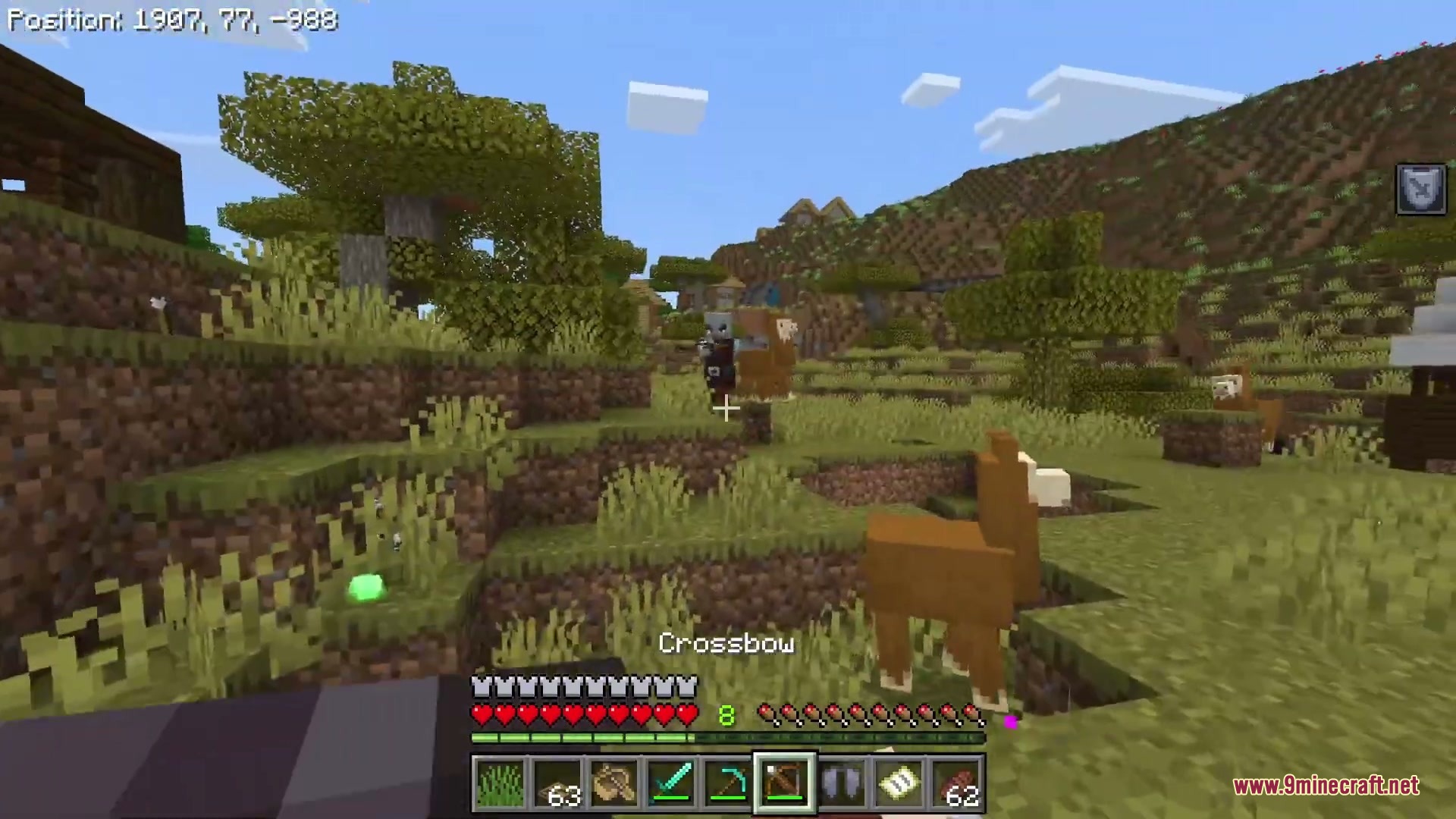
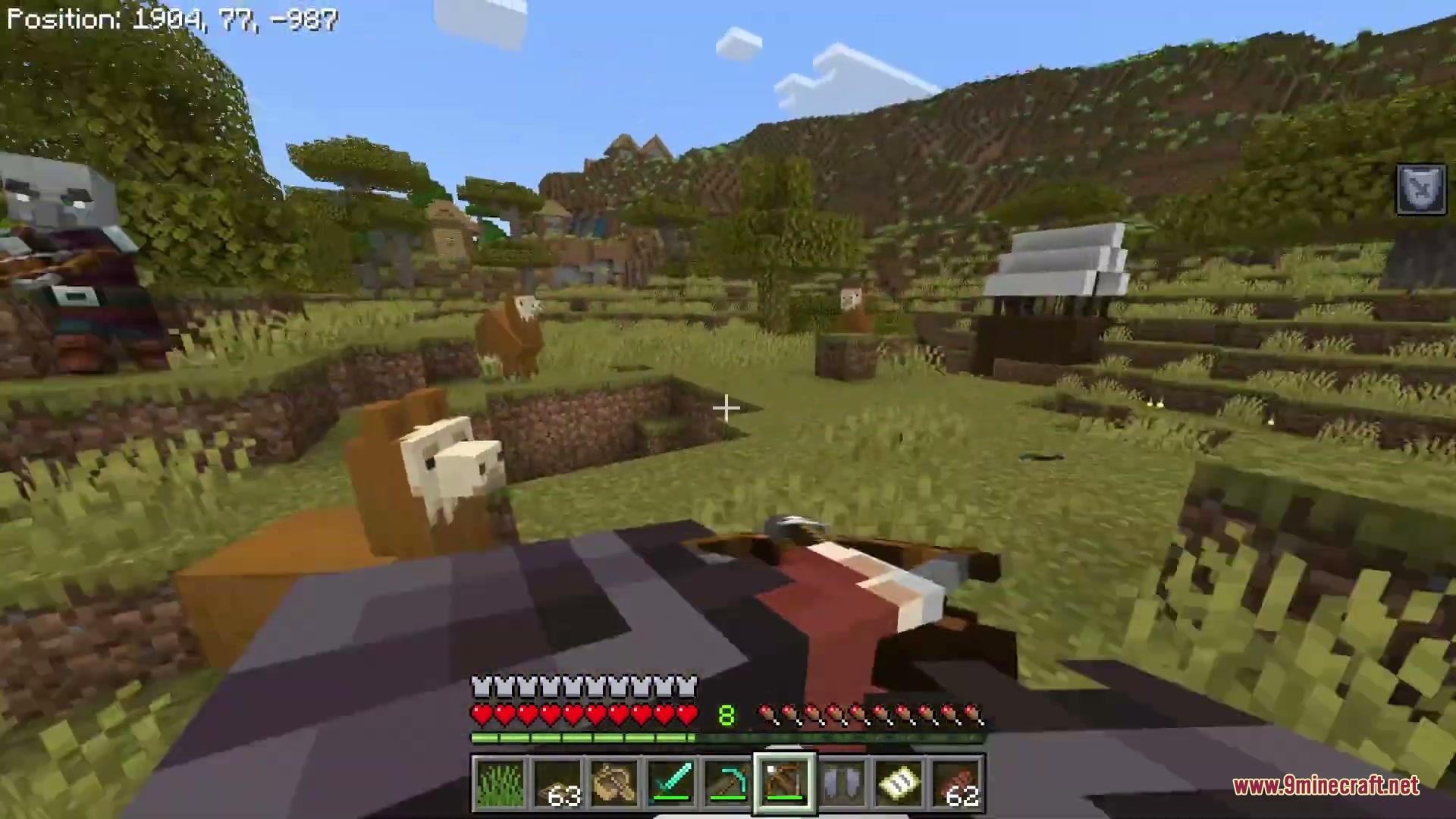
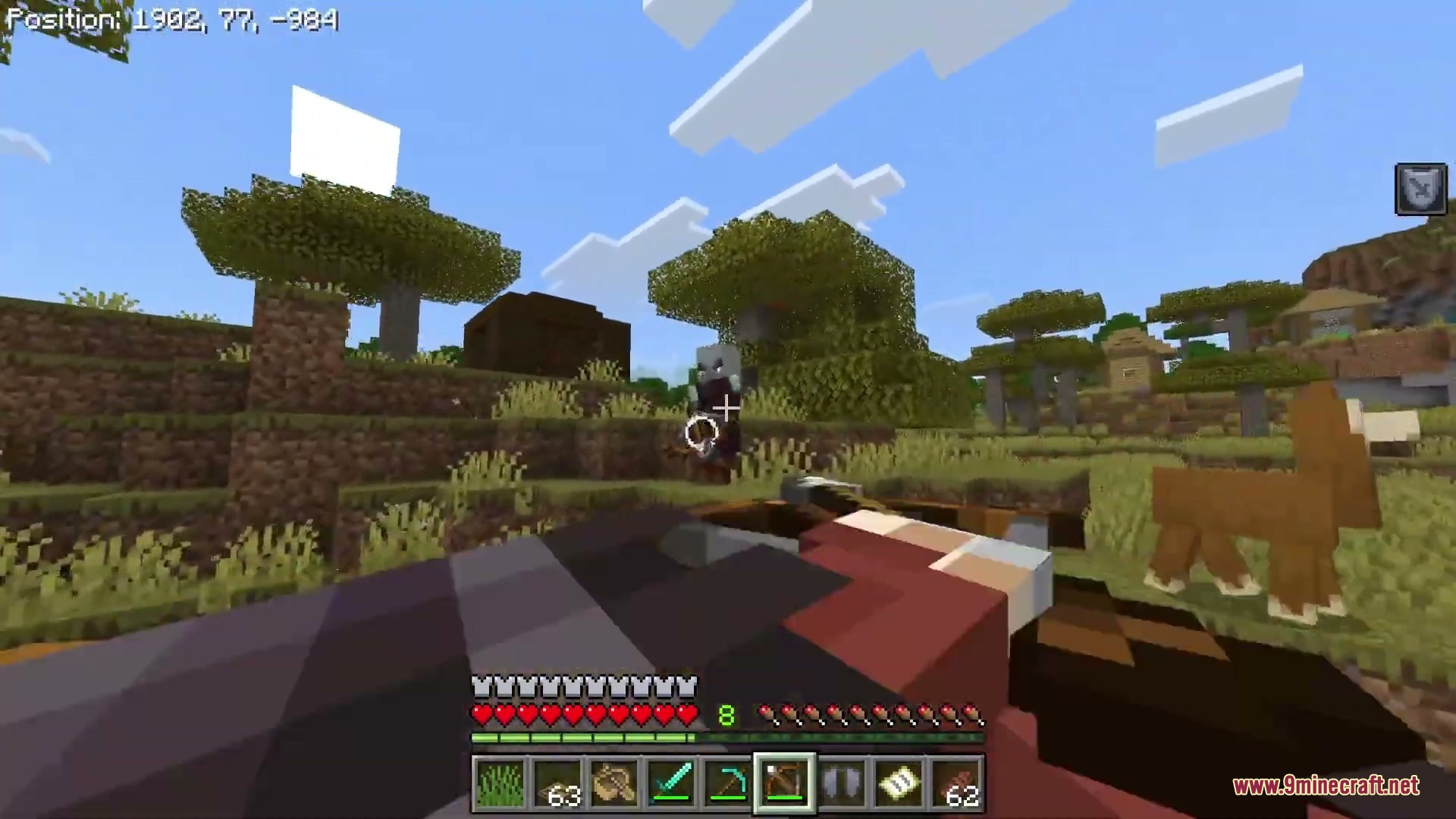
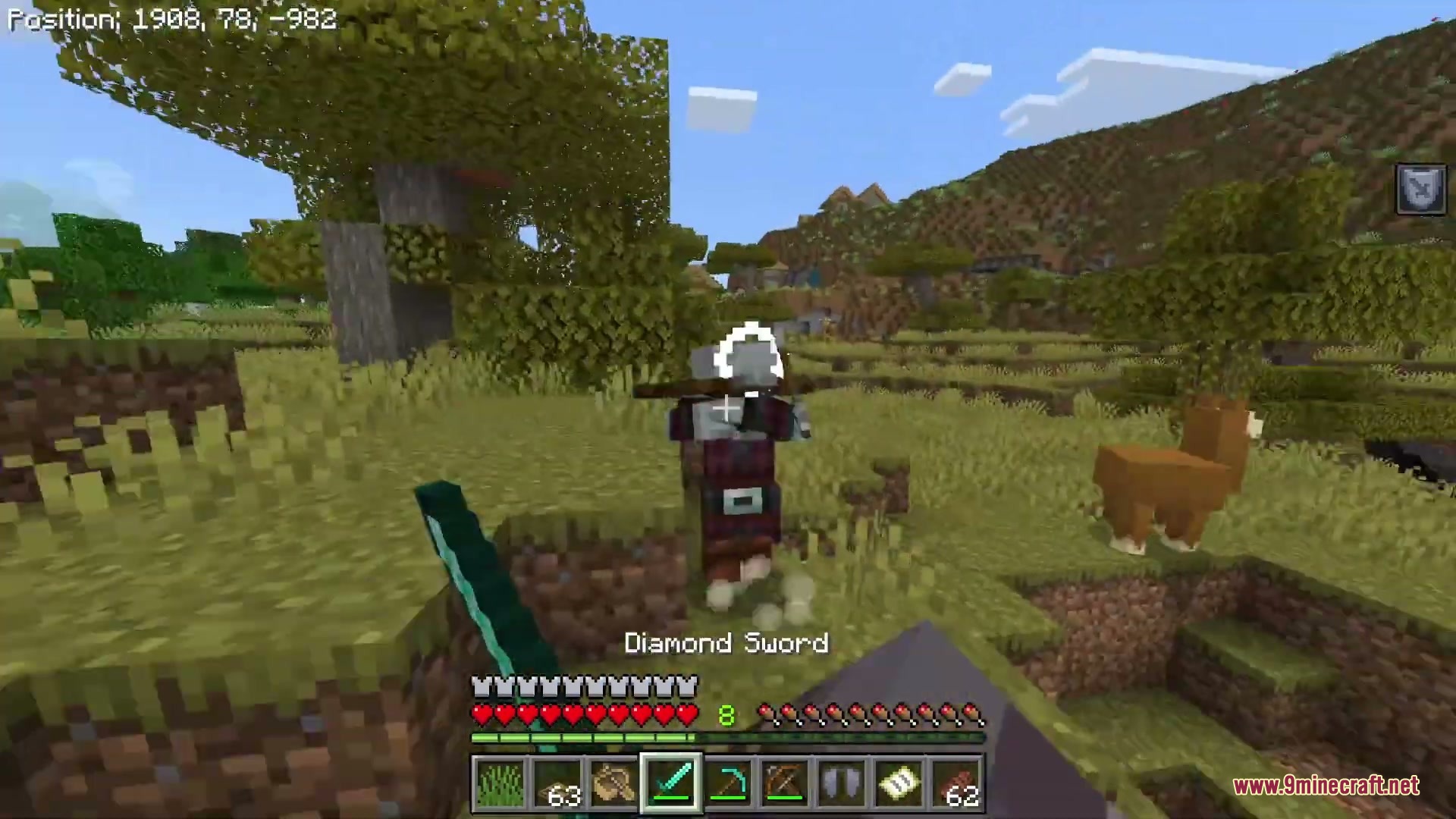
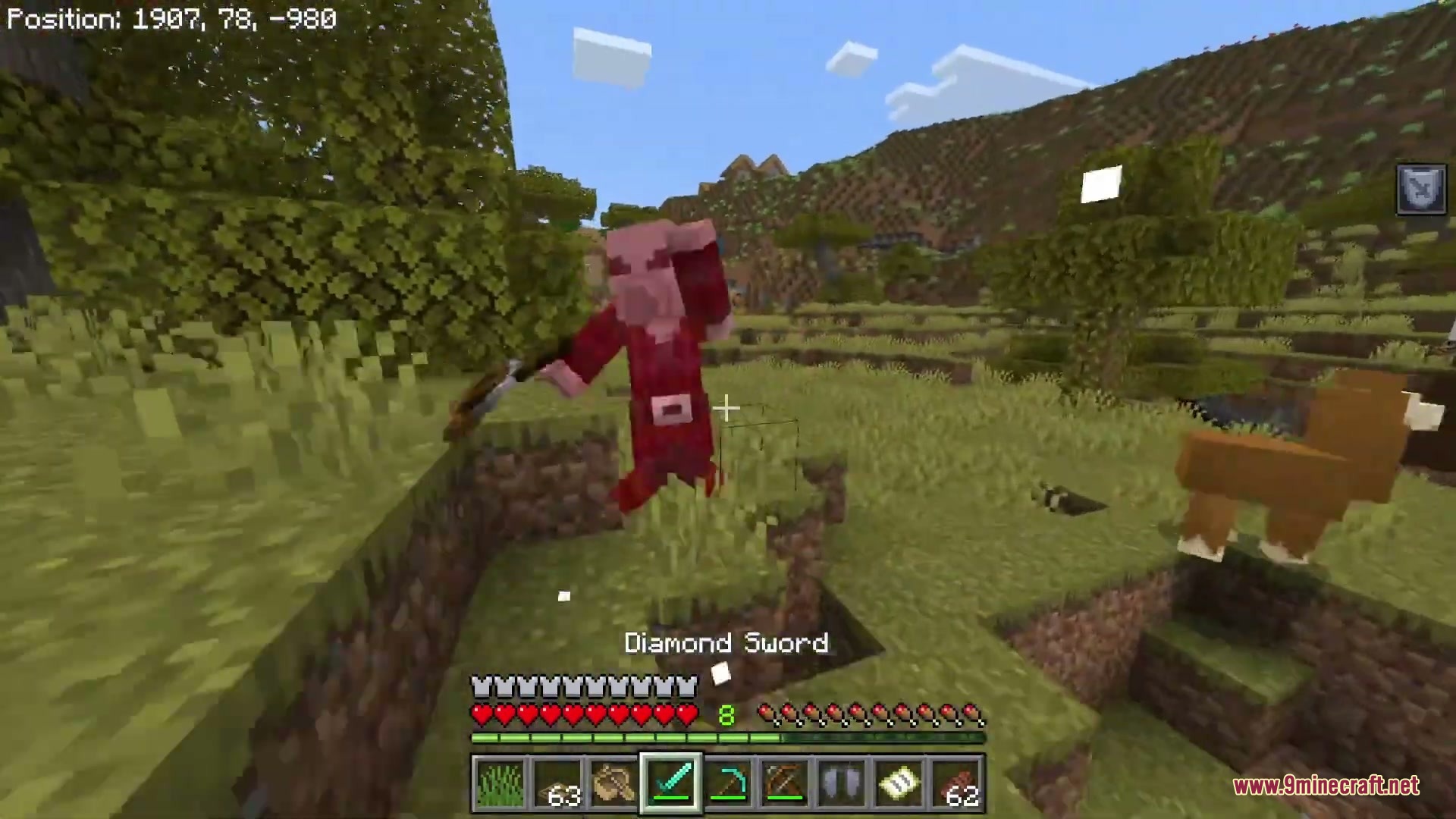
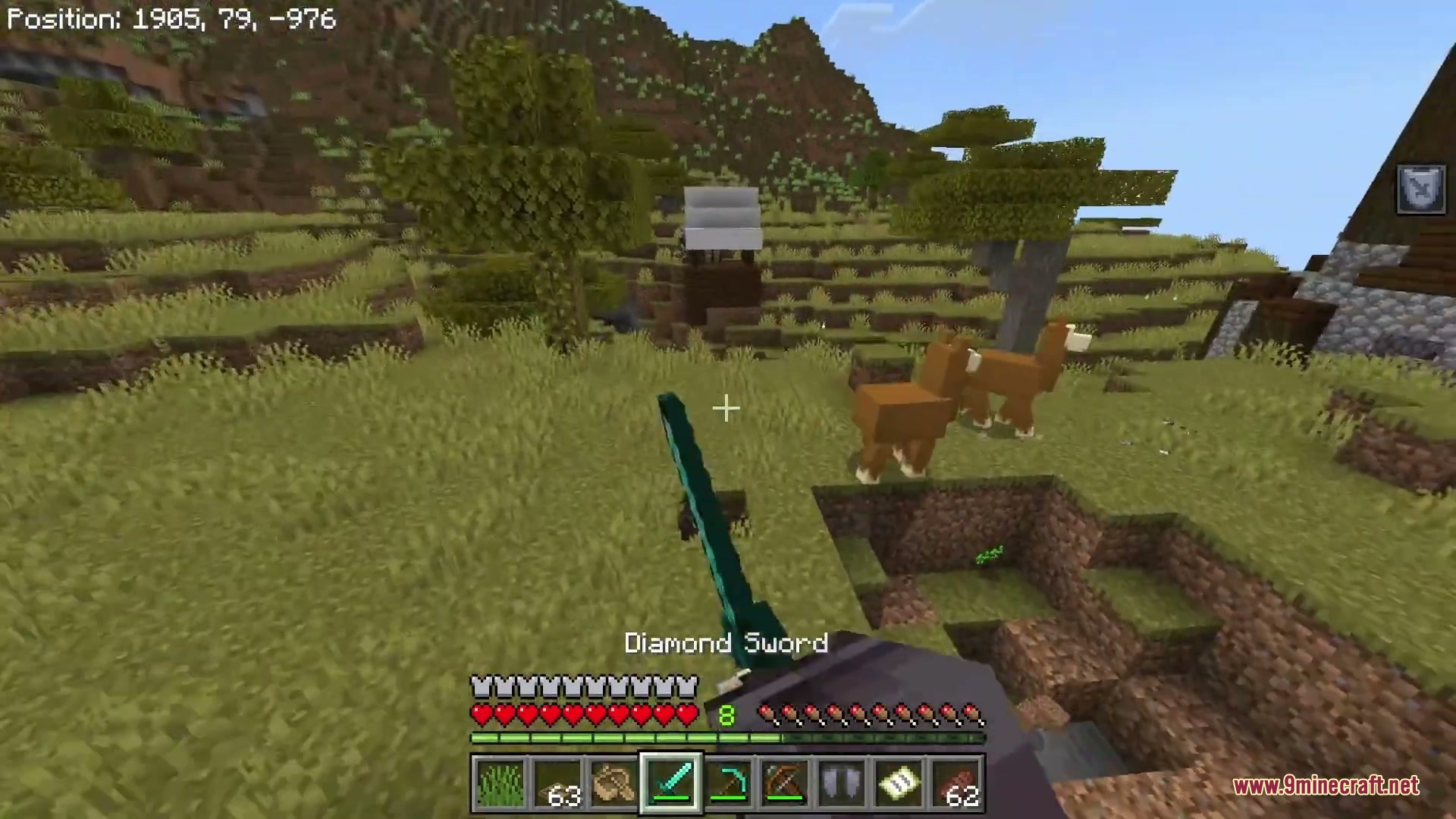
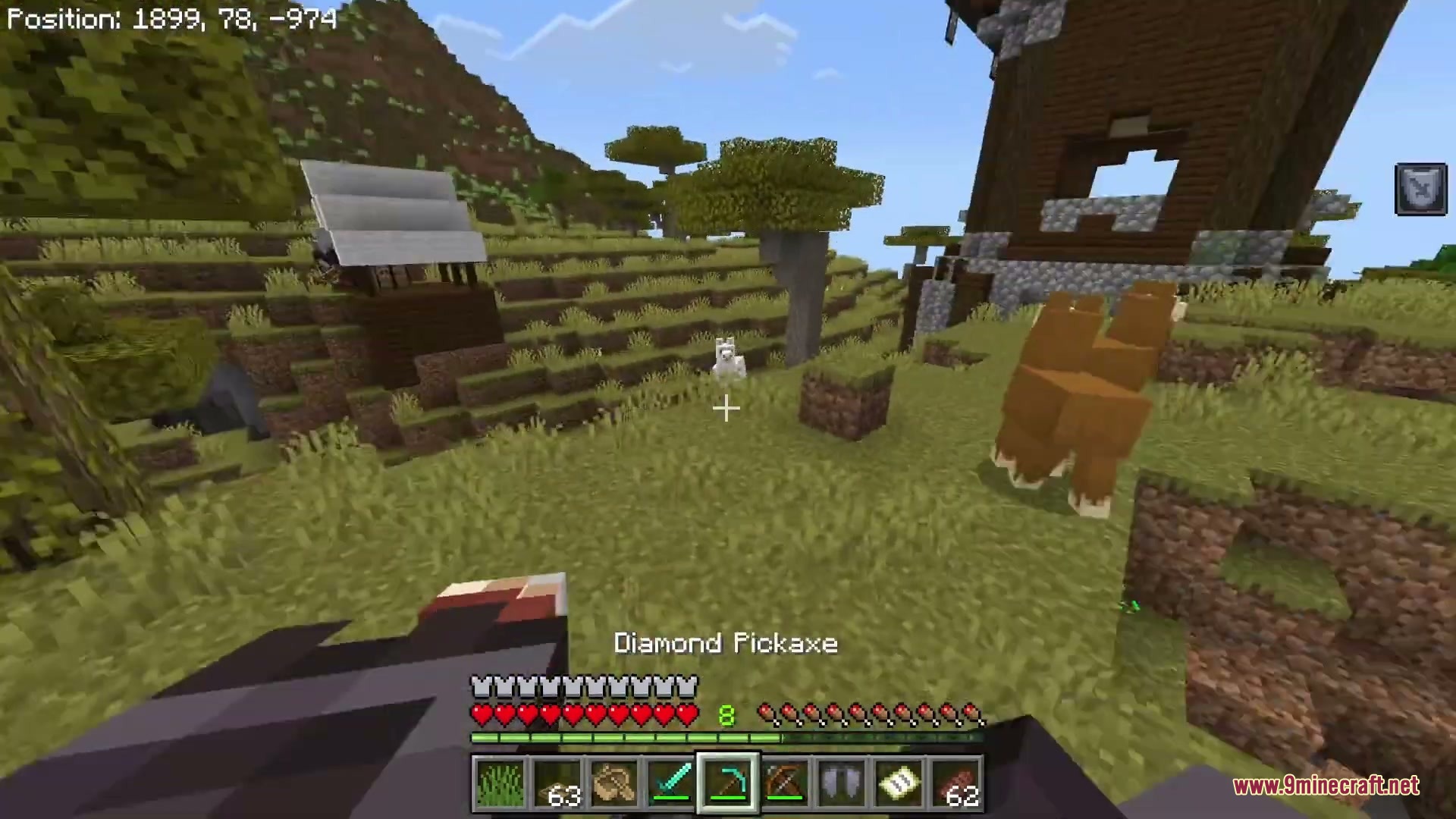
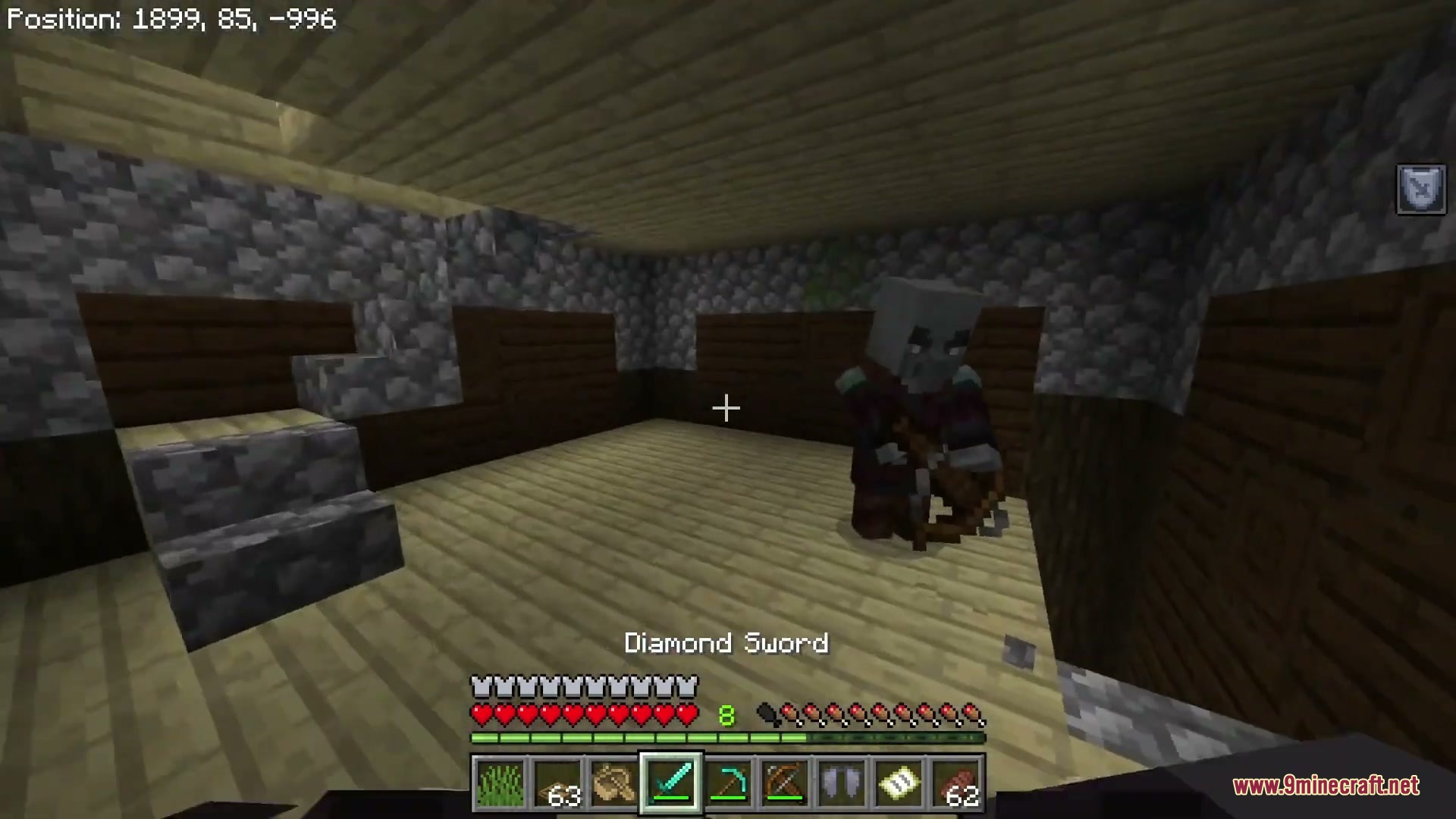
Realistic First Person Addon allows you to see your own body, arms, and legs while playing in first-person view. It shows your complete player model right on screen as you walk, run, and explore. You can also view your armor, weapons, and held items as your character interacts with the world.
Features:
- Lets you see your full character body in first-person view.
- Hold a stick and look down to switch camera mode.
- Works with items held in your main hand and offhand.
- Supports player emotes in the new first-person camera angle.
- Displays custom armor, weapons, and tools on your character.
Screenshots:
Realistic First Person Addon Download Links
Quick facts
- Edition: Minecraft Bedrock
- File type: .mcpack or .mcaddon
- Minecraft version listed: 1.21
- How to install: Download the .mcpack or .mcaddon file. → Open it — Minecraft imports it. → In your world: Behavior Packs → Available → Activate, then the same under Resource Packs.
- Where to get it: In MCModsHub, or directly above on this page.
Install steps are the general flow for this file type — How to install Minecraft Bedrock addons & mods walks through it step by step.
Verified by MCModsHub
- Save it as 511659.mcpack before opening — it downloads as .mcaddon, but it is a .mcpack pack
- Manifest requires Minecraft 1.21.100 or newer
- Complete pack — everything it depends on is inside the file
- Download size: 188 KB
- Download link checked 22 Sept 2026 — working
- Mirrored on our own servers — the download does not depend on the original host
These come from our own check of the pack file, not from the source page.