
ModpacksJava
Velocity Frame Flow Modpack (1.20) – Extreme FPS Boost And Smooth
Java modpack listed for Minecraft 1.20. Downloads from the MC Java Mods app on Android.
⬇ Download
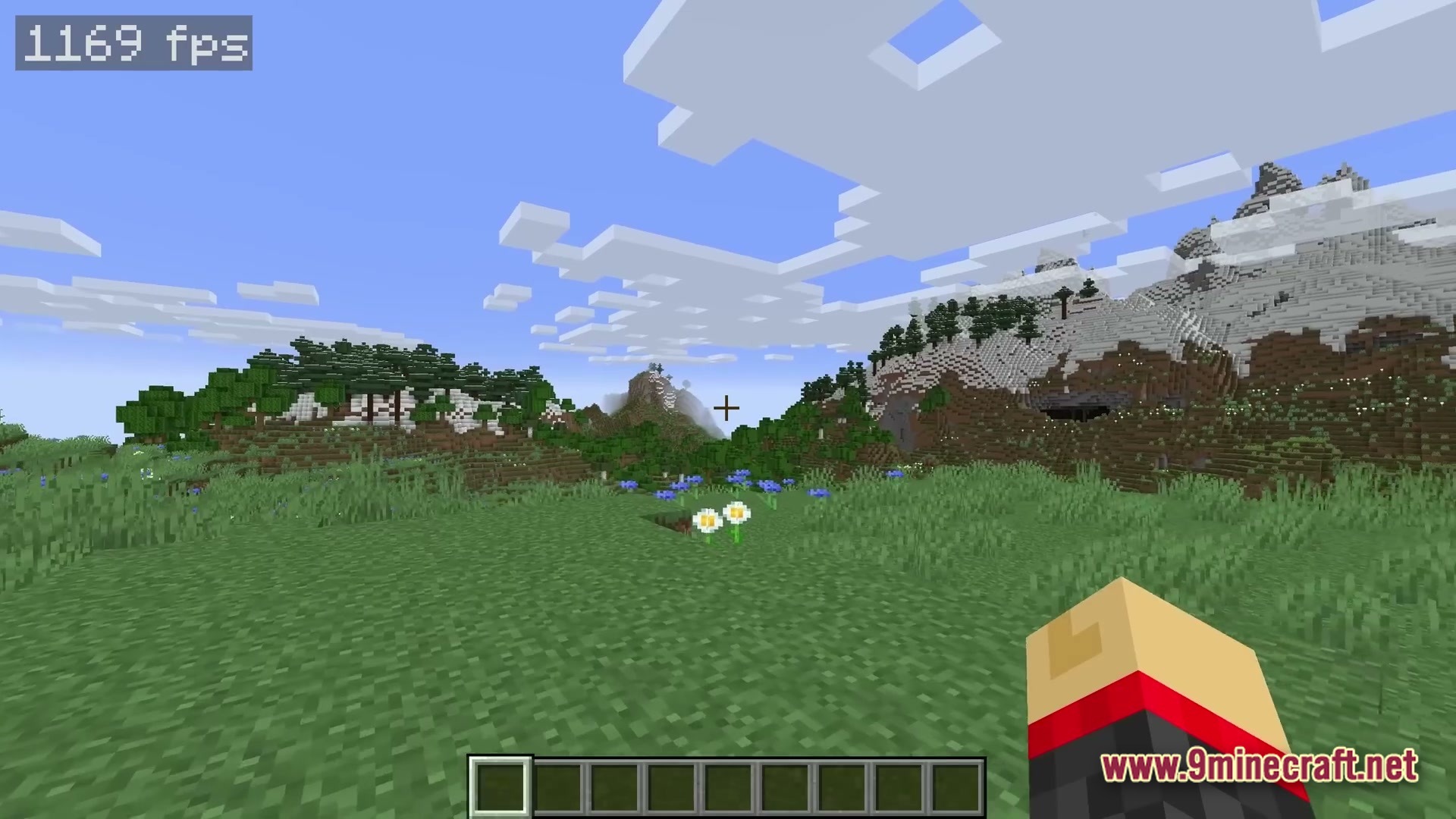
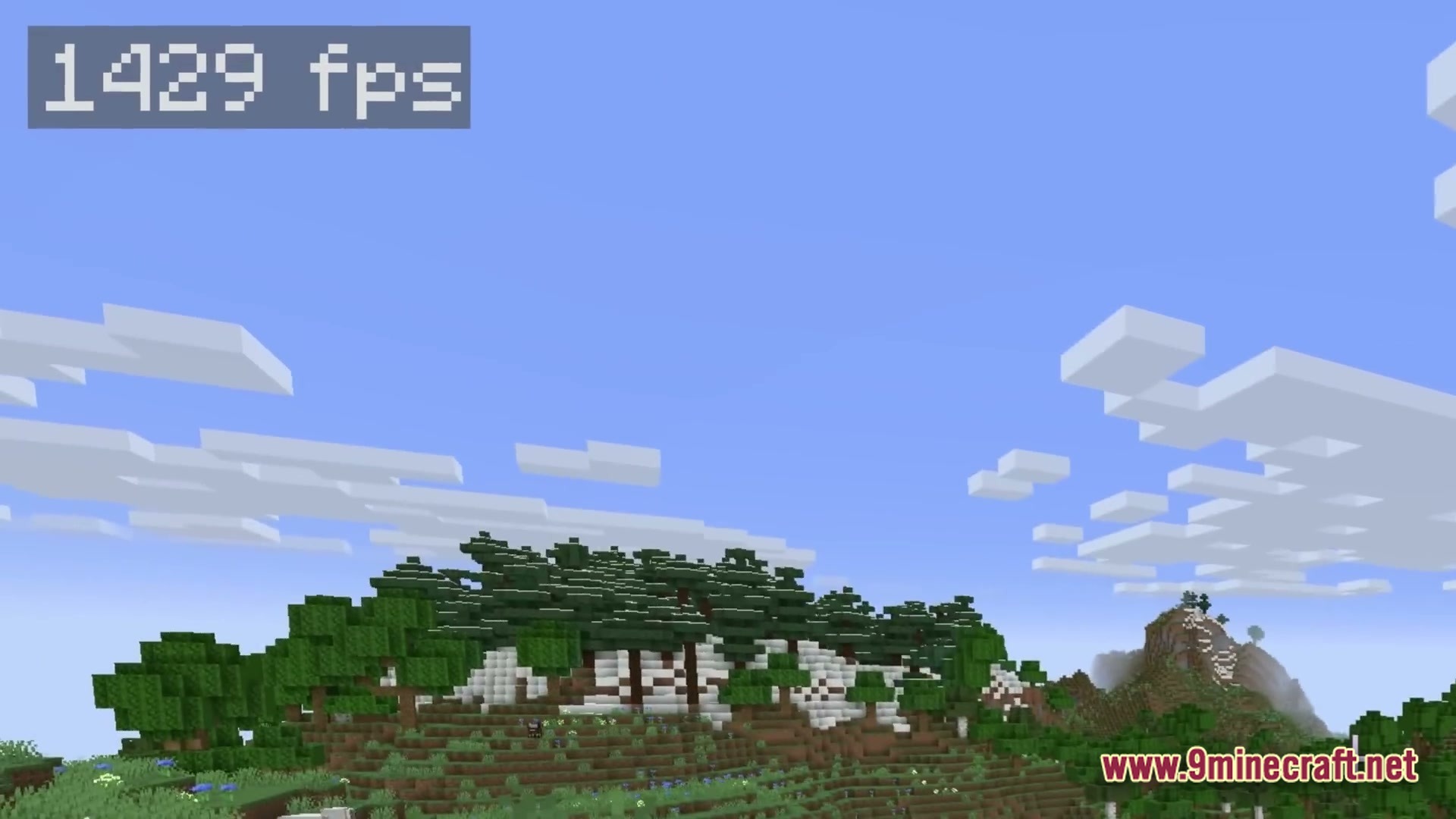
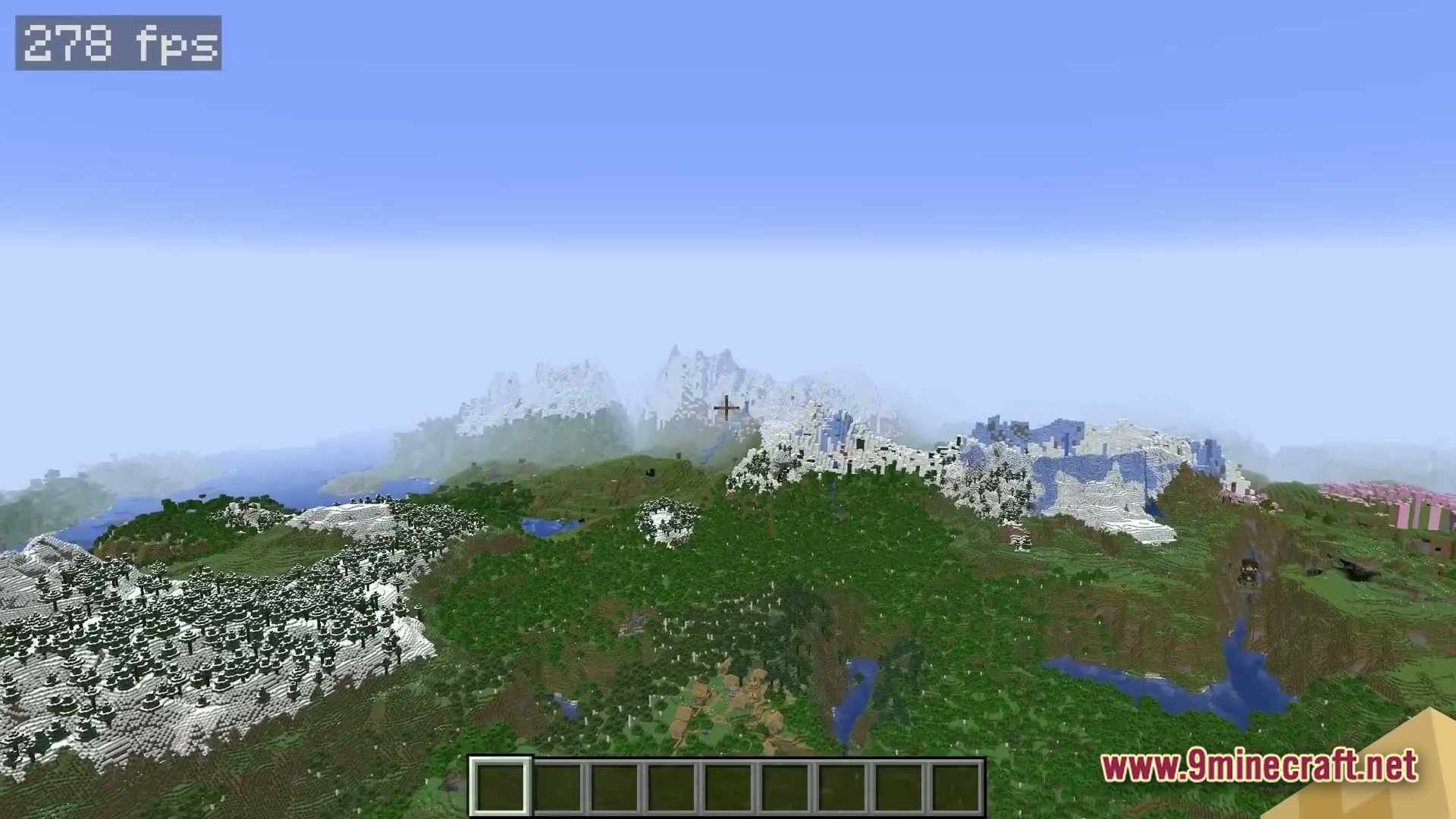
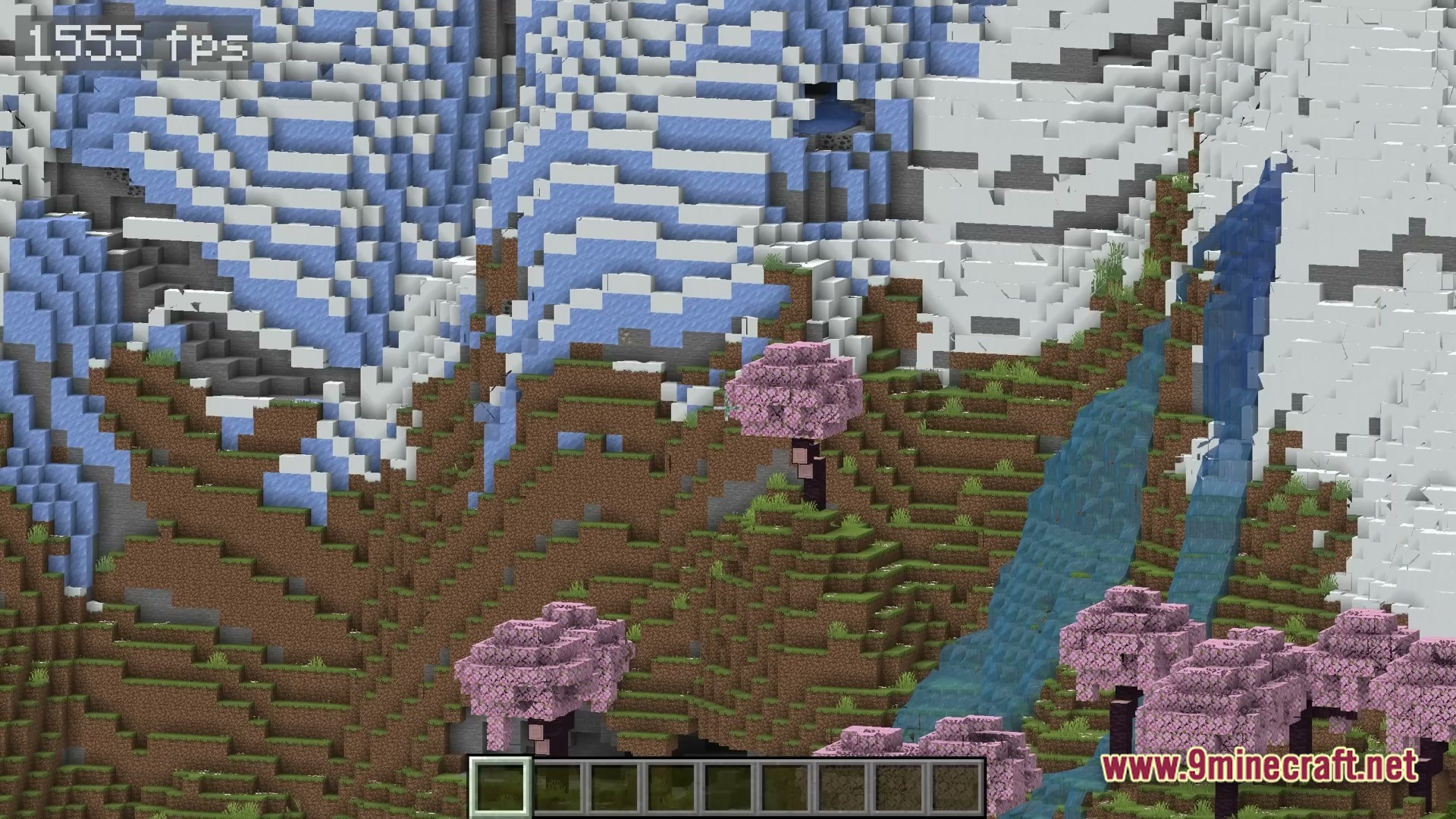
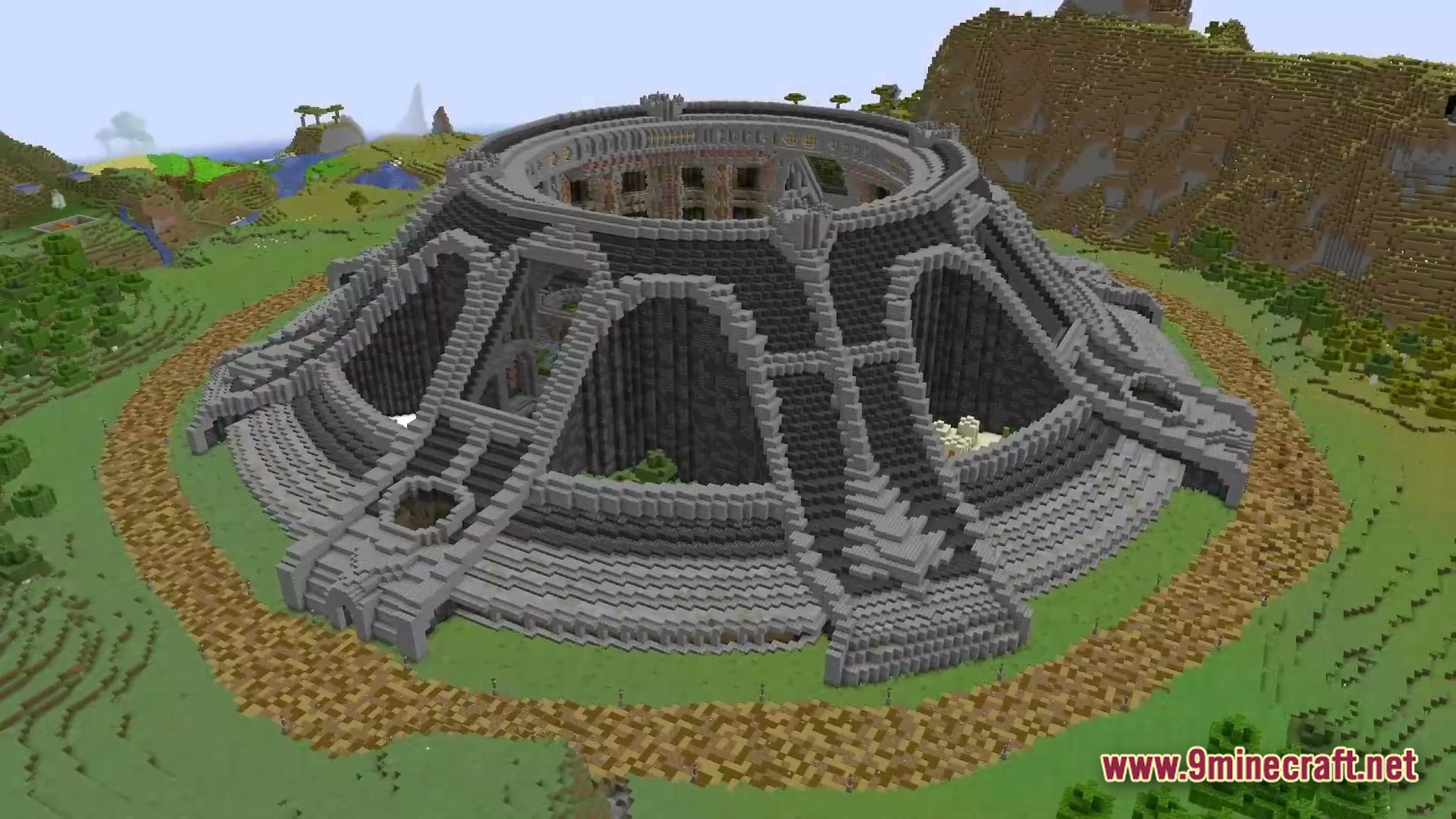
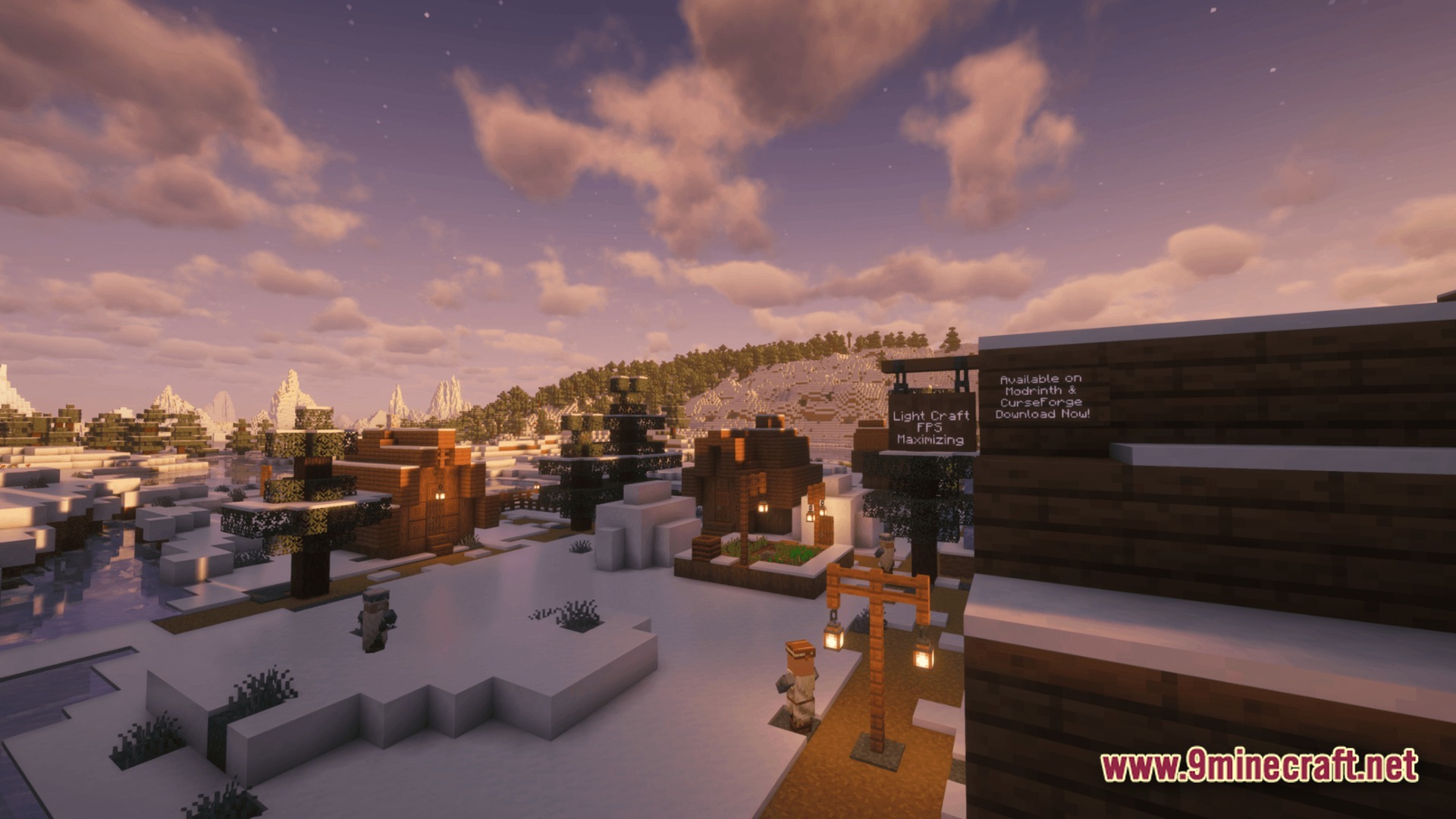
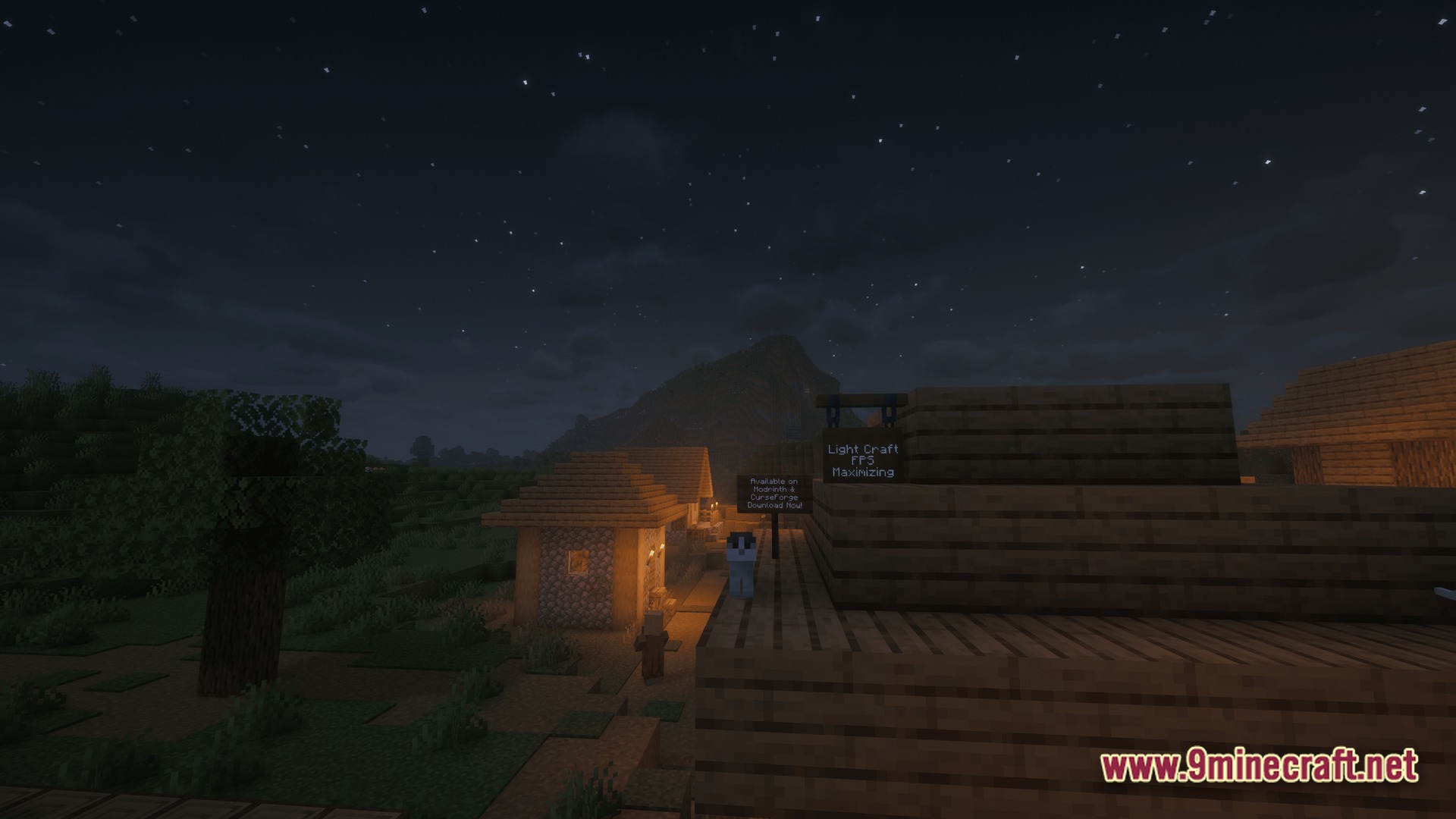
Velocity Frame Flow Modpack bundles around 45 specialized mods to make your game run faster than ever before. It fixes lag from lighting, chunk loading, and mob AI while keeping beloved features like zoom, custom capes, and shader support. You get a clean visual experience with massive frame rate jumps on almost any computer.
Features:
- Smart Entity Culling: stops rendering hidden monsters and items behind walls so your computer does less work
- Block Info Display: shows you the exact name and details of any block you look at directly on your screen
- Fast Storage Rendering: replaces moving chest lids with static block models to stop lag around big storage rooms
- Custom video settings menu that lets you easily toggle particles, fog, and animations on or off
- Built-in camera zoom tool to inspect distant landscapes and structures
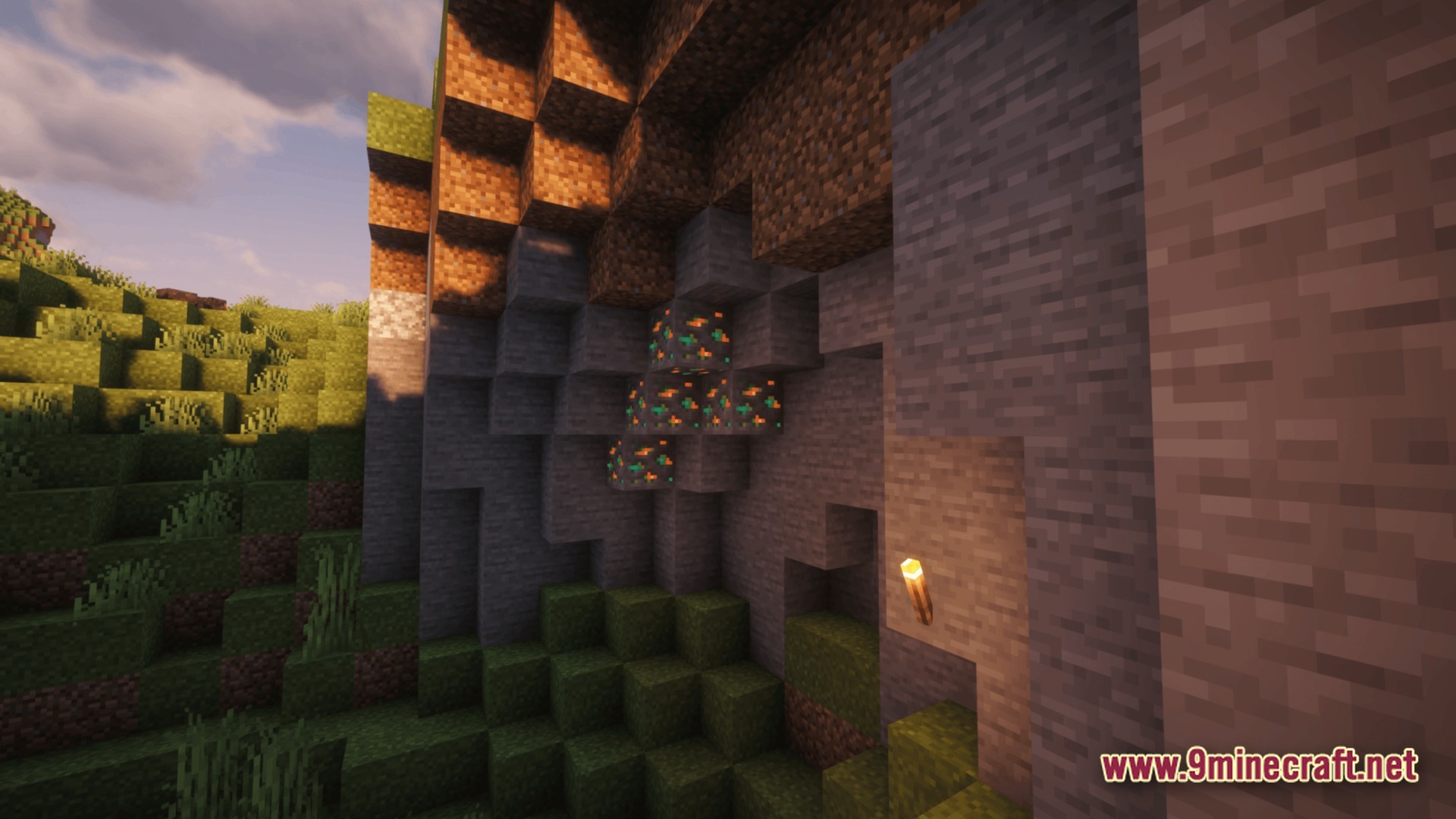
- Full support for graphical shader packs and dynamic hand-held lighting
- Native game controller support for playing with your favorite gamepad
- Server-side physics and mob AI tweaks that keep multiplayer worlds running smoothly with low memory usage
How to Play:
- Open your new video settings menu to adjust particles, render distance, and lighting for your screen.
- Explore massive worlds and dense forests without suffering from sudden frame drops.
- Look at strange blocks and mobs to instantly read their names and information on your HUD.
- Build large storage halls and mob farms without slowing down your game speed.
Screenshots:

Velocity Frame Flow Modpack Download Links
Quick facts
- Edition: Minecraft Java
- File type: .jar
- Minecraft version listed: 1.20
- How to install: Install the matching mod loader (Forge, Fabric or NeoForge) for your Minecraft version. → Download the .jar. → Put it in the .minecraft/mods folder and launch that loader profile.
- Where to get it: In MC Java Mods, or directly above on this page.
Install steps are the general flow for this file type — How to install Minecraft Java mods & modpacks walks through it step by step.
File checked by MCModsHub
- Downloads as 511804.mcpack
- Download size: 45.4 MB
- Download link checked 22 Sept 2026 — working
- Mirrored on our own servers — the download does not depend on the original host
These come from our own check of the pack file, not from the source page.