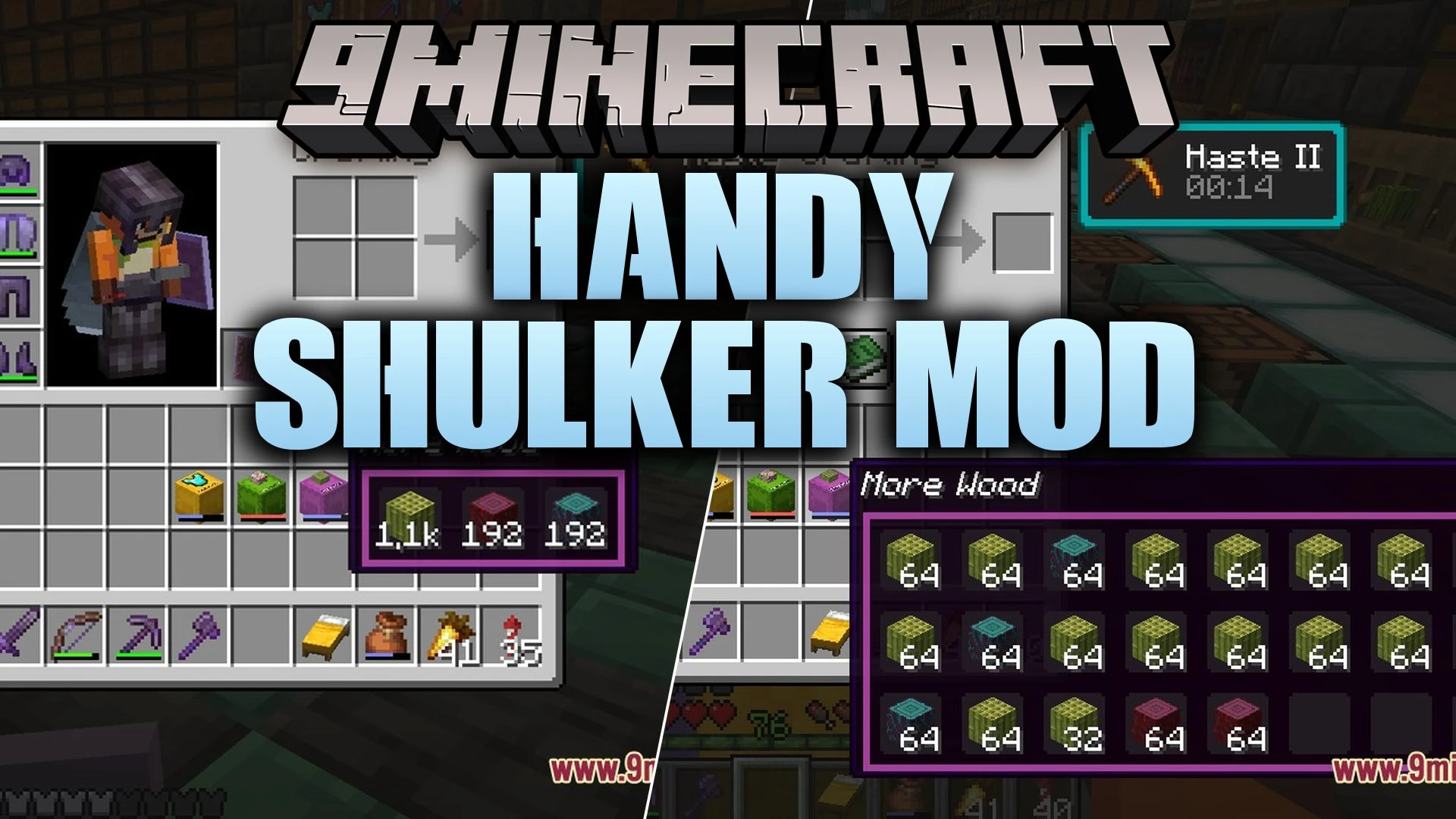
Handy Shulker Mod updates shulker boxes with the easy inventory controls introduced for bundles. You can click items directly into a box, hover to see inside, and scroll to pull items out without placing the block on the ground. This mod saves time during building projects and keeps your inventory tidy on any adventure.
Features:
Click to Insert: Click items directly onto a shulker box in your inventory to store them instantly.
Hover and Scroll: Hover your cursor over any shulker box to view a grid preview of the items stored inside.
Compact Mode: Hold Shift to view a condensed summary of unique items with grouped stack totals.
Scroll through the preview grid and click to extract specific items straight into your hand.
Adds a colored fullness bar on shulker boxes to show how many slots are occupied.
Displays color-tinted tooltip borders that match the dye color of your shulker box.
Shows aggregated item counts on selected slots so you know your total quantity at a glance.
Abbreviates large item counts in compact view for quick checks.
Maintains vanilla balance by preventing shulker nesting and keeping standard stack sizes.
How to Use:
Pick up any item stack in your inventory and click it directly onto a shulker box to store it.
Hover your mouse pointer over the shulker box to view the preview grid.
Use your mouse scroll wheel to cycle between items stored inside the box.
Right-click while hovering over a selected item to pull it out into your inventory.
Hold Shift while looking at the tooltip to switch into compact view mode.
Configuration:
config/handyshulkers.json: stores all customizable settings for individual feature toggles and tooltip preferences.
Screenshots:
Inserting and taking items using simple click and scroll actionsFullness bars indicating how much storage space remains inside boxesCustom names and matching colored borders on dyed shulker tooltipsItem tooltips displaying the total combined count across all slotsCompact summary mode showing unique item quantities with Shift heldFeature configuration menu for toggling individual shulker box mechanics
Handy Shulker Mod Download Links
Quick facts
Edition: Minecraft Java
File type: .jar
Minecraft version listed: 1.21.11
How to install: Install the matching mod loader (Forge, Fabric or NeoForge) for your Minecraft version. → Download the .jar. → Put it in the .minecraft/mods folder and launch that loader profile.
Where to get it: In MC Java Mods, or directly above on this page.