Item Holograms | Dropped Item Names
Shows localized names and live stack counts above dropped items, with multiplayer-friendly distance, size, and visibility settings for Minecraft Bedrock.
⬇ Download on CurseForgeThe author built this one for Minecraft 26.50. On other versions it may install and then do nothing.
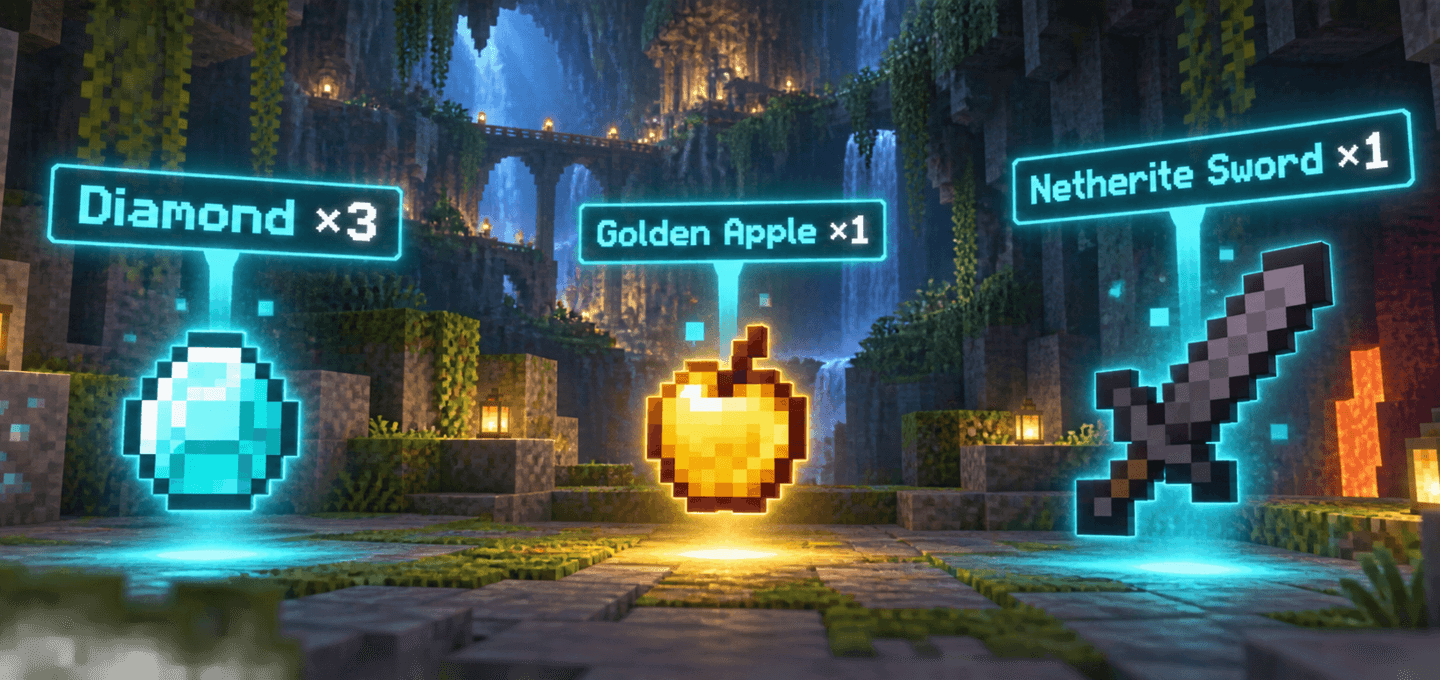
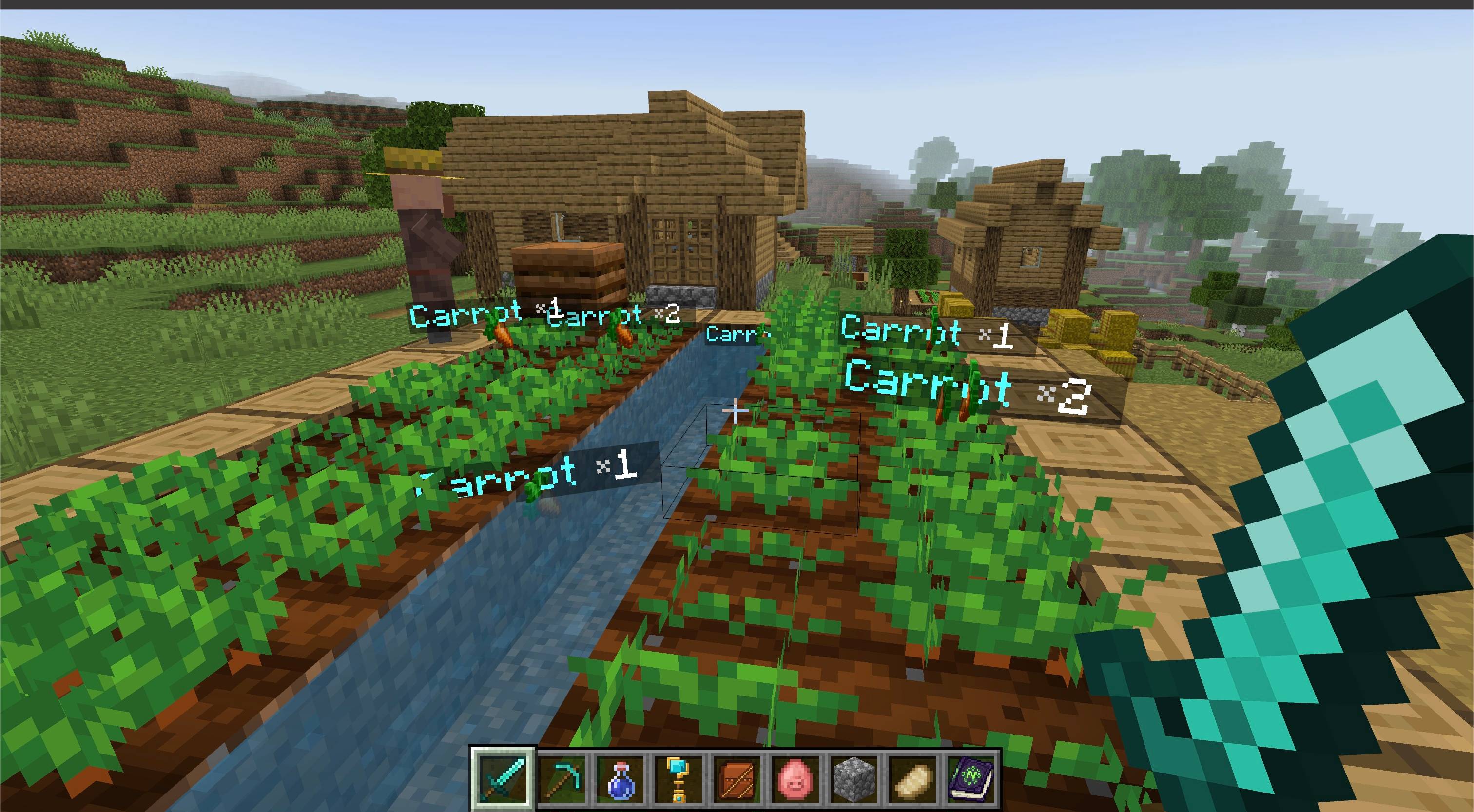
Identify dropped items instantly without relying on their tiny spinning textures.
Item Holograms places a readable world-space label above every nearby dropped item. Each label uses the player's language, follows the item as it moves, and updates when stacks merge or their amount changes.
Features
- Localized item names — vanilla and compatible add-on item names are translated for each player's selected language.
- Live stack counts — labels update when dropped stacks merge or their amount changes.
- Custom-name support — renamed items keep their custom display names.
- Natural visibility — optionally hide labels behind blocks and entities.
- Per-player distance — each client hides holograms beyond the configured range.
- Adjustable text size — choose a compact or more visible presentation.
- Modern settings menu — configure the add-on through a Data-Driven UI with automatic saving.
- Multiplayer friendly — labels render for each player without modifying
player.json. - Localized interface — includes English and Russian settings text.
- Vibrant Visuals compatible — the included Resource Pack declares PBR capability.
How to use
- Import the
.mcaddonfile into Minecraft Bedrock. - Activate both the Item Holograms Behavior Pack and Resource Pack for your world.
- Enter the world and drop an item. Its name and stack count appear automatically.
- As a Game Director, run
/ztp:item-hologramsor/ztp:ihto open settings.
The settings screen lets you enable or disable holograms, show or hide stack counts, choose a display distance from 4 to 64 blocks, adjust text size, and control whether labels remain visible through obstacles.
Notes
- Settings are stored per world and save automatically.
- Add-on items display their localized names when their own Resource Pack provides a valid localization key.
- Opening the settings screen requires Game Director permission because its options apply to the whole world.
- No
player.jsonchanges are used.
Requirements
- Minecraft Bedrock Edition 1.26.50 or newer
- Item Holograms Behavior Pack and Resource Pack must both be active
- No experimental toggles required
- No external add-on dependencies required

- Edition: Minecraft Bedrock
- File type: .mcpack or .mcaddon
- Minecraft version listed: 26.50
- How to install: Download the .mcpack or .mcaddon file. → Open it — Minecraft imports it. → In your world: Behavior Packs → Available → Activate, then the same under Resource Packs.
- Where to get it: Opens on CurseForge — not every file is mirrored on our own servers.
Install steps are the general flow for this file type — How to install Minecraft Bedrock addons & mods walks through it step by step.
- Pack type: .mcaddon — behaviour and resource pack in one file
- Manifest requires Minecraft 1.26.50 or newer
- Complete pack — everything it depends on is inside the file
- Download size: 174 KB
- Download link checked 18 Sept 2026 — working
These come from our own check of the pack file, not from the source page.