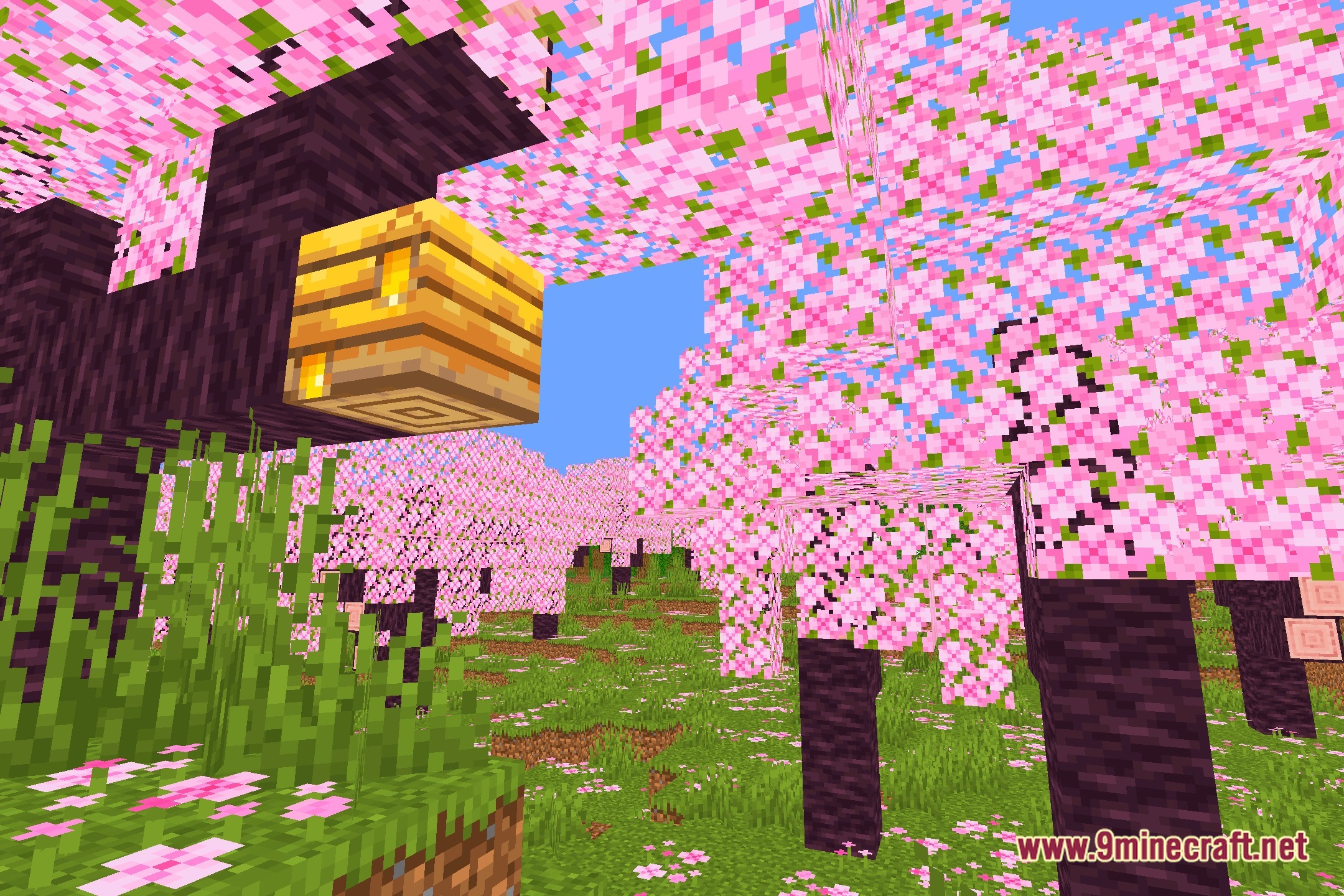
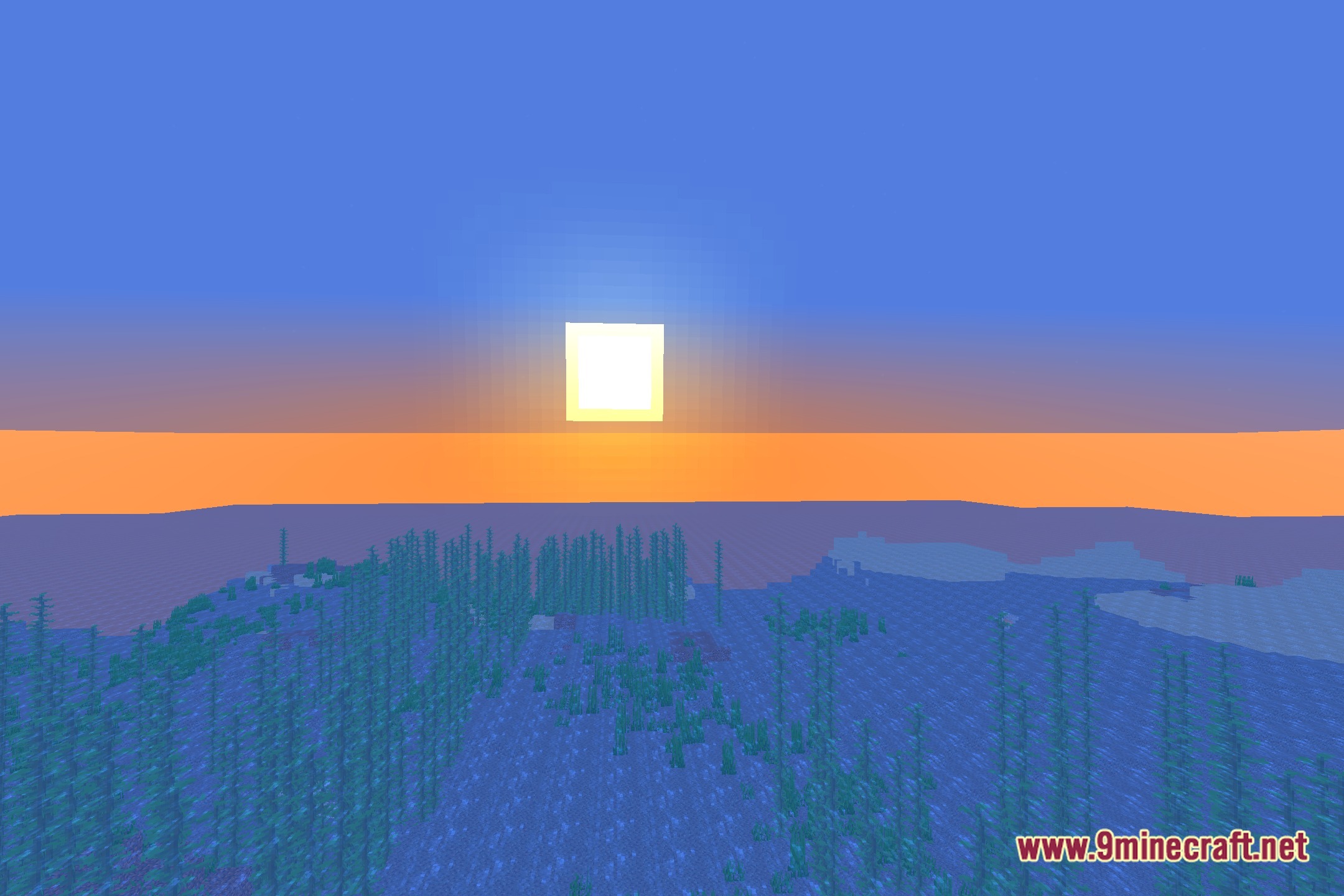
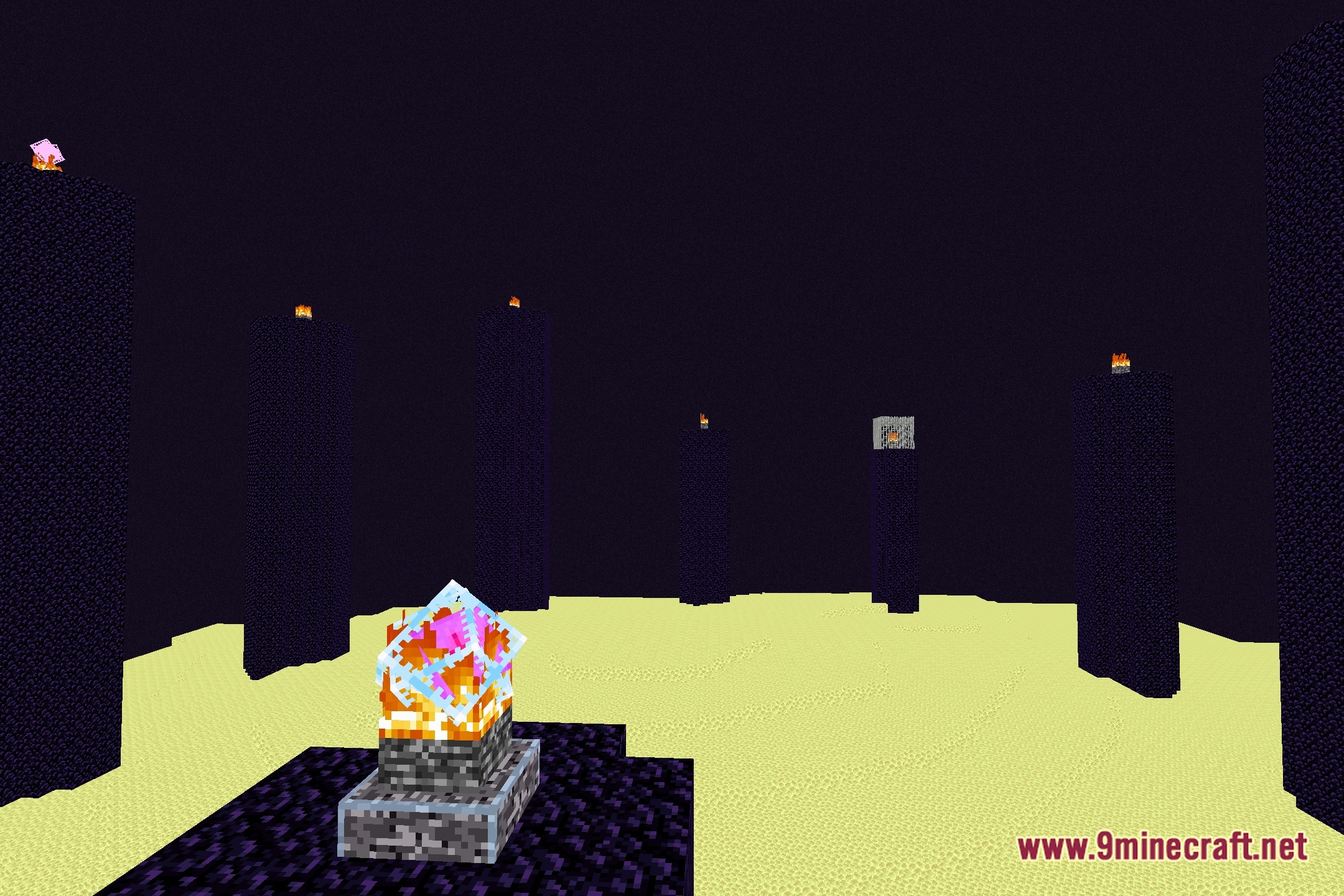
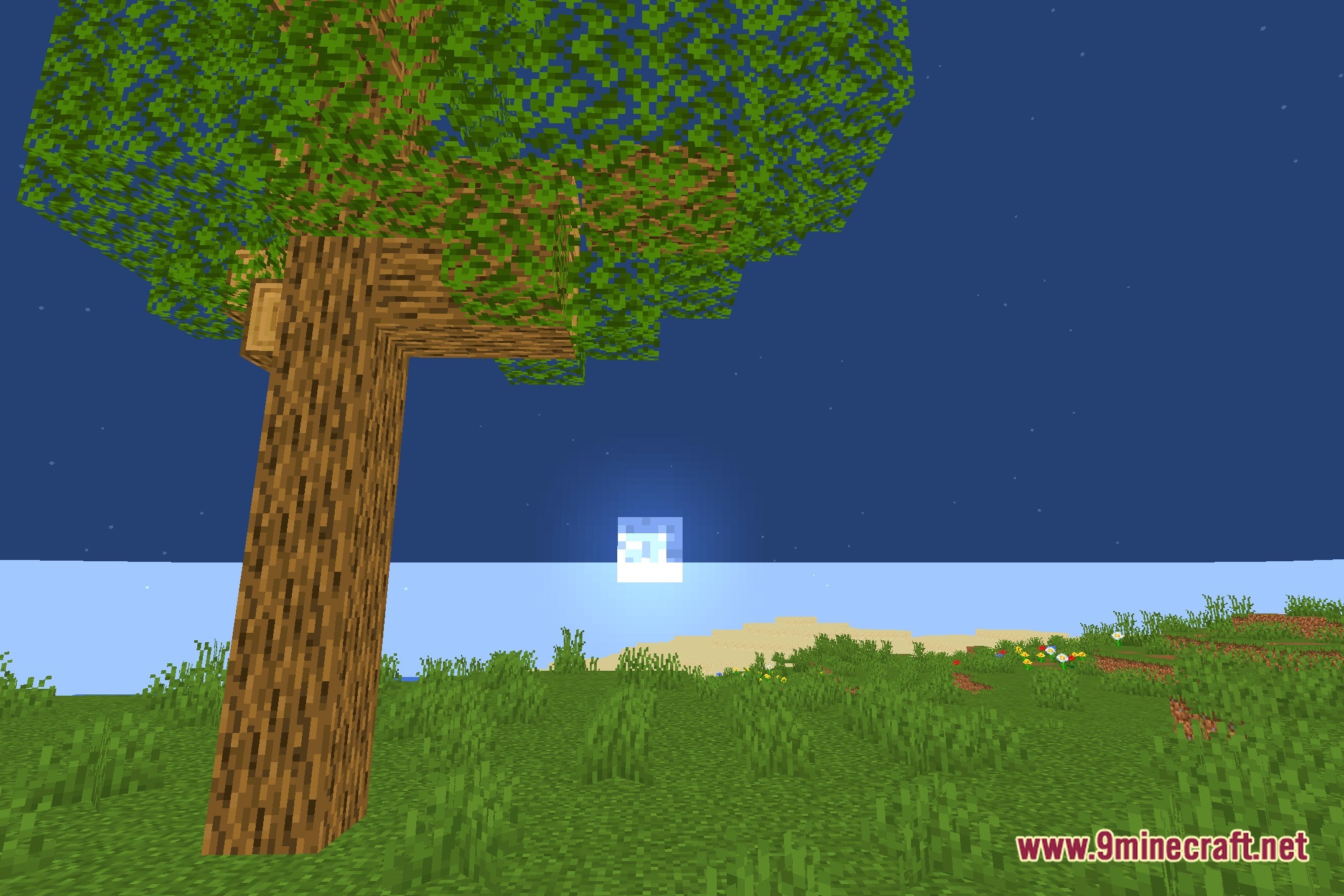
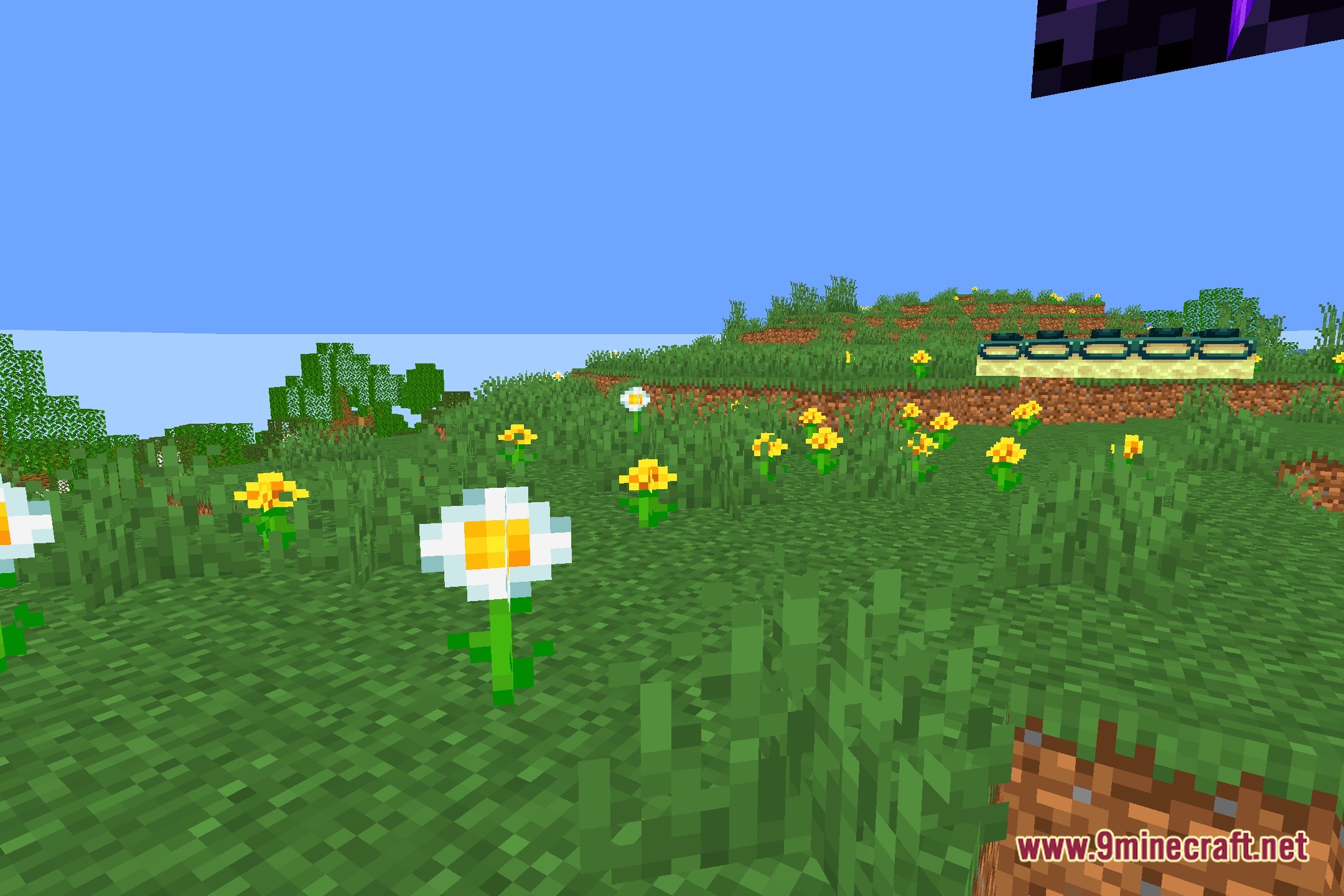
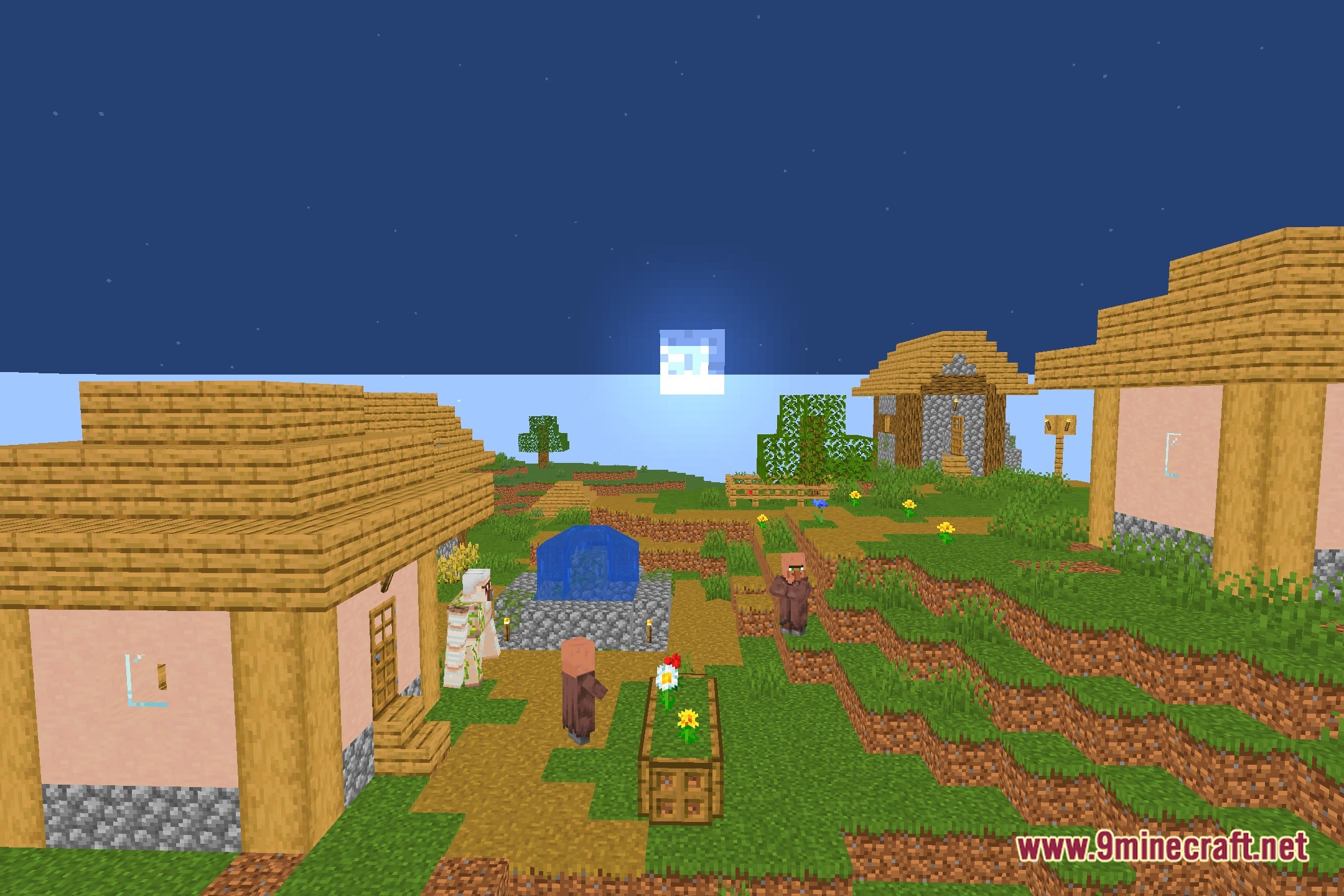
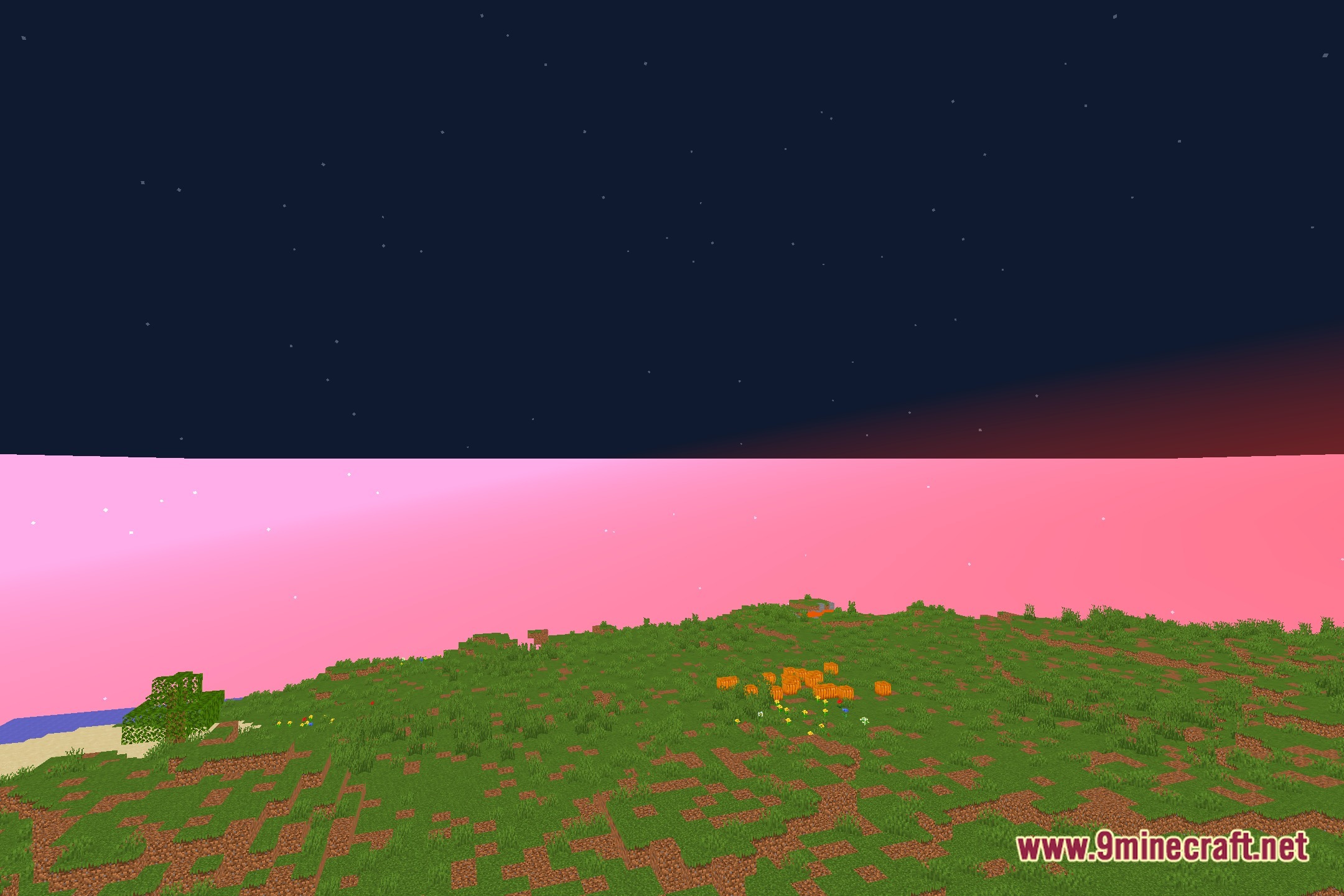
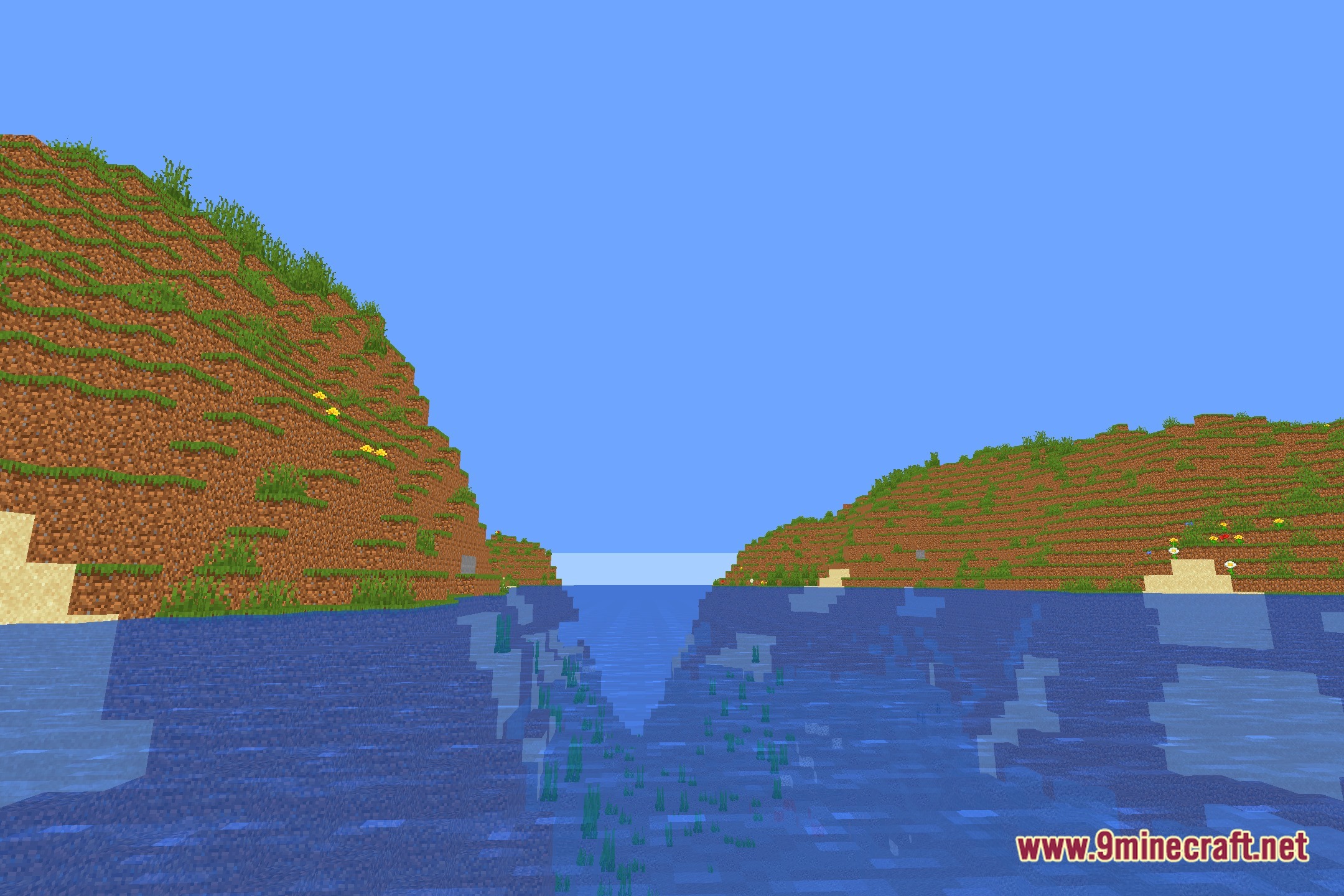
Bounty Shaders adjusts the visual tone of your world with basic image controls while keeping the original game feel intact. This shader pack runs well on low-end computers and potato setups without causing lag. It lets you fine-tune the game display through custom sliders for brightness, contrast, saturation, and vibrance.
Features:
- Adjusts world brightness so you can balance dark nights and bright days.
- Lets you change image contrast to create clear separation between highlights and shadows.
- Offers saturation settings to boost block colors or tone them down.
- Includes vibrance controls to balance weaker colors across your screen.
- Runs on low-spec and potato hardware with minimal impact on frame rates.
- Preserves the cartoon and vanilla look of the game without altering other visual elements.
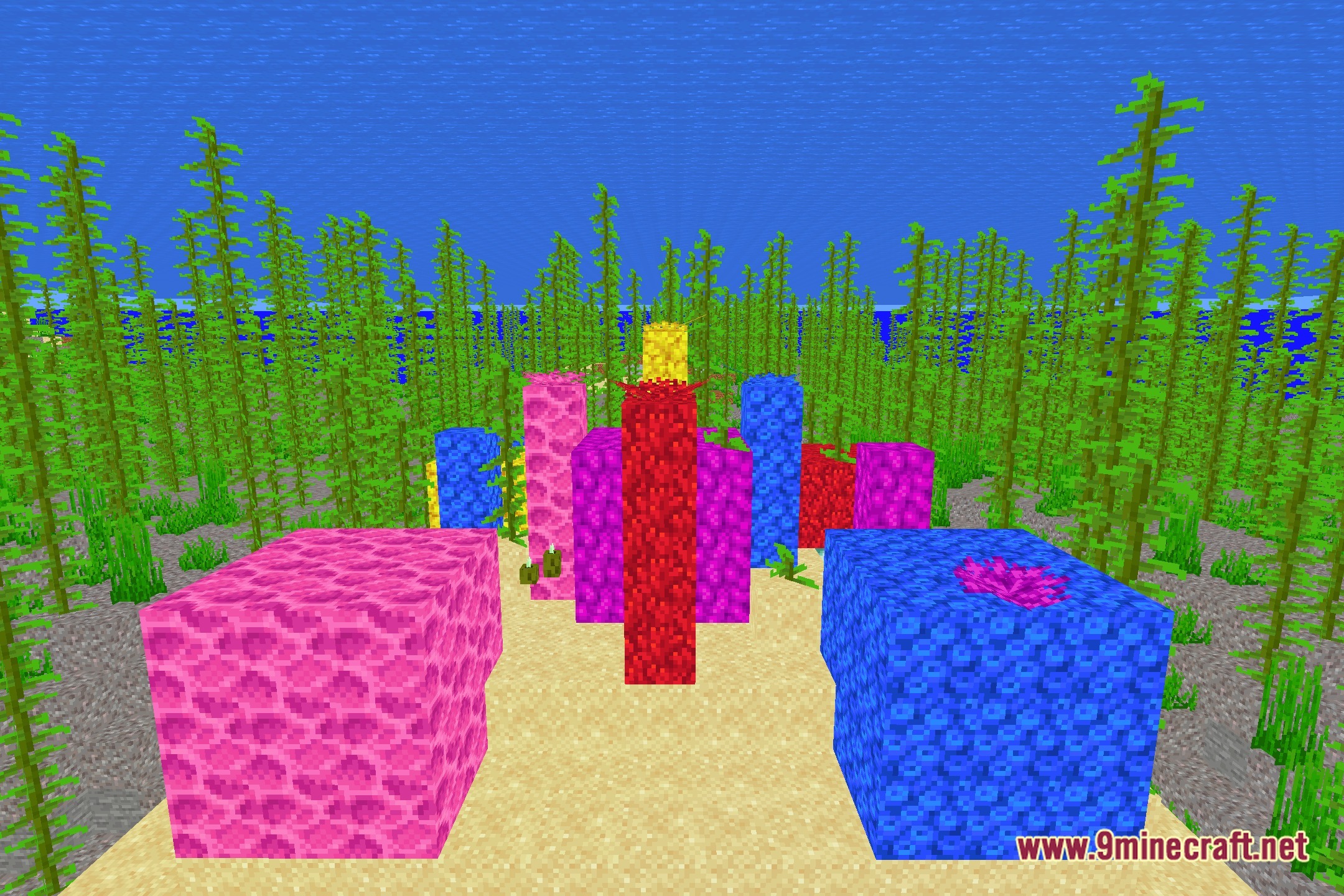
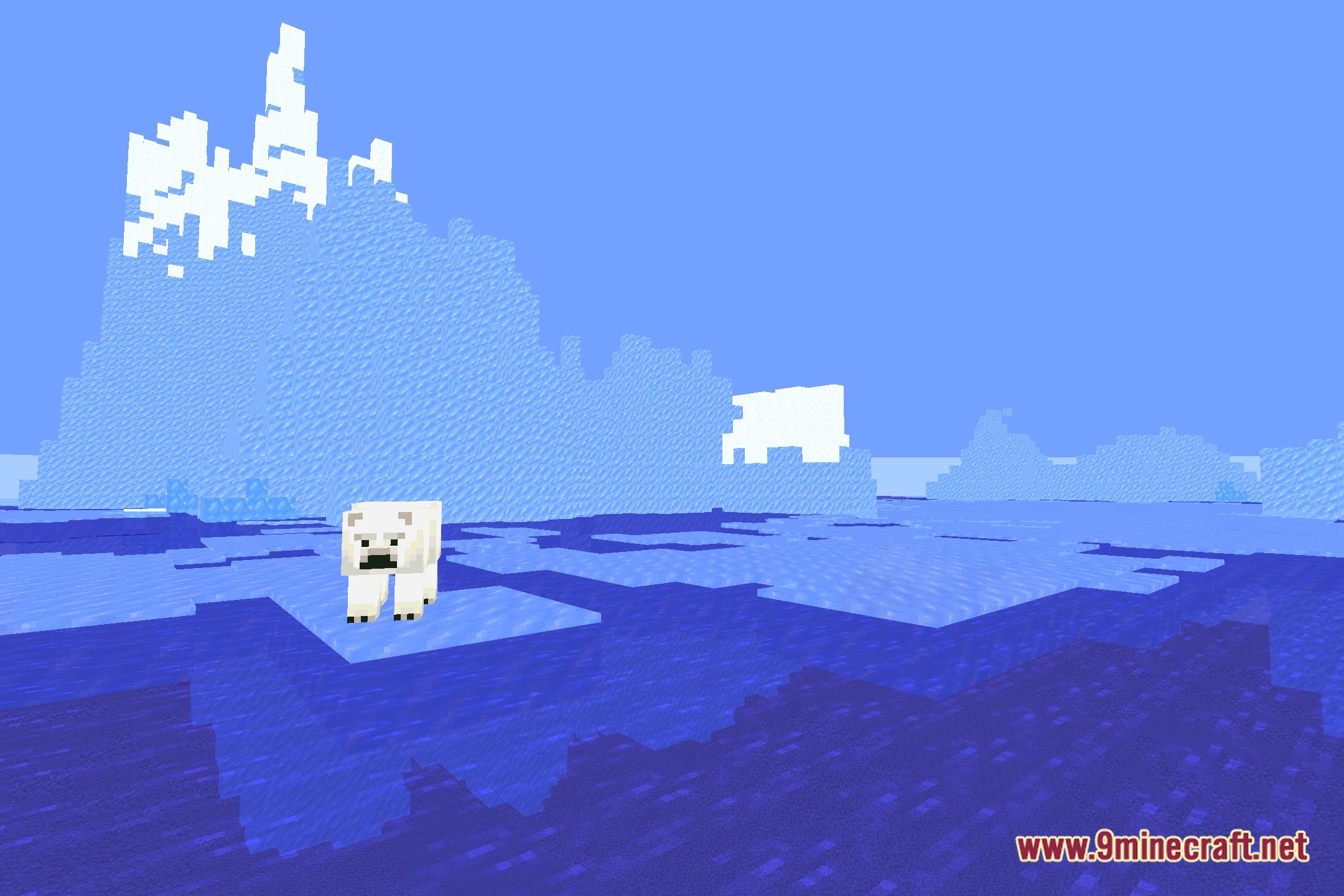
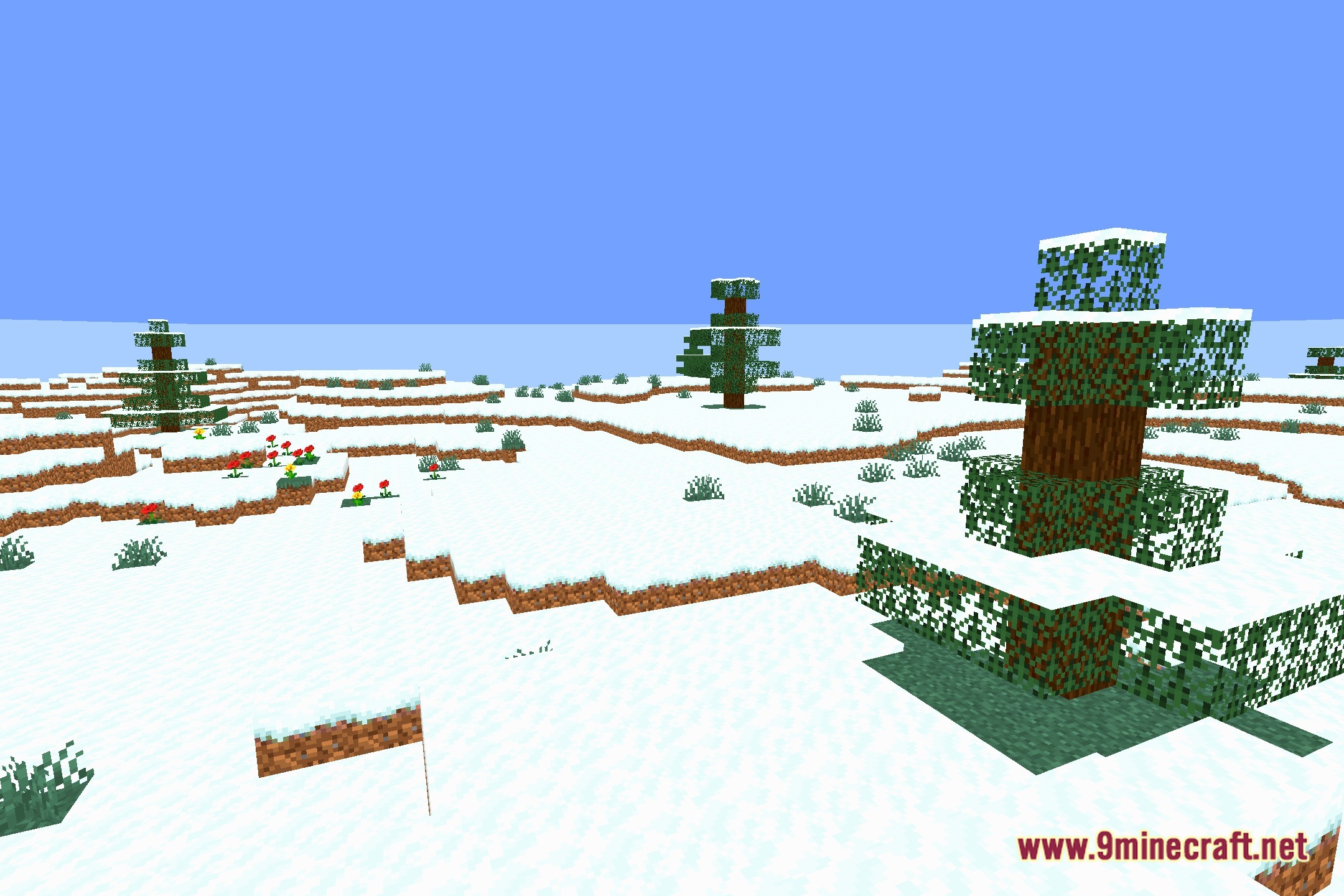
Screenshots:
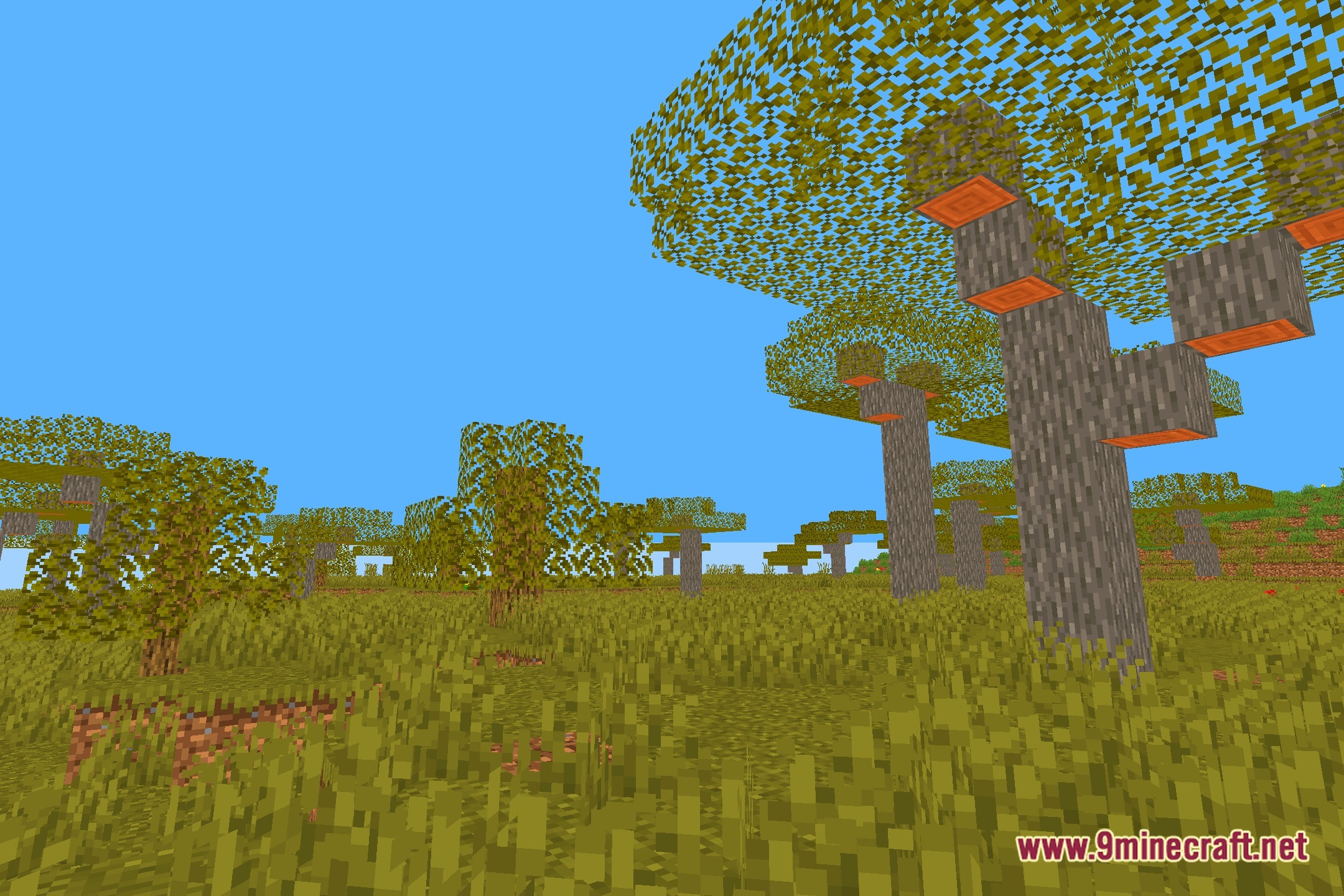
Bounty Shaders Download Links
Quick facts
- Edition: Minecraft Java
- File type: .zip (resource pack)
- Minecraft version listed: 1.20.1
- How to install: Download the .zip resource pack — do not unzip it. → Put it in .minecraft/resourcepacks. → Enable it in Options → Resource Packs.
- Where to get it: Opens on the file's original source — not every file is mirrored on our own servers.
Install steps are the general flow for this file type — see the MC Java Mods guides for the full walkthrough.
Bounty Shaders (26.3, 1.20.1) – Custom Color Sliders for Low-End PCs is a free Minecraft Java shader. Compatible with Minecraft 1.20.1. Download it and open it directly in the game.