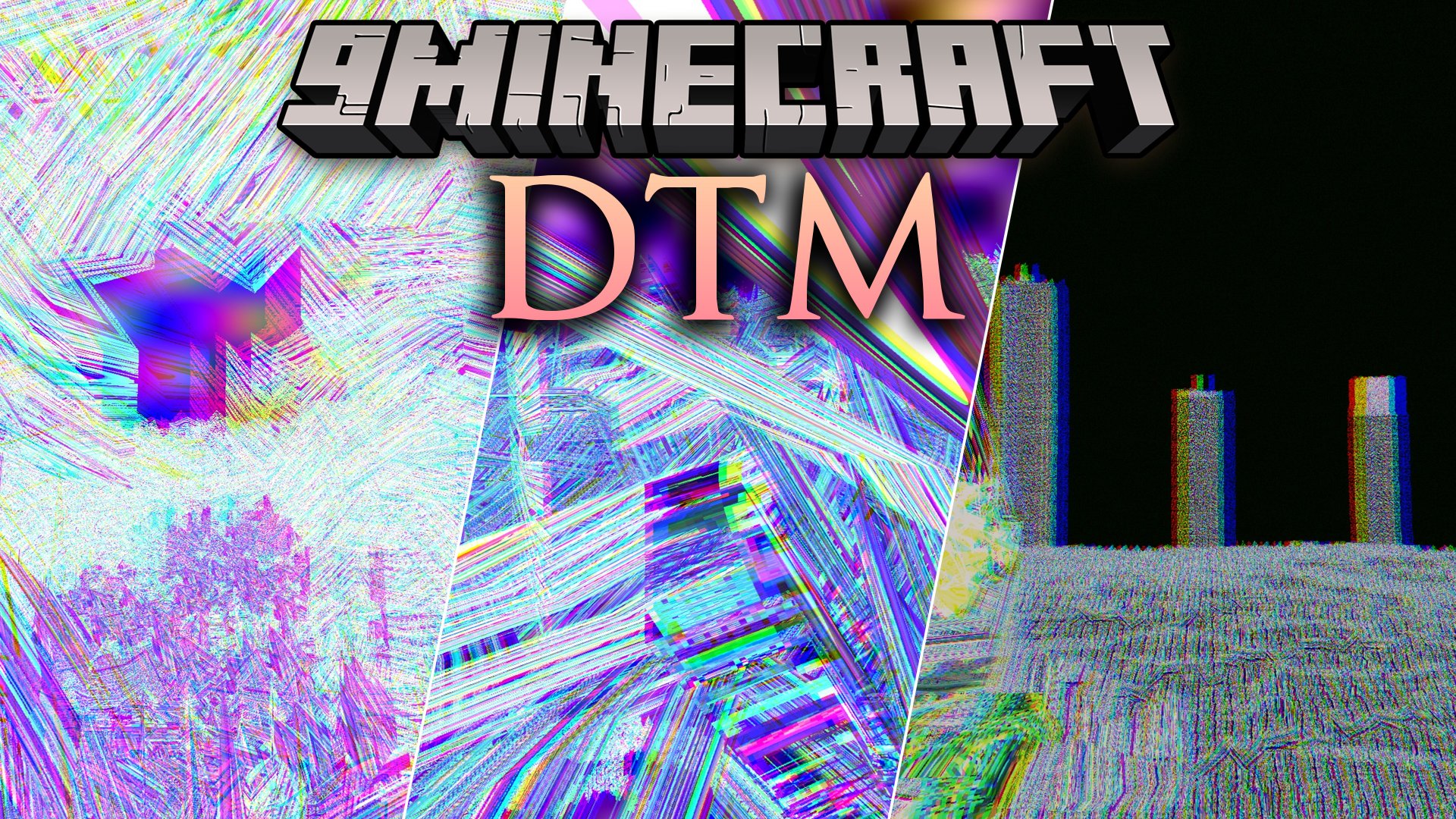
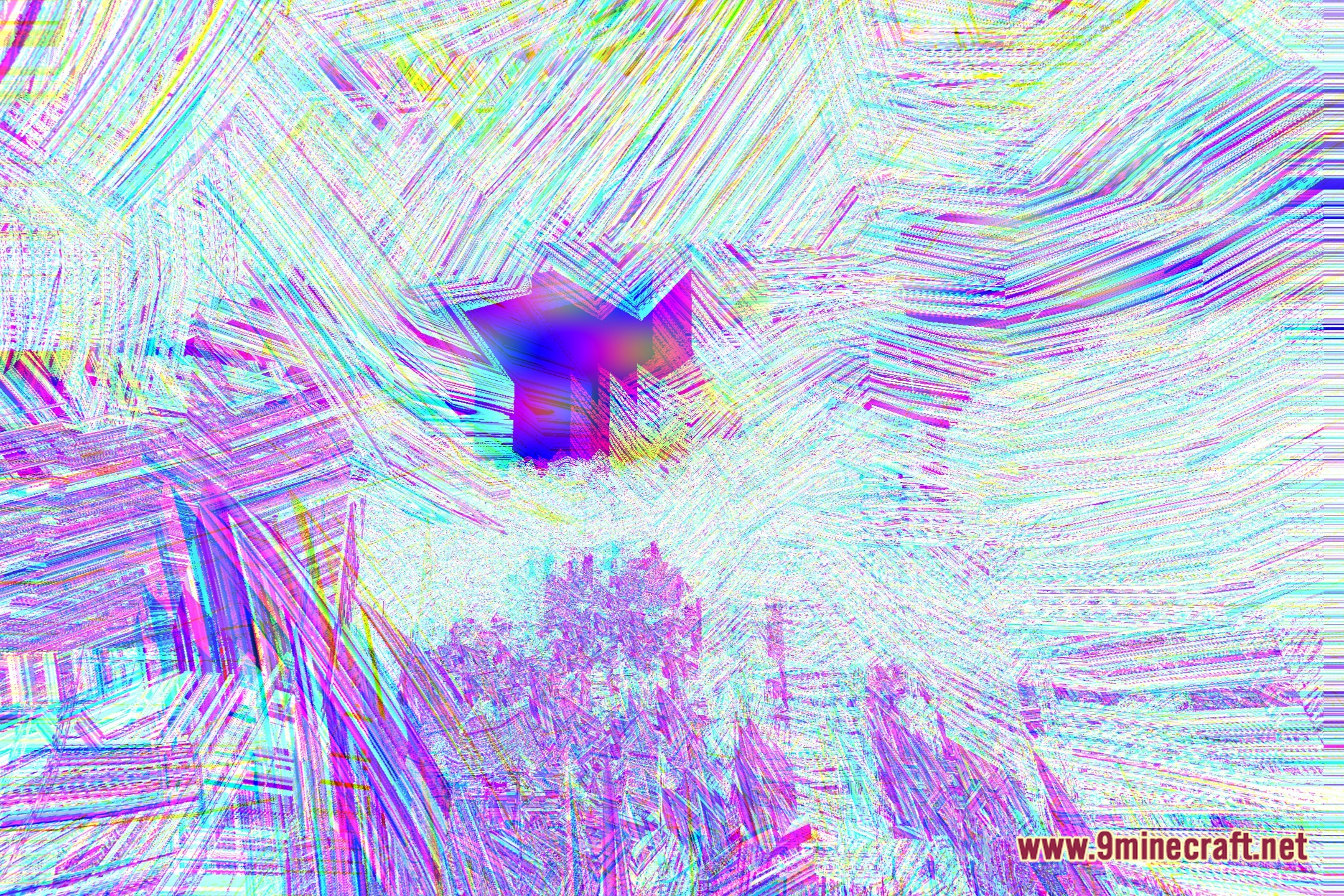
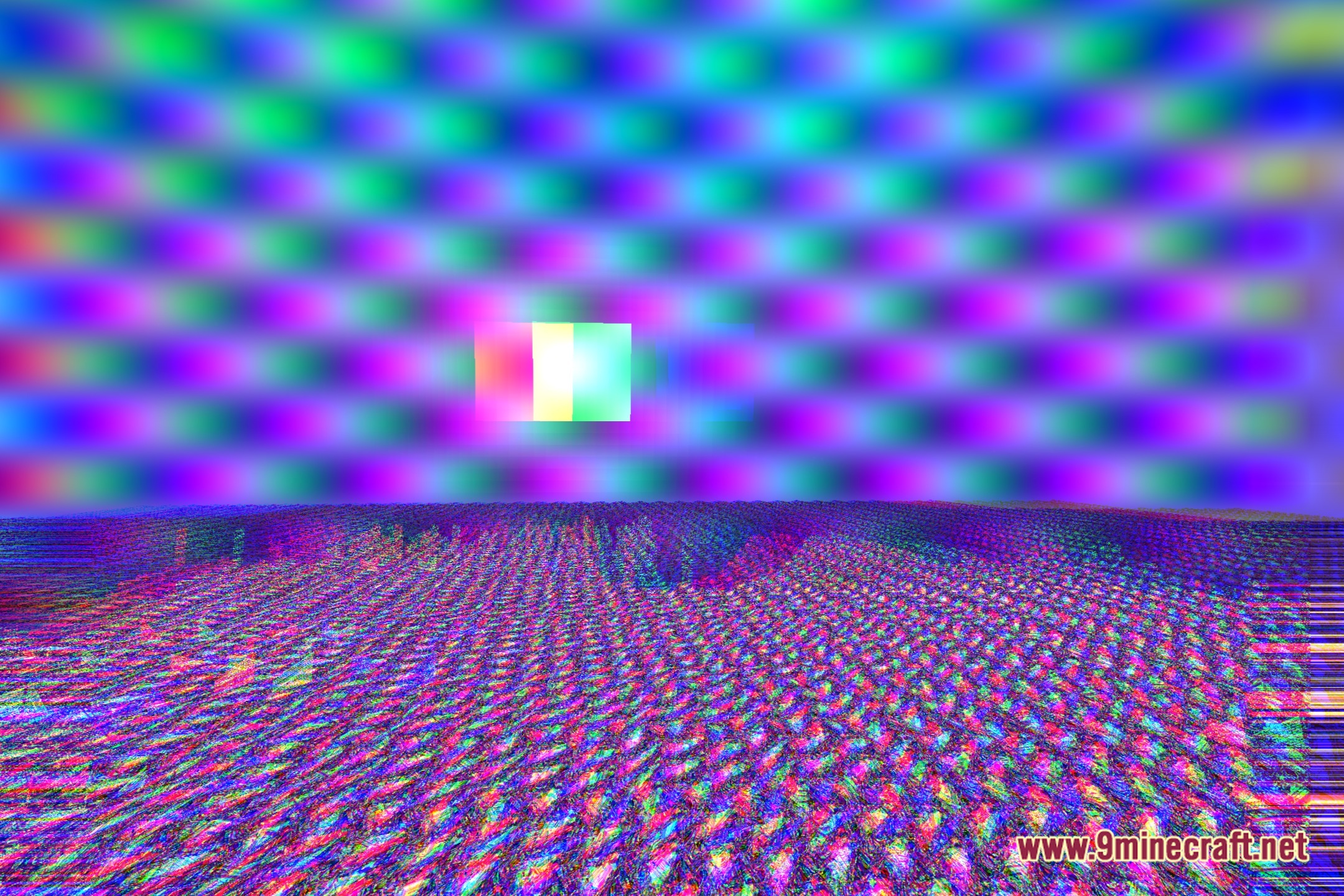
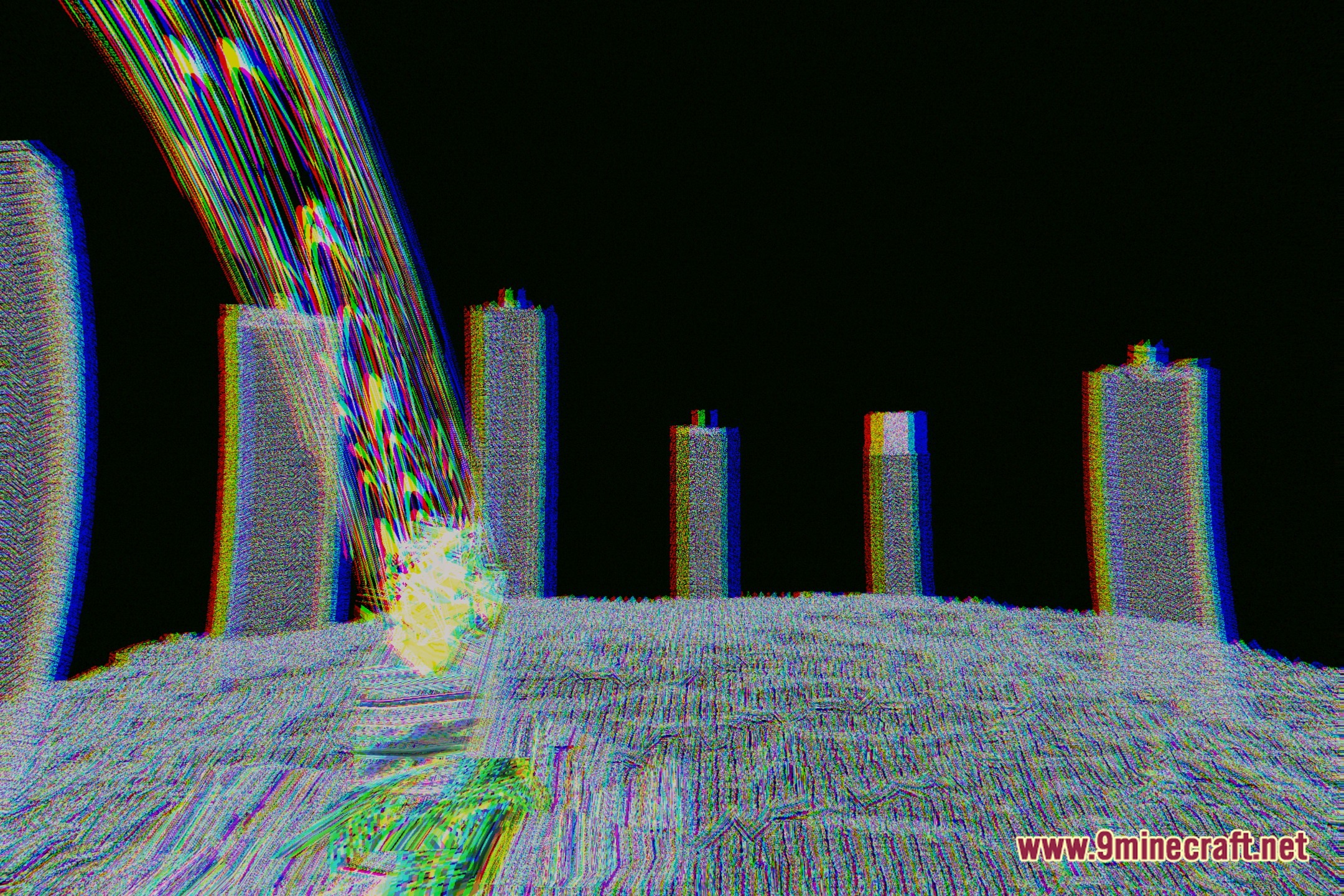
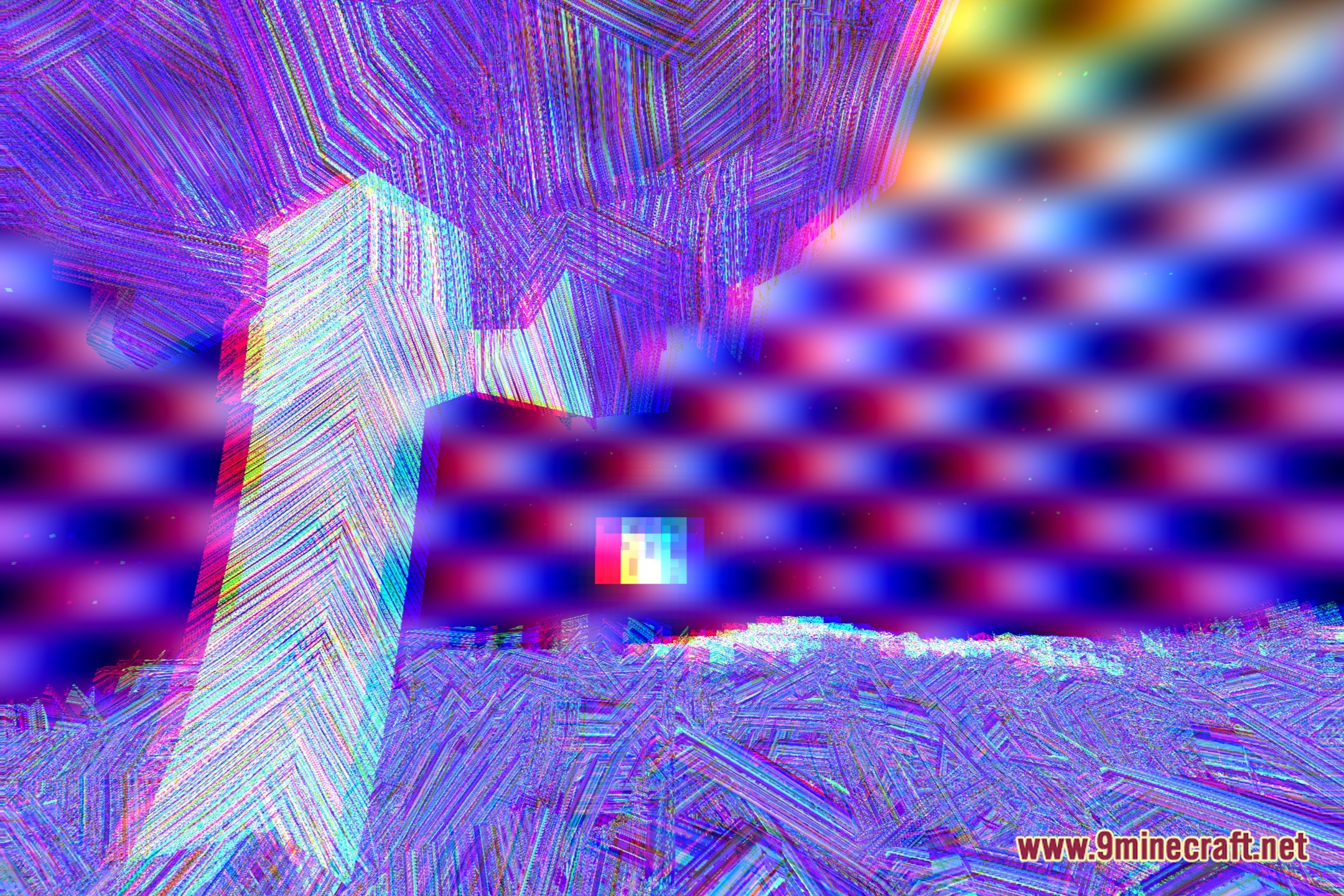
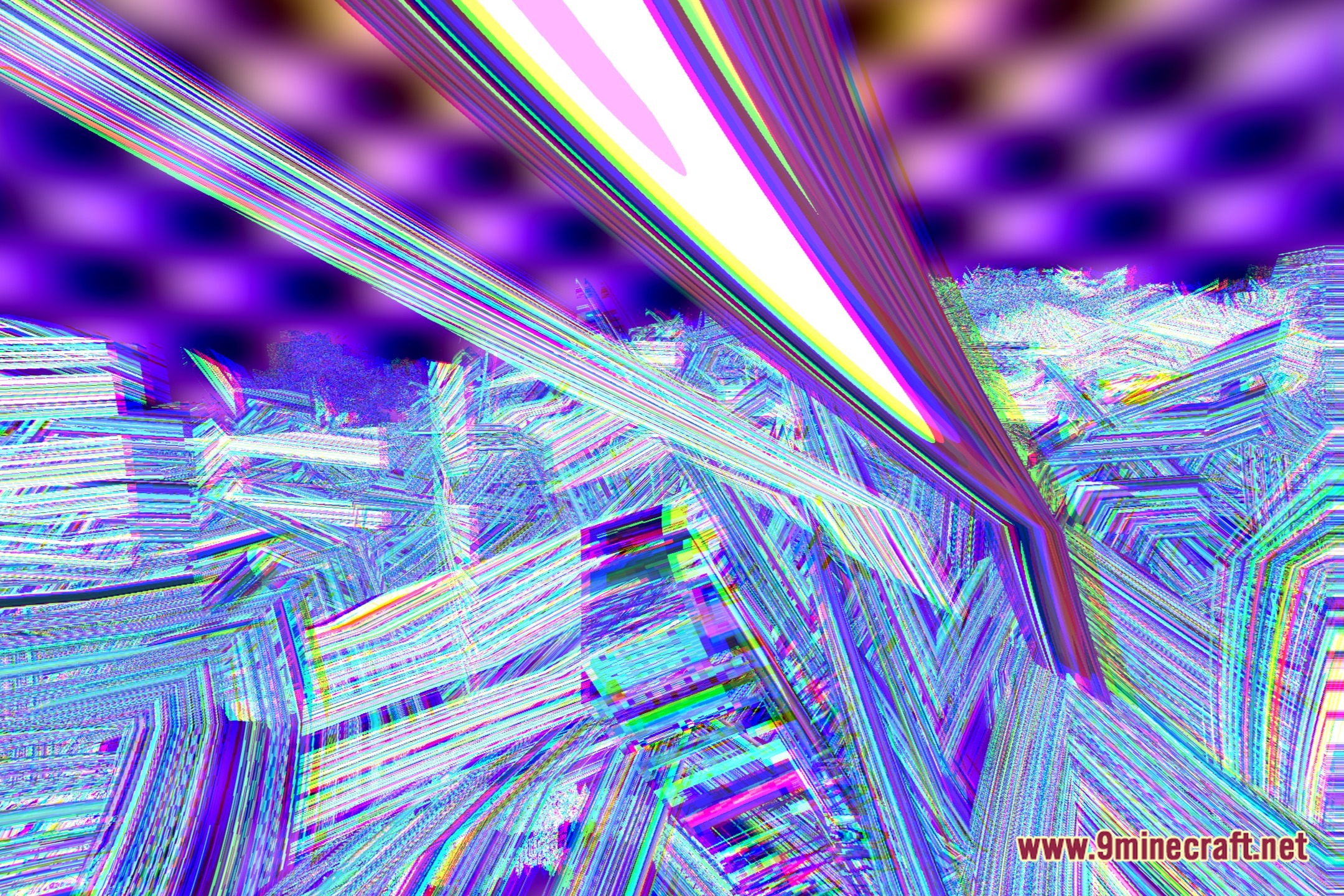
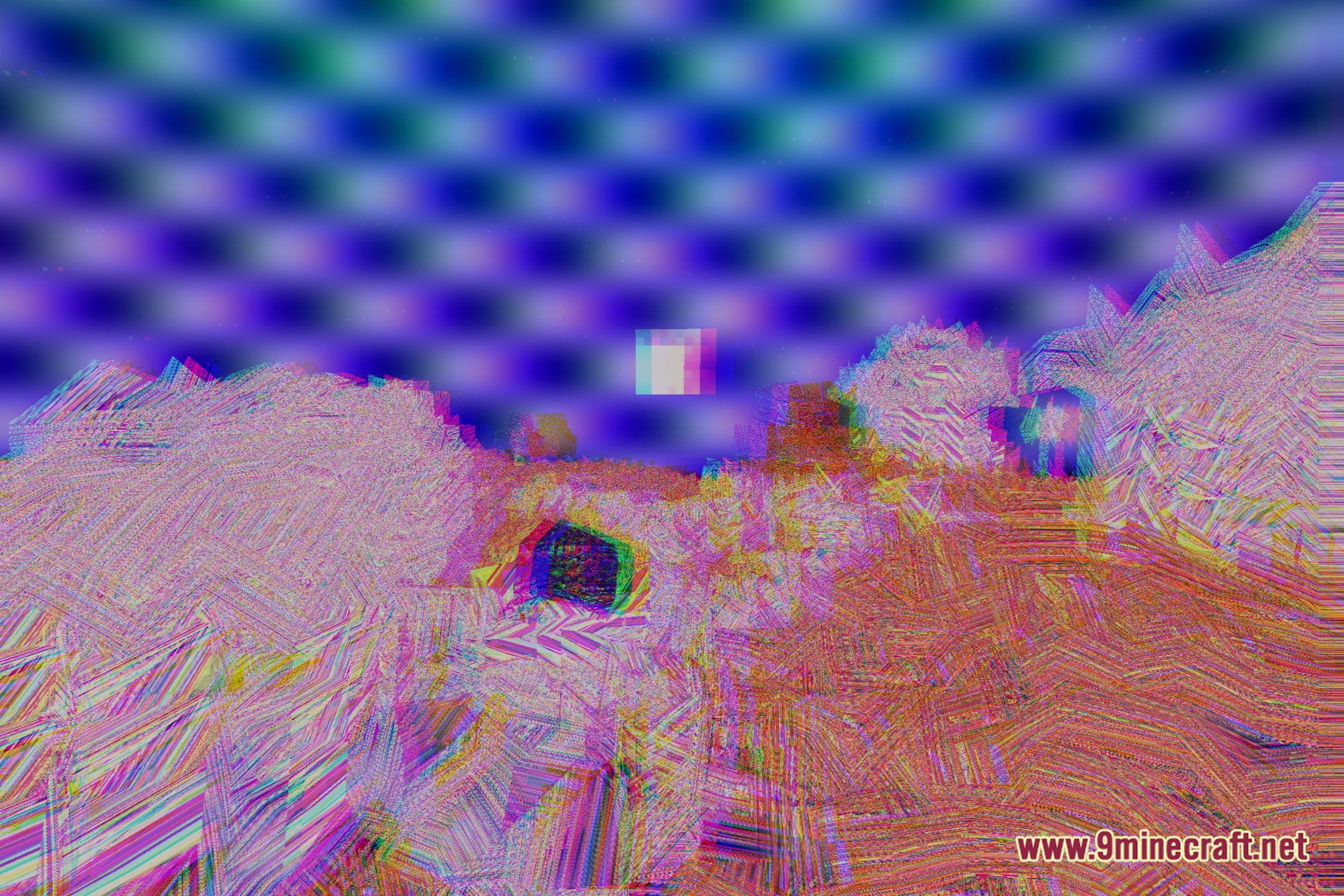
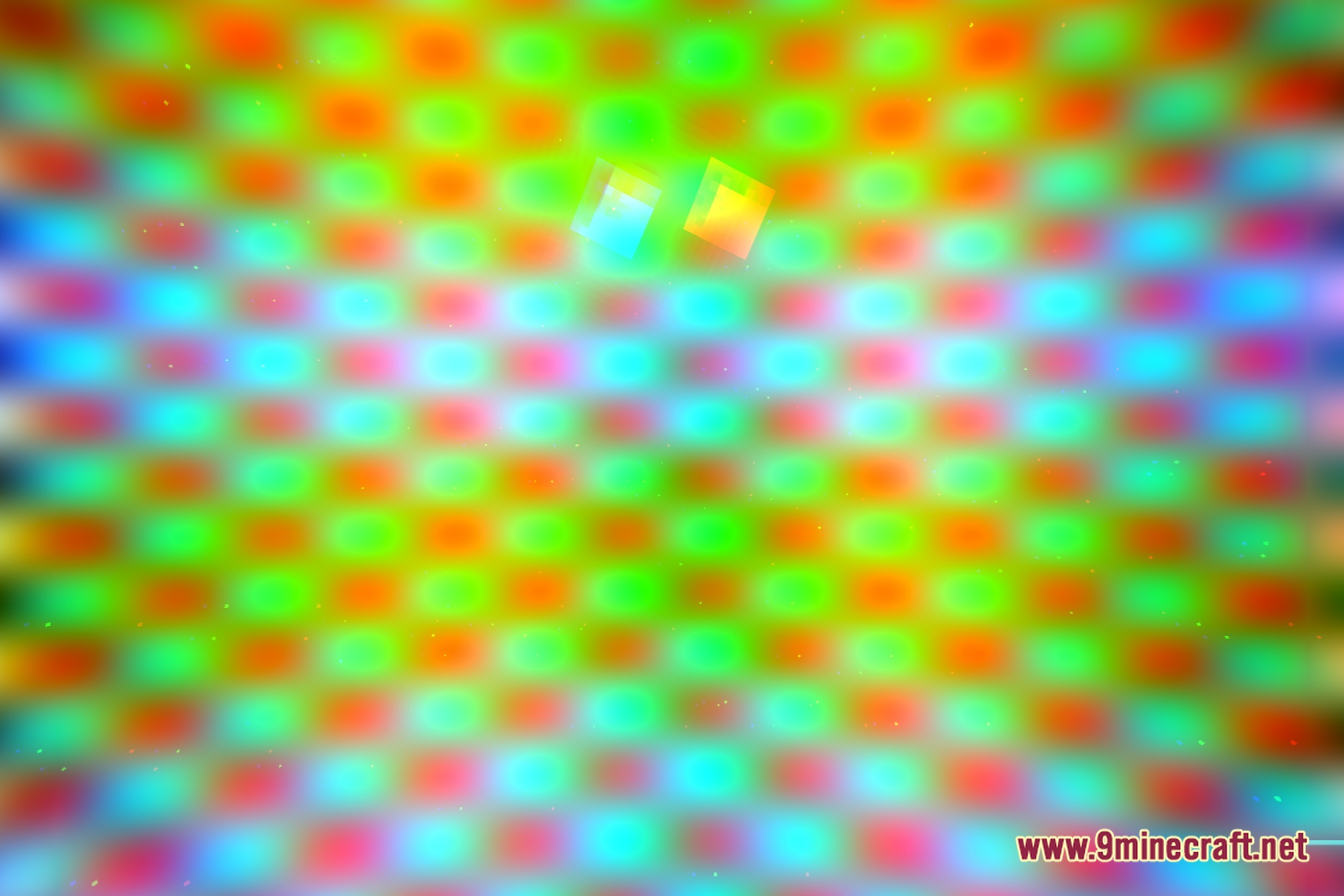
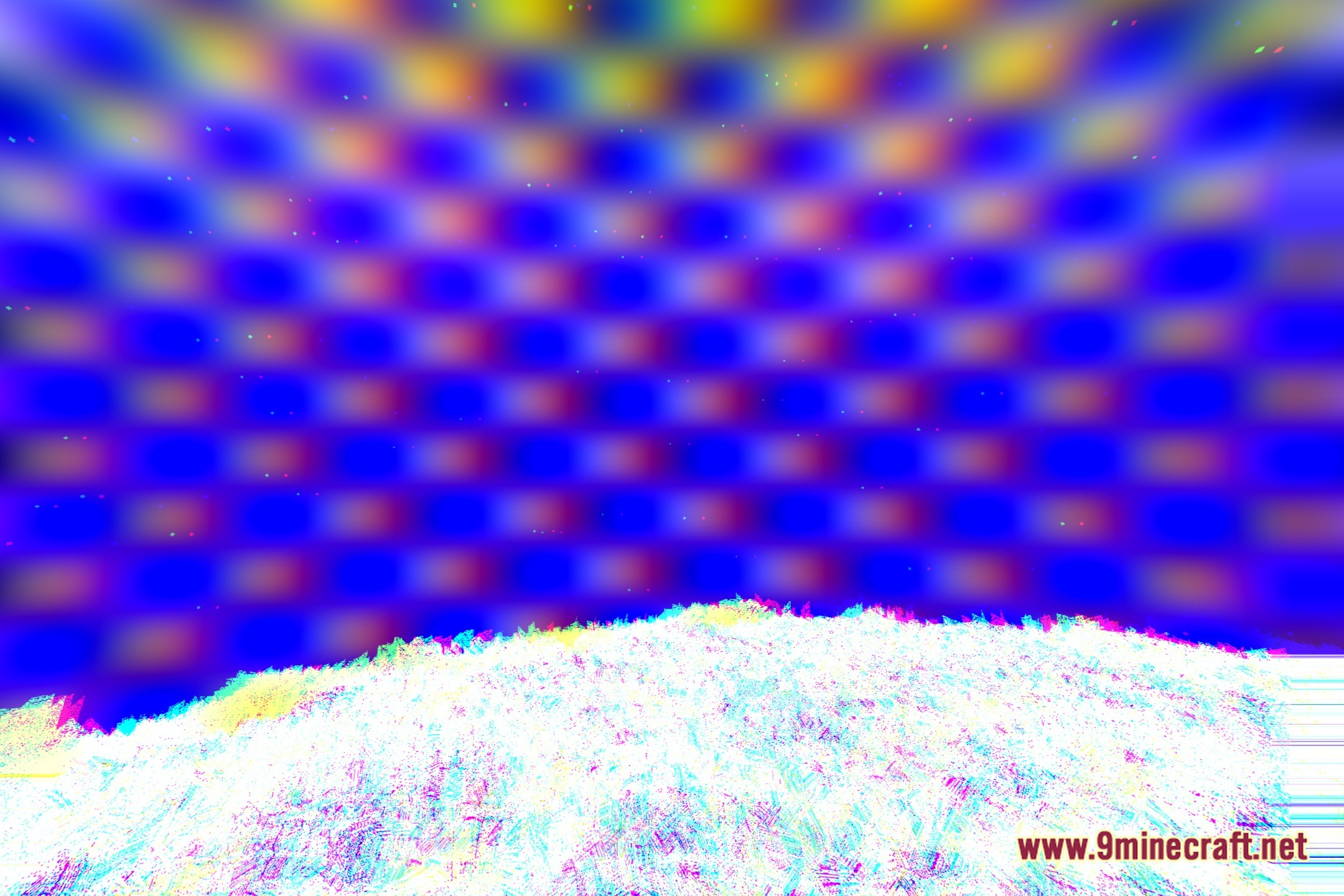
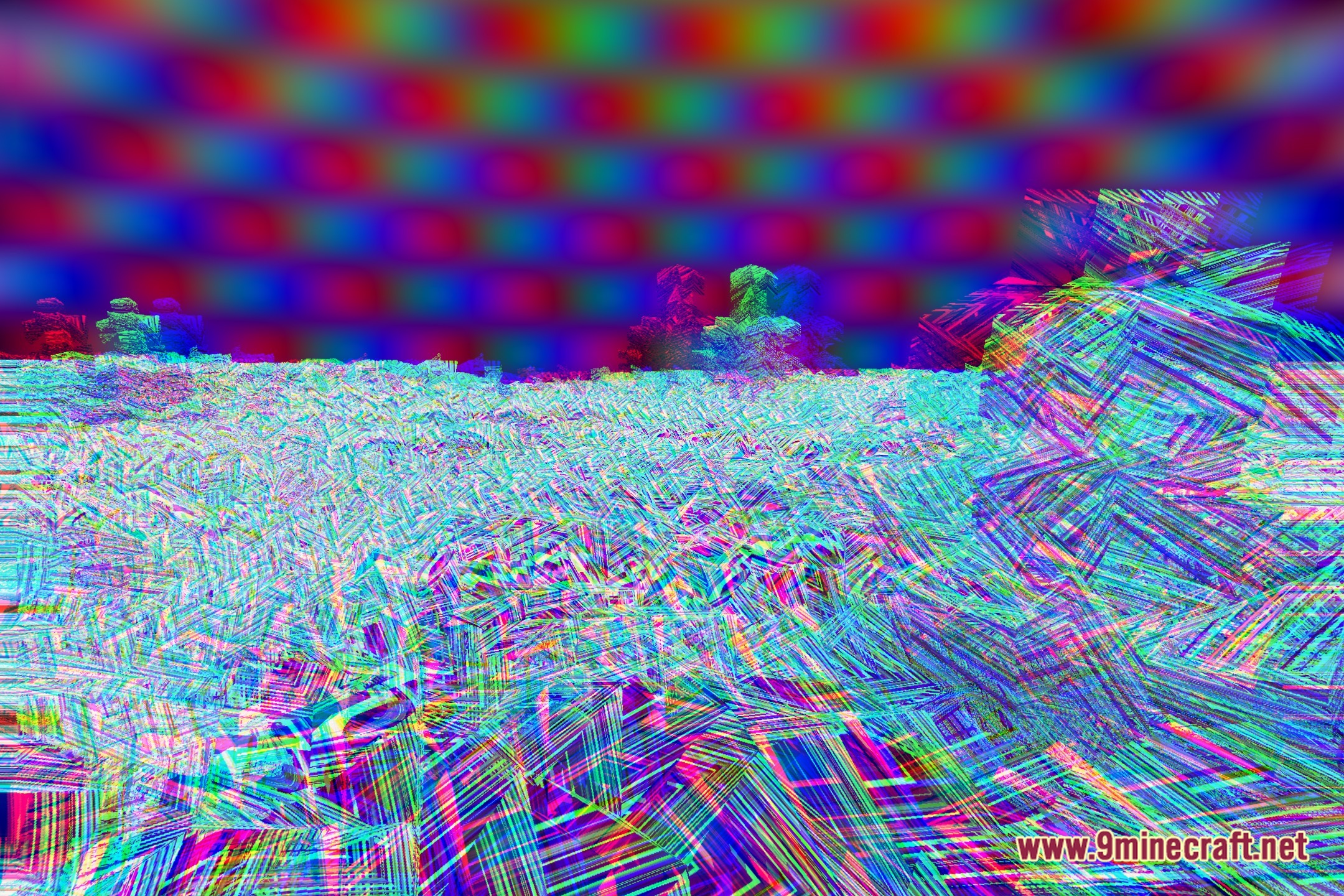
DTM Shaders transforms lighting and visuals across your Minecraft world with intense cartoon styles and vibrant colored light. This shader pack alters block brightness, sky tones, and foliage to create a wild fantasy aesthetic. It also includes flashing visuals and intense light shifts that give the game a chaotic, cursed look. Players looking for unconventional graphics can run this shader to turn regular biomes into bright and bizarre landscapes.
Features:
- Brings bold cartoon visuals with sharp and unusual color contrasts.
- Adds colored lighting effects that change how torches and light sources illuminate blocks.
- Modifies foliage and tree leaves with custom environmental effects.
- Runs with medium hardware demand suitable for mid-range systems.
- Features wild flashing effects and intense colors for a chaotic gameplay look.
Screenshots:
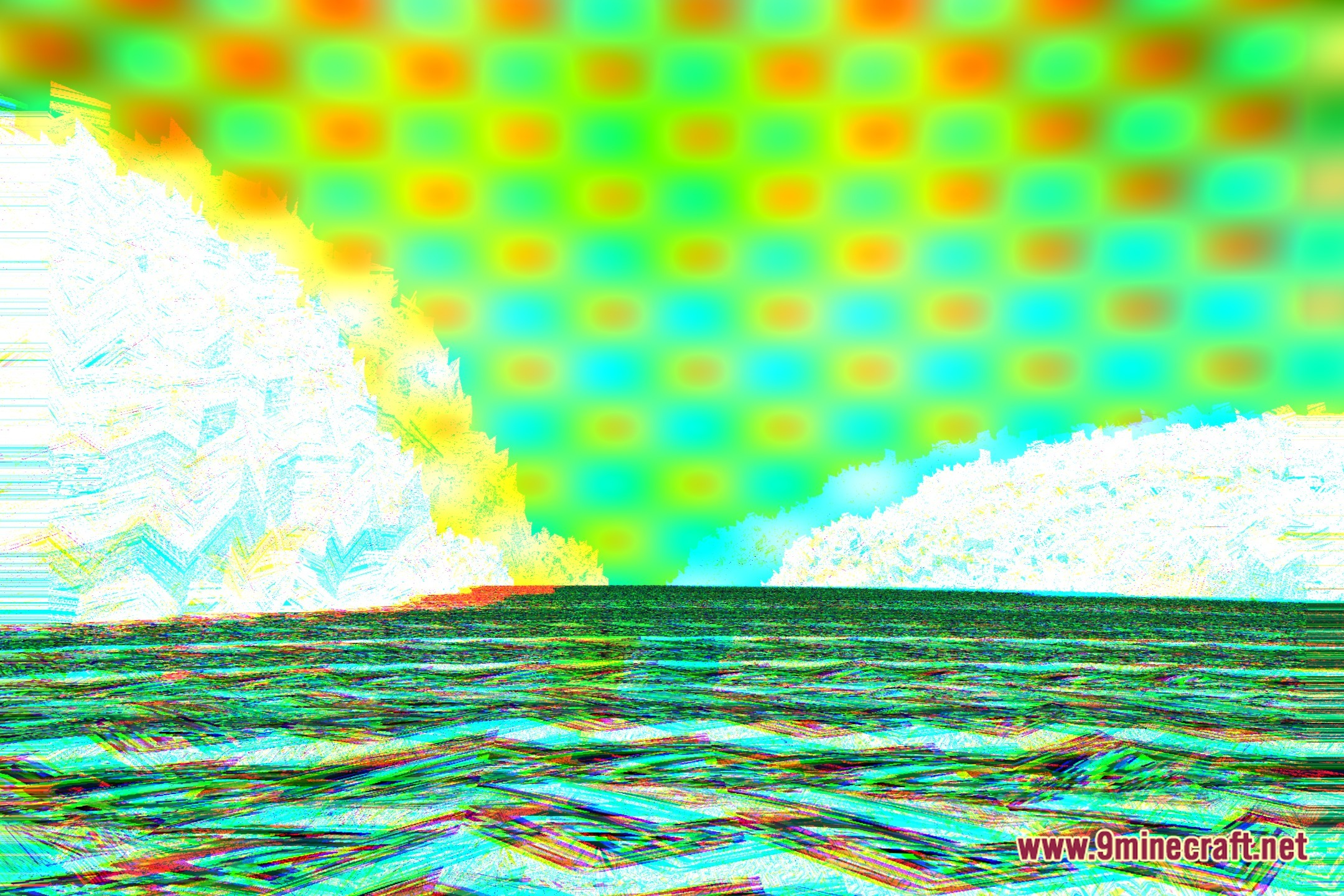
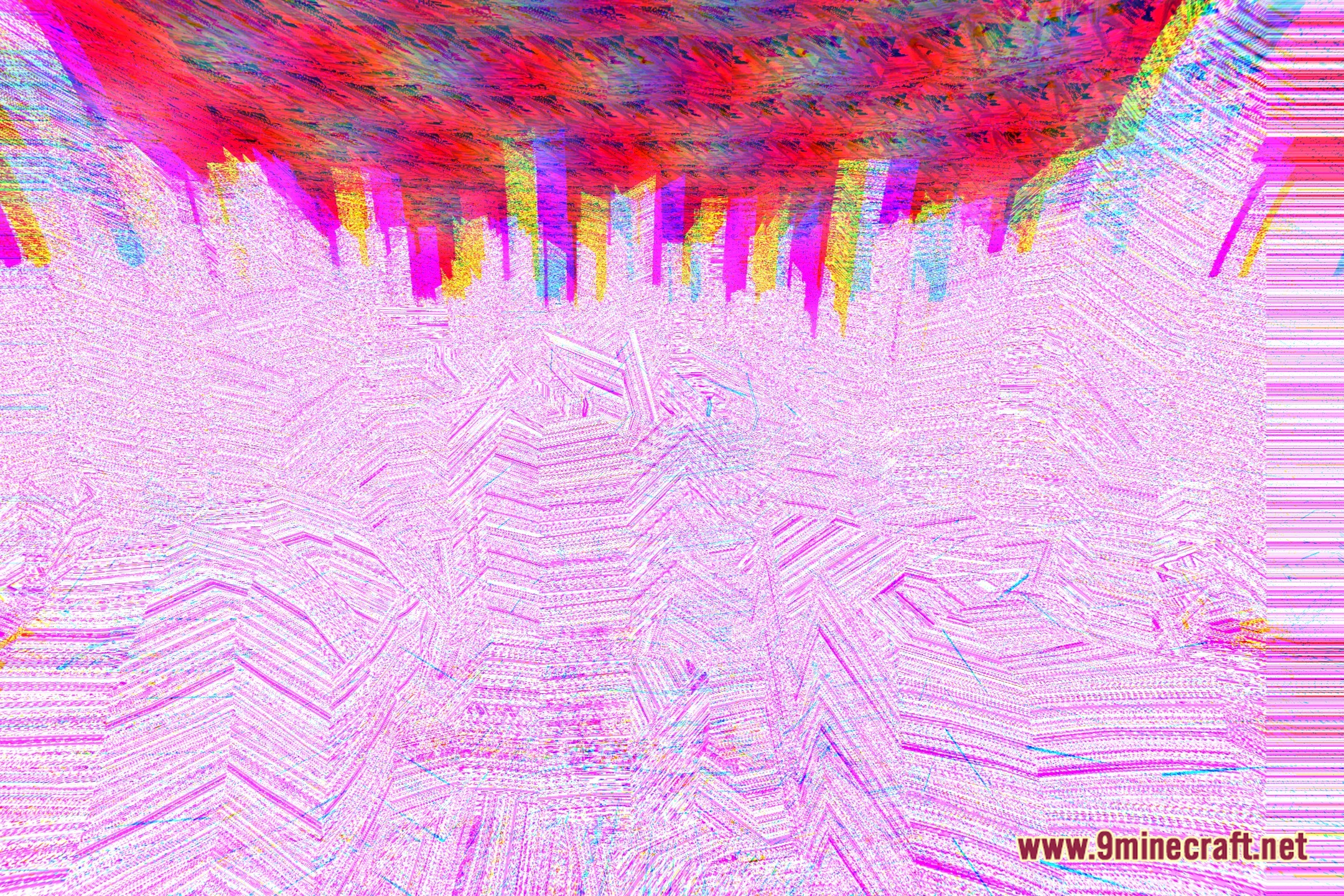
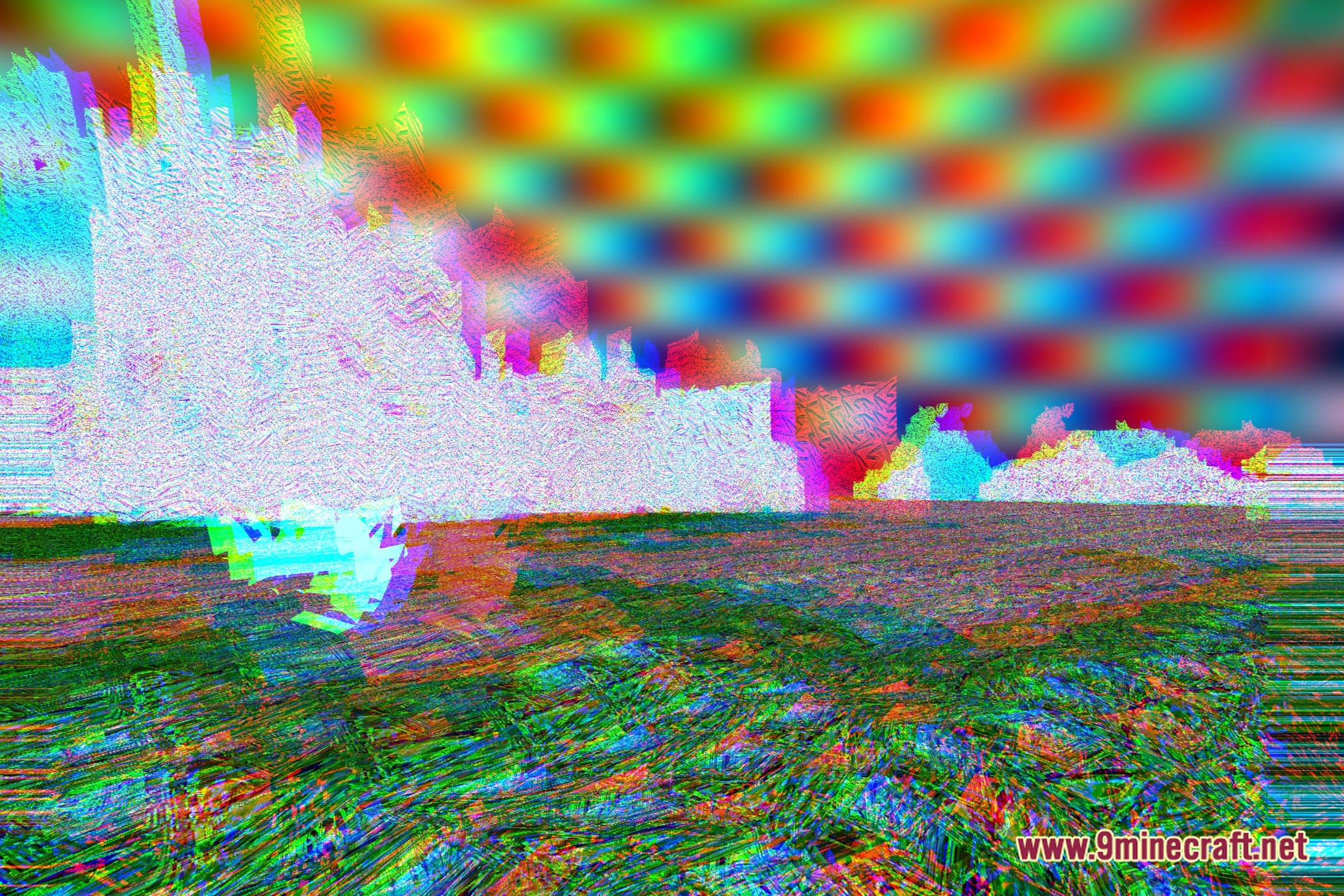
DTM Shaders Download Links
- Edition: Minecraft Java
- File type: .zip (resource pack)
- Minecraft version listed: 1.20.1
- How to install: Download the .zip resource pack — do not unzip it. → Put it in .minecraft/resourcepacks. → Enable it in Options → Resource Packs.
- Where to get it: Opens on the file's original source — not every file is mirrored on our own servers.
Install steps are the general flow for this file type — see the MC Java Mods guides for the full walkthrough.
DTM Shaders (26.3, 1.20.1) – Bold Cartoon Visuals and Colored Lighting is a free Minecraft Java shader. Compatible with Minecraft 1.20.1. Download it and open it directly in the game.