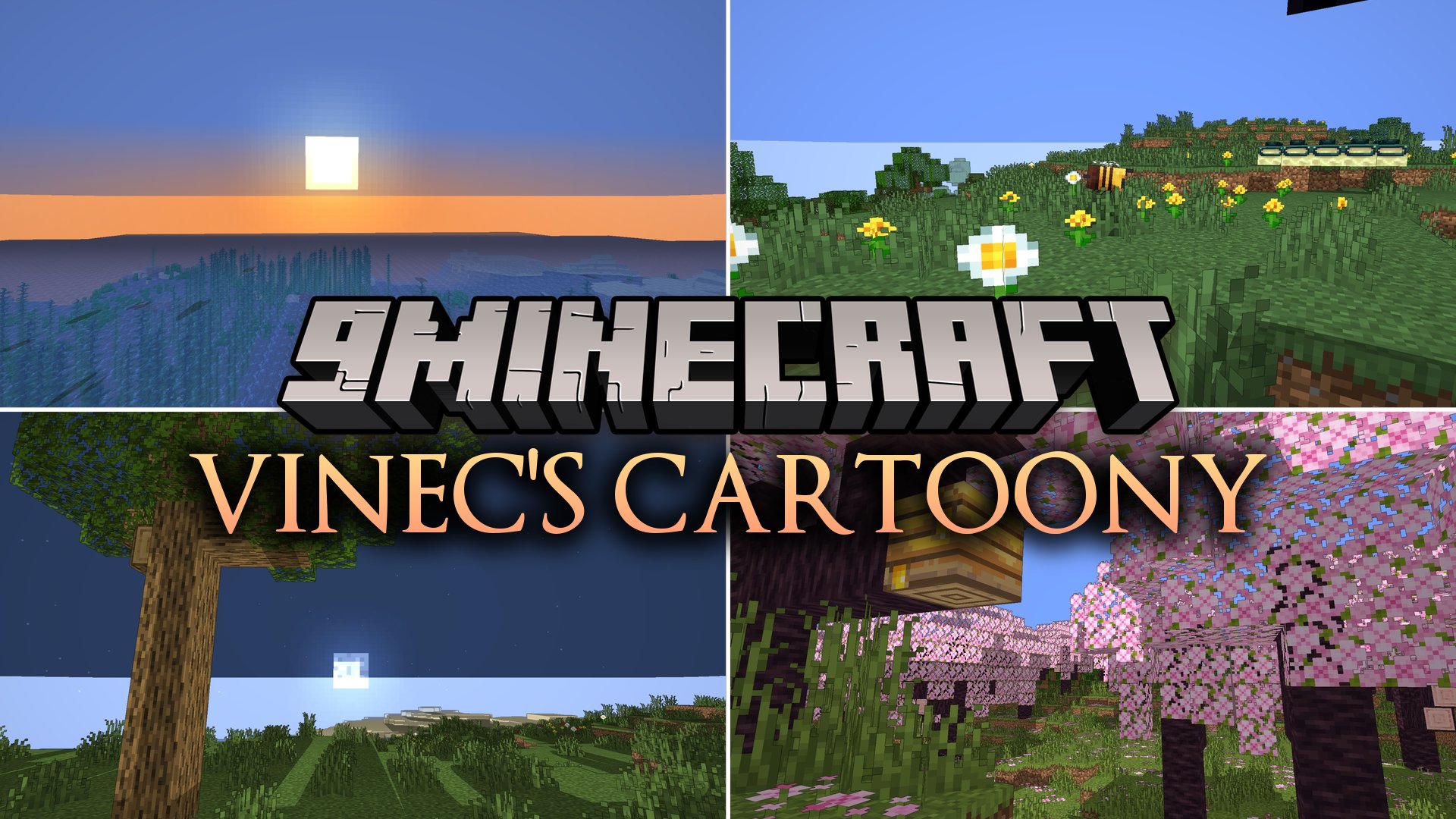
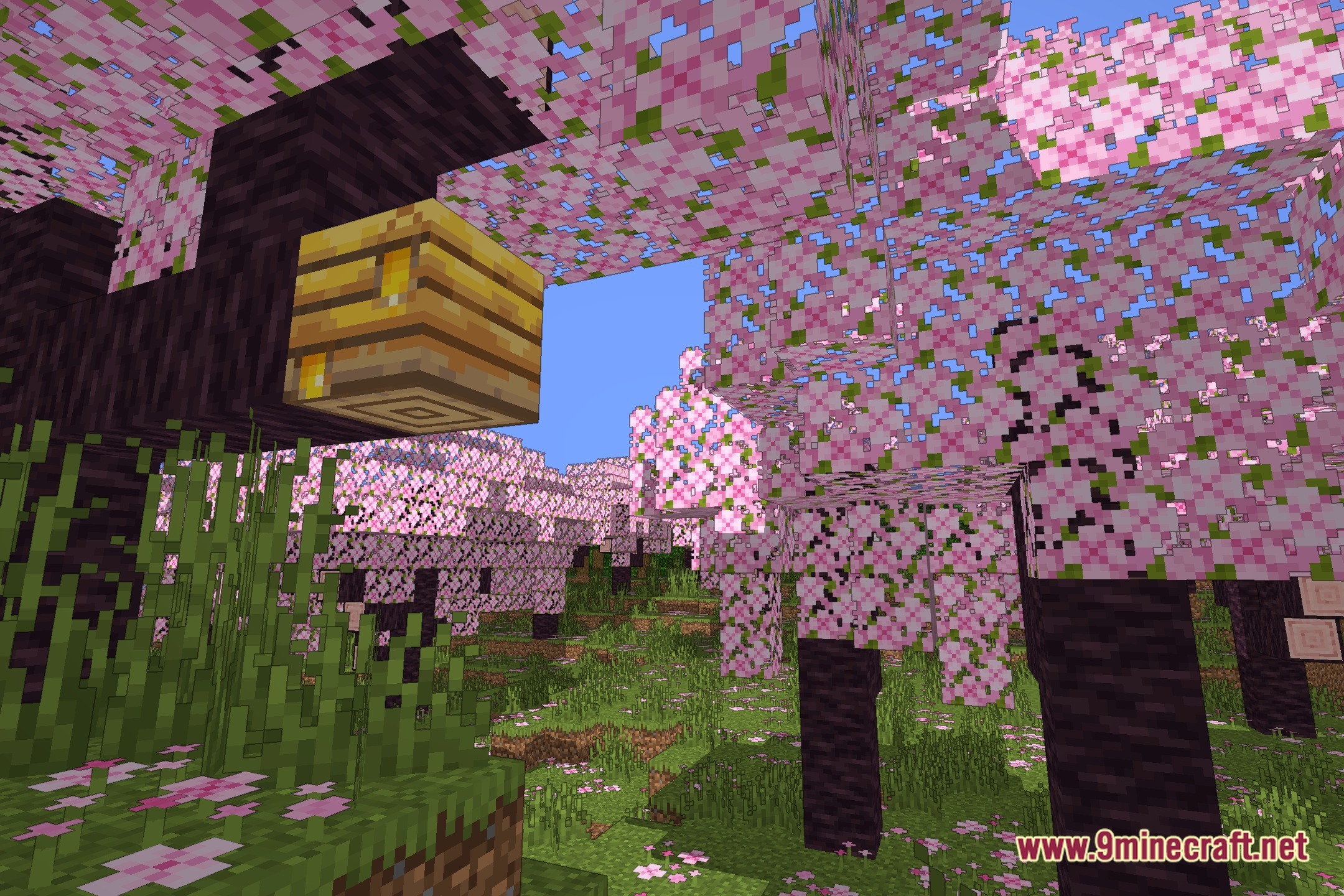
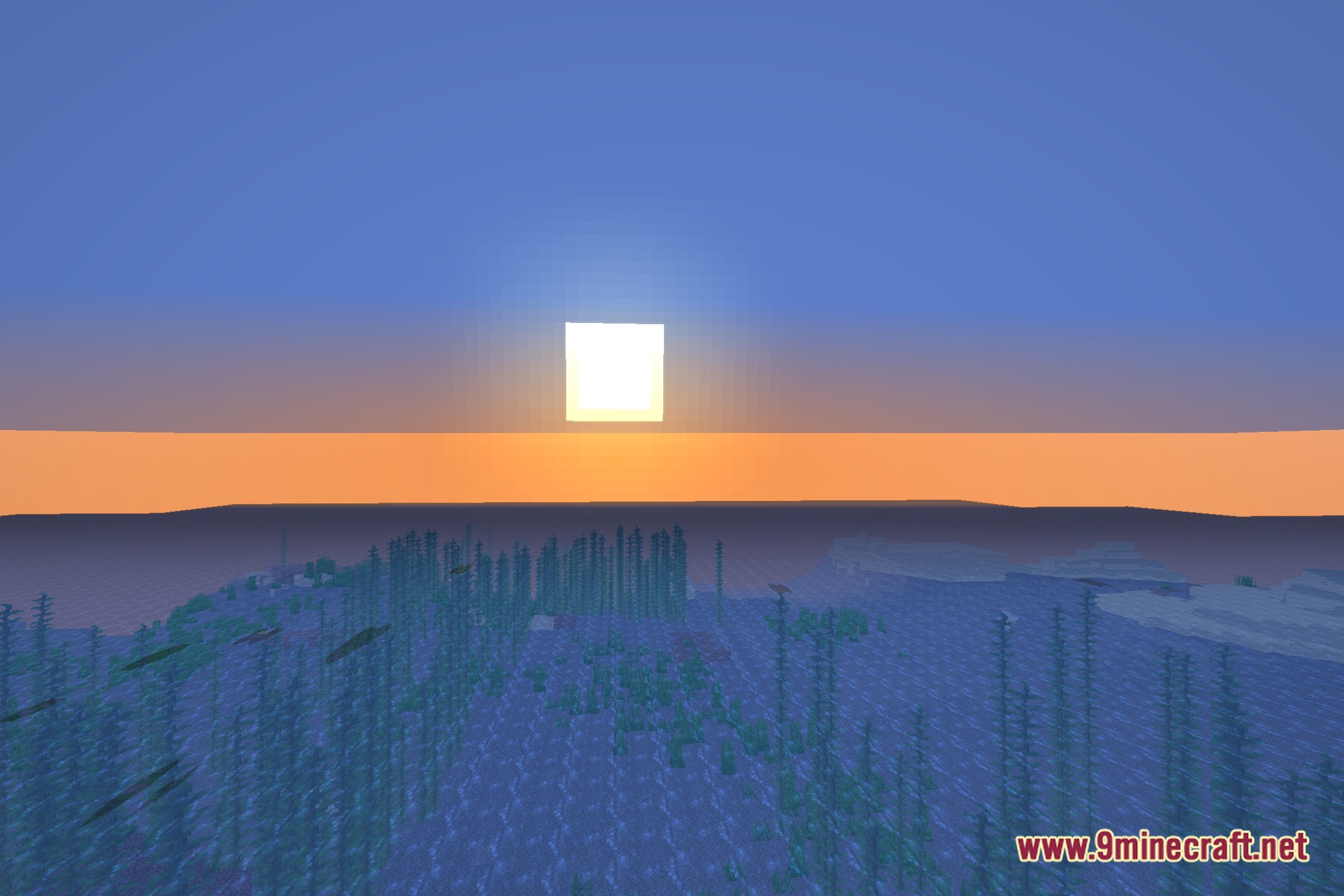
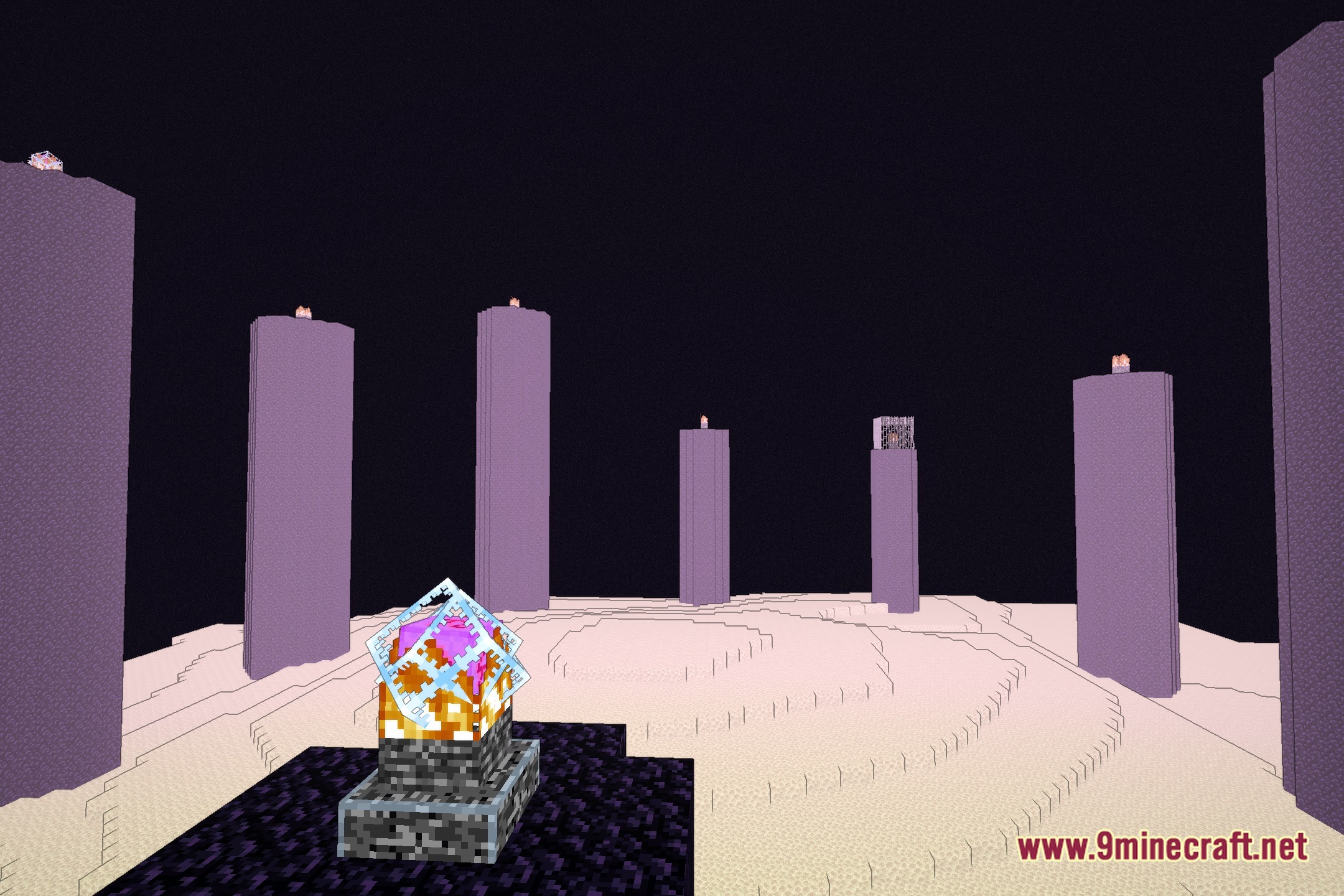
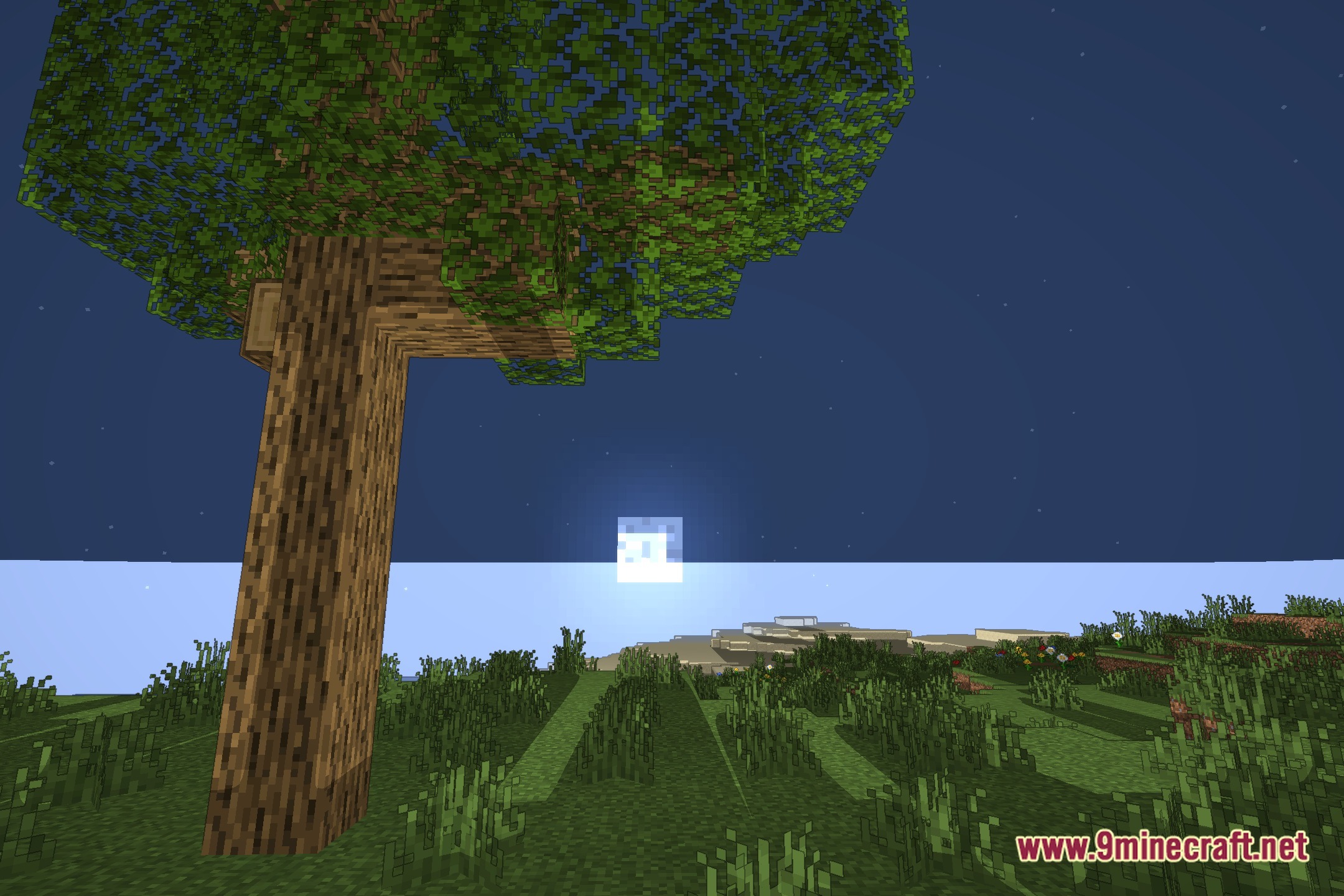
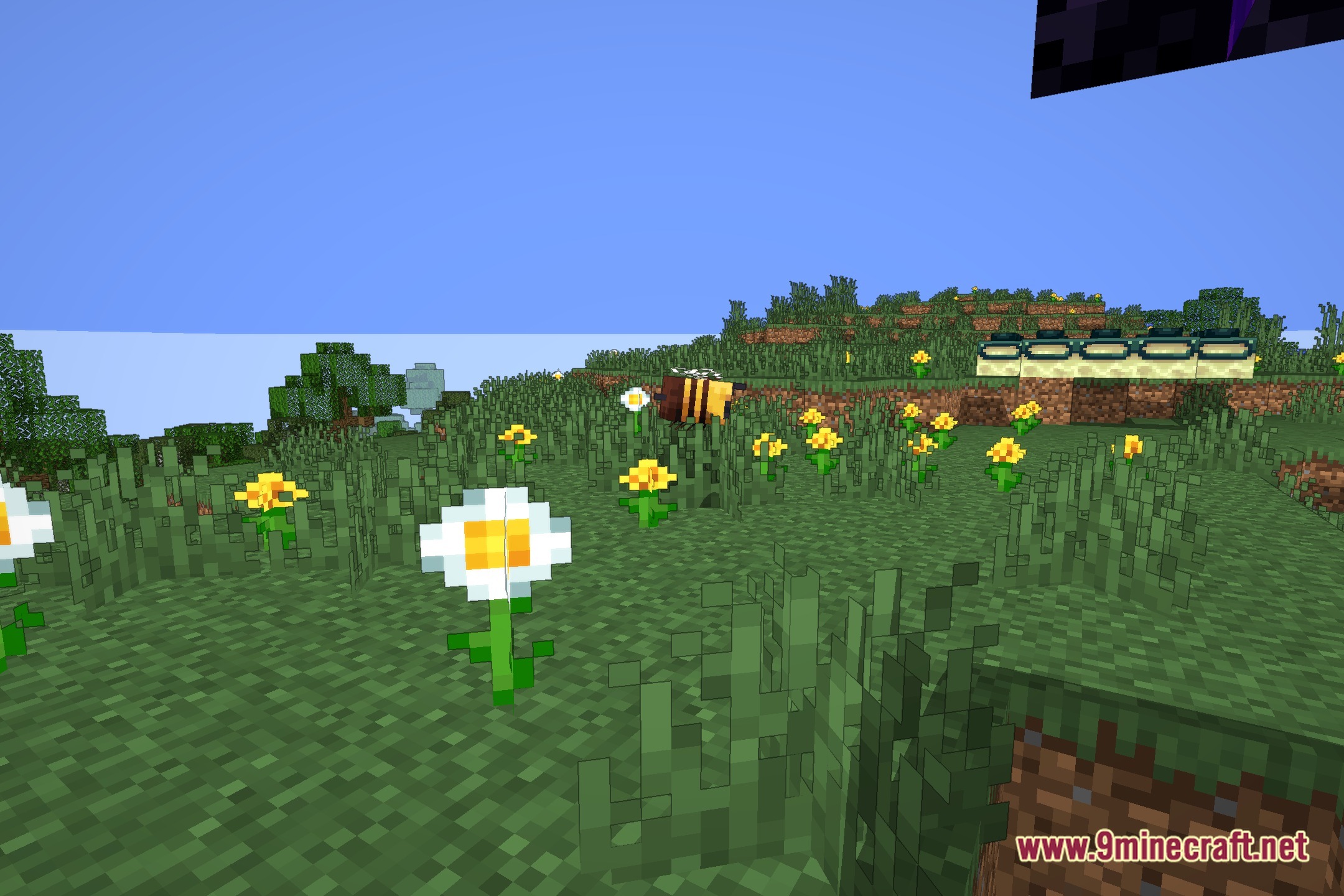
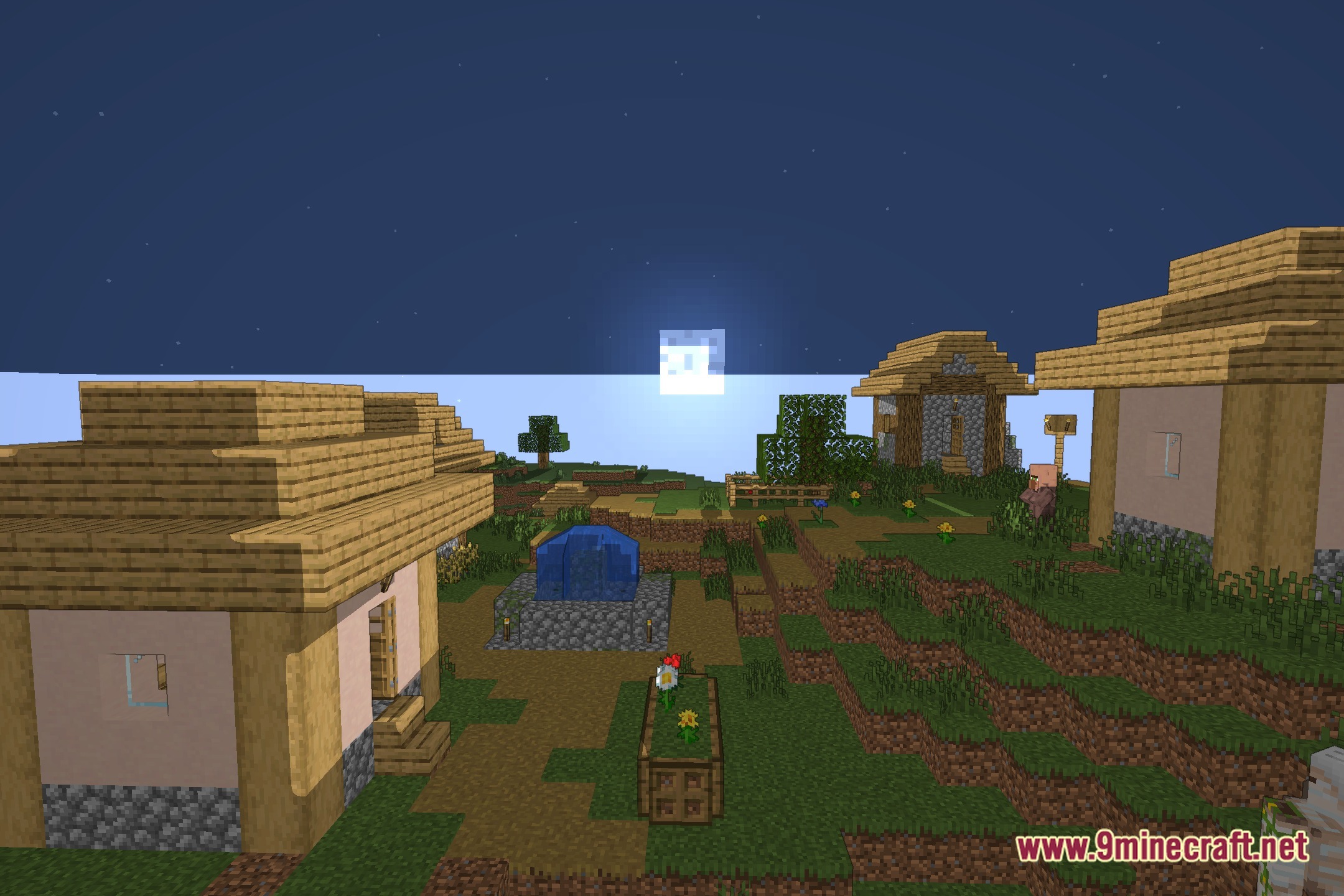
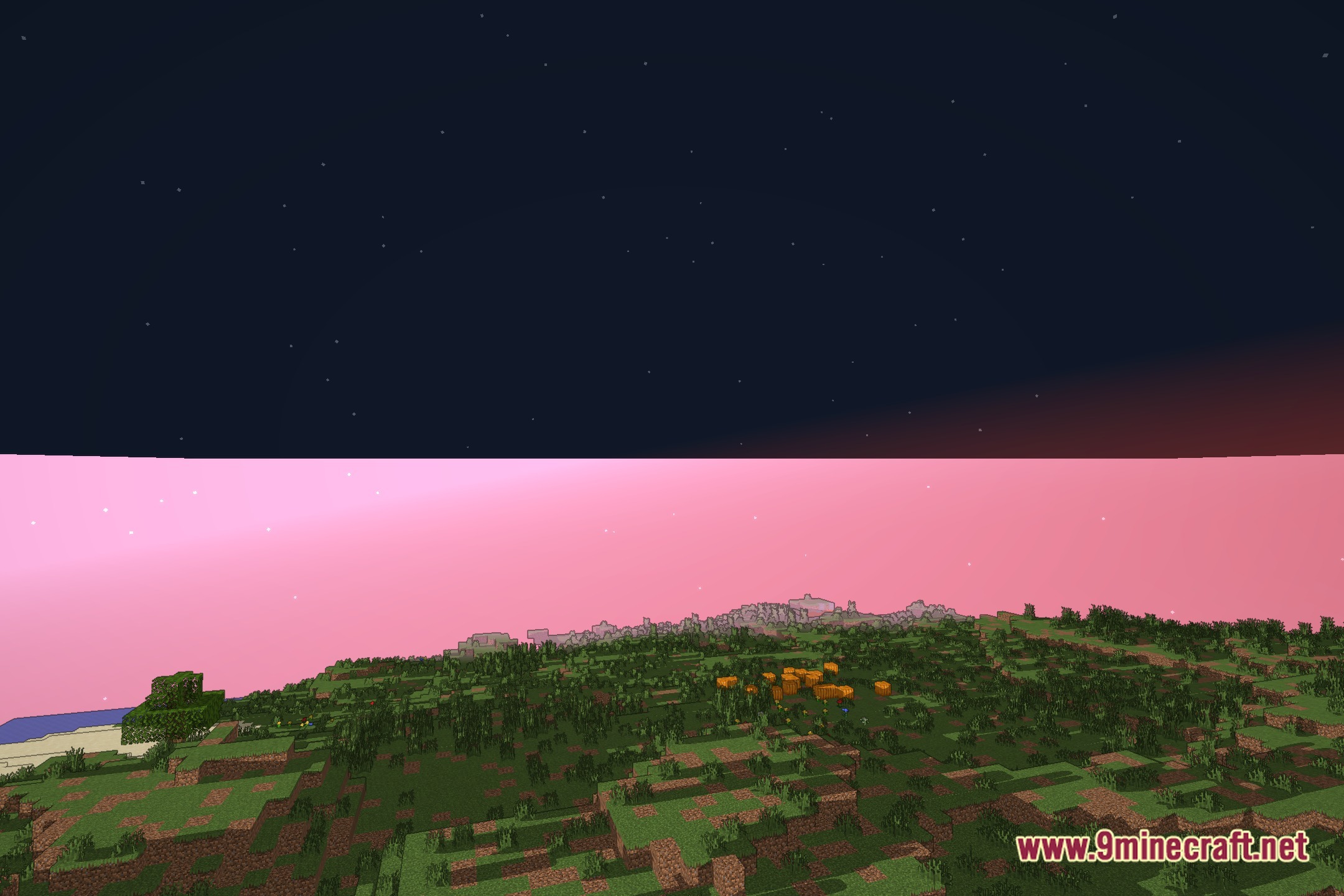
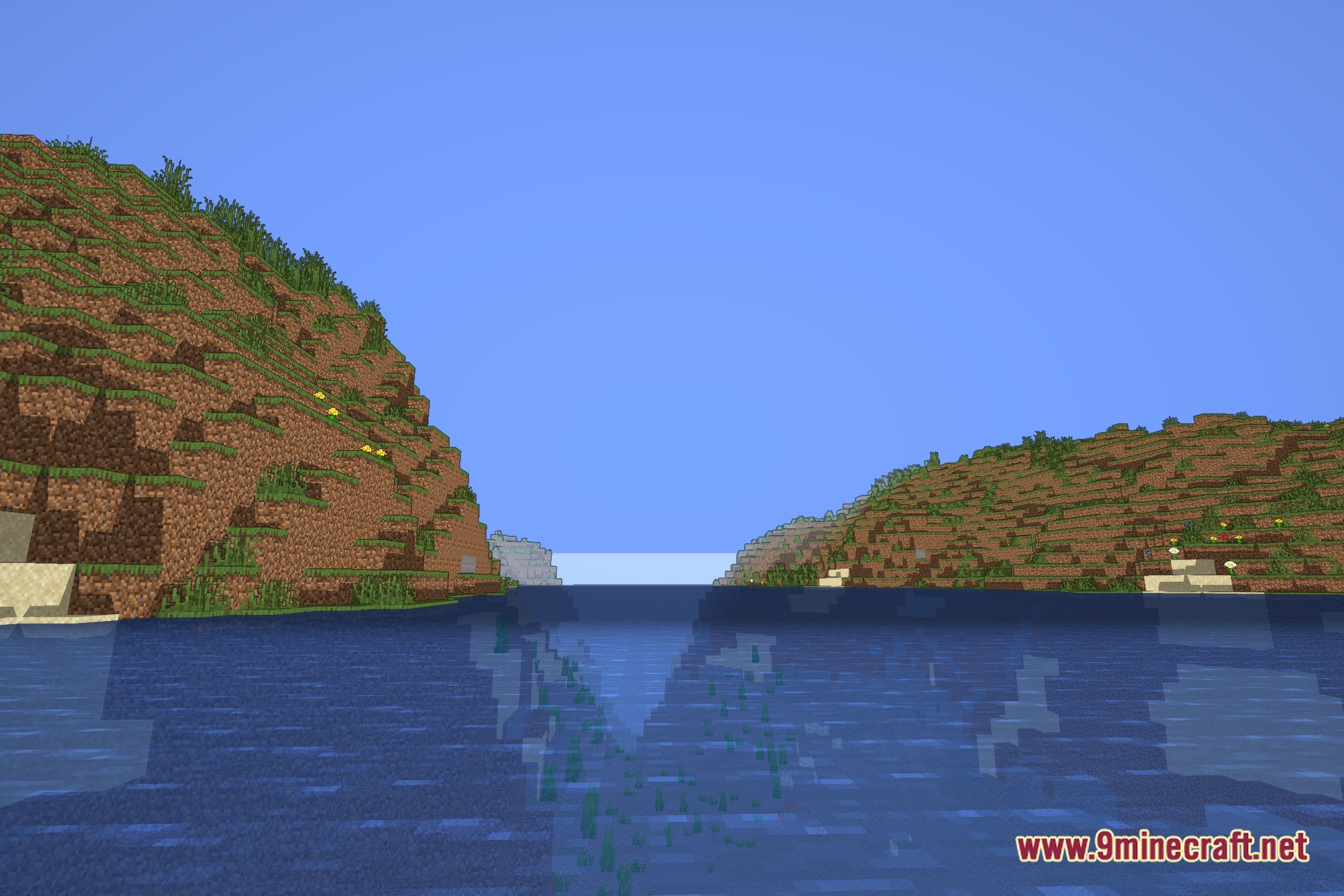
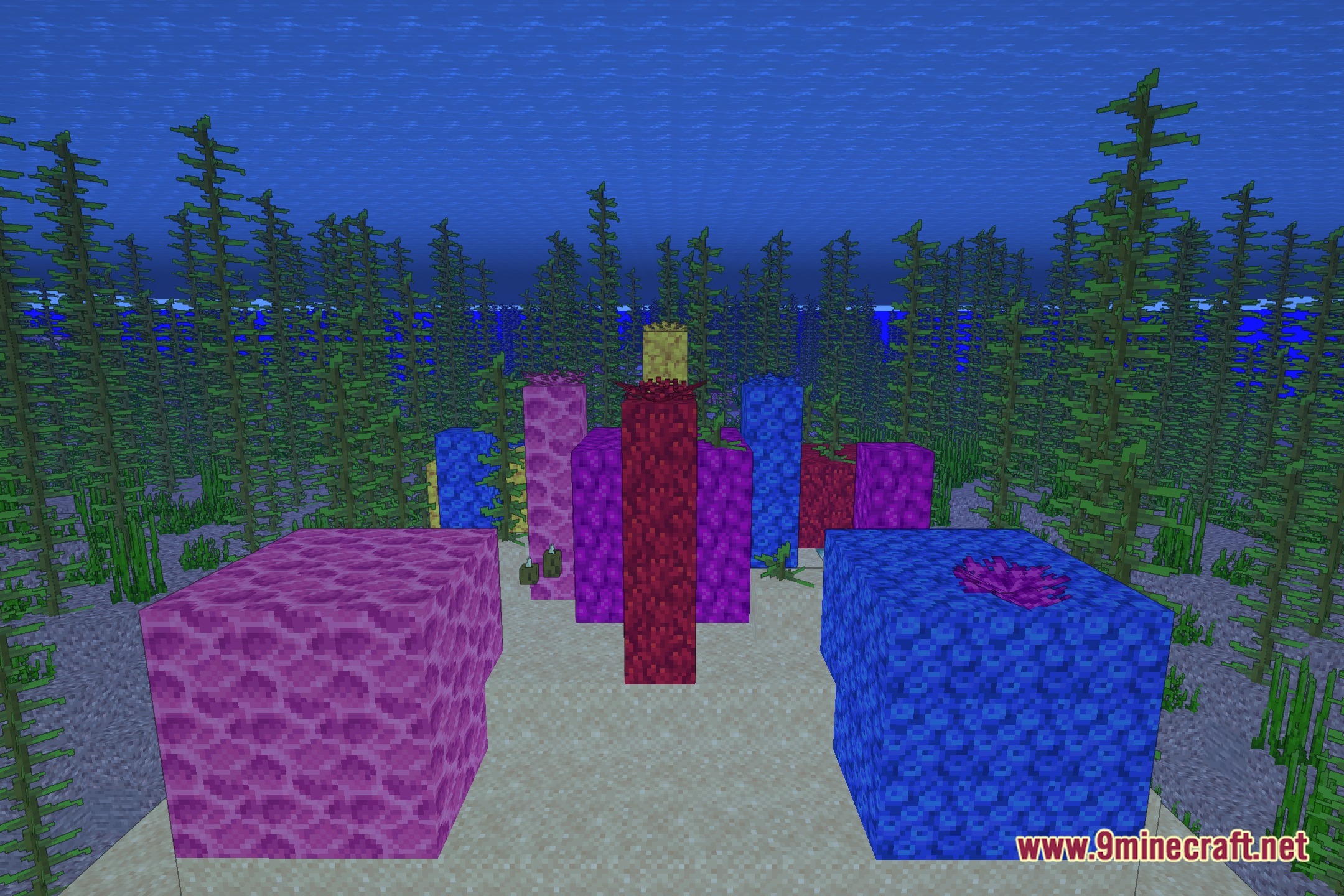
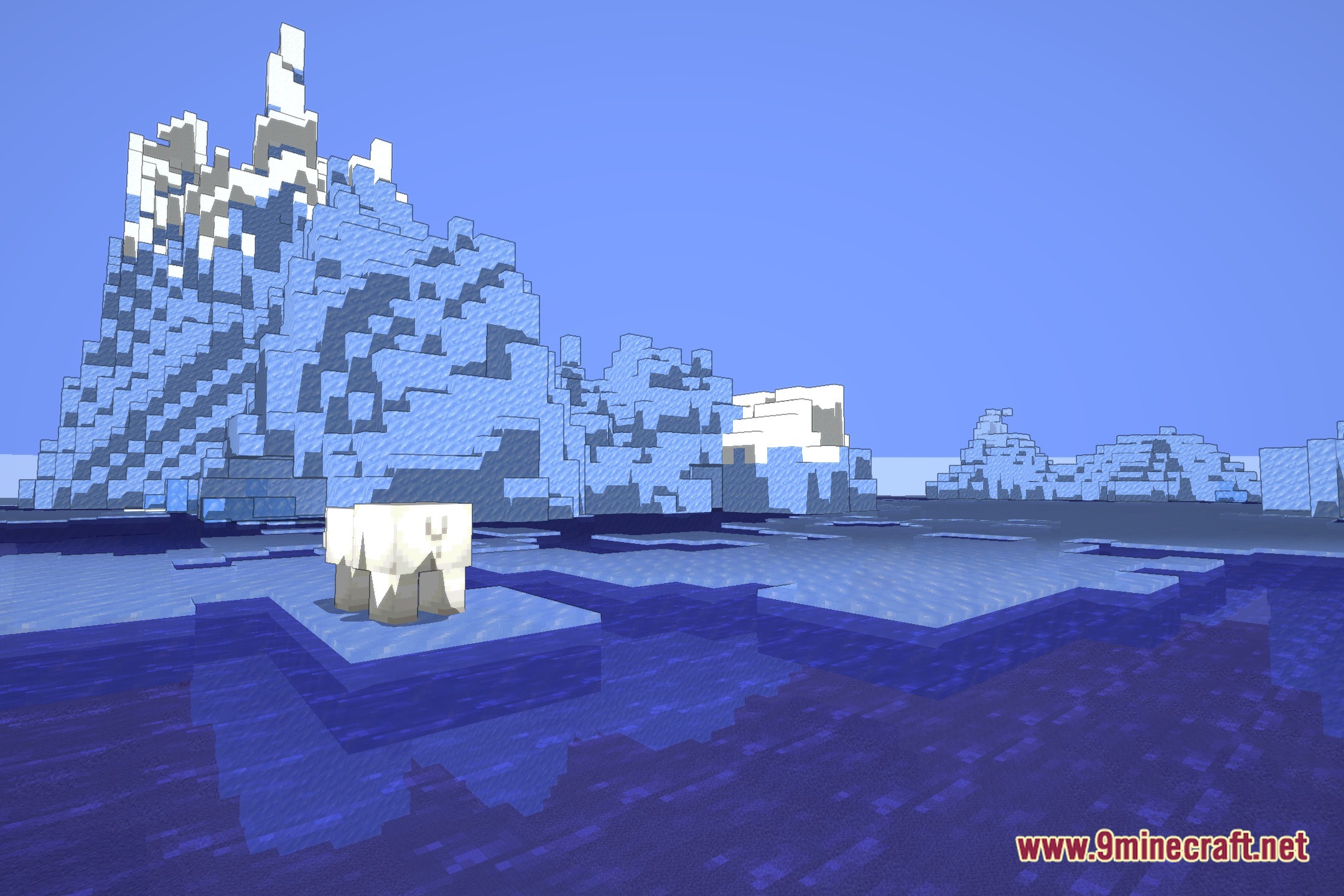
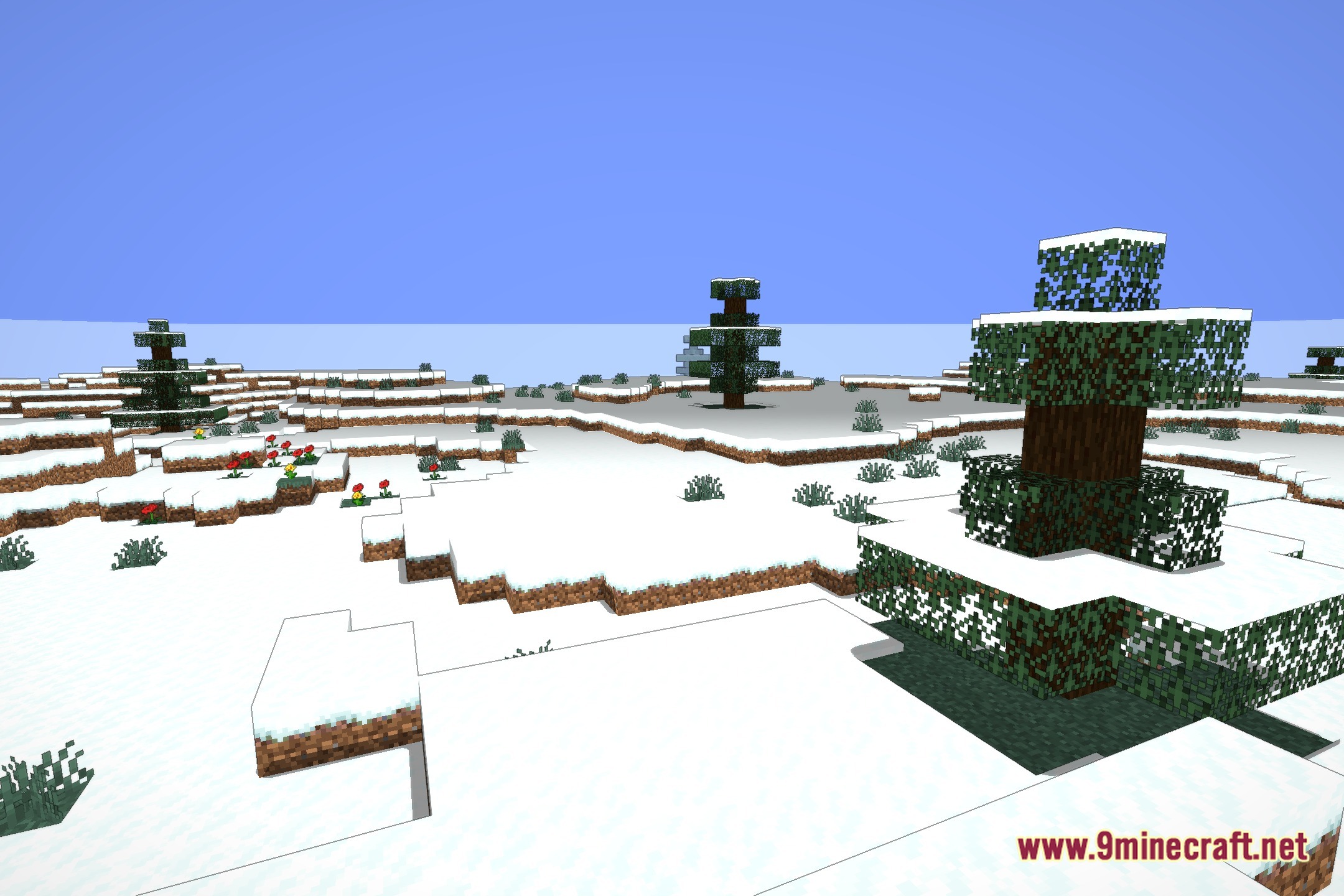
VineC’s Cartoony Shaders gives the game world a clean and playful look by adding bold outlines to every object. This shader keeps the classic blocky look intact while adjusting light levels to make blocks, mobs, and items pop on your screen. Exploring landscapes feels like walking inside an animated comic book without losing the familiar Minecraft style.
Features:
- Adds crisp cartoon outlines around blocks, items, and mobs.
- Adjusts world lighting to match a bright animated visual style.
- Preserves the original blocky feel while making details stand out.
- Helps every structure and character pop against the background.
Screenshots:
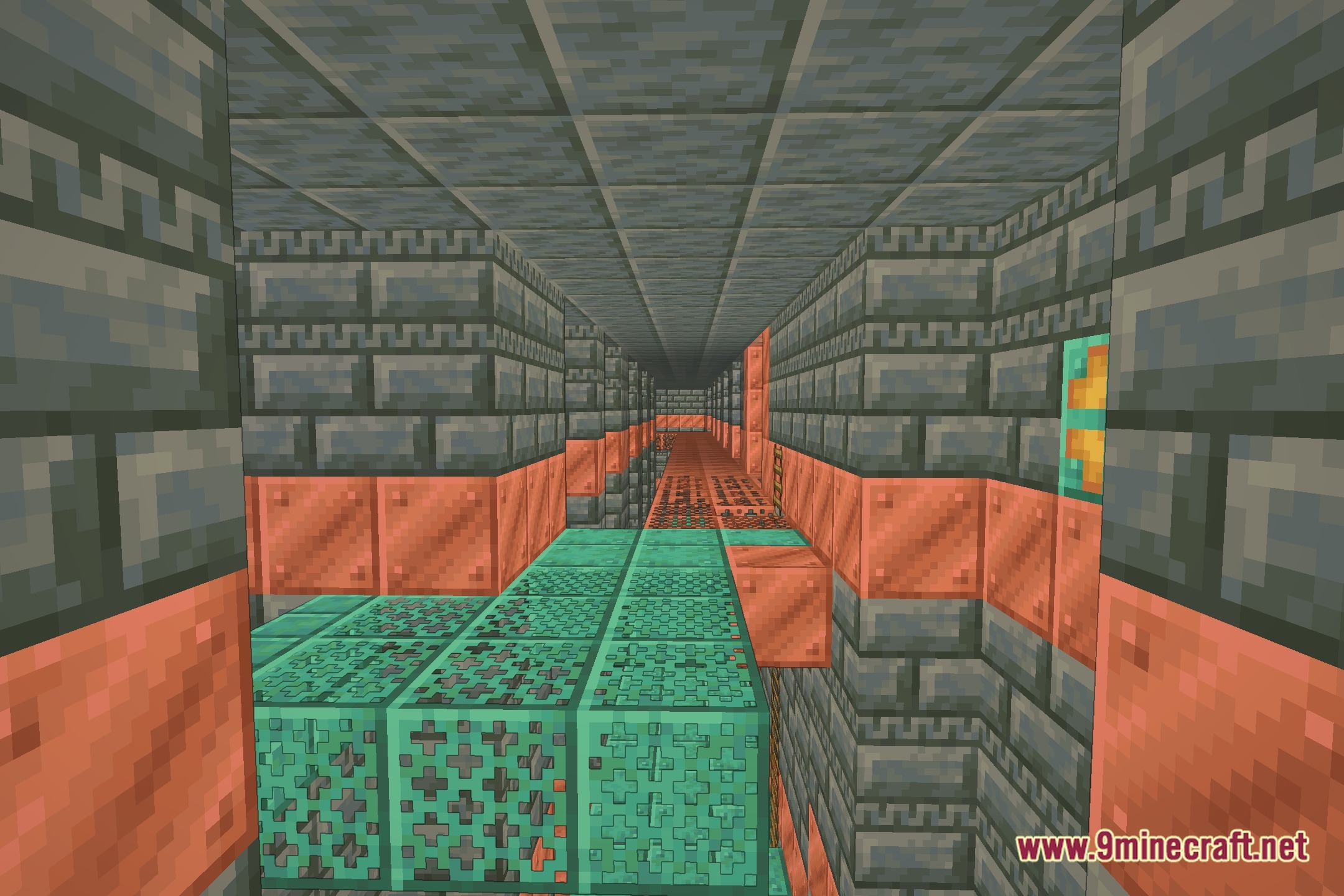
VineC’s Cartoony Shaders Download Links
Quick facts
- Edition: Minecraft Java
- File type: .zip (resource pack)
- Minecraft version listed: 1.20.1
- How to install: Download the .zip resource pack — do not unzip it. → Put it in .minecraft/resourcepacks. → Enable it in Options → Resource Packs.
- Where to get it: Opens on the file's original source — not every file is mirrored on our own servers.
Install steps are the general flow for this file type — see the MC Java Mods guides for the full walkthrough.
VineC's Cartoony Shaders (26.3, 1.20.1) – Bold Cartoon Outlines and Lighting is a free Minecraft Java shader. Compatible with Minecraft 1.20.1. Download it and open it directly in the game.