
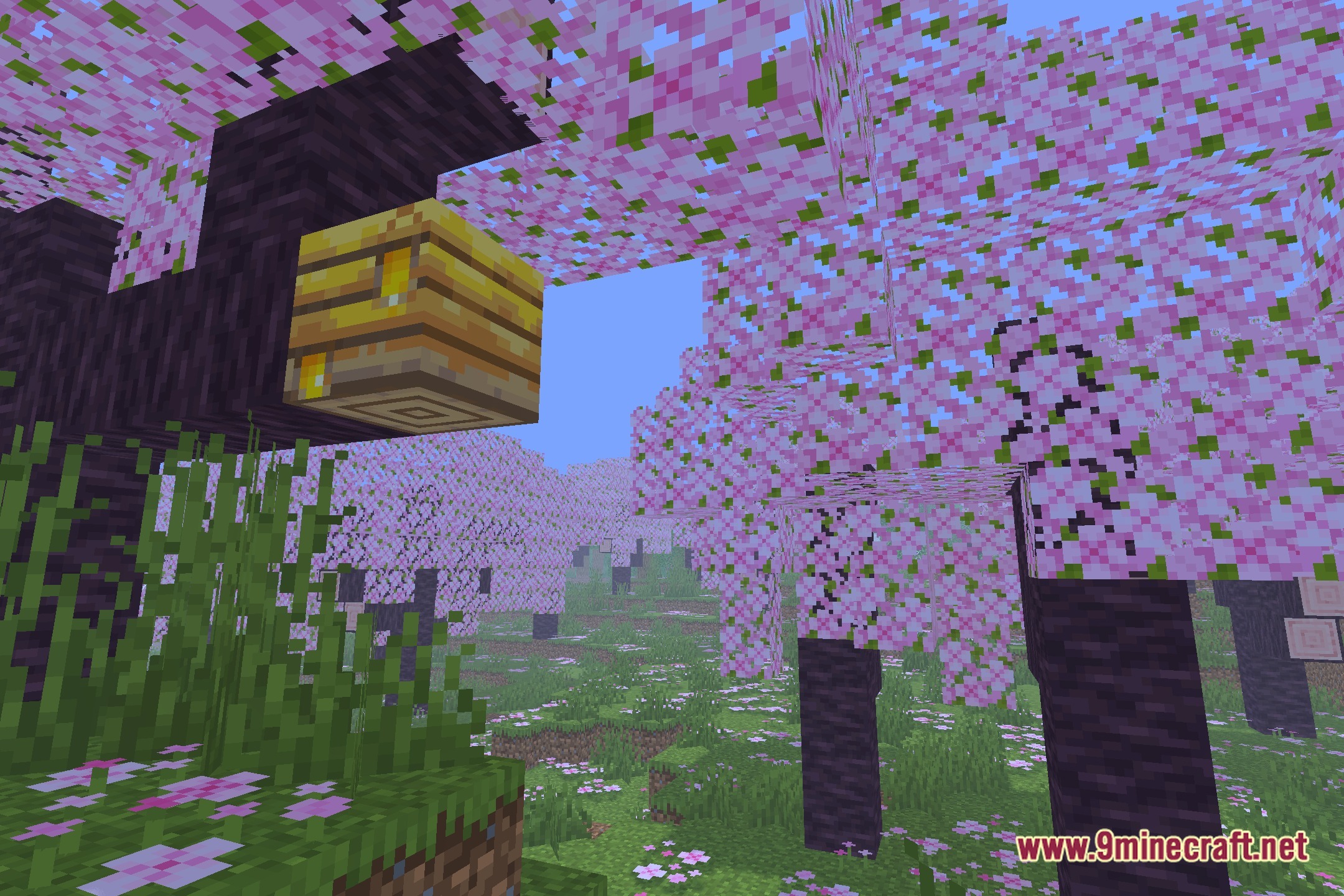
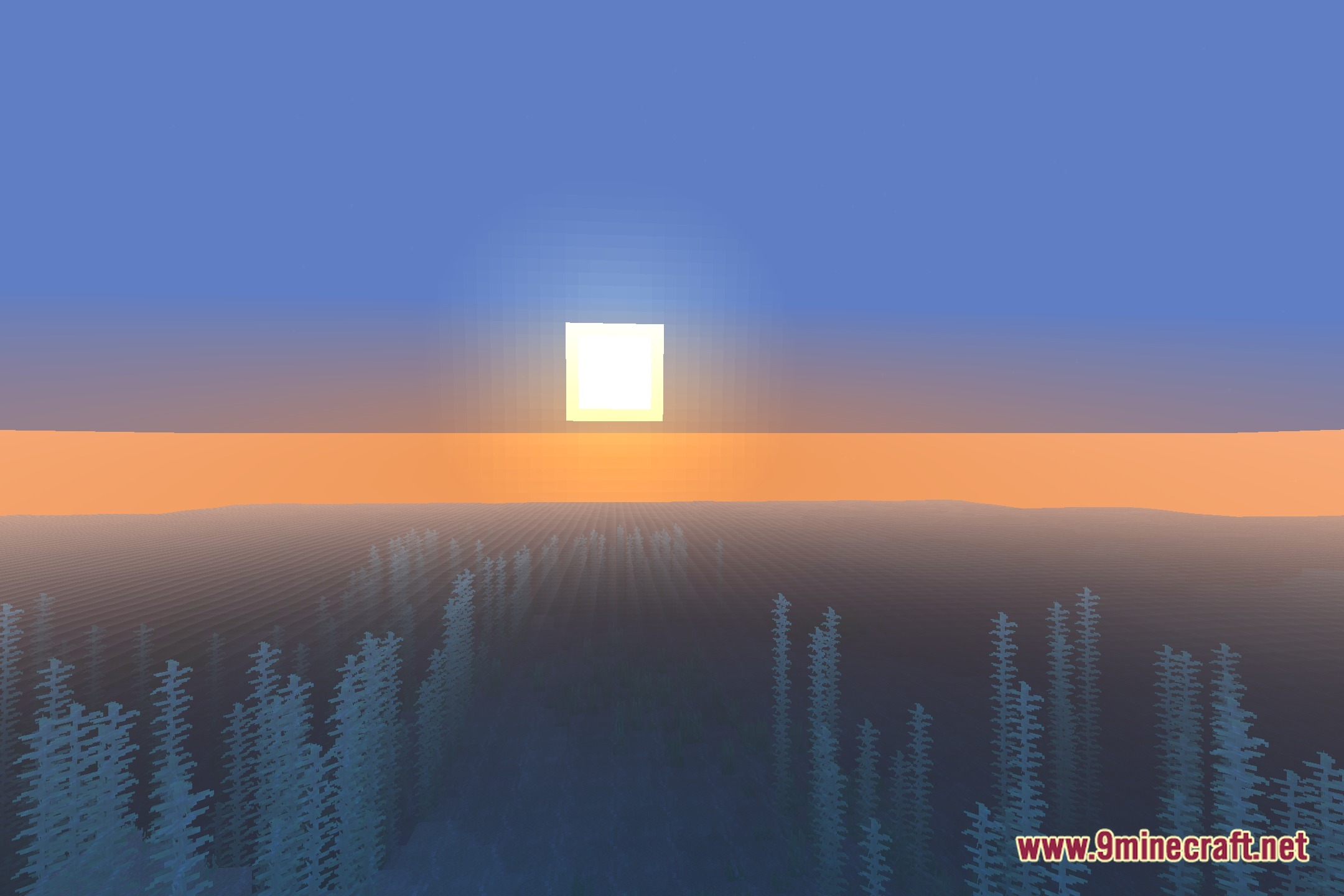
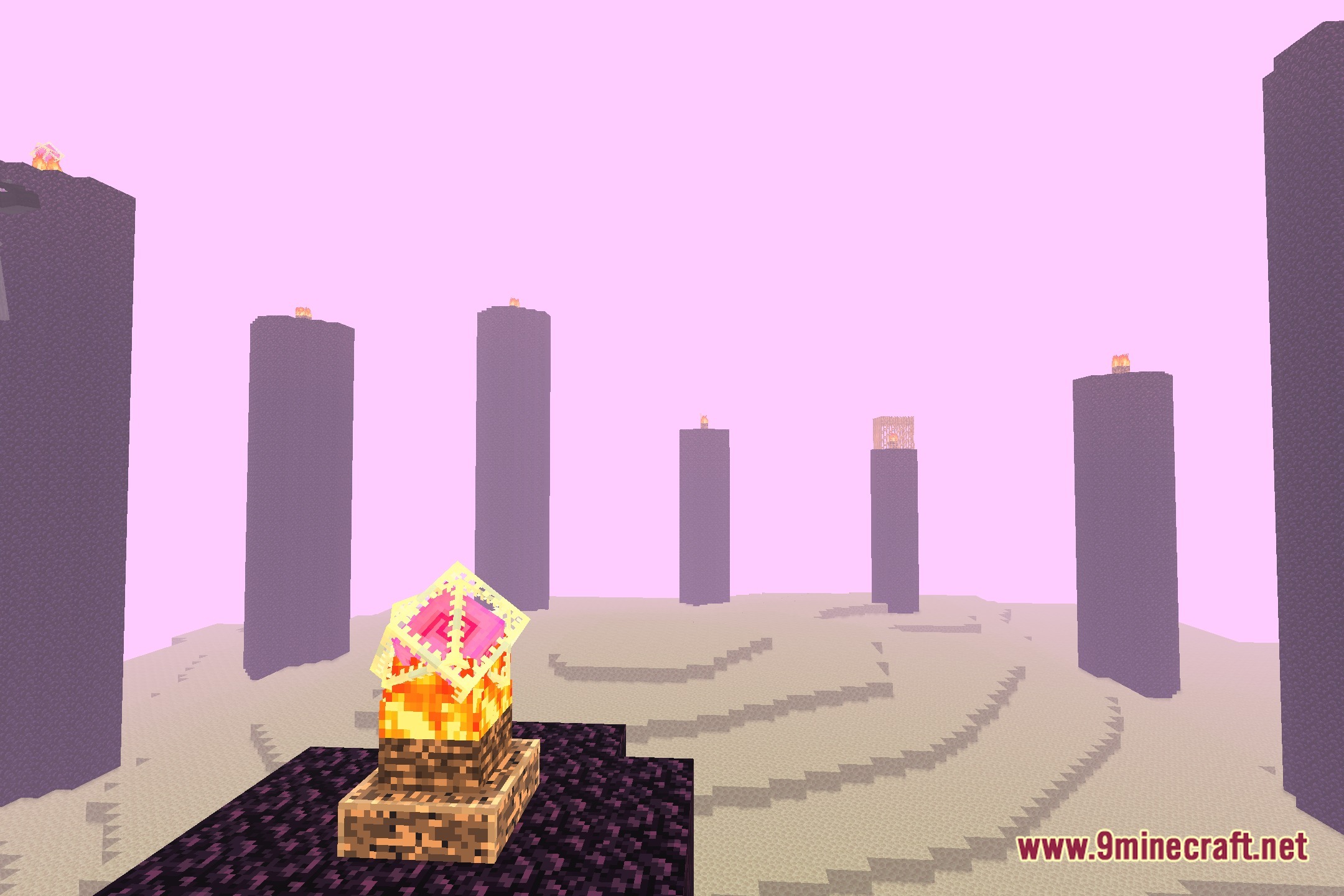
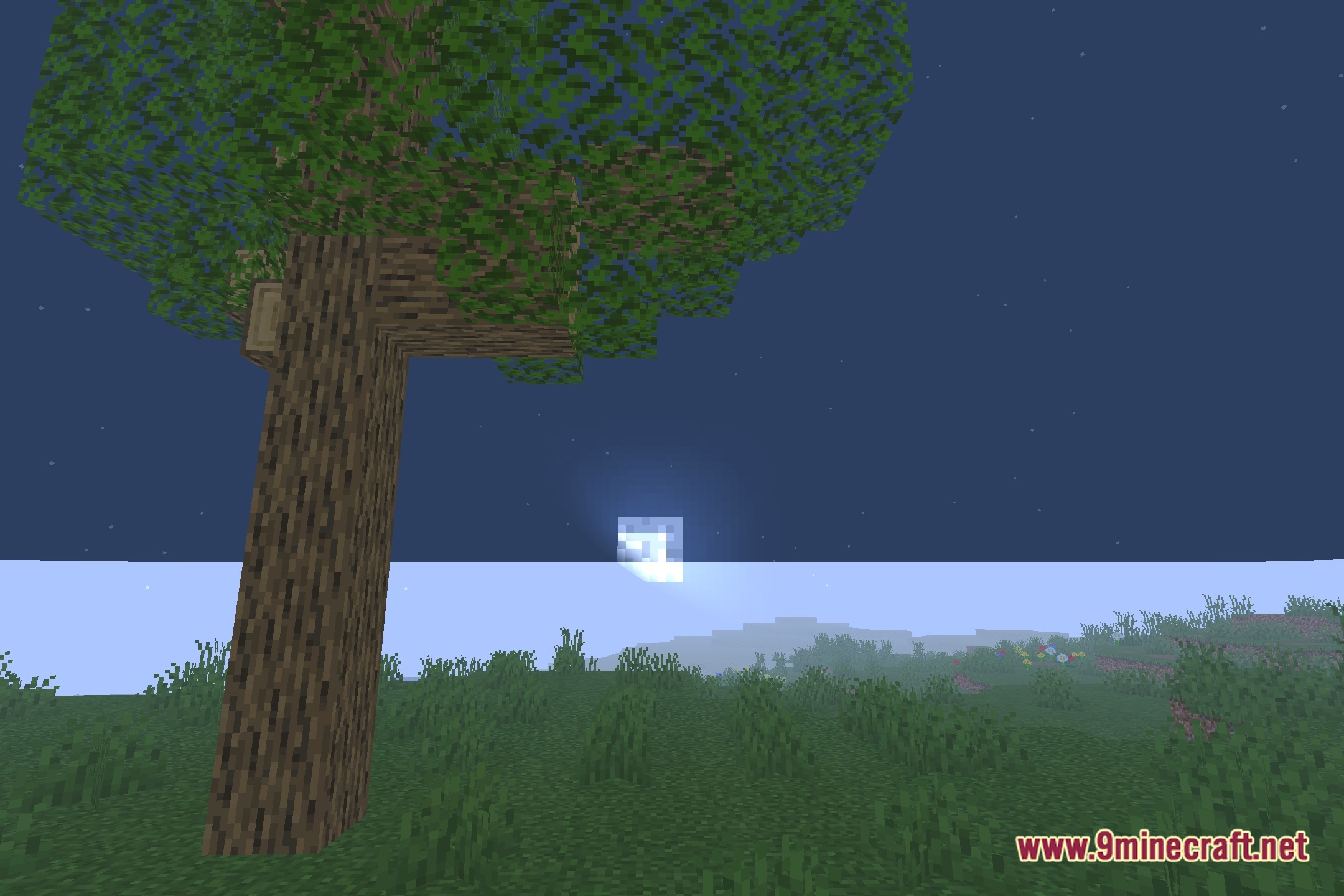
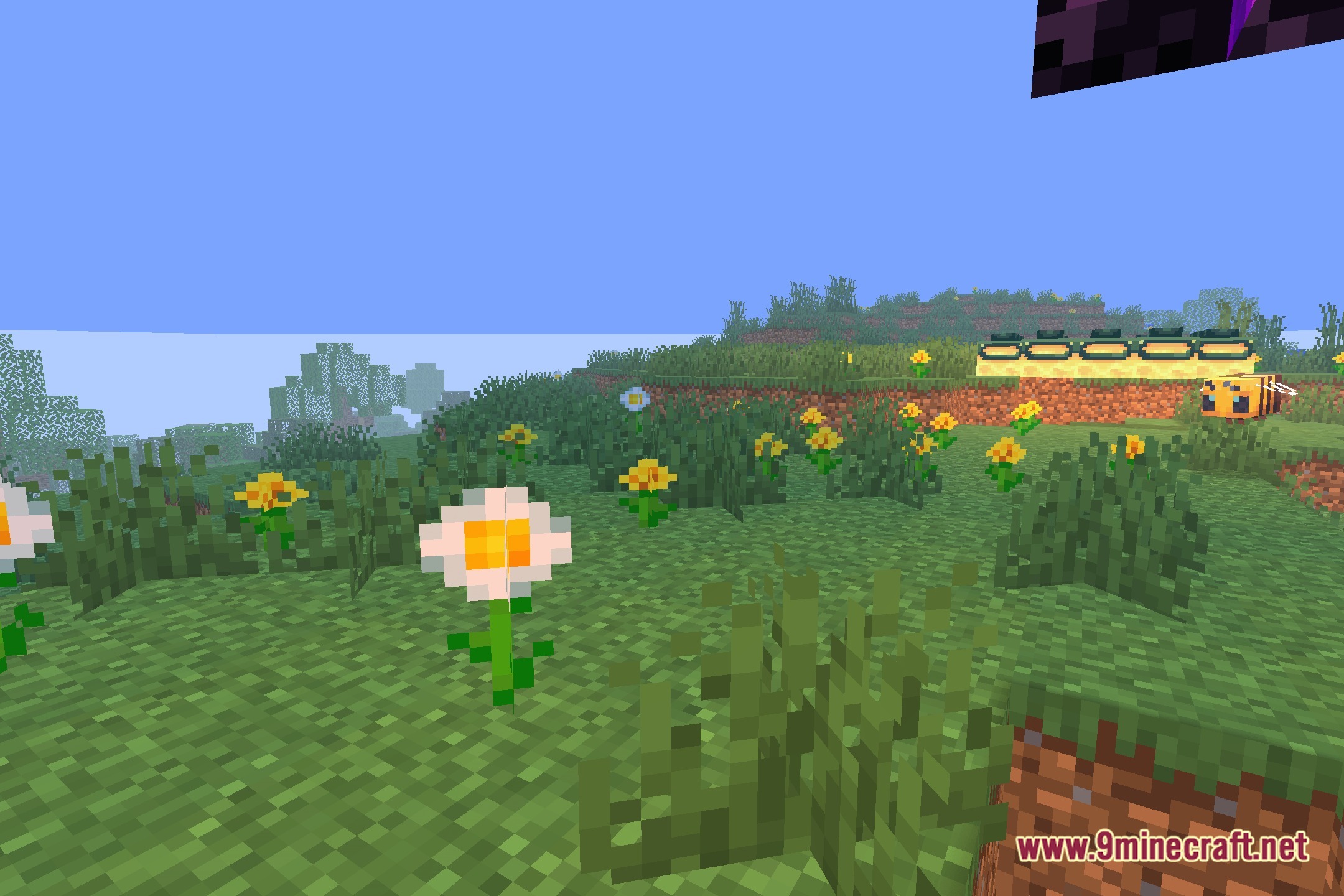

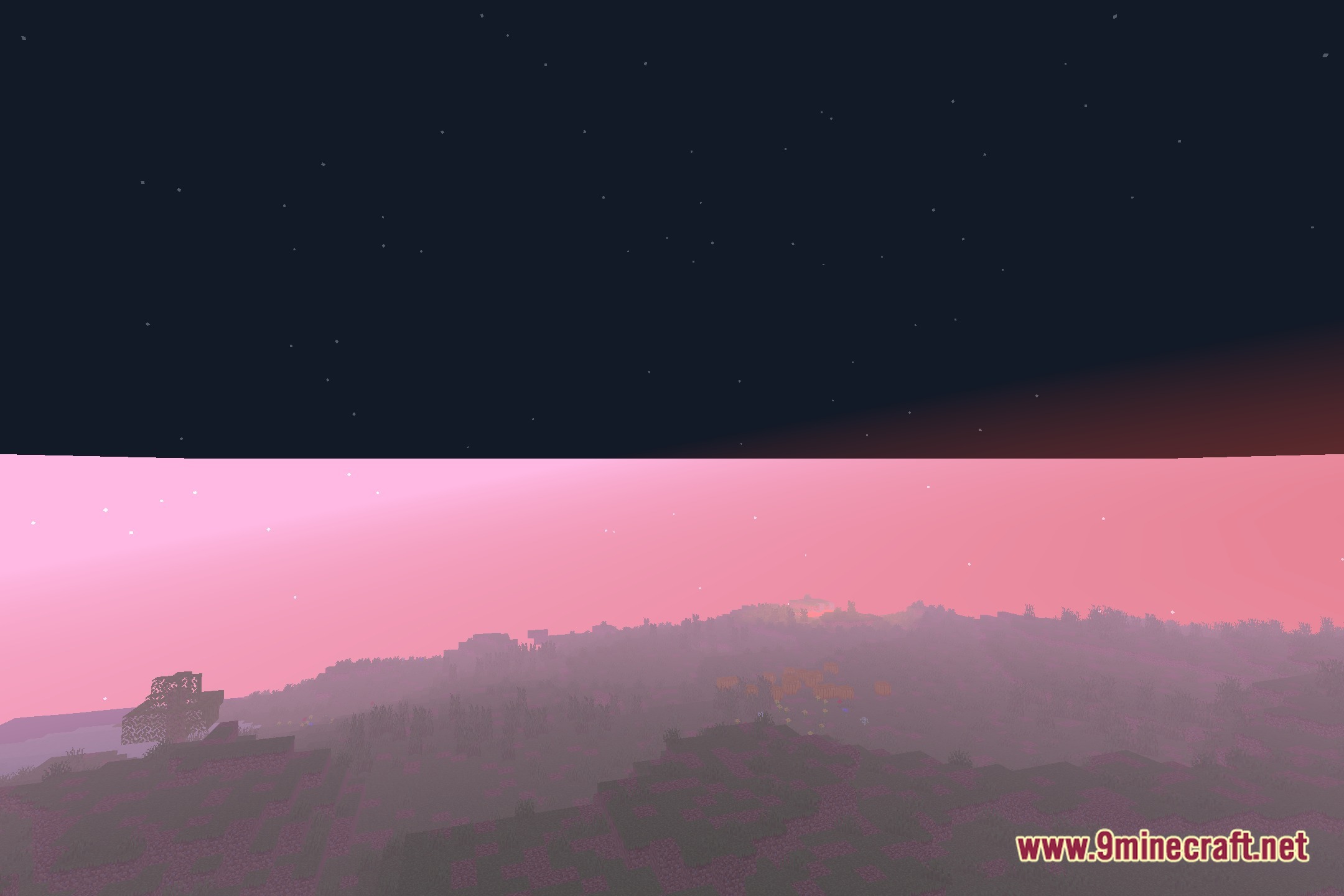
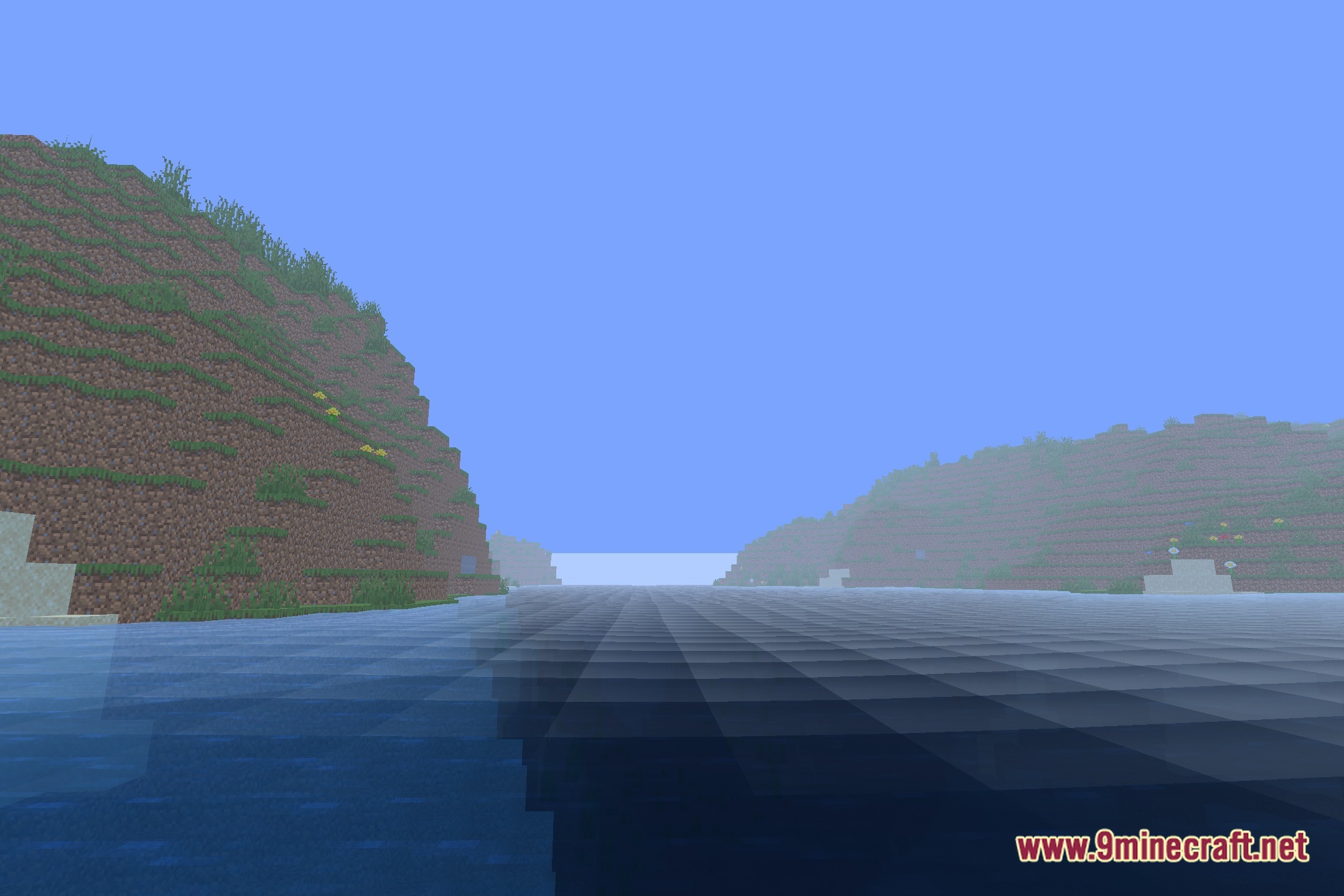
AlooShaders lights up your Minecraft world with clean lighting and balanced shadows. This shader pack alters standard visuals to give your surroundings a brighter and clearer look. It changes the way sunlight and block lights interact with the terrain across different biomes. You get improved visual clarity during both day and night without losing the classic blocky aesthetic.
Features:
- Changes standard sun and moon lighting to create distinct day and night ambiances.
- Softens block shadows across terrain and player builds.
- Gives torches, lanterns, and glowstone blocks a warmer light color.
- Adjusts outdoor visibility so exploring caves and dark forests remains simple.
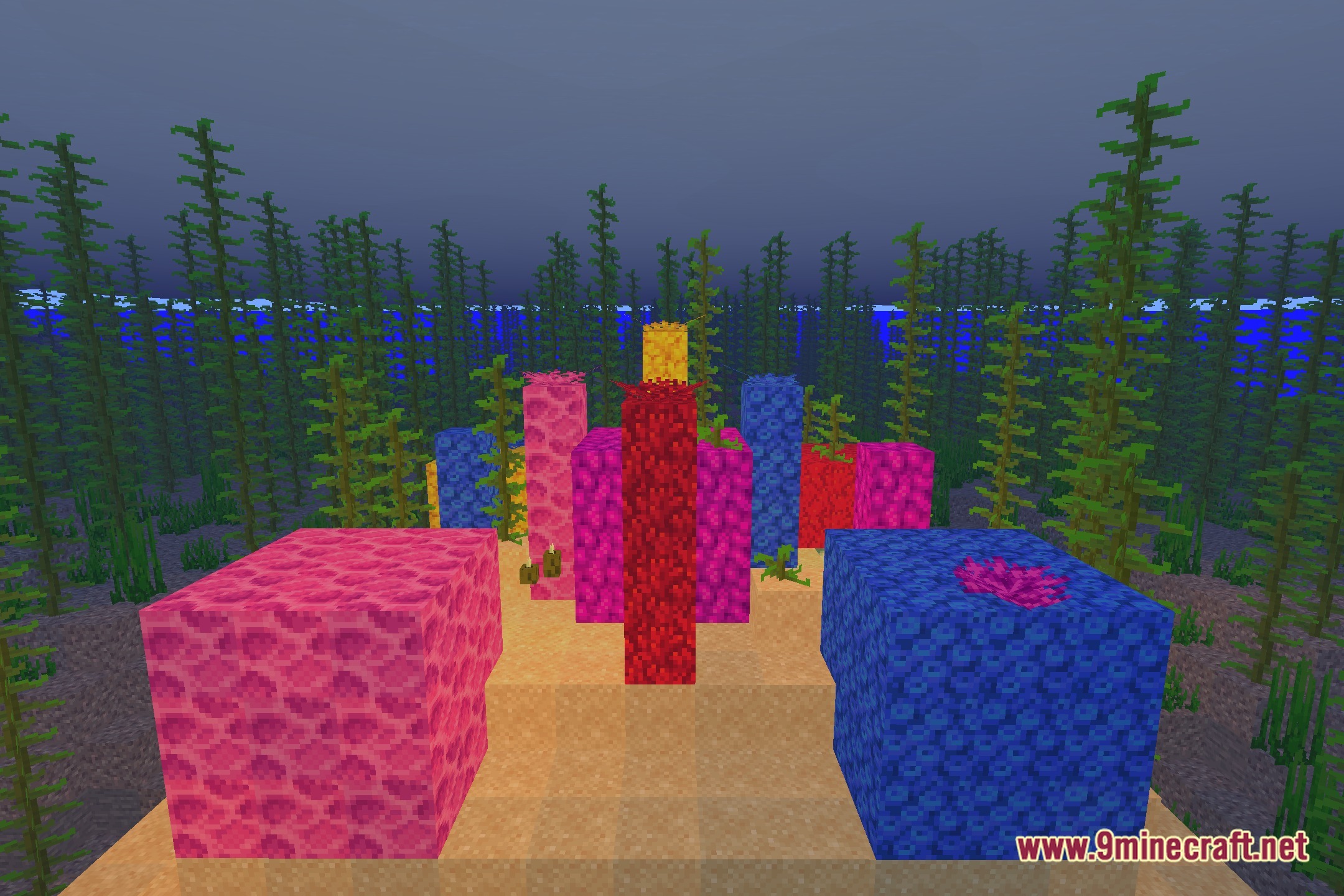
- Maintains the original block textures while adding smooth lighting effects.
Screenshots:
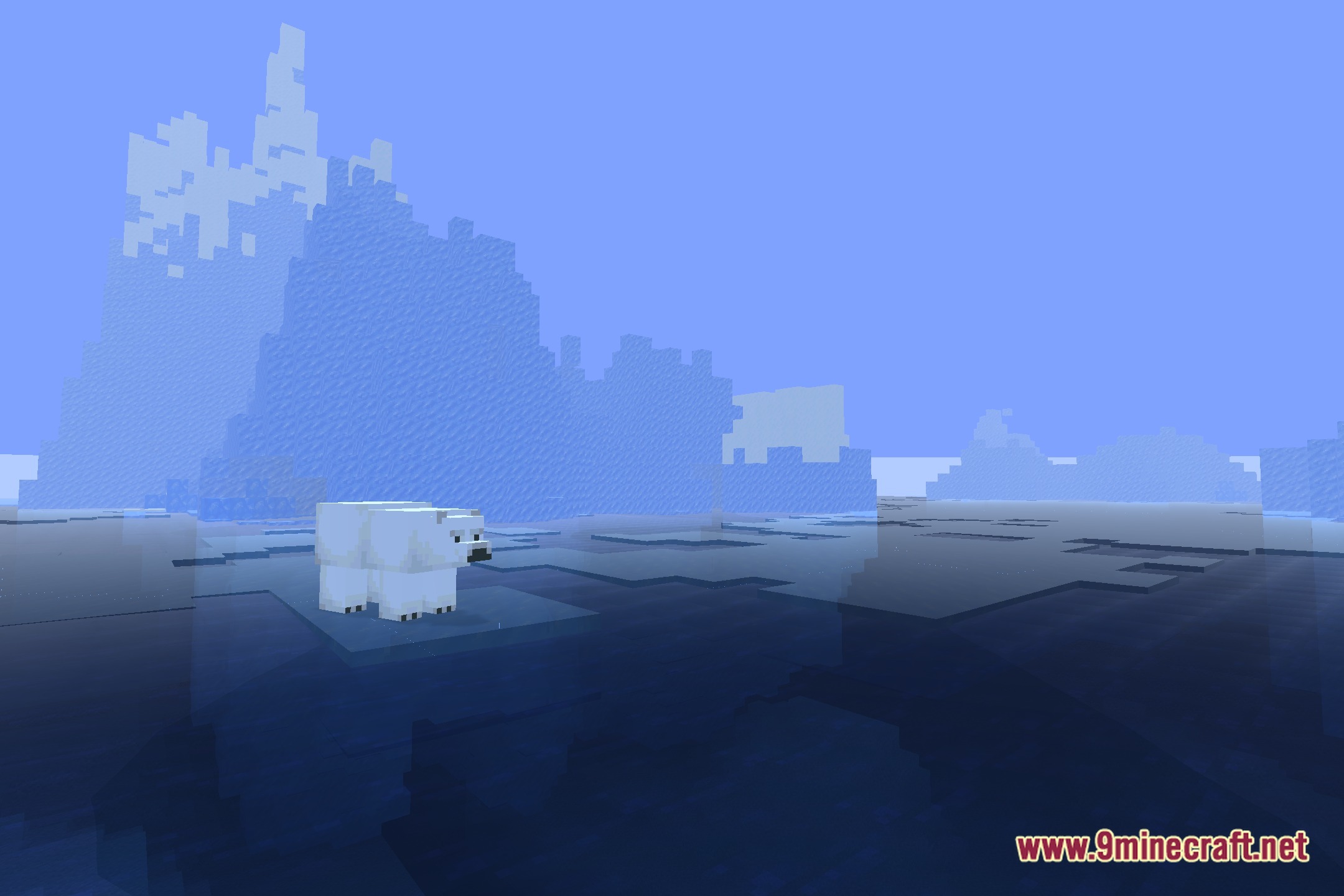
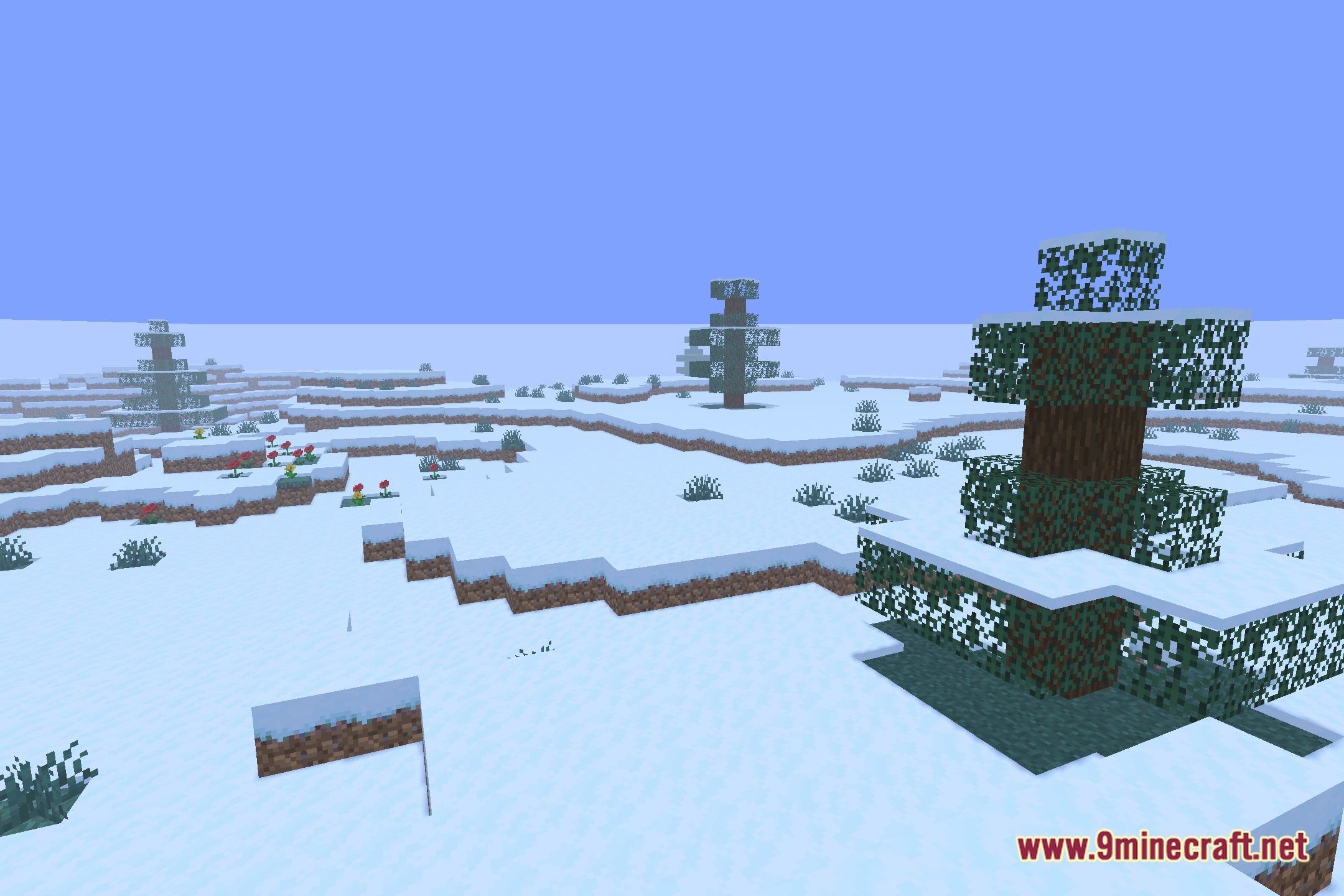
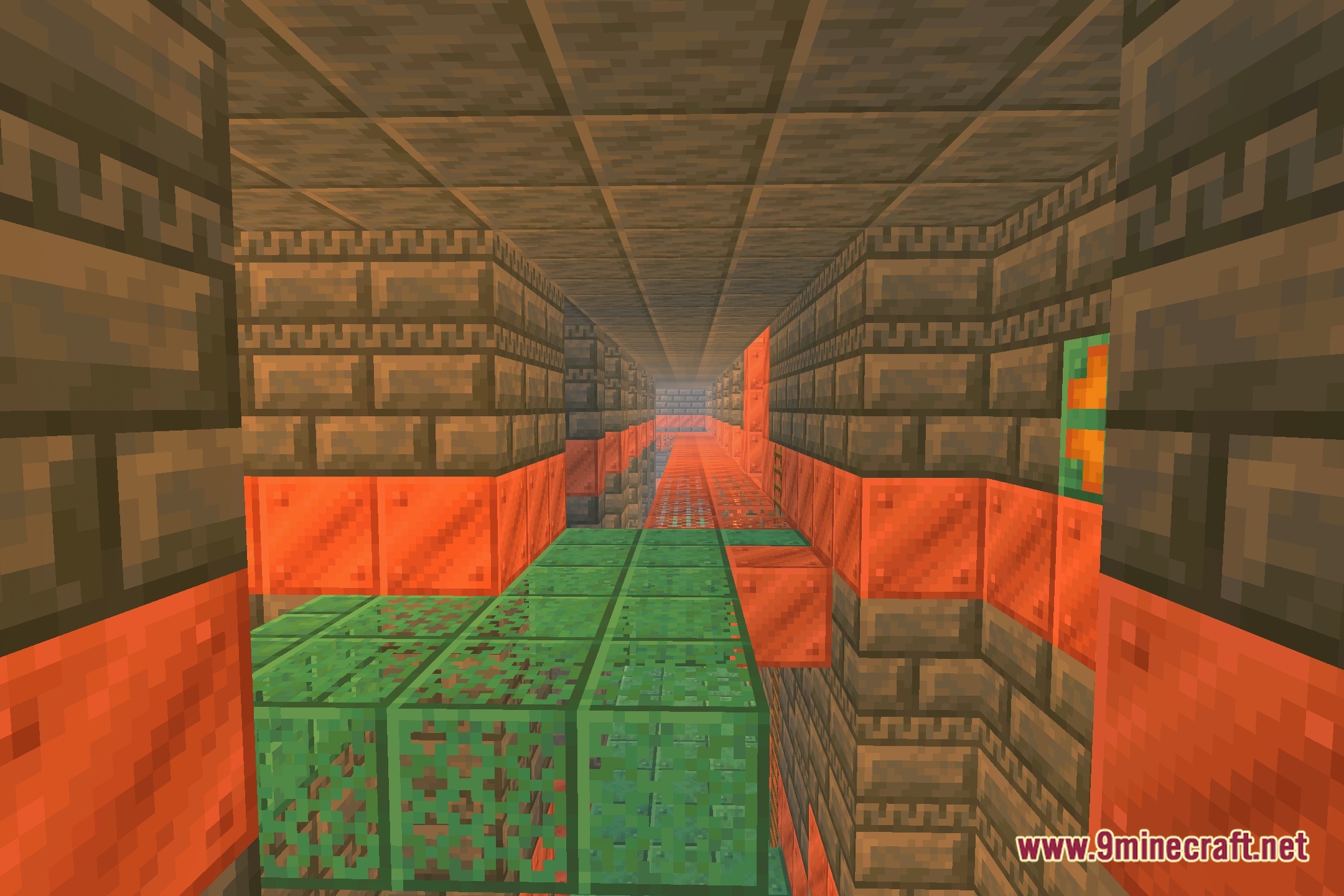
AlooShaders Download Links
Quick facts
- Edition: Minecraft Java
- File type: .zip (resource pack)
- Minecraft version listed: 1.20.1
- How to install: Download the .zip resource pack — do not unzip it. → Put it in .minecraft/resourcepacks. → Enable it in Options → Resource Packs.
- Where to get it: Opens on the file's original source — not every file is mirrored on our own servers.
Install steps are the general flow for this file type — see the MC Java Mods guides for the full walkthrough.
AlooShaders (26.3, 1.20.1) – Clean Lighting and Soft Block Shadows is a free Minecraft Java shader. Compatible with Minecraft 1.20.1. Download it and open it directly in the game.