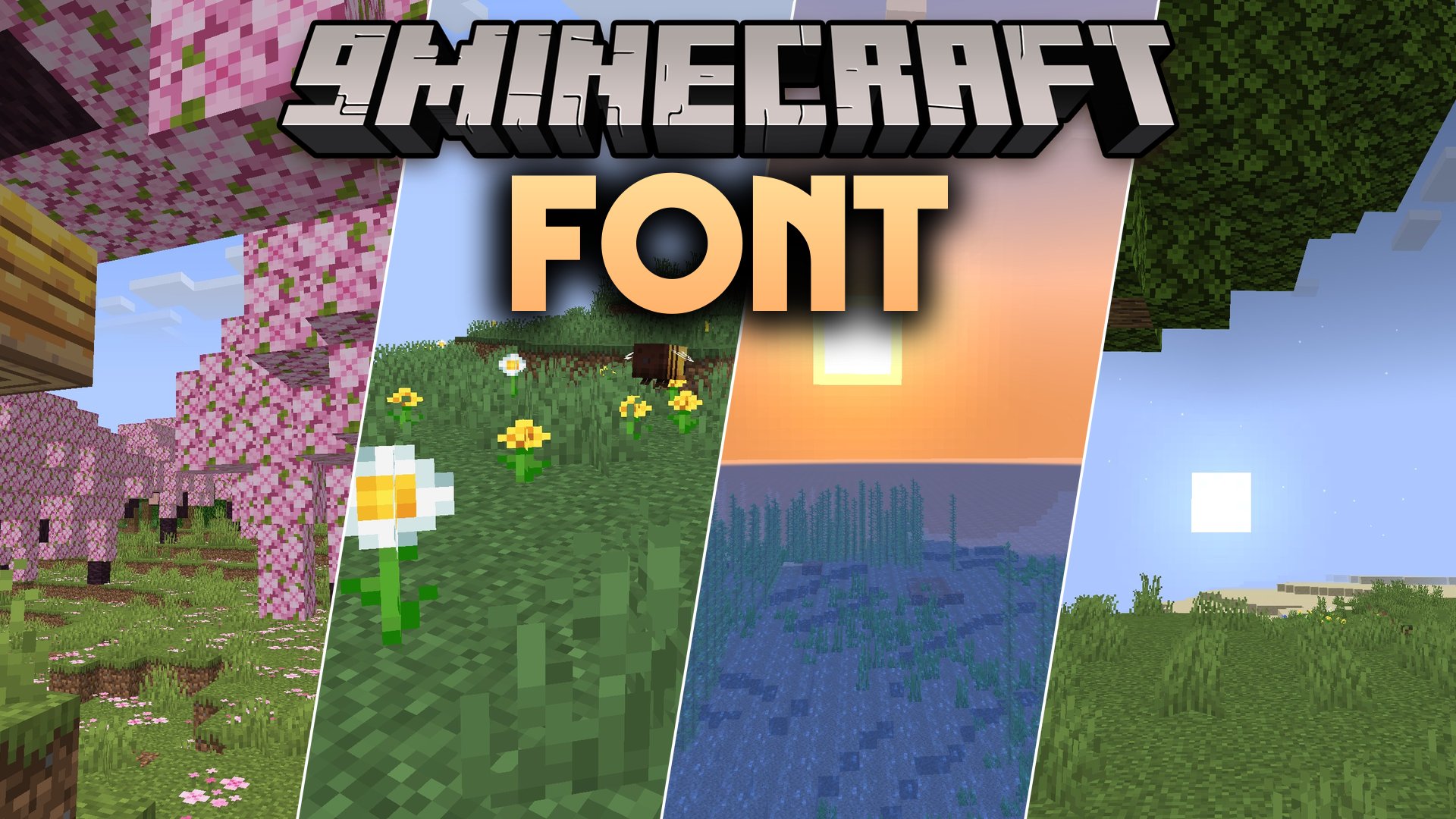
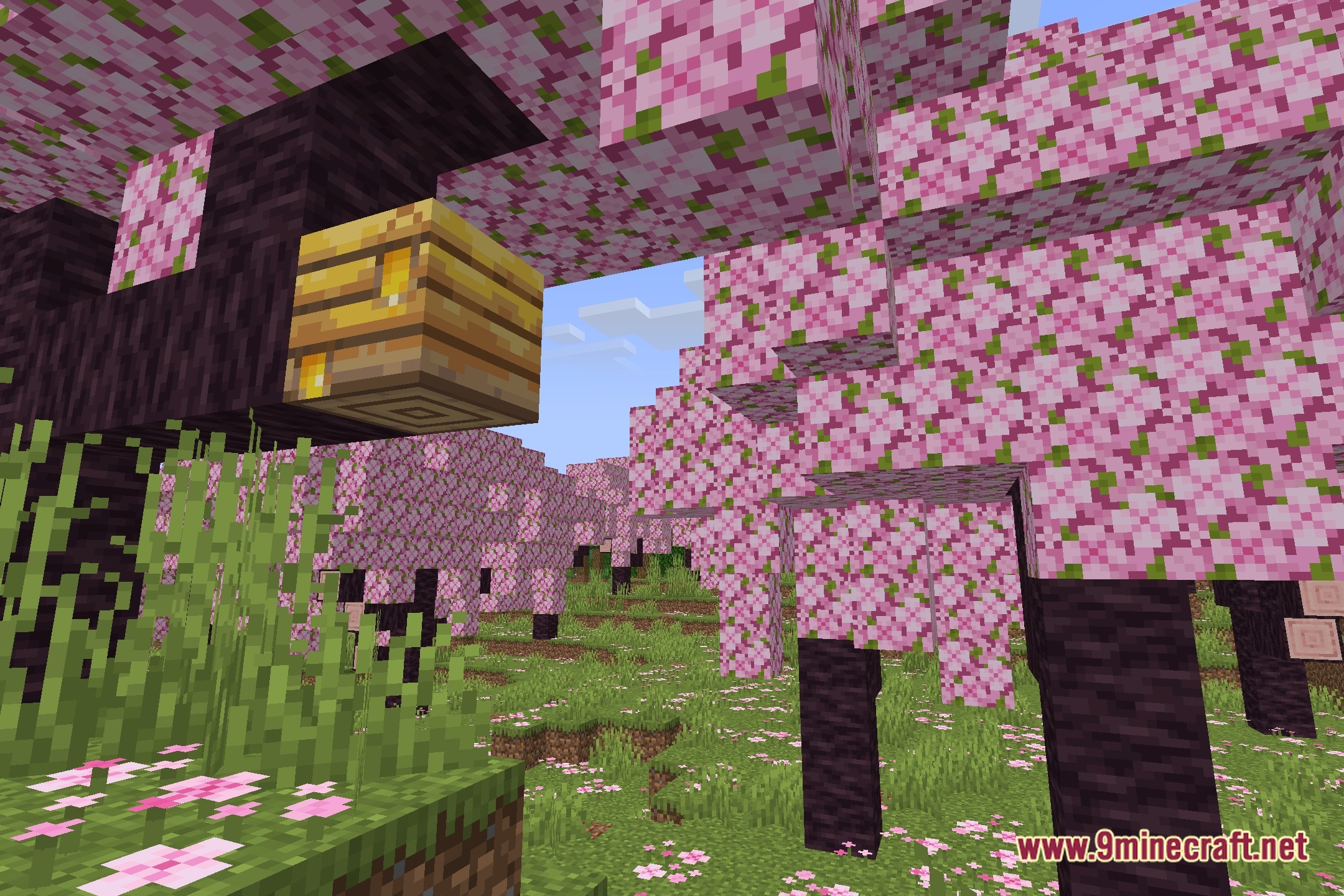
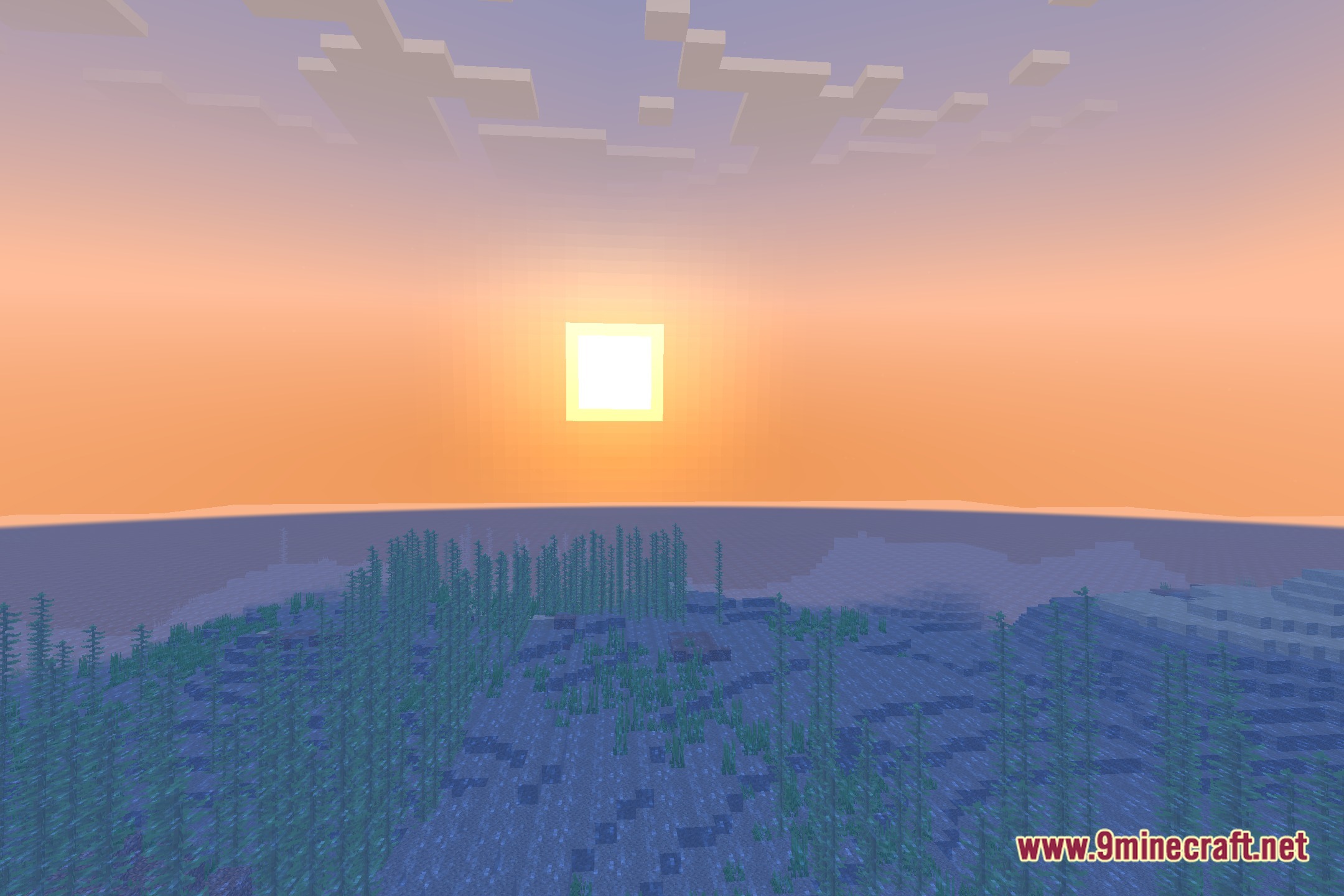
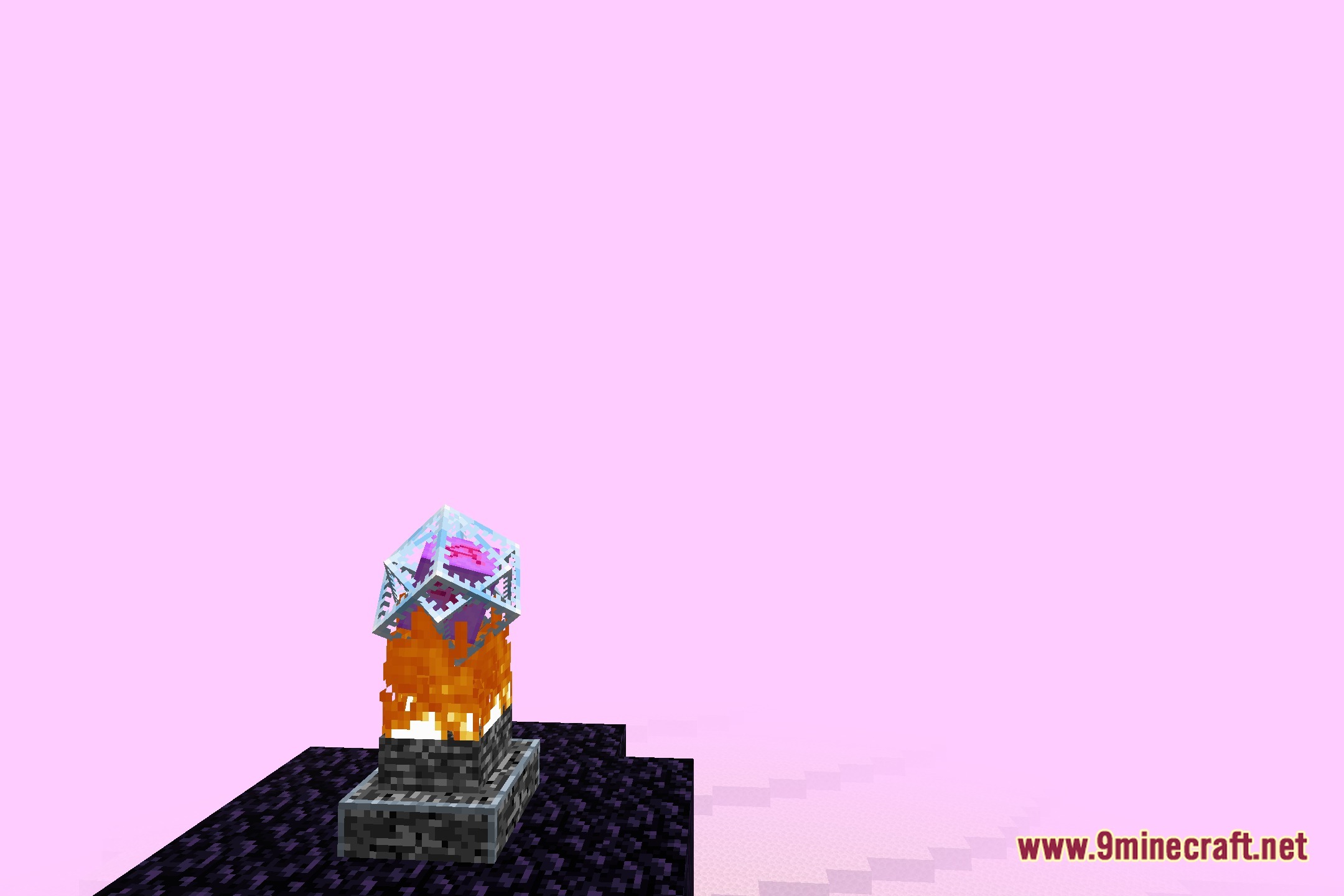
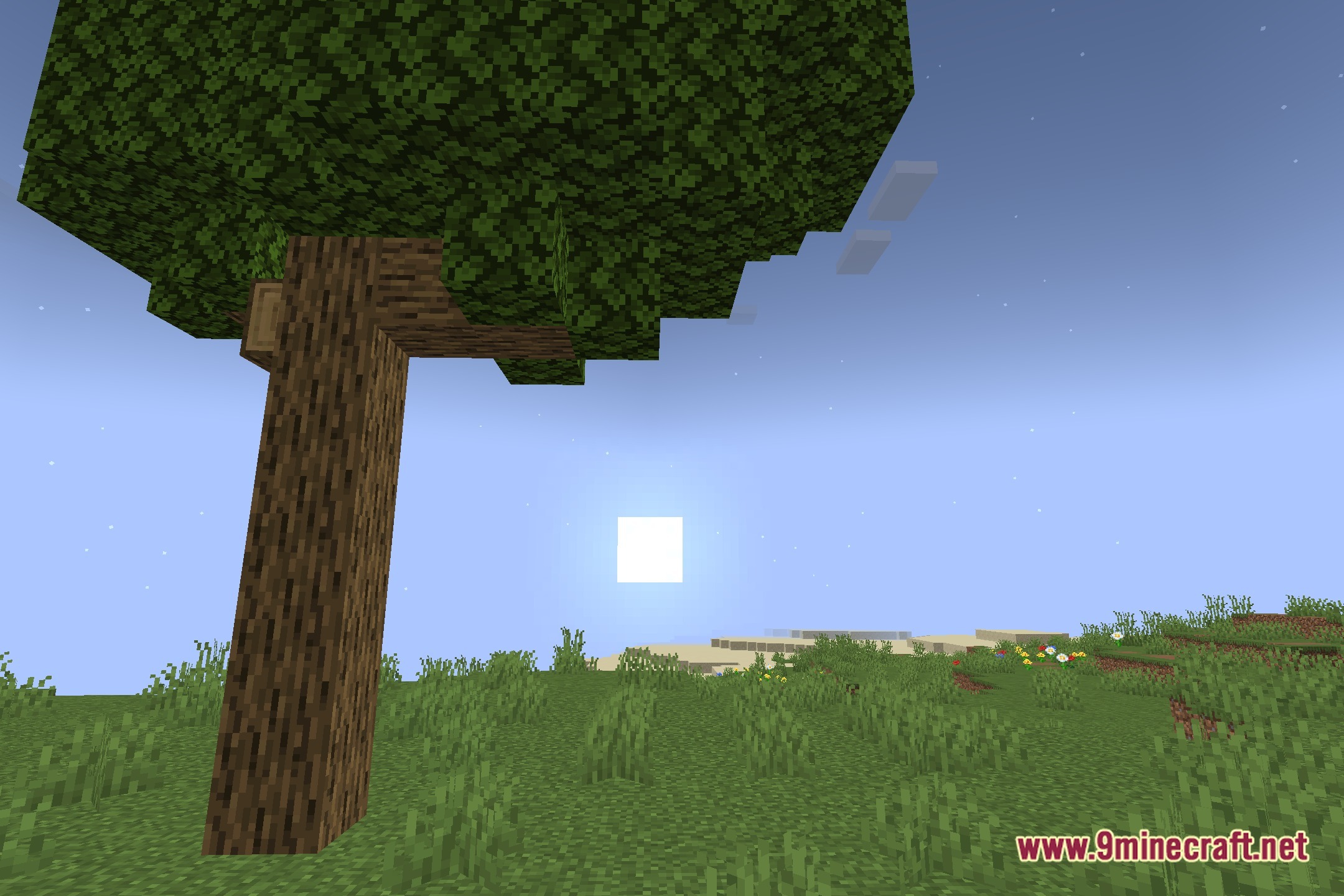
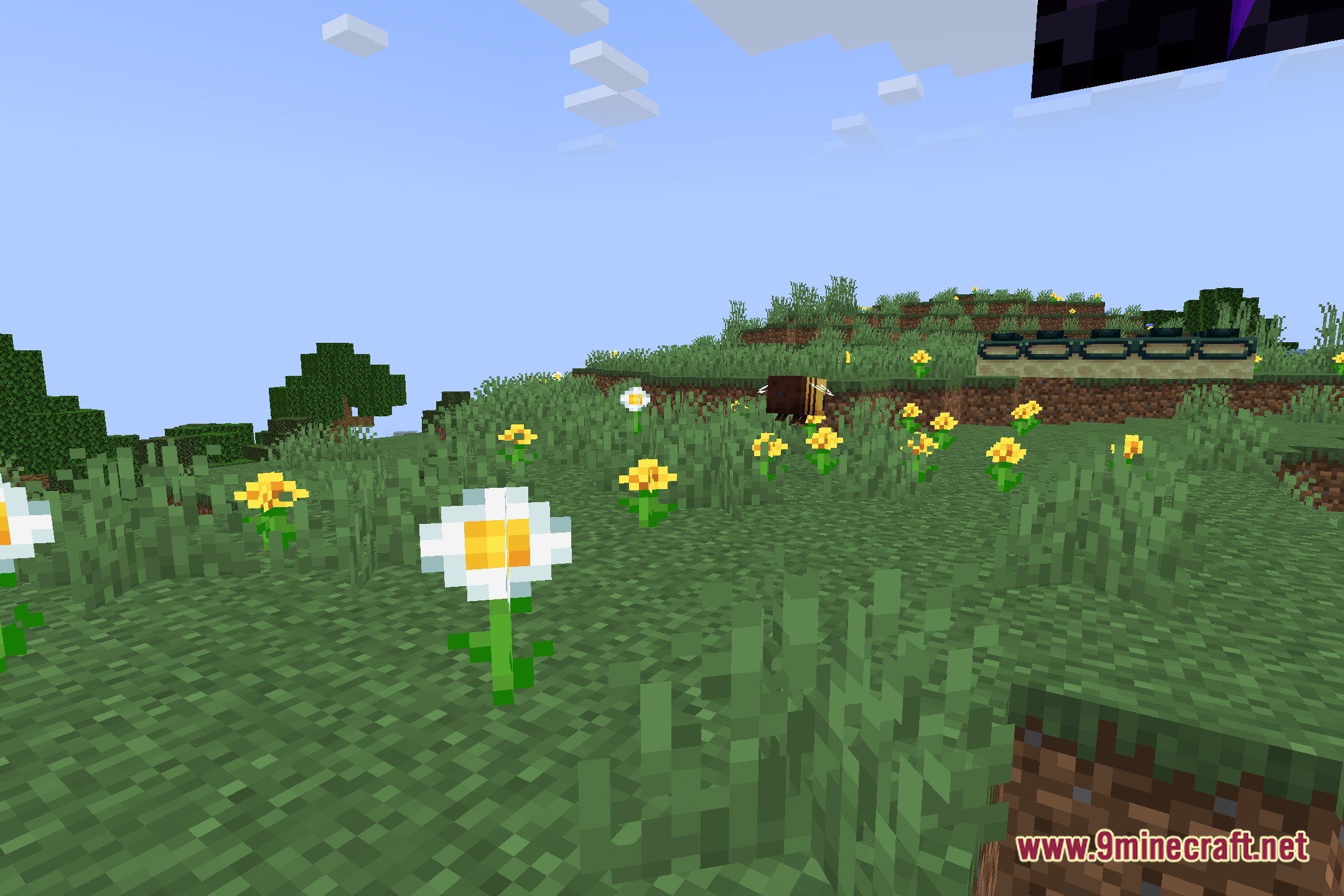
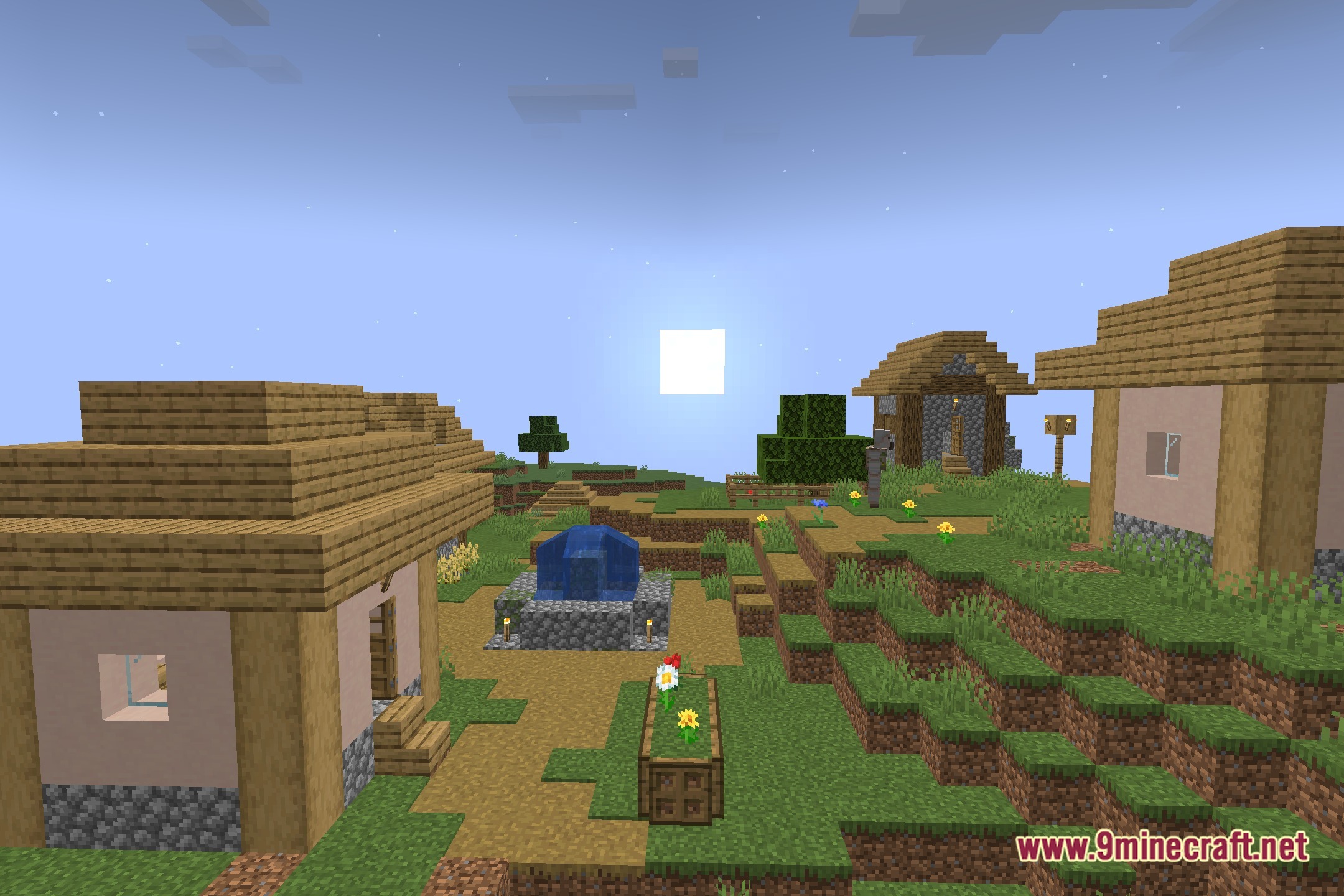
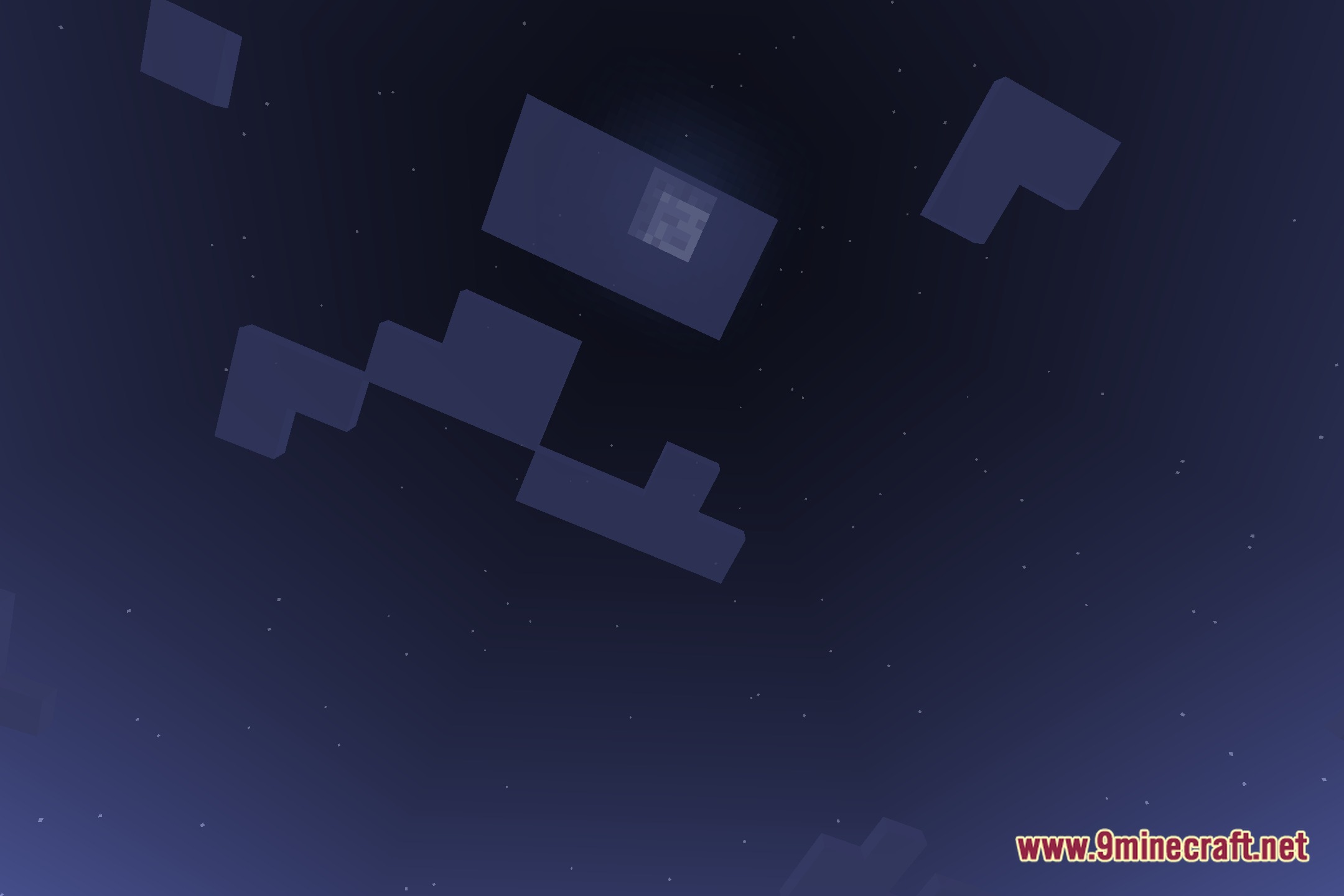
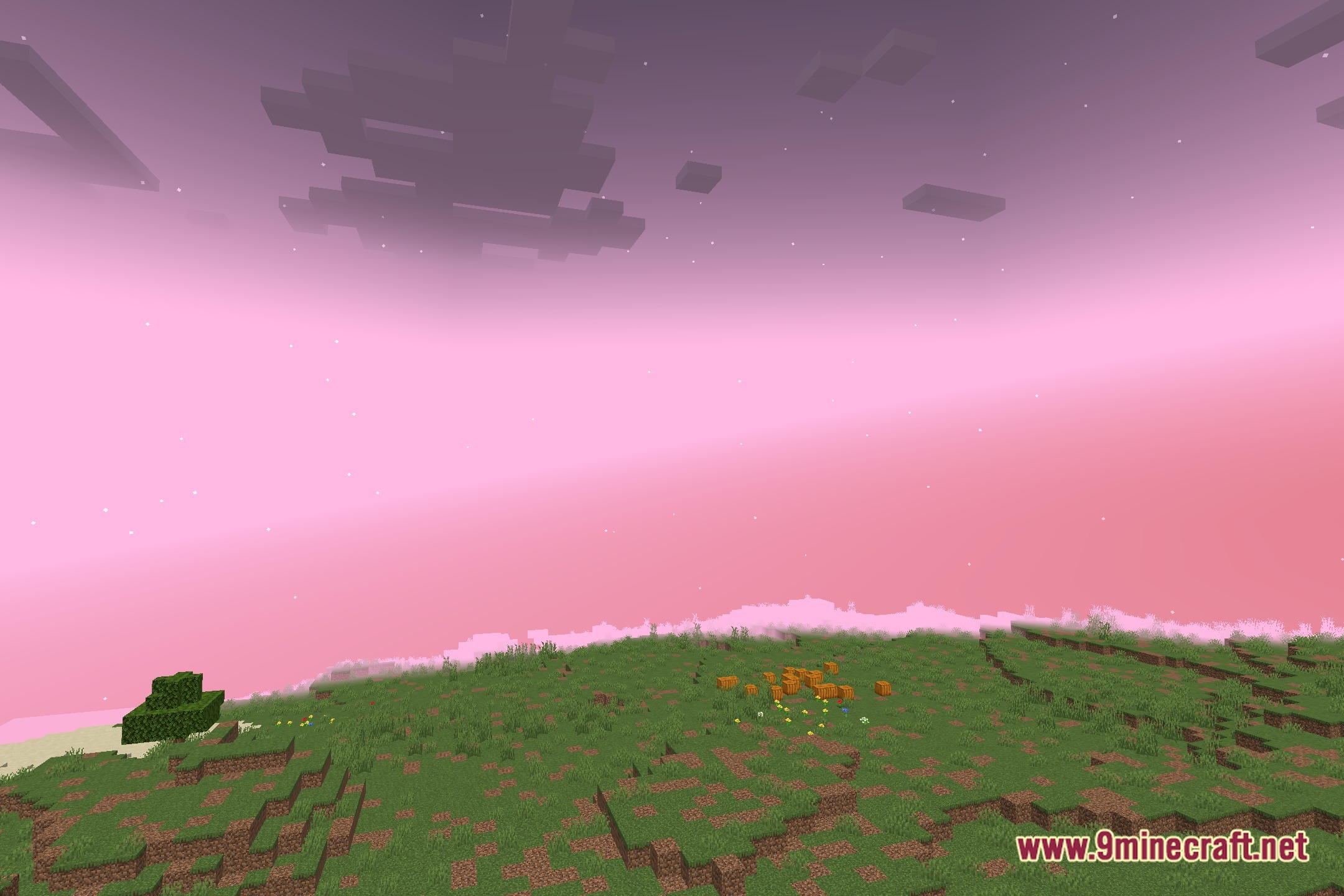
Font Shaders transforms the entire look of your game by rendering blocks, mobs, and items with text characters. This shader turns everyday views into art made completely of letters, symbols, and font elements. It offers a fresh visual style and requires OptiFine to run properly in your world.
Features:
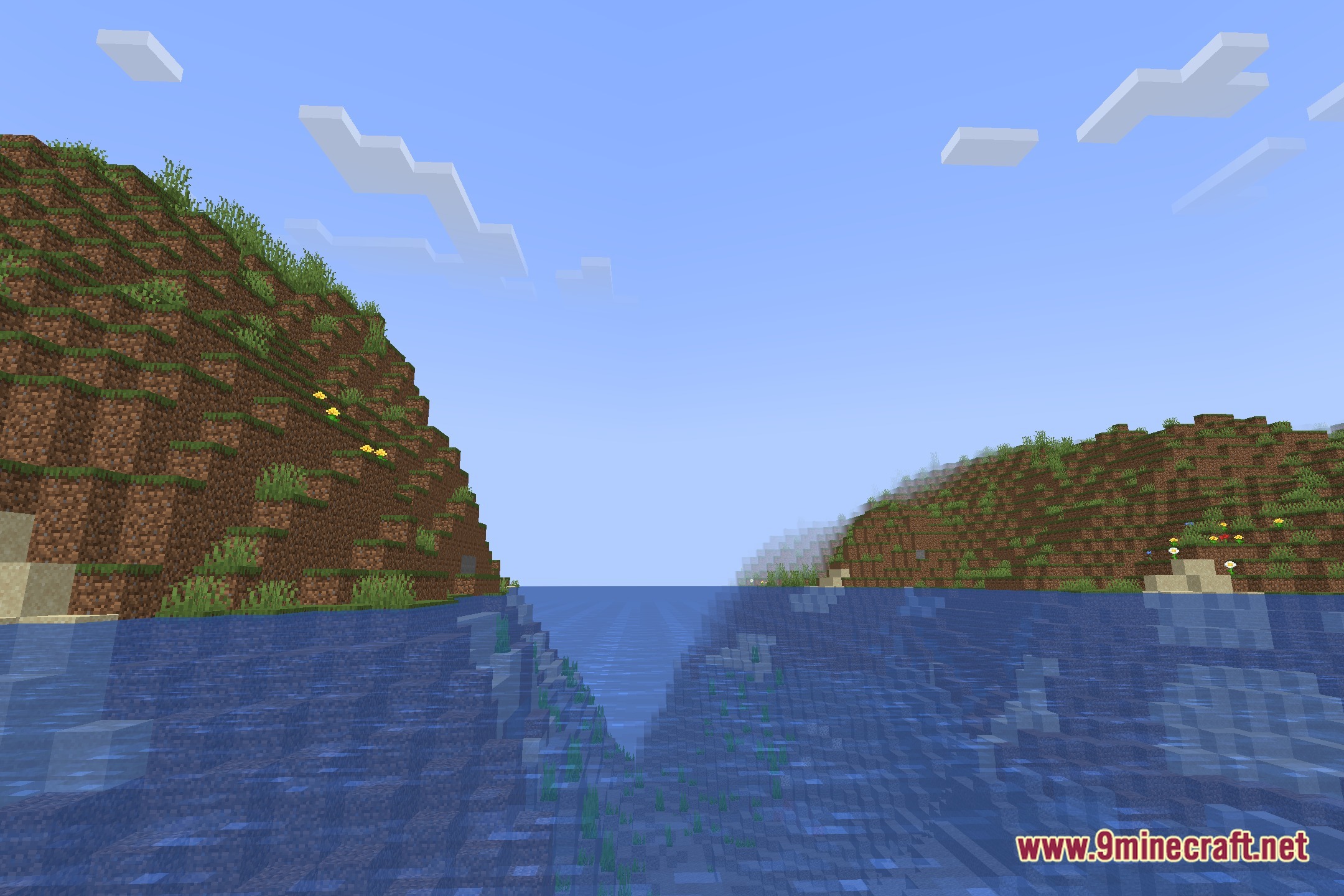
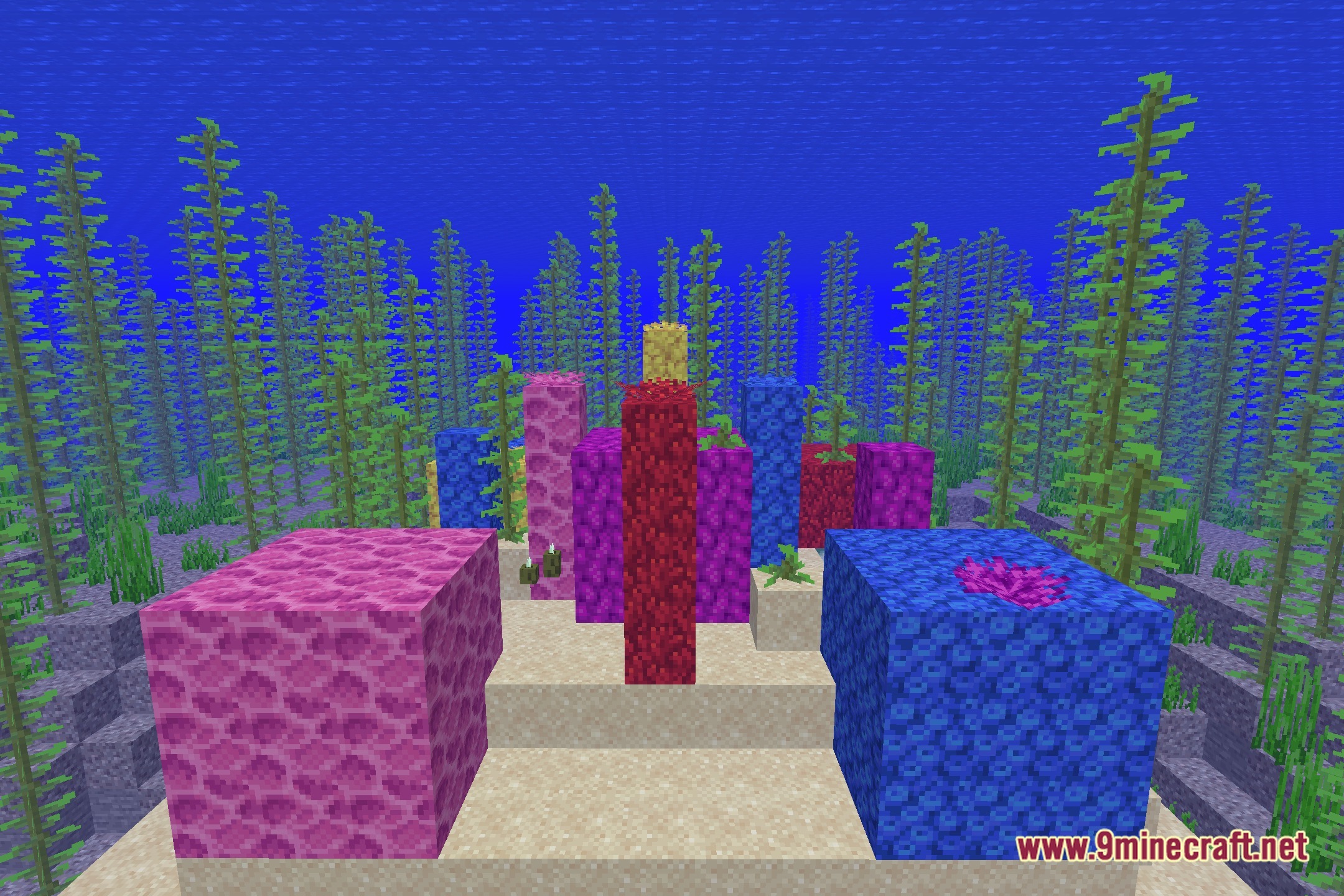
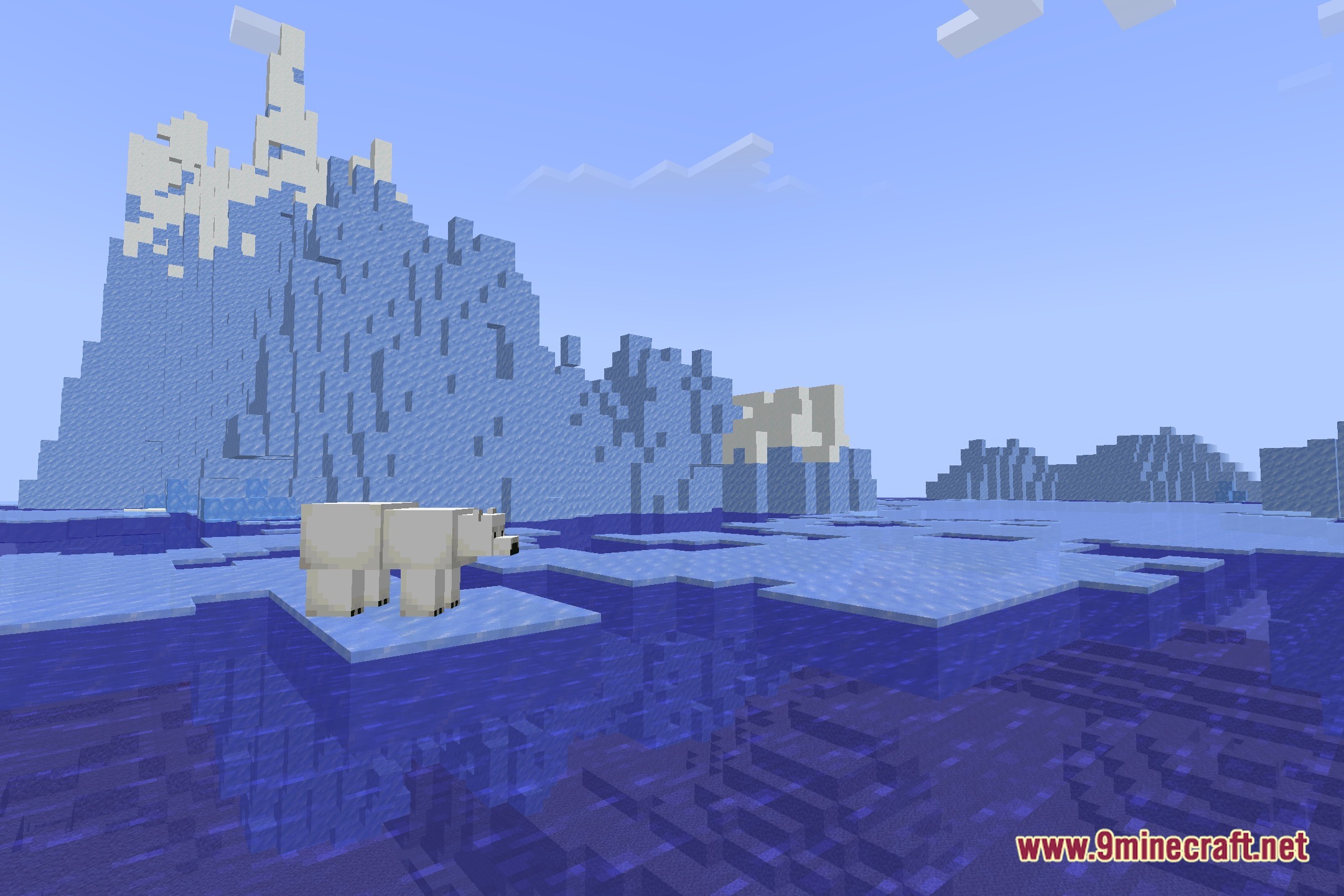
- Renders the visual world using fonts and characters instead of standard pixels.
- Draws surrounding blocks, sky, and mobs out of text patterns.
- Provides a unique look for players who want a fun ASCII-style visual change.
- Works through OptiFine to load the custom shader program.
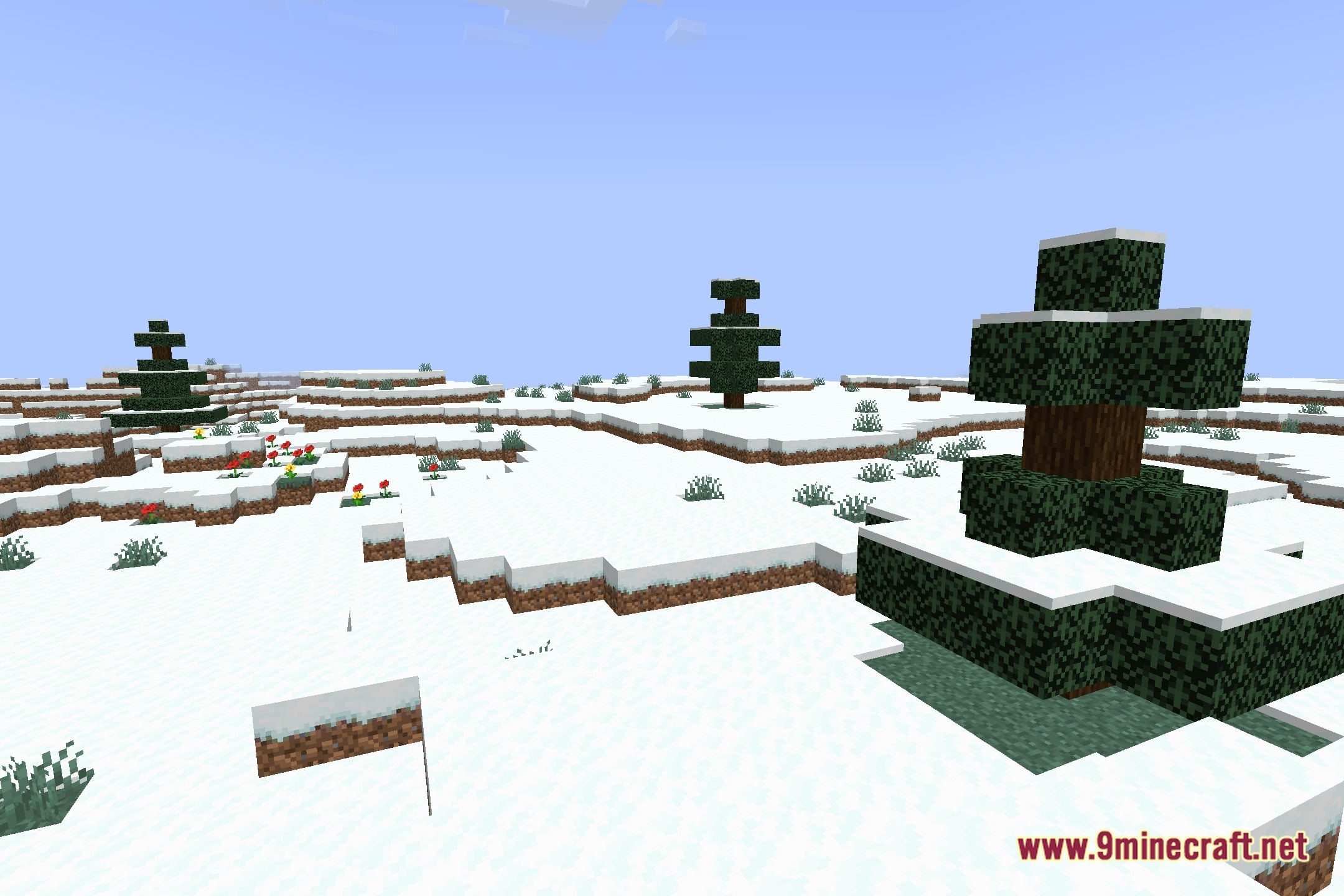
Screenshots:
Font Shaders Download Links
Quick facts
- Edition: Minecraft Java
- File type: .zip (resource pack)
- Minecraft version listed: 1.20.1
- How to install: Download the .zip resource pack — do not unzip it. → Put it in .minecraft/resourcepacks. → Enable it in Options → Resource Packs.
- Where to get it: Opens on the file's original source — not every file is mirrored on our own servers.
Install steps are the general flow for this file type — see the MC Java Mods guides for the full walkthrough.
Font Shaders (26.3, 1.20.1) – ASCII Text and Font Character Rendering is a free Minecraft Java shader. Compatible with Minecraft 1.20.1. Download it and open it directly in the game.