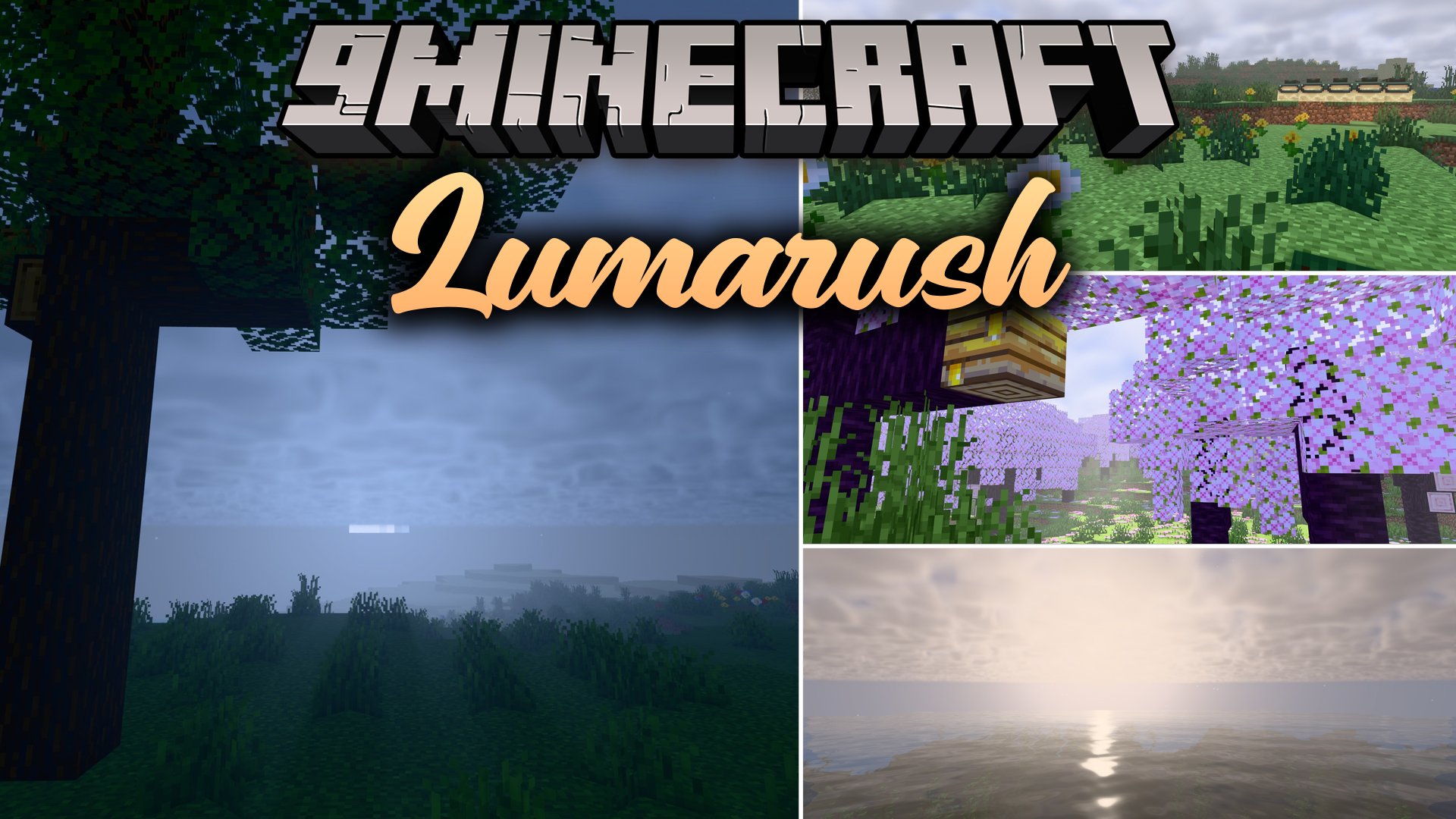
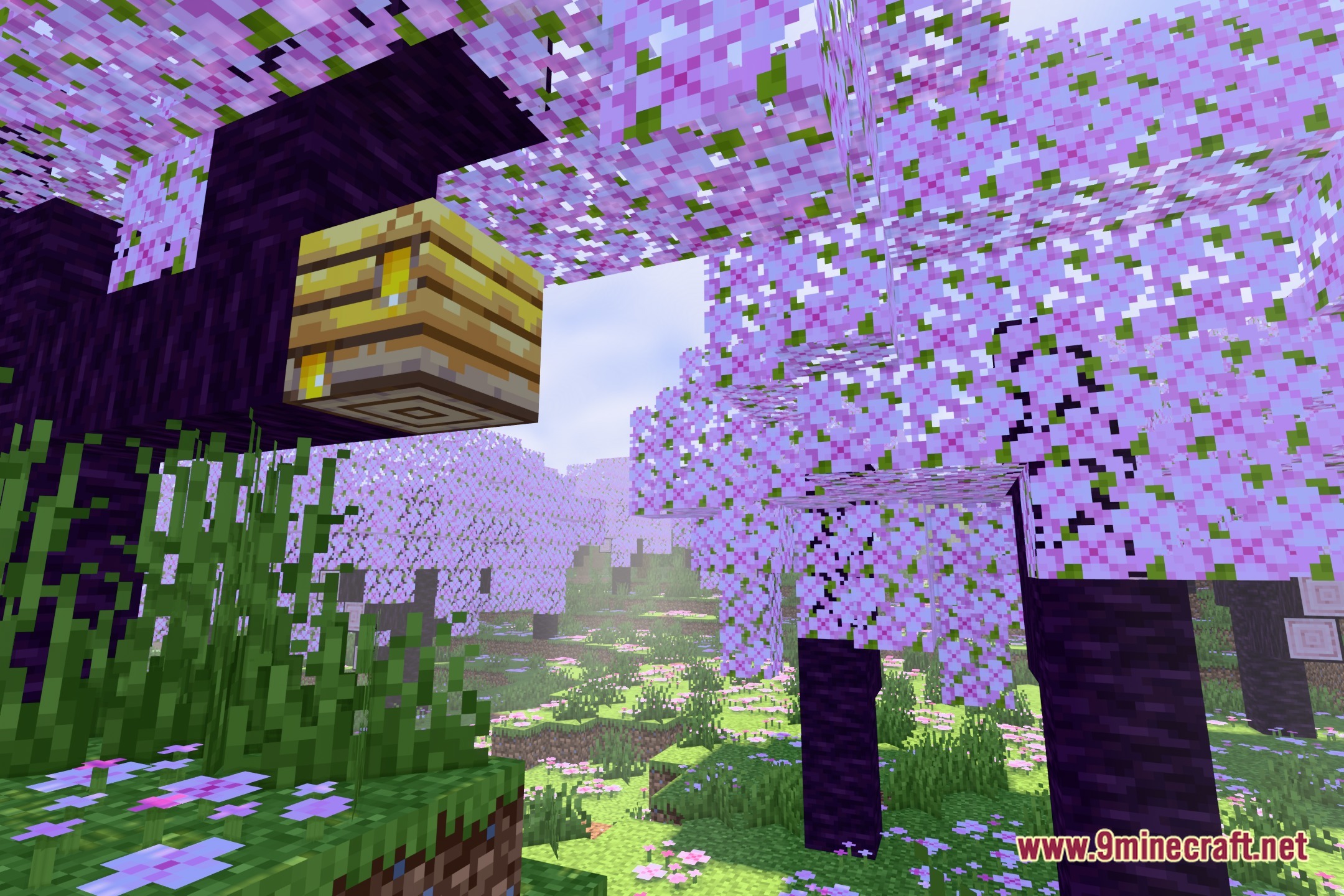
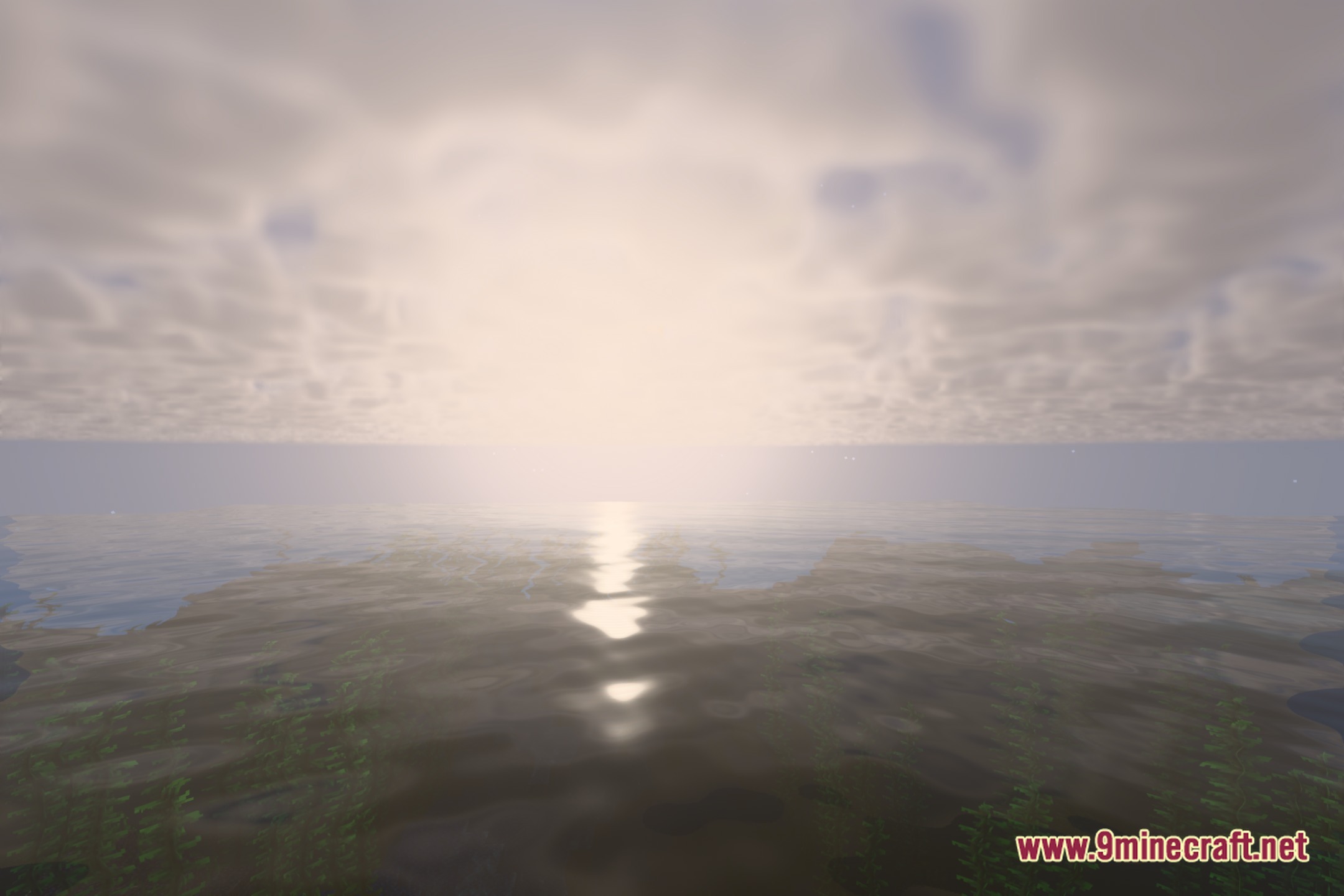
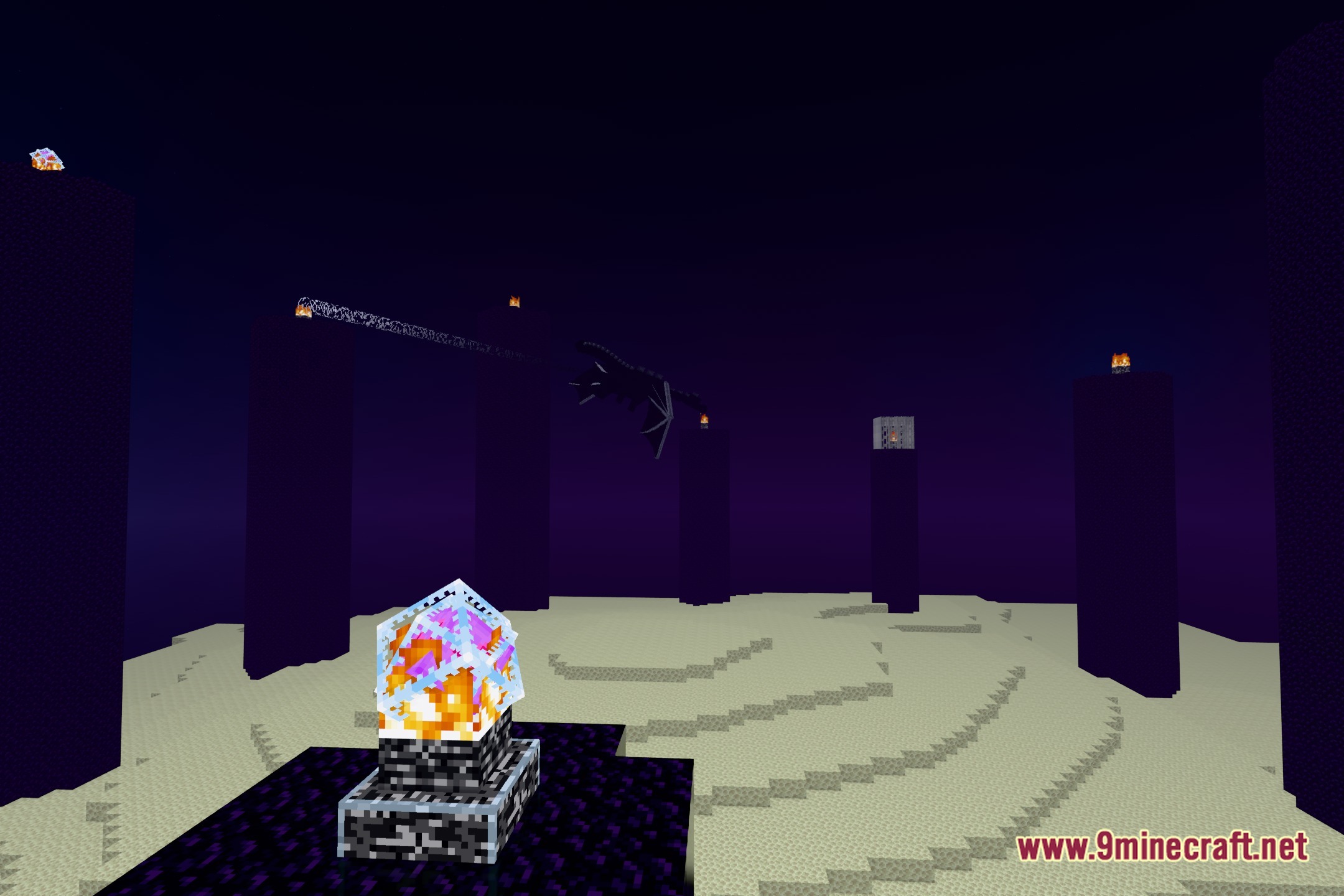
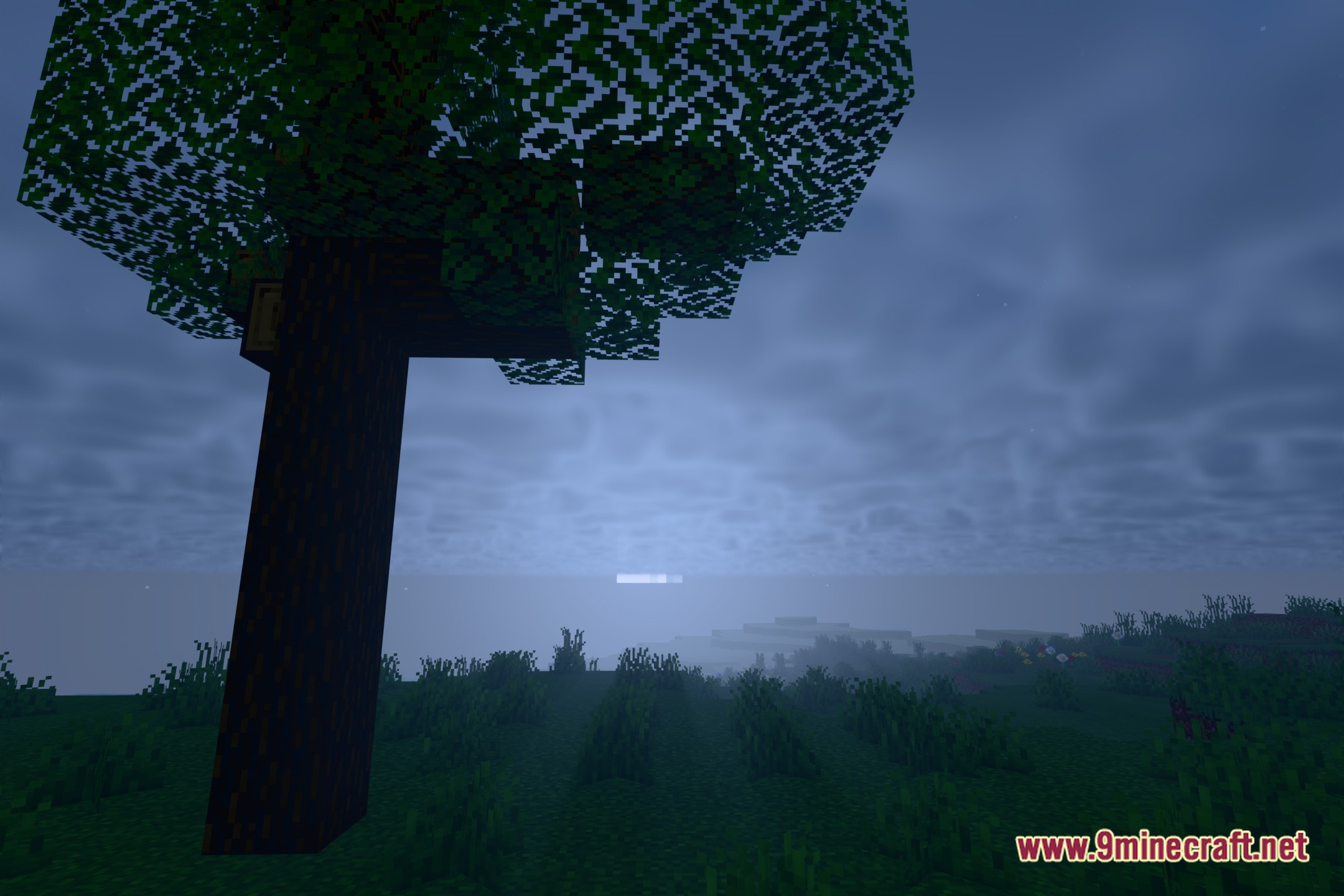
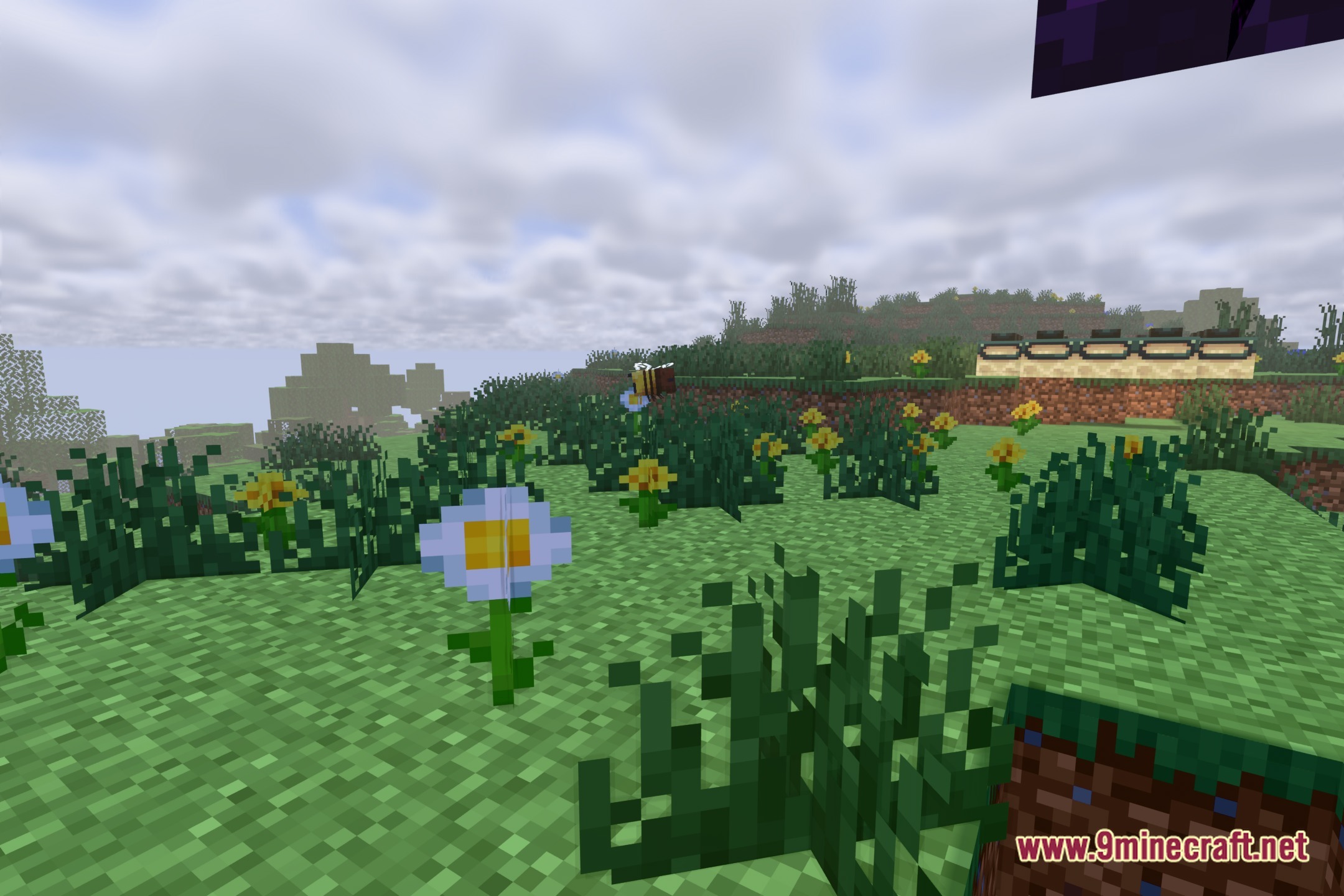
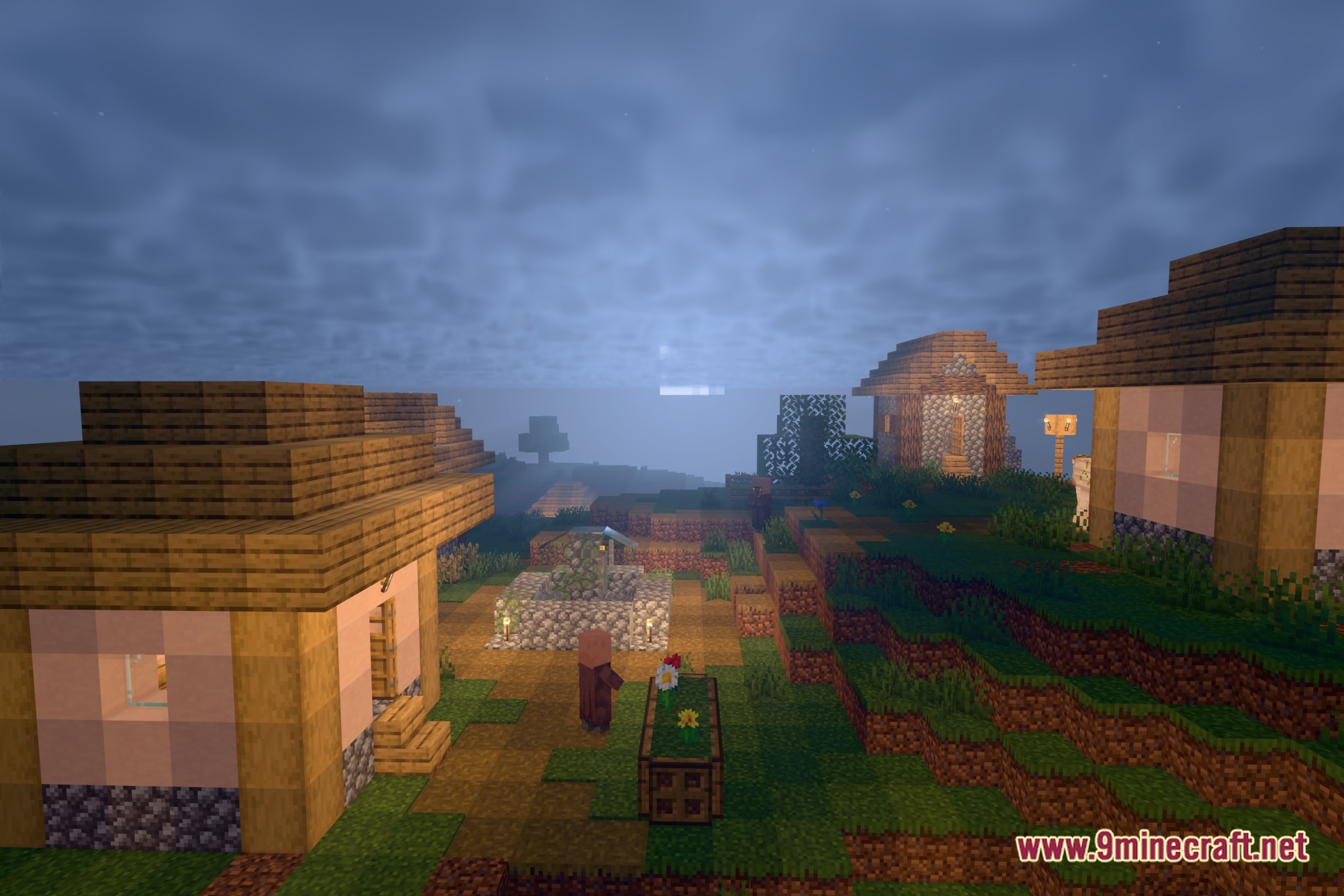
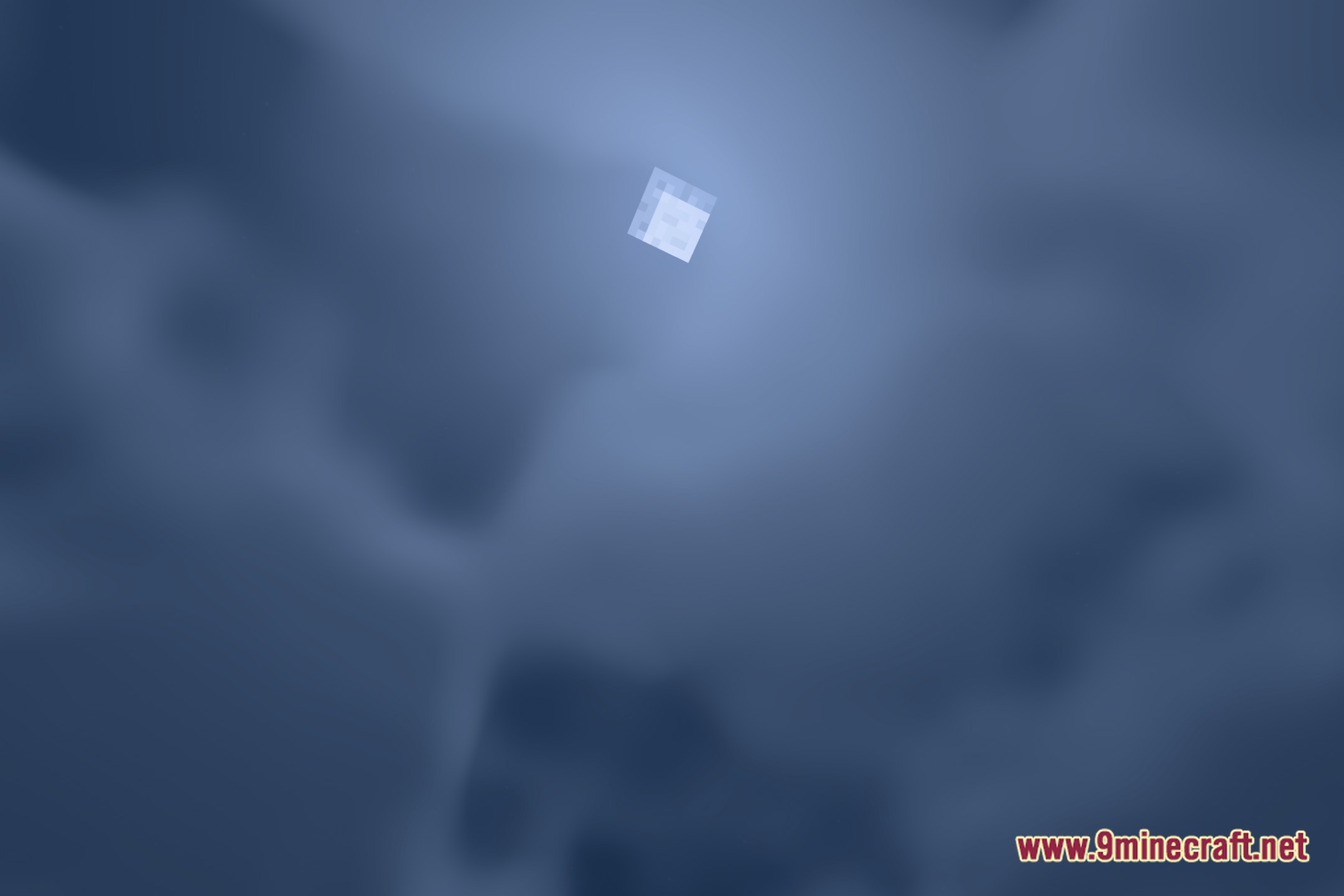
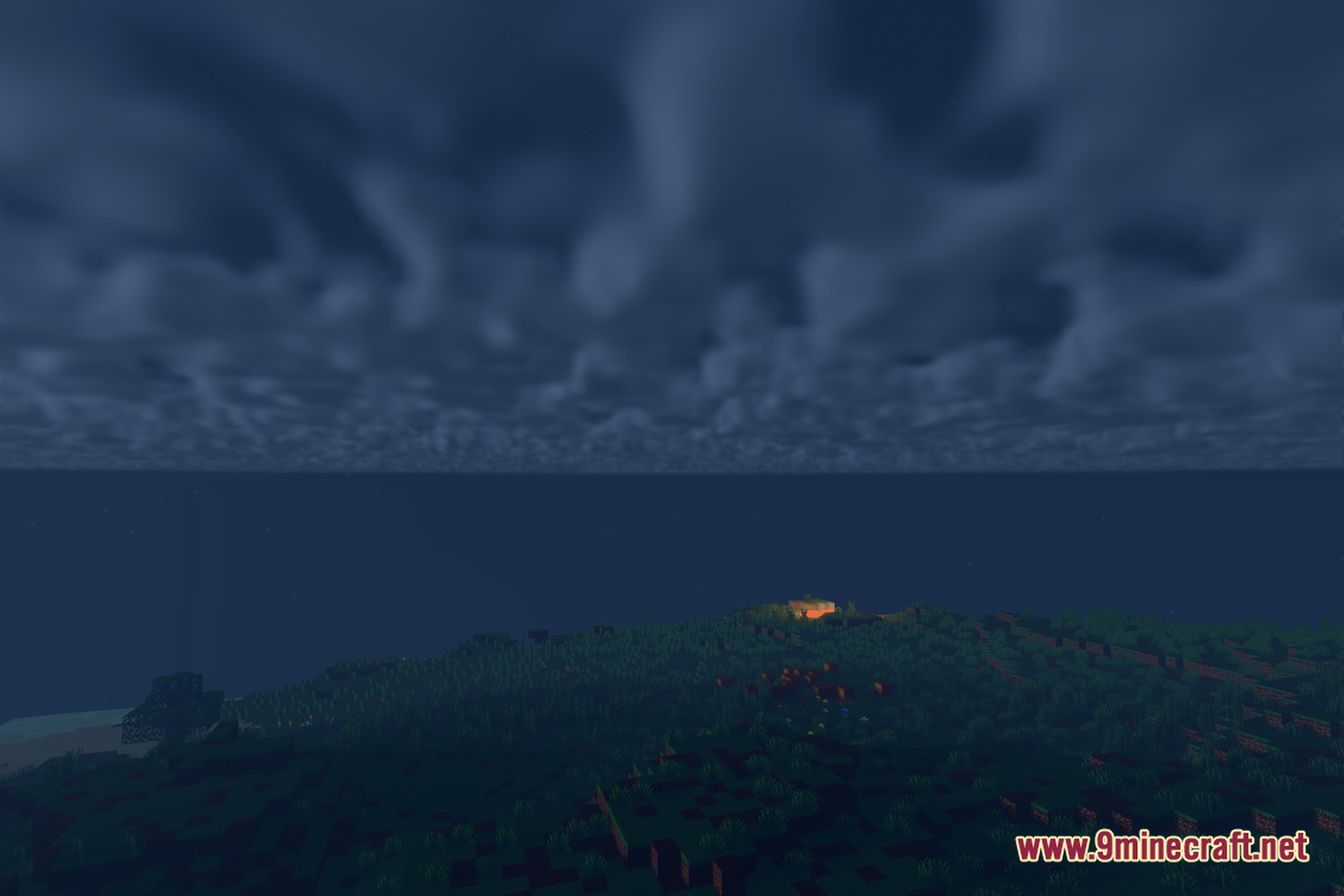
LumaRush Shaders illuminates your Minecraft world with clean lighting and carefully tested visual effects. This shader pack focuses on consistent graphics through reproducible builds and synthetic validation tests. It helps keep your game looking crisp without strange graphical errors across different scenes. You get a stable visual upgrade for everyday building and exploration.
Features:
- Uses reproducible builds for dependable shader files across different game setups.
- Runs synthetic validation checks to prevent rendering glitches and graphical errors.
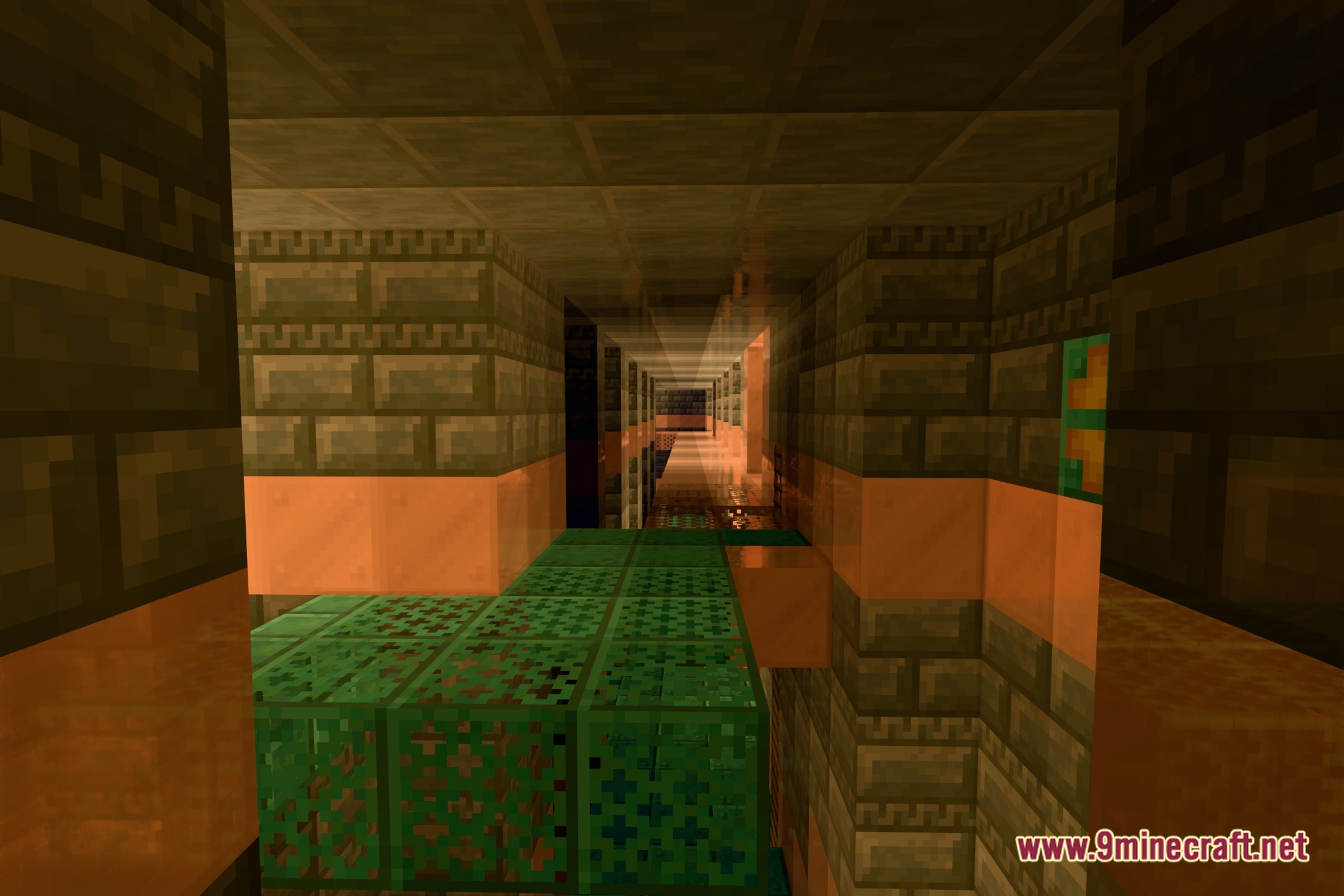
- Improves world lighting with clear sunbeams, balanced shadows, and clean block reflections.
- Maintains consistent color tones during daytime, sunset, and nighttime.
Screenshots:
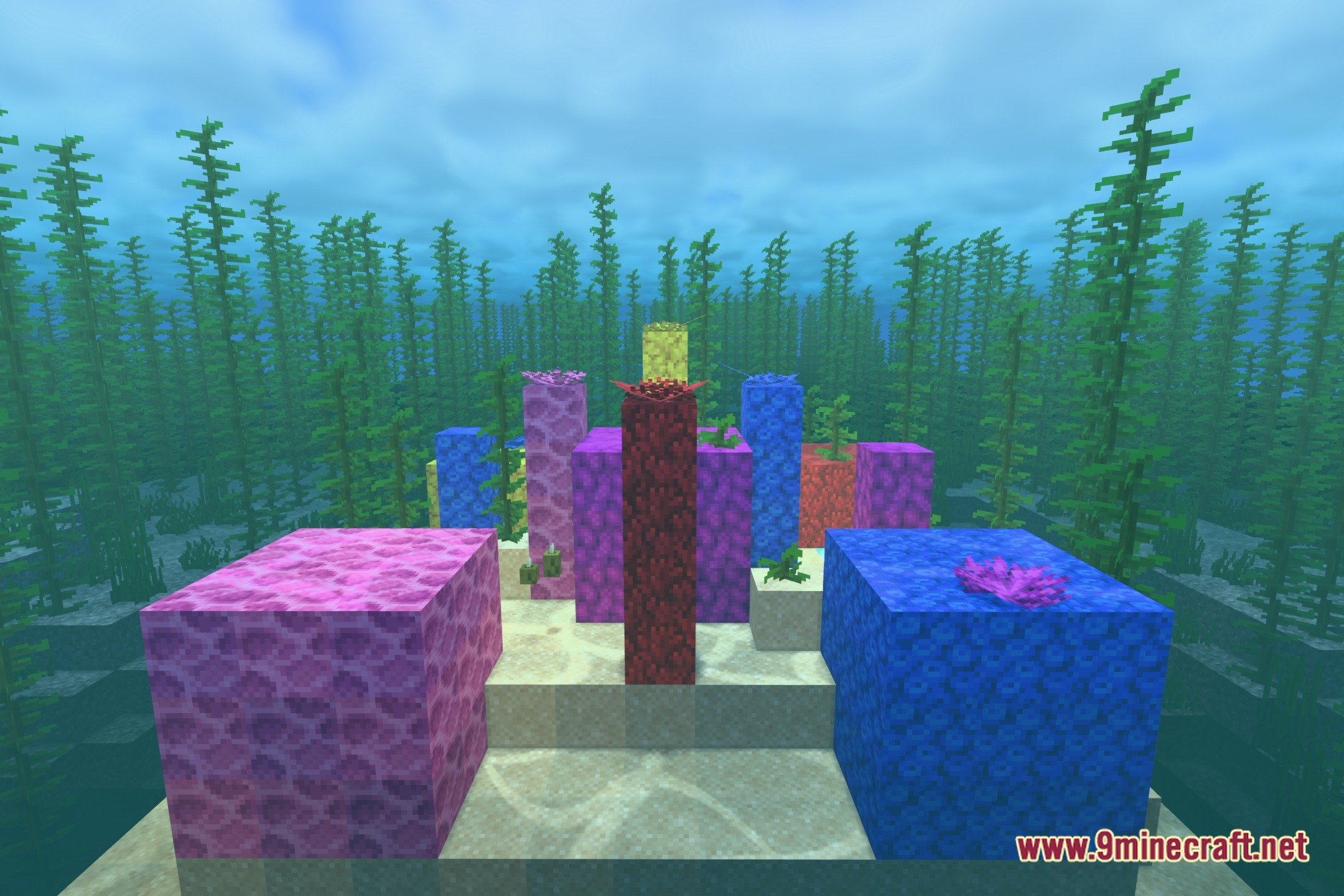
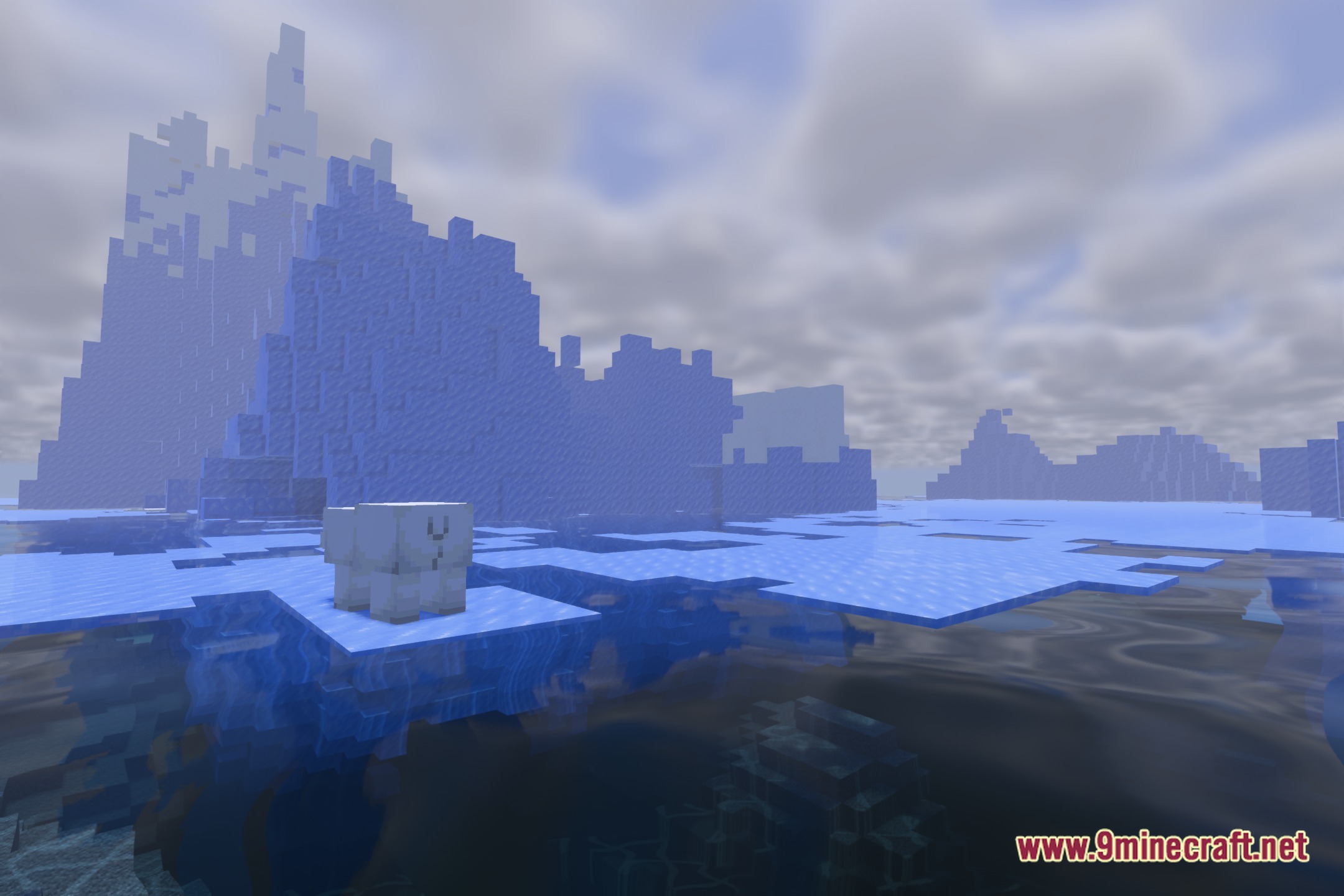
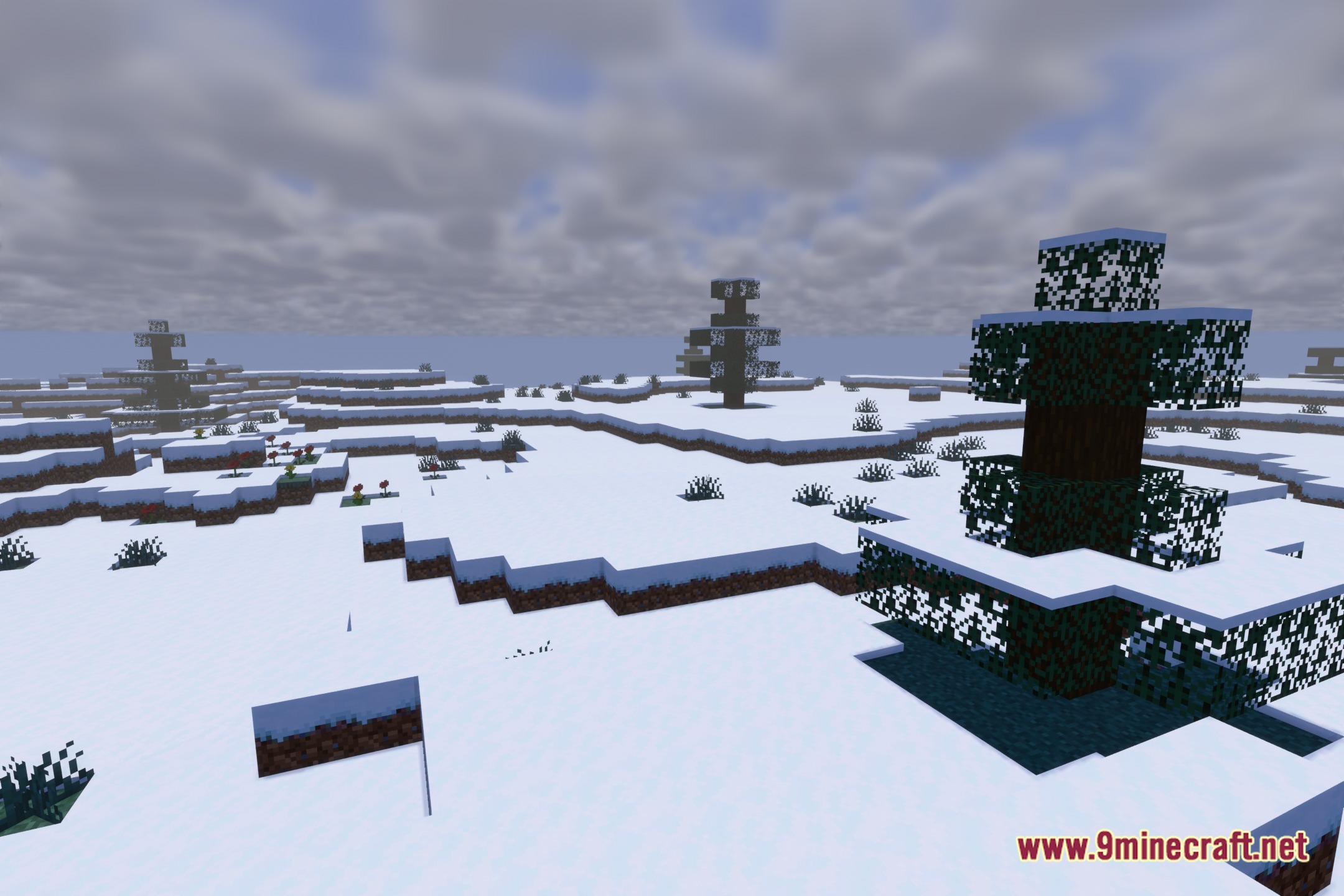
LumaRush Shaders Download Links
Quick facts
- Edition: Minecraft Java
- File type: .zip (resource pack)
- Minecraft version listed: 1.20.1
- How to install: Download the .zip resource pack — do not unzip it. → Put it in .minecraft/resourcepacks. → Enable it in Options → Resource Packs.
- Where to get it: Opens on the file's original source — not every file is mirrored on our own servers.
Install steps are the general flow for this file type — see the MC Java Mods guides for the full walkthrough.
LumaRush Shaders (26.3, 1.20.1) – Clean Lighting and Balanced Shadows is a free Minecraft Java shader. Compatible with Minecraft 1.20.1. Download it and open it directly in the game.