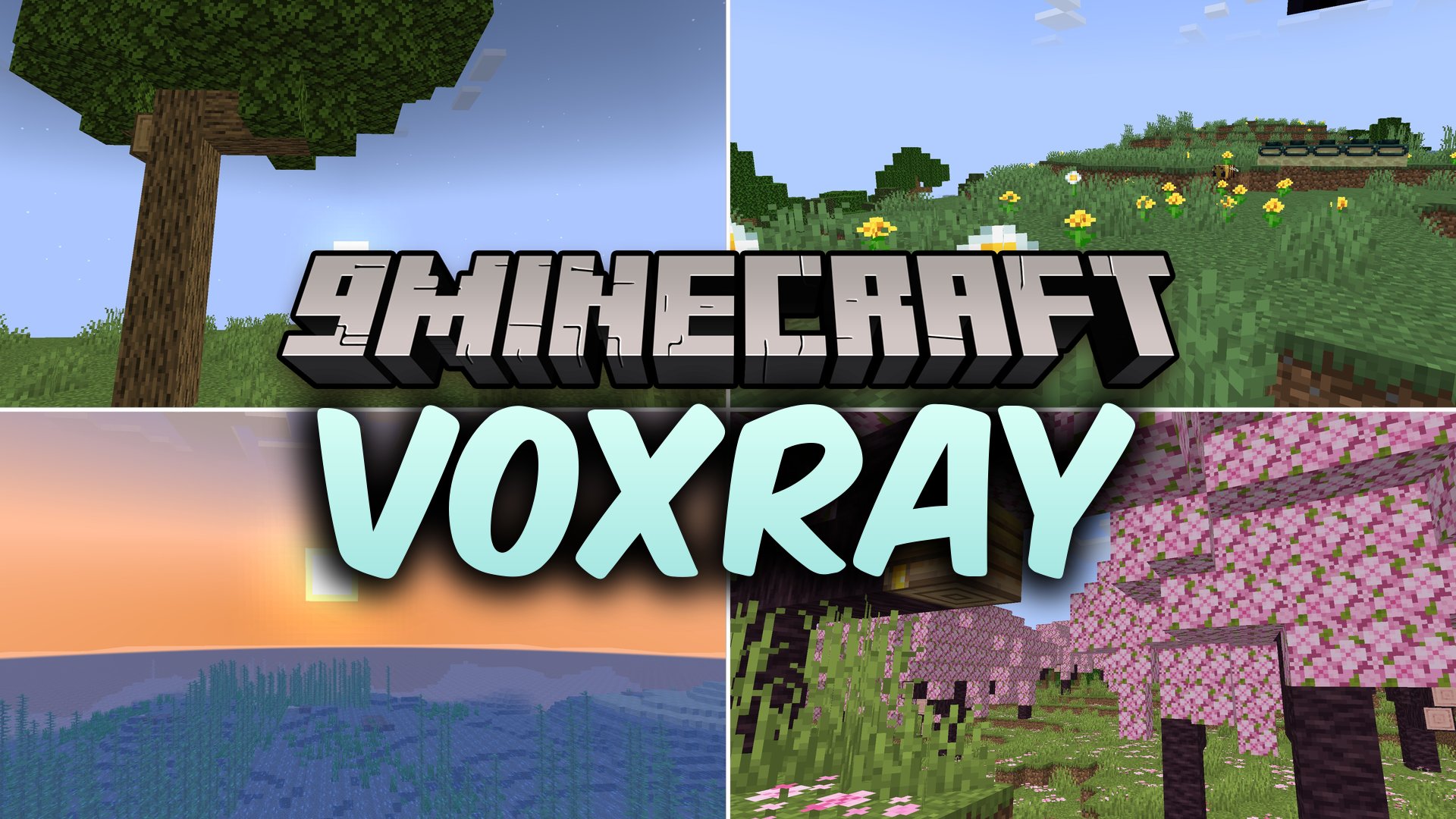
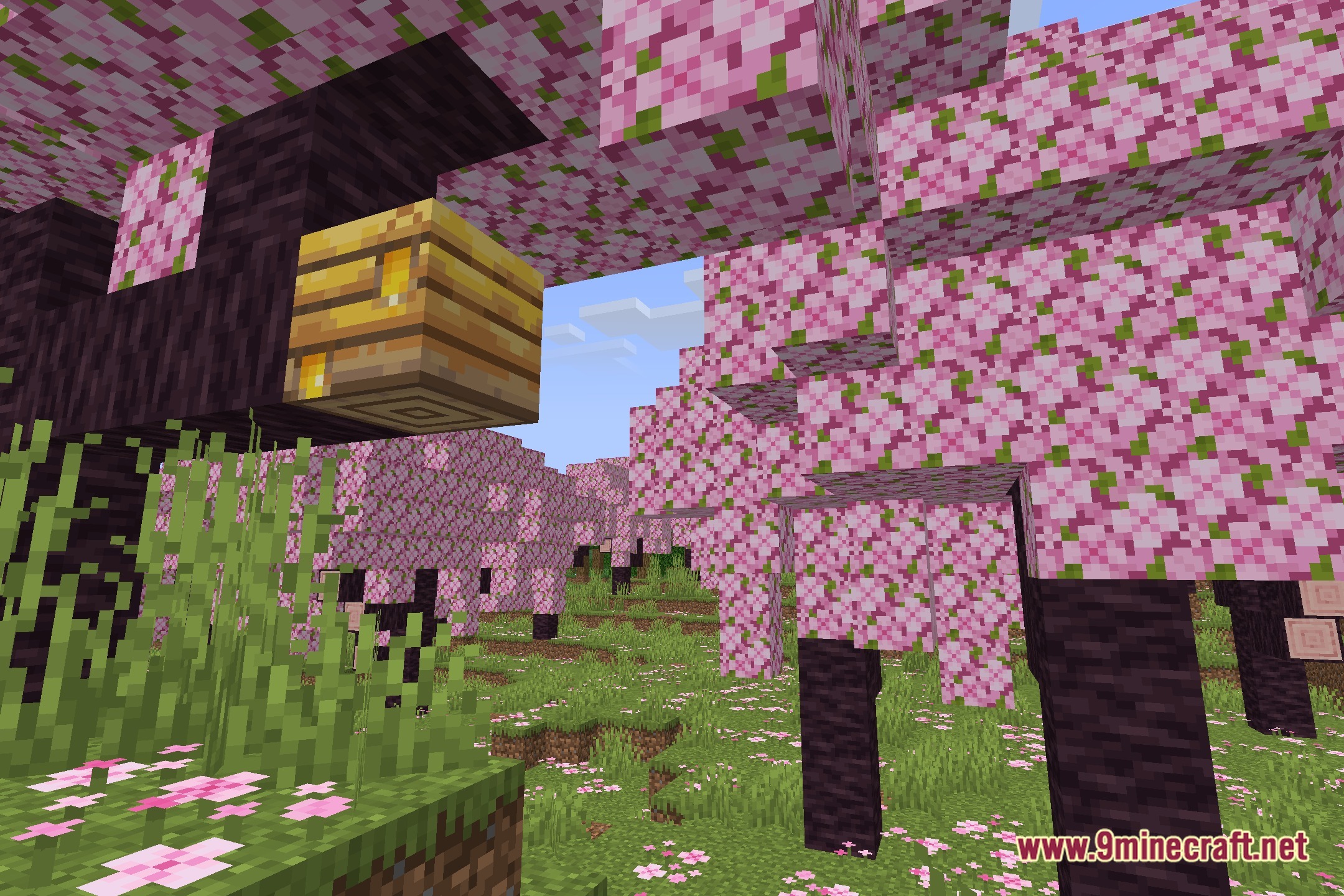
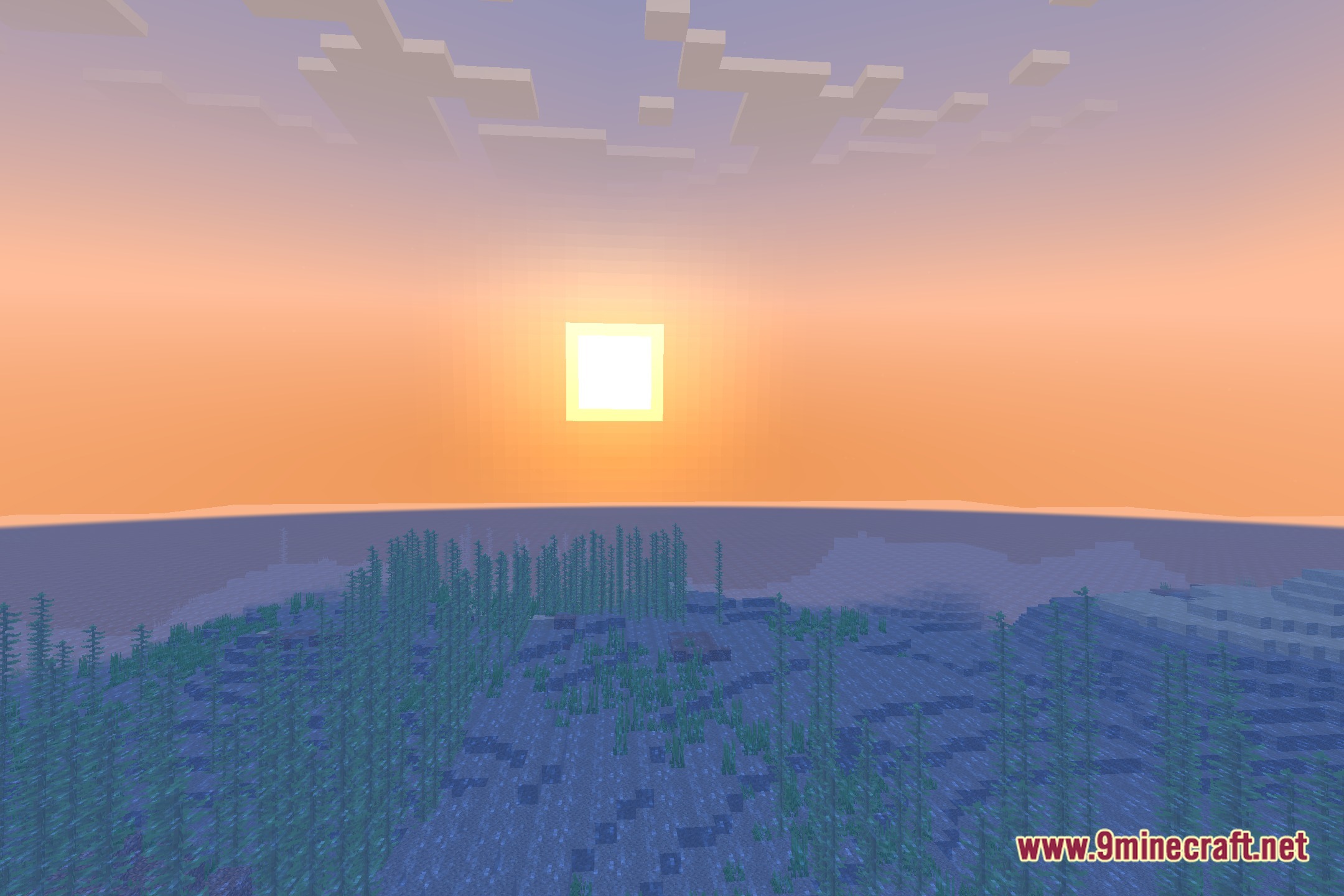
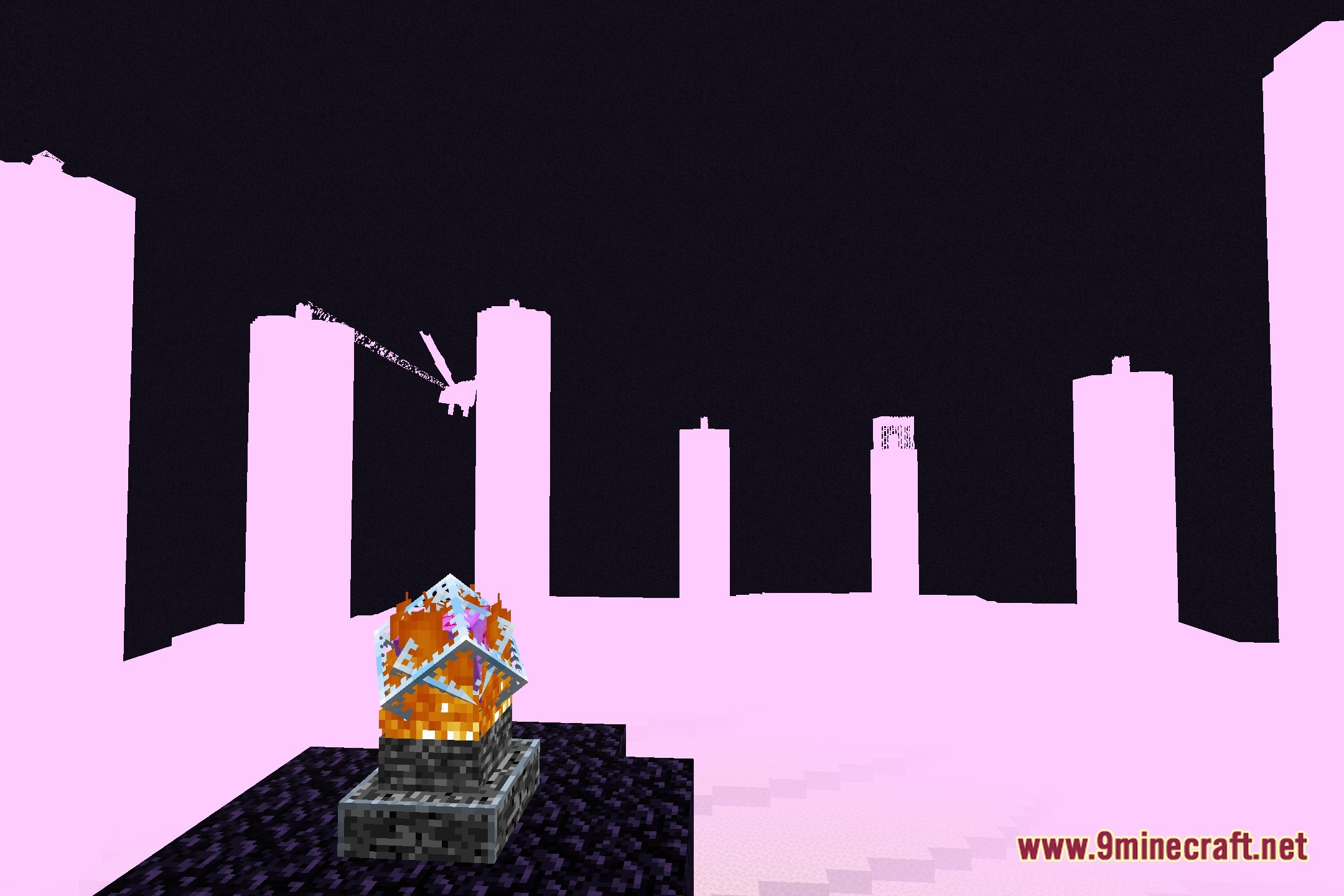
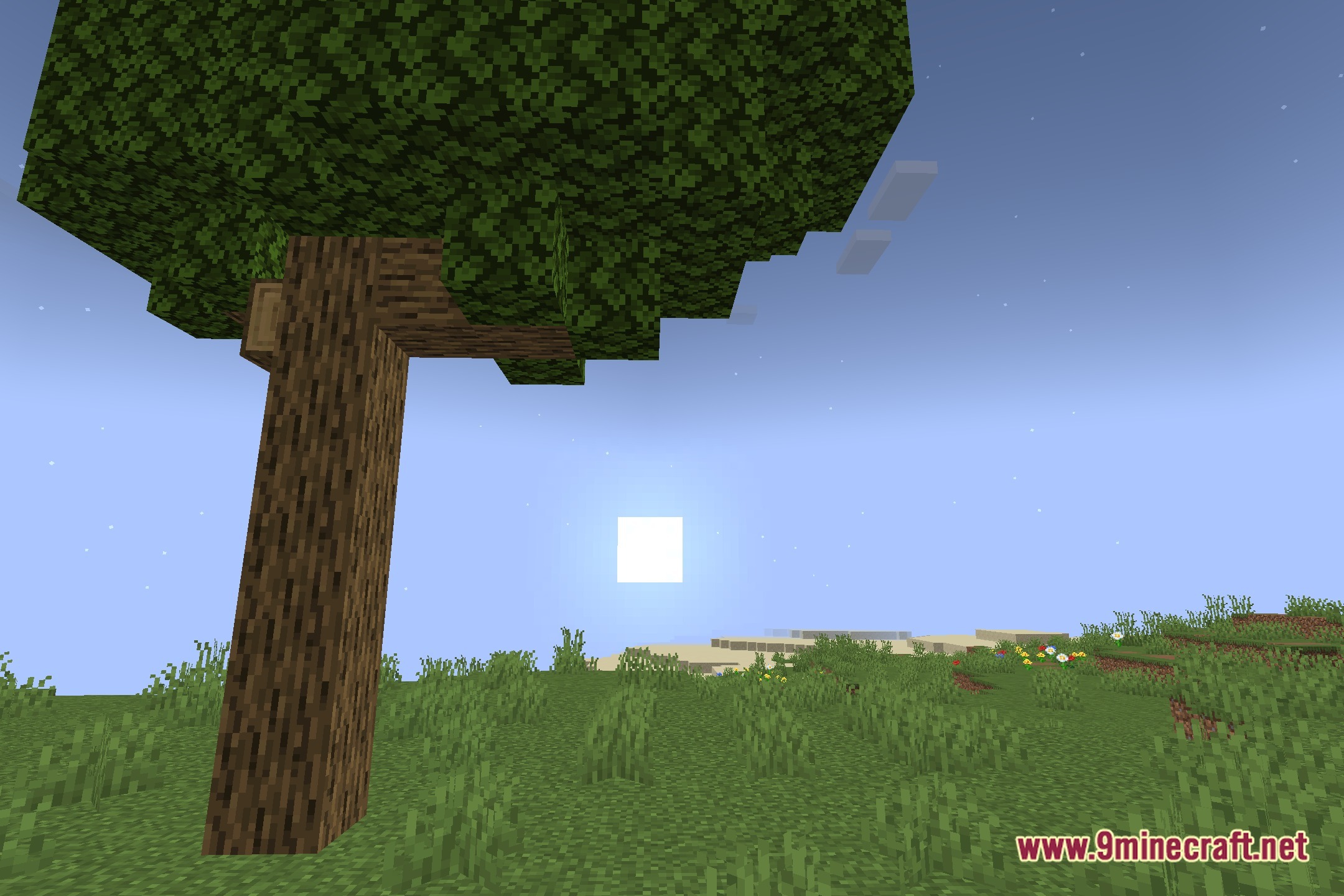
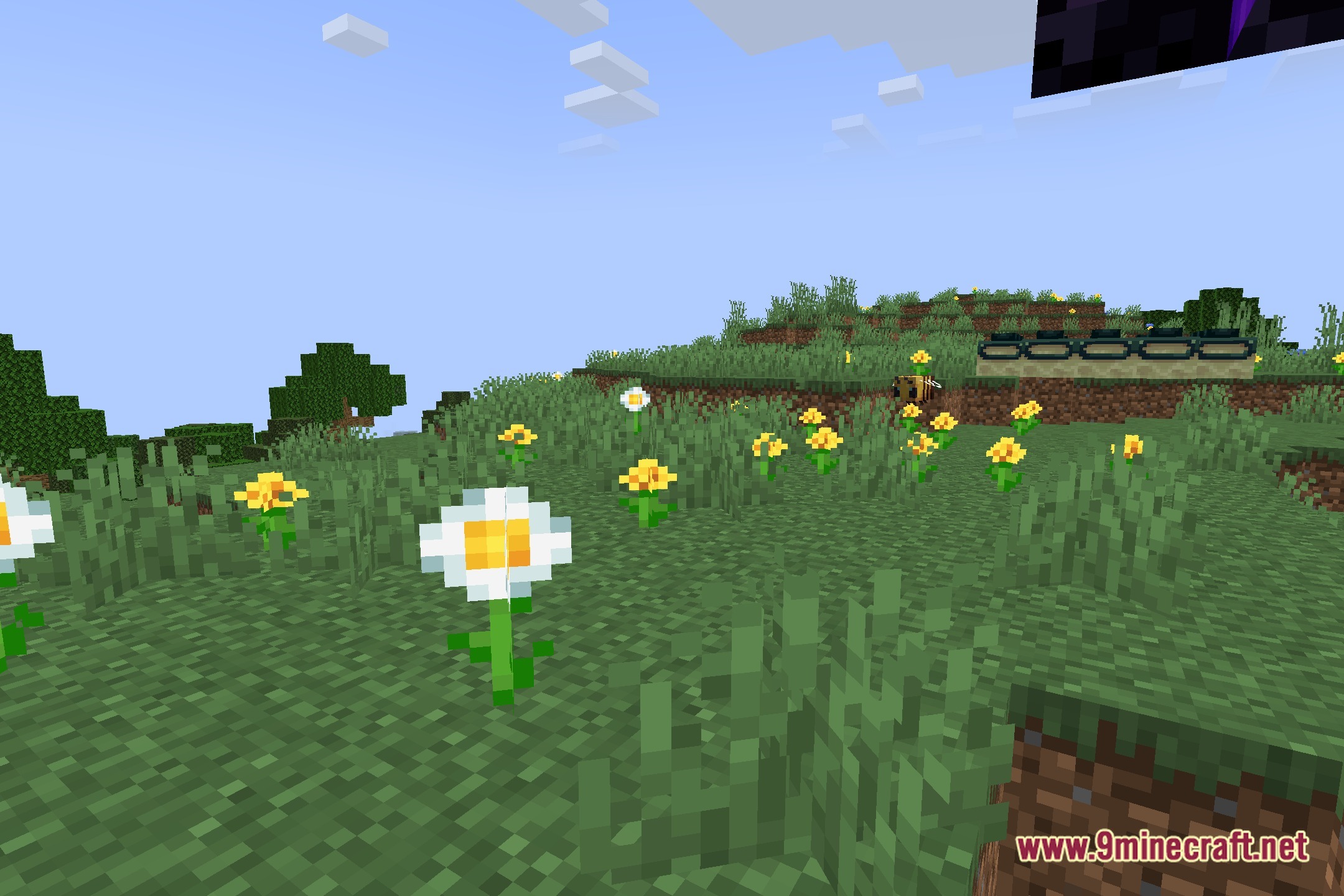
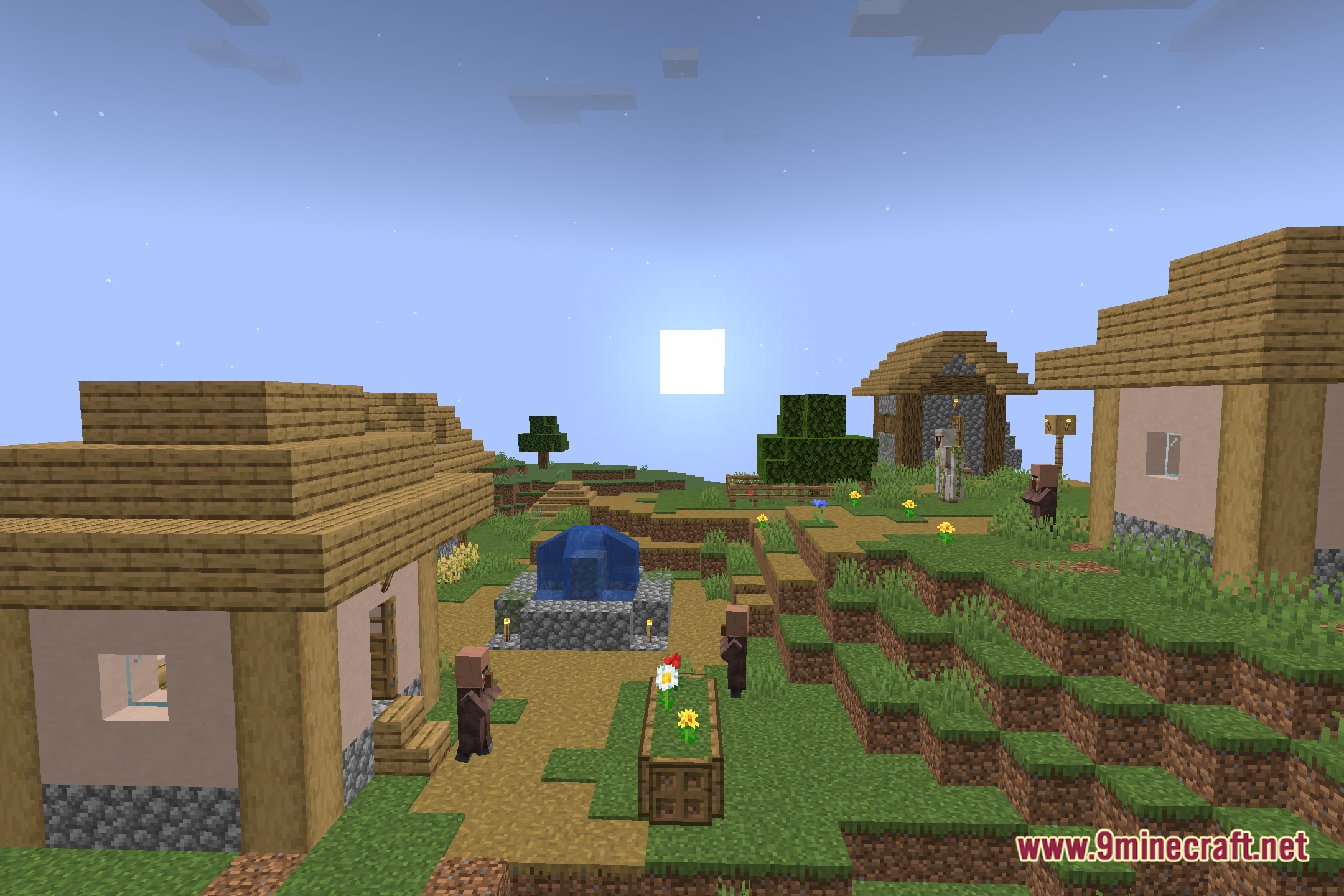
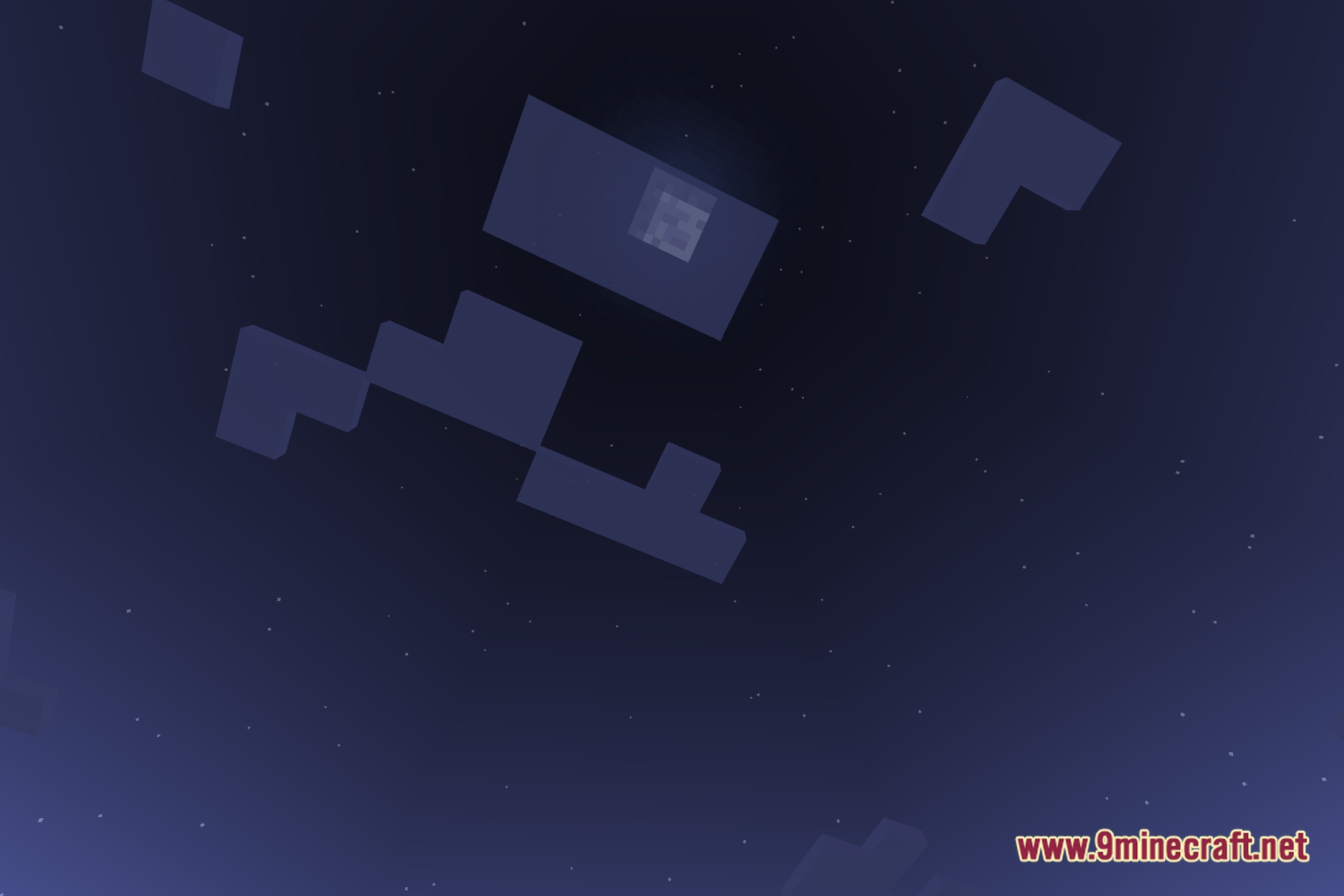
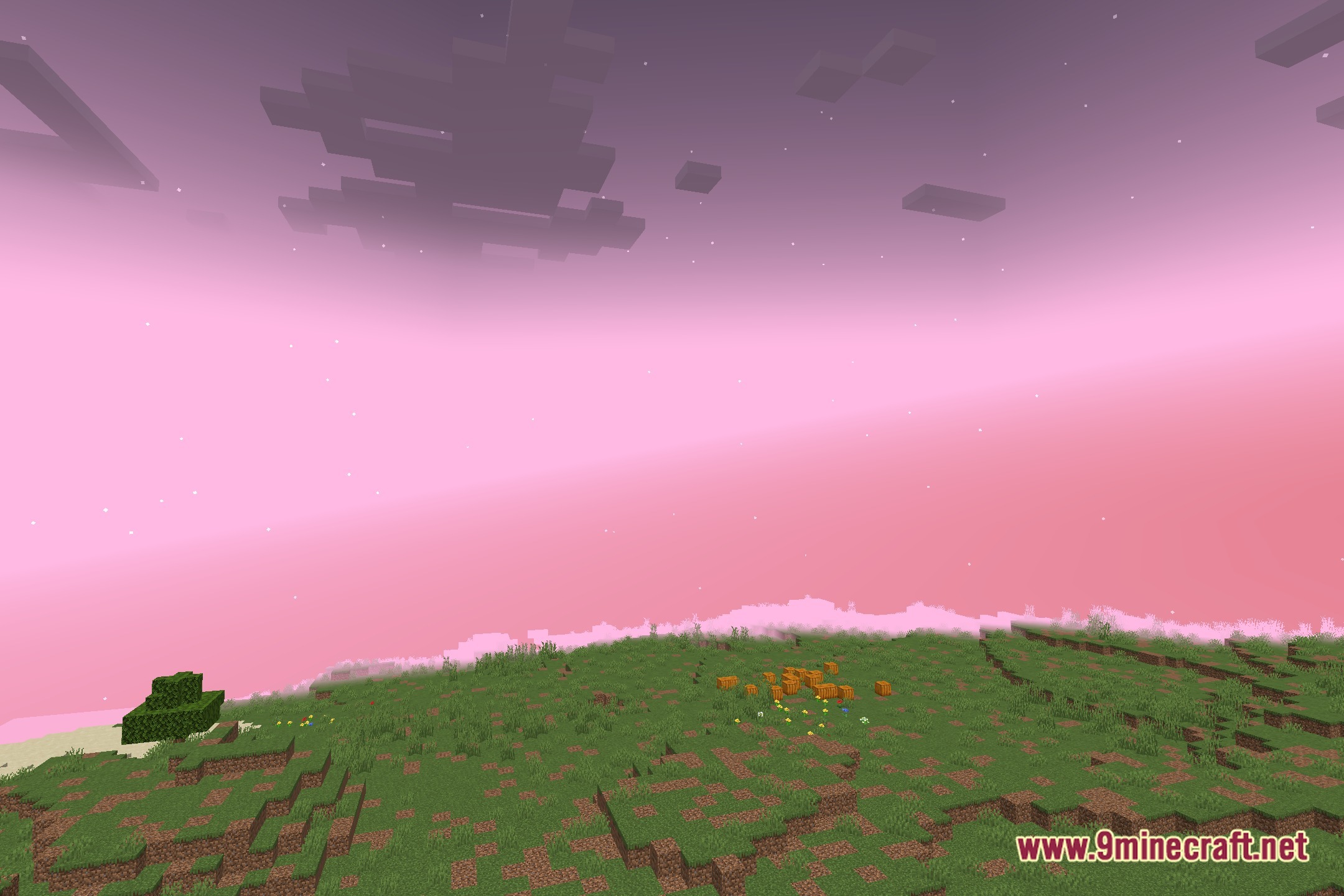
Voxray Shaders lights up your blocks by turning the world into voxels for raymarched effects. This experimental shader pack runs with the Iris mod to change how light moves across the landscape. It packs the block layout into shadowmaps and uses raytracing to create deep shadows and volumetric lighting. The pack offers a unique rendering method to make your builds look clean and soft.
Features:
- Packs the voxel structure of the world directly into the shadowmap render target.
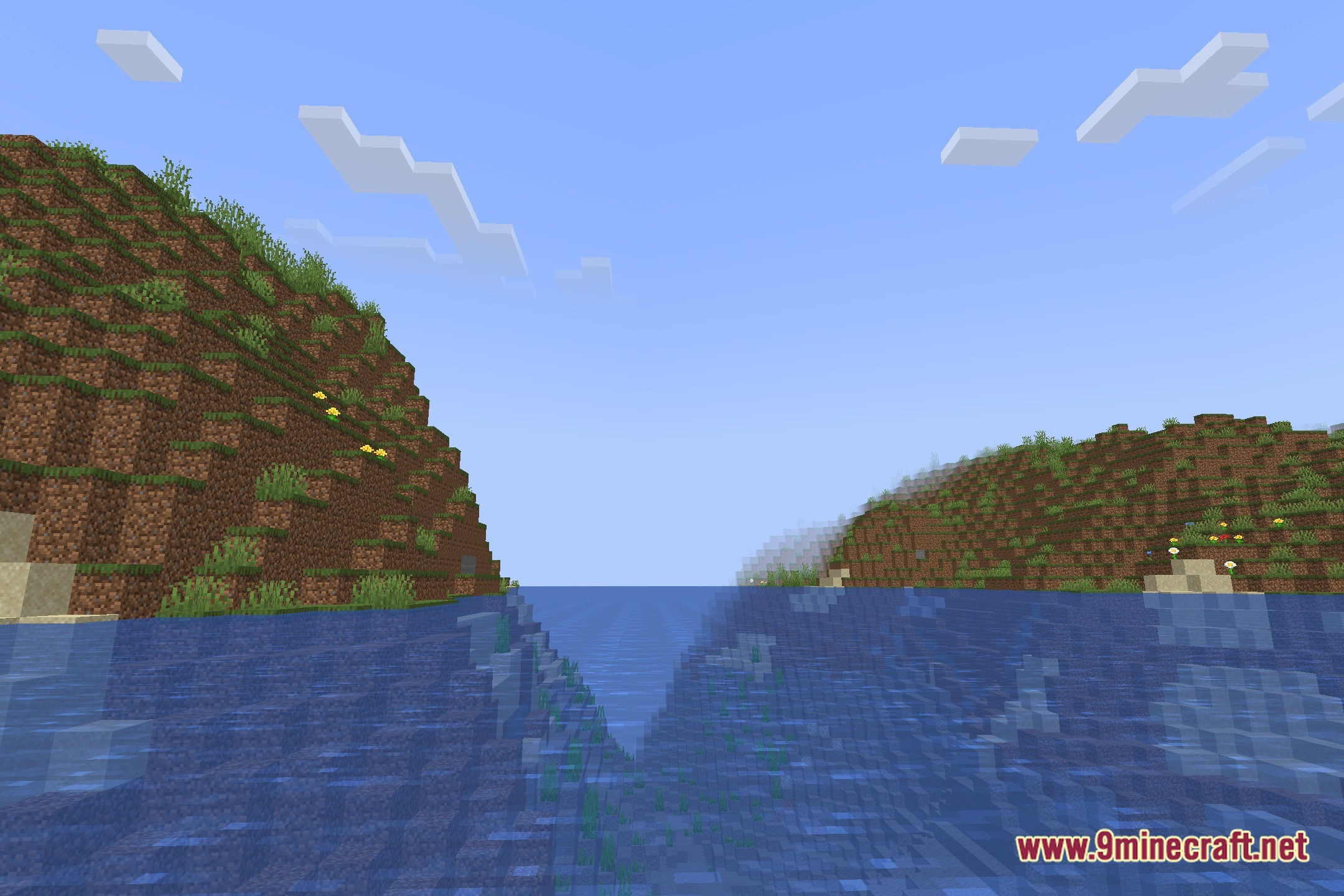
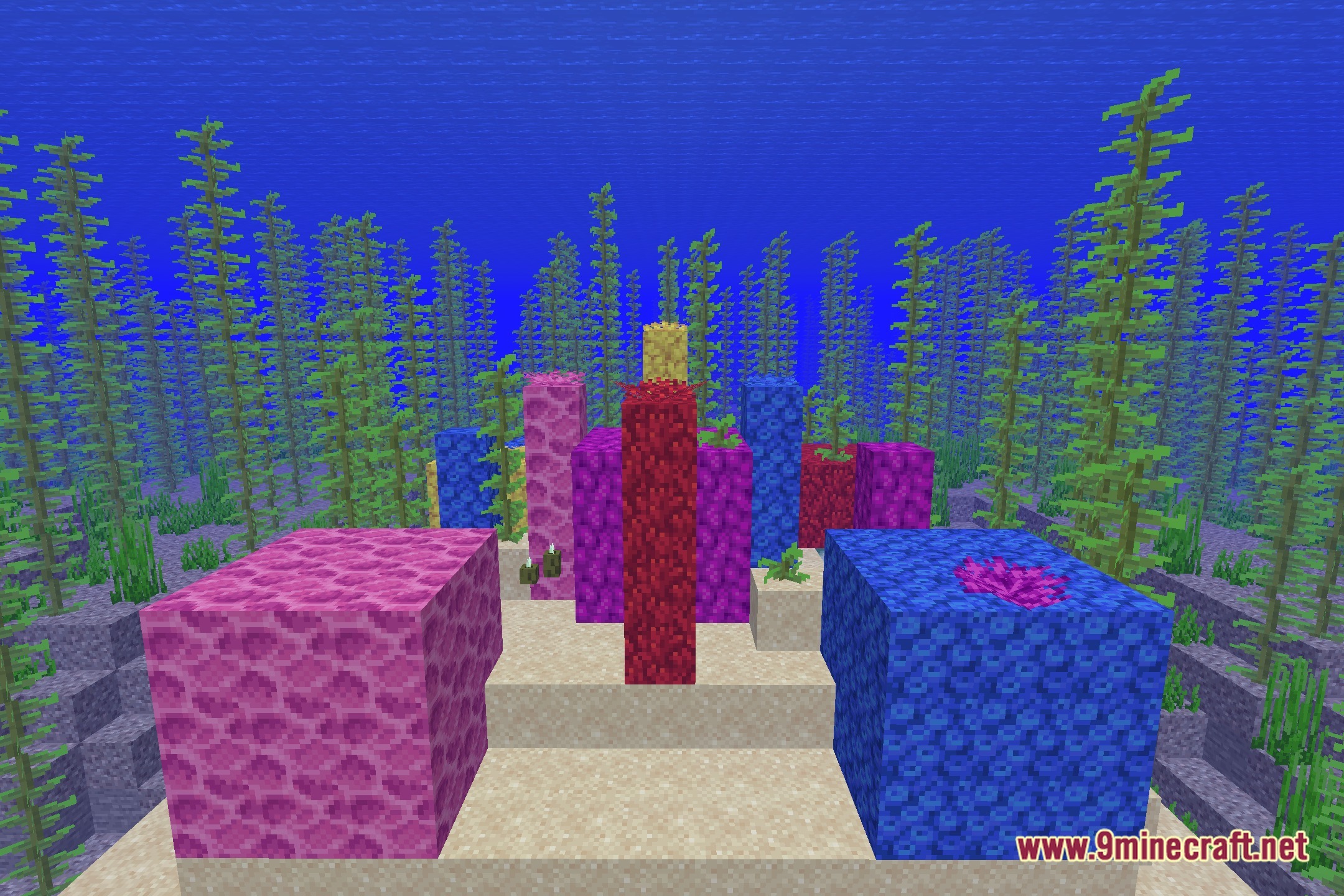
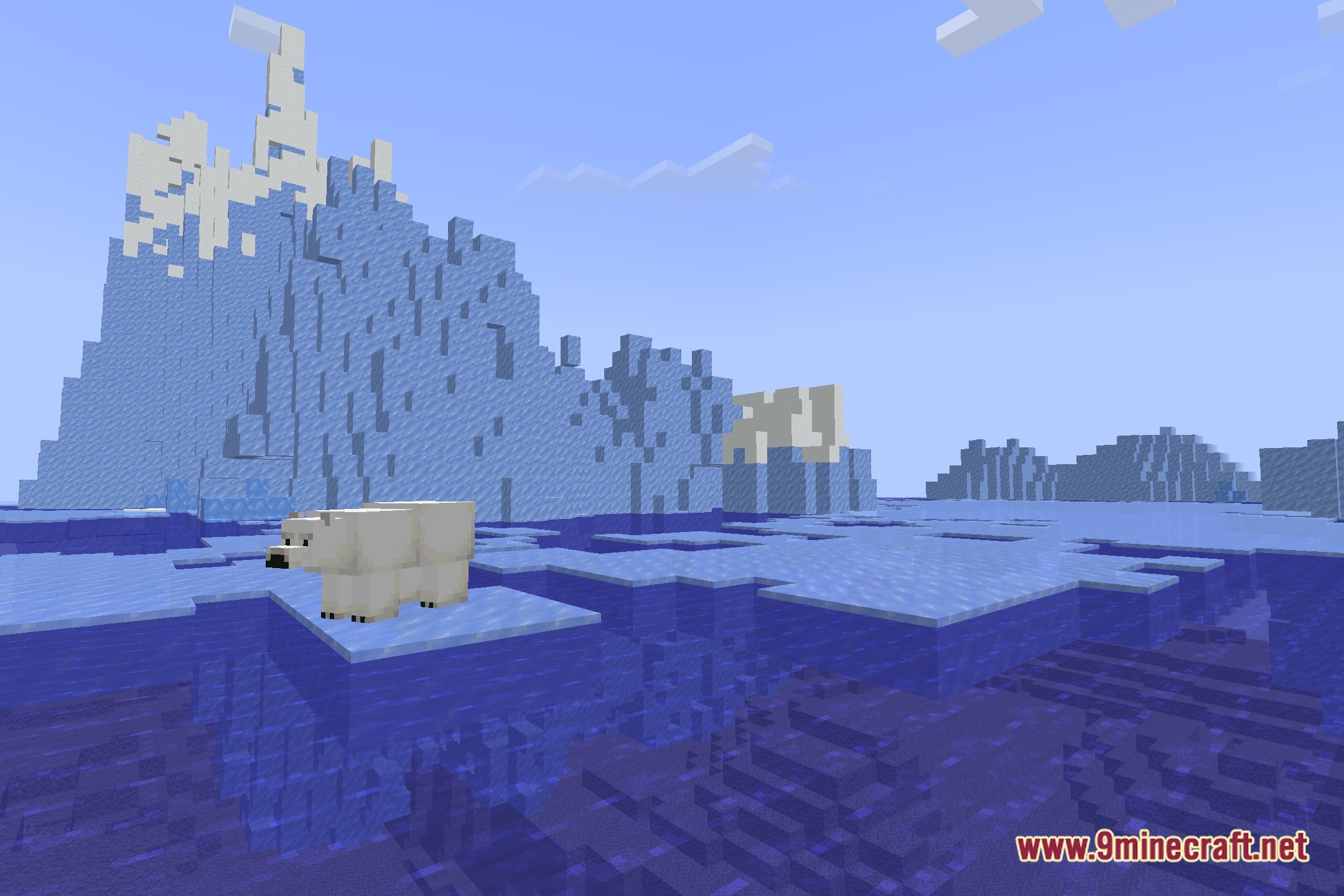
- Uses raytracing and raymarching to calculate accurate block shadows.
- Creates volumetric lighting effects throughout the open air.
- Runs alongside the Iris mod in your game.
- Provides experimental rendering techniques for block lighting.
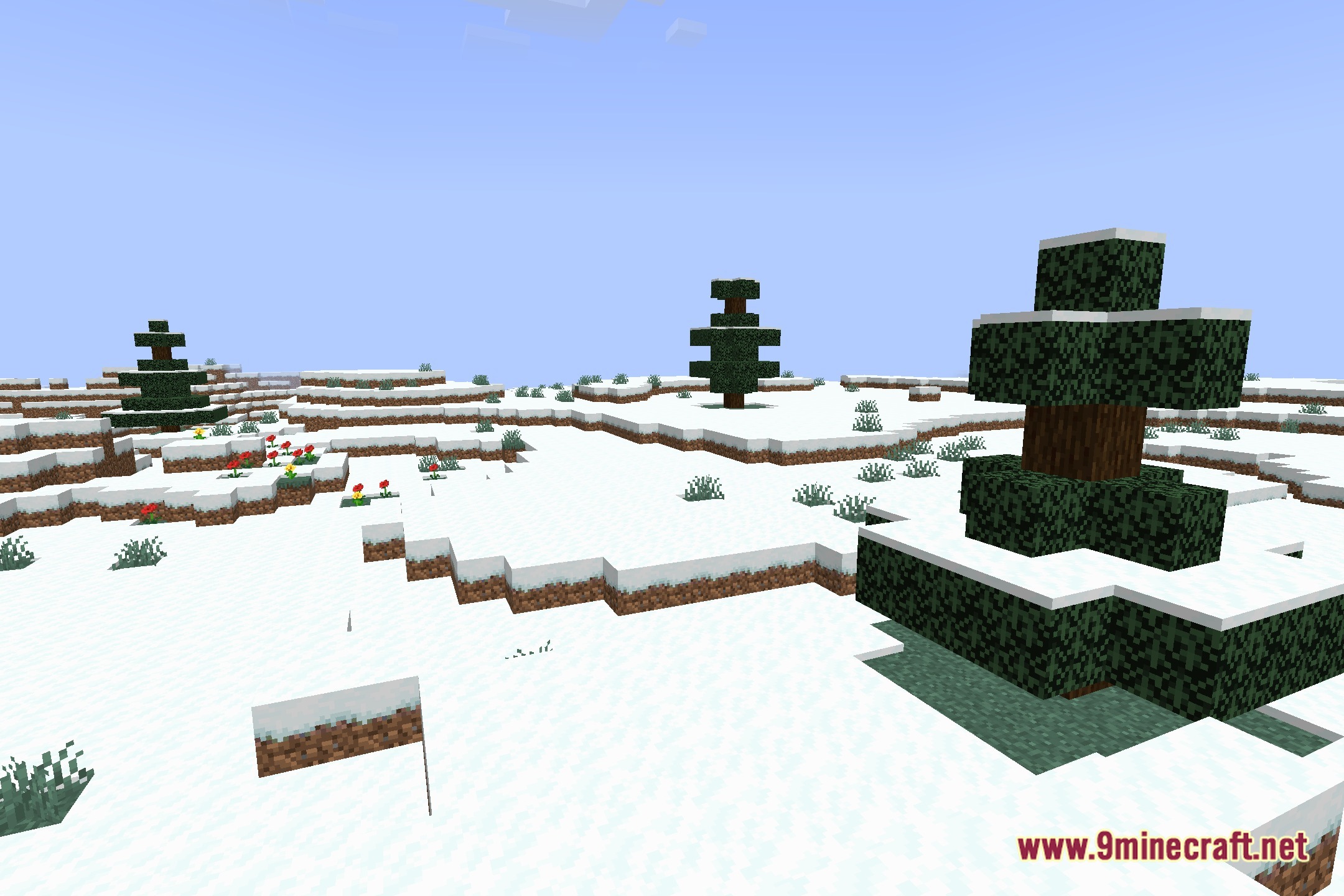
Screenshots:
Voxray Shaders Download Links
Quick facts
- Edition: Minecraft Java
- File type: .zip (resource pack)
- Minecraft version listed: 1.20.1
- How to install: Download the .zip resource pack — do not unzip it. → Put it in .minecraft/resourcepacks. → Enable it in Options → Resource Packs.
- Where to get it: Opens on the file's original source — not every file is mirrored on our own servers.
Install steps are the general flow for this file type — see the MC Java Mods guides for the full walkthrough.
Voxray Shaders (26.3, 1.20.1) – Voxel Raymarching and Volumetric Lighting is a free Minecraft Java shader. Compatible with Minecraft 1.20.1. Download it and open it directly in the game.