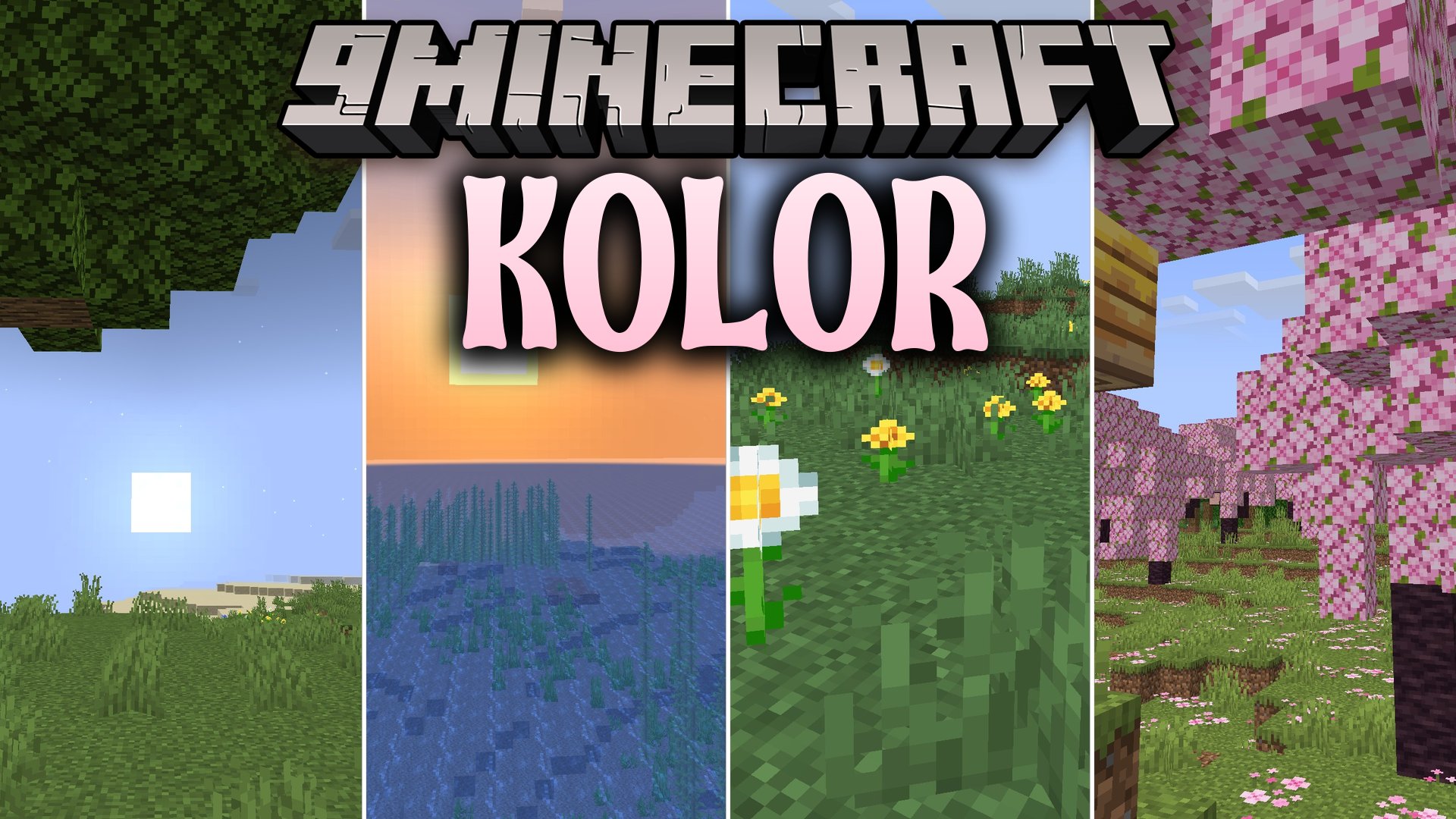
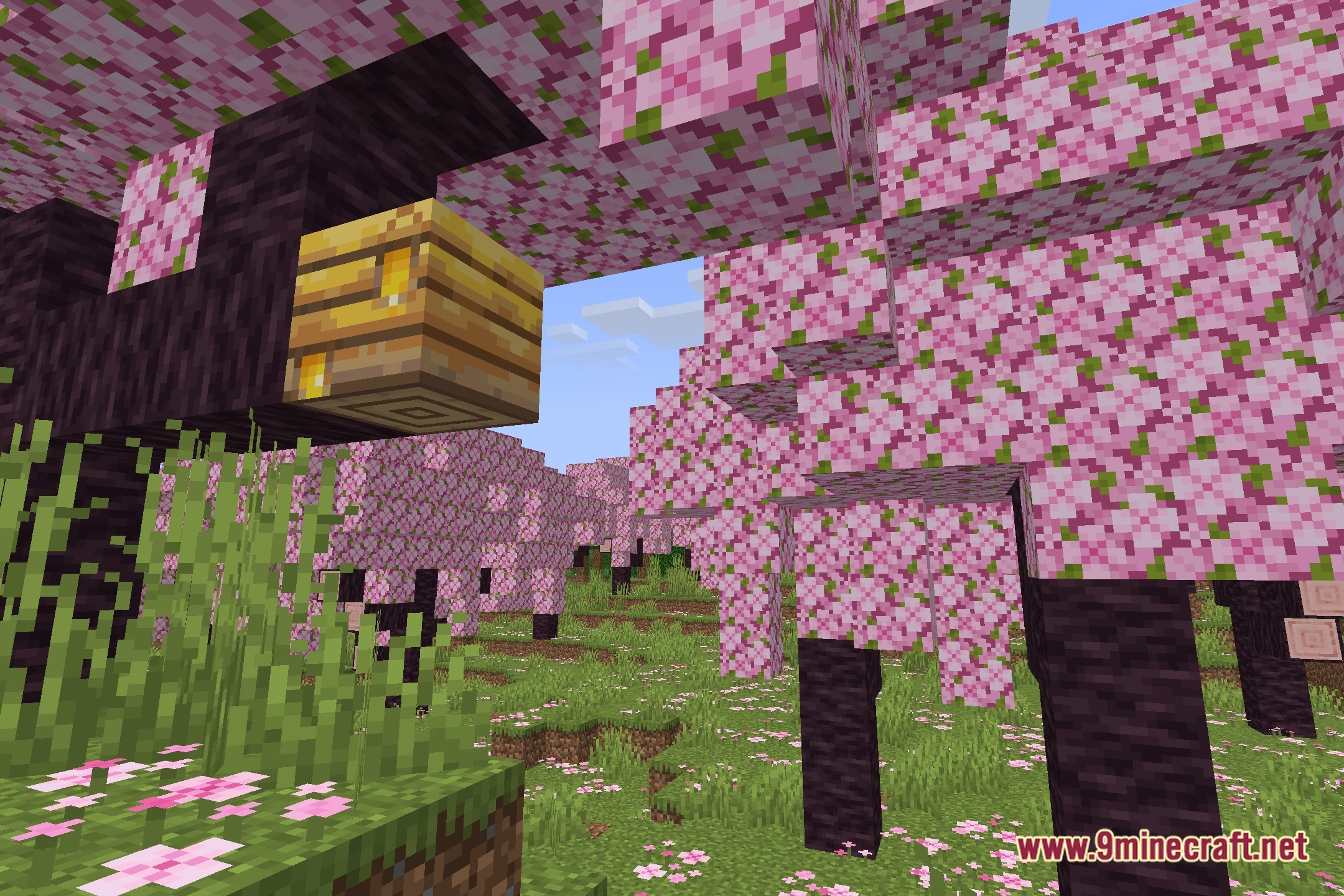
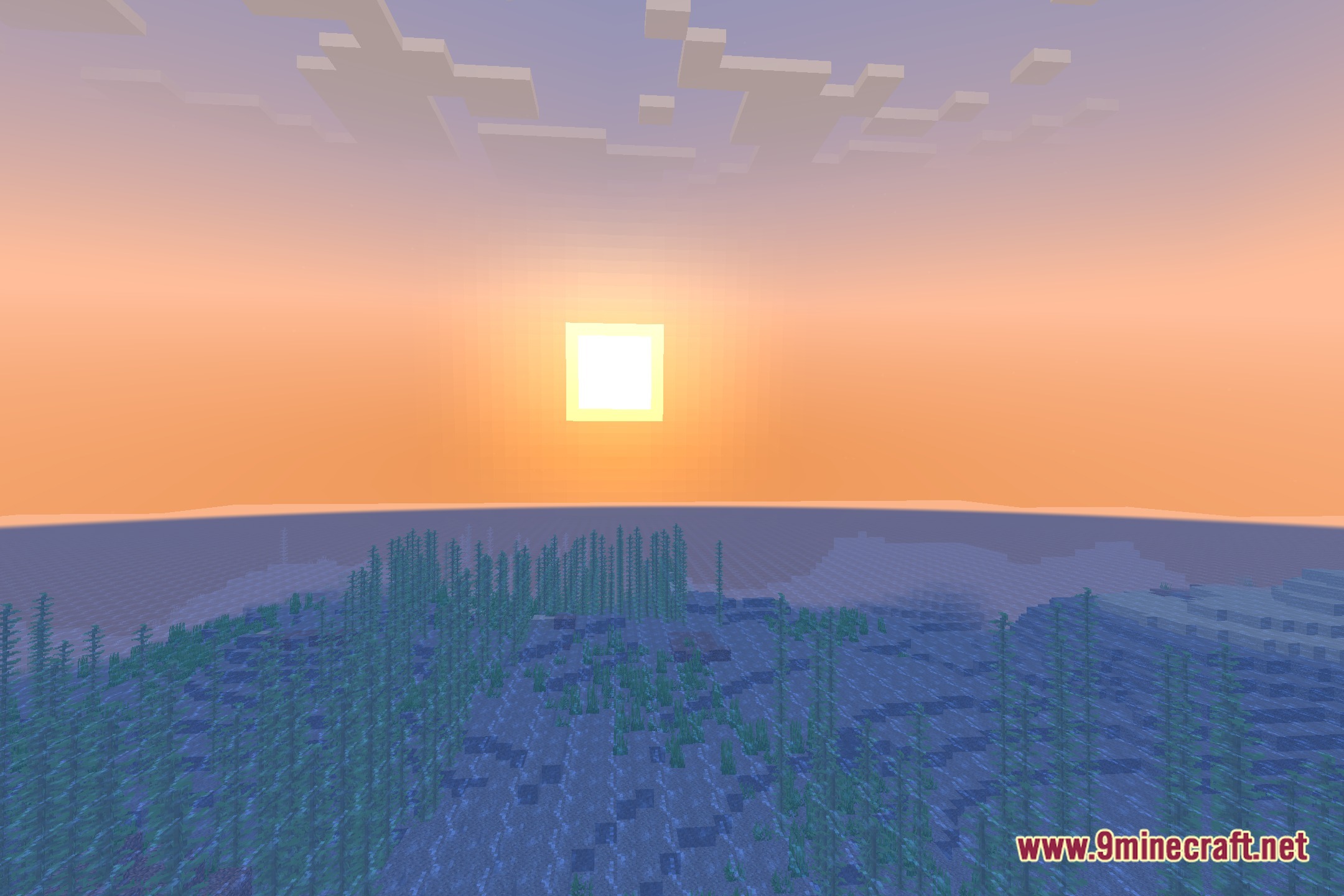
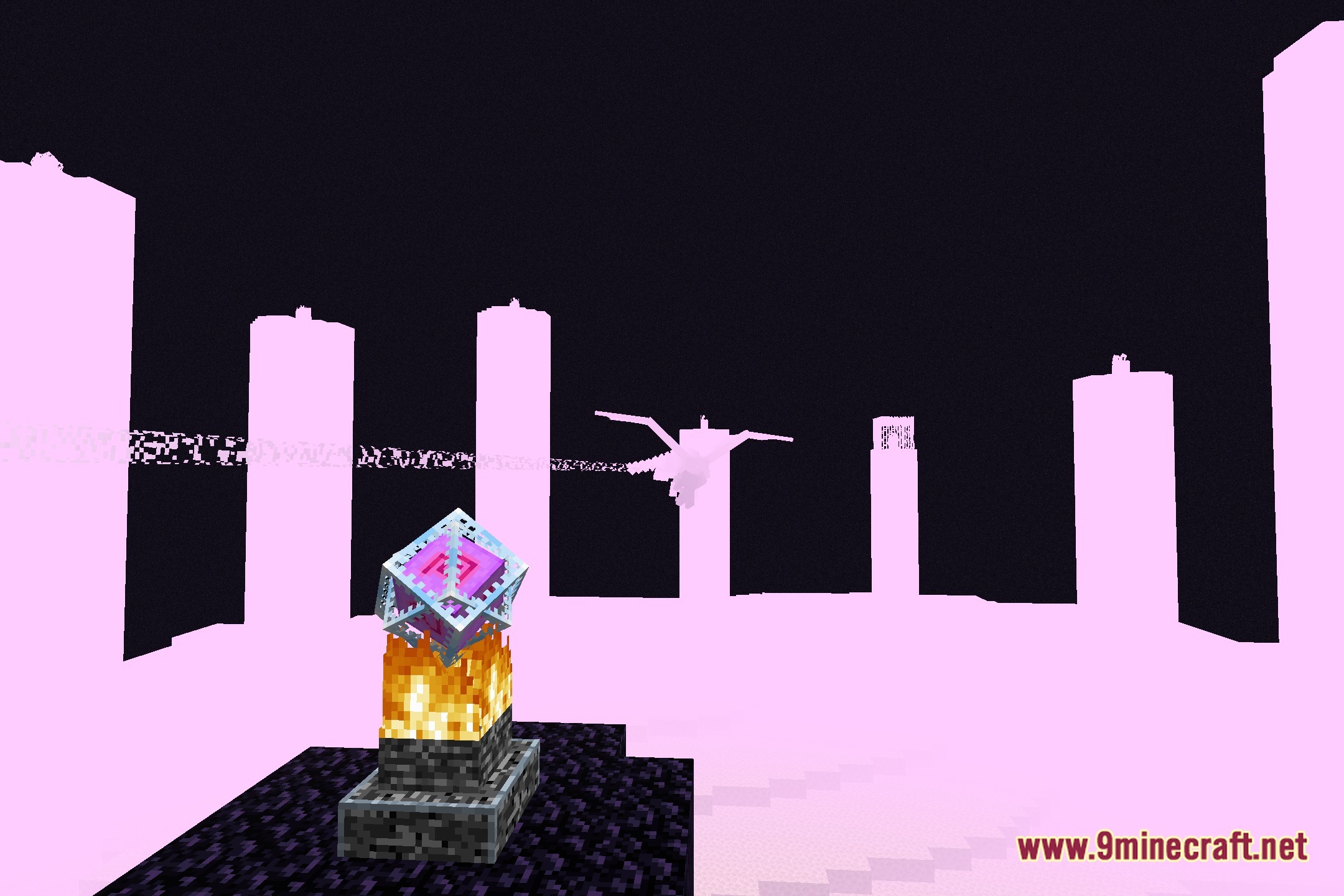
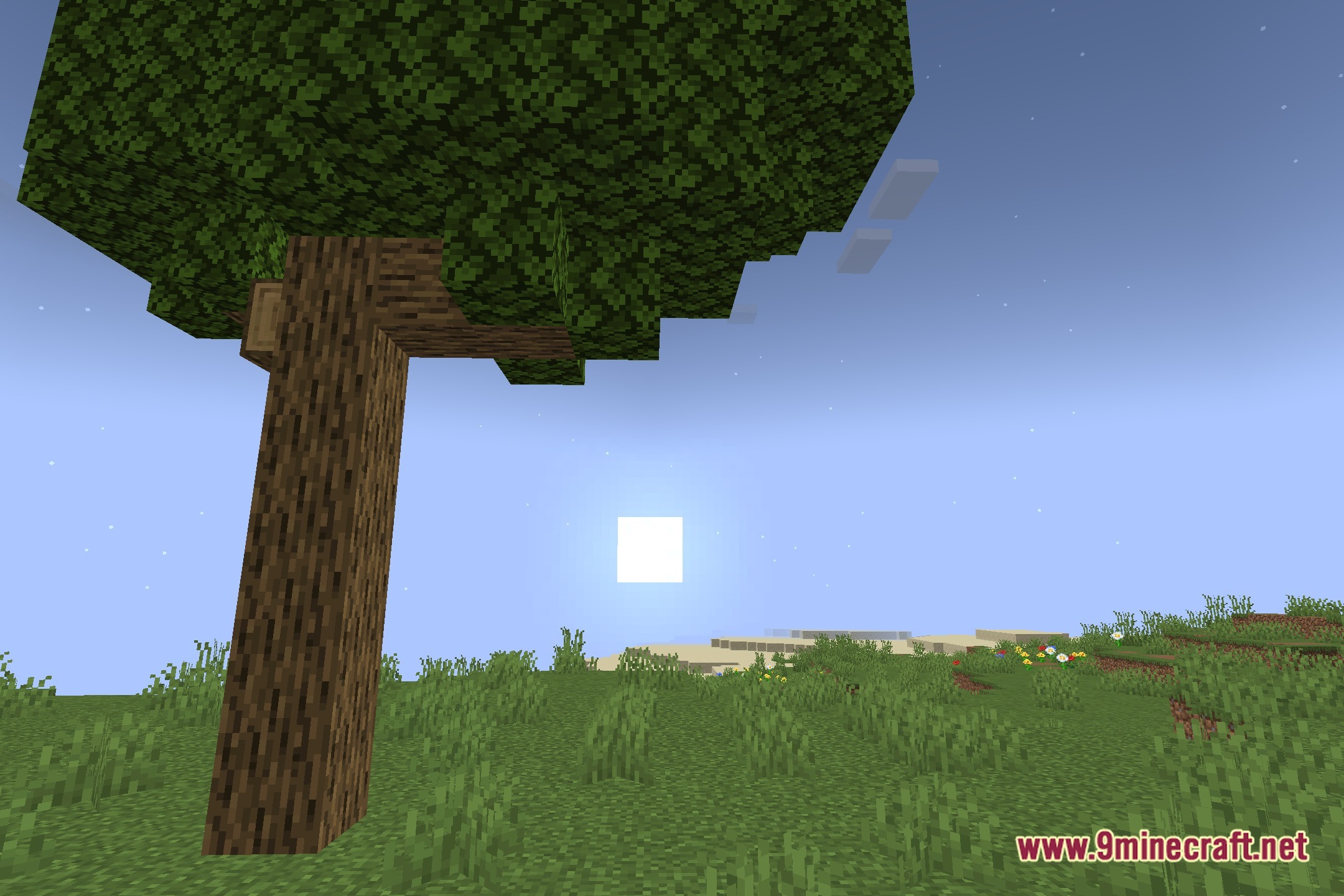
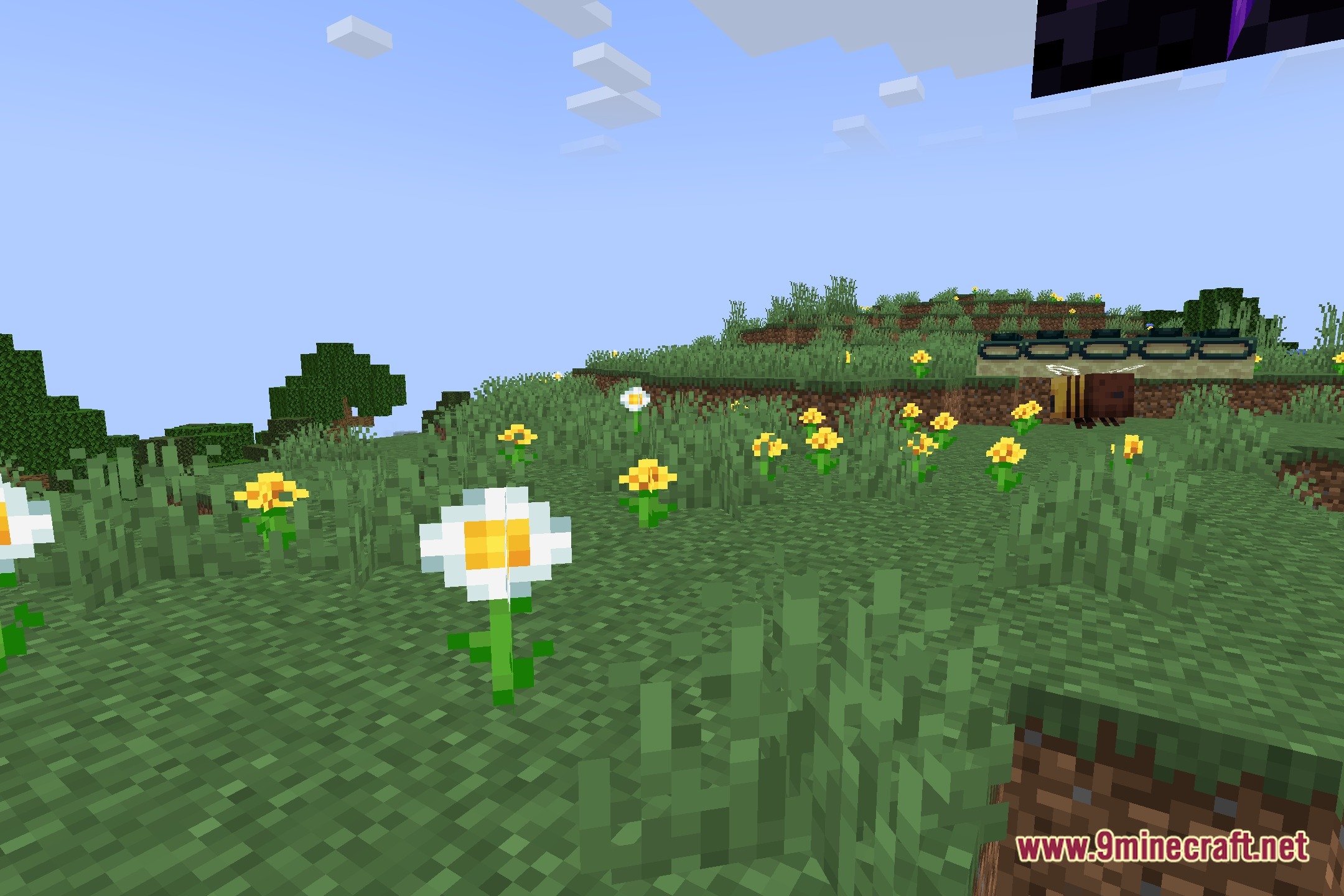
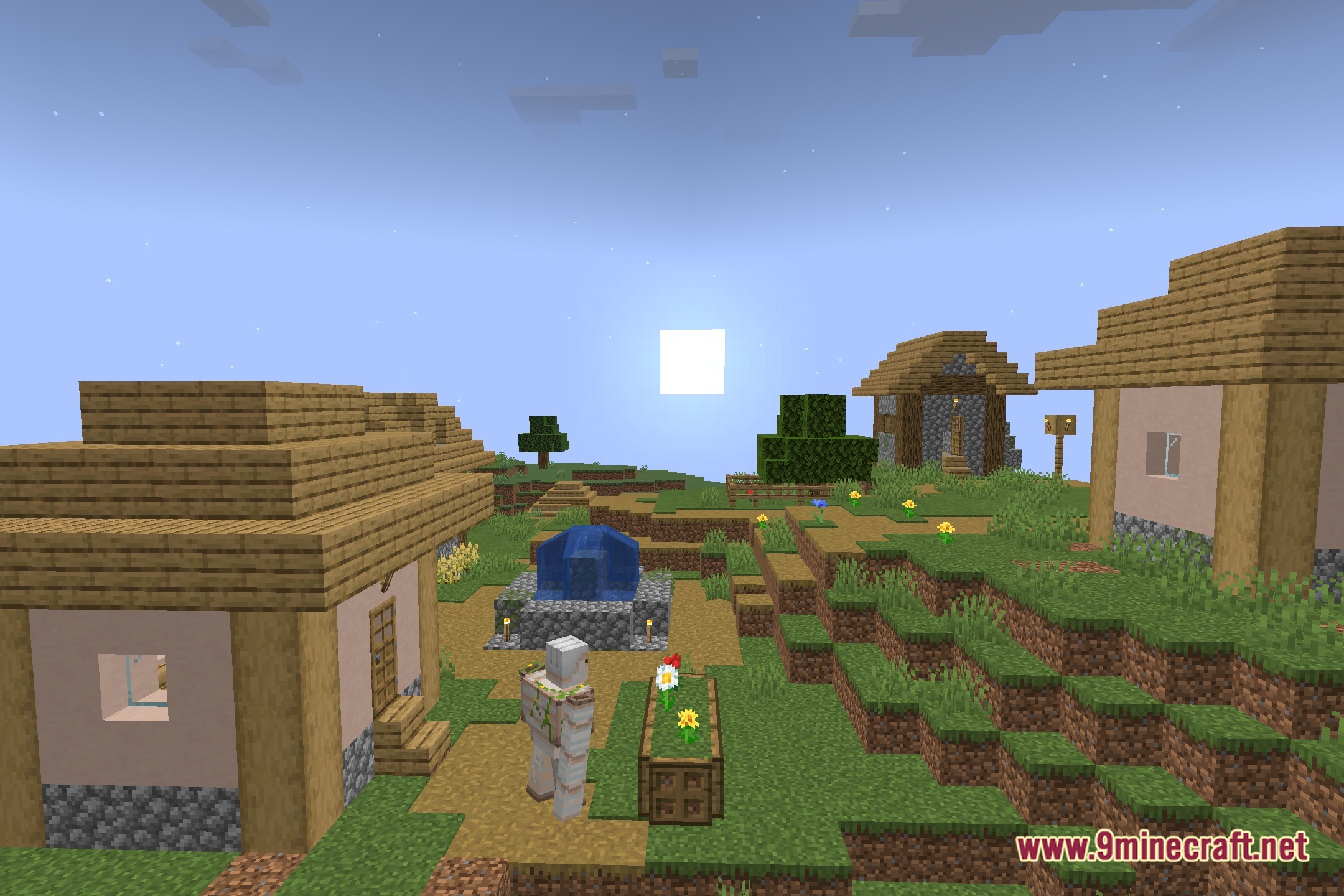
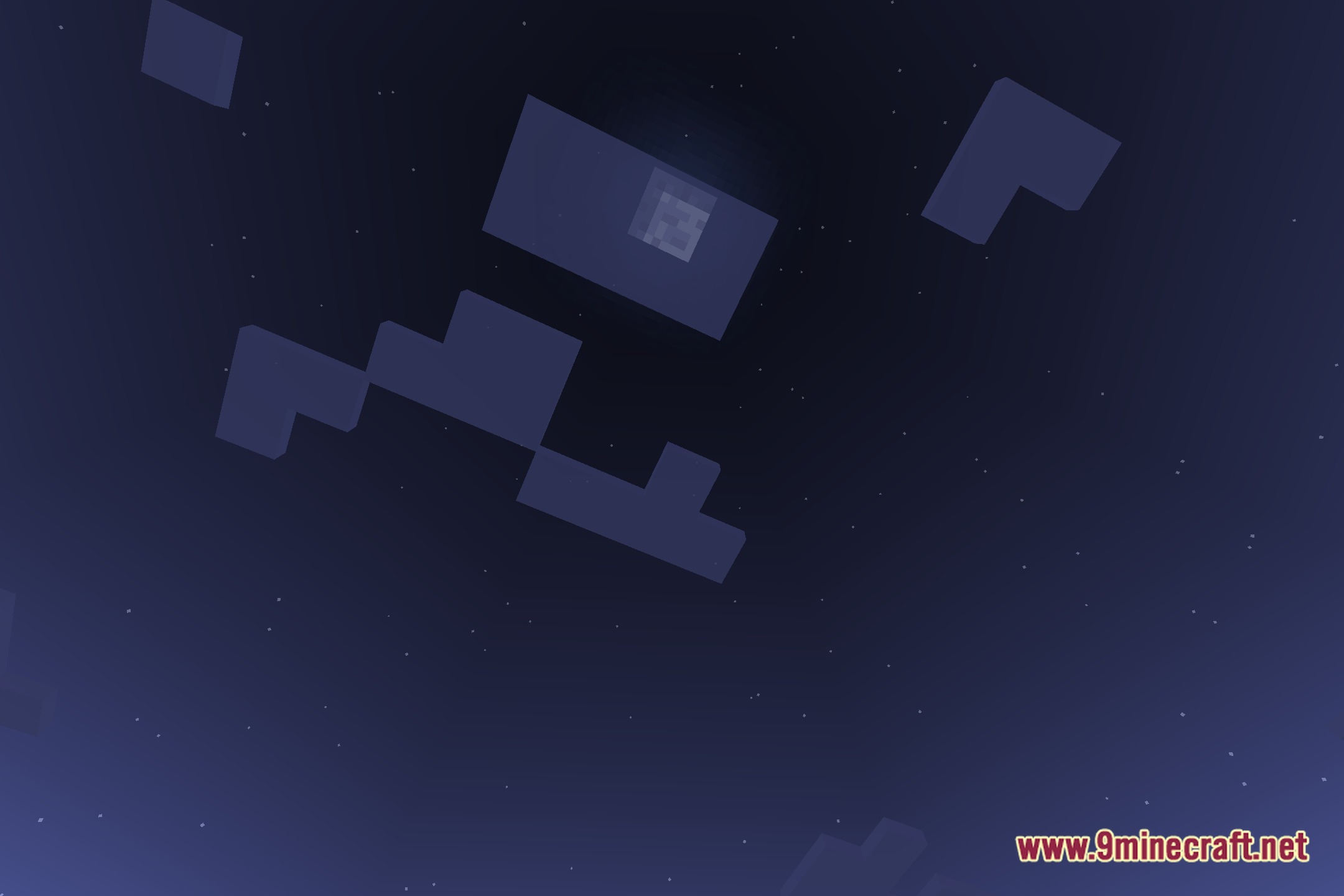
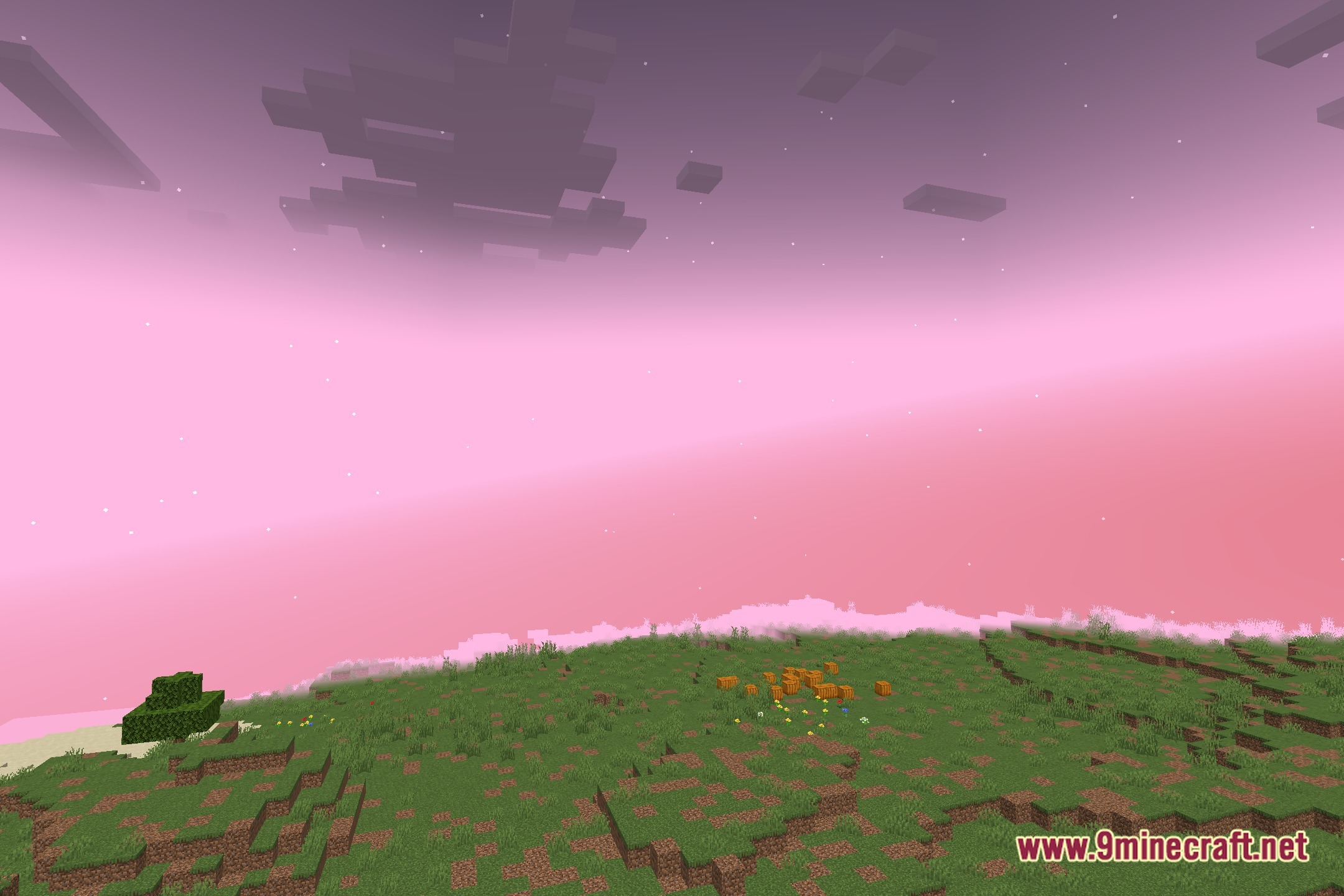
Kolor Shaders bathes your Minecraft world in vivid tones and clean light. This shader pack works directly with Iris to bring fresh visuals to blocks, skies, and outdoor areas. Shadows look neat across the terrain while keeping the game running smoothly. You can explore different biomes and see how the sunlight changes the look of every surface.
Features:
- Runs smoothly on setups using the Iris shader loader.
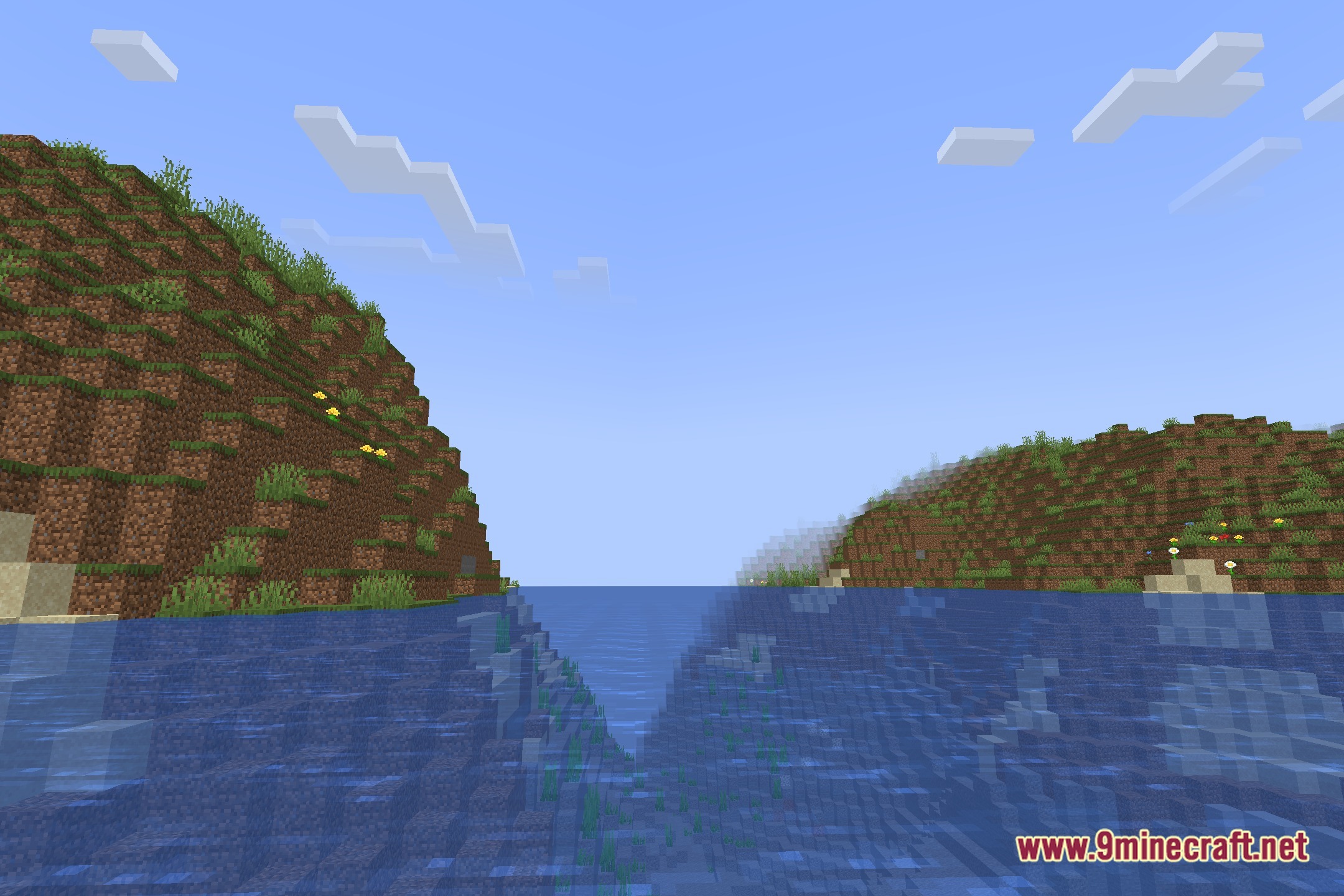
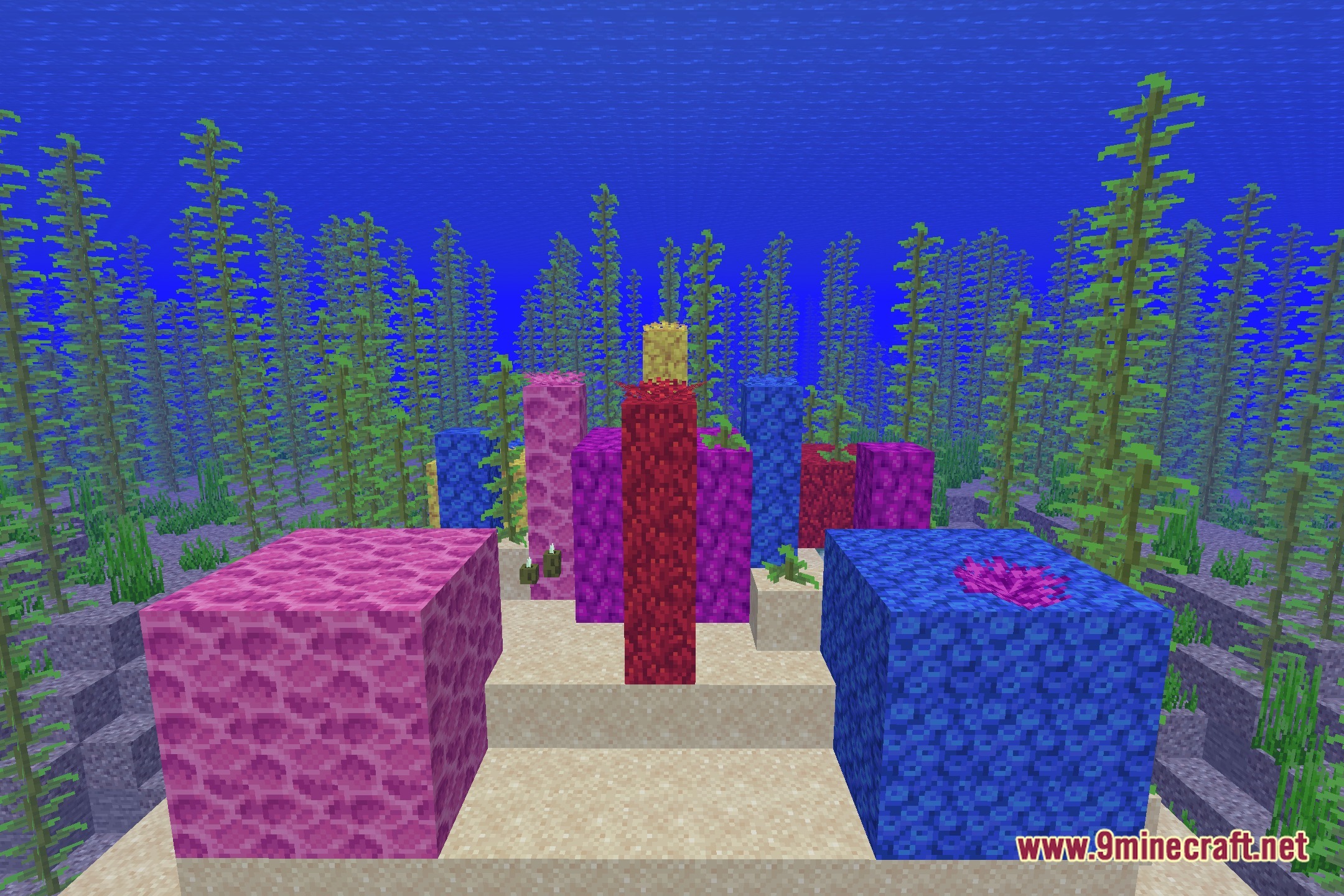
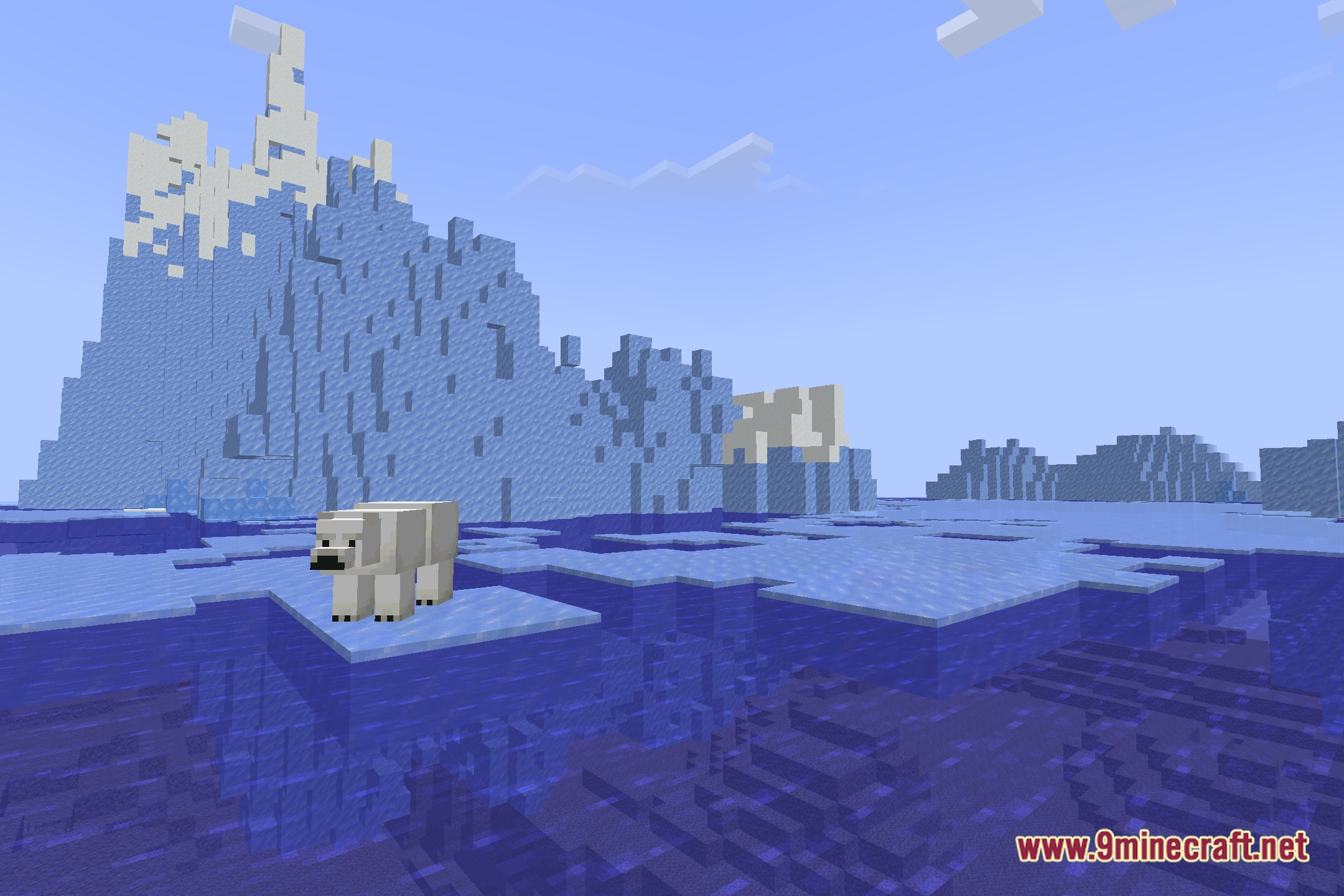
- Adjusts the overall color balance to make biomes look bright and clear.
- Casts gentle shadows under trees, structures, and hills.
- Paints the daylight with soft warm tones during sunrise and noon.
- Keeps night skies dark enough for standard survival gameplay.
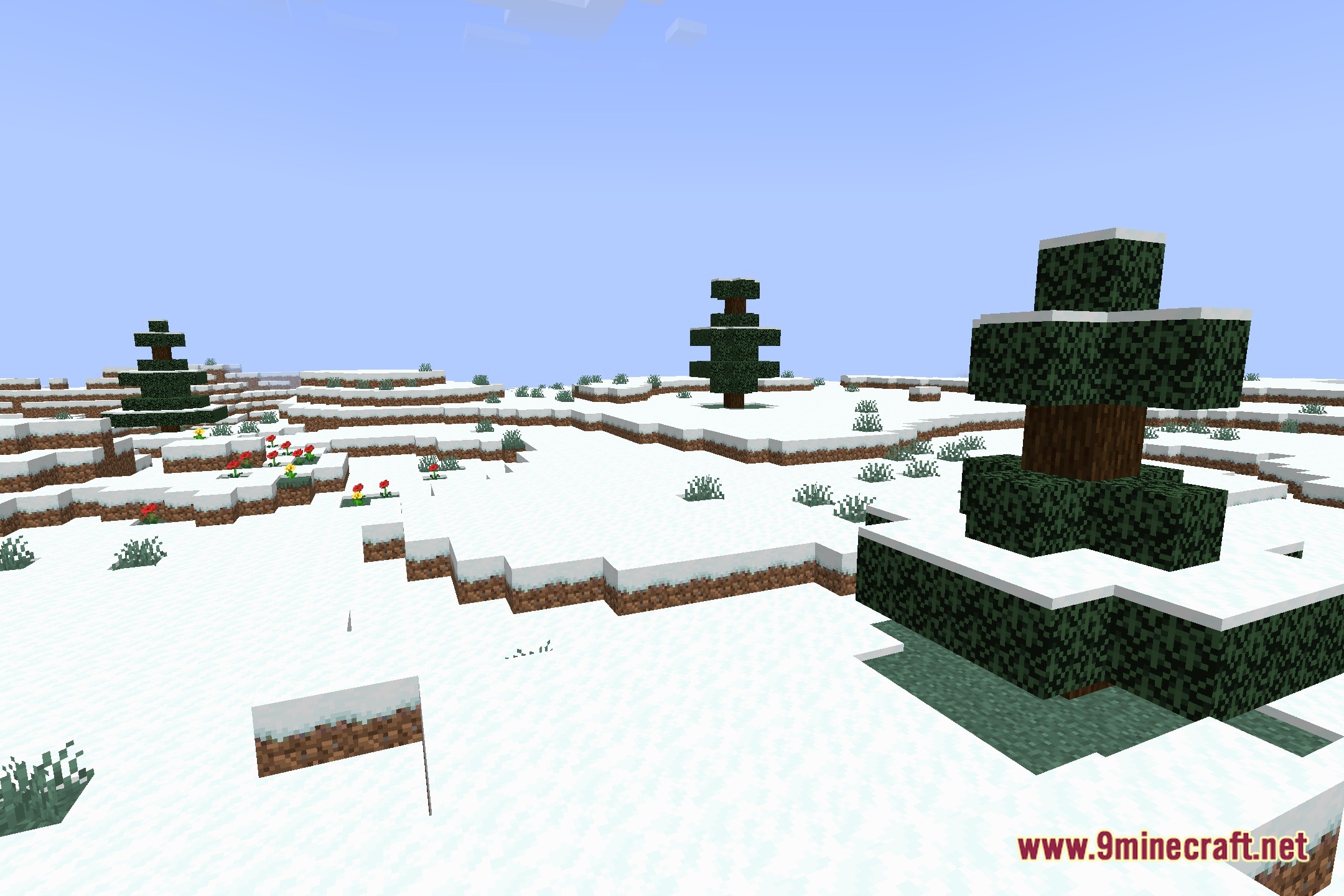
Screenshots:
Kolor Shaders Download Links
Quick facts
- Edition: Minecraft Java
- File type: .zip (resource pack)
- Minecraft version listed: 1.20.1
- How to install: Download the .zip resource pack — do not unzip it. → Put it in .minecraft/resourcepacks. → Enable it in Options → Resource Packs.
- Where to get it: Opens on the file's original source — not every file is mirrored on our own servers.
Install steps are the general flow for this file type — see the MC Java Mods guides for the full walkthrough.
Kolor Shaders (26.3, 1.20.1) – Vivid Color Grading and Soft Shadows is a free Minecraft Java shader. Compatible with Minecraft 1.20.1. Download it and open it directly in the game.