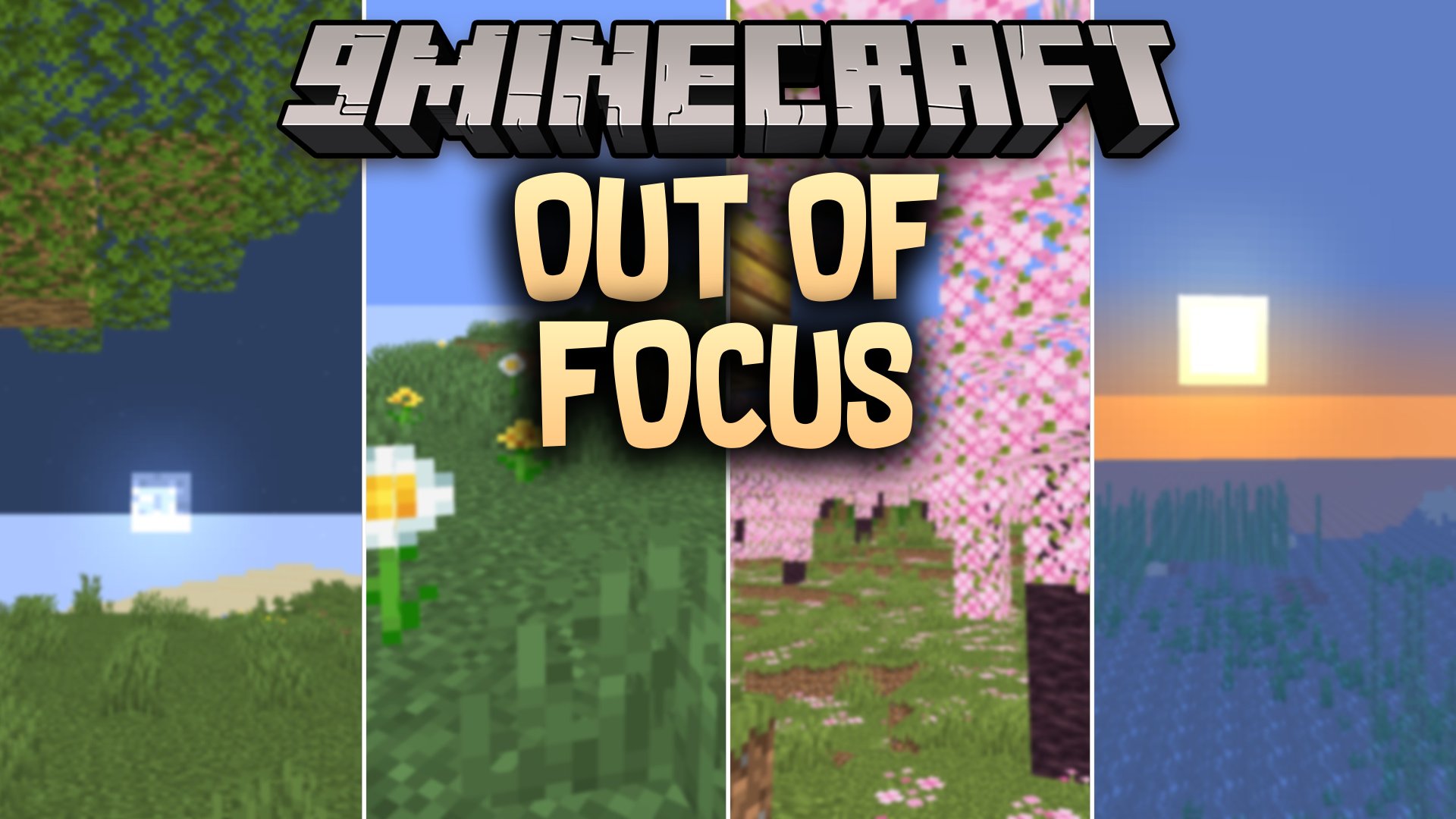
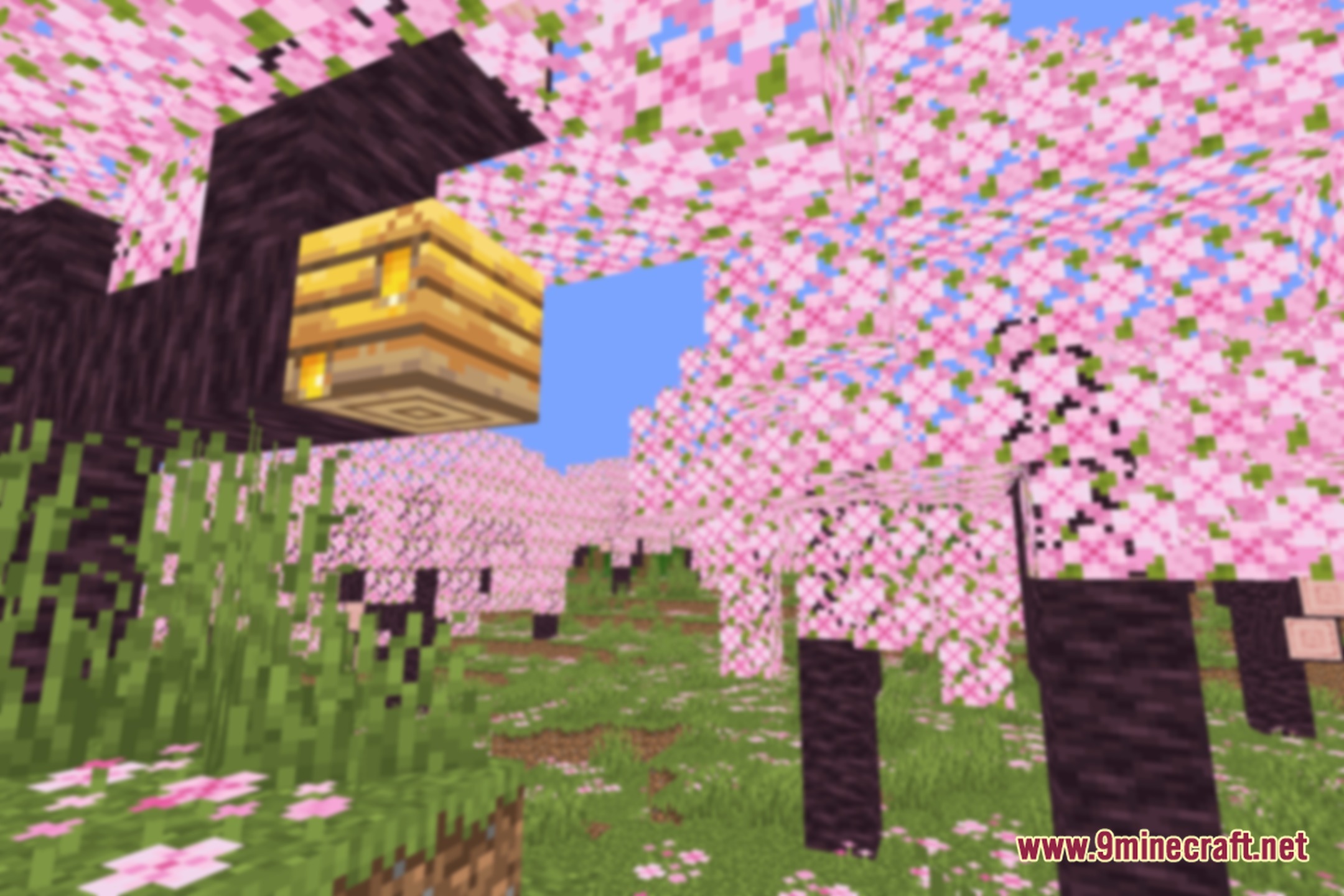
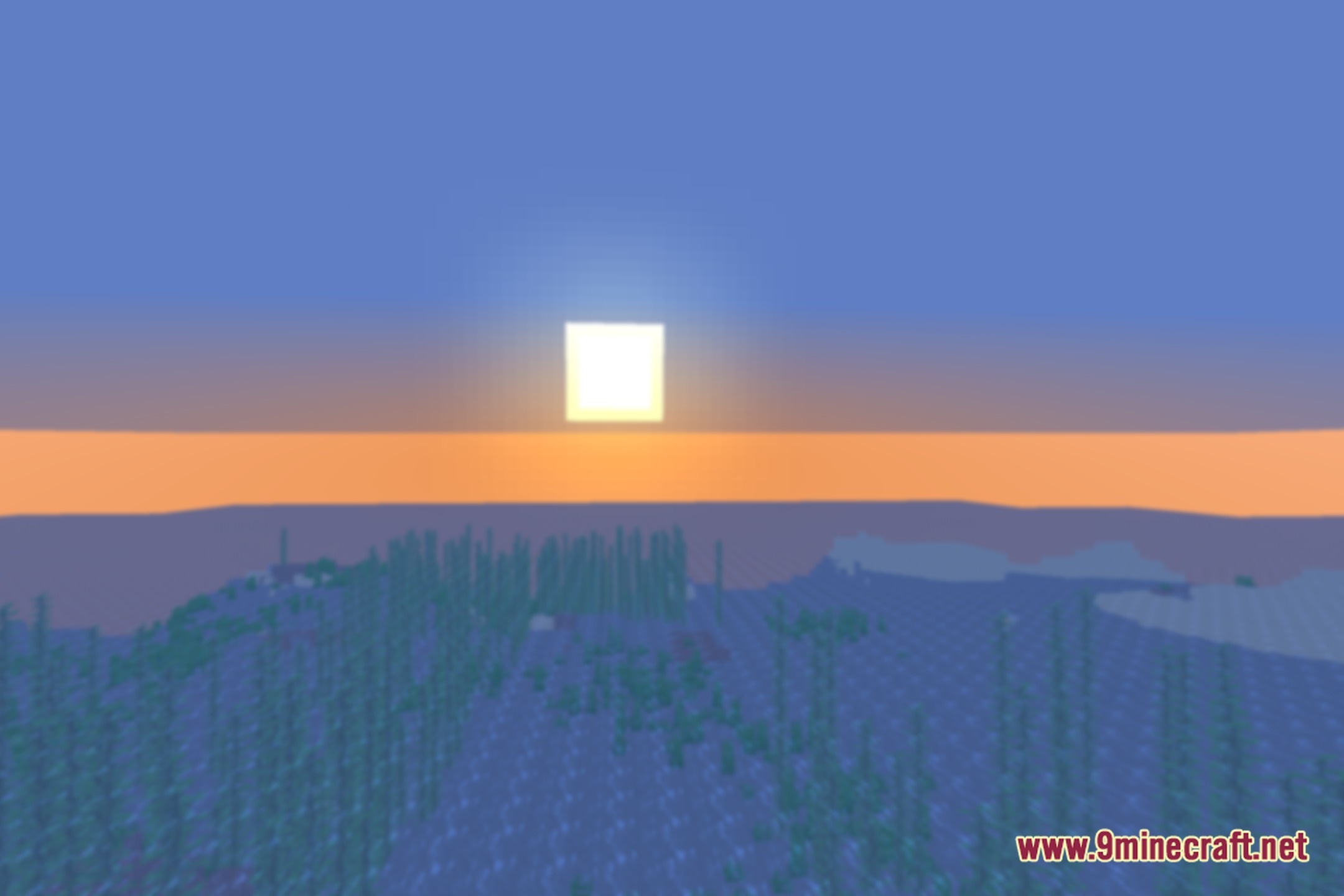
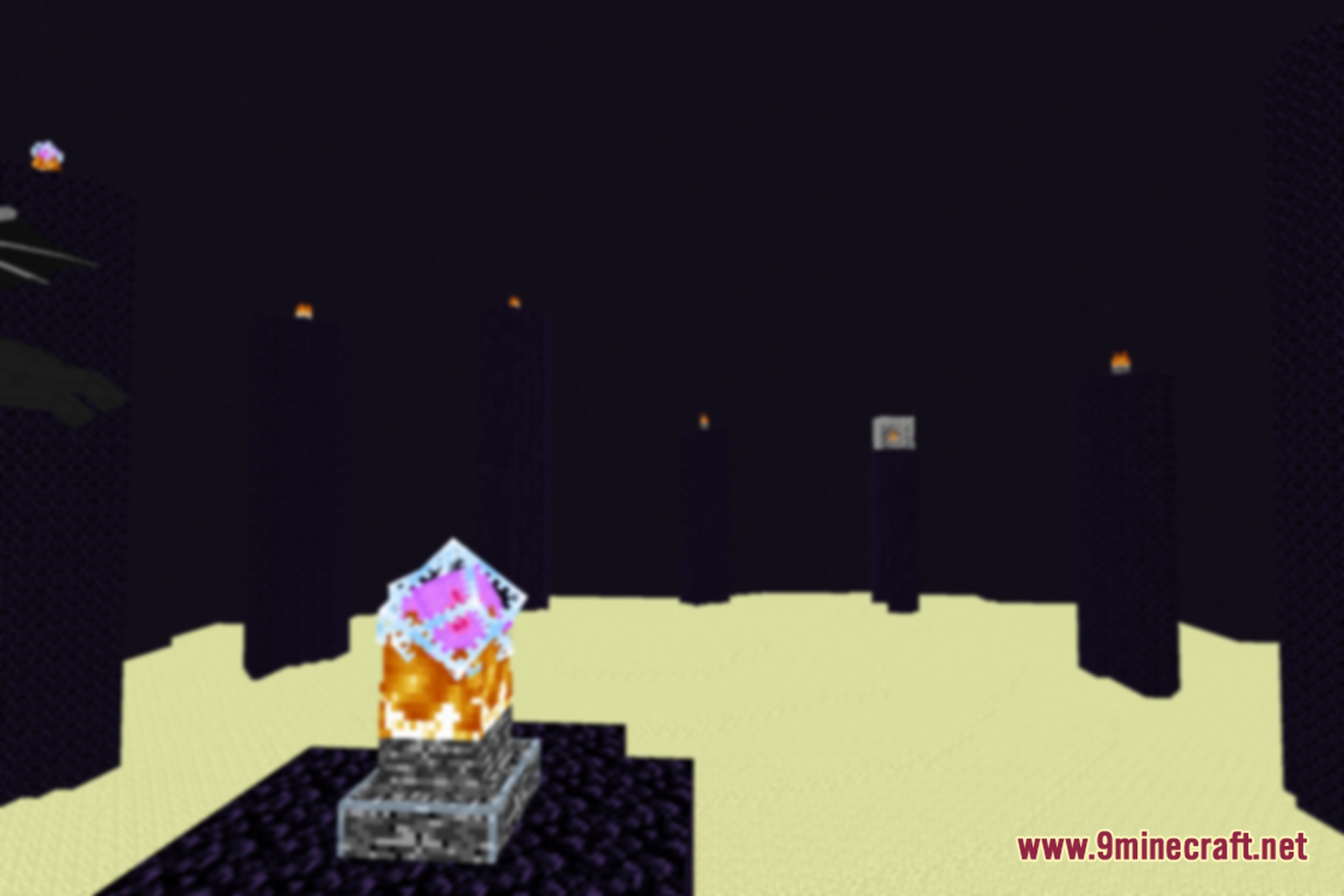
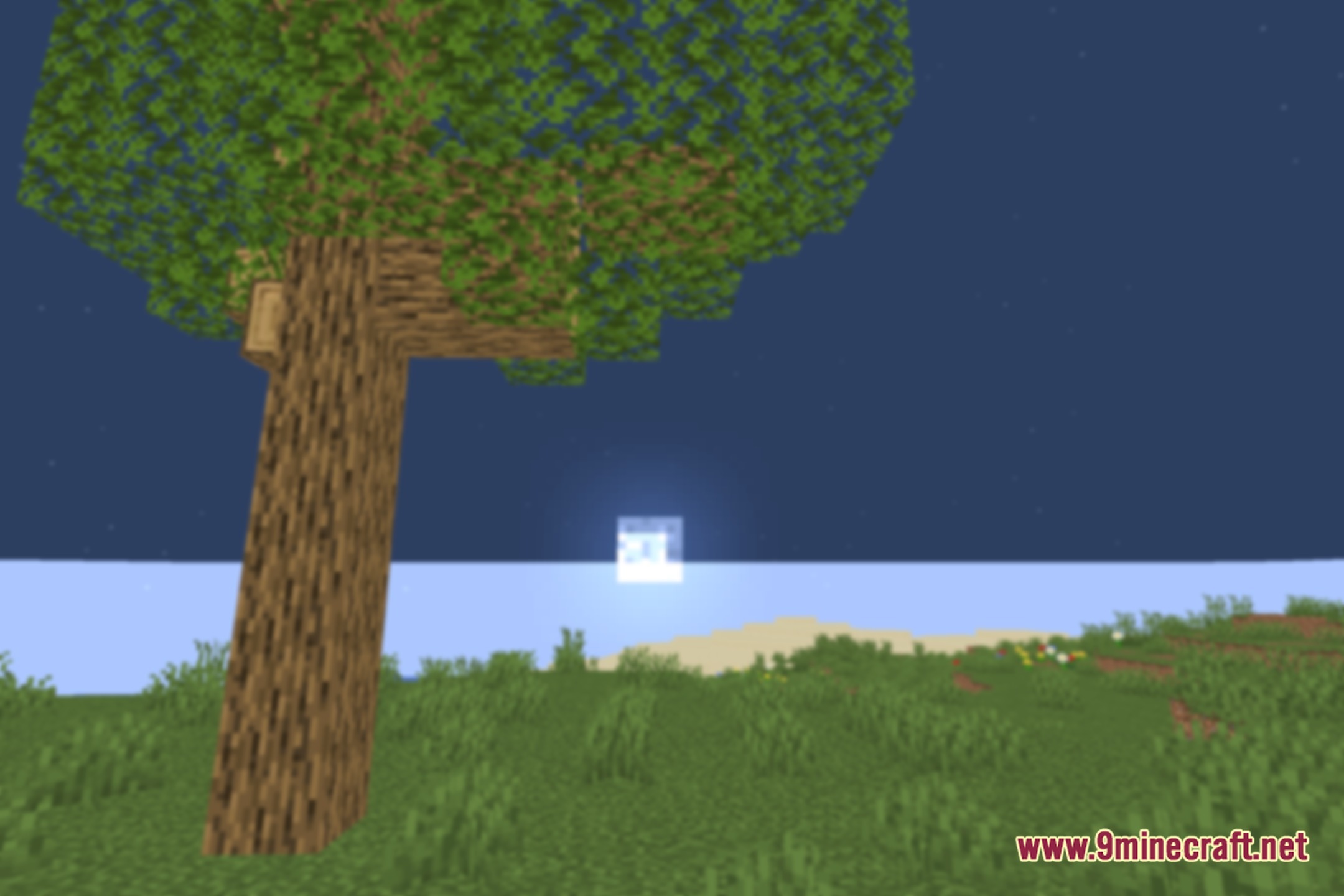
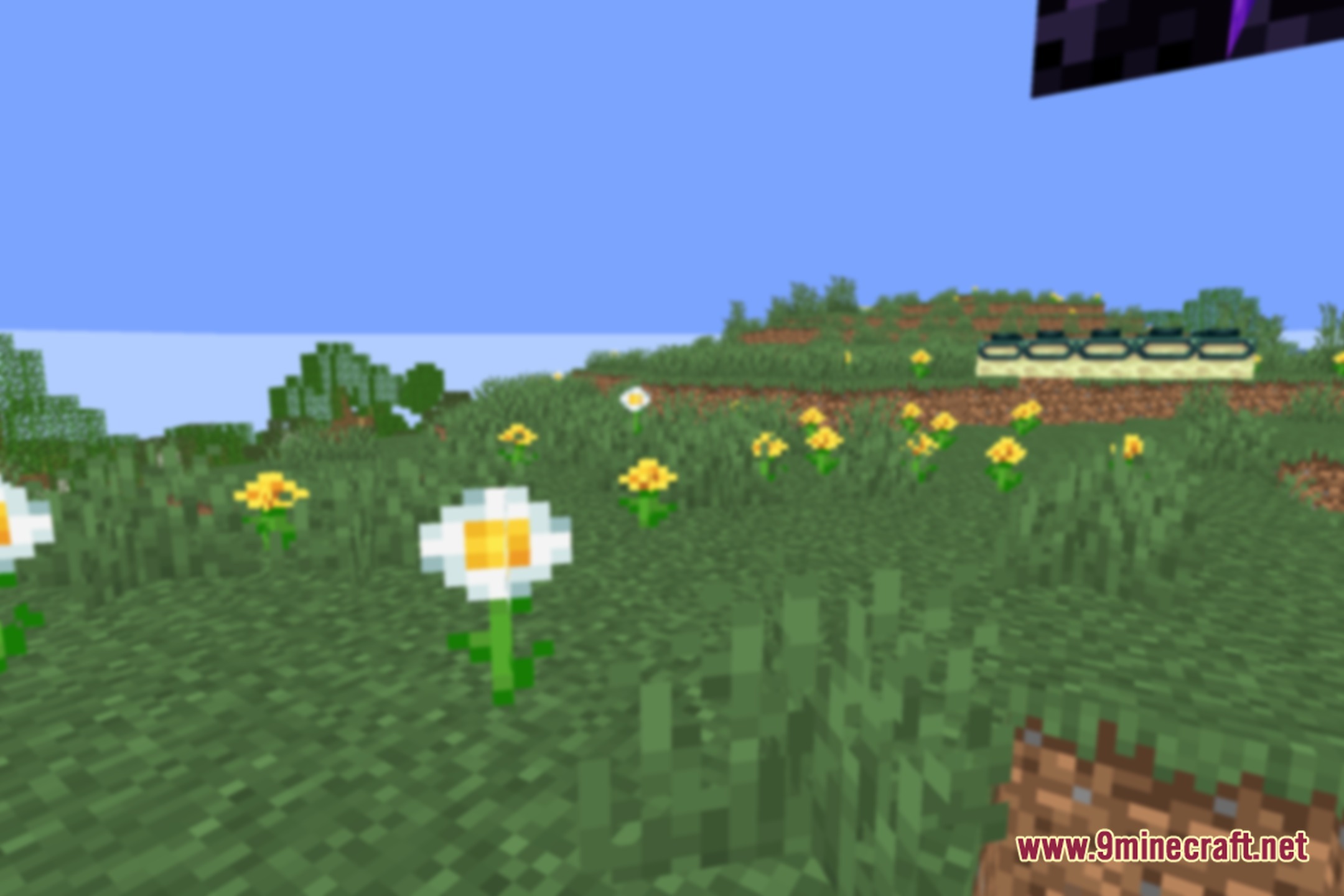
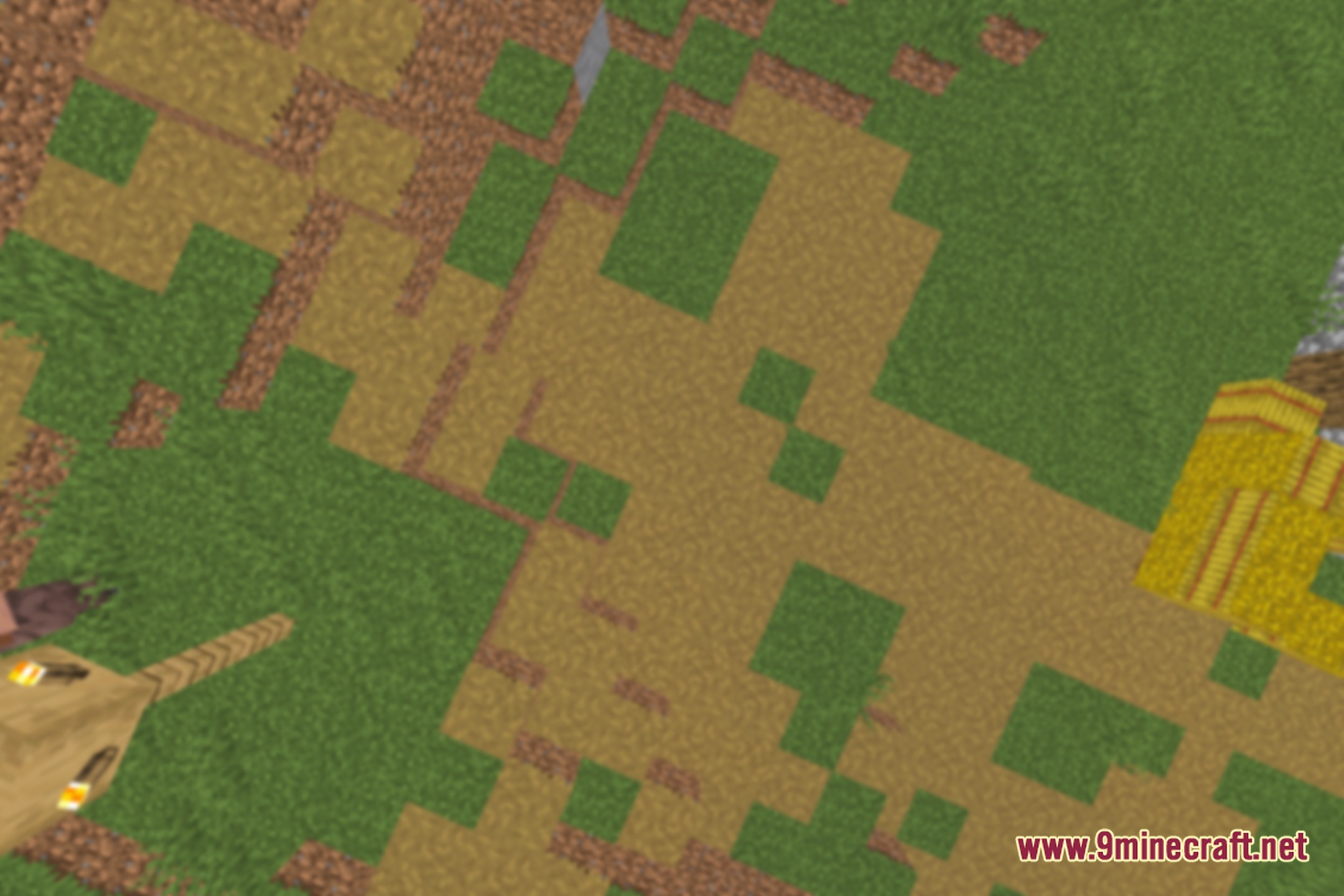
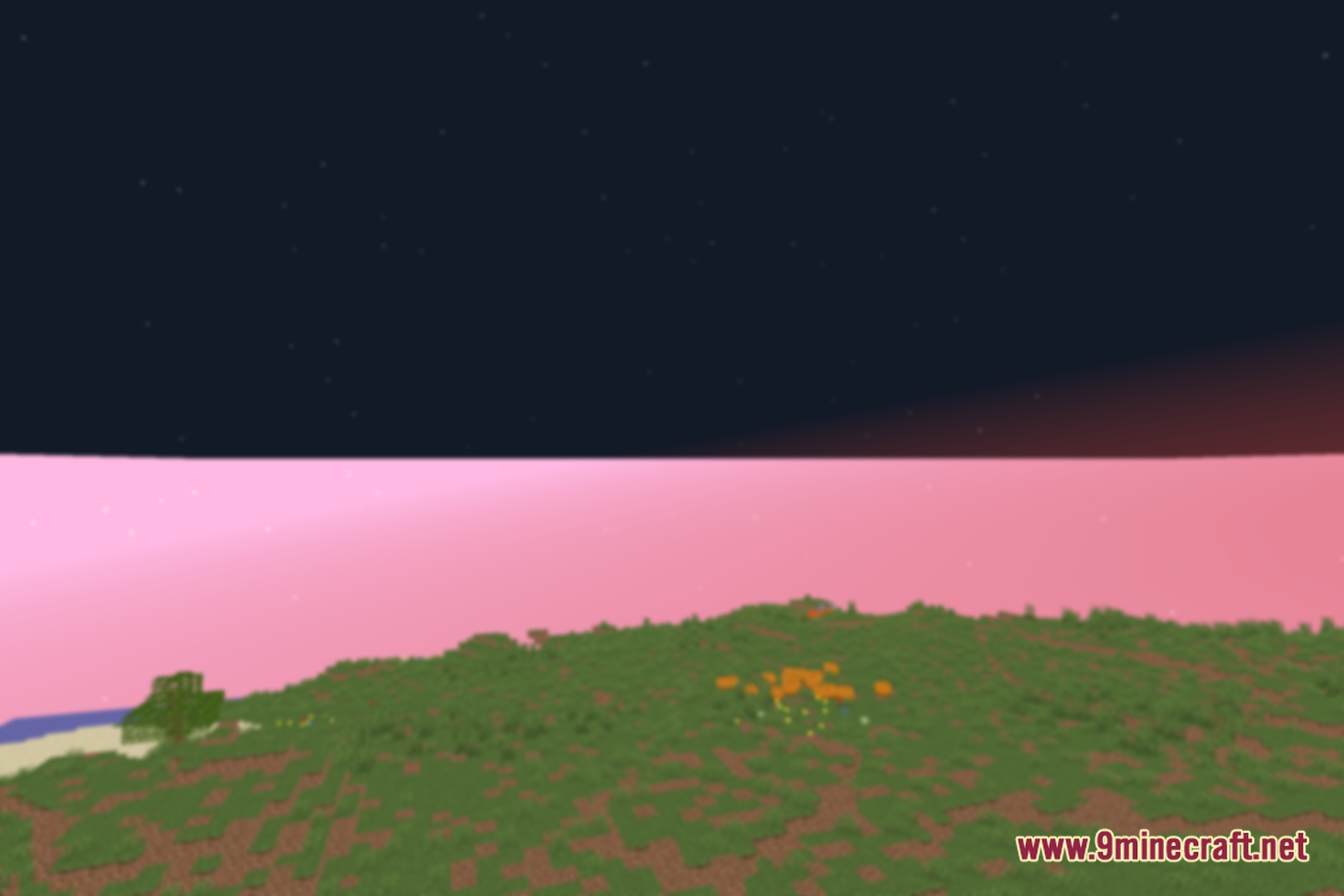
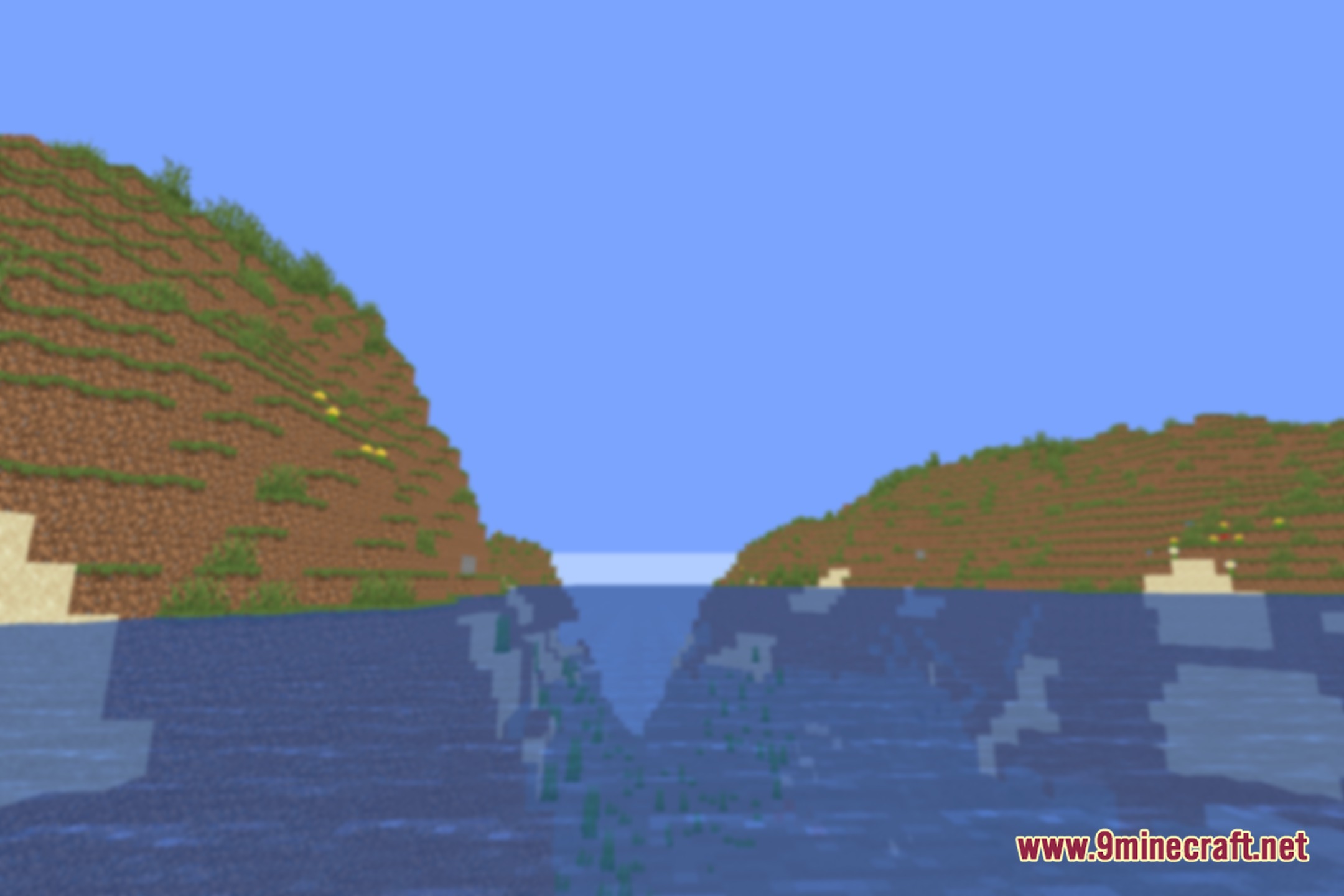
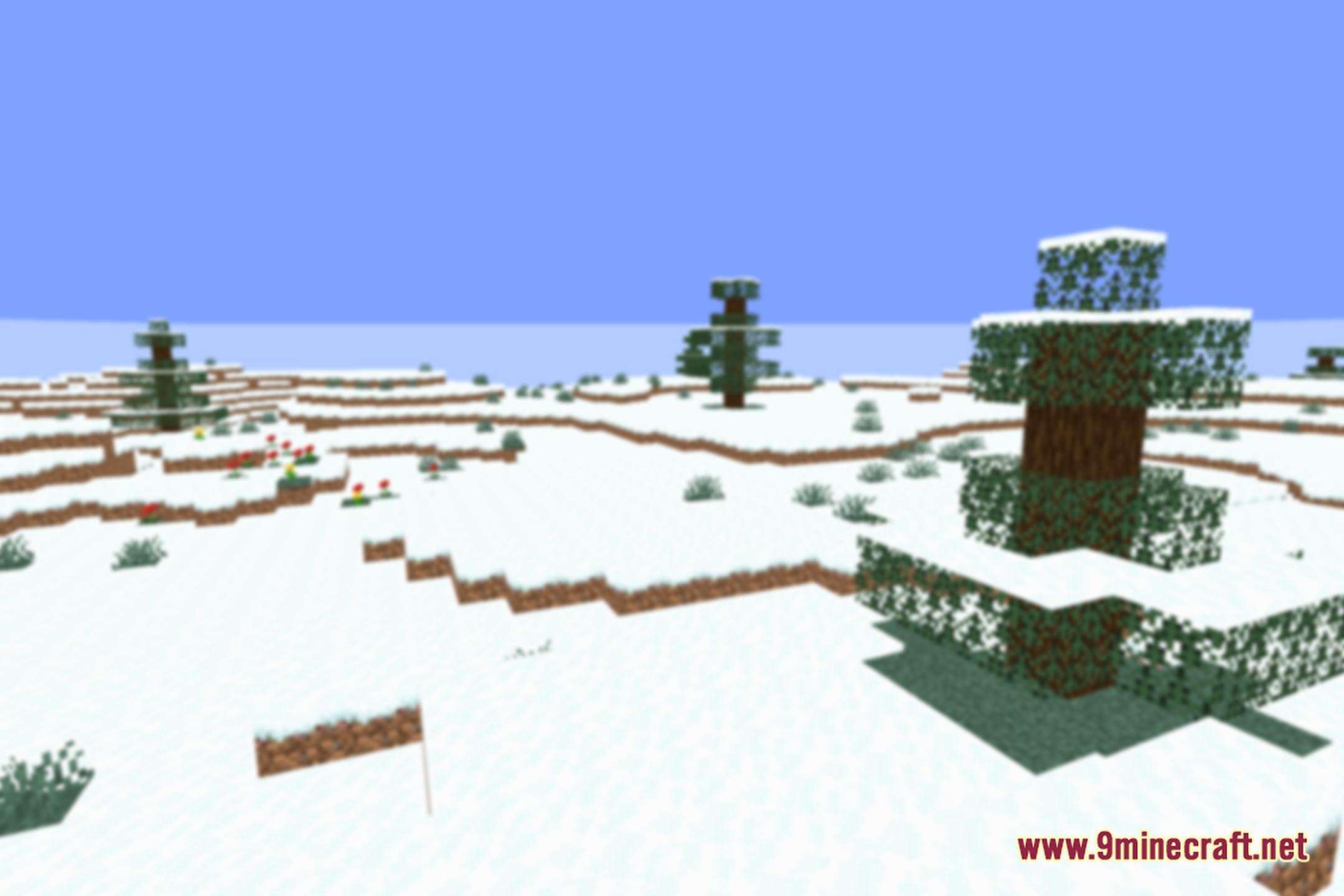
Out of Focus Shaders blurs your entire Minecraft screen for a fun challenge. It lets you change the strength of the blur effect from a light fuzziness all the way to total blindness. The pack keeps the standard look of the game while making everything out of focus.
Features:
- Adds a full-screen blur effect across the entire game world.
- Includes multiple blur levels that range from subtle to extreme settings.
- Runs smoothly on low-end potato systems without dropping frame rates.
- Keeps standard vanilla visuals underneath the heavy lens blur.
- Turns normal survival gameplay into a funny vision test.
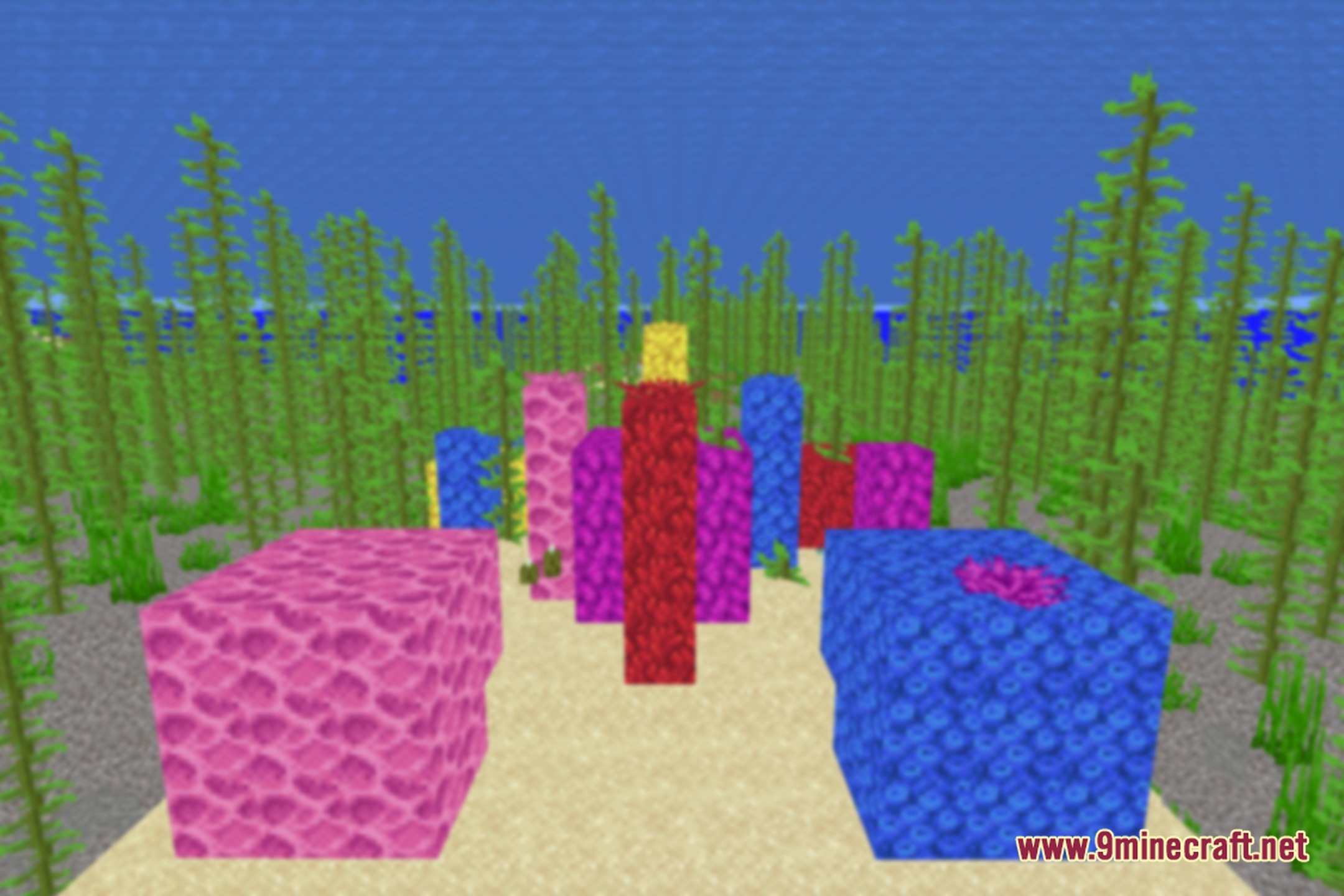
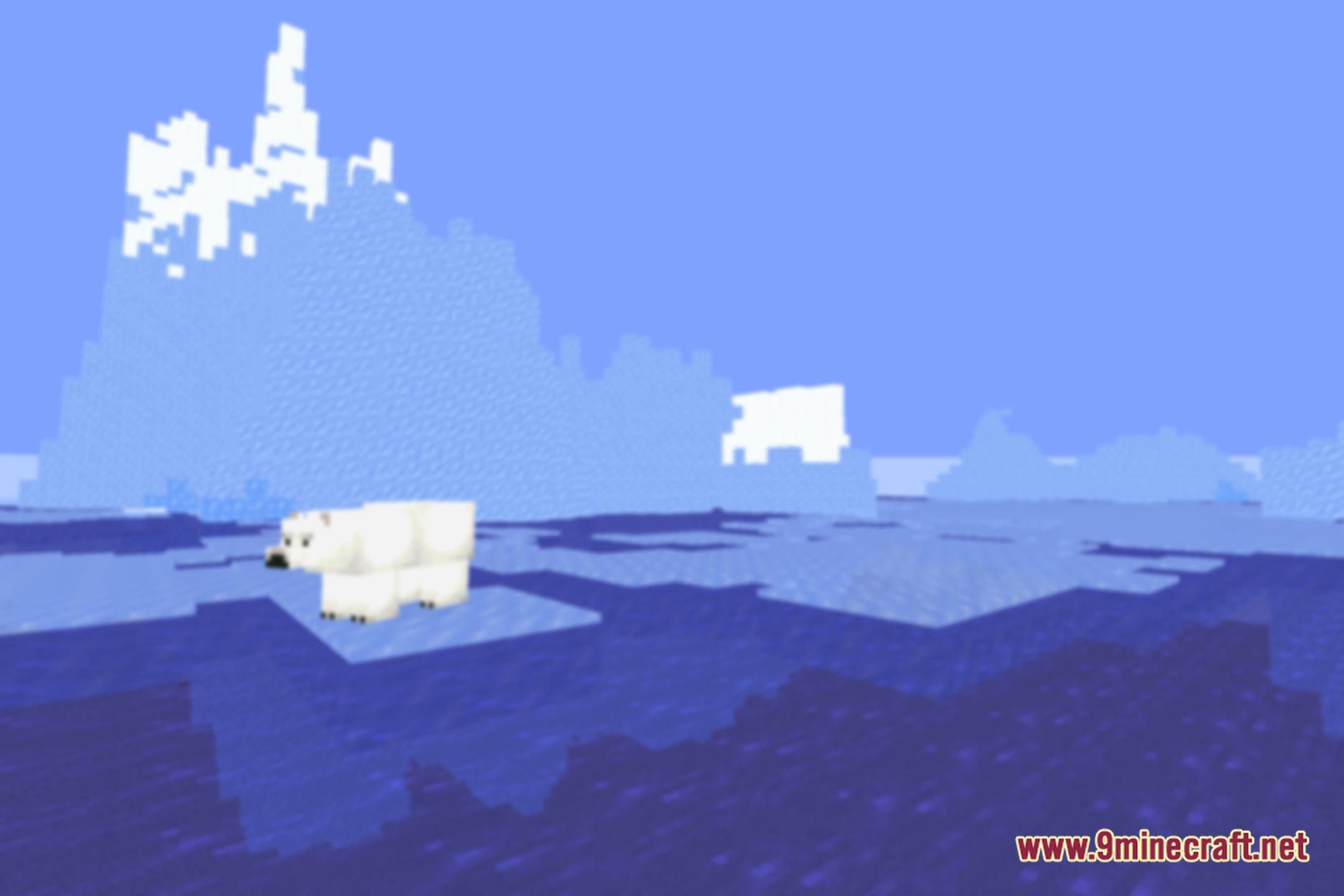
Screenshots:
Out of Focus Shaders Download Links
Quick facts
- Edition: Minecraft Java
- File type: .zip (resource pack)
- Minecraft version listed: 1.20.1
- How to install: Download the .zip resource pack — do not unzip it. → Put it in .minecraft/resourcepacks. → Enable it in Options → Resource Packs.
- Where to get it: Opens on the file's original source — not every file is mirrored on our own servers.
Install steps are the general flow for this file type — see the MC Java Mods guides for the full walkthrough.
Out of Focus Shaders (26.3, 1.20.1) – Customizable Full Screen Blur Effect is a free Minecraft Java shader. Compatible with Minecraft 1.20.1. Download it and open it directly in the game.