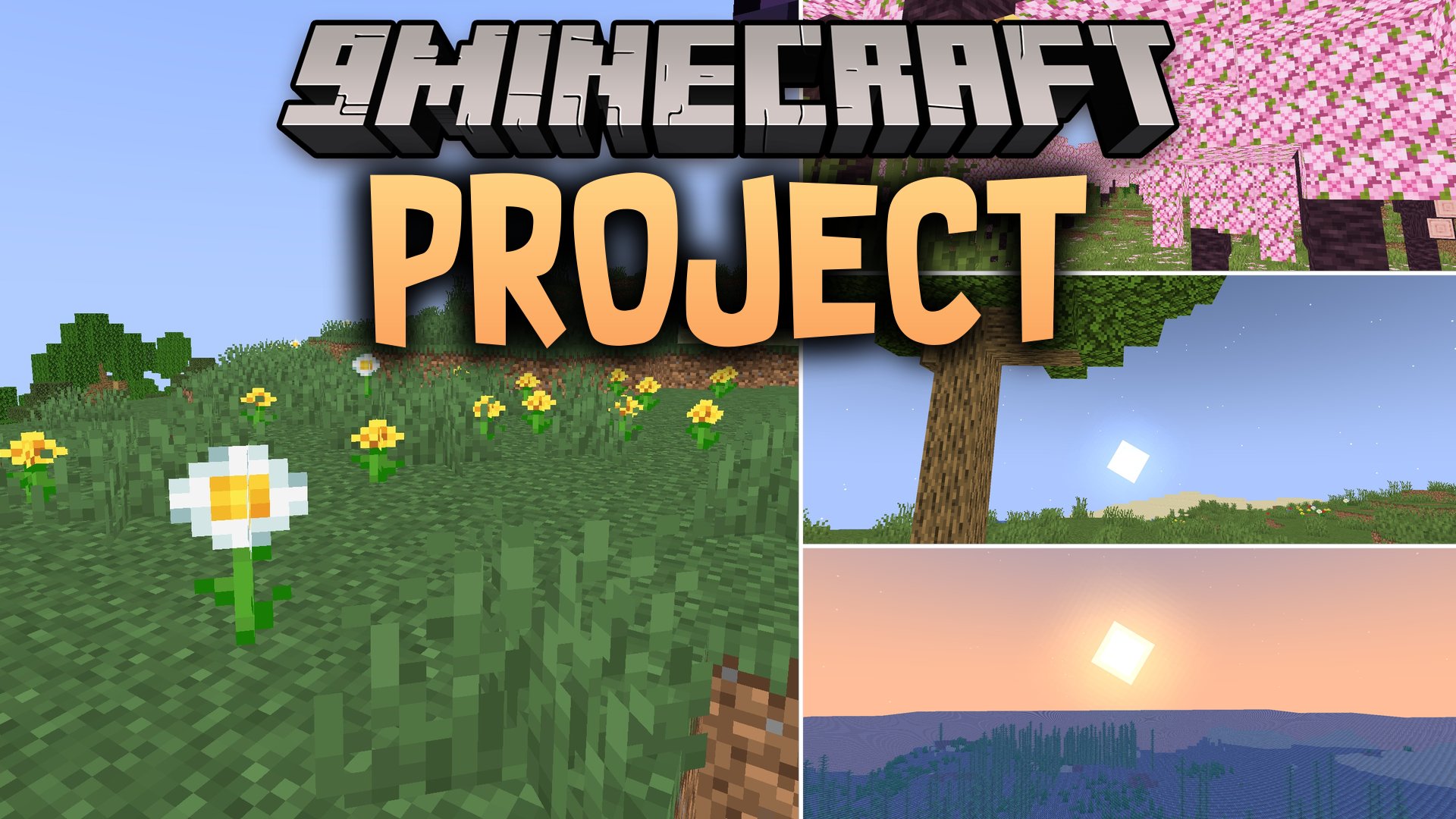
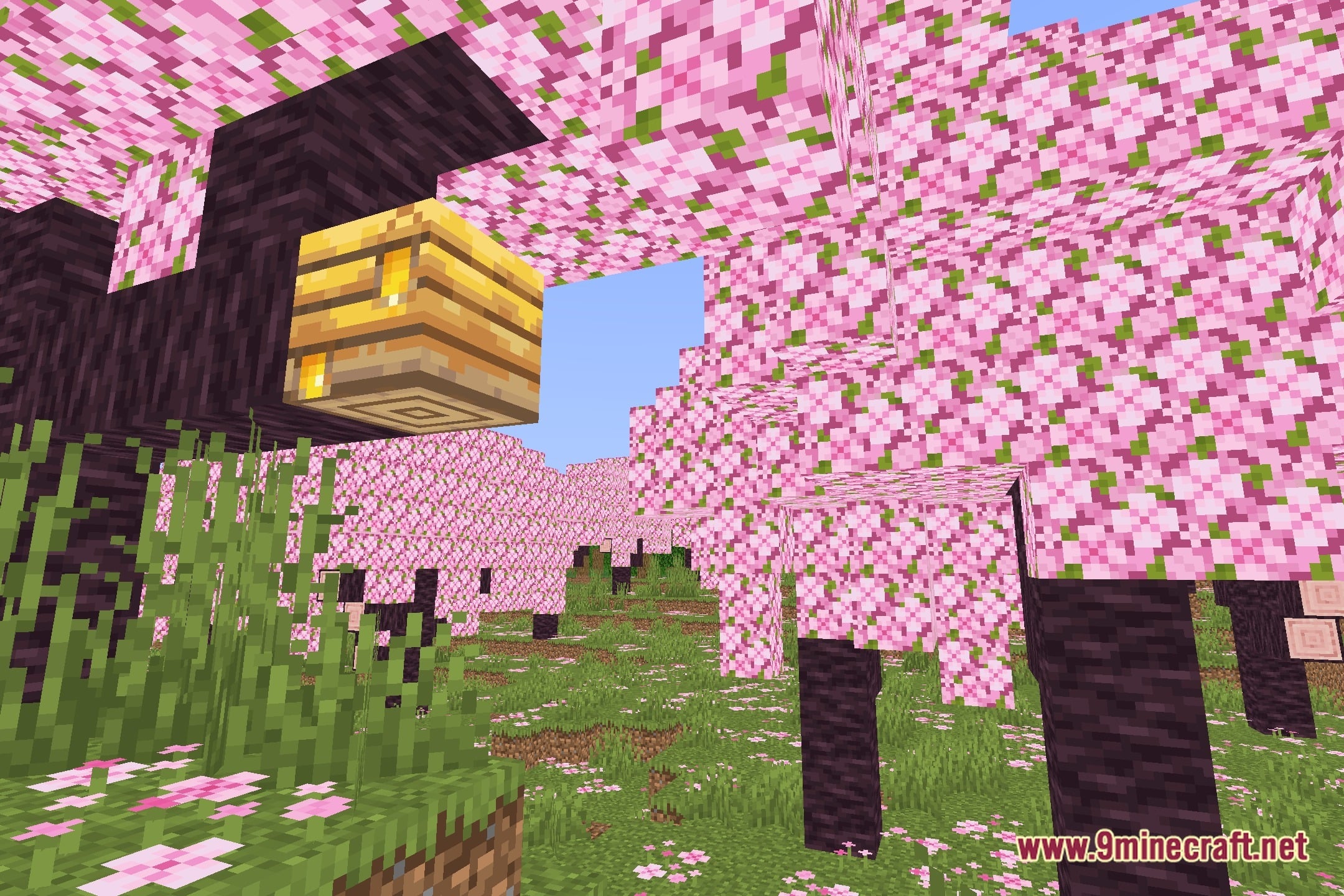
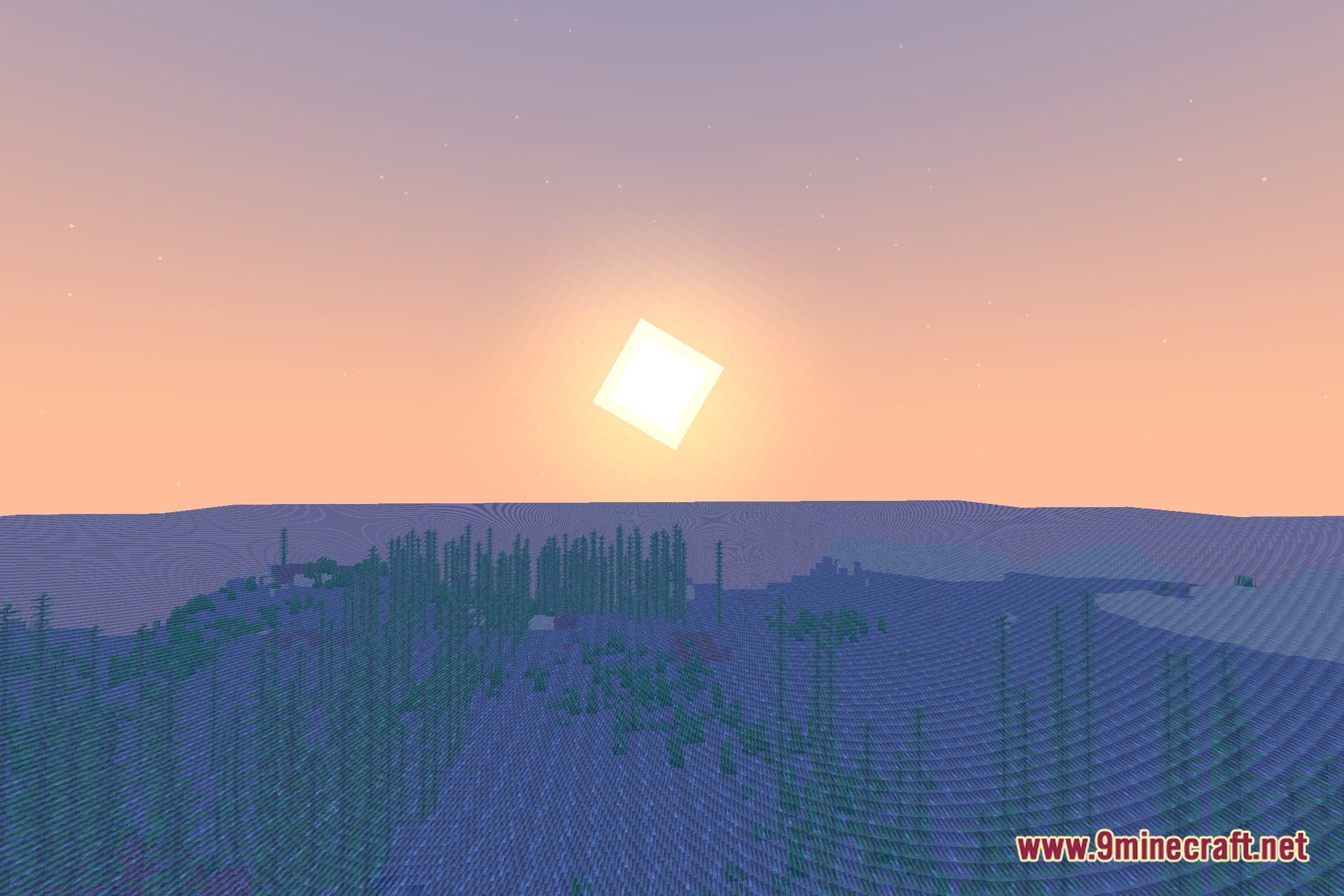
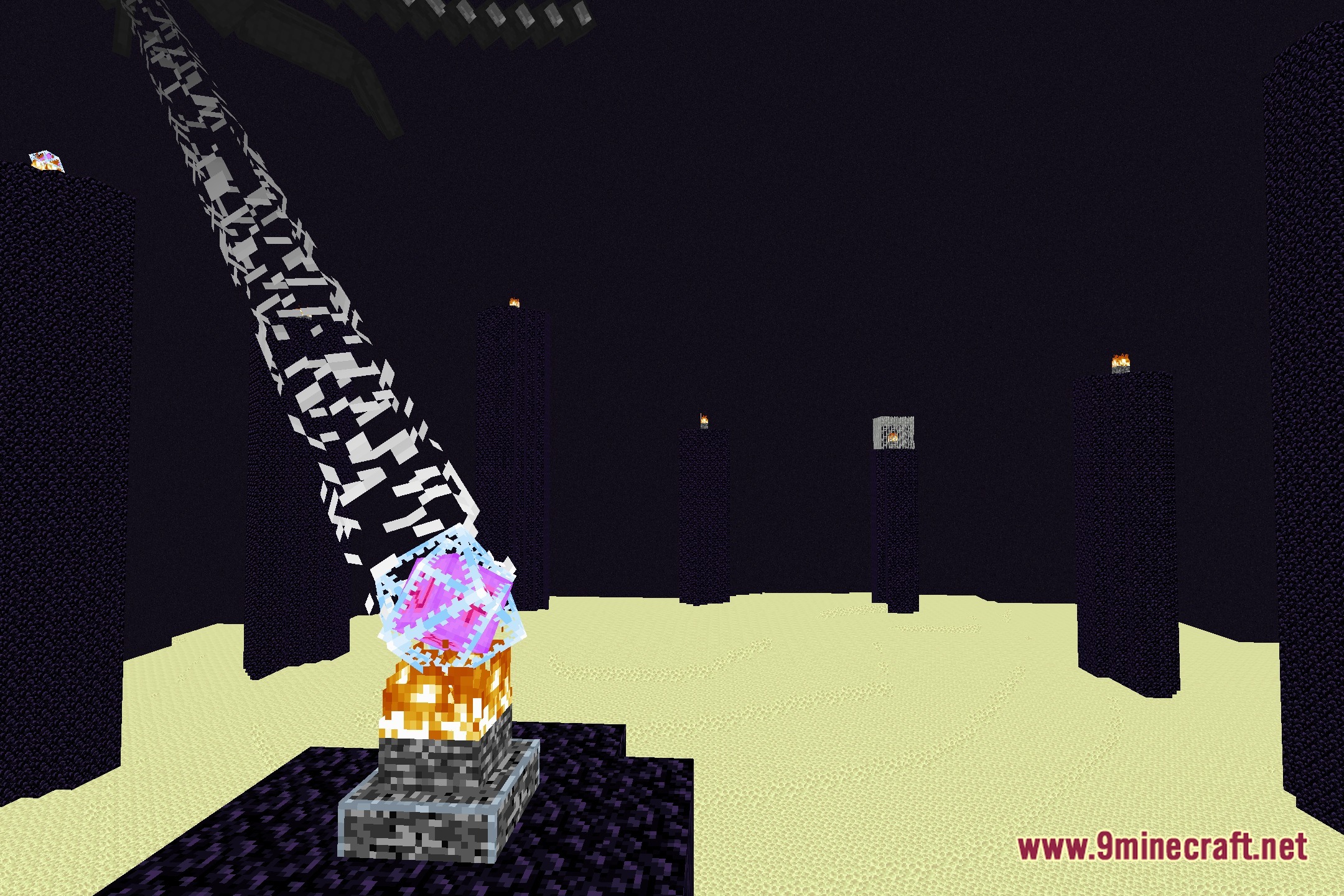
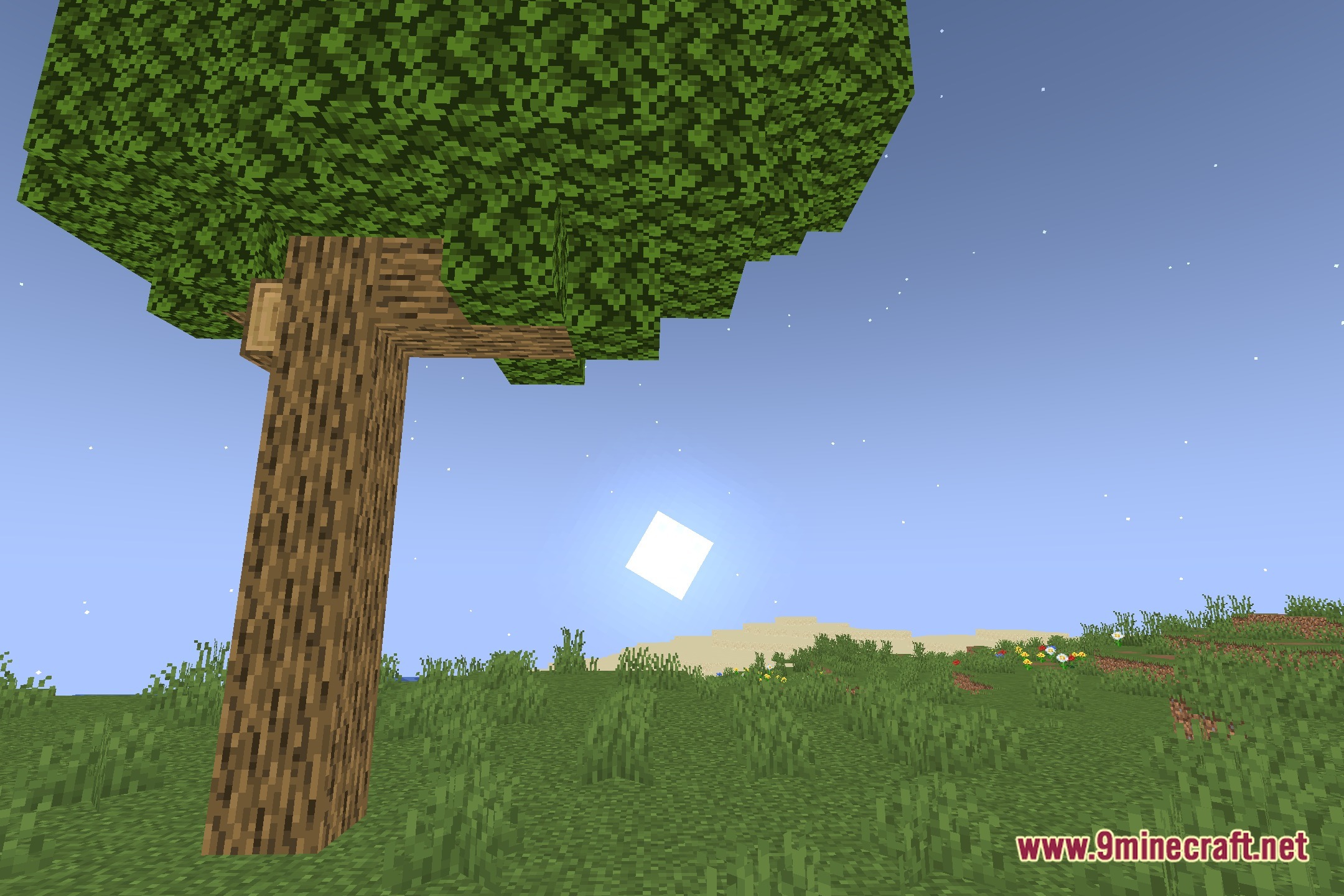
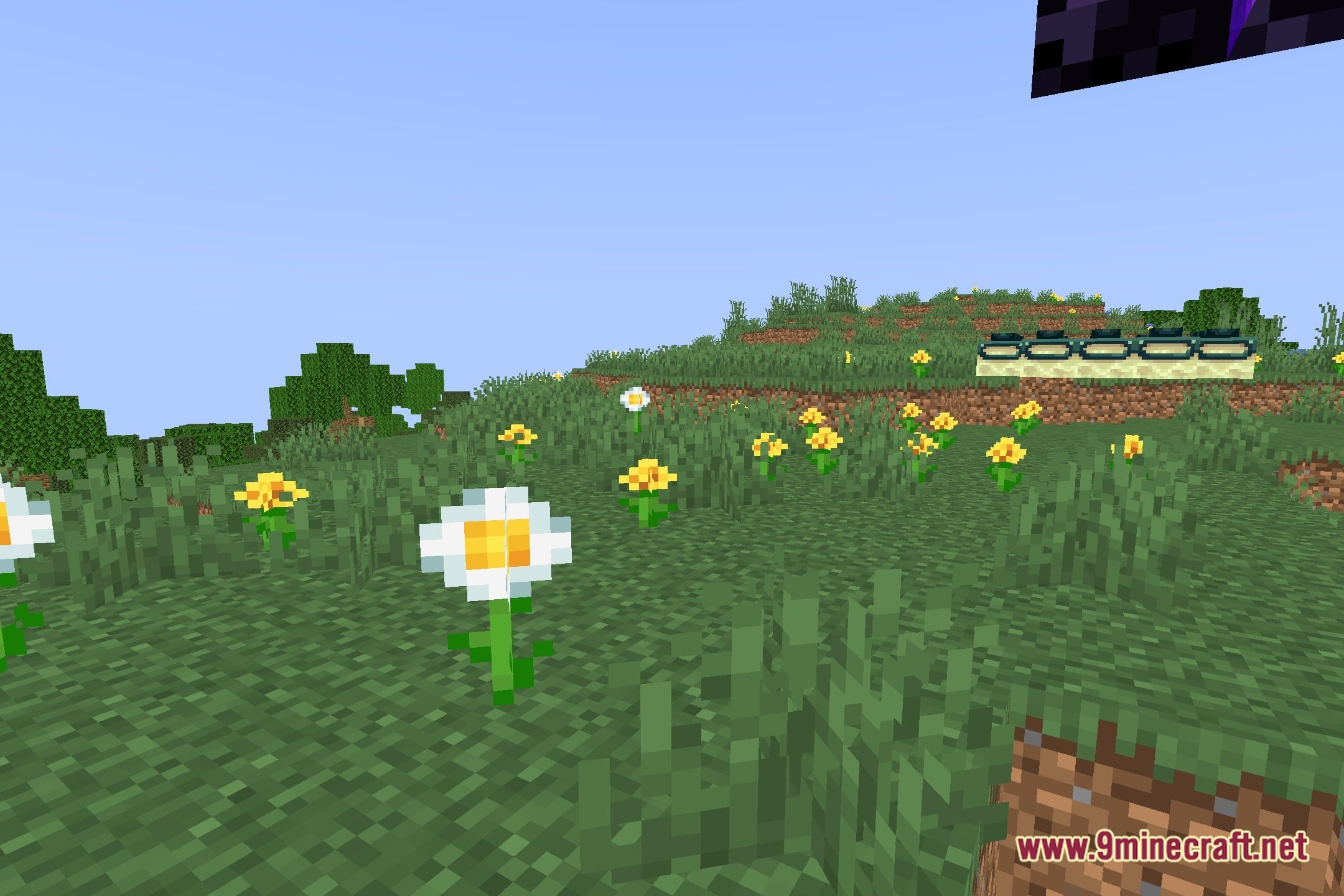
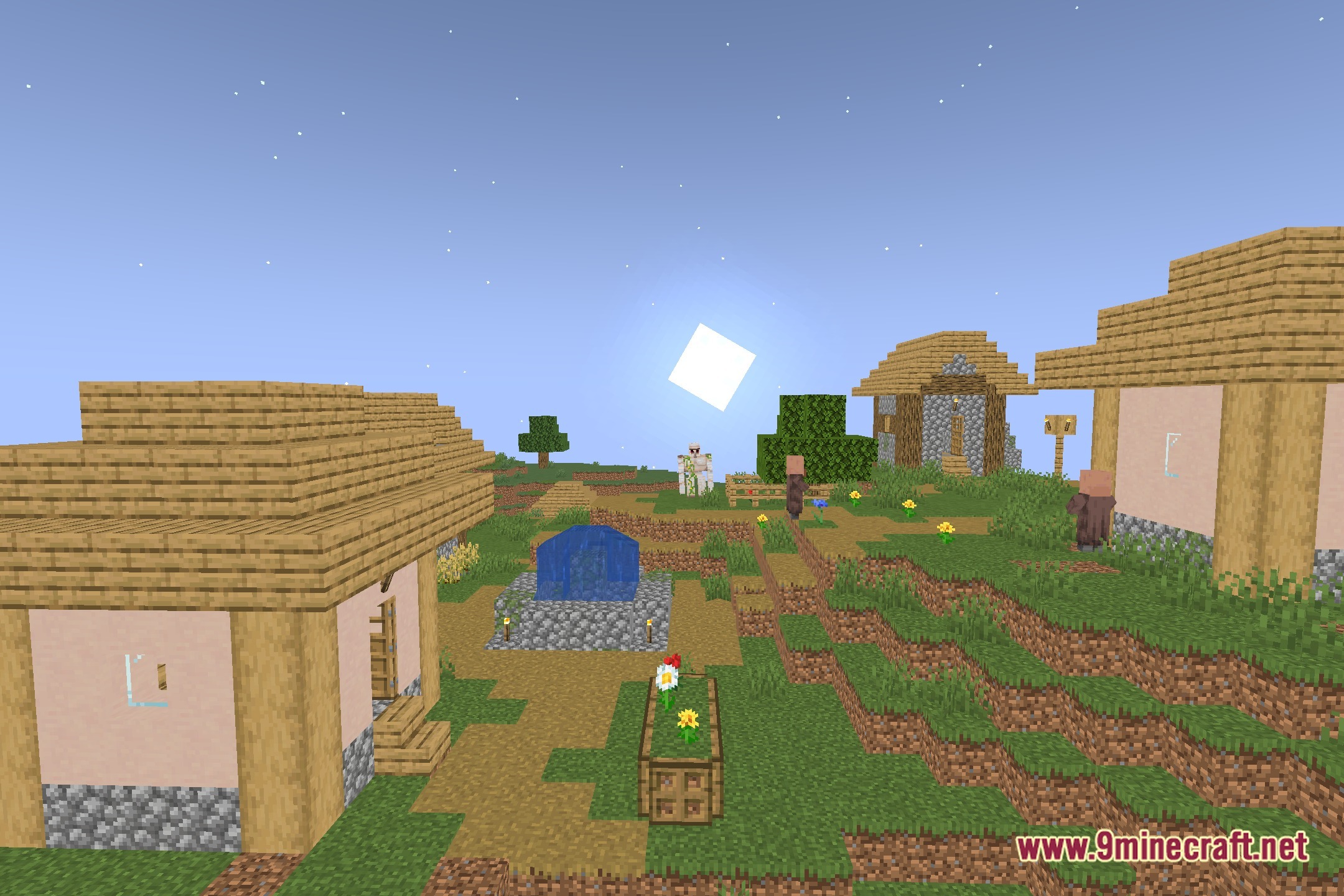

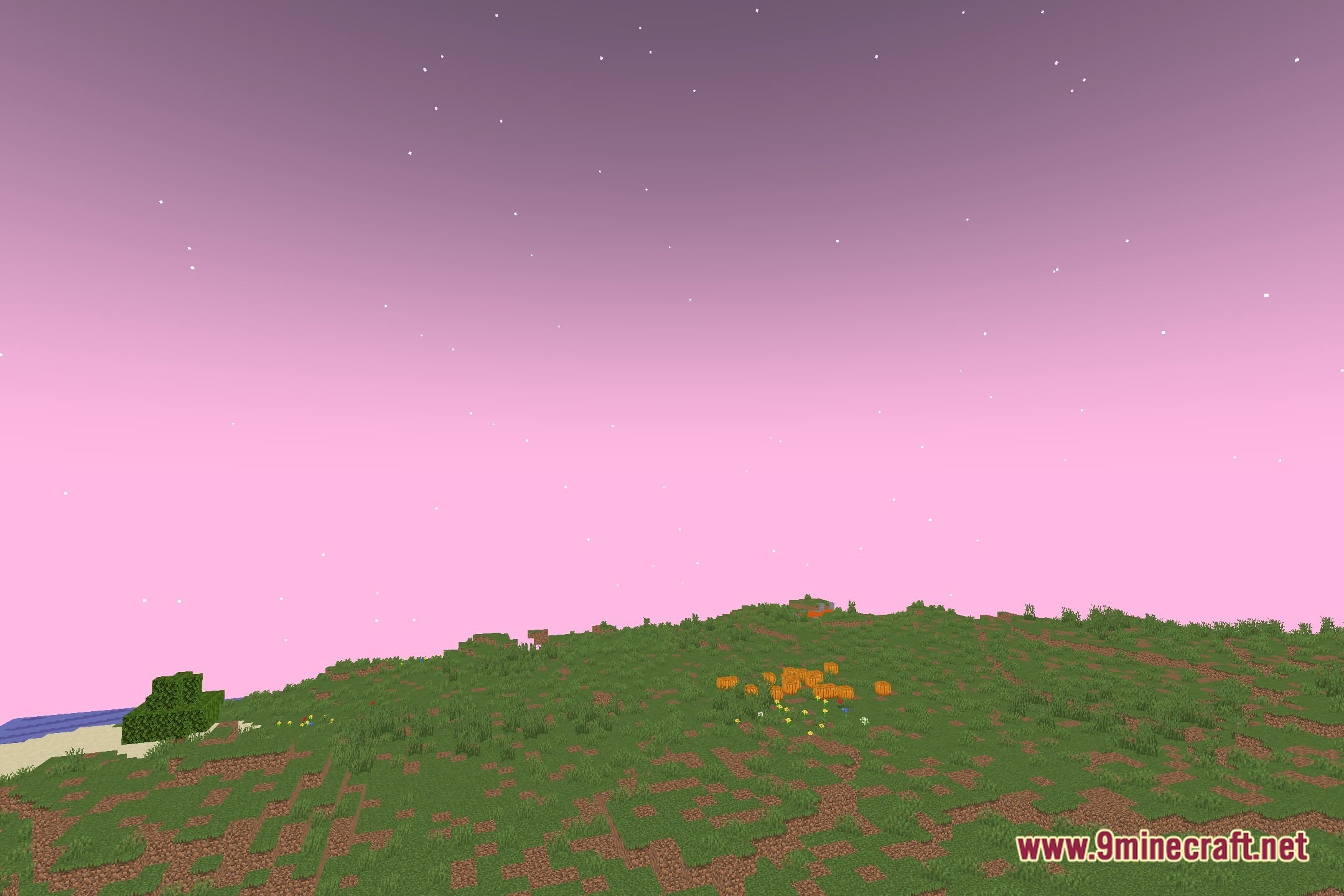
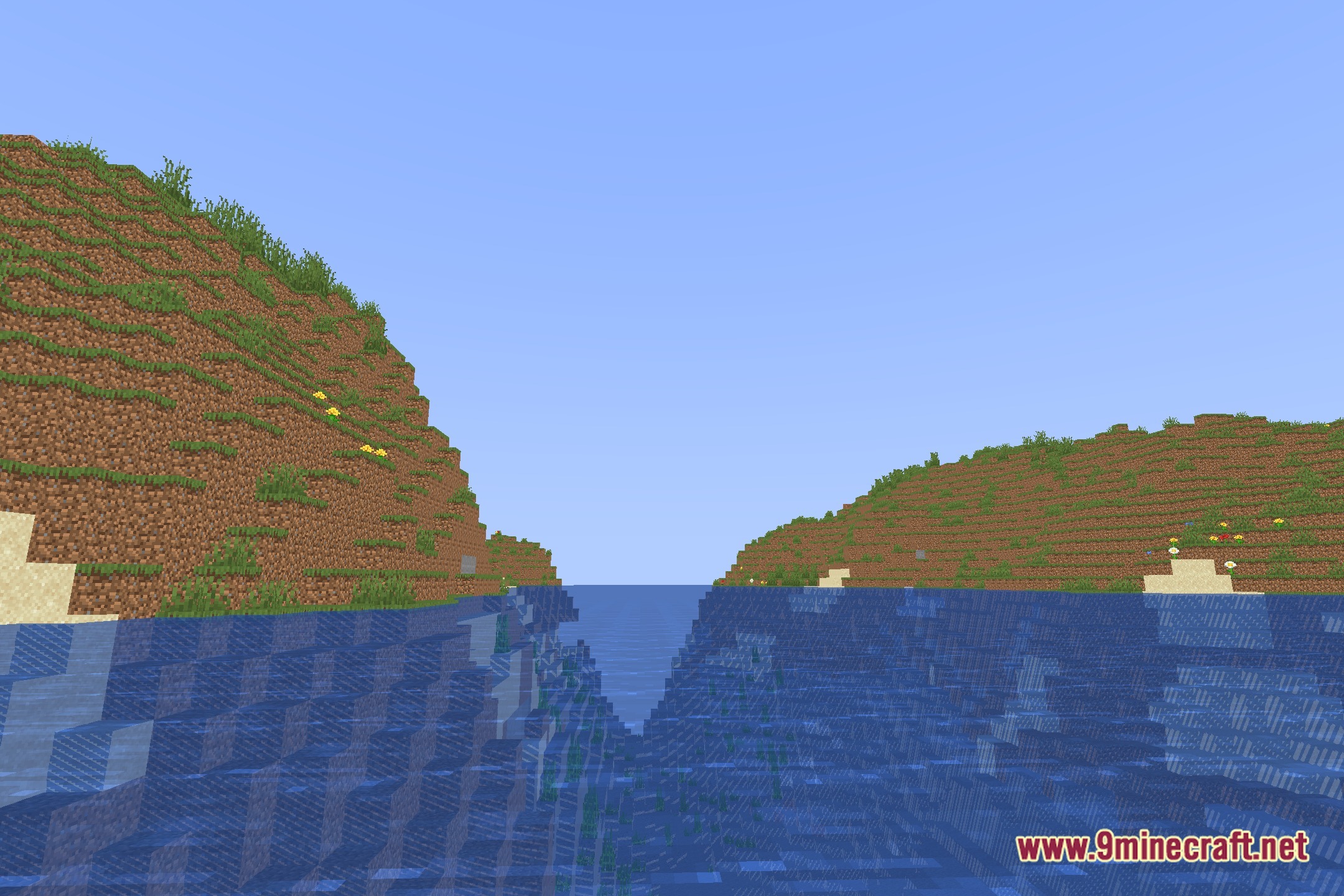
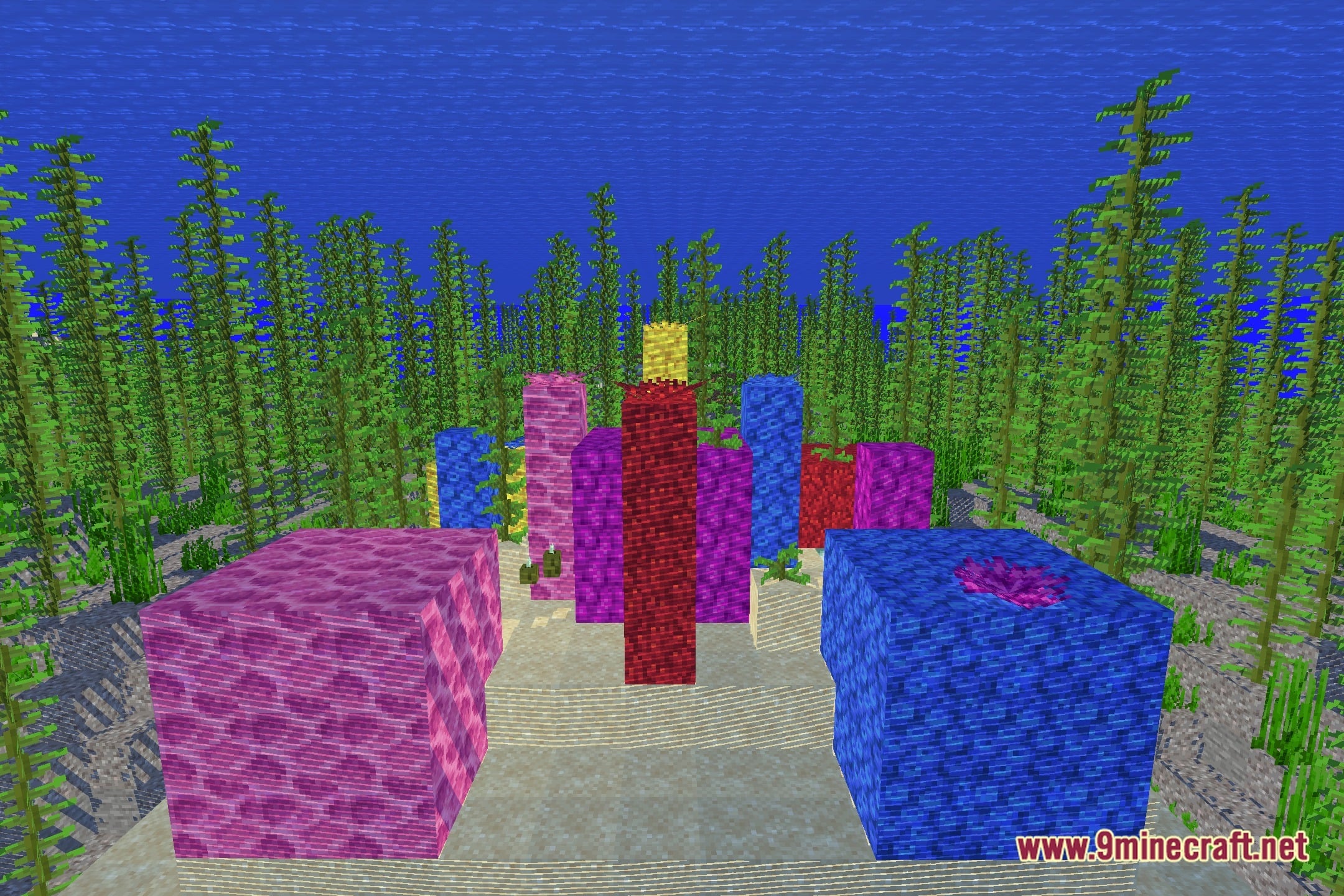
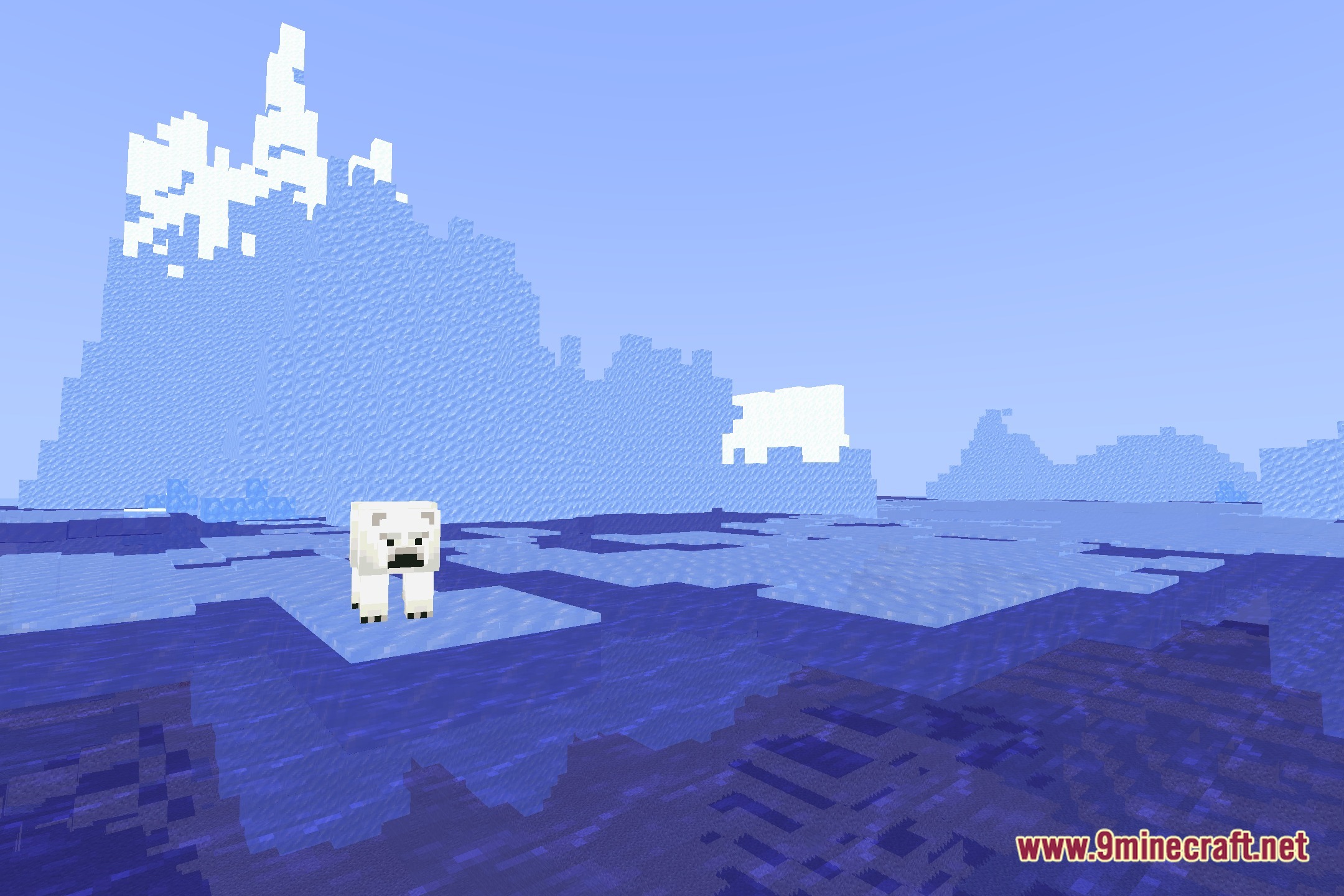
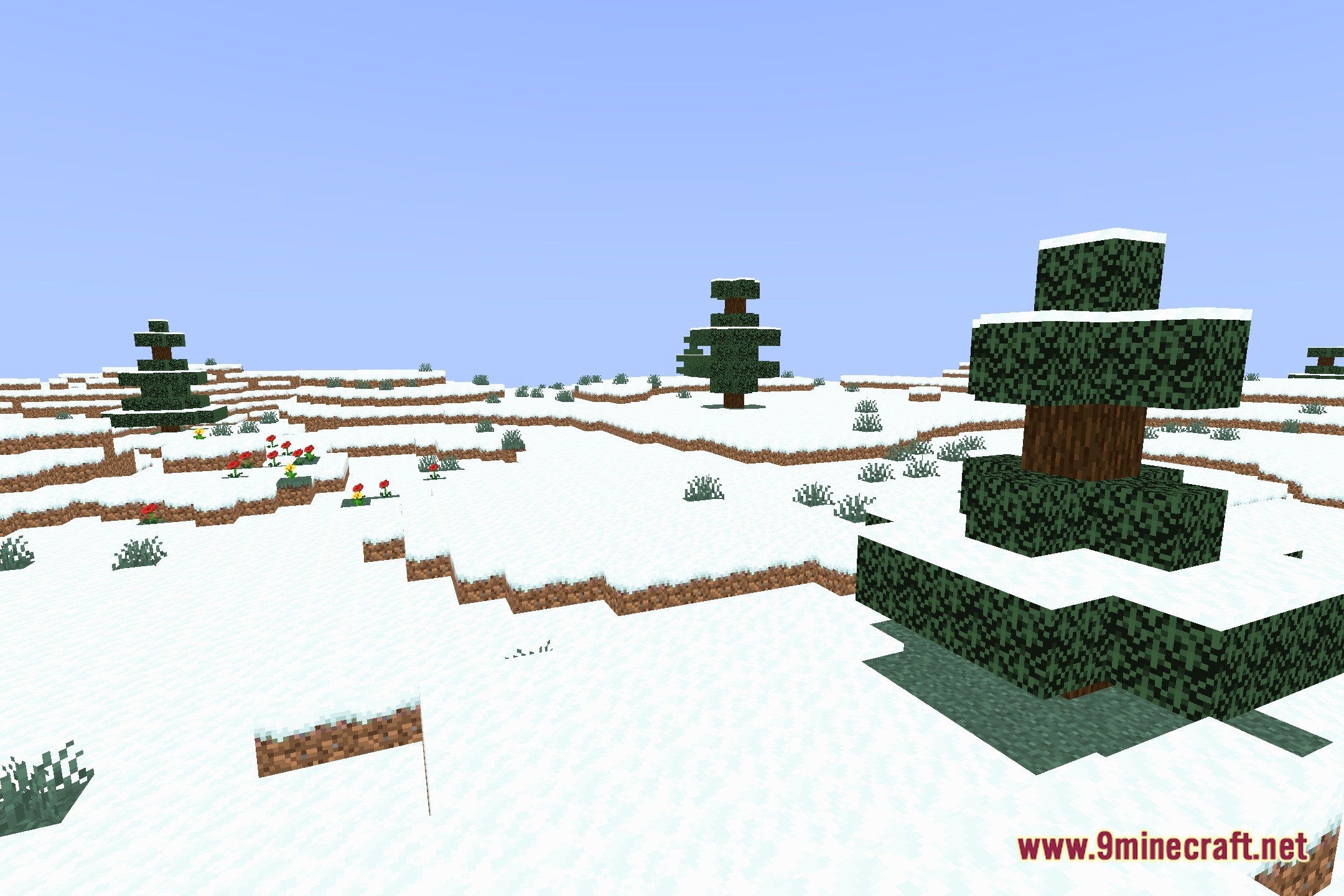
Project Shaders lights up your Minecraft worlds with a fresh visual style. This shader pack alters how daylight, shadow tones, and indoor illumination appear across different blocks. It helps refresh standard game scenery during both day and night cycles without overcomplicating the look.
Features:
- Changes standard lighting across overworld landscapes and underground areas.
- Adjusts shadow density and light spreads around placed light sources.
- Gives daytime and nighttime skies a distinct visual presentation.
- Works alongside standard resource packs to update overall world brightness.
Screenshots:
Project Shaders Download Links
Quick facts
- Edition: Minecraft Java
- File type: .zip (resource pack)
- Minecraft version listed: 1.20.1
- How to install: Download the .zip resource pack — do not unzip it. → Put it in .minecraft/resourcepacks. → Enable it in Options → Resource Packs.
- Where to get it: Opens on the file's original source — not every file is mirrored on our own servers.
Install steps are the general flow for this file type — see the MC Java Mods guides for the full walkthrough.
Project Shaders (26.3, 1.20.1) – Clean Lighting and Shadow Overhaul is a free Minecraft Java shader. Compatible with Minecraft 1.20.1. Download it and open it directly in the game.