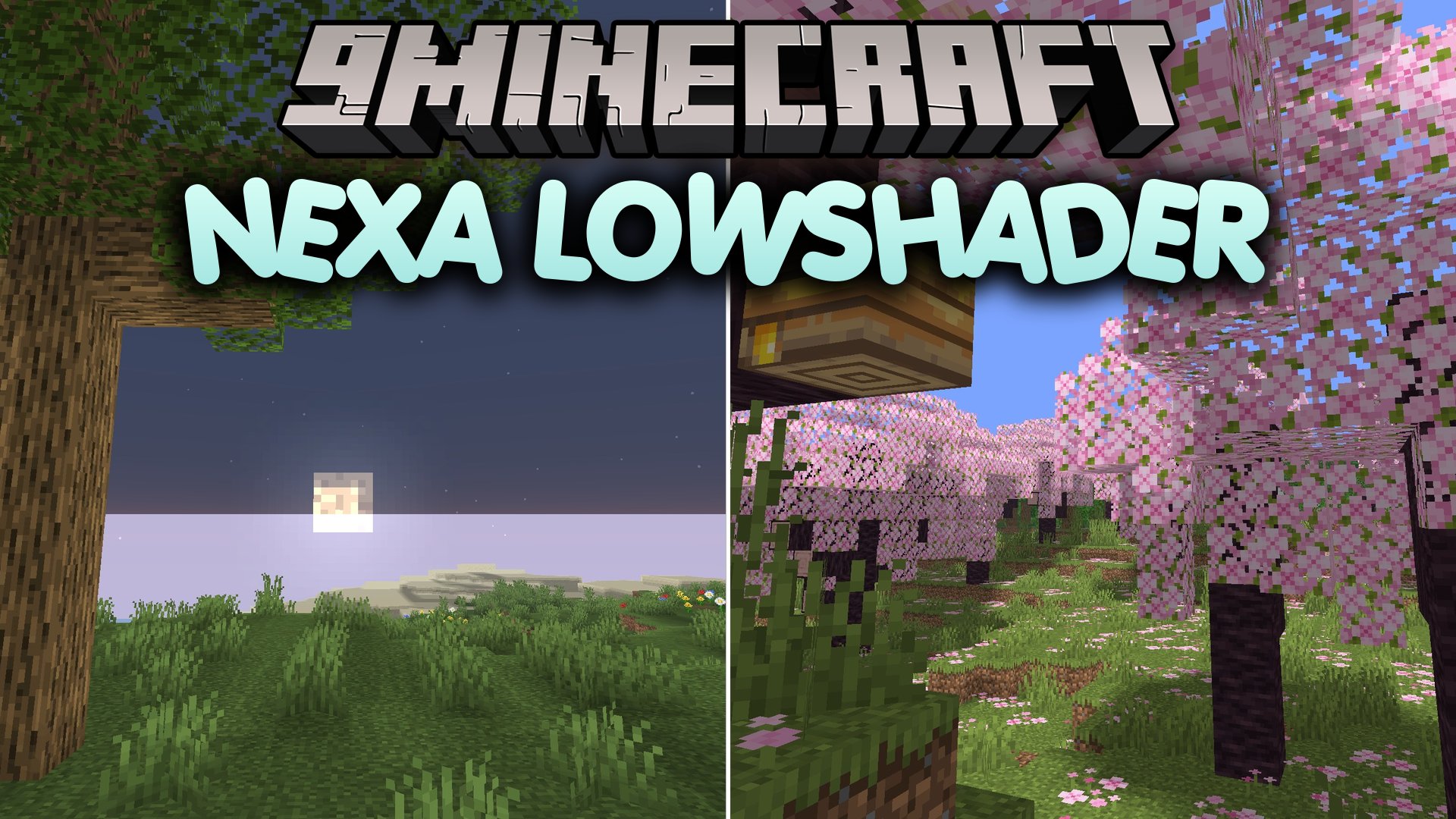
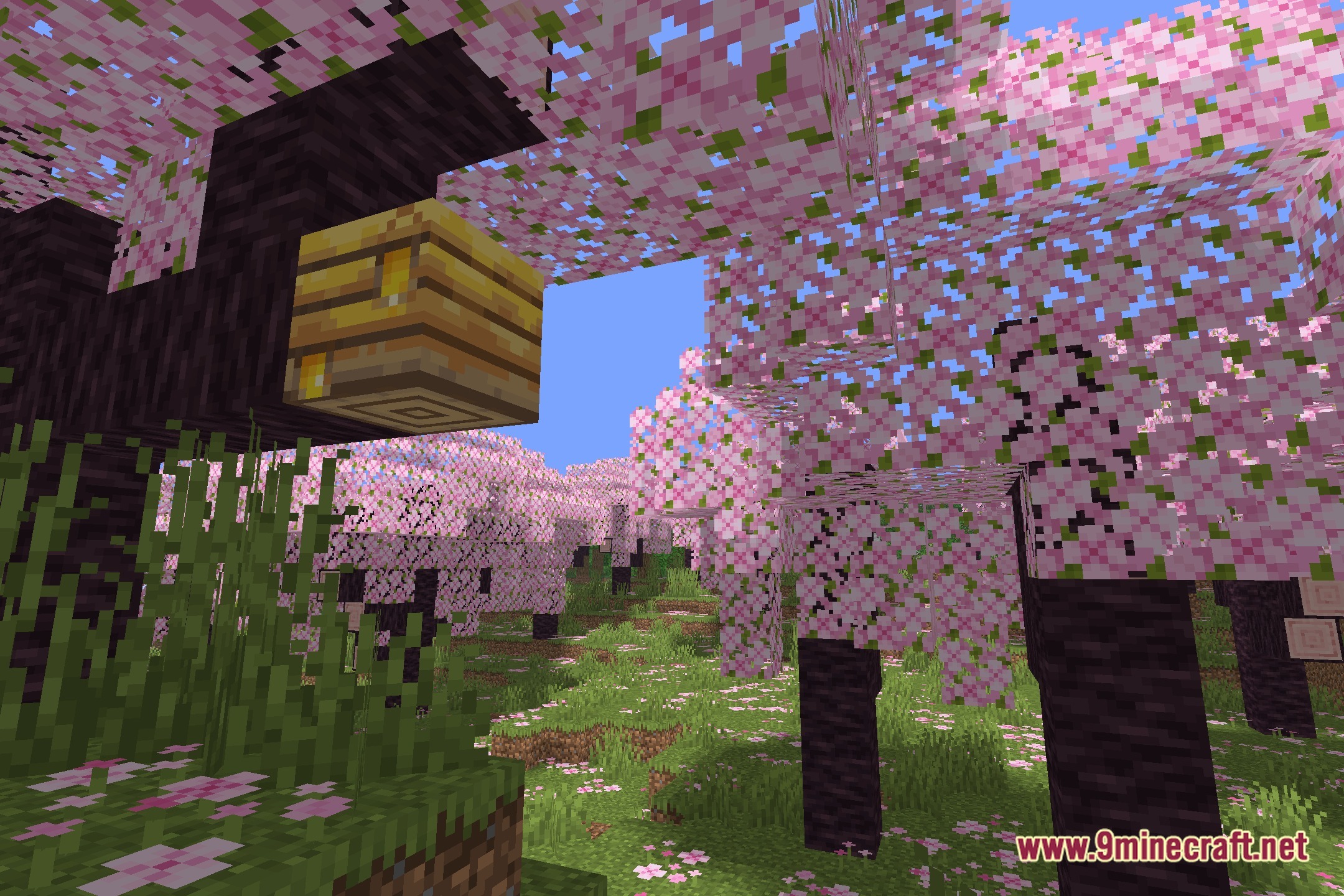
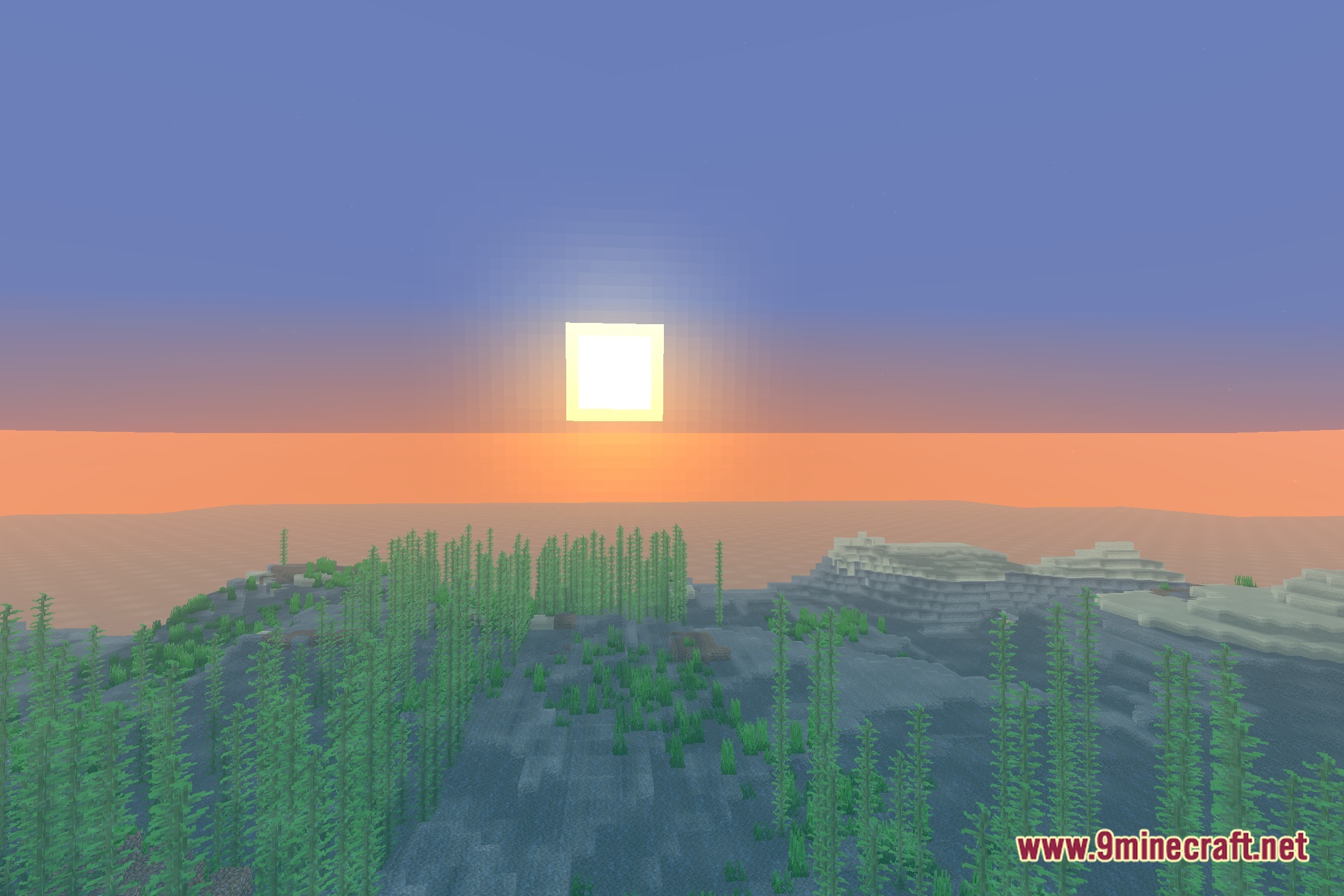
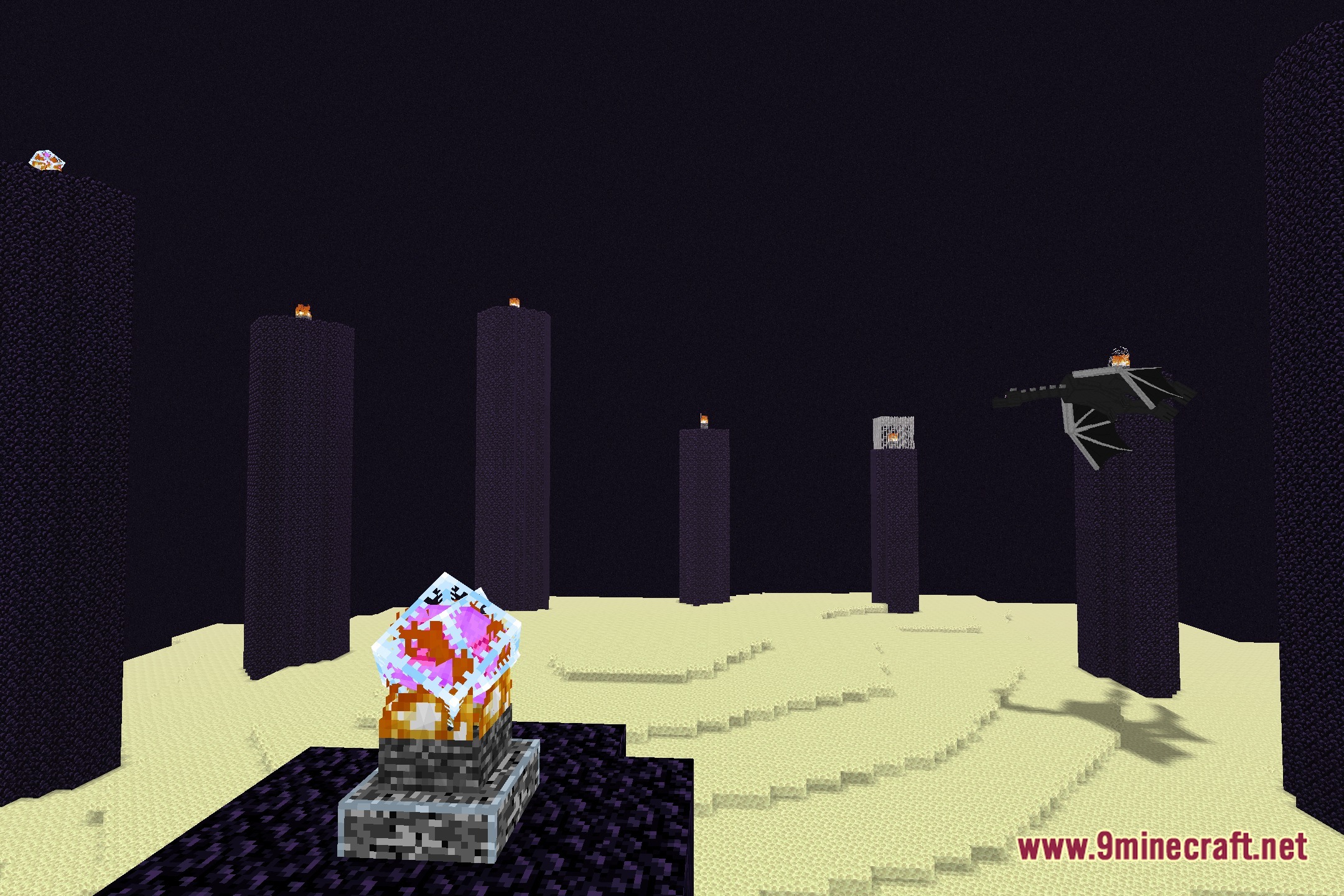
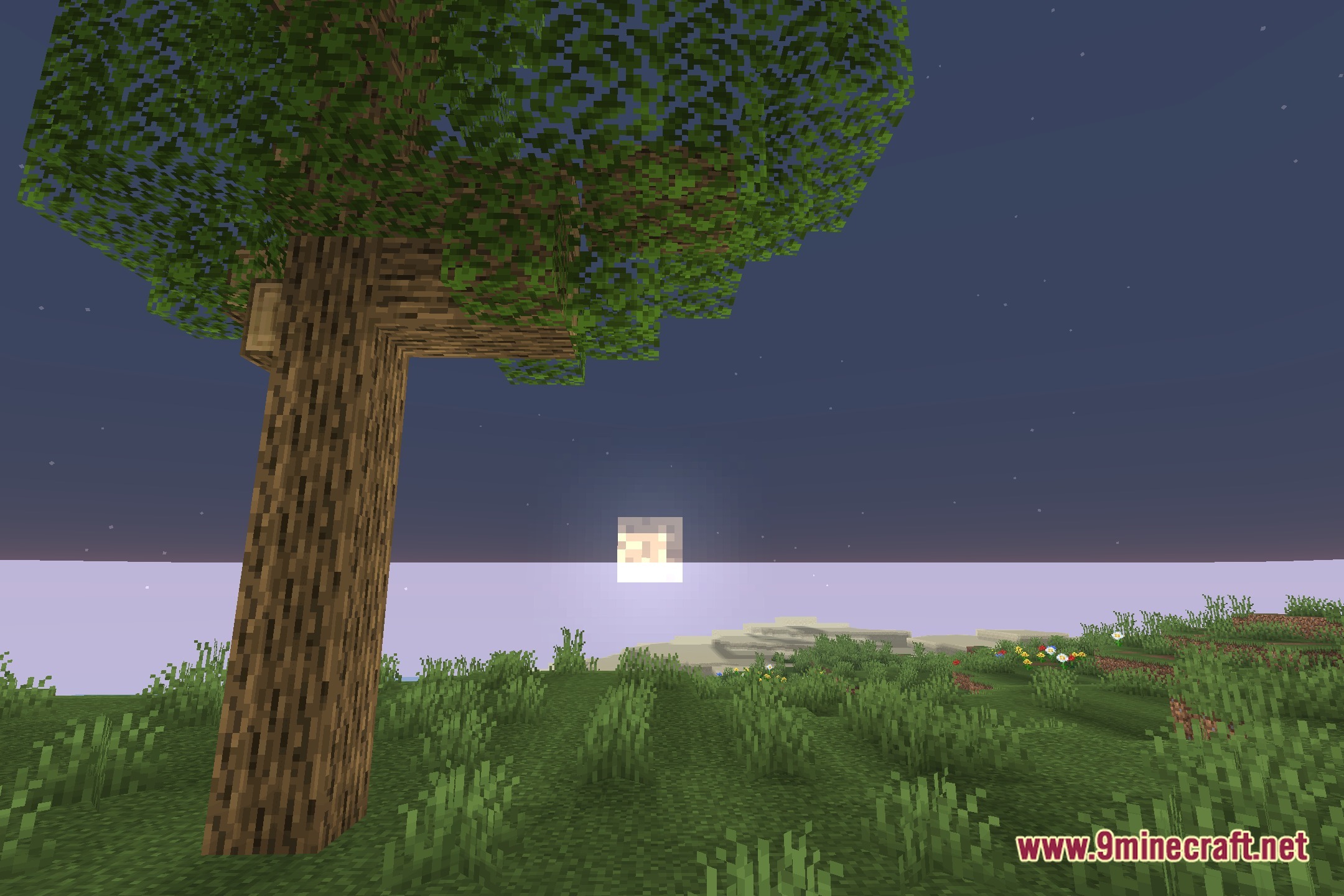
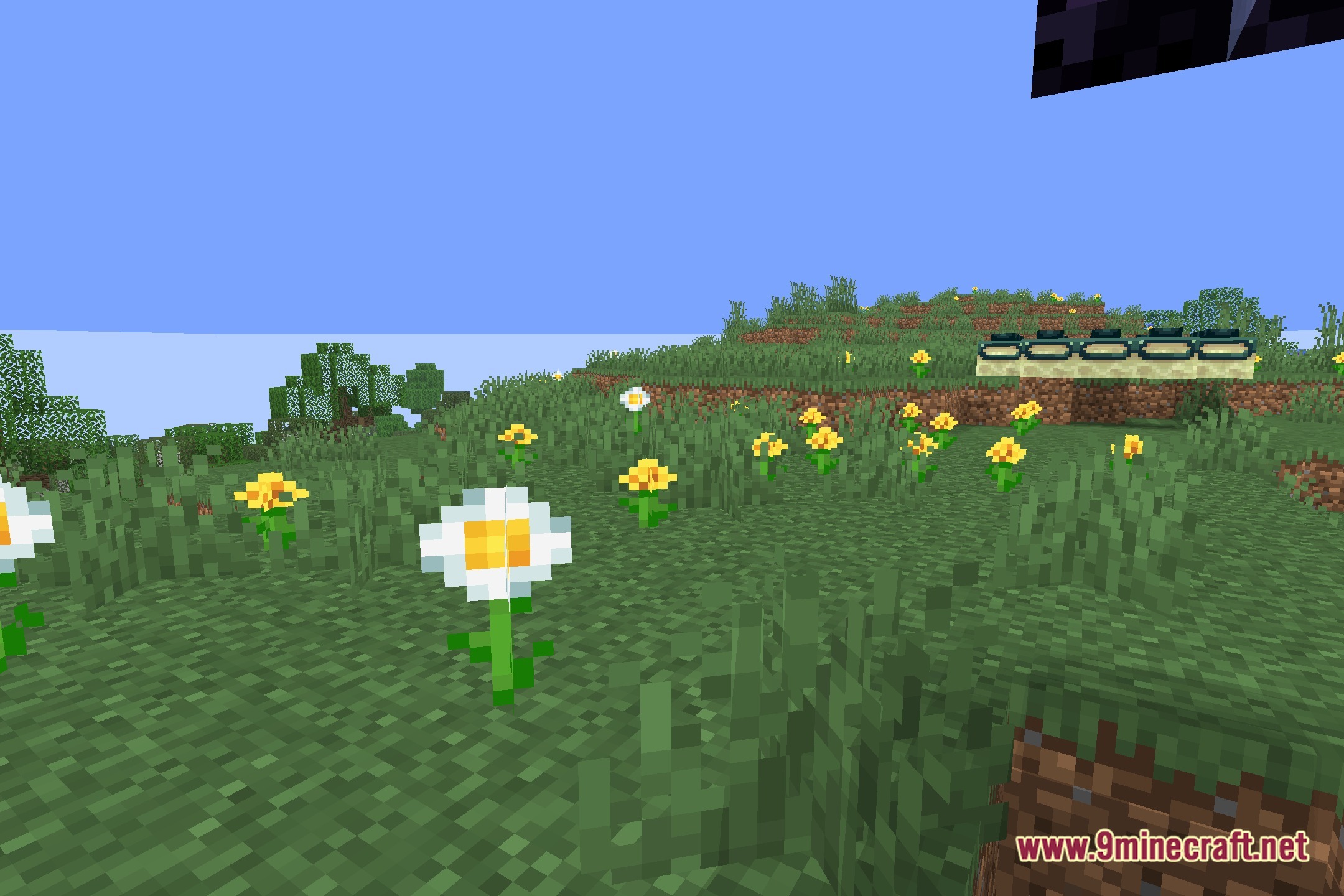
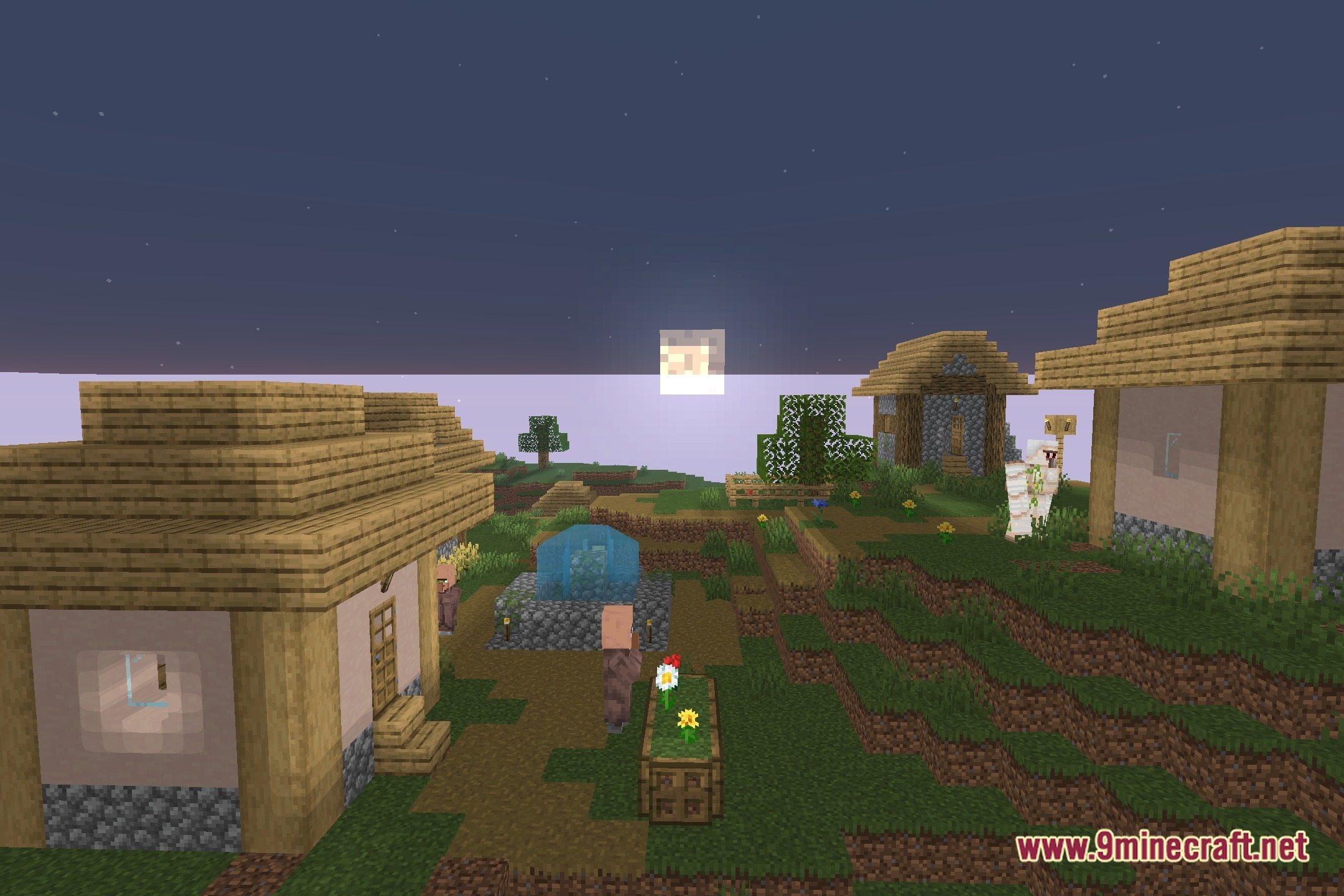
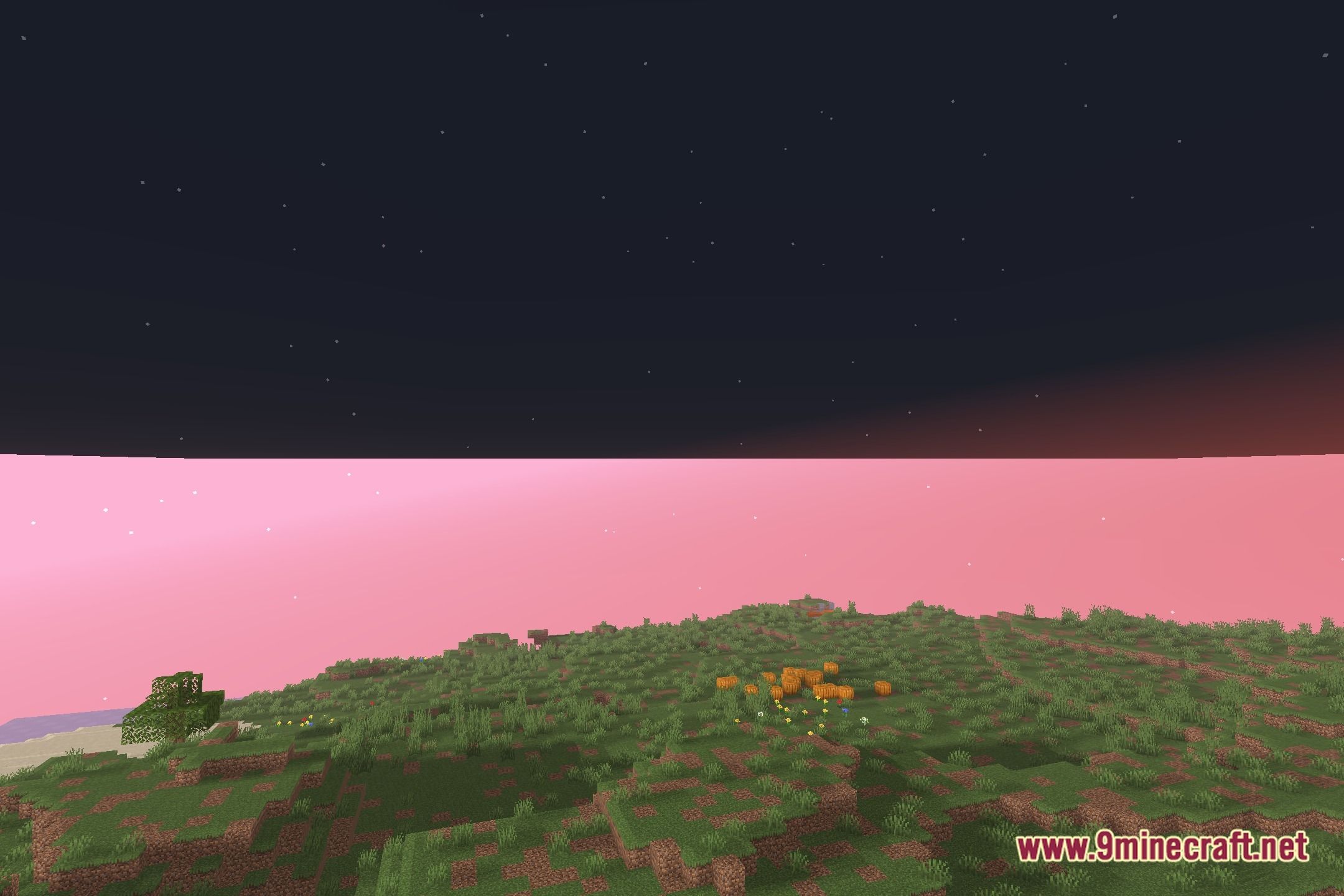
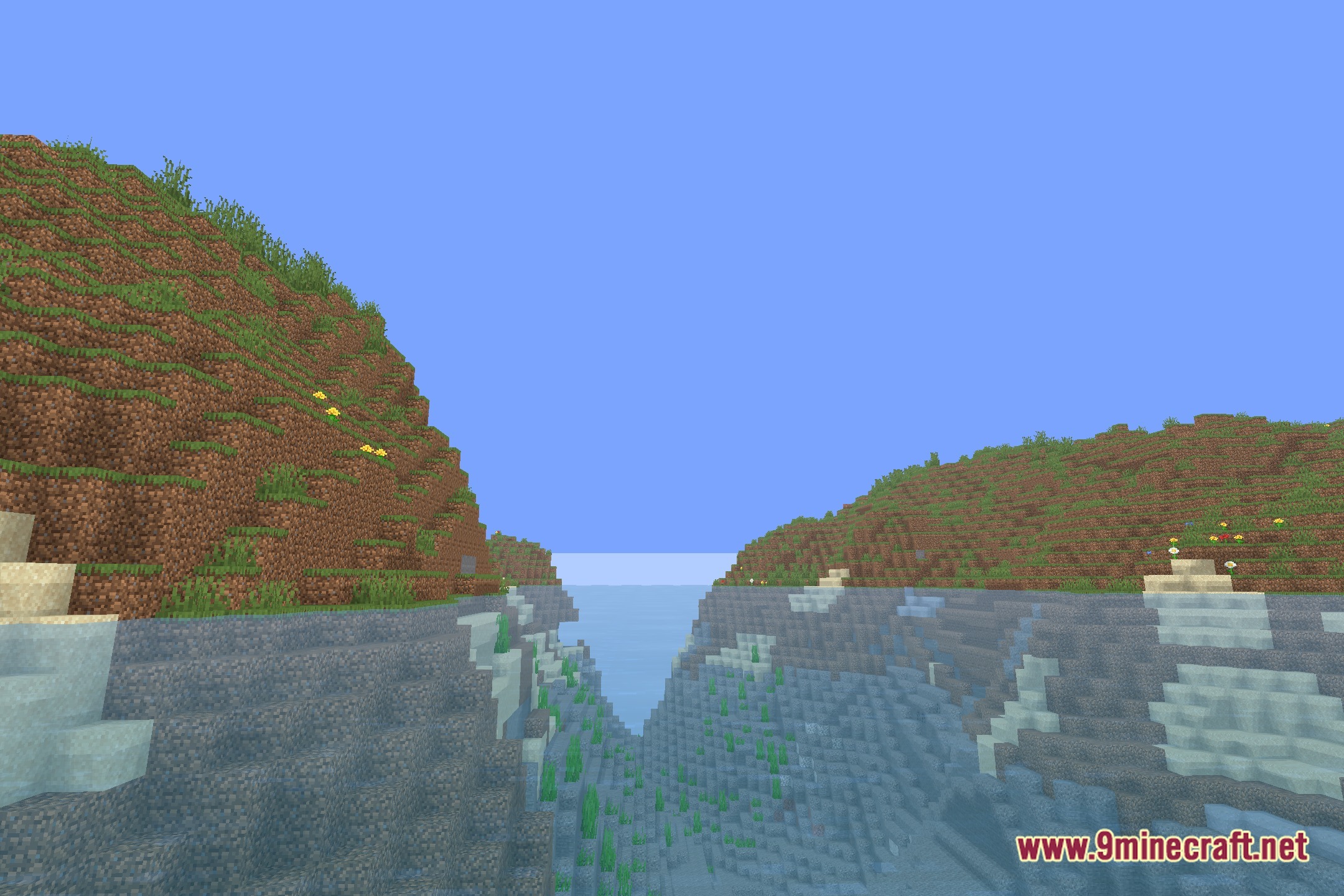
NEXA LowShader illuminates your blocky world with clean vanilla-like visuals while keeping frame rates fast on low-spec hardware. This shader pack brings balanced lighting and soft shadows without slowing down your game. It runs well on older computers and laptops so you can explore, build, and capture screenshots without stuttering. You get extra visual depth while keeping the classic look of Minecraft intact.
Features:
- Runs smoothly on low-end hardware and potato computers.
- Adds soft, vanilla-styled shadows across blocks and terrain.
- Includes PBR support to add realistic depth and textures to surfaces.
- Keeps original colors bright and easy to see during daily survival gameplay.
- Helps you take crisp screenshots without dropping frame rates.
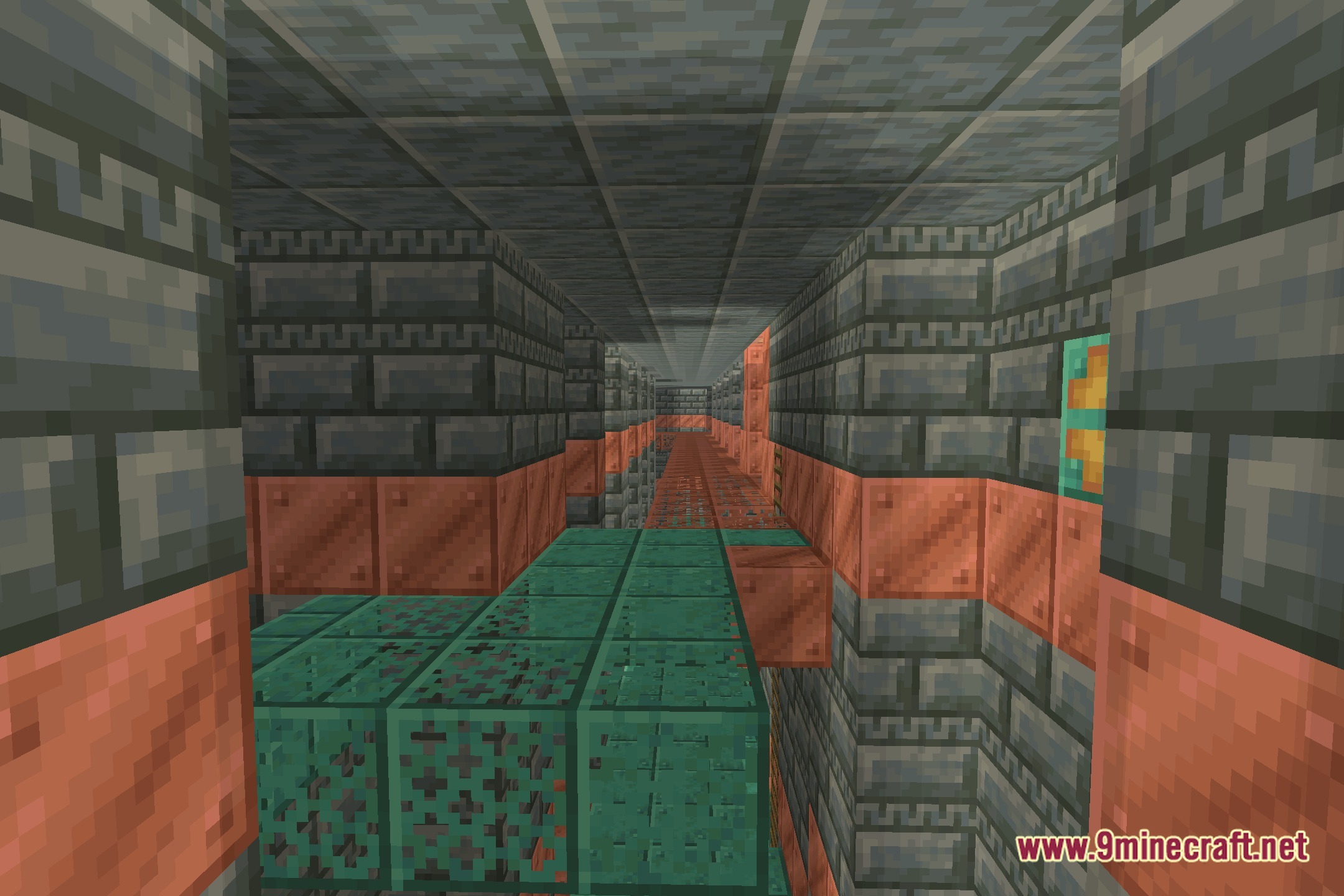
Screenshots:
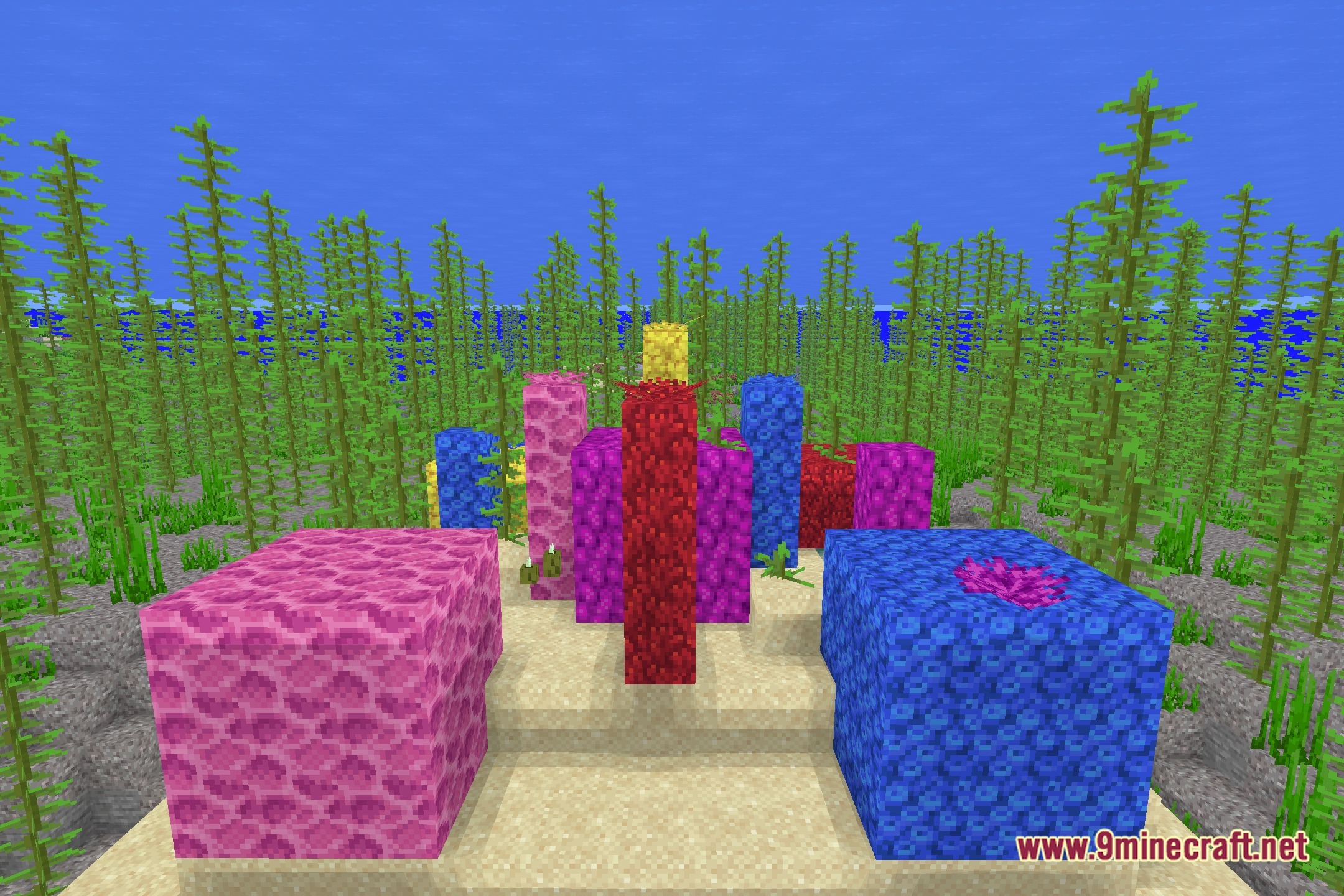
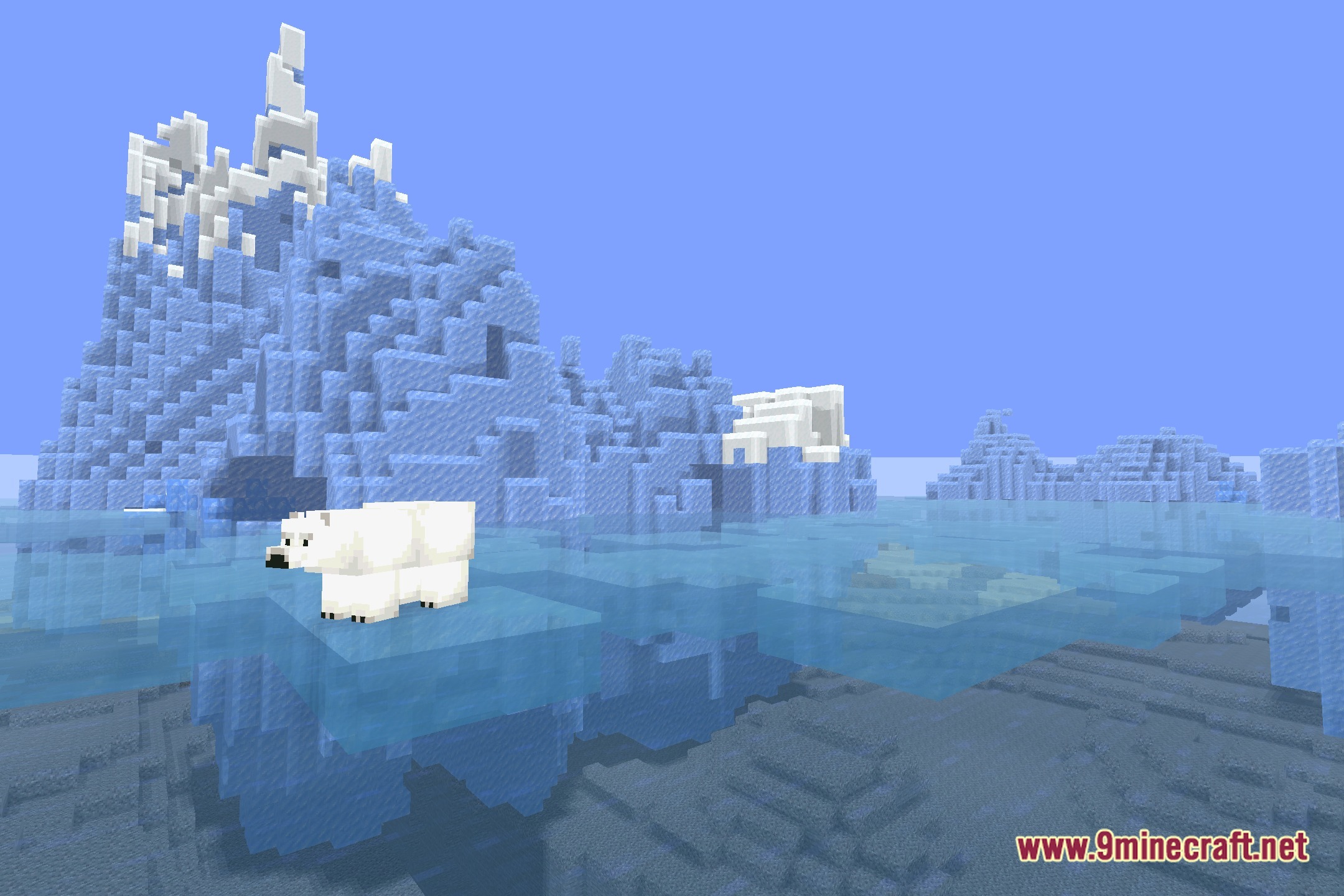
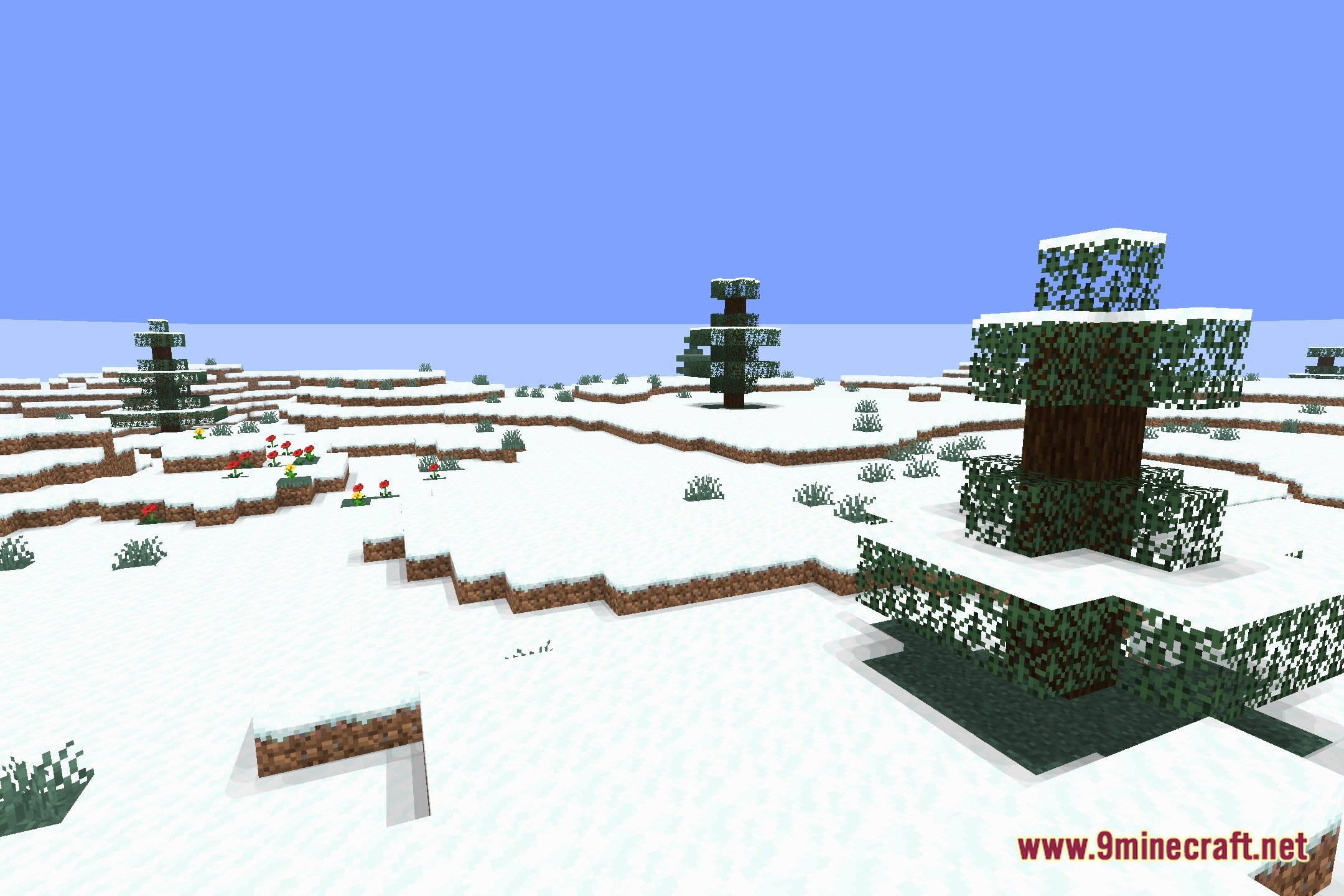
NEXA LowShader Download Links
Quick facts
- Edition: Minecraft Java
- File type: .zip (resource pack)
- Minecraft version listed: 1.20.1
- How to install: Download the .zip resource pack — do not unzip it. → Put it in .minecraft/resourcepacks. → Enable it in Options → Resource Packs.
- Where to get it: Opens on the file's original source — not every file is mirrored on our own servers.
Install steps are the general flow for this file type — see the MC Java Mods guides for the full walkthrough.
NEXA LowShader (26.3, 1.20.1) – Soft Shadows and PBR for Low-End PCs is a free Minecraft Java shader. Compatible with Minecraft 1.20.1. Download it and open it directly in the game.