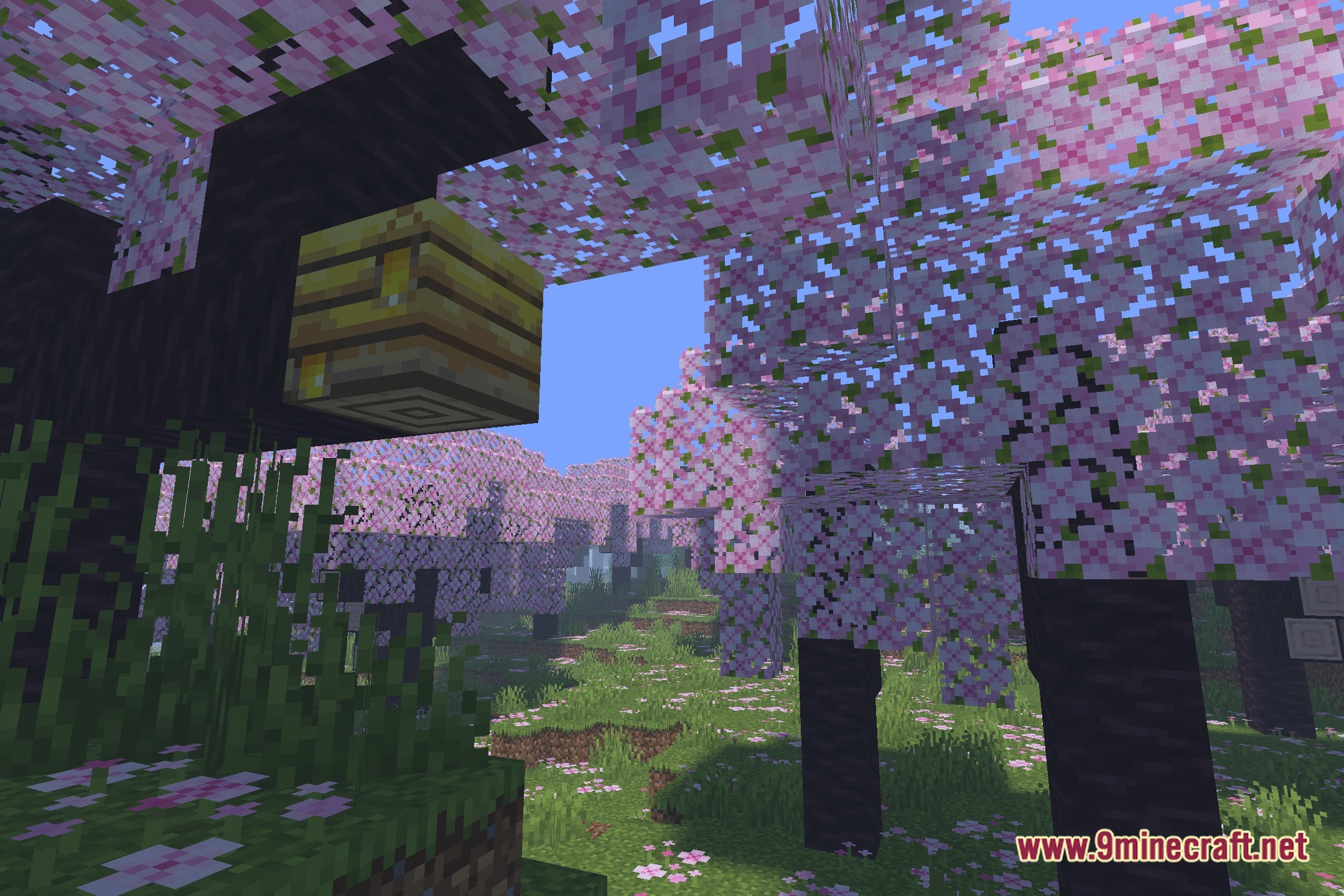
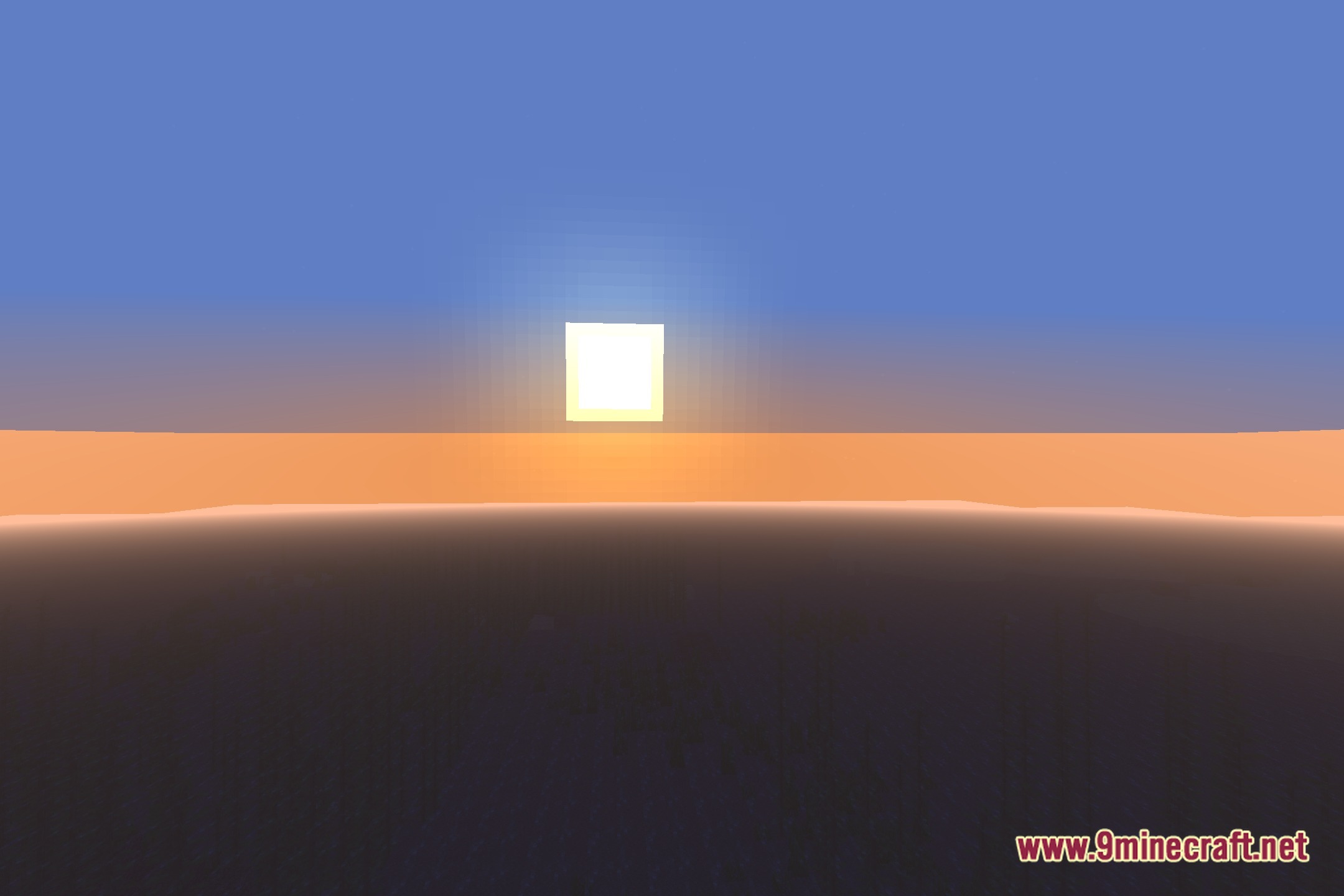
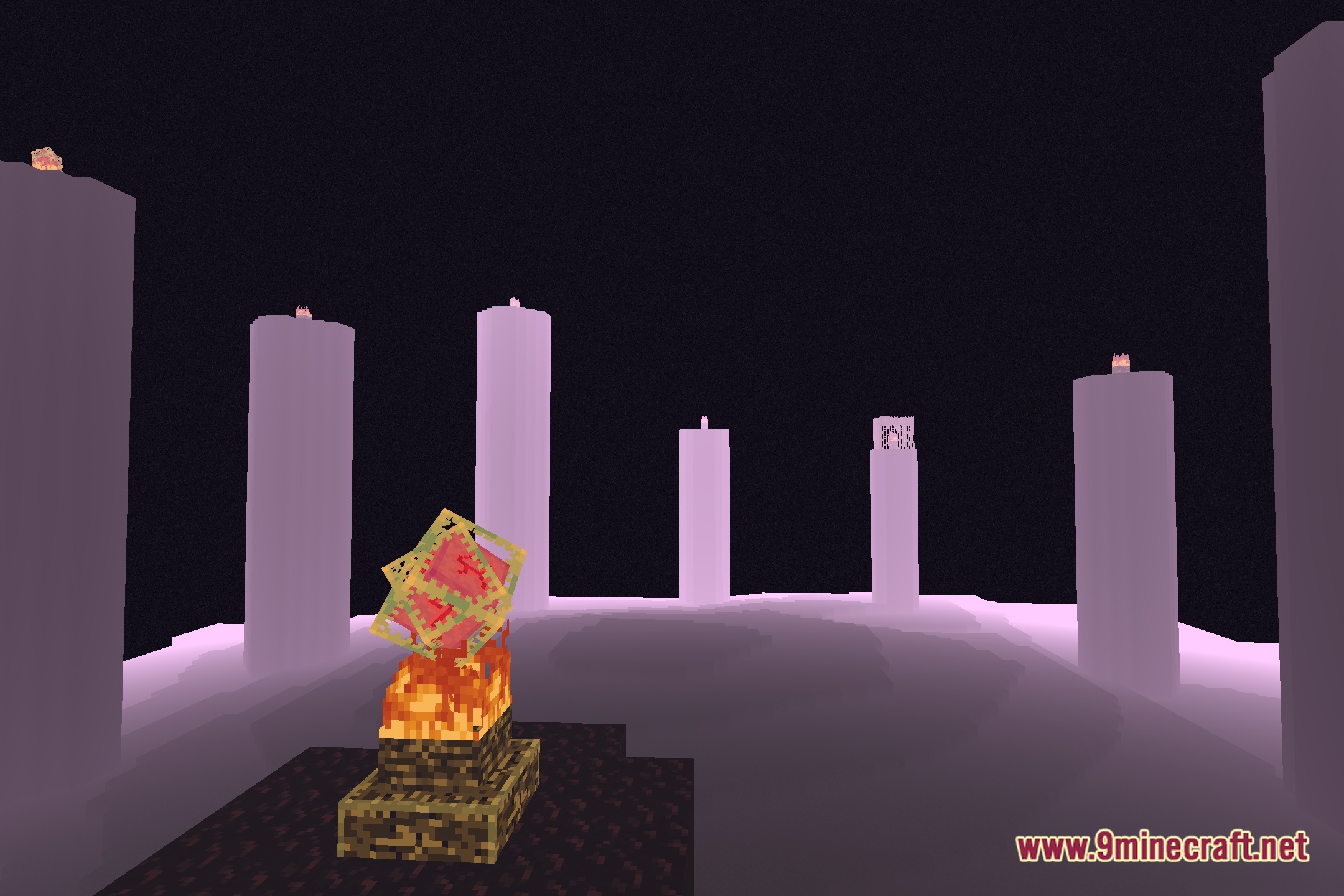
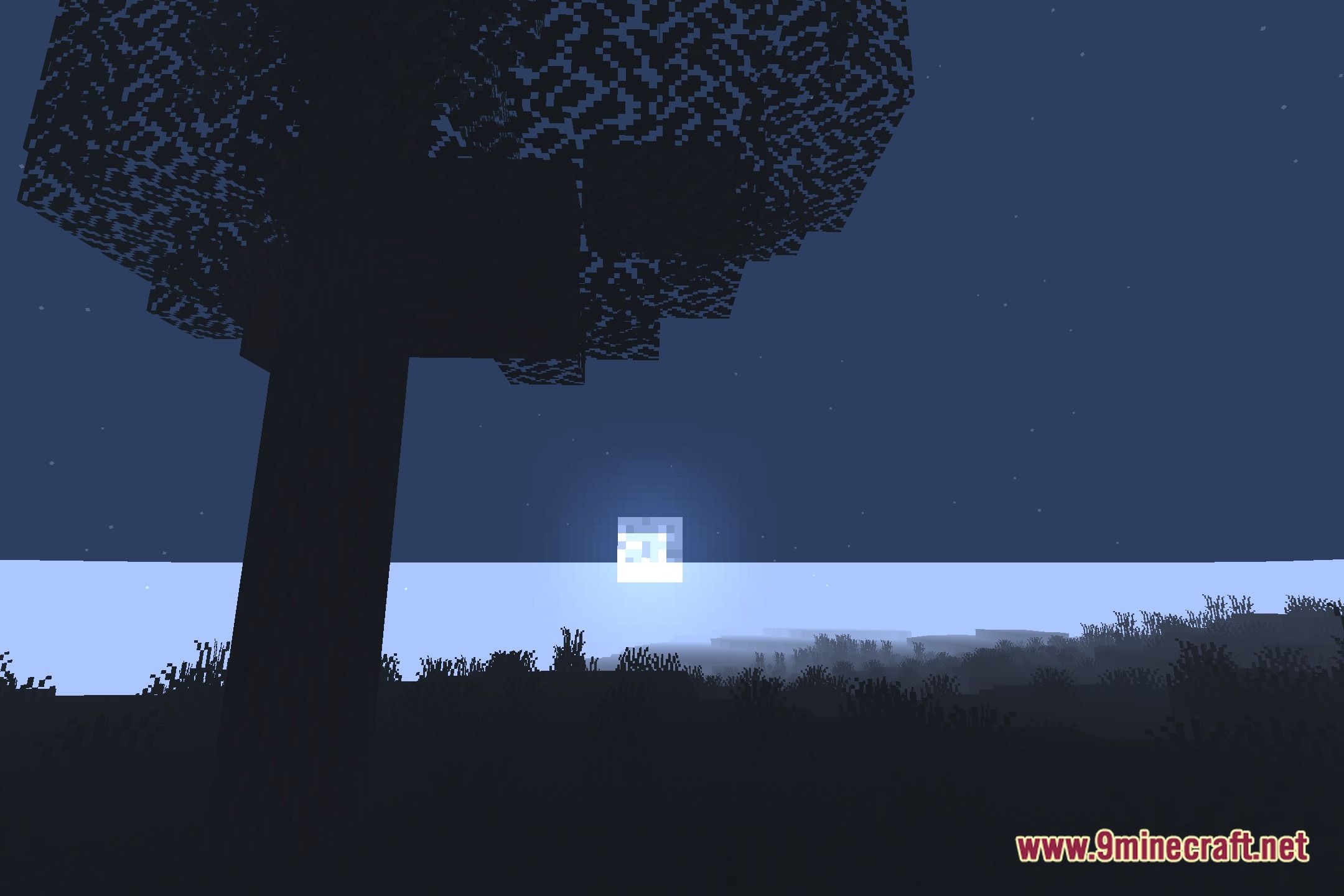
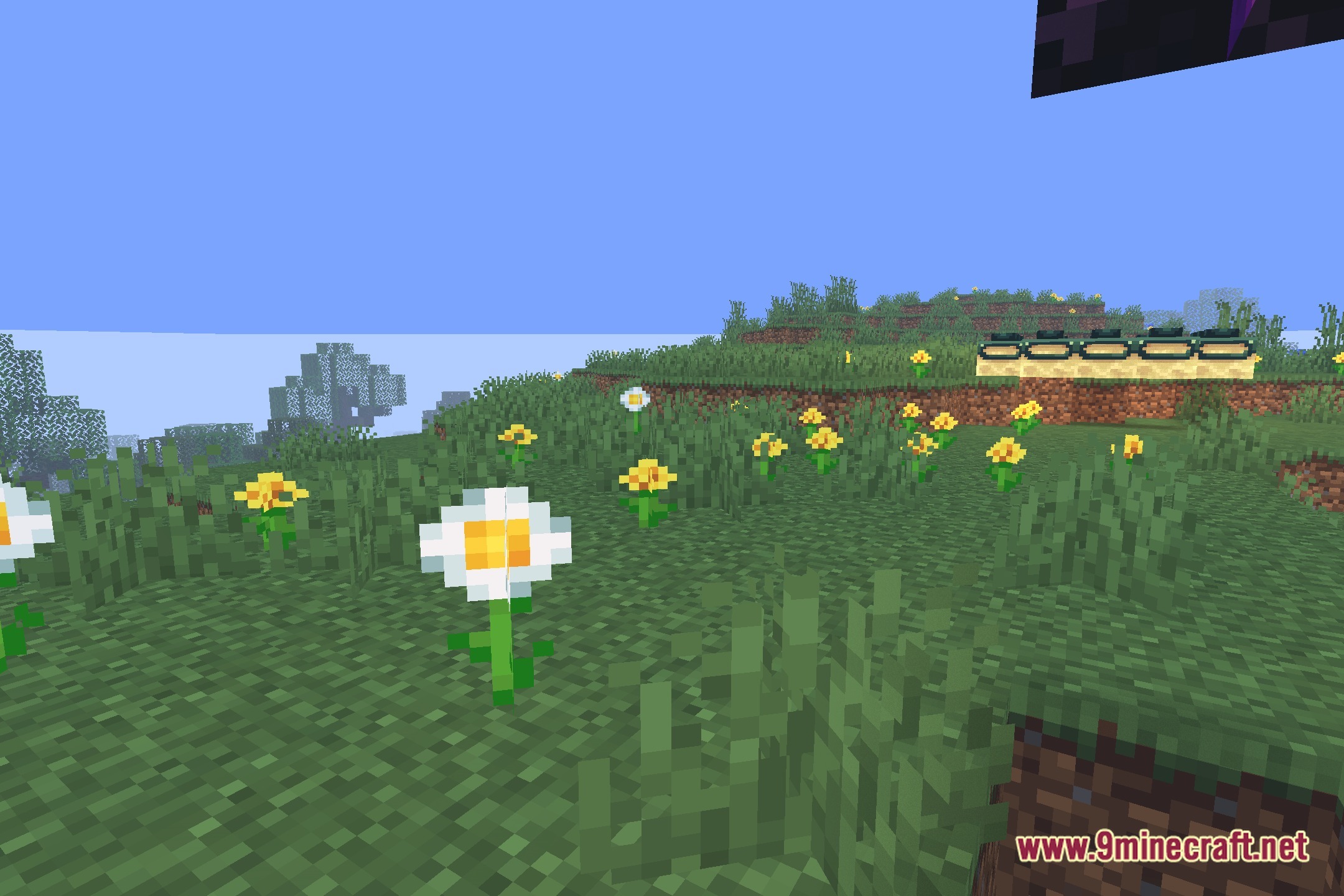
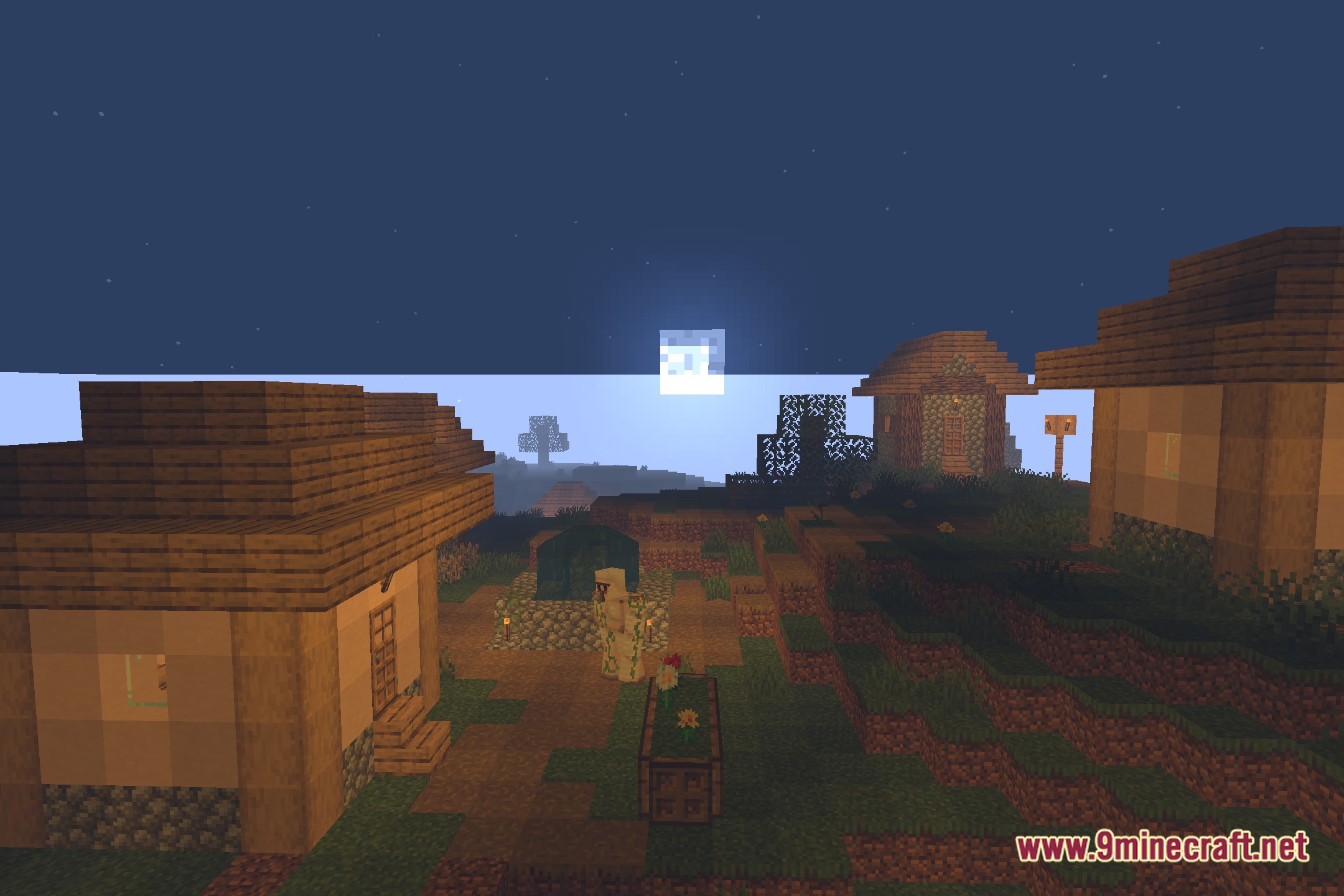
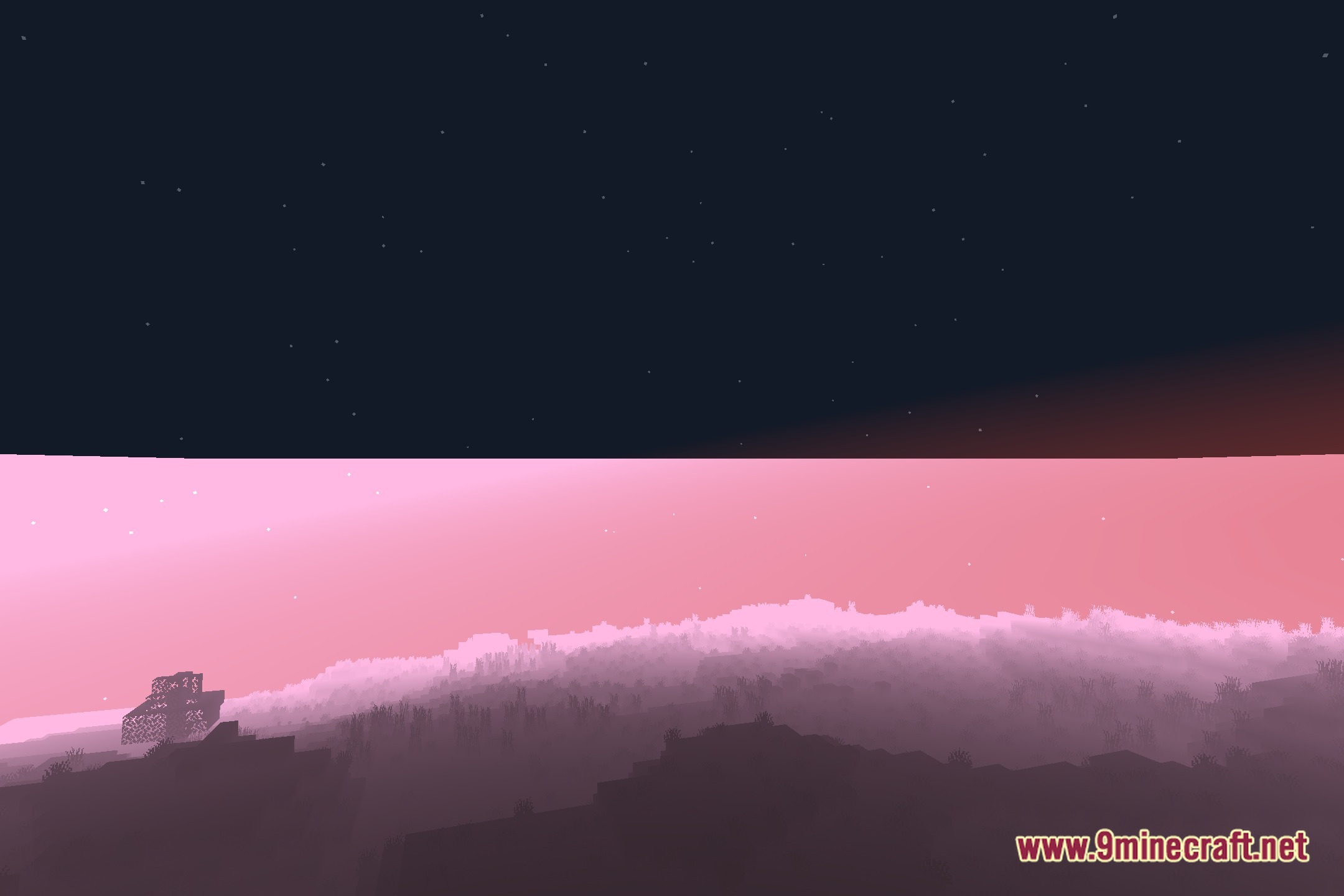
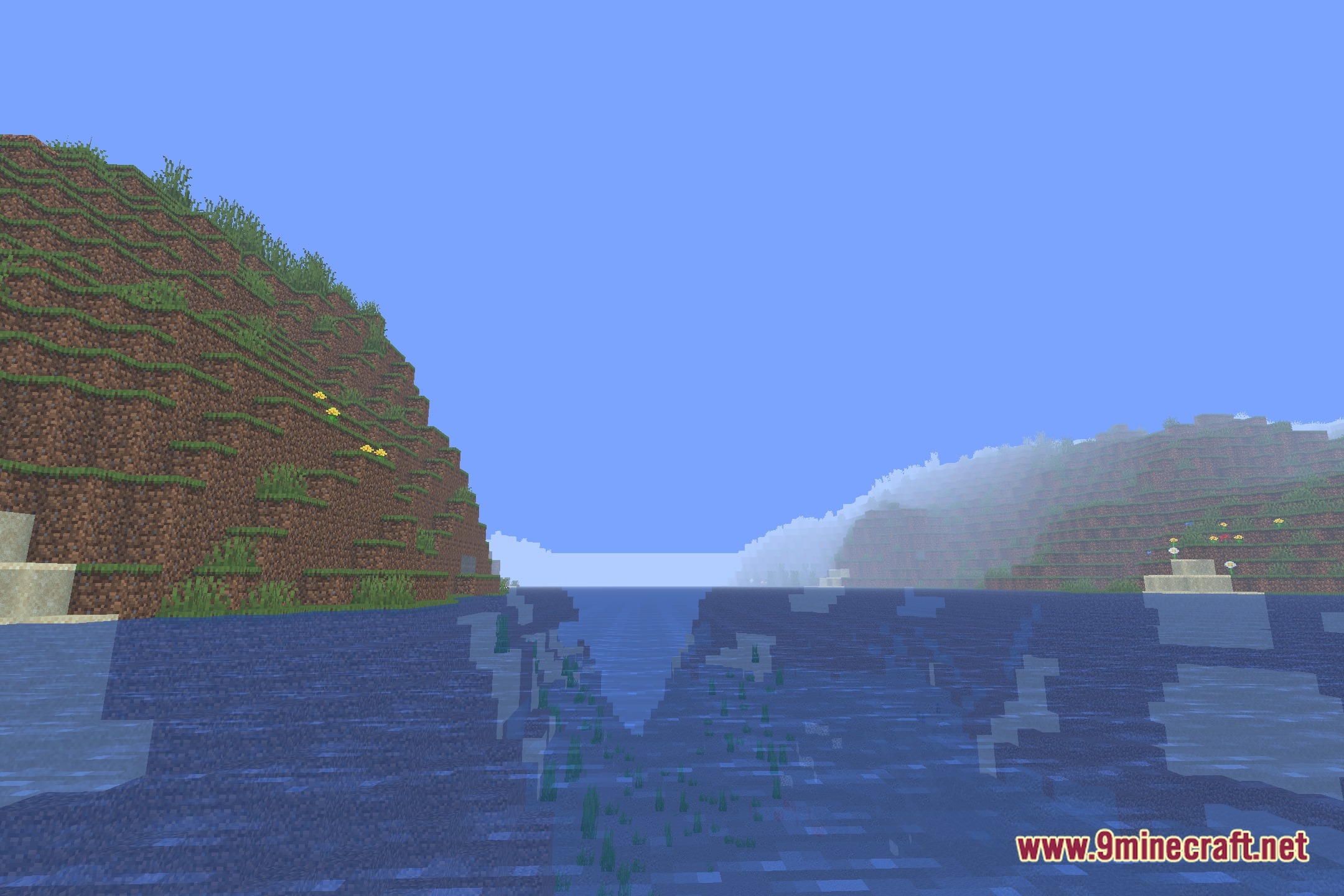
LightWeight Atmospherica Shaders transforms world lighting while keeping frame rates fast on basic computers. This shader pack runs smoothly on budget setups with integrated graphics like Intel Core i3 or AMD Ryzen 3 processors. It adds soft shadows and clear ambient light without removing the familiar look of vanilla blocks. Players using older laptops or potato computers can enjoy semi-realistic outdoor views without heavy lag.
Features:
- Runs smoothly on low-end hardware and integrated graphics like Intel Core i3 and AMD Ryzen 3 chips.
- Adds soft shadows that match the standard blocky terrain.
- Keeps the classic vanilla look while giving the sky and sun a cleaner tone.
- Adjusts daytime and nighttime lighting for better overall visibility.
- Protects frame rates so gameplay stays fast on low-spec computers.
🎛️ Compare 40+ Minecraft Shaders Side by Side →
Drag the slider across 16 real in-game scenes — find YOUR perfect shader.
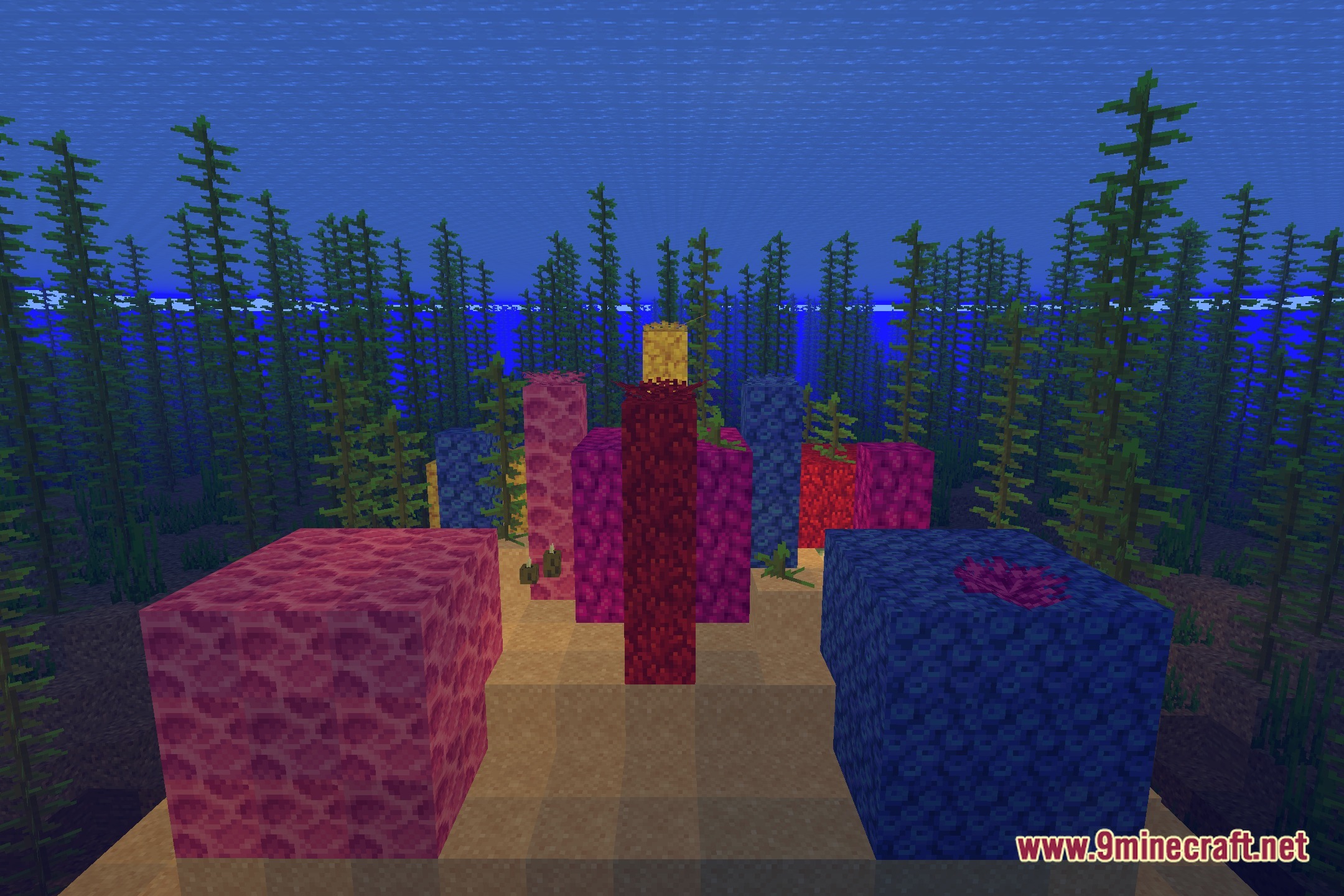
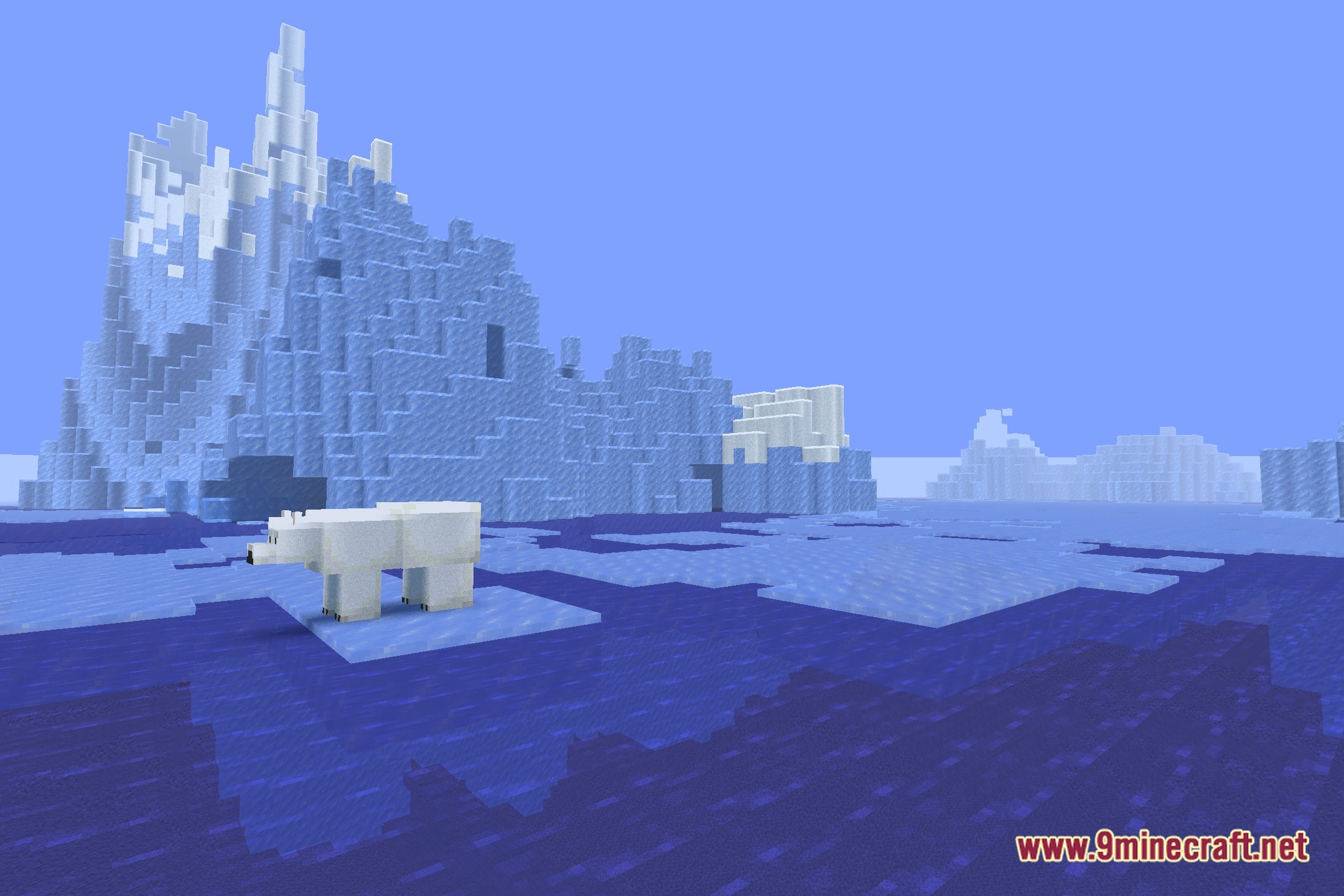
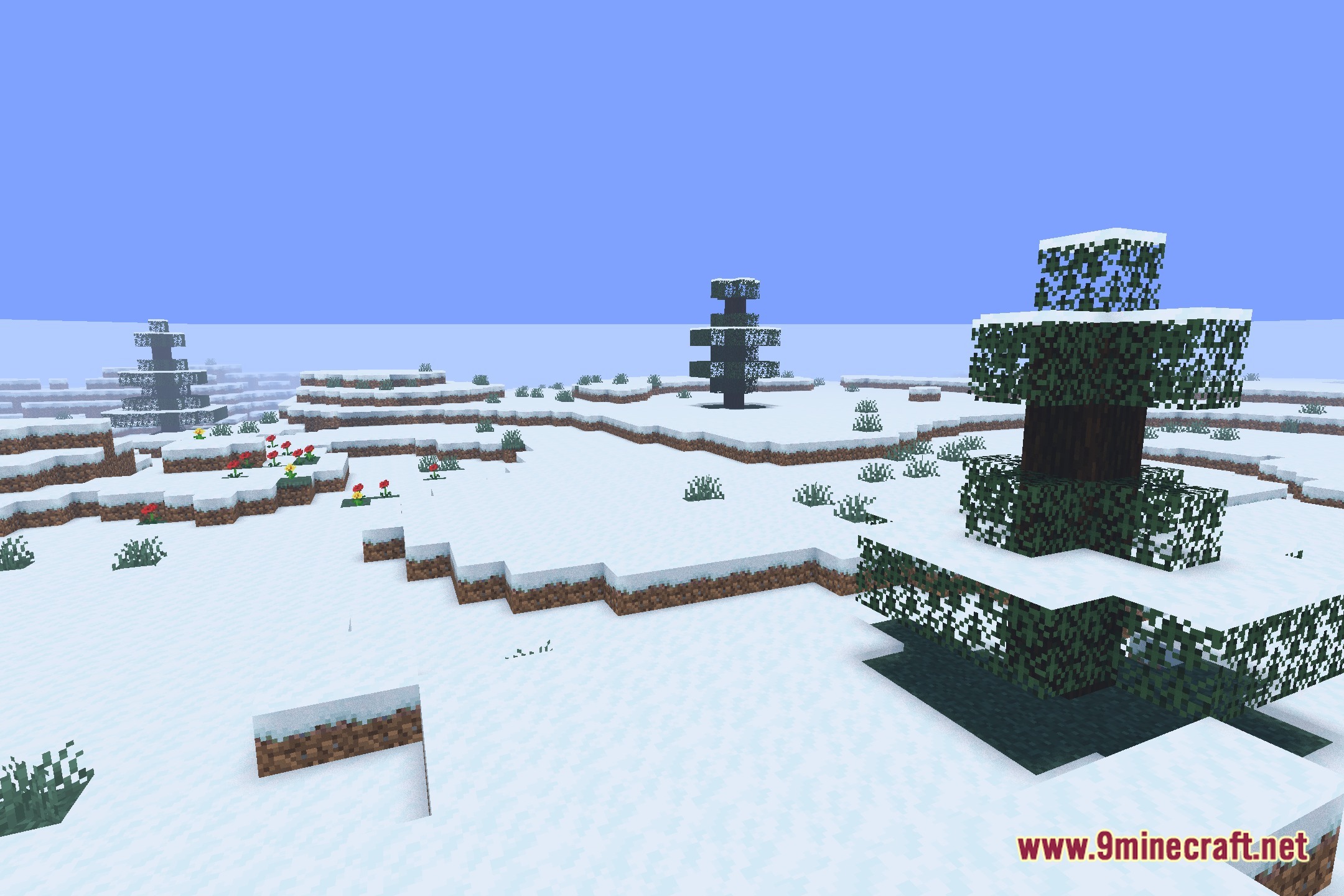
Screenshots:
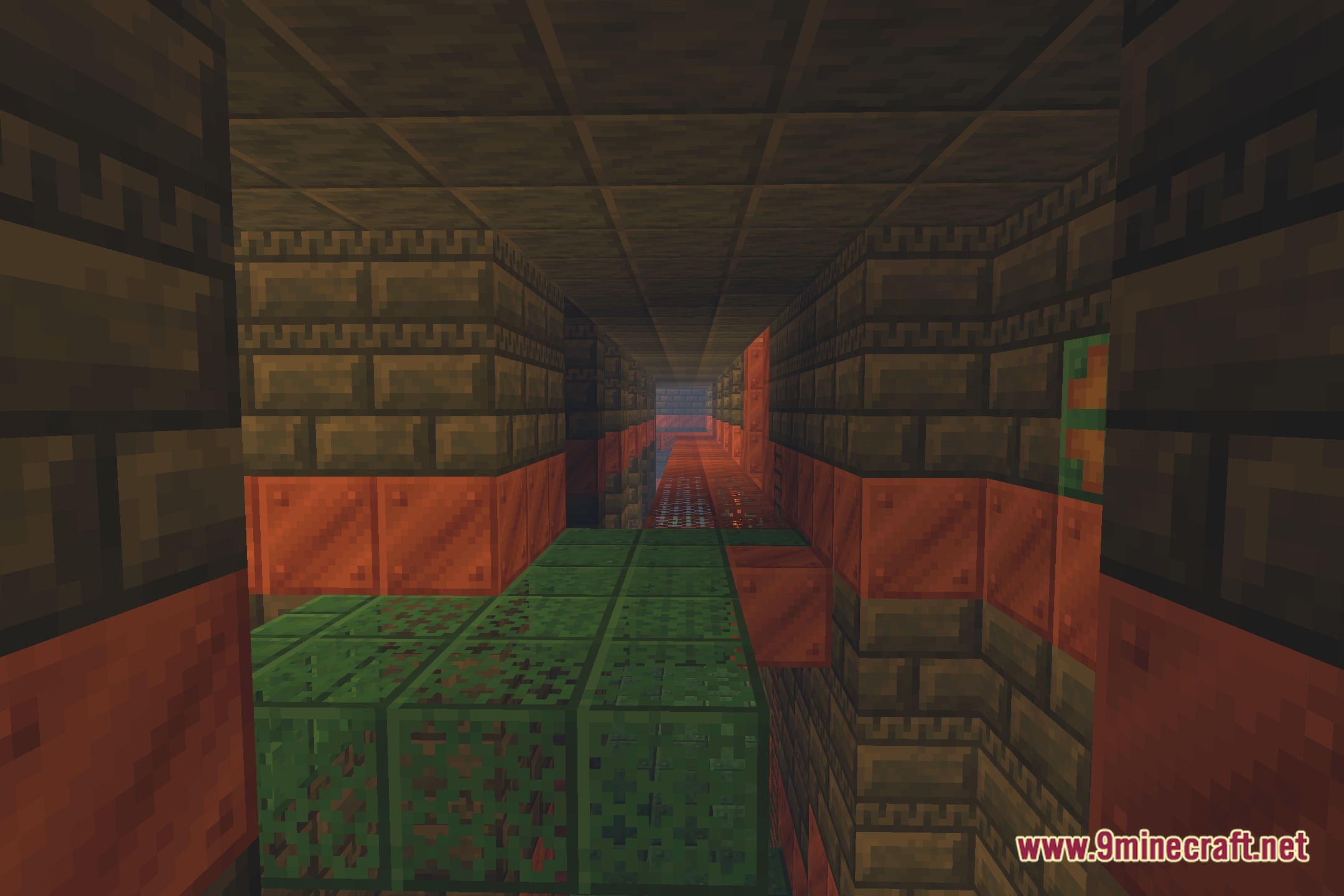
LightWeight Atmospherica Shaders Download Links
- Edition: Minecraft Java
- File type: .zip (resource pack)
- Minecraft version listed: 1.20.1
- How to install: Download the .zip resource pack — do not unzip it. → Put it in .minecraft/resourcepacks. → Enable it in Options → Resource Packs.
- Where to get it: Opens on the file's original source — not every file is mirrored on our own servers.
Install steps are the general flow for this file type — see the MC Java Mods guides for the full walkthrough.
LightWeight Atmospherica Shaders (26.3, 1.20.1) – Soft Shadows on Low-End PCs is a free Minecraft Java shader. Compatible with Minecraft 1.20.1. Download it and open it directly in the game.