ShadersJava
VoxelVibranceShader (26.3, 1.20.1) – Noise-Based PBR and Pixelated Shadows
Java shader pack listed for Minecraft 1.20. Downloads from the MC Java Mods app on Android.
⬇ Download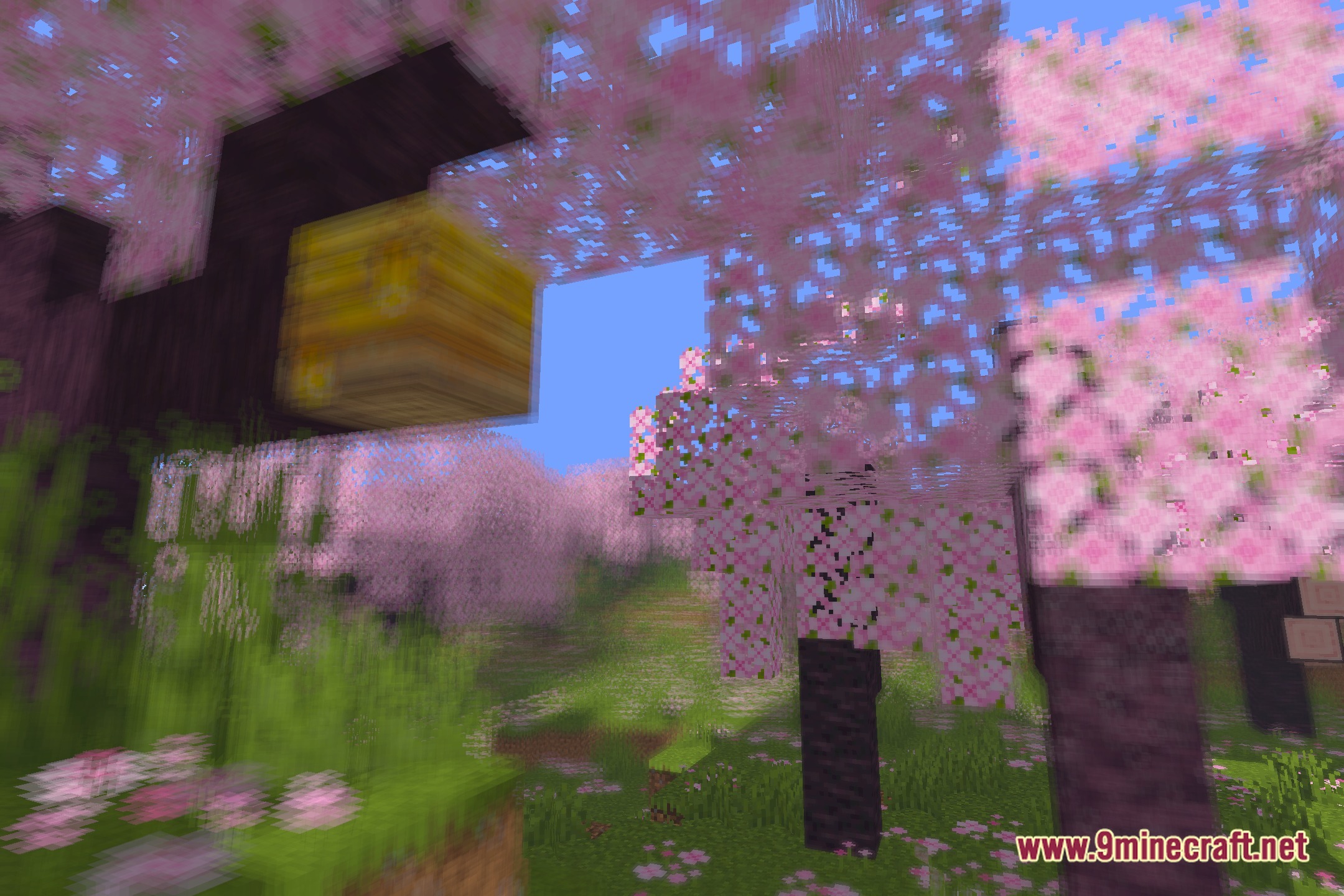
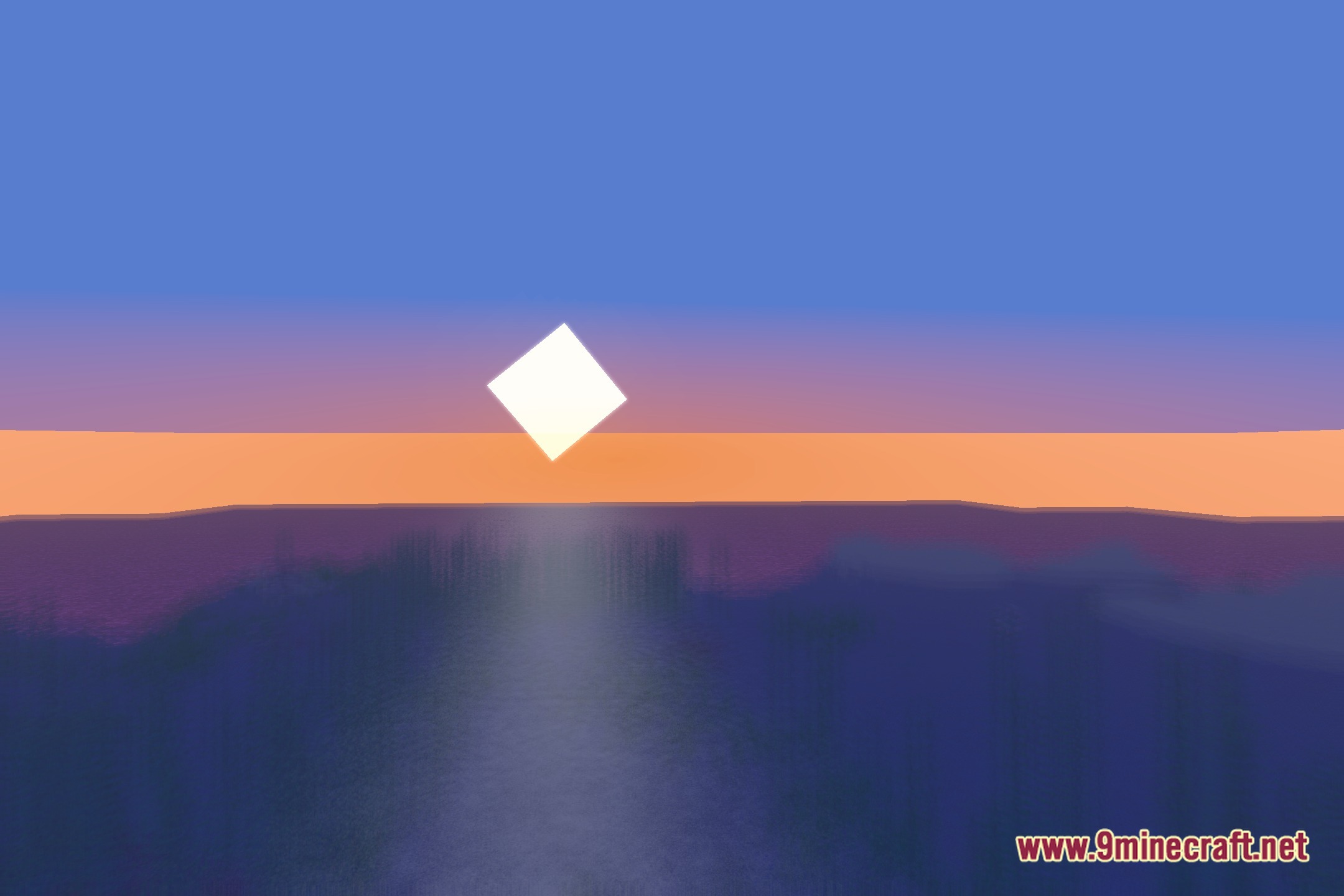
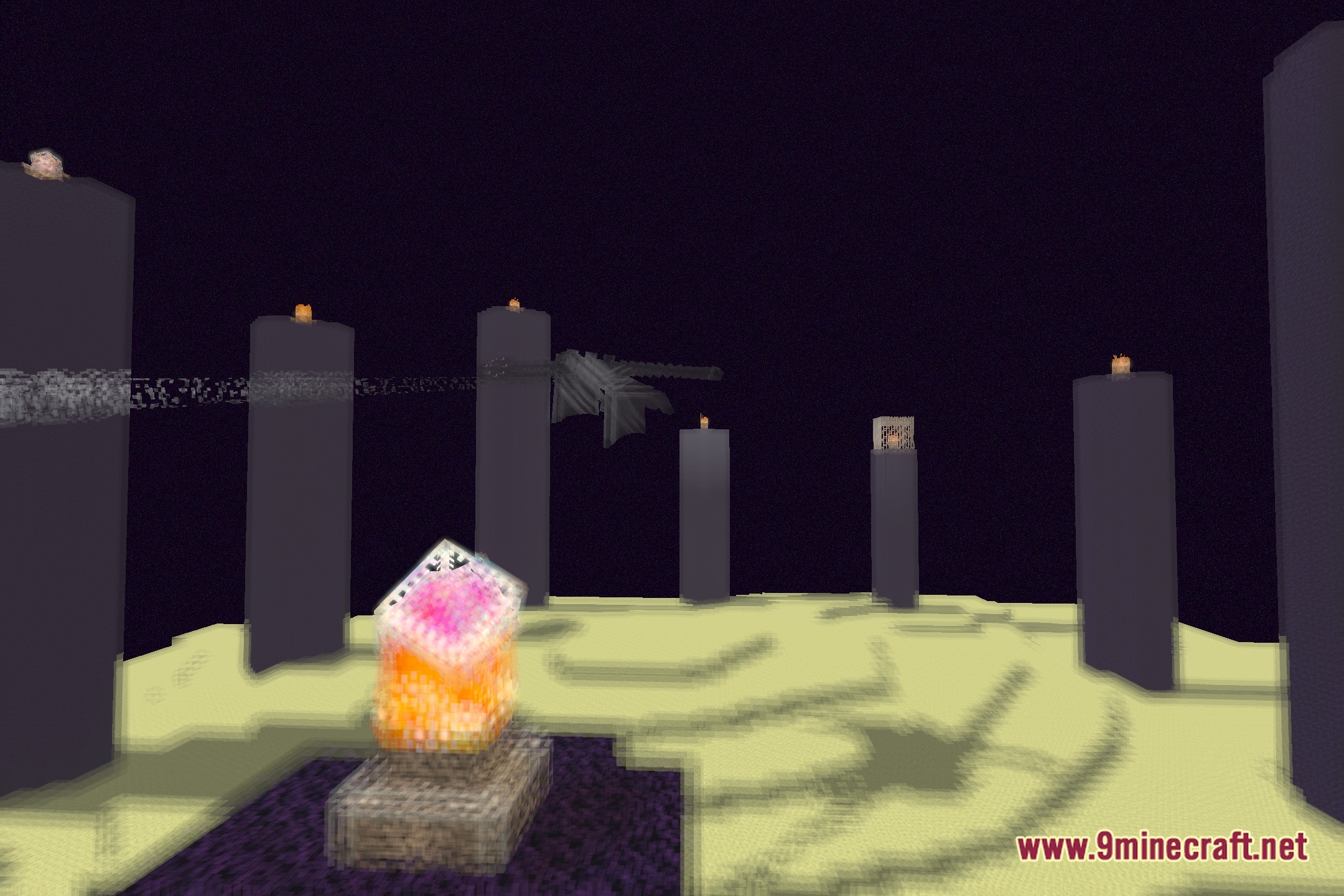
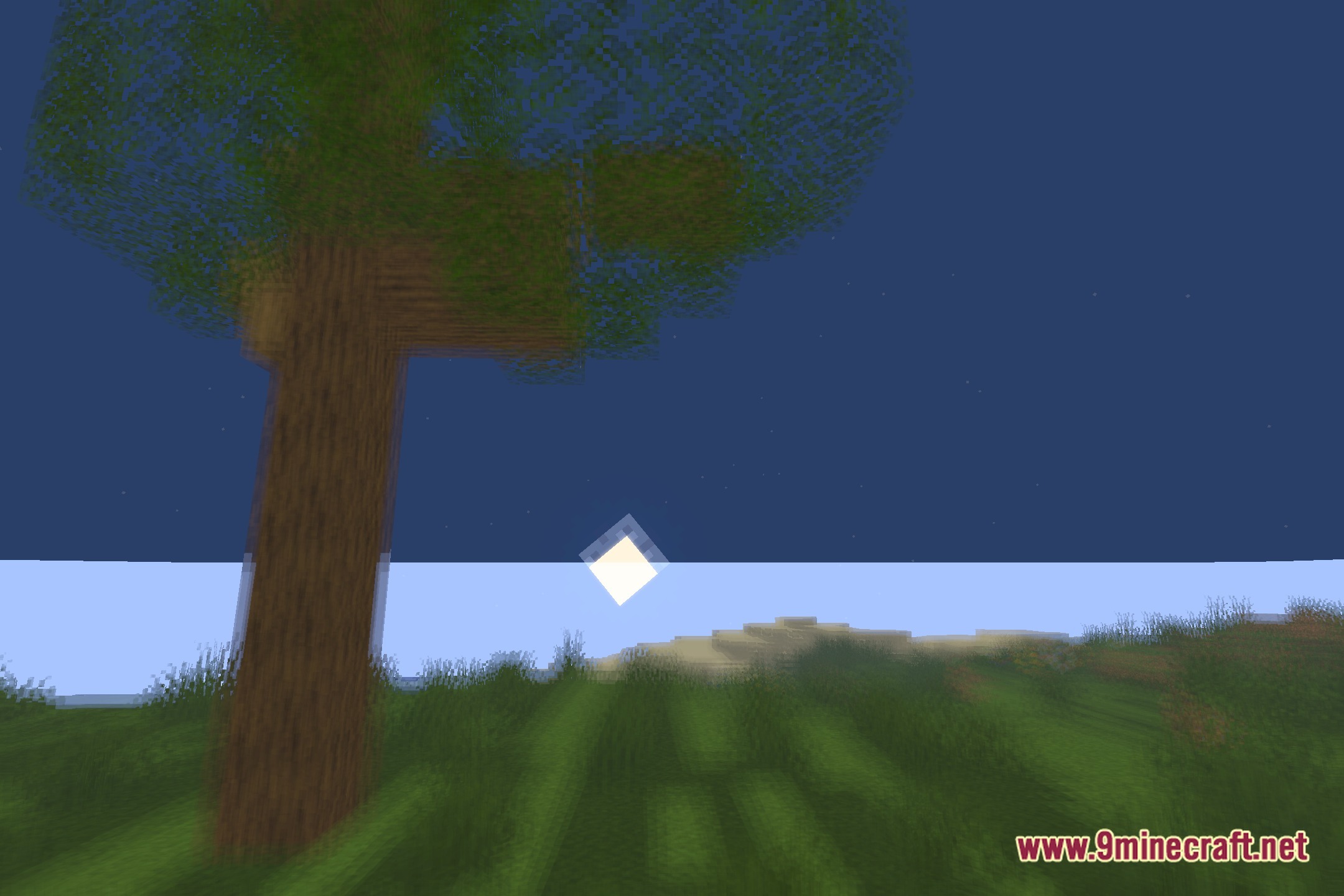
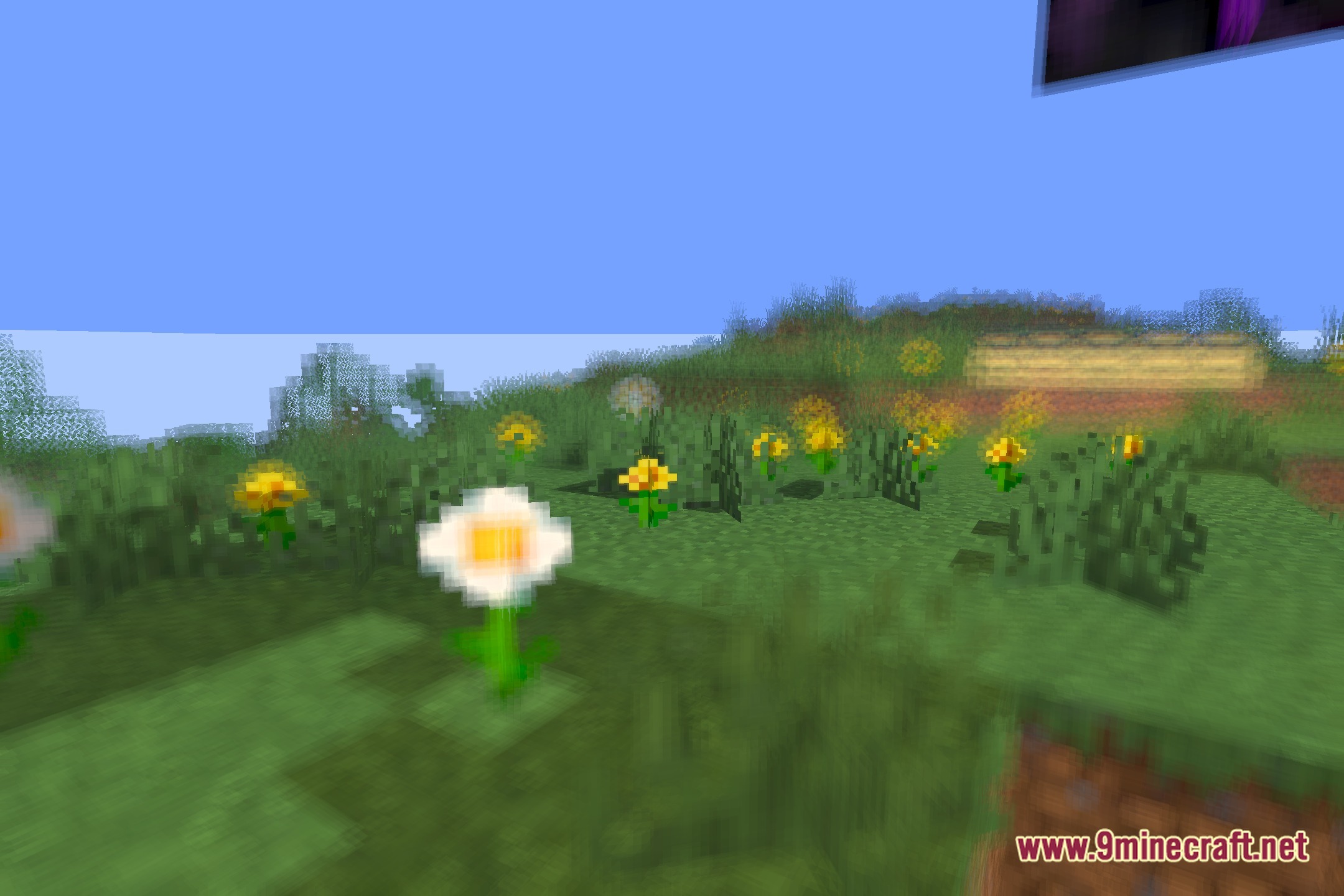
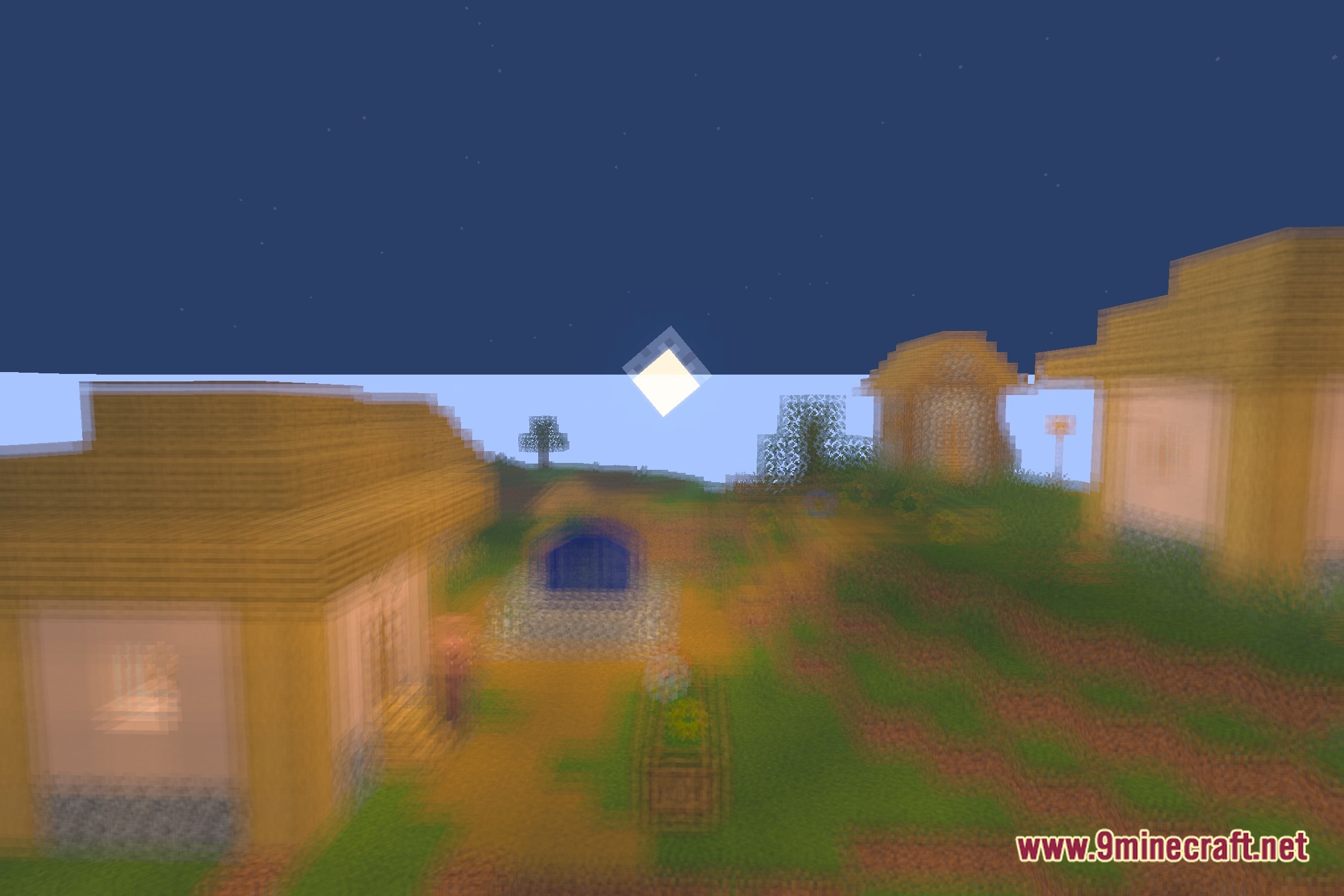
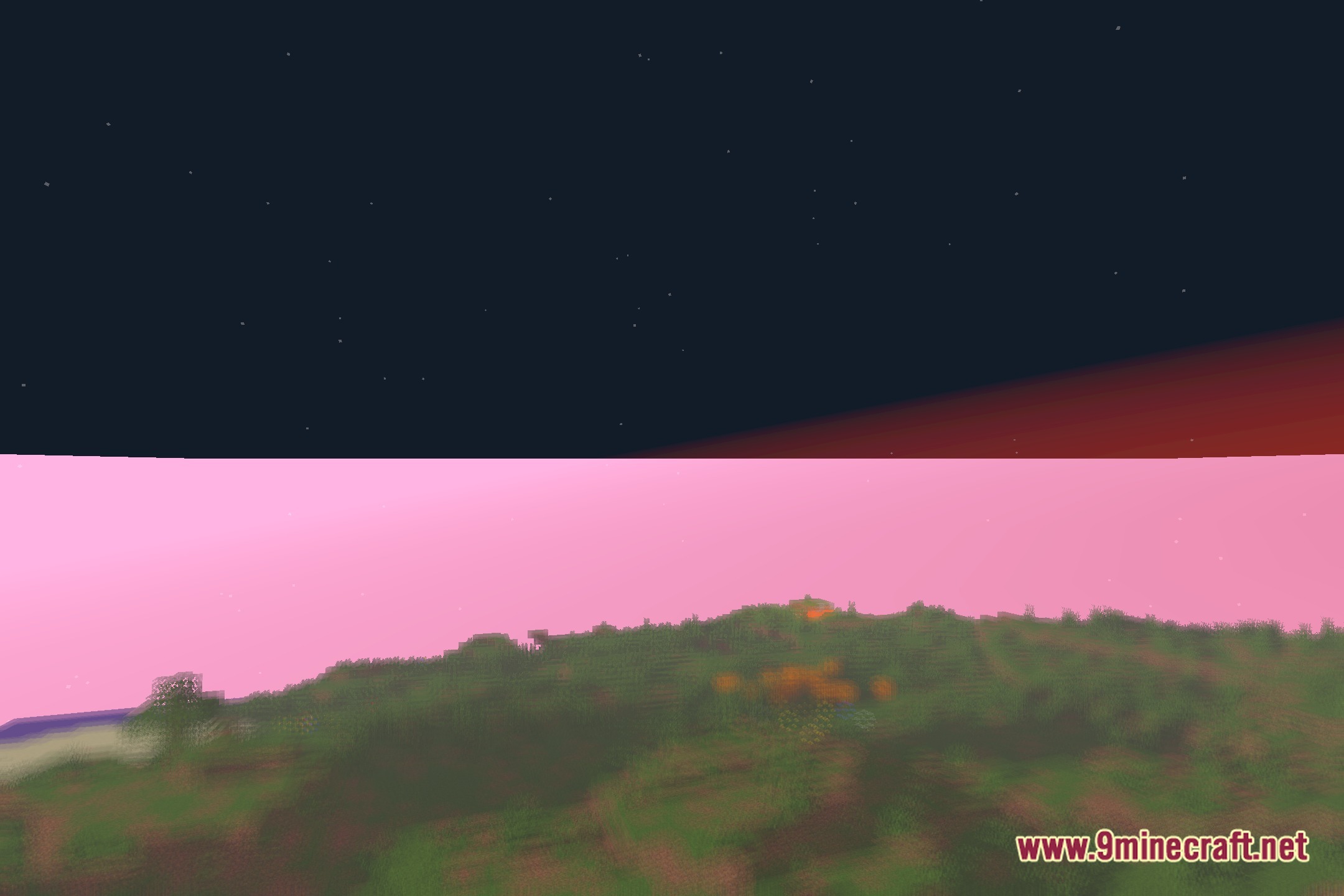
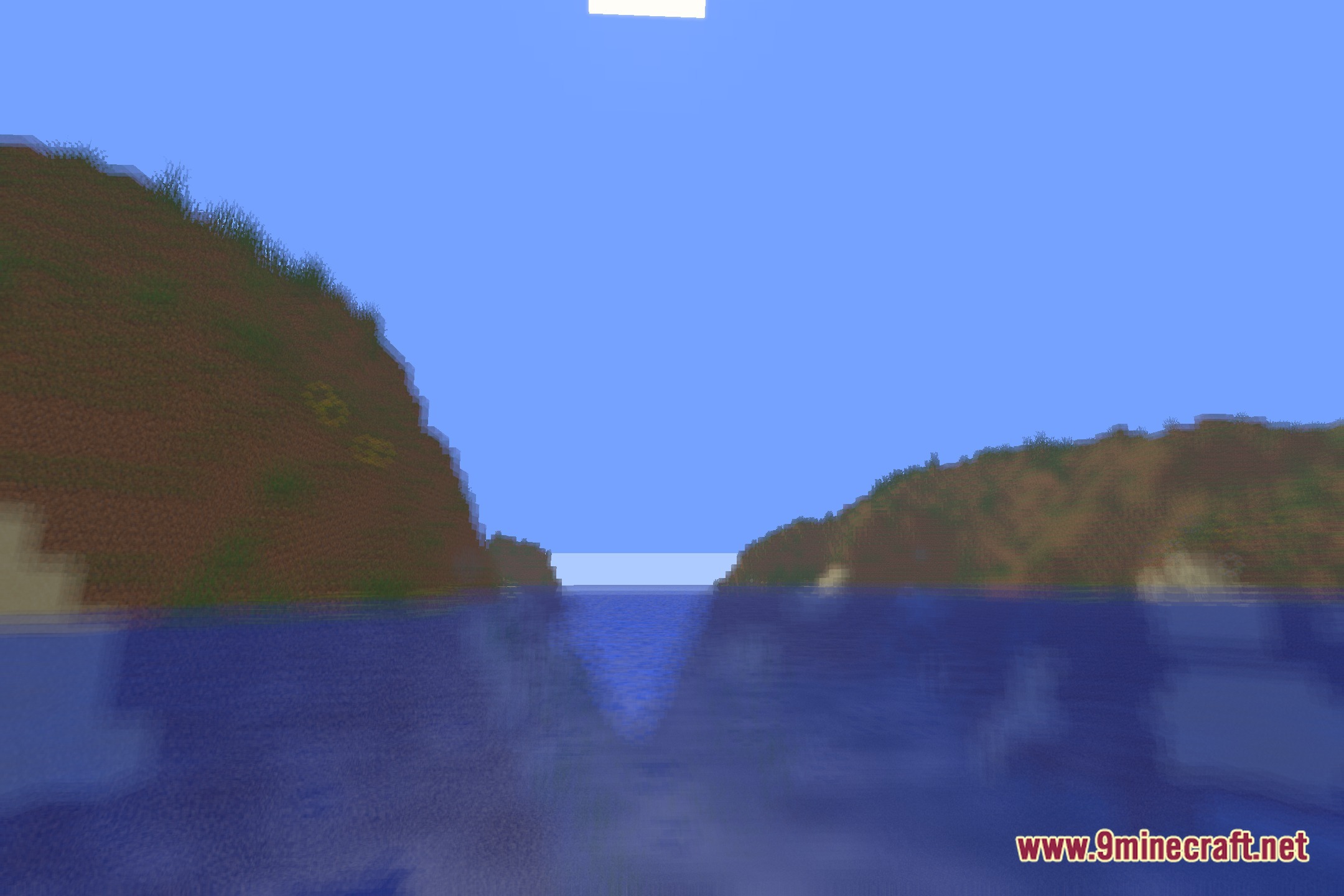
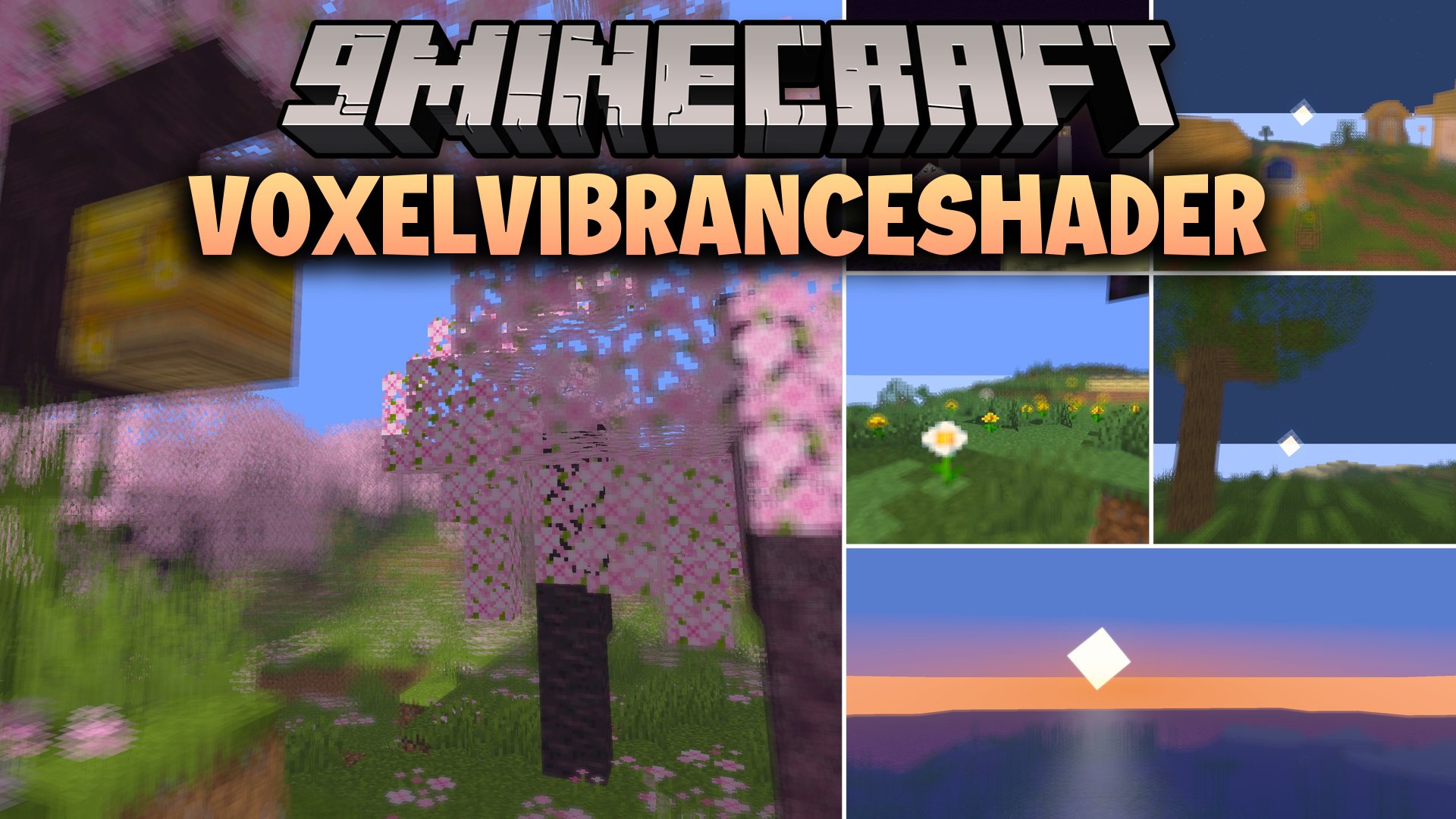
VoxelVibranceShader brings a fresh look to your world while keeping the original blocky feel intact. This shader pack uses noise-based PBR generation to add surface details across terrain and structures. It casts pixelated shadows across the landscape to match classic visual styles. Built on modern GLSL code, this shader pack lights up your builds without losing the core game look.
Features:
- Generates surface depth on blocks using noise-based PBR rendering.
- Renders pixelated shadows that preserve the traditional blocky style of the game.
- Runs on OpenGL GLSL code designed for OptiFine setups.
- Maintains classic visual tones with updated light and shadow calculations.
Screenshots:
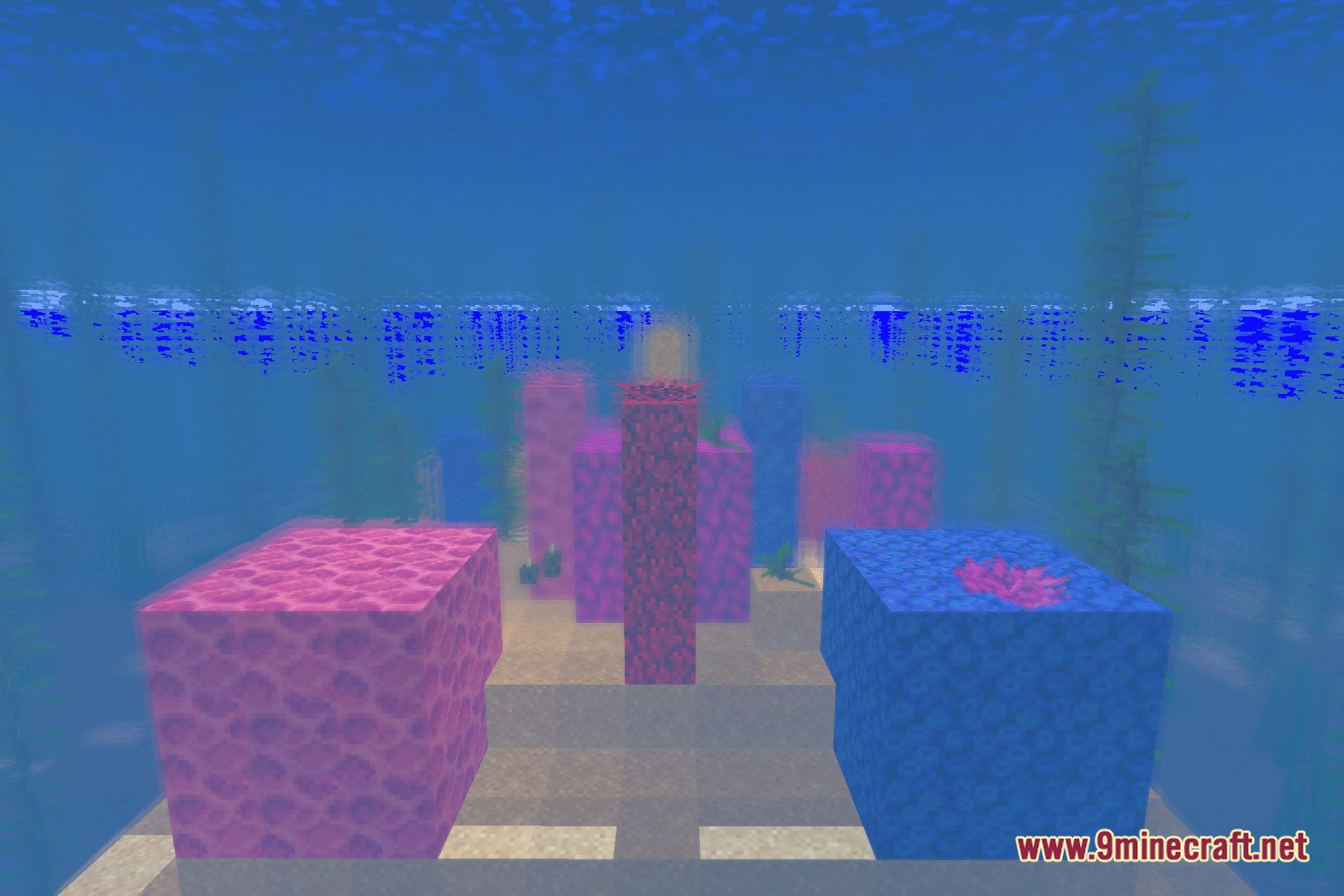
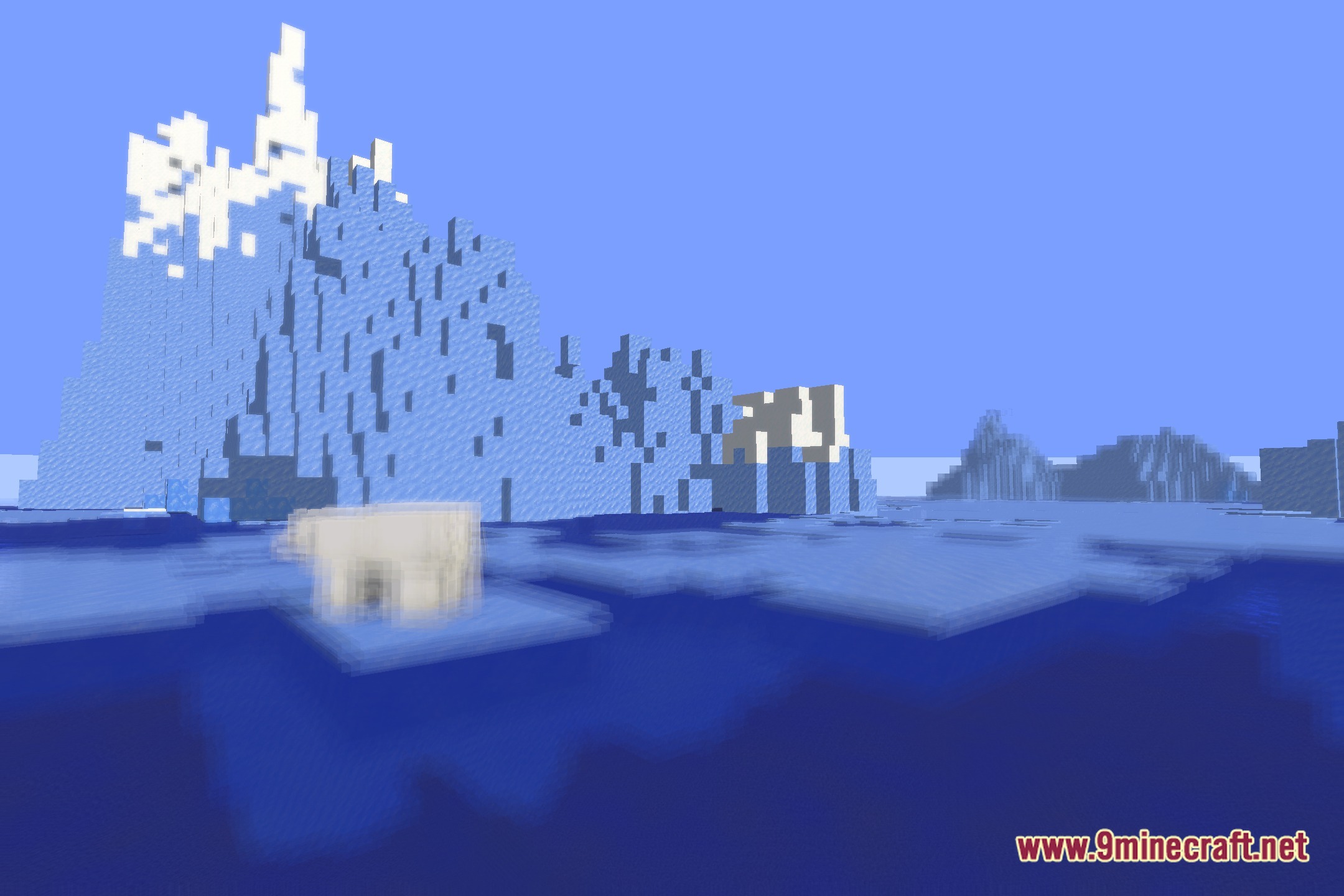
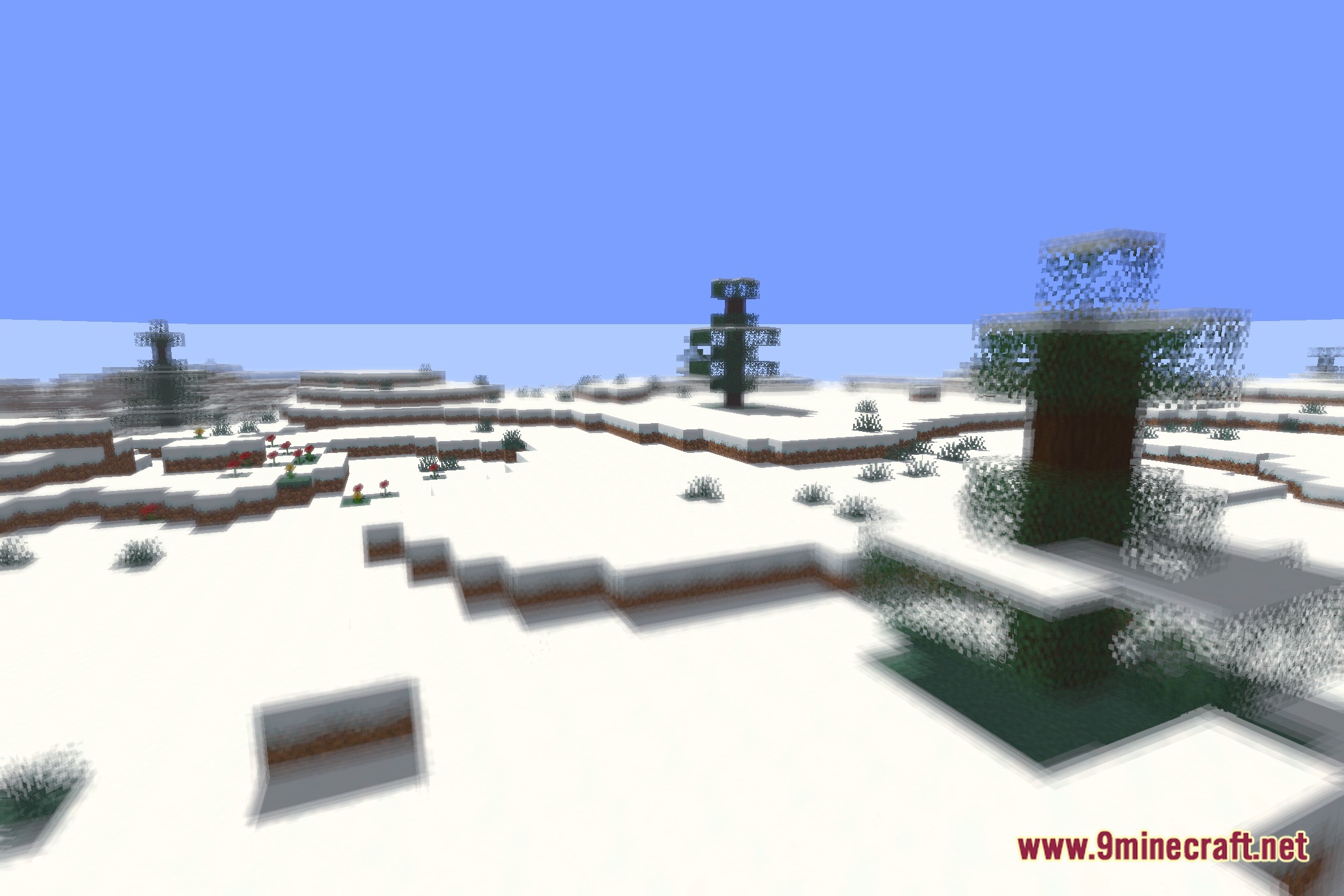
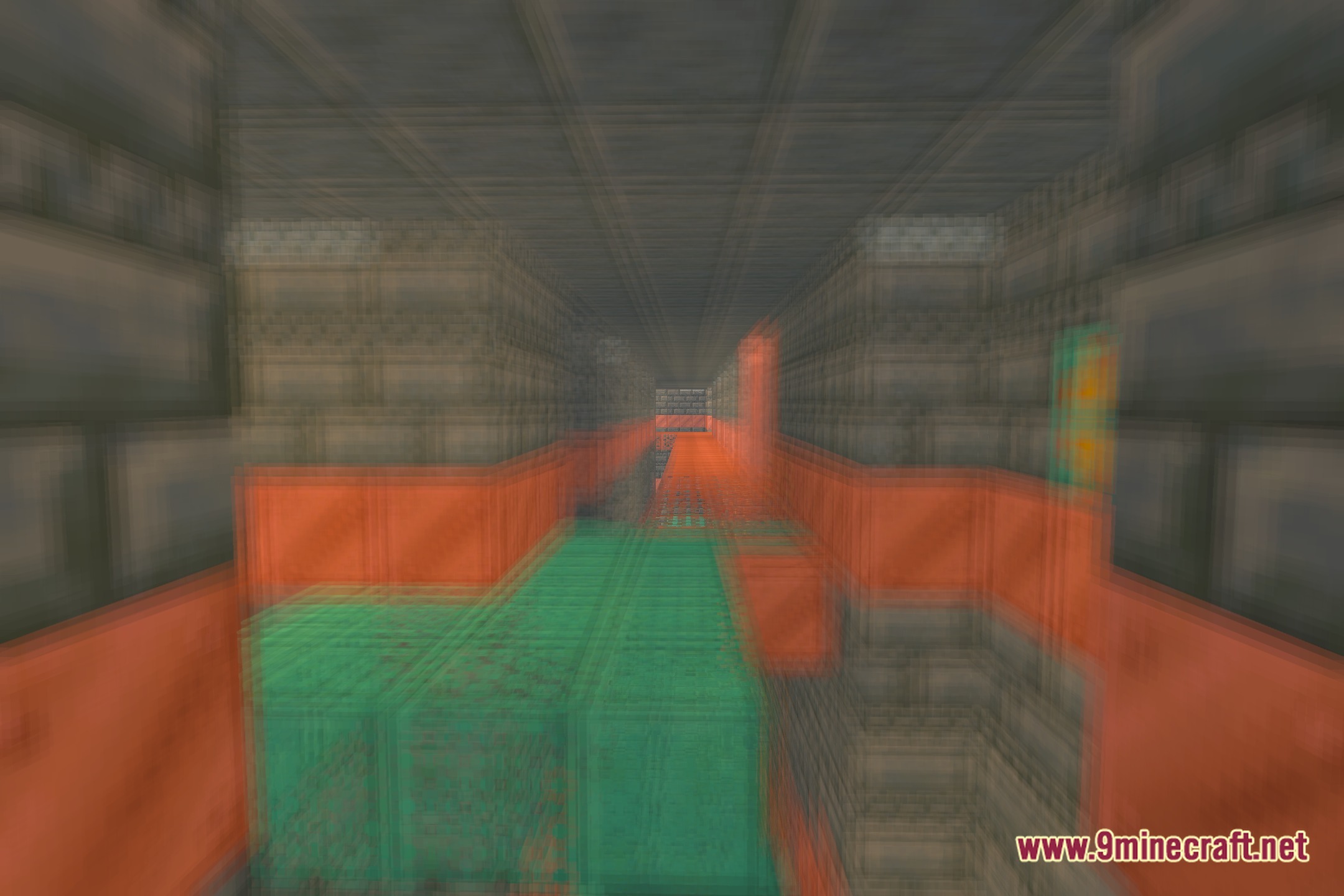
VoxelVibranceShader Download Links
Quick facts
- Edition: Minecraft Java
- File type: .zip (resource pack)
- Minecraft version listed: 1.20.1
- How to install: Download the .zip resource pack — do not unzip it. → Put it in .minecraft/resourcepacks. → Enable it in Options → Resource Packs.
- Where to get it: In MC Java Mods, or directly above on this page.
Install steps are the general flow for this file type — see the MC Java Mods guides for the full walkthrough.
File checked by MCModsHub
- Downloads as 512366.mcpack
- Download size: 7.0 MB
- Download link checked 23 Sept 2026 — working
- Mirrored on our own servers — the download does not depend on the original host
These come from our own check of the pack file, not from the source page.