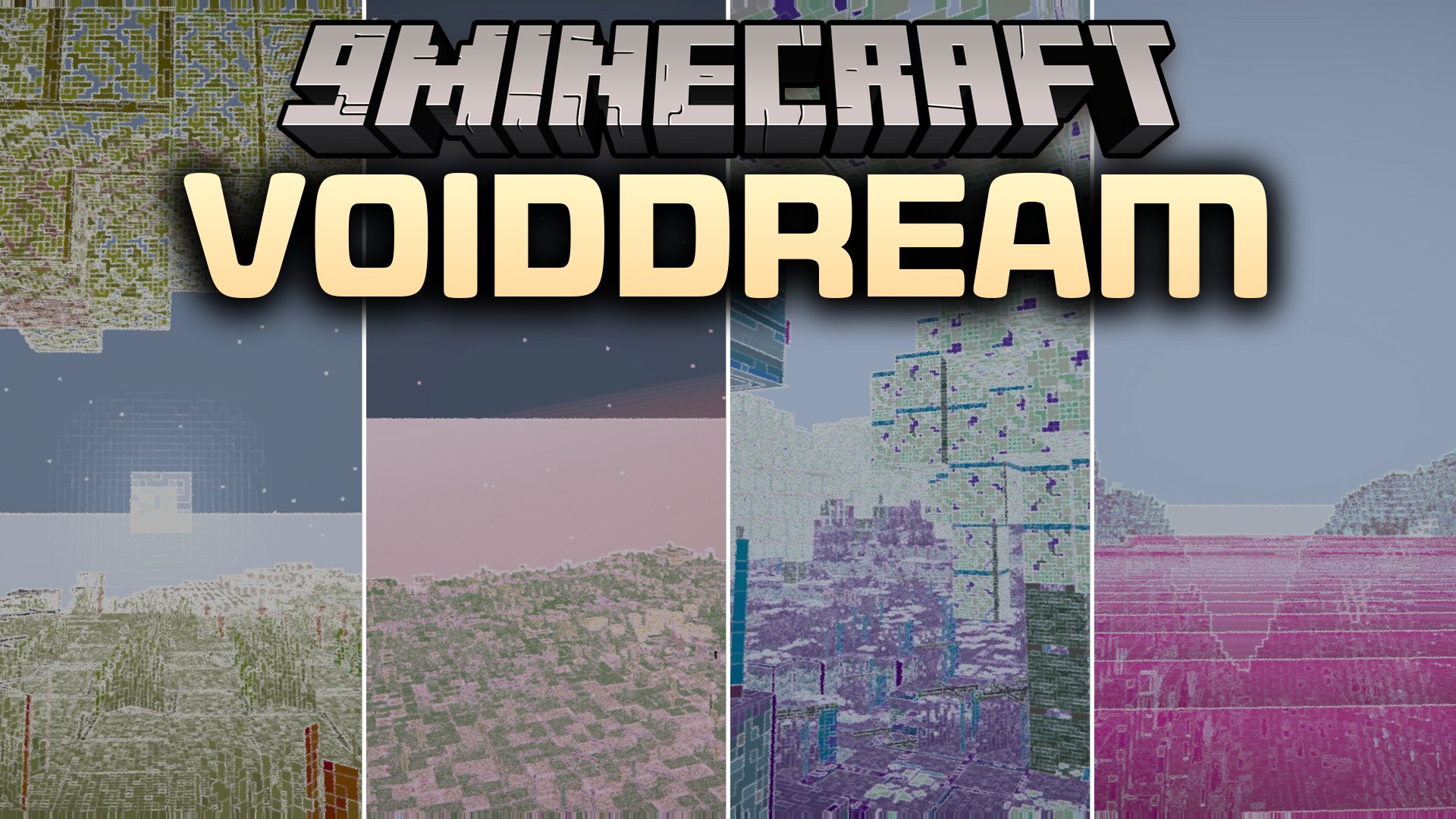
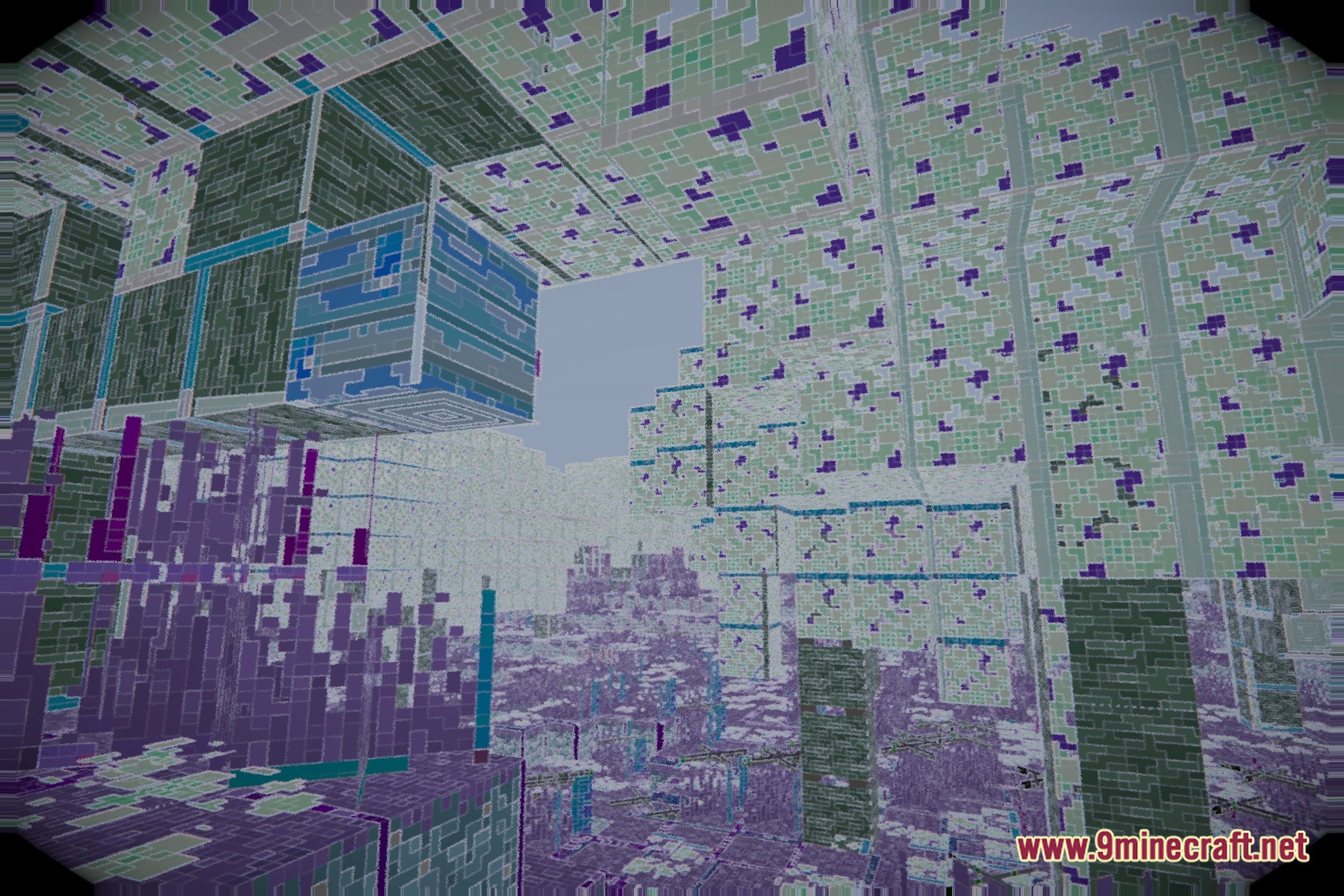
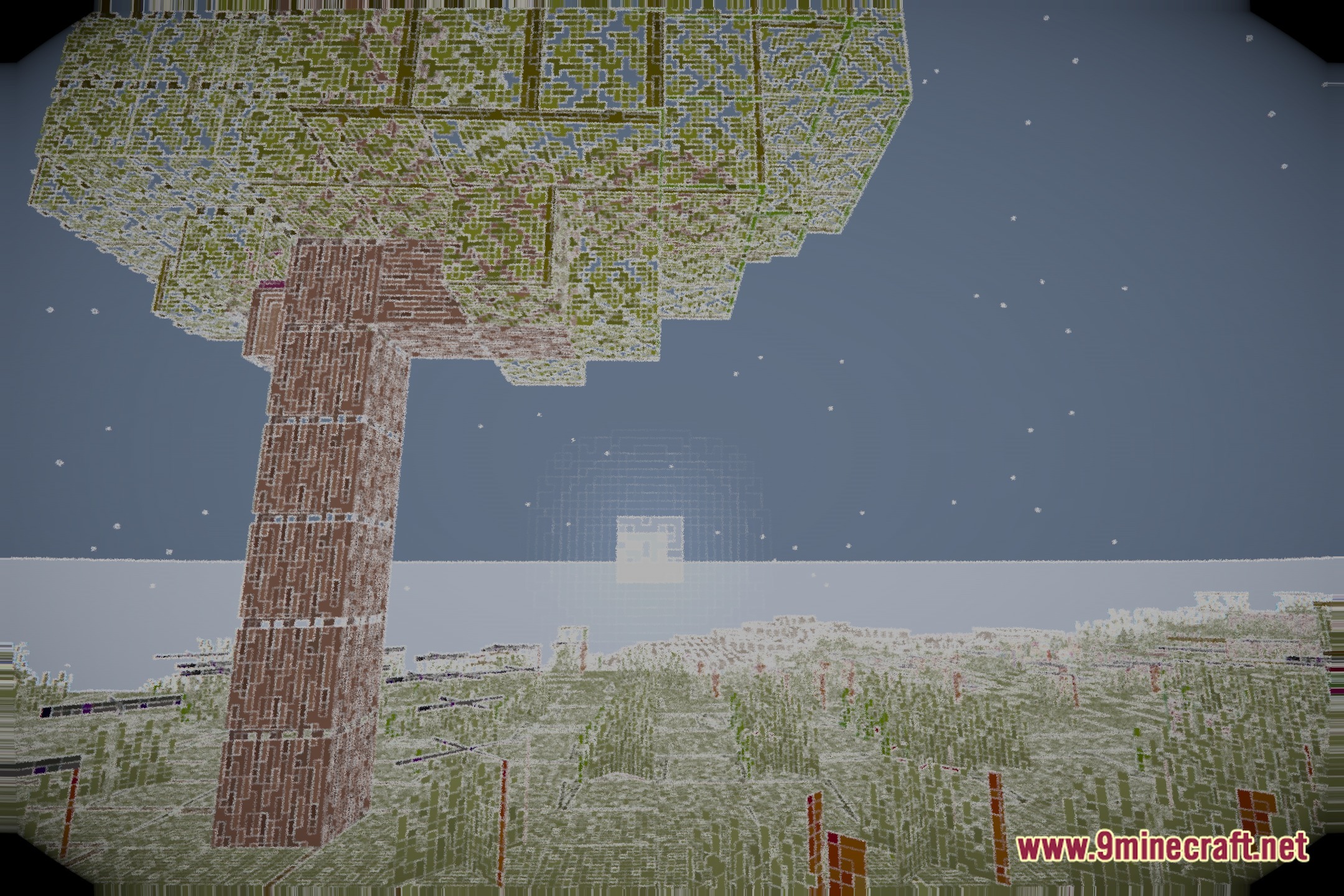
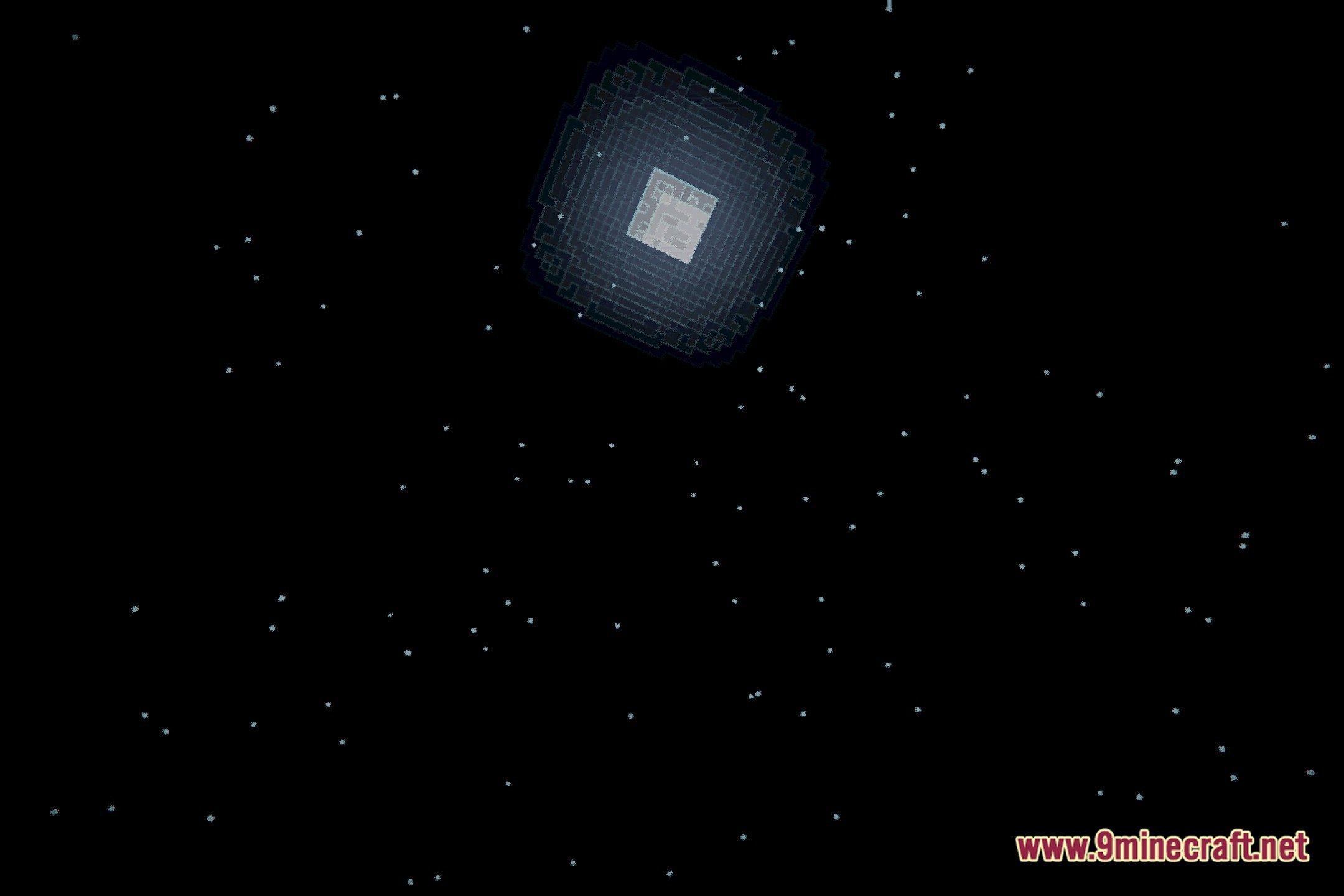
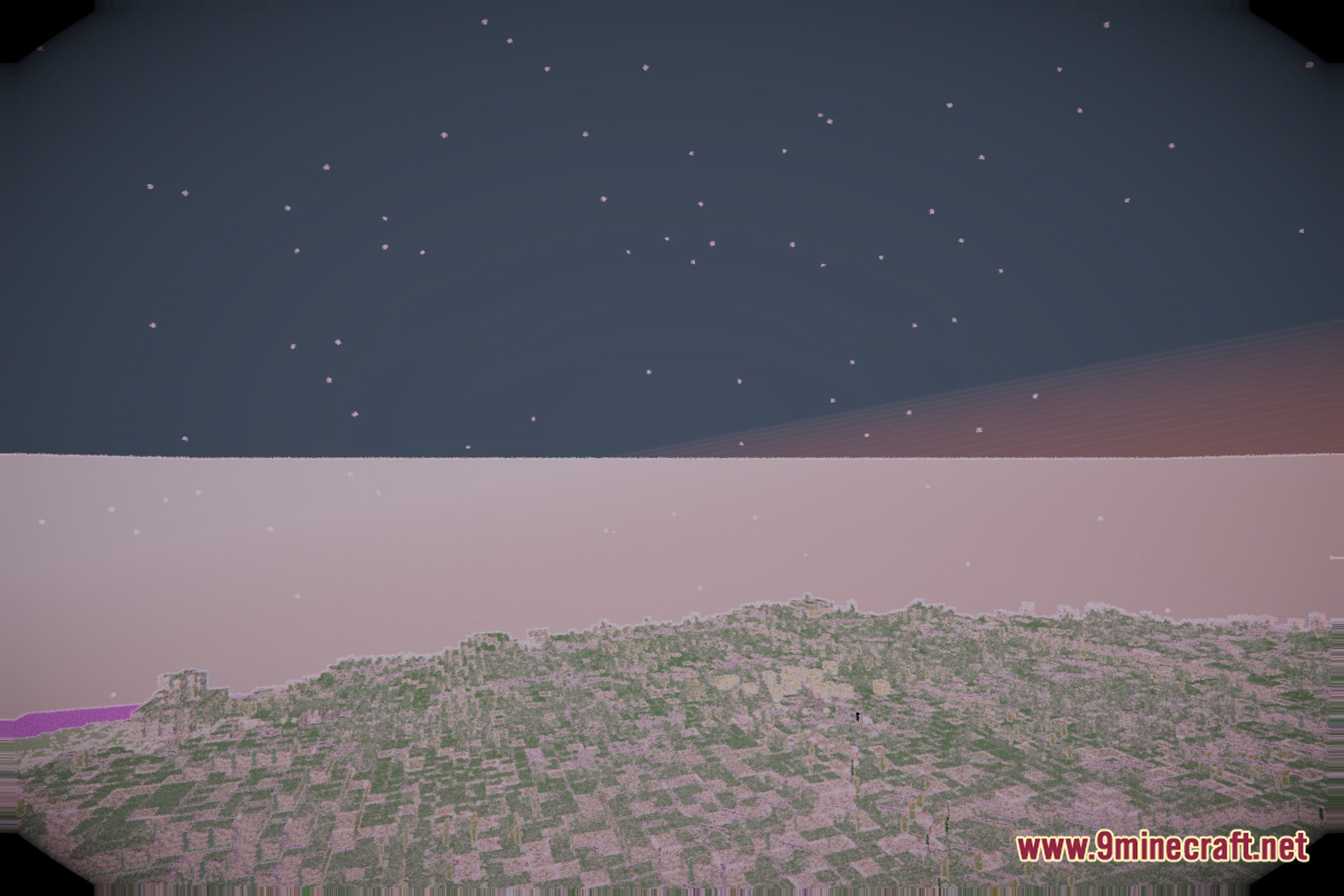
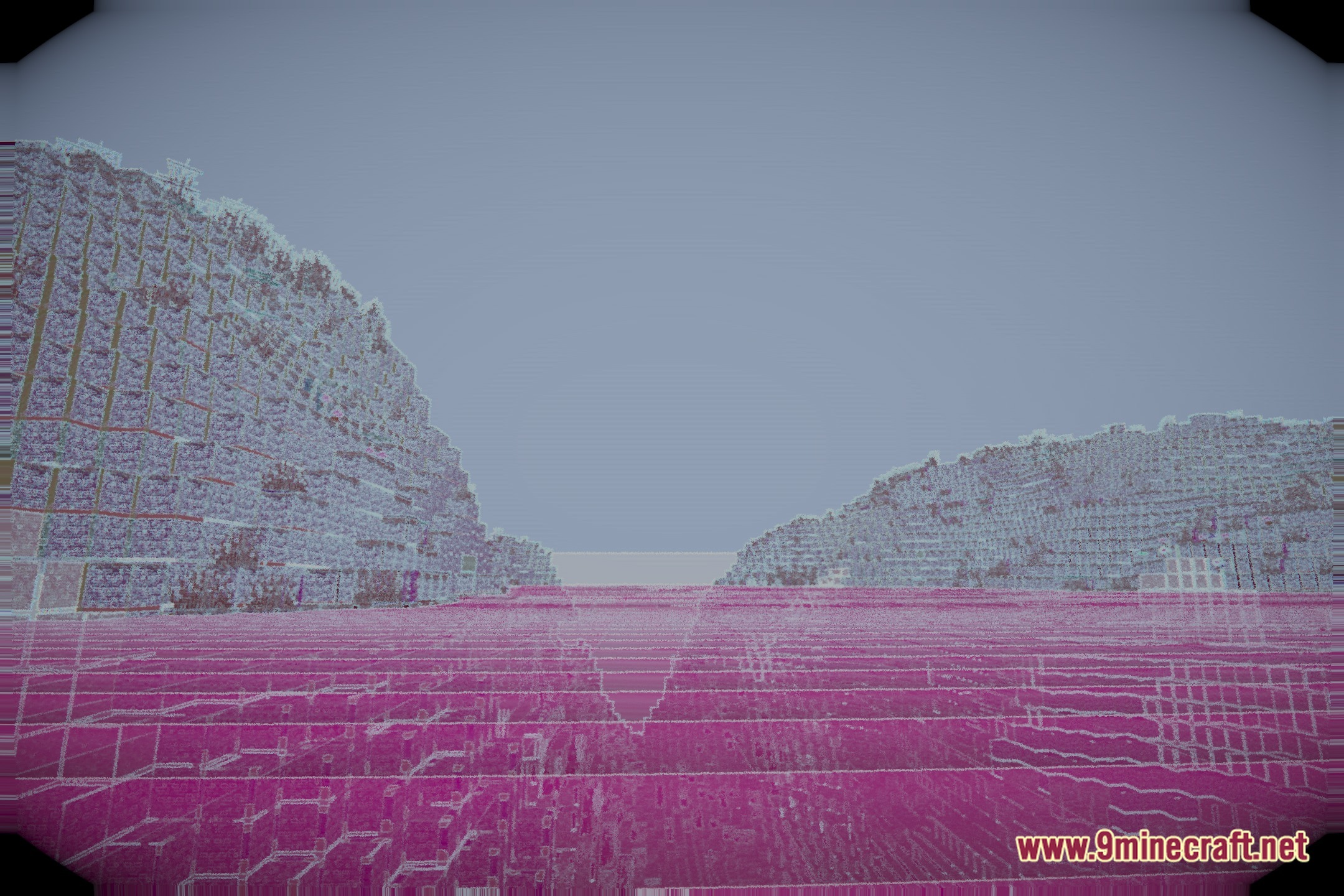
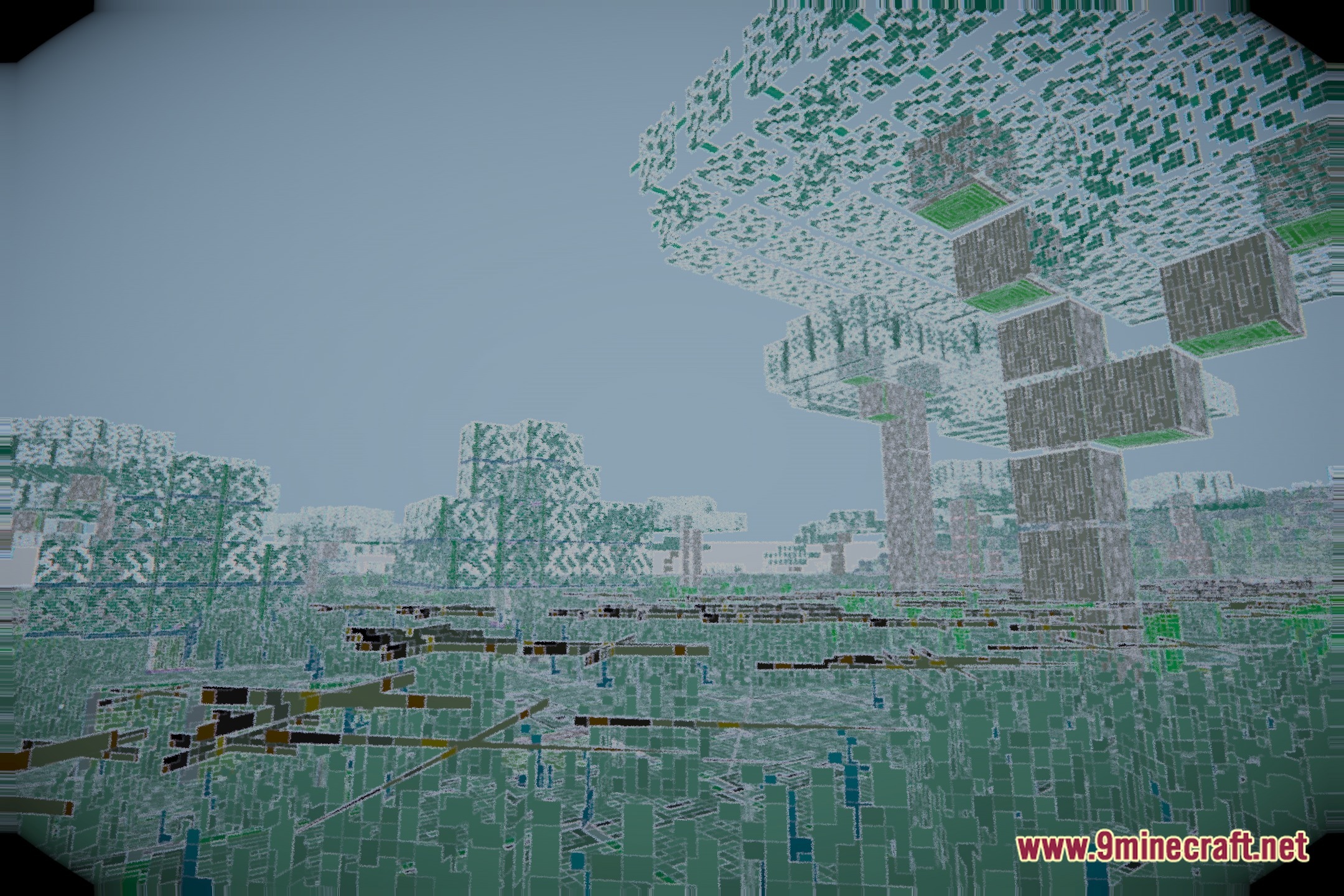
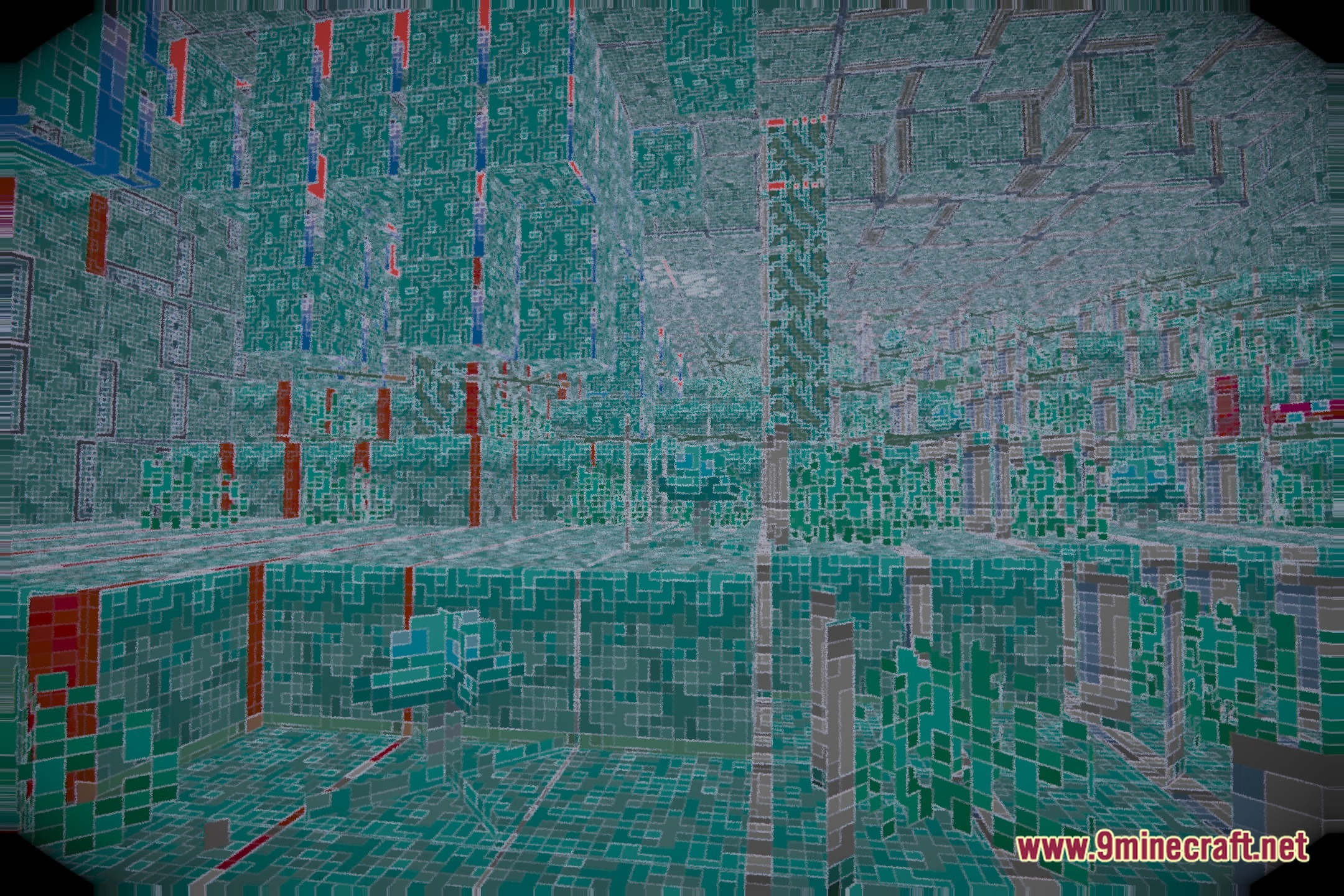
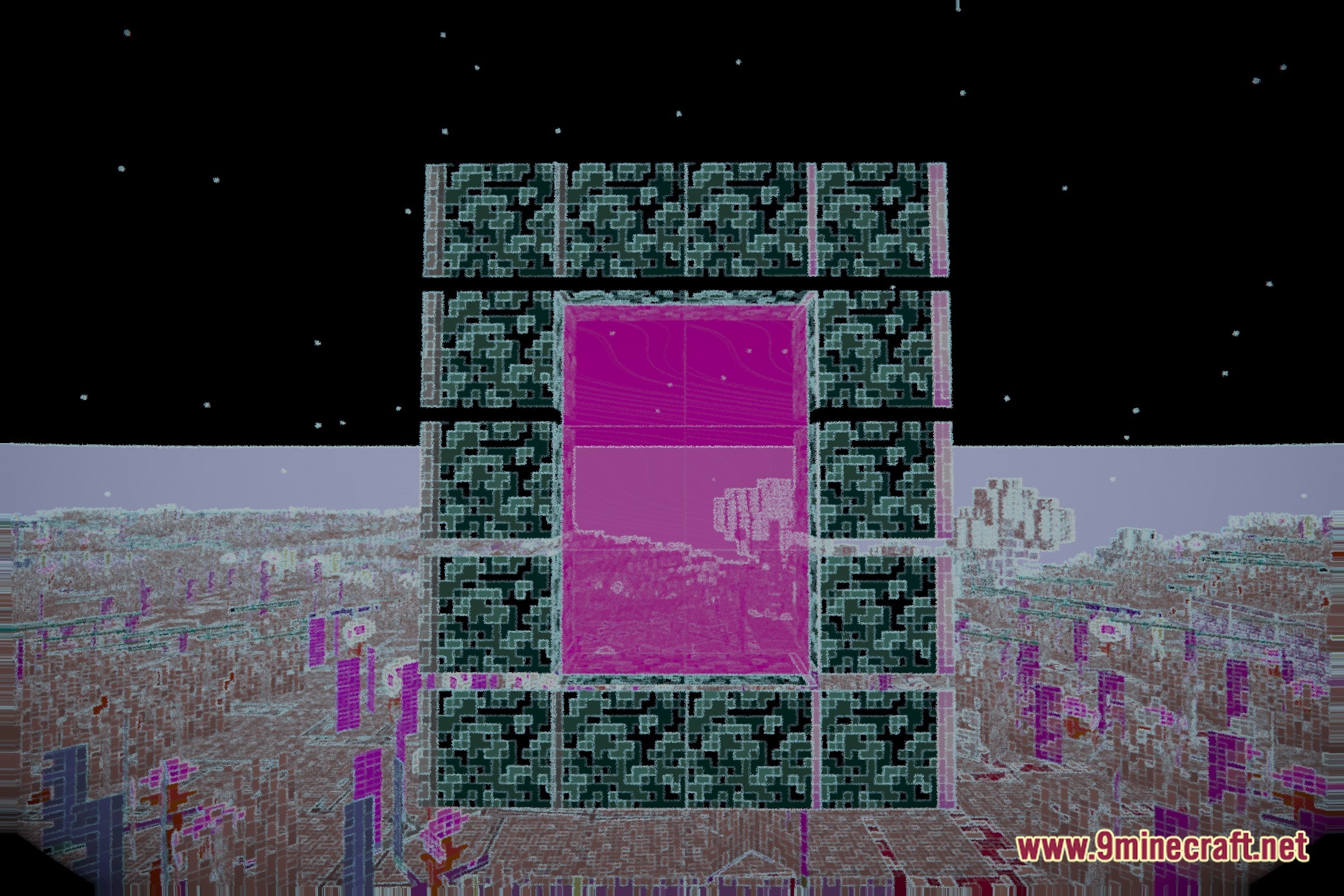
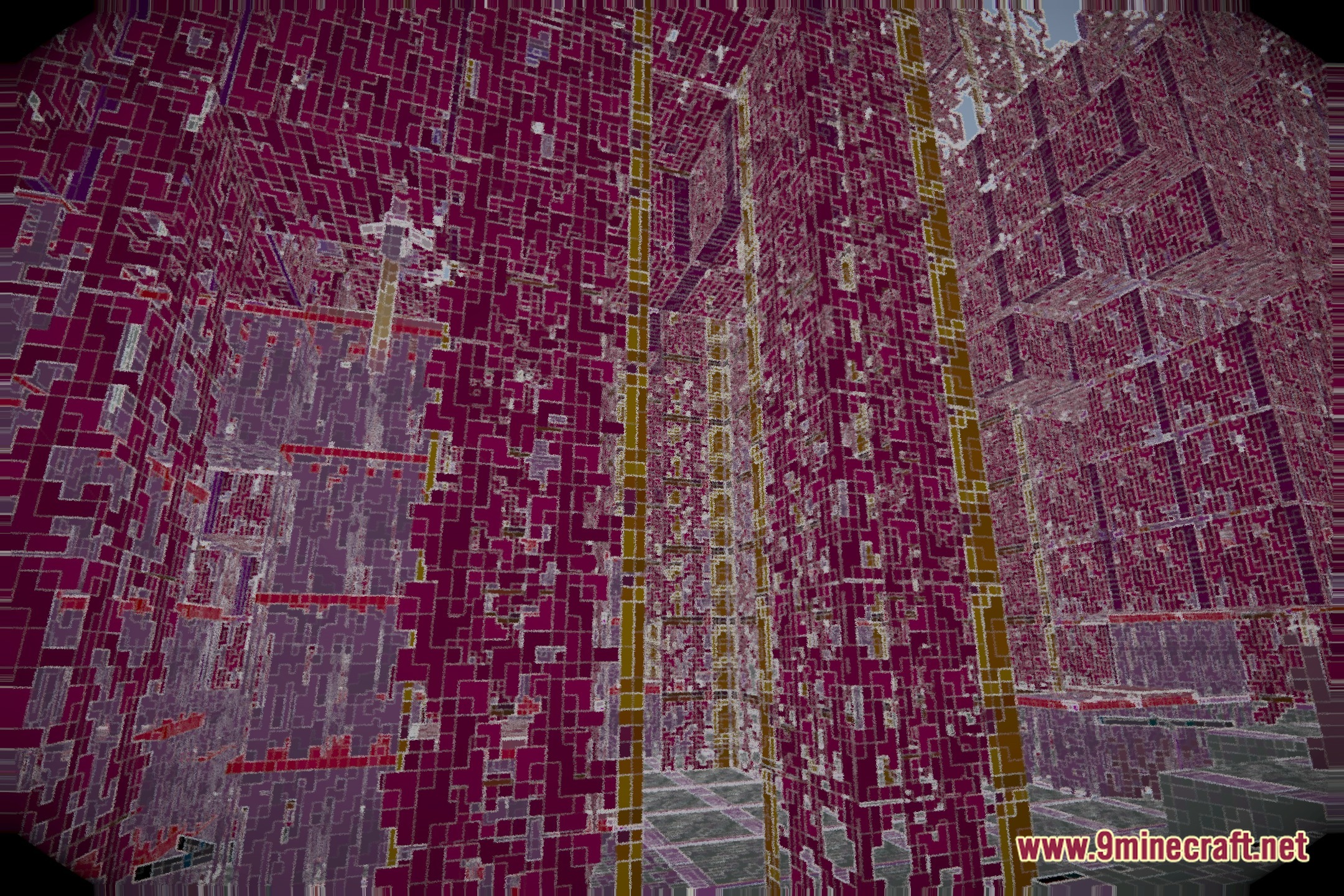
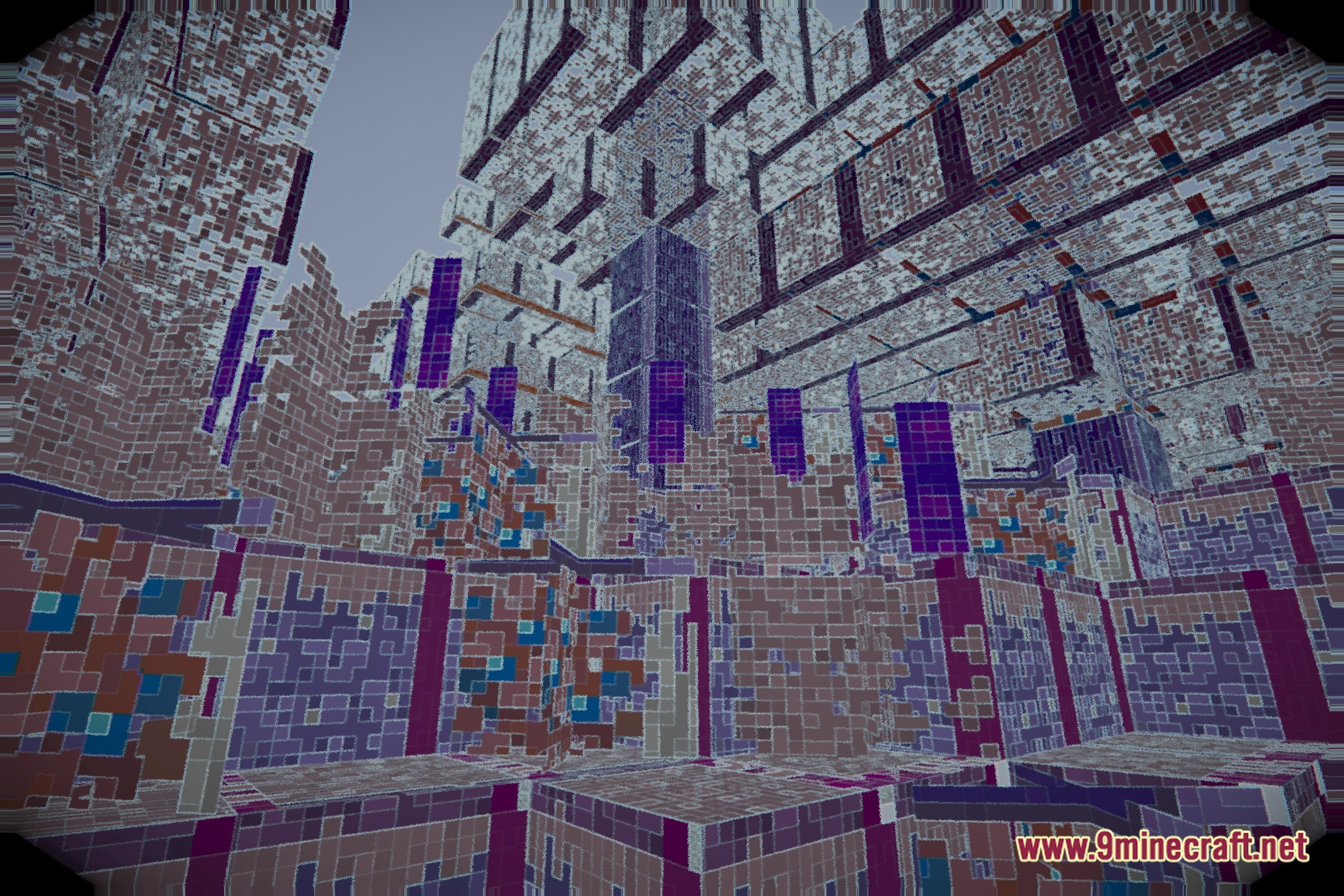
VoidDream Shaders transforms the look of your Minecraft world into an unsettling landscape with reversed light and glowing block edges. This shader pack shifts colors across the terrain to create an eerie visual style while running smoothly on potato computers. It keeps the game balanced so you can build and mine normally despite the bizarre visual changes.
Features:
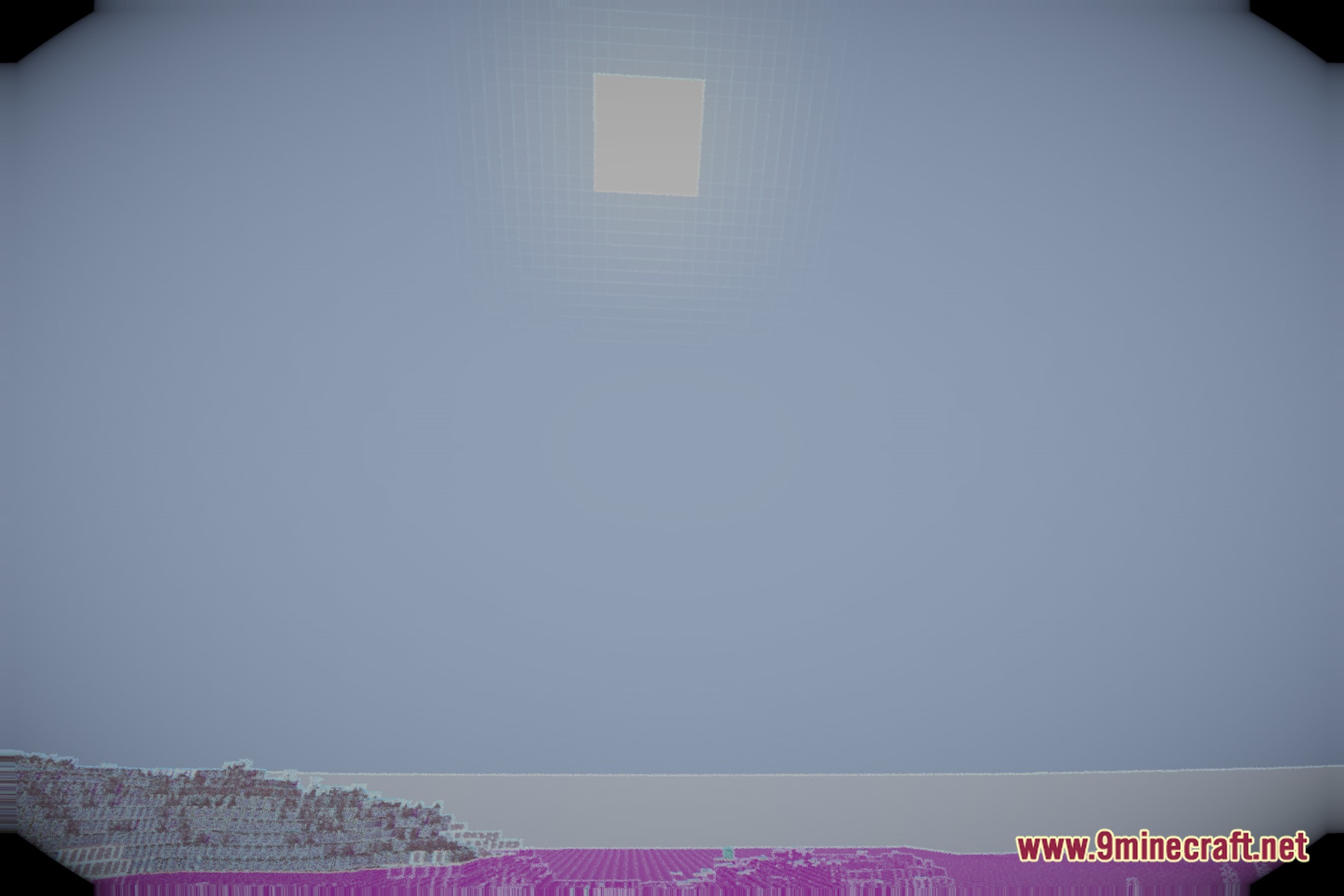
- Inverts standard lighting so dark areas and bright spots swap visual tones.
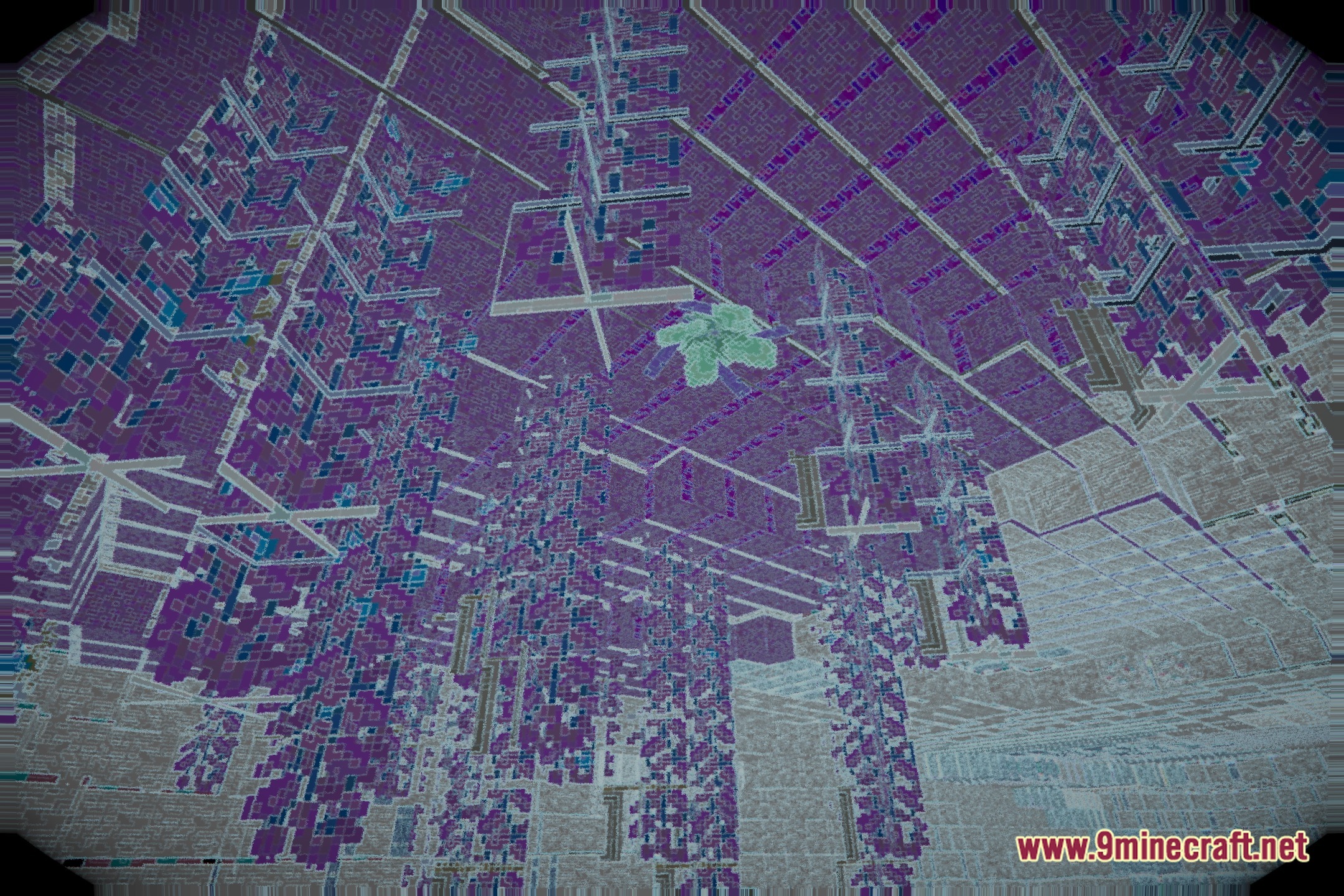
- Shifts world colors to give your surroundings an eerie, dreamlike mood.
- Highlights block edges with bright outlines for distinct visibility.
- Runs on low-end systems without heavy lag or frame drops.
- Maintains regular gameplay balance so survival stays practical.
Screenshots:
VoidDream Shaders Download Links
Quick facts
- Edition: Minecraft Java
- File type: .zip (resource pack)
- Minecraft version listed: 1.20.1
- How to install: Download the .zip resource pack — do not unzip it. → Put it in .minecraft/resourcepacks. → Enable it in Options → Resource Packs.
- Where to get it: Opens on the file's original source — not every file is mirrored on our own servers.
Install steps are the general flow for this file type — see the MC Java Mods guides for the full walkthrough.
VoidDream Shaders (26.3, 1.20.1) – Inverted Lighting and Glowing Outlines is a free Minecraft Java shader. Compatible with Minecraft 1.20.1. Download it and open it directly in the game.