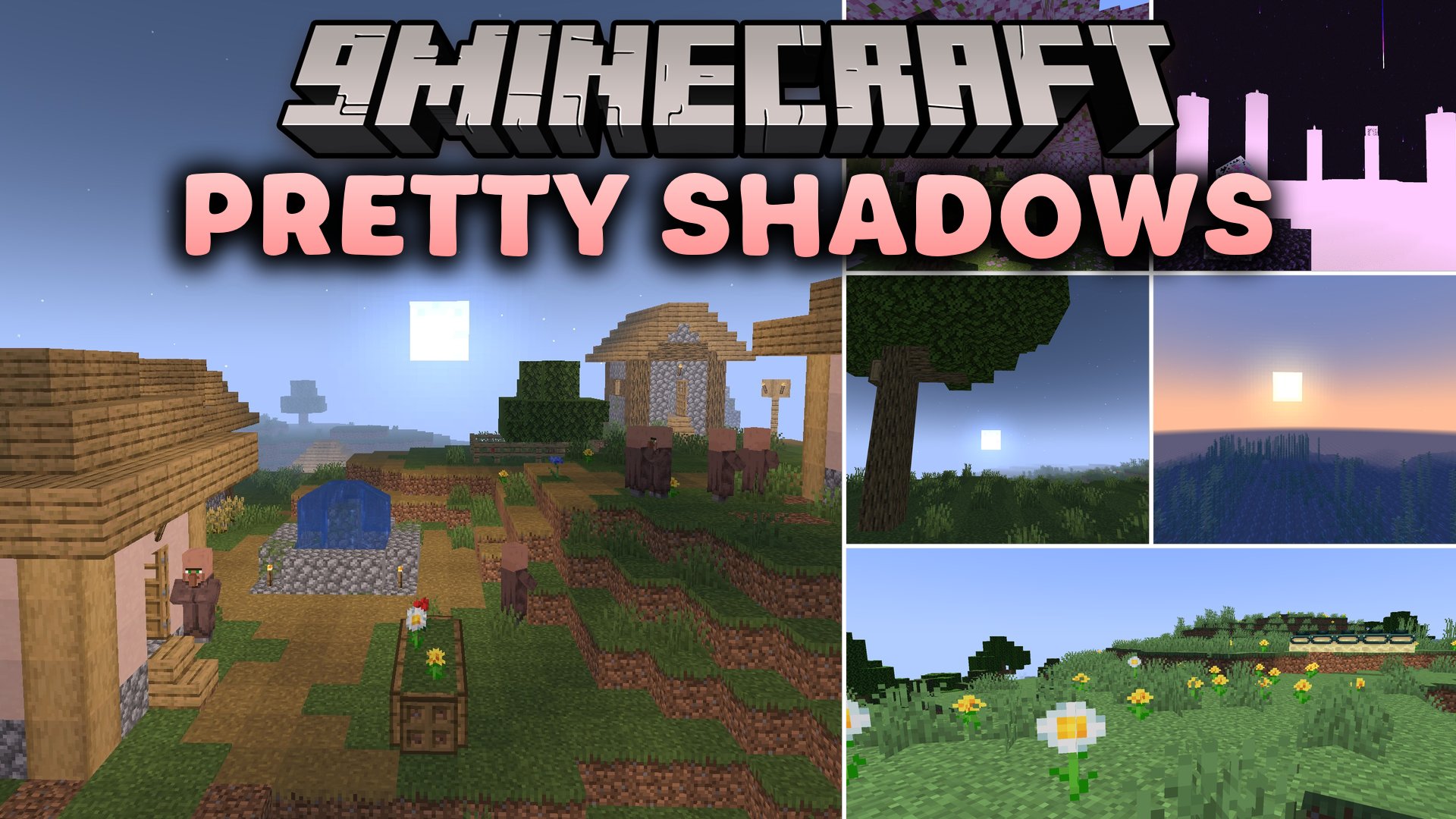
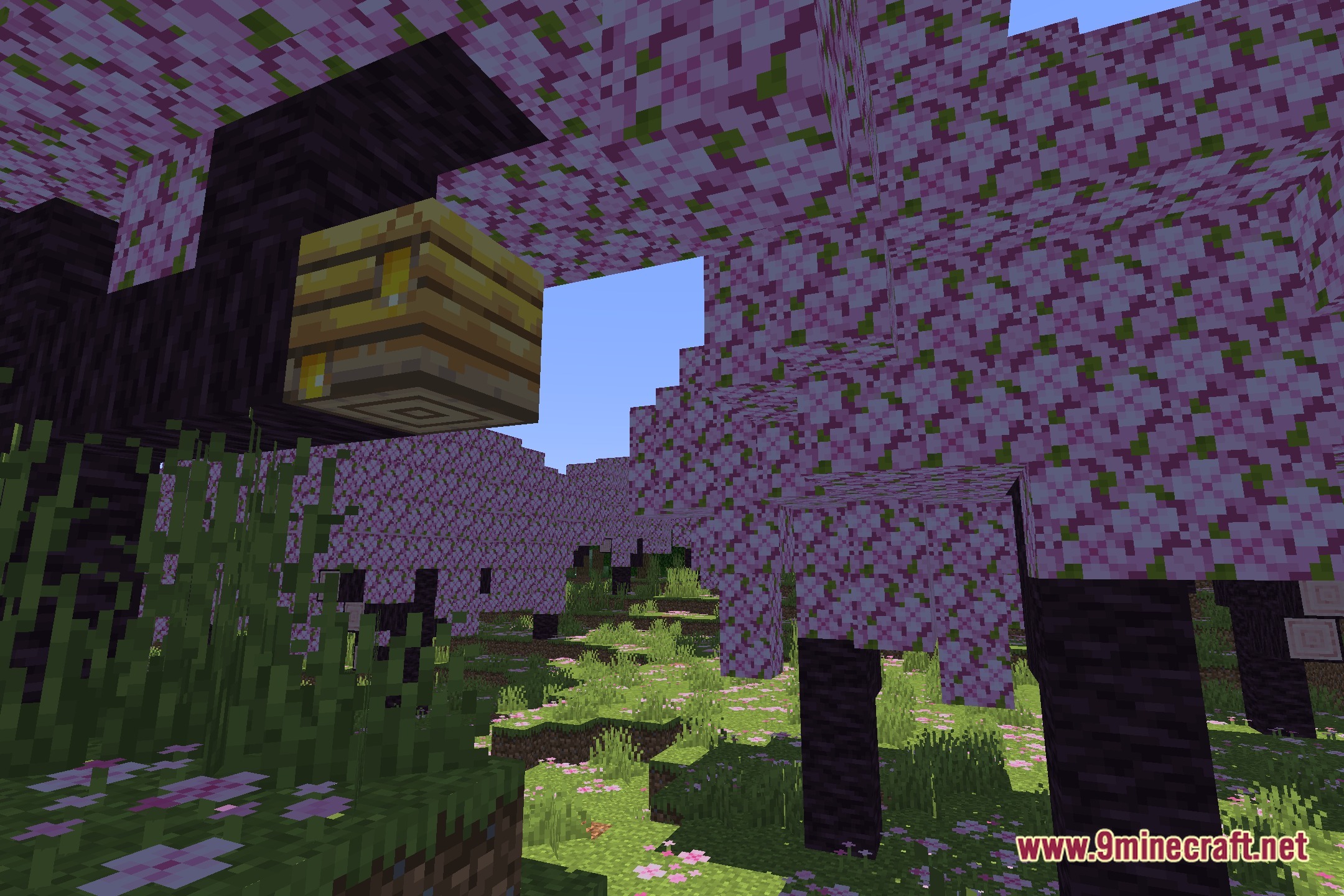
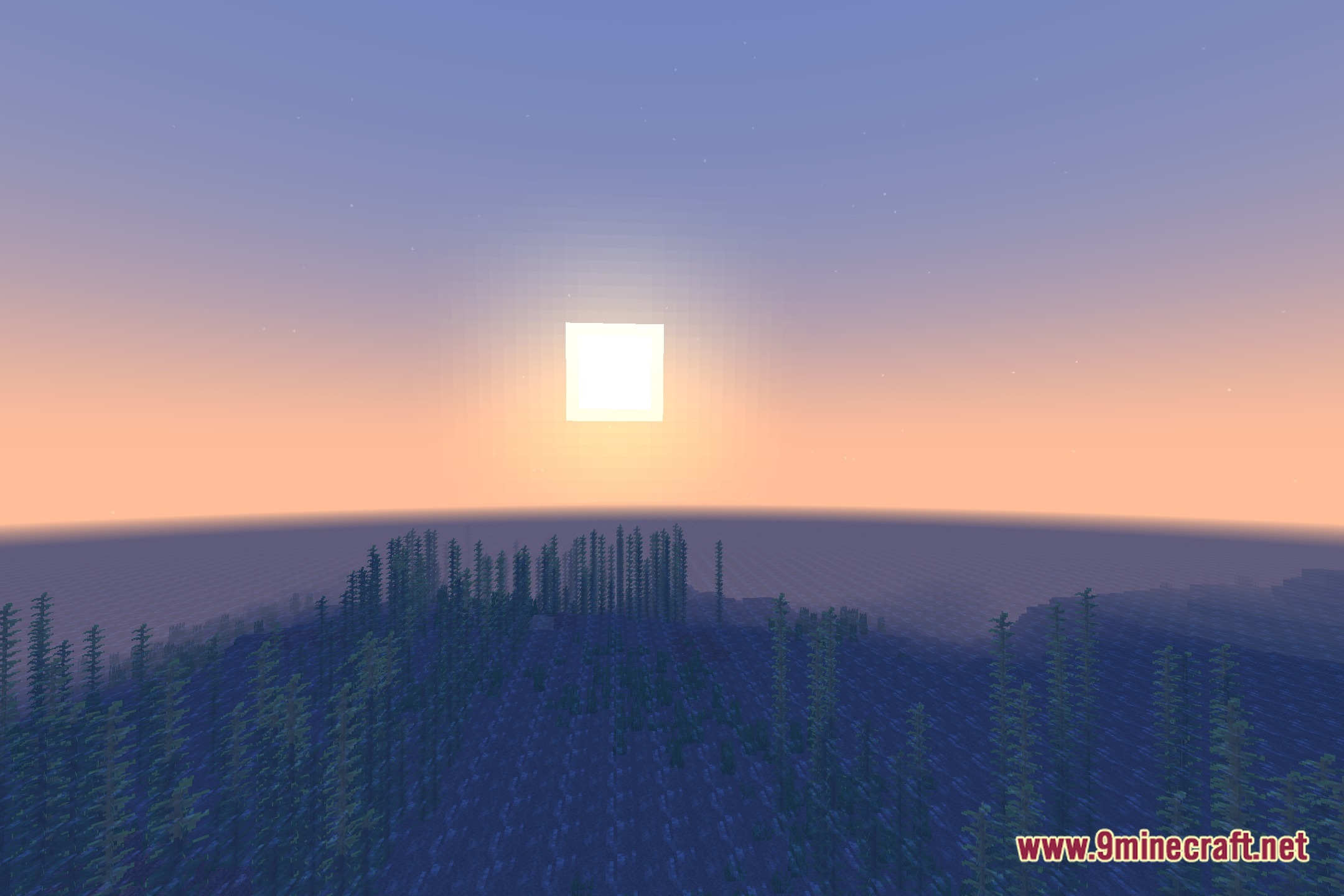
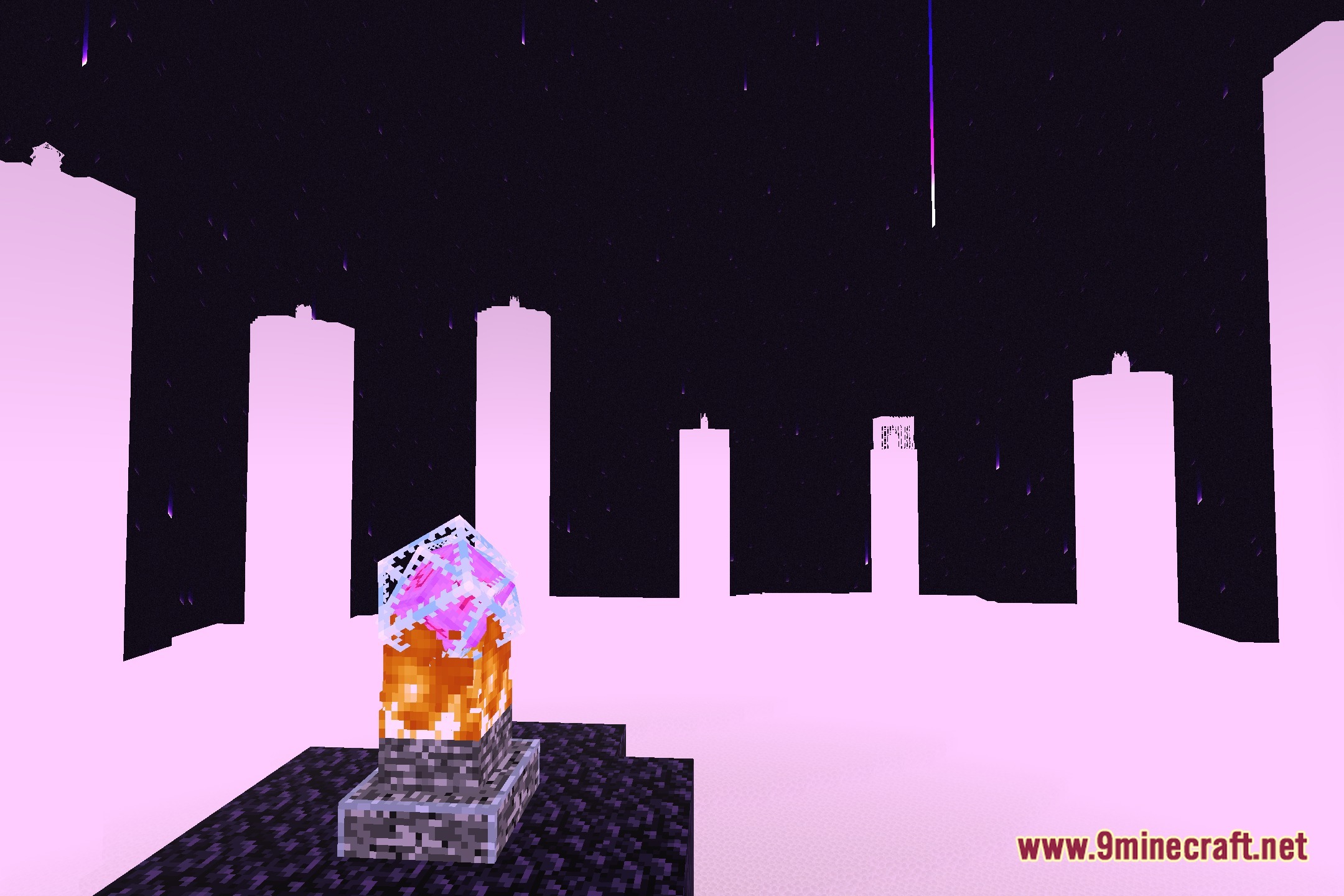
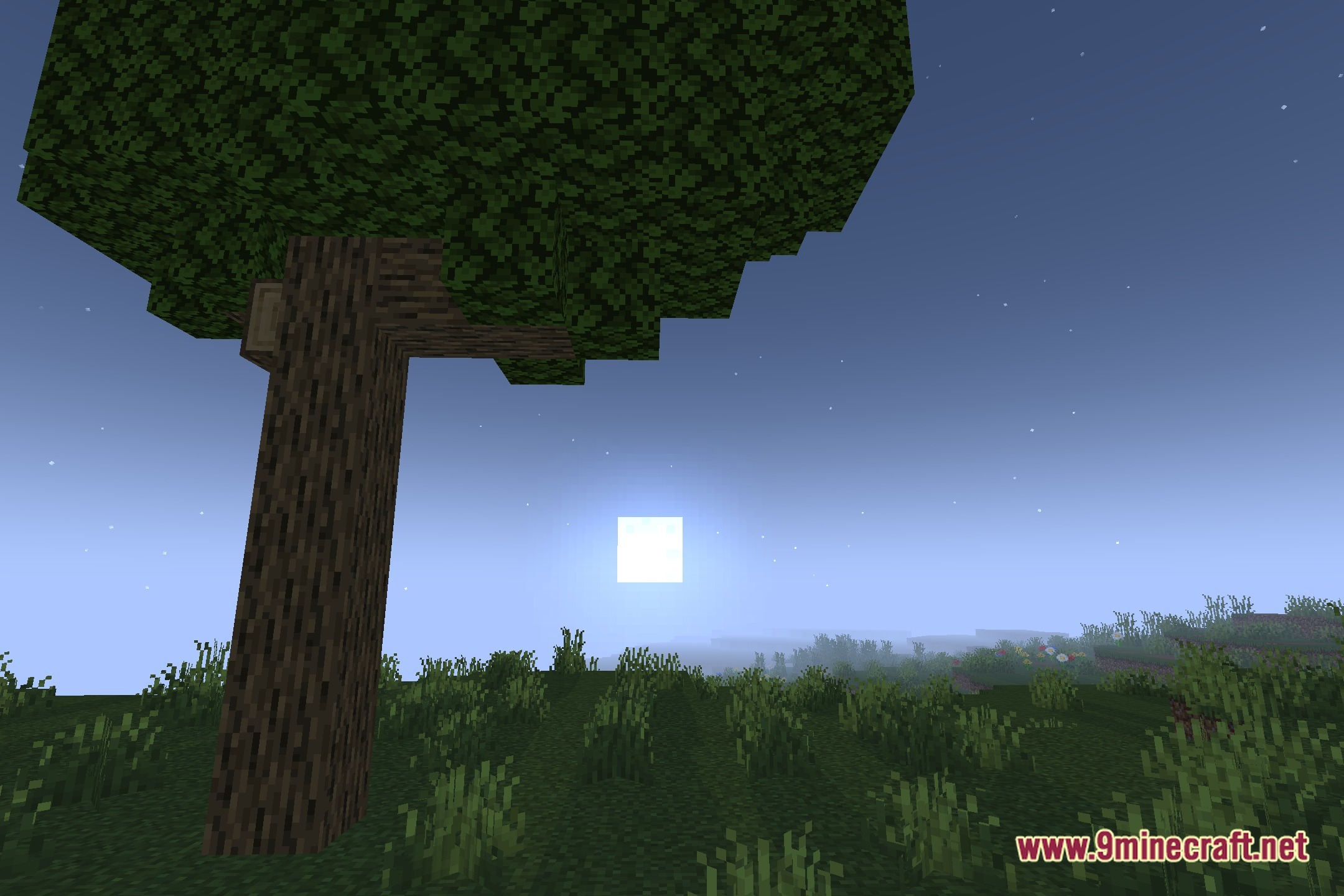
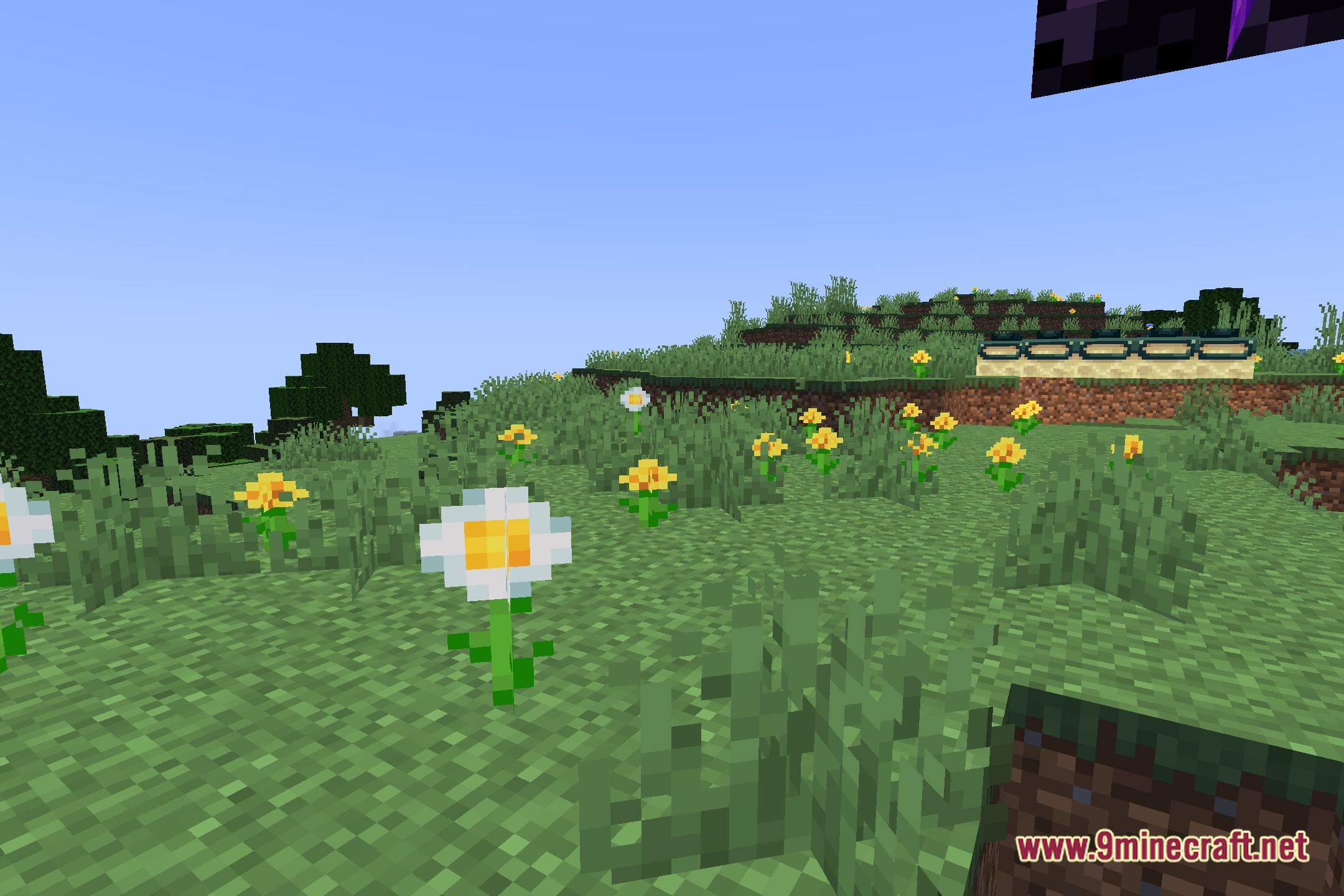
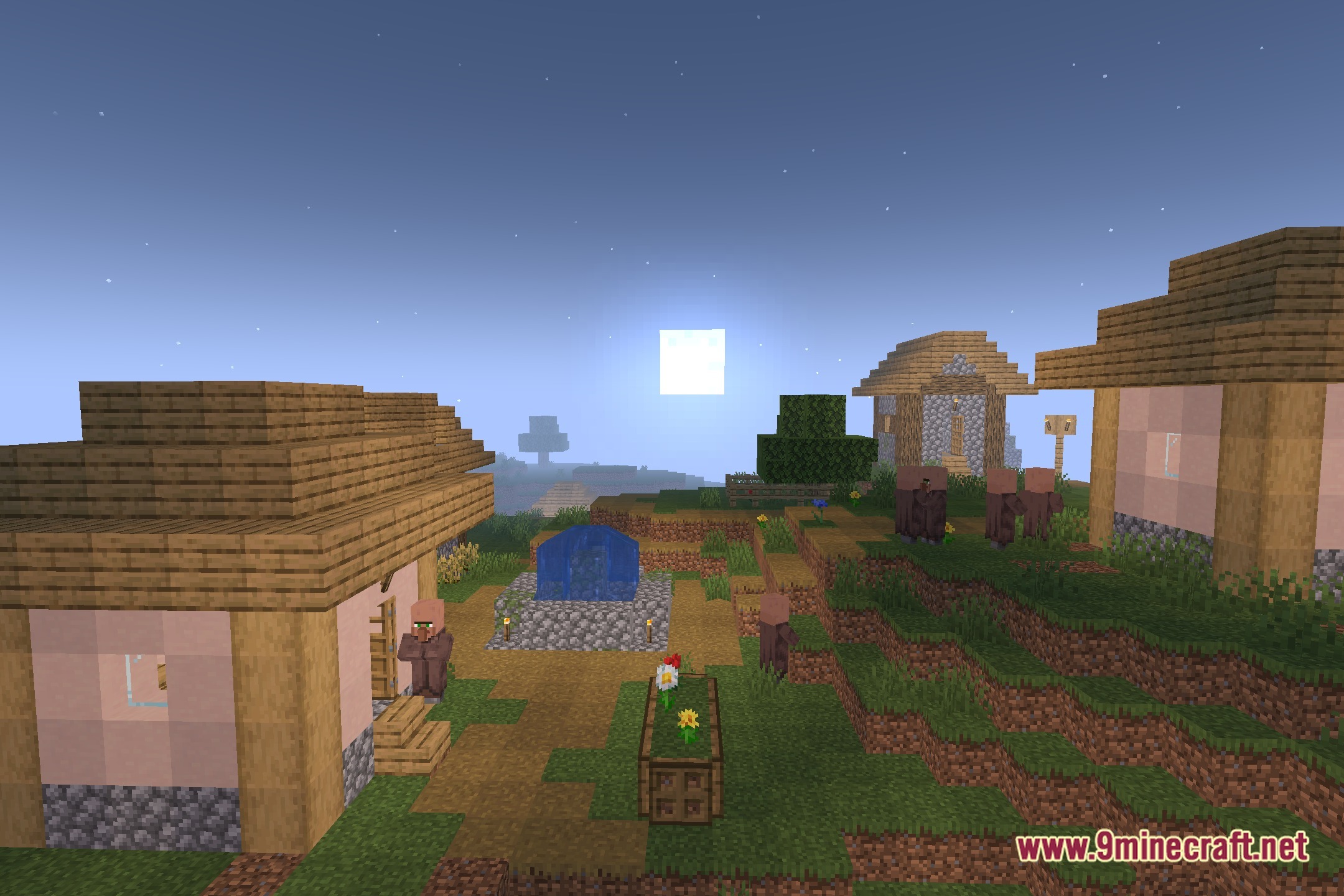
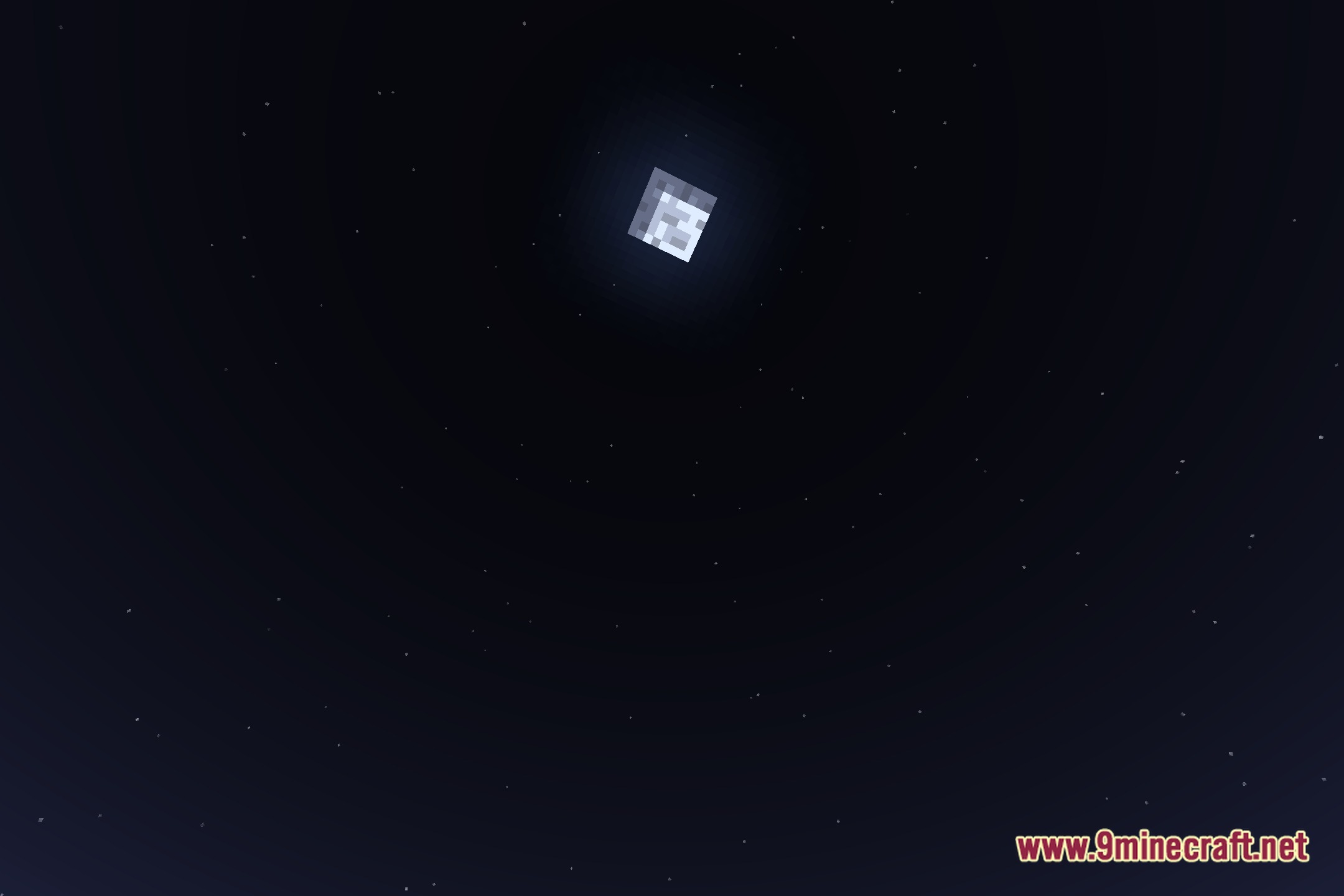
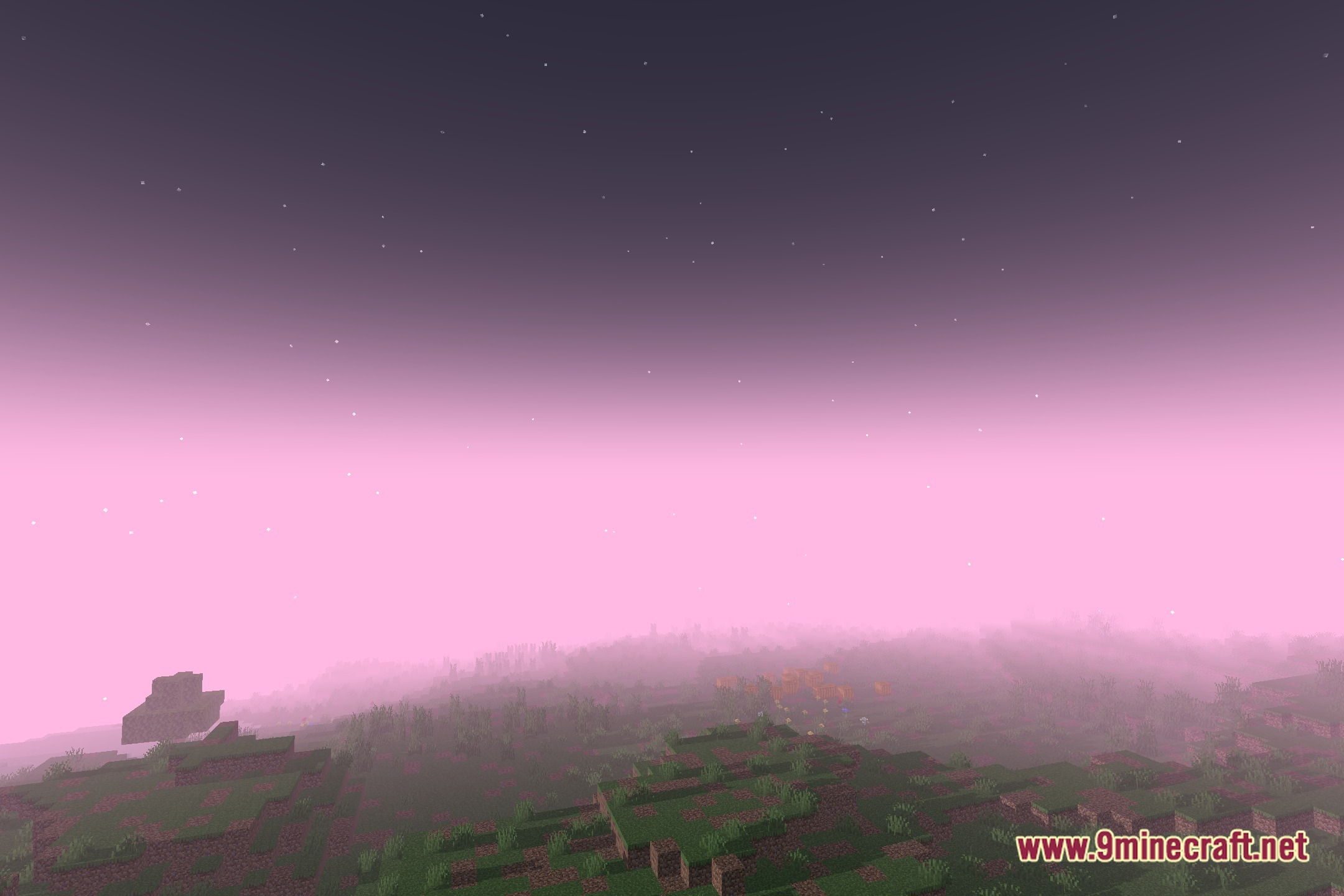
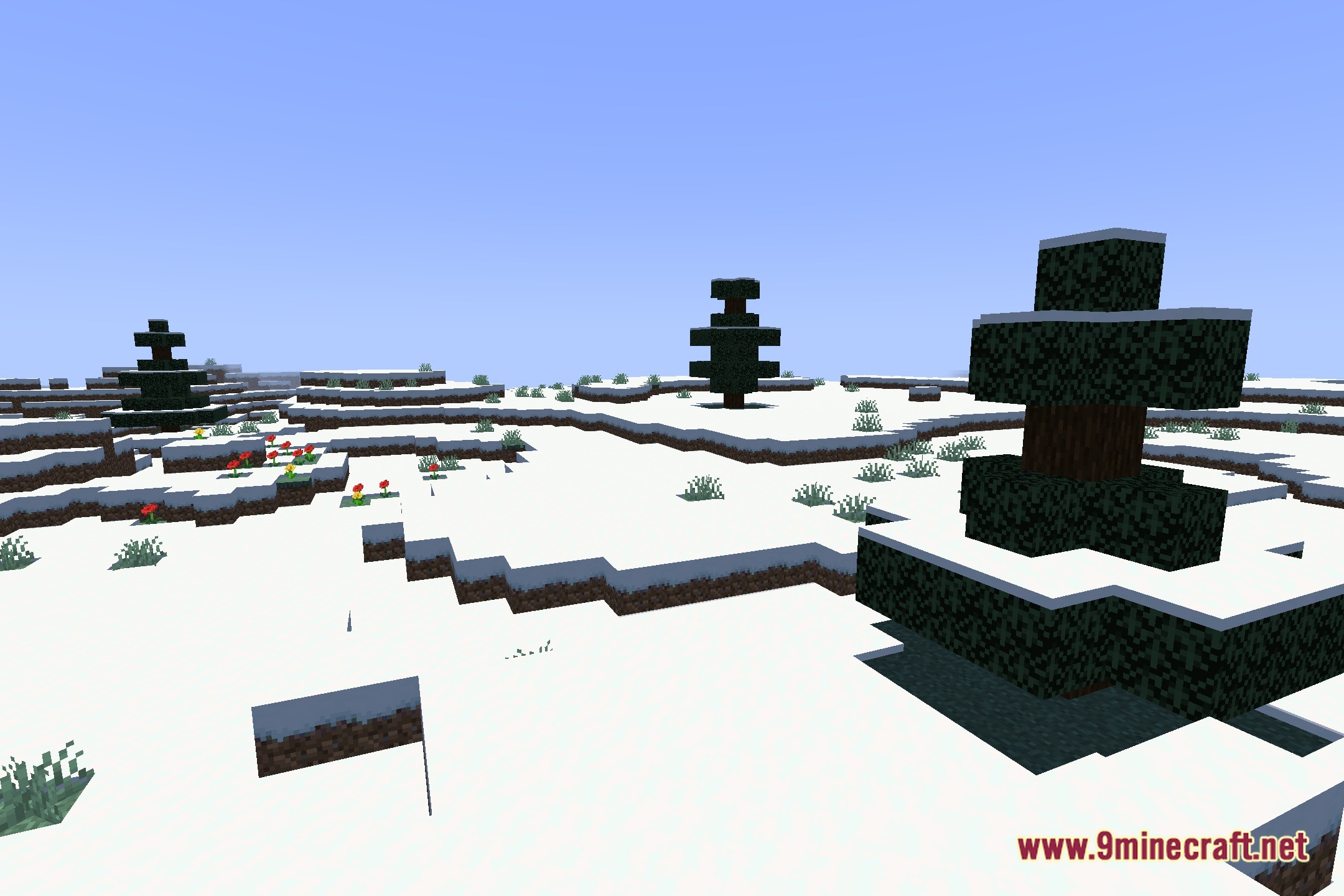
Pretty Shadows Shaders casts clean shadows and soft lighting across your world while keeping the classic vanilla look intact. This shaderpack introduces subtle reflections on water and surfaces, along with simple fog controls. It works smoothly on Iris and OptiFine, making it a dependable pick for everyday survival gameplay.
Features:
- Clean Shadows: Renders smooth, well-defined shadow outlines under blocks and mobs.
- Soft Lighting: Balances bright daylight and indoor torchlight for a gentler appearance.
- Brings subtle reflections to water and wet surfaces without visual clutter.
- Includes built-in fog controls to adjust distance haze and horizon views.
- Maintains the original vanilla art style throughout every biome.
- Runs cleanly on both Iris and OptiFine shader loaders.
Screenshots:
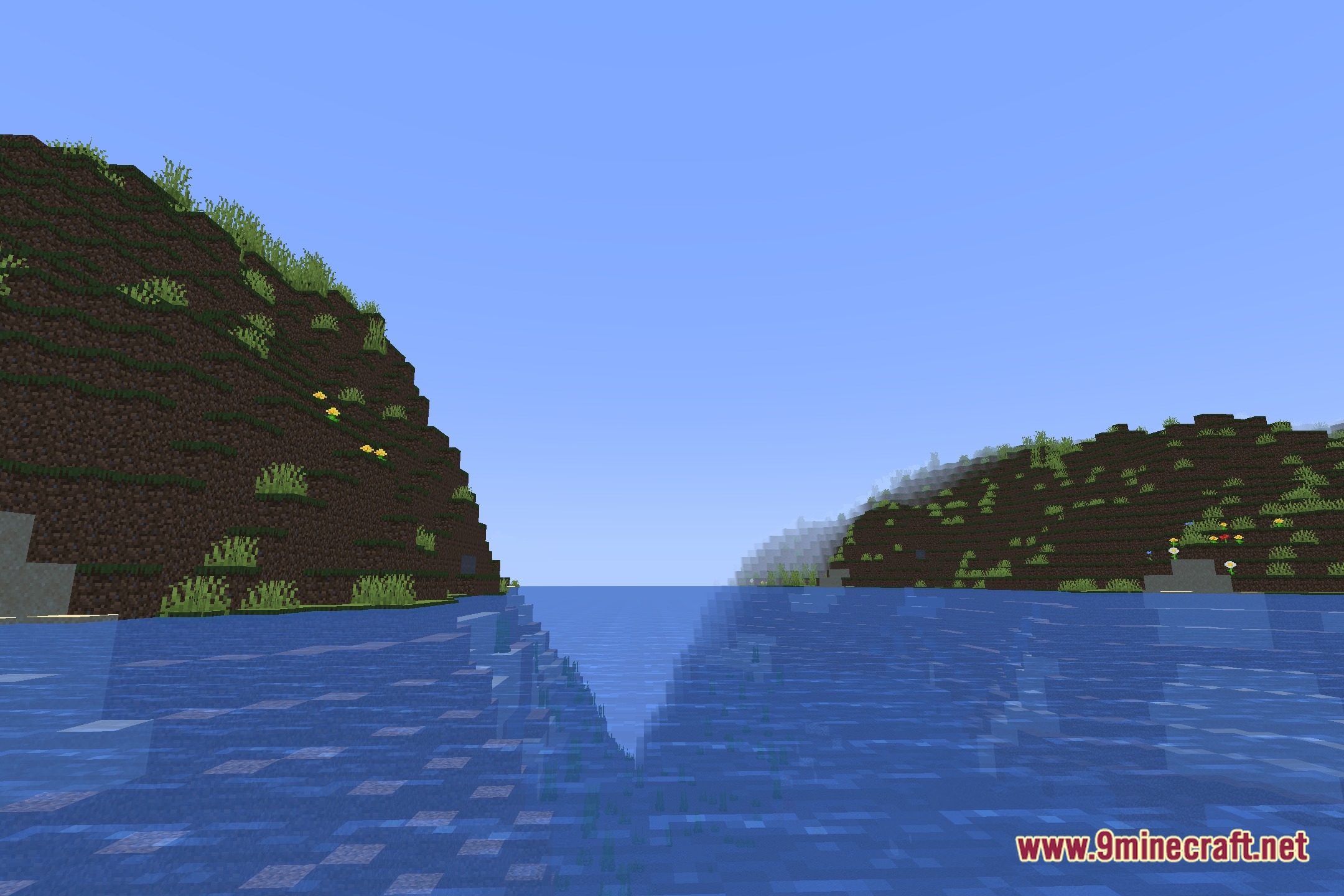
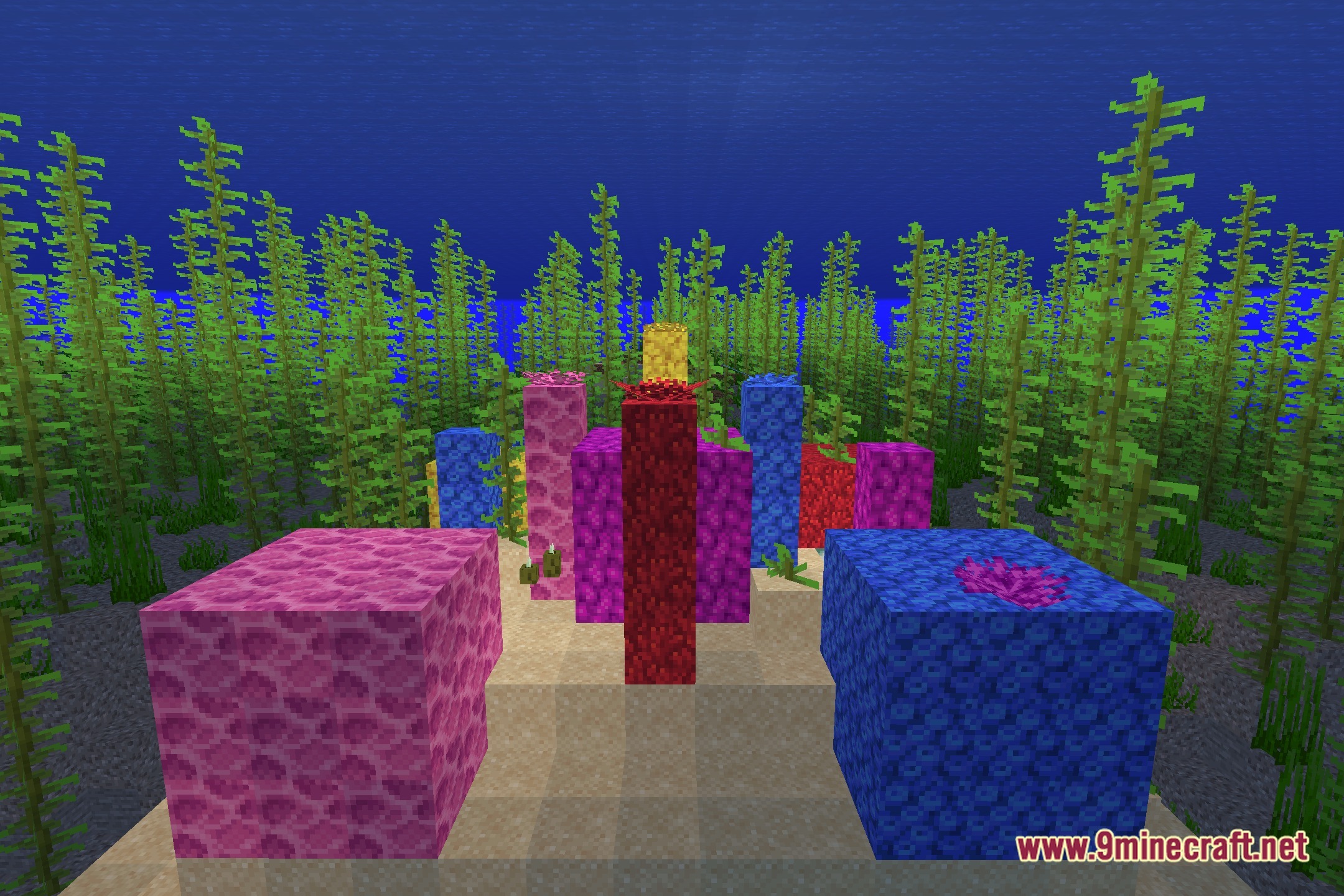
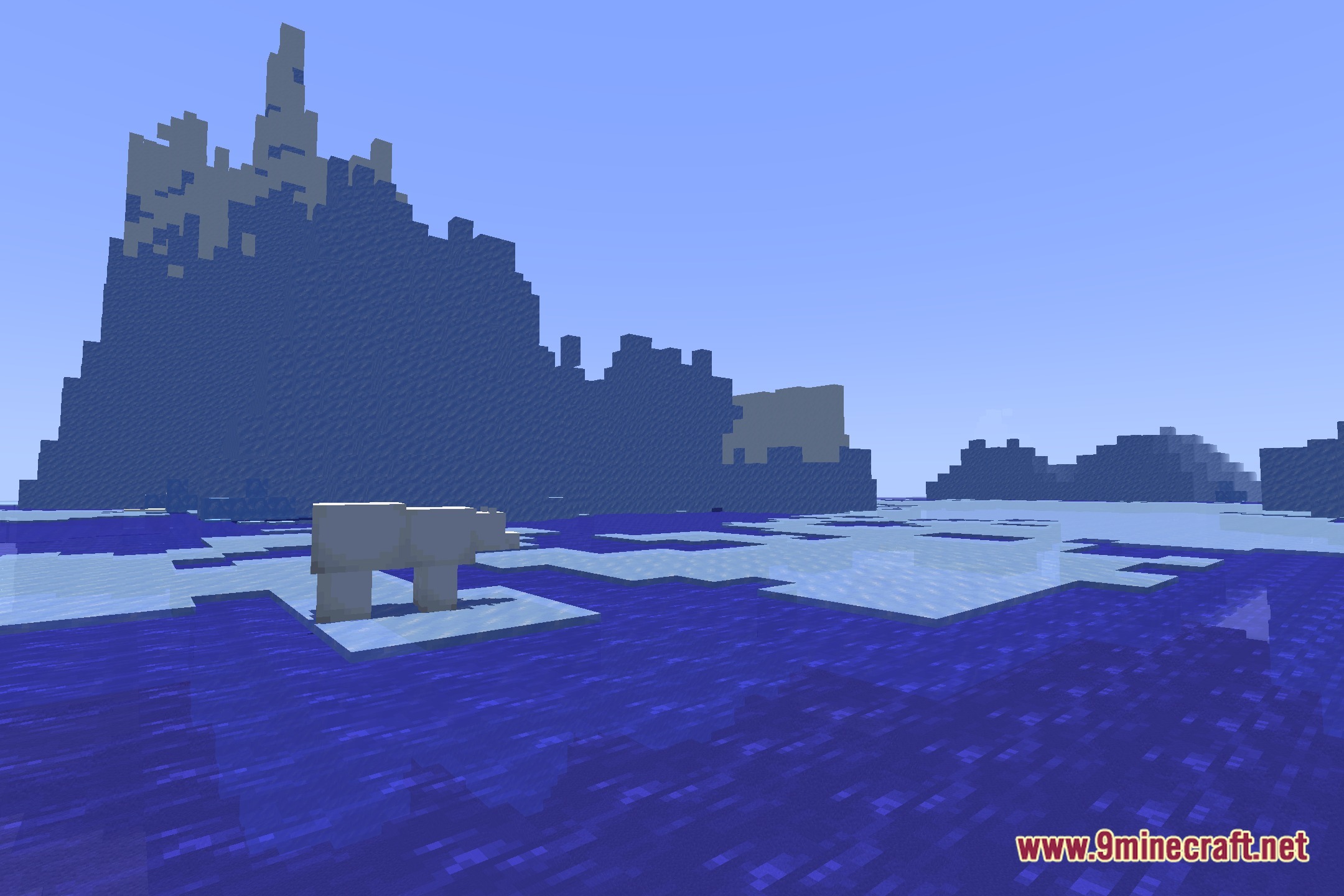
Pretty Shadows Shaders Download Links
Quick facts
- Edition: Minecraft Java
- File type: .zip (resource pack)
- Minecraft version listed: 1.20.1
- How to install: Download the .zip resource pack — do not unzip it. → Put it in .minecraft/resourcepacks. → Enable it in Options → Resource Packs.
- Where to get it: Opens on the file's original source — not every file is mirrored on our own servers.
Install steps are the general flow for this file type — see the MC Java Mods guides for the full walkthrough.
Pretty Shadows Shaders (26.3, 1.20.1) – Clean Shadows and Soft Lighting is a free Minecraft Java shader. Compatible with Minecraft 1.20.1. Download it and open it directly in the game.