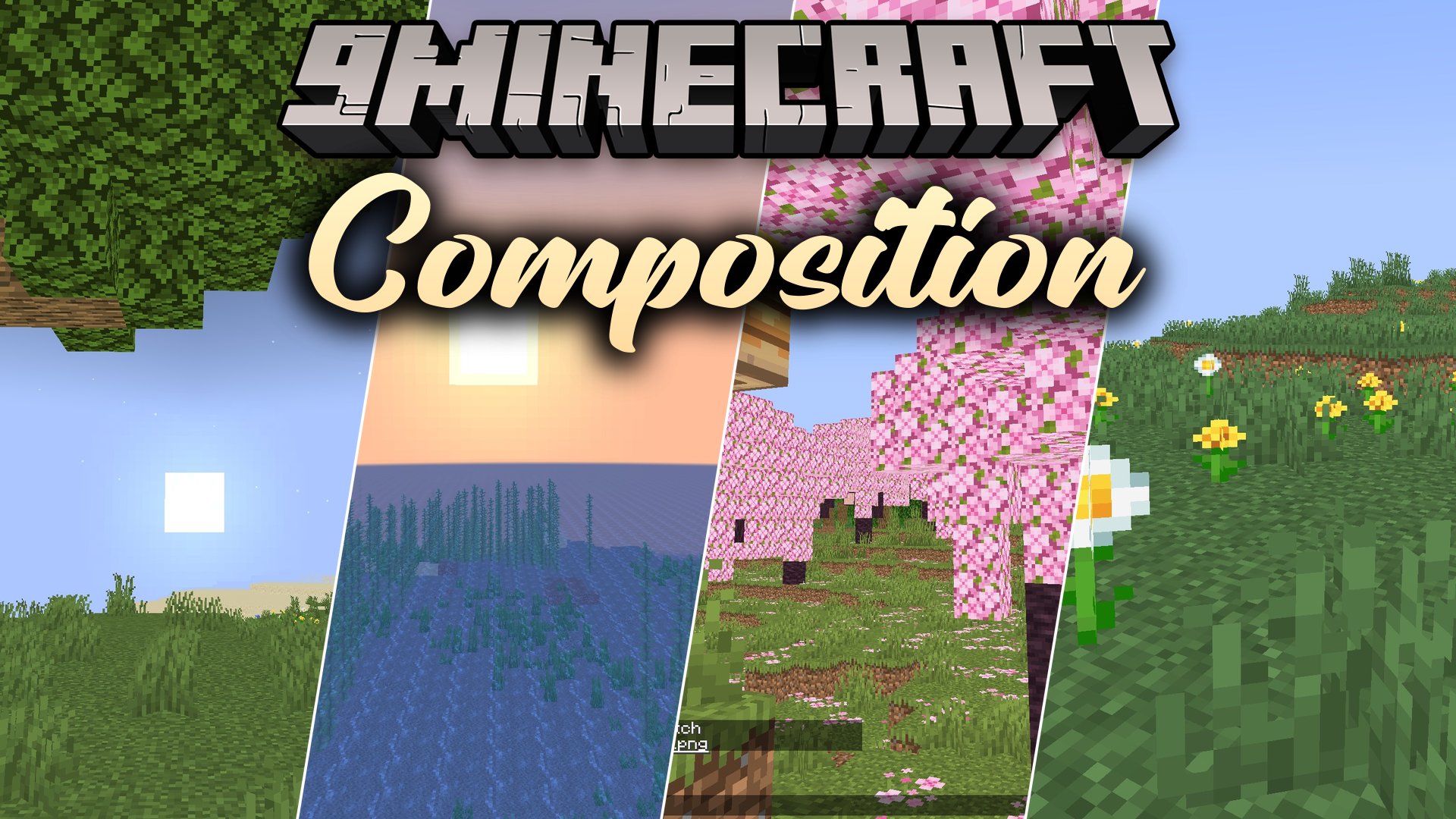
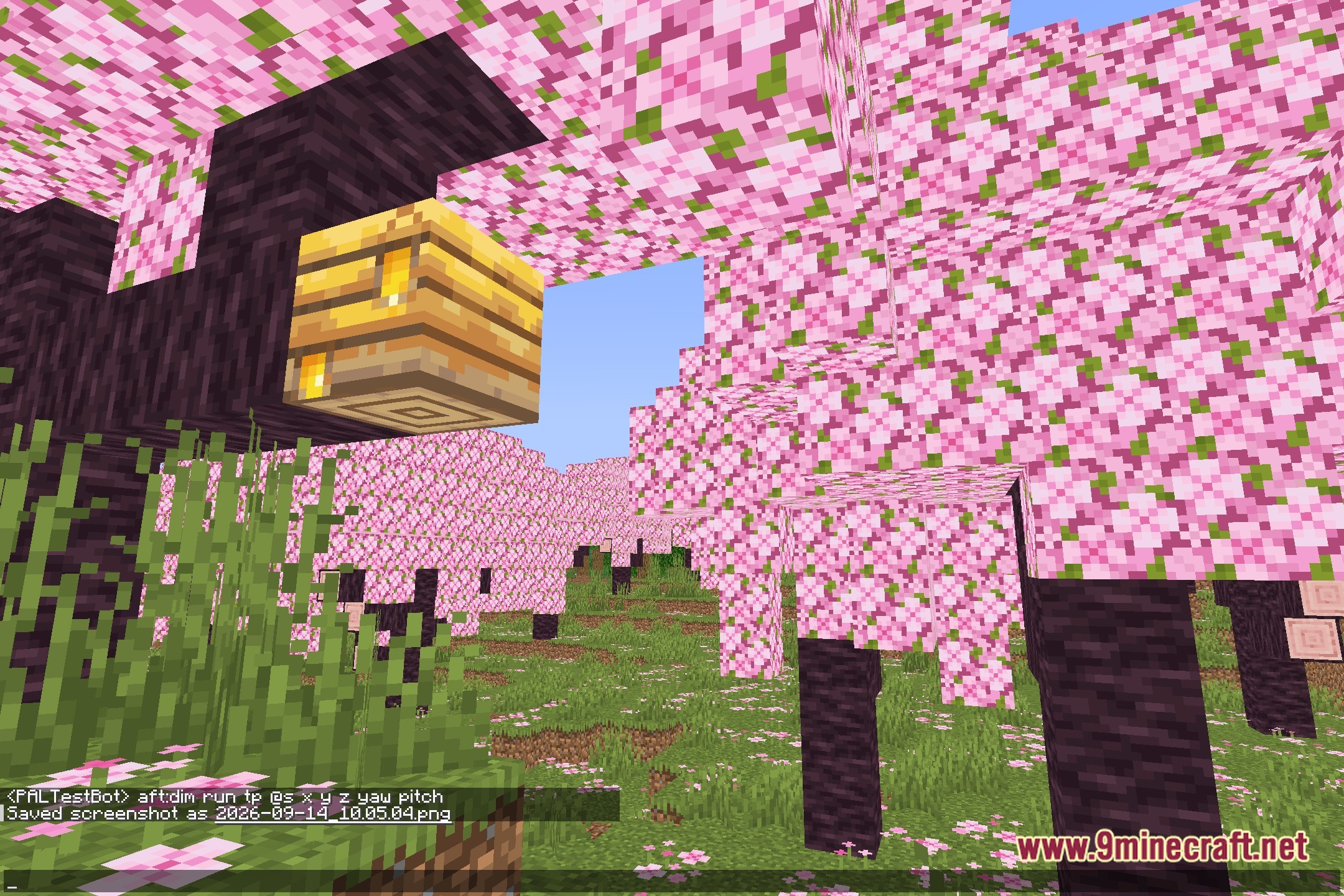
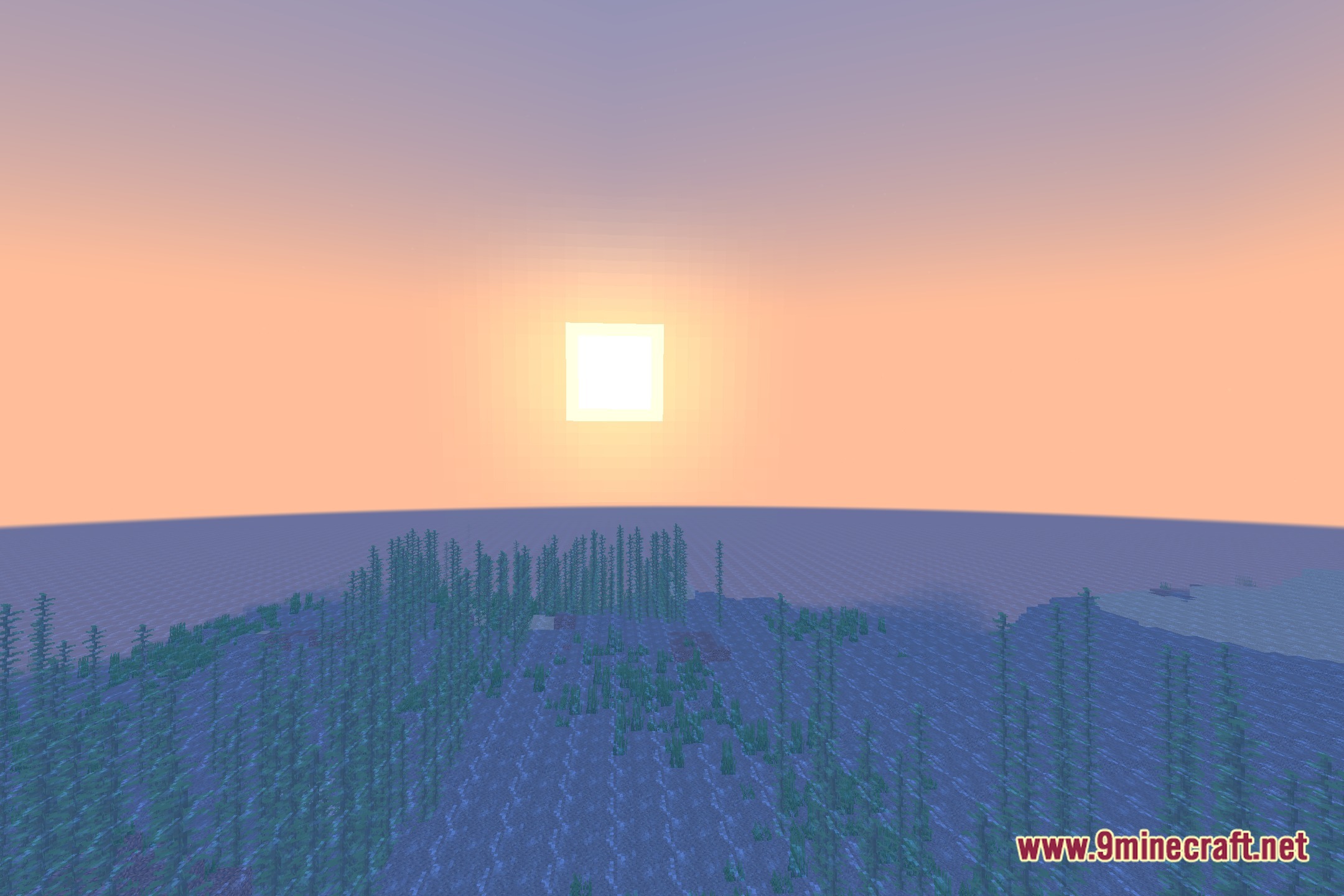
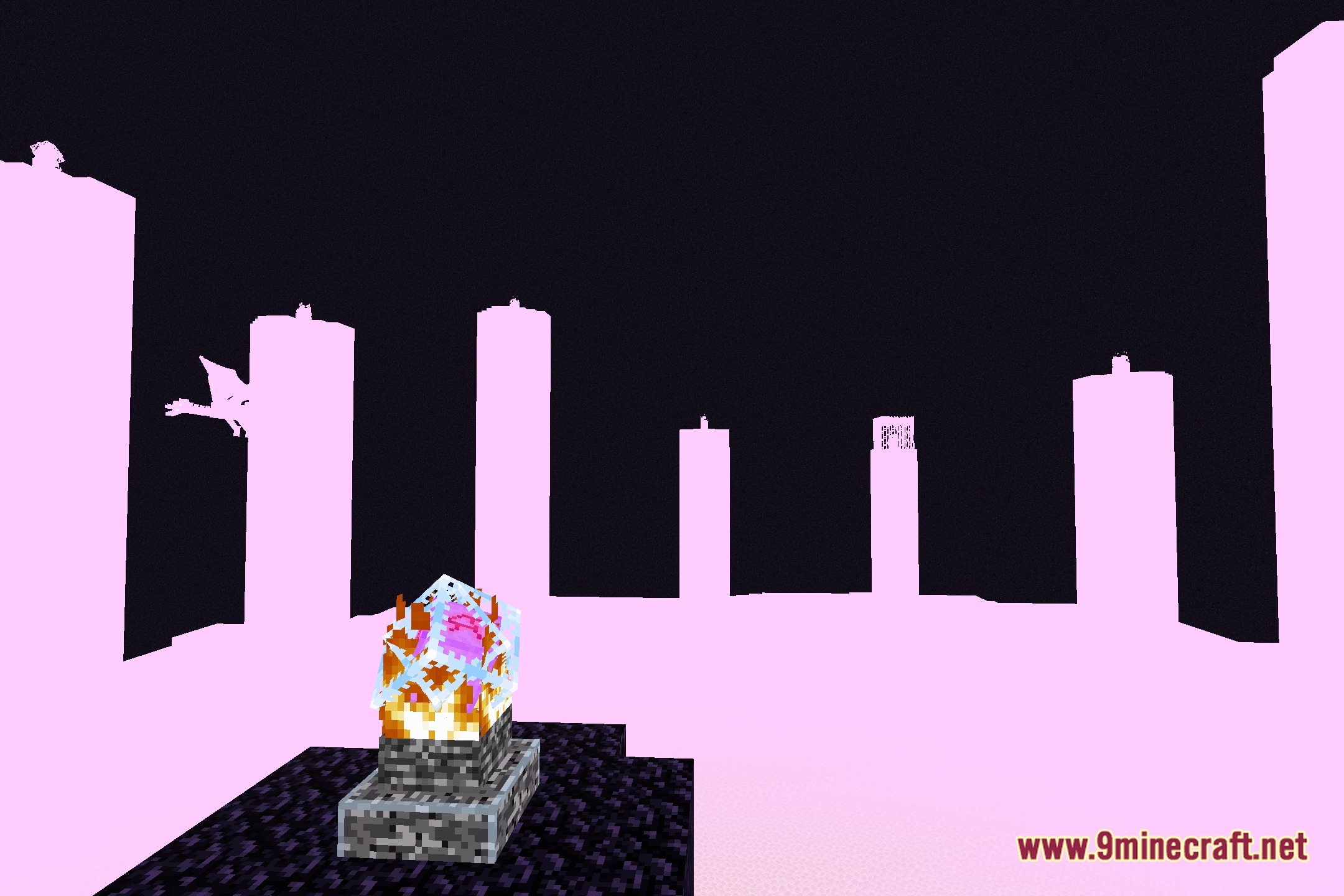
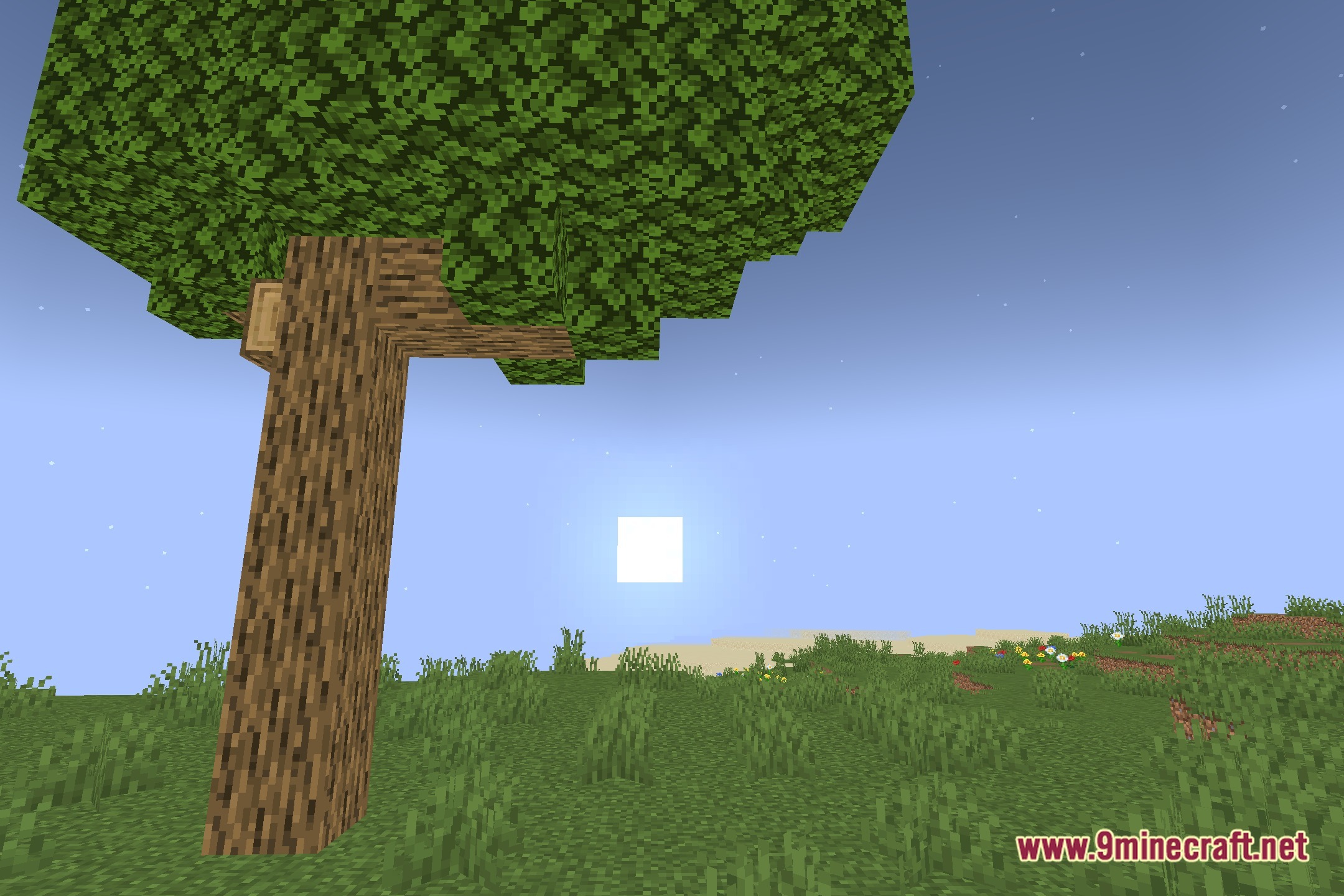
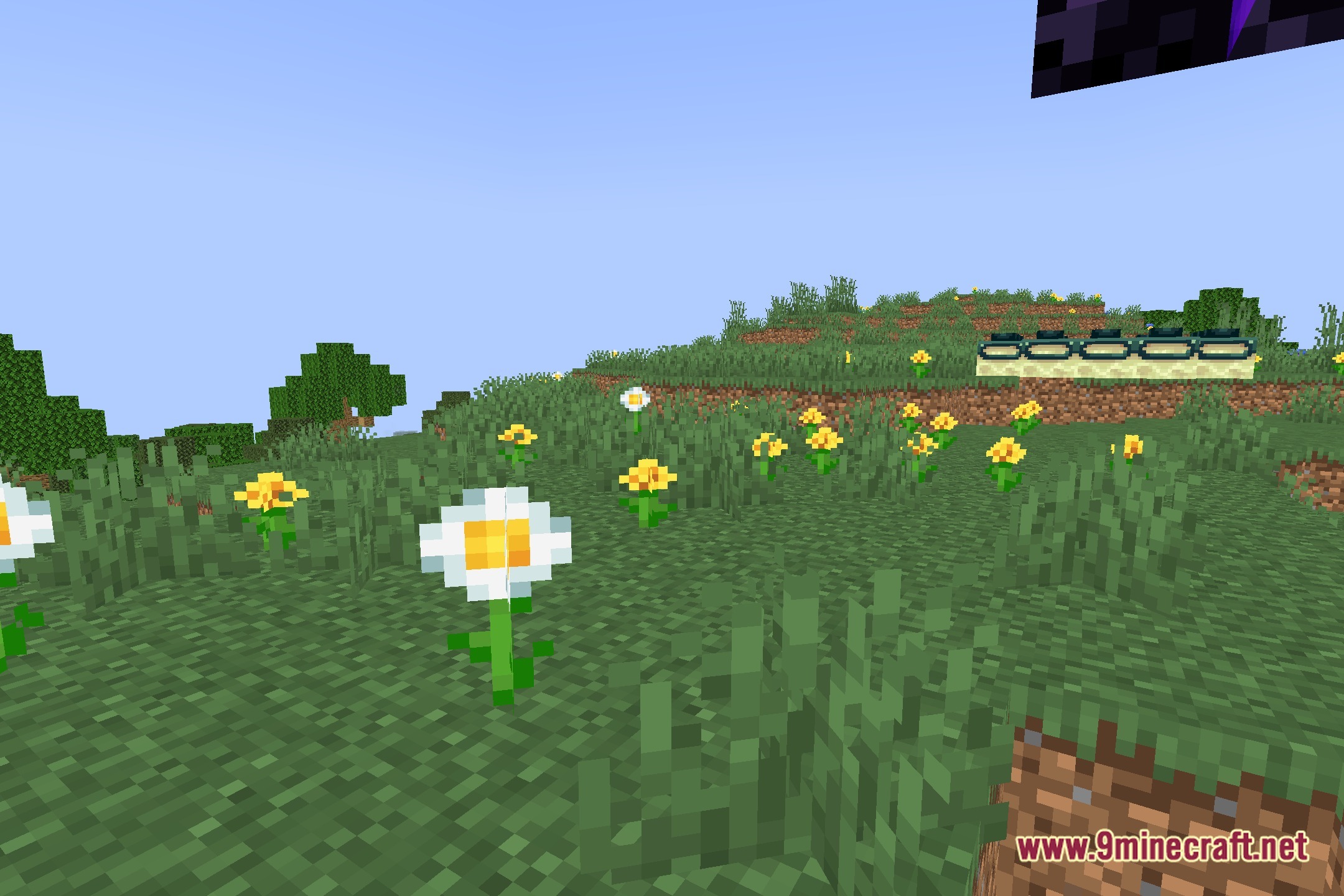
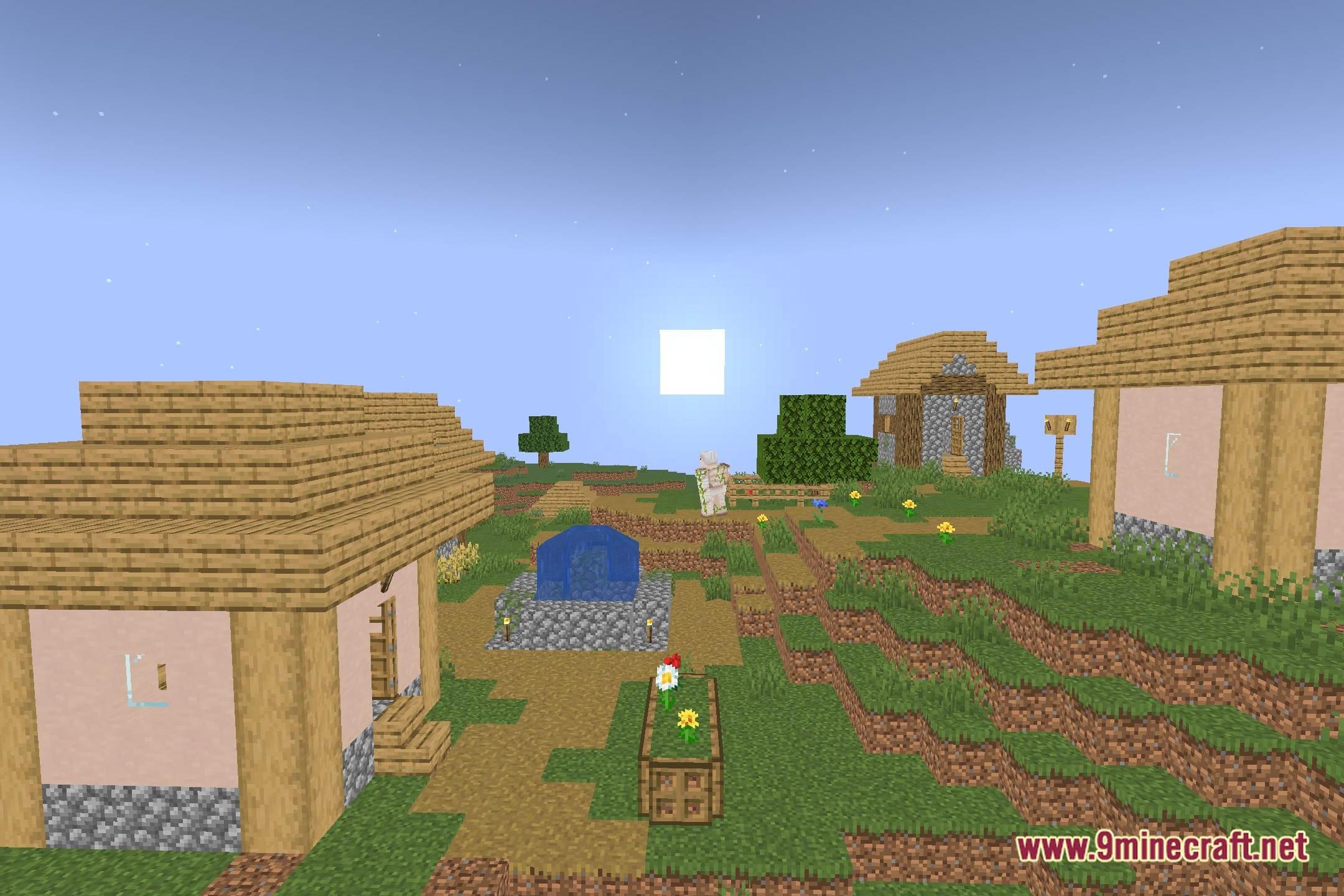
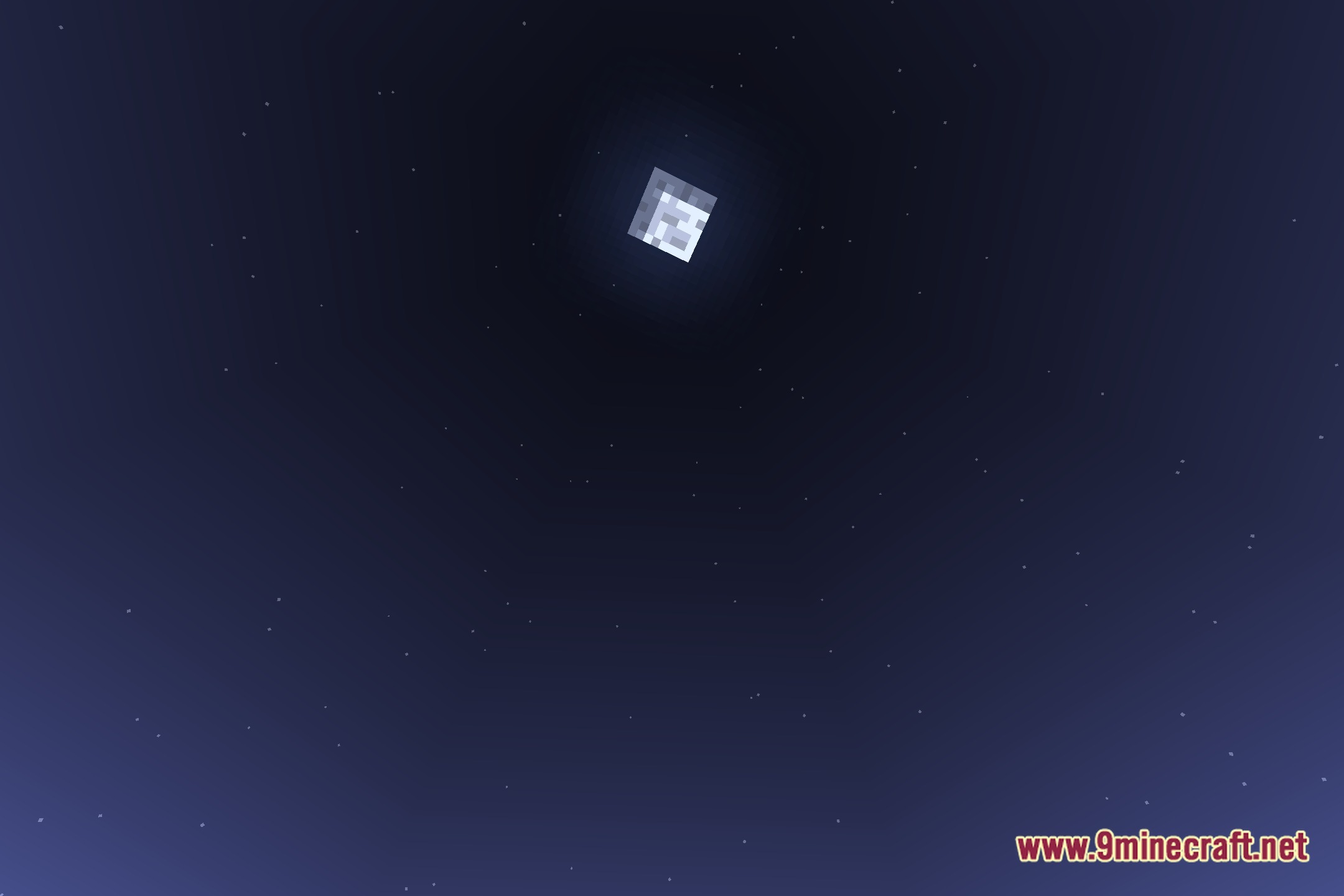
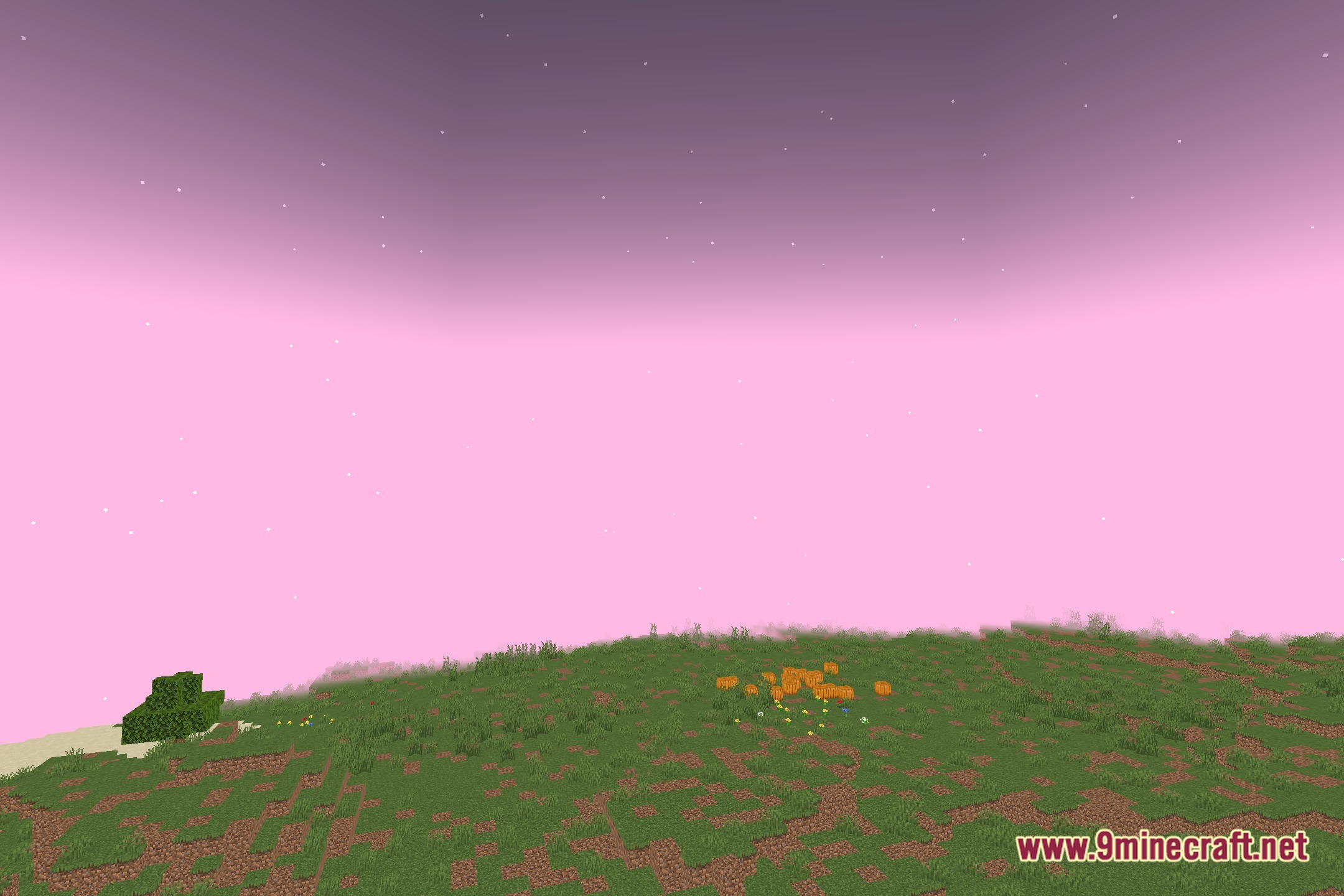
Composition Shaders brings experimental photography and videography overlays to the screen. This shader pack works directly with vanilla Minecraft to help you frame screenshots and record scenes with balanced visual guides.
Features:
- Adds experimental photography and videography screen guides.
- Works directly with vanilla graphics pipelines.
- Helps content creators set up balanced angles for video clips and screenshots.
- Offers a lightweight overlay toolset without lowering frame rates.
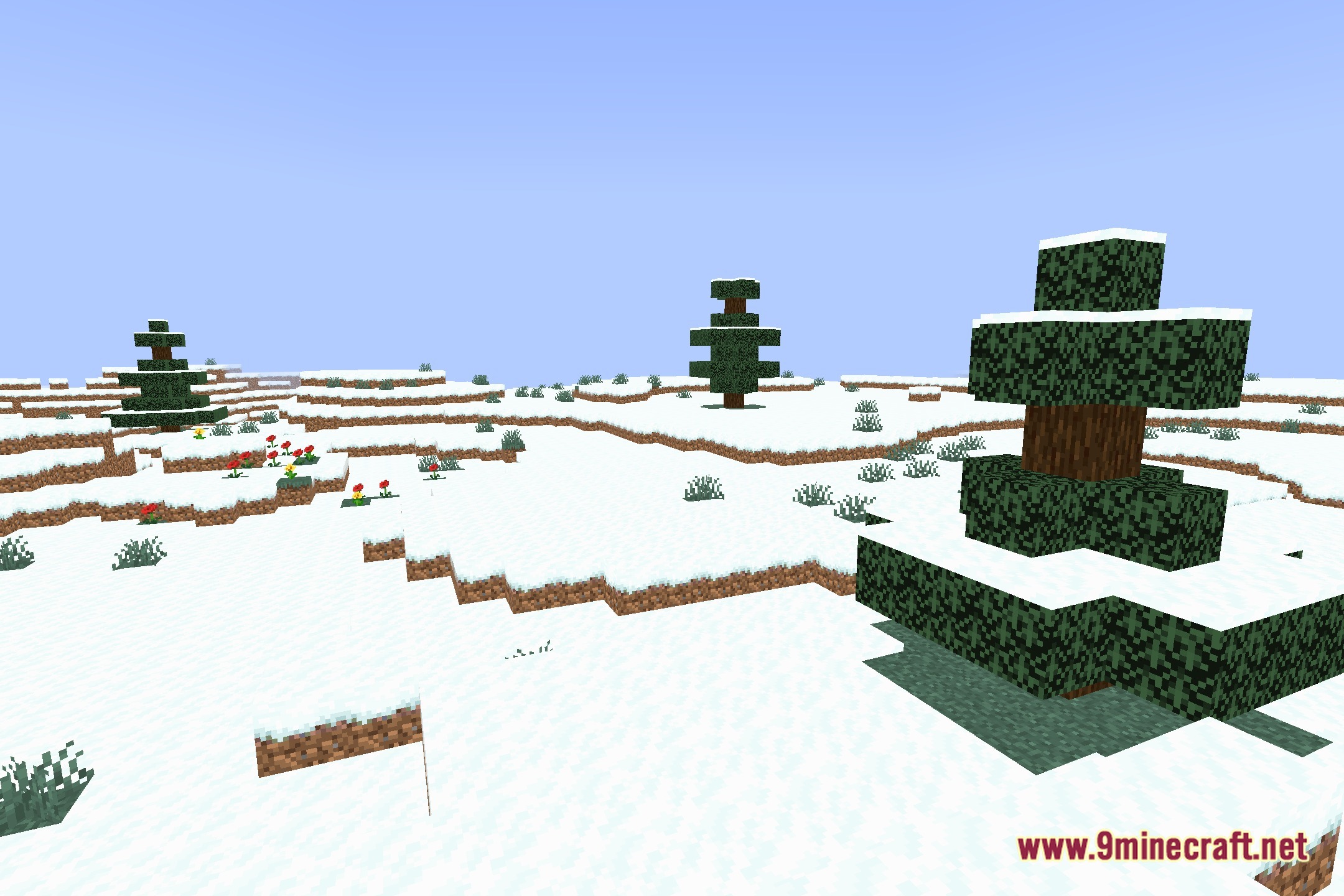
Screenshots:
Composition Shaders Download Links
Quick facts
- Edition: Minecraft Java
- File type: .zip (resource pack)
- Minecraft version listed: 1.20.1
- How to install: Download the .zip resource pack — do not unzip it. → Put it in .minecraft/resourcepacks. → Enable it in Options → Resource Packs.
- Where to get it: Opens on the file's original source — not every file is mirrored on our own servers.
Install steps are the general flow for this file type — see the MC Java Mods guides for the full walkthrough.
Composition Shaders (26.3, 1.20.1) – Camera Overlays and Framing Guides is a free Minecraft Java shader. Compatible with Minecraft 1.20.1. Download it and open it directly in the game.