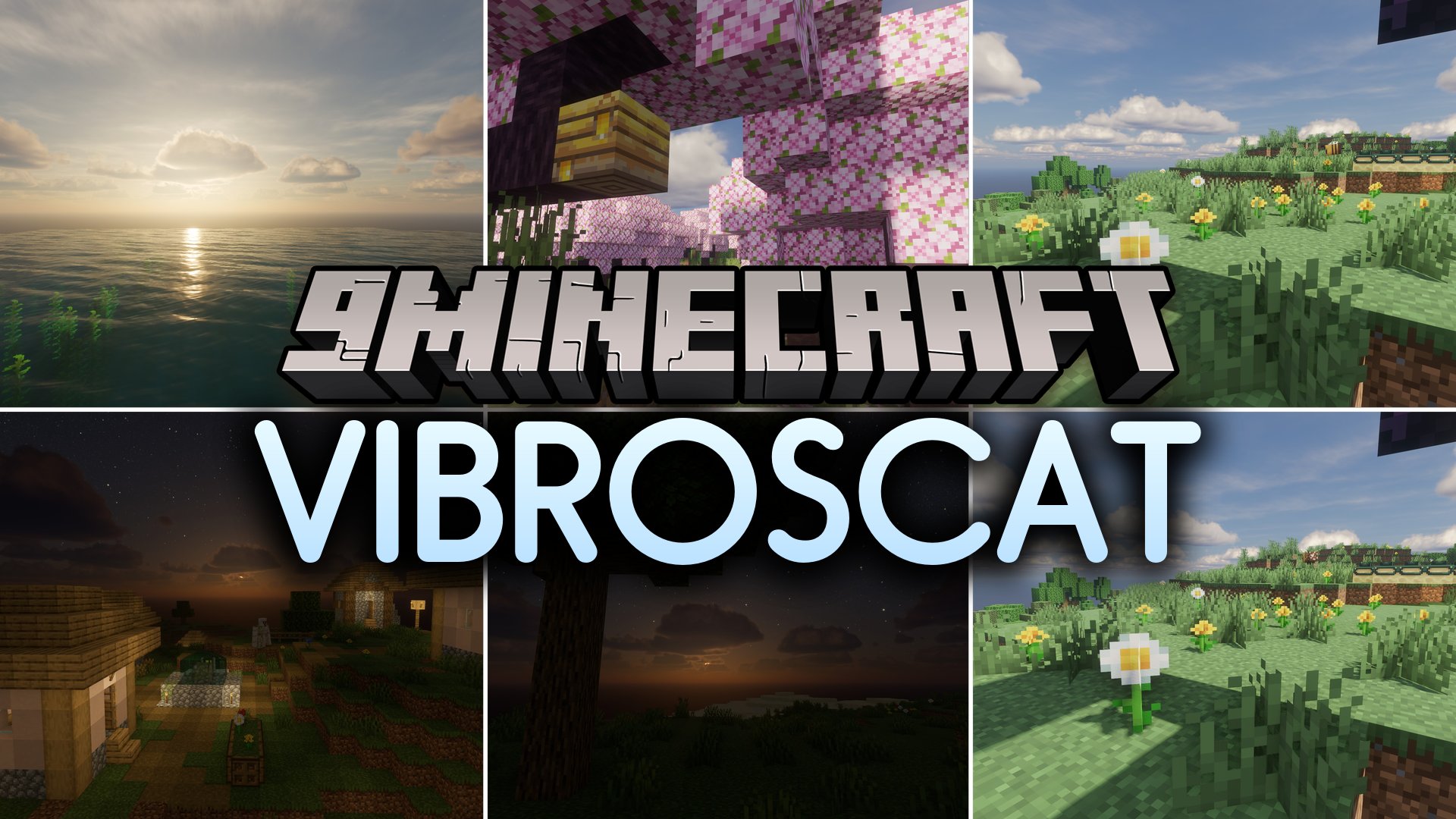
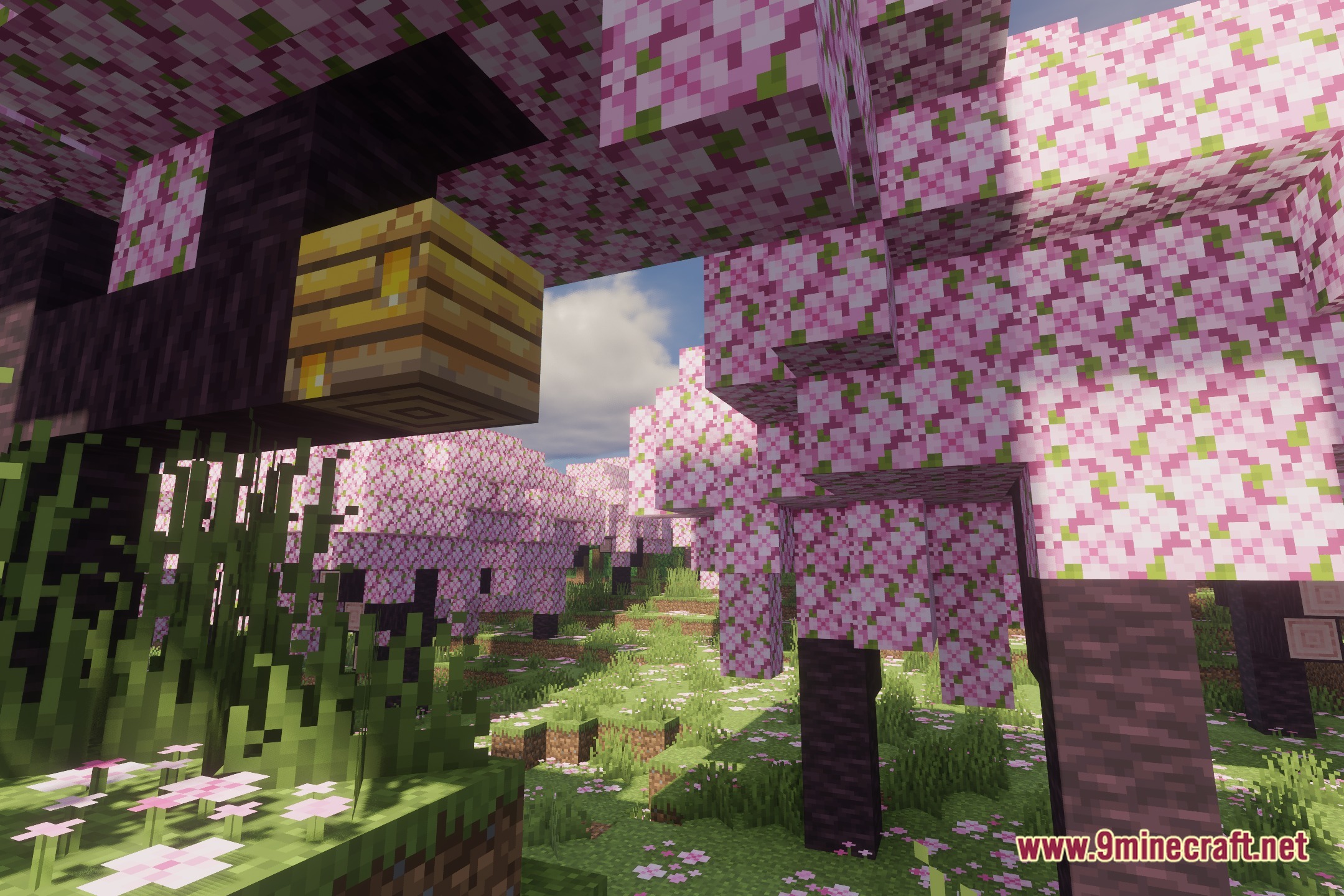
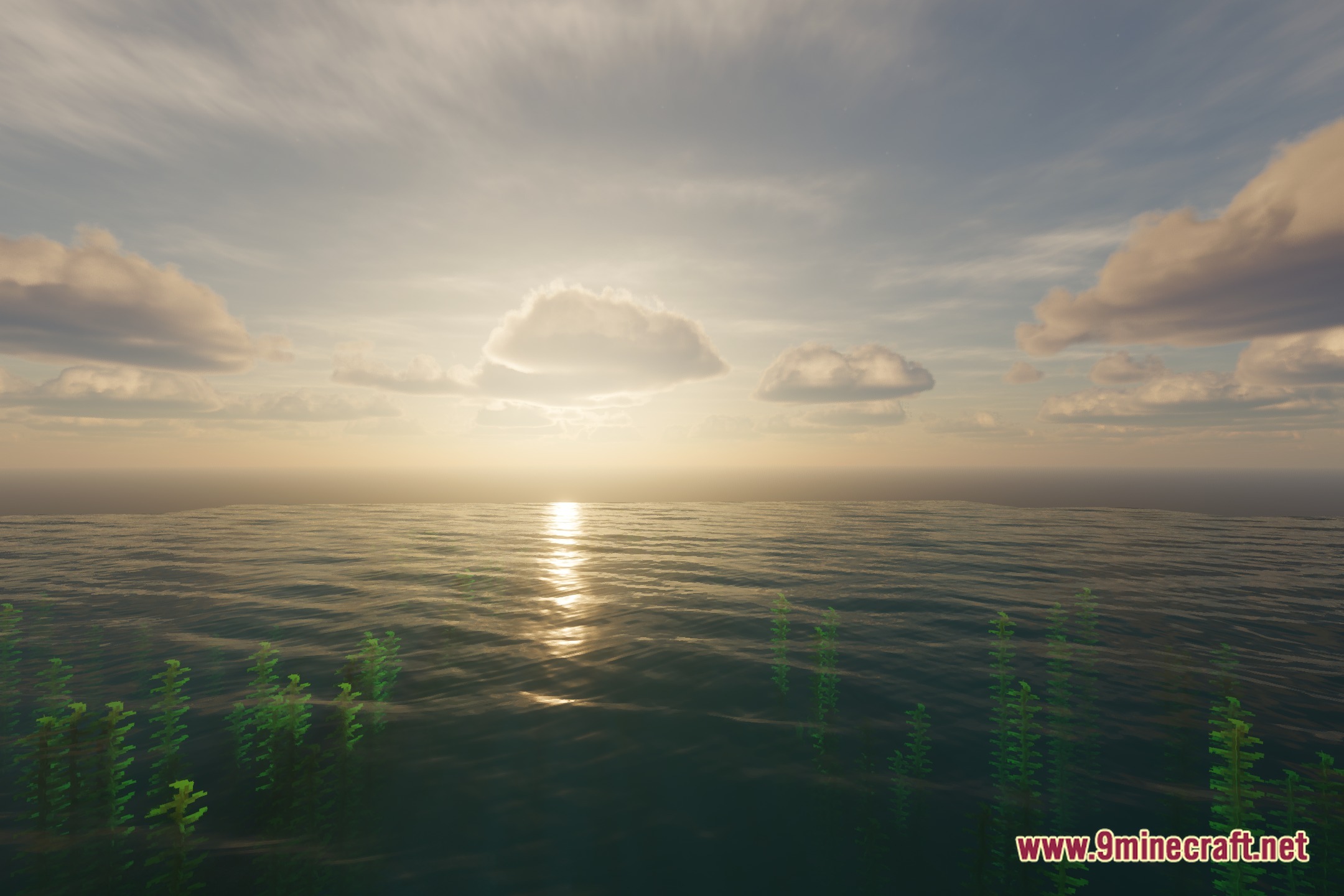
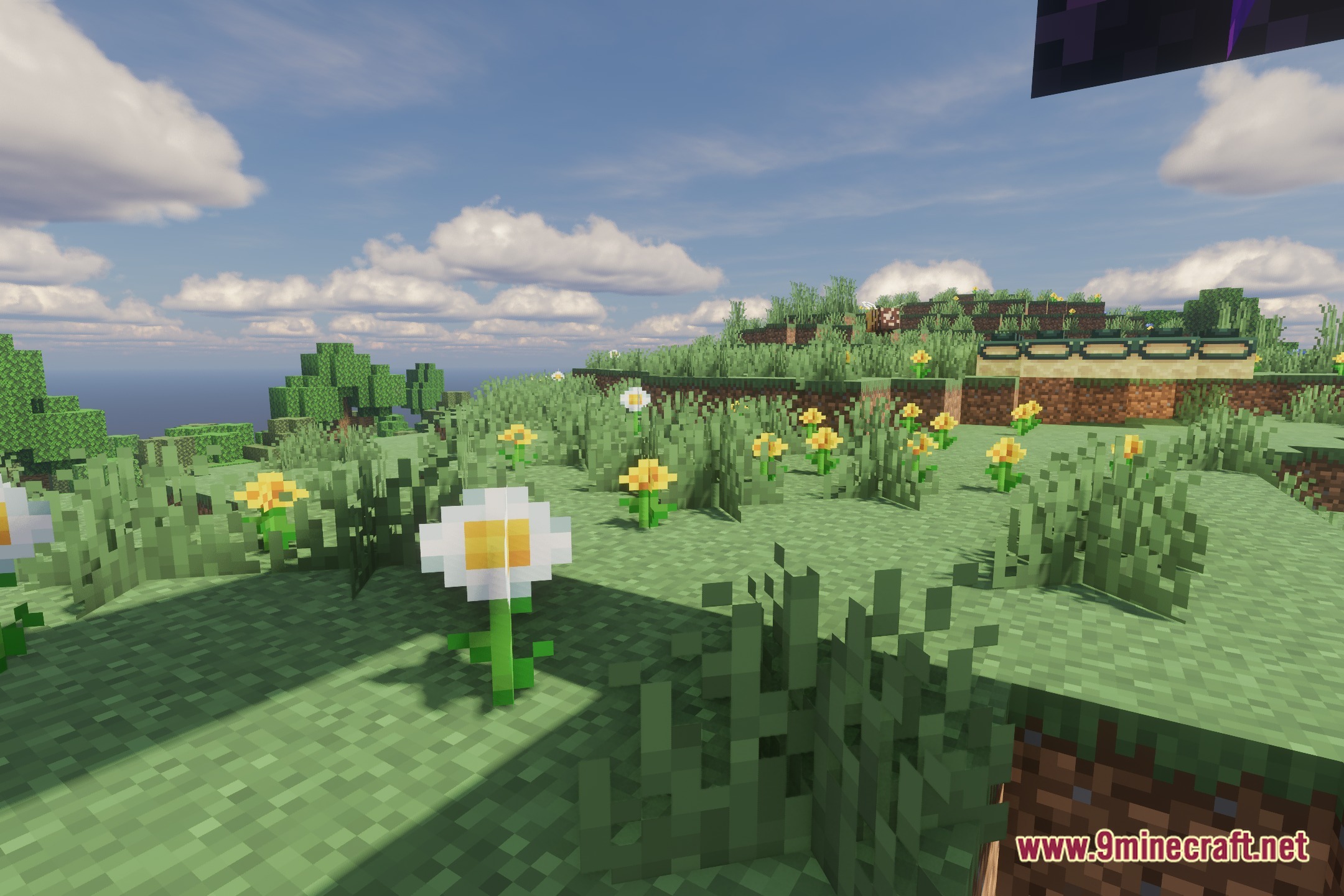
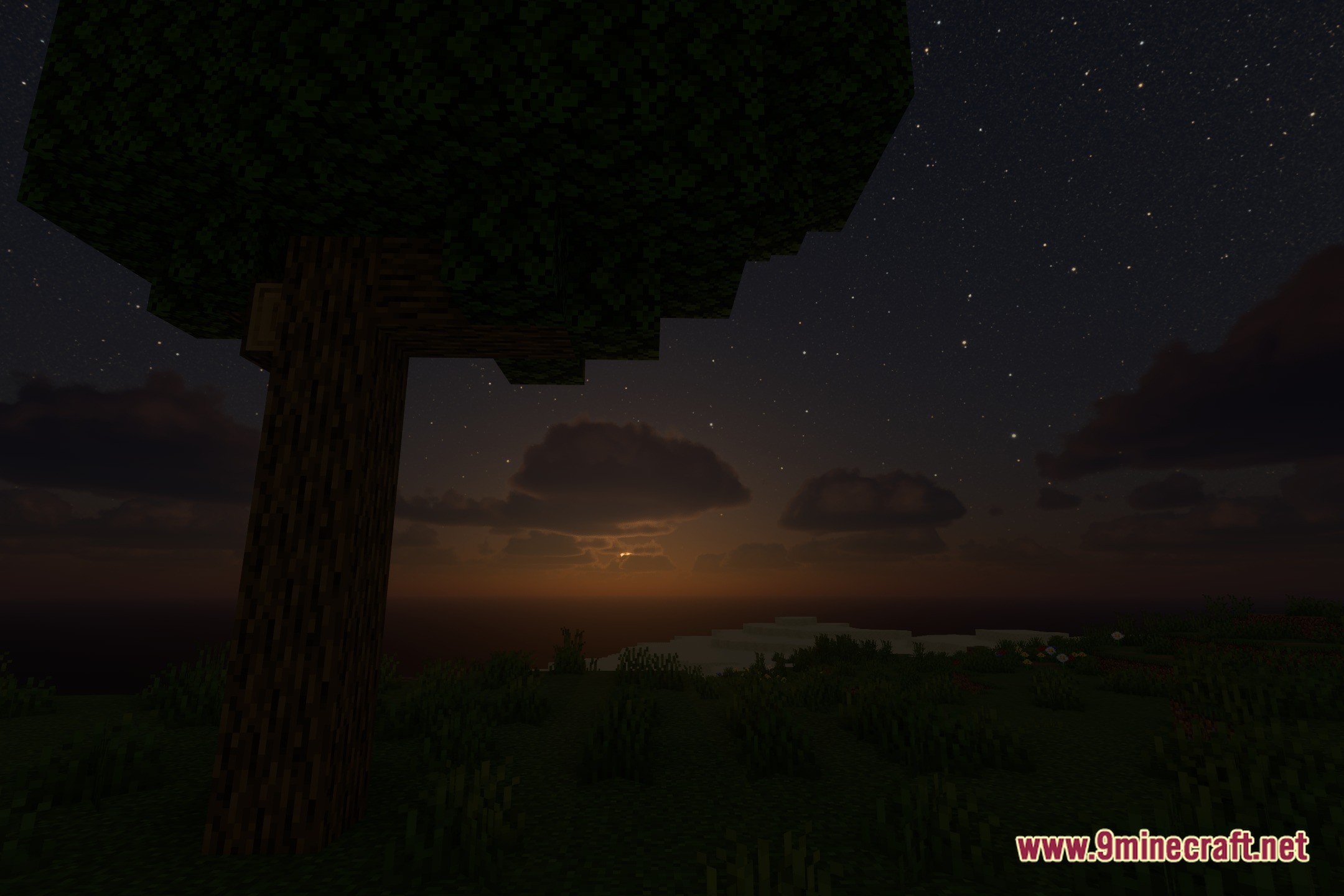
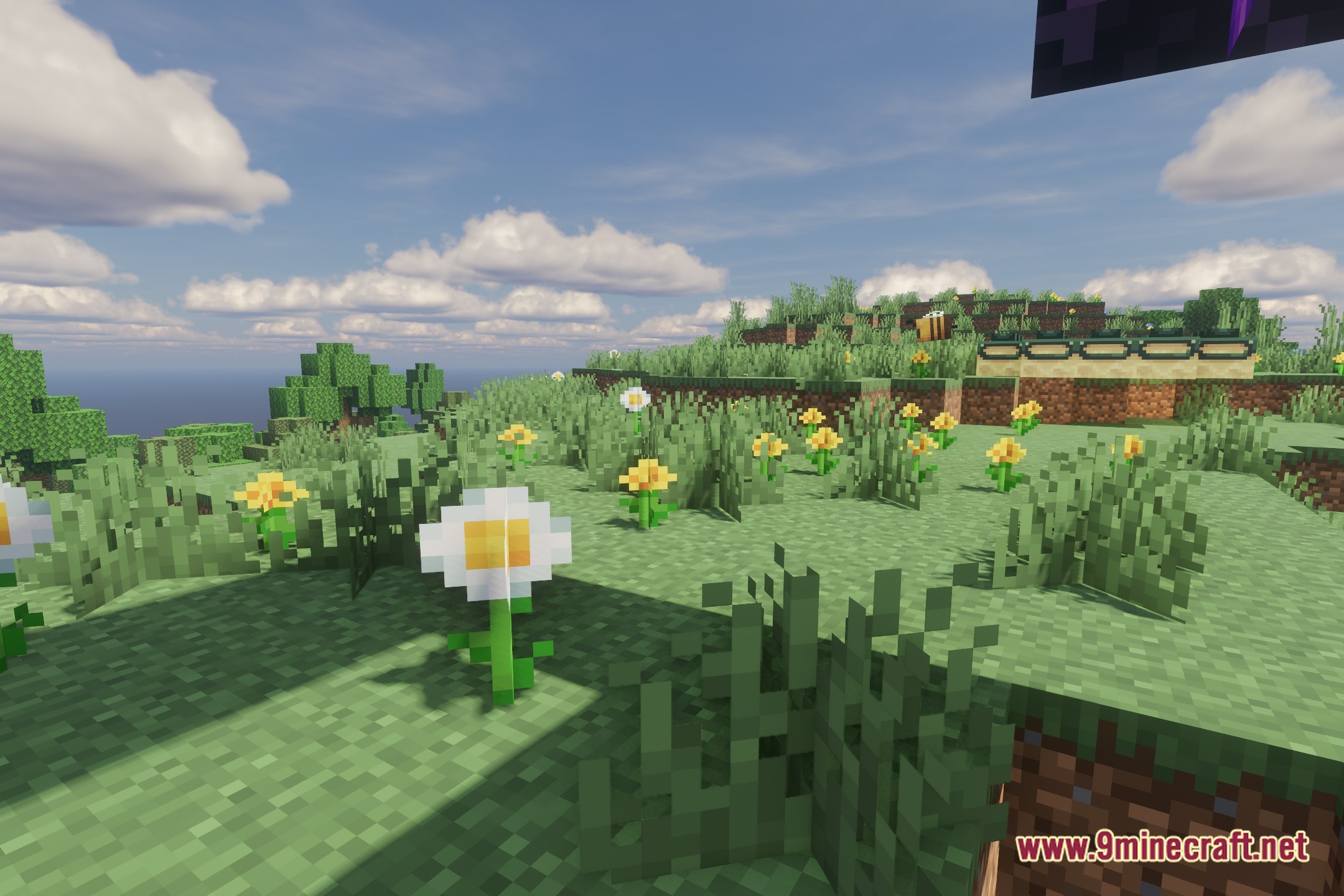
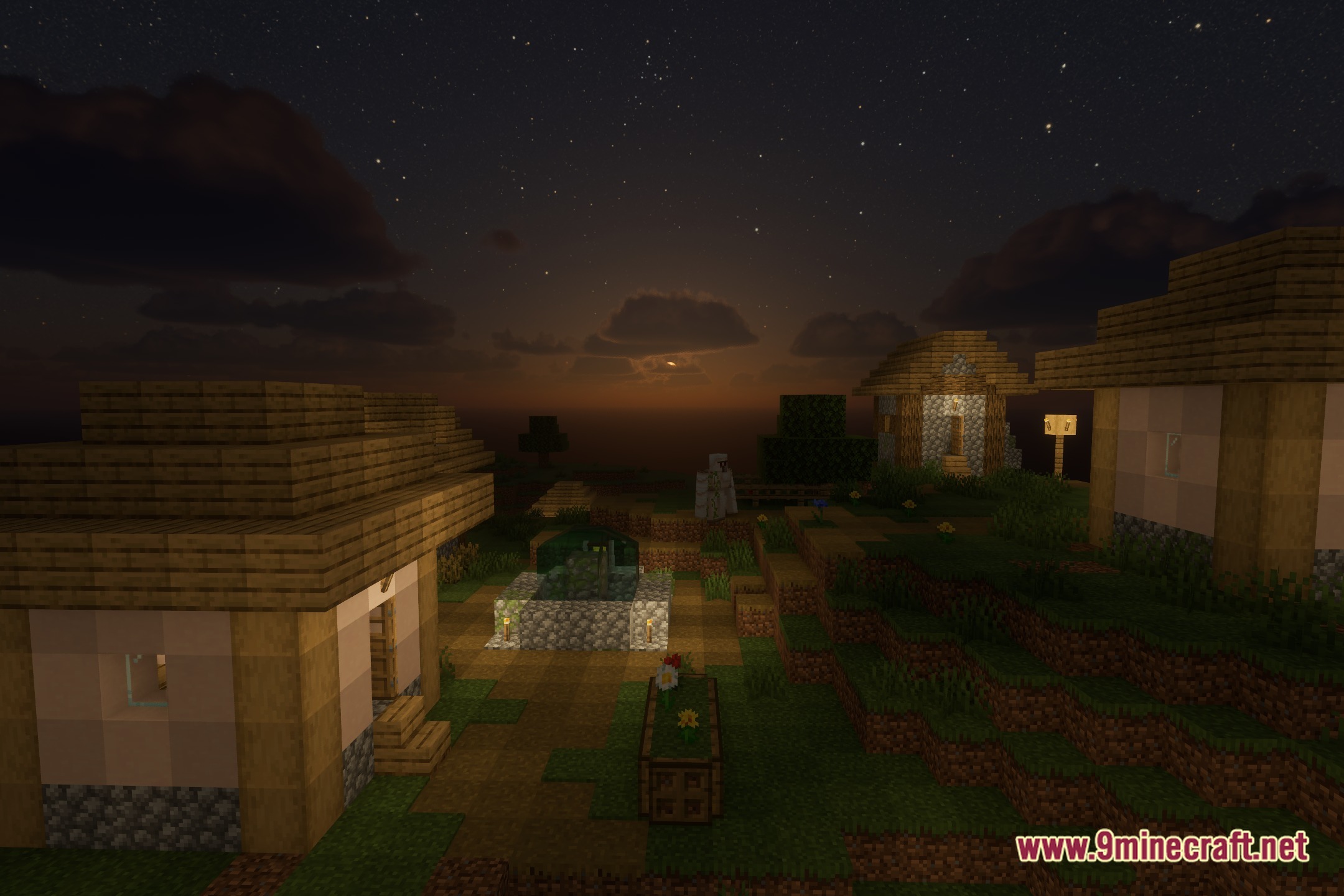
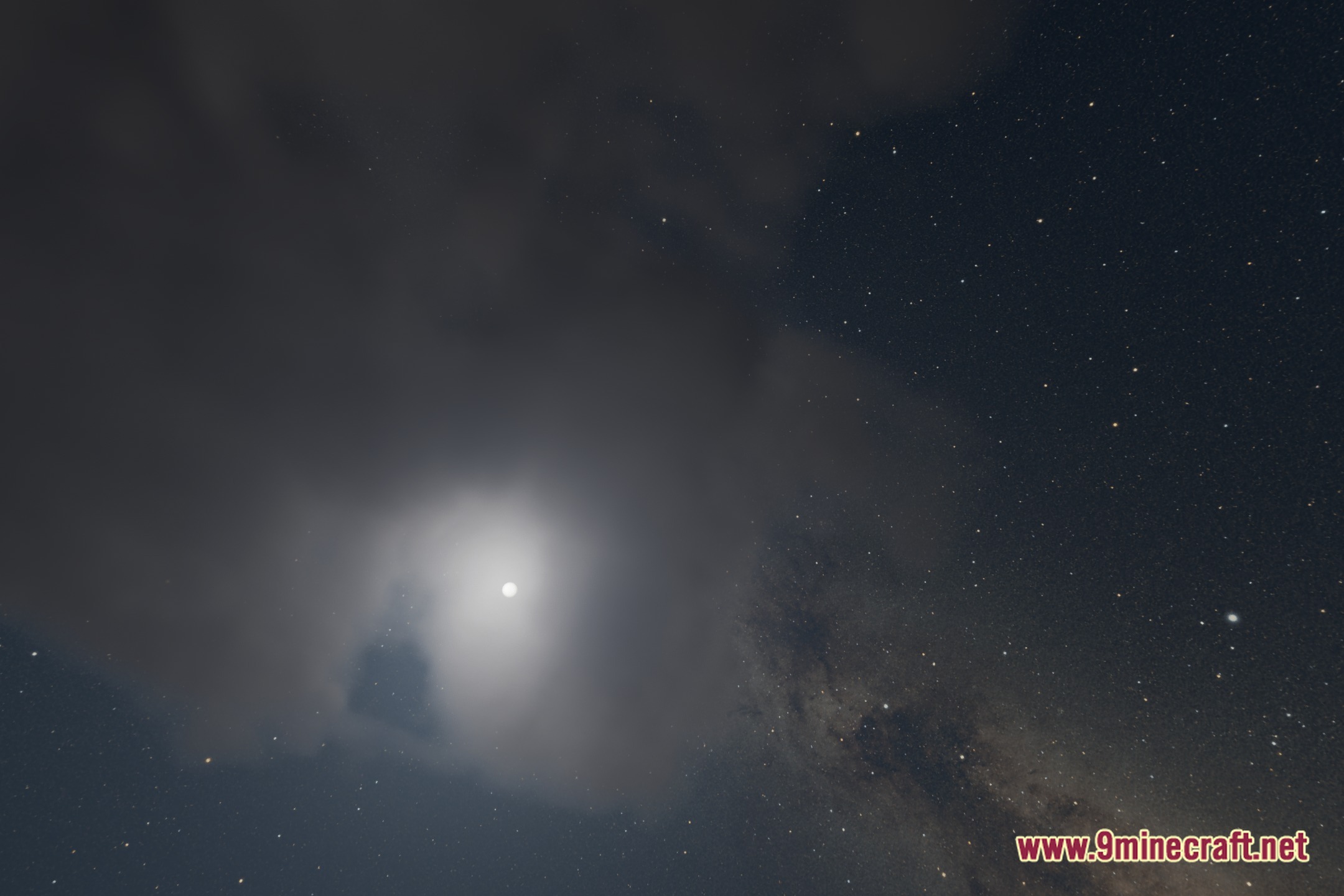
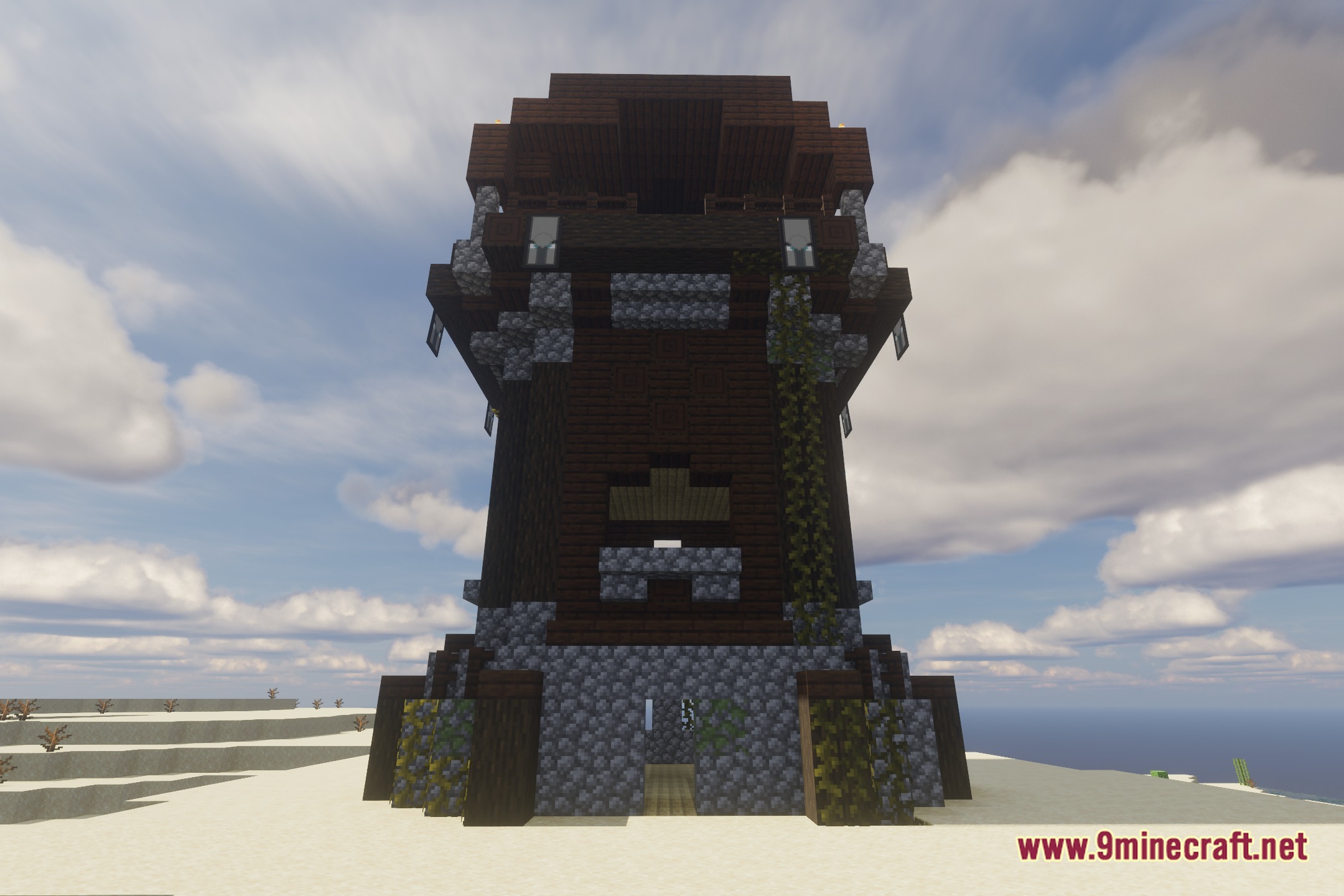
Vibroscat Shaders illuminates the blocky world with refined light scattering and clean visual effects. It works directly with the Iris shader engine to deliver smooth performance during everyday gameplay. The pack alters how sunshine falls across landscapes while balancing dark nights and realistic water surfaces.
Features:
- Runs smoothly with the Iris mod pipeline.
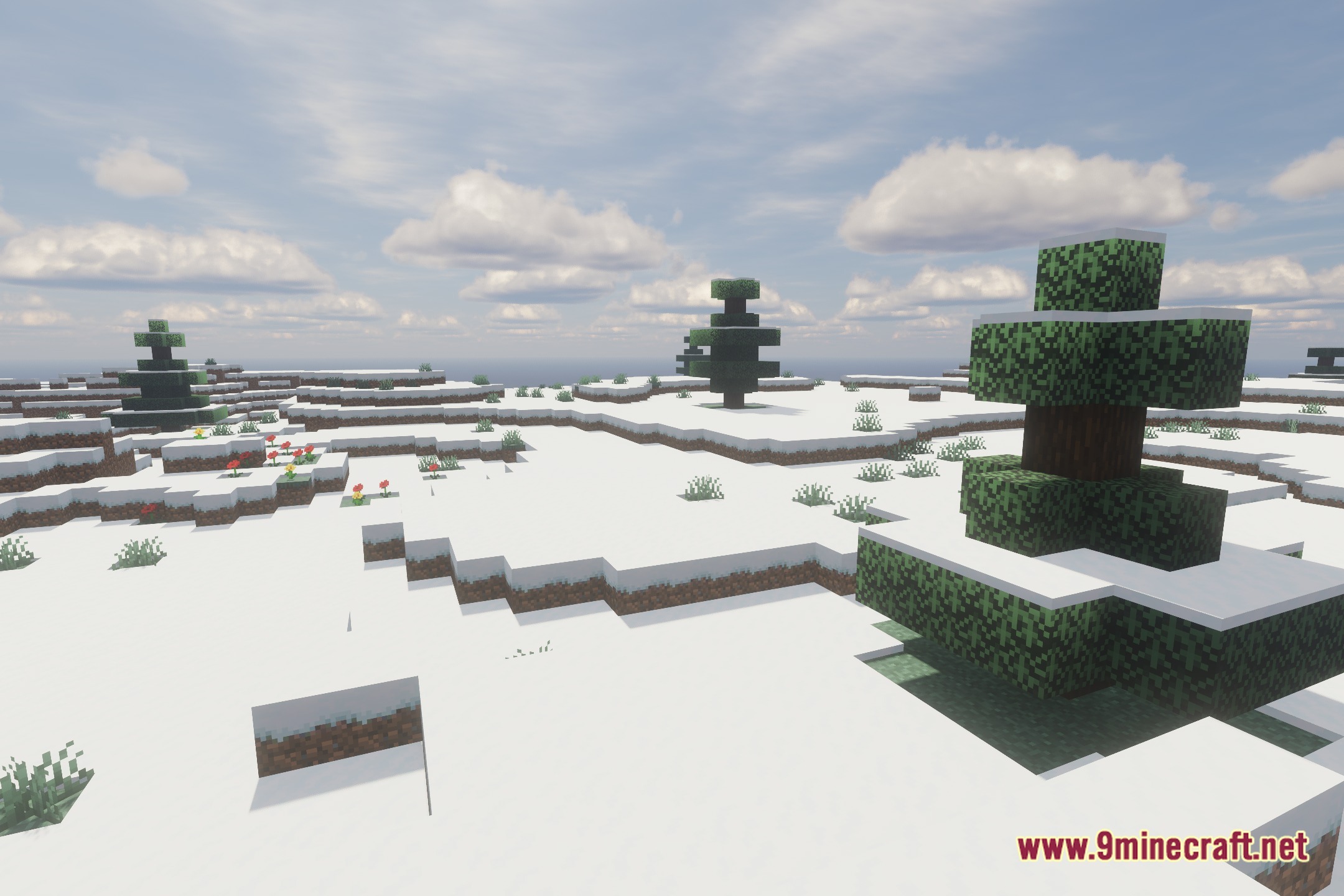
- Adjusts sunlight scattering across the sky and open biomes.
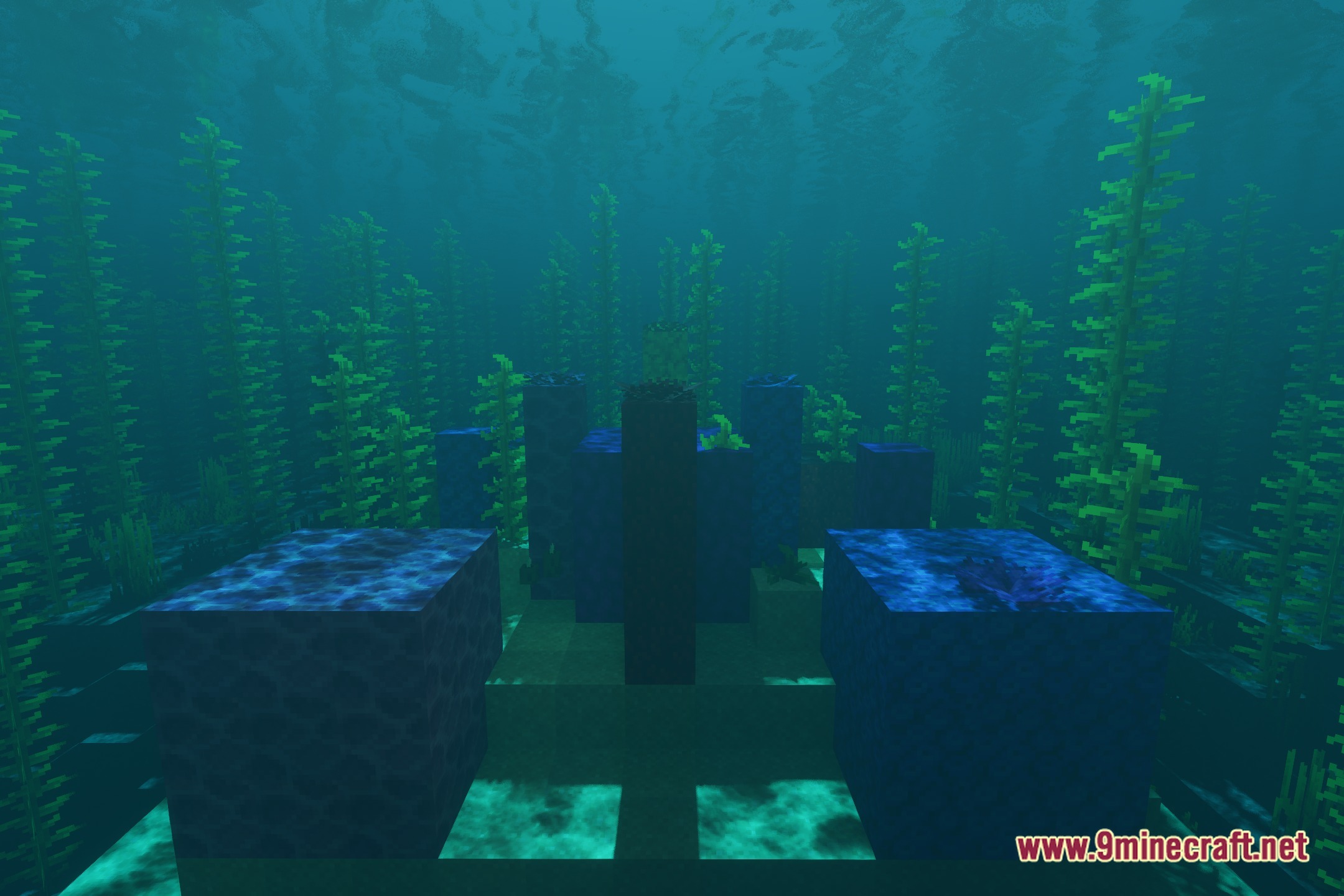
- Improves block shading and shadow depth around player builds.
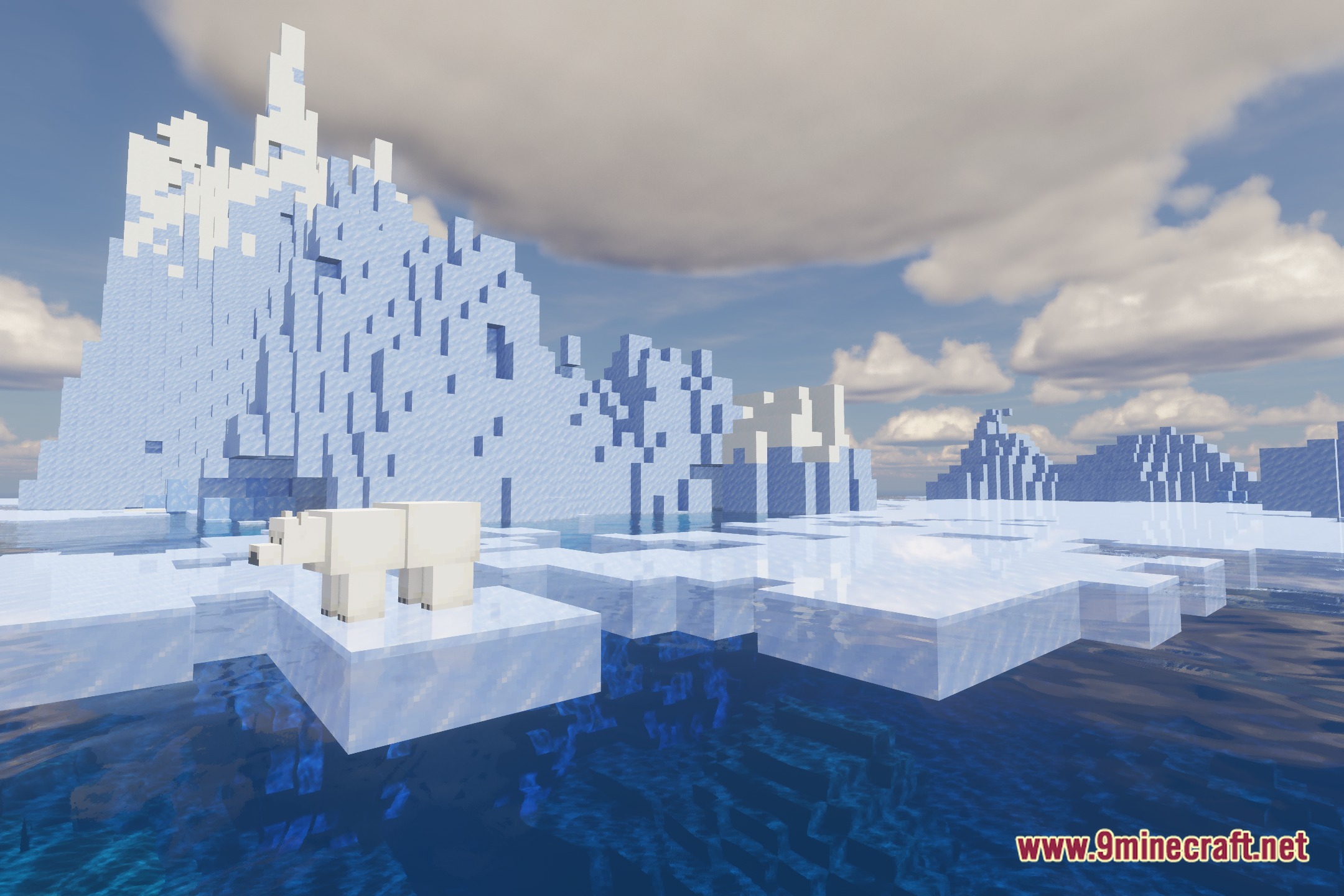
- Cleans up water transparency and surface reflections.
- Maintains stable frame rates during regular survival sessions.
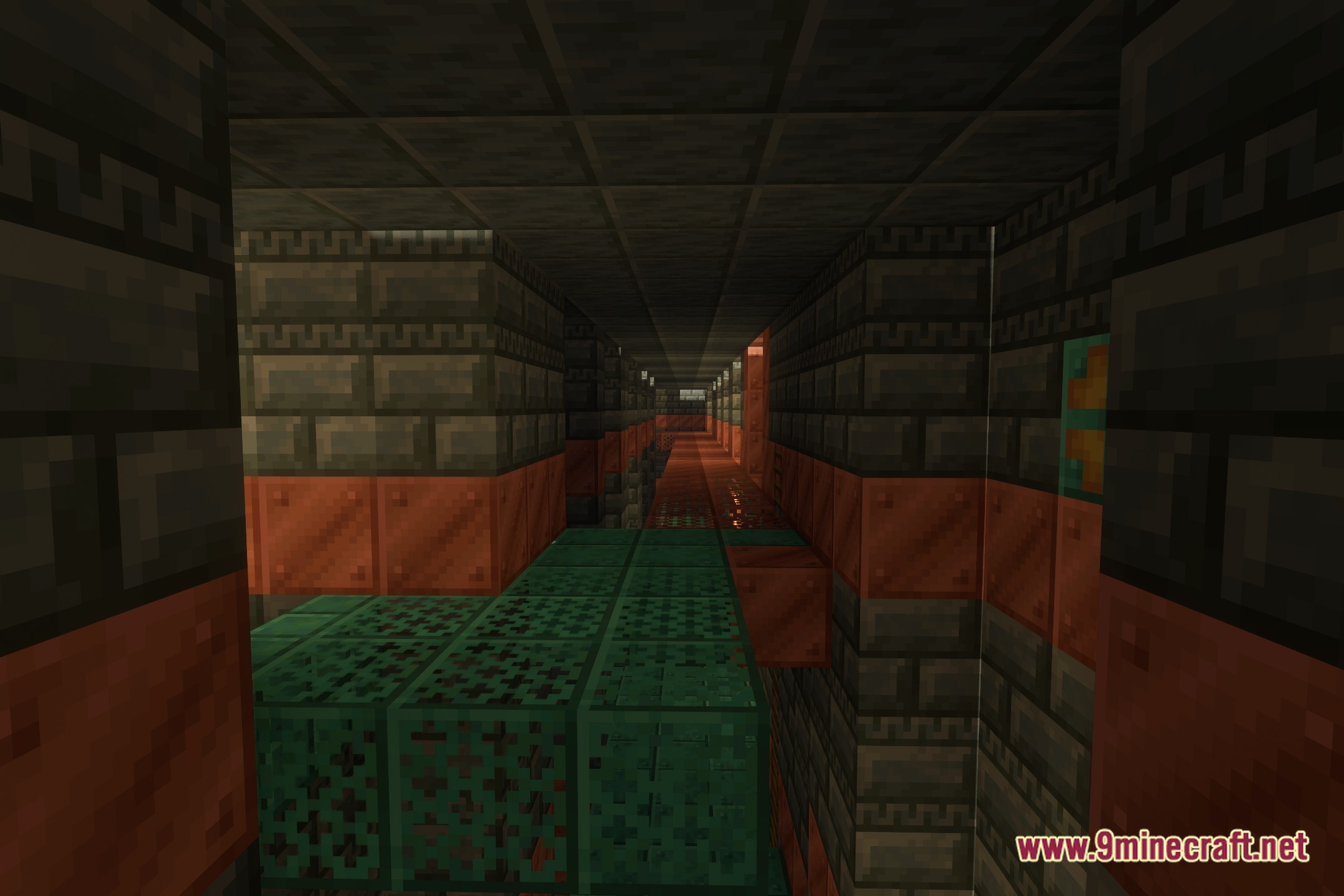
Screenshots:
Vibroscat Shaders Download Links
Quick facts
- Edition: Minecraft Java
- File type: .zip (resource pack)
- Minecraft version listed: 1.20.1
- How to install: Download the .zip resource pack — do not unzip it. → Put it in .minecraft/resourcepacks. → Enable it in Options → Resource Packs.
- Where to get it: Opens on the file's original source — not every file is mirrored on our own servers.
Install steps are the general flow for this file type — see the MC Java Mods guides for the full walkthrough.
Vibroscat Shaders (26.3, 1.20.1) – Light Scattering with Clean Reflections is a free Minecraft Java shader. Compatible with Minecraft 1.20.1. Download it and open it directly in the game.