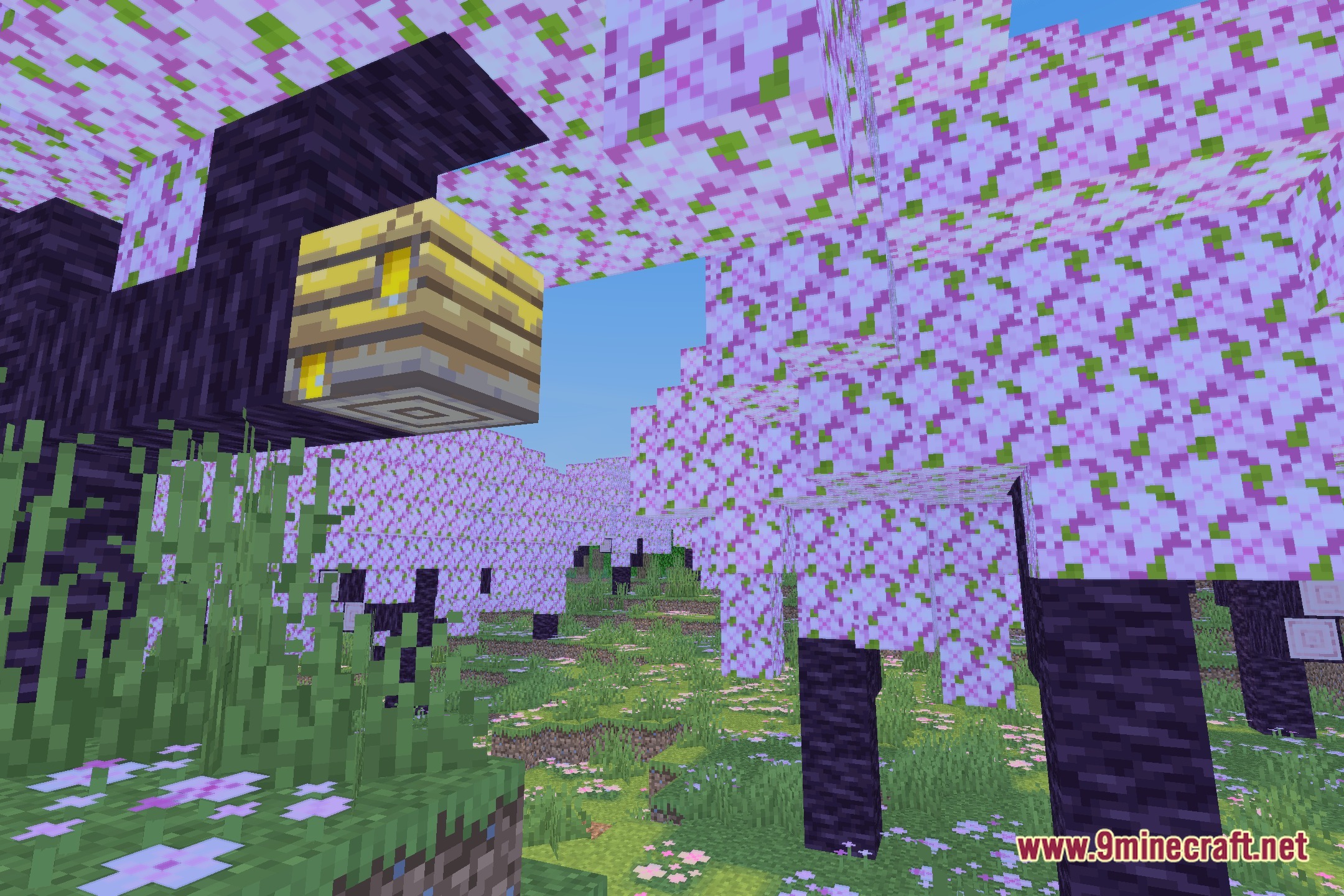
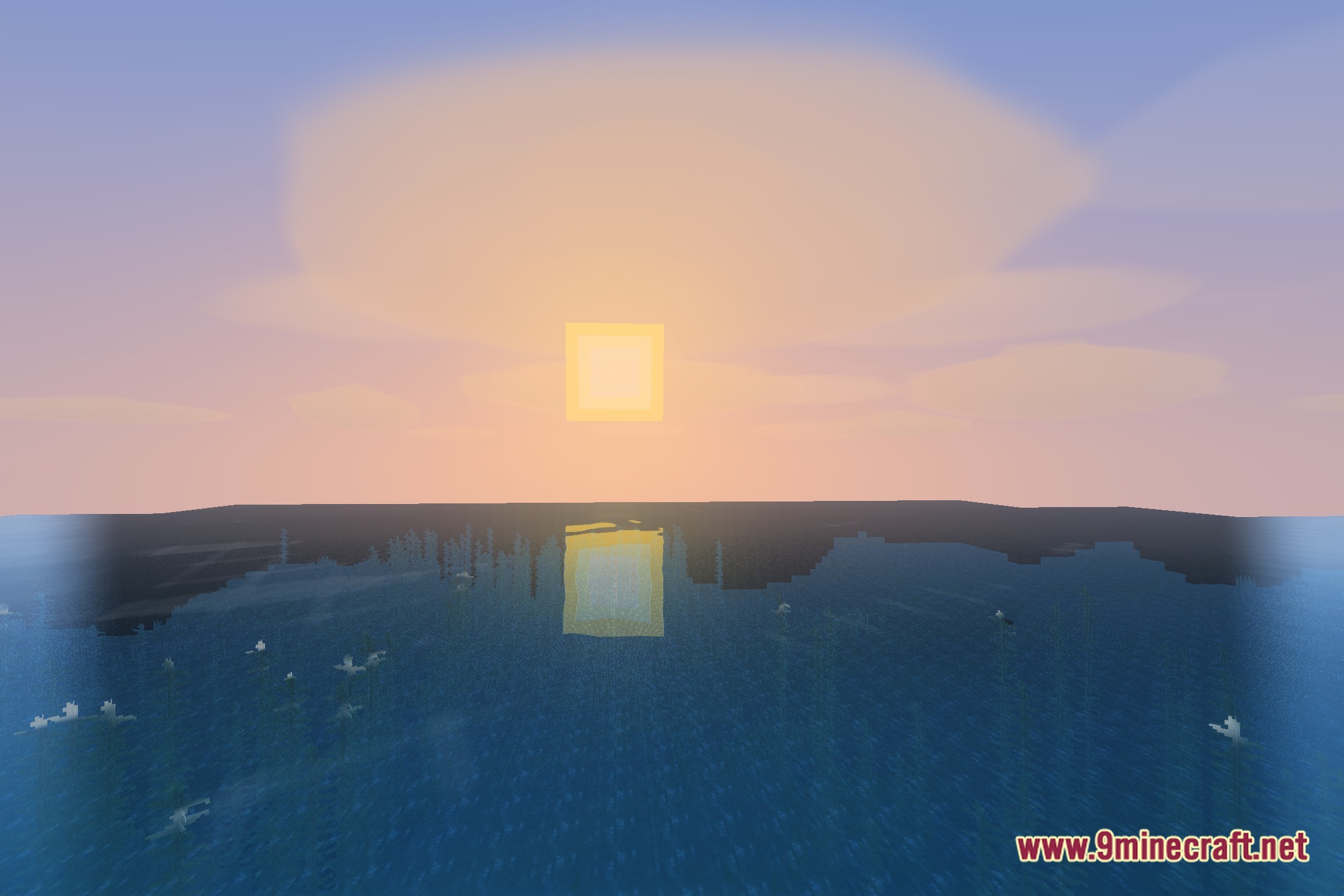
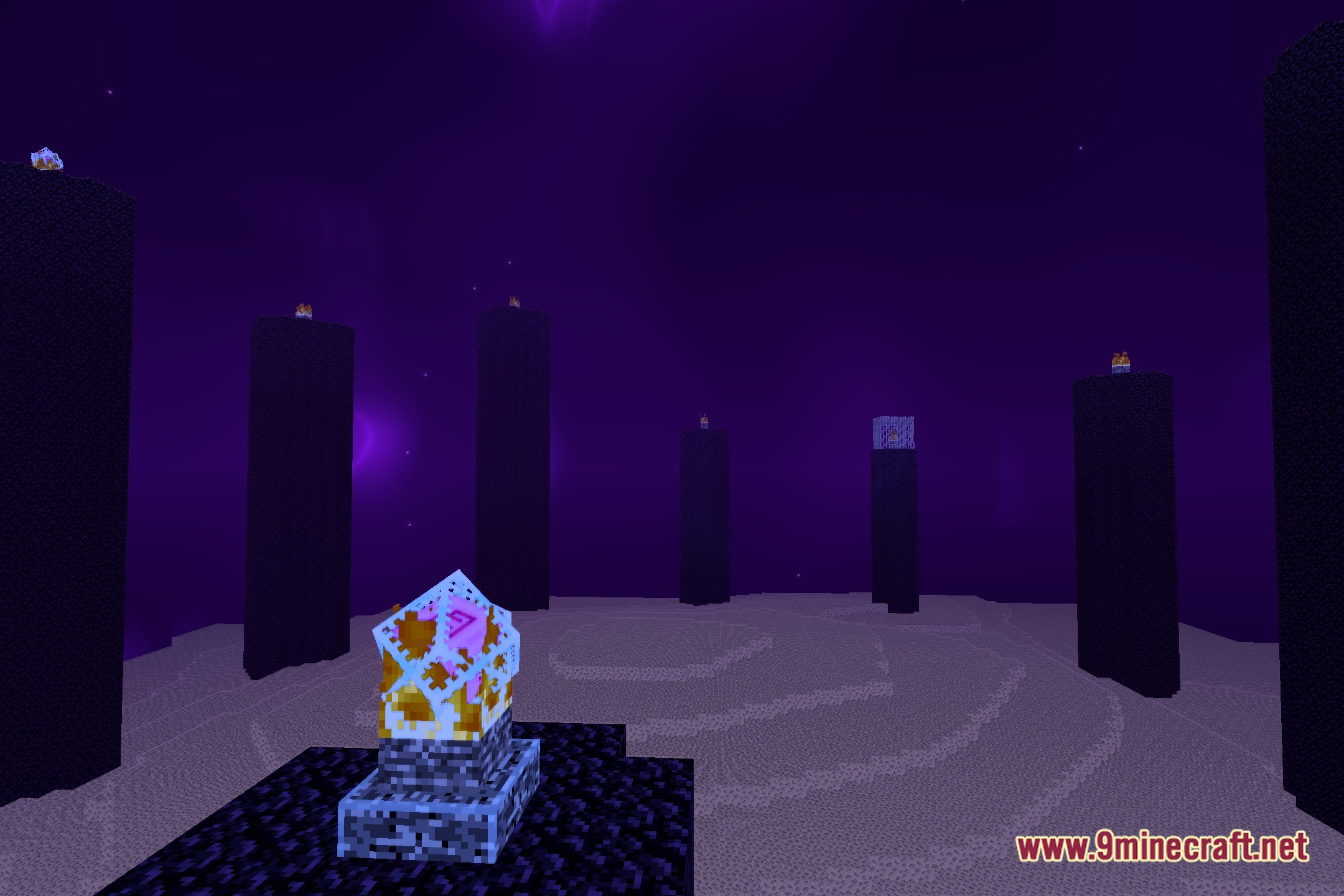
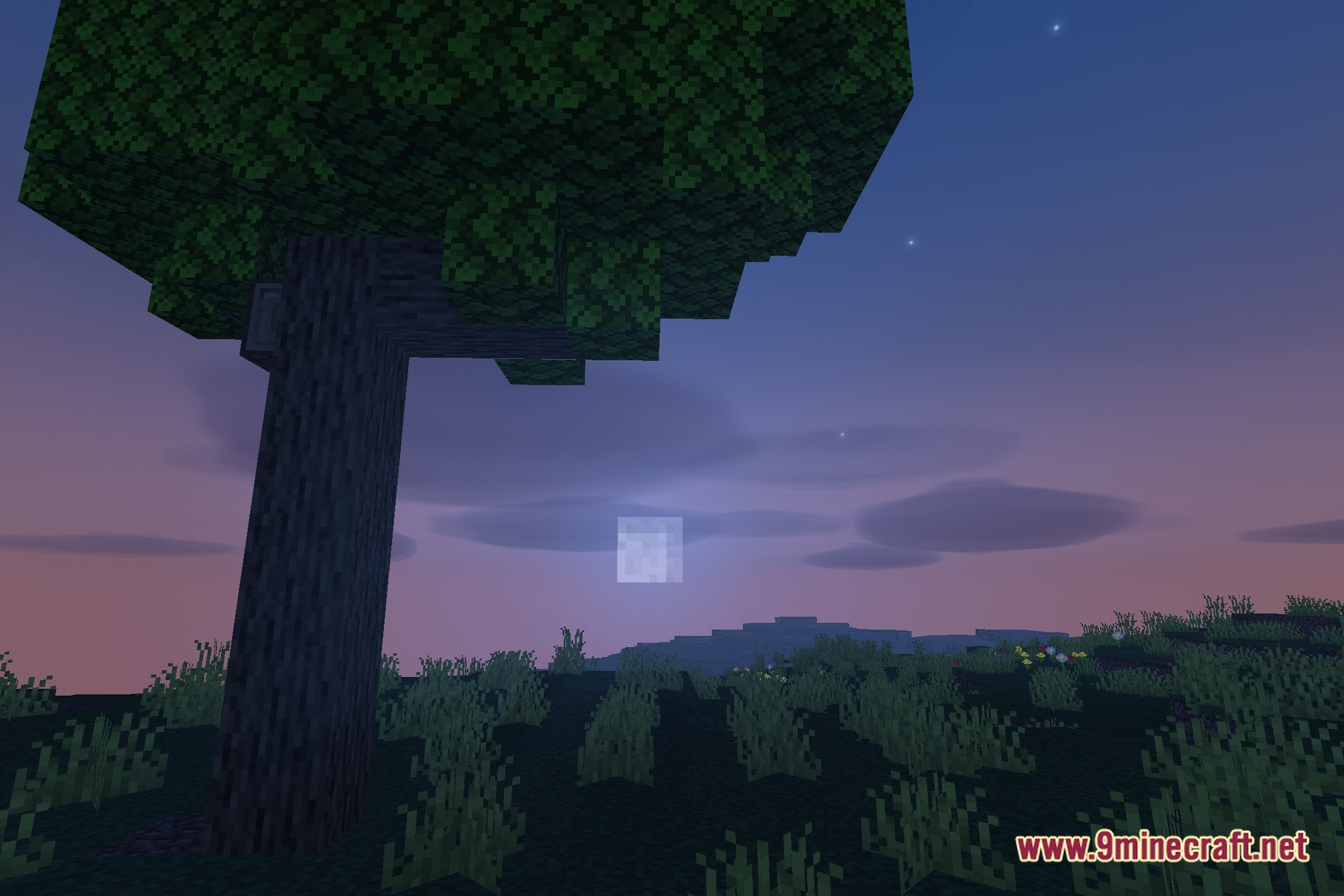
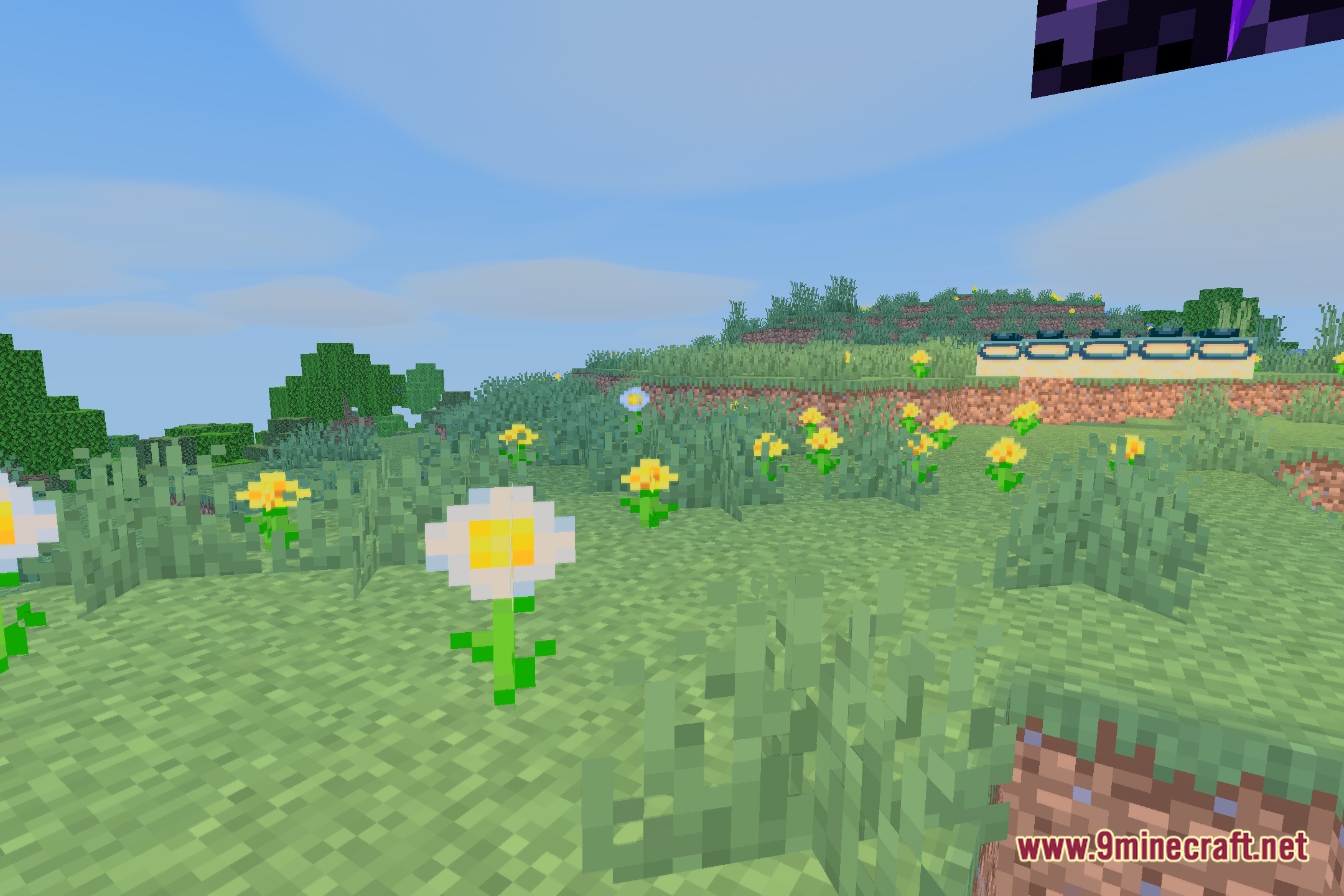
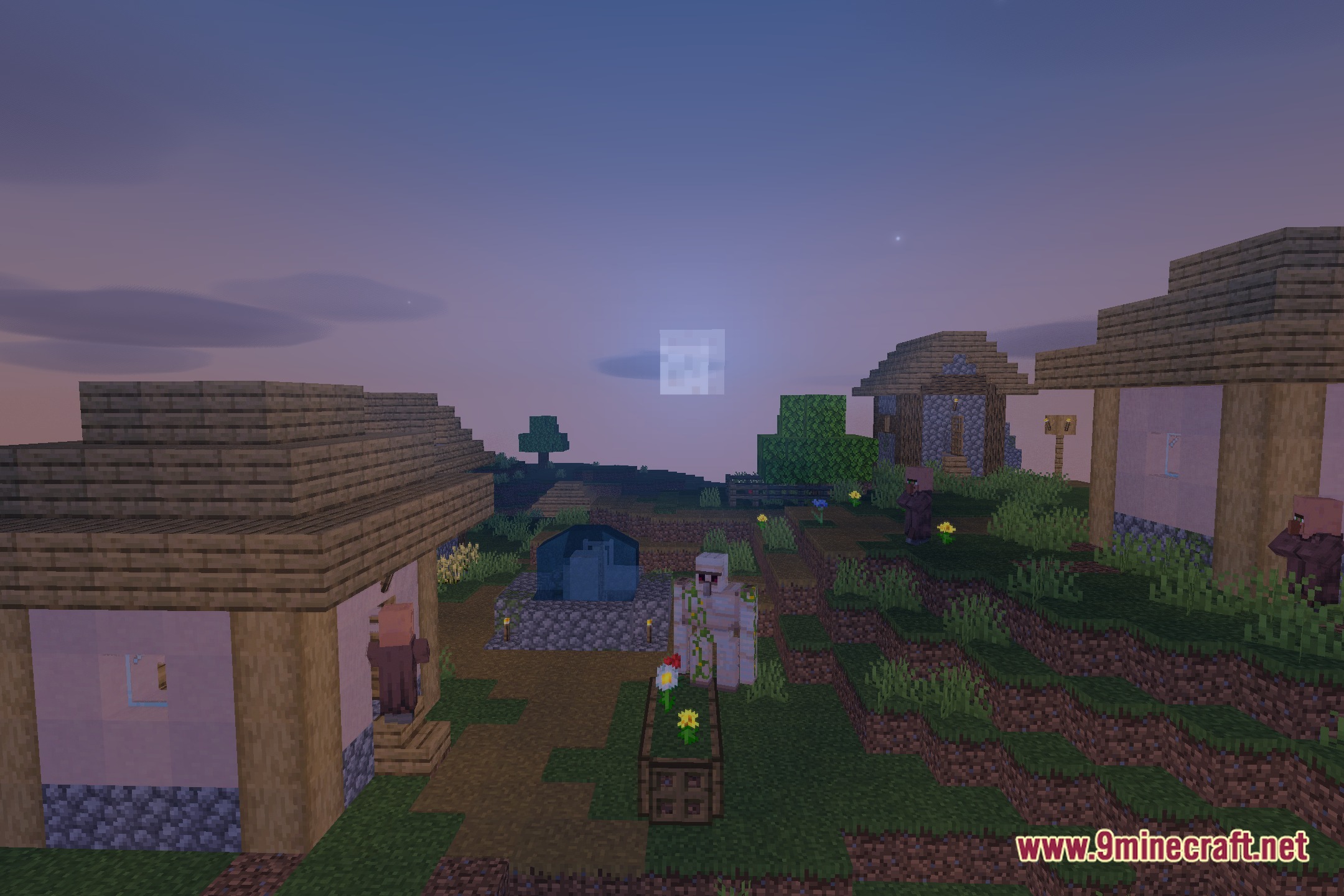
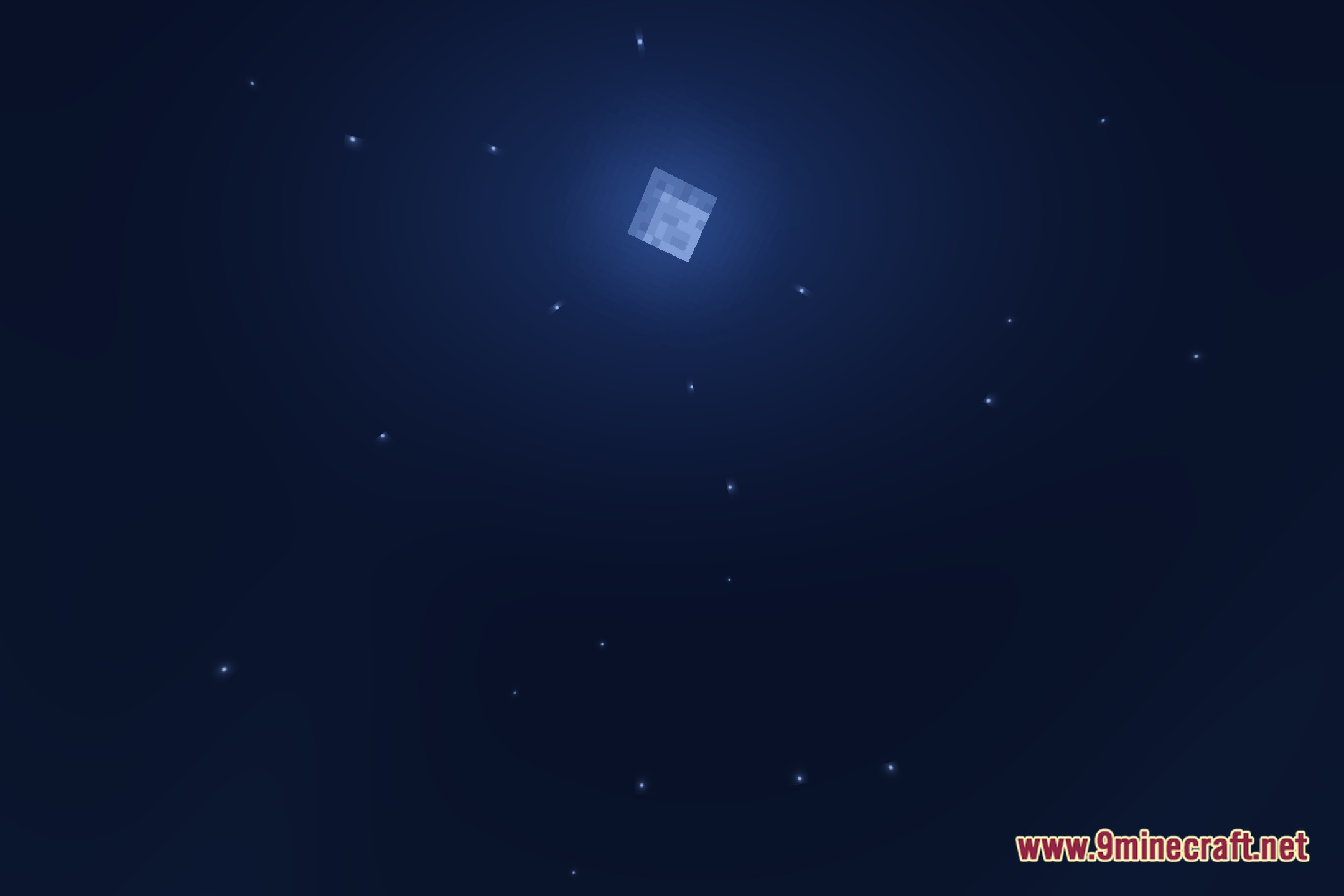
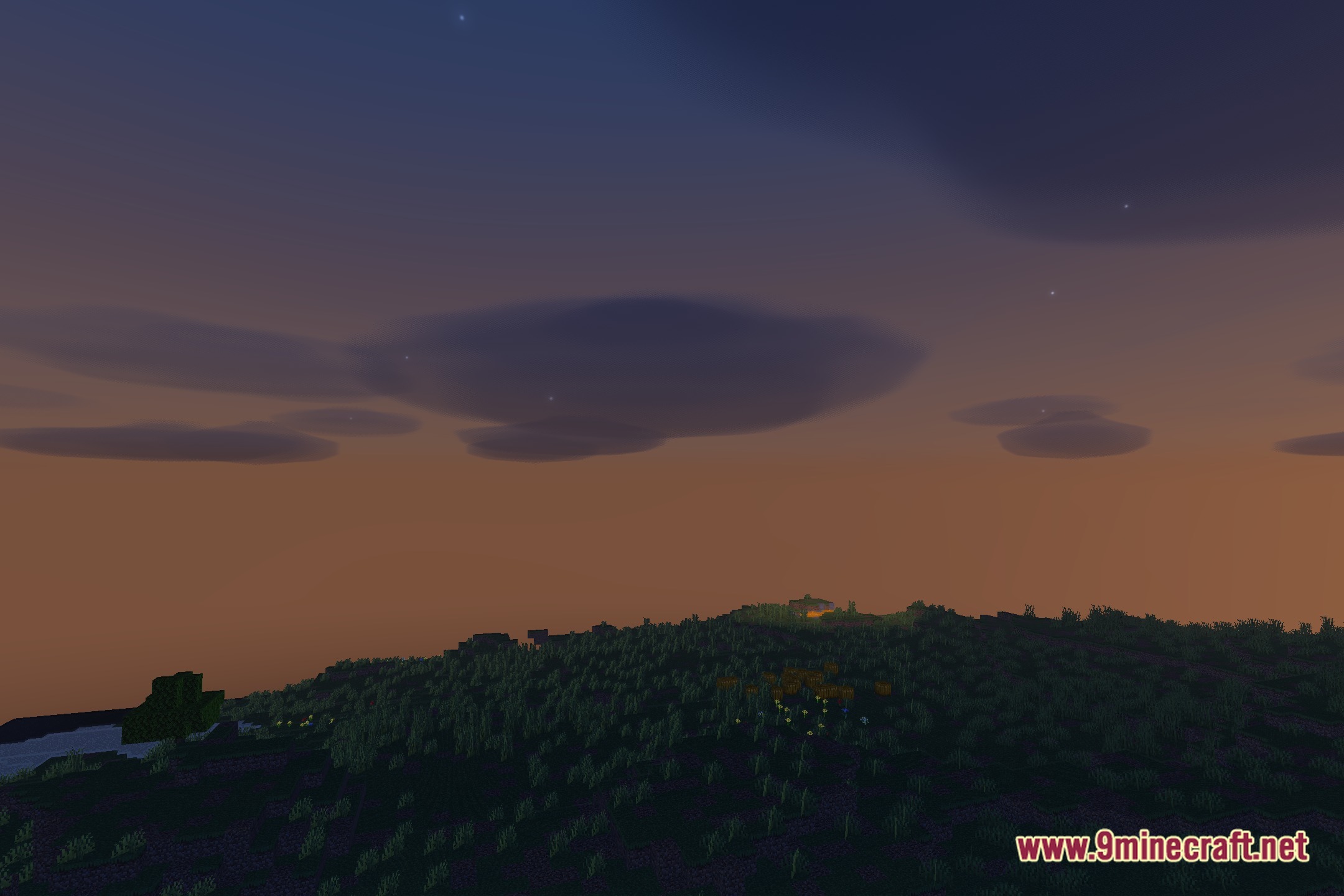
Bluei’s Better Visuals MacOS Shaders lights up your game world with soft shadows and balanced colors. This shader gives your blocks a fresh look while keeping your game running fast and smooth on Mac devices. It improves the look of skies, water, and sunlight without slowing down your computer. You get a clean visual upgrade that stays true to the original game style.
Features:
- Adds soft shadows that give depth to buildings and terrain.
- Maintains smooth frame rates on low-end and high-end Mac computers.
- Improves water clarity and surface lighting across oceans and rivers.
- Presents balanced lighting that keeps dark caves visible and bright areas clear.
- Preserves the classic vanilla art style while adding subtle atmosphere.
- Runs well on potato setups without dropping frames during regular gameplay.
Screenshots:
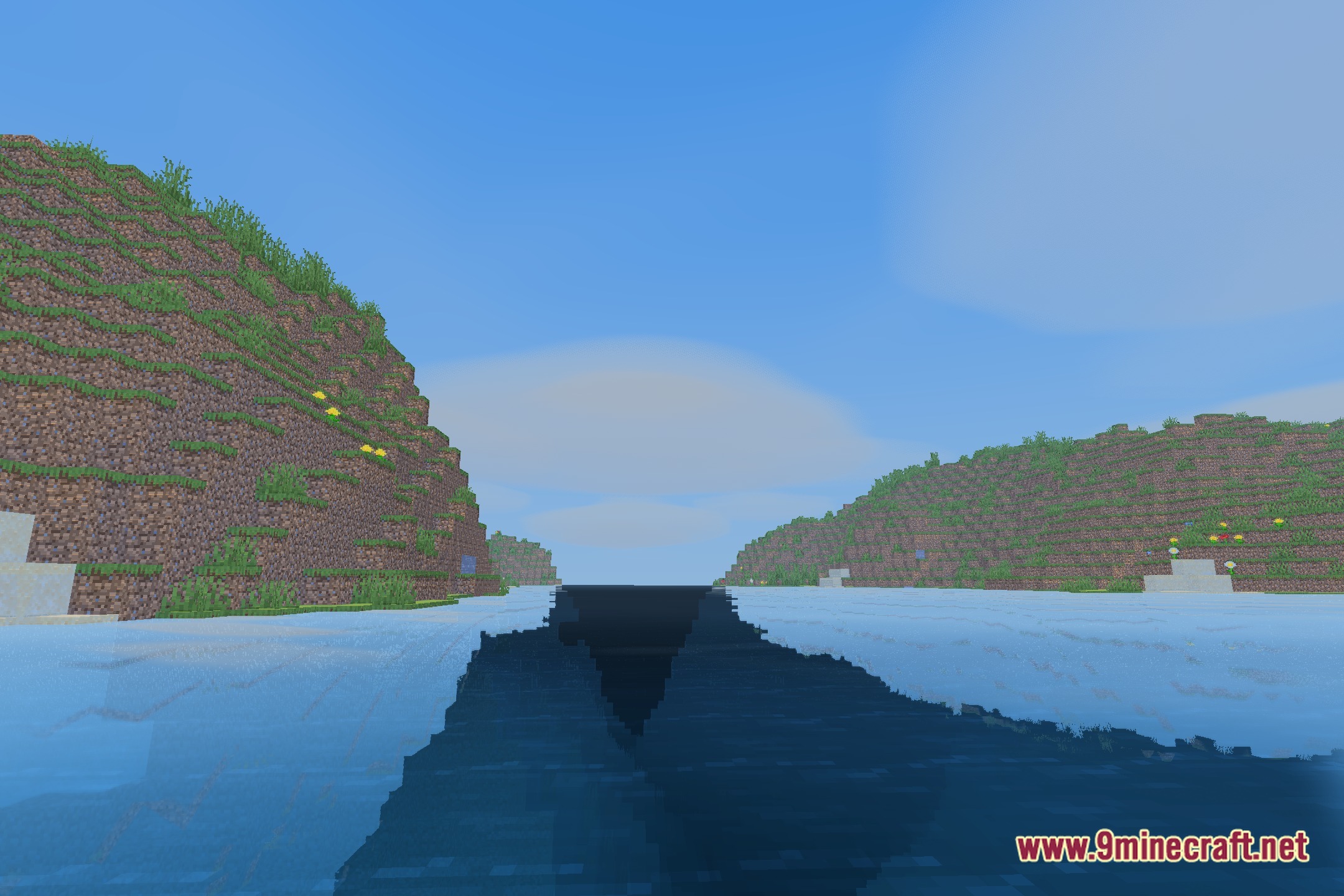
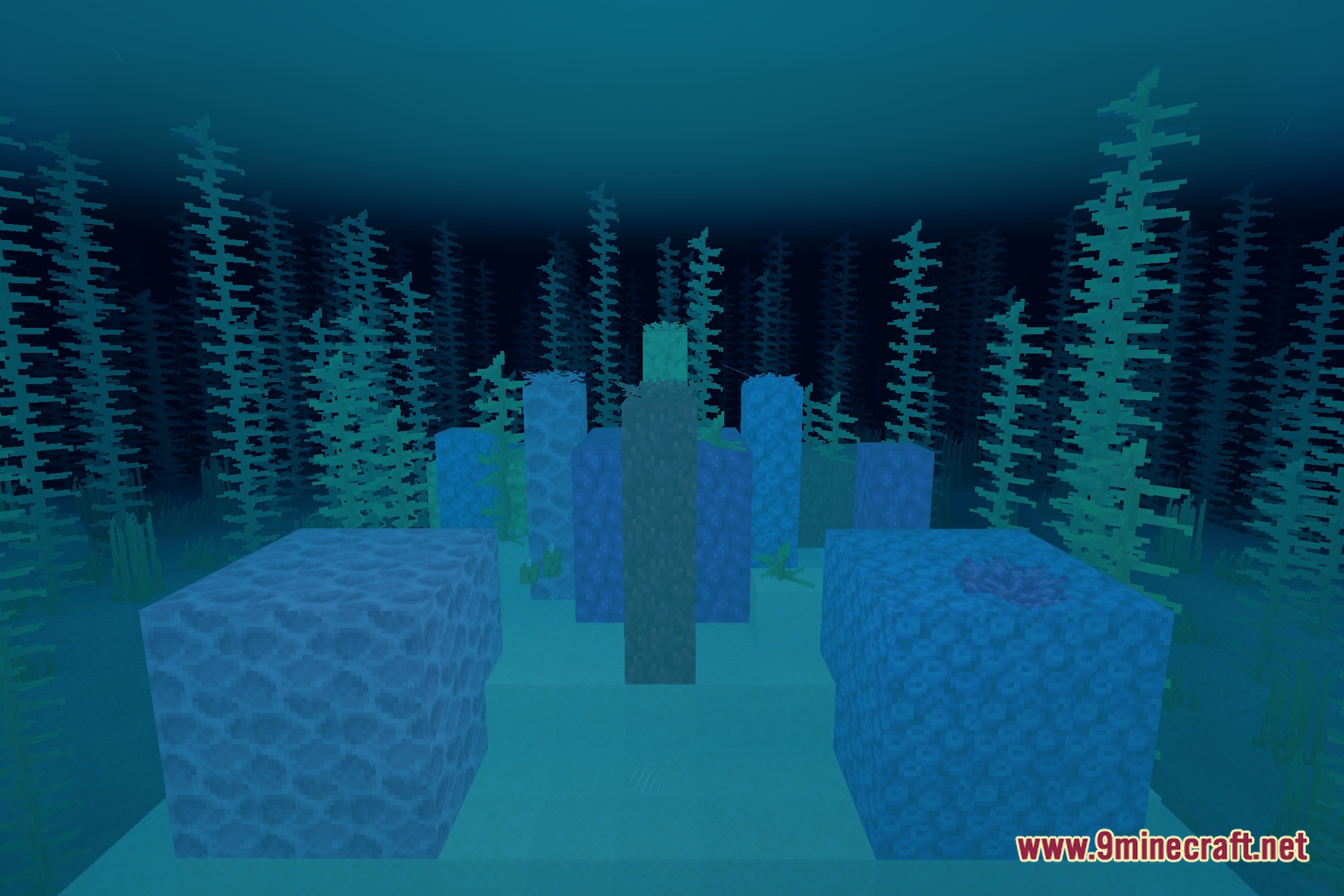
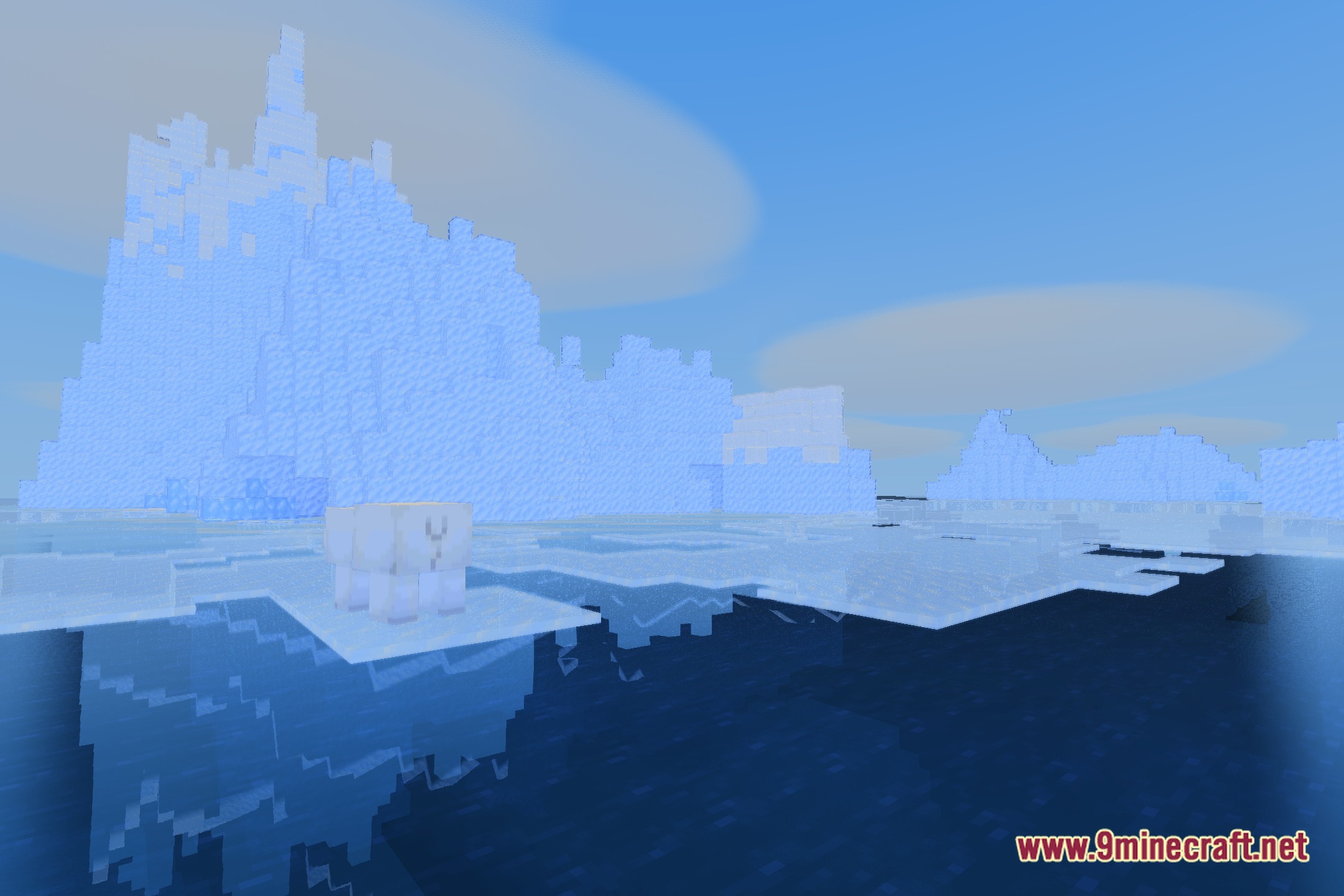
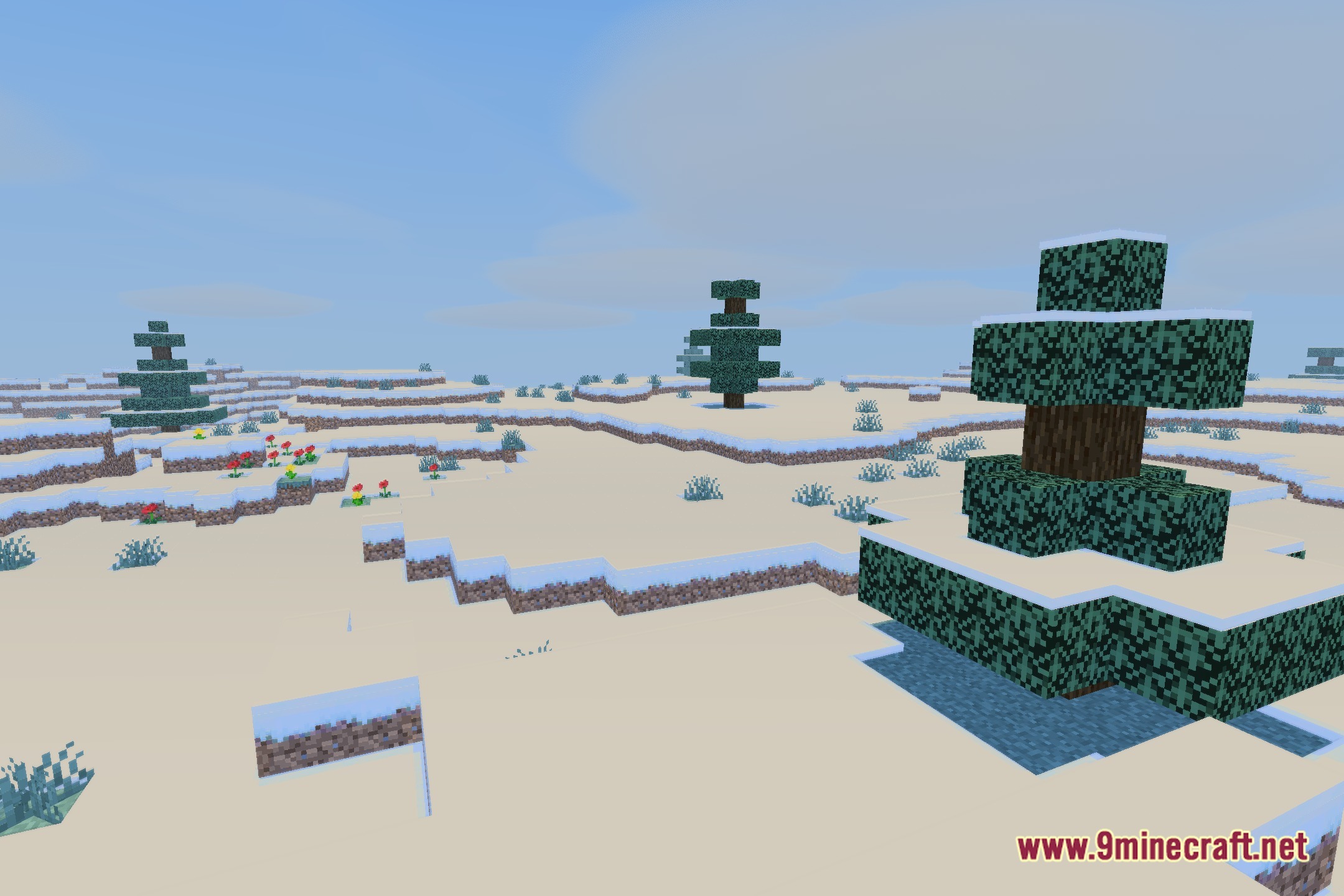
Bluei’s Better Visuals MacOS Shaders Download Links
Quick facts
- Edition: Minecraft Java
- File type: .zip (resource pack)
- Minecraft version listed: 1.20.1
- How to install: Download the .zip resource pack — do not unzip it. → Put it in .minecraft/resourcepacks. → Enable it in Options → Resource Packs.
- Where to get it: Opens on the file's original source — not every file is mirrored on our own servers.
Install steps are the general flow for this file type — see the MC Java Mods guides for the full walkthrough.
Bluei's Better Visuals MacOS Shaders (26.3, 1.20.1) – Soft Shadows for Mac is a free Minecraft Java shader. Compatible with Minecraft 1.20.1. Download it and open it directly in the game.