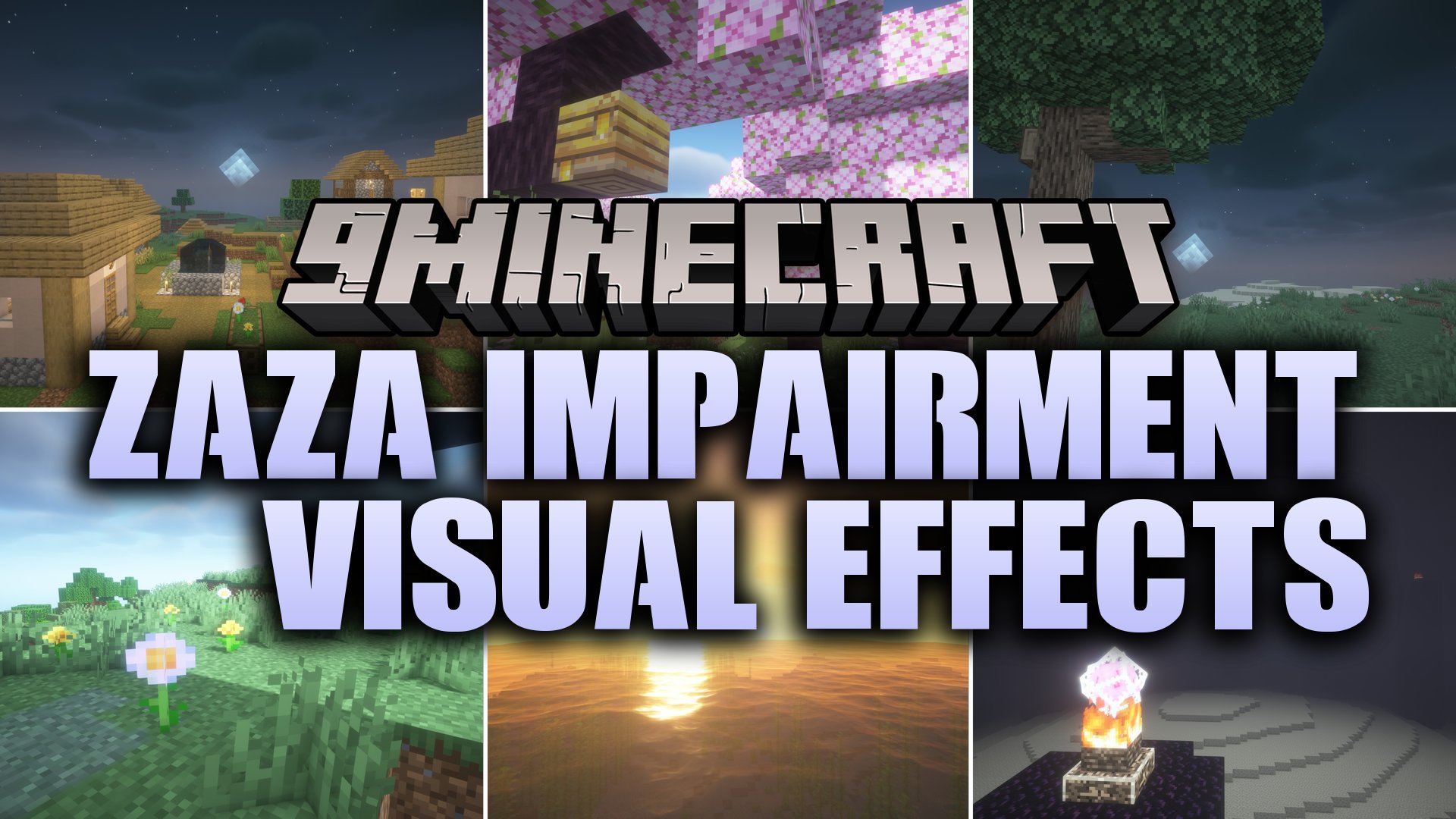
Zaza Impairment & Visual Effects Shaders (26.3, 1.20.1)
Zaza Impairment & Visual Effects Shaders adds bizarre visual distortion stages to your Minecraft world. This shader pack builds on top of BSL to simulate…
⬇ Download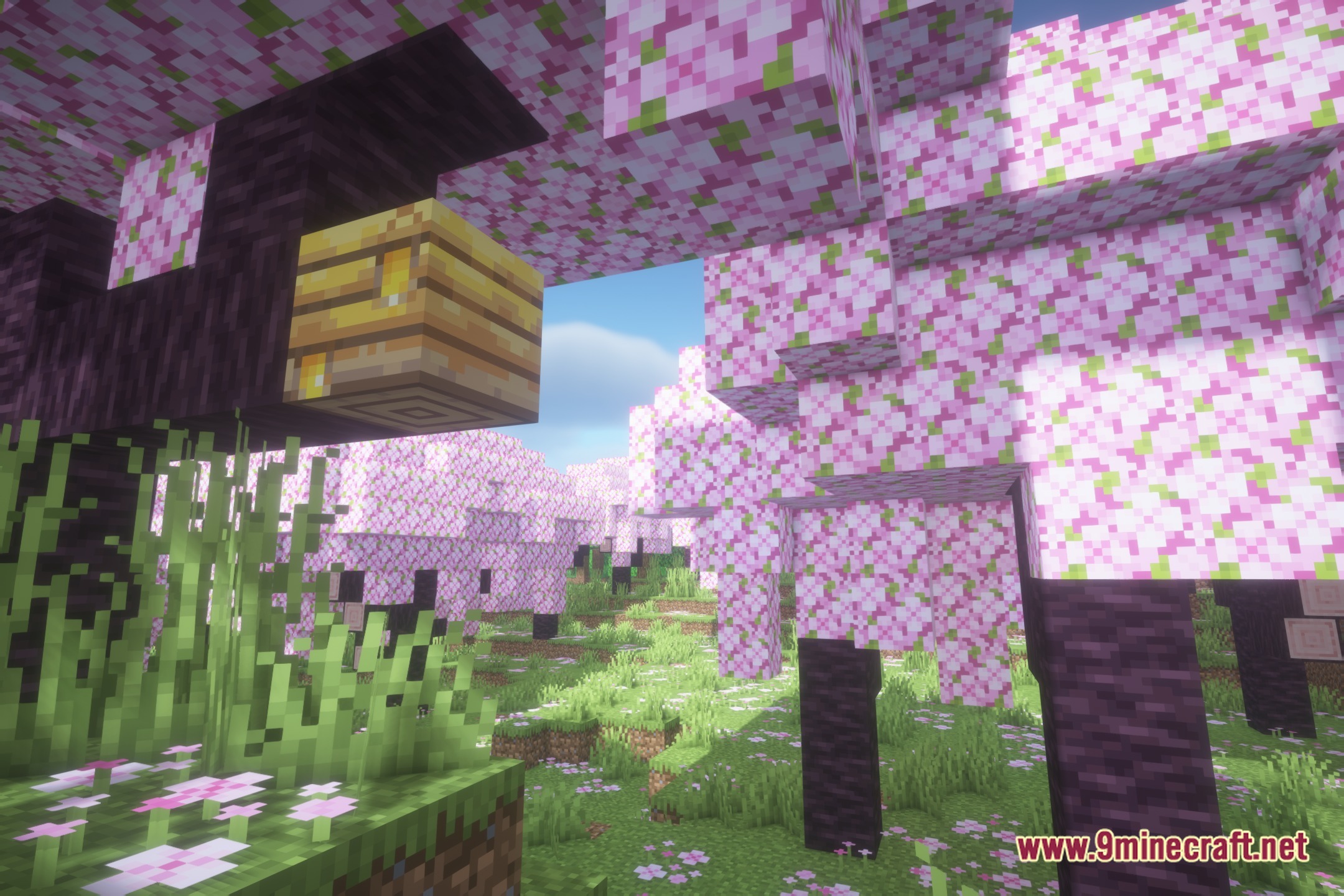
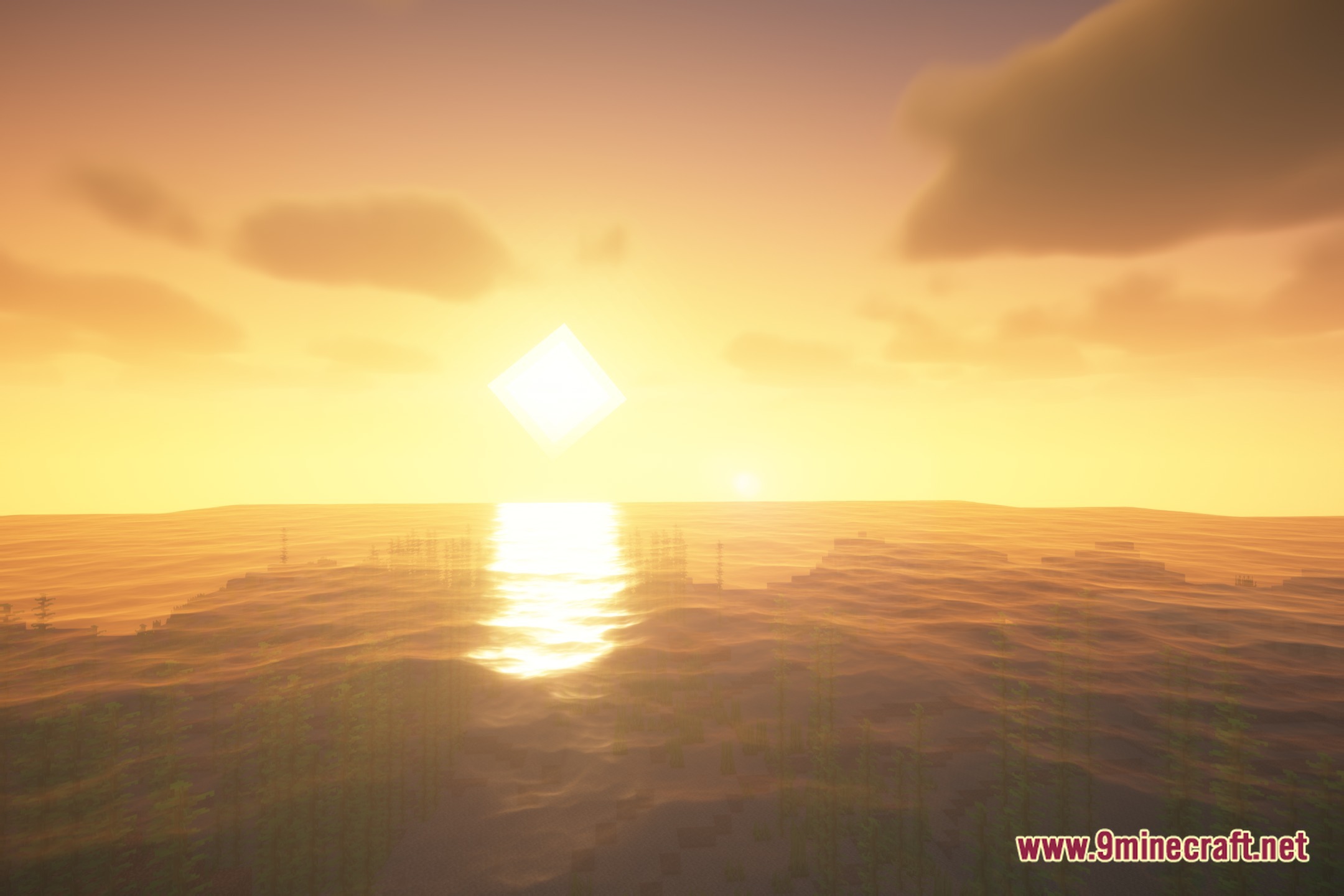
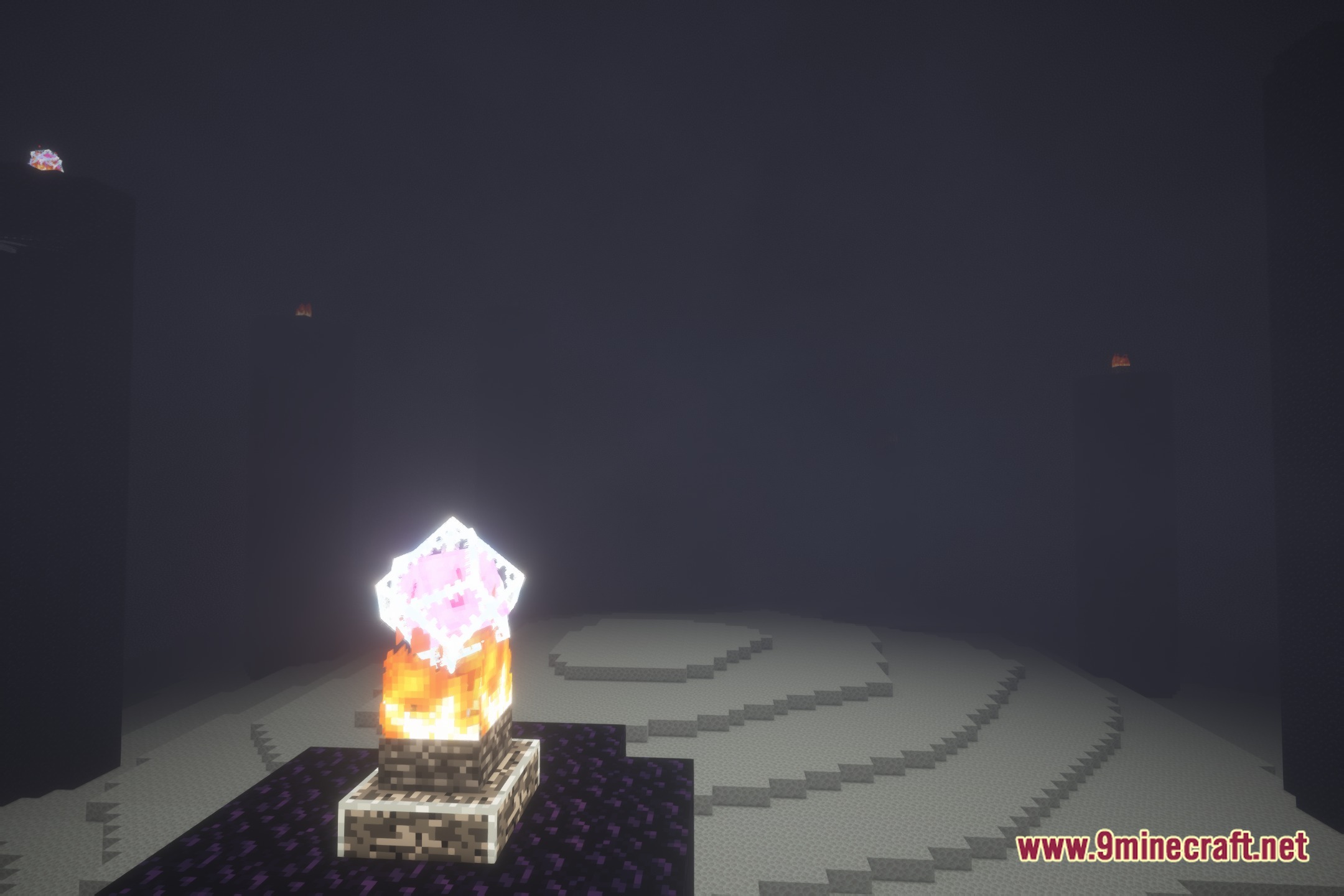
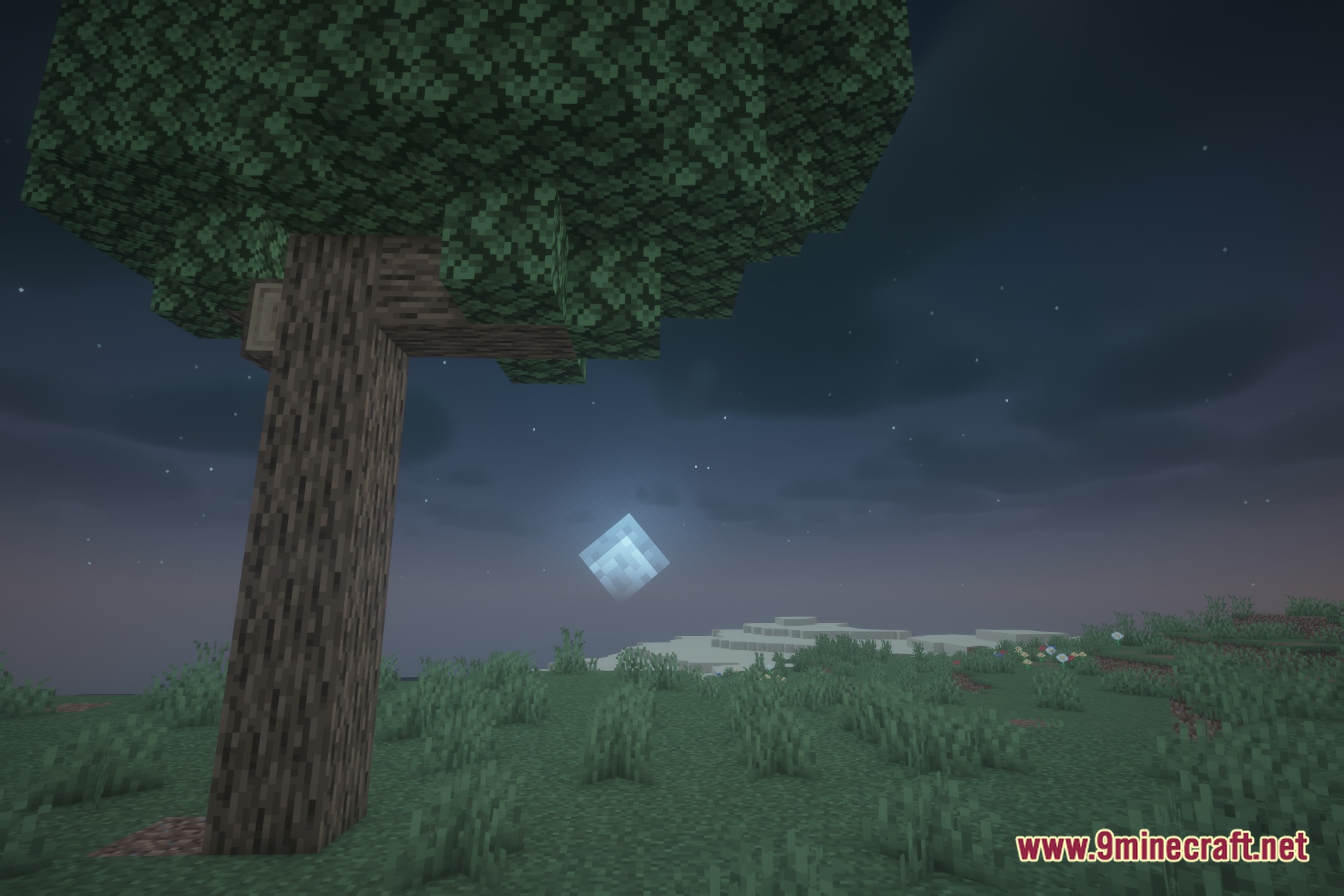
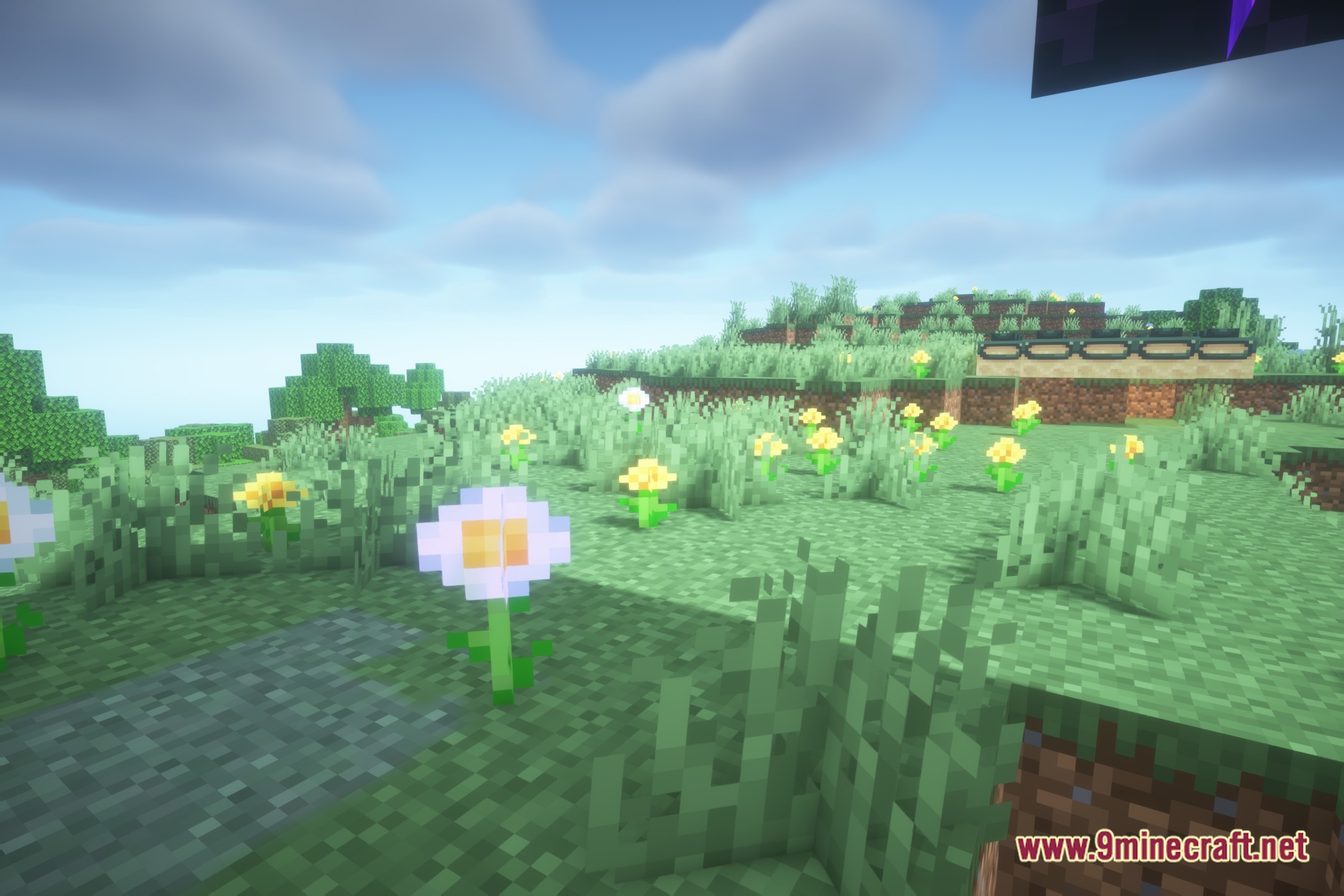
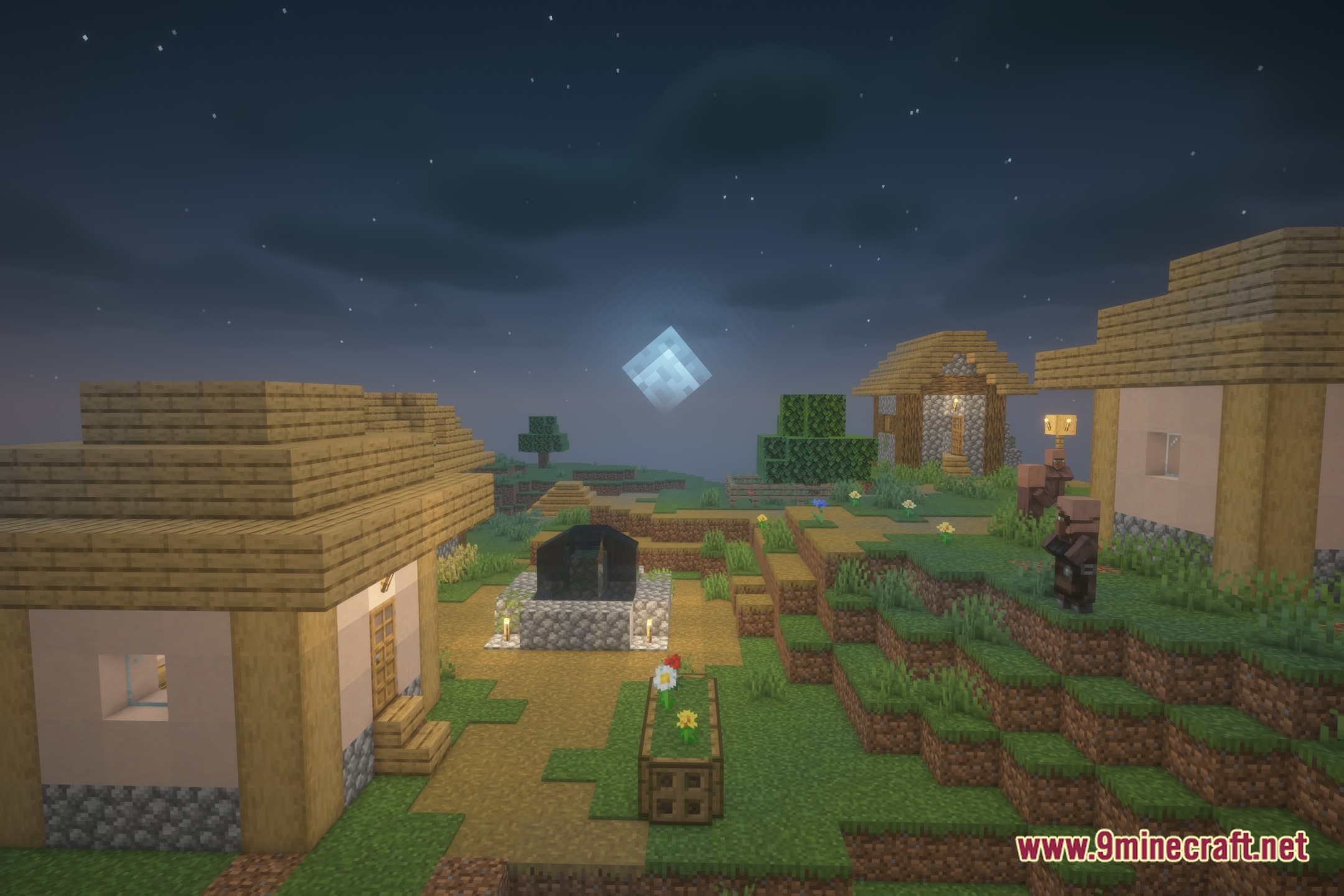
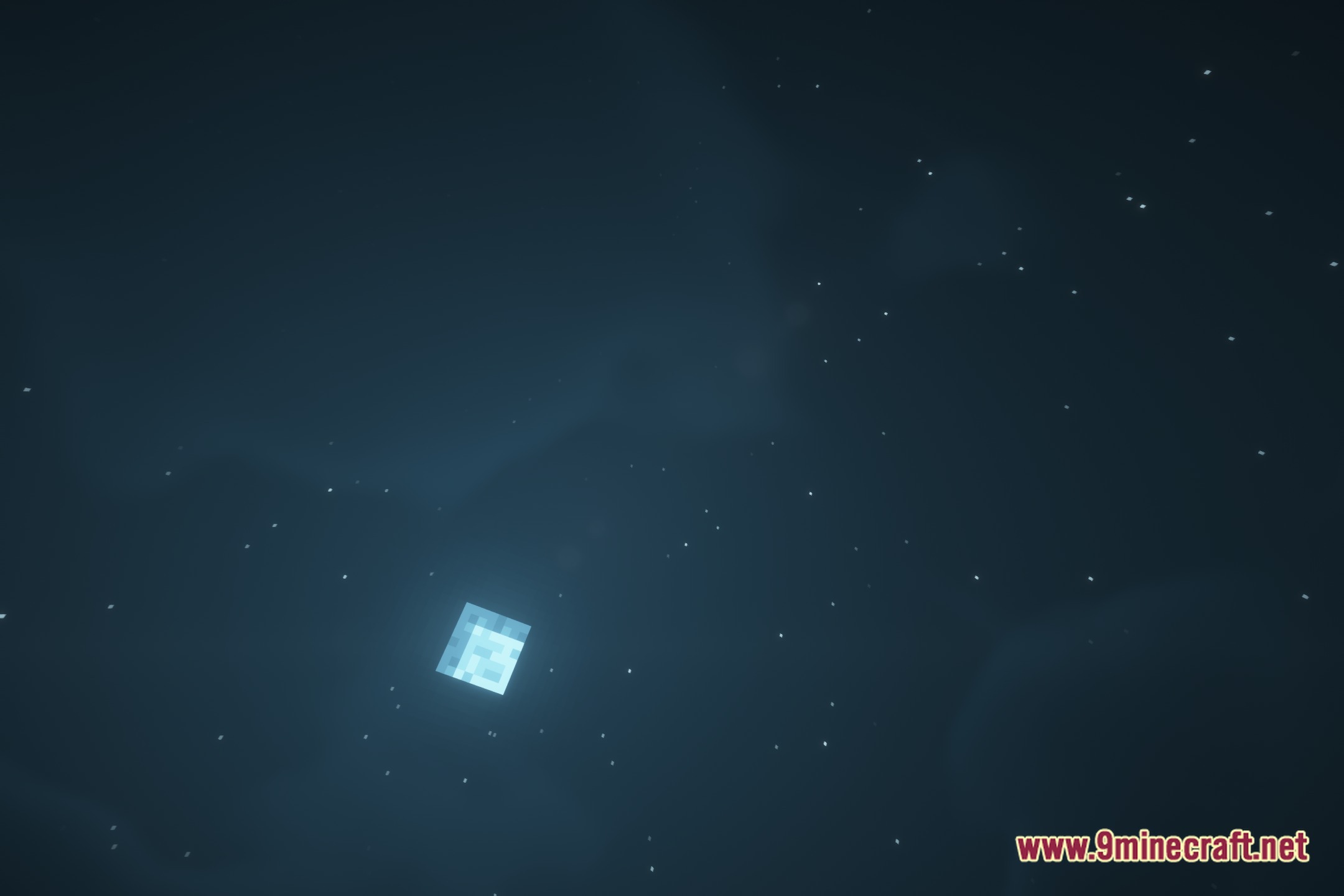
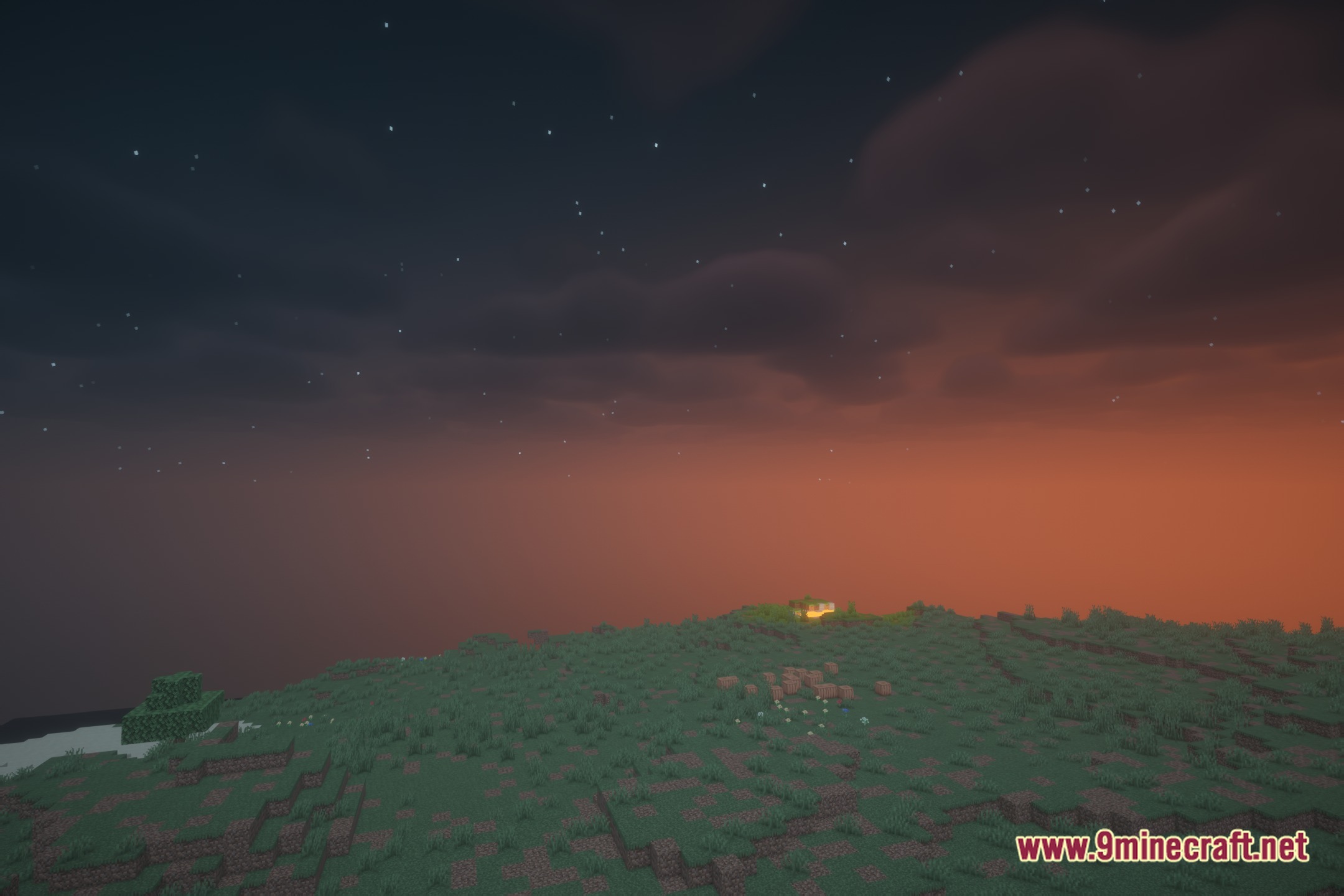
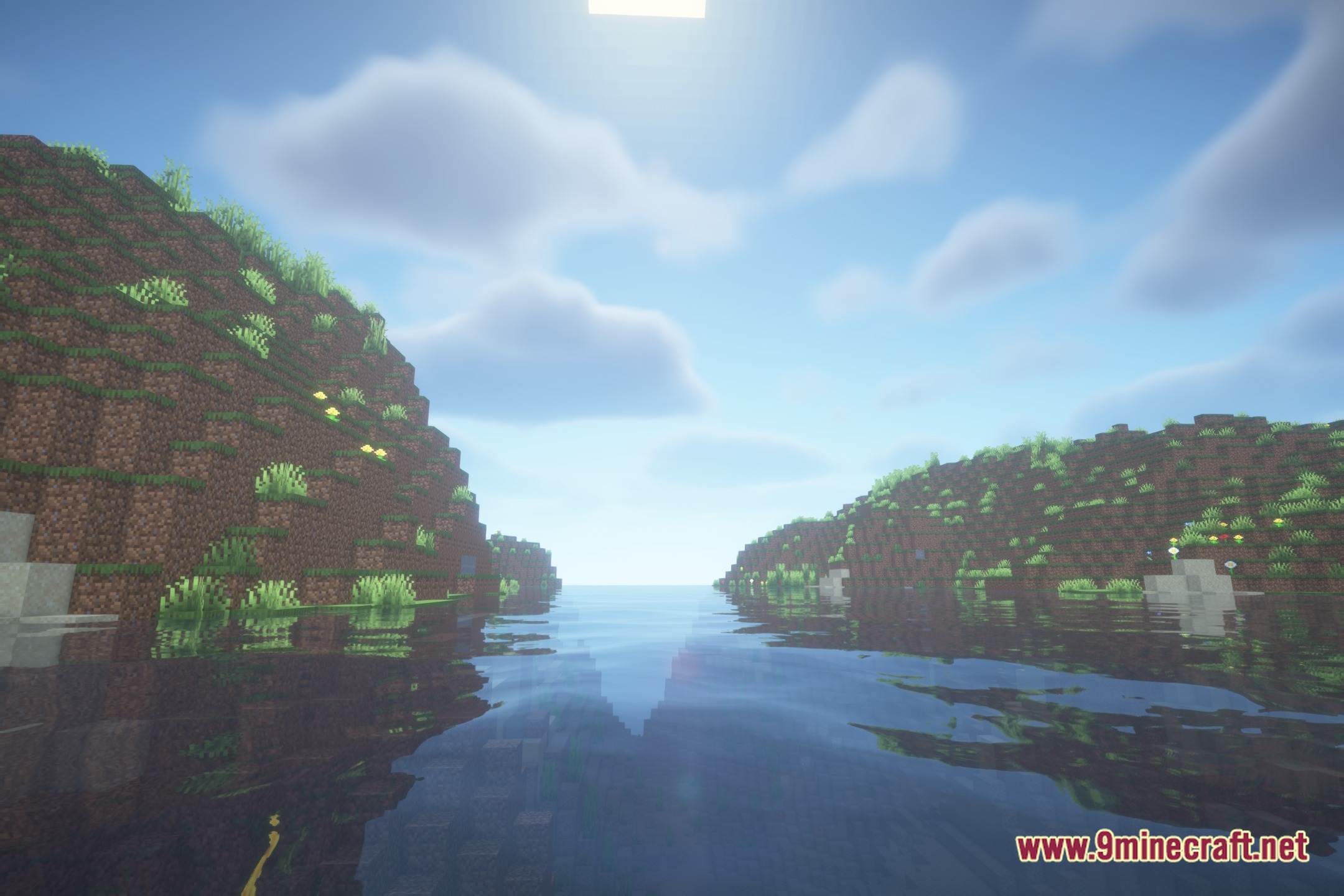
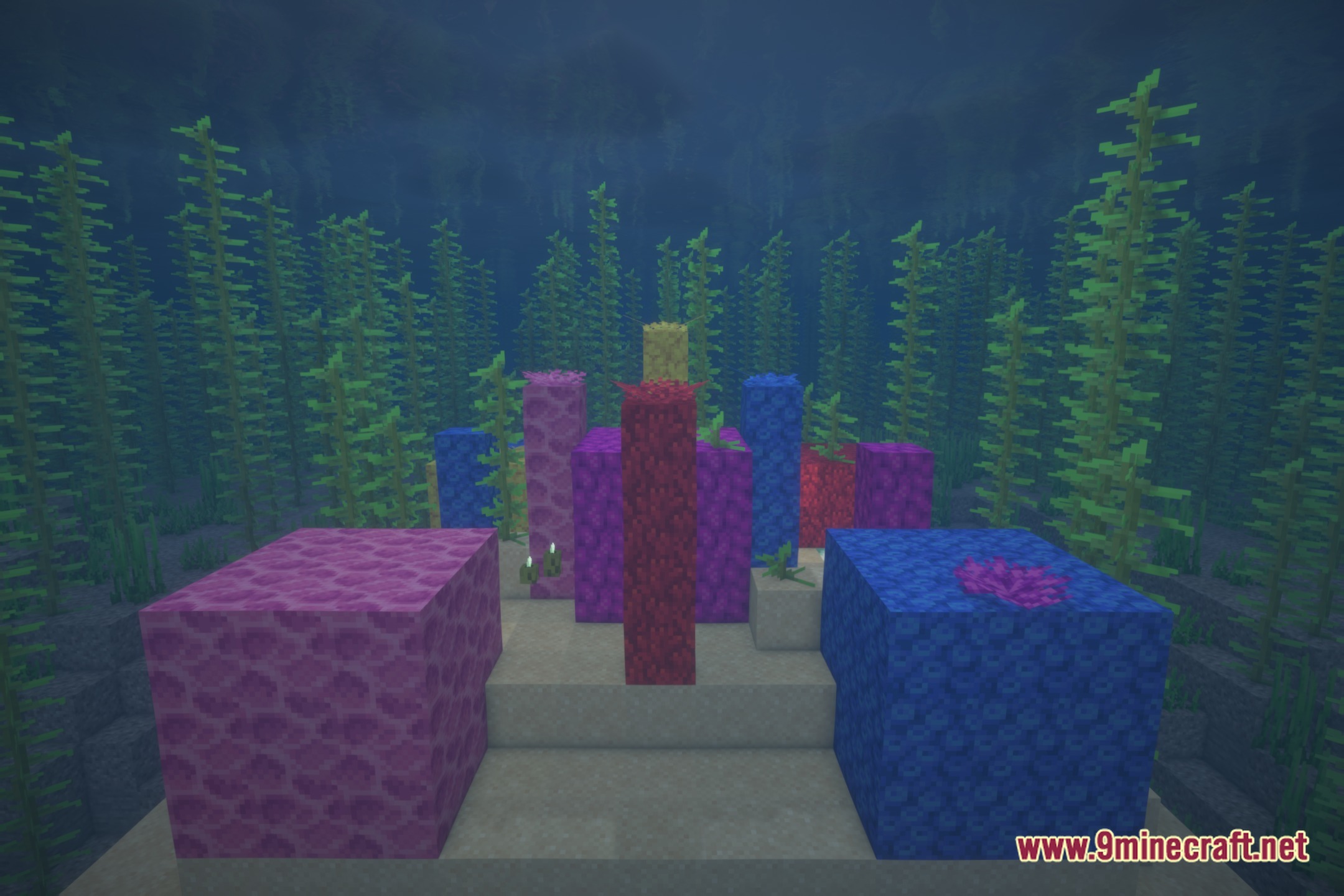
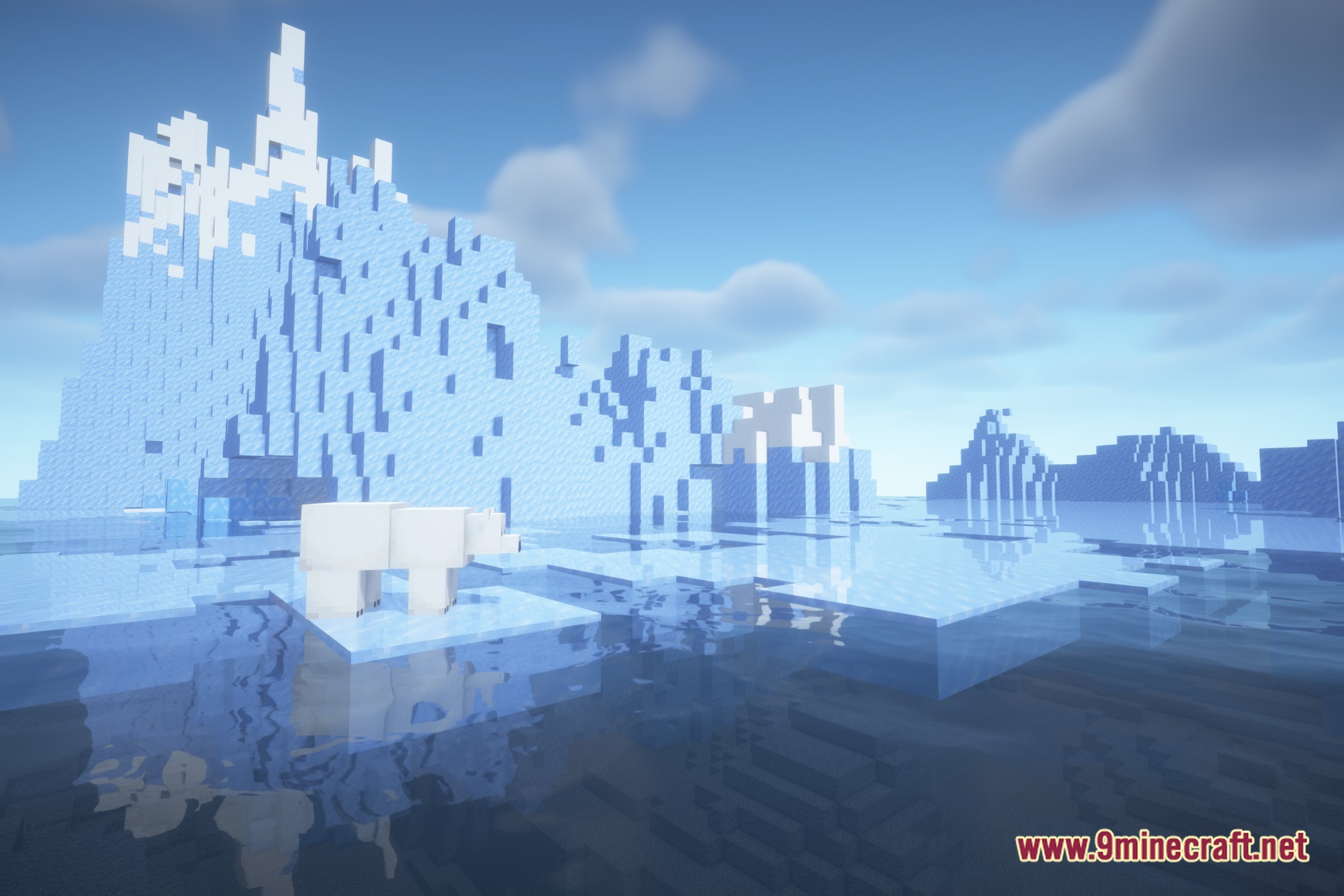
Zaza Impairment & Visual Effects Shaders adds bizarre visual distortion stages to your Minecraft world. This shader pack builds on top of BSL to simulate different levels of impairment right on your screen. You can trigger a session with the press of a key to watch your view shift through multiple weird phases. The visuals change from light color boosts and lazy camera drifting all the way to heavy green-out effects. It also features fake frame stuttering and strange screen warps for a funny visual twist.
Features:
- Session System: Lets you start and control visual impairment stages using a simple key press.
- BSL Foundation: Runs on Iris and OptiFine through custom visual tweaks built over BSL.
- Shifts screen colors gently during early stages to give the world a lifted appearance.
- Makes your camera drift slowly as you look around your surroundings.
- Intensifies screen distortions gradually until your view enters a full green-out stage.
- Creates fake frame stutter and trippy warping effects across your display.
- Operates entirely through shader rendering without altering core game mechanics or blocks.
Screenshots:
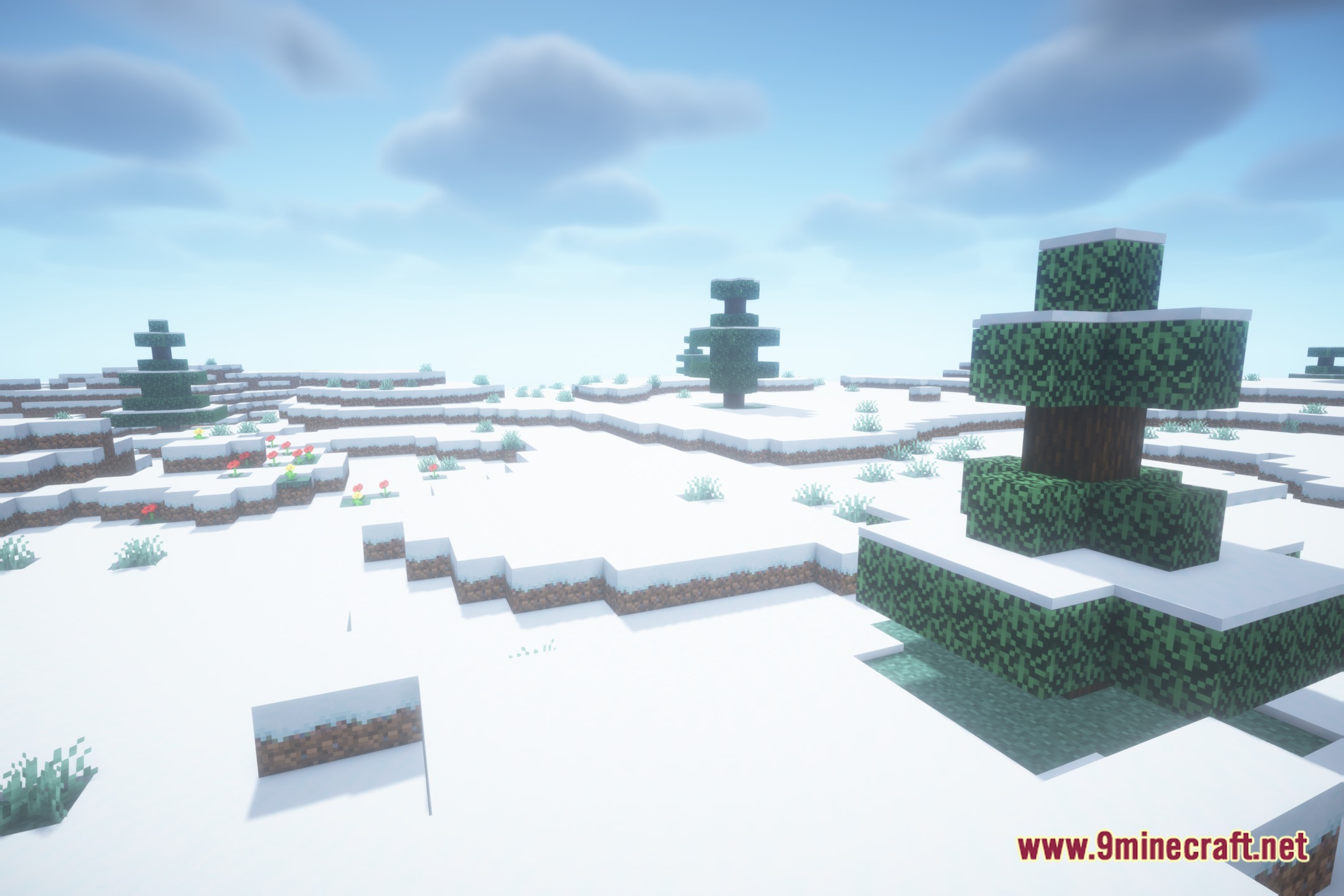
Zaza Impairment & Visual Effects Shaders Download Links
- Edition: Minecraft Java
- File type: .zip (resource pack)
- Minecraft version listed: 1.20.1
- How to install: Download the .zip resource pack — do not unzip it. → Put it in .minecraft/resourcepacks. → Enable it in Options → Resource Packs.
- Where to get it: Opens on the file's original source — not every file is mirrored on our own servers.
Install steps are the general flow for this file type — see the MC Java Mods guides for the full walkthrough.
Zaza Impairment & Visual Effects Shaders (26.3, 1.20.1) is a free Minecraft Java shader. Compatible with Minecraft 1.20.1. Download it and open it directly in the game.