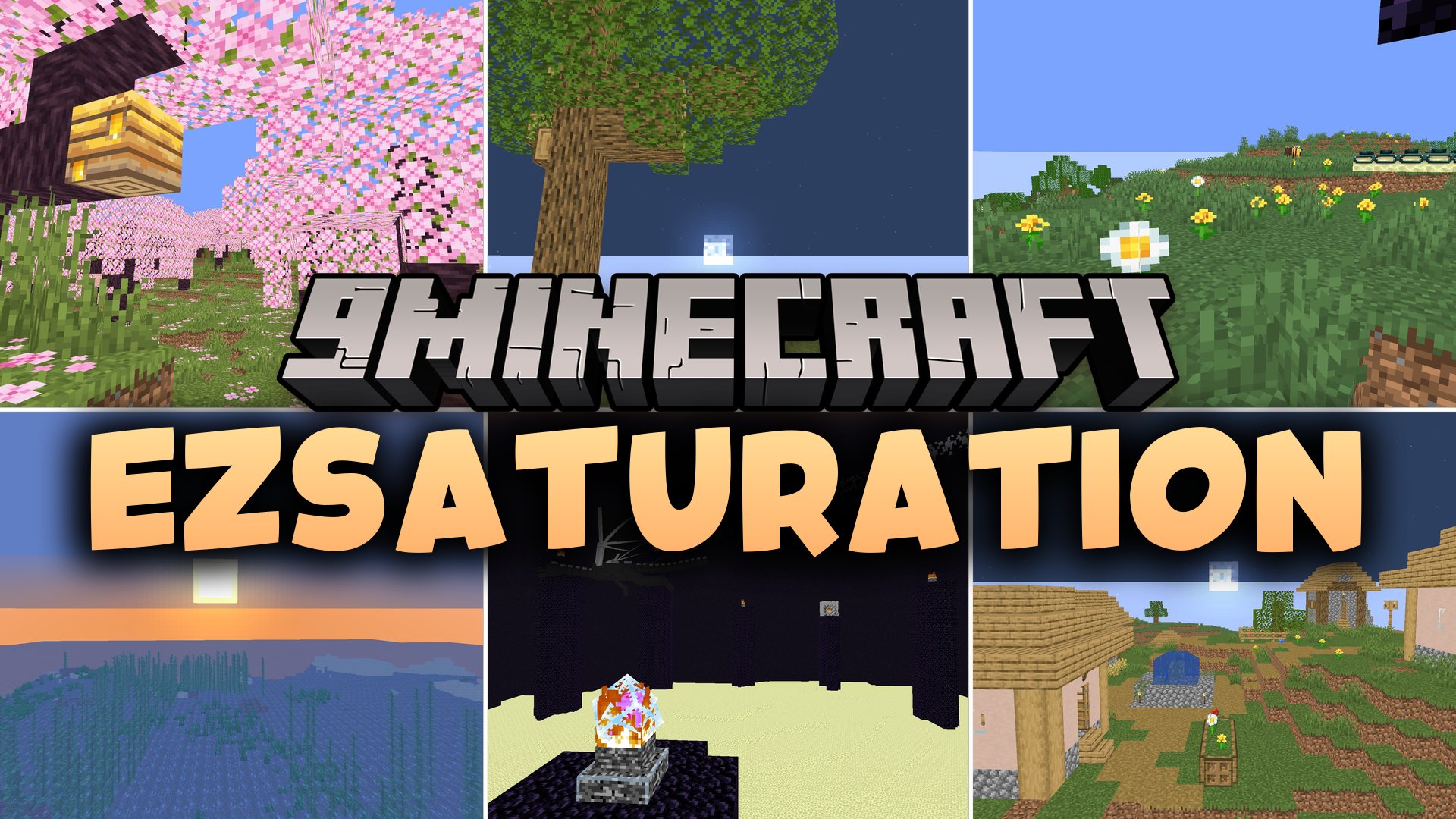
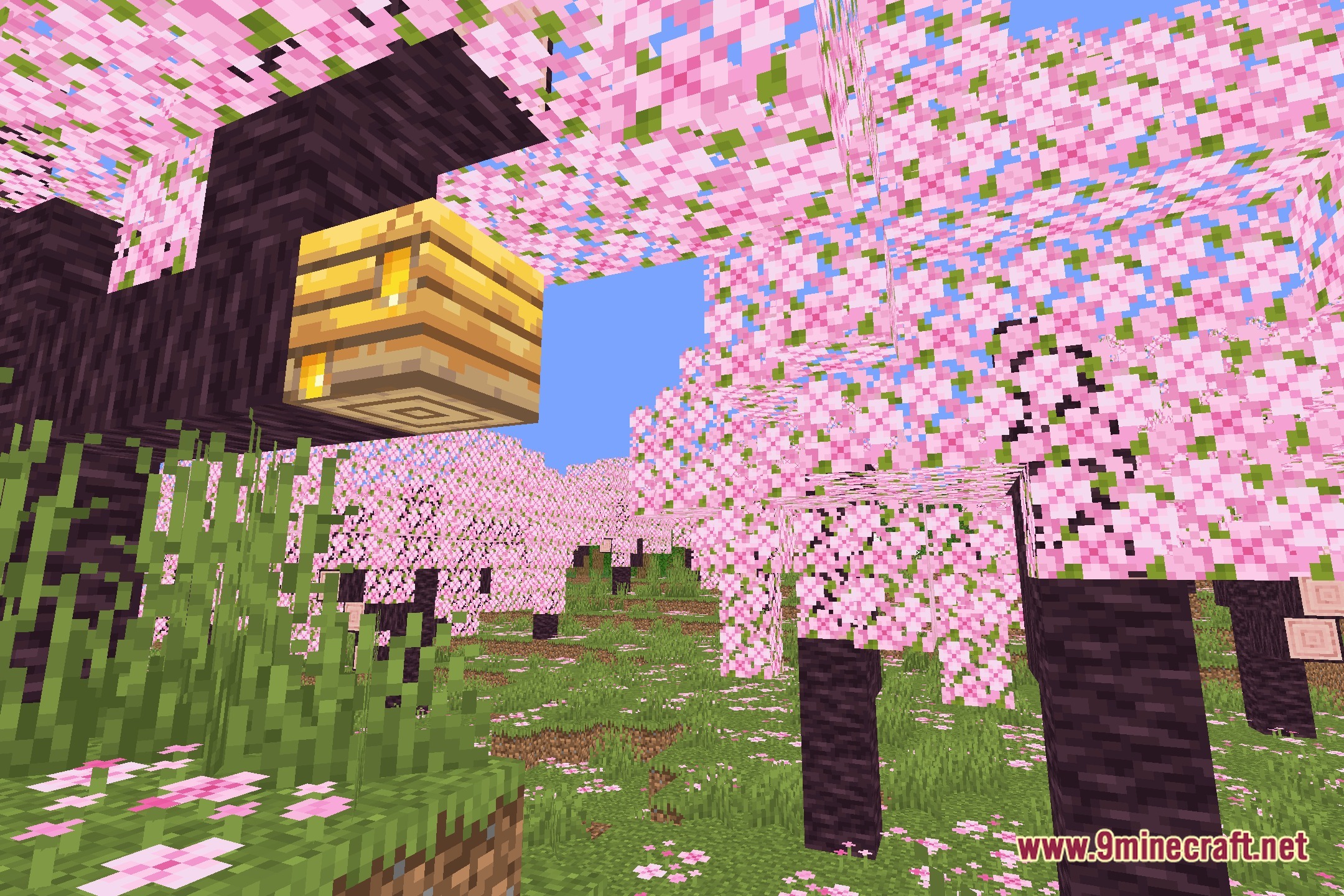
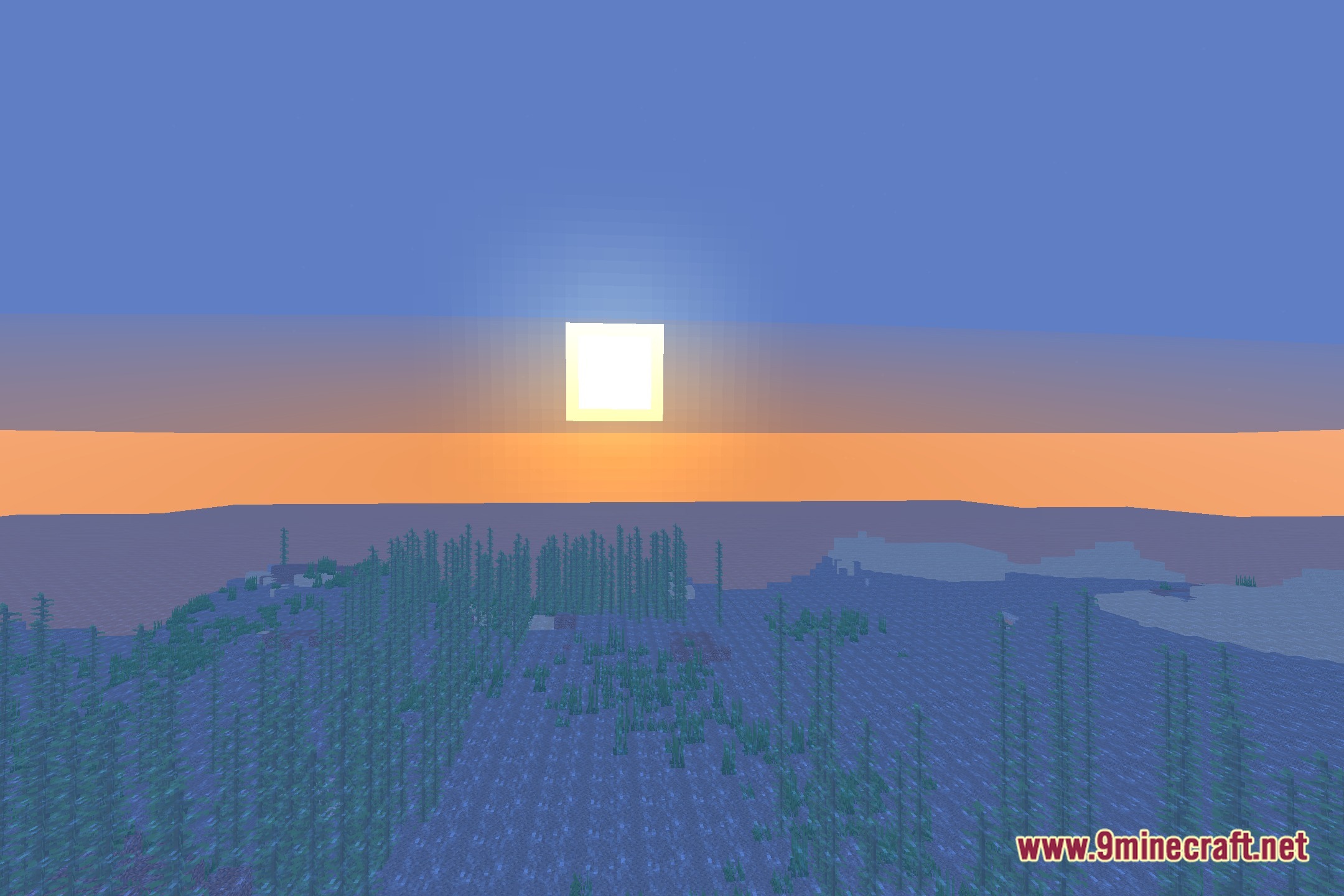
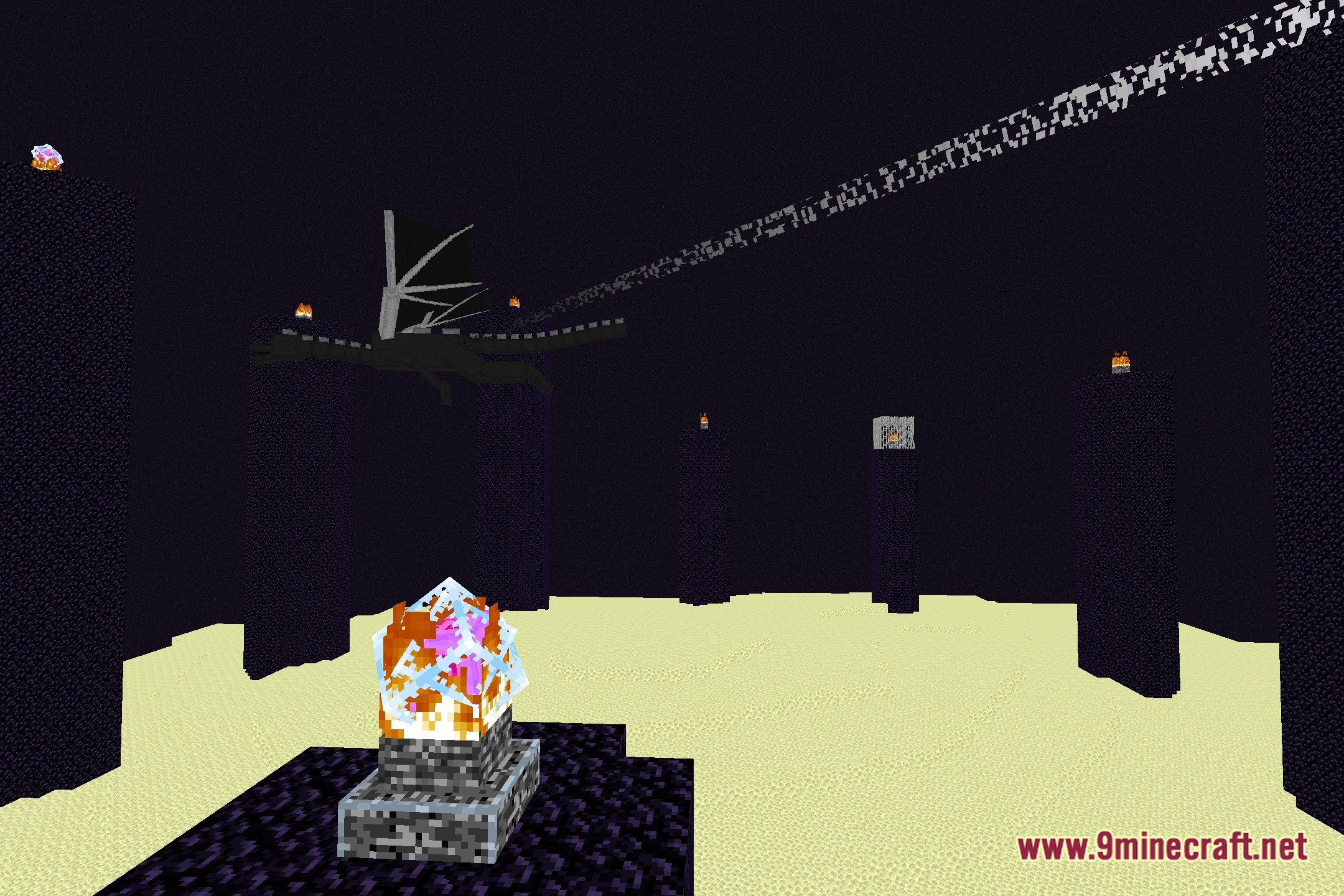
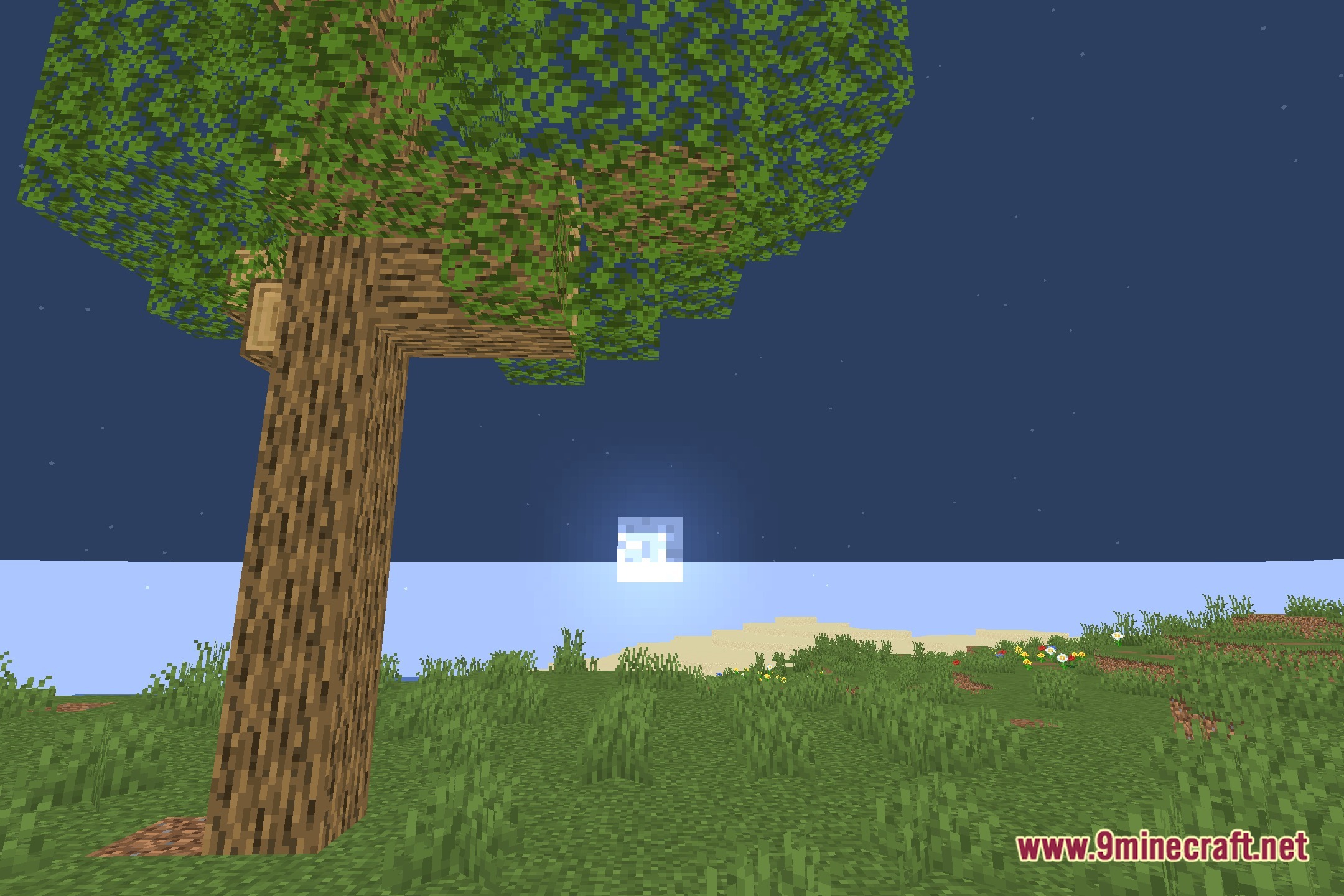
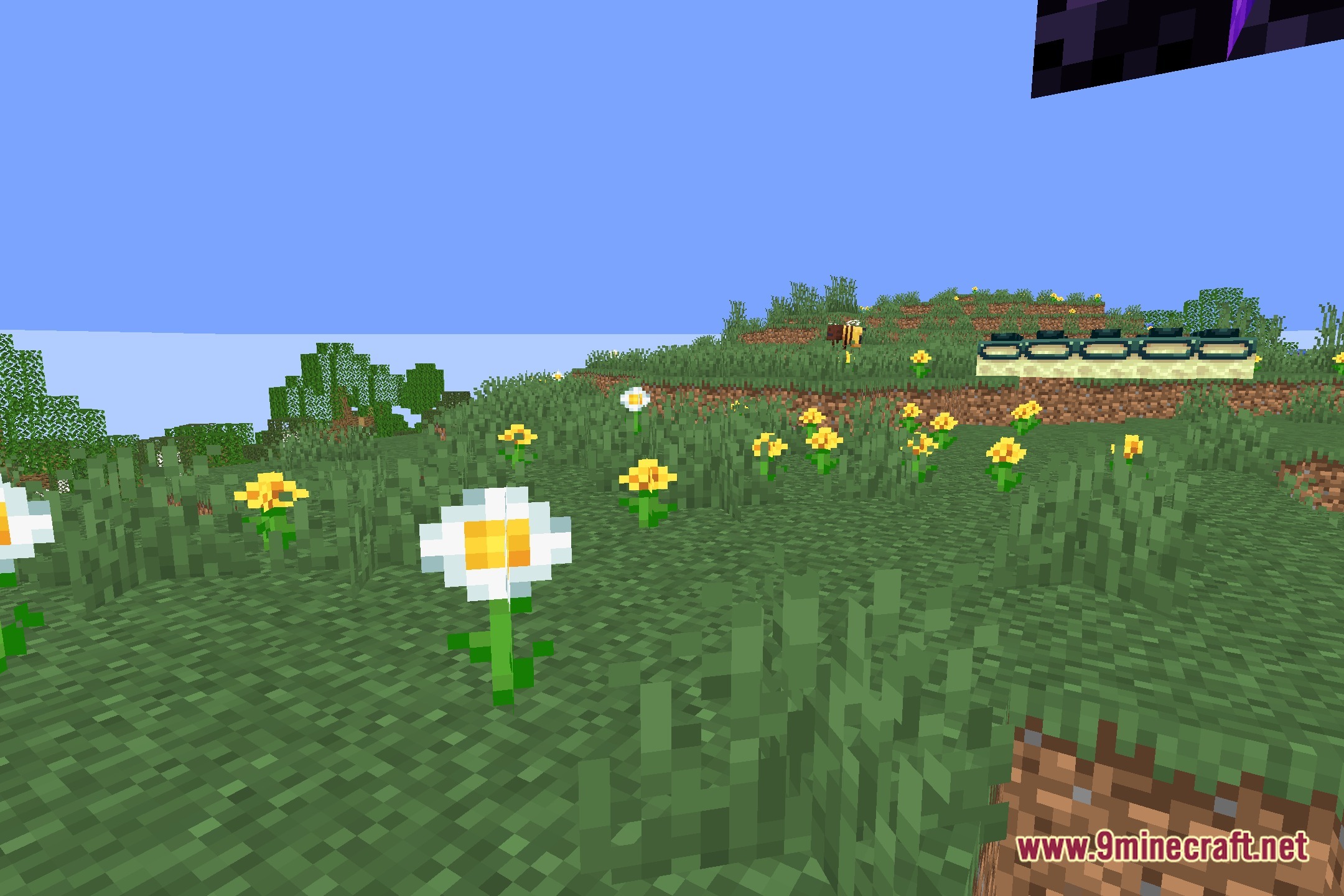
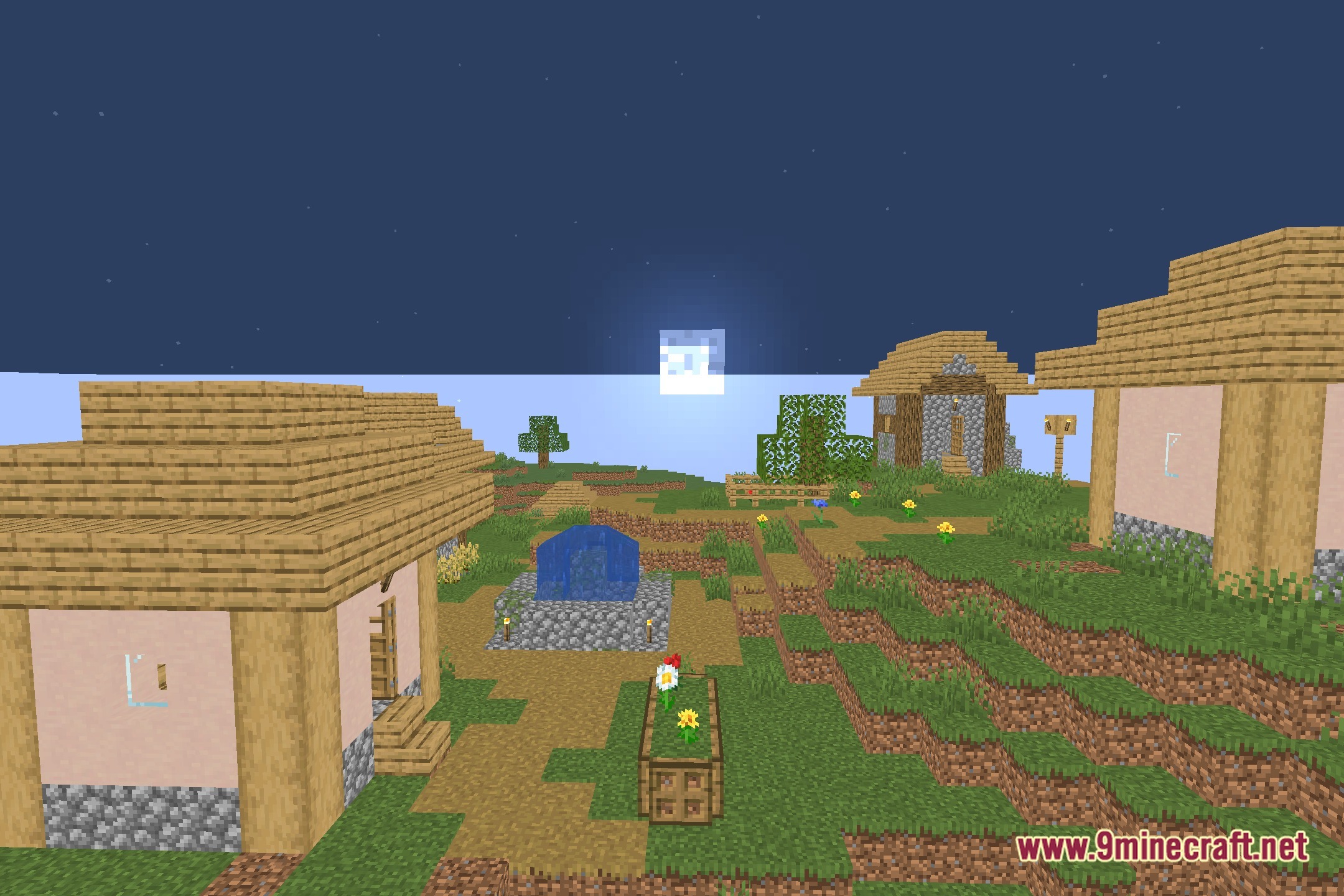
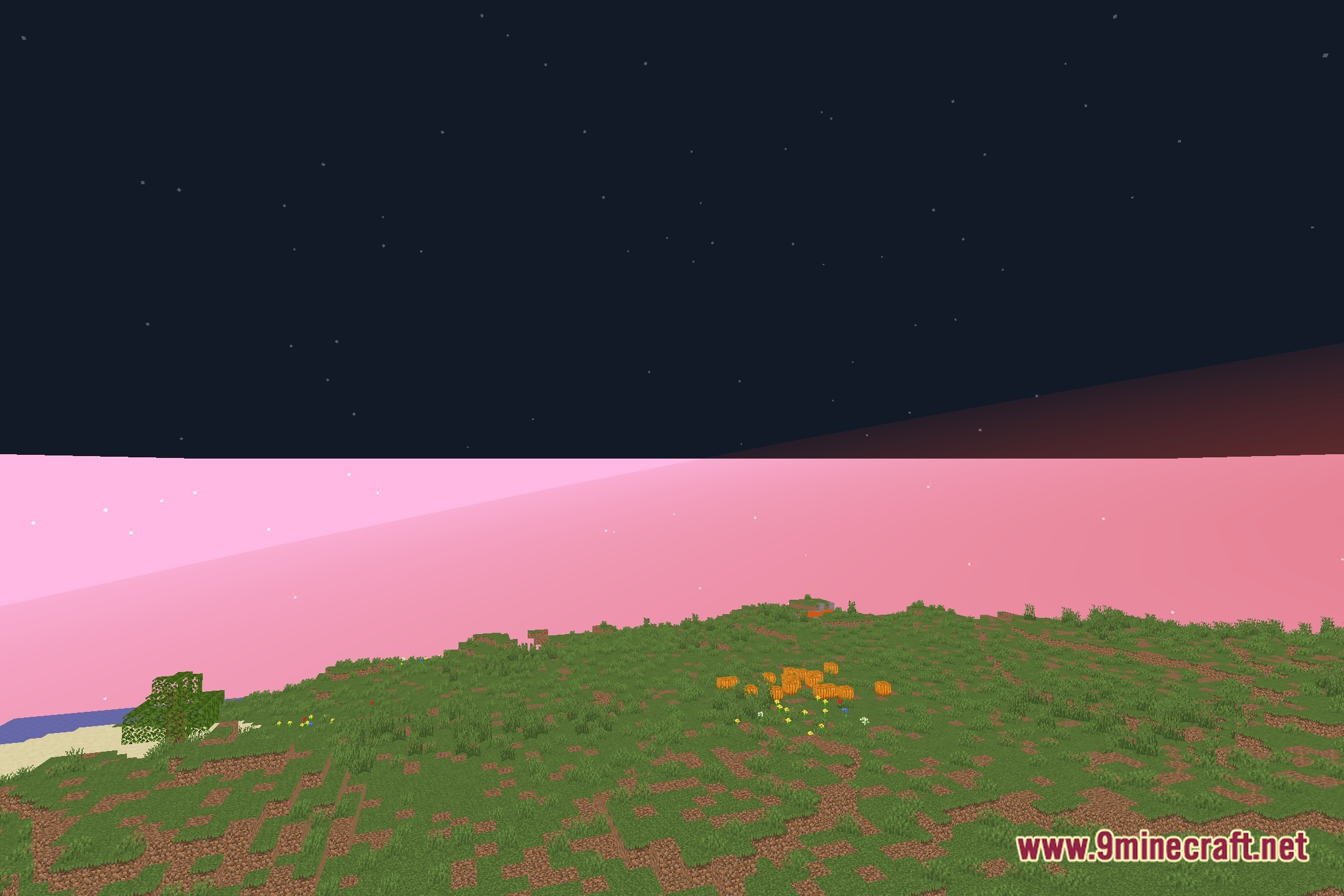
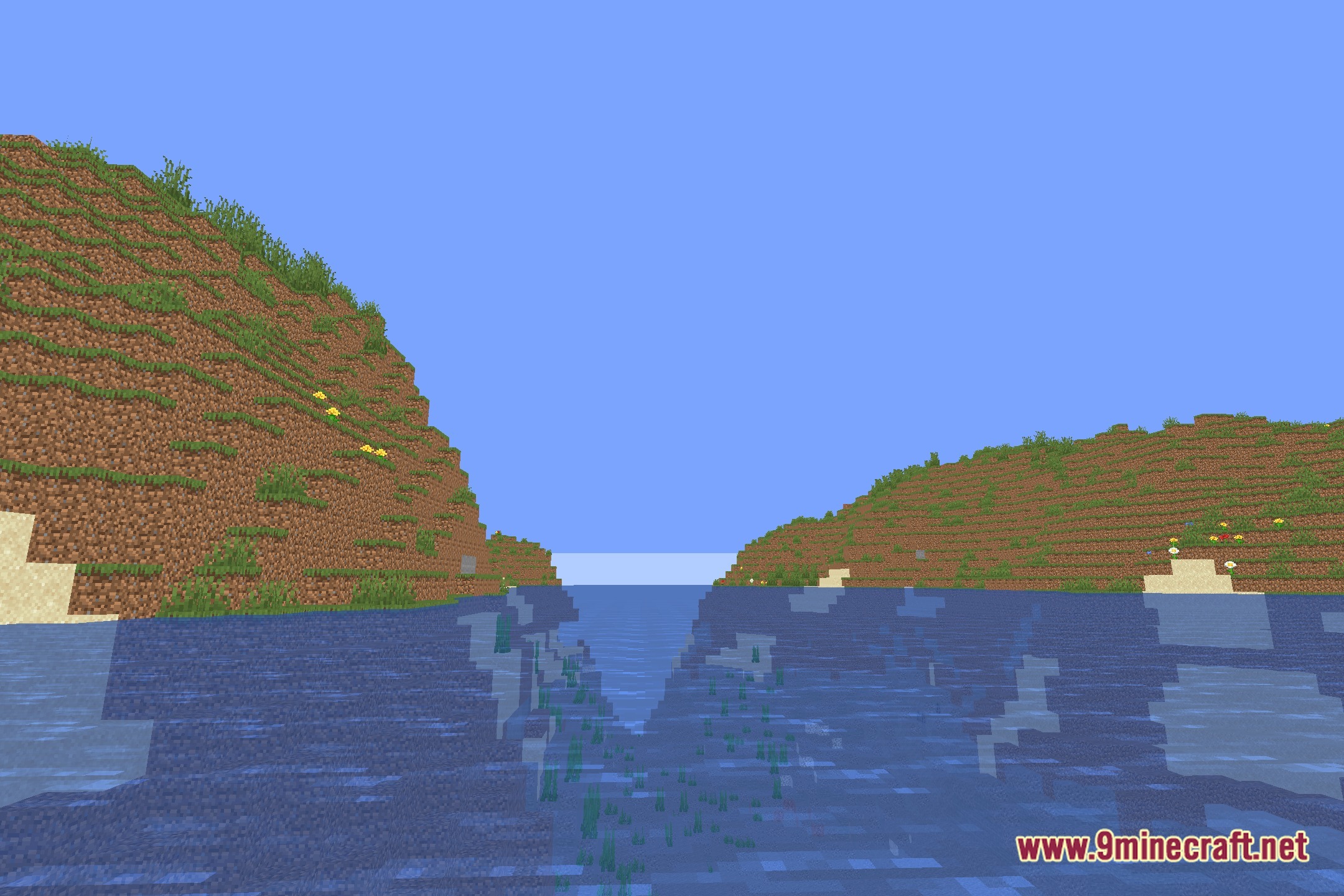
EzSaturation Shaders adds a simple color saturation slider directly to your video options. This shader pack preserves the standard look of the game while giving you full control over color vibrancy. It runs with minimal performance impact, making it suitable for potato computers and older setups that struggle with heavy graphics packs.
Features:
- Adds a dedicated slider to adjust color saturation levels in real time.
- Maintains the classic vanilla visual style without heavy lighting changes.
- Runs smoothly on low-end hardware with virtually zero frame rate drops.
- Lets you boost dull biomes or lower color intensity to match your monitor settings.
Screenshots:
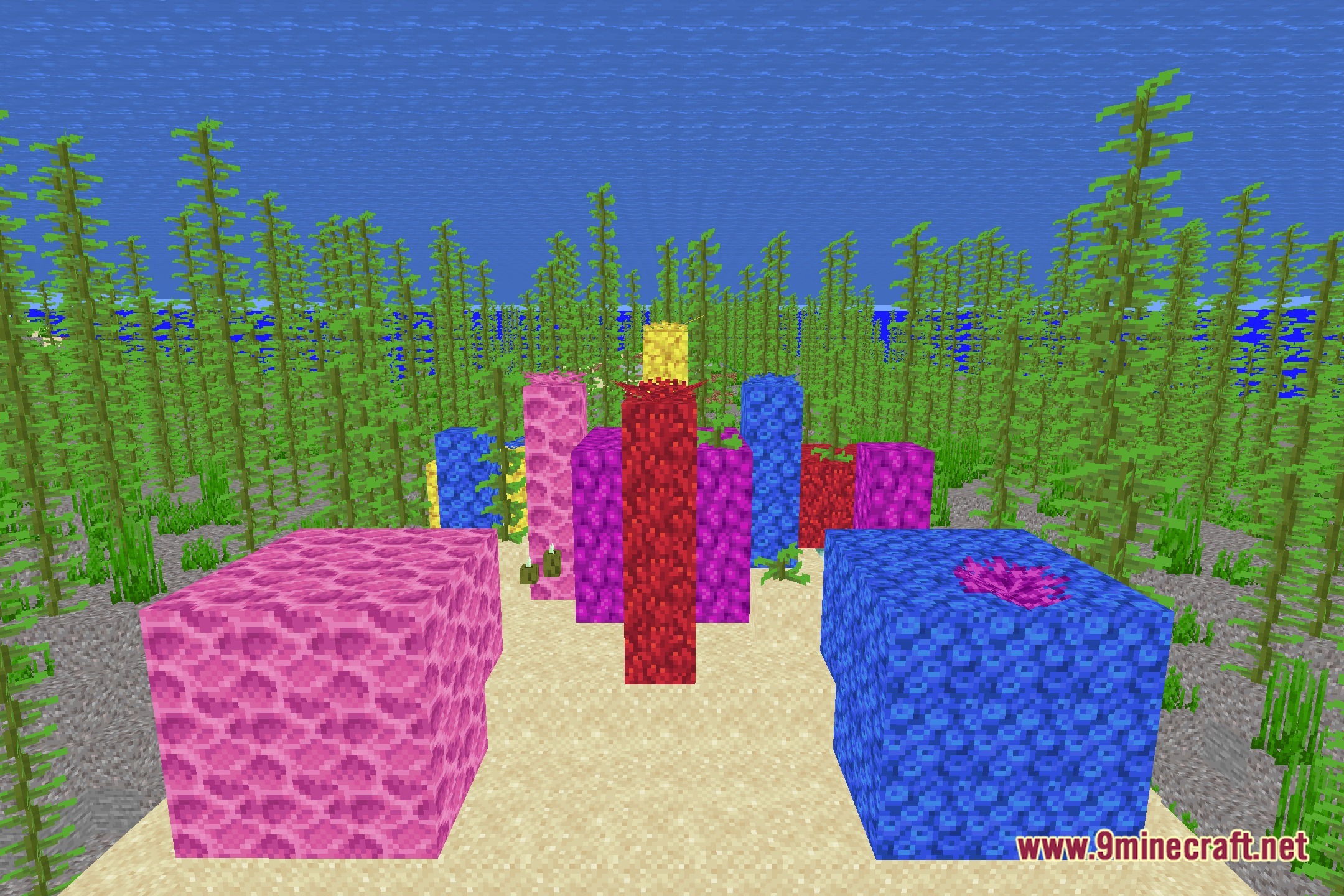
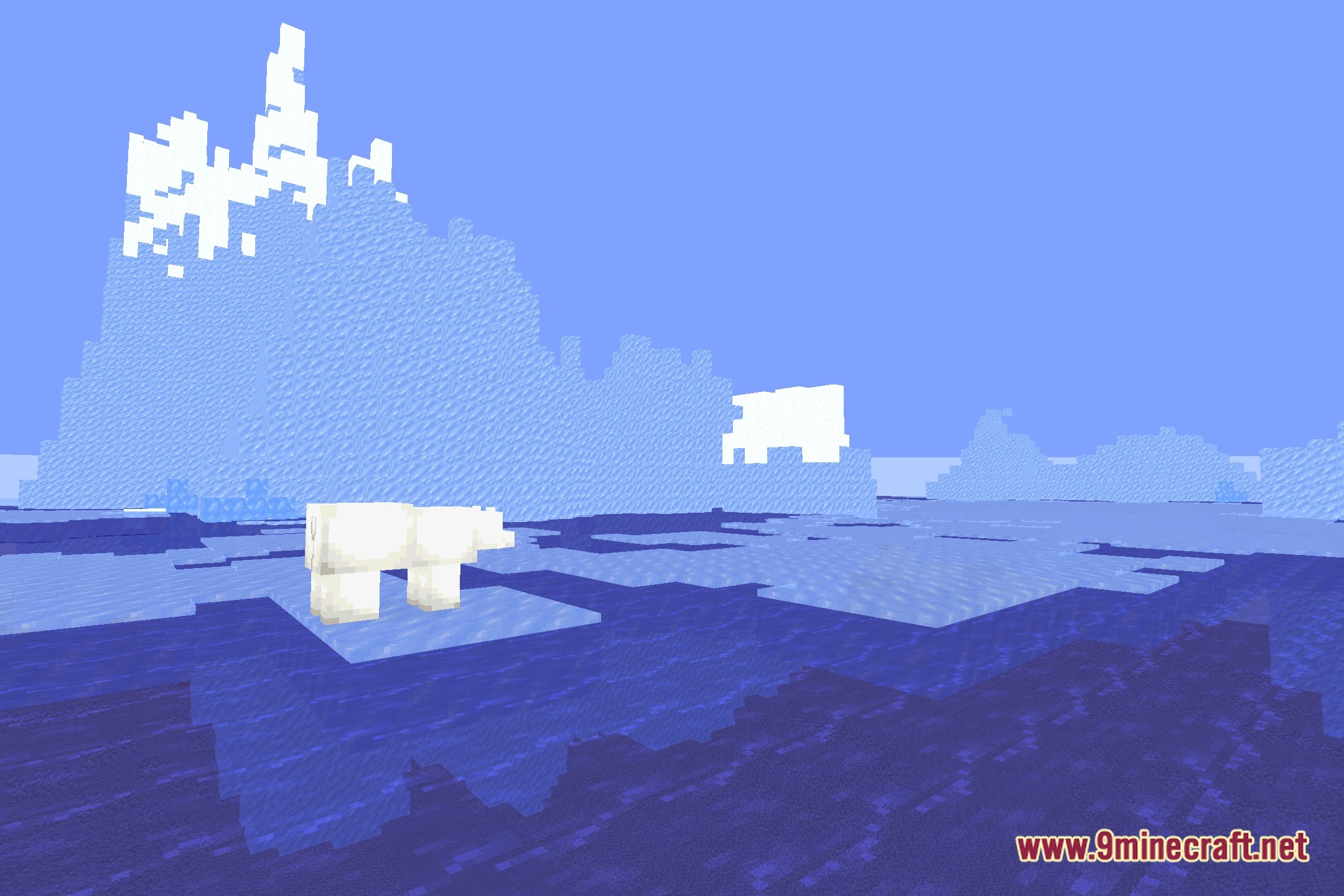
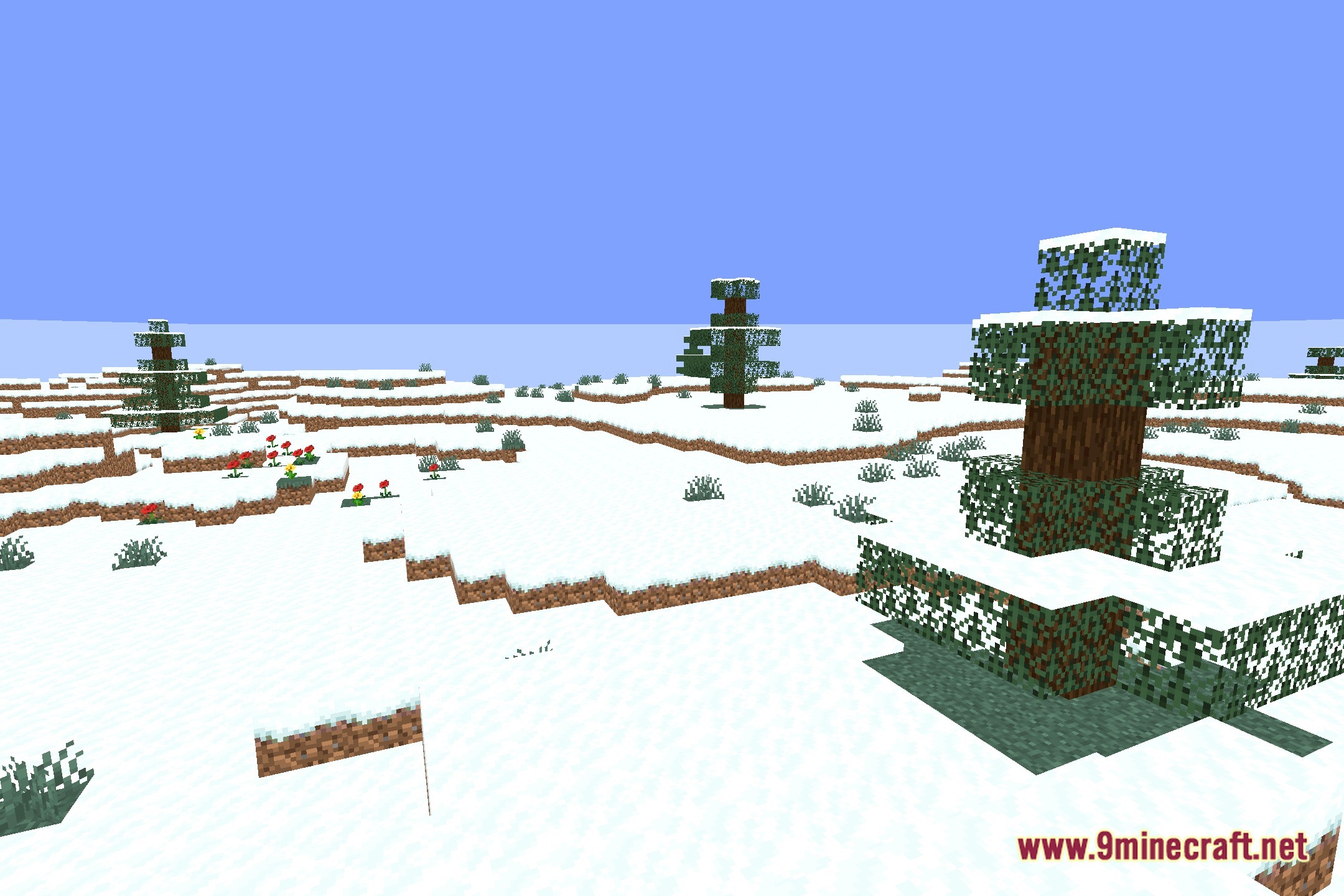
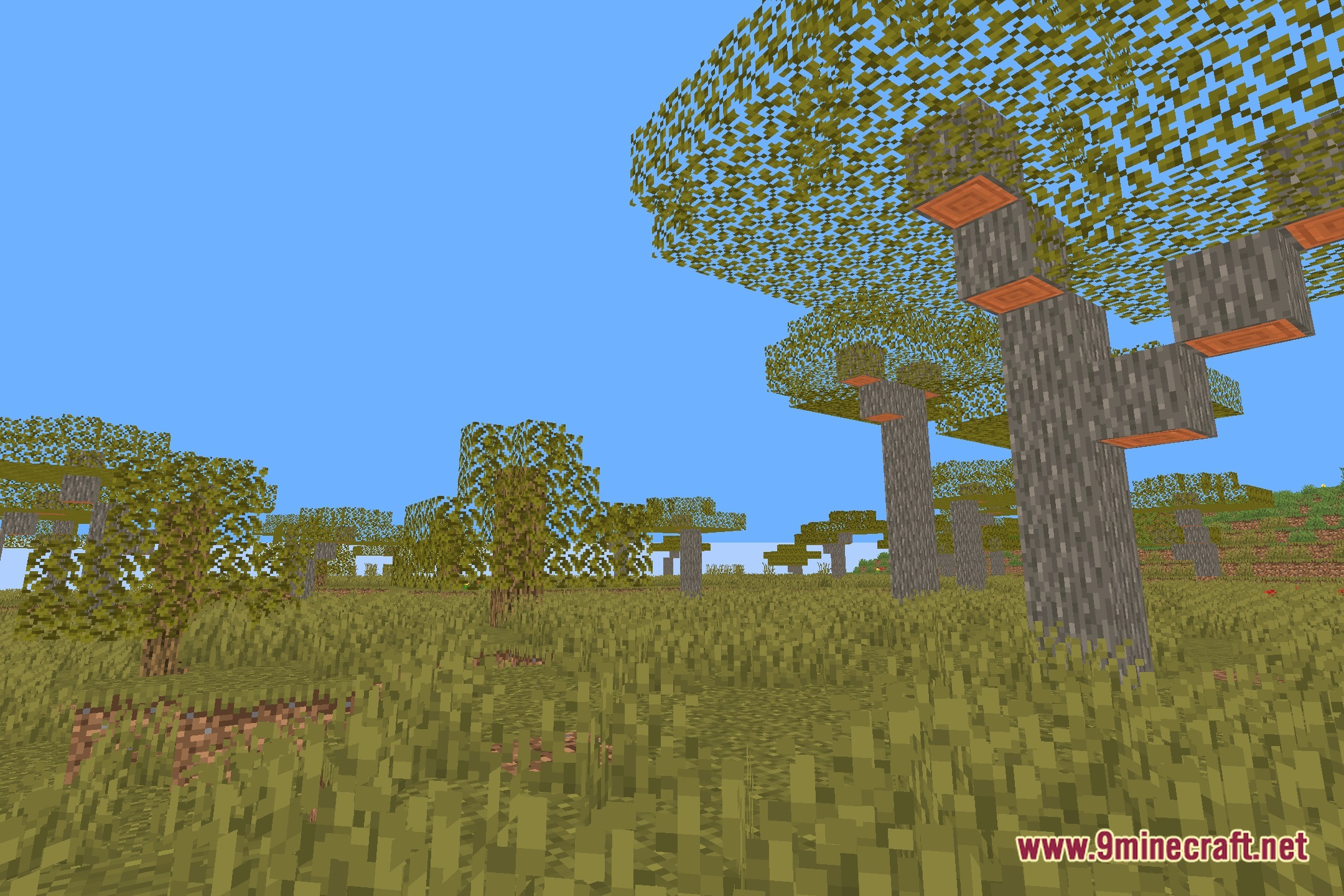
EzSaturation Shaders Download Links
Quick facts
- Edition: Minecraft Java
- File type: .zip (resource pack)
- Minecraft version listed: 1.20.1
- How to install: Download the .zip resource pack — do not unzip it. → Put it in .minecraft/resourcepacks. → Enable it in Options → Resource Packs.
- Where to get it: Opens on the file's original source — not every file is mirrored on our own servers.
Install steps are the general flow for this file type — see the MC Java Mods guides for the full walkthrough.
EzSaturation Shaders (26.3, 1.20.1) – Adjust Color Saturation in Real Time is a free Minecraft Java shader. Compatible with Minecraft 1.20.1. Download it and open it directly in the game.