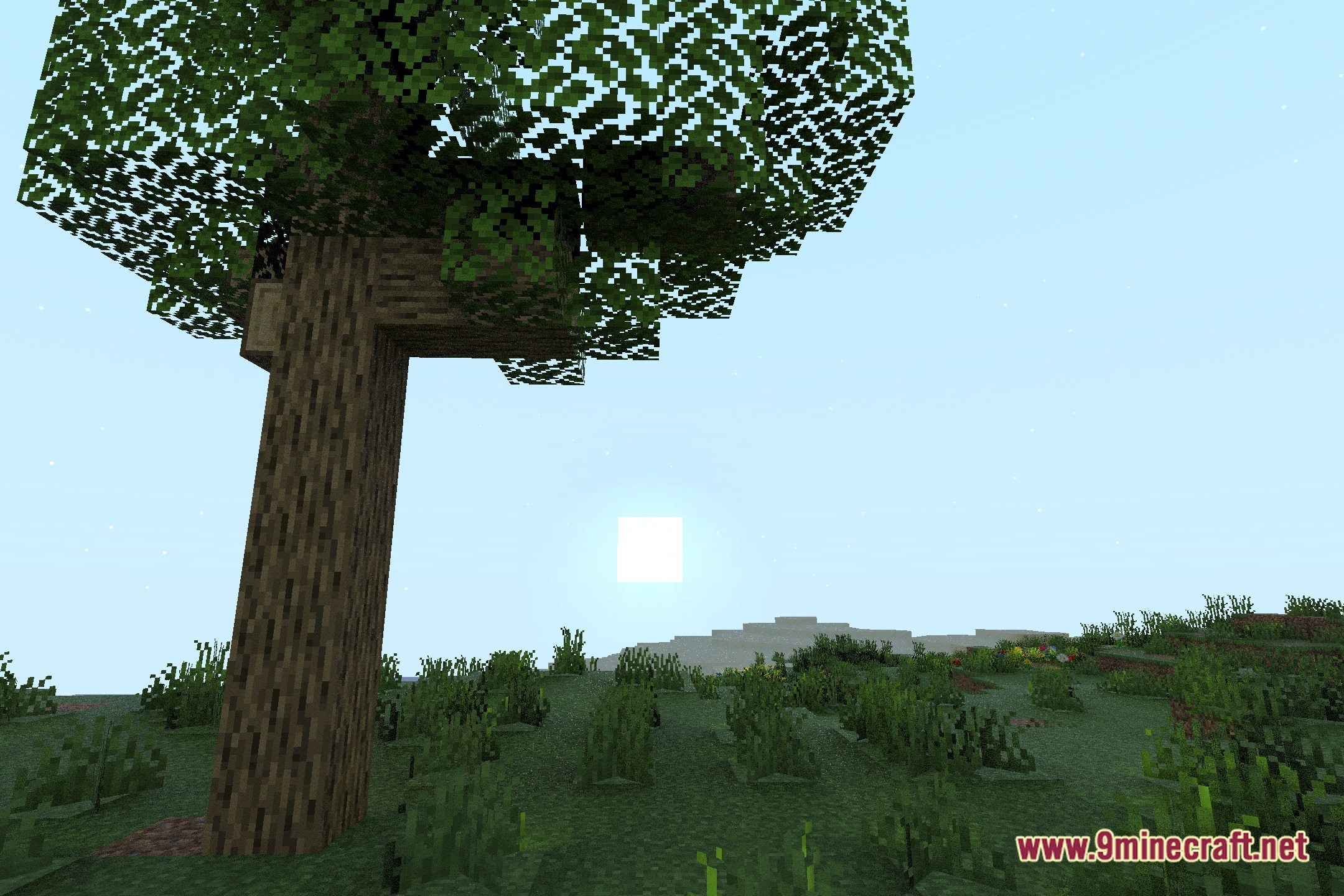
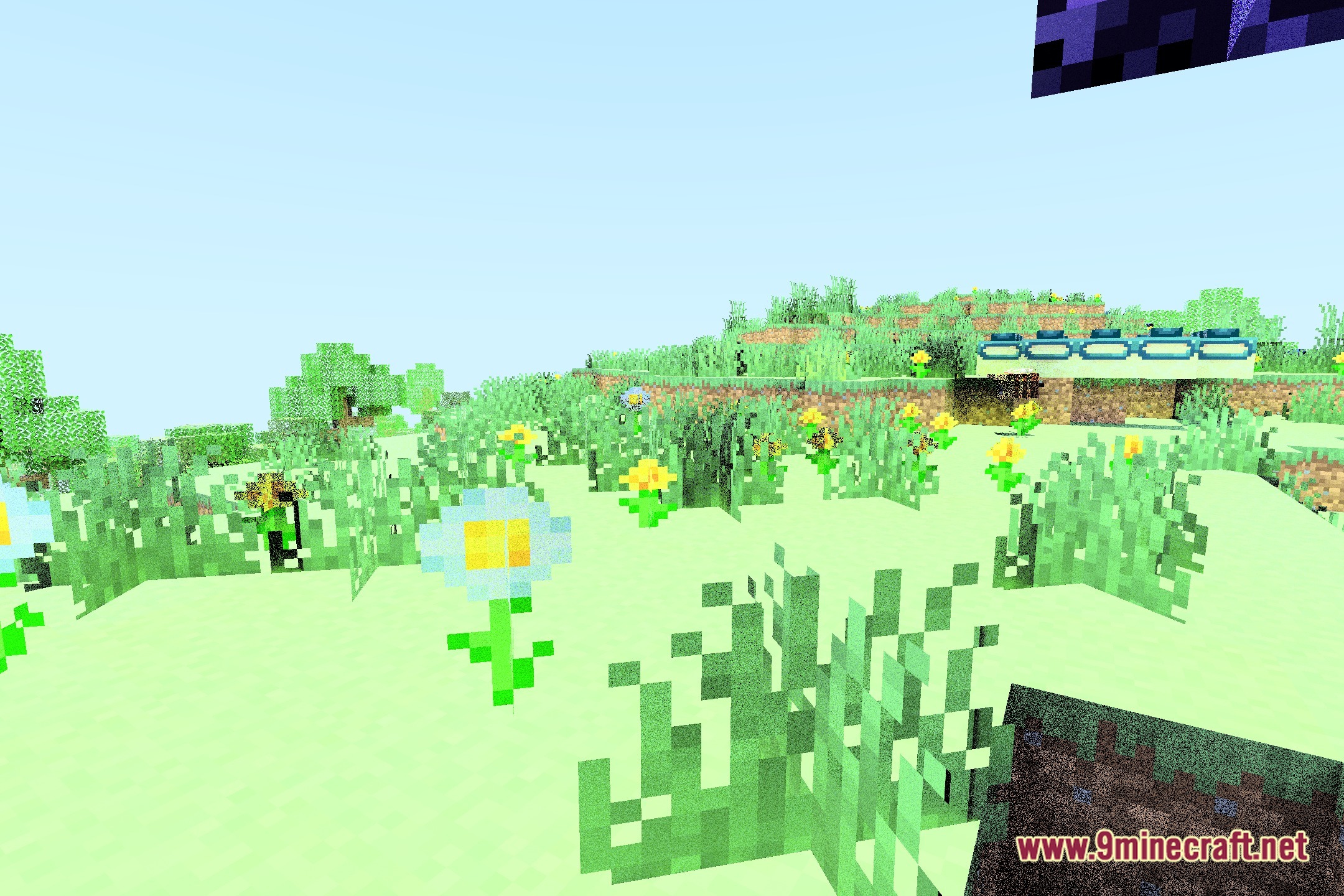
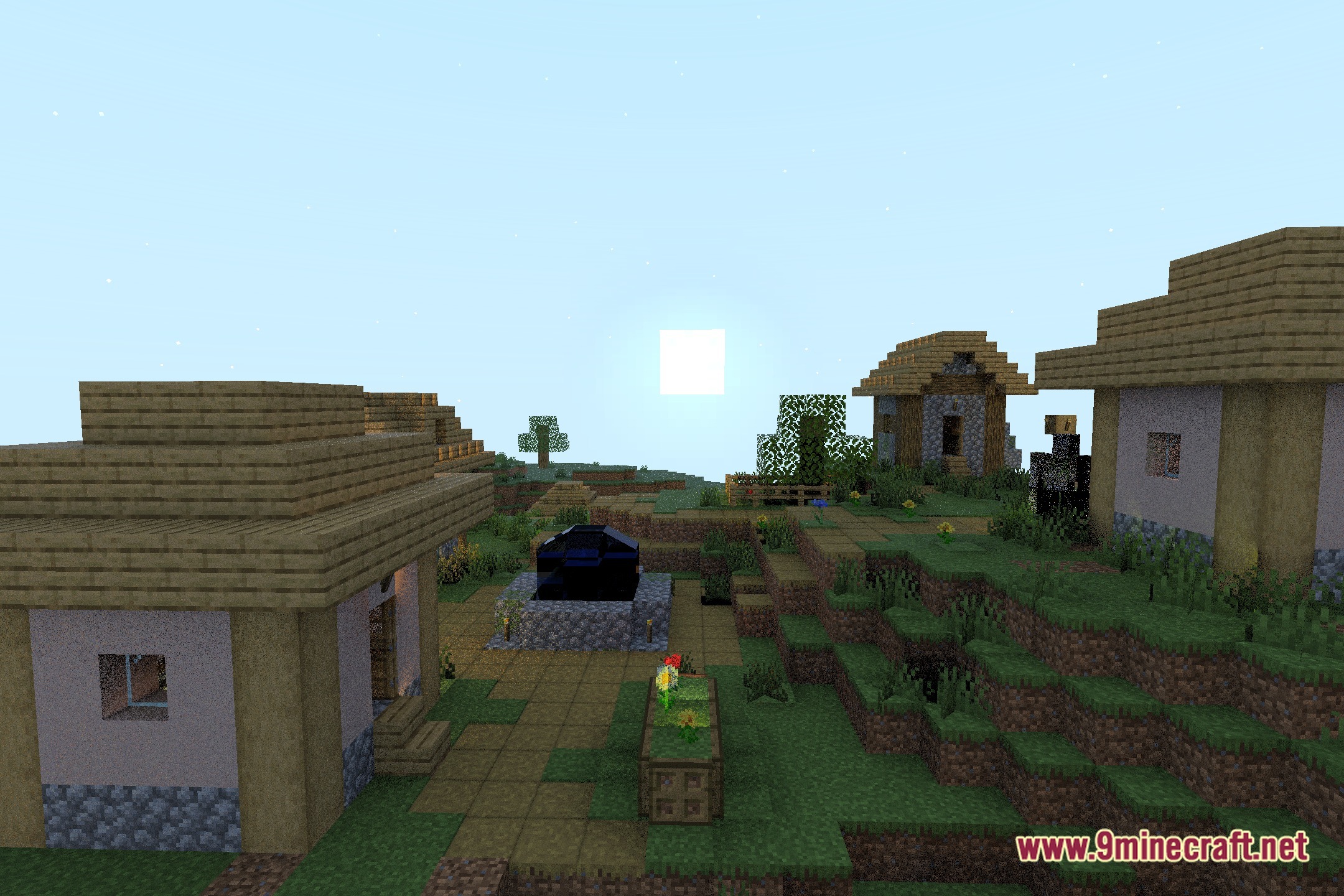
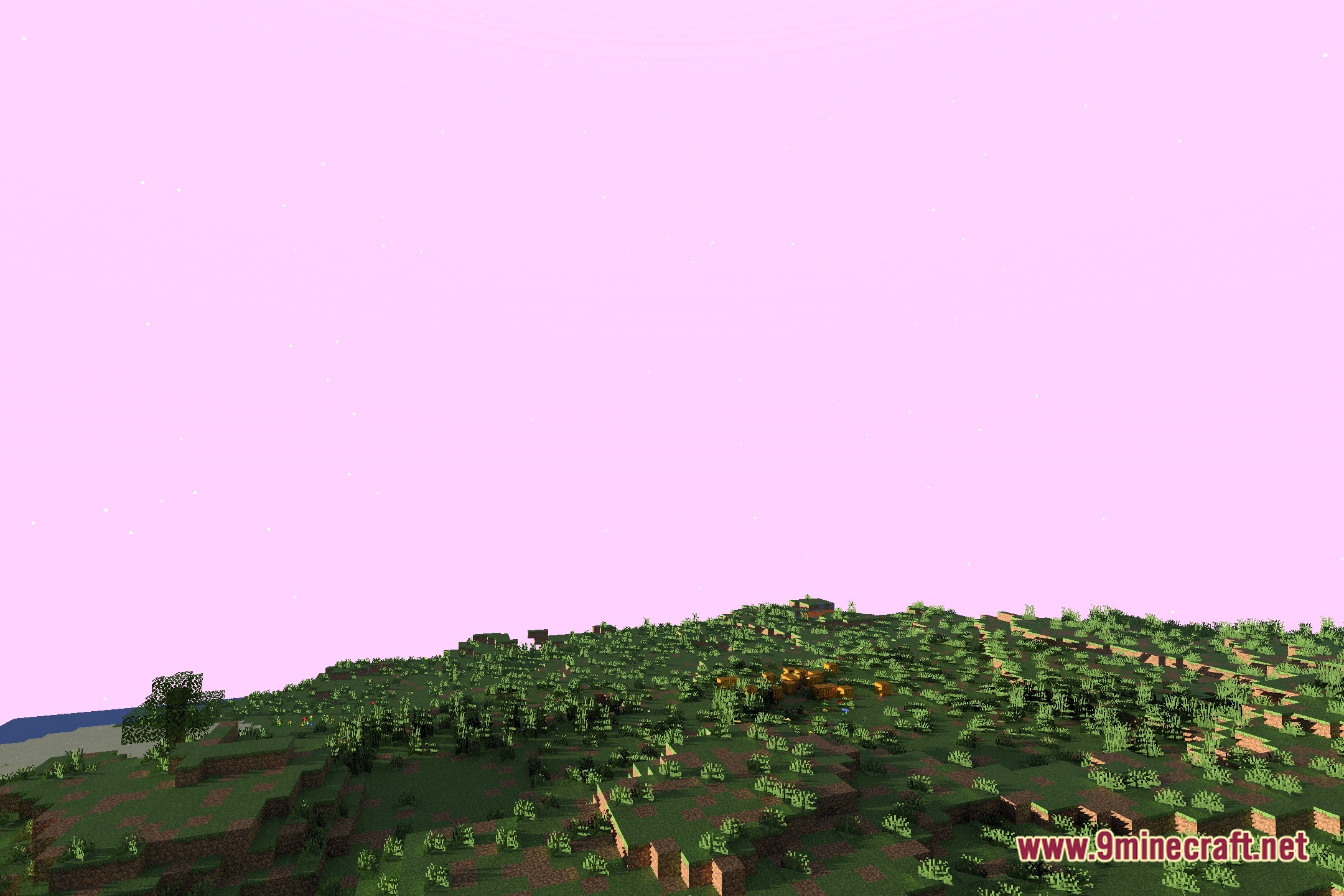
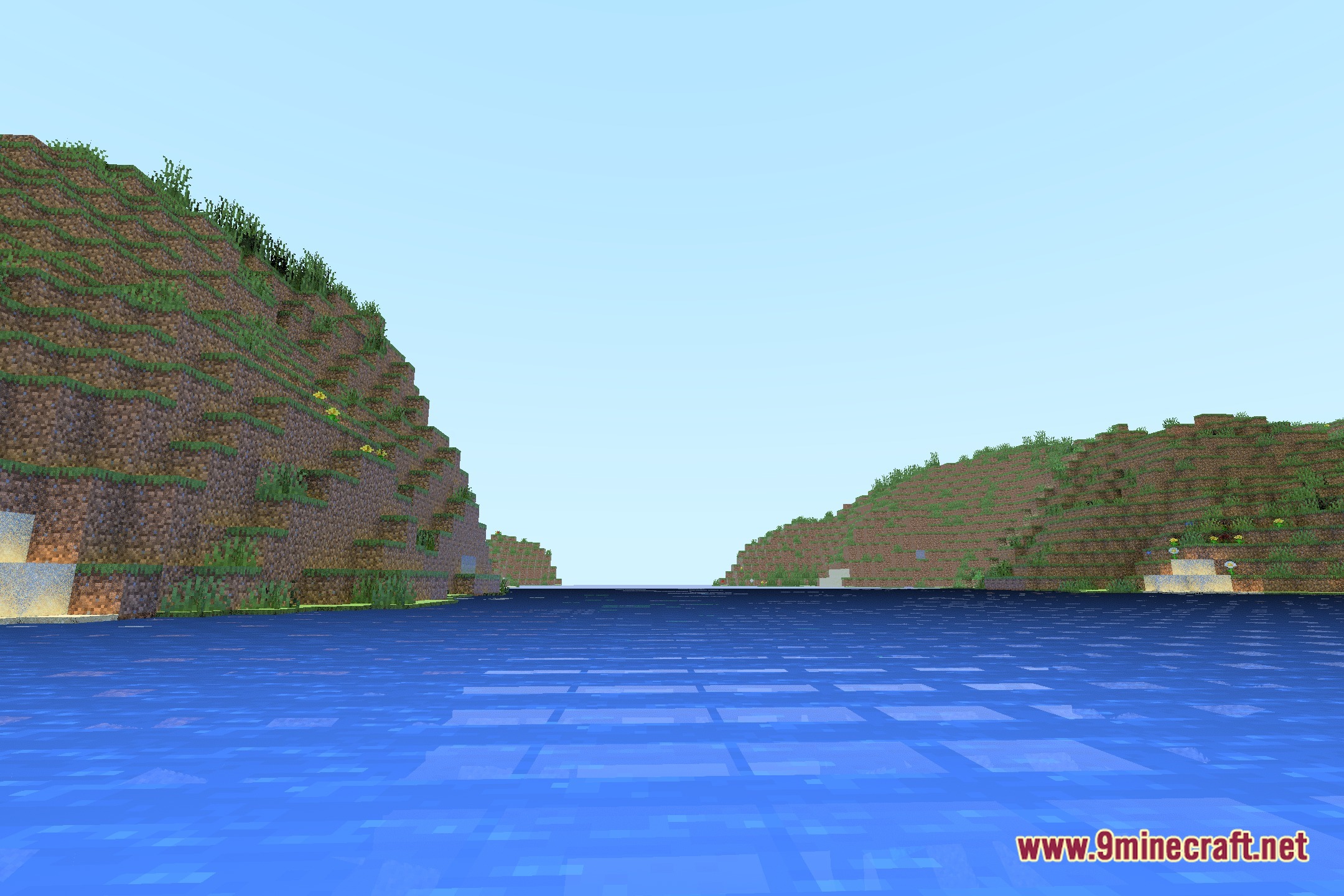
Make Your Own RT Shaders brings realistic ray-traced lighting and visual effects directly to your worlds. This shader pack serves as a practical foundation for players who want to build custom ray-tracing setups in Minecraft. Online video guides accompany each part to explain how the code works. It helps you understand how realistic shadows, reflections, and light paths operate inside the game.
Features:
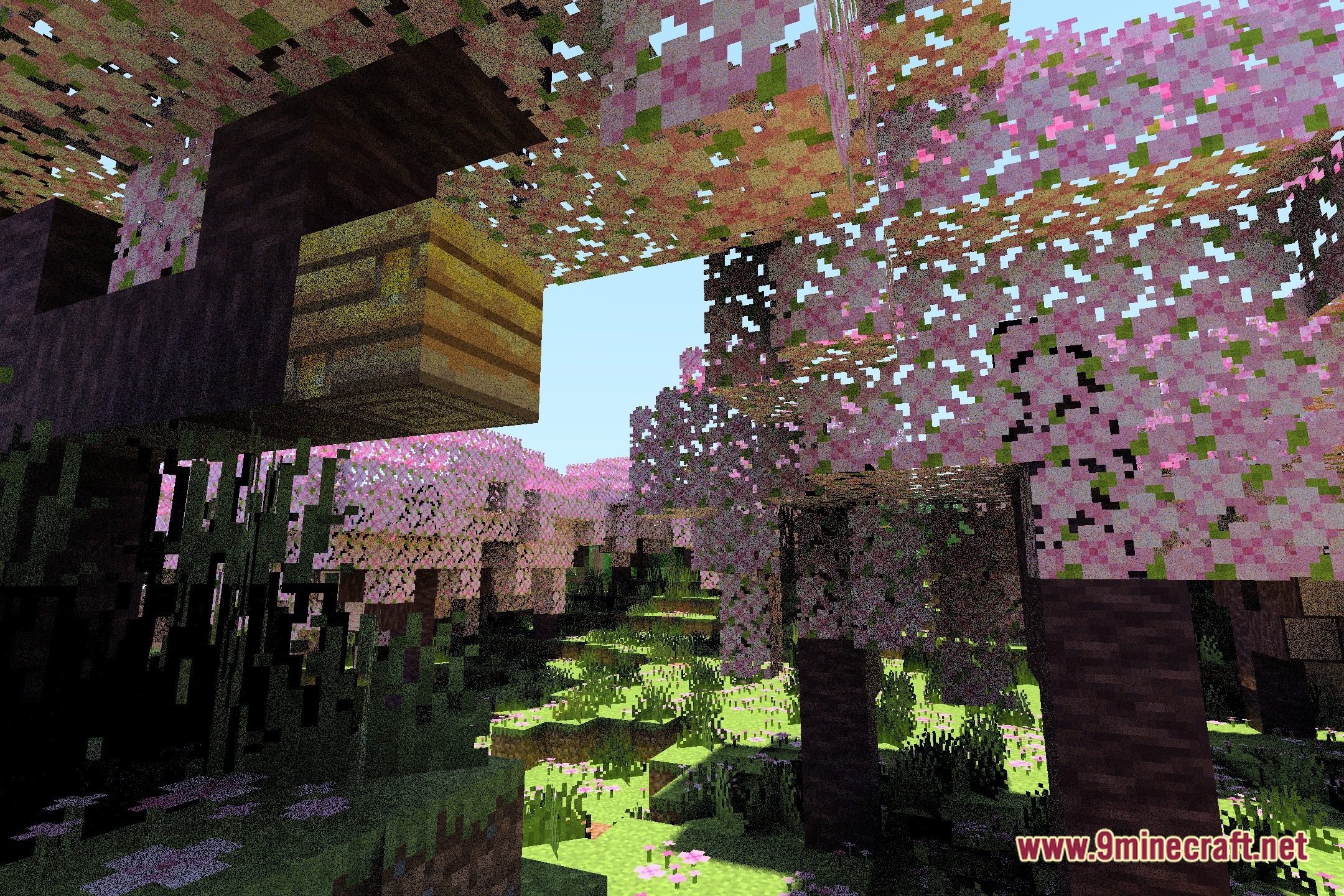
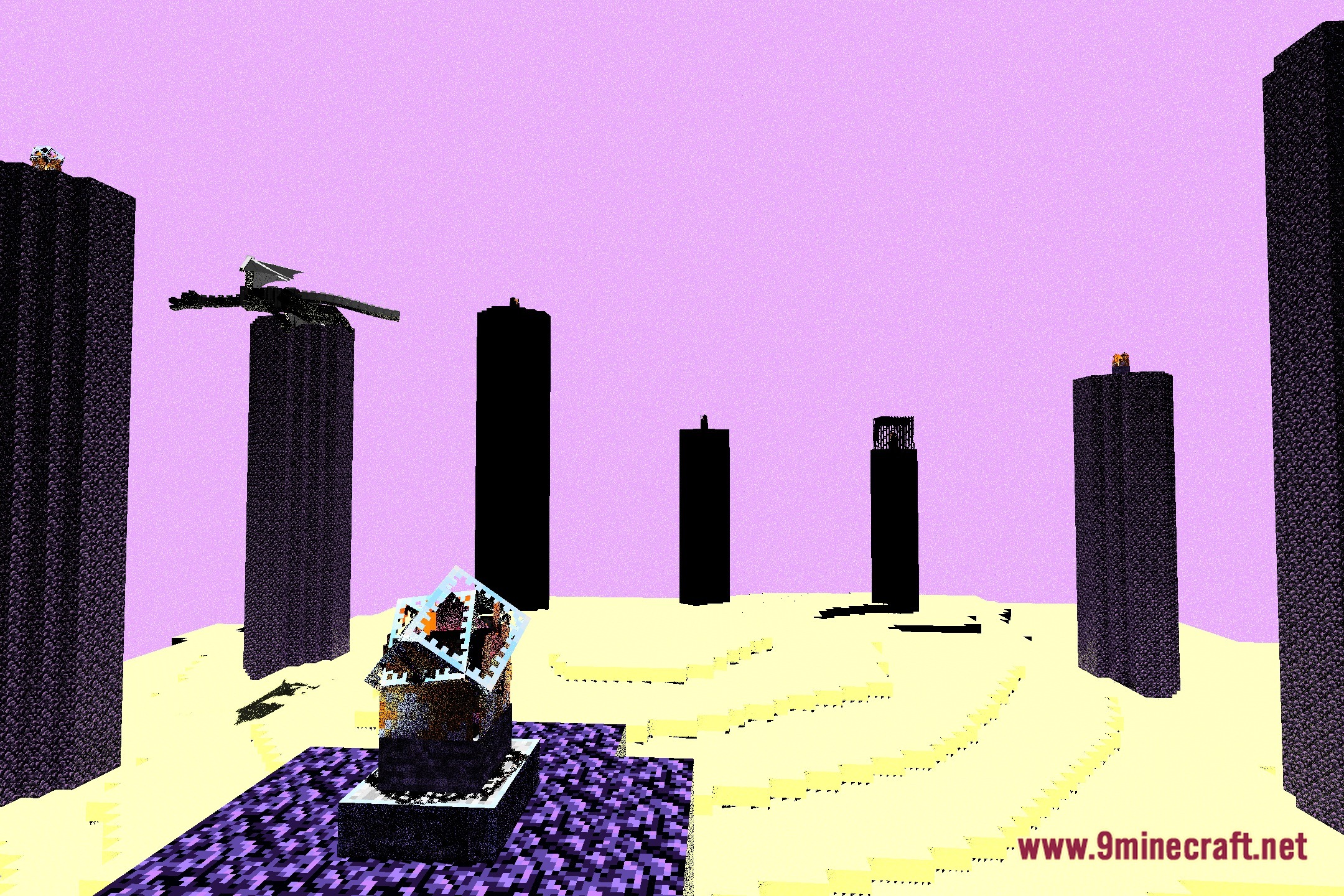
- Brings realistic ray-traced lighting into your Minecraft world.
- Acts as a clear template to help you build and edit custom visual shaders.
- Includes step-by-step video walkthroughs that break down every single part.
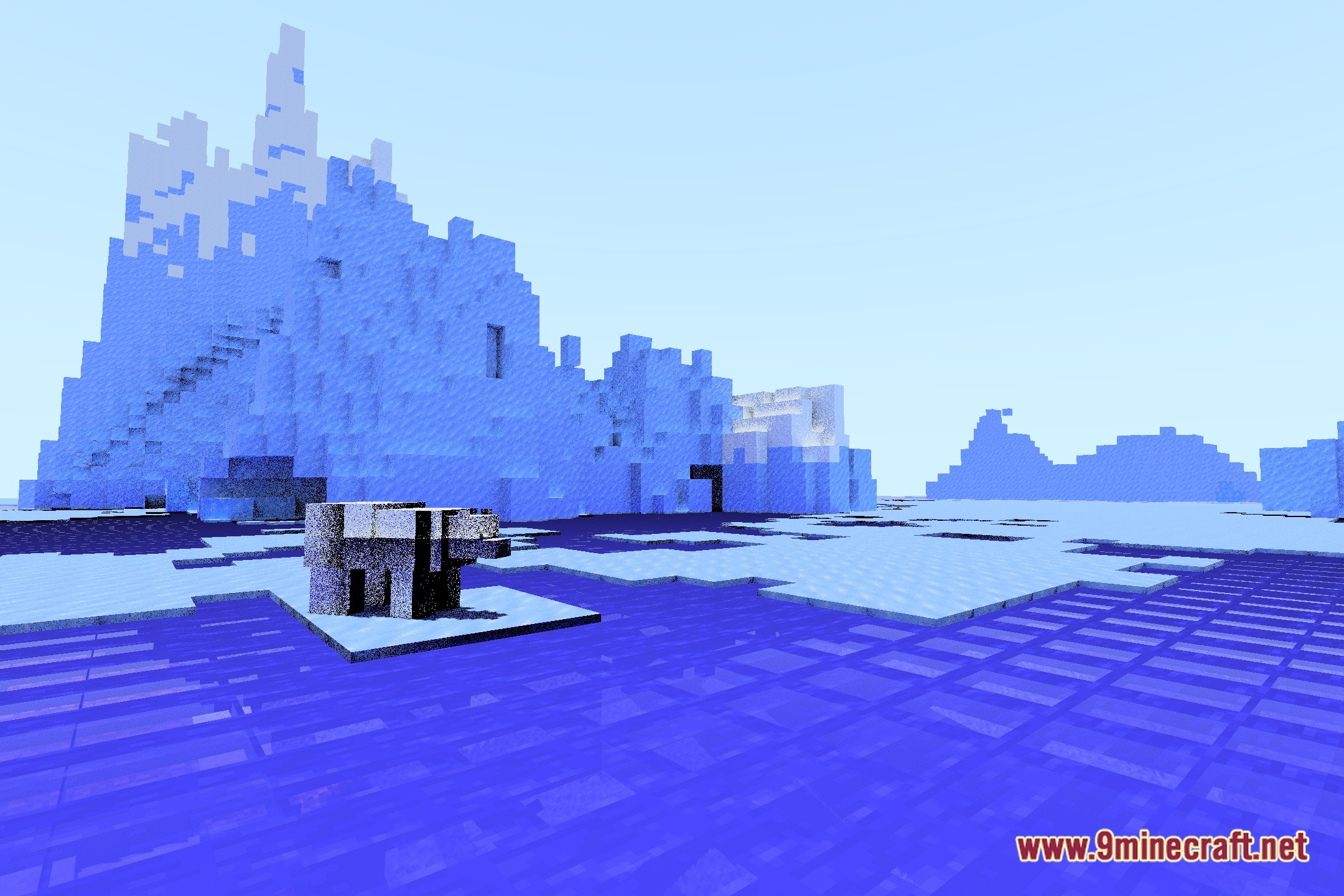
- Produces realistic light bounces across nearby blocks and surfaces.
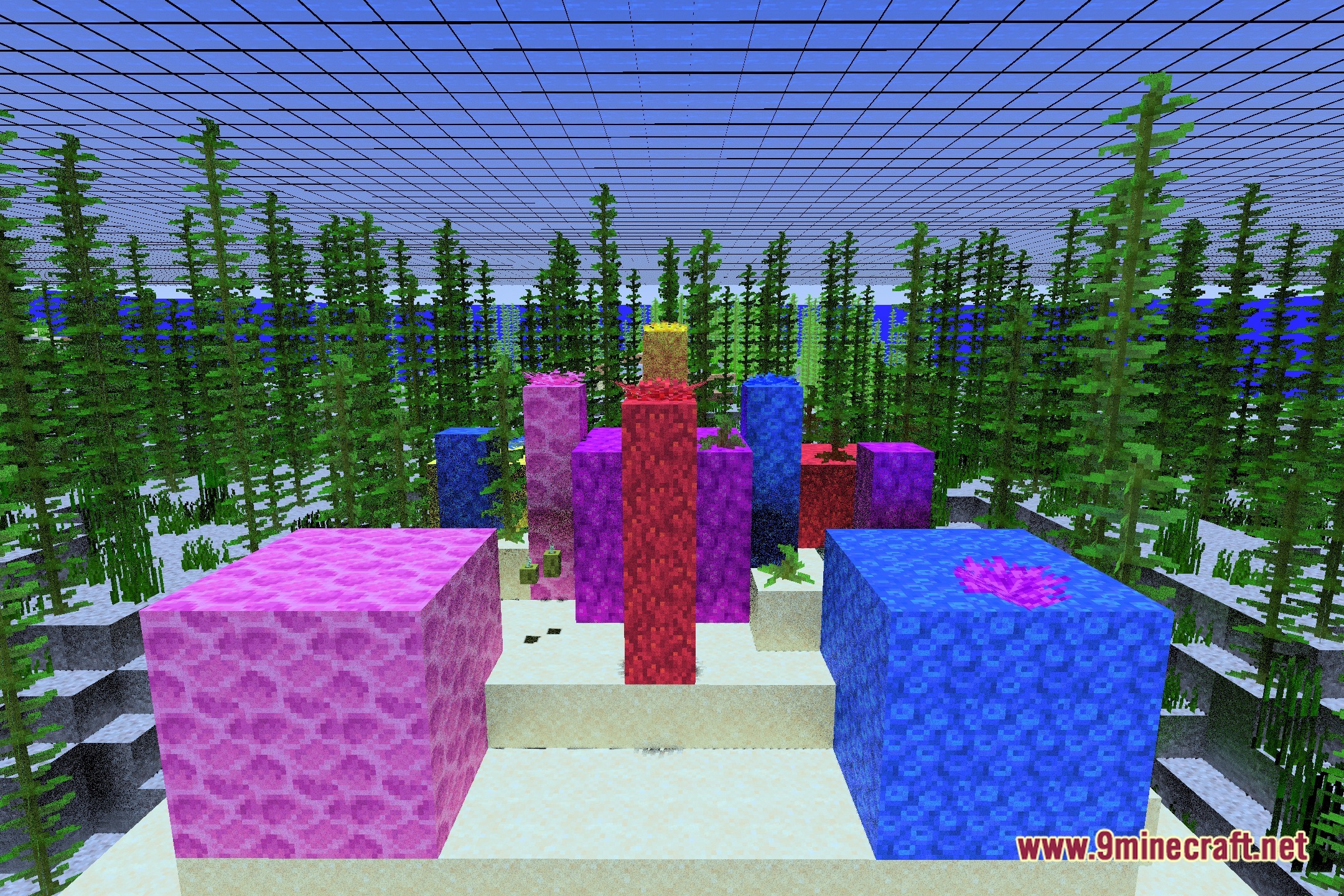
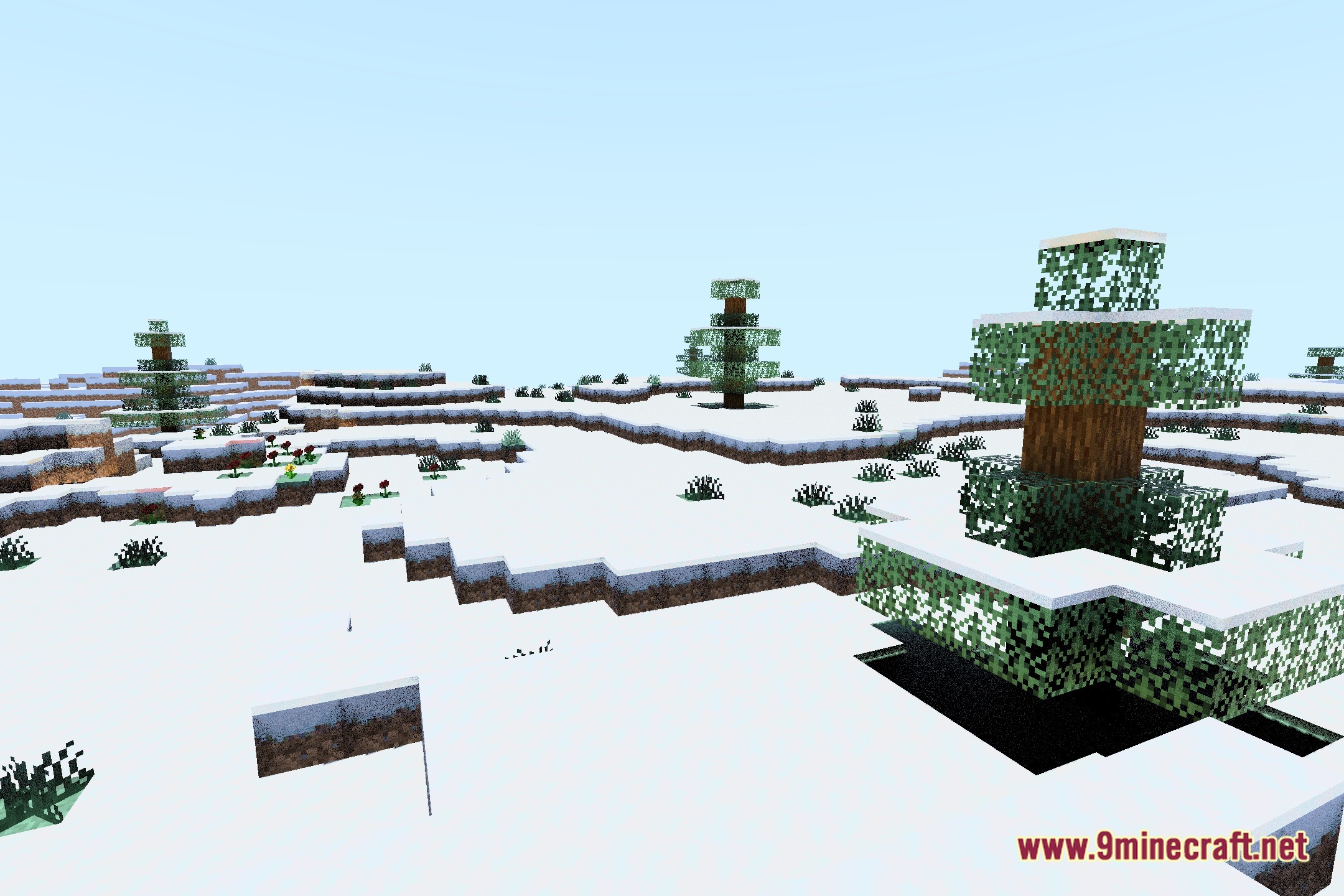
- Casts soft natural shadows under trees, structures, and terrain.
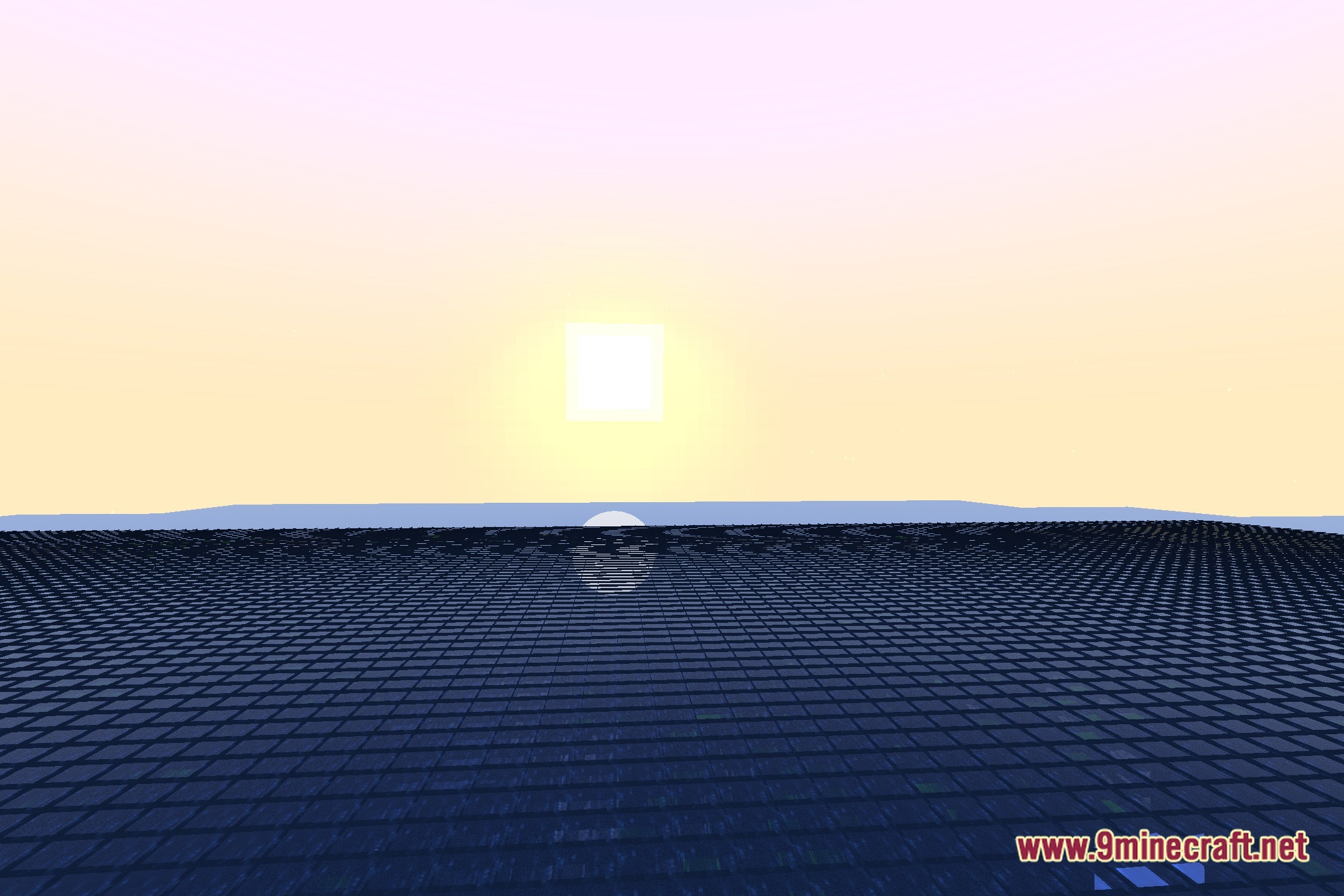
- Reflects the sky and surrounding blocks accurately onto water surfaces.
Screenshots:
Make Your Own RT Shaders Download Links
Quick facts
- Edition: Minecraft Java
- File type: .zip (resource pack)
- Minecraft version listed: 1.20.1
- How to install: Download the .zip resource pack — do not unzip it. → Put it in .minecraft/resourcepacks. → Enable it in Options → Resource Packs.
- Where to get it: Opens on the file's original source — not every file is mirrored on our own servers.
Install steps are the general flow for this file type — see the MC Java Mods guides for the full walkthrough.
Make Your Own RT Shaders (26.3, 1.20.1) – Custom Ray Traced Lighting Template is a free Minecraft Java shader. Compatible with Minecraft 1.20.1. Download it and open it directly in the game.