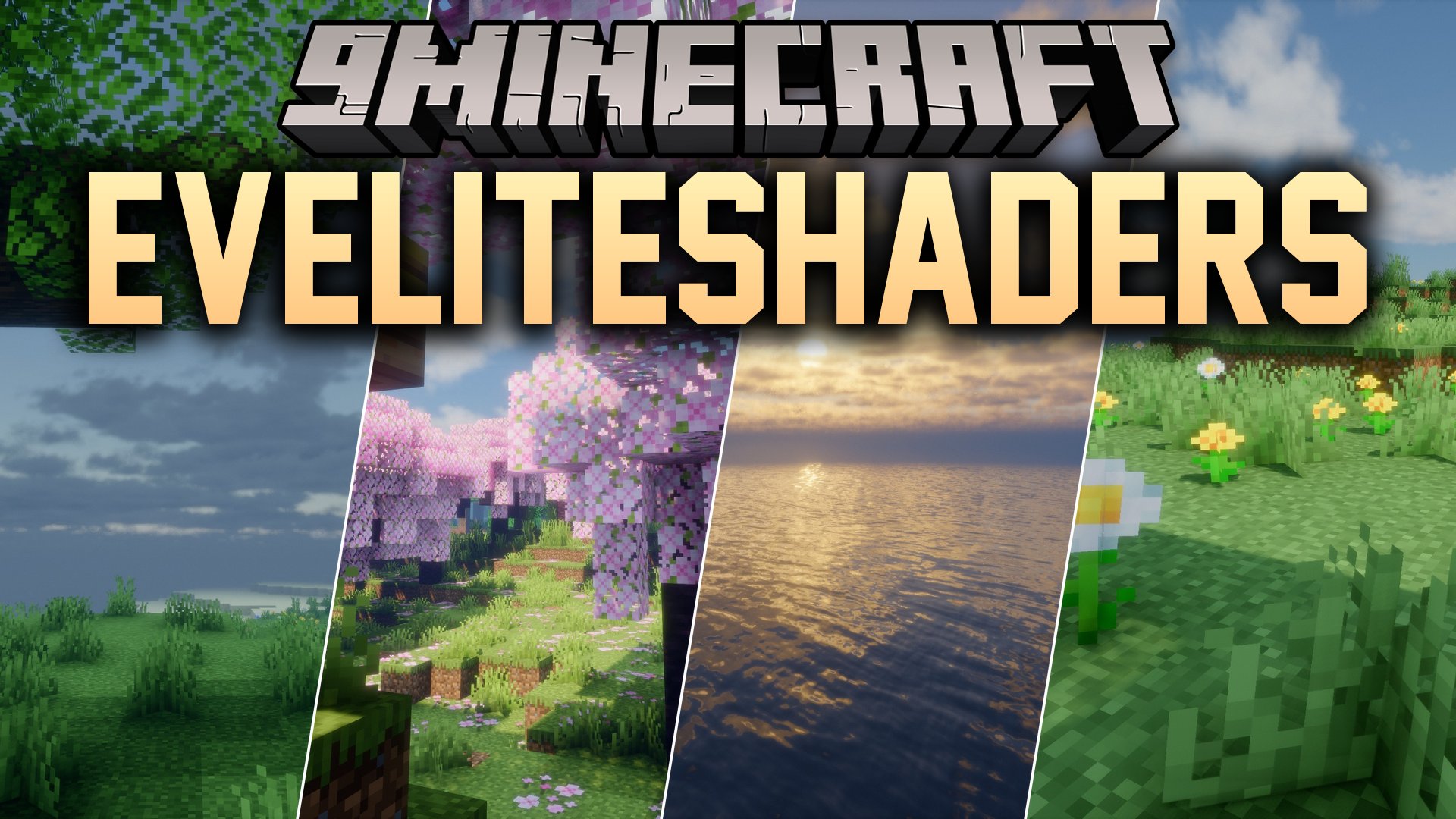
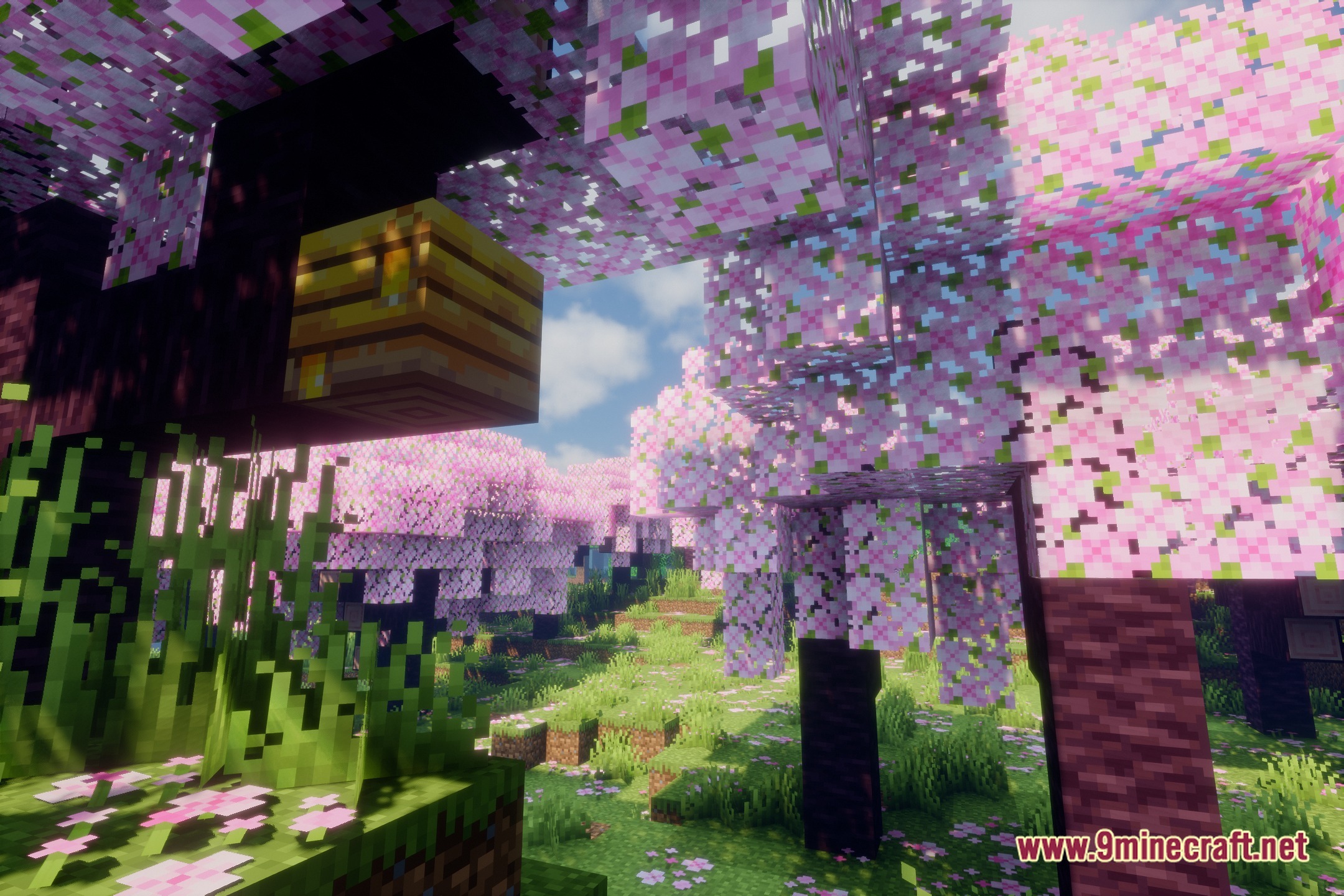
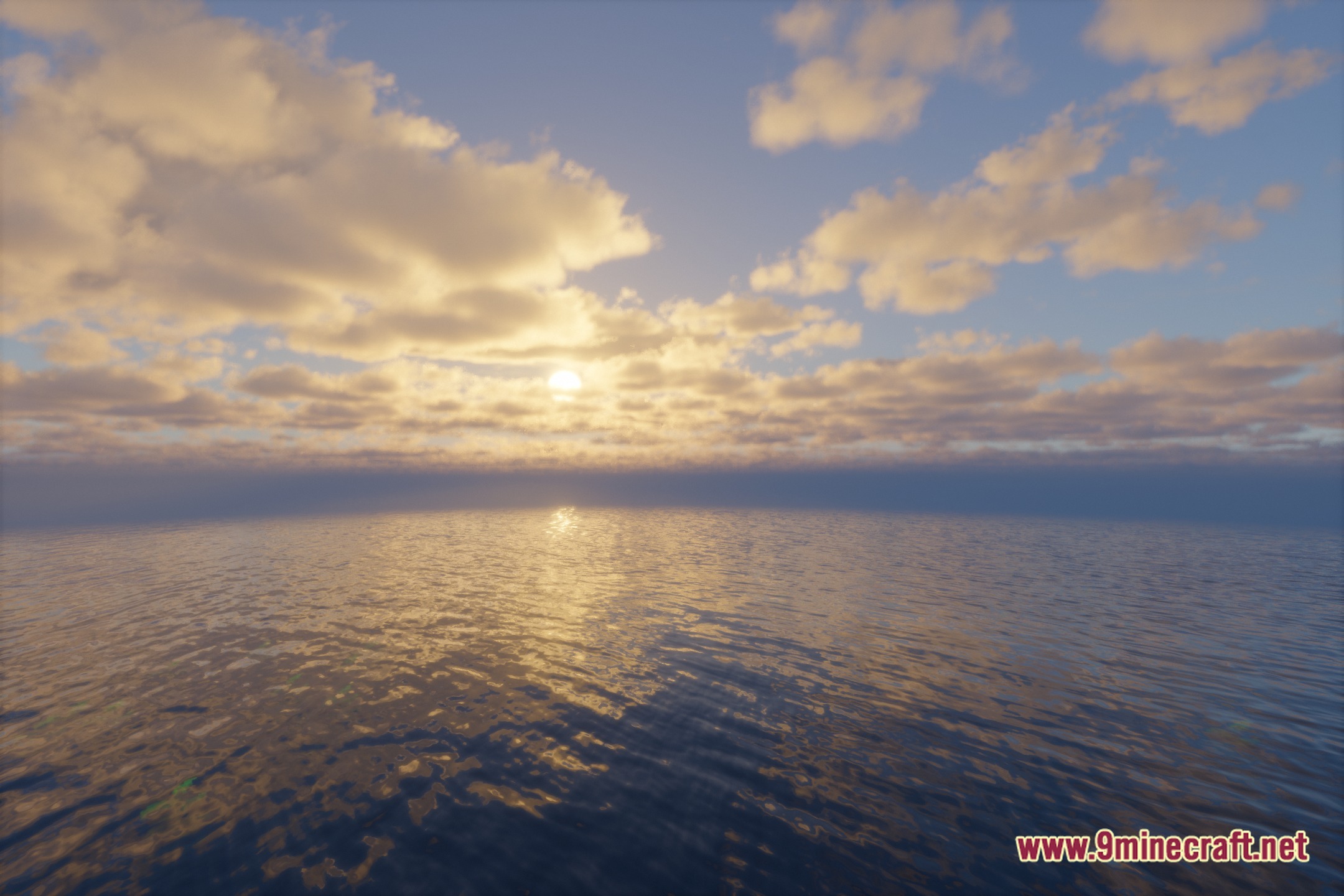
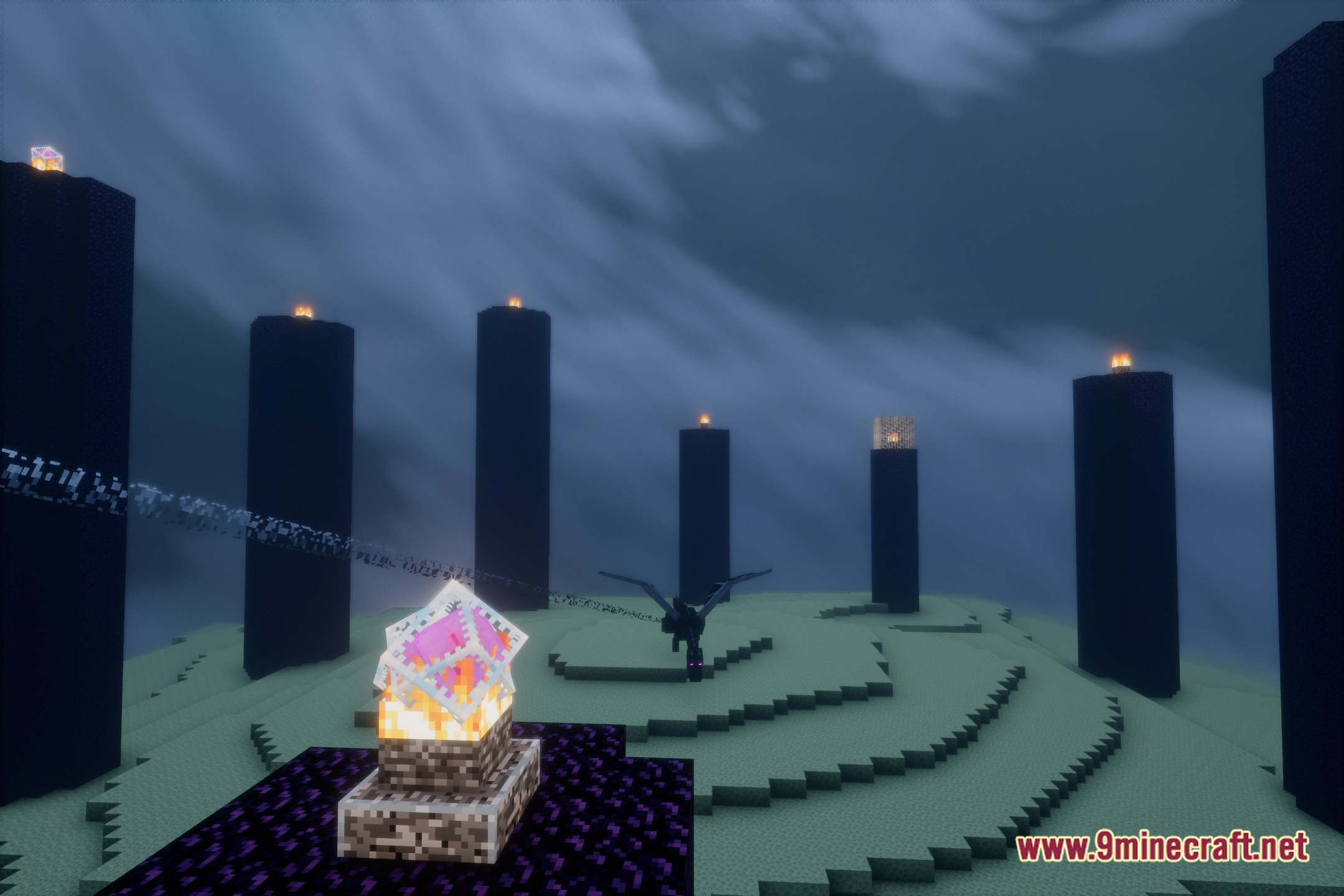
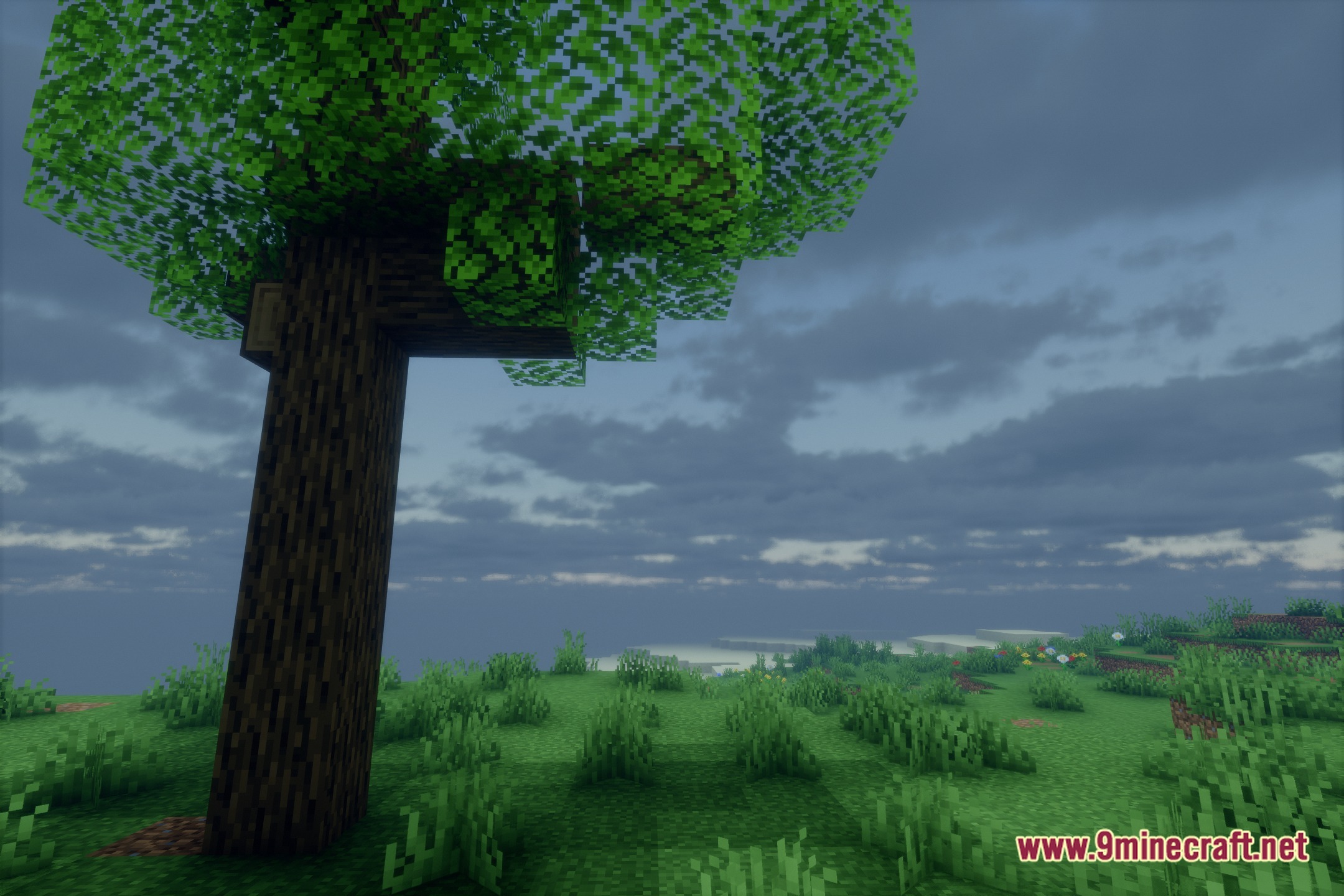
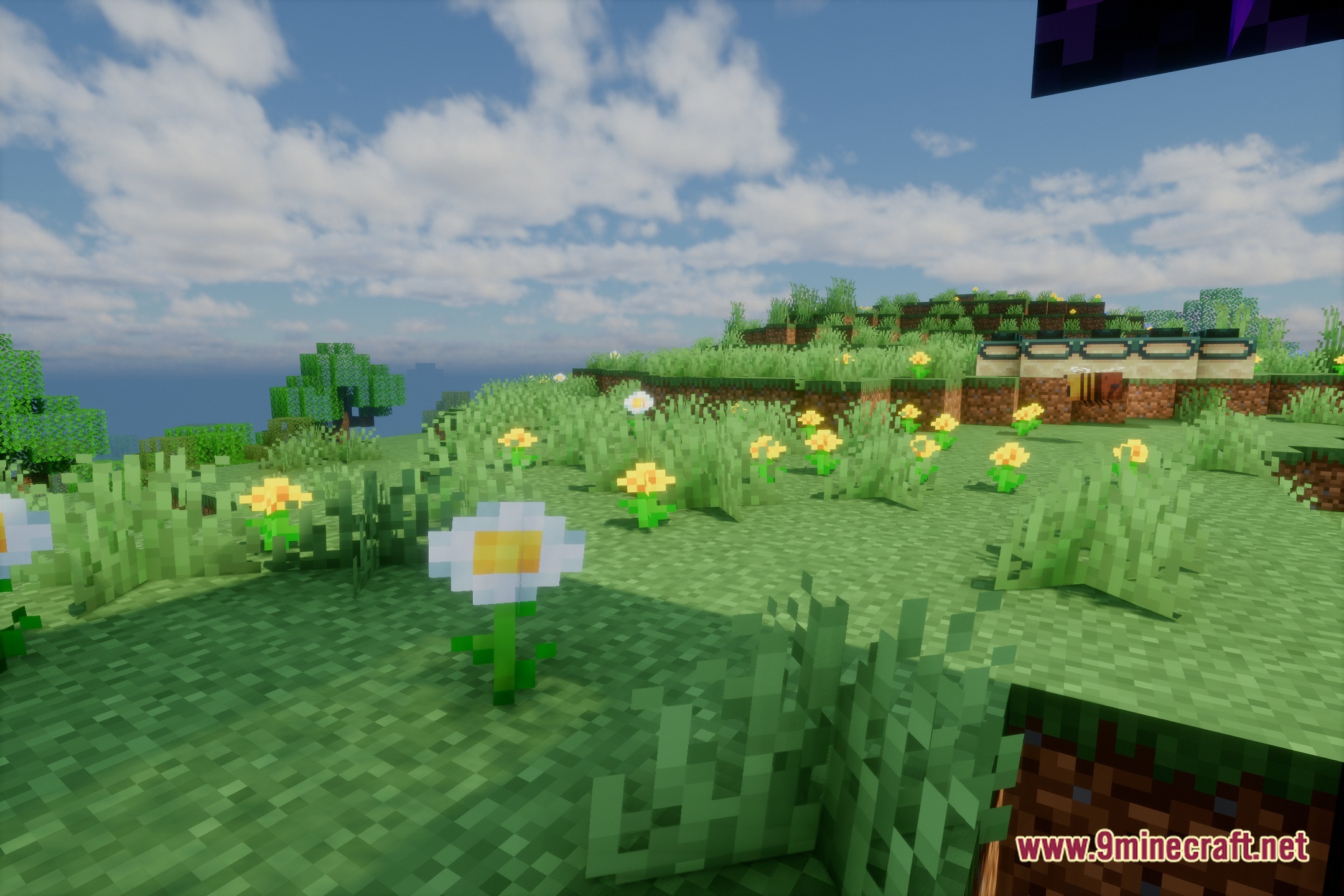
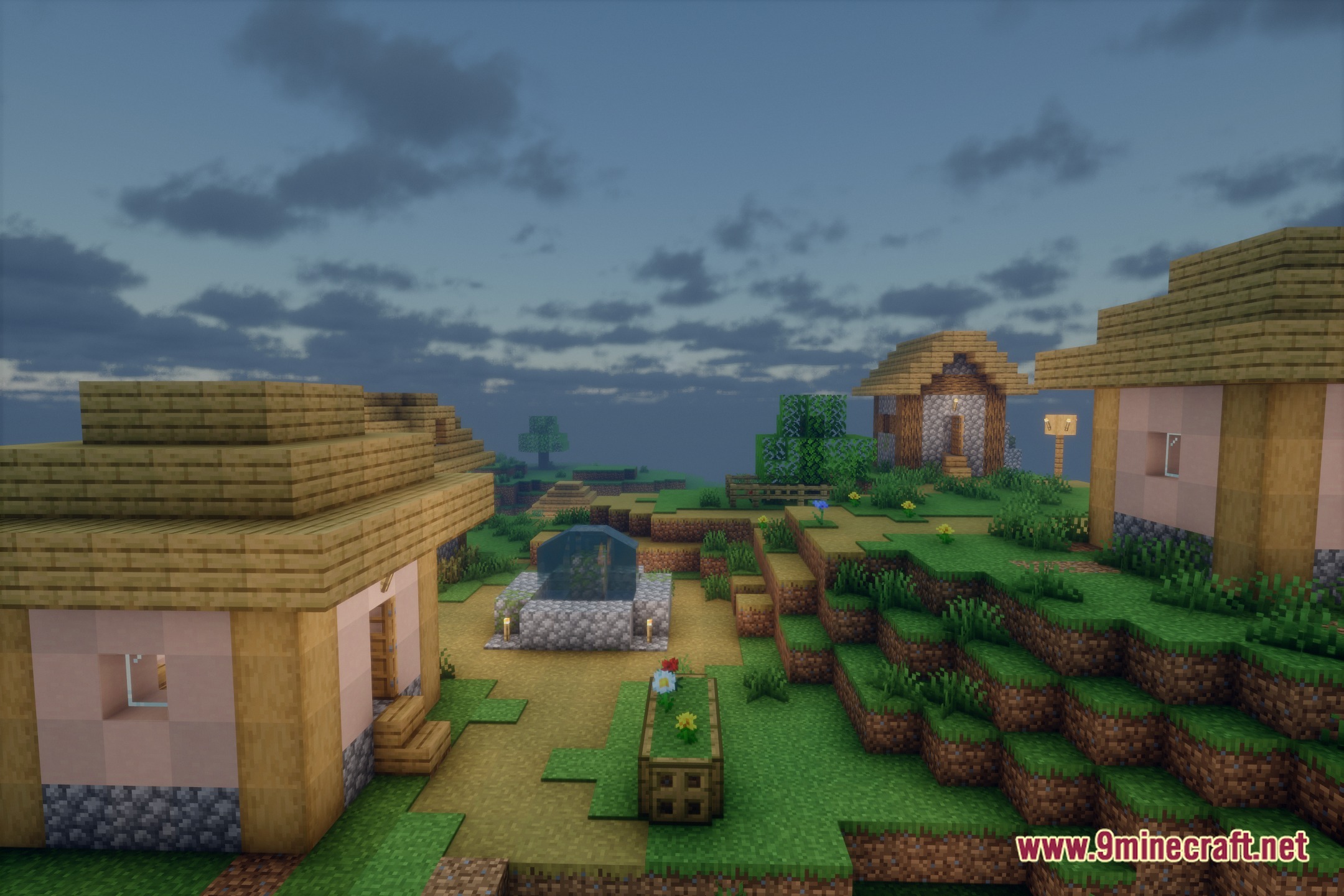
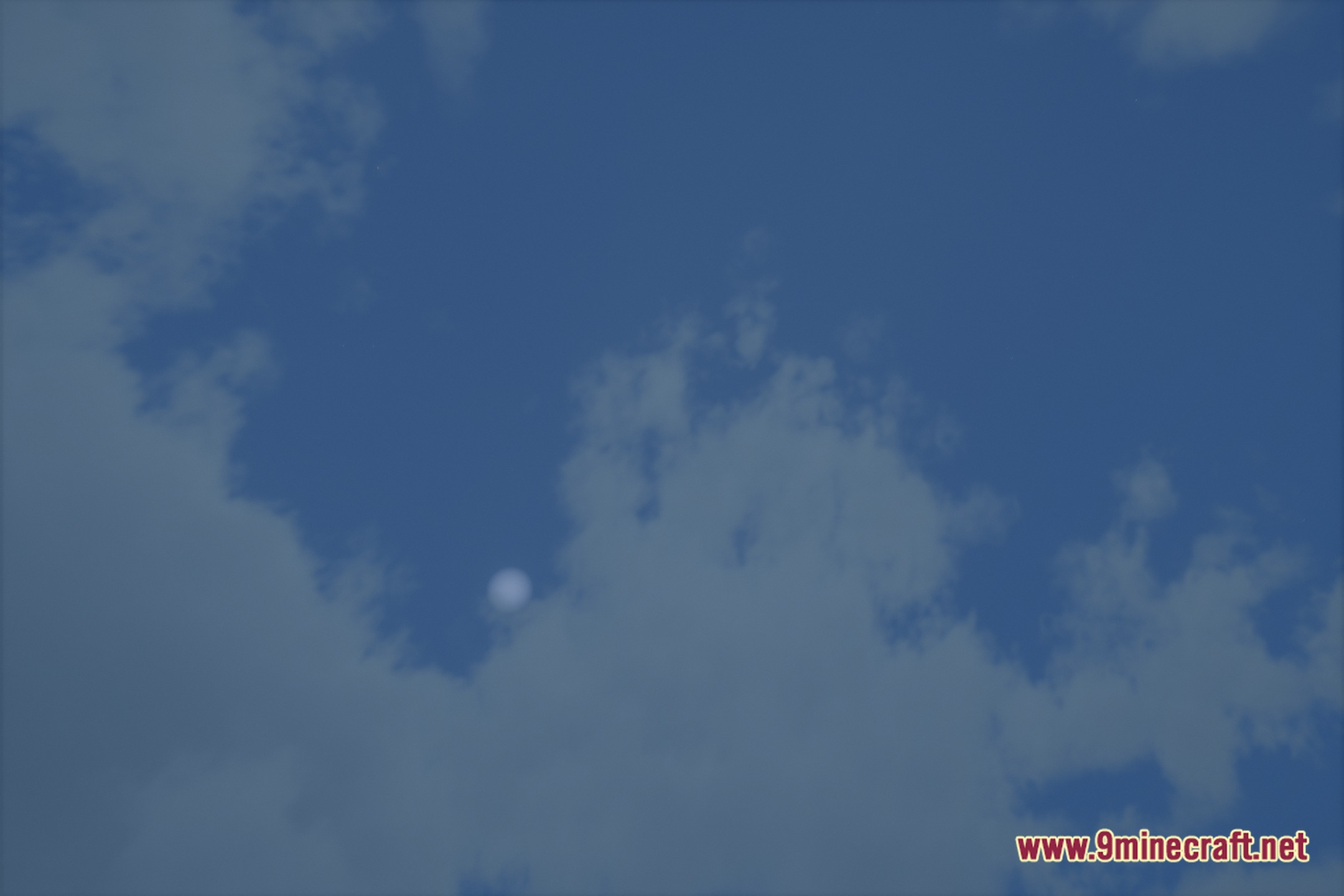
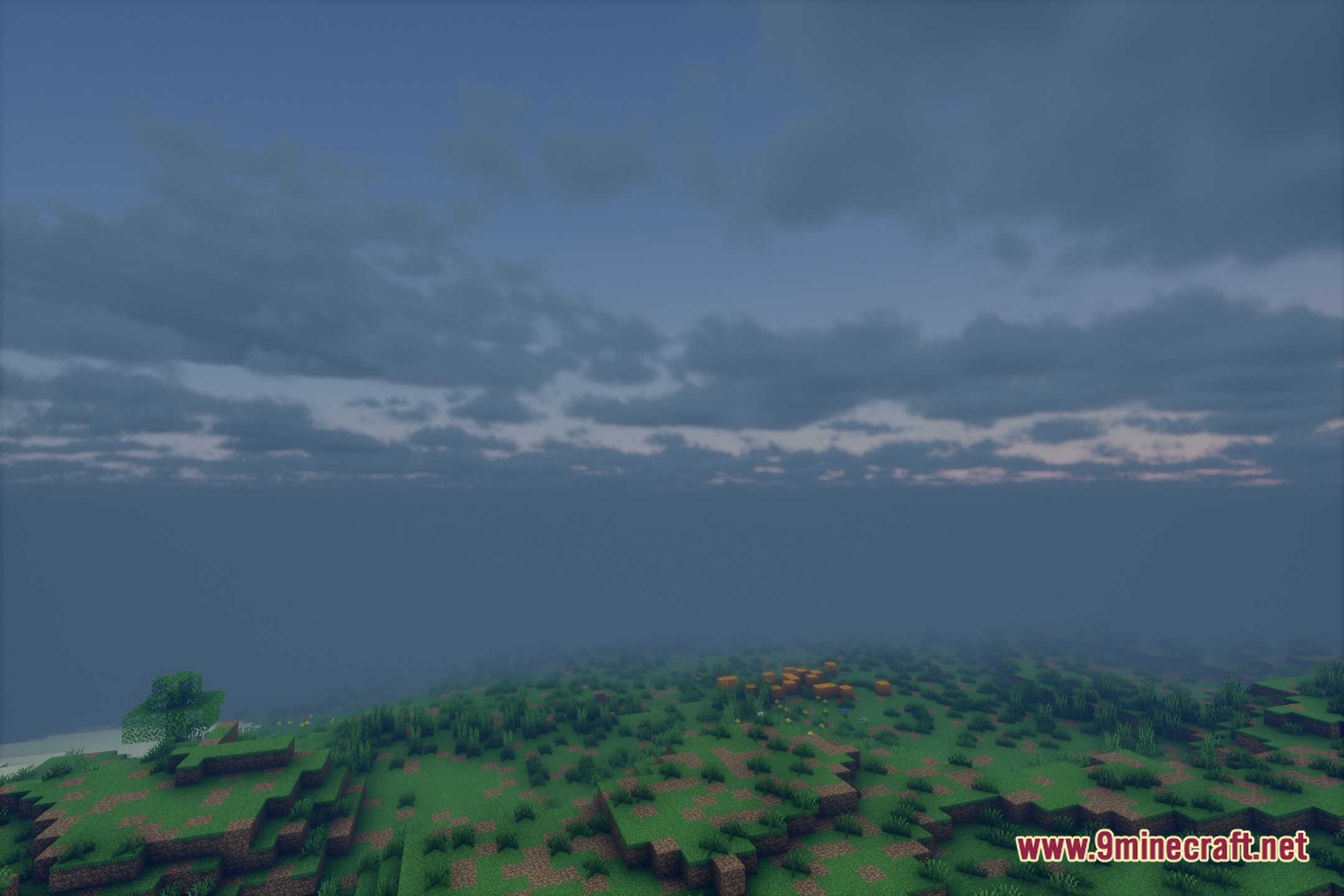
Eveliteshaders illuminates your Minecraft world with cinematic photorealism and heavy volumetric lighting. It gives the game sharp realistic shadows, deep atmospheric layers, and clear water rendering. The shader pack requires a powerful PC to run smoothly due to its demanding visual effects. You can explore your builds under bright sunlight beams and detailed daytime lighting.
Features:
- Adds thick volumetric fog and bright light beams that filter through trees and structures.
- Casts crisp, detailed shadows beneath blocks, items, and moving mobs.
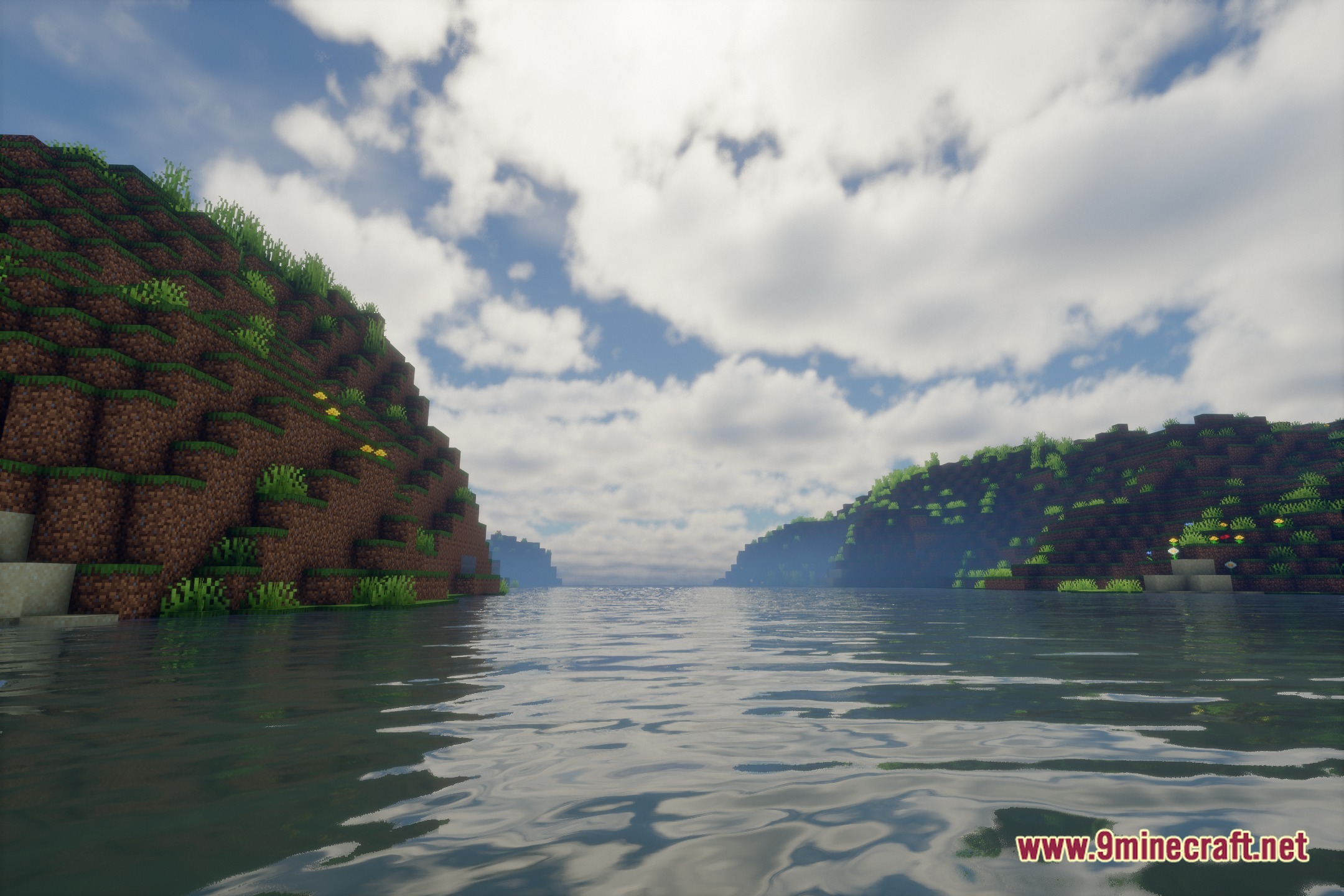
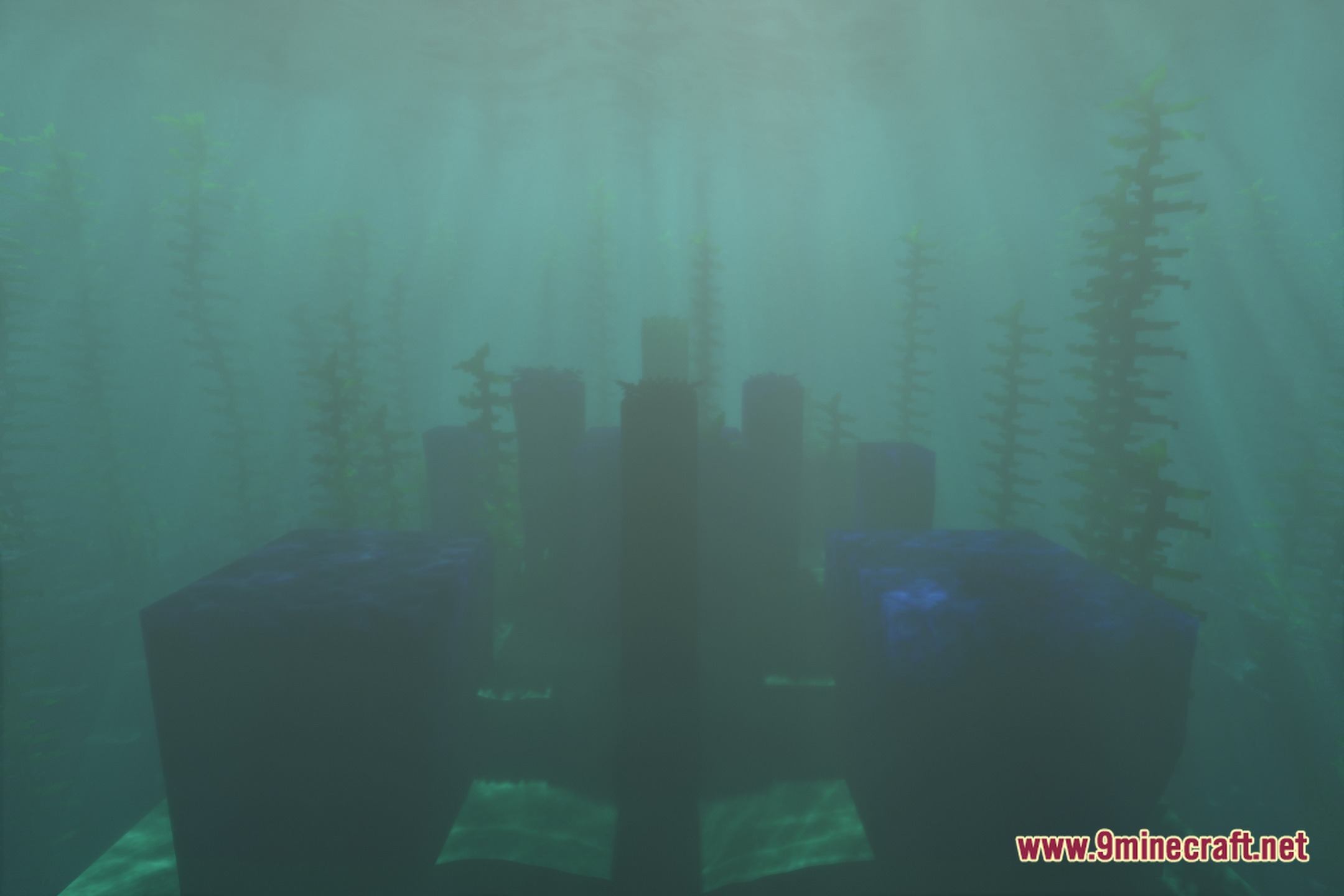
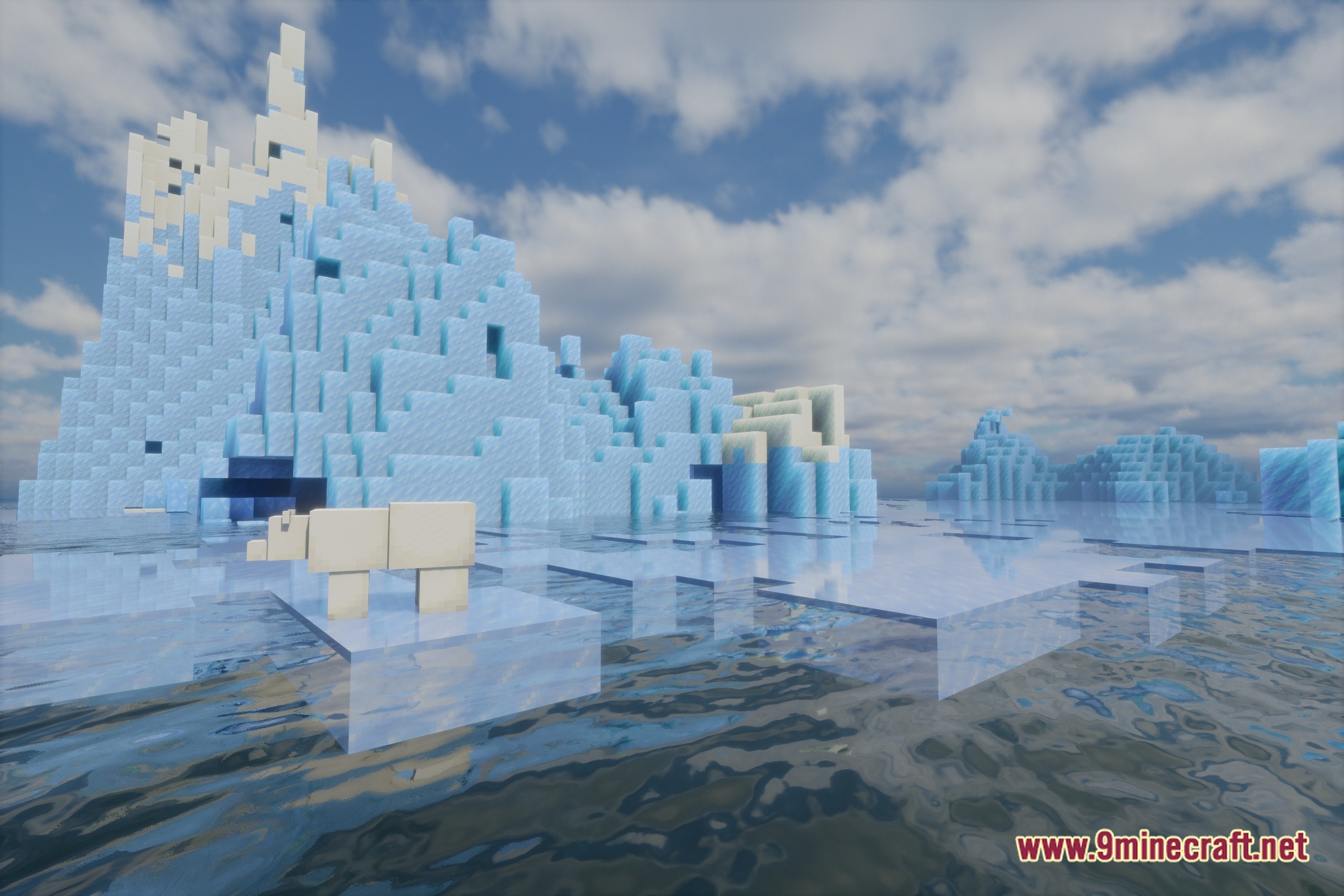
- Transforms plain water surfaces with realistic movement, reflections, and deep clarity.
- Brings rich atmospheric depth to both daytime and nighttime skies.
- Runs best on powerful hardware setups built for heavy graphical demands.
Screenshots:
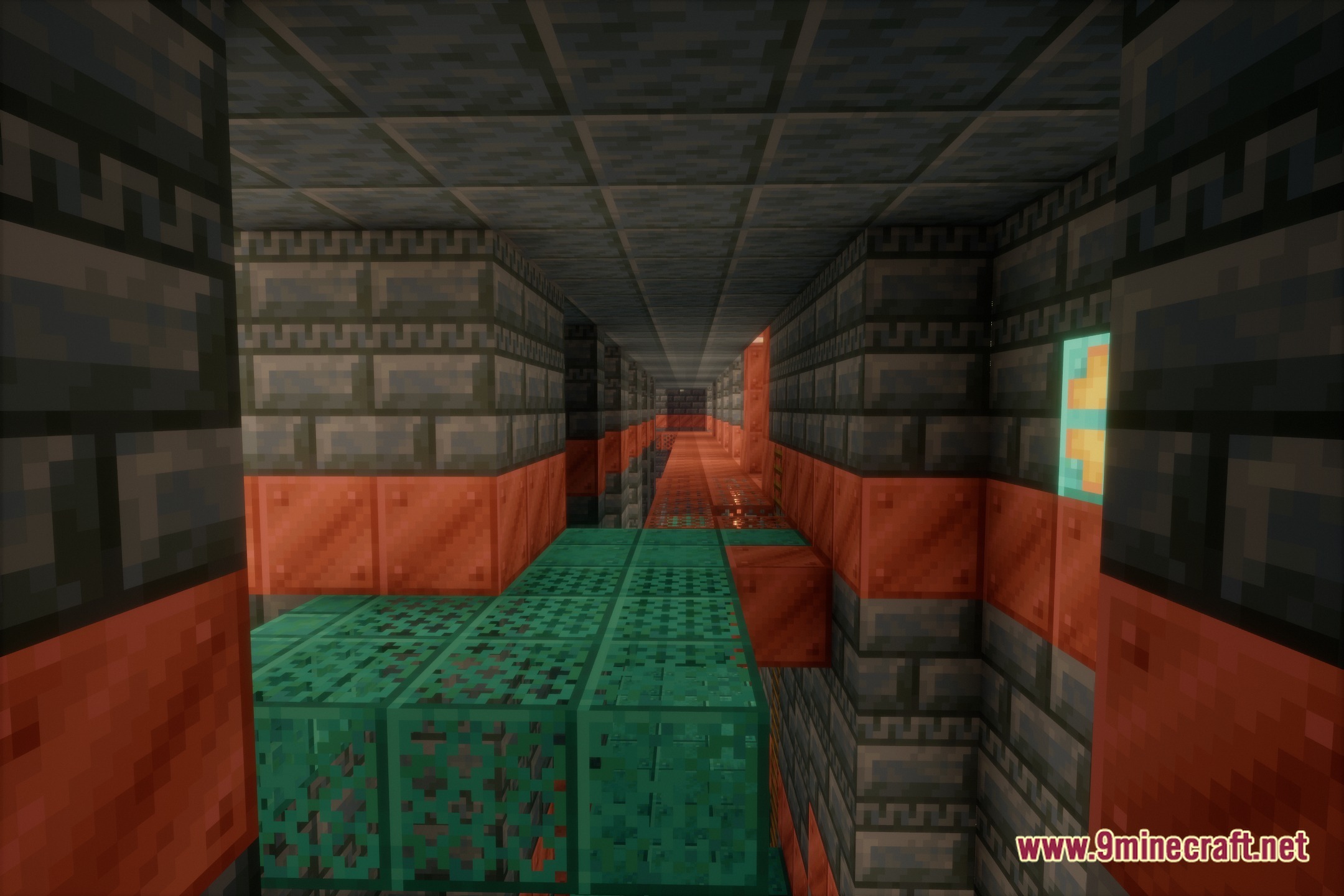
Eveliteshaders Download Links
Quick facts
- Edition: Minecraft Java
- File type: .zip (resource pack)
- Minecraft version listed: 1.20.1
- How to install: Download the .zip resource pack — do not unzip it. → Put it in .minecraft/resourcepacks. → Enable it in Options → Resource Packs.
- Where to get it: Opens on the file's original source — not every file is mirrored on our own servers.
Install steps are the general flow for this file type — see the MC Java Mods guides for the full walkthrough.
Eveliteshaders (26.3, 1.20.1) – Volumetric Light Beams and Crisp Shadows is a free Minecraft Java shader. Compatible with Minecraft 1.20.1. Download it and open it directly in the game.