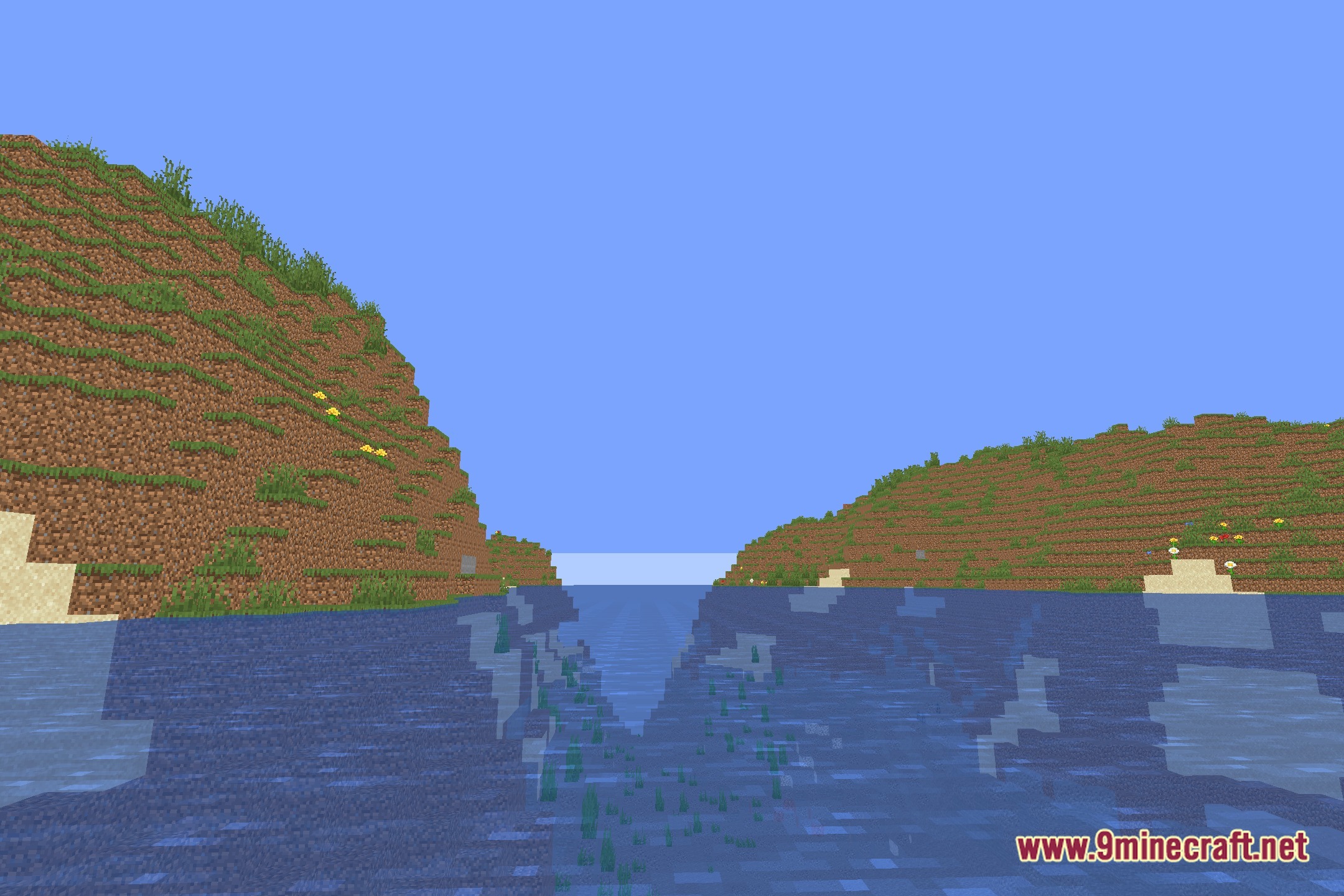
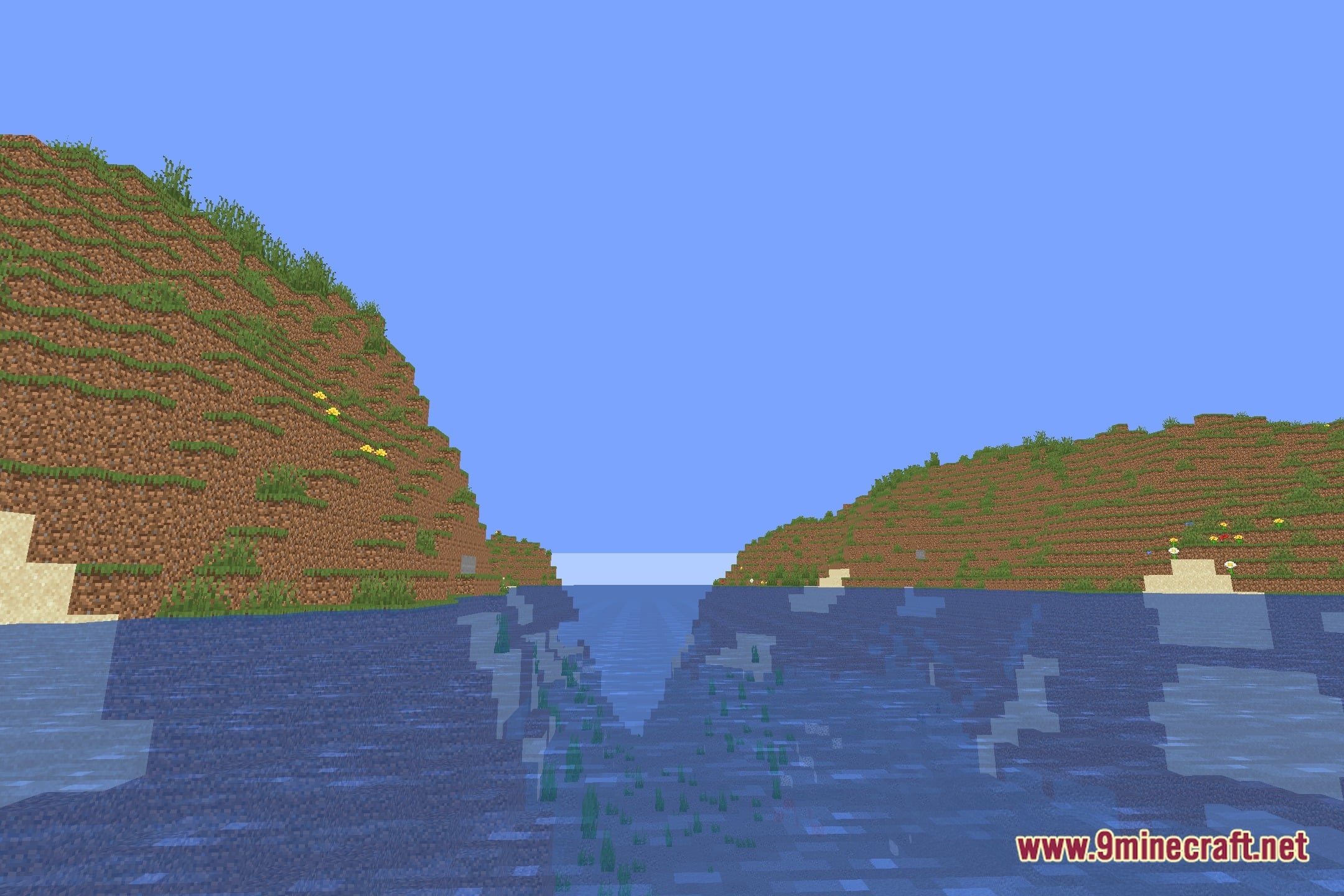
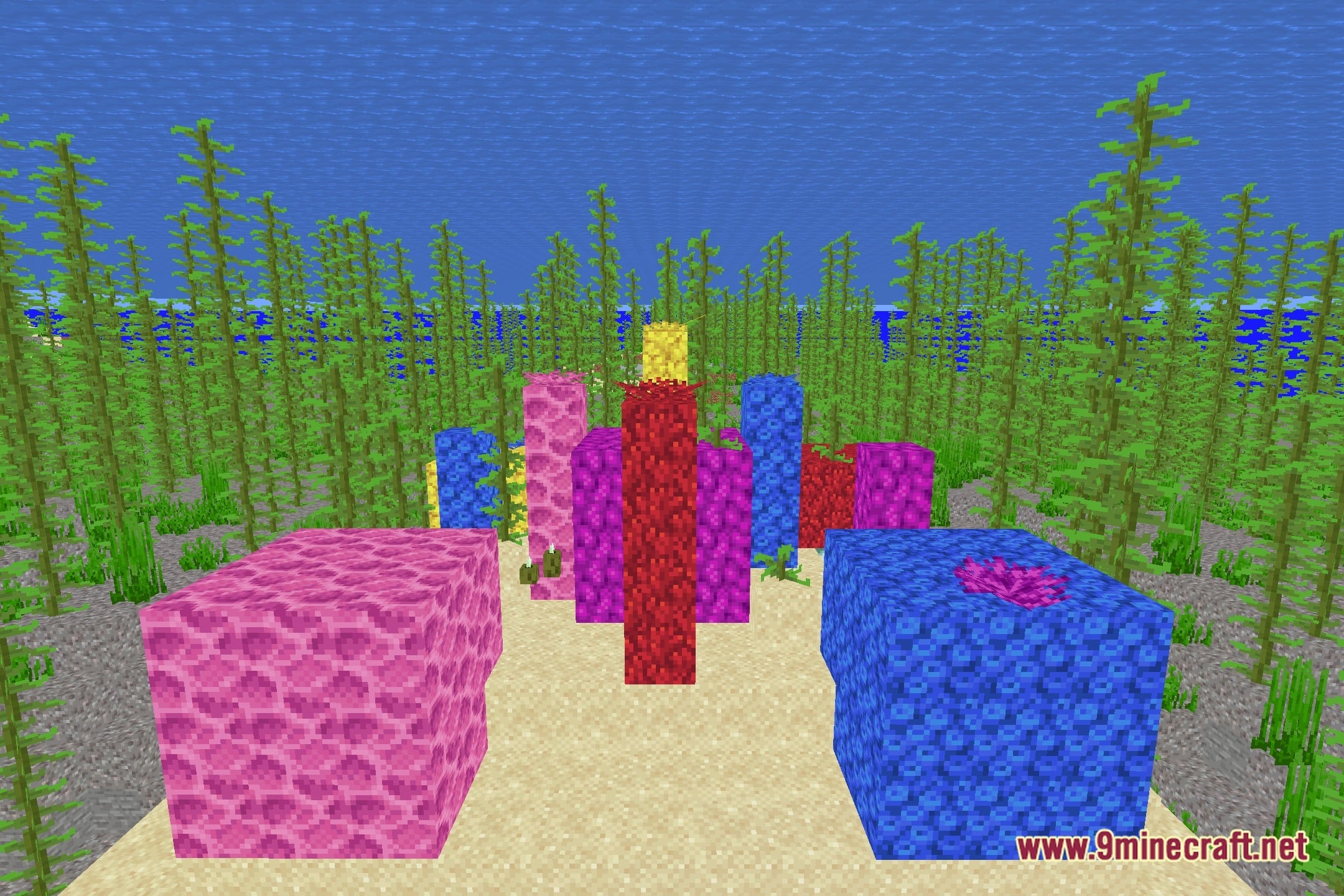
NoUnderwaterFog Shaders clears the murky haze from oceans and rivers across your world. This shader removes the dense underwater fog effect completely while keeping the rest of the game looking vanilla. You get clear vision underwater without changing lighting, shadows, or colors on land and in the sky. It runs smoothly on potato computers with almost no impact on performance.
Features:
- Removes all underwater fog for clear sight in oceans, lakes, and rivers.
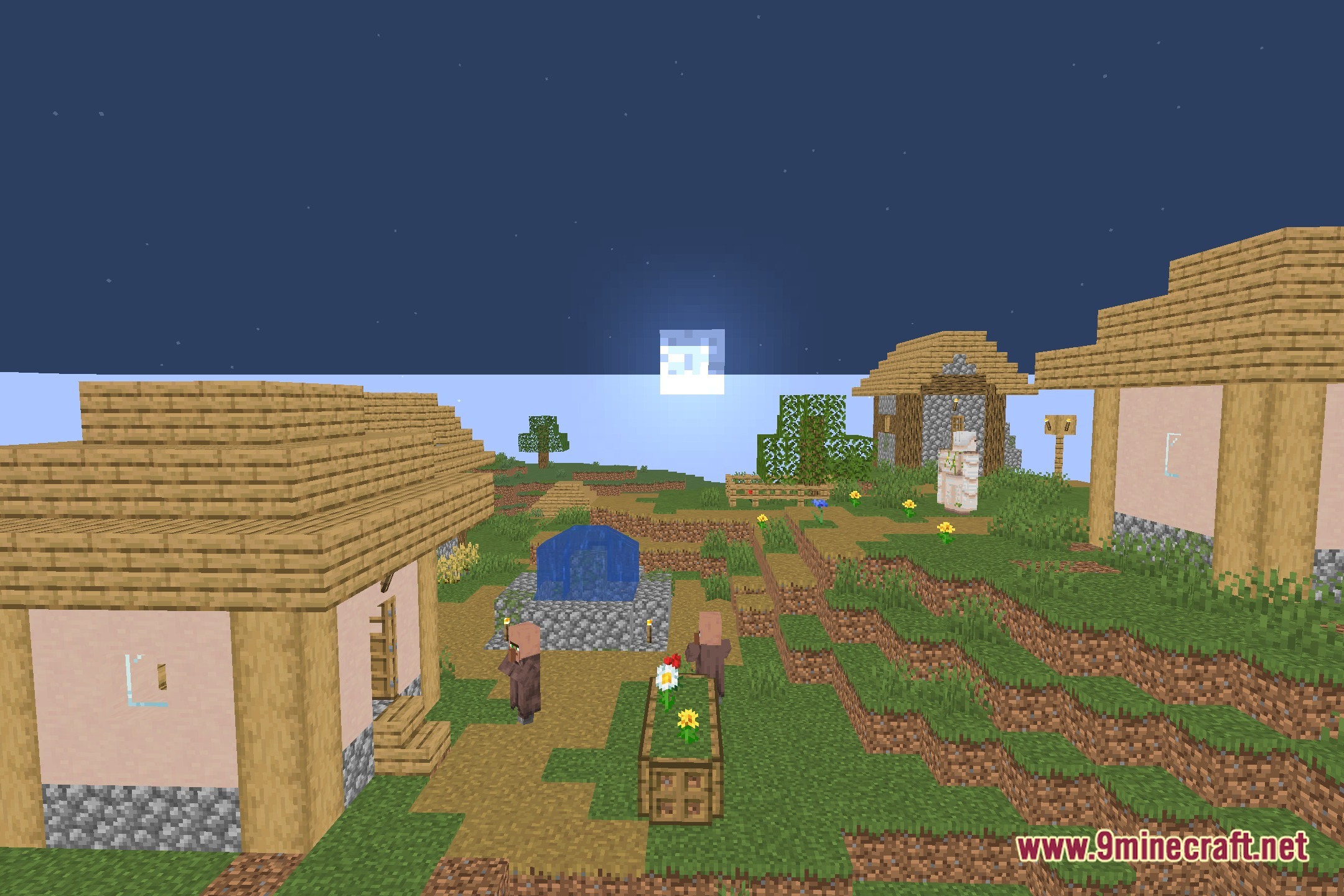
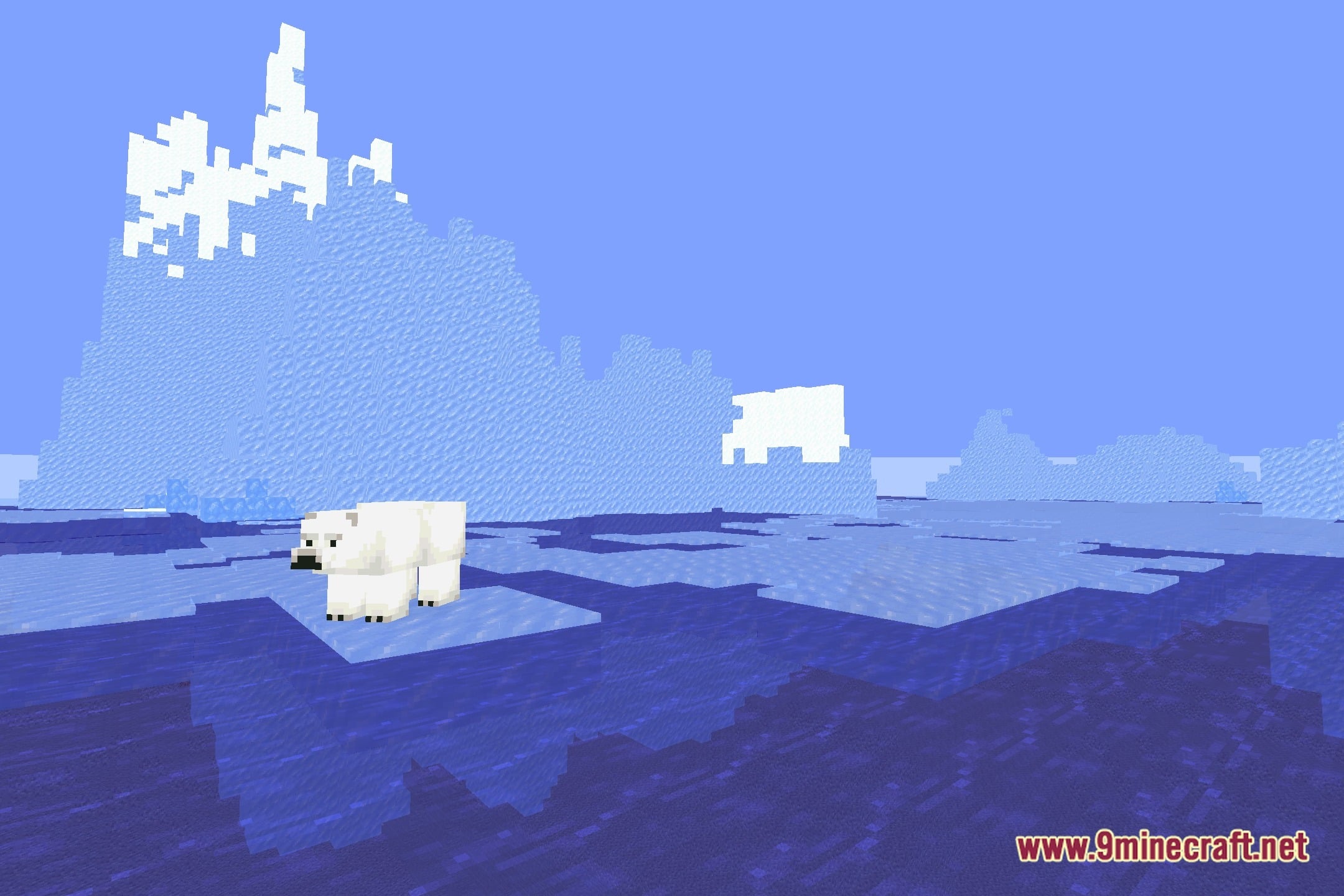
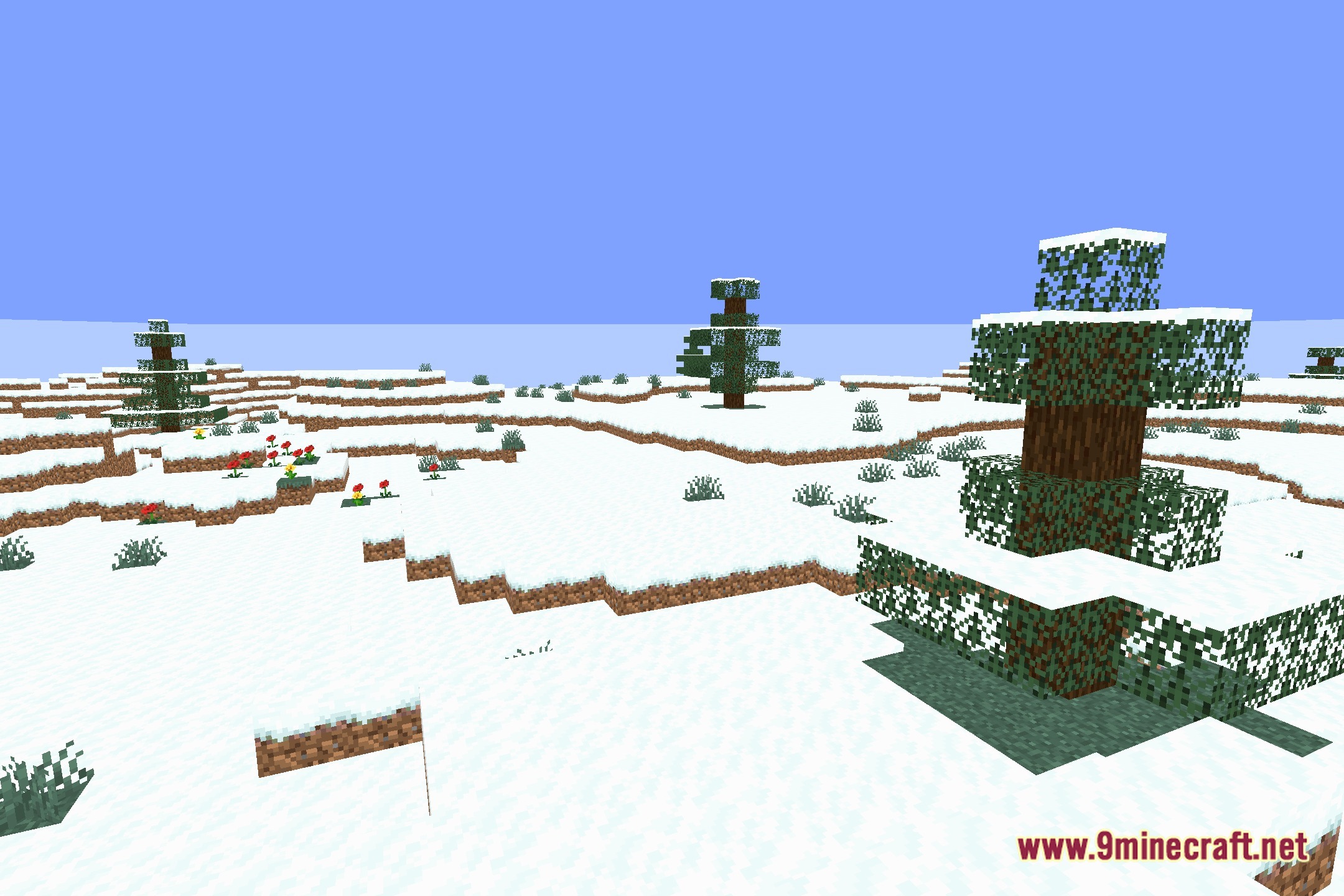
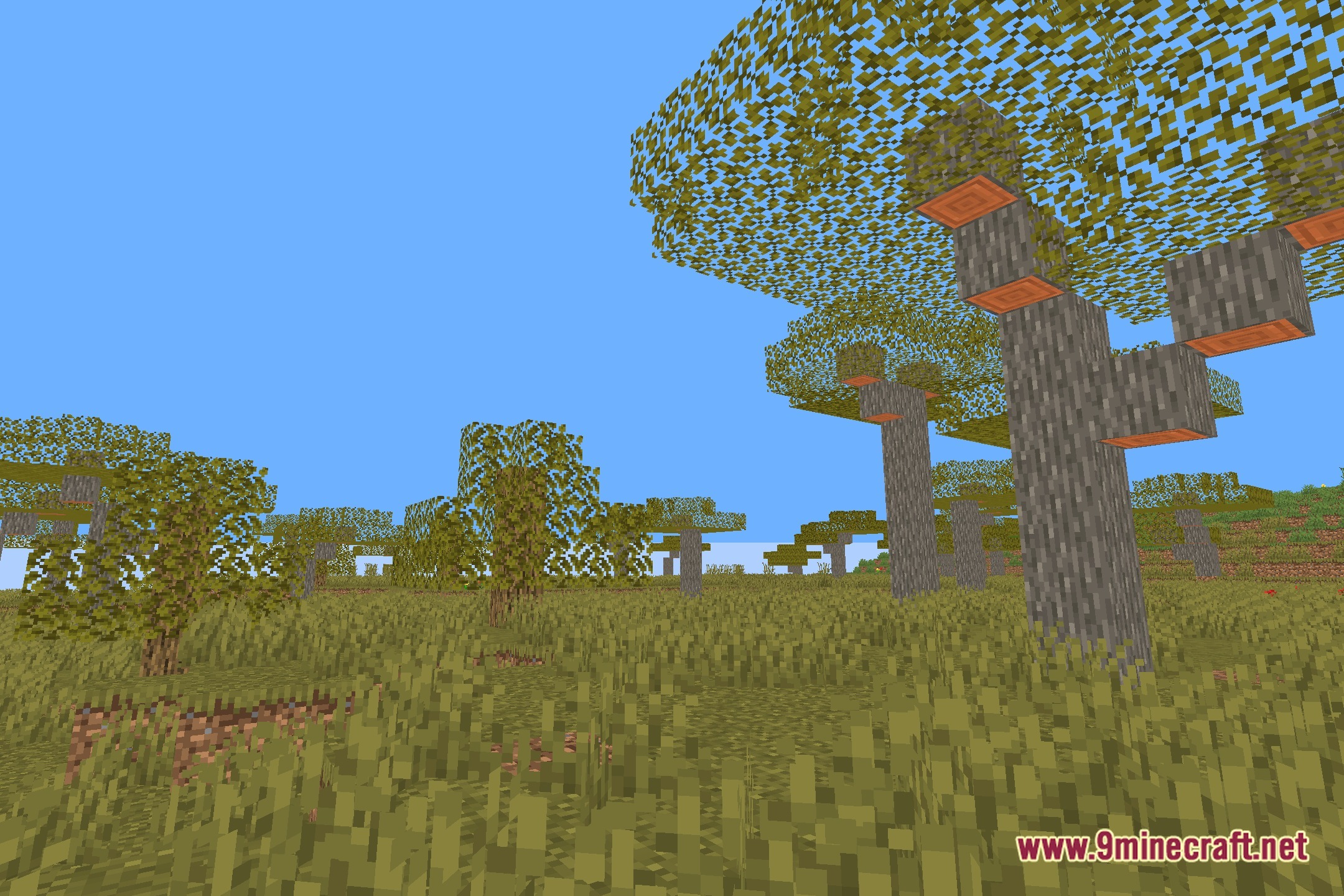
- Keeps the default look untouched across skies, terrain, and block lighting.
- Runs smoothly on low-end systems and potato computers without dropping frame rates.
- Helps you spot ocean monuments, shipwrecks, and ruins from far away.
Screenshots:
NoUnderwaterFog Shaders Download Links
Quick facts
- Edition: Minecraft Java
- File type: .zip (resource pack)
- Minecraft version listed: 1.20.1
- How to install: Download the .zip resource pack — do not unzip it. → Put it in .minecraft/resourcepacks. → Enable it in Options → Resource Packs.
- Where to get it: Opens on the file's original source — not every file is mirrored on our own servers.
Install steps are the general flow for this file type — see the MC Java Mods guides for the full walkthrough.
NoUnderwaterFog Shaders (26.3, 1.20.1) – Clear Underwater Sight Without Lag is a free Minecraft Java shader. Compatible with Minecraft 1.20.1. Download it and open it directly in the game.