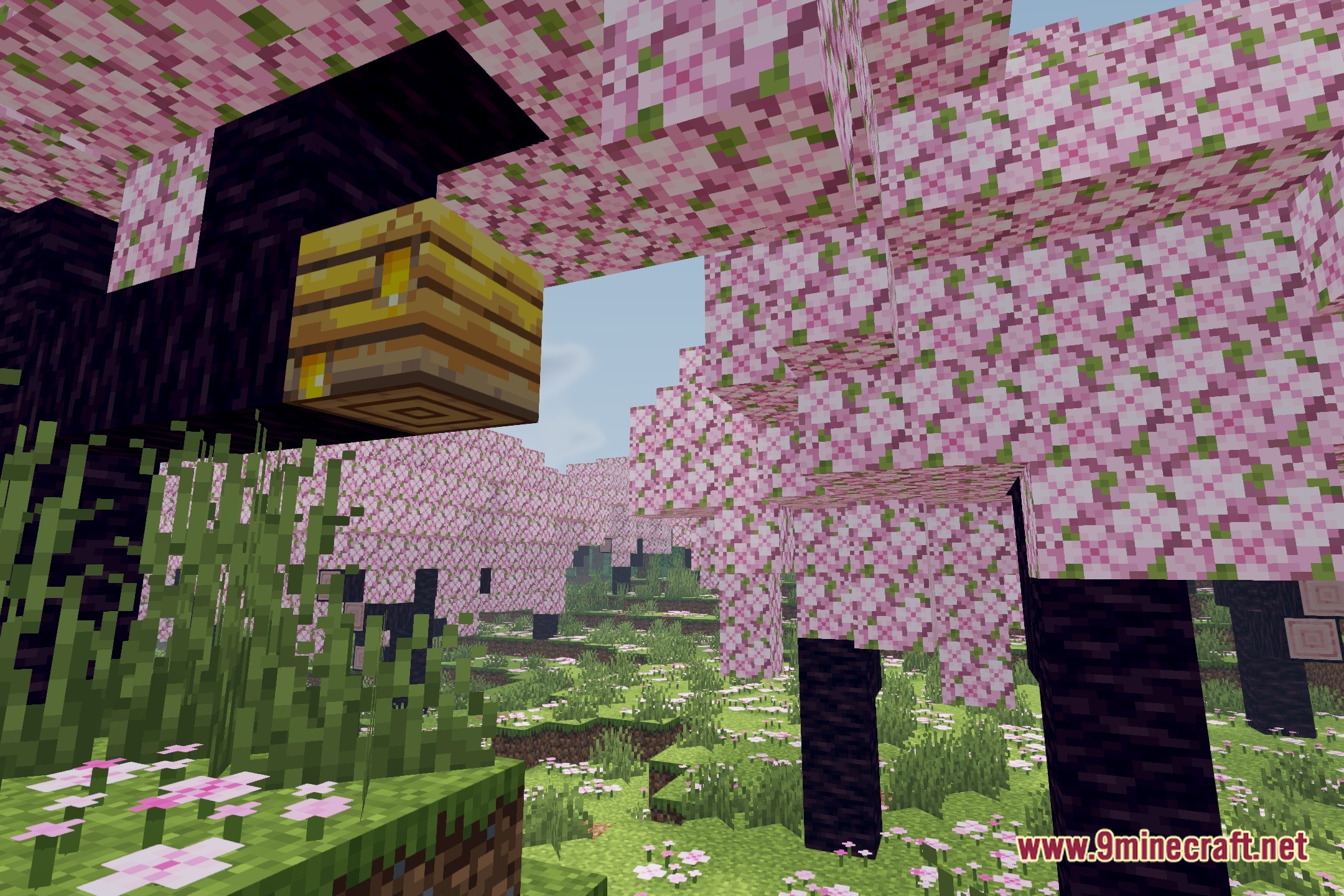
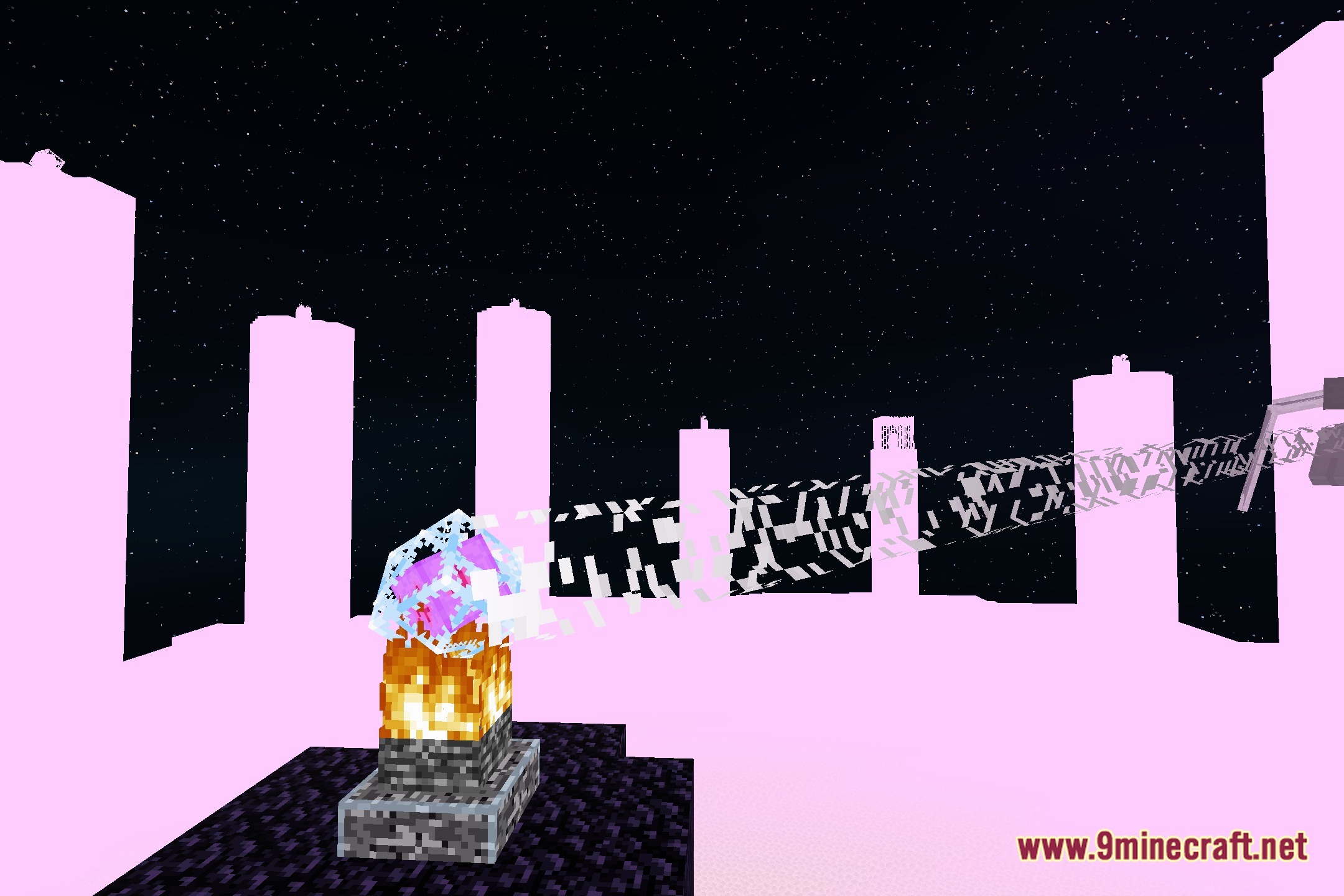
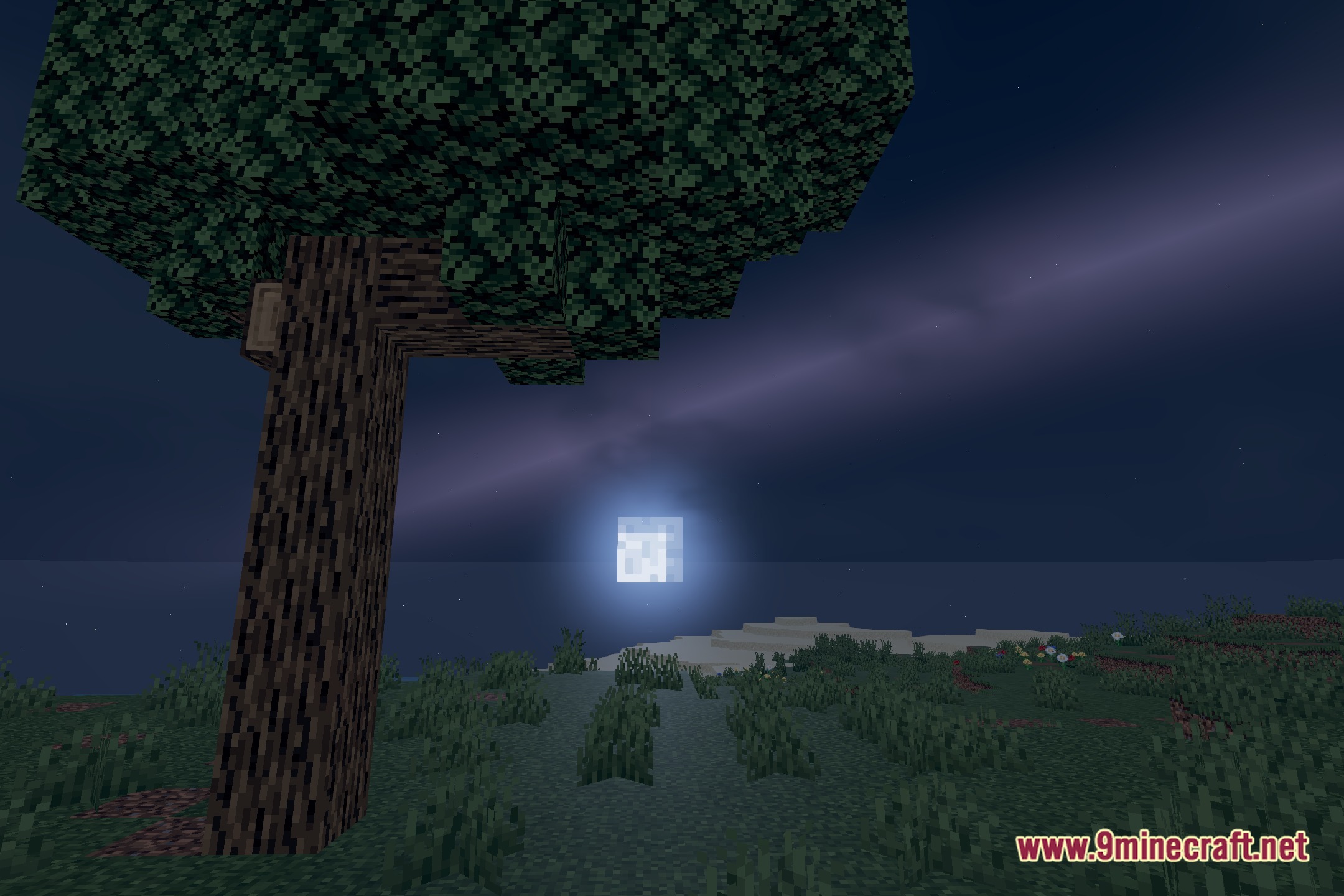
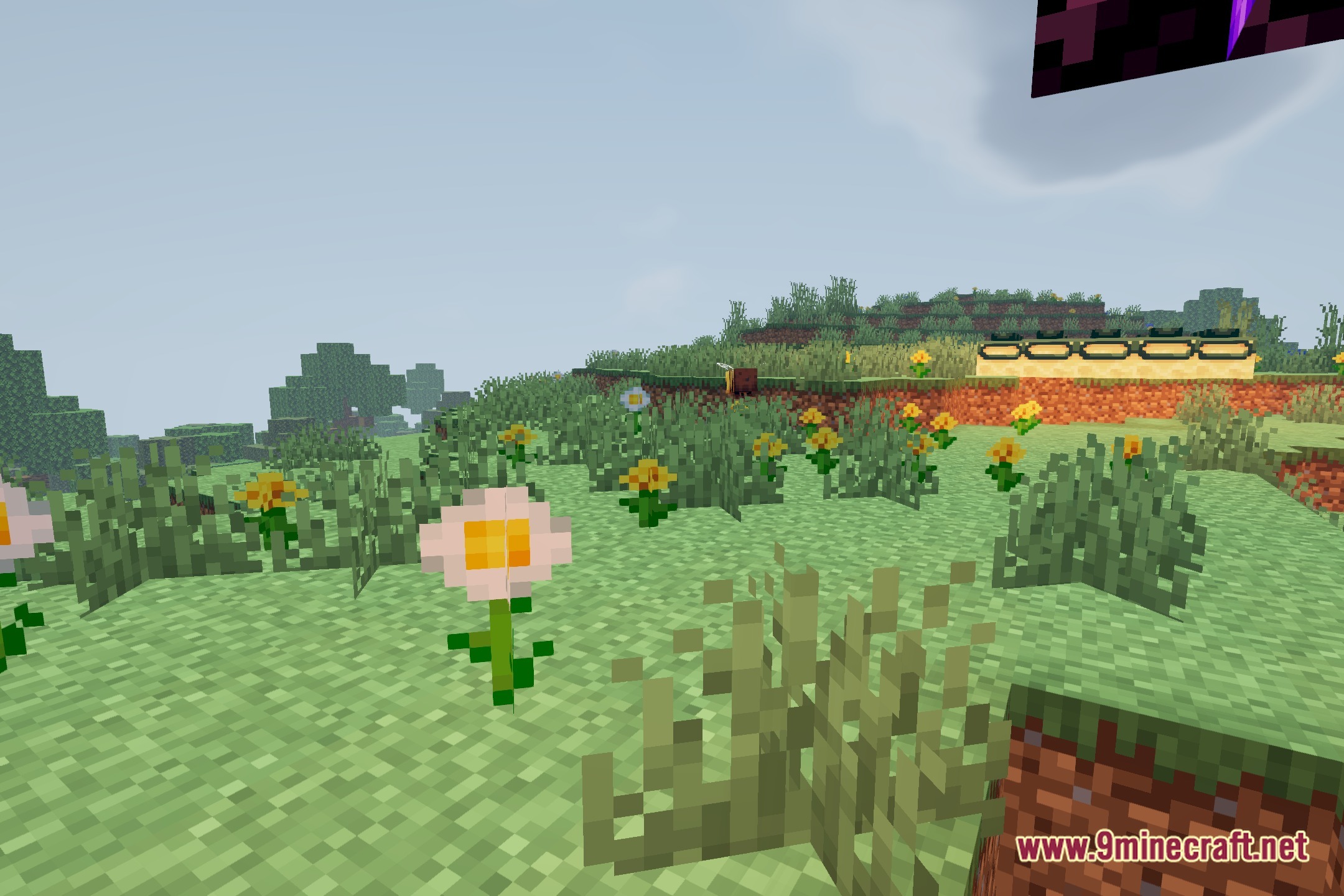
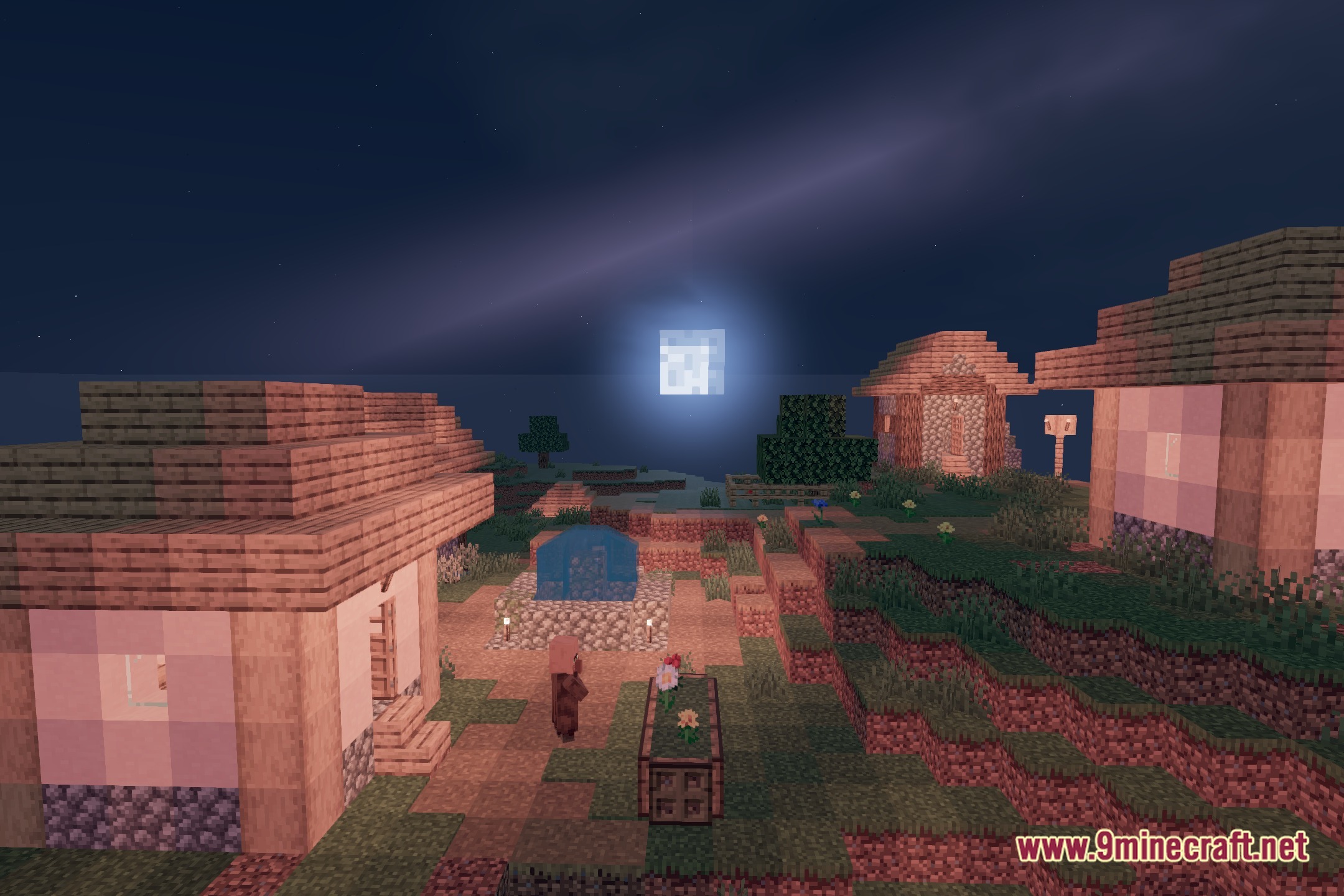
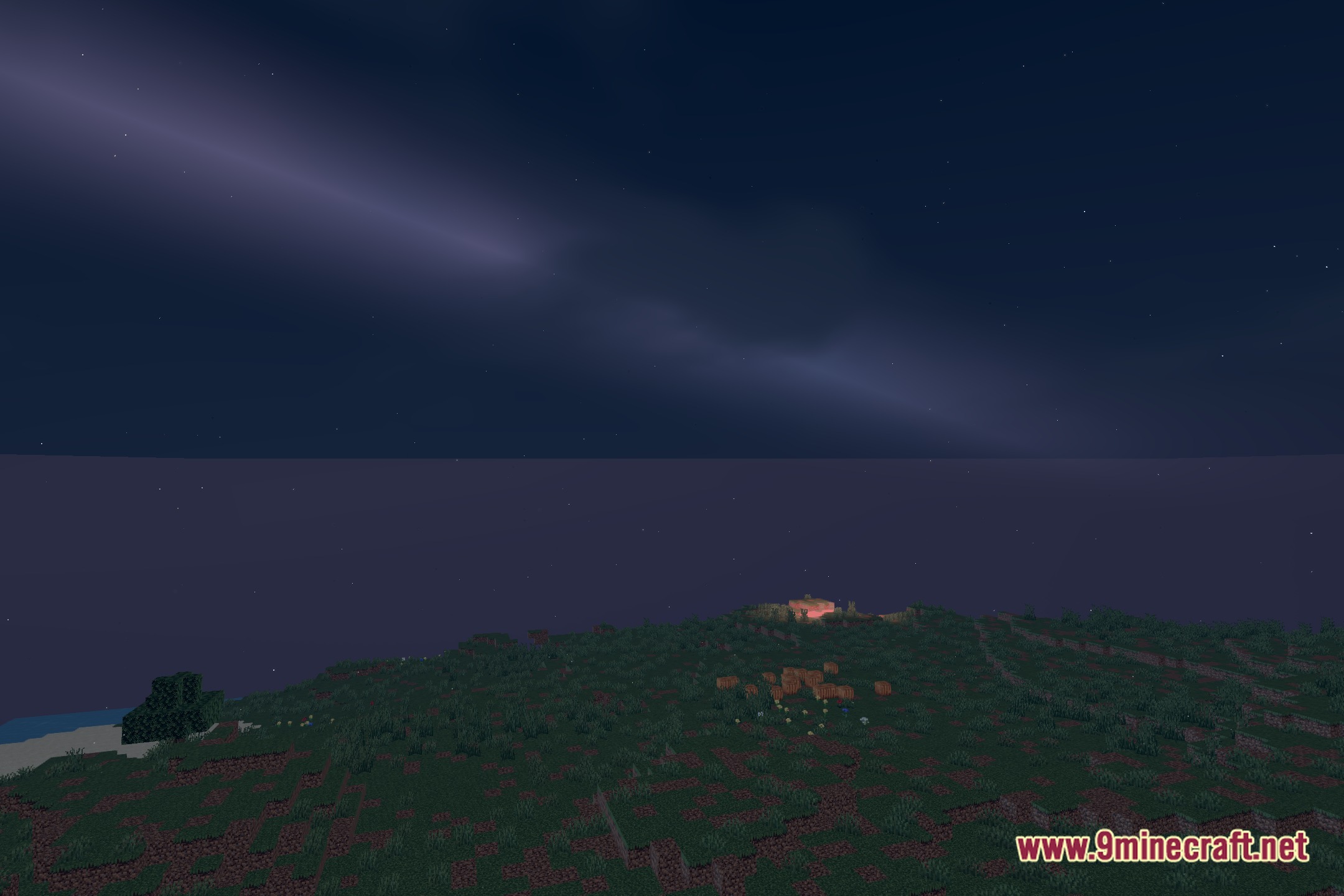
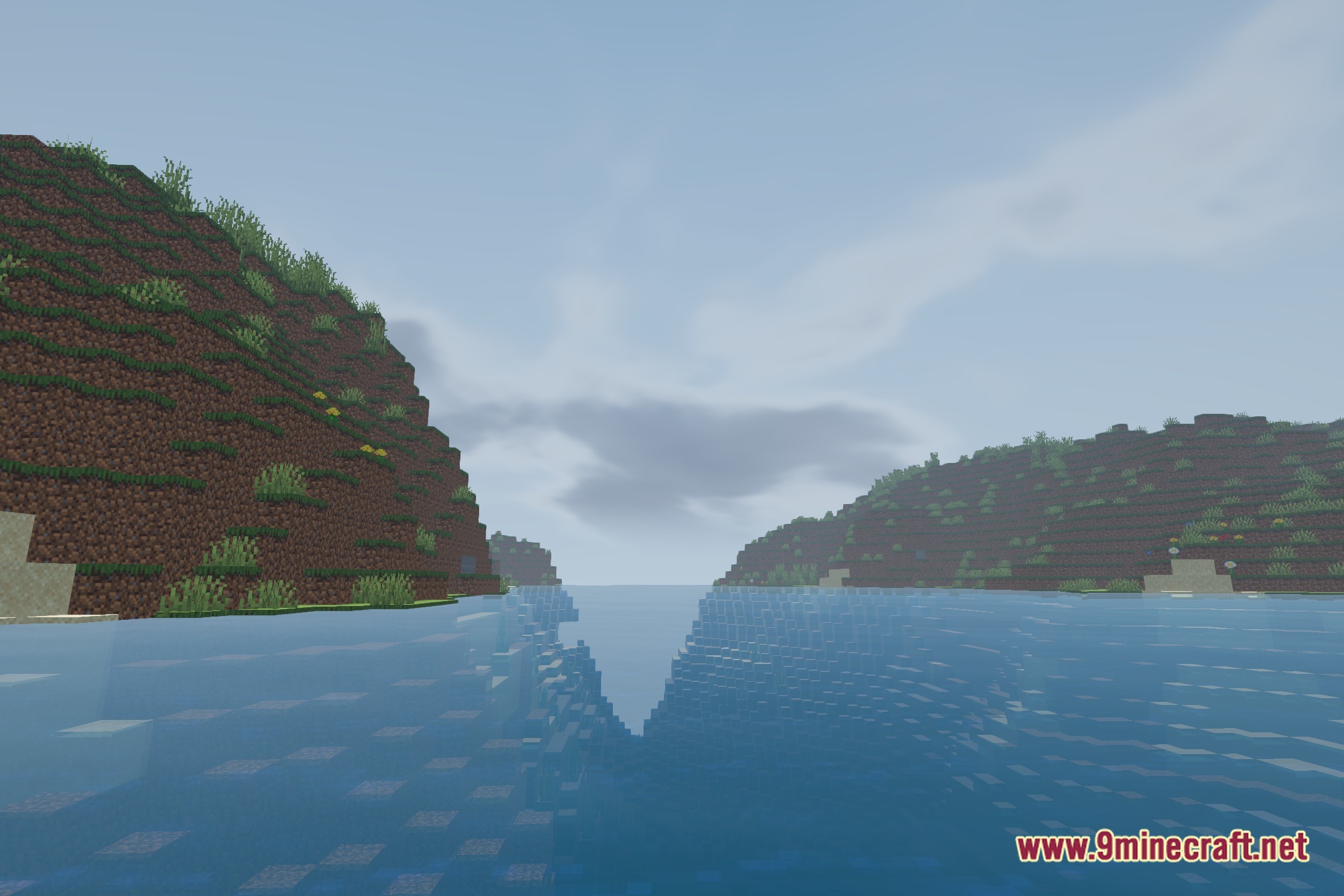
Farloom Shaders lights up Minecraft with a realistic vanilla look focused on long render distances. It provides specialized terrain and water lighting built specifically for Distant Horizons integration. The shader keeps far-away landscapes clear, readable, and well-blended with active chunks. You get clean vistas across massive biomes without visual artifacts on distant terrain.
Features:
- Distant Horizons Integration: Dedicated lighting profiles for distant terrain and water surfaces.
- Clean level-of-detail transitions prevent obvious borders between loaded chunks and far-off landscape blocks.
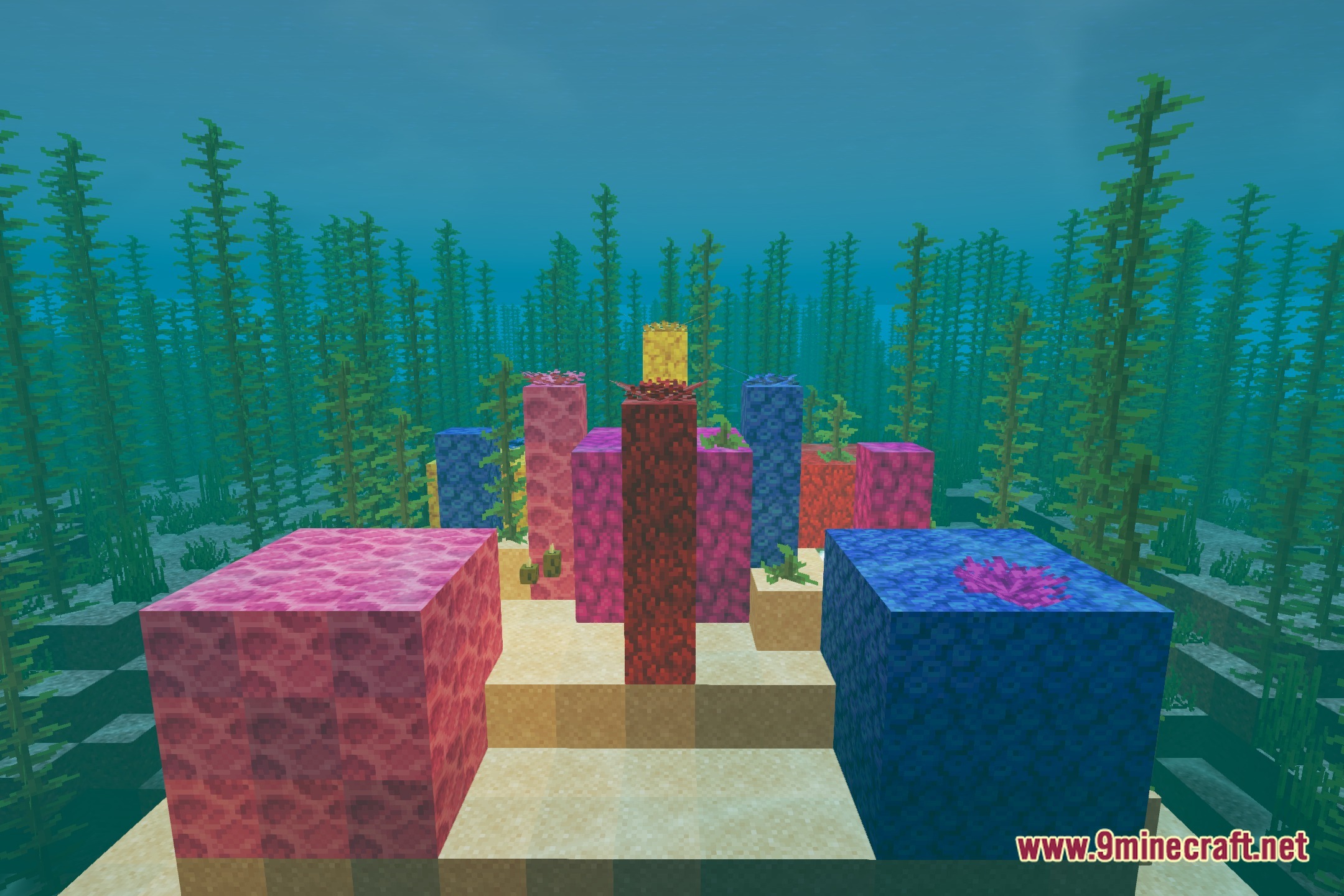
- Maintains the familiar colors of vanilla blocks while adding balanced lighting.
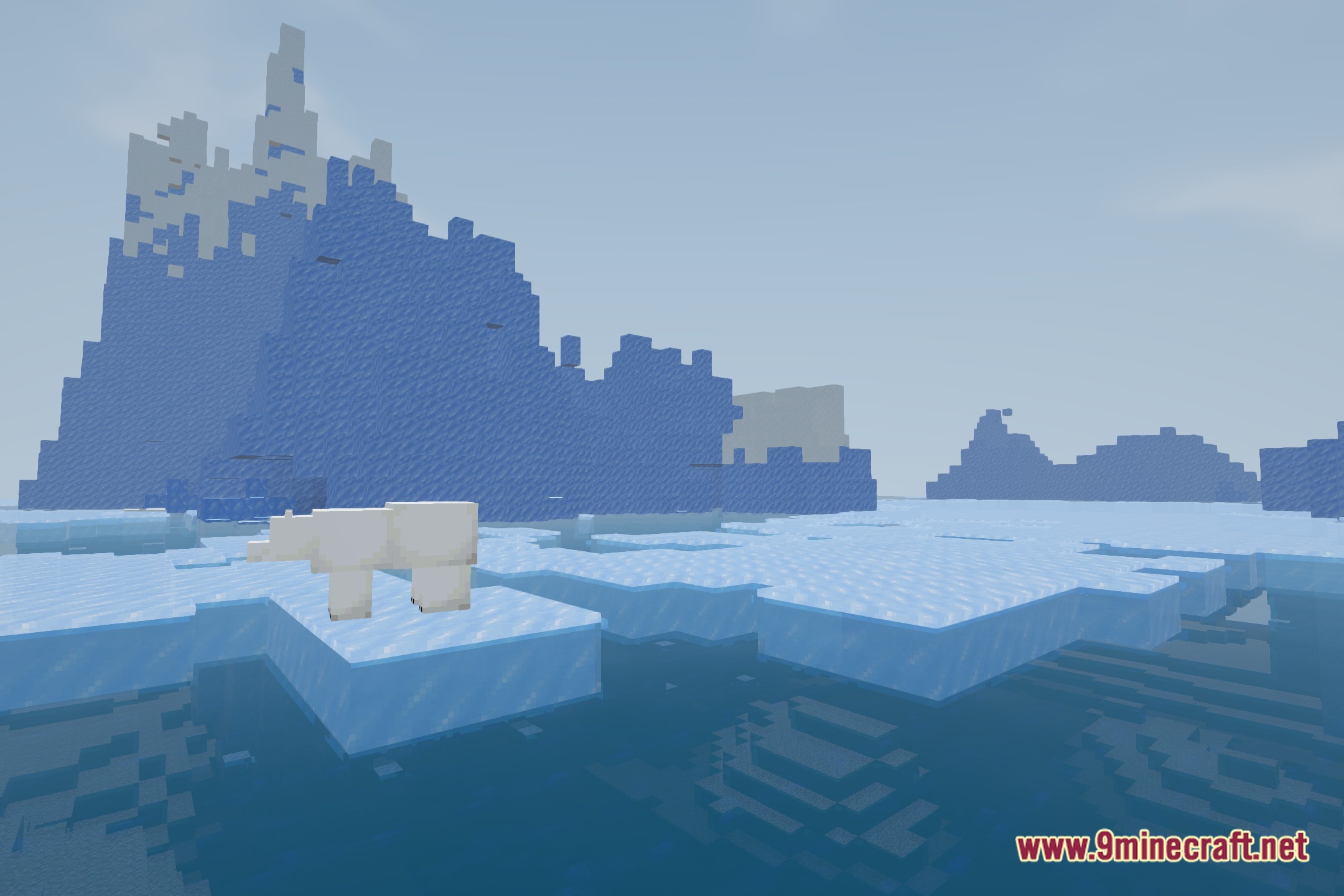
- Clear views across massive mountain ranges and oceans.
- Water surfaces reflect and blend evenly at both close and extreme render ranges.
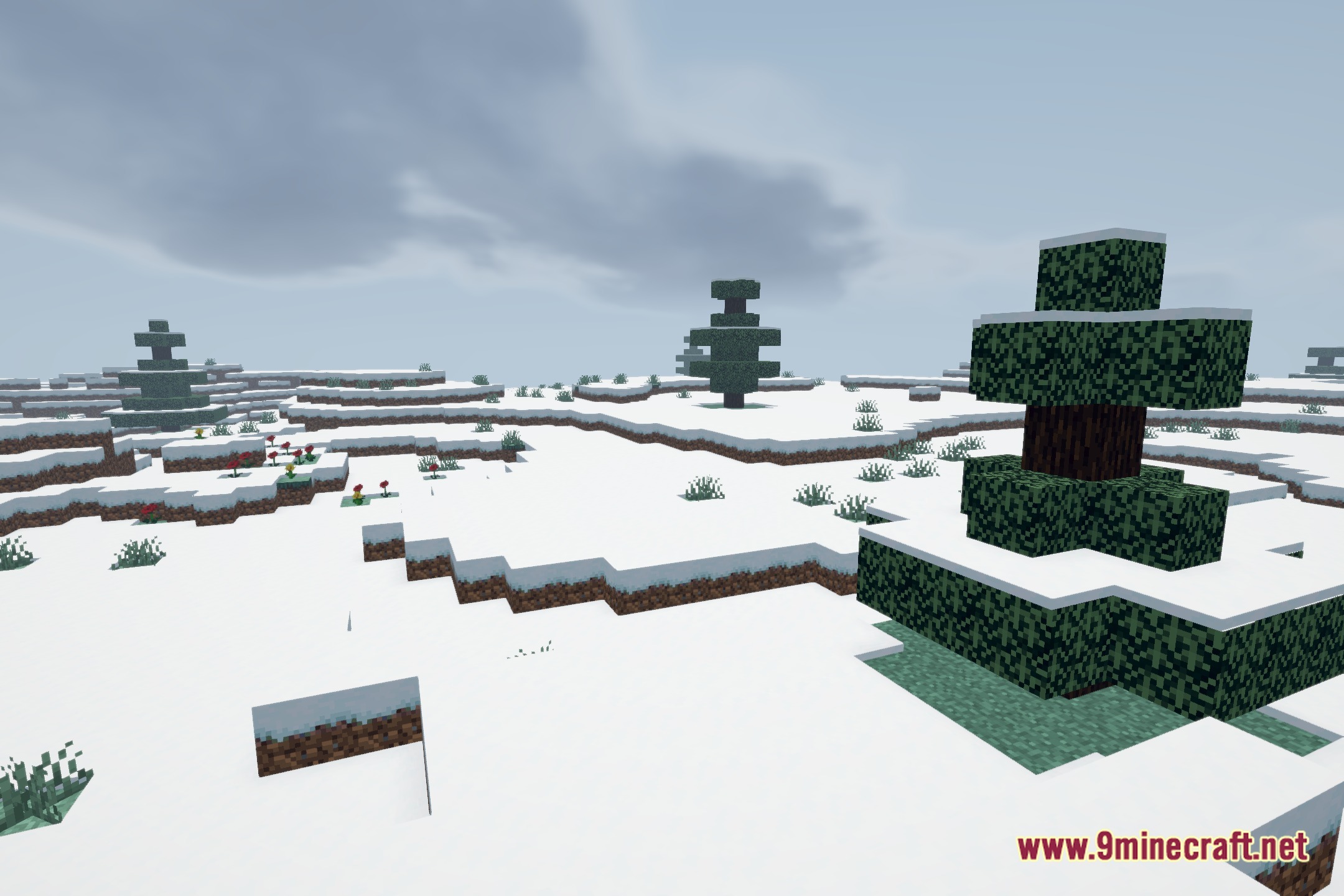
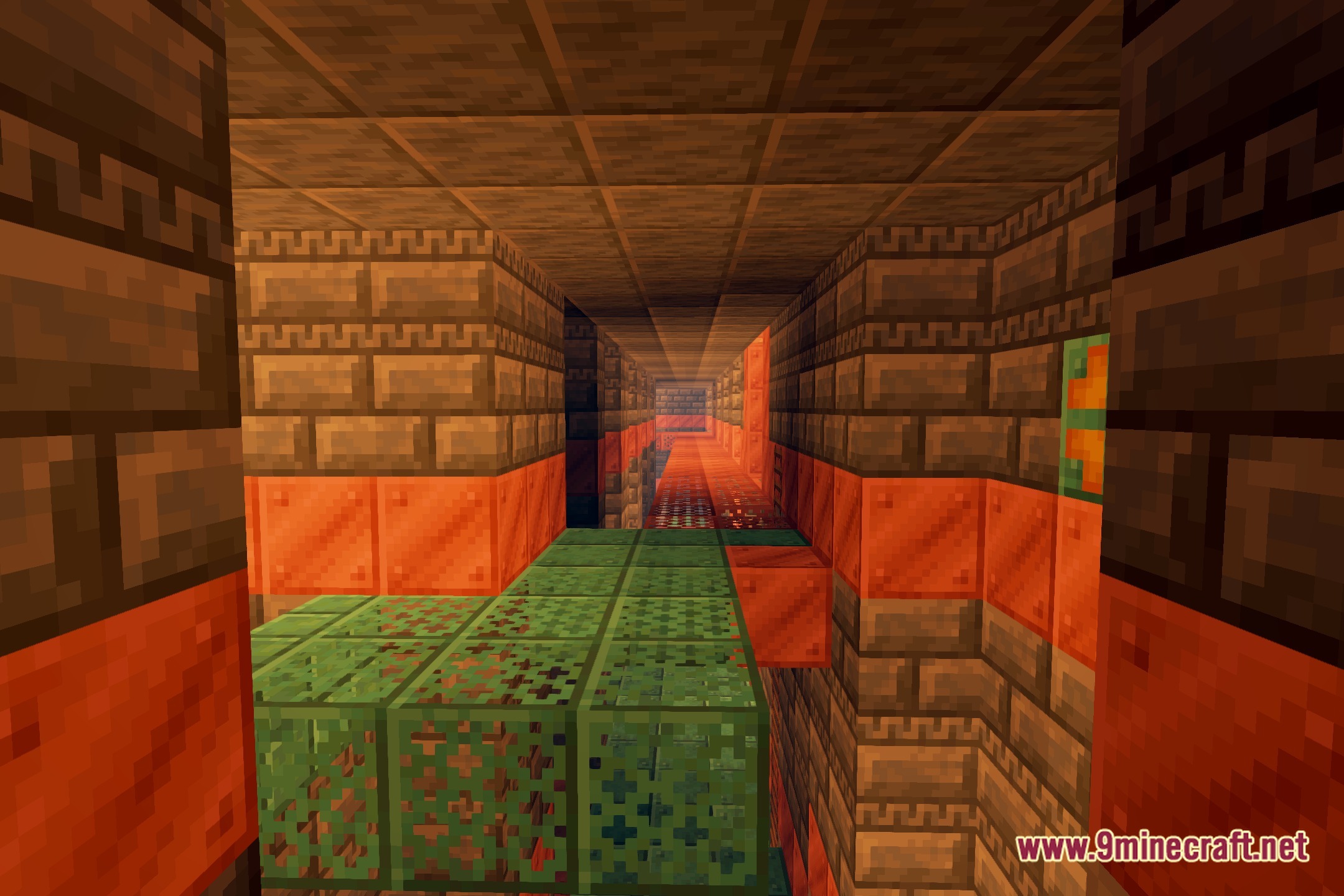
Screenshots:
Farloom Shaders Download Links
Quick facts
- Edition: Minecraft Java
- File type: .zip (resource pack)
- Minecraft version listed: 1.20.1
- How to install: Download the .zip resource pack — do not unzip it. → Put it in .minecraft/resourcepacks. → Enable it in Options → Resource Packs.
- Where to get it: Opens on the file's original source — not every file is mirrored on our own servers.
Install steps are the general flow for this file type — see the MC Java Mods guides for the full walkthrough.
Farloom Shaders (26.3, 1.20.1) – Custom Lighting for Distant Horizons is a free Minecraft Java shader. Compatible with Minecraft 1.20.1. Download it and open it directly in the game.