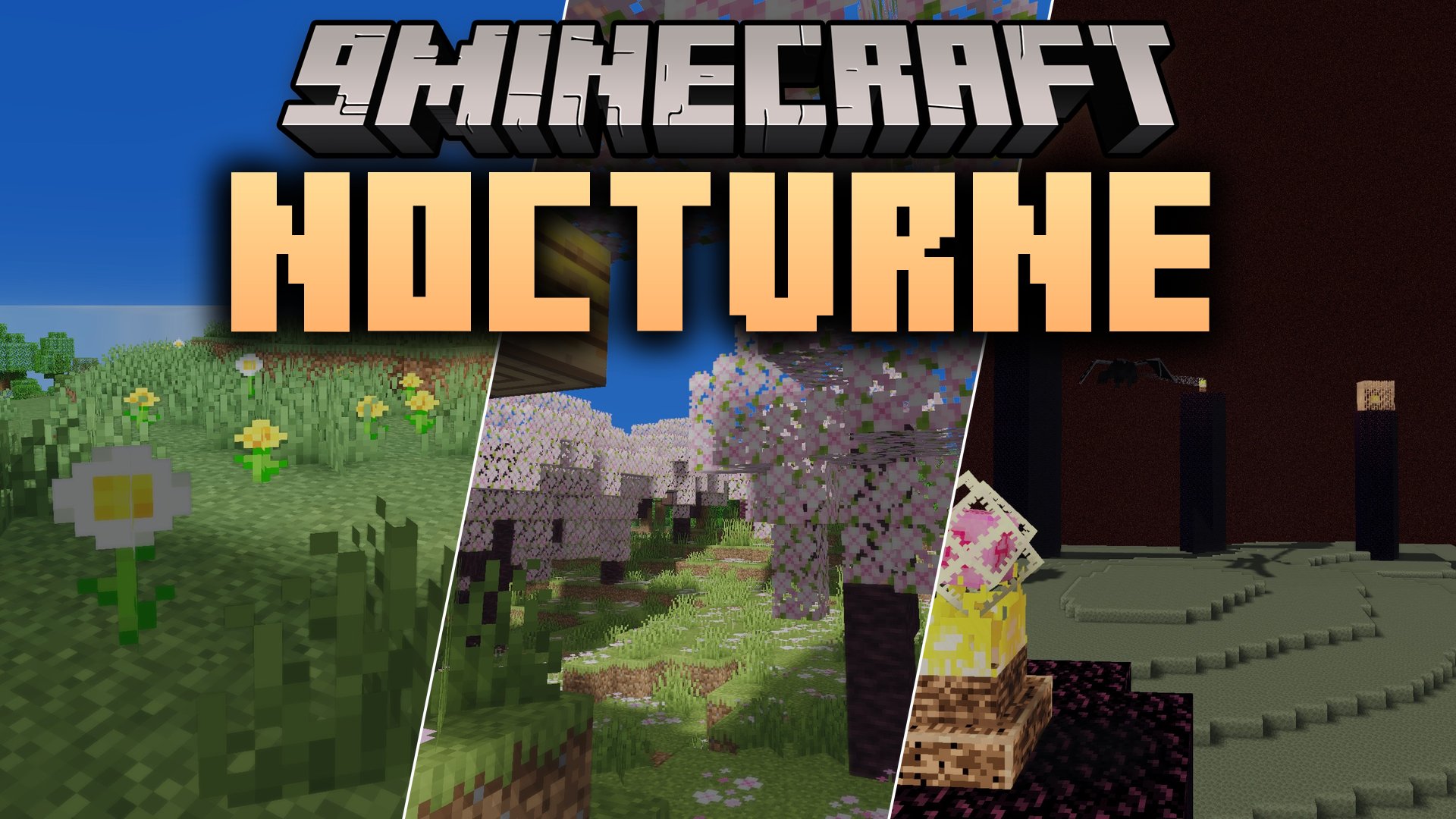
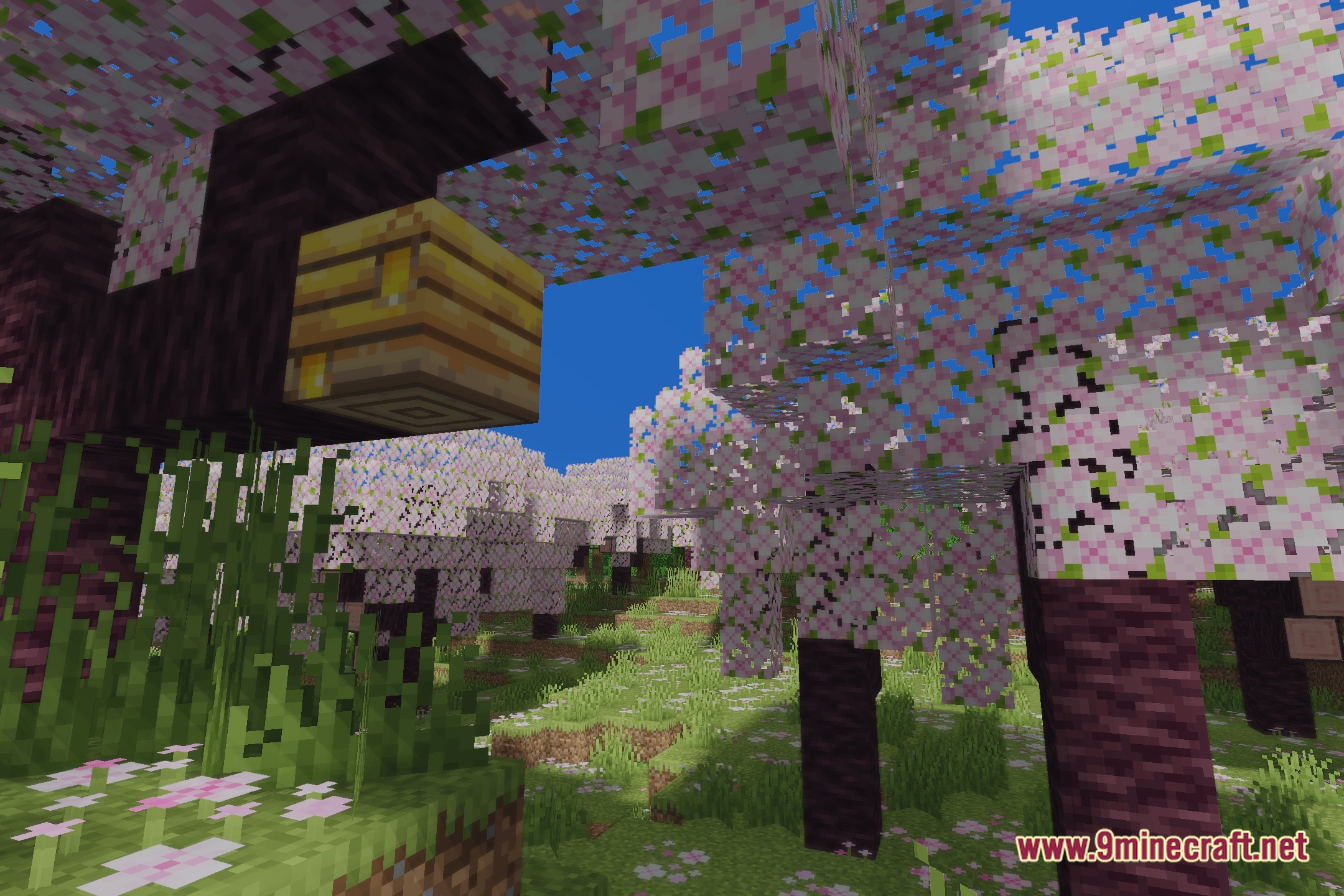
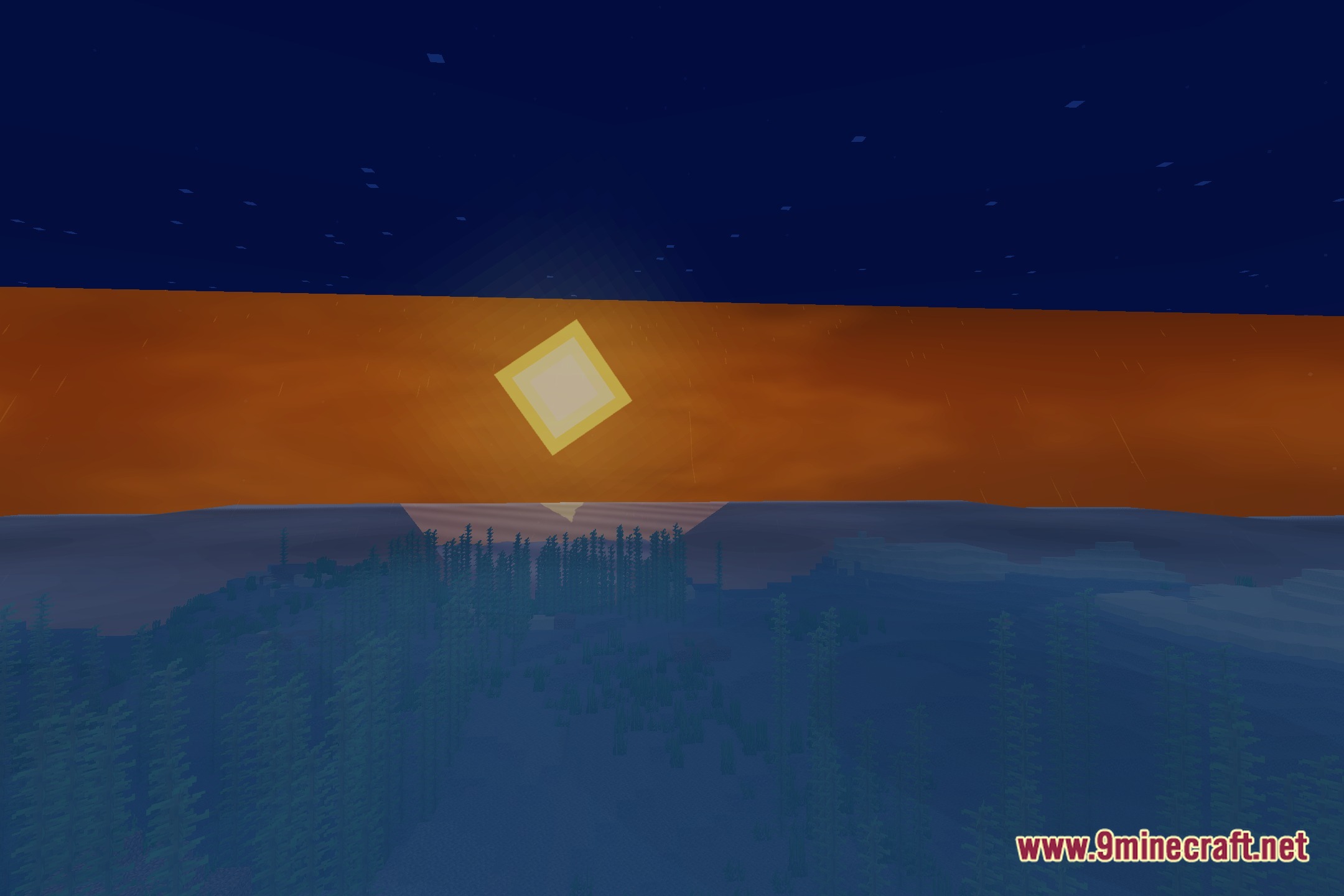
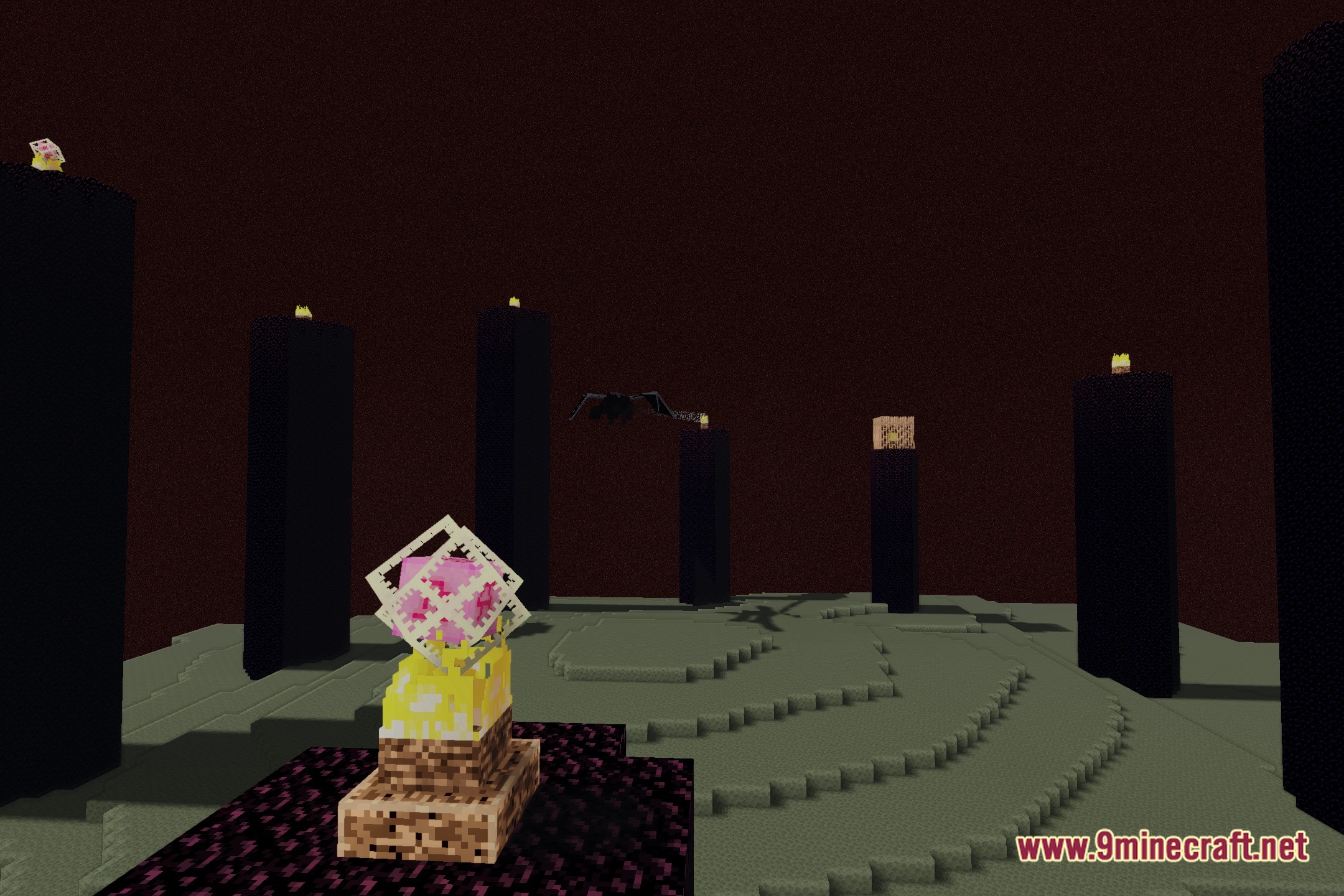
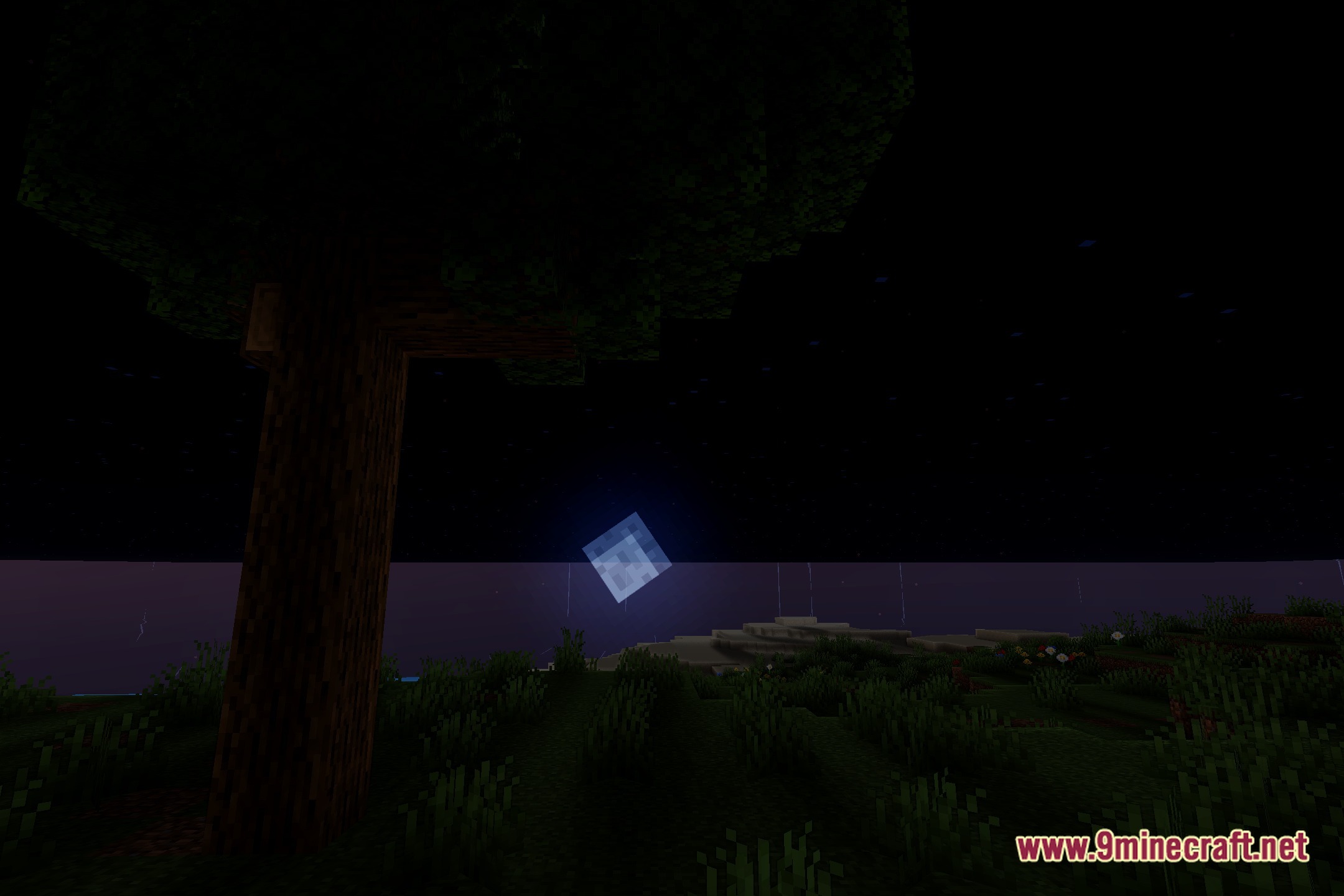
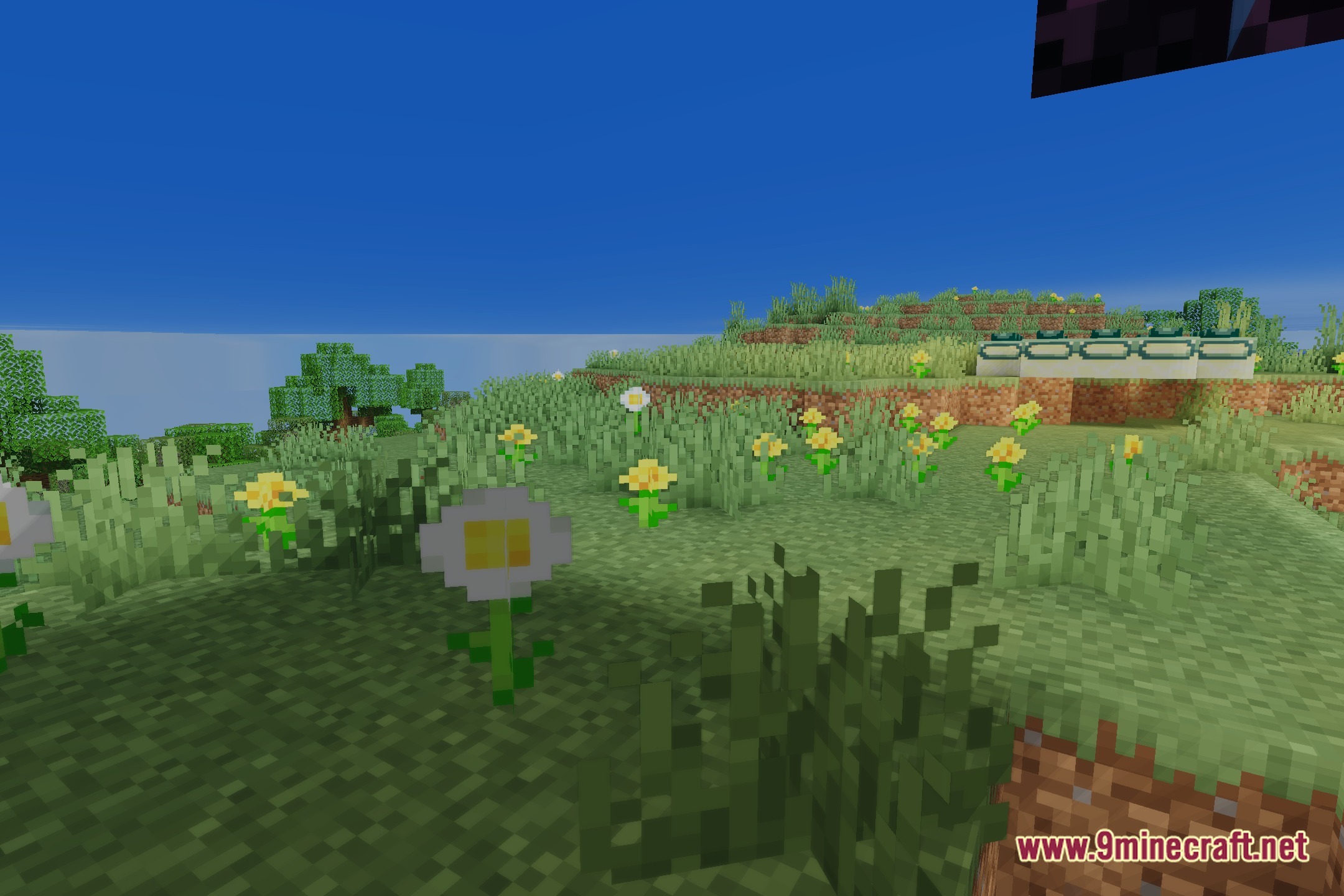
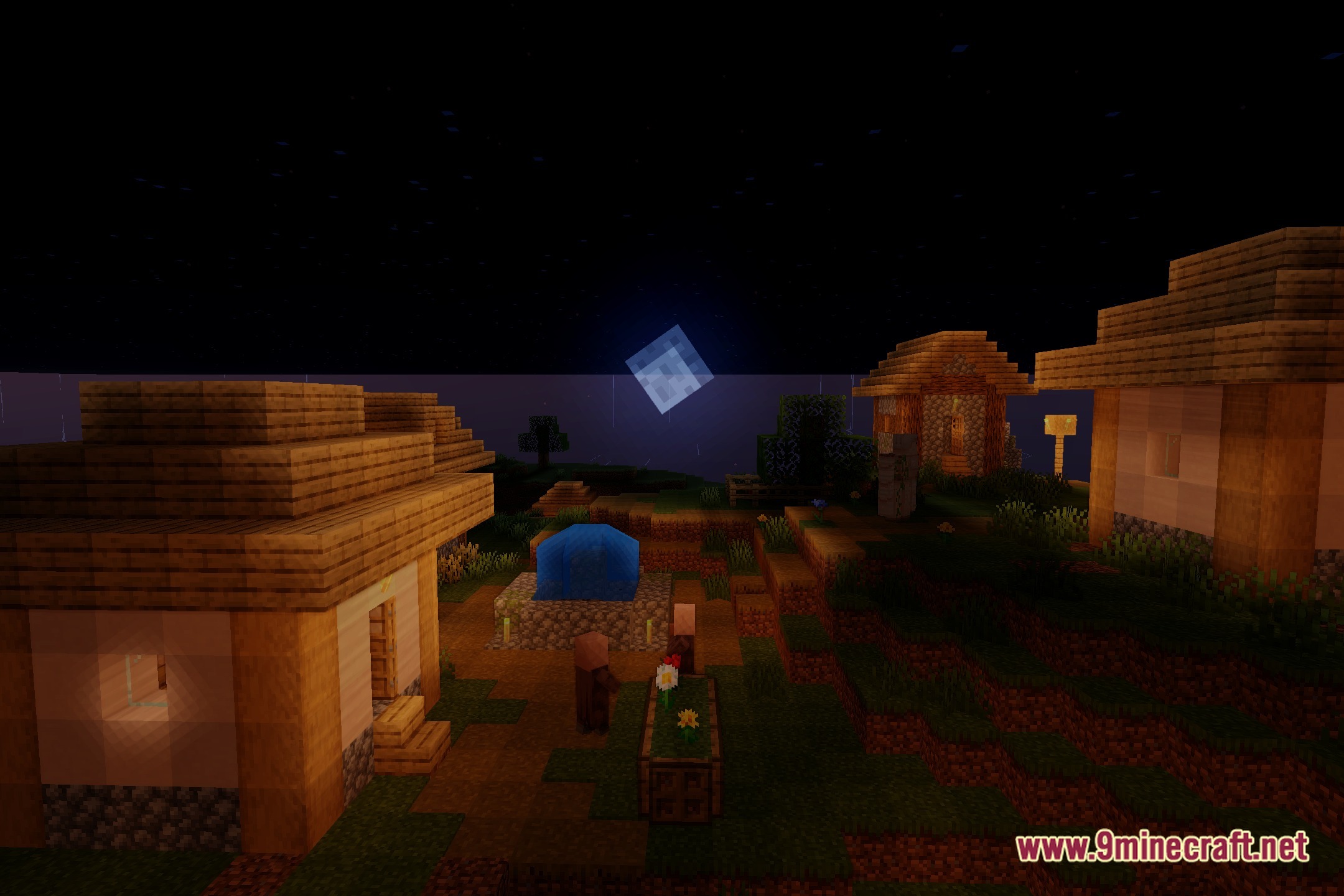
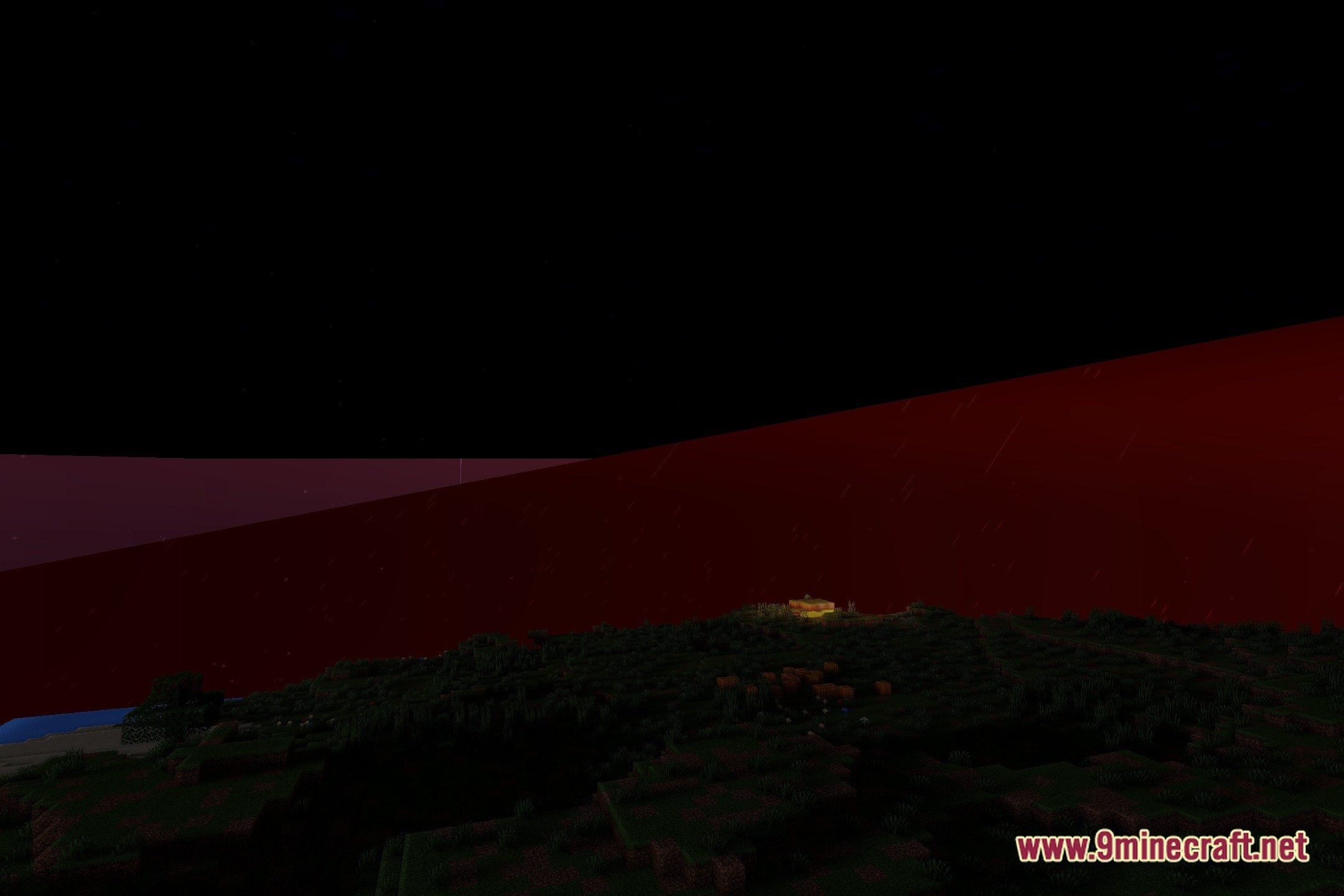
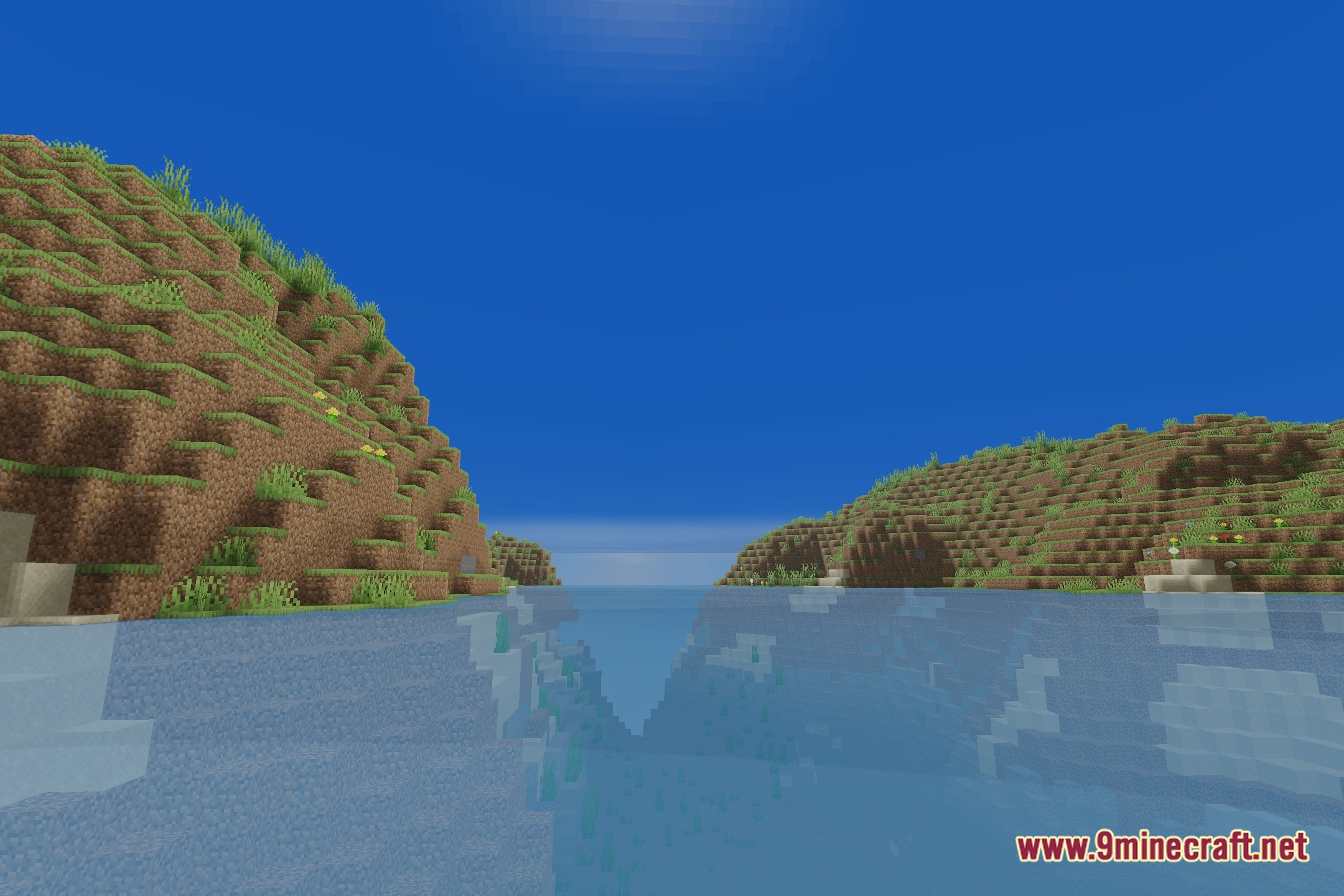
Nocturne Shaders adds depth to Minecraft worlds with realistic lighting and deeper environmental effects. This shader pack keeps the familiar vanilla style while upgrading block surfaces with soft shadows and natural tones. It changes how ambient light fills dark areas and brightens open skies throughout the day. Exploring terrain feels fresh and clear without losing the original look of the game.
Features:
- Brings realistic lighting tones that give the environment a deeper look.
- Preserves the classic vanilla block style while improving shadows.
- Adjusts daylight and moonlight to create clear ambient illumination.
- Refreshes sky tones and horizon blends during sunrise and sunset.
- Maintains smooth gameplay for regular building and world exploration.
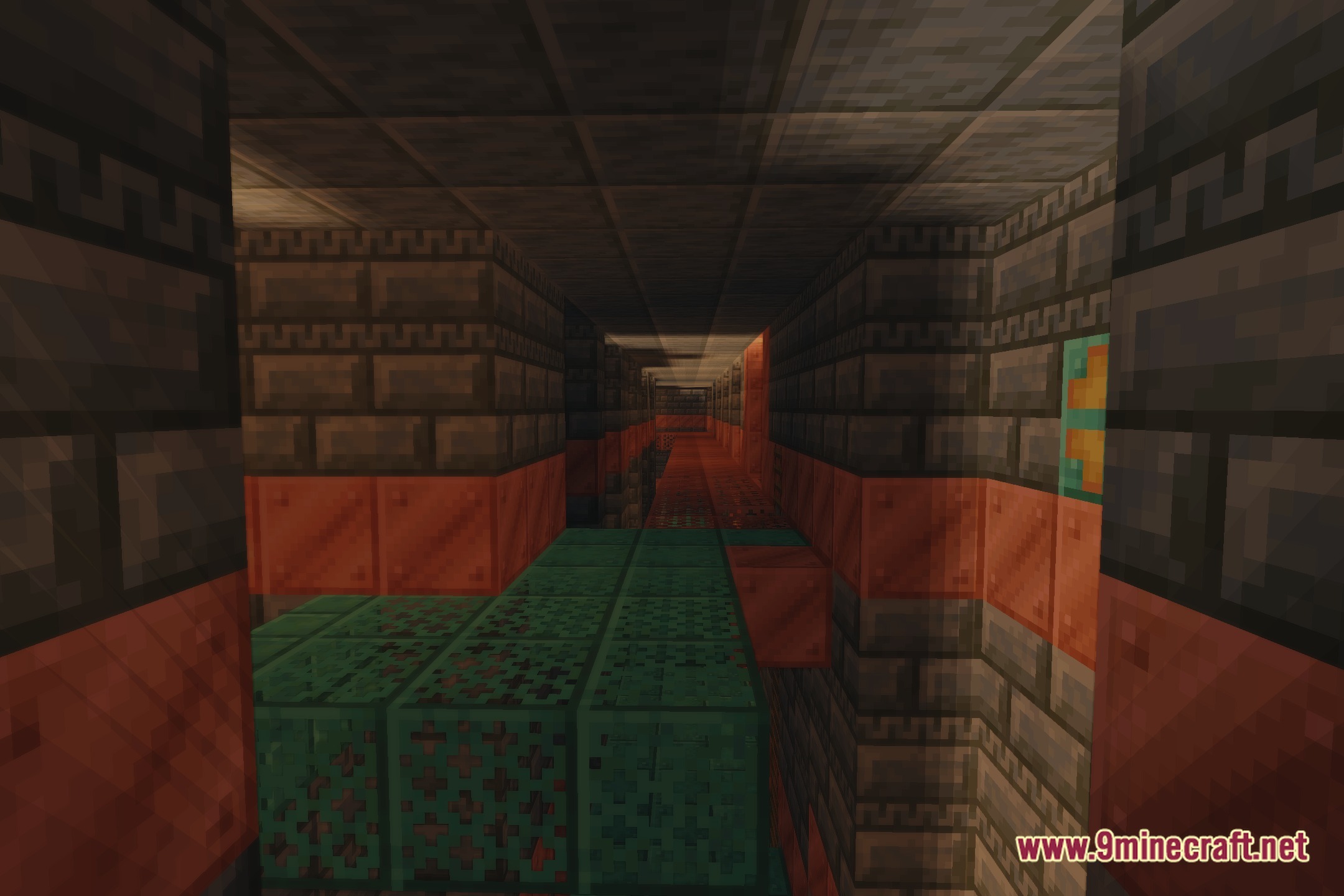
Screenshots:
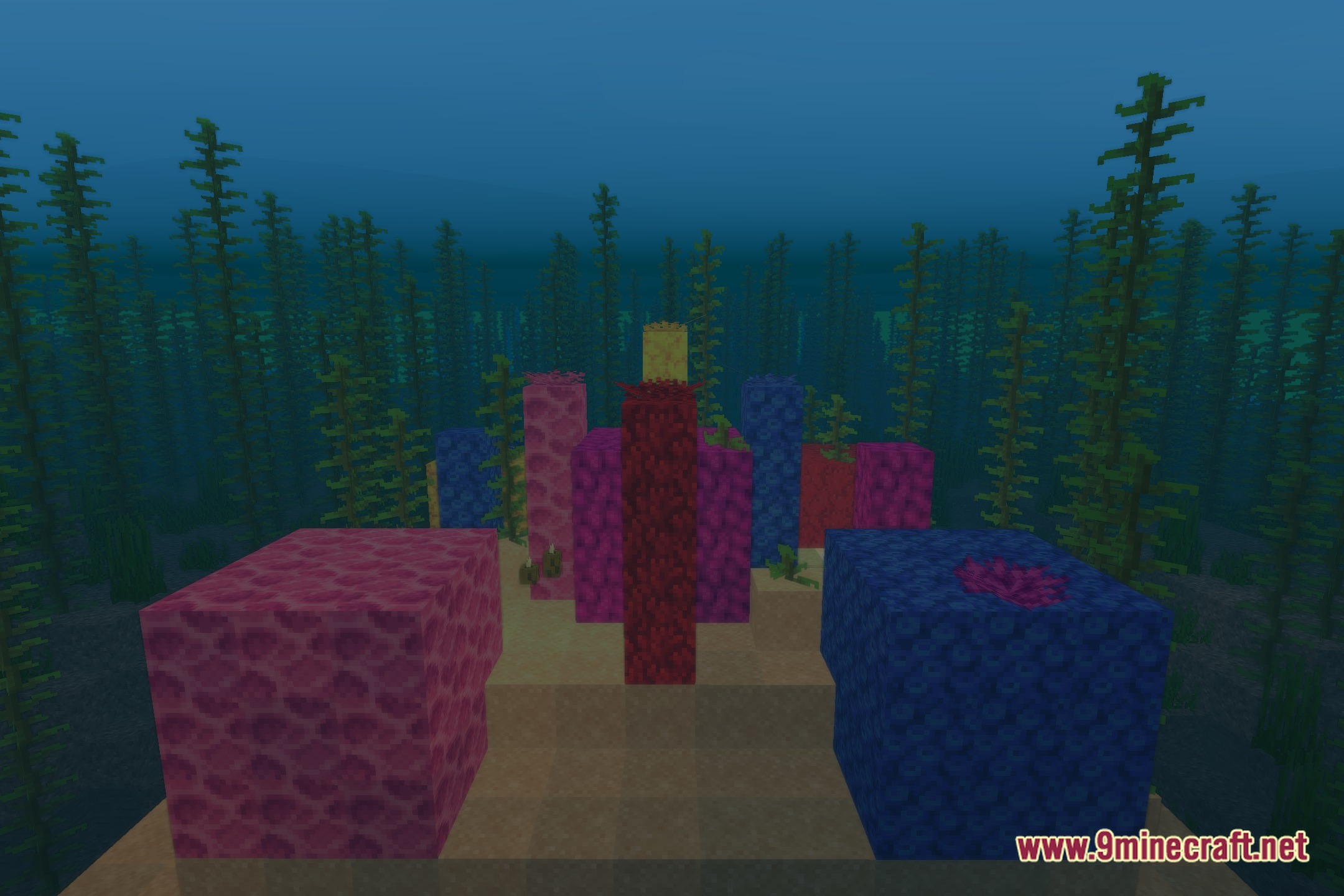
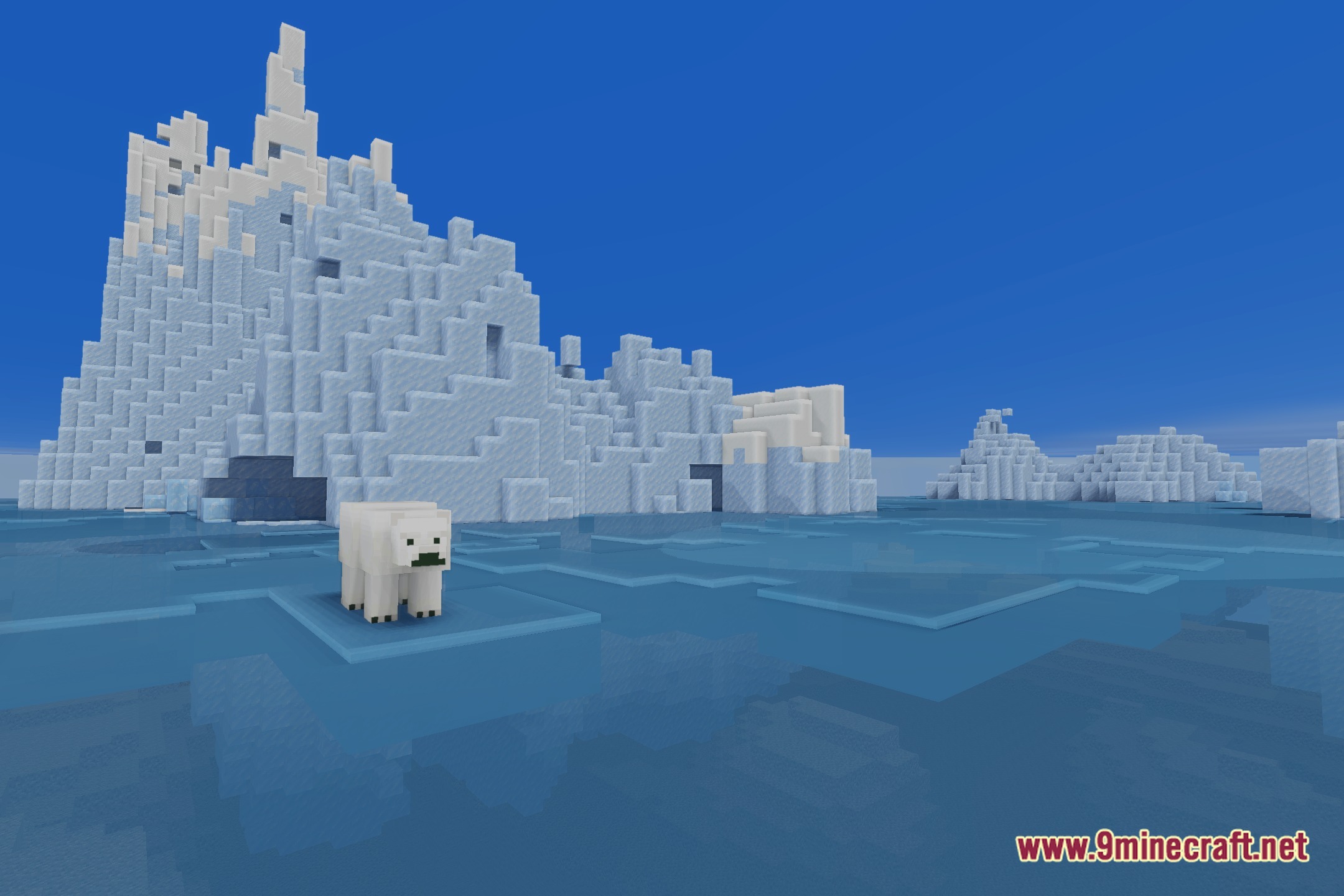
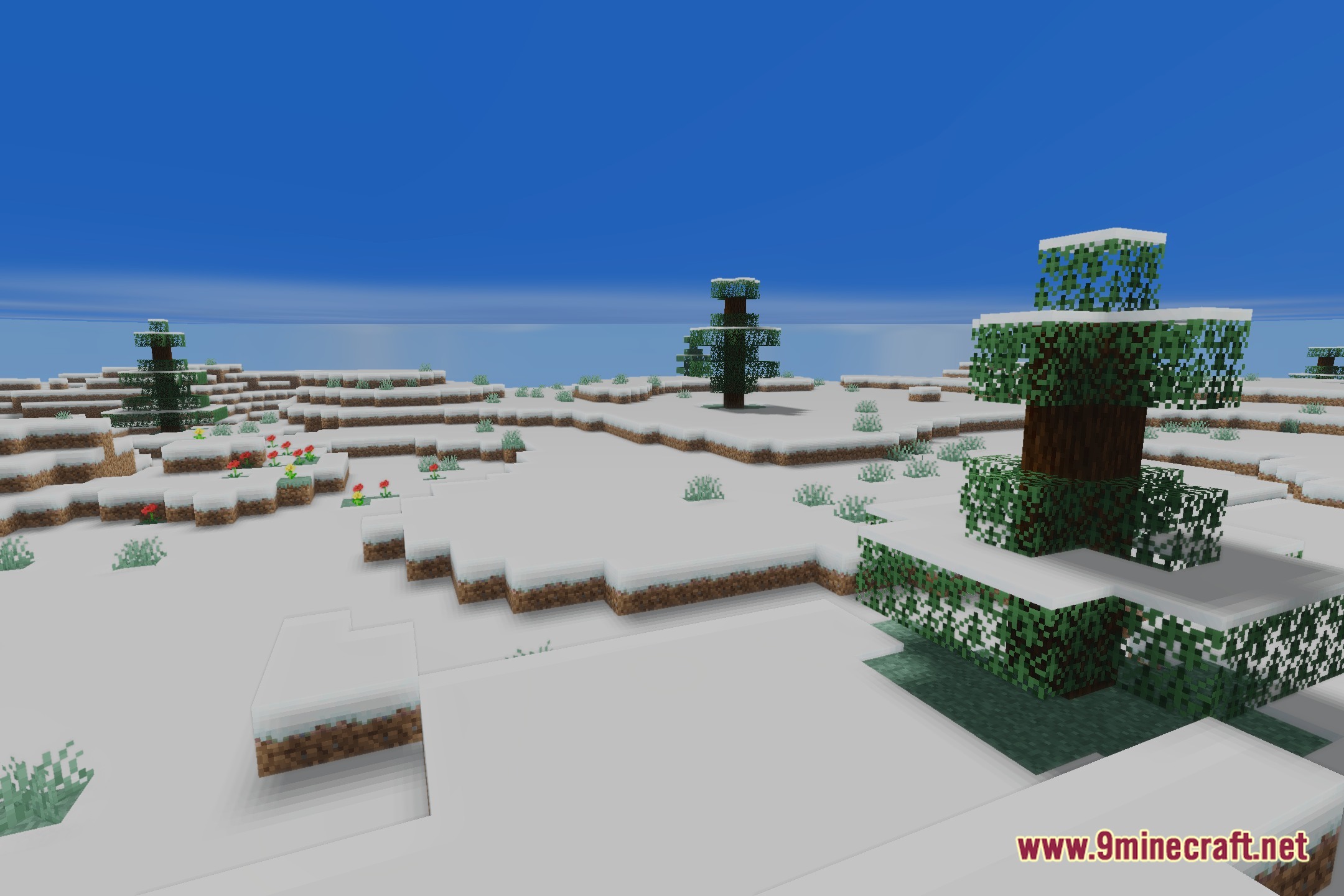
Nocturne Shaders Download Links
Quick facts
- Edition: Minecraft Java
- File type: .zip (resource pack)
- Minecraft version listed: 1.20.1
- How to install: Download the .zip resource pack — do not unzip it. → Put it in .minecraft/resourcepacks. → Enable it in Options → Resource Packs.
- Where to get it: Opens on the file's original source — not every file is mirrored on our own servers.
Install steps are the general flow for this file type — see the MC Java Mods guides for the full walkthrough.
Nocturne Shaders (26.3, 1.20.1) – Soft Shadows and Ambient Lighting is a free Minecraft Java shader. Compatible with Minecraft 1.20.1. Download it and open it directly in the game.