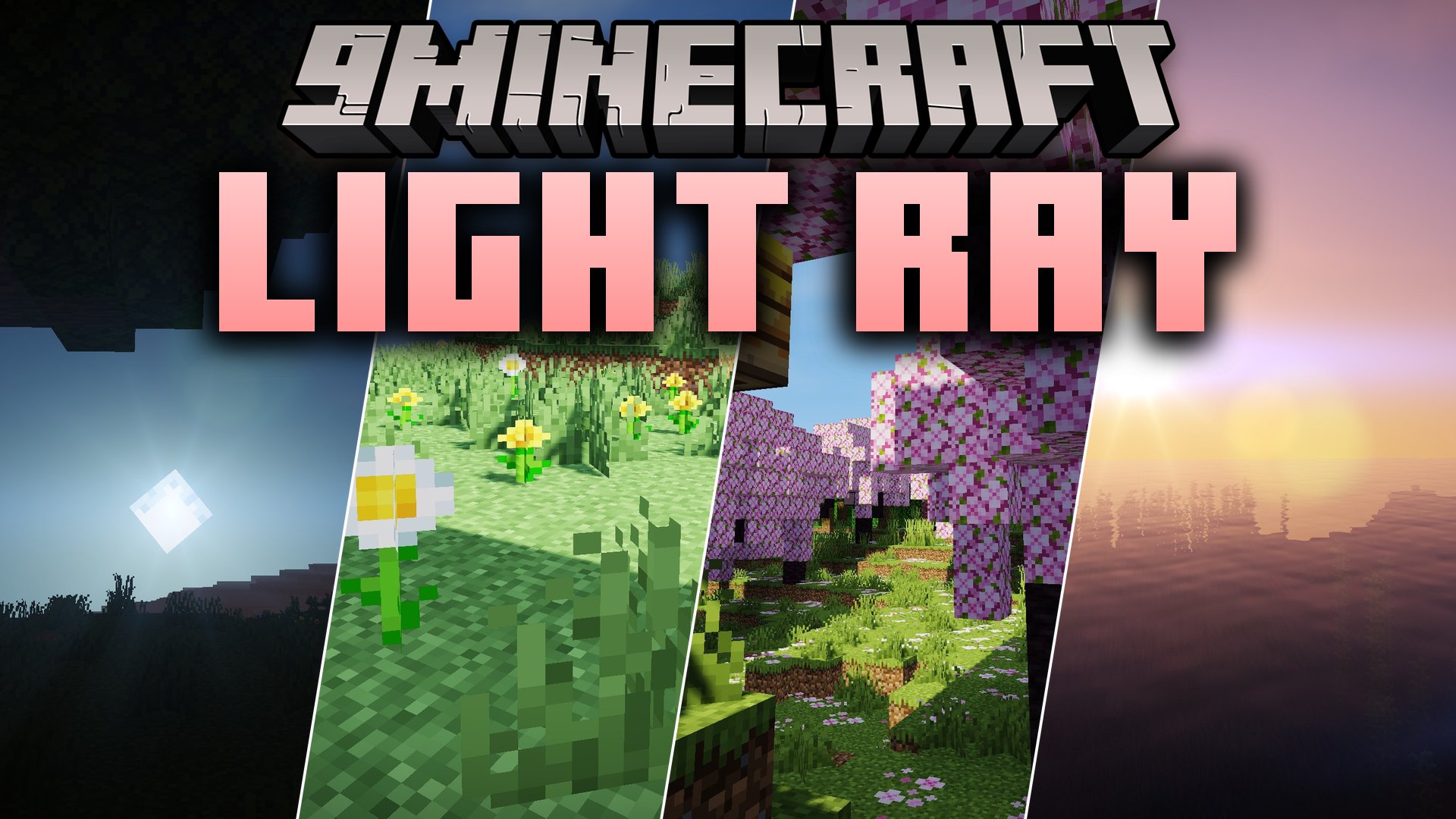
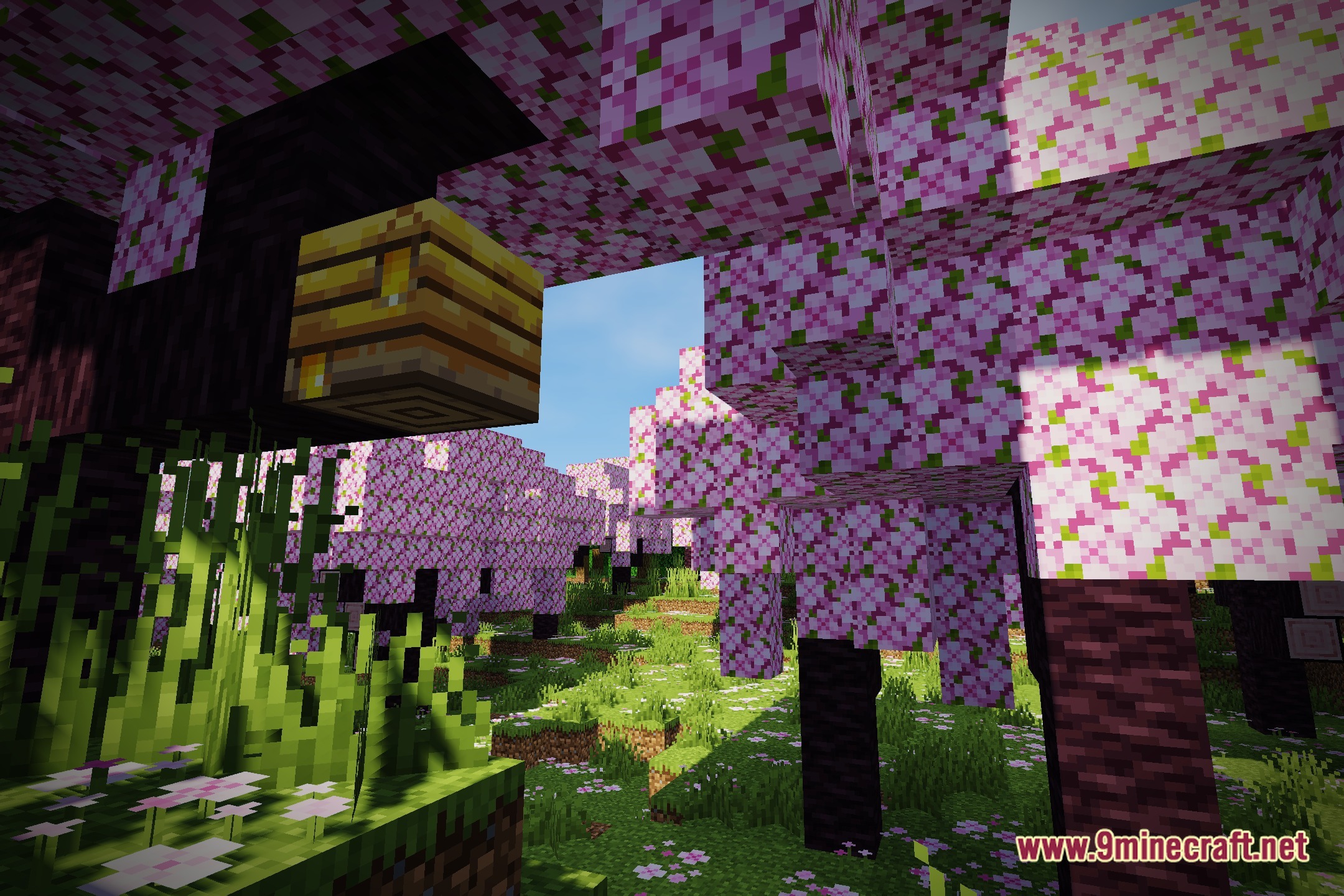
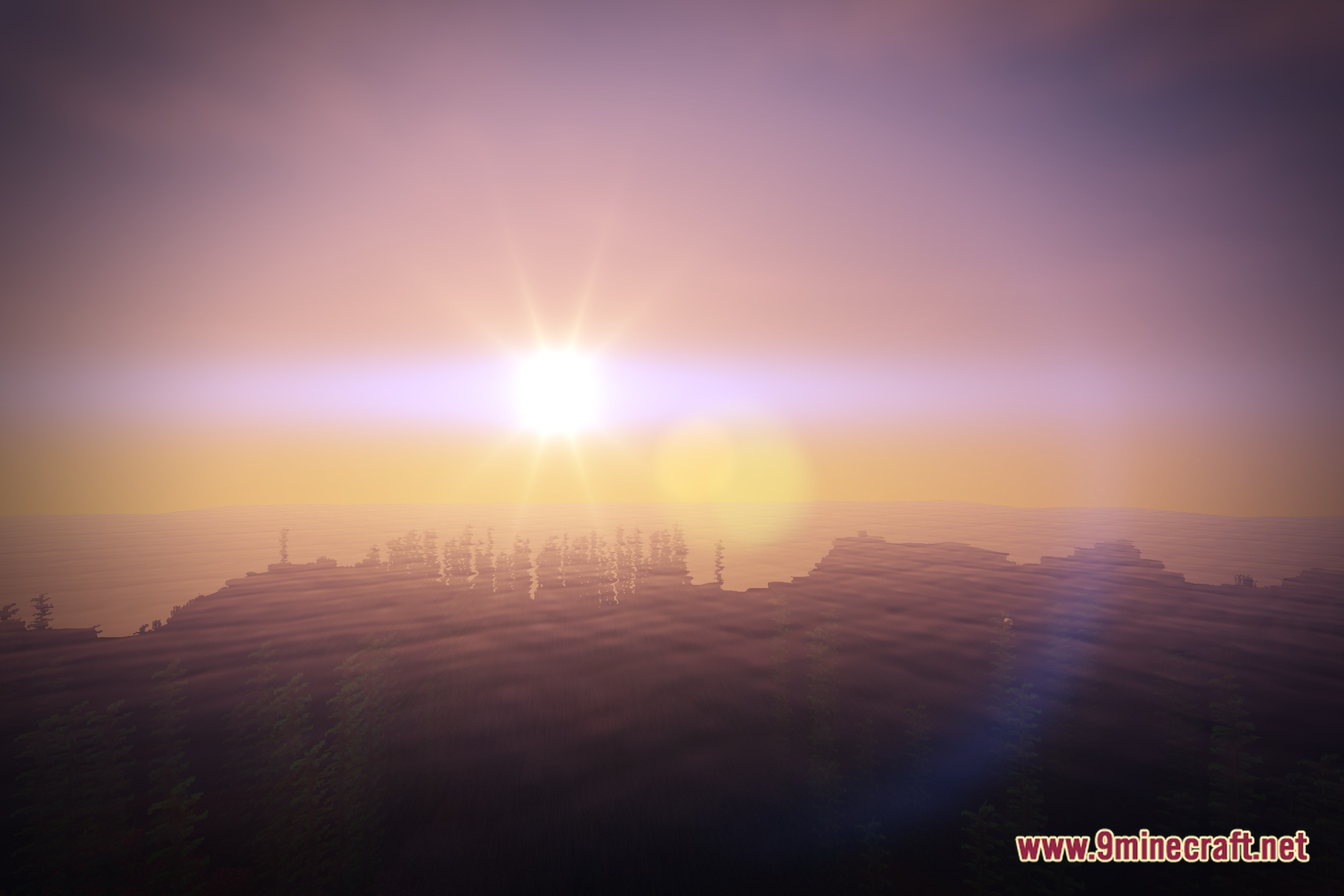
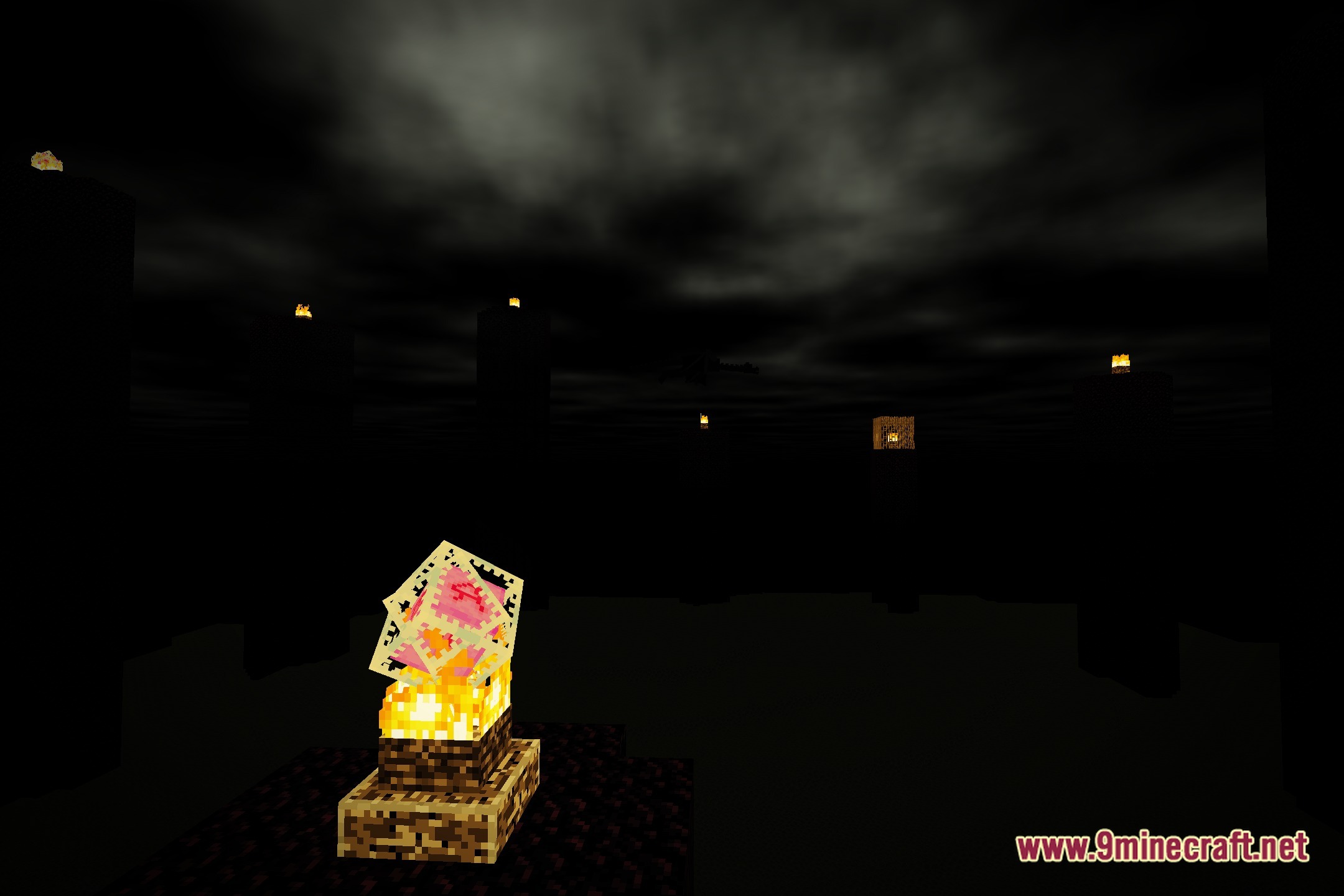
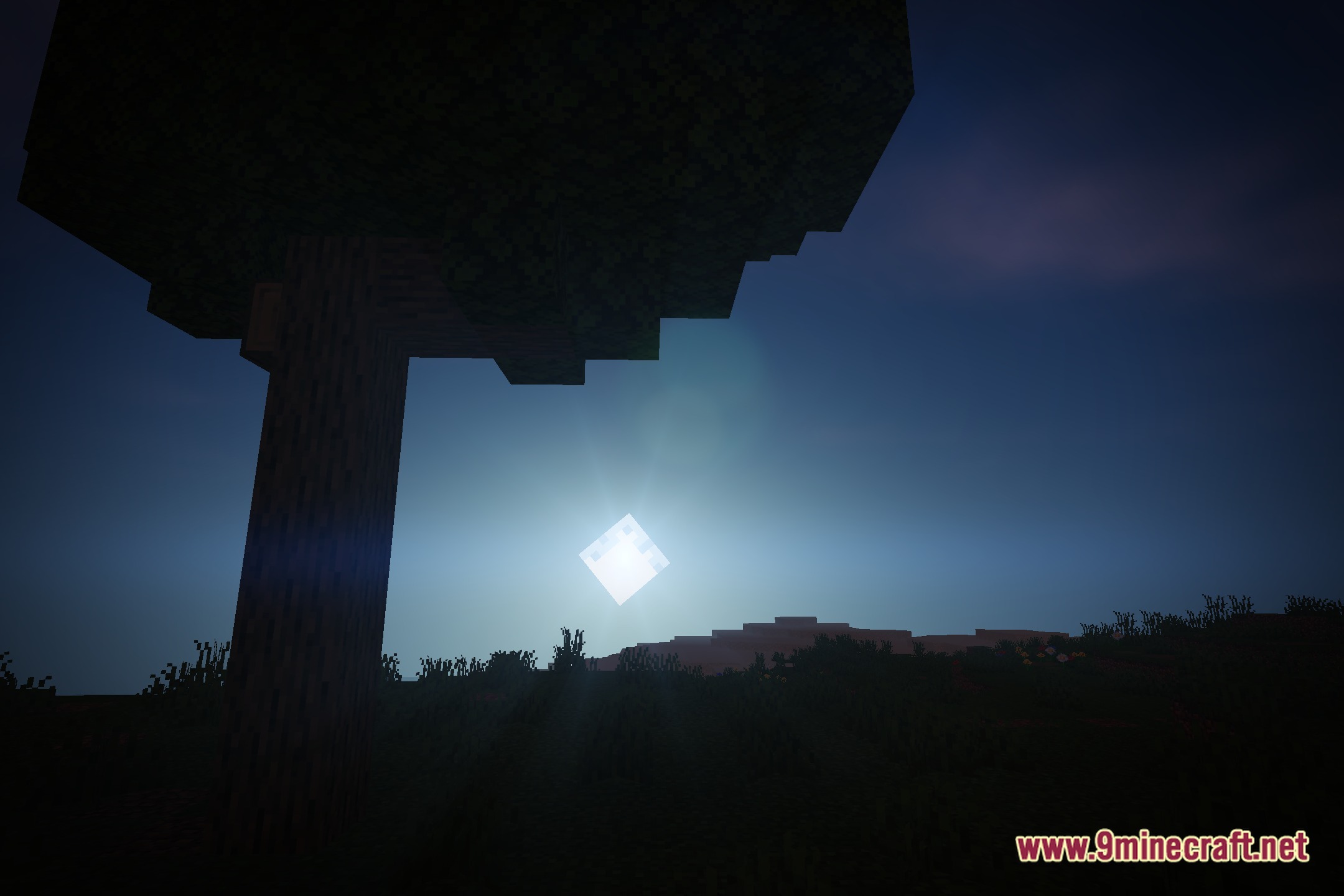
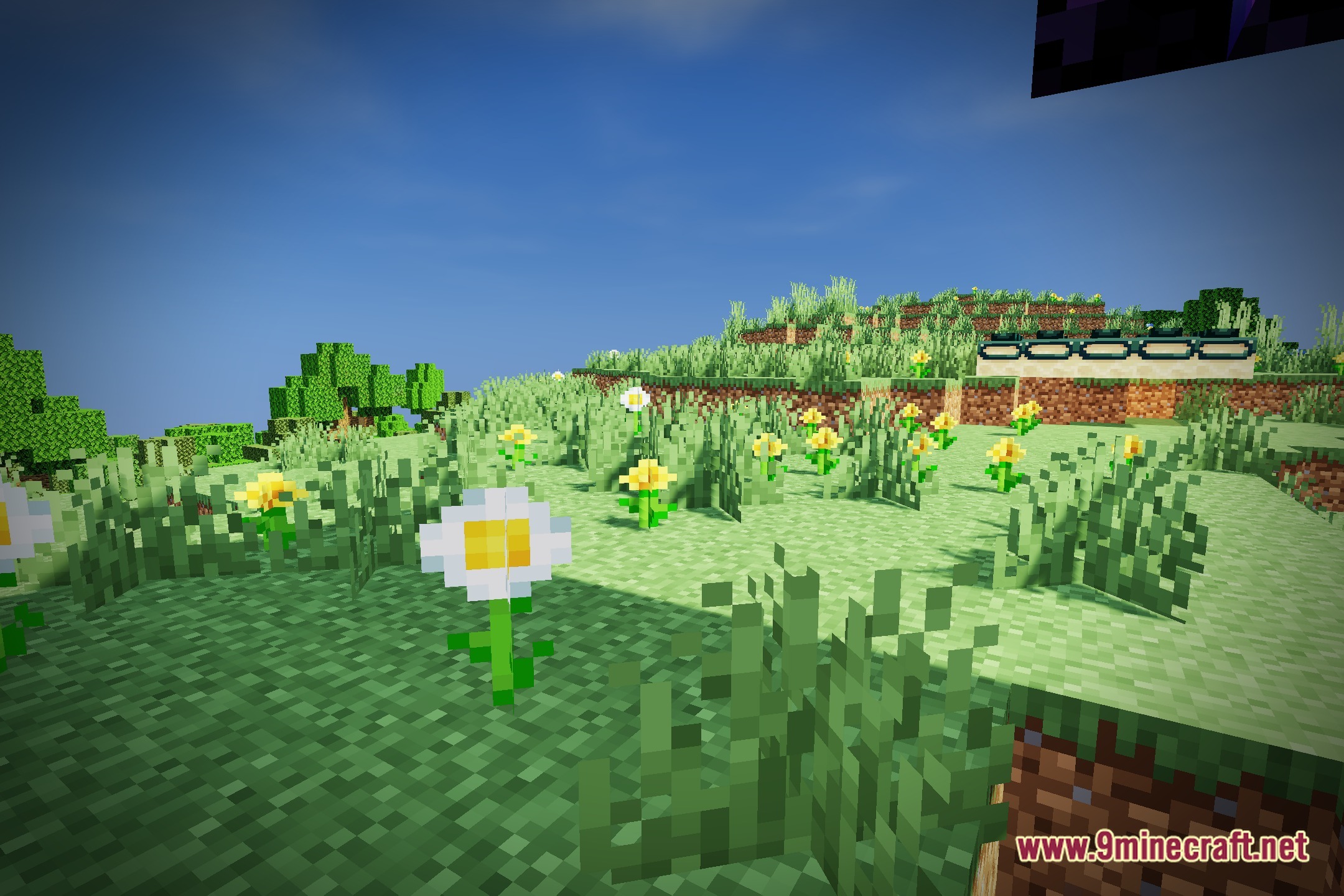
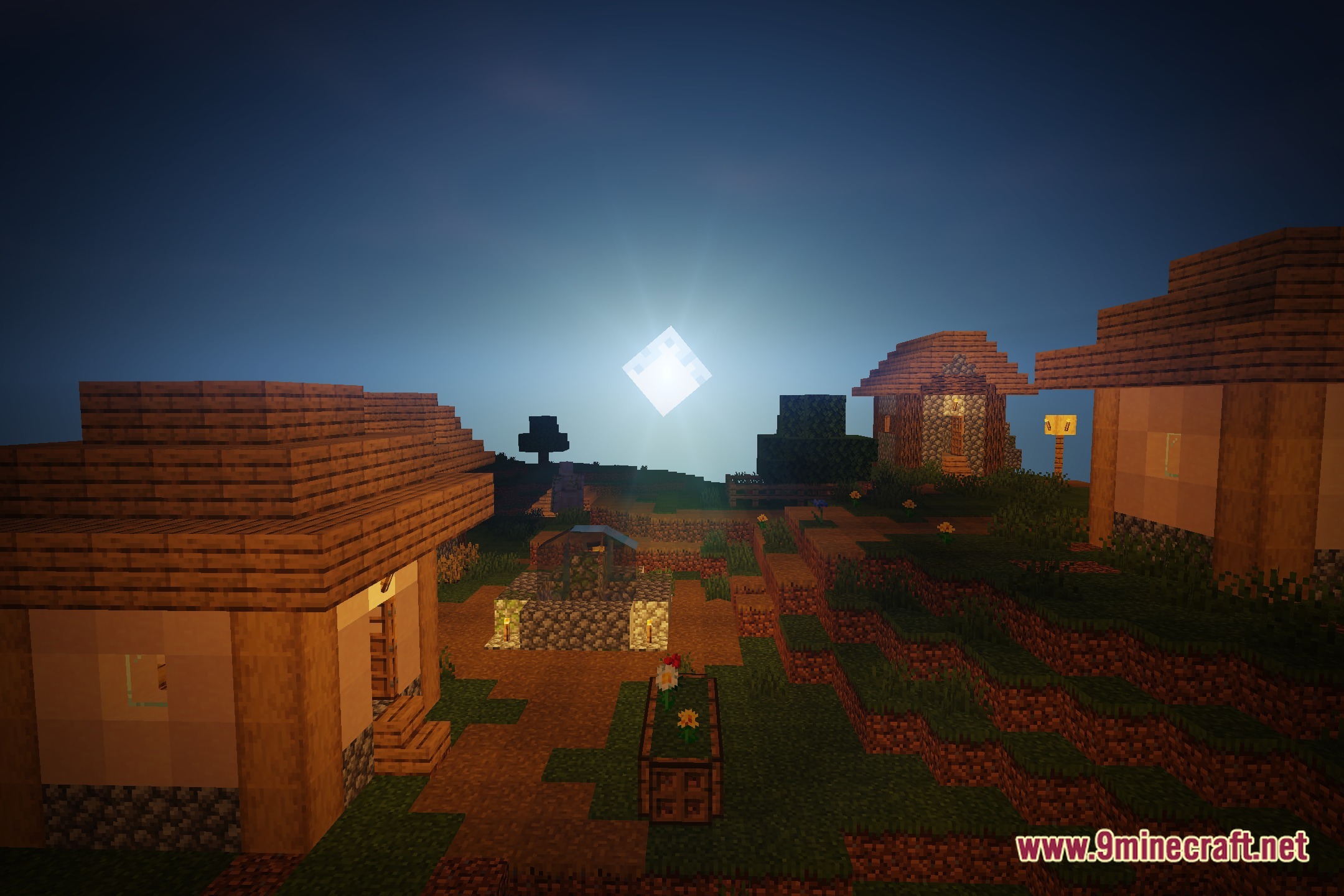
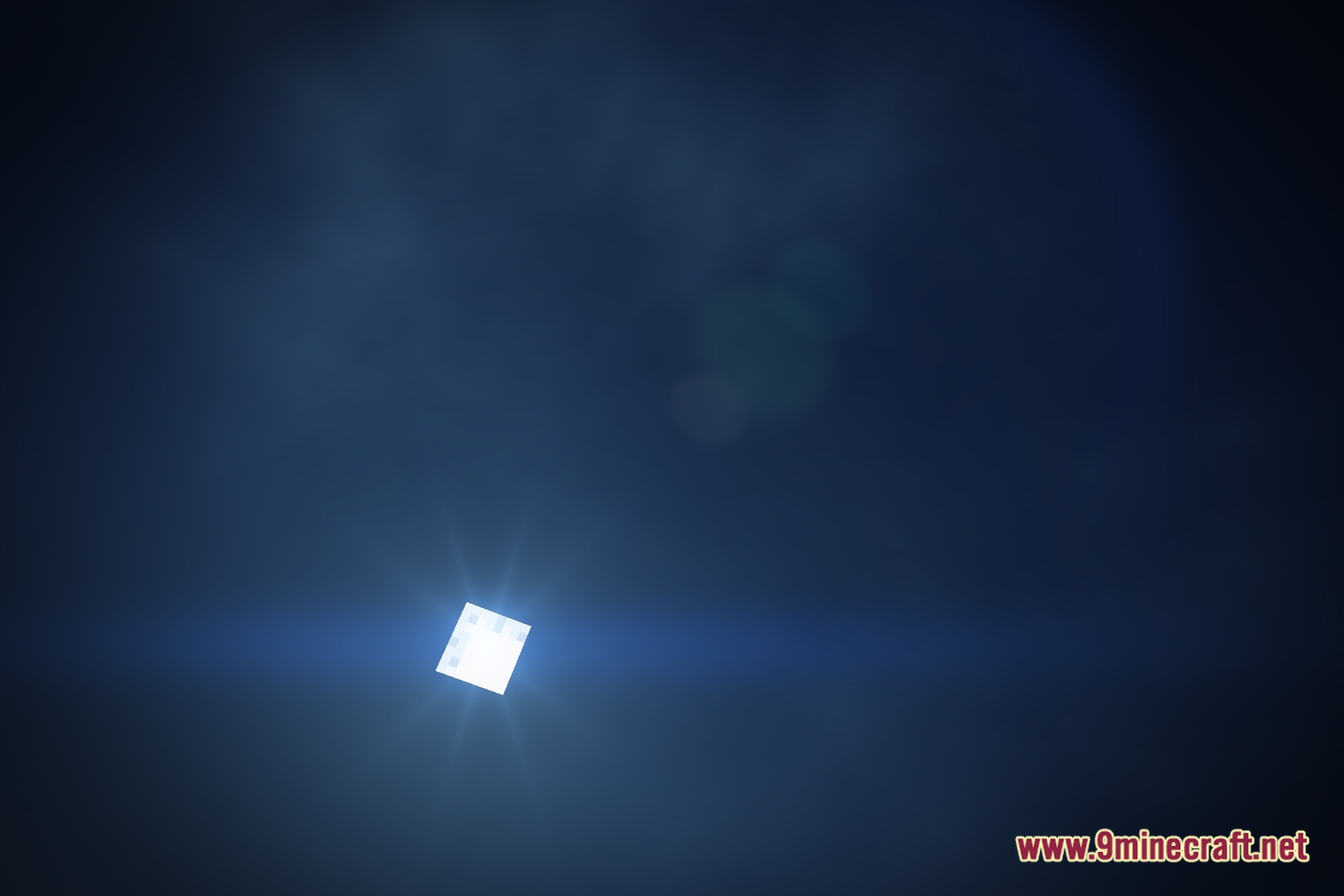
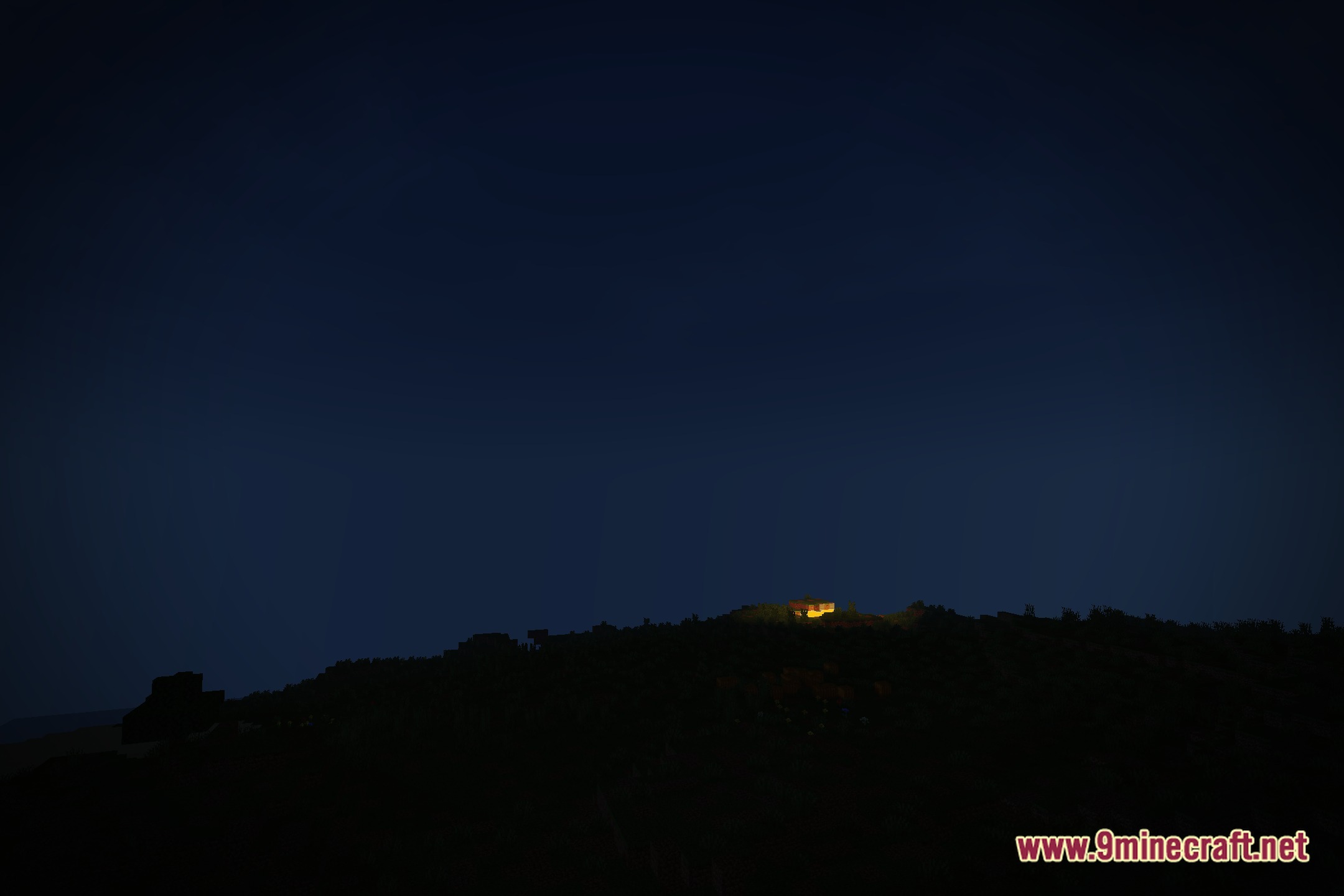
LIGHT Ray Shaders illuminates your Minecraft world with clean realistic lighting while keeping game performance smooth. This shader pack blends fantasy tones with standard vanilla visuals to give blocks a fresh look. You can explore bright landscapes without worrying about sudden frame drops or lag spikes. It keeps the game running fast so you can build and play with clear visuals on most computers.
Features:
- Combines vanilla textures with subtle fantasy tones for a balanced visual style.
- Delivers advanced lighting effects without slowing down your game.
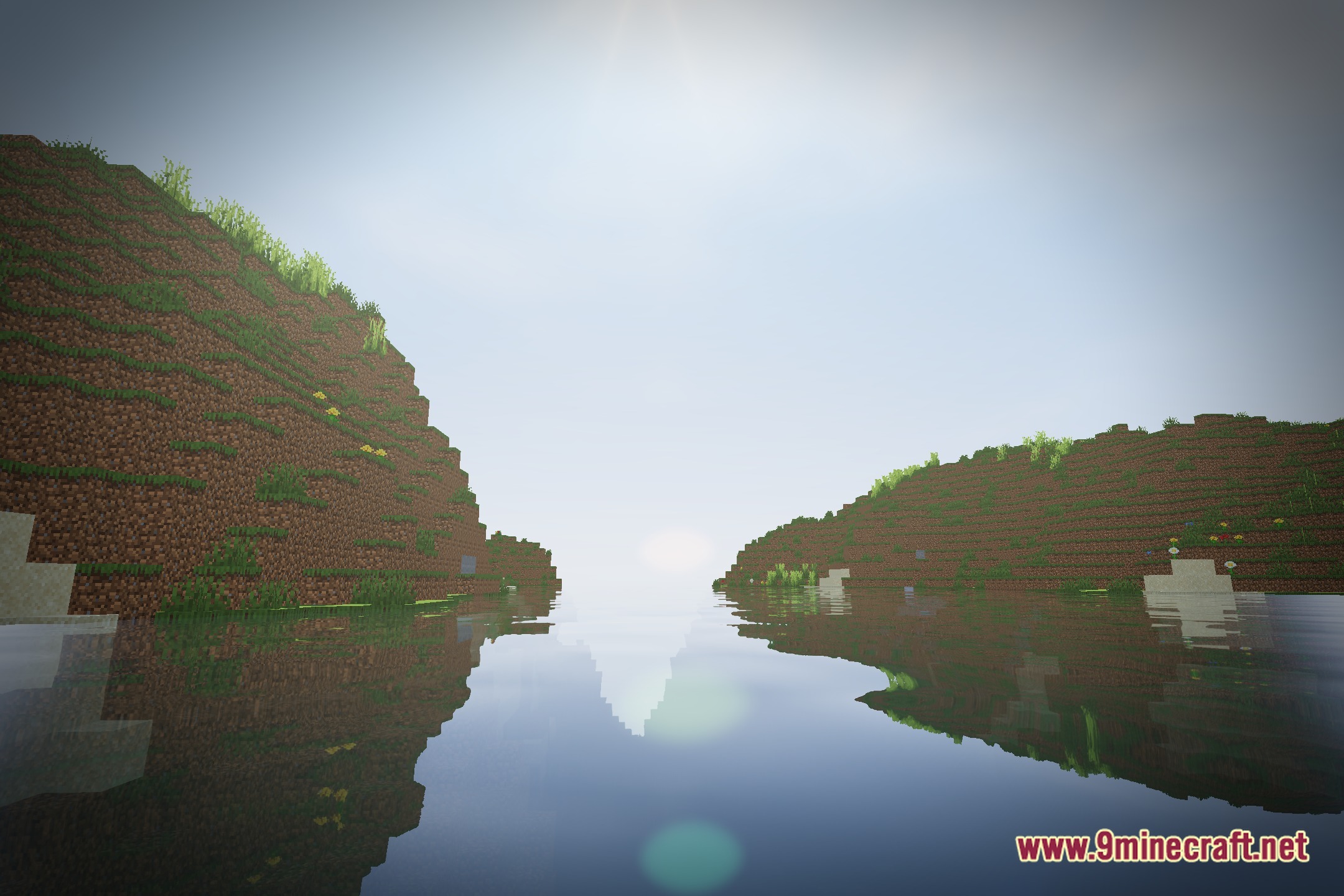
- Casts natural sunlight across biomes and open terrain.
- Keeps frame rates stable during heavy exploration and building.
- Adds soft color balance that improves the everyday look of blocks.
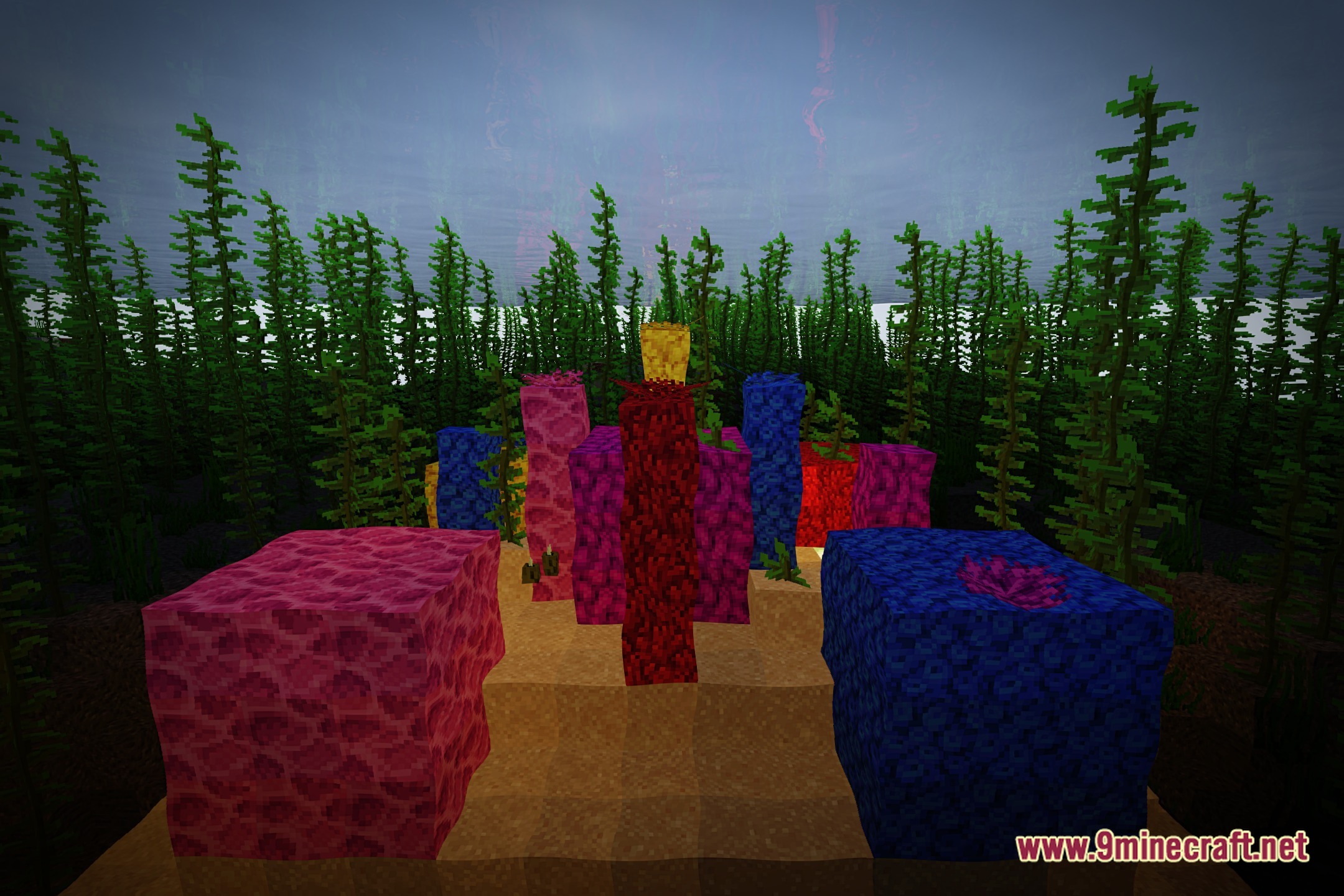
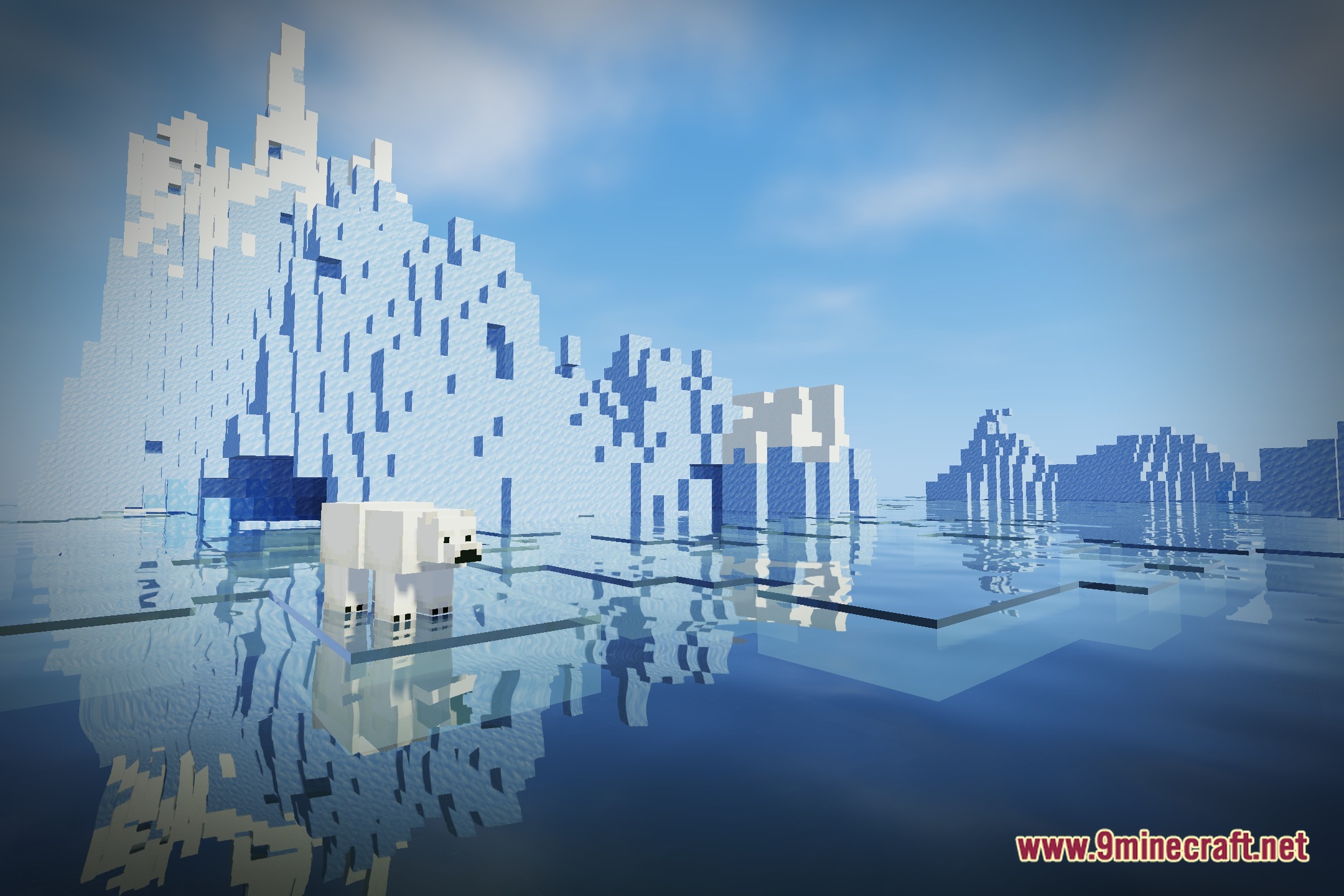
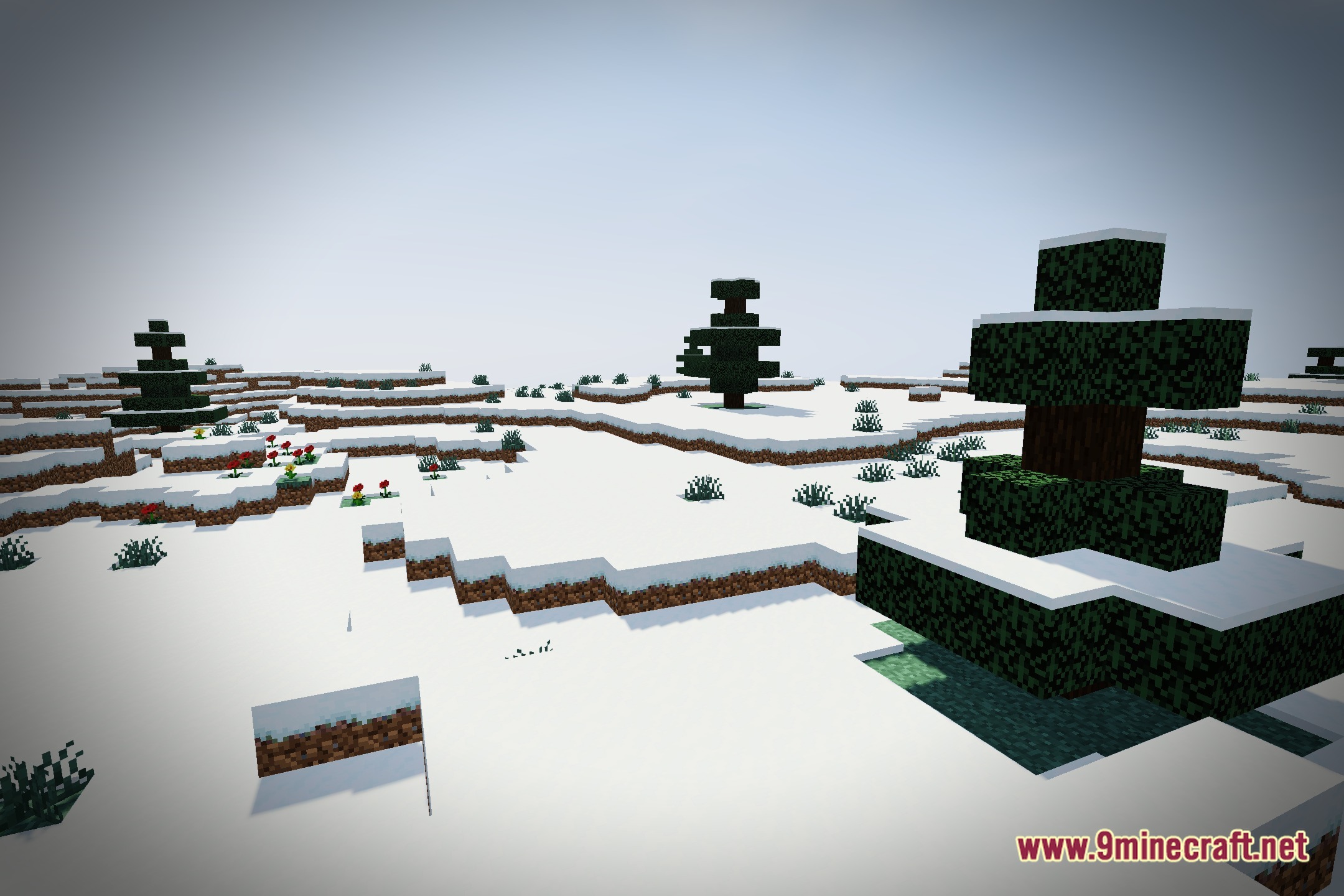
Screenshots:
LIGHT Ray Shaders Download Links
Quick facts
- Edition: Minecraft Java
- File type: .zip (resource pack)
- Minecraft version listed: 1.20.1
- How to install: Download the .zip resource pack — do not unzip it. → Put it in .minecraft/resourcepacks. → Enable it in Options → Resource Packs.
- Where to get it: Opens on the file's original source — not every file is mirrored on our own servers.
Install steps are the general flow for this file type — see the MC Java Mods guides for the full walkthrough.
LIGHT Ray Shaders (26.3, 1.20.1) – Realistic Lighting with High FPS is a free Minecraft Java shader. Compatible with Minecraft 1.20.1. Download it and open it directly in the game.