ShadersJava
Zomboid Top Down View Shaders (26.3, 1.20.1) – Isometric Survival Game Lighting
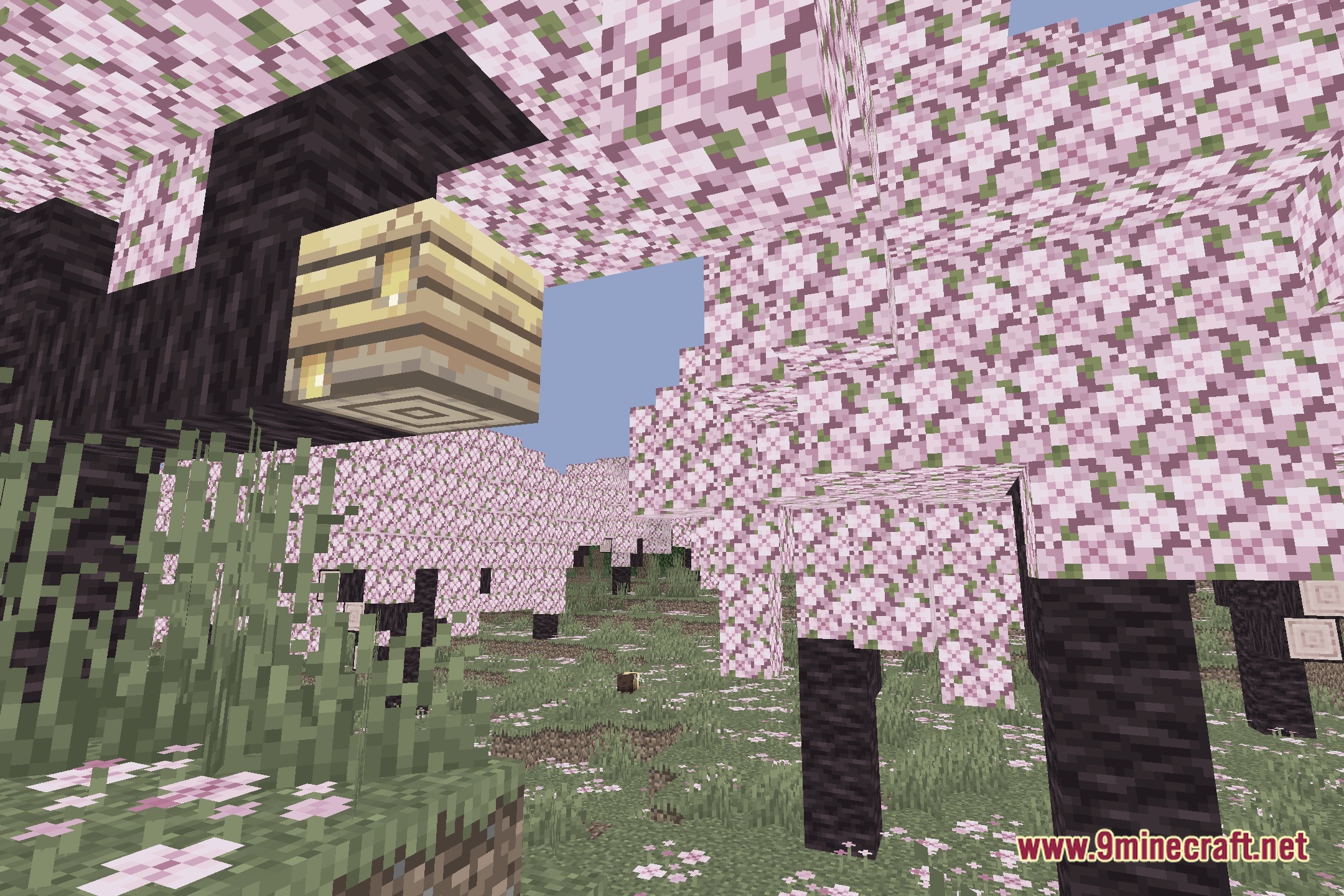
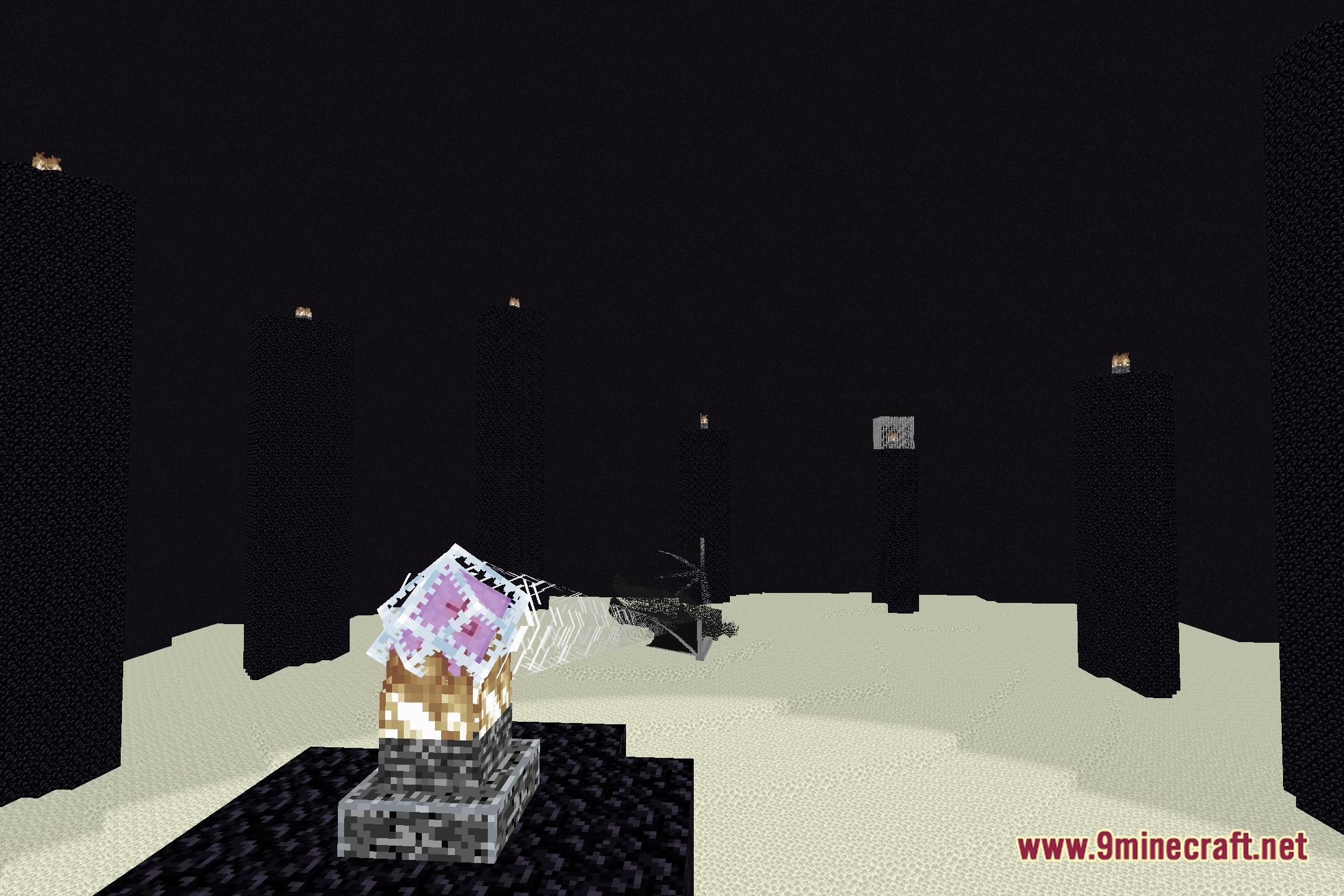
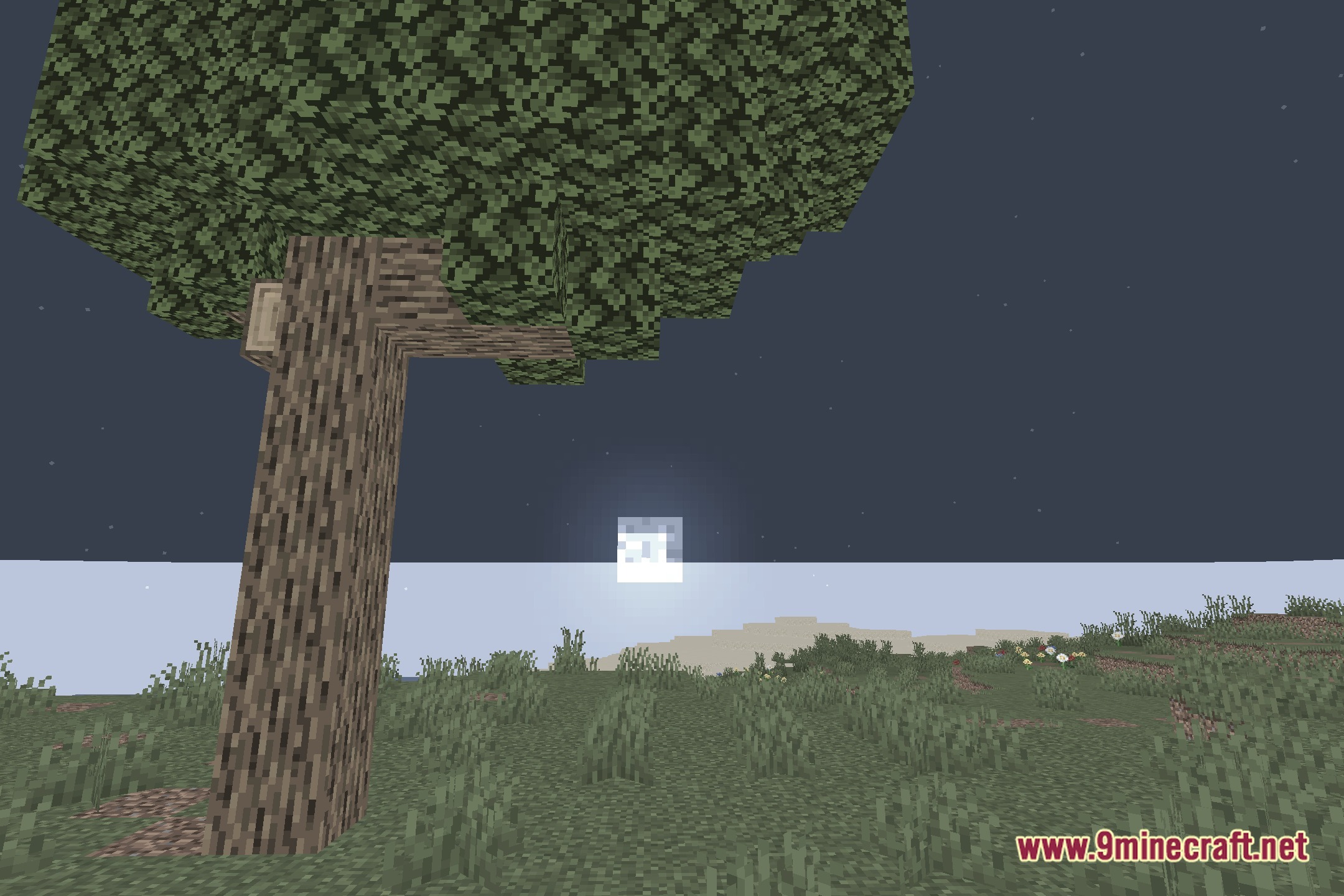
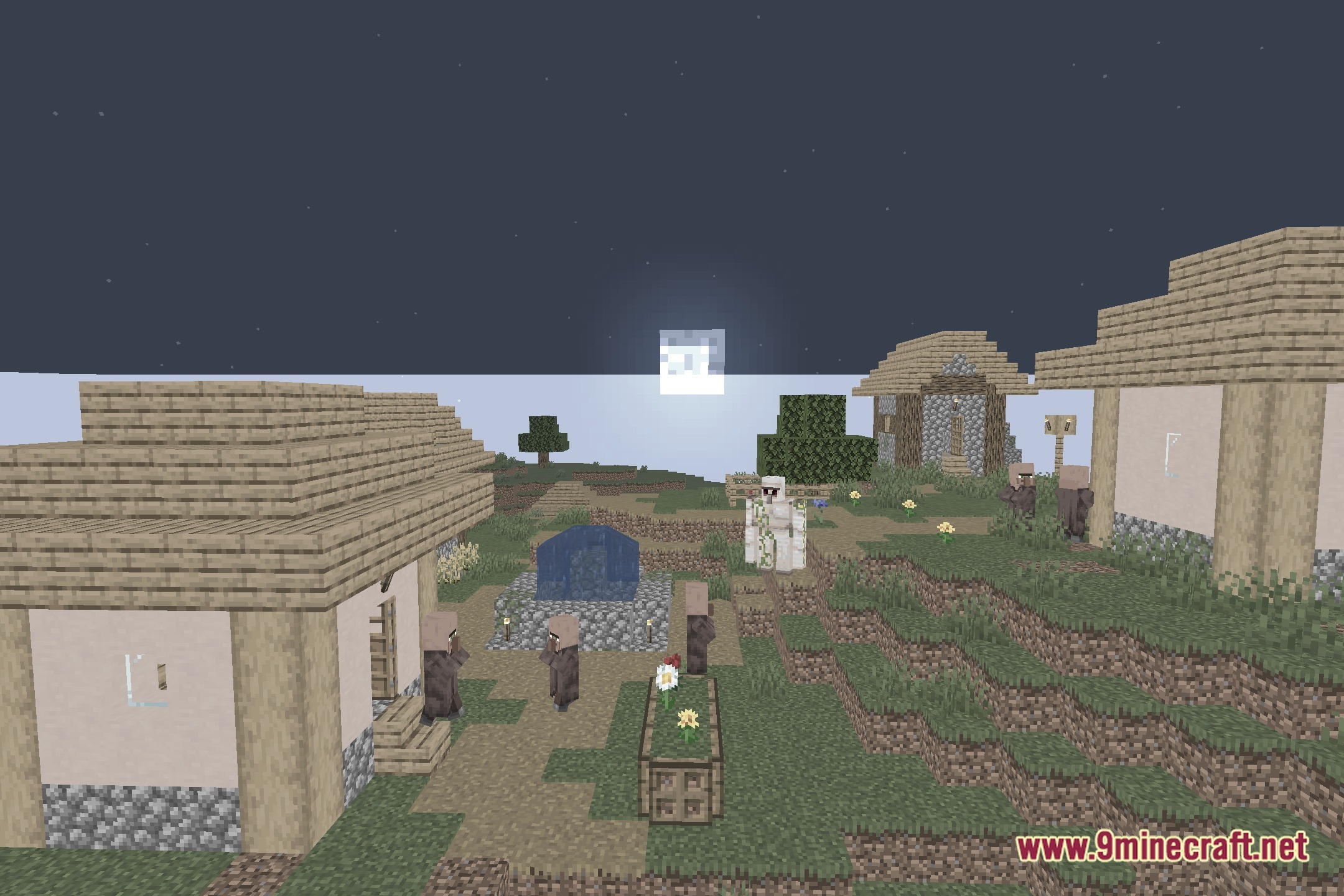
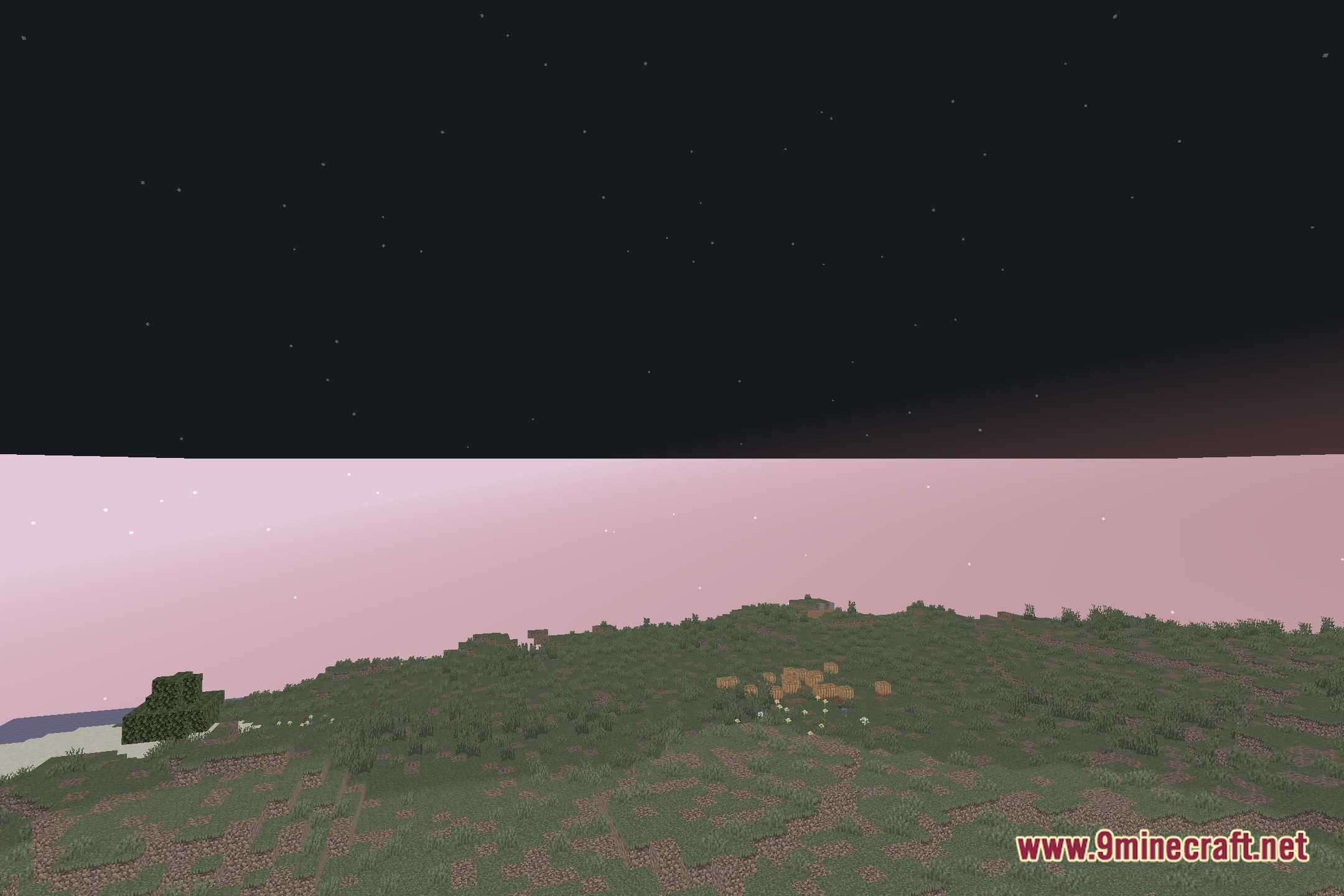
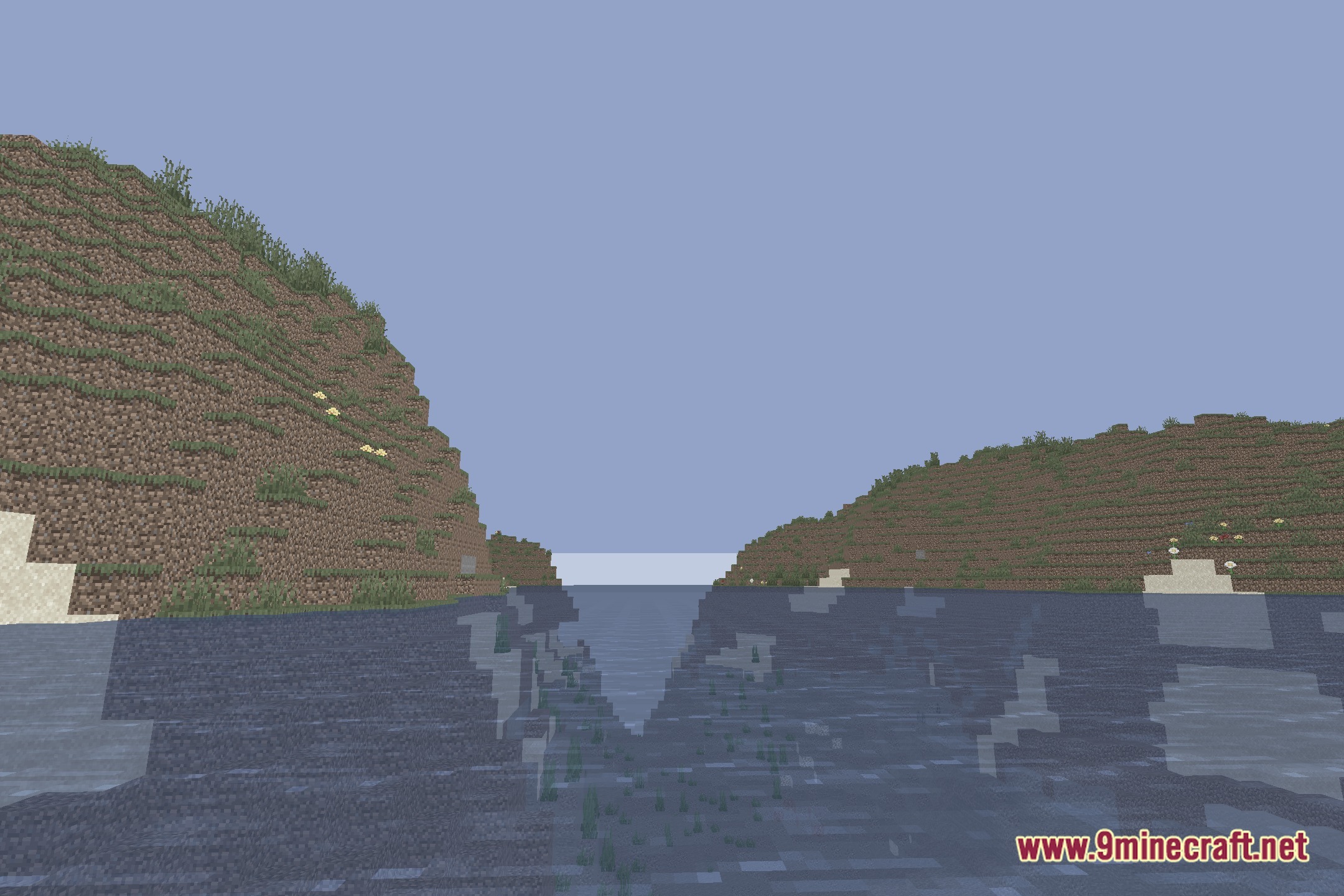
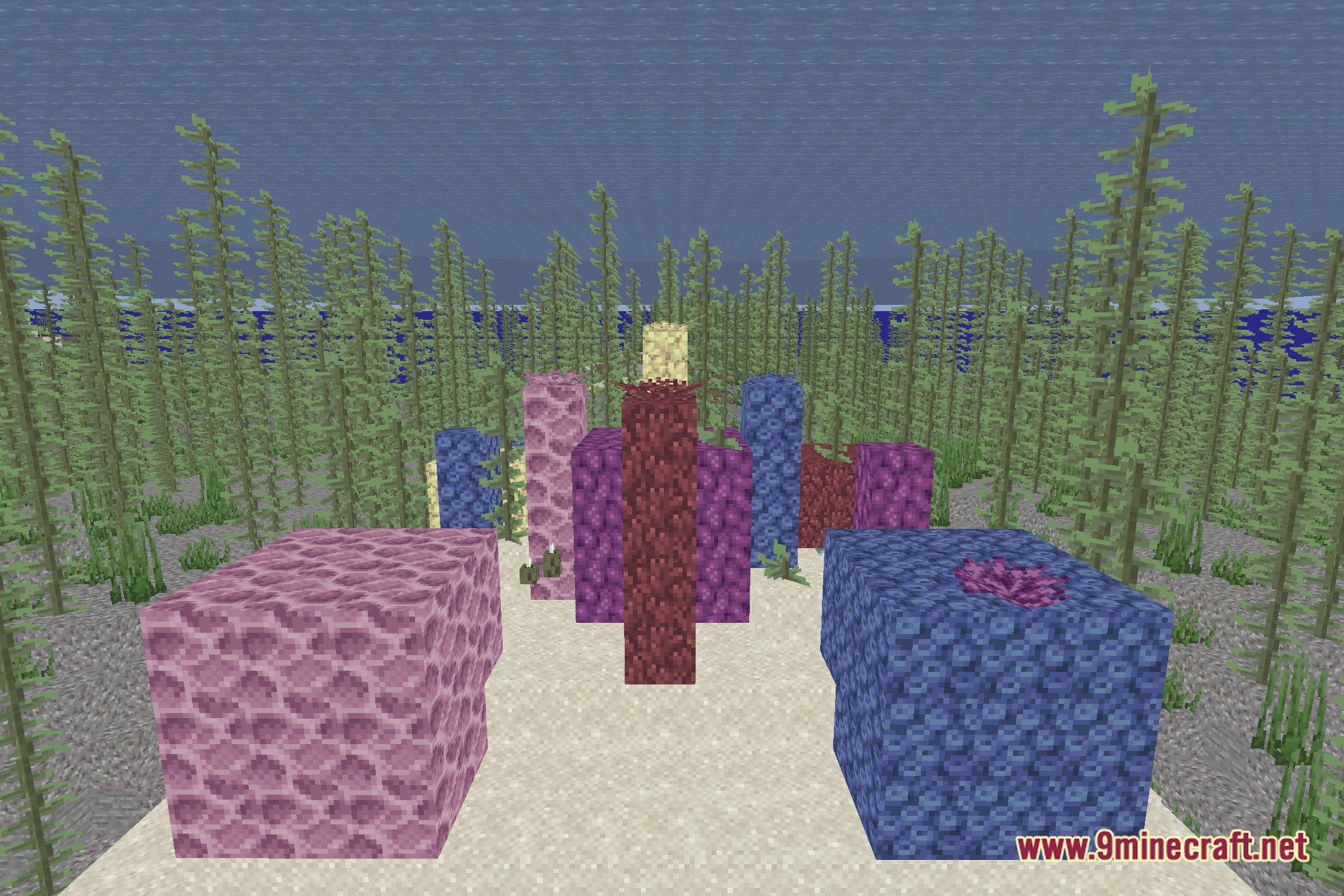
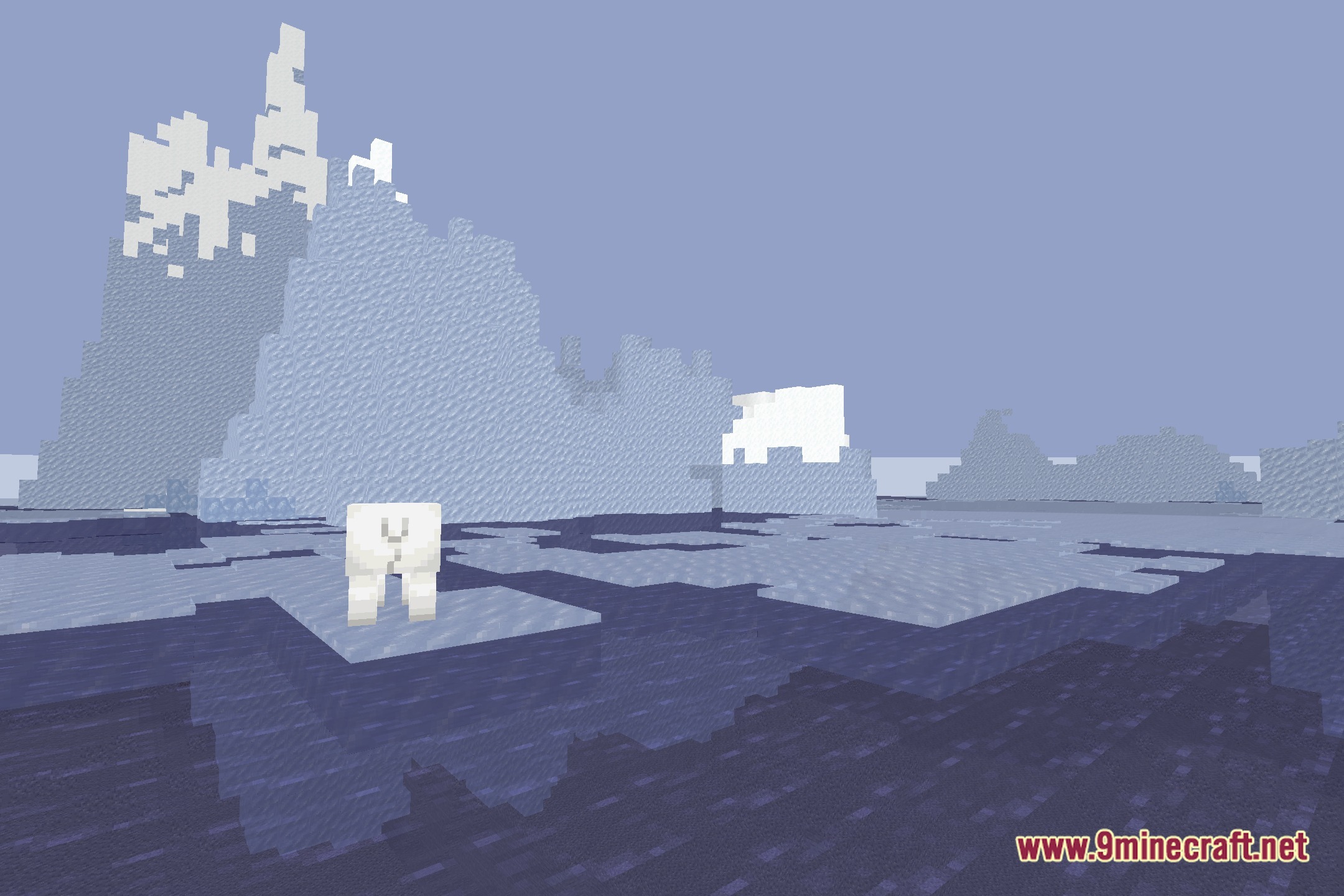
Zomboid Top Down View Shaders casts a distinct Project Zomboid-inspired visual style over your camera perspective. It adjusts lighting and shading to fit a top-down view in your blocky world. This pack helps bring an isometric survival game feeling straight into your everyday adventures.
Features:
- Brings a classic Project Zomboid visual style to your game screen.
- Works alongside top-down camera views to recreate isometric survival gameplay.
- Adjusts scene lighting and shadow contrasts to fit top-down angles.
- Provides a fantasy survival atmosphere across different biomes.
Screenshots:
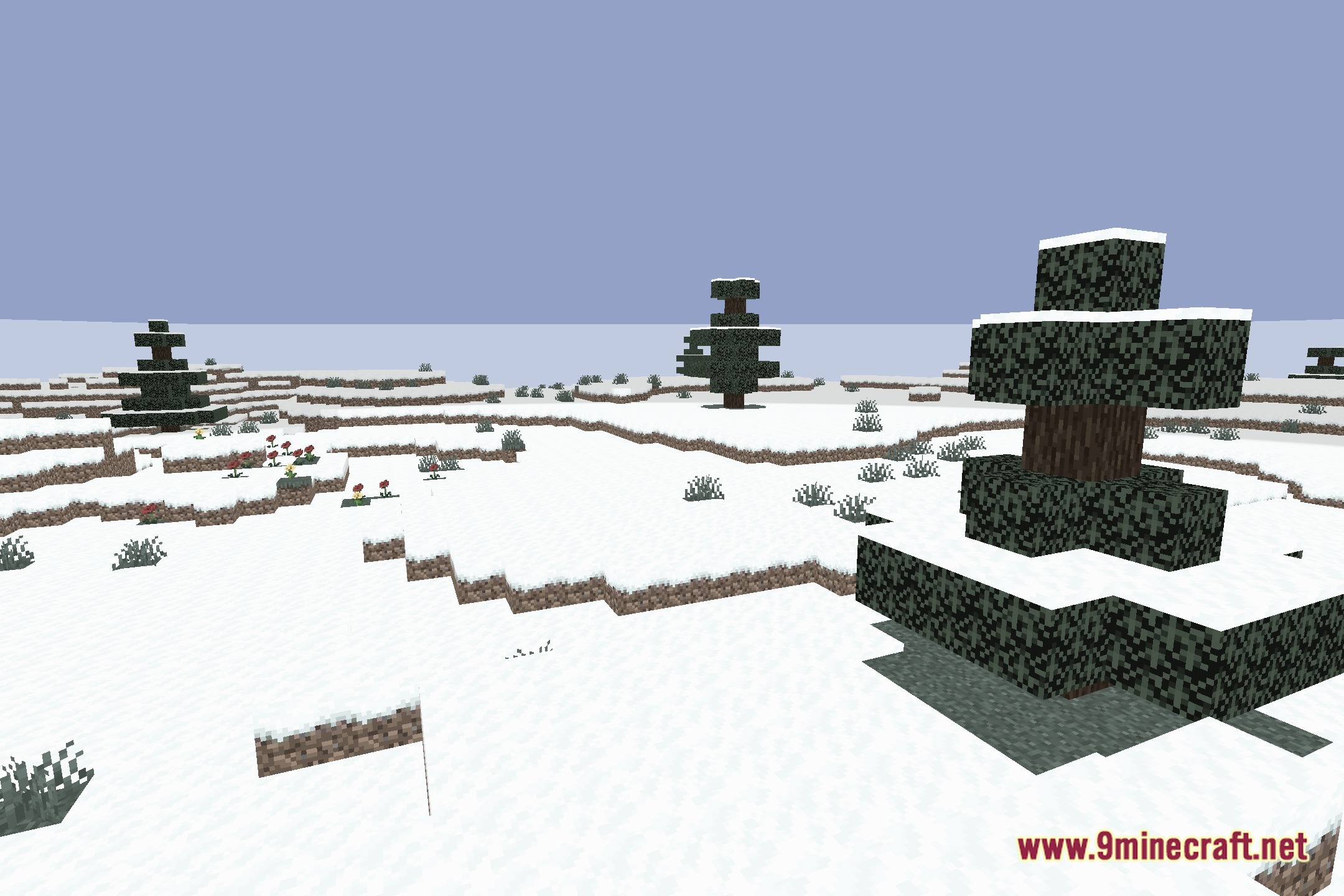
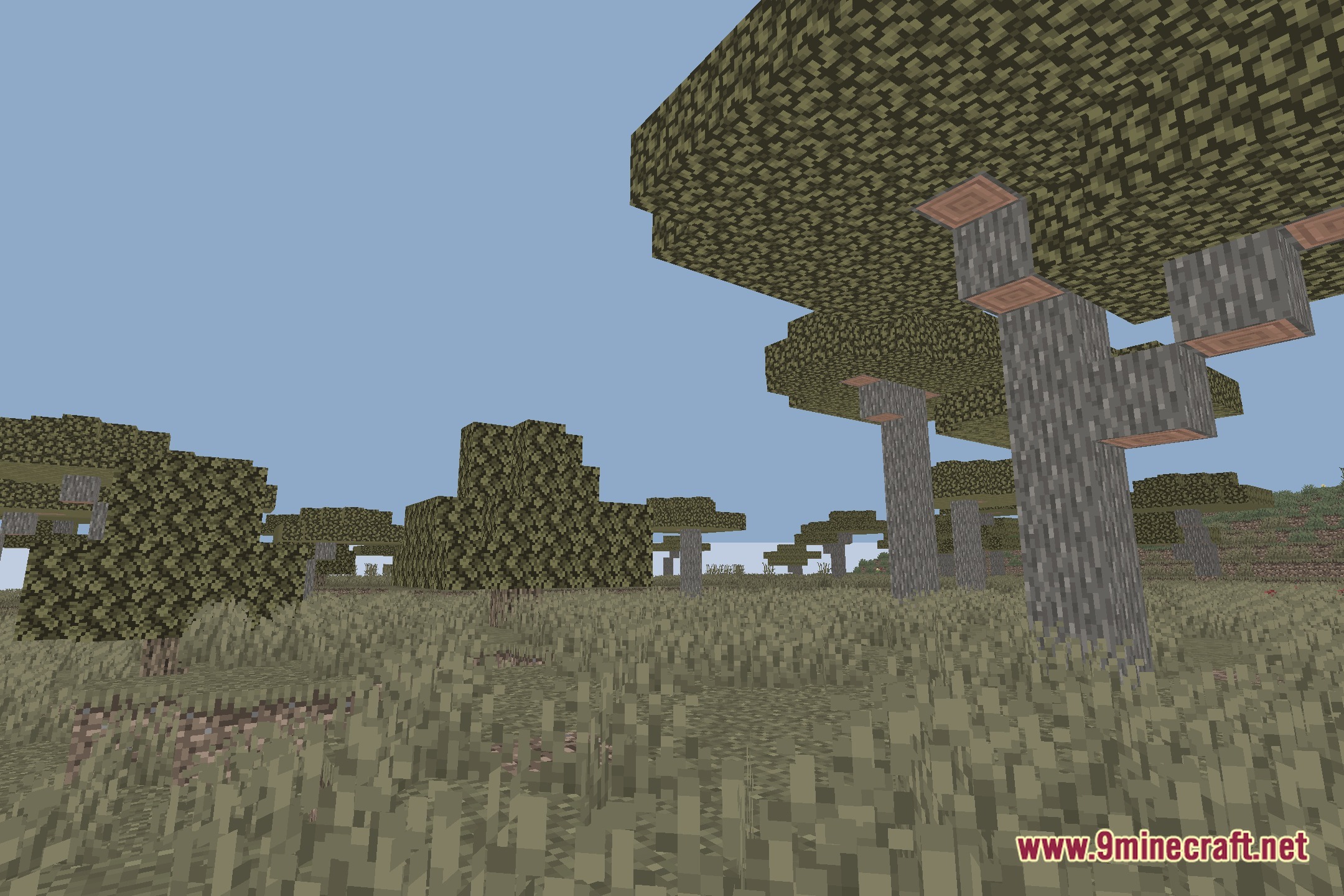
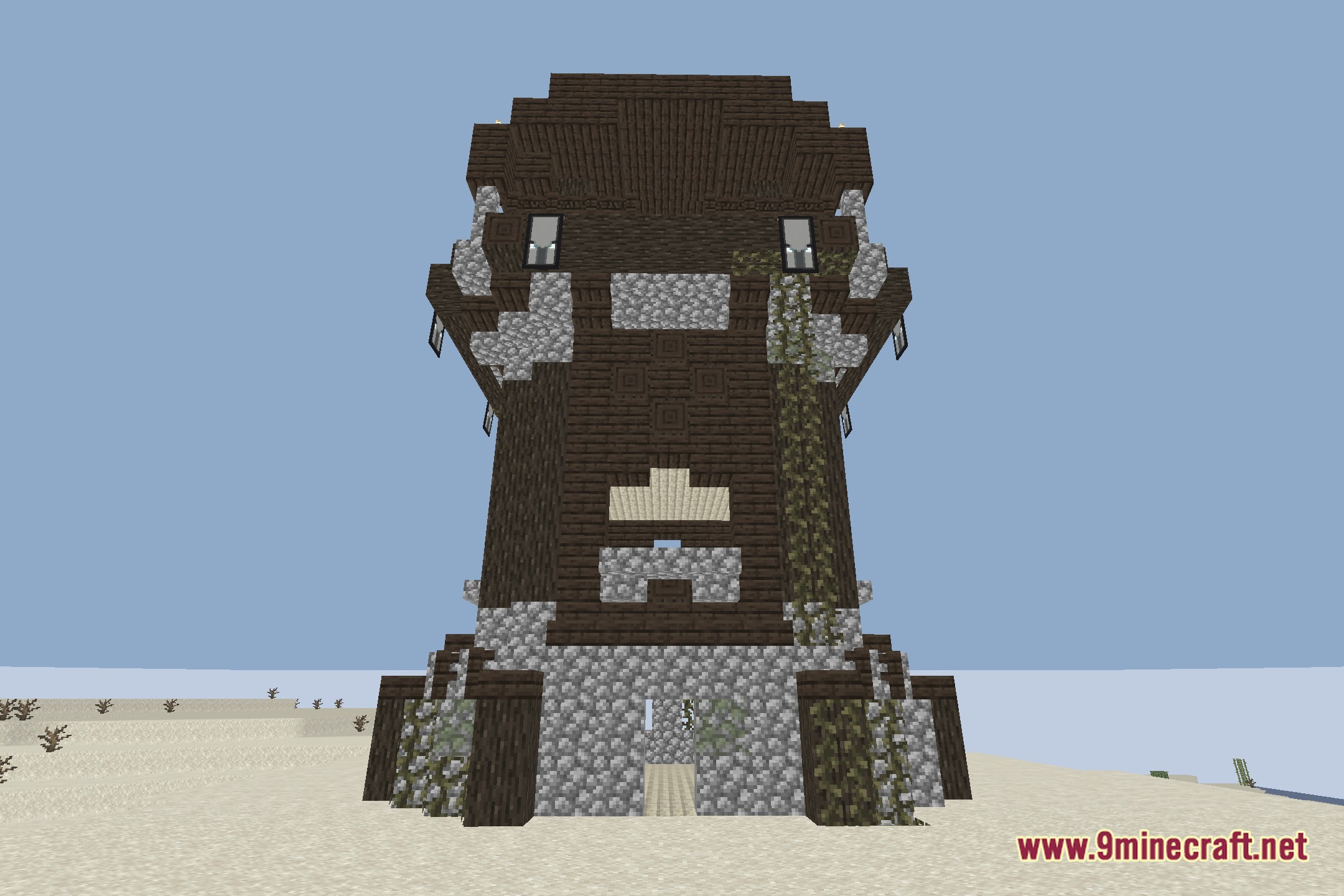
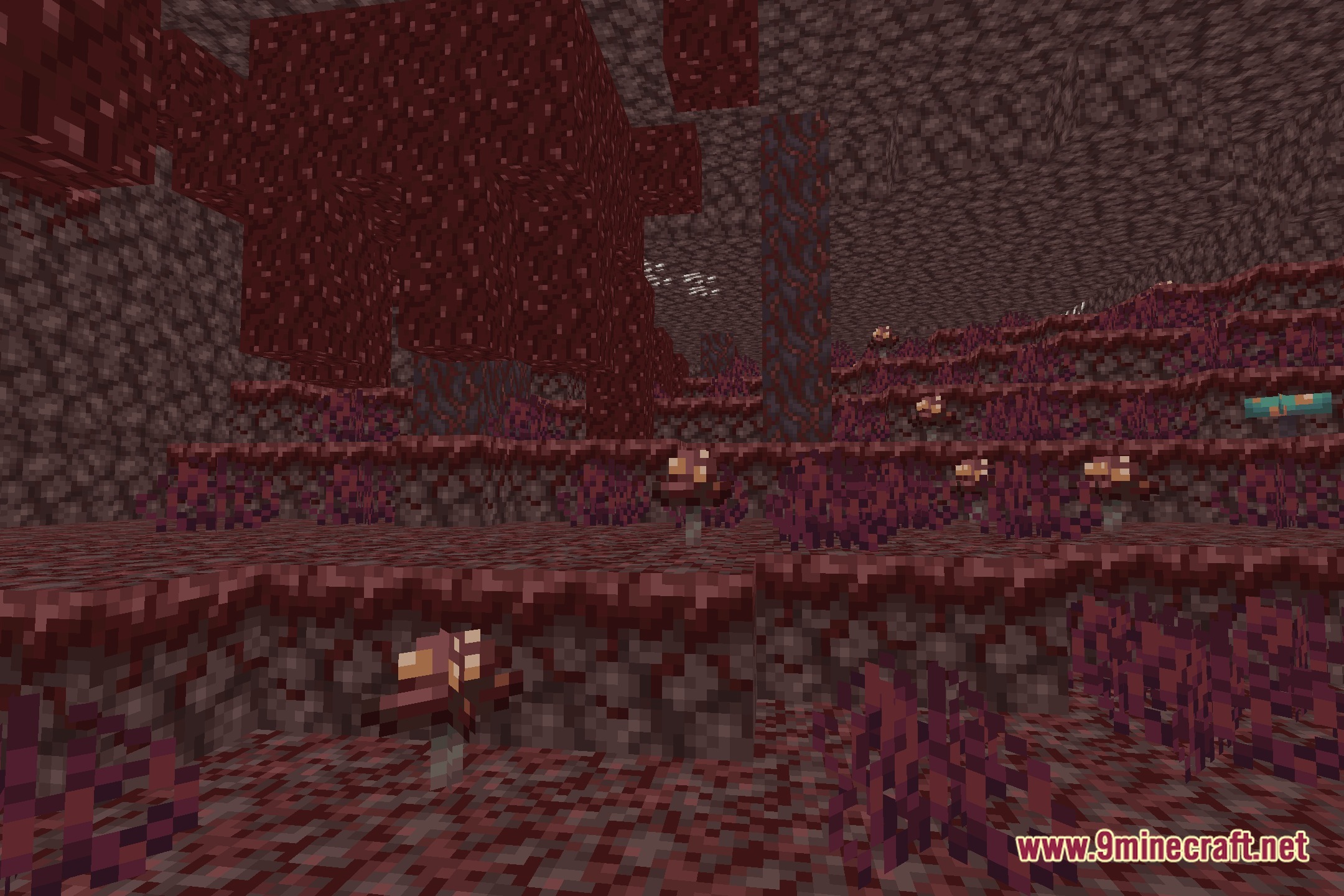
Zomboid Top Down View Shaders Download Links
Quick facts
- Edition: Minecraft Java
- File type: .zip (resource pack)
- Minecraft version listed: 1.20.1
- How to install: Download the .zip resource pack — do not unzip it. → Put it in .minecraft/resourcepacks. → Enable it in Options → Resource Packs.
- Where to get it: Opens on the file's original source — not every file is mirrored on our own servers.
Install steps are the general flow for this file type — see the MC Java Mods guides for the full walkthrough.
Zomboid Top Down View Shaders (26.3, 1.20.1) – Isometric Survival Game Lighting is a free Minecraft Java shader. Compatible with Minecraft 1.20.1. Download it and open it directly in the game.