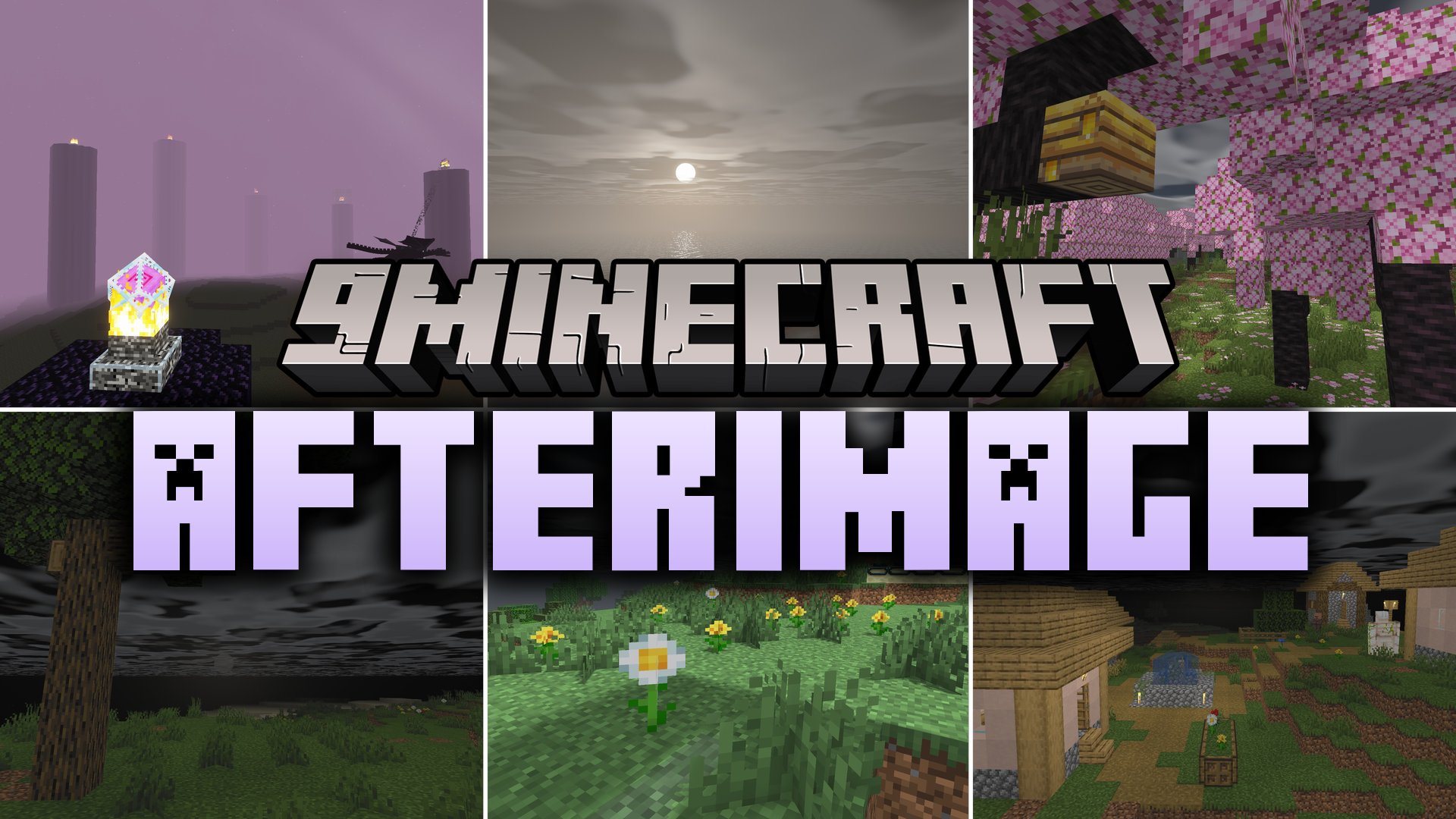
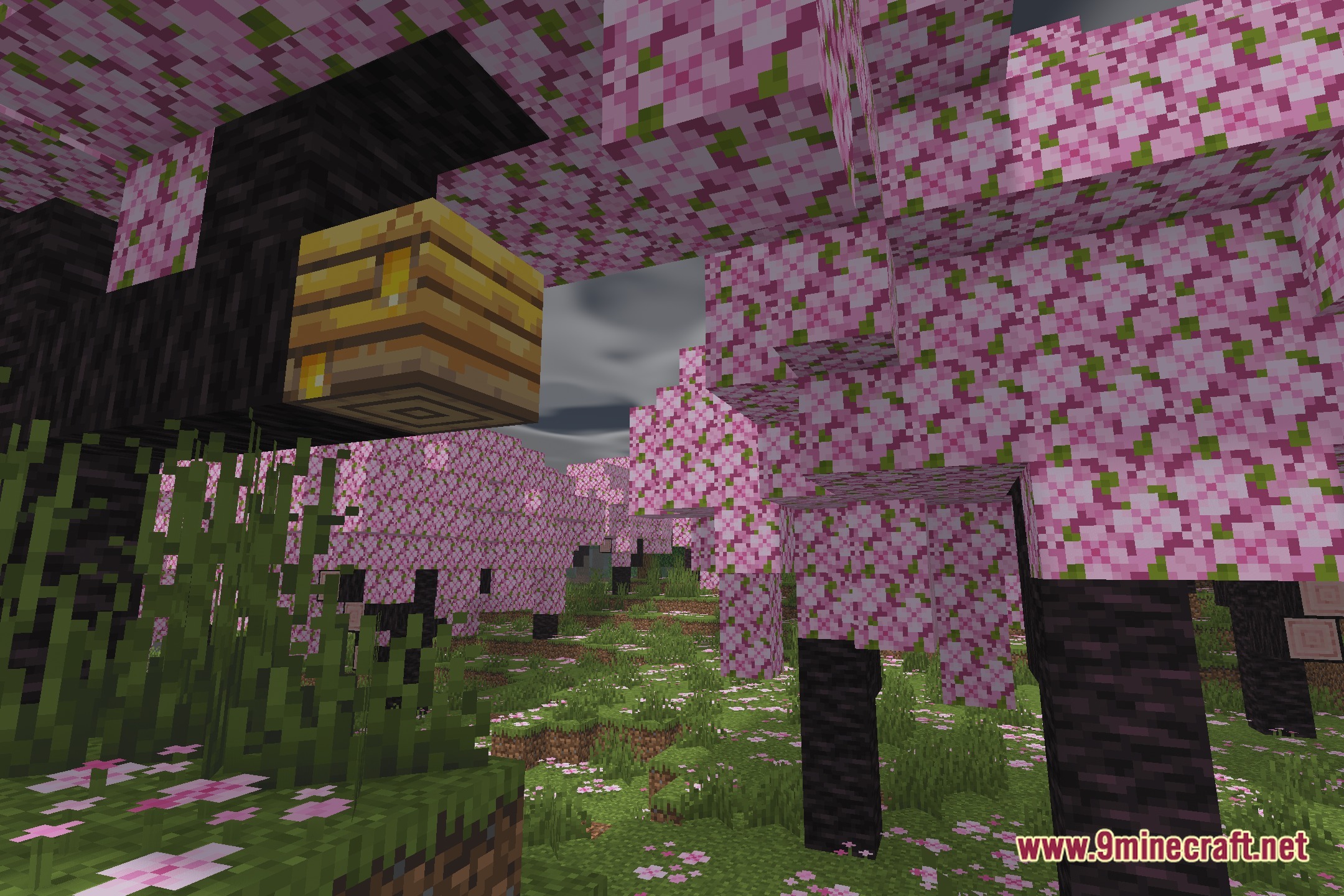
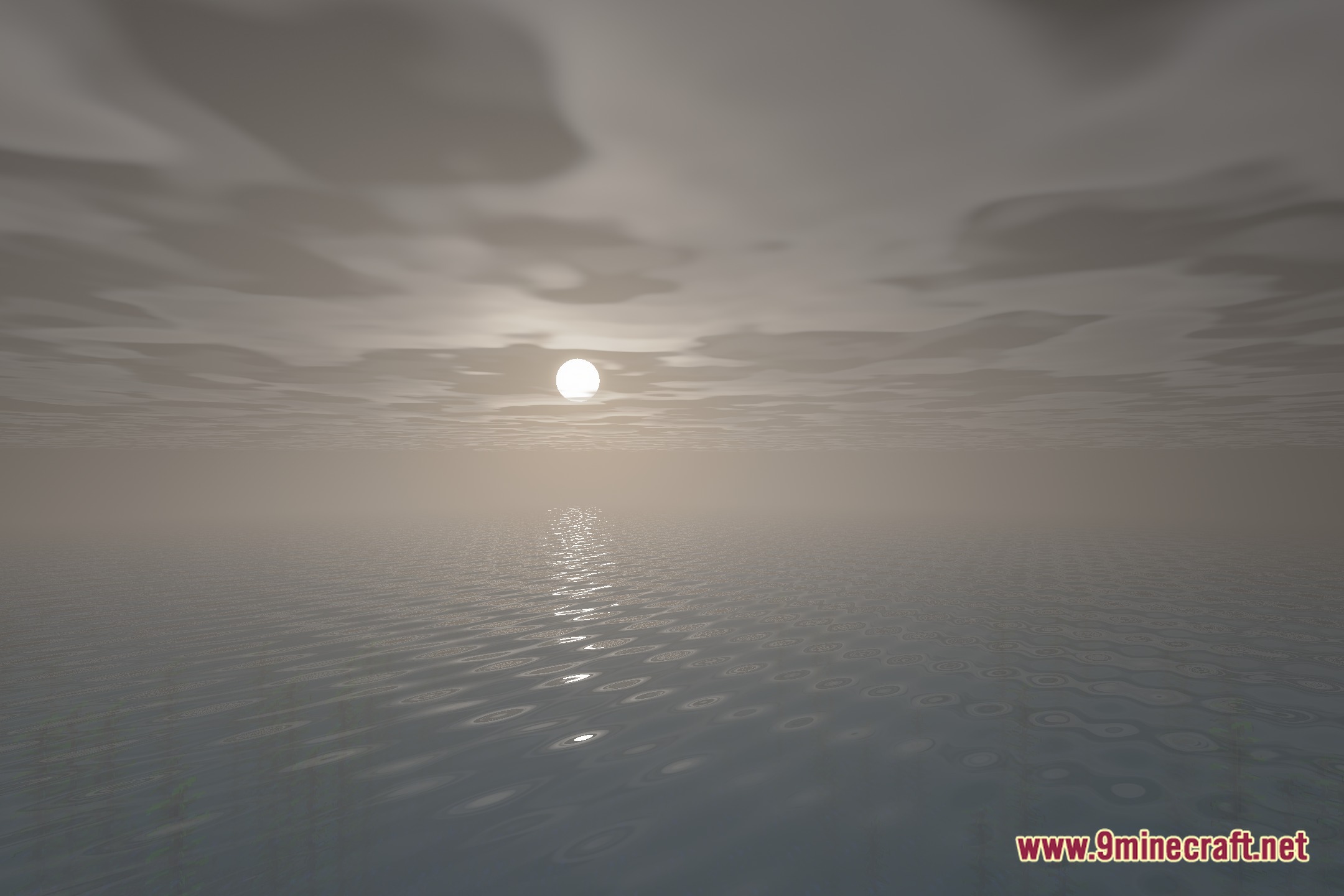
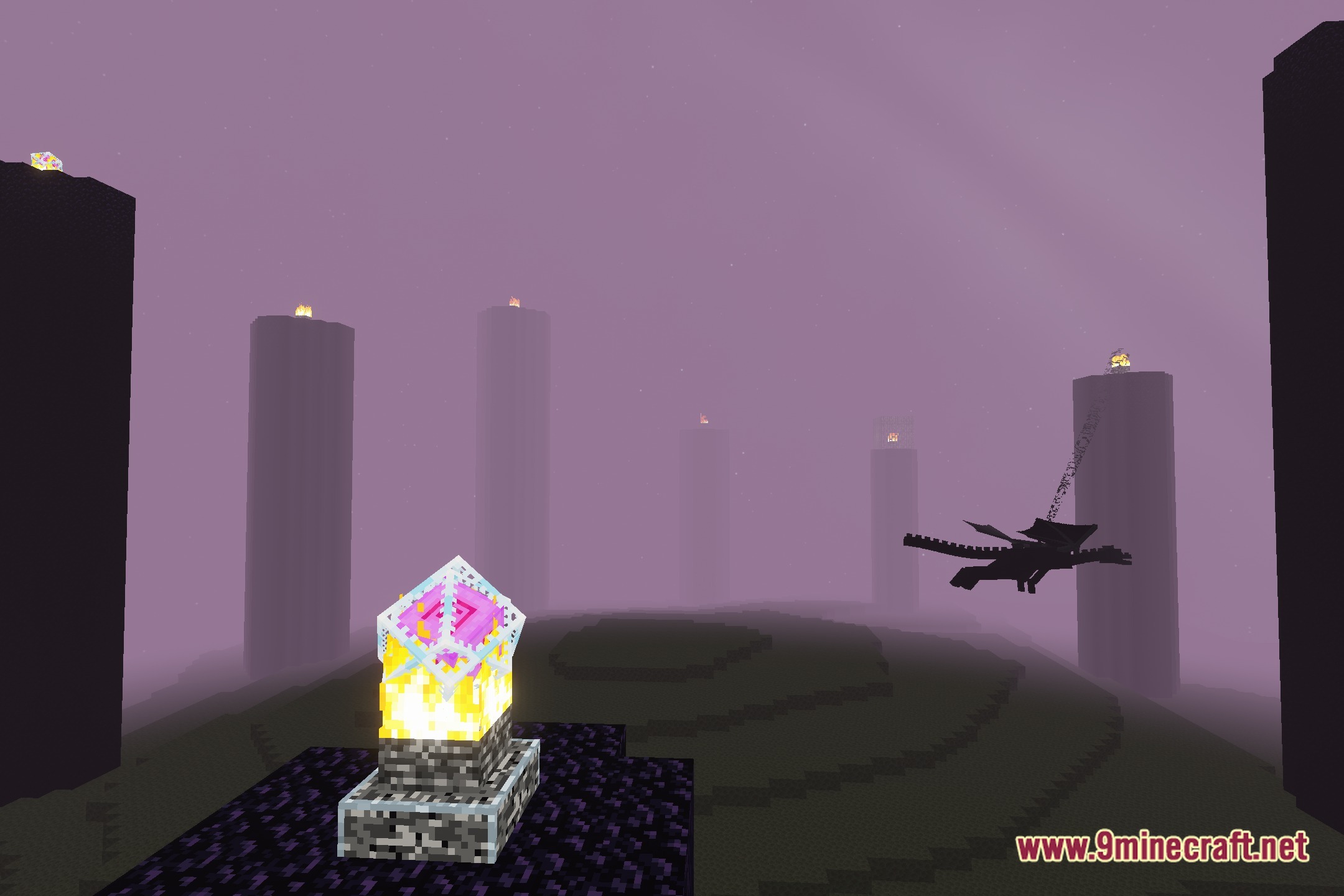
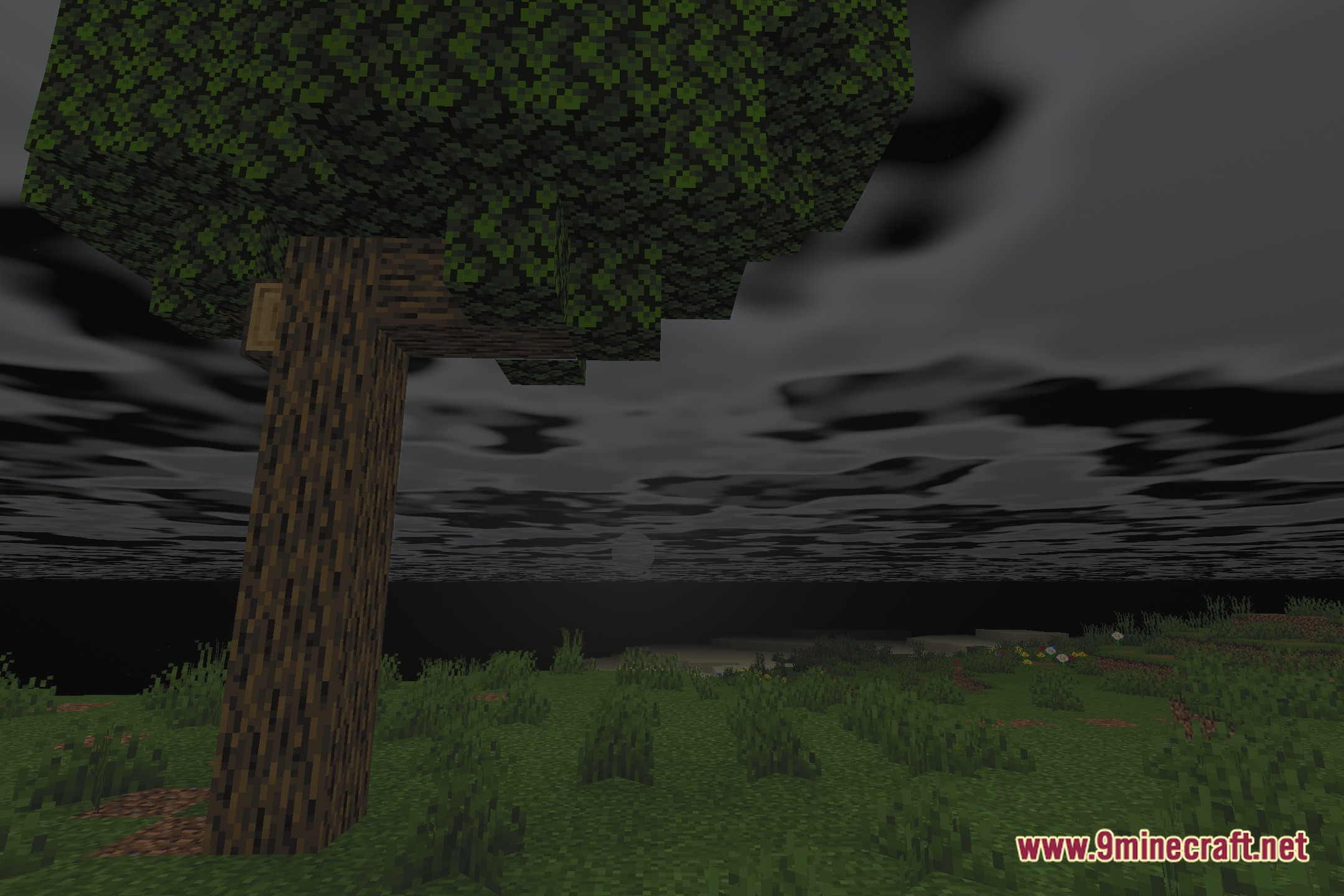
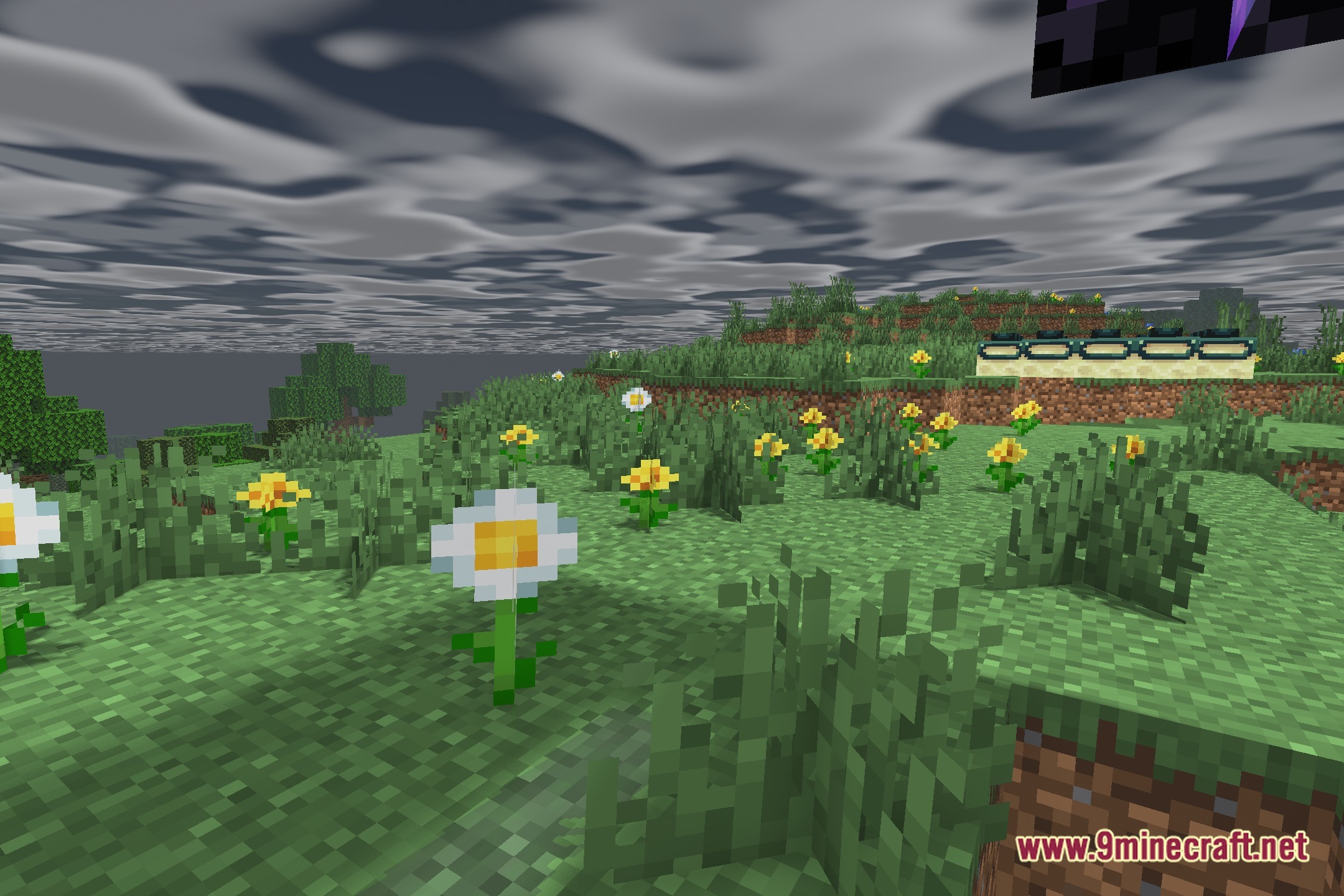
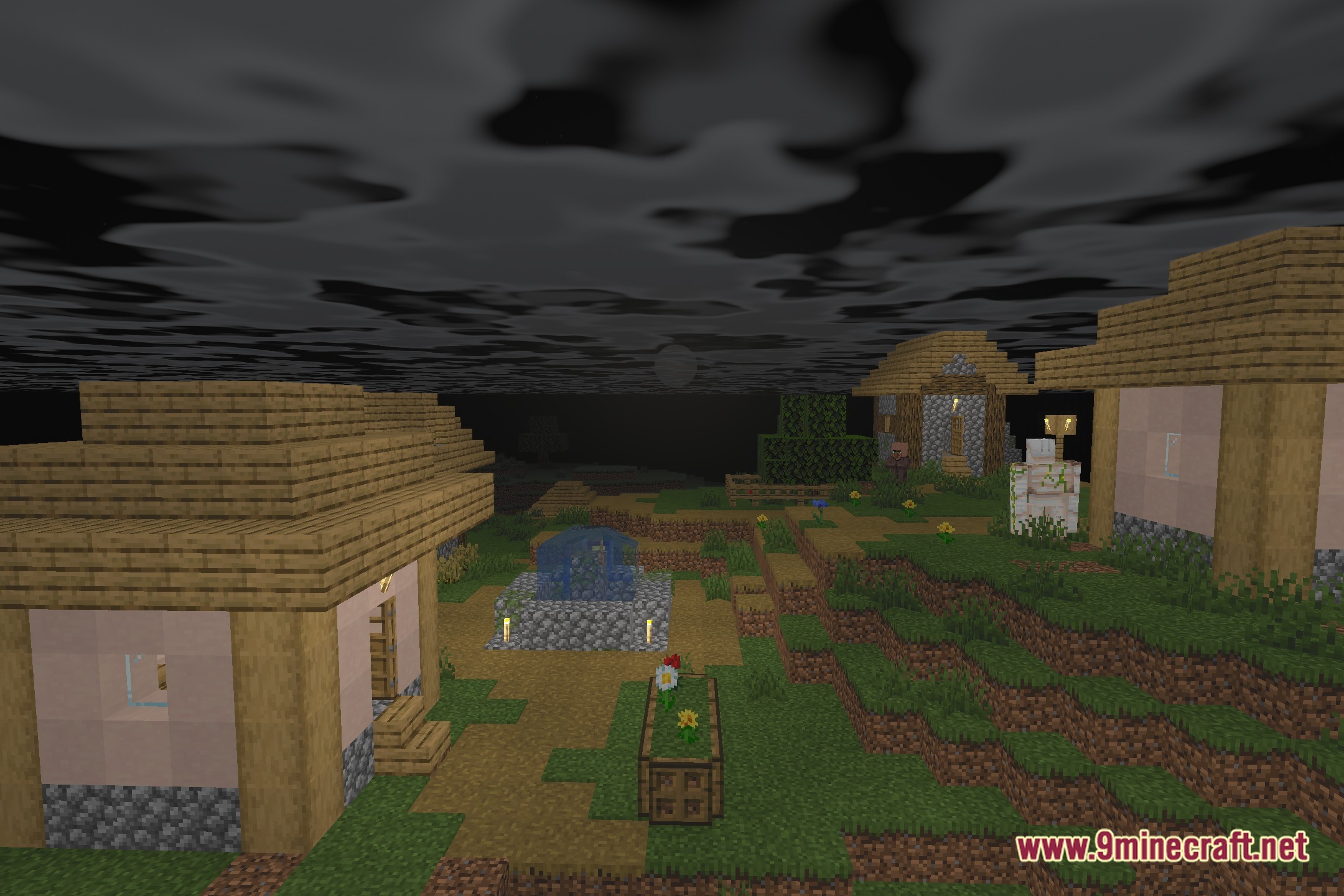

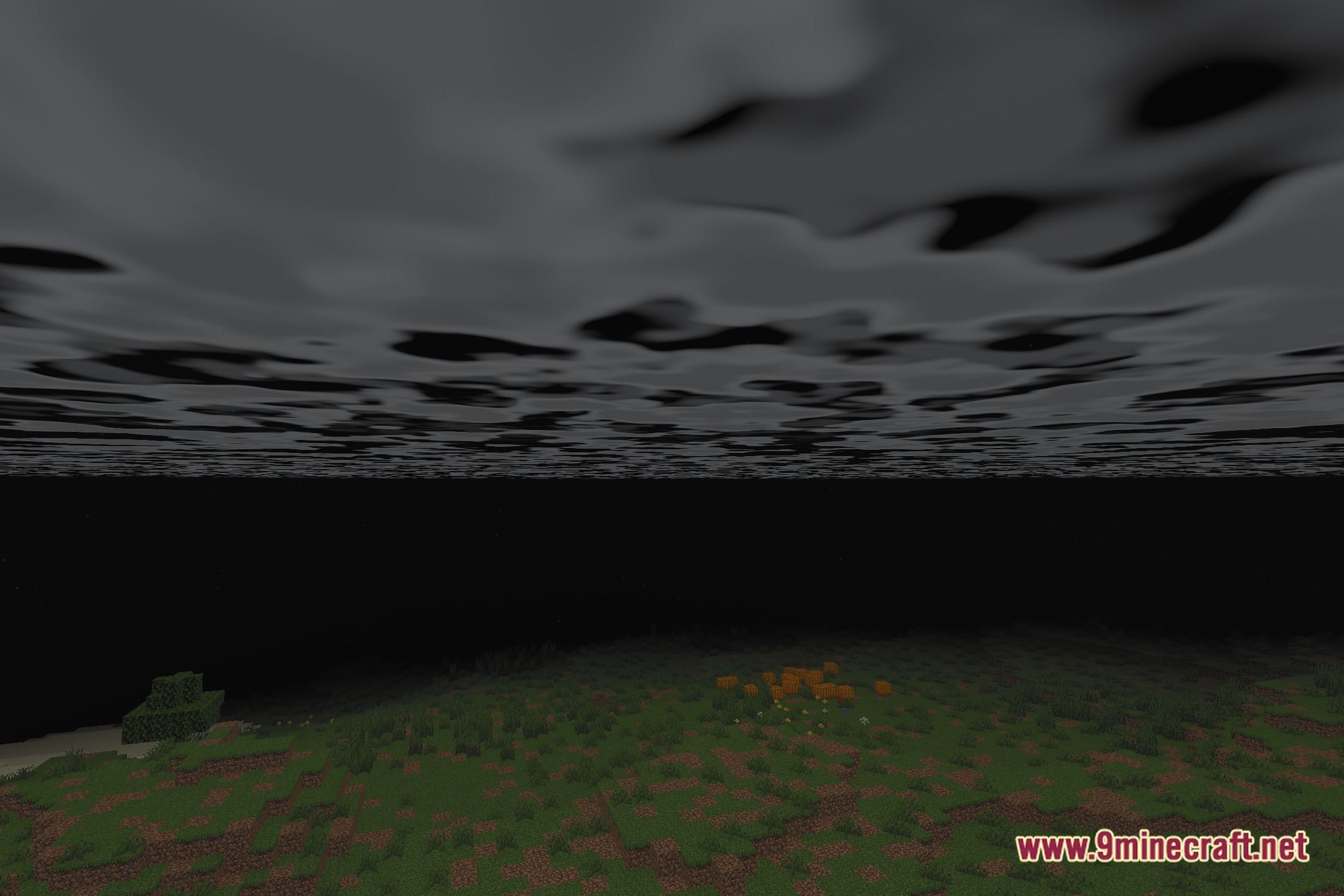
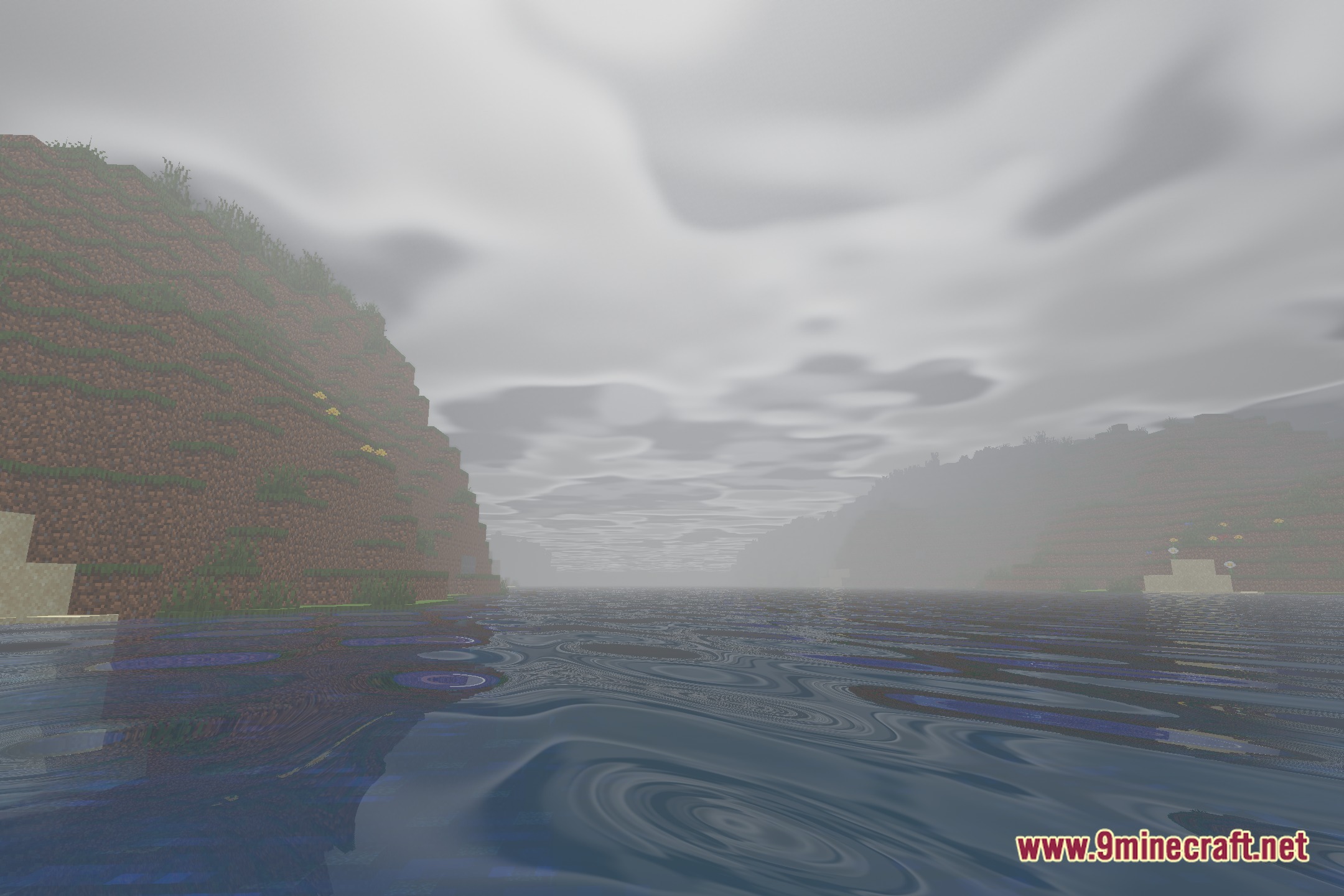
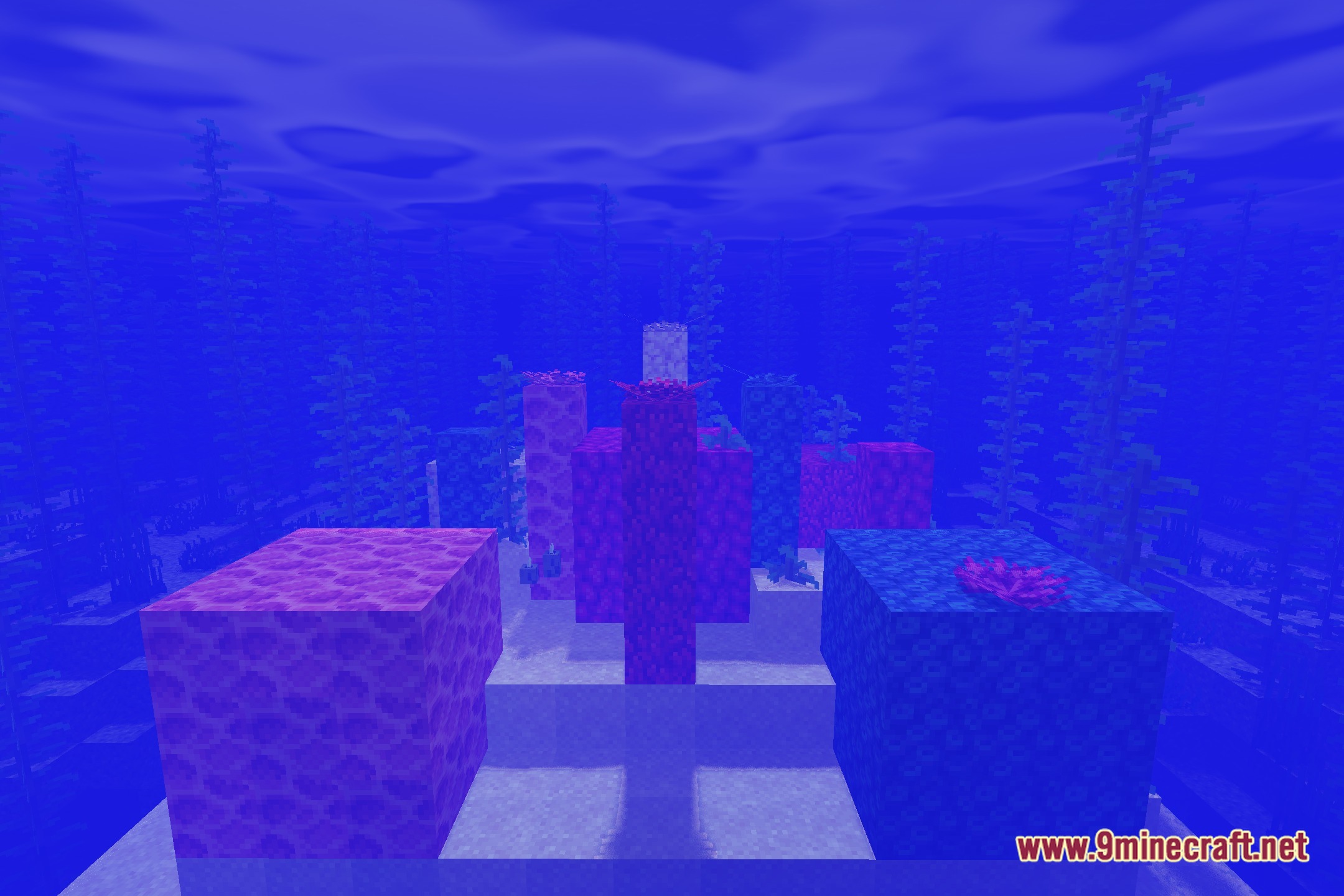
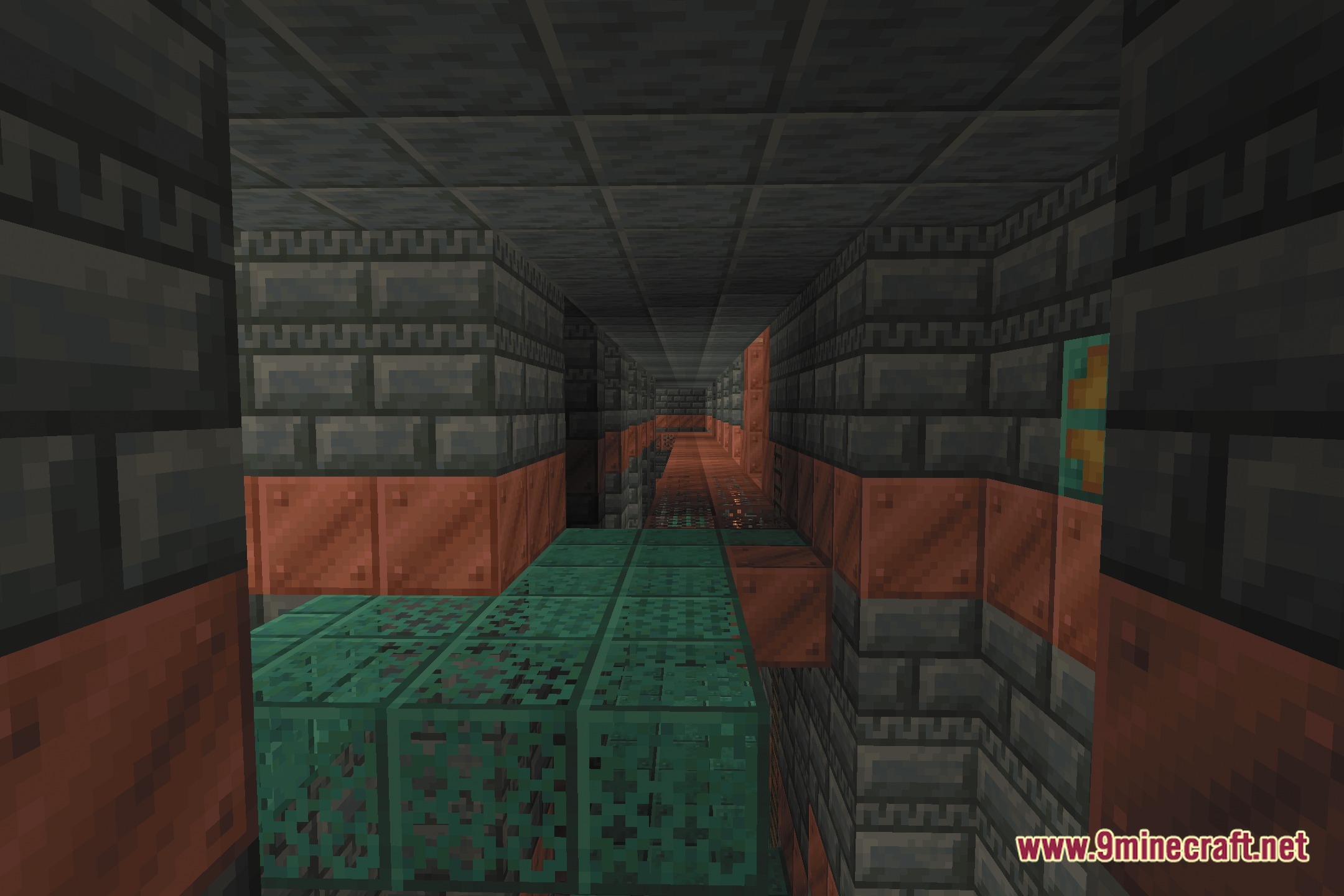
Afterimage Shaders illuminates your blocks with eerie visual effects and atmospheric dimension lighting. Originally created to pair with horror adventures, this shader pack features soft sun shadows and thick volumetric fog across every biome. It repaints the sky with custom hand-drawn art, completely revamps Nether lighting, and adds a giant black hole to the End skybox.
Features:
- Adds soft sun shadows that shift smoothly throughout the day.
- Fills forests, caves, and open fields with thick volumetric fog.
- Replaces the standard day and night sky with custom hand-drawn artwork.
- Reworks the Nether with dark tones and moody ambient light.
- Transforms the End dimension by putting a massive black hole in the sky.
- Works directly with the Iris shader engine.
Screenshots:
Afterimage Shaders Download Links
Quick facts
- Edition: Minecraft Java
- File type: .zip (resource pack)
- Minecraft version listed: 1.20.1
- How to install: Download the .zip resource pack — do not unzip it. → Put it in .minecraft/resourcepacks. → Enable it in Options → Resource Packs.
- Where to get it: Opens on the file's original source — not every file is mirrored on our own servers.
Install steps are the general flow for this file type — see the MC Java Mods guides for the full walkthrough.
Afterimage Shaders (26.3, 1.20.1) – Hand-Drawn Skies and Volumetric Fog is a free Minecraft Java shader. Compatible with Minecraft 1.20.1. Download it and open it directly in the game.