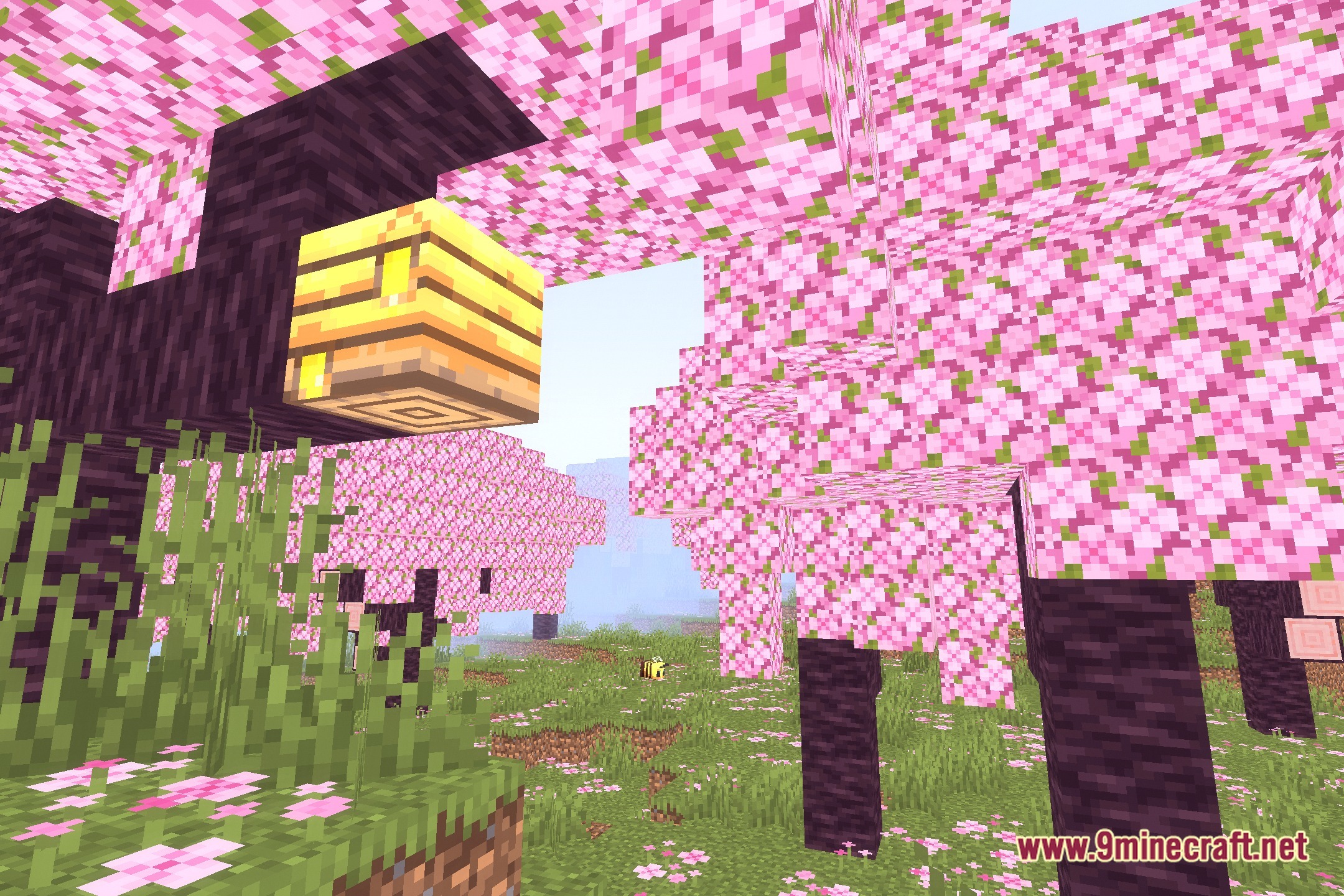
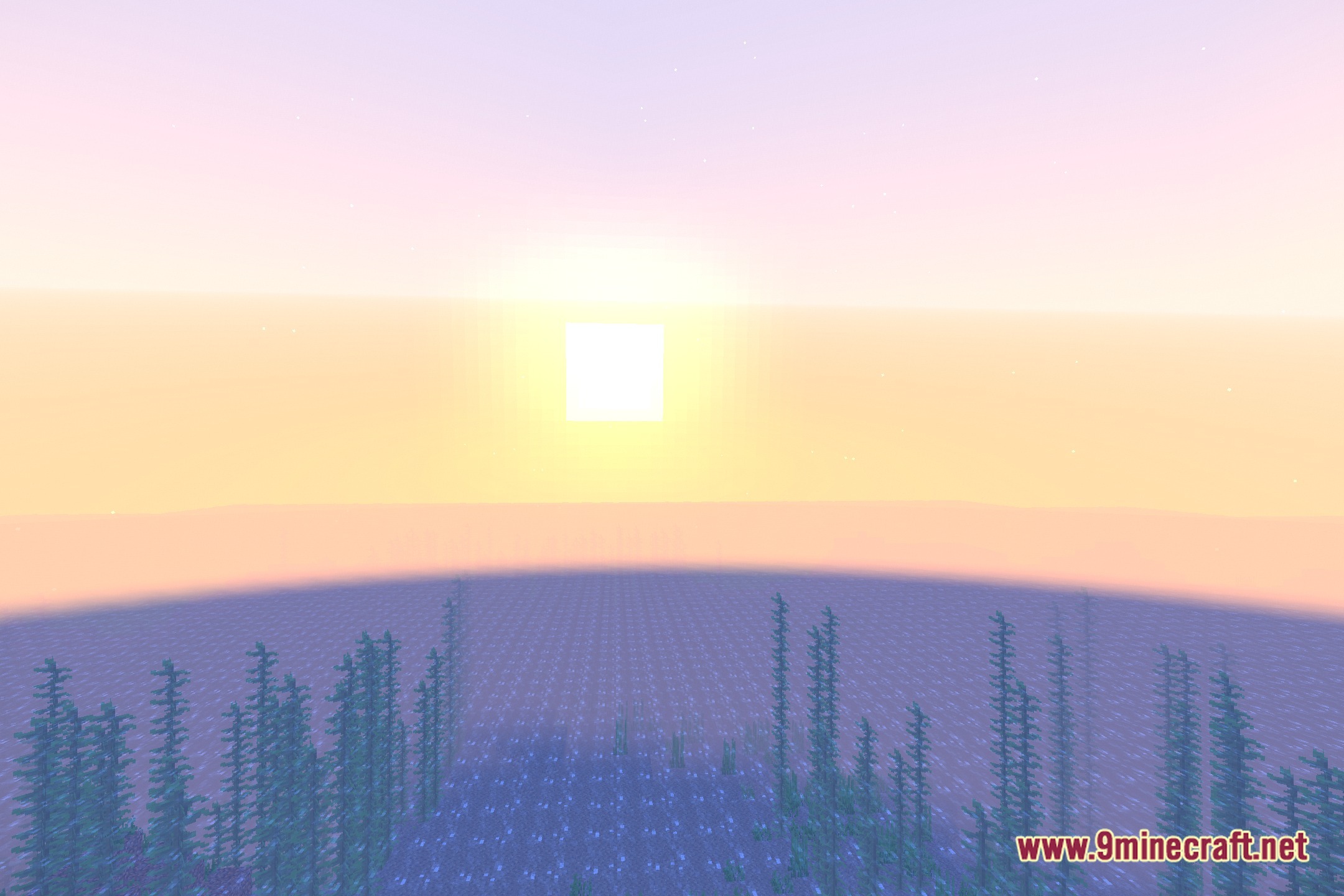

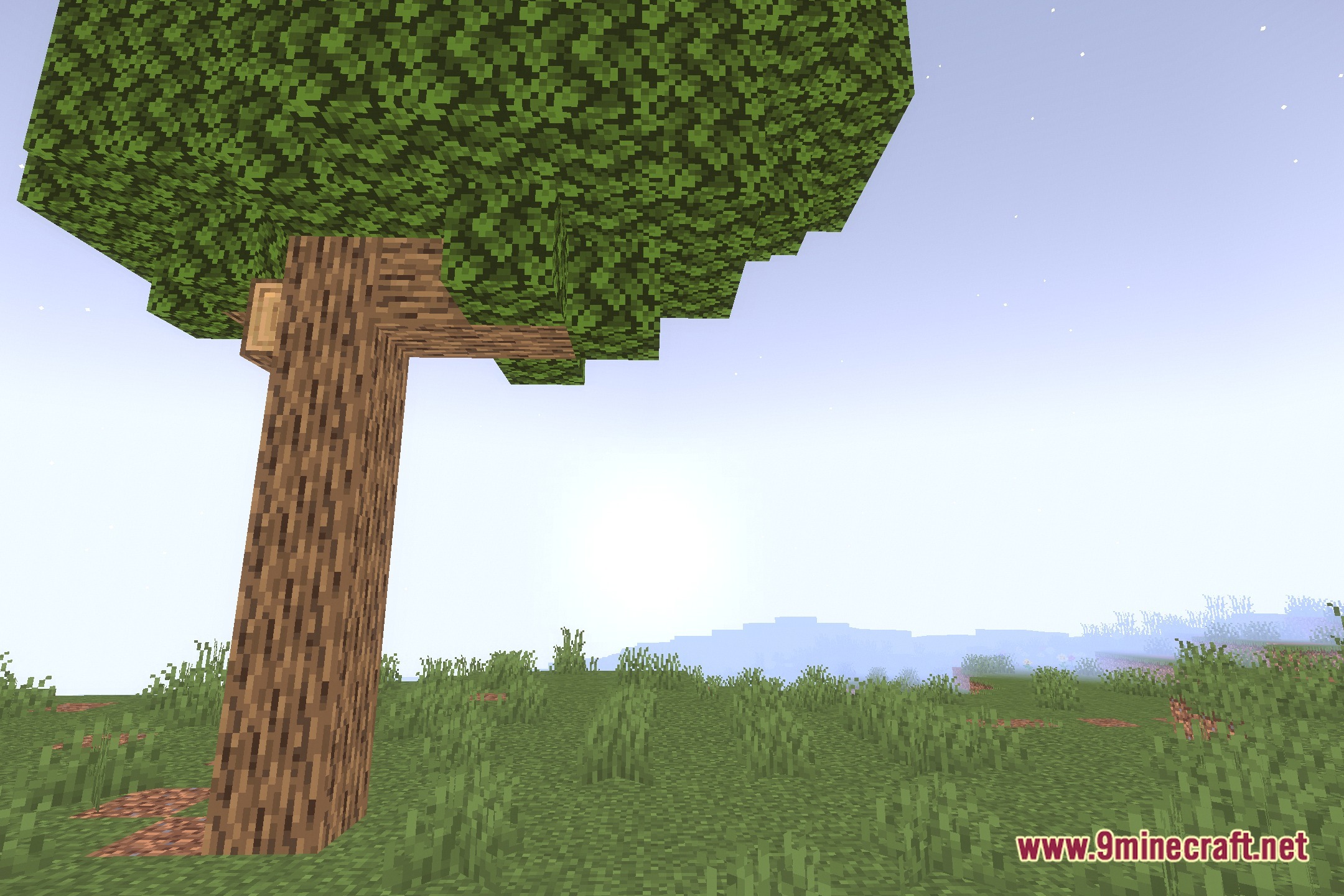
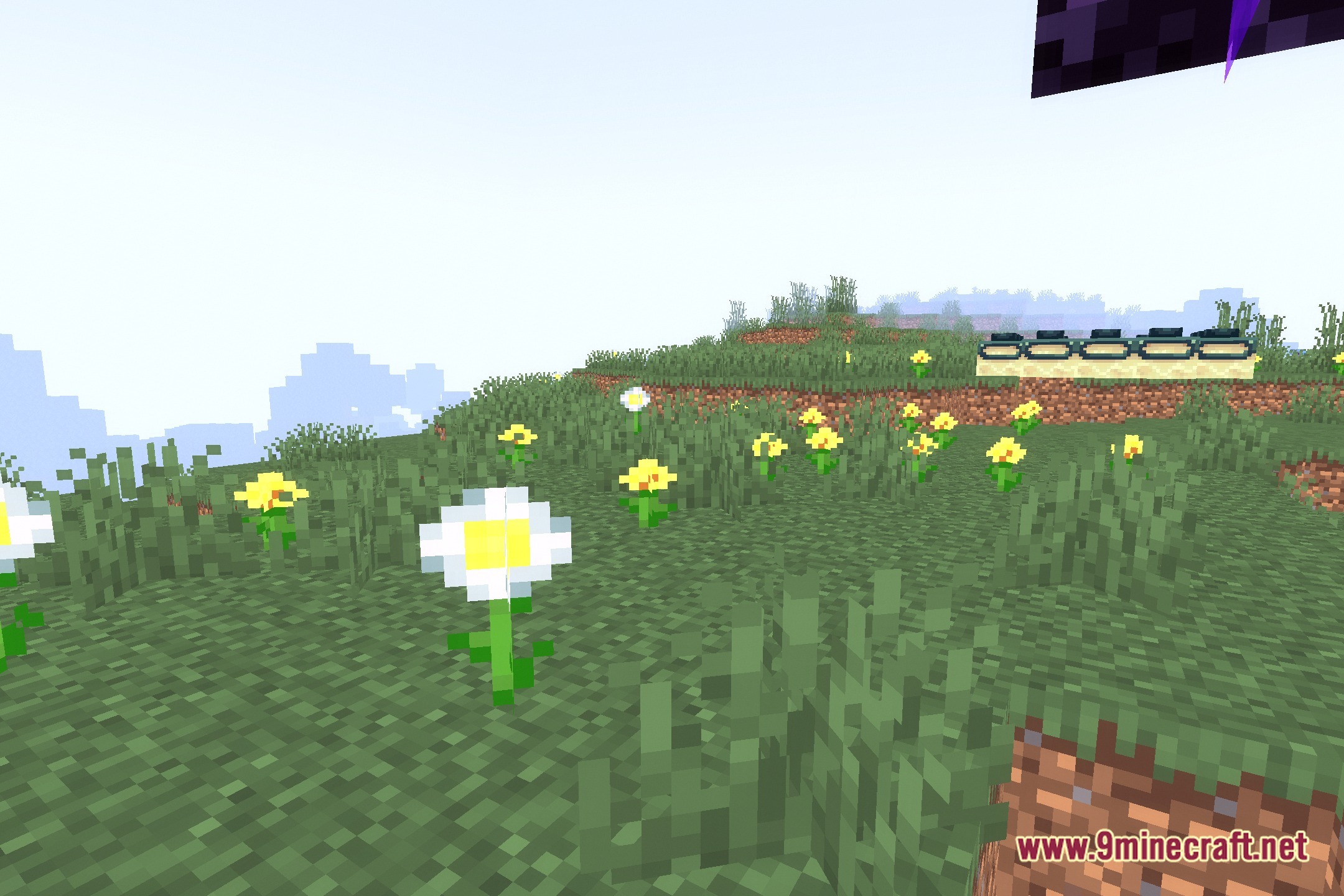
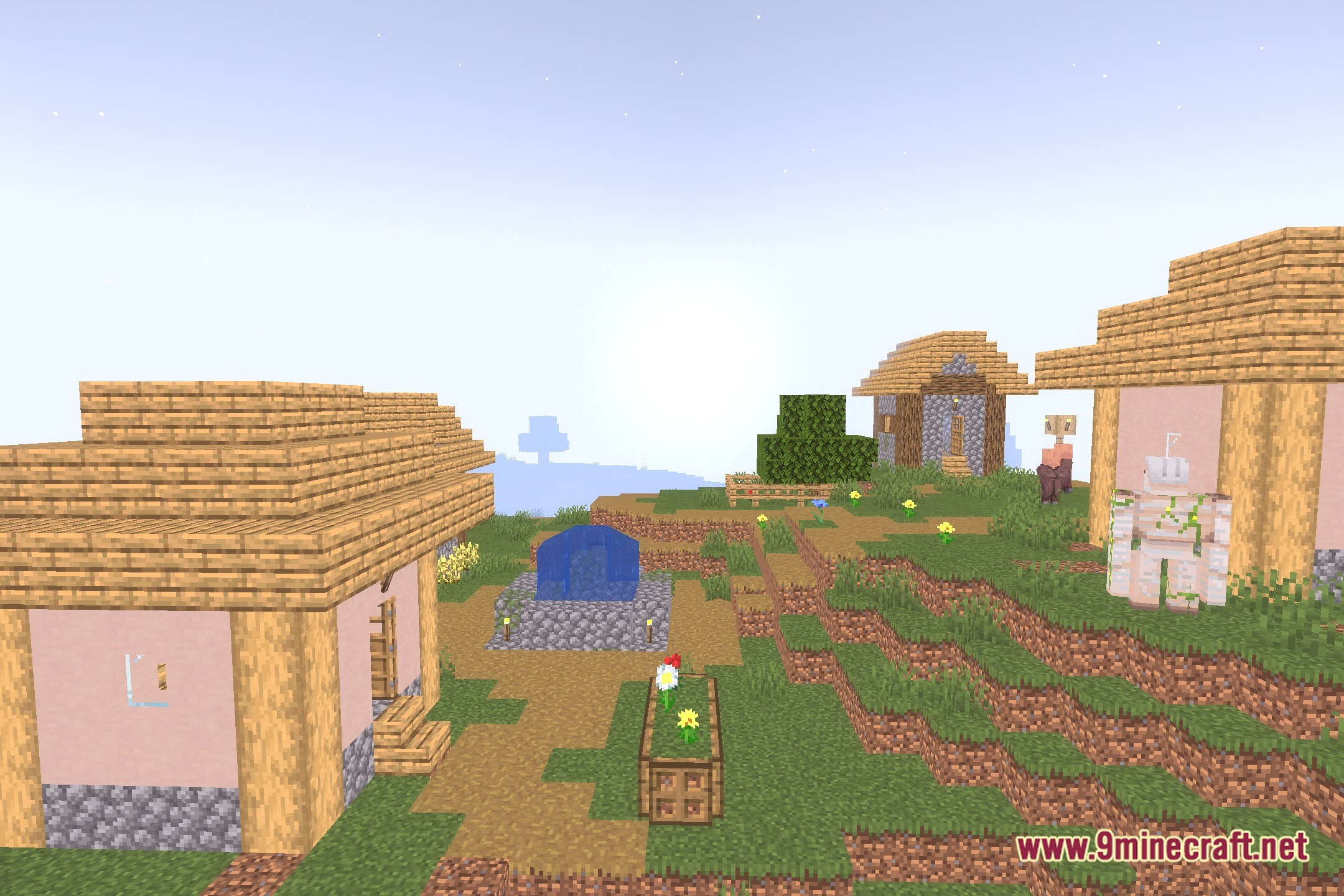

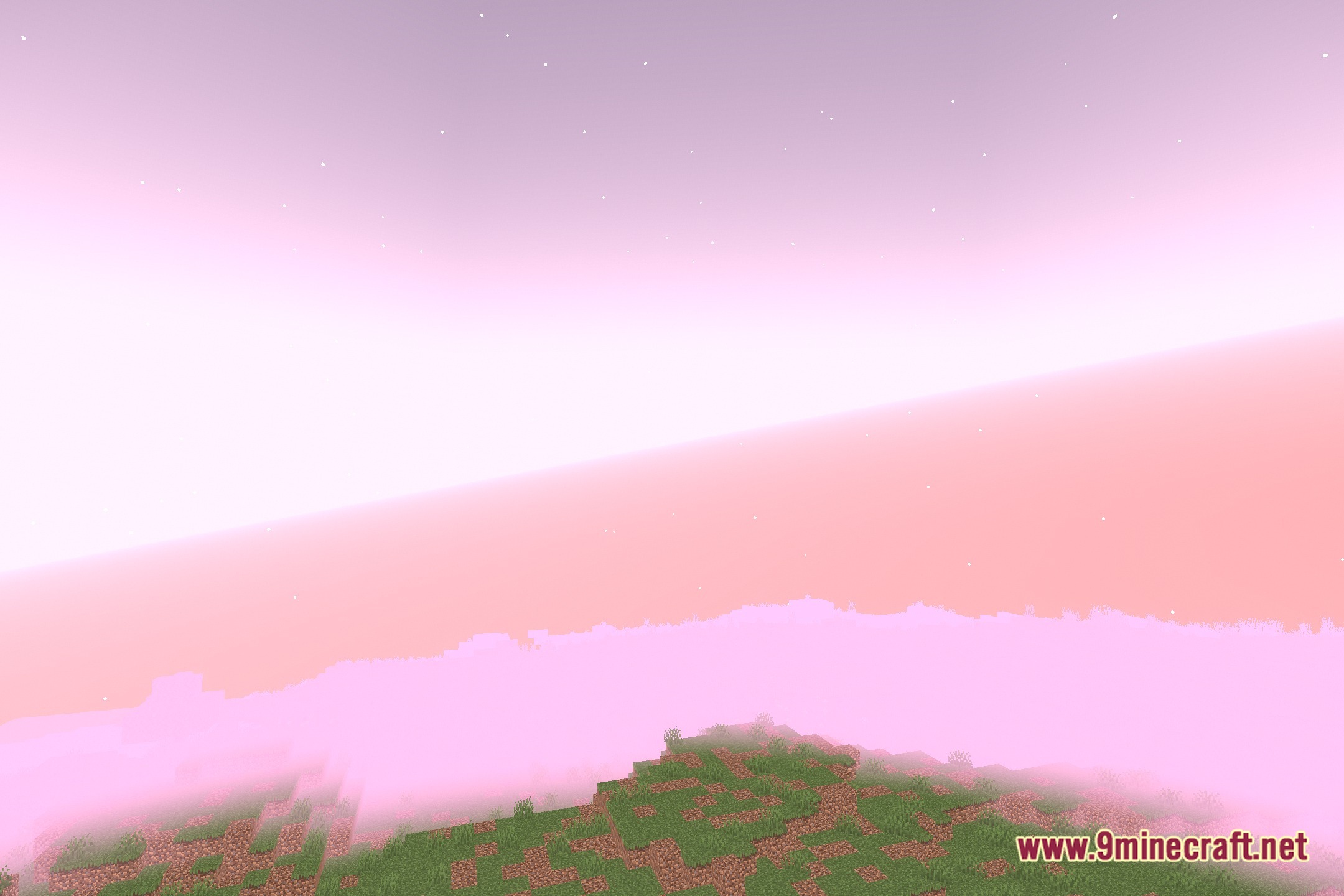
ImprovedVanillaLighting Shaders breathes life into default worlds with soft glow effects and warm color tones. This shader pack keeps the original blocky style while smoothing harsh edges and shadows. It runs fast even on low-end hardware and potato setups. Light sources cast a cozy radiance without causing frame drops during regular play.
Features:
- Subtle Bloom: Adds a soft, gentle glow around bright blocks and lights.
- Gives the overall world a warmer and smoother visual appearance.
- Runs smoothly on potato computers without hurting your framerate.
- Keeps the classic vanilla look without drastic visual overhauls.
- Cleans up basic light transitions in caves and night scenes.
🎛️ Compare 40+ Minecraft Shaders Side by Side →
Drag the slider across 16 real in-game scenes — find YOUR perfect shader.
Screenshots:

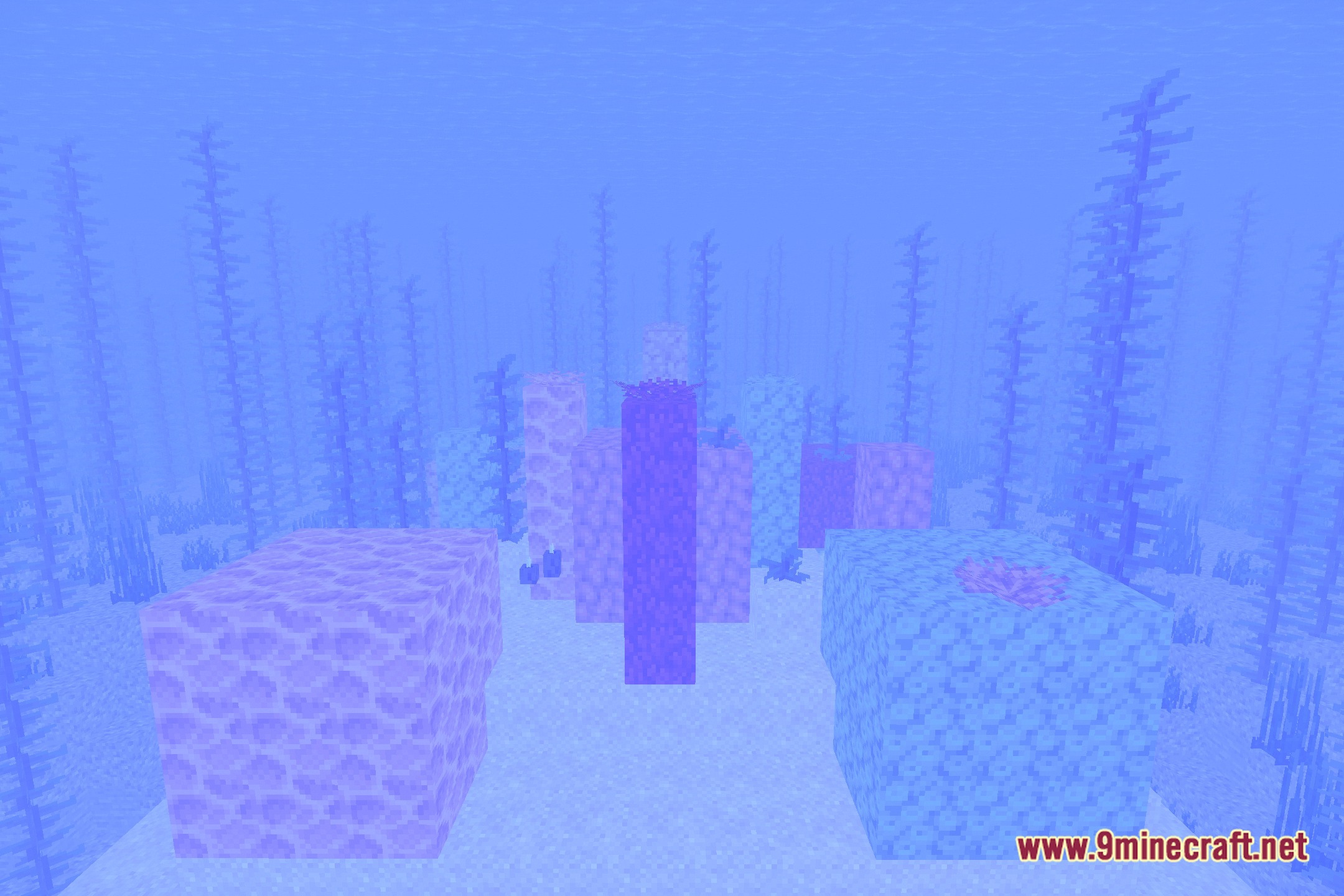

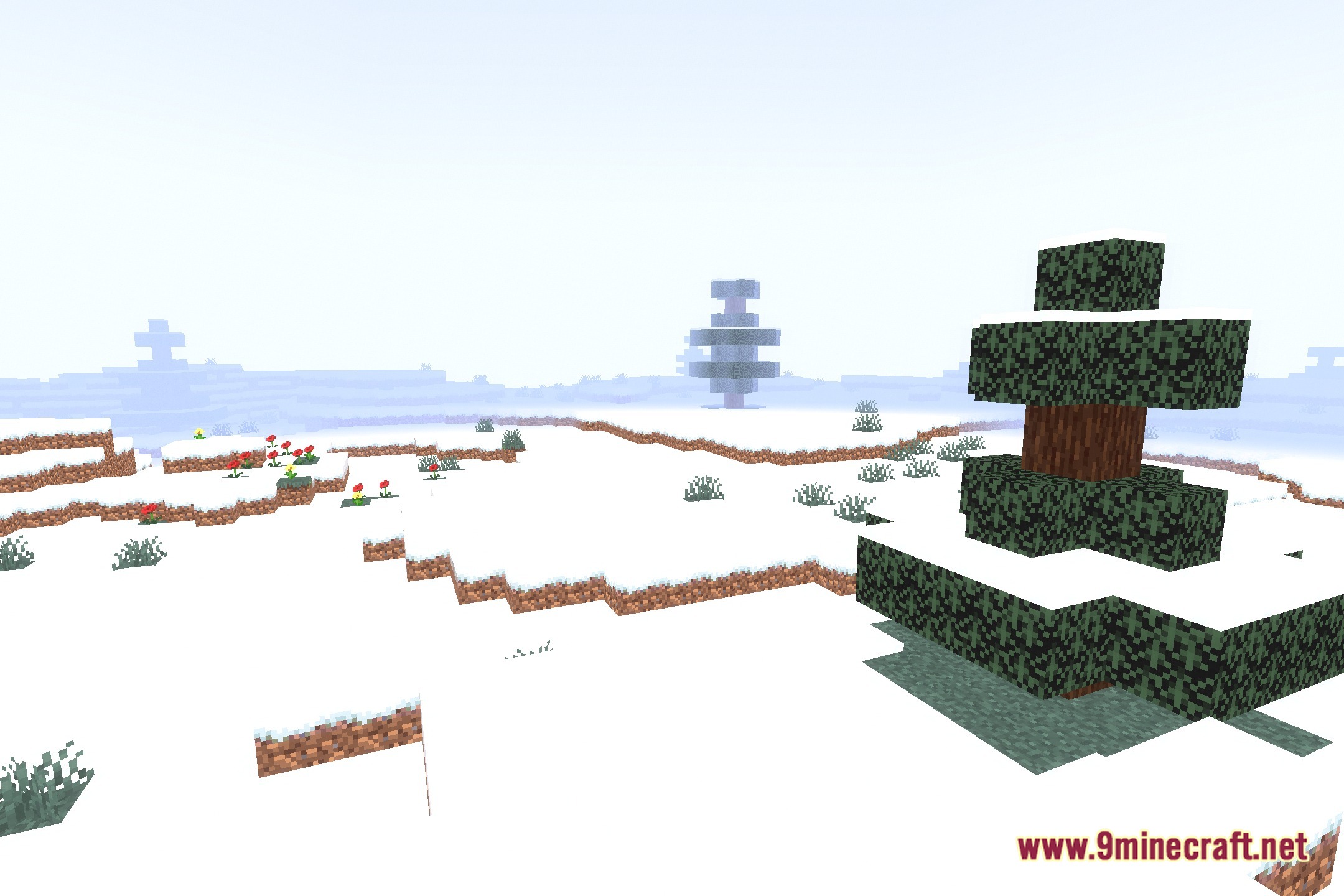
ImprovedVanillaLighting Shaders Download Links
- Edition: Minecraft Java
- File type: .zip (resource pack)
- Minecraft version listed: 1.20.1
- How to install: Download the .zip resource pack — do not unzip it. → Put it in .minecraft/resourcepacks. → Enable it in Options → Resource Packs.
- Where to get it: Opens on the file's original source — not every file is mirrored on our own servers.
Install steps are the general flow for this file type — see the MC Java Mods guides for the full walkthrough.
ImprovedVanillaLighting Shaders (26.3, 1.20.1) – Subtle Bloom for Low-End PCs is a free Minecraft Java shader. Compatible with Minecraft 1.20.1. Download it and open it directly in the game.