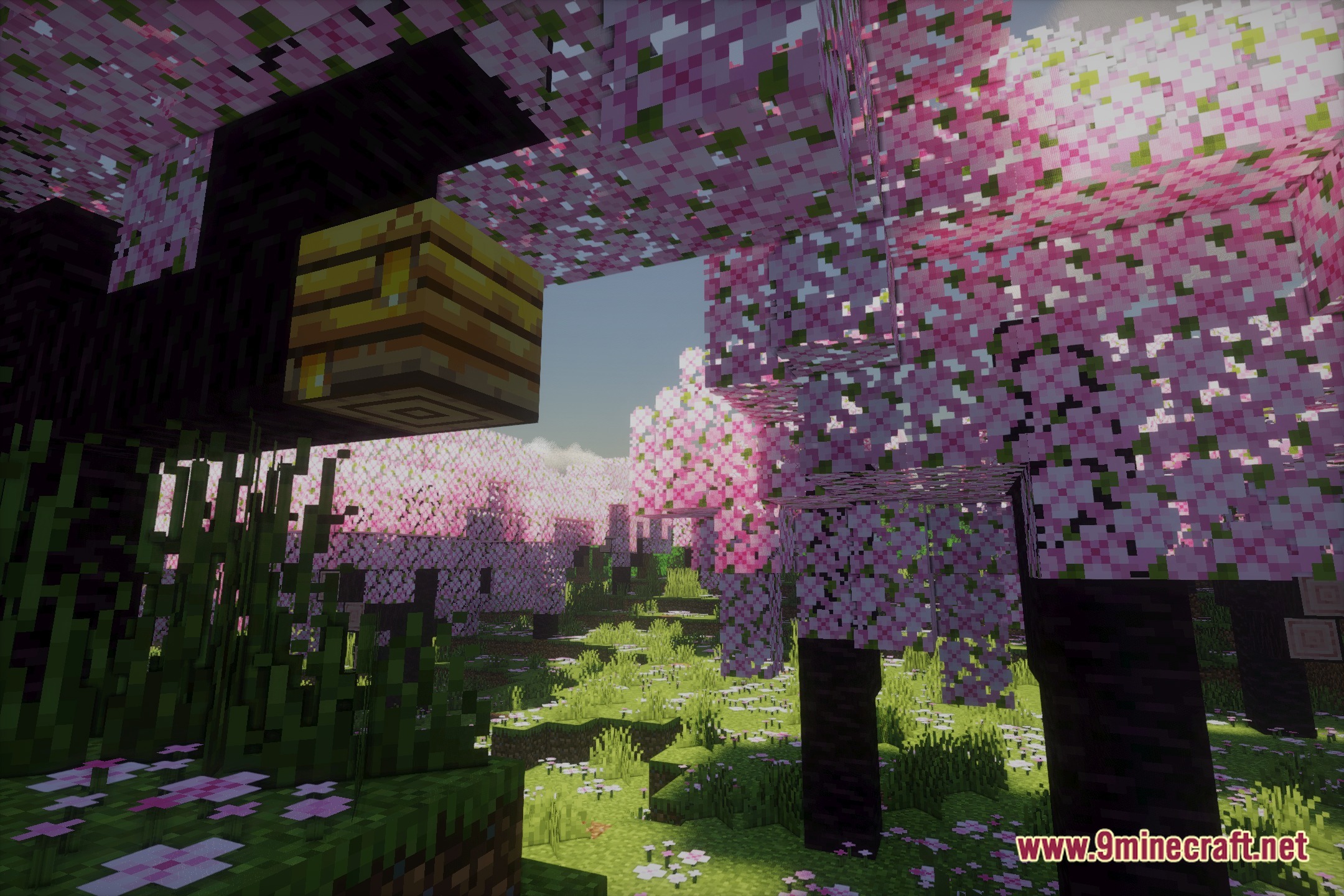
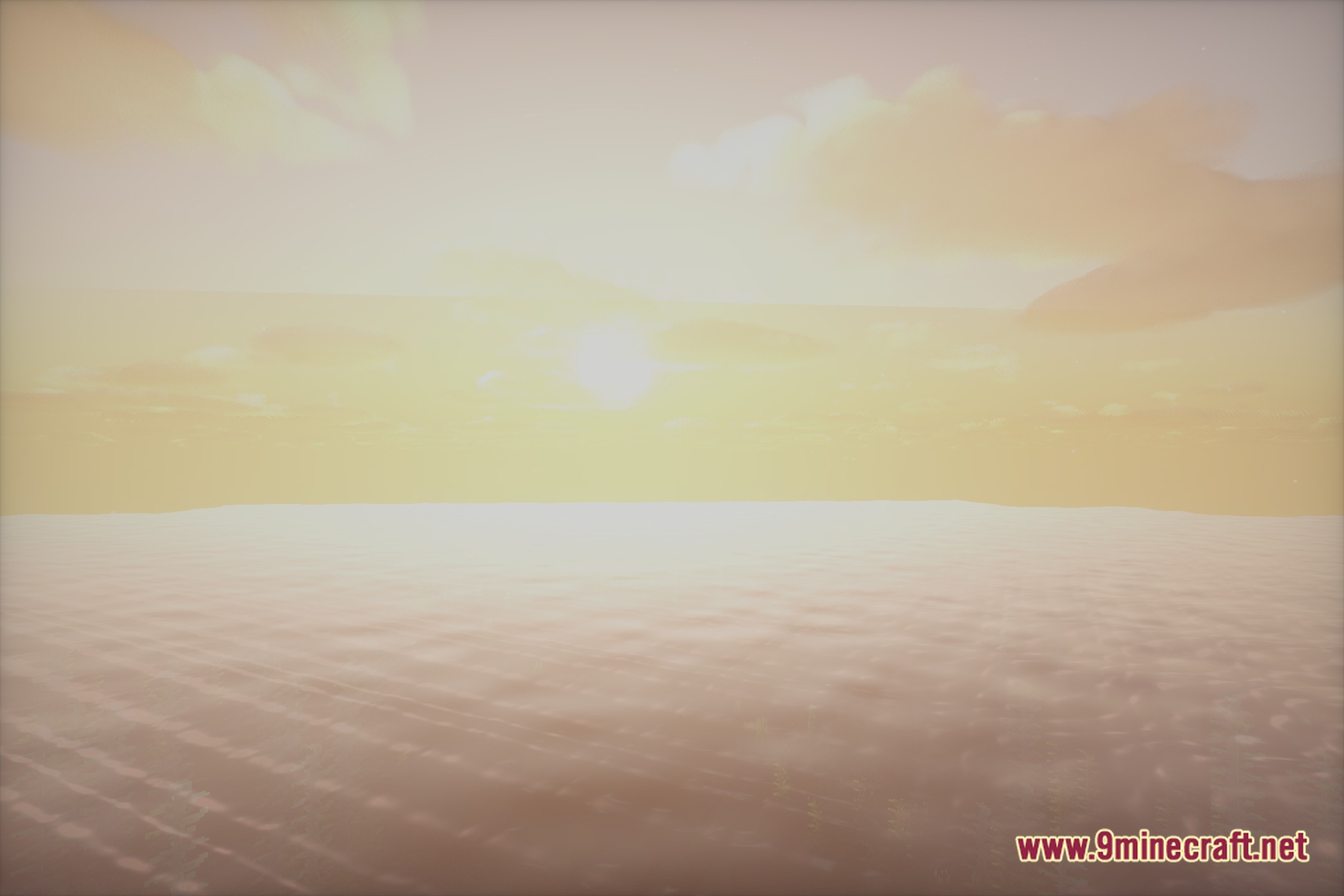
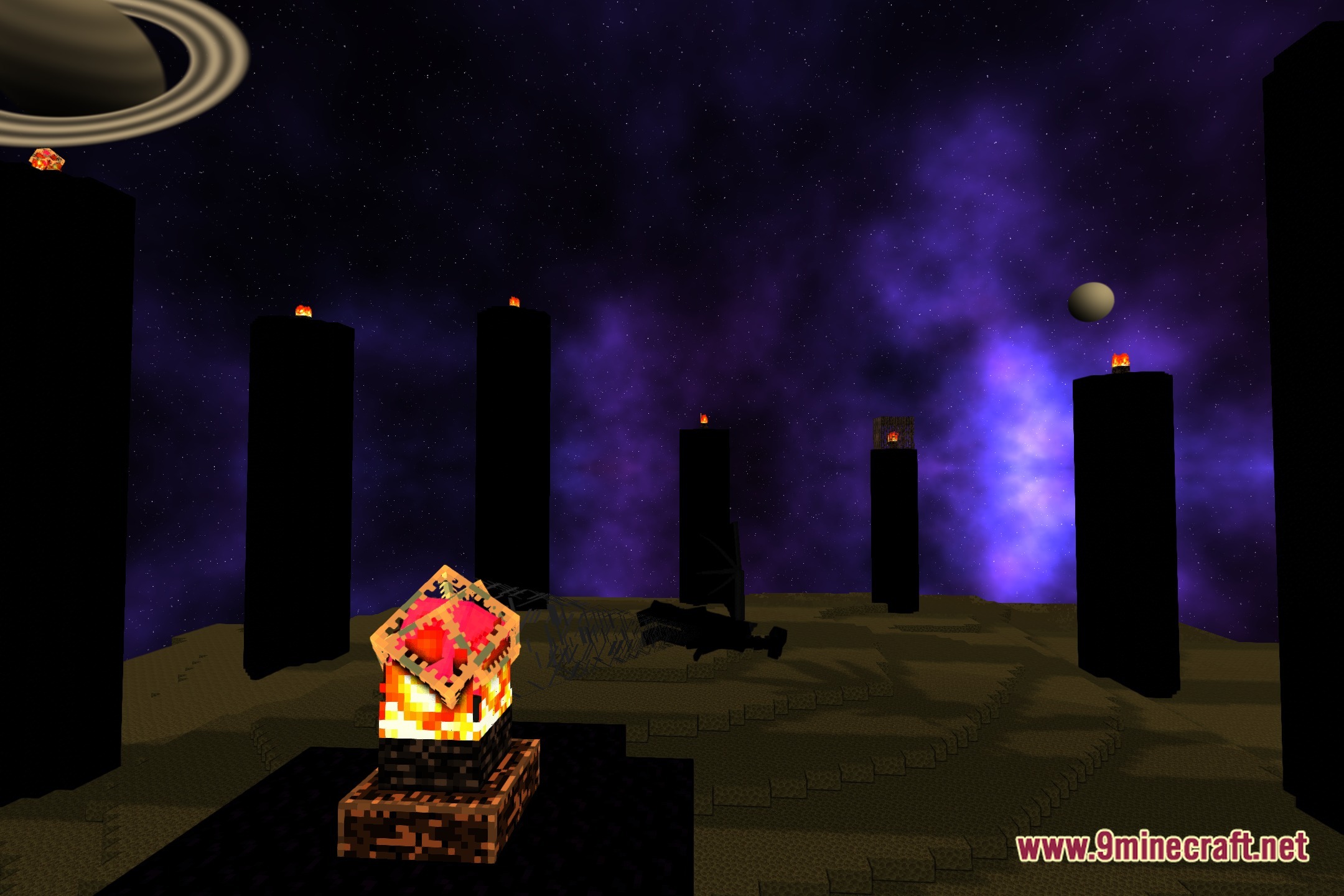
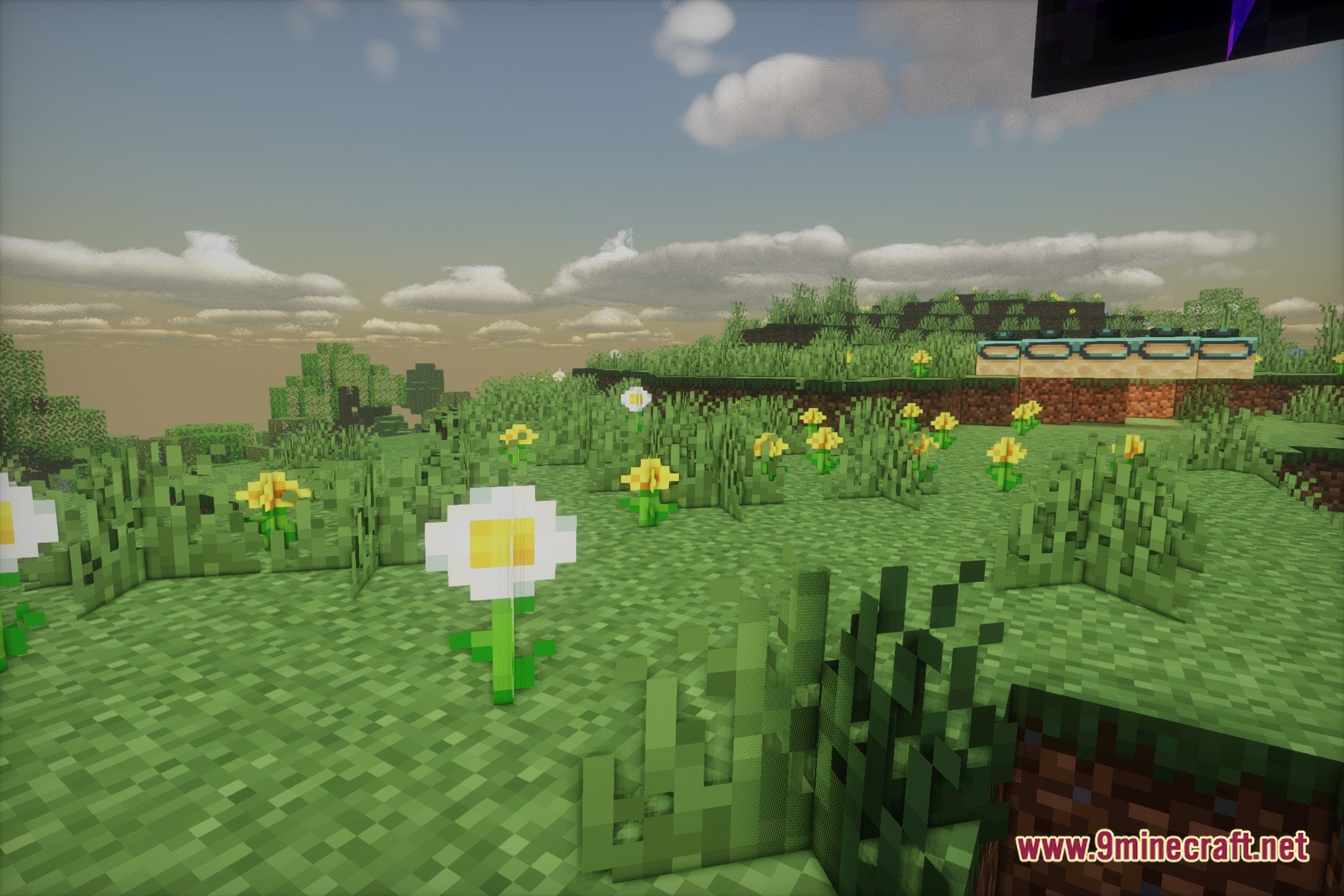
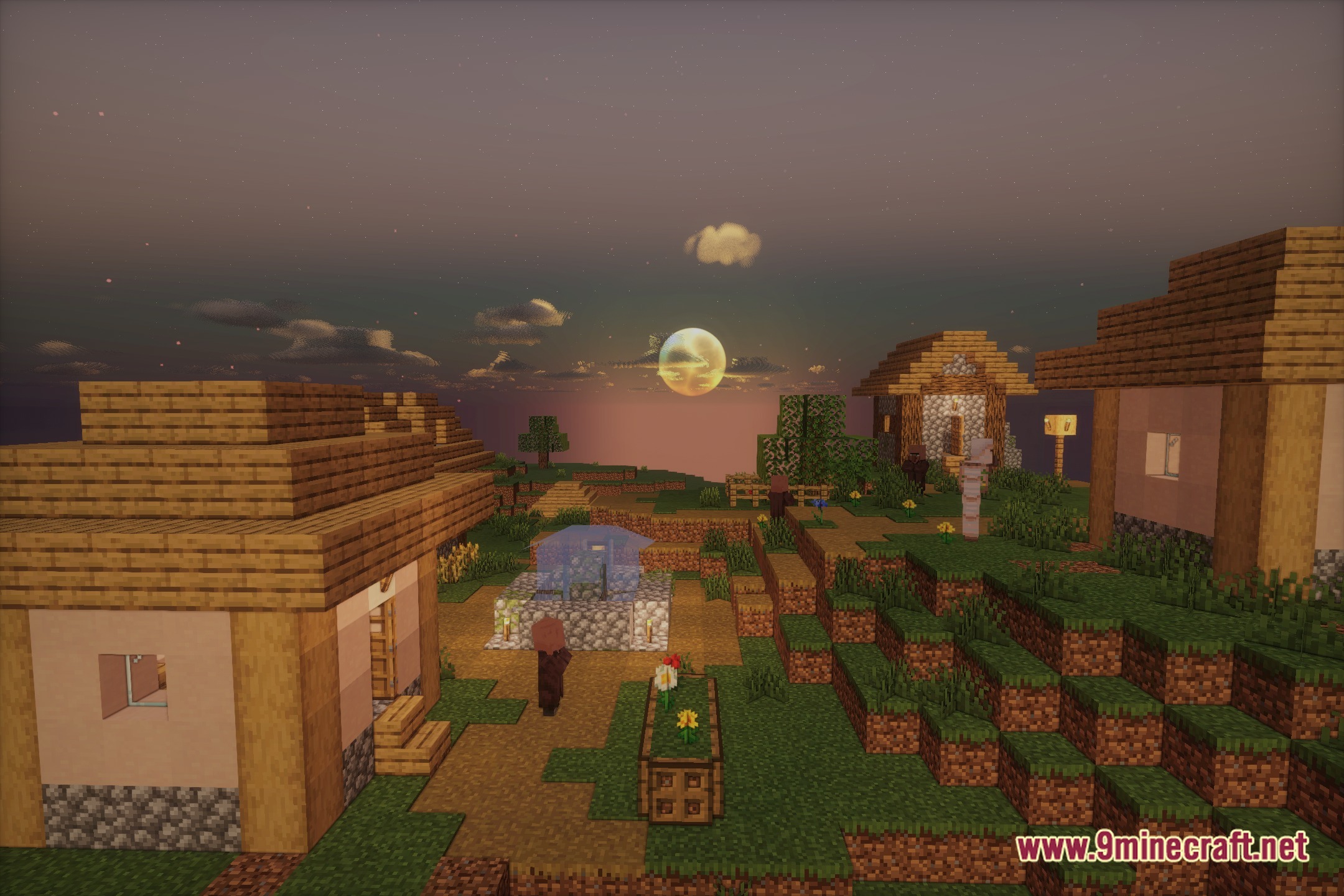

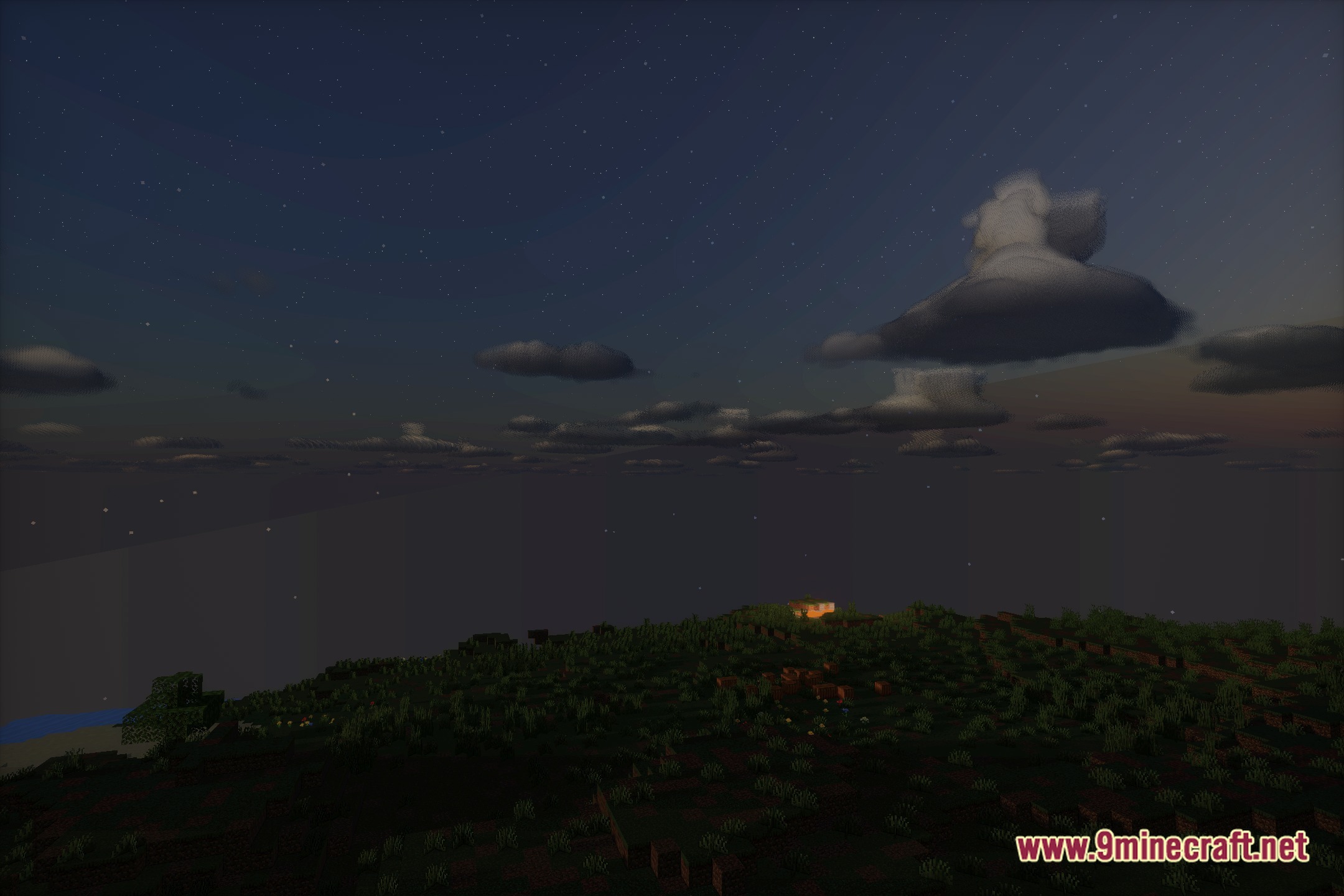
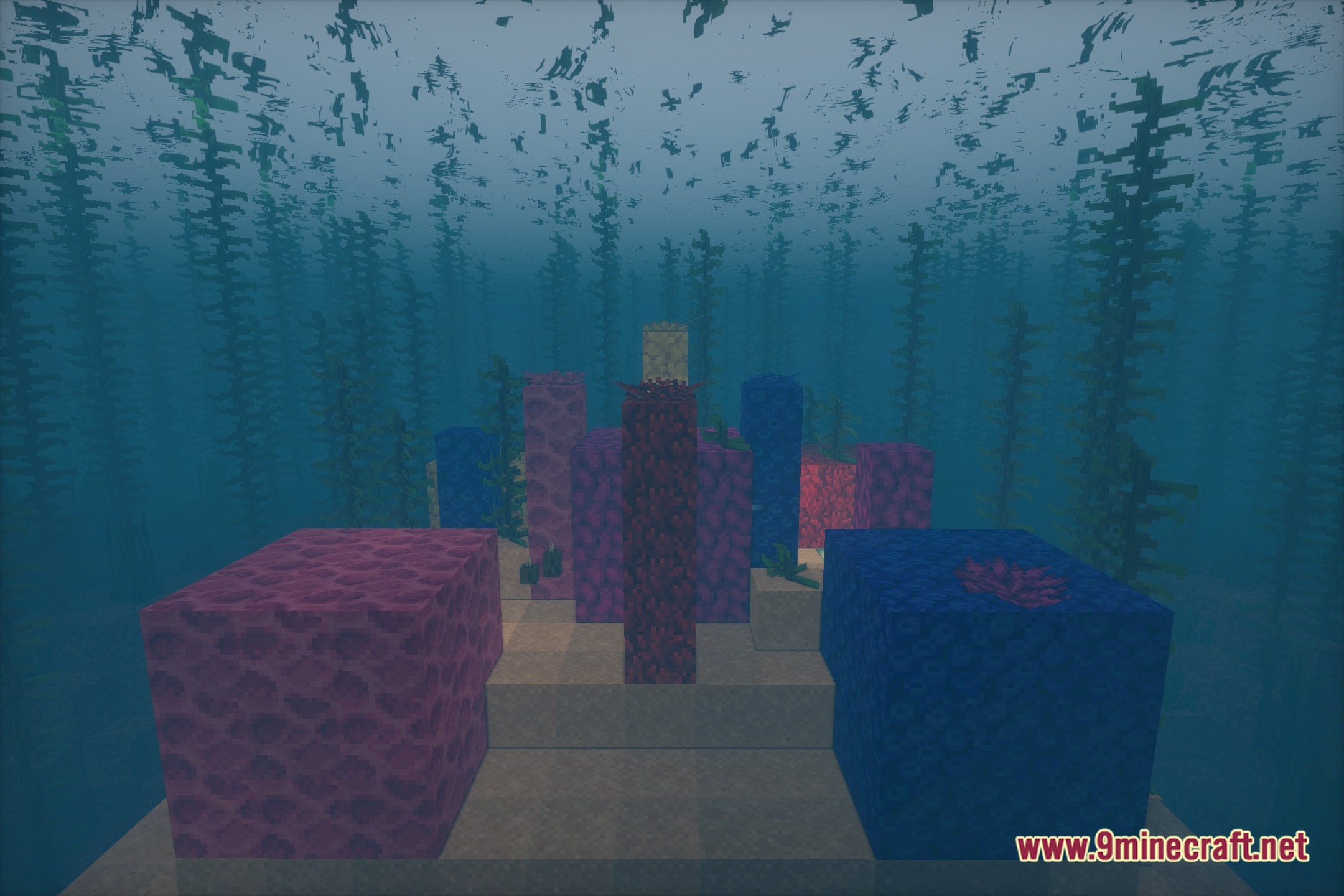
Nolantic transforms world lighting with realistic sun rays and rich fantasy color tones. This shader pack alters standard outdoor environments with soft light distribution and clear color palettes. It gives terrain a fresh visual style without cluttering basic survival gameplay.
Features:
- Paints biomes with soft sunlight and balanced ambient illumination.
- Adds fantasy color tones that make skies and terrain pop during day and night cycles.
- Refreshes water surfaces and shadows for a clean outdoor look.
- Runs as a casual visual pack focused on realistic and fantasy styling.
🎛️ Compare 40+ Minecraft Shaders Side by Side →
Drag the slider across 16 real in-game scenes — find YOUR perfect shader.
Screenshots:
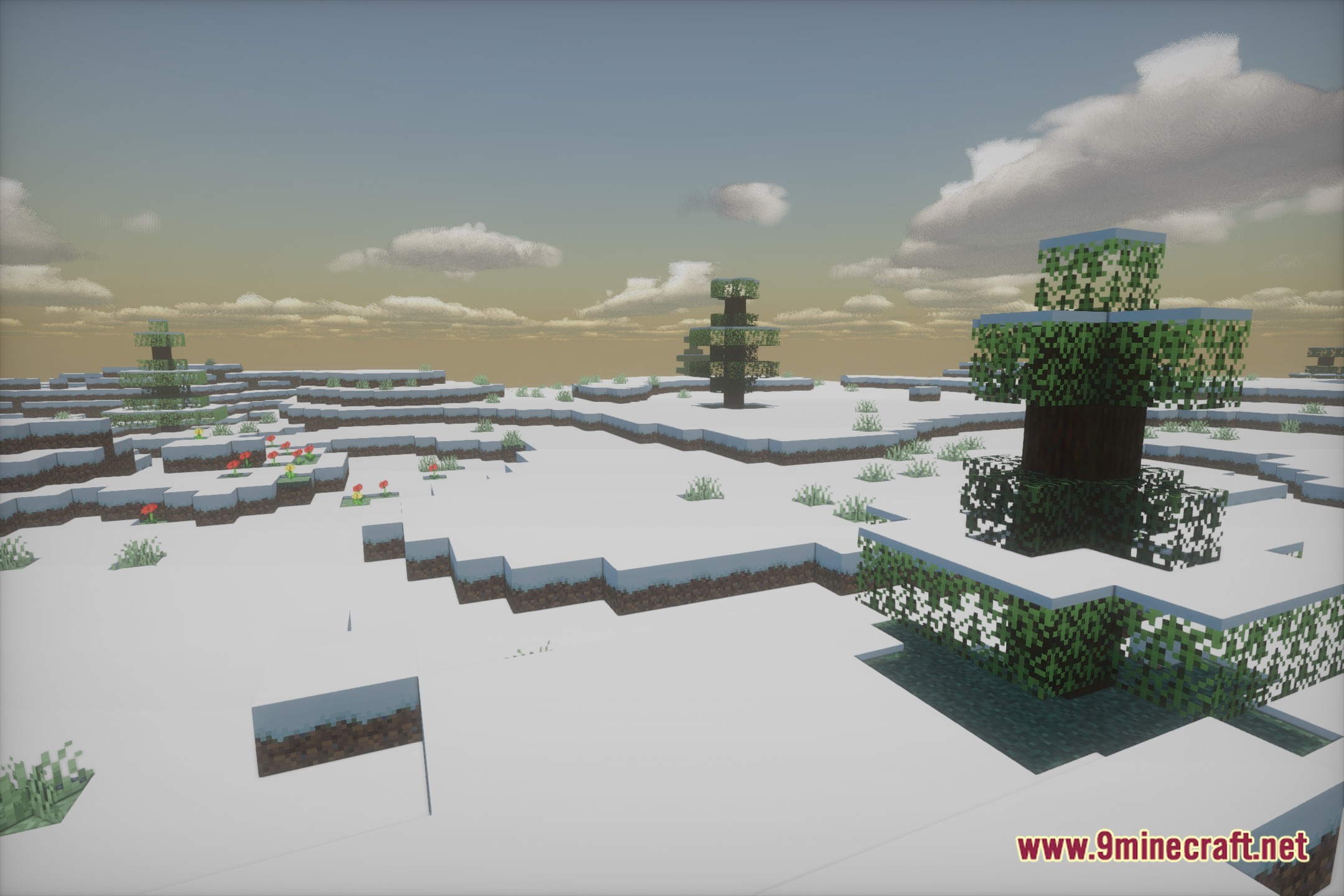
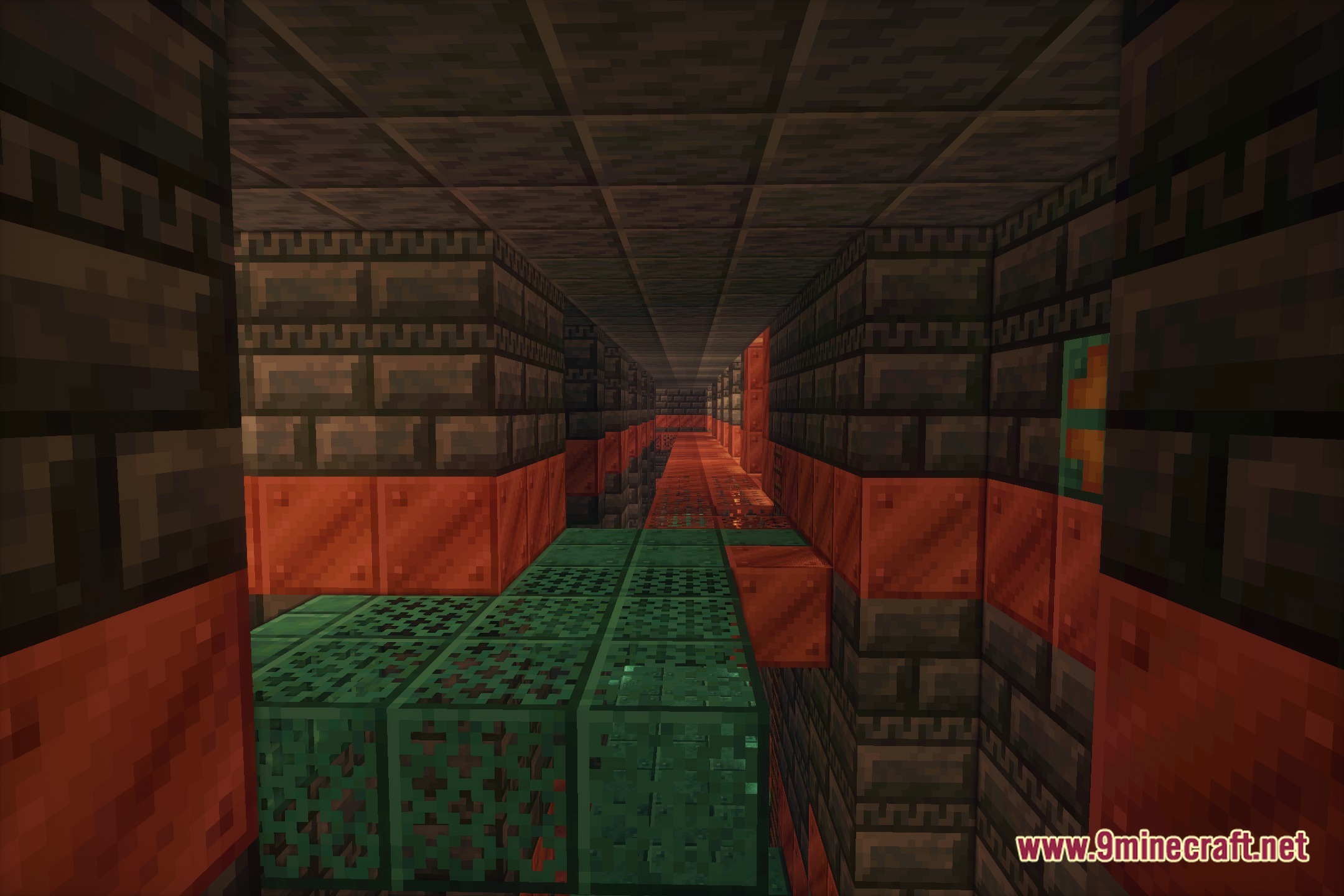
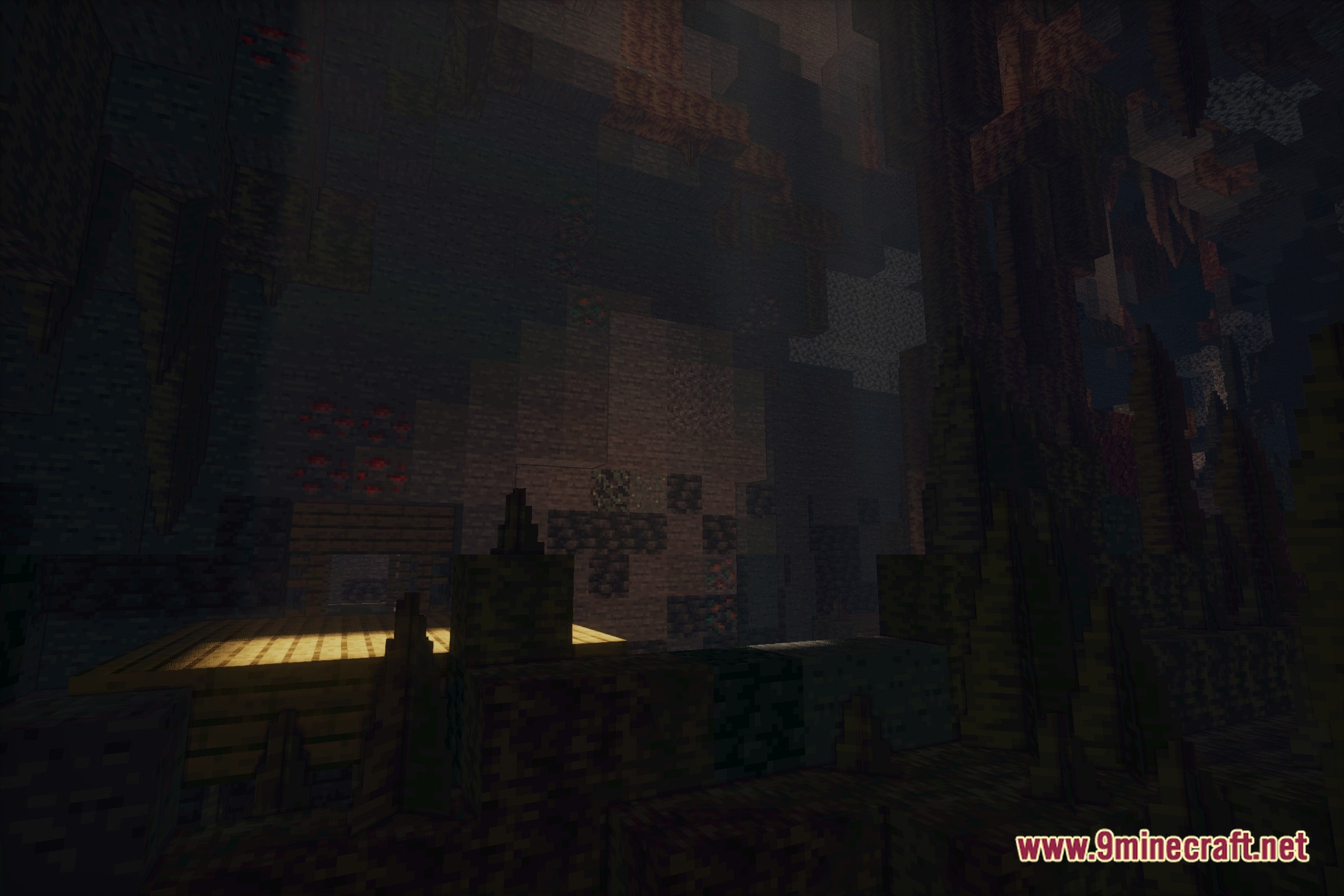
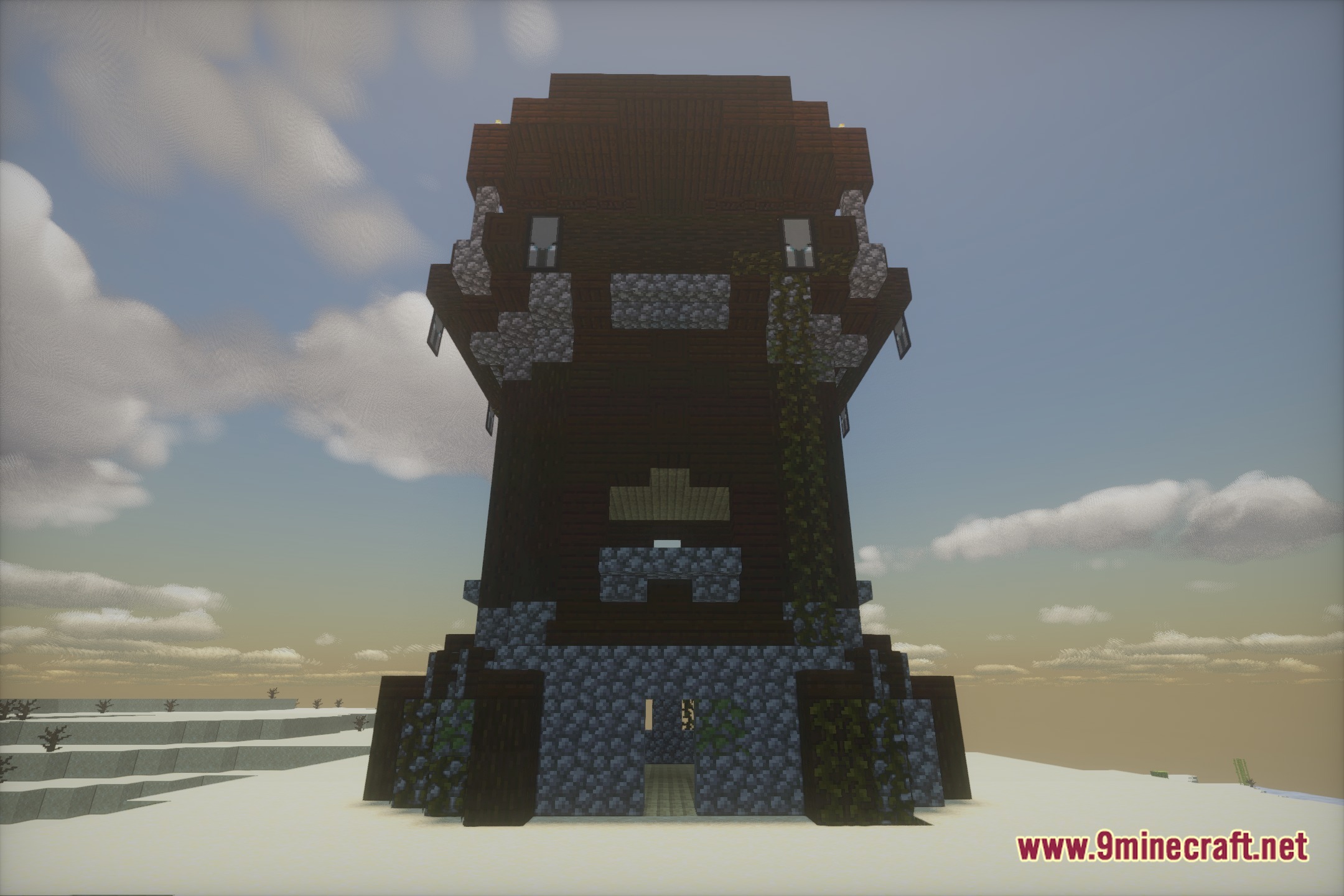
Nolantic Shaders Download Links
Quick facts
- Edition: Minecraft Java
- File type: .zip (resource pack)
- Minecraft version listed: 1.20.1
- How to install: Download the .zip resource pack — do not unzip it. → Put it in .minecraft/resourcepacks. → Enable it in Options → Resource Packs.
- Where to get it: Opens on the file's original source — not every file is mirrored on our own servers.
Install steps are the general flow for this file type — see the MC Java Mods guides for the full walkthrough.
Nolantic Shaders (26.3, 1.20.1) – Fantasy Color Grading and Sun Rays is a free Minecraft Java shader. Compatible with Minecraft 1.20.1. Download it and open it directly in the game.