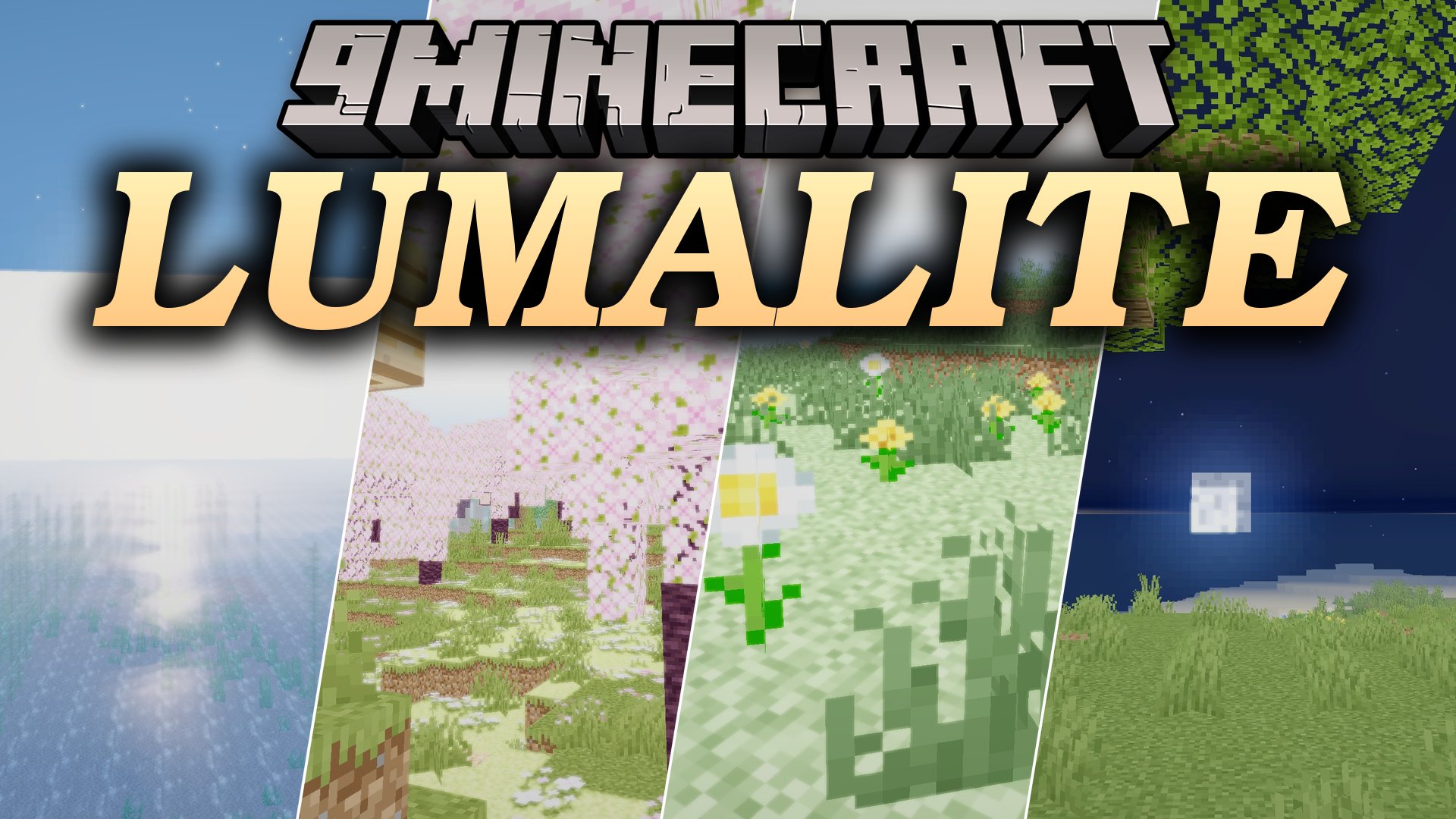
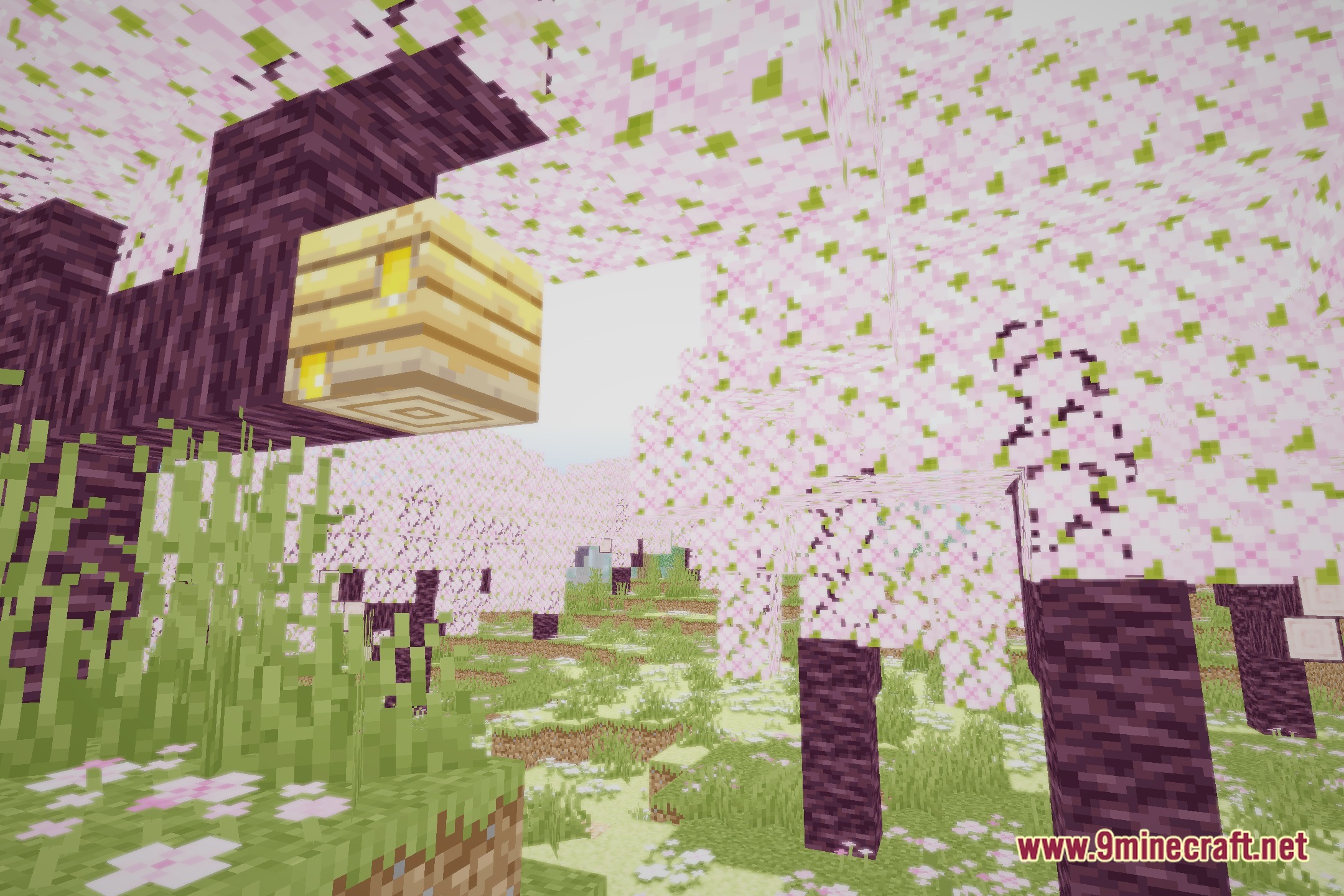
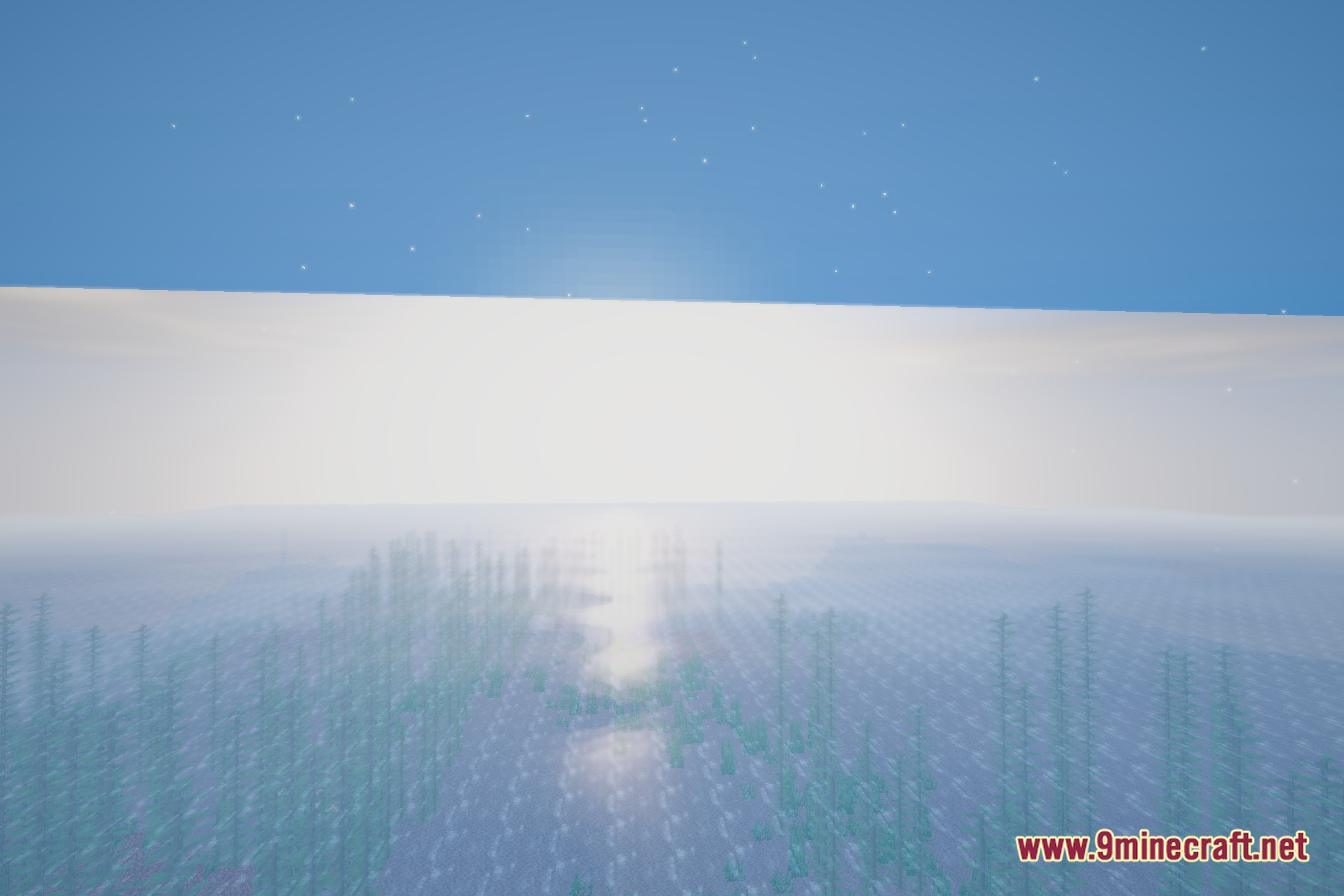
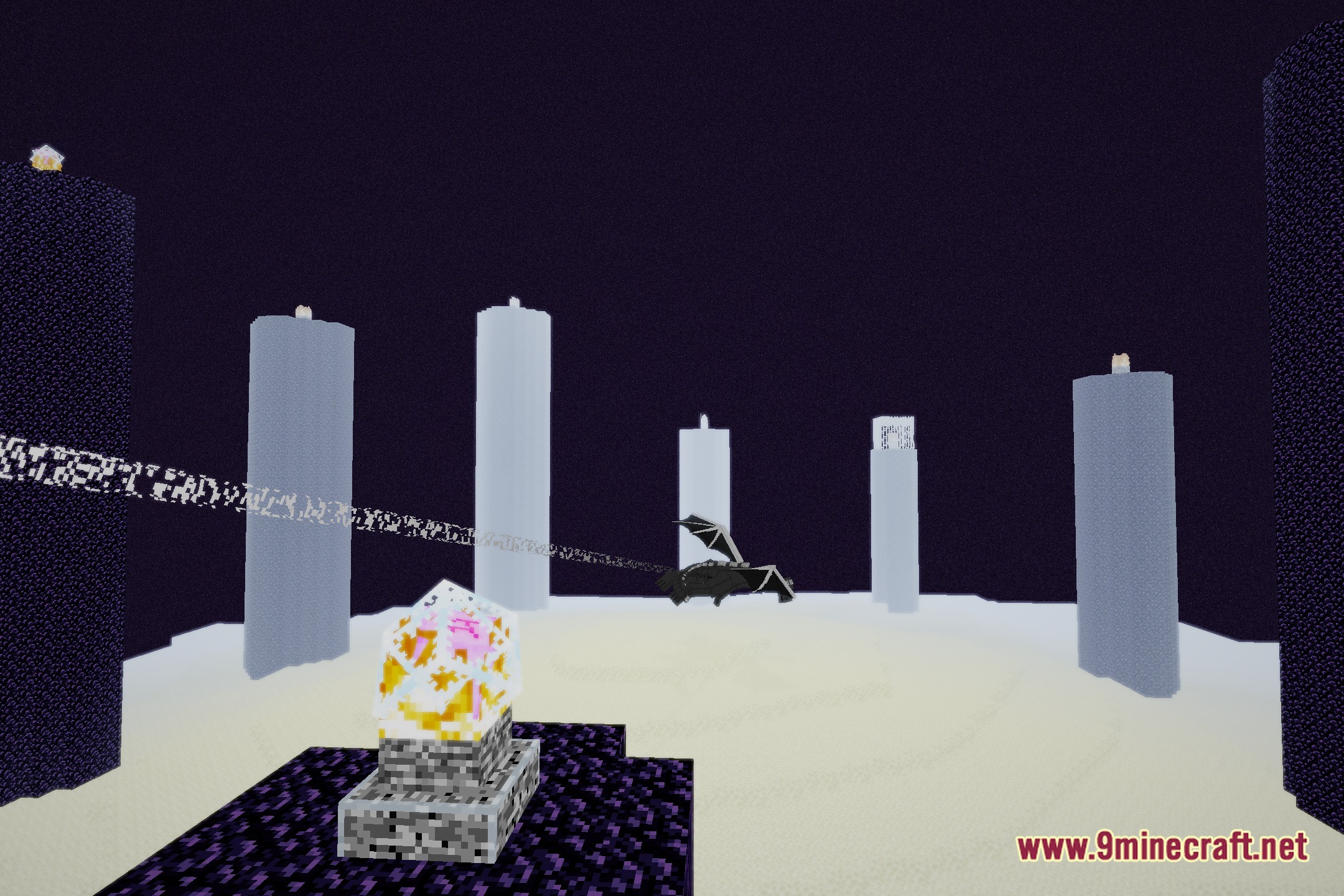
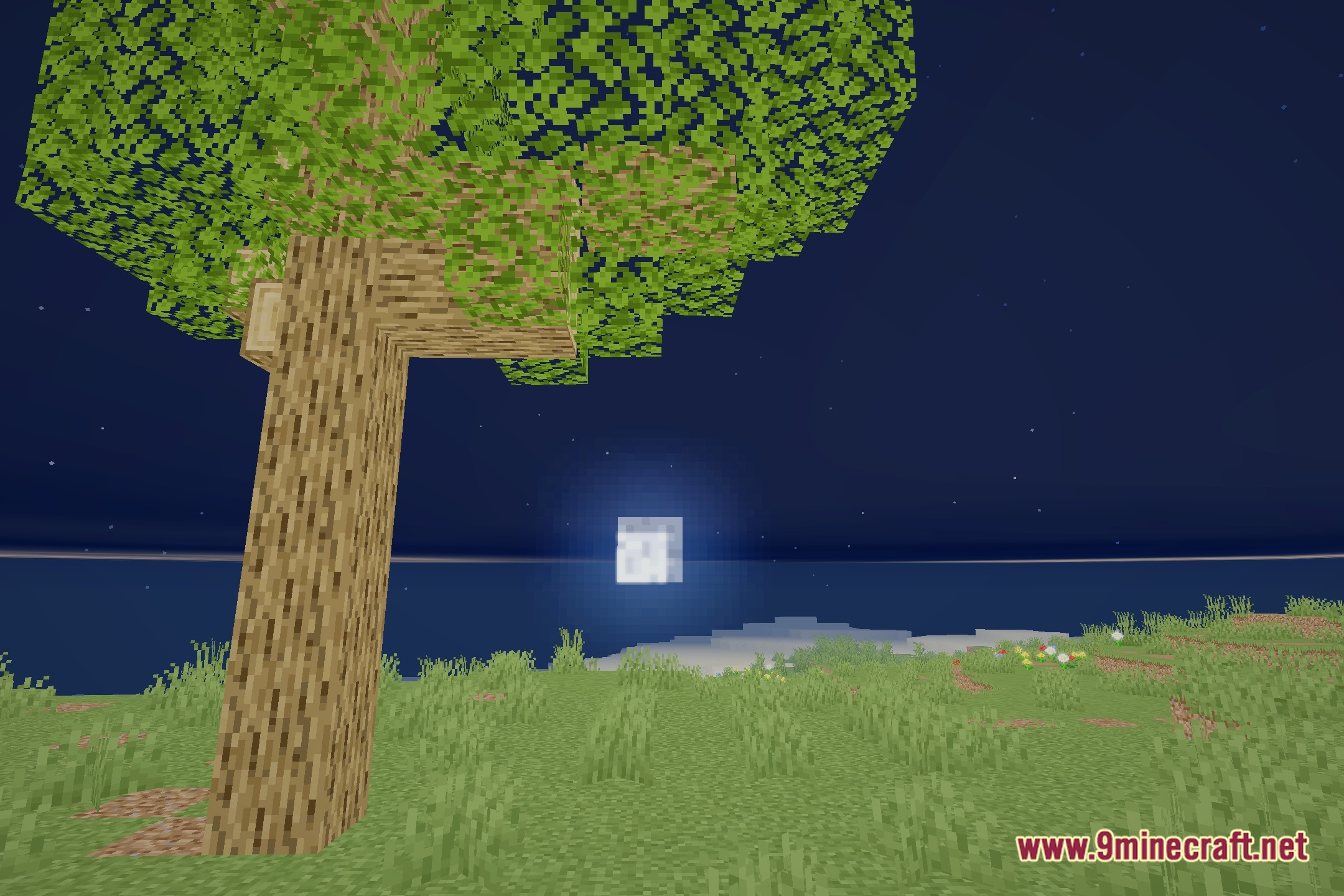
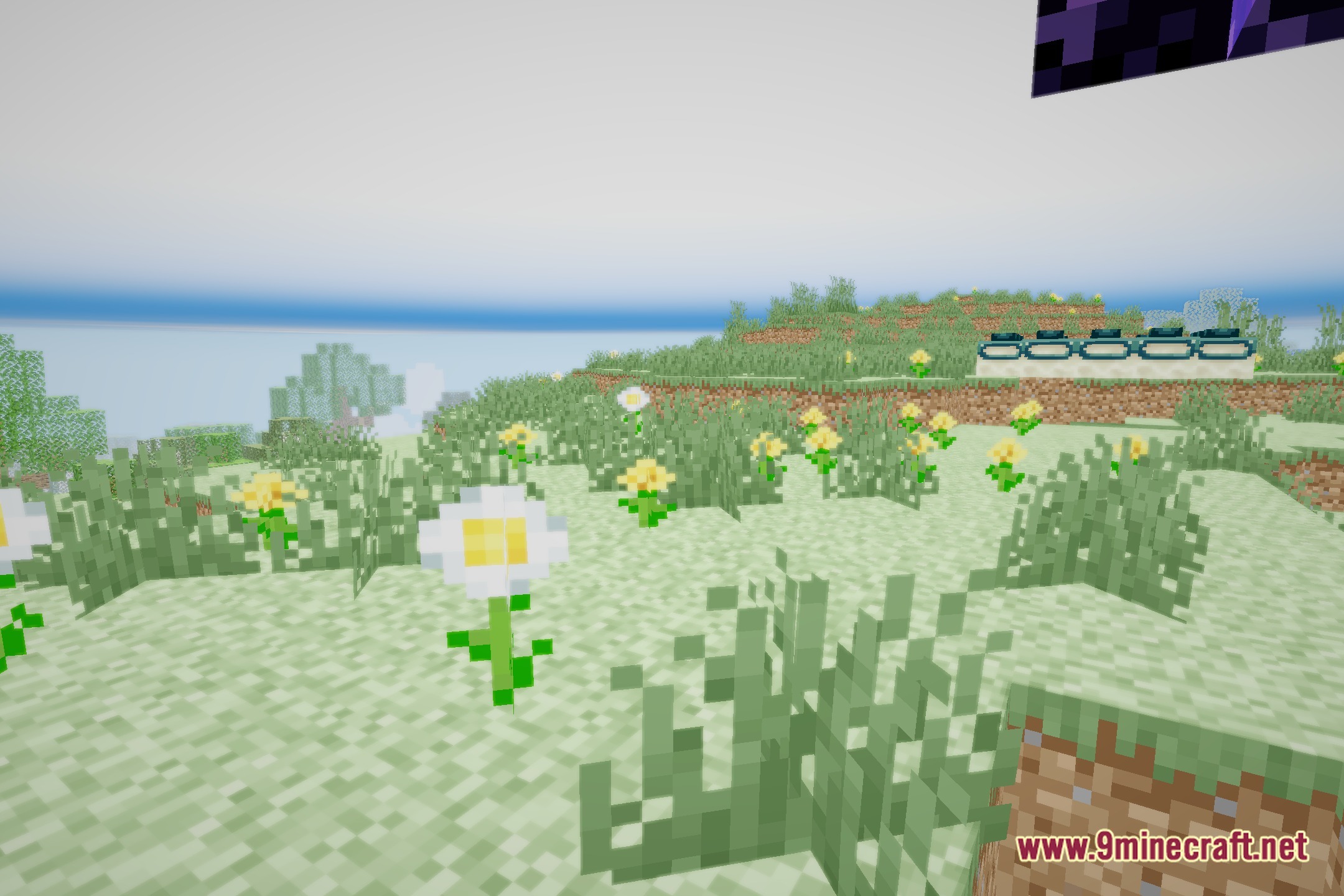
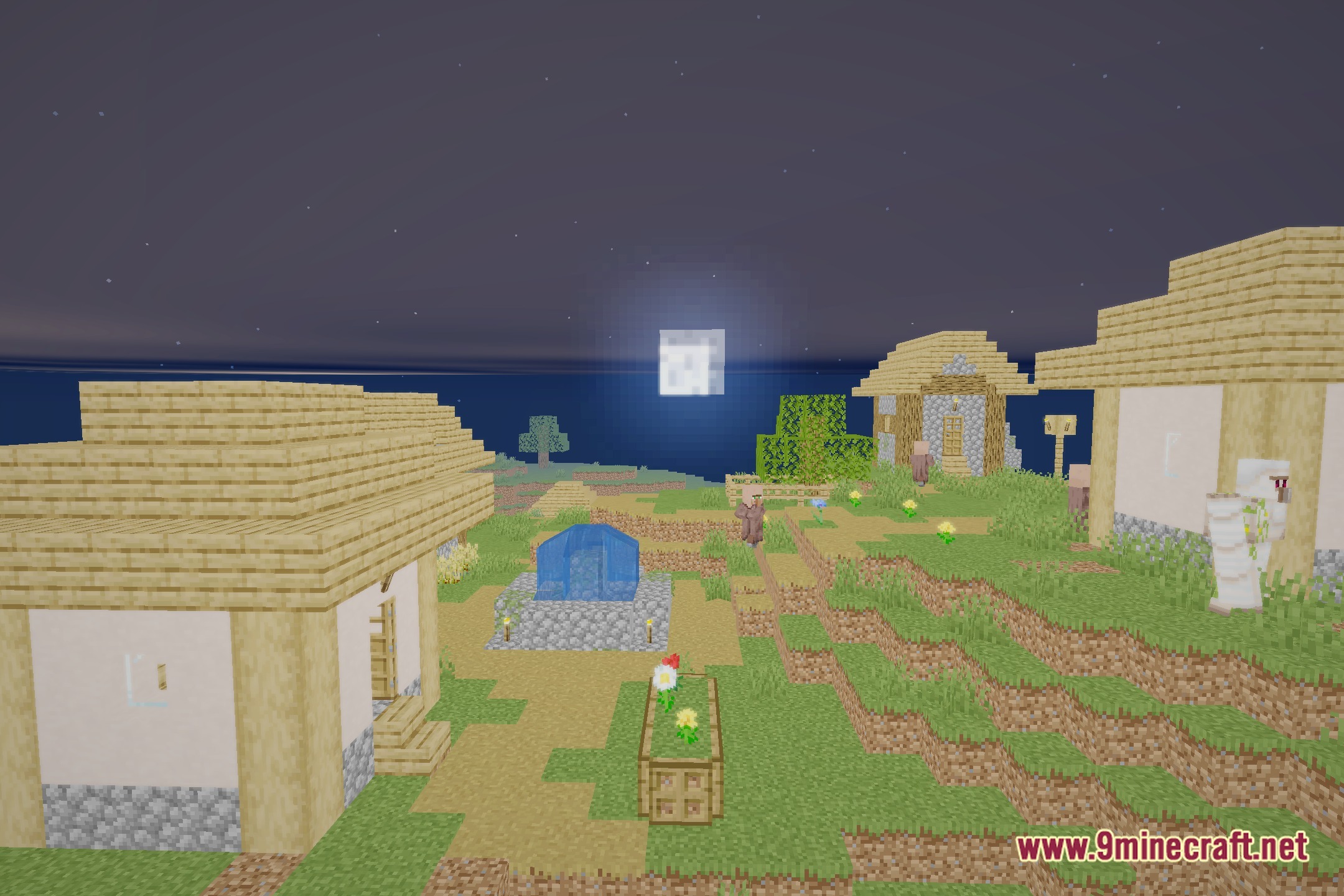
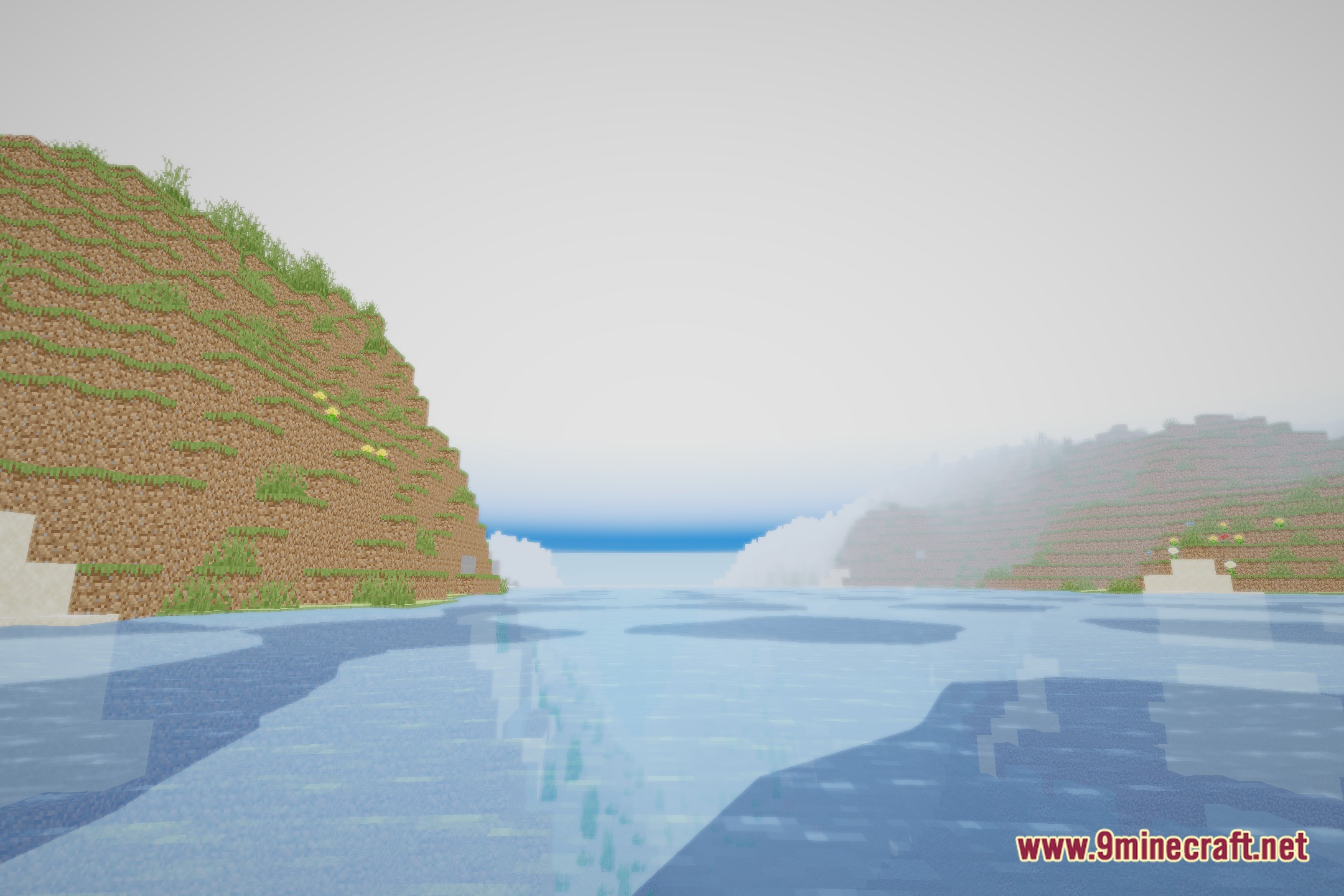
LumaLite illuminates your worlds with lightweight visual effects and high frame rates. This shader pack brings clean water reflections, drifting clouds, and shining god-rays to your game. It includes eight preset profiles ranging from Potato up to Ultimate quality. The shader runs smoothly on Apple Silicon systems and budget graphics hardware.
Features:
- Includes eight graphics presets ranging from Potato to Ultimate to match any hardware setup.
- Adds reflective water surfaces with clean surface details.
- Features soft bloom lighting and bright god-rays that shine through blocks.
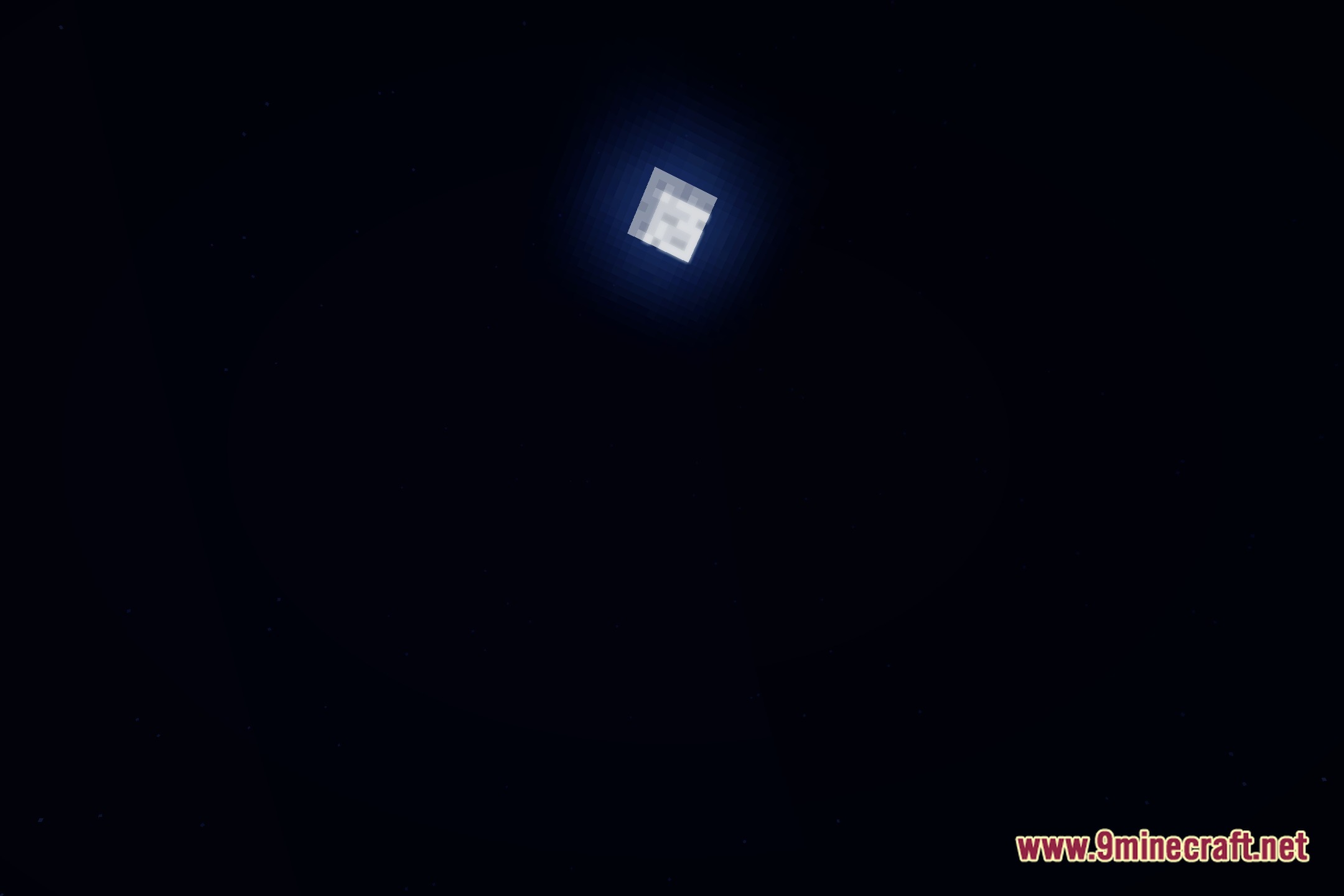
- Displays custom day and night skies with drifting clouds.
- Delivers high frame rates on Apple Silicon devices and low-end graphics cards.
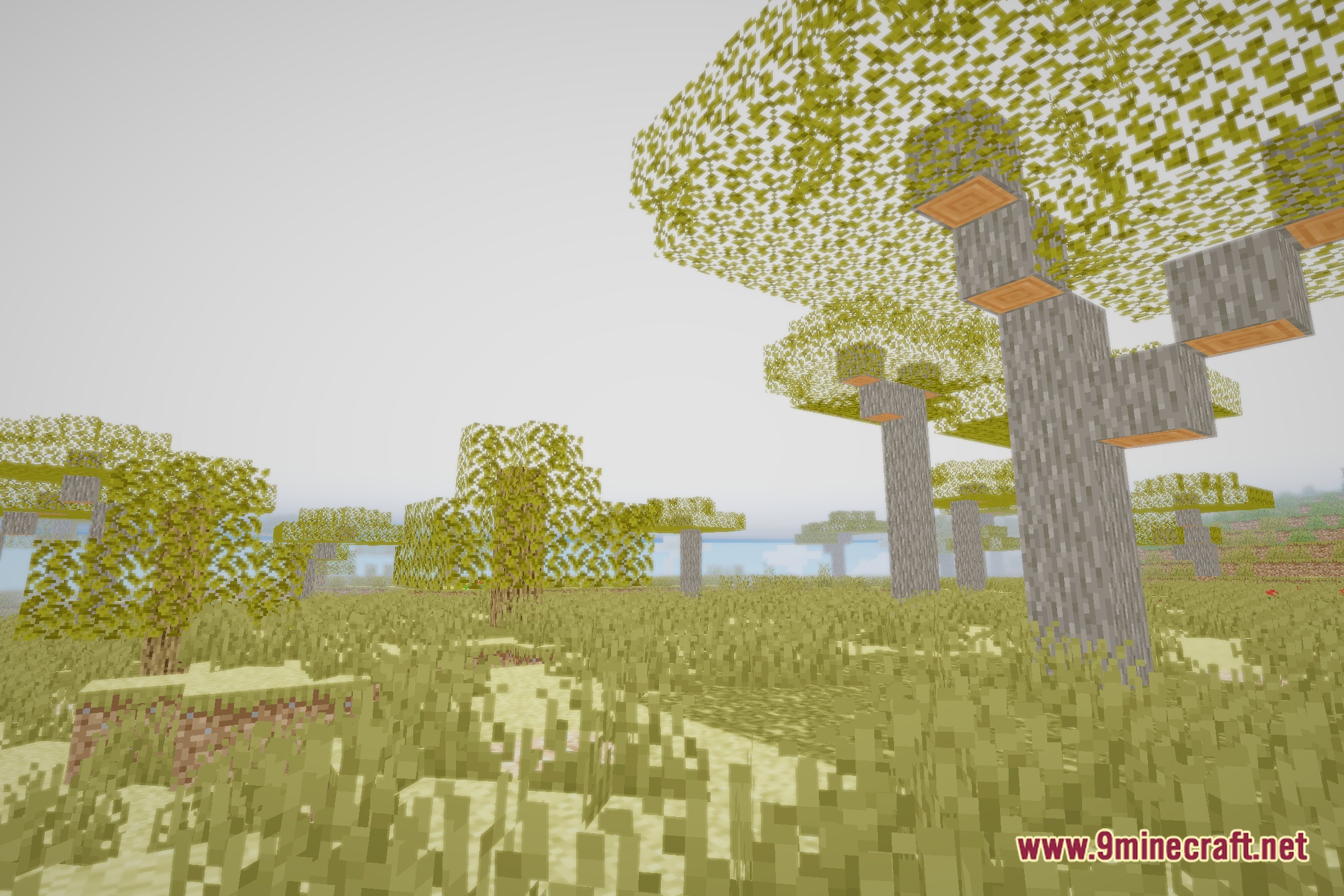
Screenshots:
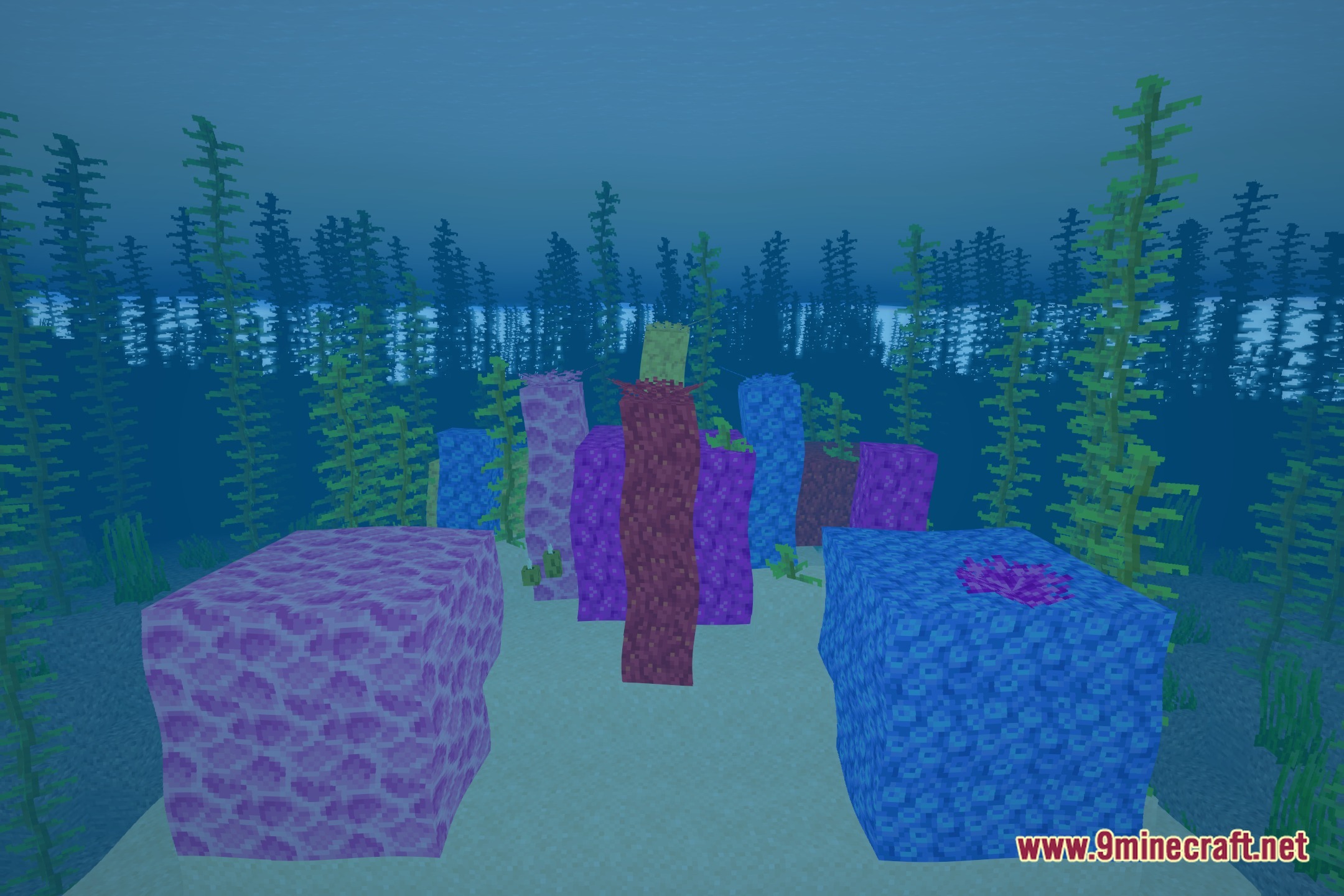
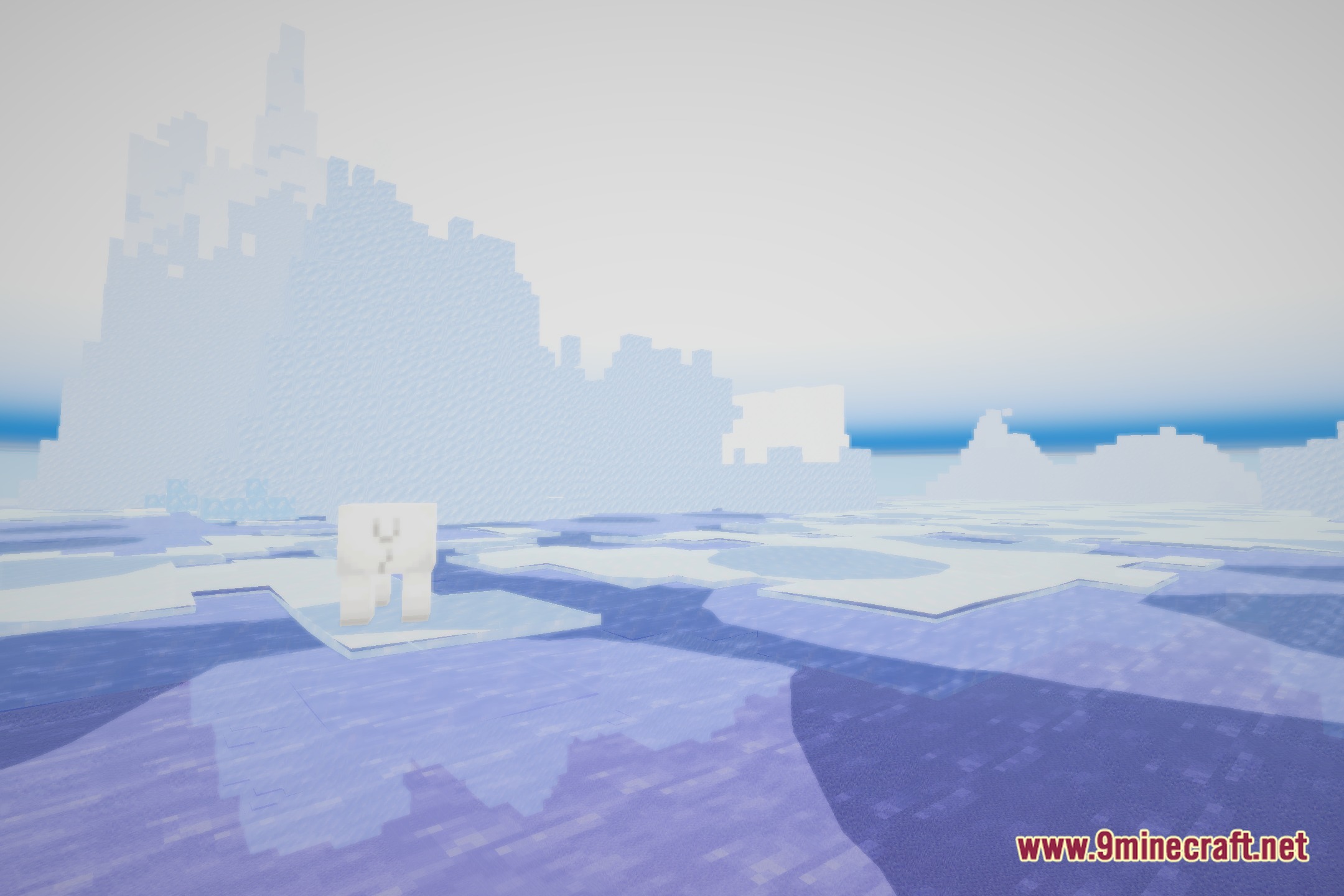
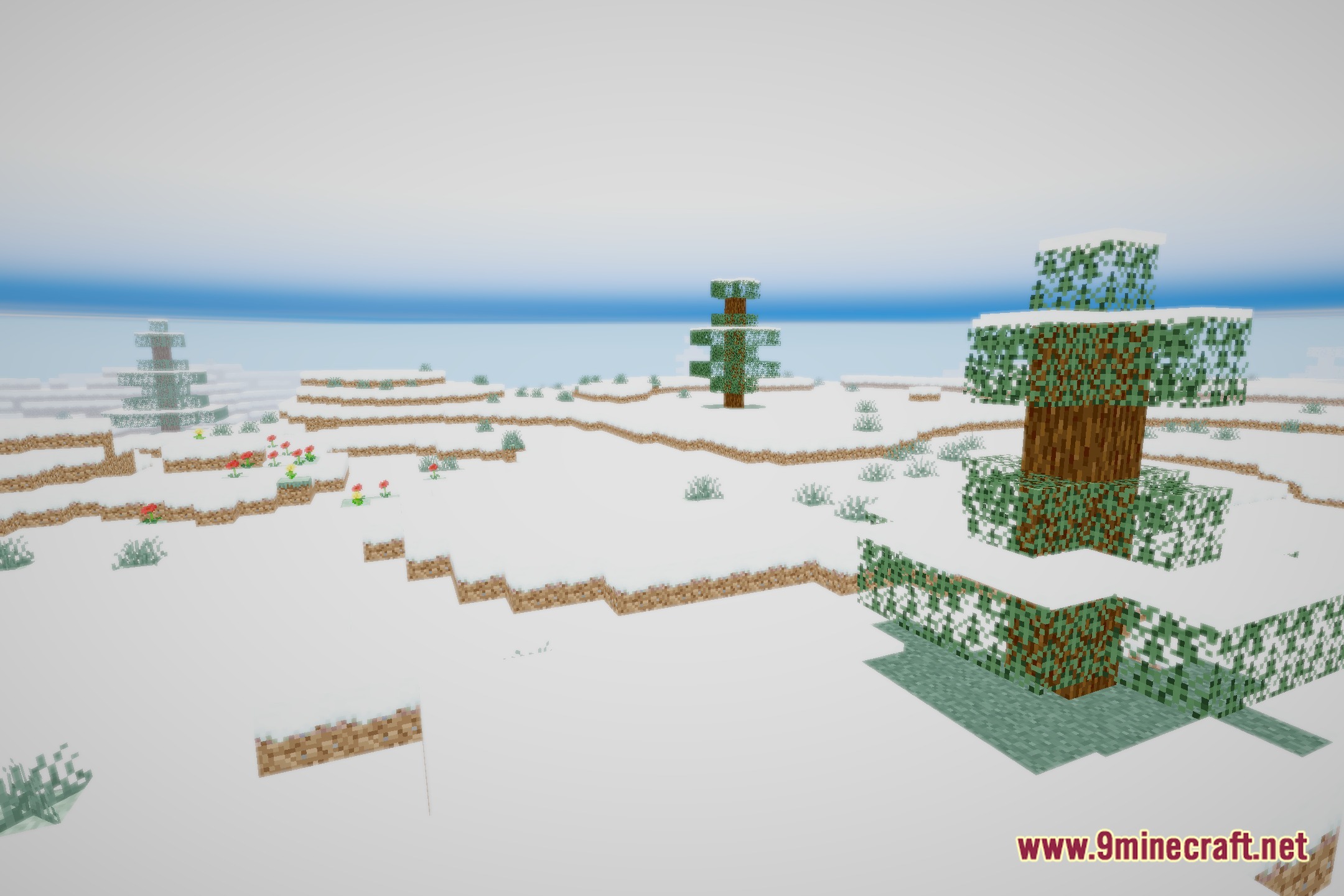
LumaLite Shaders Download Links
Quick facts
- Edition: Minecraft Java
- File type: .zip (resource pack)
- Minecraft version listed: 1.20.1
- How to install: Download the .zip resource pack — do not unzip it. → Put it in .minecraft/resourcepacks. → Enable it in Options → Resource Packs.
- Where to get it: Opens on the file's original source — not every file is mirrored on our own servers.
Install steps are the general flow for this file type — see the MC Java Mods guides for the full walkthrough.
LumaLite Shaders (26.3, 1.20.1) – Lightweight Bloom and Water Reflections is a free Minecraft Java shader. Compatible with Minecraft 1.20.1. Download it and open it directly in the game.