ShadersJava
Luminous Balanced Lighting Shaders (26.3, 1.20.1) – Soft Shadows and Bloom
Java shader pack listed for Minecraft 1.20. Downloads from the MC Java Mods app on Android.
⬇ Download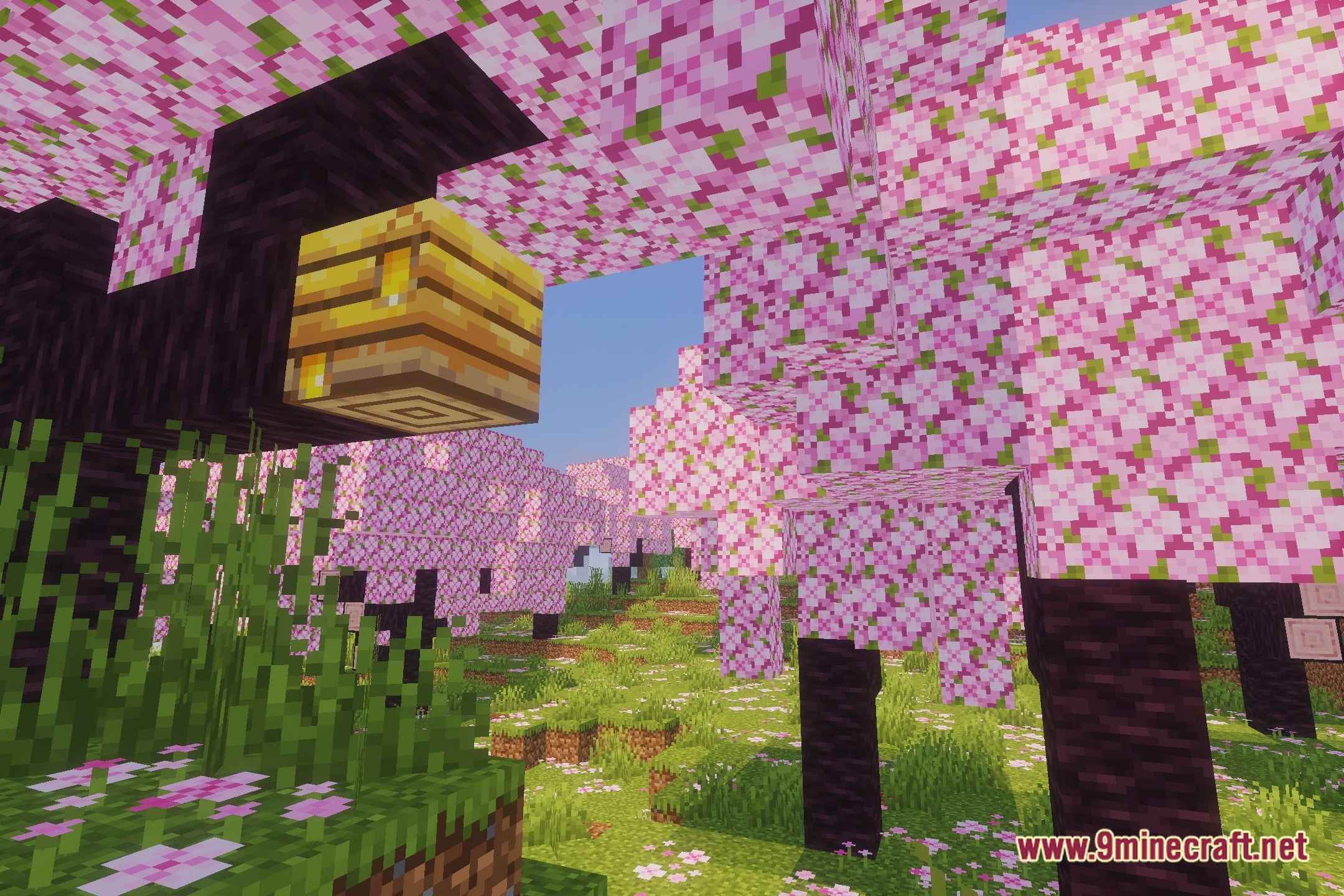
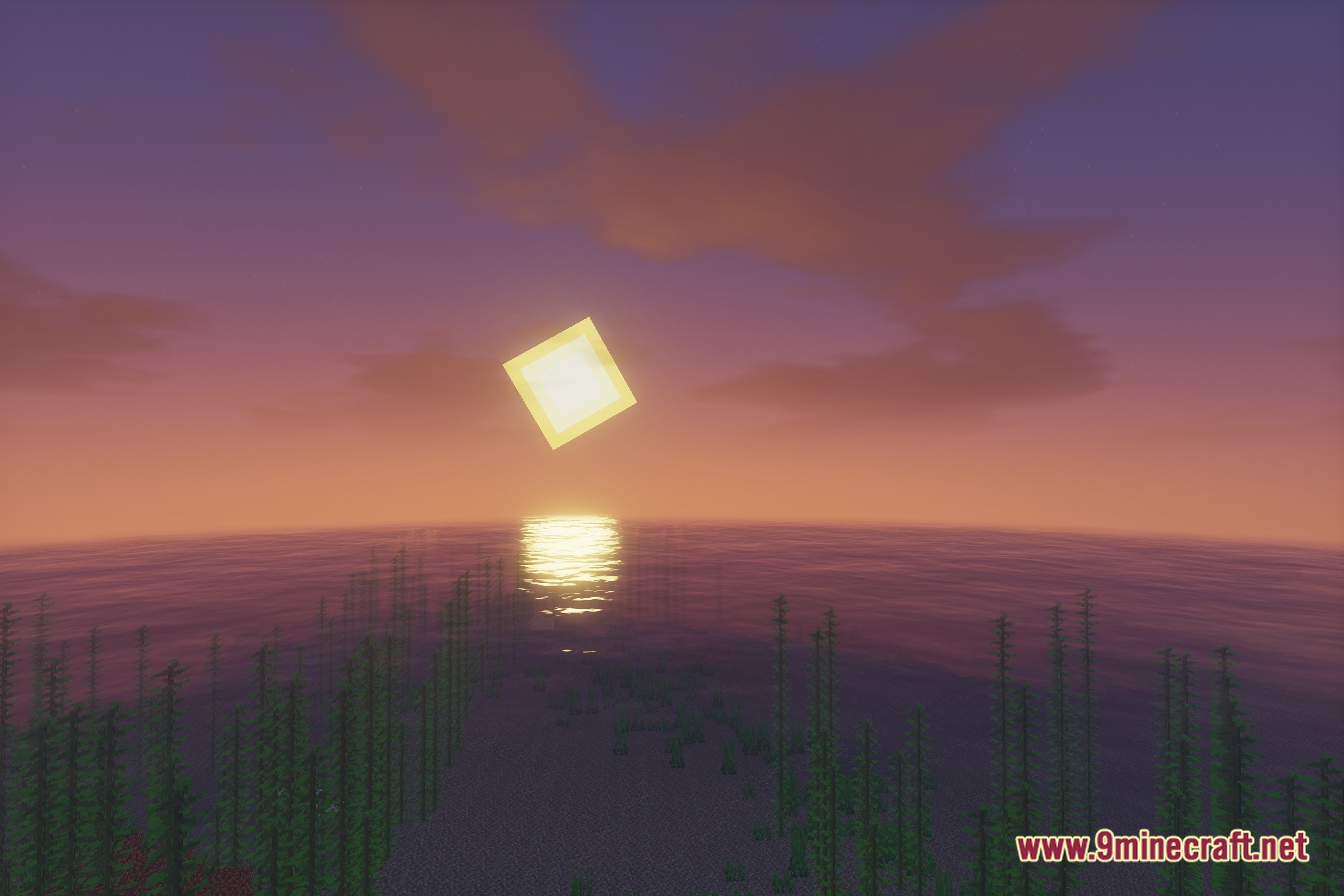
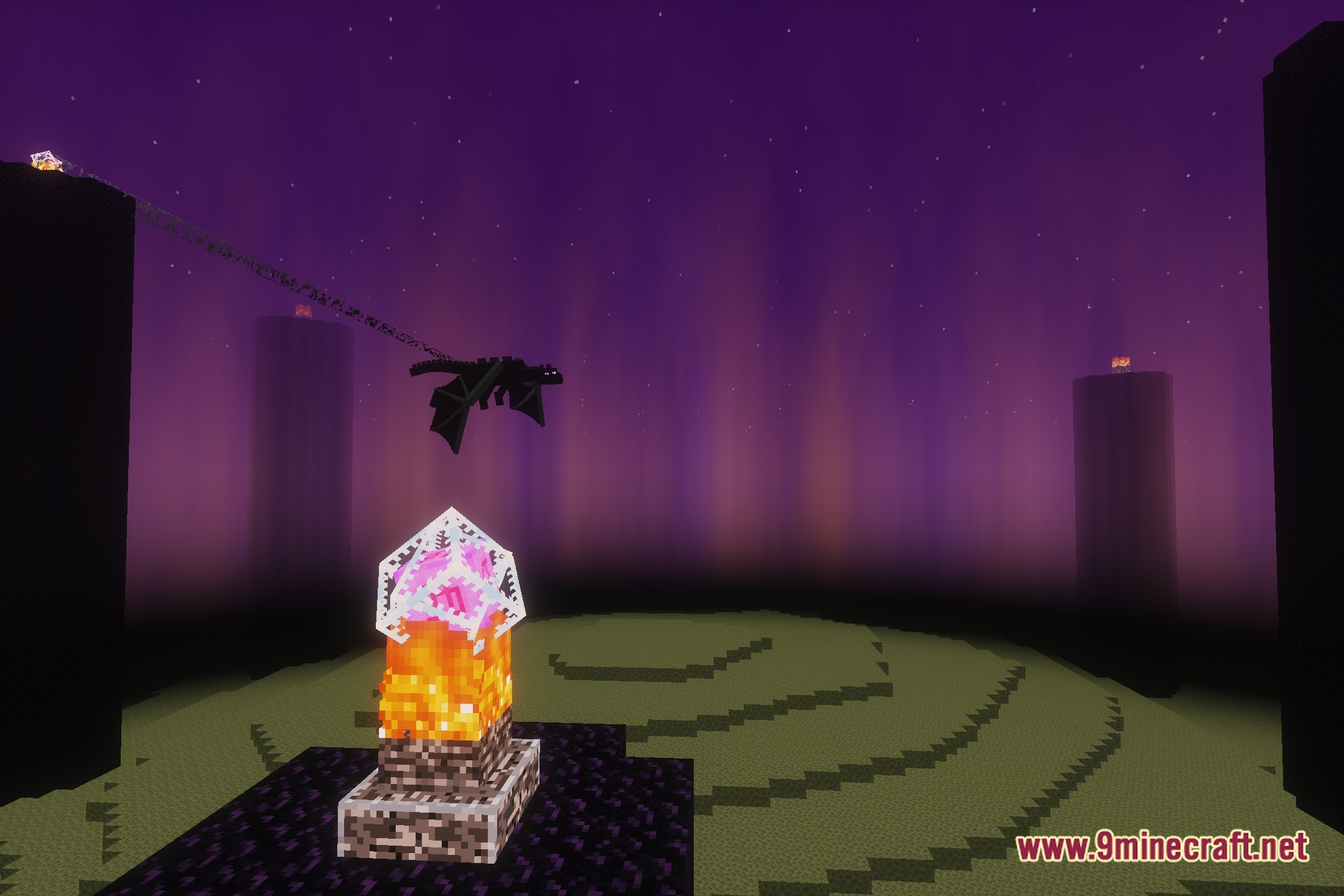
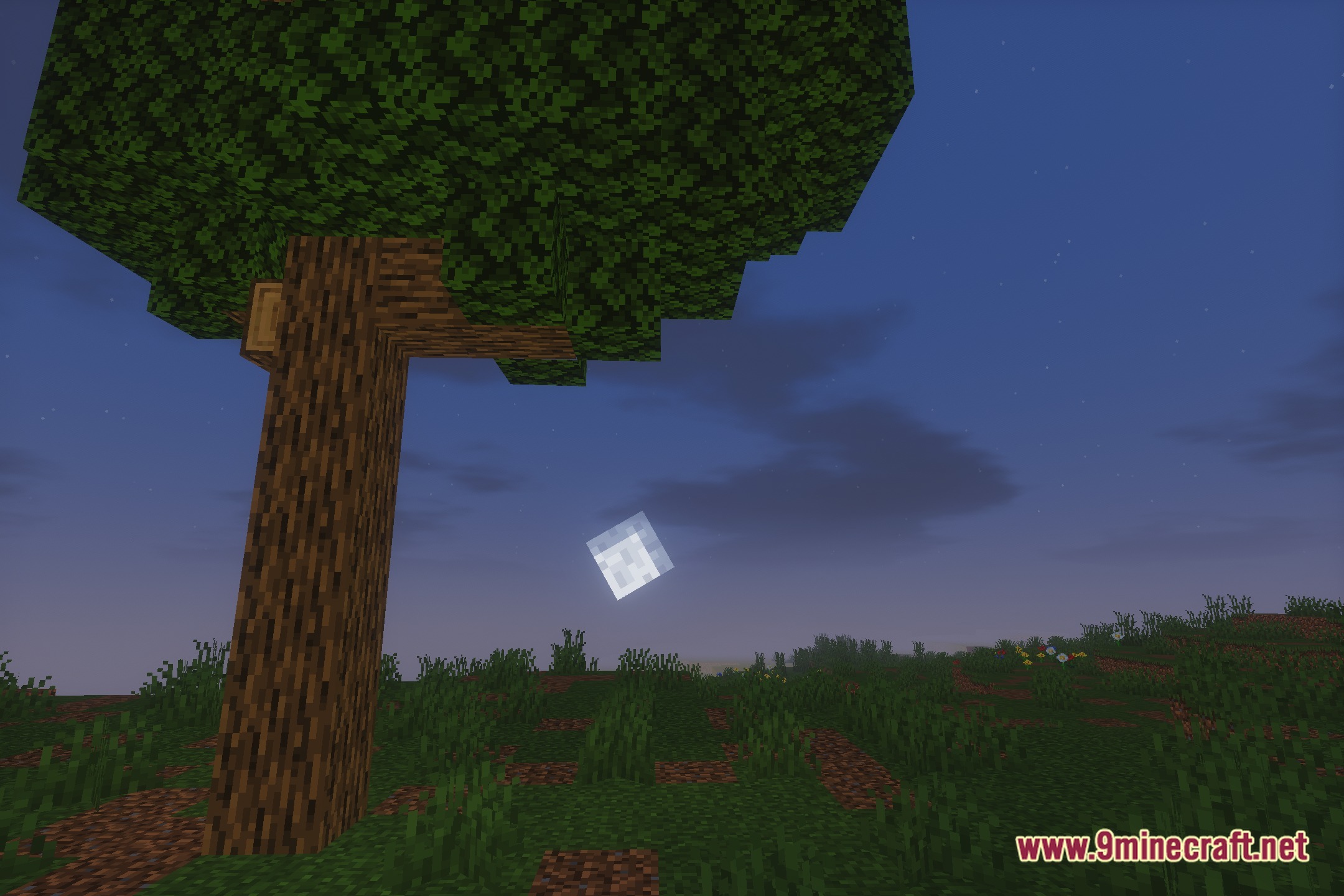
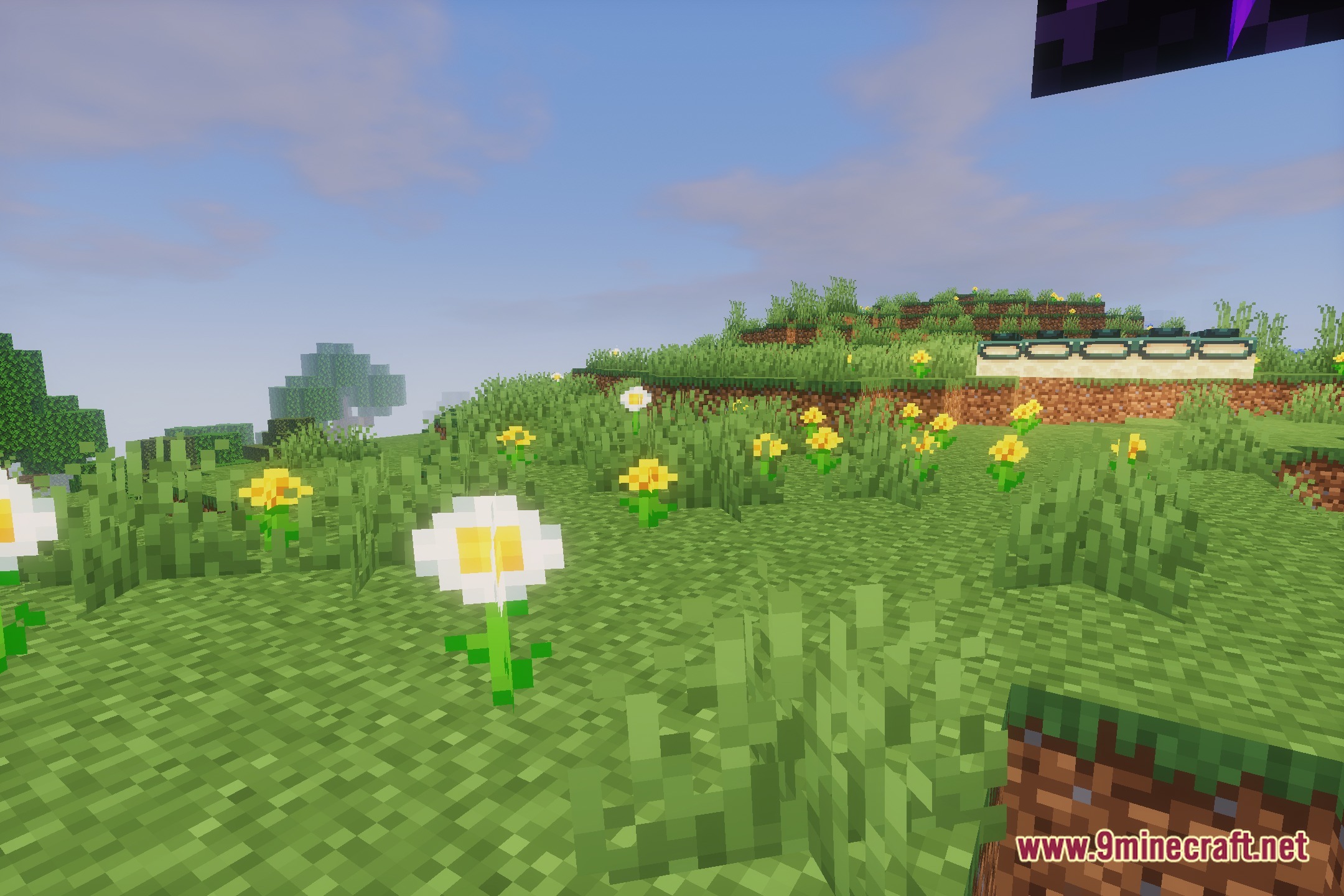
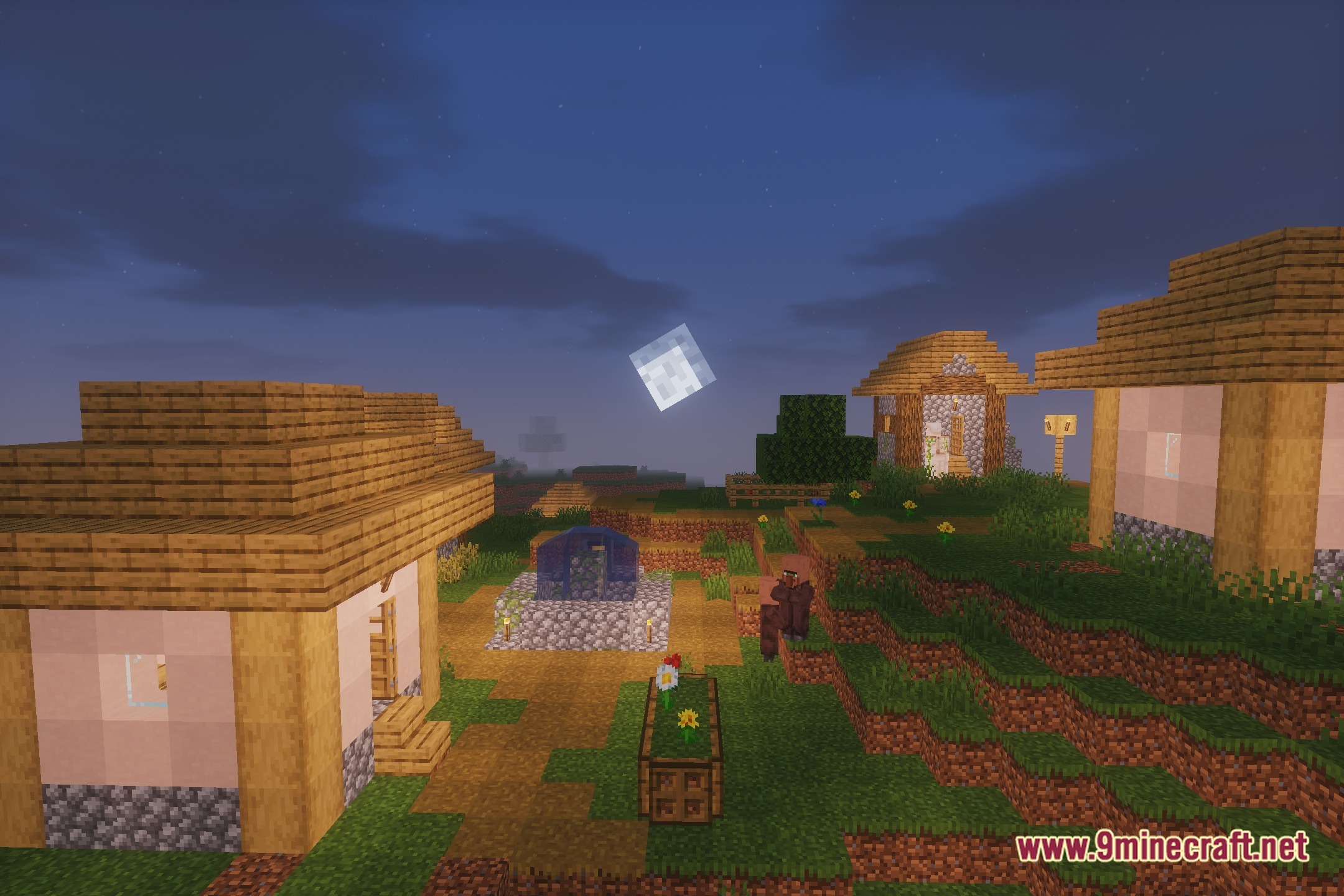

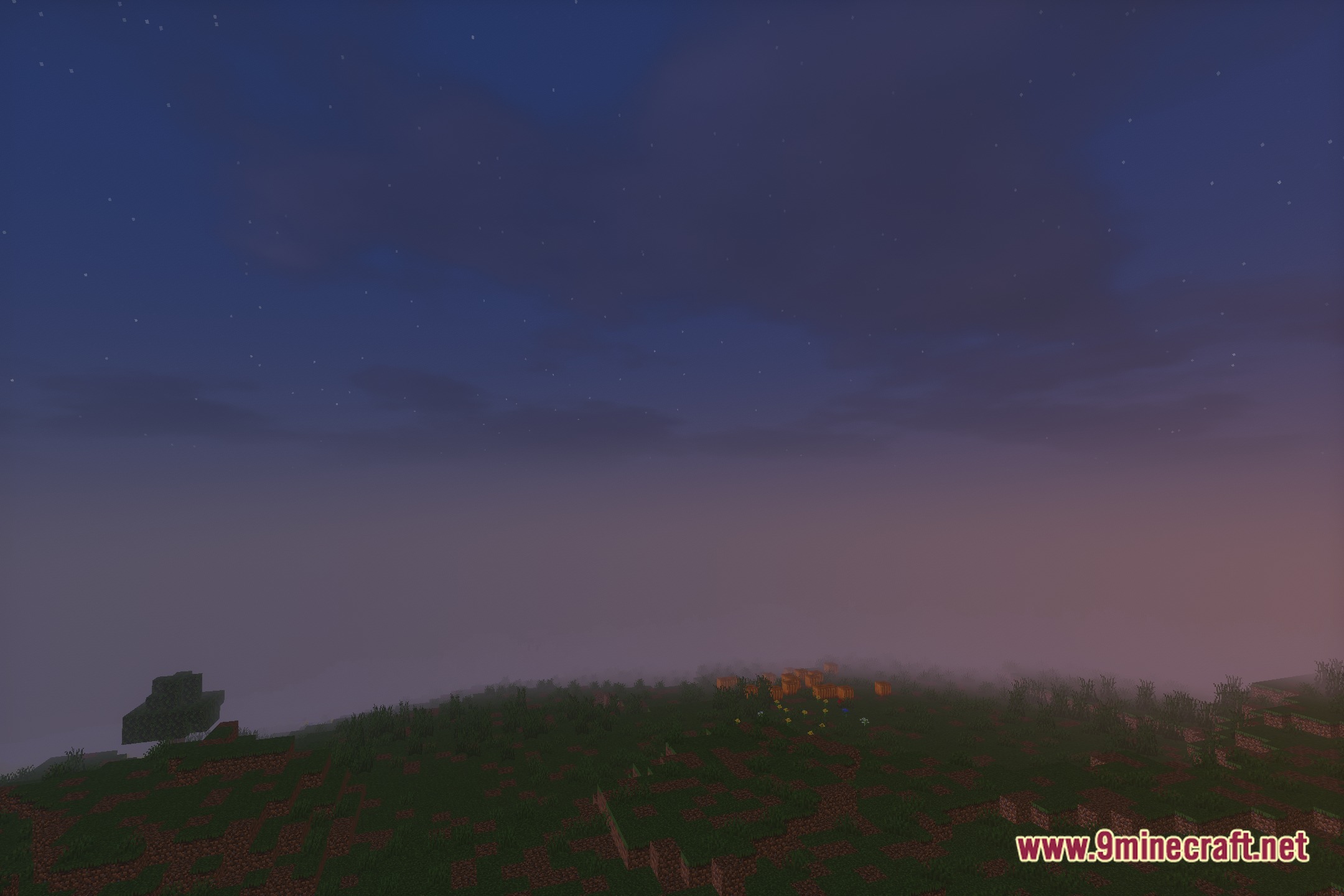
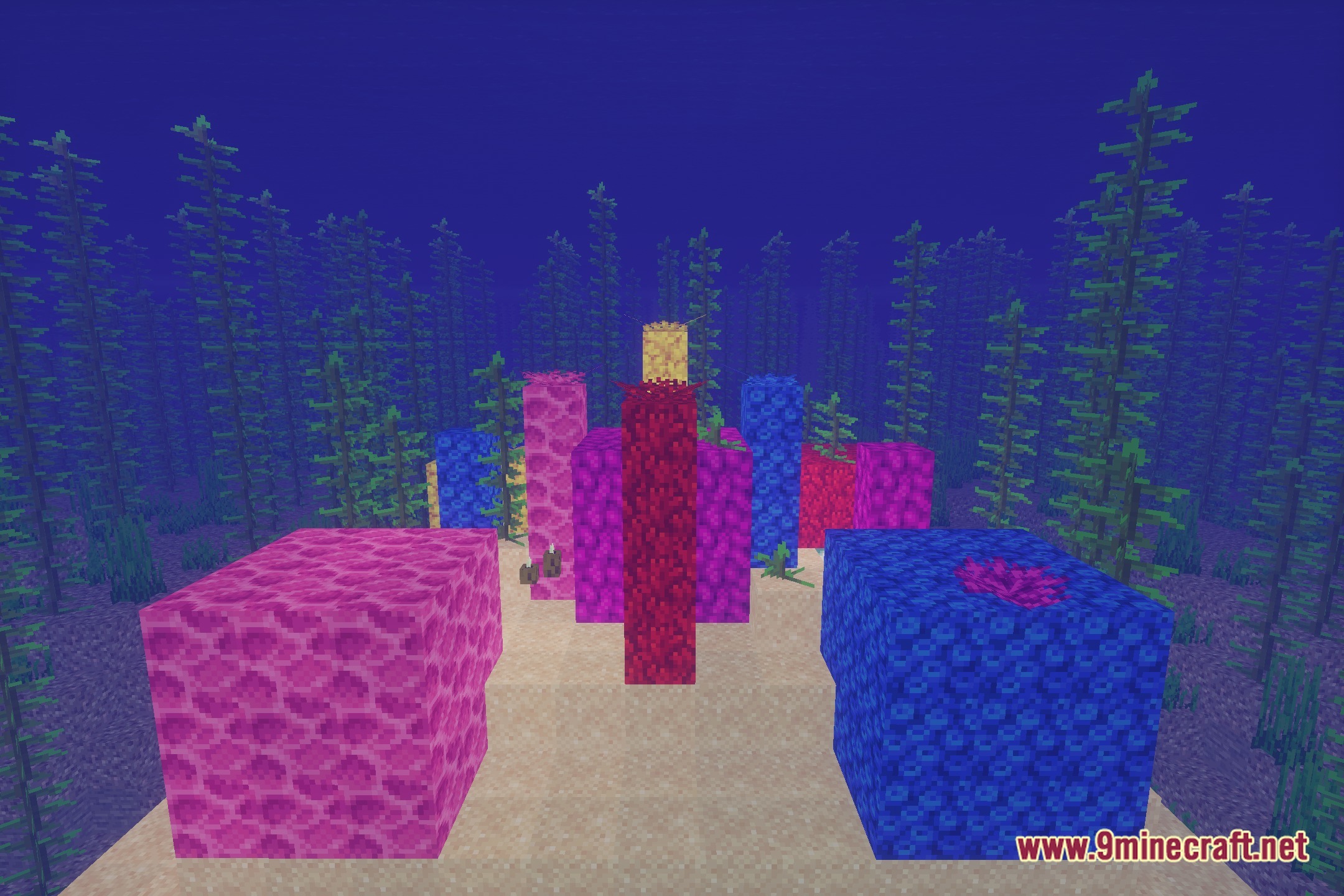
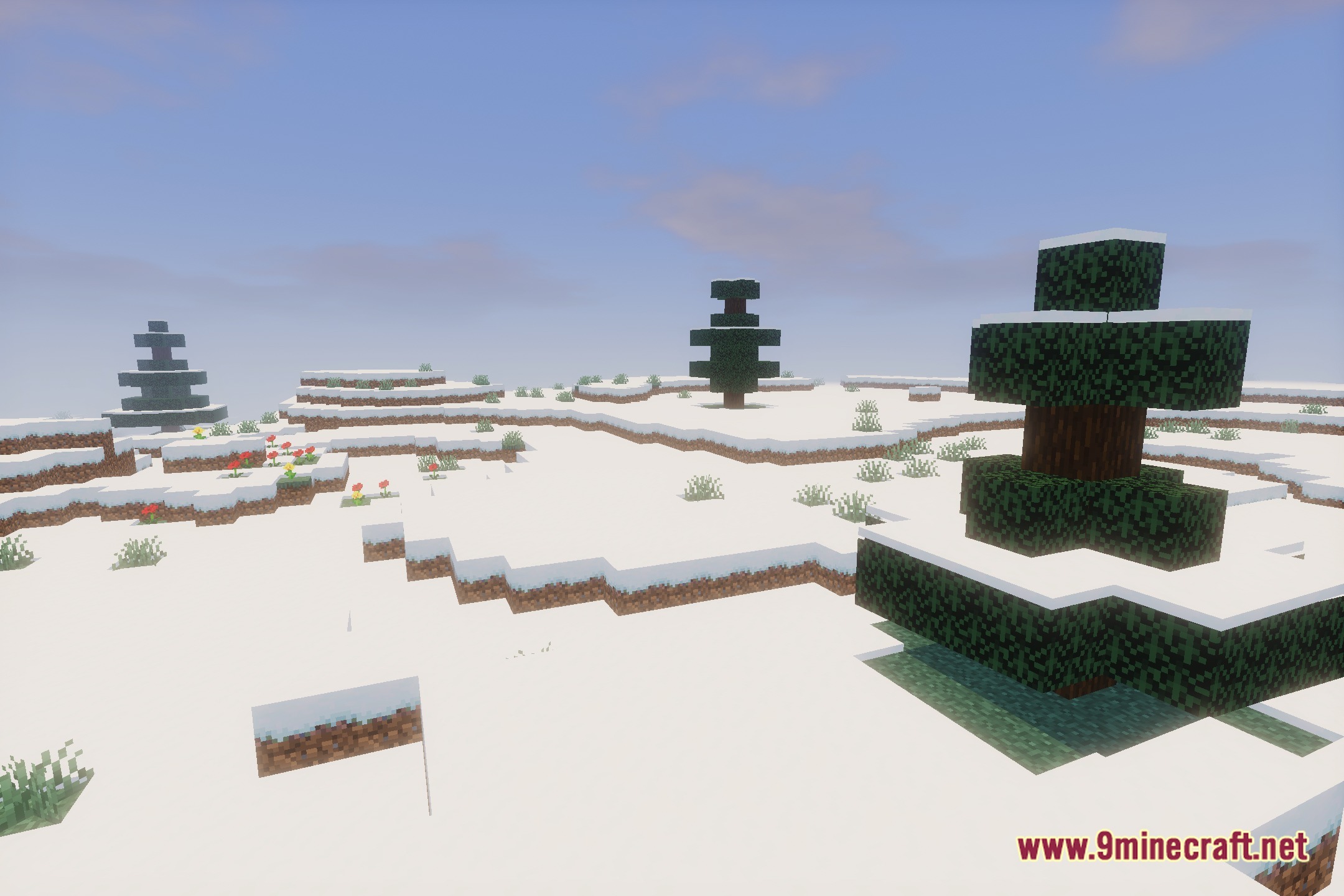
Luminous Balanced Lighting adjusts Mellow Shader with a balanced profile to deliver smooth performance on low-end PCs. This shader pack preserves the familiar vanilla look while adding soft shadows and gentle bloom. It provides clean, semi-realistic lighting without slowing down your game.
Features:
- Runs smoothly on potato, low-end, and mid-range computers.
- Adds gentle bloom effects to light sources and sunbeams.
- Casts clean, soft shadows across blocks and terrain.
- Maintains a semi-realistic look that stays true to vanilla Minecraft.
- Adjusts Mellow Shader settings for better frame rates.
Screenshots:


Luminous Balanced Lighting Shaders Download Links
Quick facts
- Edition: Minecraft Java
- File type: .zip (resource pack)
- Minecraft version listed: 1.20.1
- How to install: Download the .zip resource pack — do not unzip it. → Put it in .minecraft/resourcepacks. → Enable it in Options → Resource Packs.
- Where to get it: In MC Java Mods, or directly above on this page.
Install steps are the general flow for this file type — see the MC Java Mods guides for the full walkthrough.
File checked by MCModsHub
- Downloads as 512584.mcpack
- Download size: 615 KB
- Download link checked 23 Sept 2026 — working
- Mirrored on our own servers — the download does not depend on the original host
These come from our own check of the pack file, not from the source page.