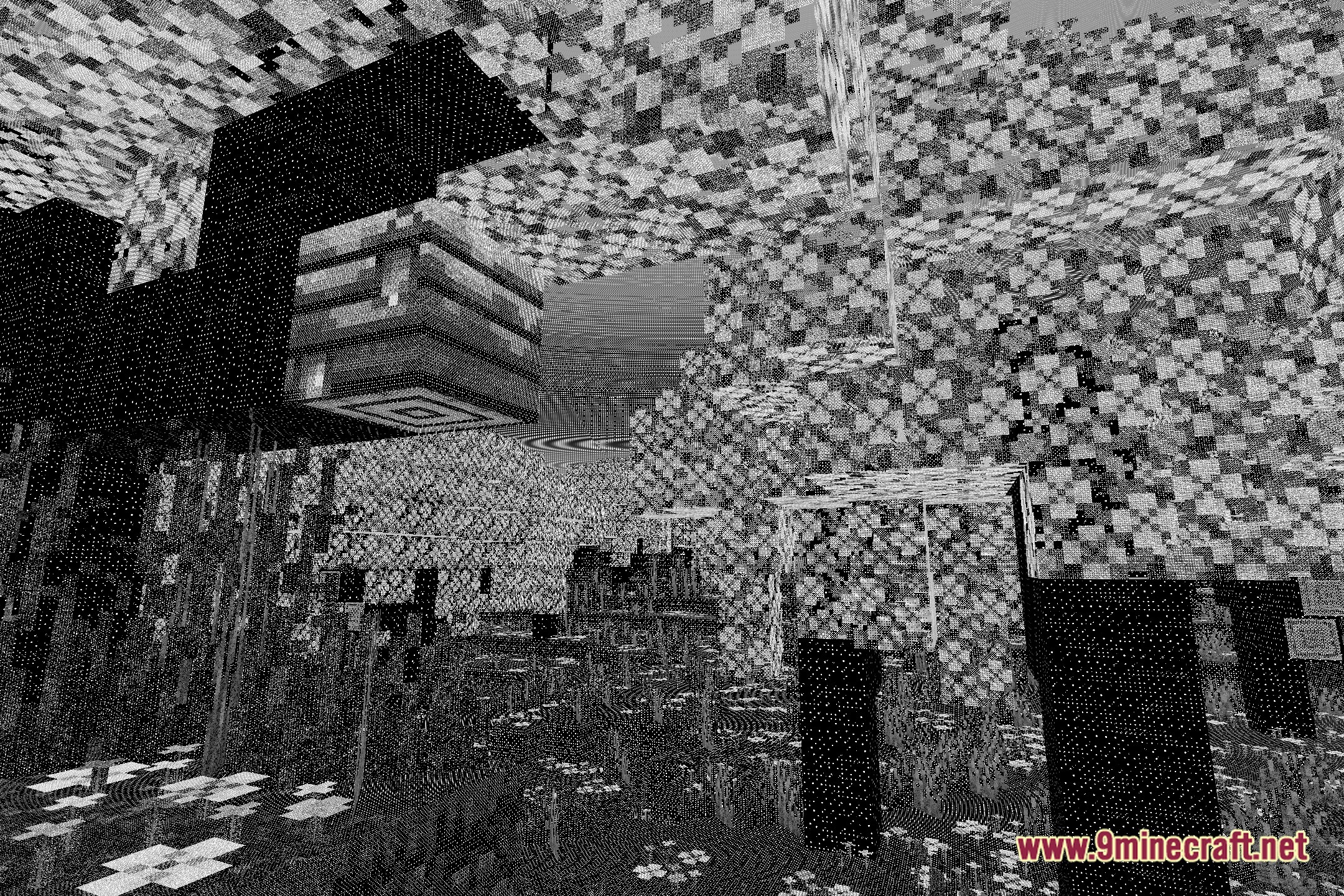
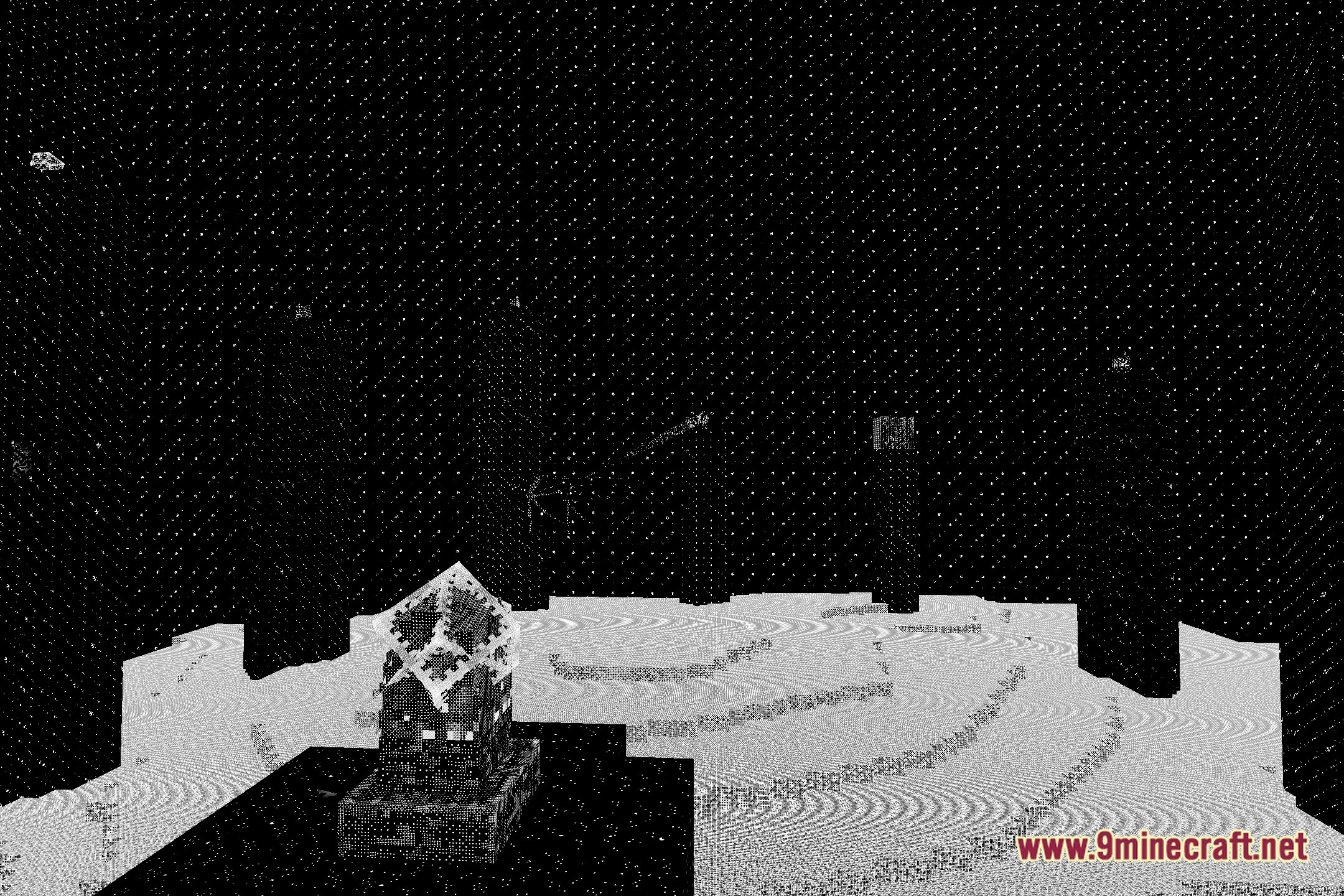
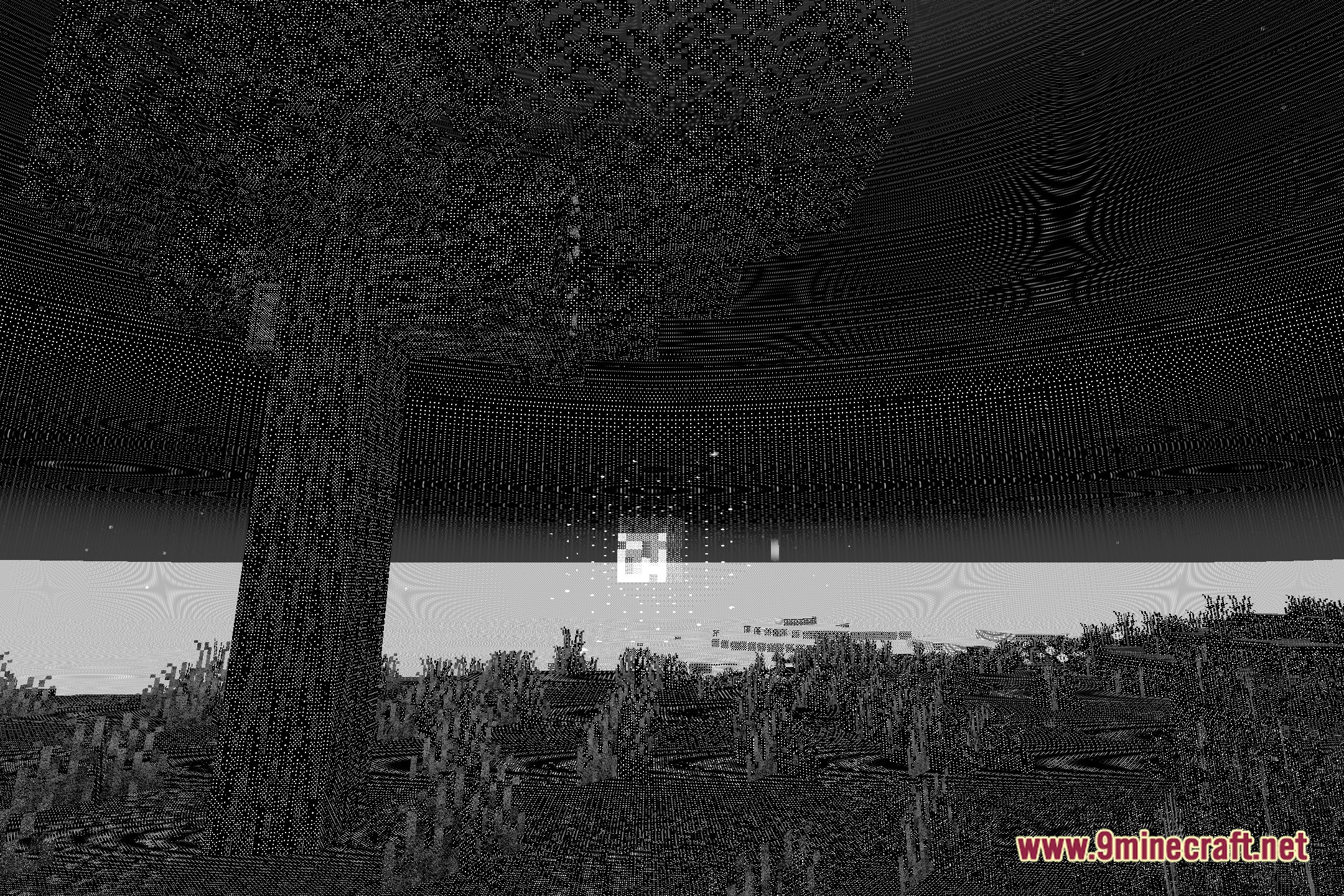
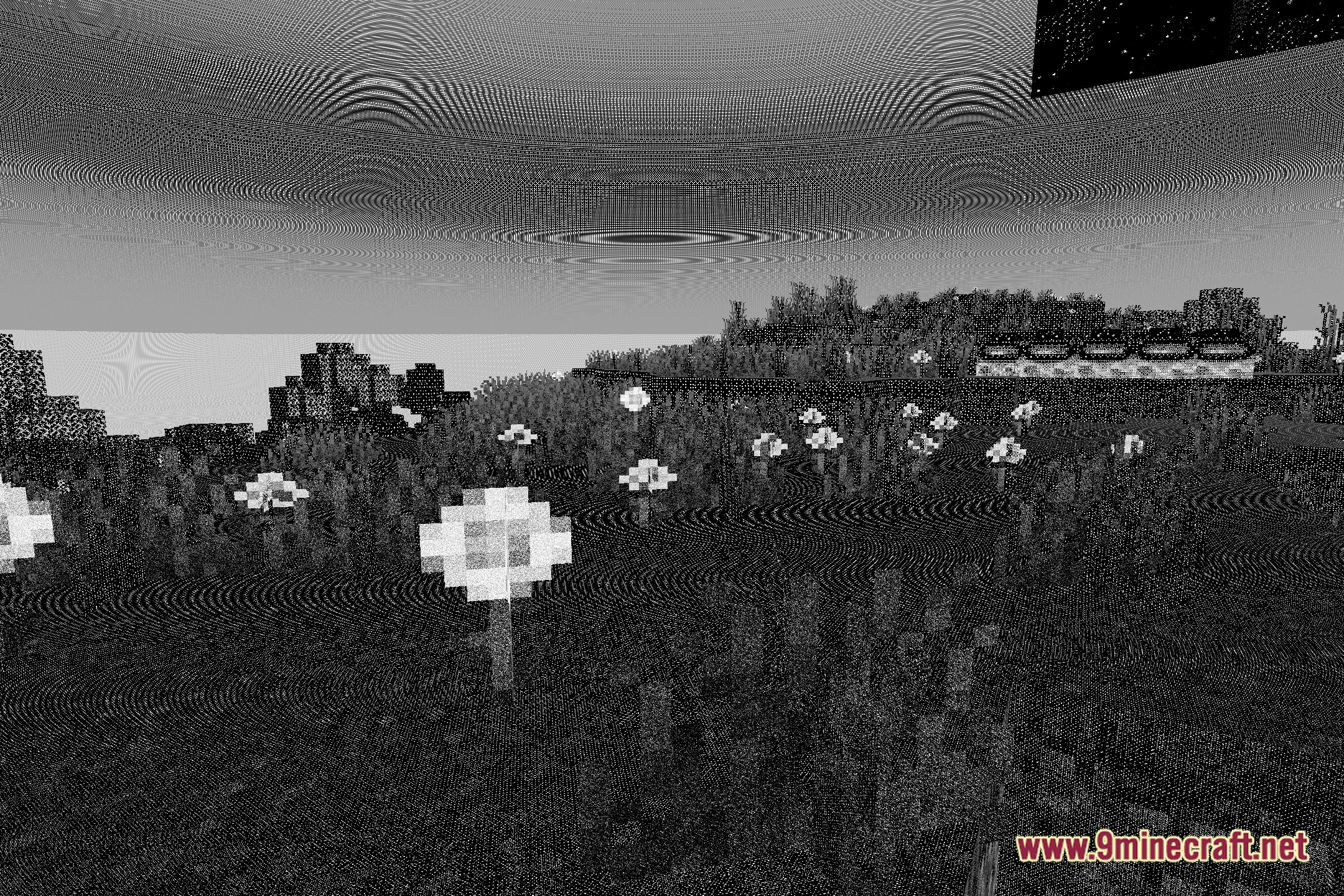
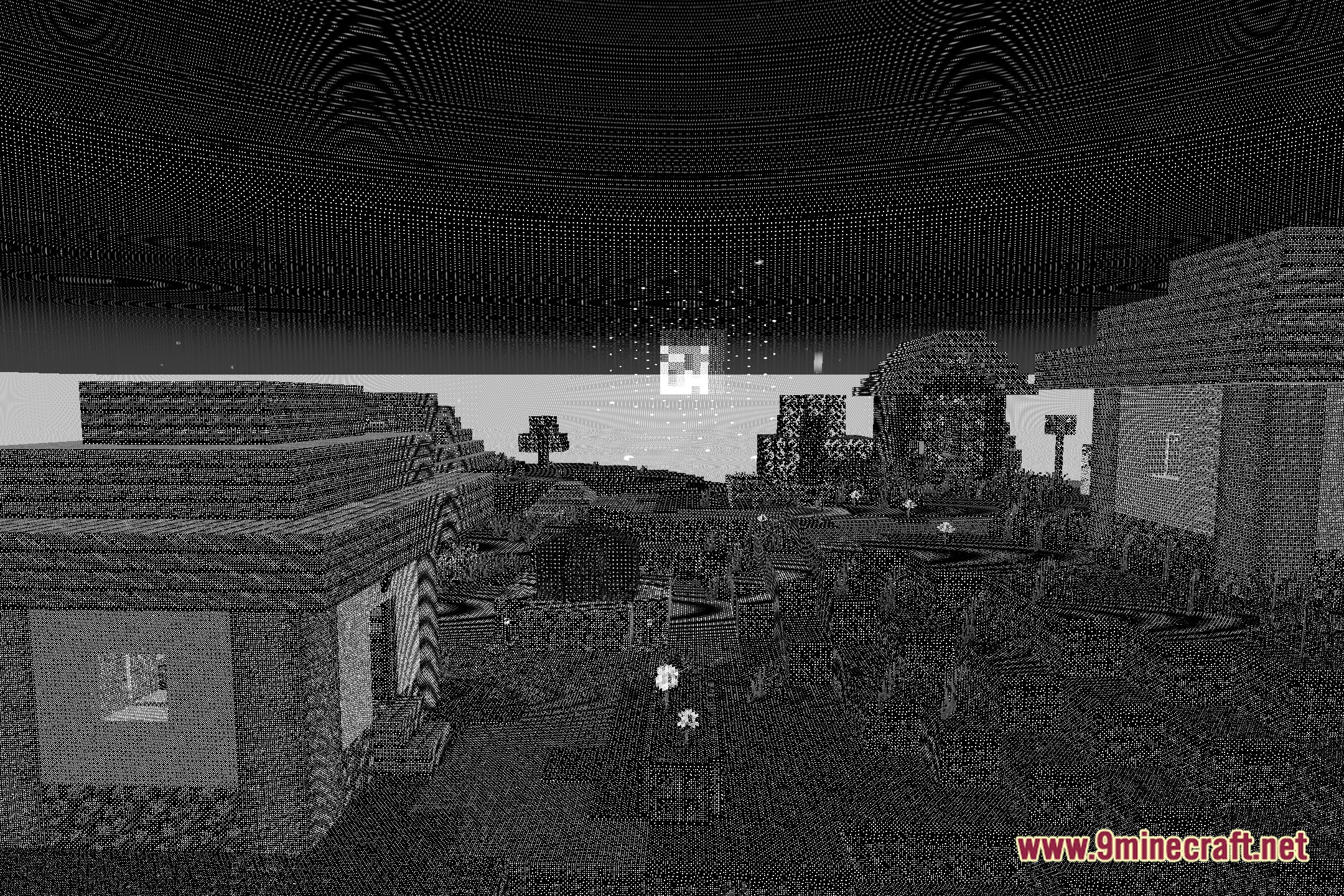
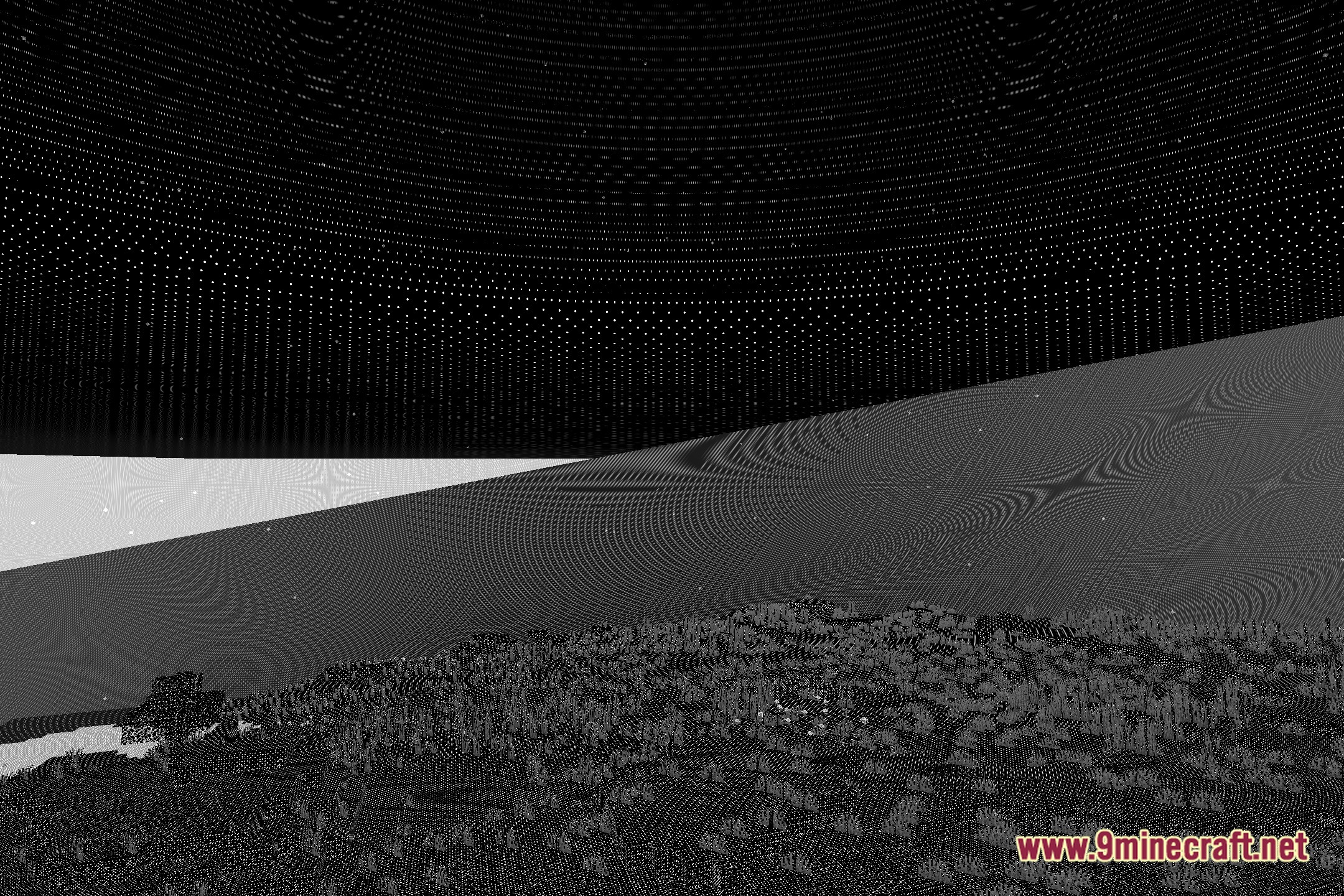
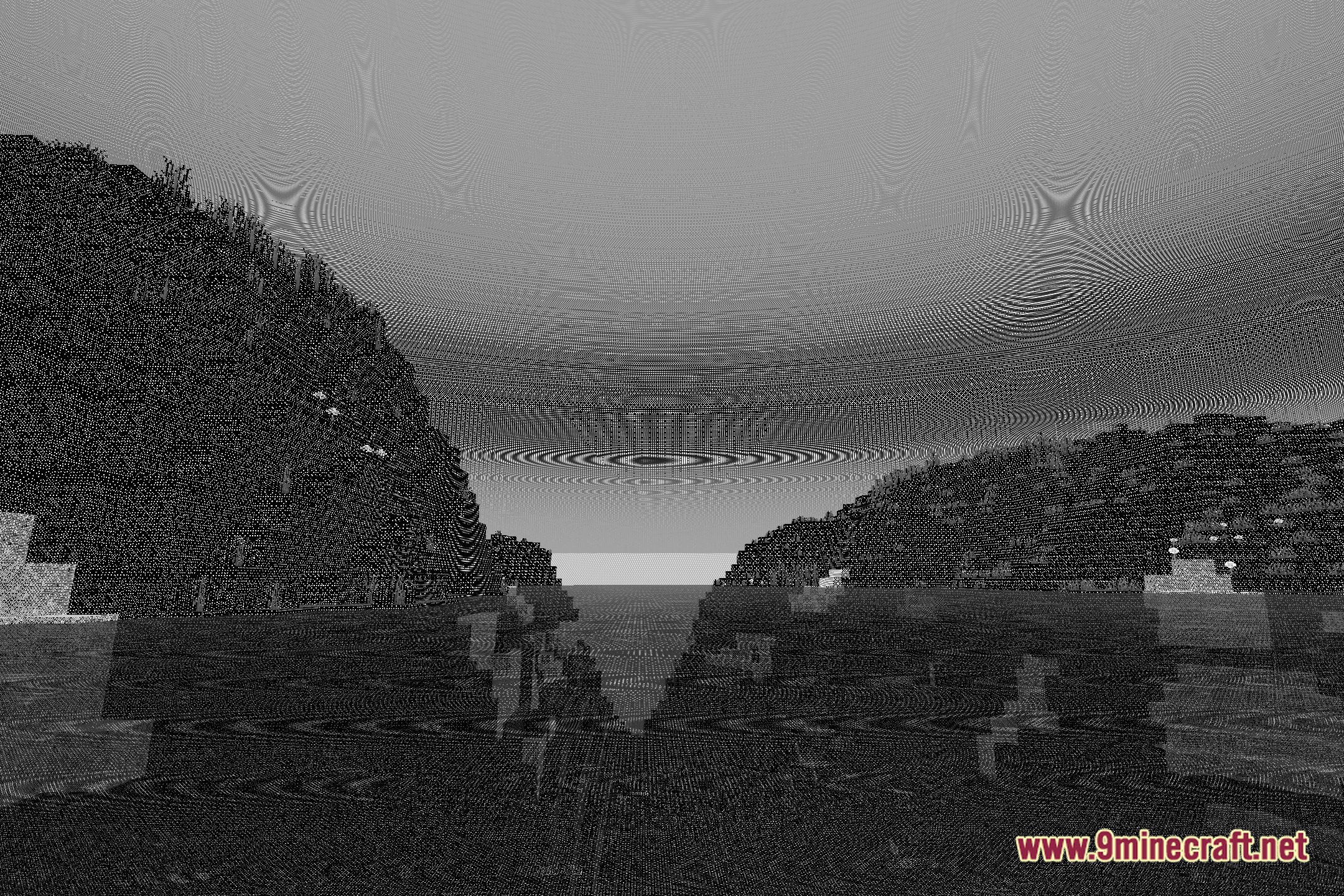
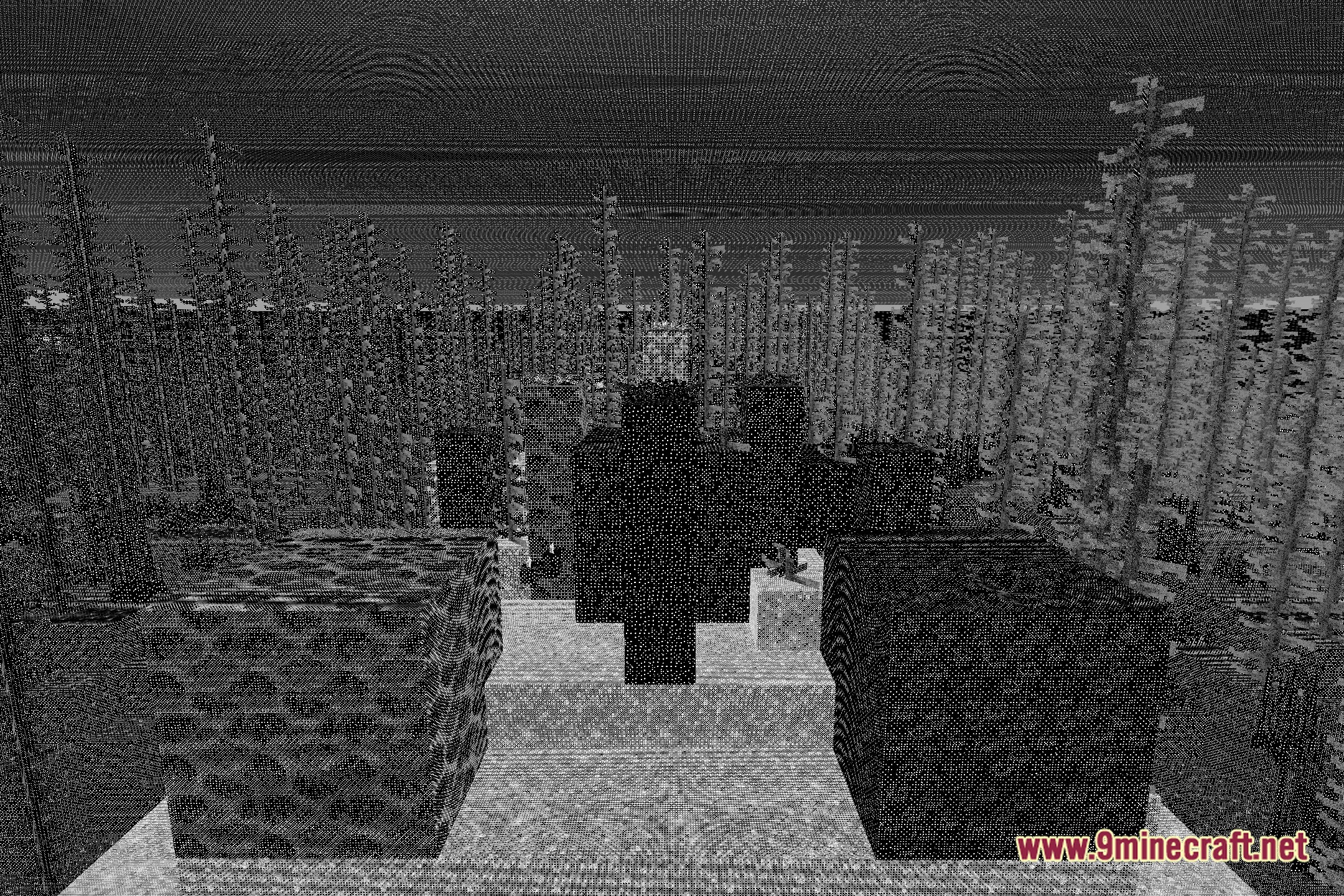
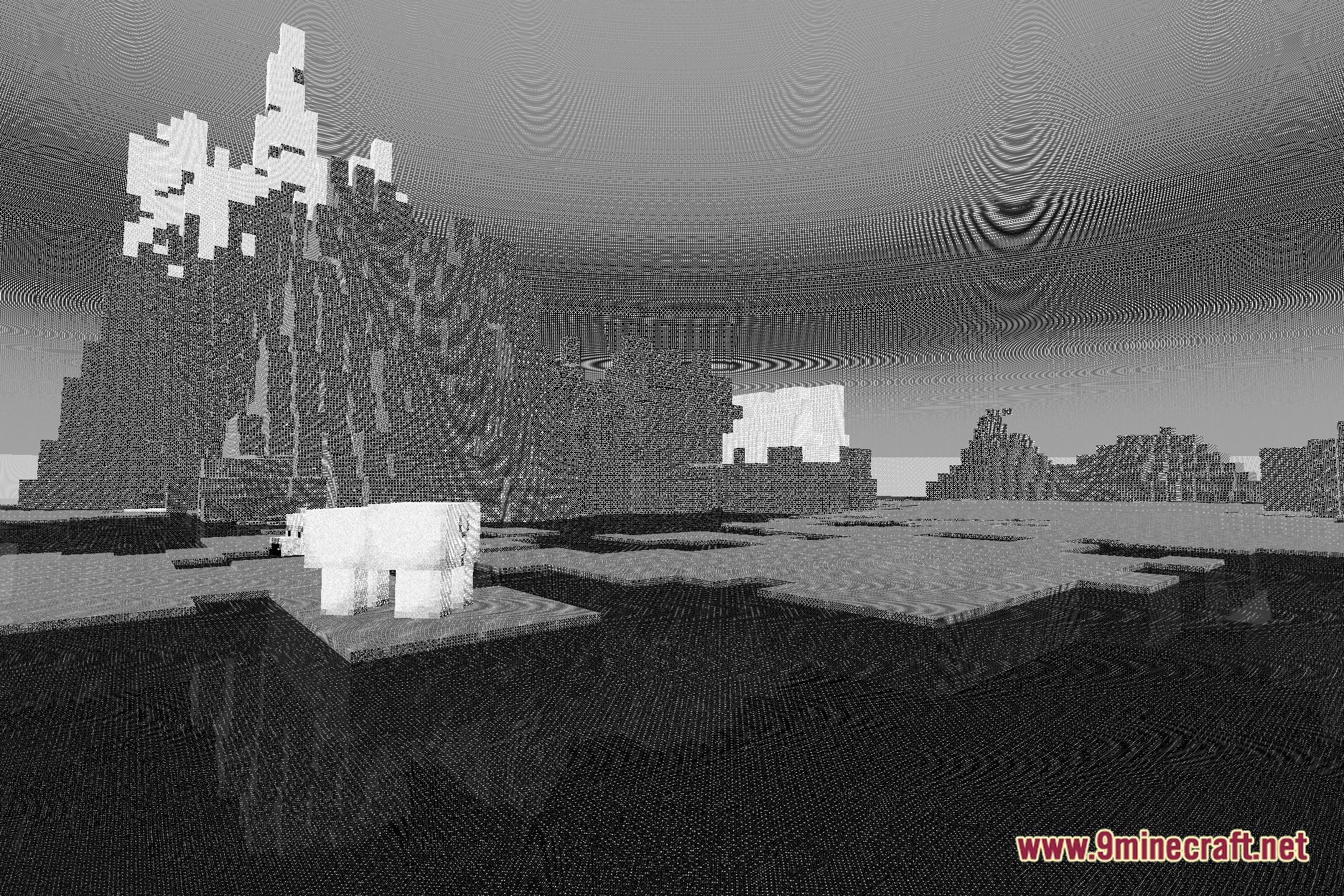
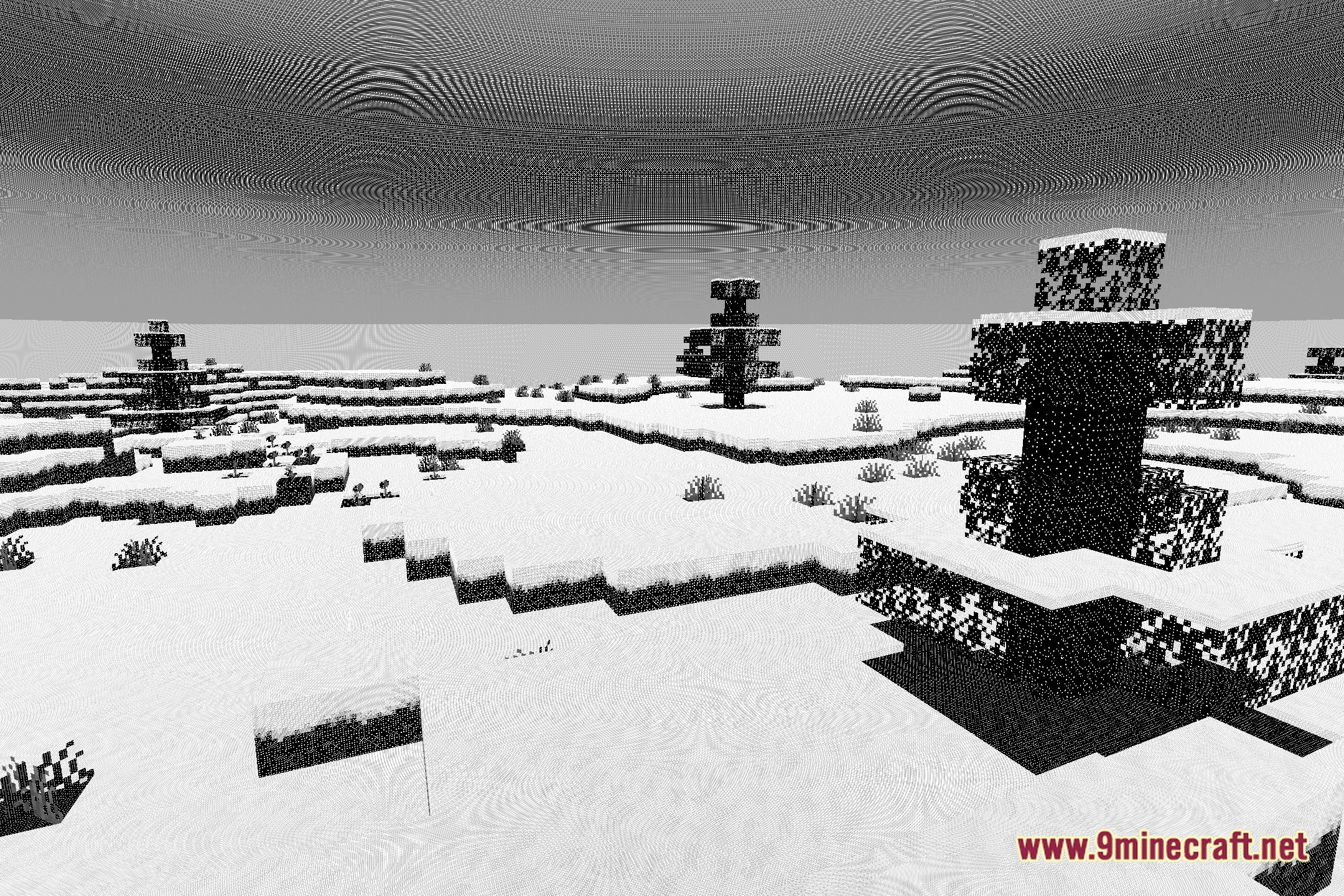
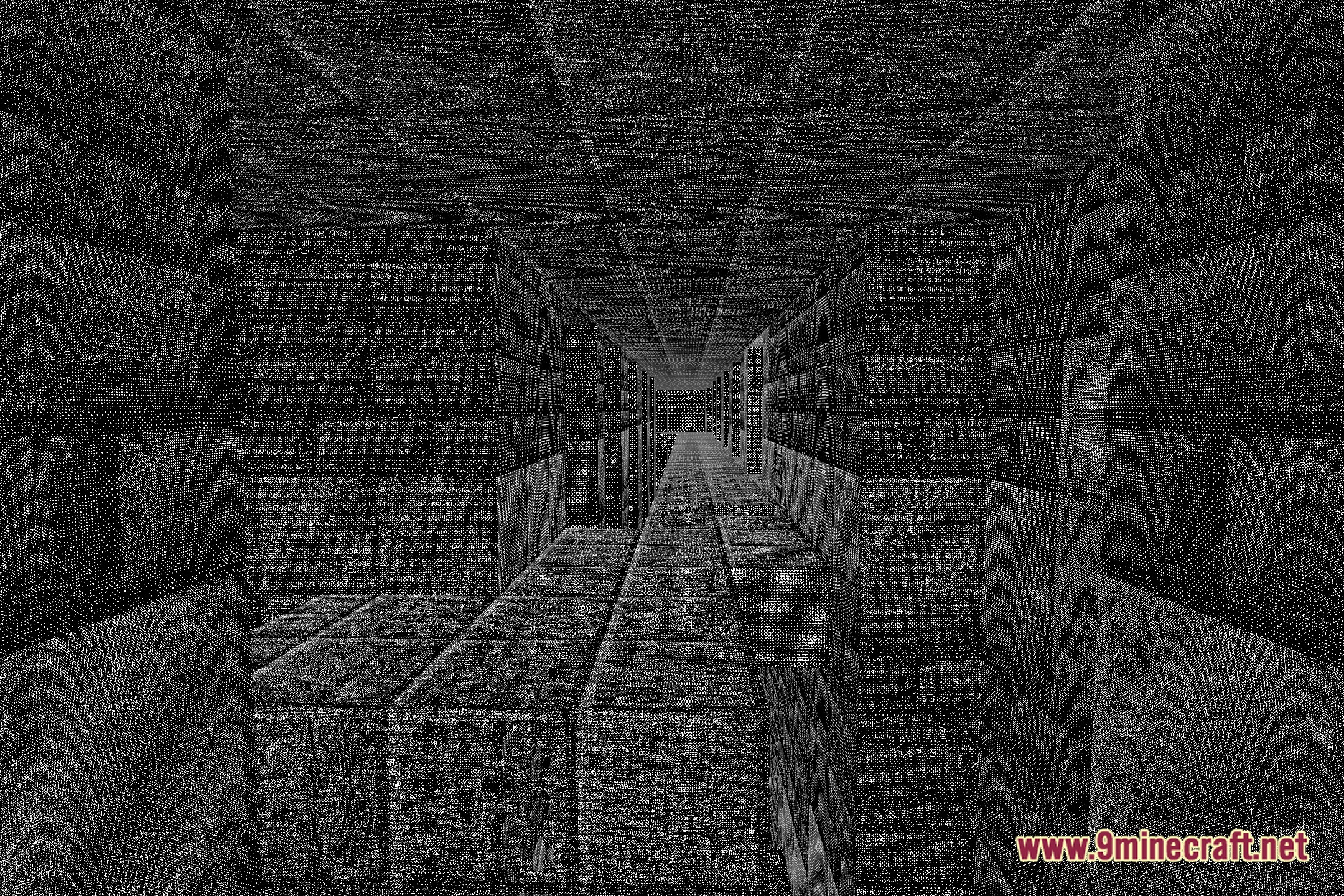
Gothic Pixel Glow casts dark fantasy tones and retro pixel art visuals across your Minecraft world. This shader pack brings a moody atmosphere to every biome with custom shading and stylized rendering. It also packs multiple visual modes, including gradient washes, black and white filters, and rich RGB color options that change the overall look of your game.
Features:
- Brings a moody, dark fantasy look to normal vanilla blocks and biomes.
- Adds a distinct pixelated visual filter reminiscent of classic adventure games.
- Includes custom gradient options to adjust sky and environmental colors.
- Features a black and white mode for high-contrast, dramatic landscapes.
- Offers RGB color profiles for colorful, stylized world lighting.
- Keeps the core vanilla feel while changing screen colors and visual tones.
Visual Styles:
- Dark Fantasy: Darkens the world with brooding shadows and moody lighting.
- Retro Pixel: Gives the entire screen a sharp, low-resolution pixelated effect.
- Monochrome Mode: Turns off standard colors in favor of a classic black and white style.
- RGB and Gradient: Blends bright custom hues across the sky and terrain.
Screenshots:
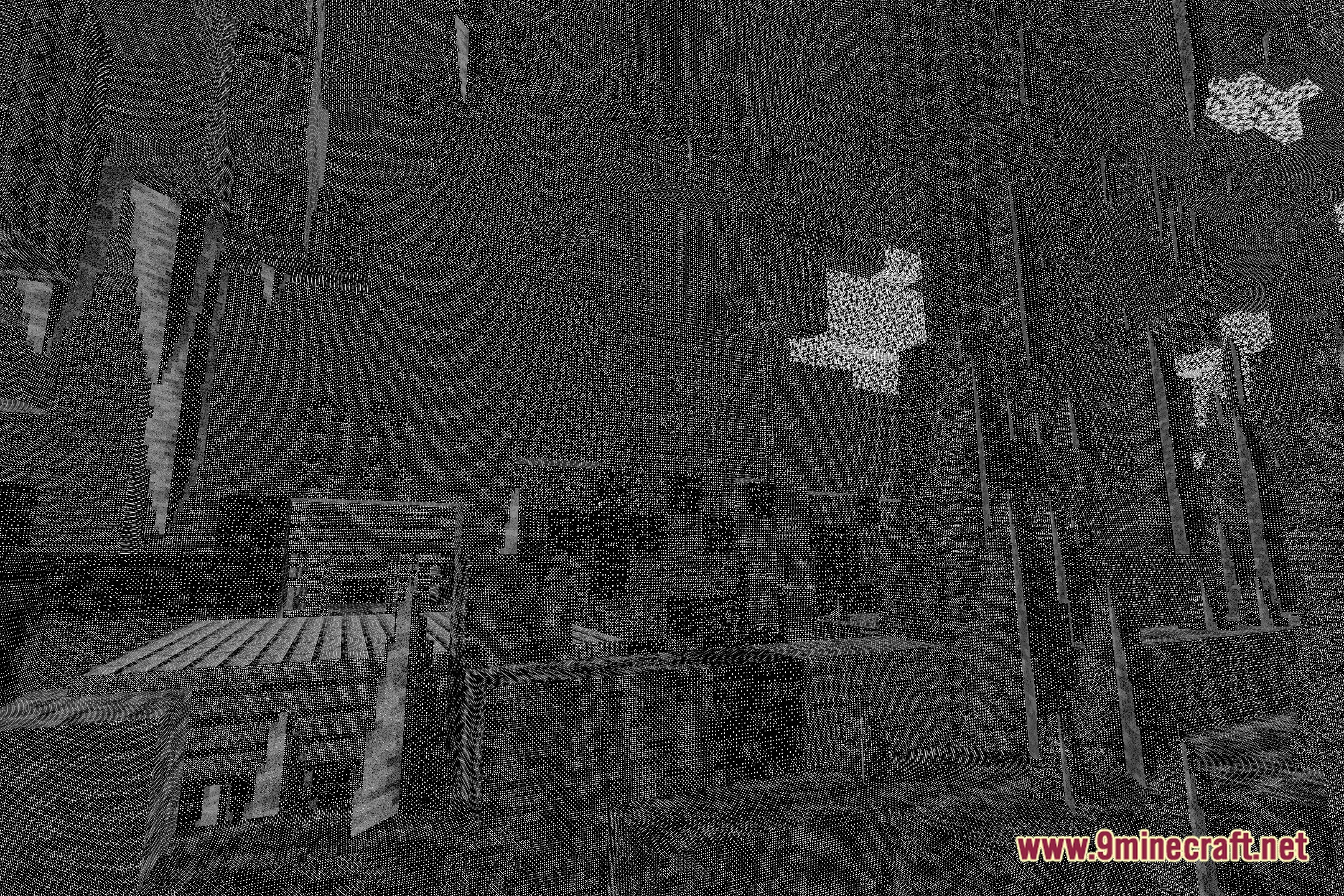
Gothic Pixel Glow Shaders Download Links
Quick facts
- Edition: Minecraft Java
- File type: .zip (resource pack)
- Minecraft version listed: 1.20.1
- How to install: Download the .zip resource pack — do not unzip it. → Put it in .minecraft/resourcepacks. → Enable it in Options → Resource Packs.
- Where to get it: Opens on the file's original source — not every file is mirrored on our own servers.
Install steps are the general flow for this file type — see the MC Java Mods guides for the full walkthrough.
Gothic Pixel Glow Shaders (26.3, 1.20.1) – Retro Pixel and Gradient Filters is a free Minecraft Java shader. Compatible with Minecraft 1.20.1. Download it and open it directly in the game.