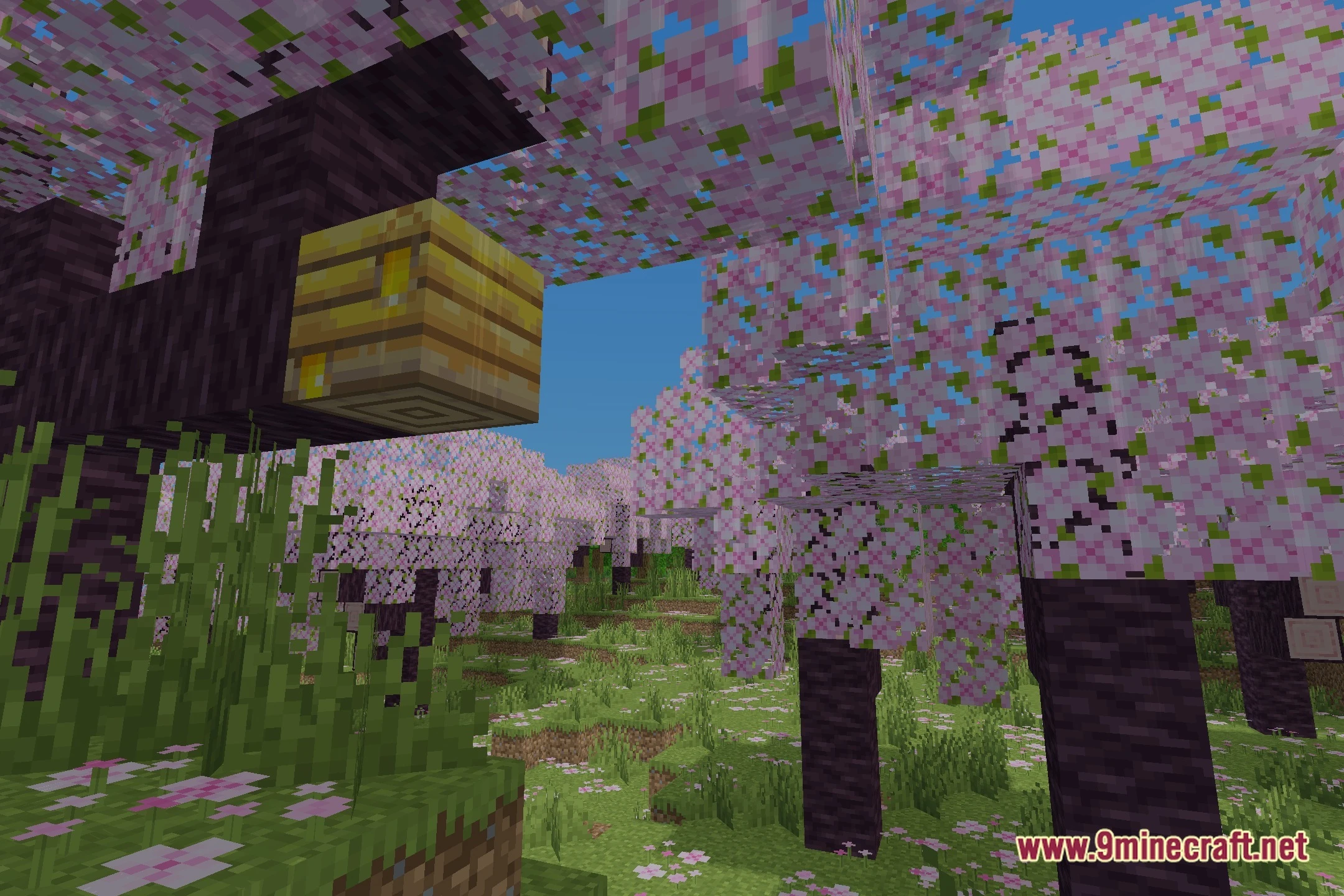
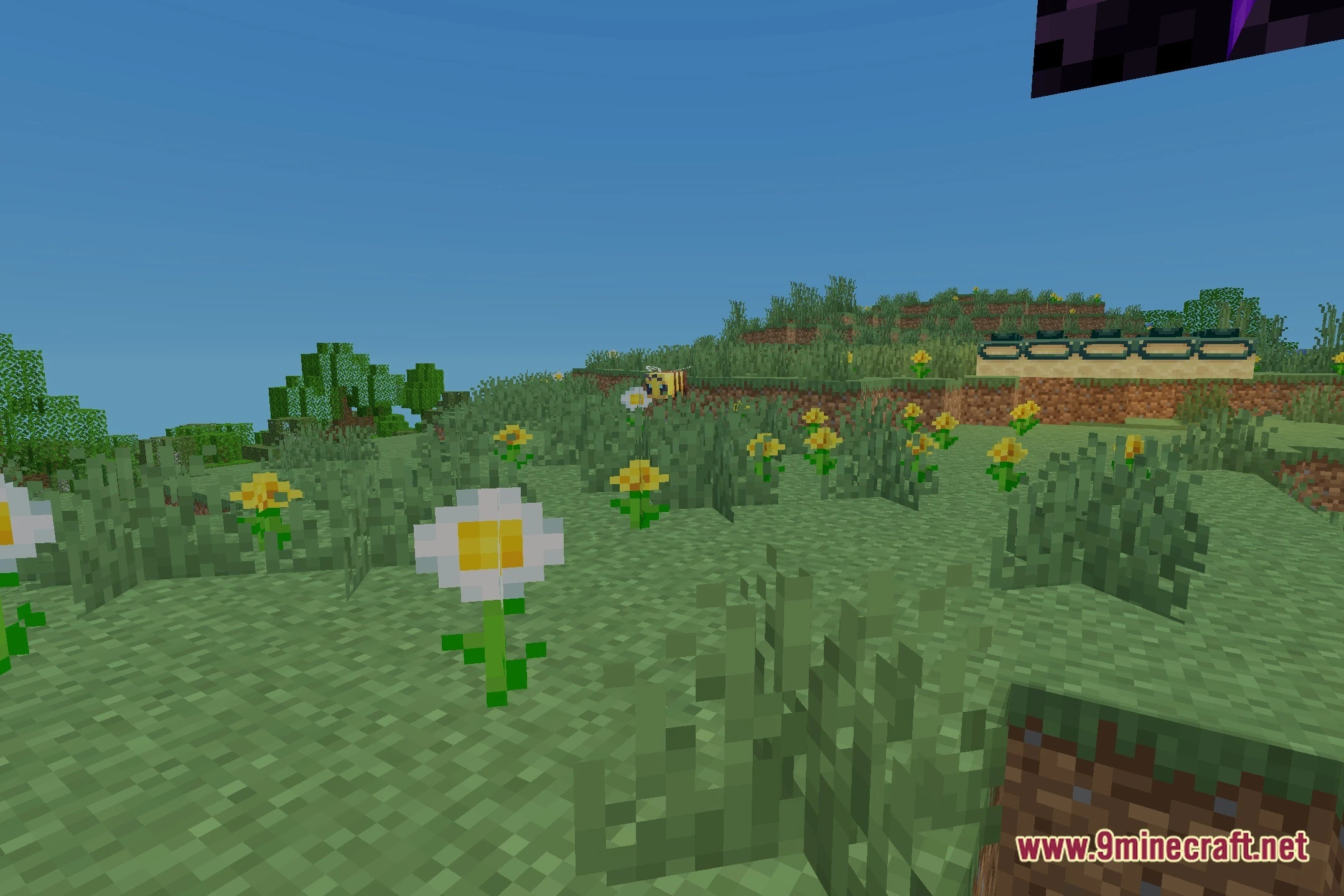
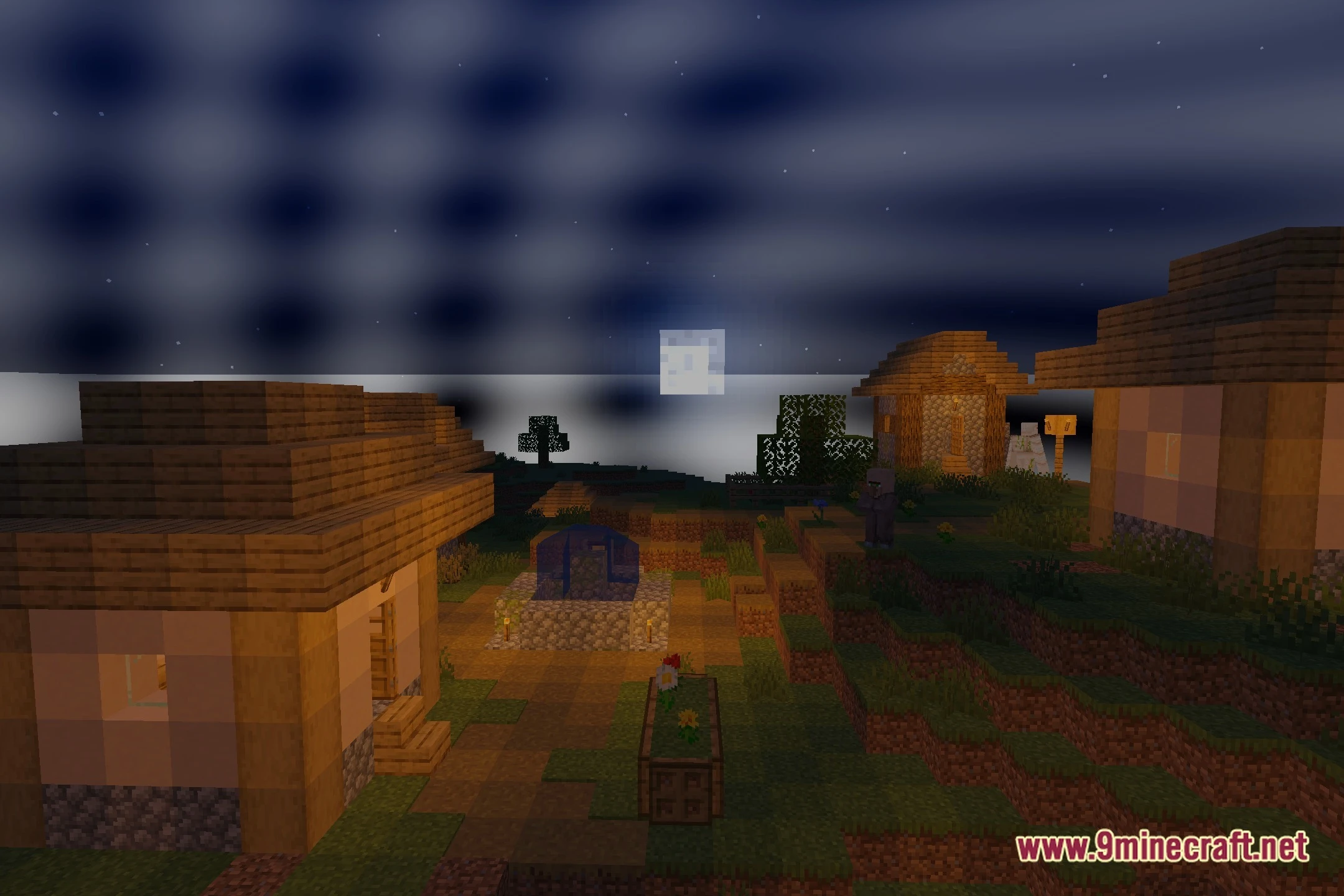
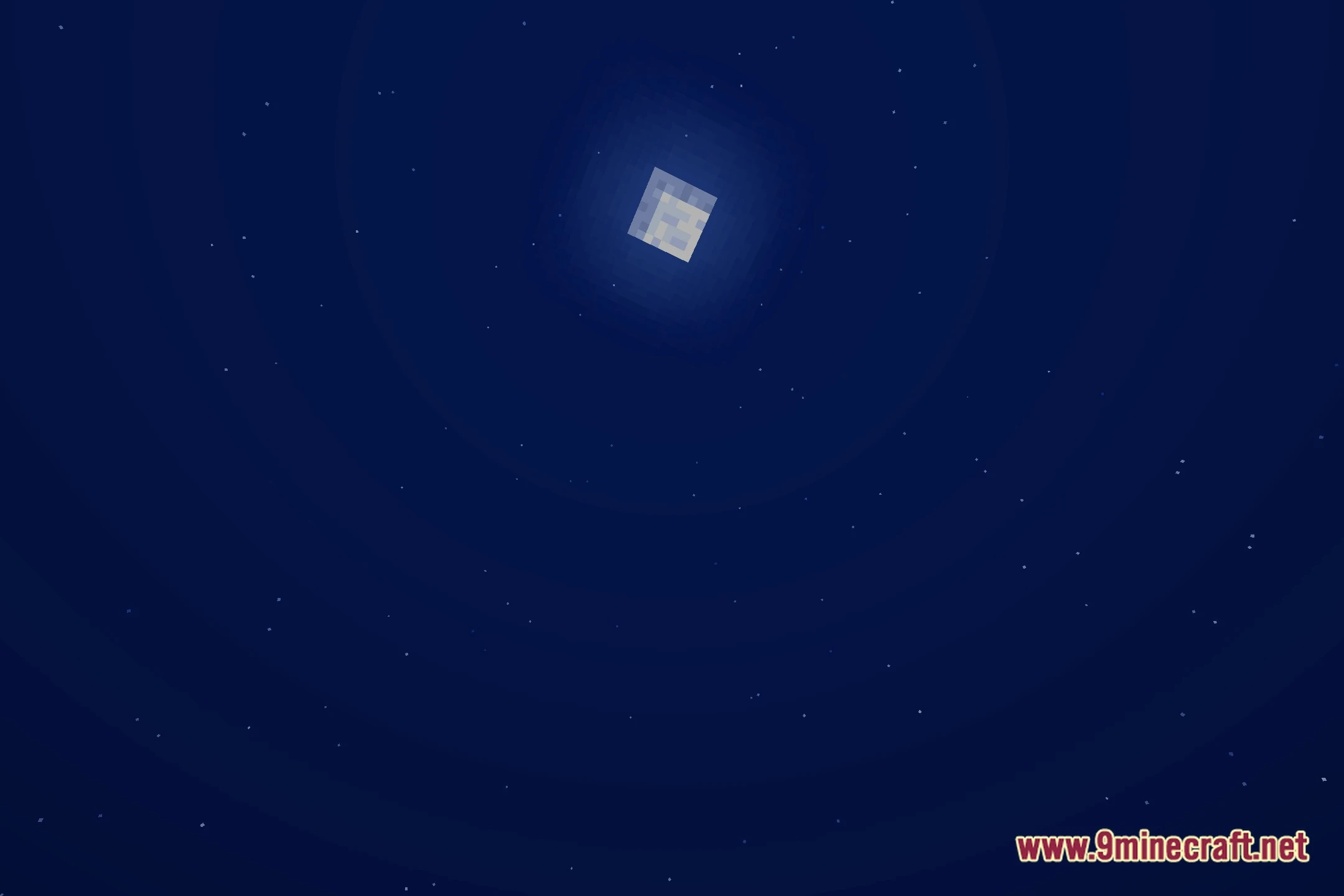
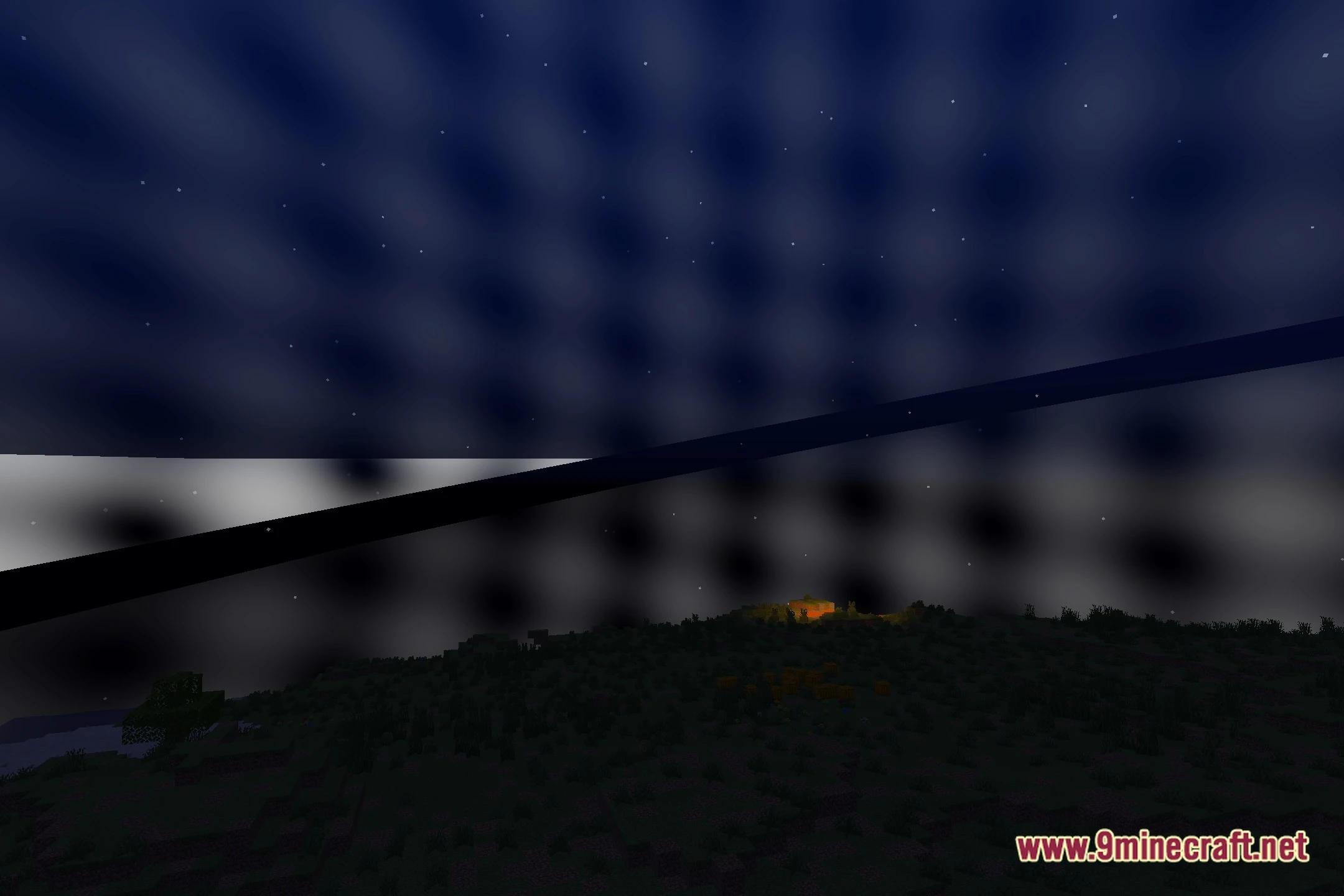
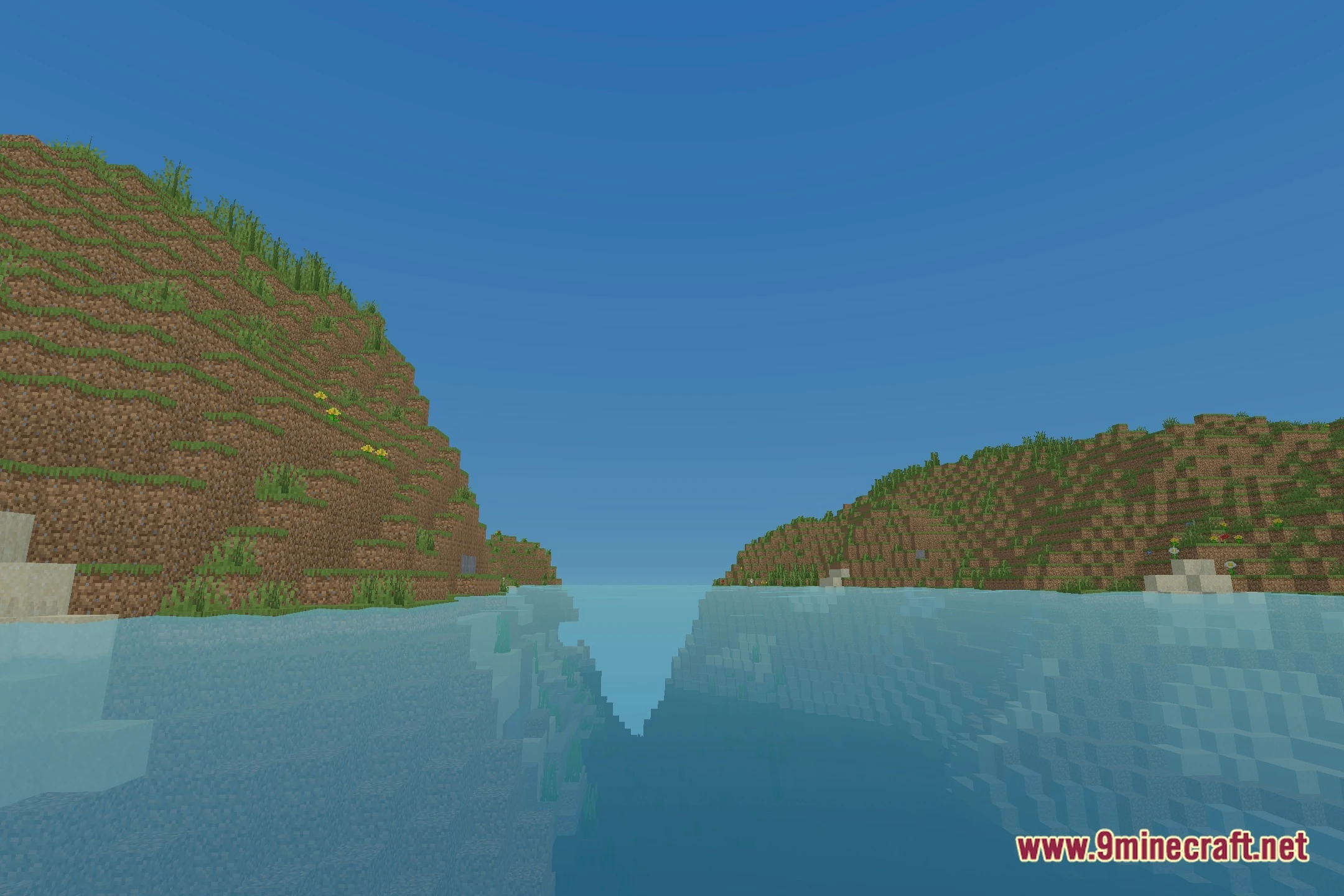
ThaiGlow Shaders bathes your Minecraft world in bright, cartoon-like lighting while keeping the familiar vanilla feel. This shader pack adds a clean glow to blocks and skies without overloading mid-tier graphics cards. It keeps the game crisp and clear, making every landscape look great in screenshots. You get soft color adjustments that give your builds extra warmth across different biomes.
Features:
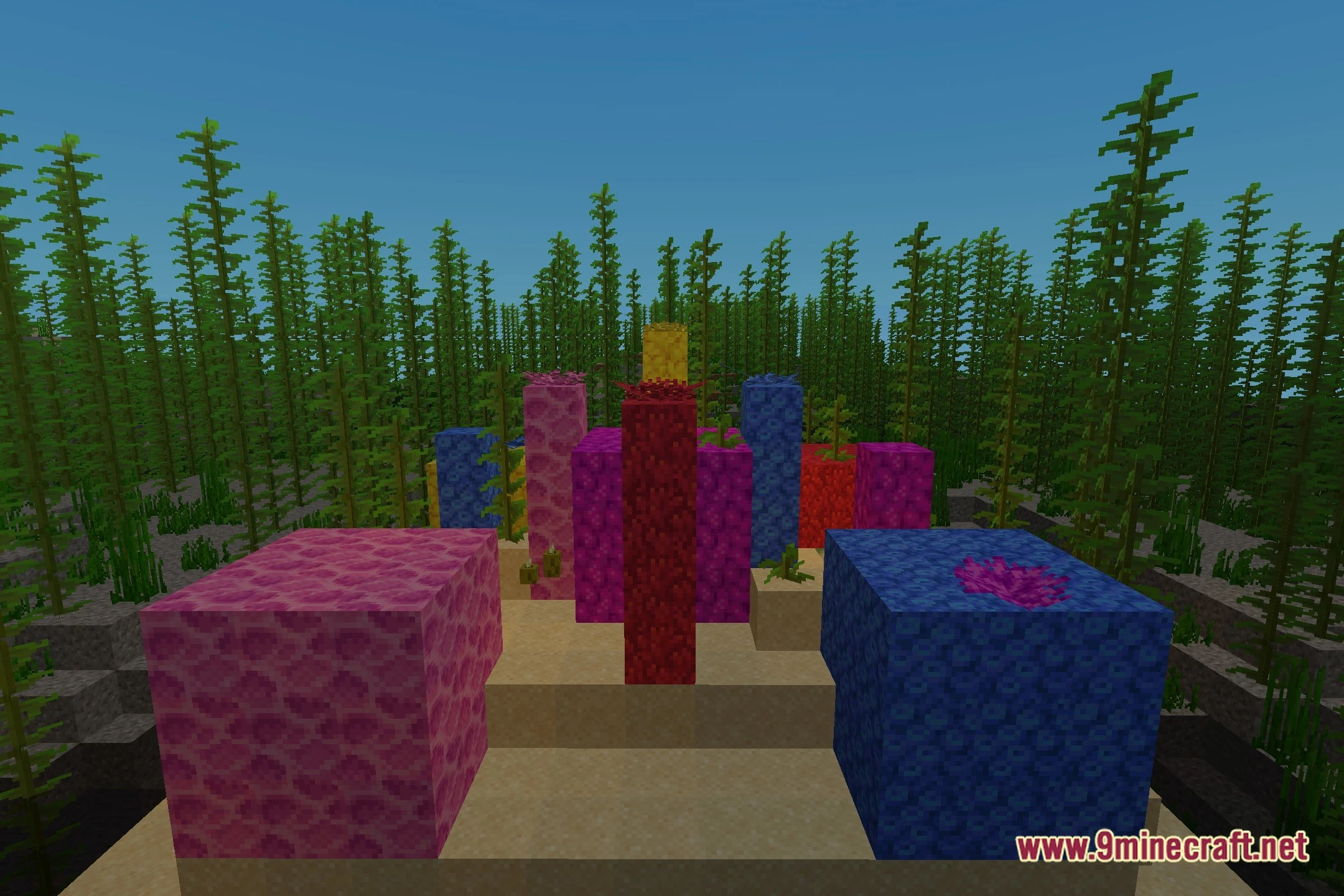
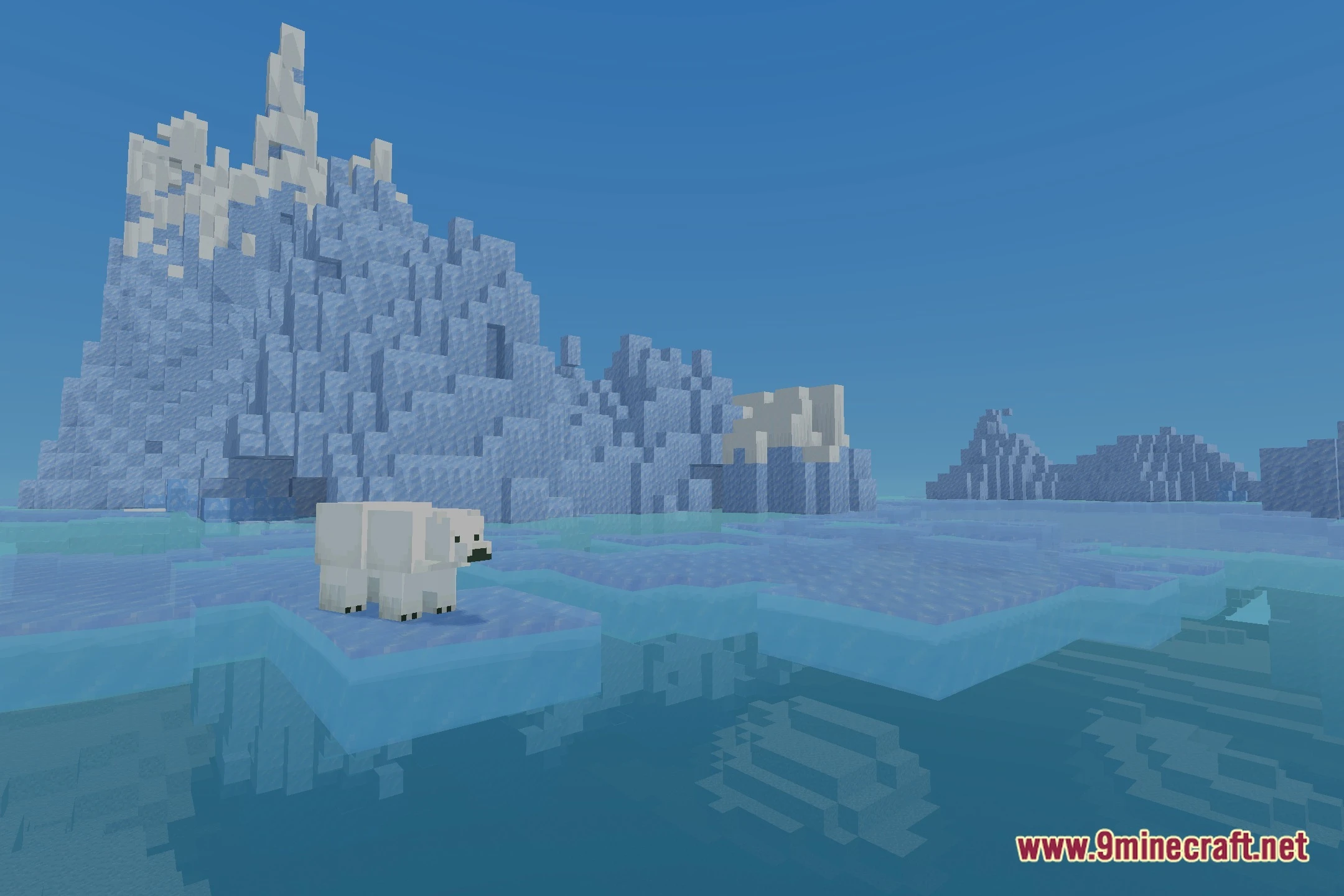
- Cartoon Aesthetic: Renders block textures and terrain with a neat animated look that stays true to vanilla art.
- Balanced Performance: Runs smoothly on medium-spec computers without heavy drops in framerate.
- Brightens daytime scenes with clear sunlight and a soft ambient glow.
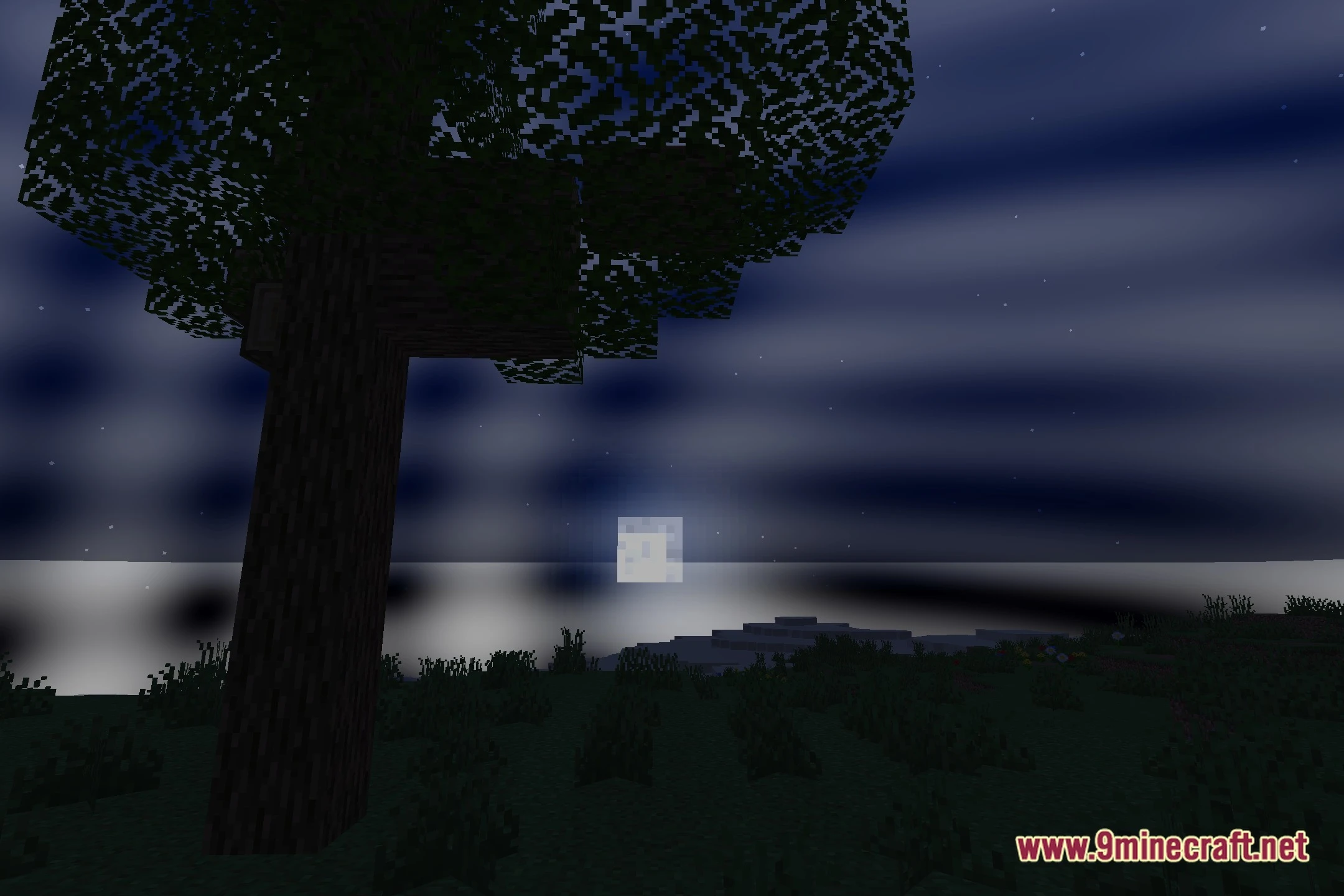
- Adjusts sky and water tones to create clean backgrounds for scenic screenshots.
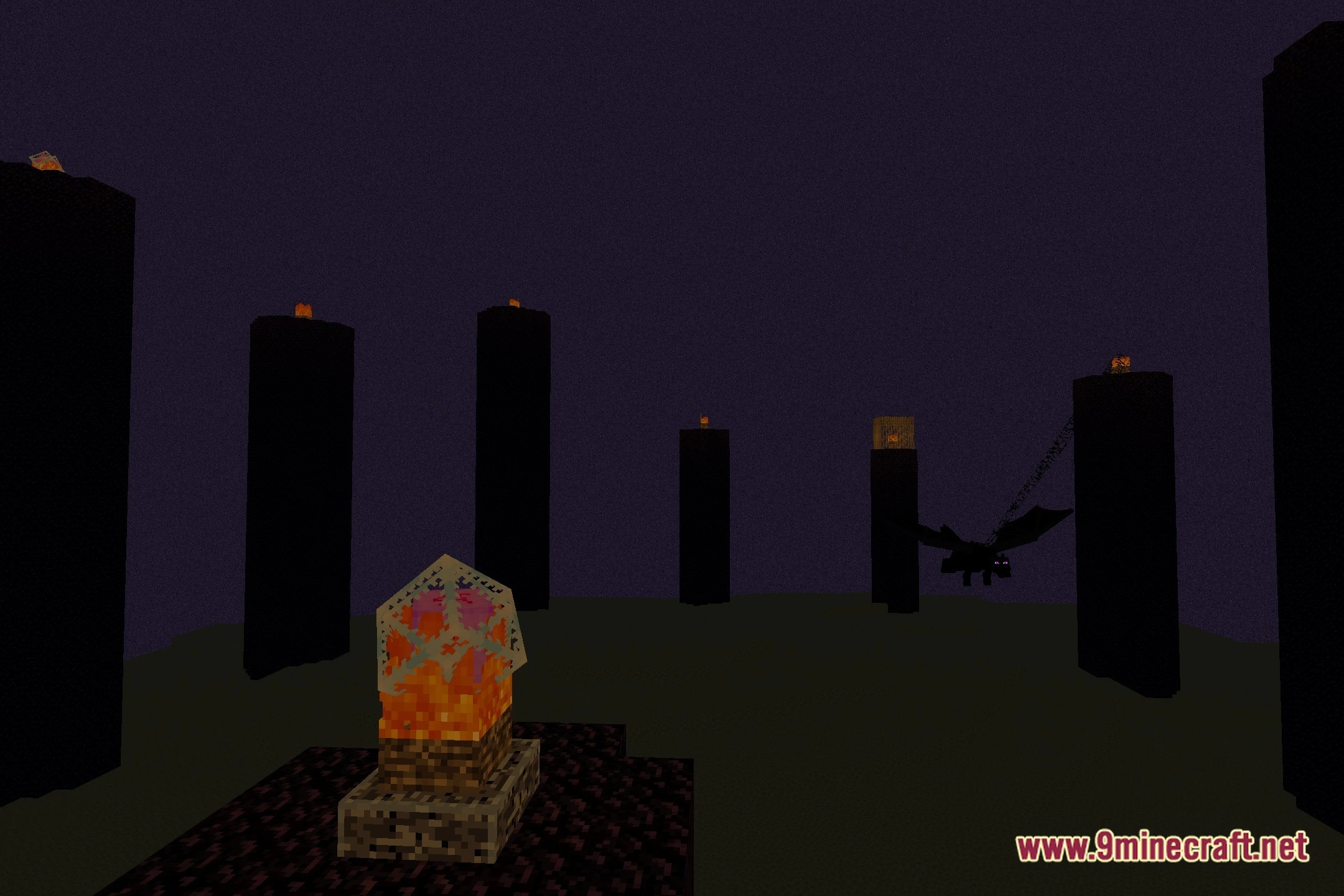
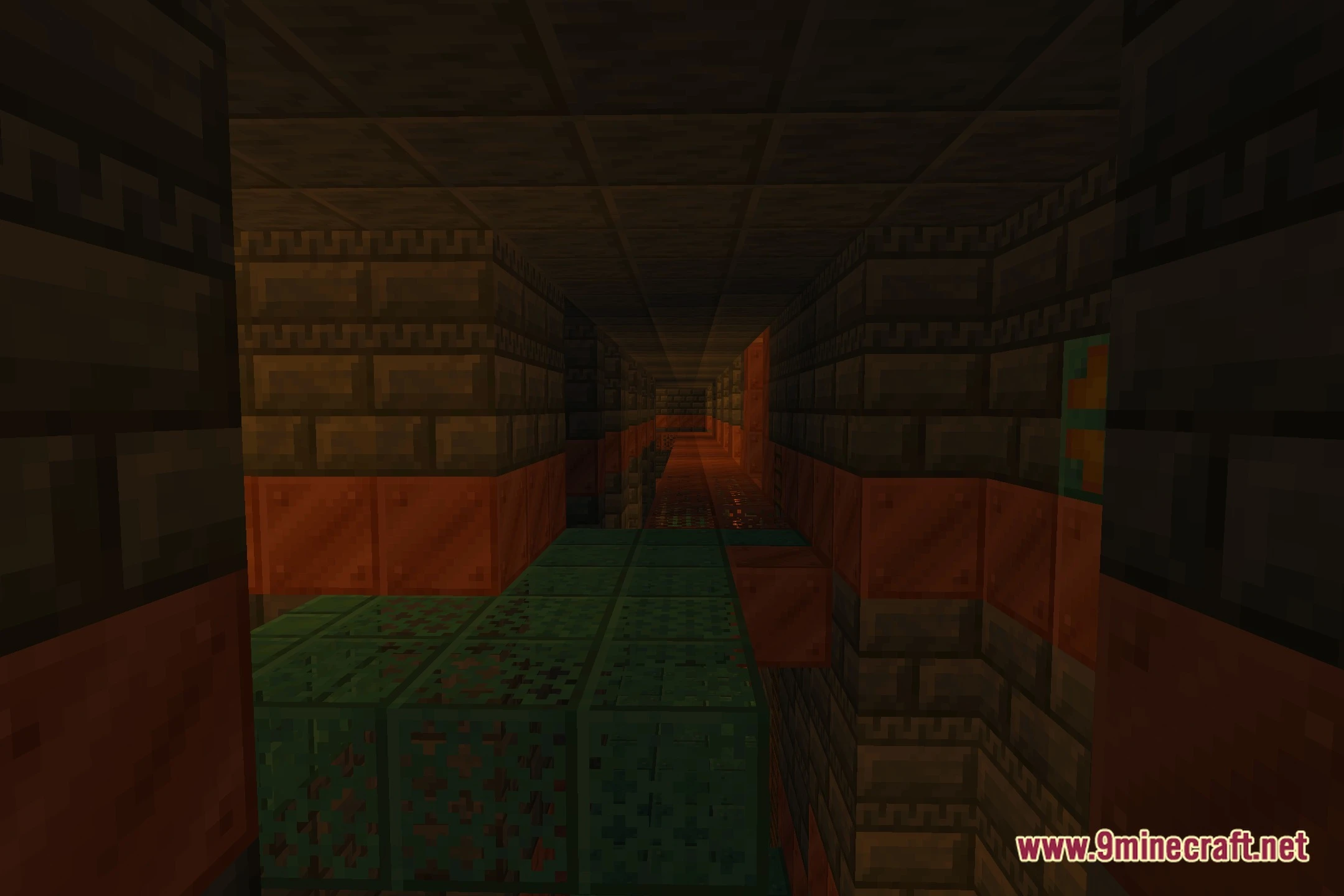
- Maintains good visibility inside caves and dark areas while preserving warm light sources.
Screenshots:
ThaiGlow Shaders Download Links
Quick facts
- Edition: Minecraft Java
- File type: .zip (resource pack)
- Minecraft version listed: 1.20.1
- How to install: Download the .zip resource pack — do not unzip it. → Put it in .minecraft/resourcepacks. → Enable it in Options → Resource Packs.
- Where to get it: Opens on the file's original source — not every file is mirrored on our own servers.
Install steps are the general flow for this file type — see the MC Java Mods guides for the full walkthrough.
ThaiGlow Shaders (26.2, 1.20.1) – Cartoon Lighting with Ambient Glow is a free Minecraft Java shader. Compatible with Minecraft 1.20.1. Download it and open it directly in the game.