
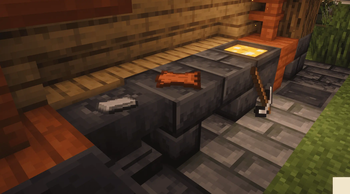
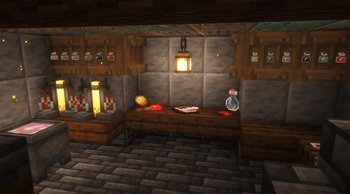
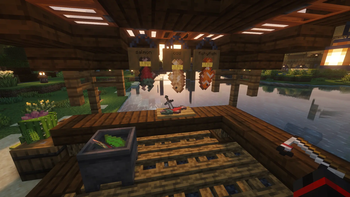
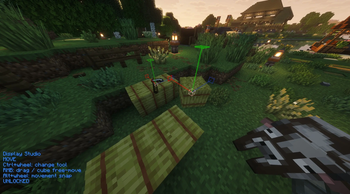
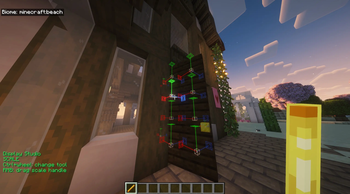
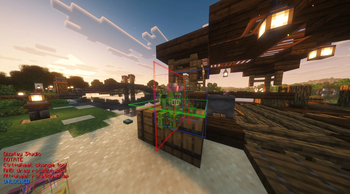
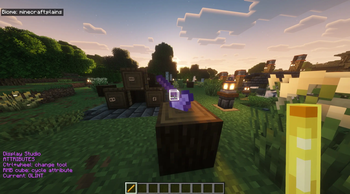
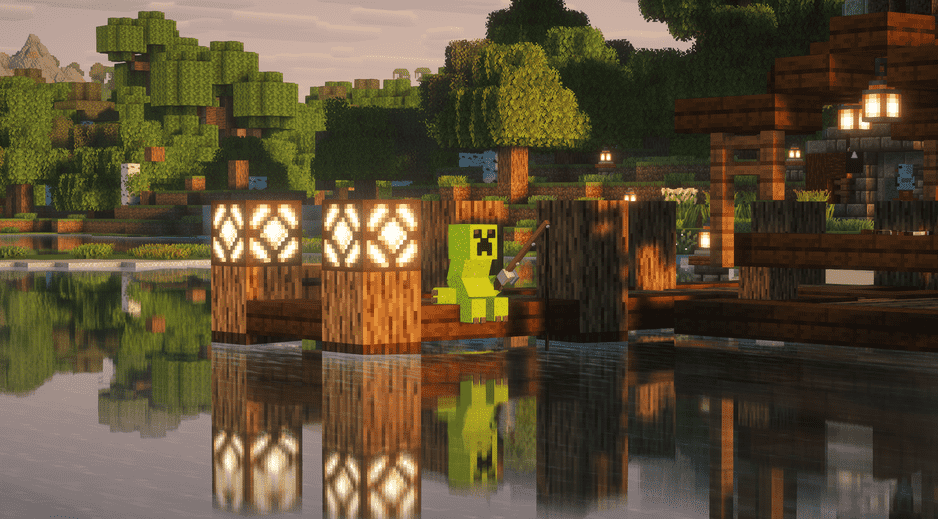
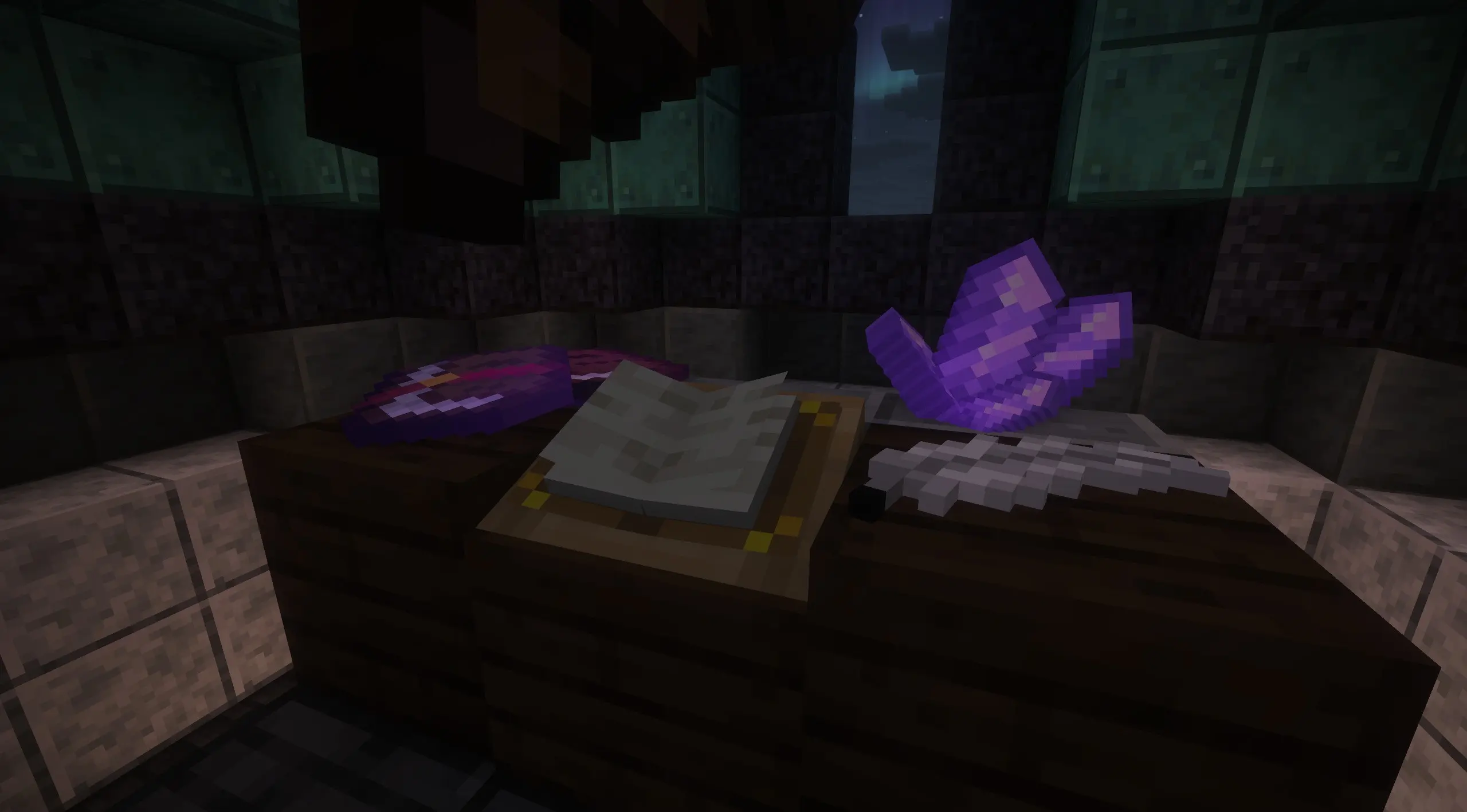
 Tired of constant commands for display entities? Look no further! Easily and intuitively pose items and create detailed models for your Minecraft world. Display entities are server-wide and technically vanilla, so even on a vanilla realm, anyone can see your work! Controls are inspired by Litematica's stick menu, and the interface is inspired by Axiom's built-in entity editor(not client-side/server visible). Hold a blaze rod to see controls. Press G to search and summon entities. (text is WIP) TWO IMPORTANT NOTES - You must be OP to use this mod, as it's vanilla-friendly and utilizes commands. Also set the command feedback gamerule to false. (trust me)
- Edition: Minecraft Java
- File type: .jar
- Minecraft version listed: 26.2
- How to install: Install the matching mod loader (Forge, Fabric or NeoForge) for your Minecraft version. → Download the .jar. → Put it in the .minecraft/mods folder and launch that loader profile.
- Where to get it: Opens on Modrinth — not every file is mirrored on our own servers.
Install steps are the general flow for this file type — How to install Minecraft Java mods & modpacks walks through it step by step.
- Ships as display-entity-studio-3.0+26.2.jar — drop this file into the mods folder
- Download size: 89 KB
- Download link checked 19 Sept 2026 — working
These come from our own check of the pack file, not from the source page.