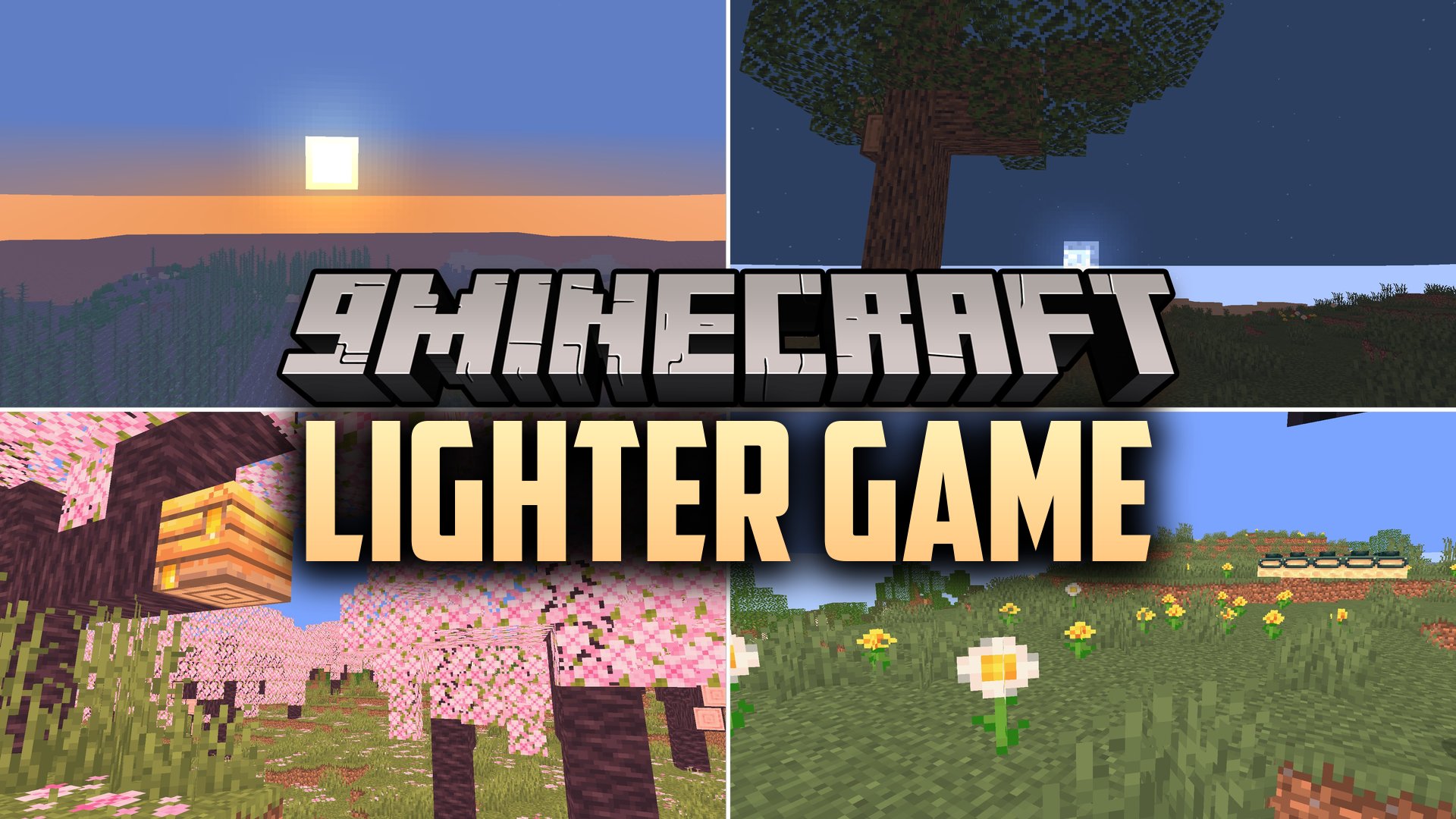
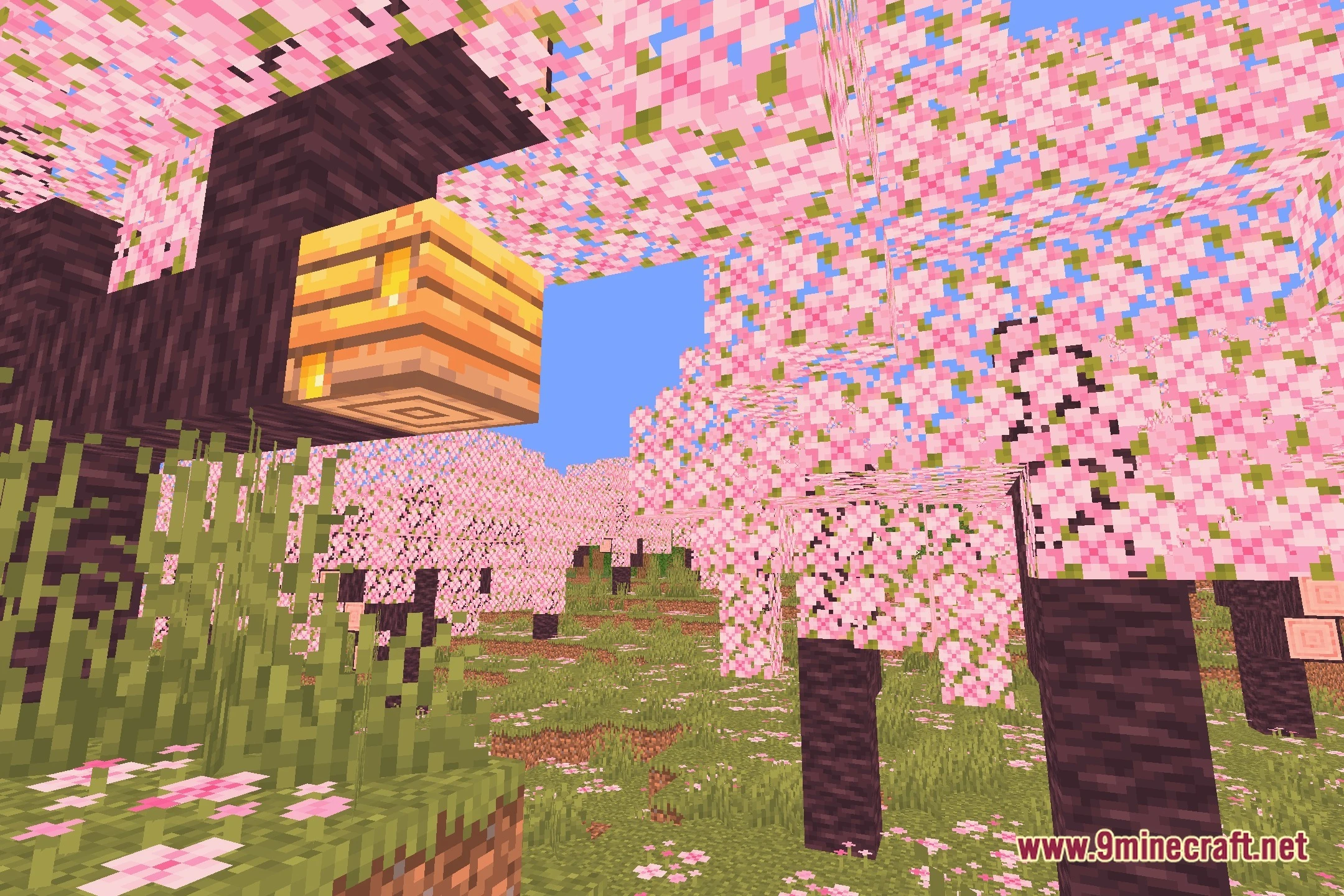
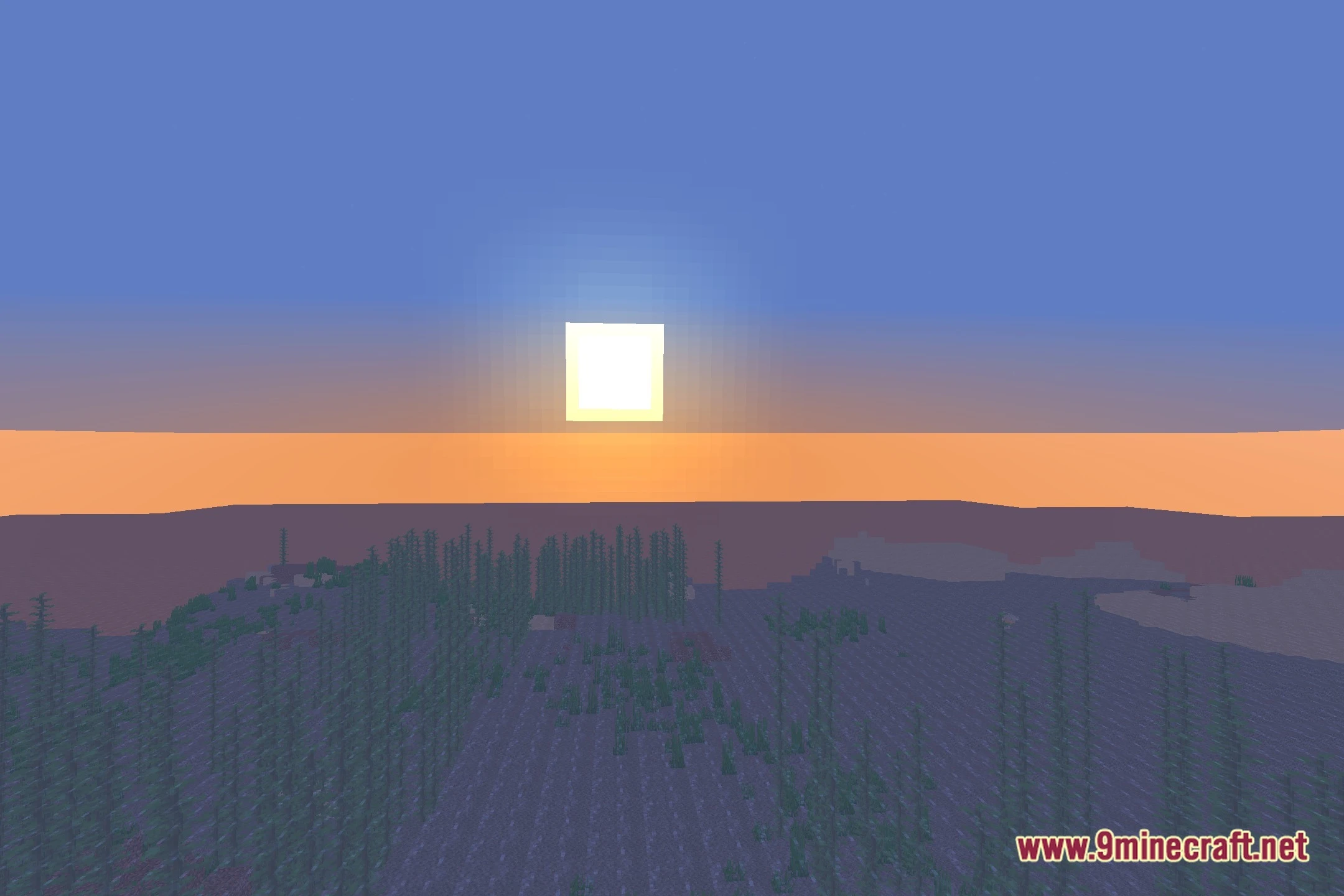
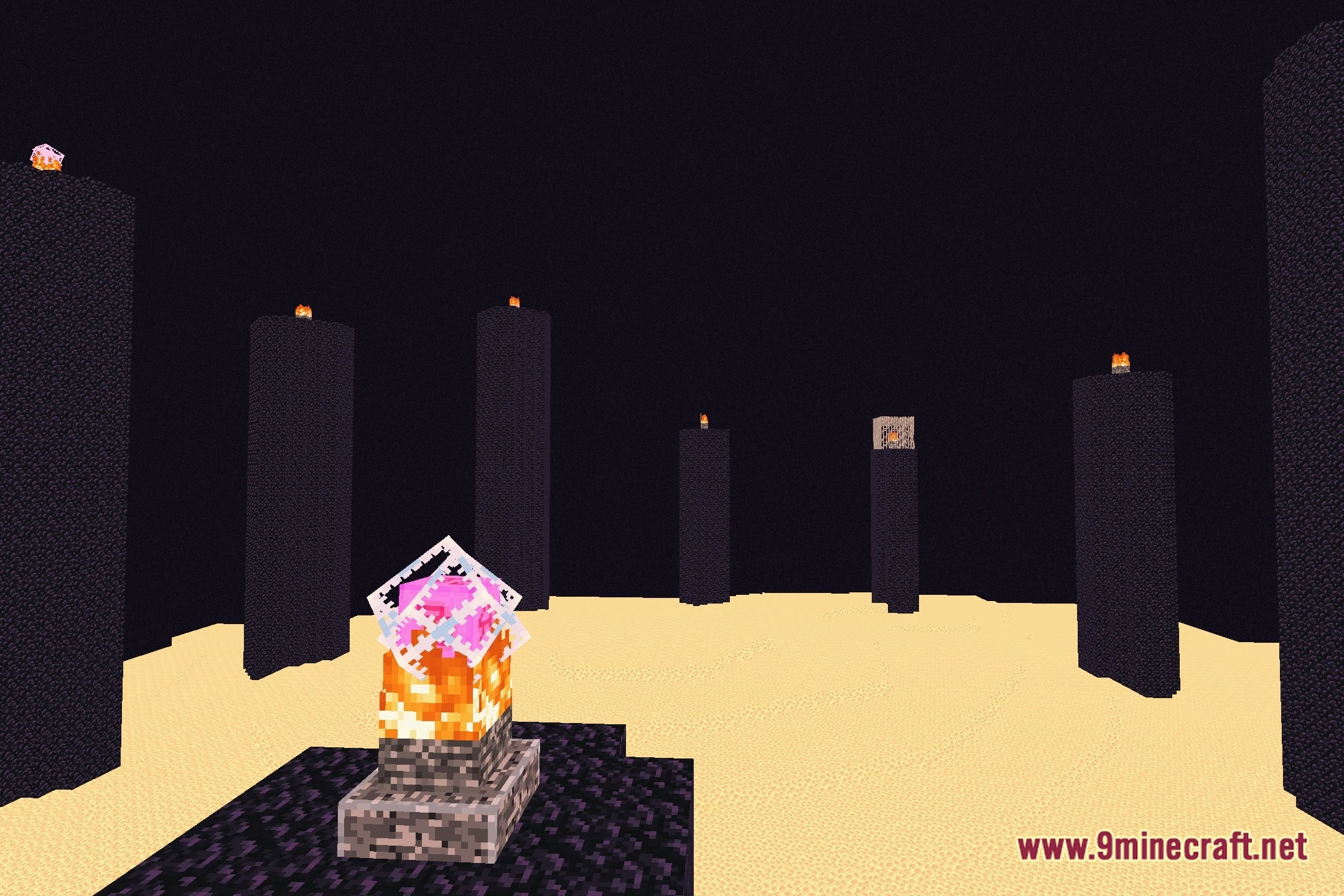
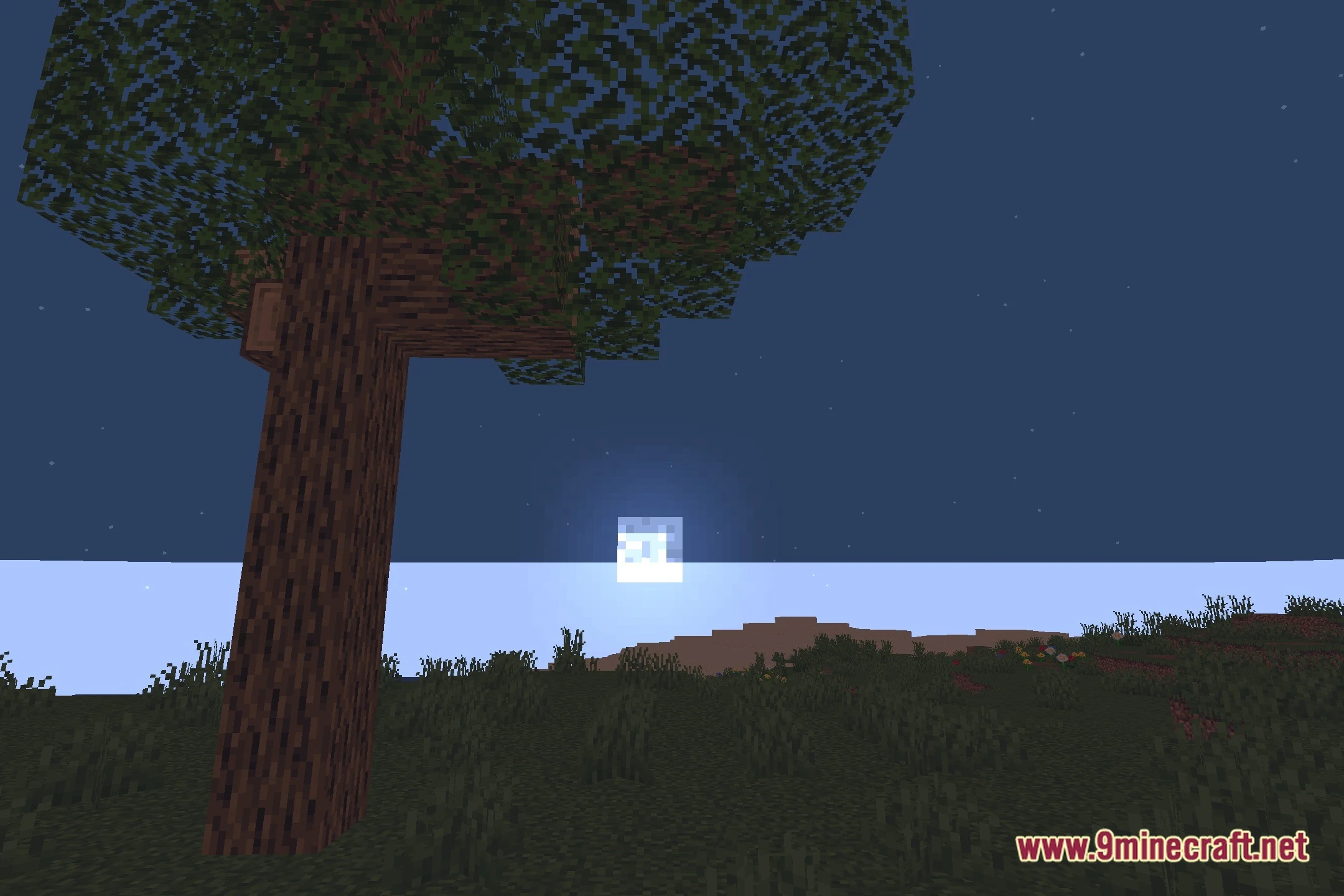
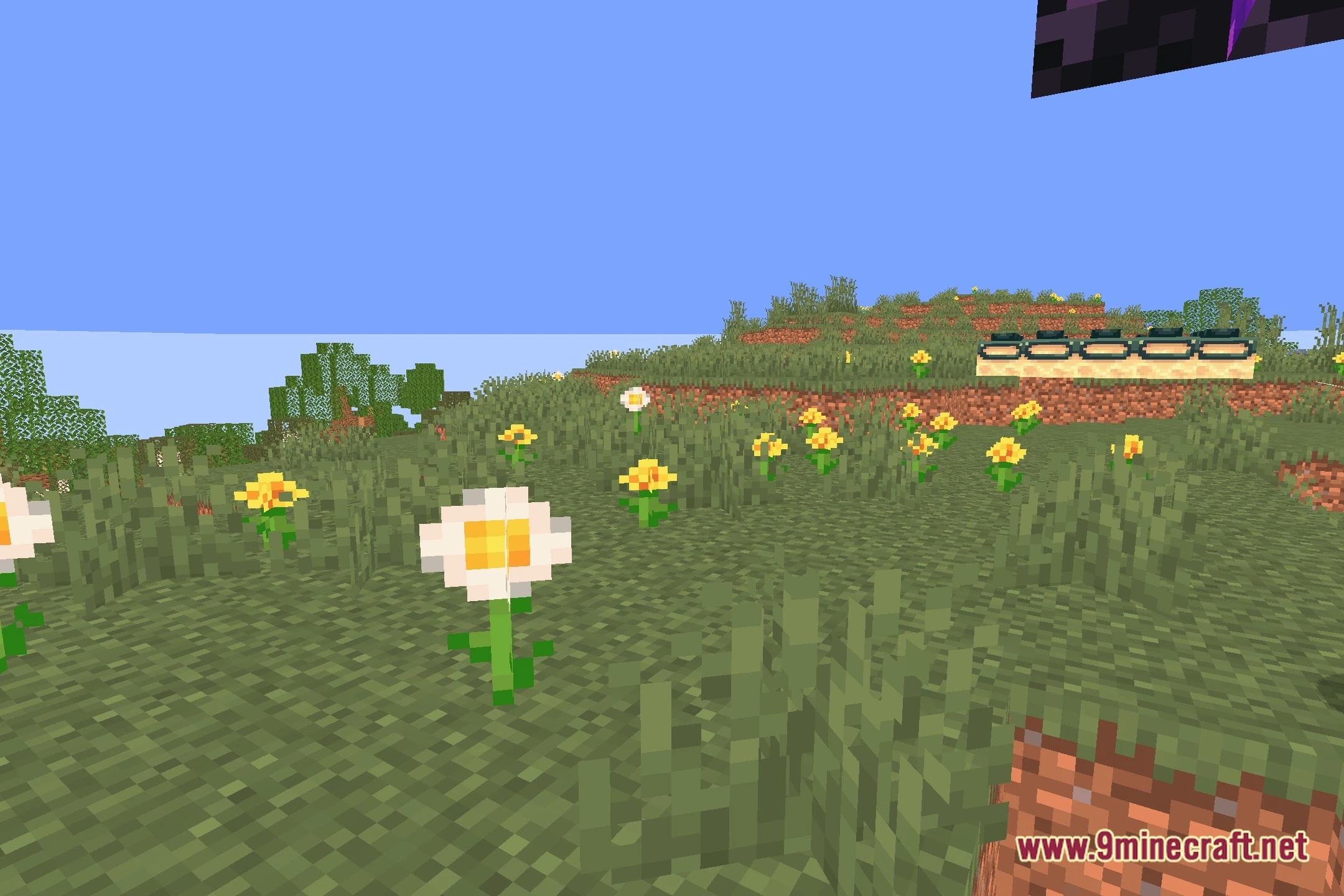
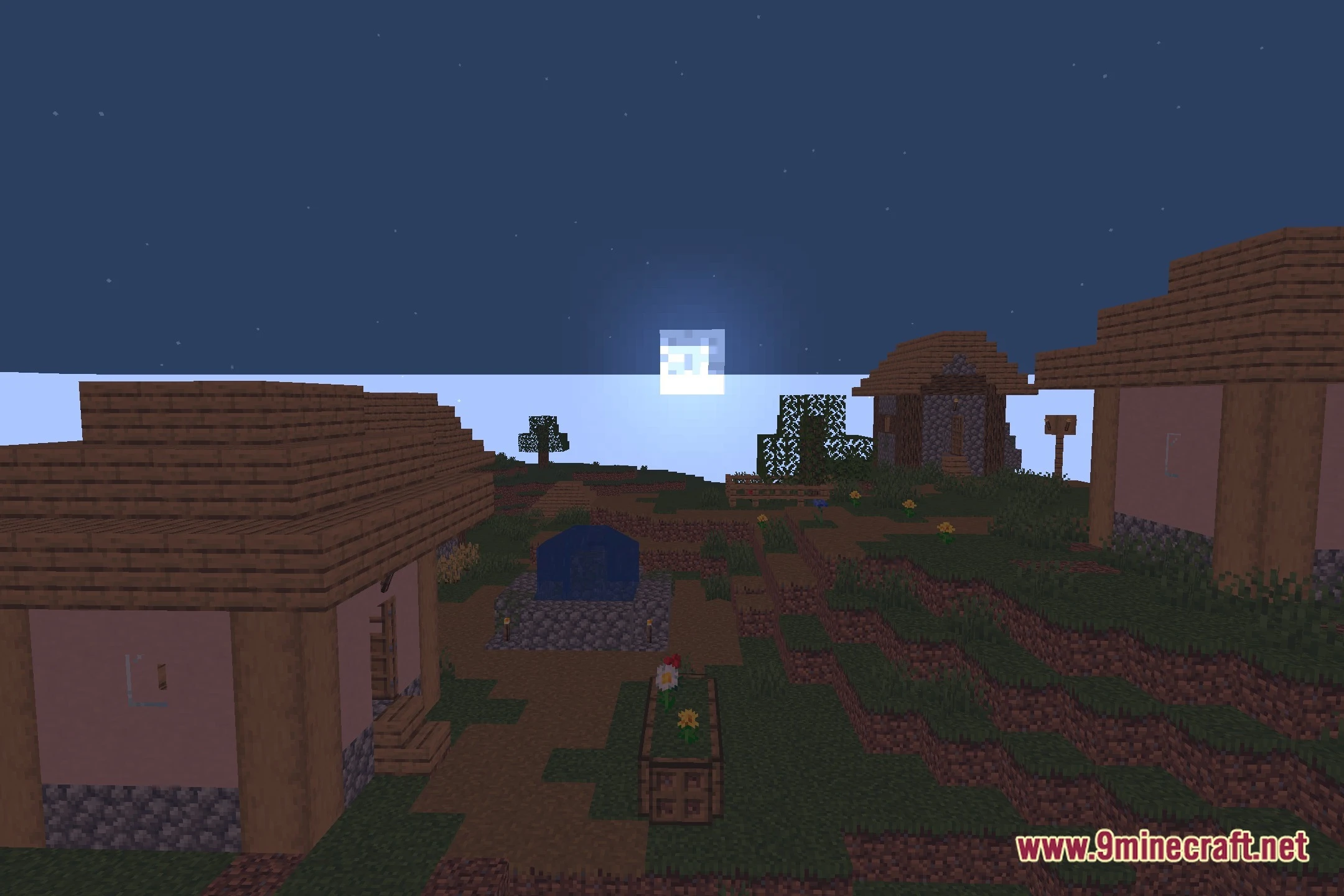
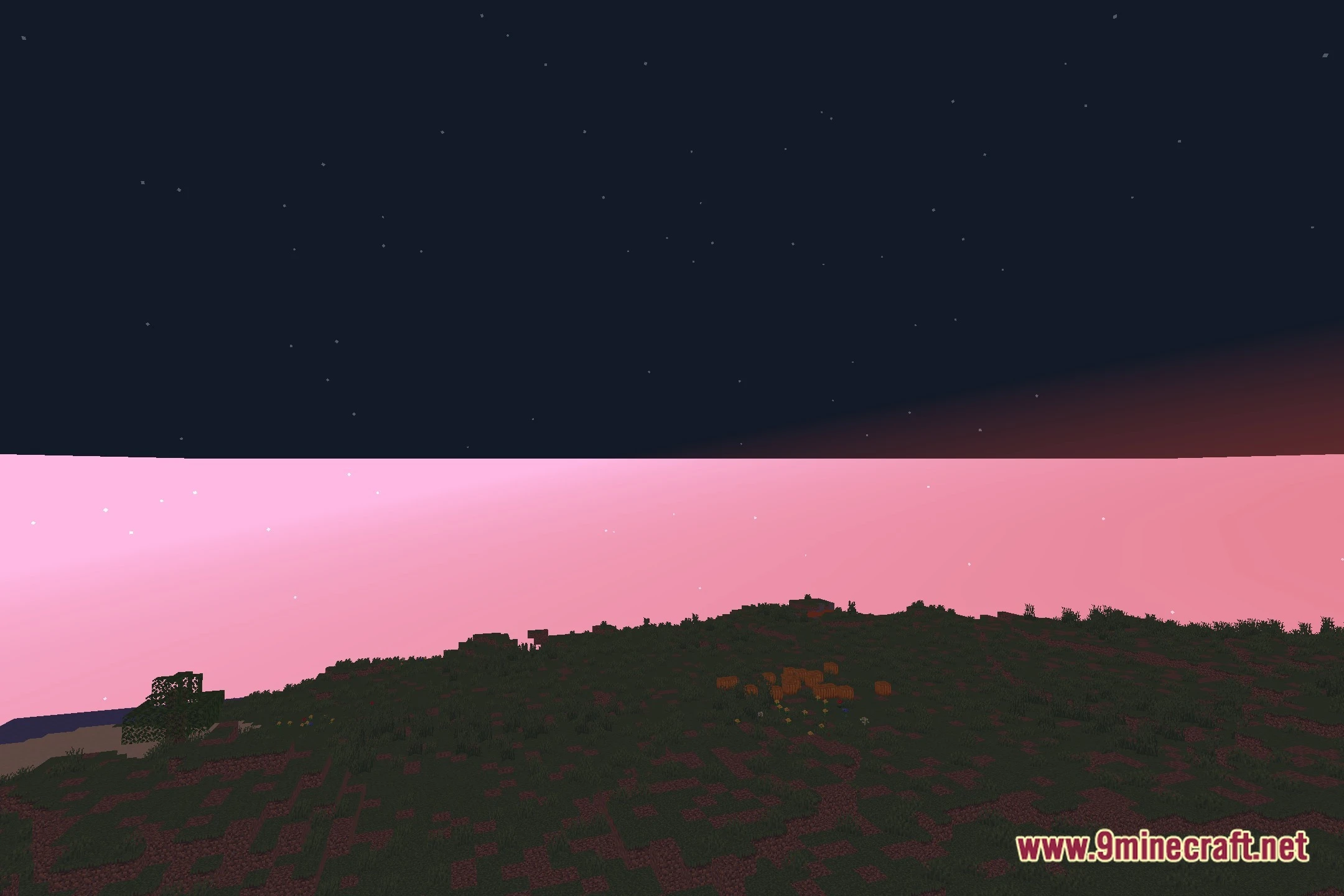
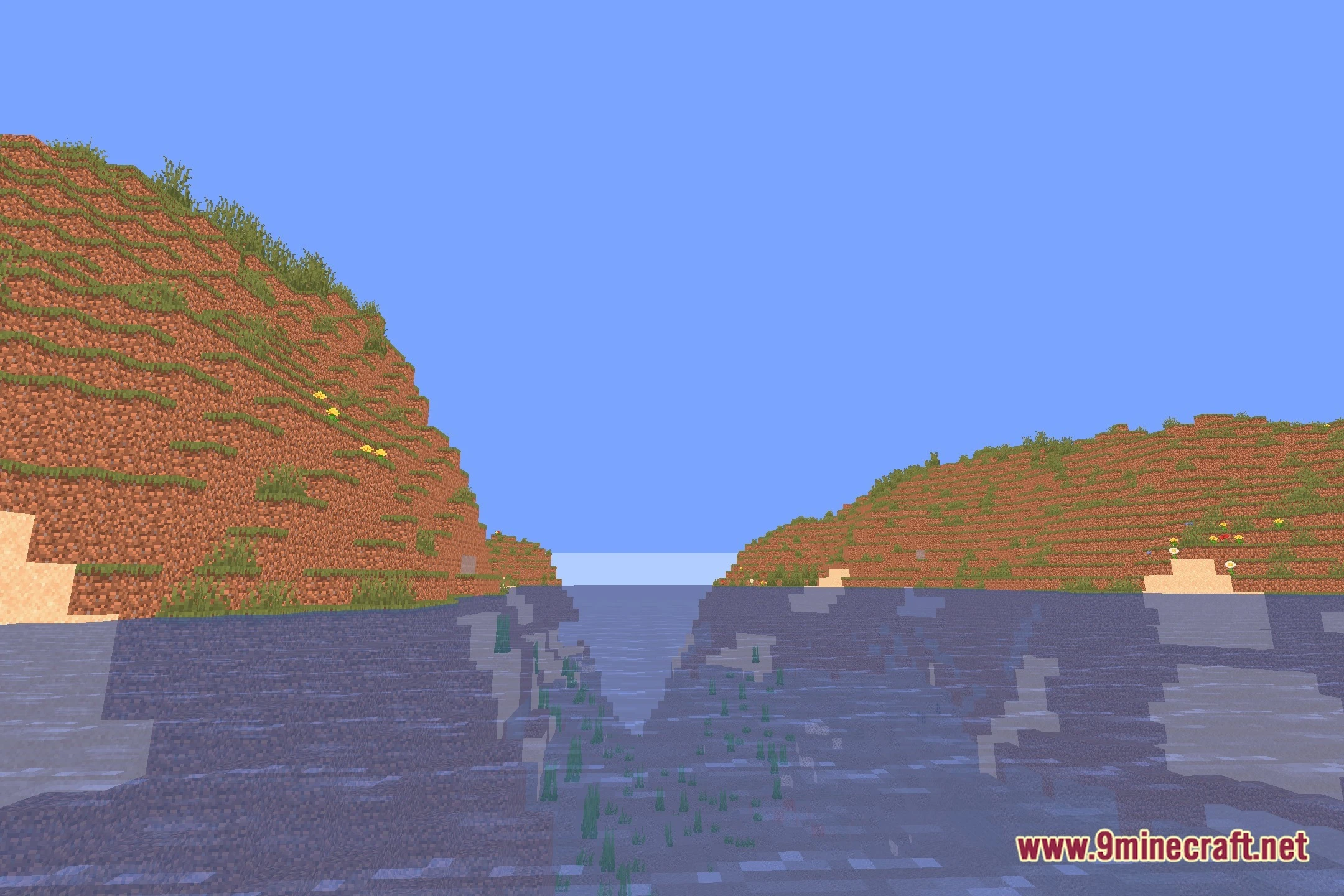
Lighter Game Shaders lights up your Minecraft worlds with soft realistic tones and warm colors. This shader pack focuses on clean visuals without slowing down your game. It adds gentle bloom, smooth day and night shifts, and quiet night fog that makes dark areas look calm. You get pleasant shadows and glowing lights while keeping your game running smoothly on medium-tier computers.
Features:
- Adds warm colored lighting to torches and light sources across the world.
- Creates realistic day-to-night transitions with natural sky tones.
- Adds soft atmospheric fog during nighttime and rainy weather.
- Features subtle bloom effects that make bright spots glow gently.
- Provides balanced shadow details tuned for mid-range computer setups.
- Works directly with Iris for steady frame rates.
Screenshots:
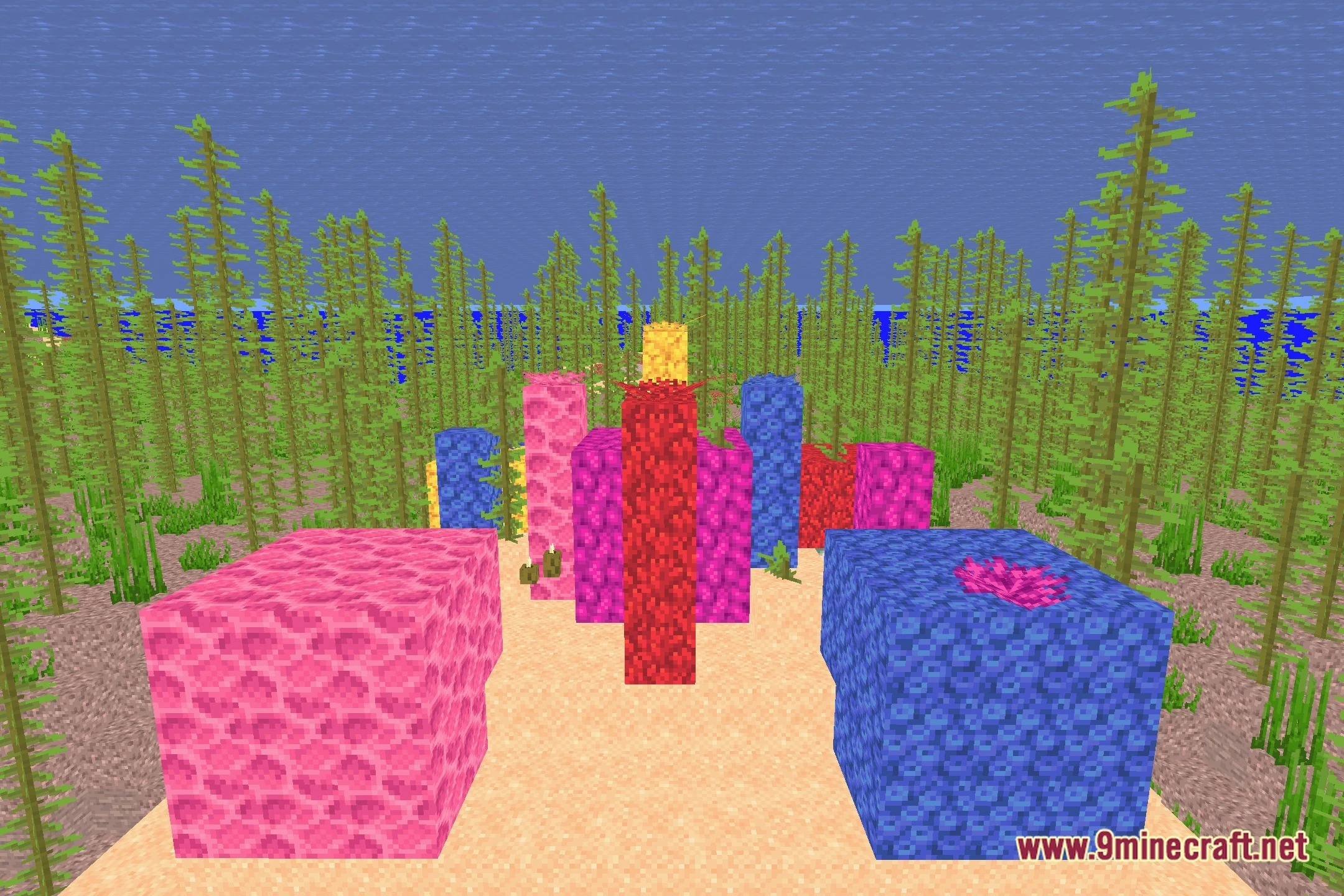
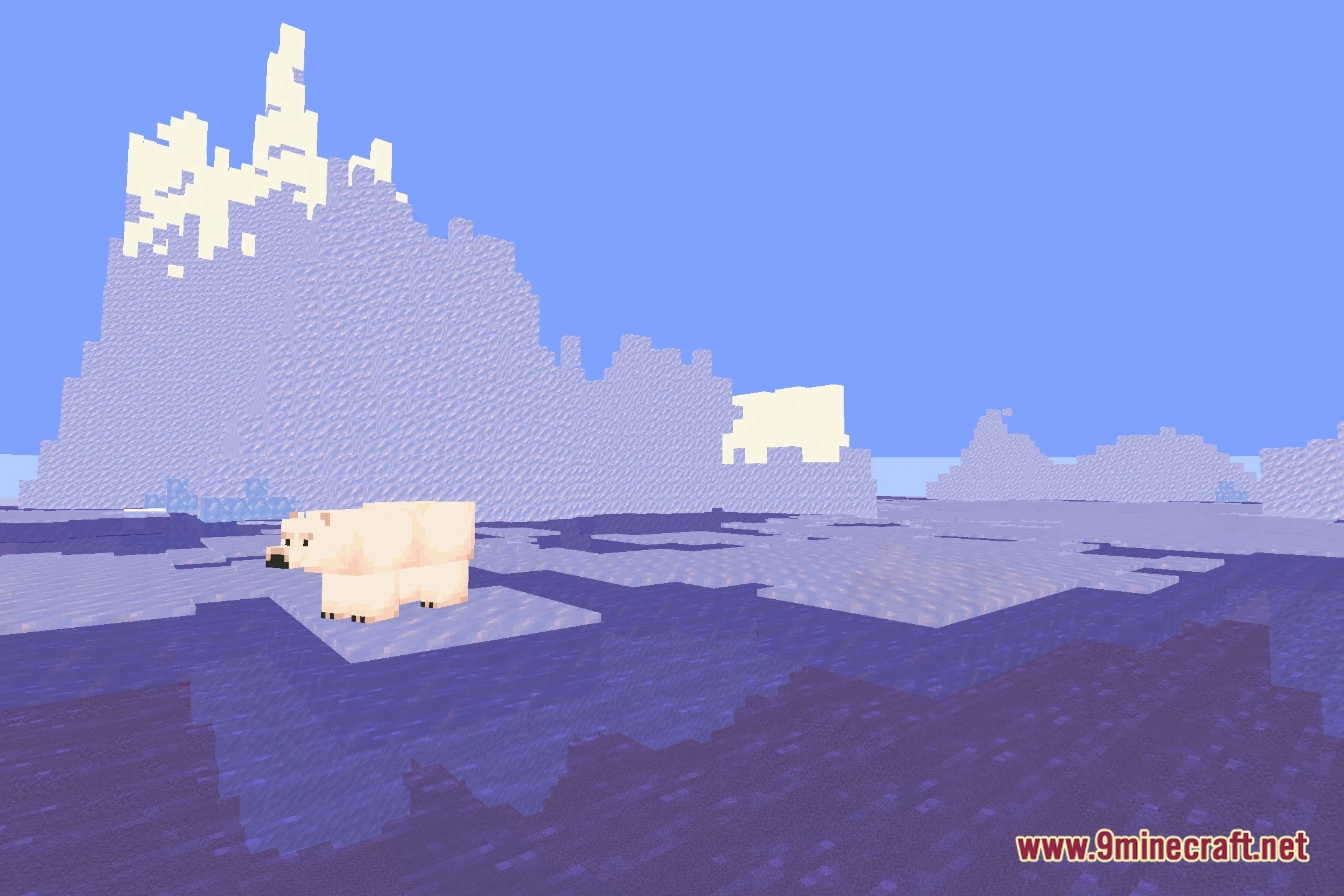
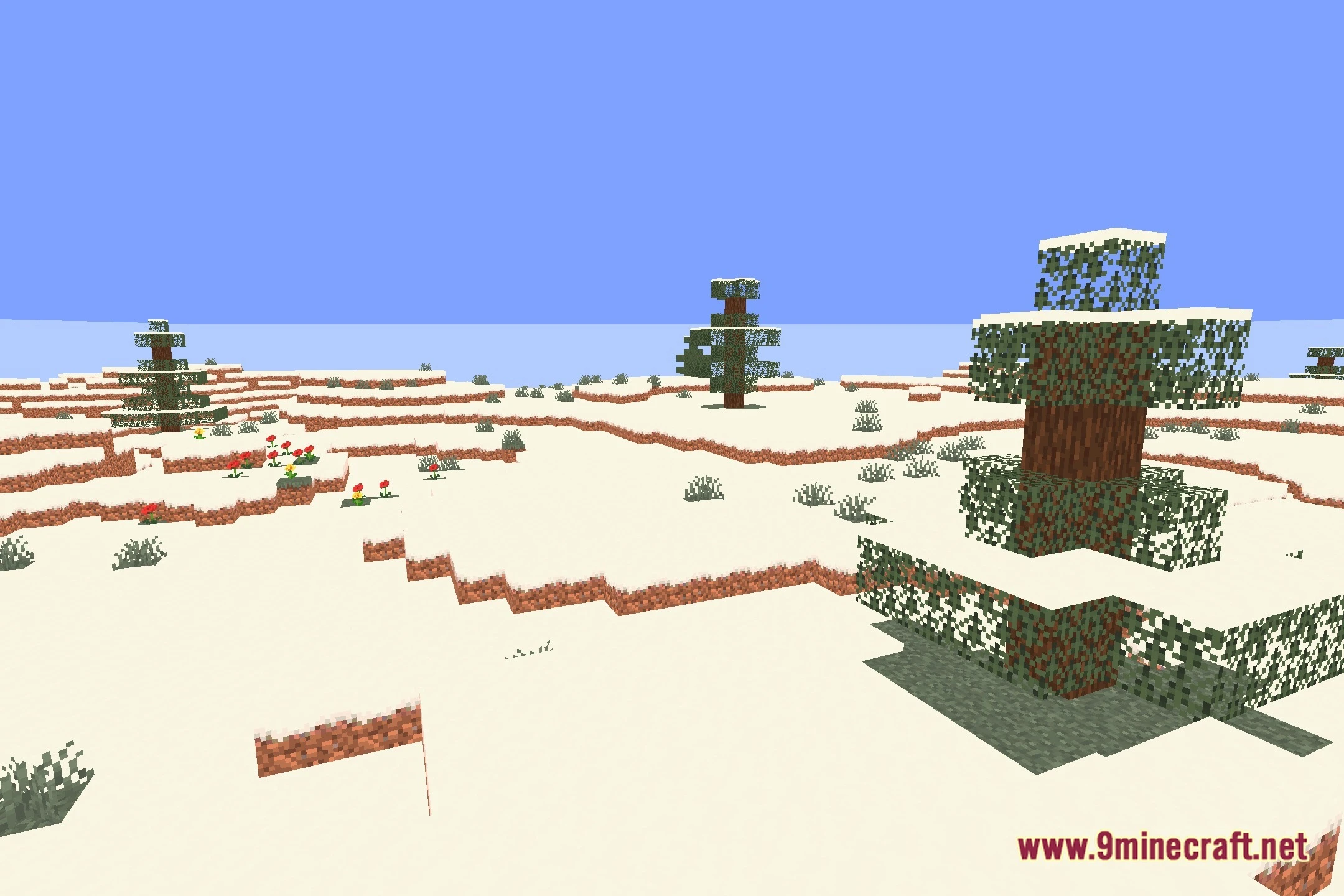
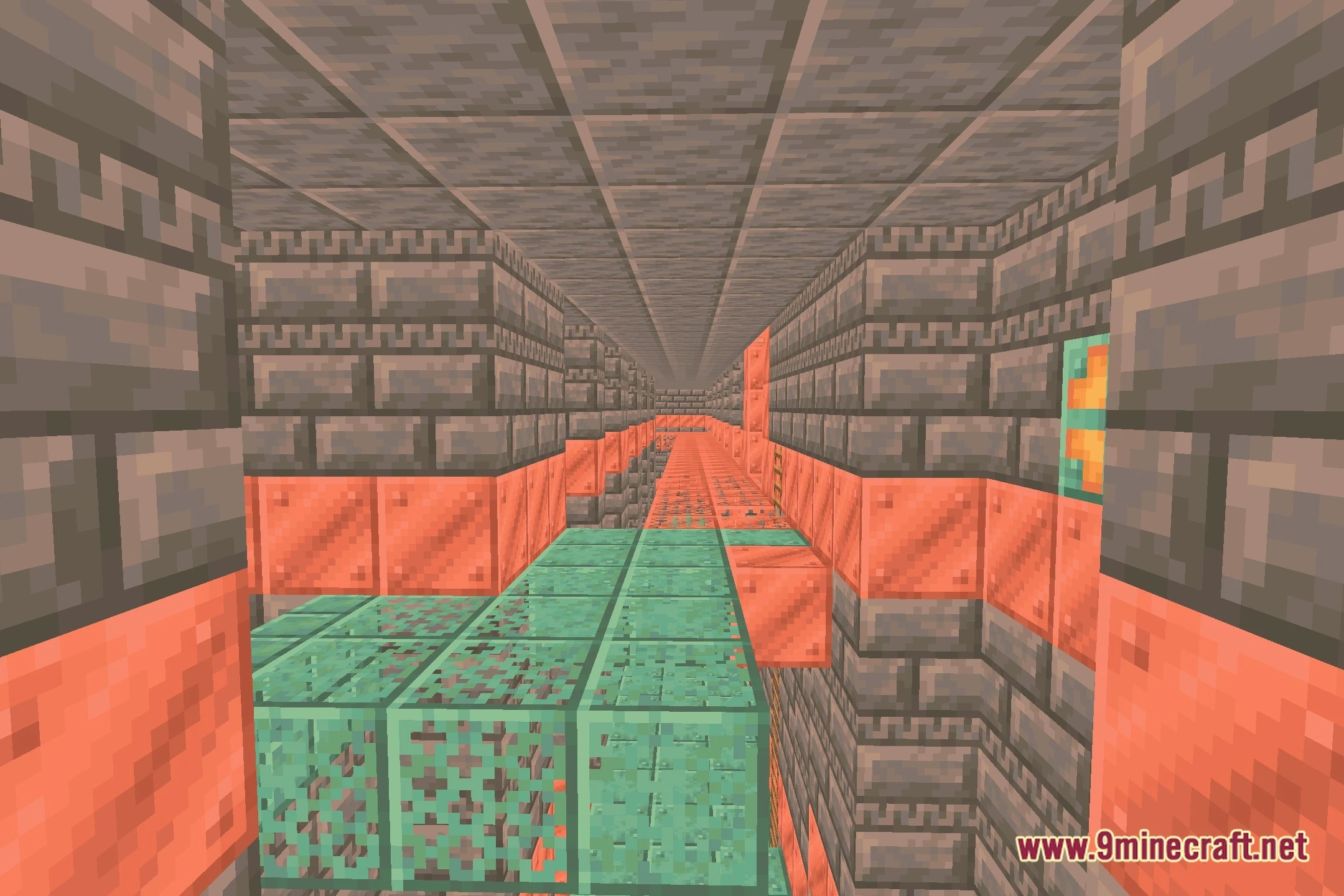
Lighter Game Shaders Download Links
Quick facts
- Edition: Minecraft Java
- File type: .zip (resource pack)
- Minecraft version listed: 1.20.1
- How to install: Download the .zip resource pack — do not unzip it. → Put it in .minecraft/resourcepacks. → Enable it in Options → Resource Packs.
- Where to get it: Opens on the file's original source — not every file is mirrored on our own servers.
Install steps are the general flow for this file type — see the MC Java Mods guides for the full walkthrough.
Lighter Game Shaders (26.2, 1.20.1) – Warm Lighting and Soft Shadows is a free Minecraft Java shader. Compatible with Minecraft 1.20.1. Download it and open it directly in the game.