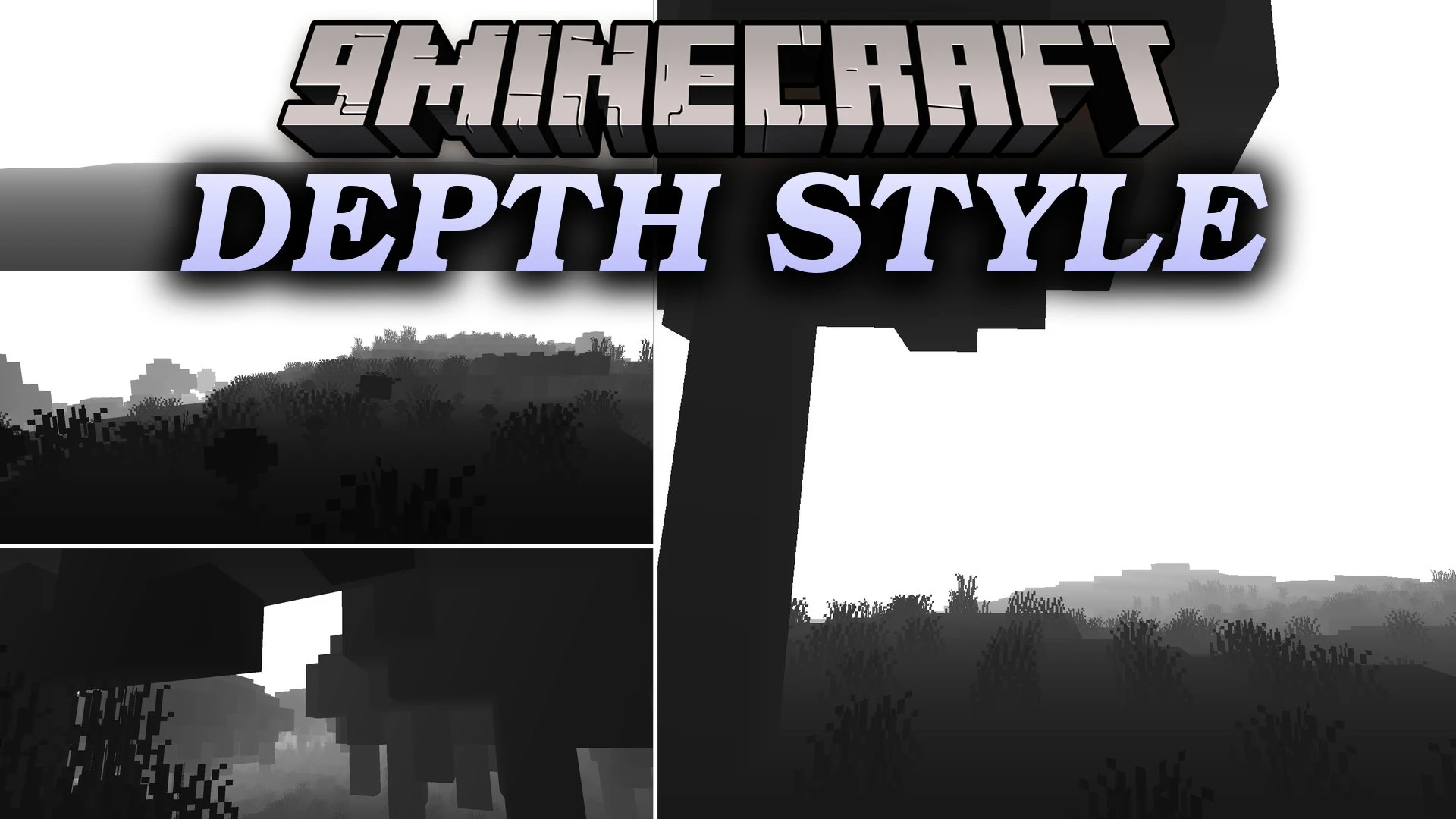
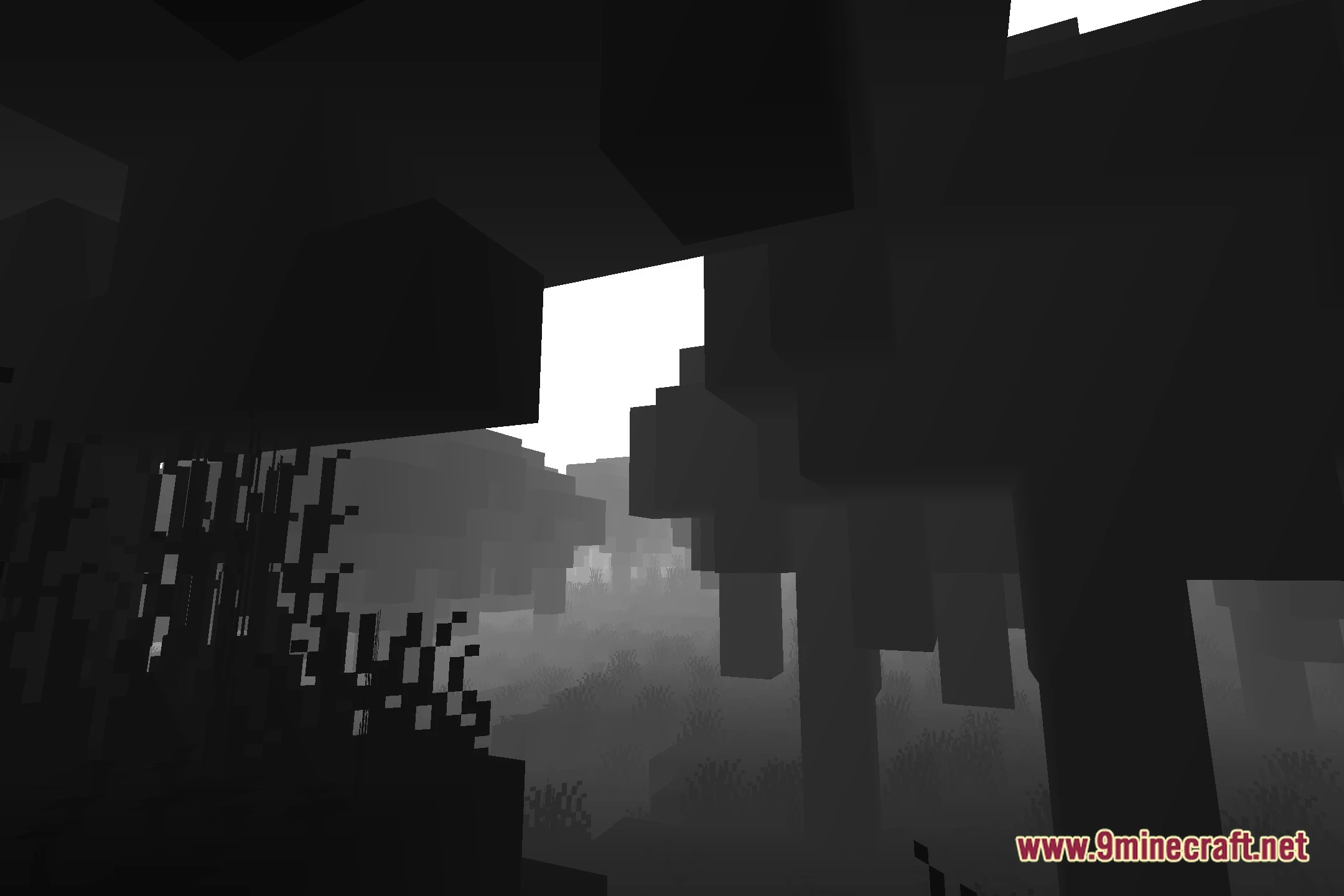
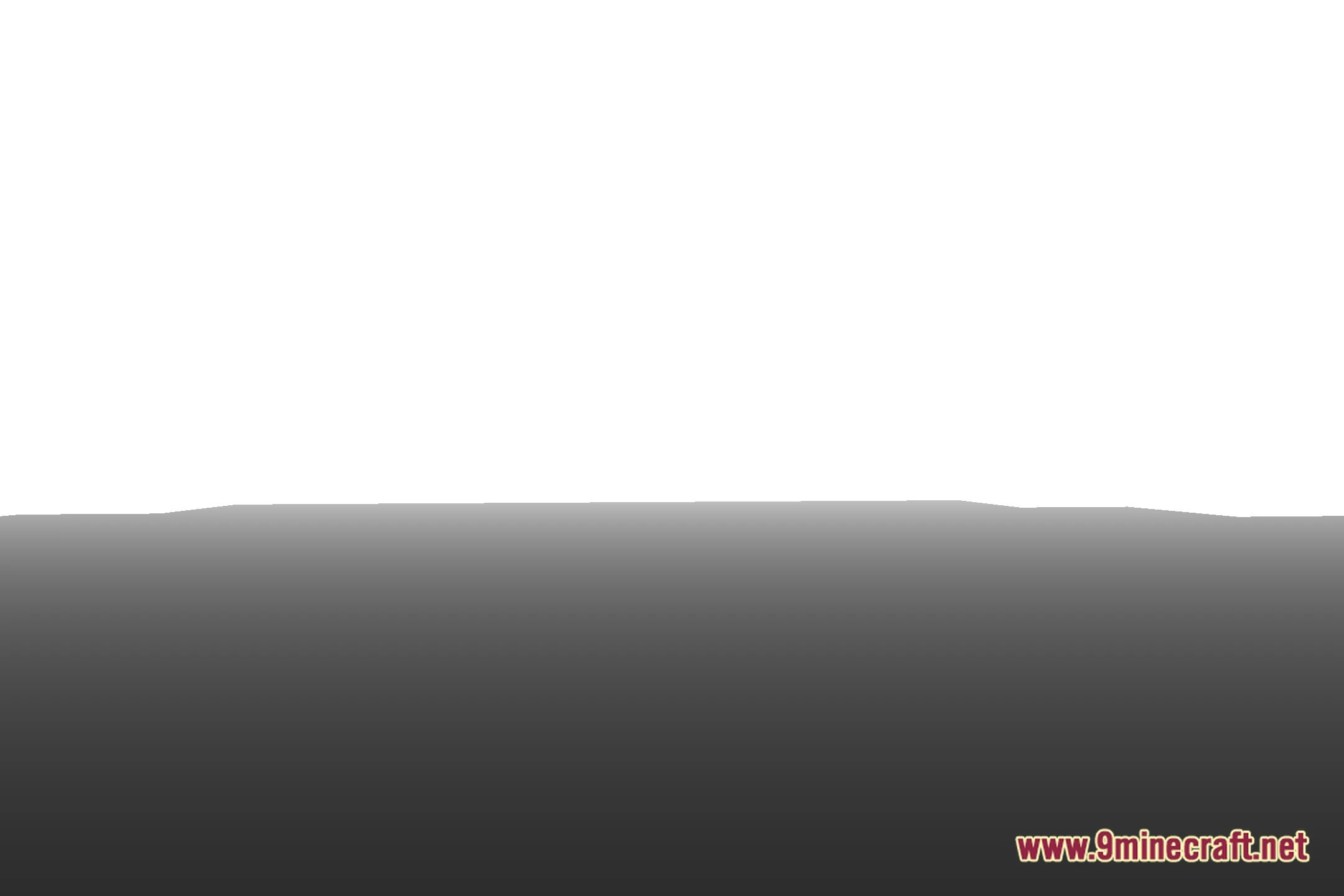
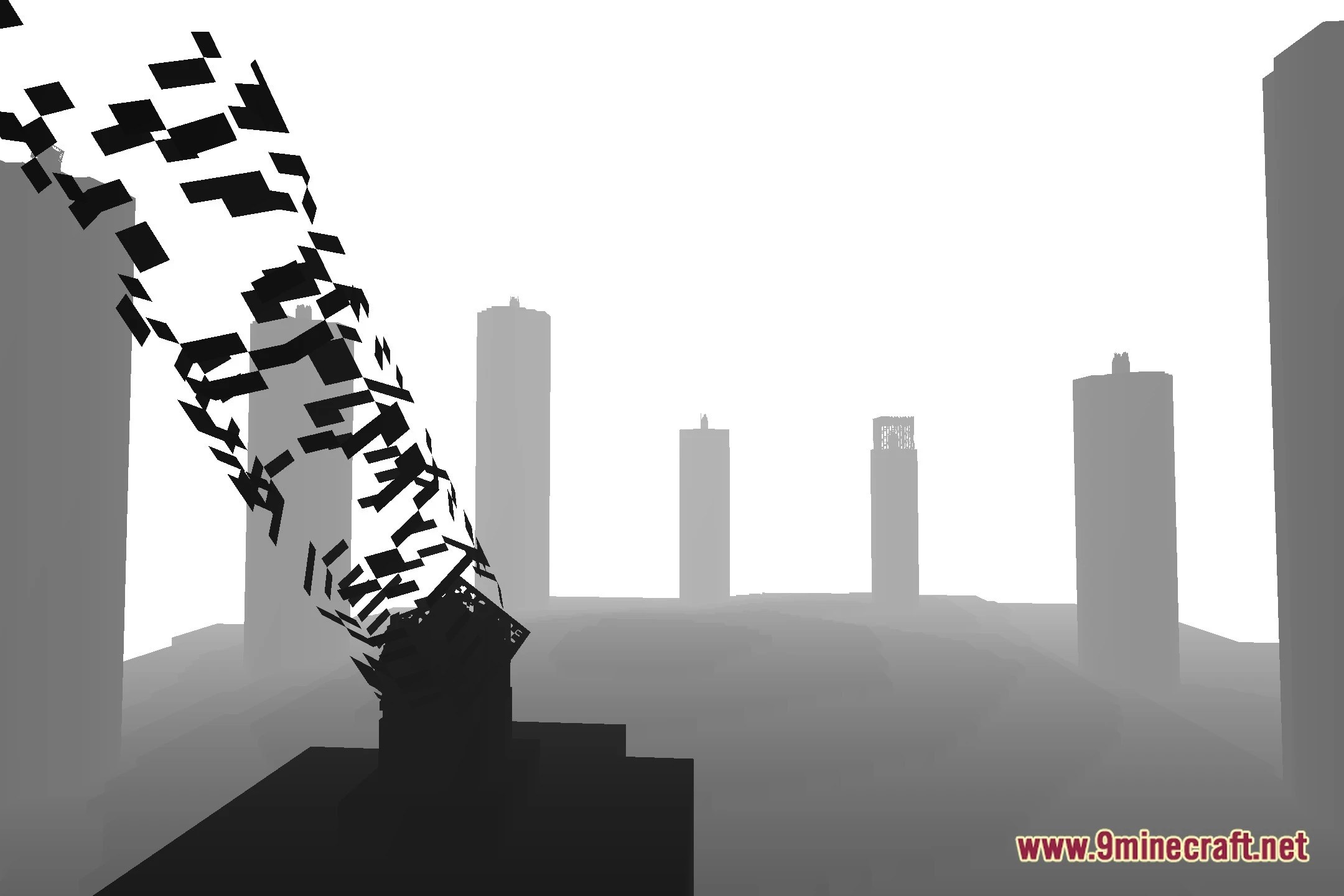
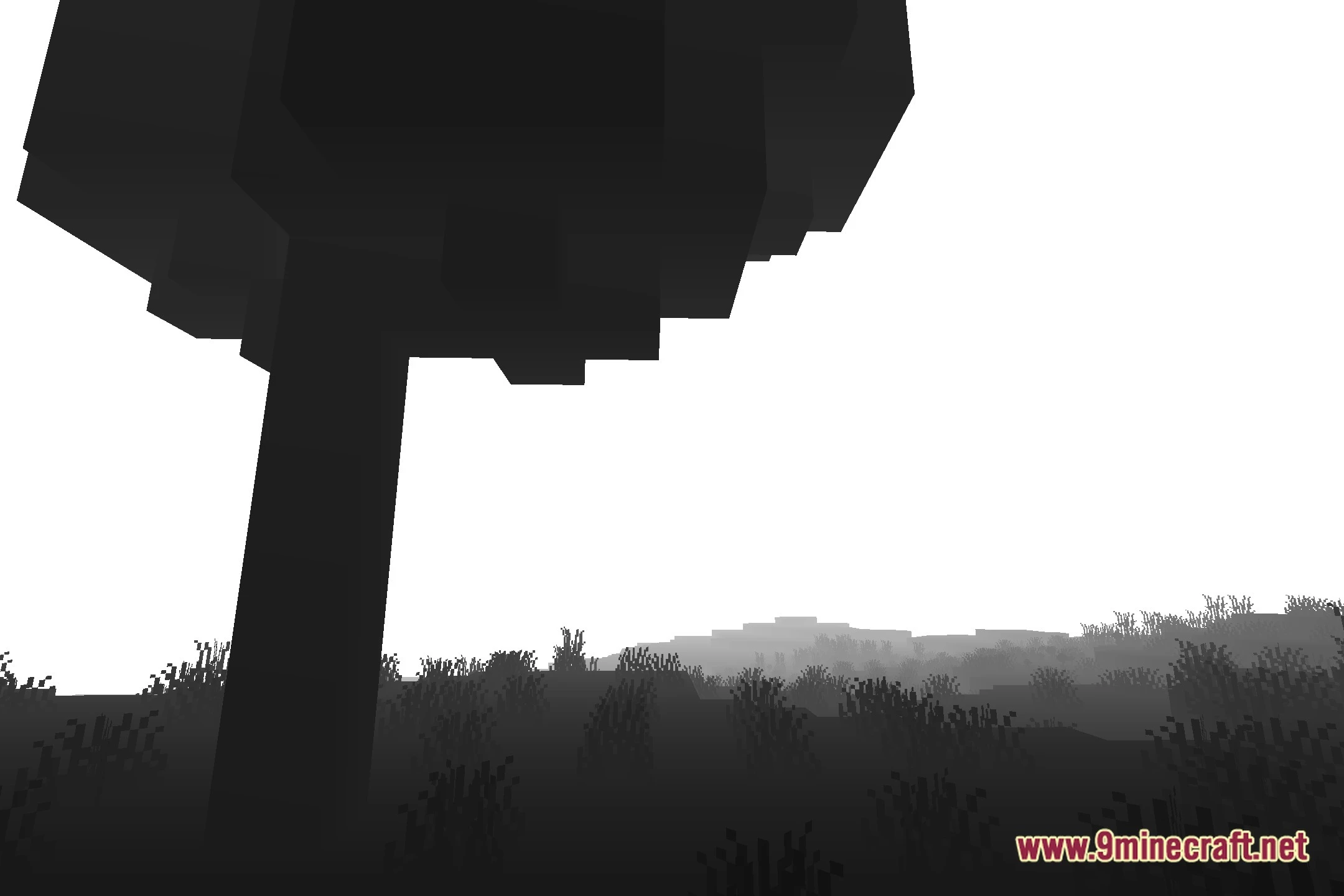
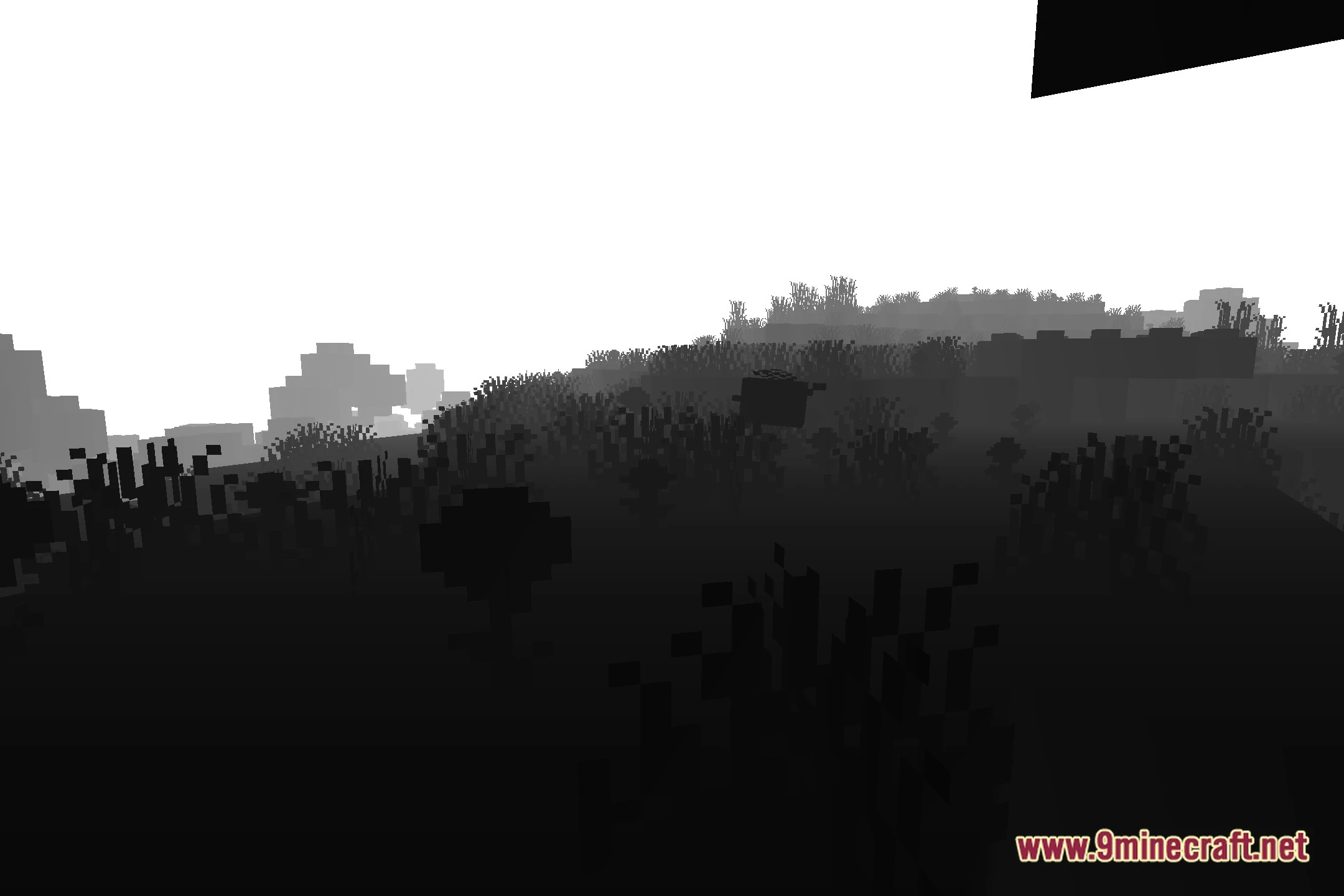
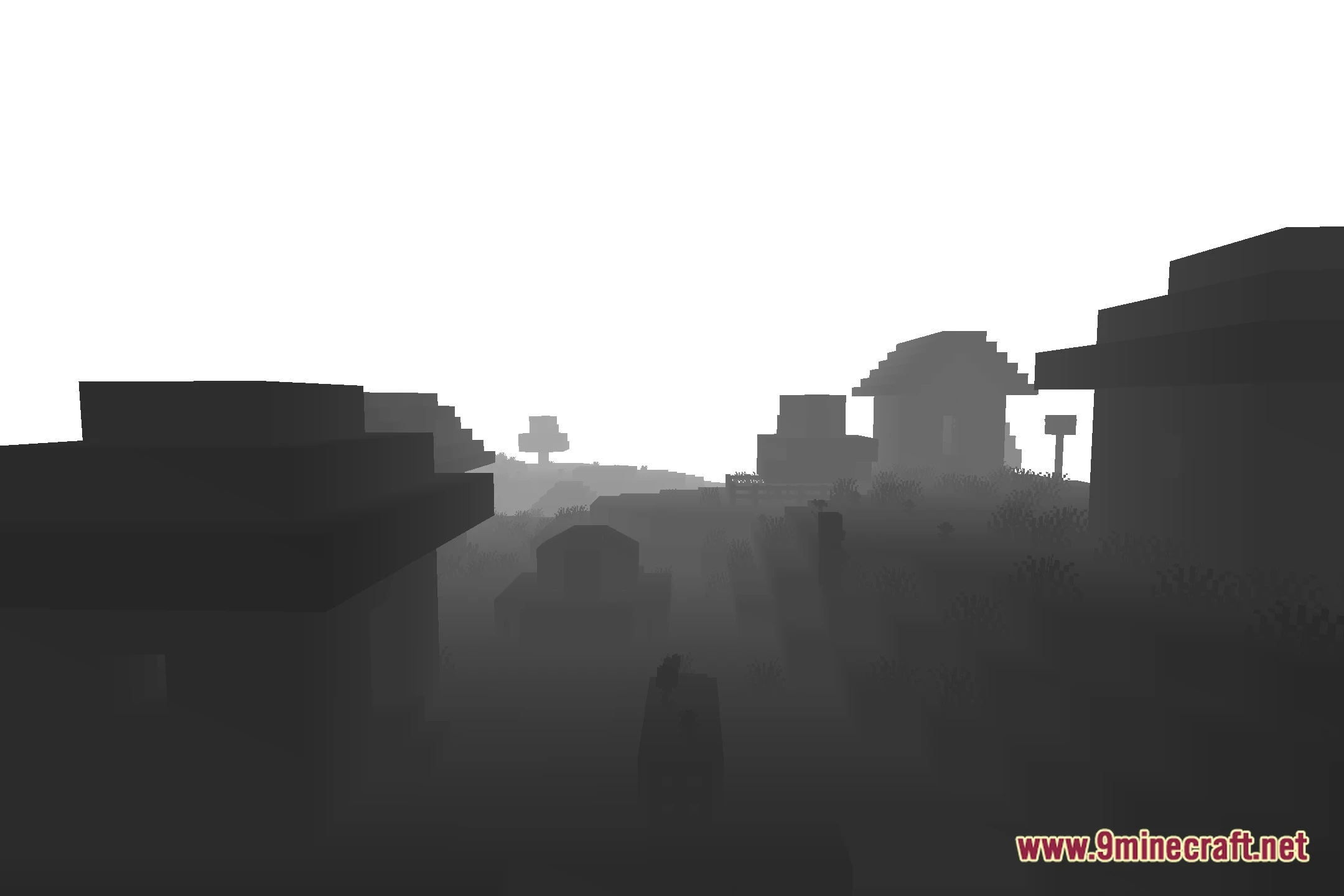
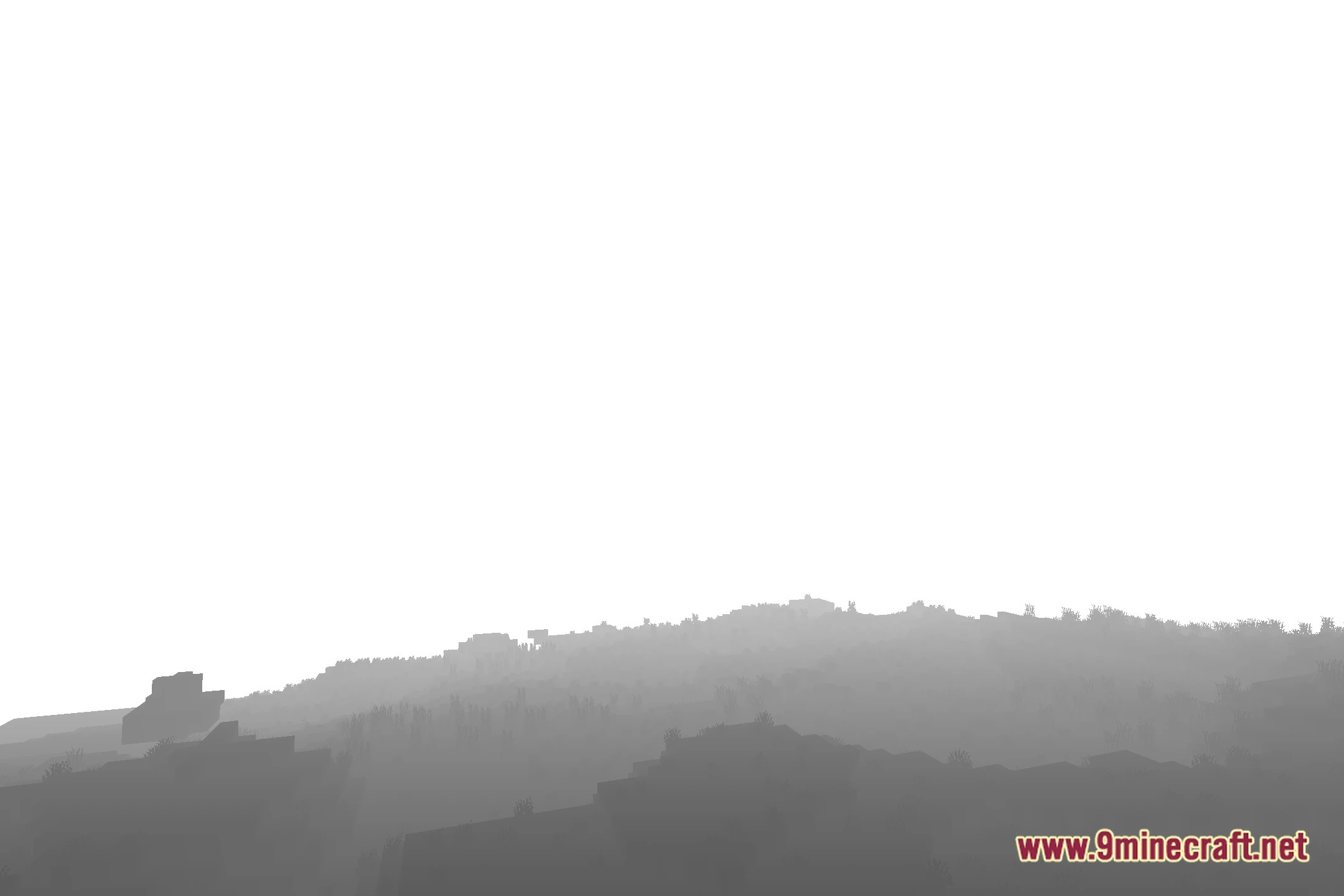
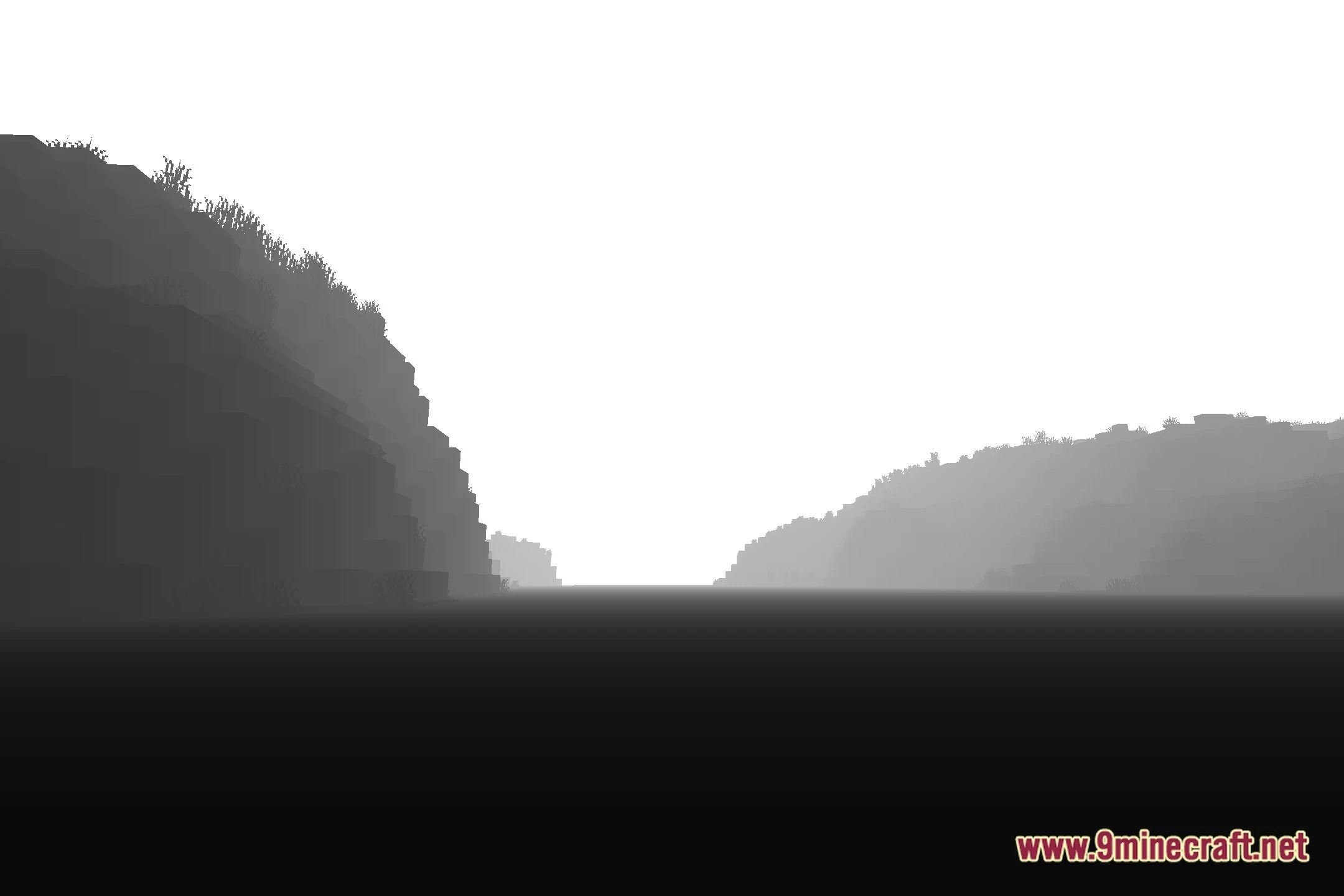
Depth Style Shaders turns the Minecraft world into a grayscale depth map for unique visuals and editing work. It displays distances clearly by shading closer objects darker and distant objects lighter. This shader runs fast on any PC without dropping frames, making it useful for capturing clean passes for video editing and custom depth of field effects.
Features:
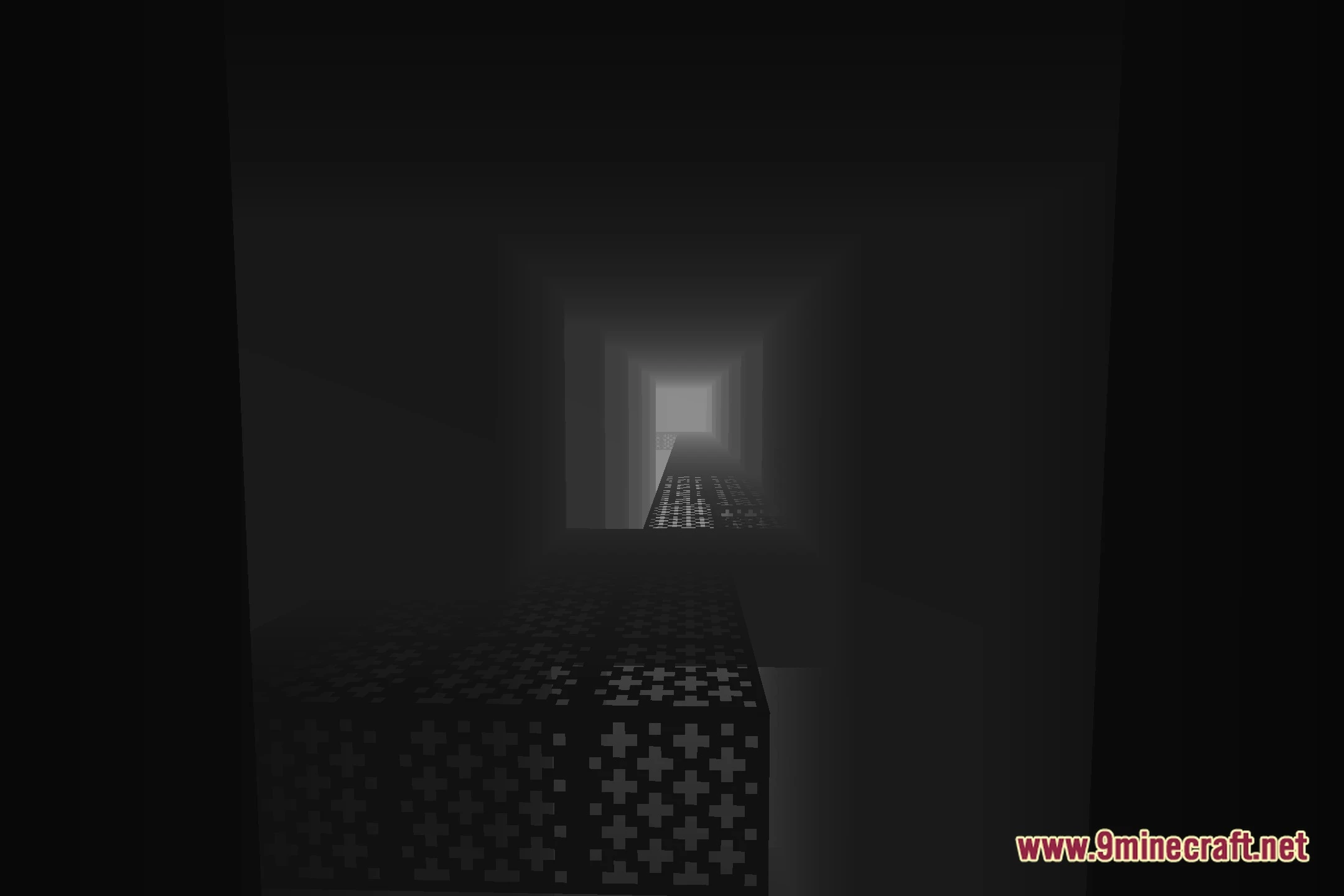
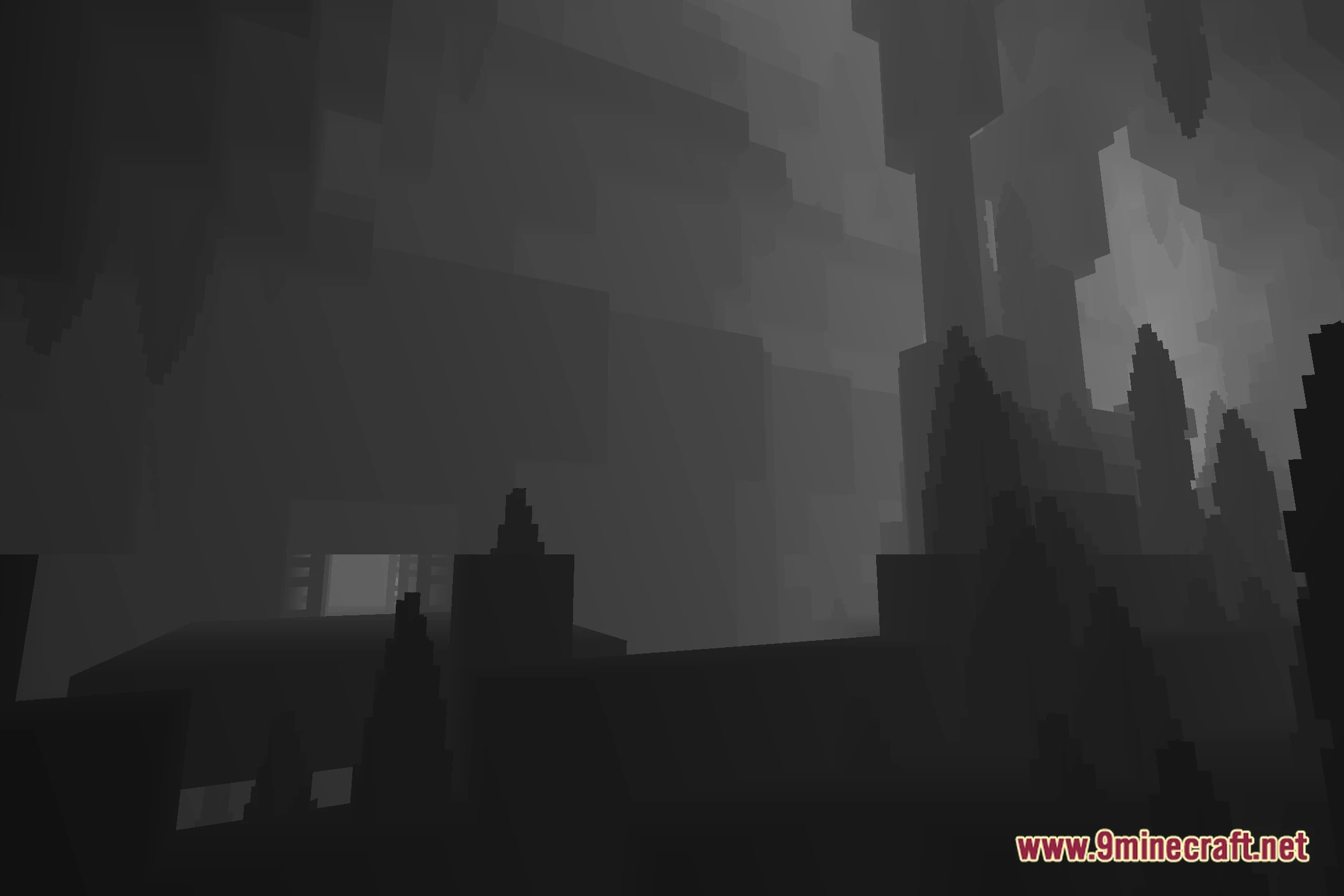
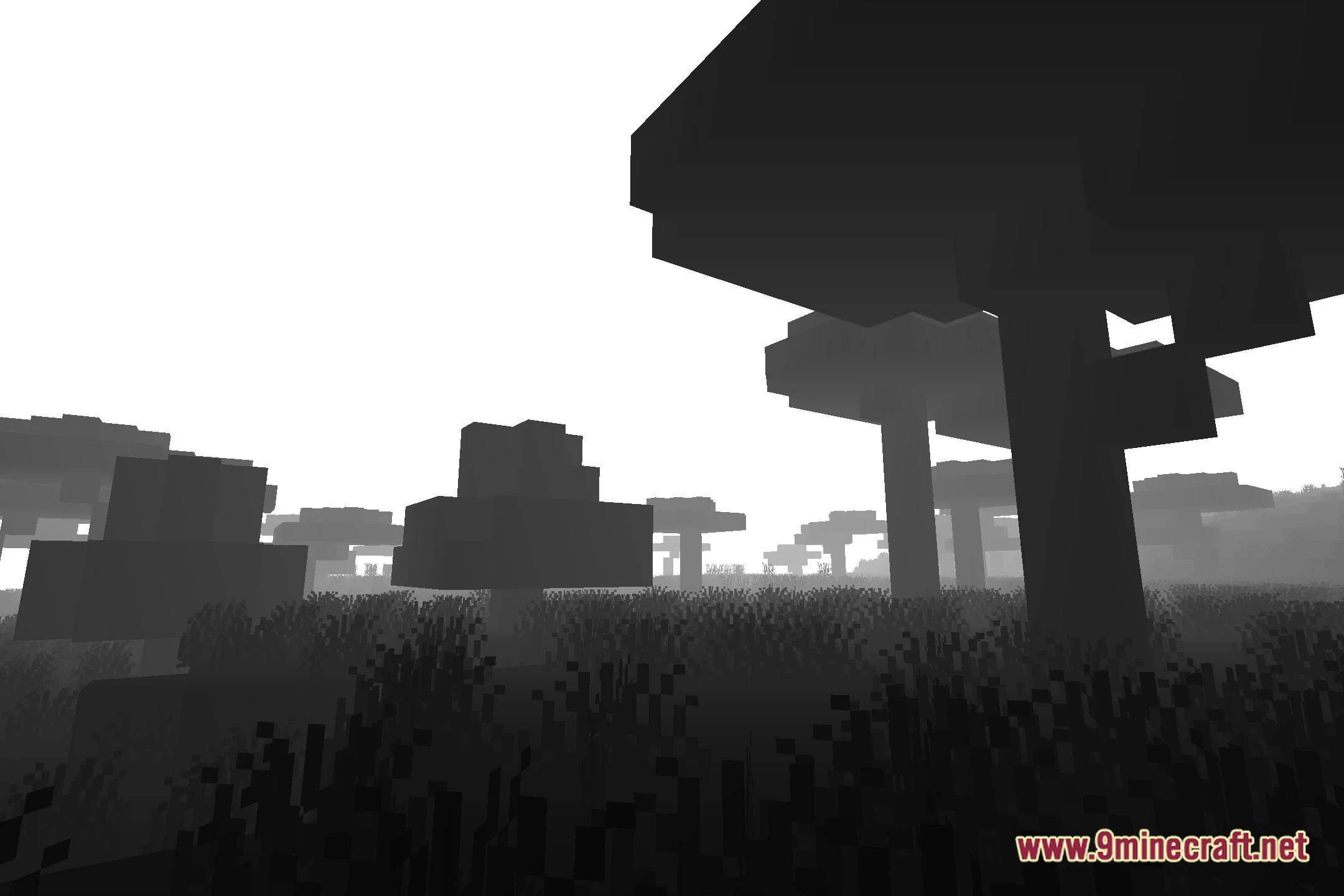
- Depth Map View: Converts the entire game view into a clear depth buffer image.
- Helps video creators set up depth of field effects in external editing software.
- Runs smoothly on any computer with zero impact on game performance.
- Shows distance gradients where close blocks and faraway terrain stand out distinctly.
- Works well for strange, stylized, or atmospheric screenshot captures.
Screenshots:
Depth Style Shaders Download Links
Quick facts
- Edition: Minecraft Java
- File type: .zip (resource pack)
- Minecraft version listed: 1.20.1
- How to install: Download the .zip resource pack — do not unzip it. → Put it in .minecraft/resourcepacks. → Enable it in Options → Resource Packs.
- Where to get it: Opens on the file's original source — not every file is mirrored on our own servers.
Install steps are the general flow for this file type — see the MC Java Mods guides for the full walkthrough.
Depth Style Shaders (26.2, 1.20.1) – Grayscale Depth Buffer for Video Editing is a free Minecraft Java shader. Compatible with Minecraft 1.20.1. Download it and open it directly in the game.