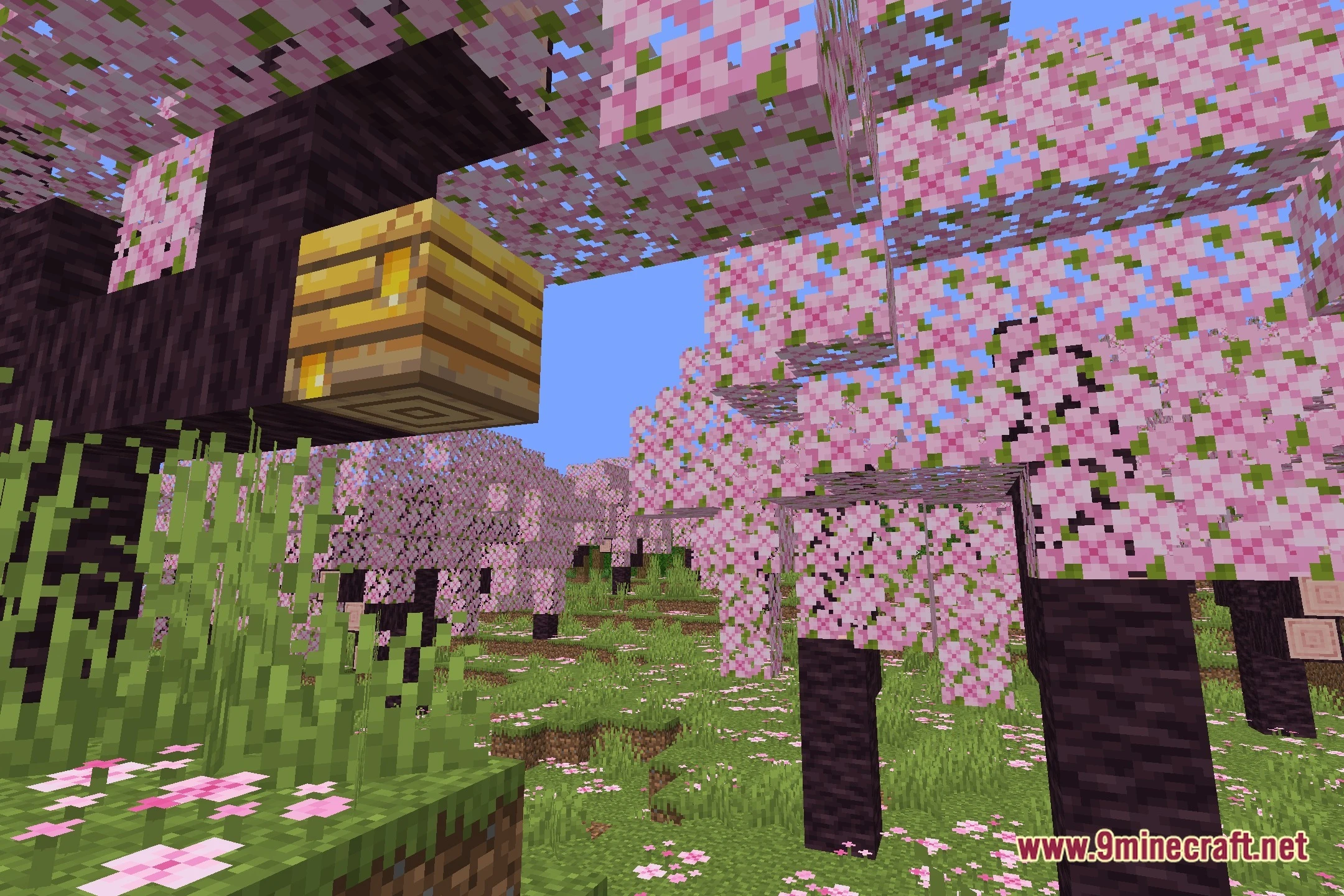
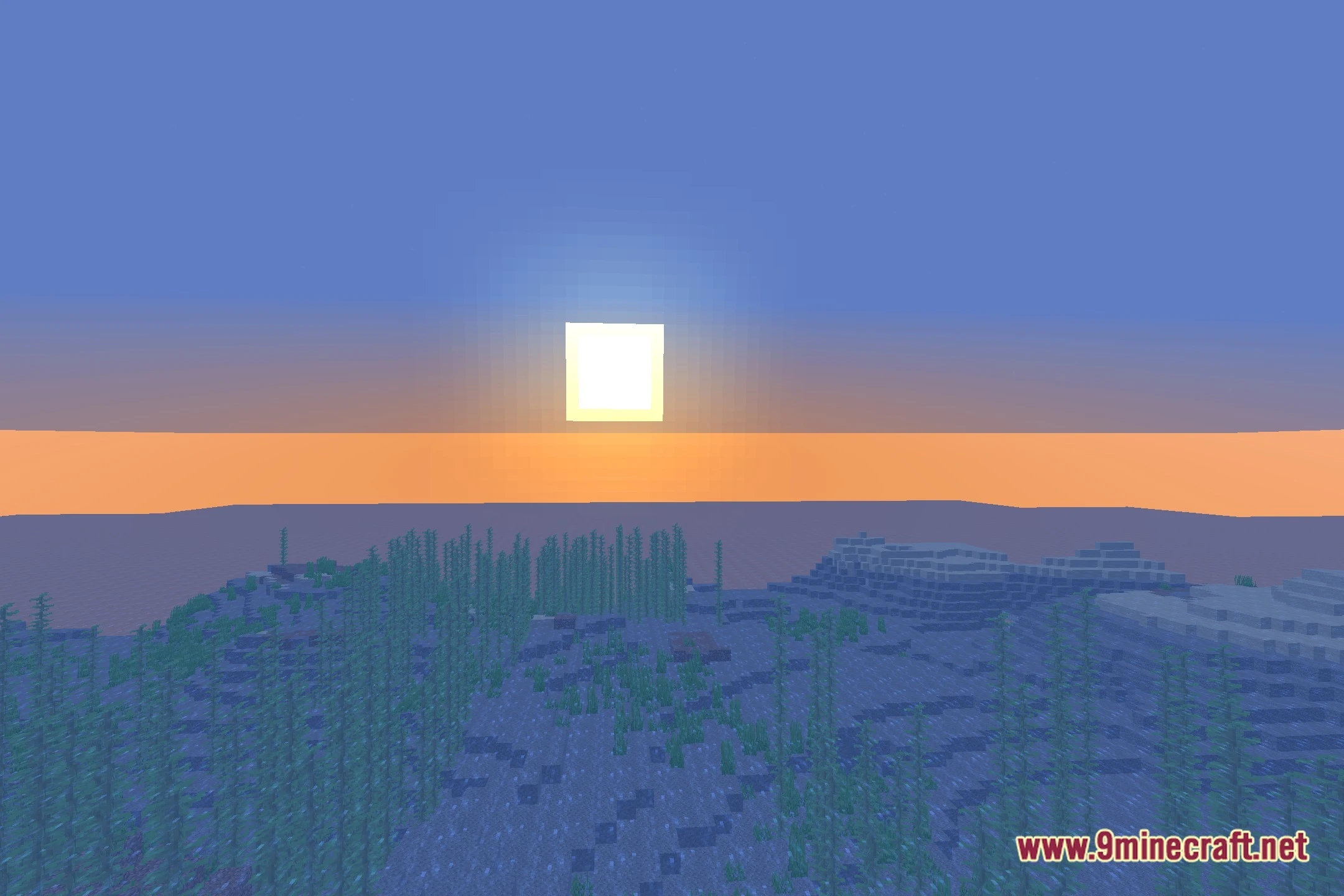
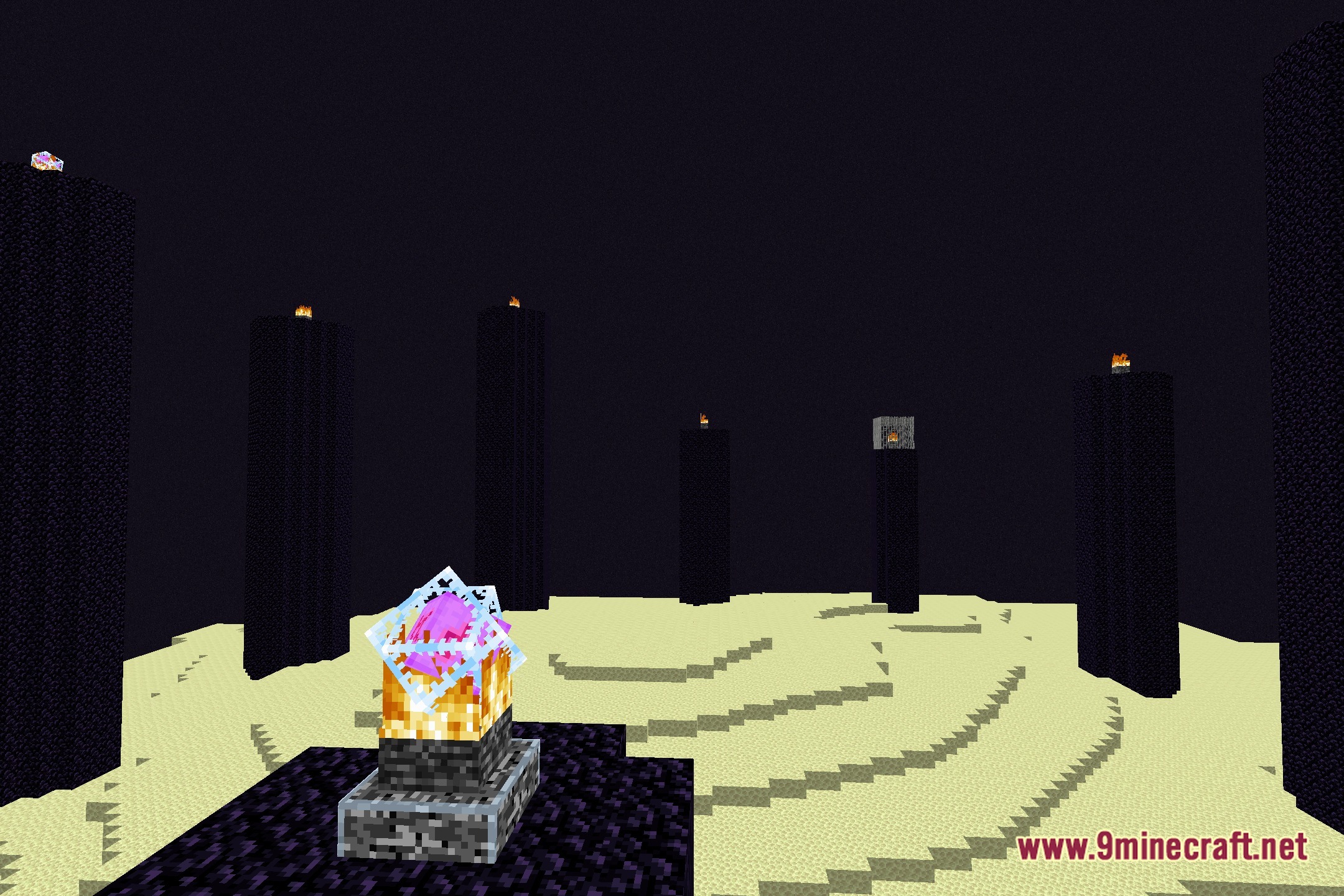
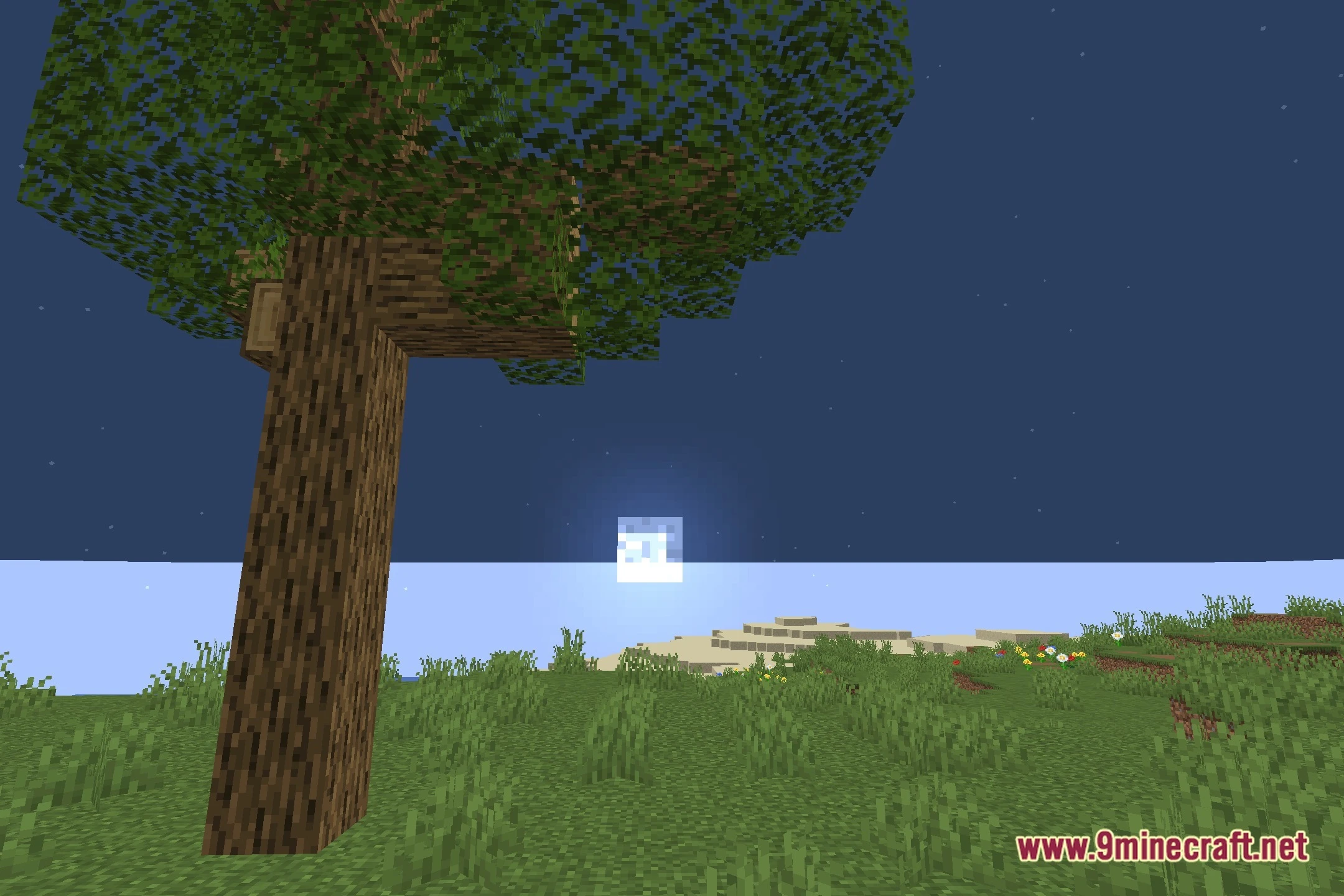
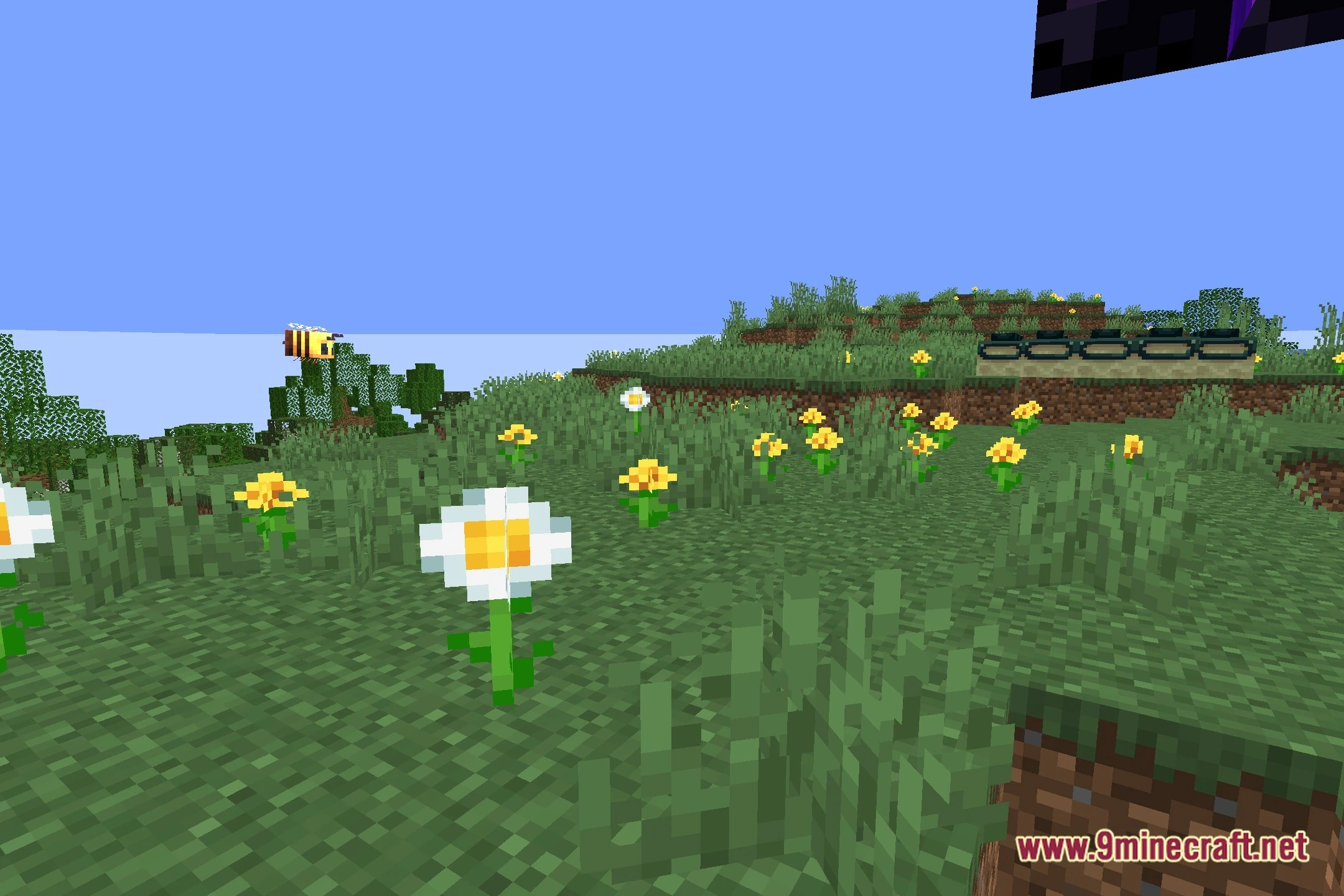
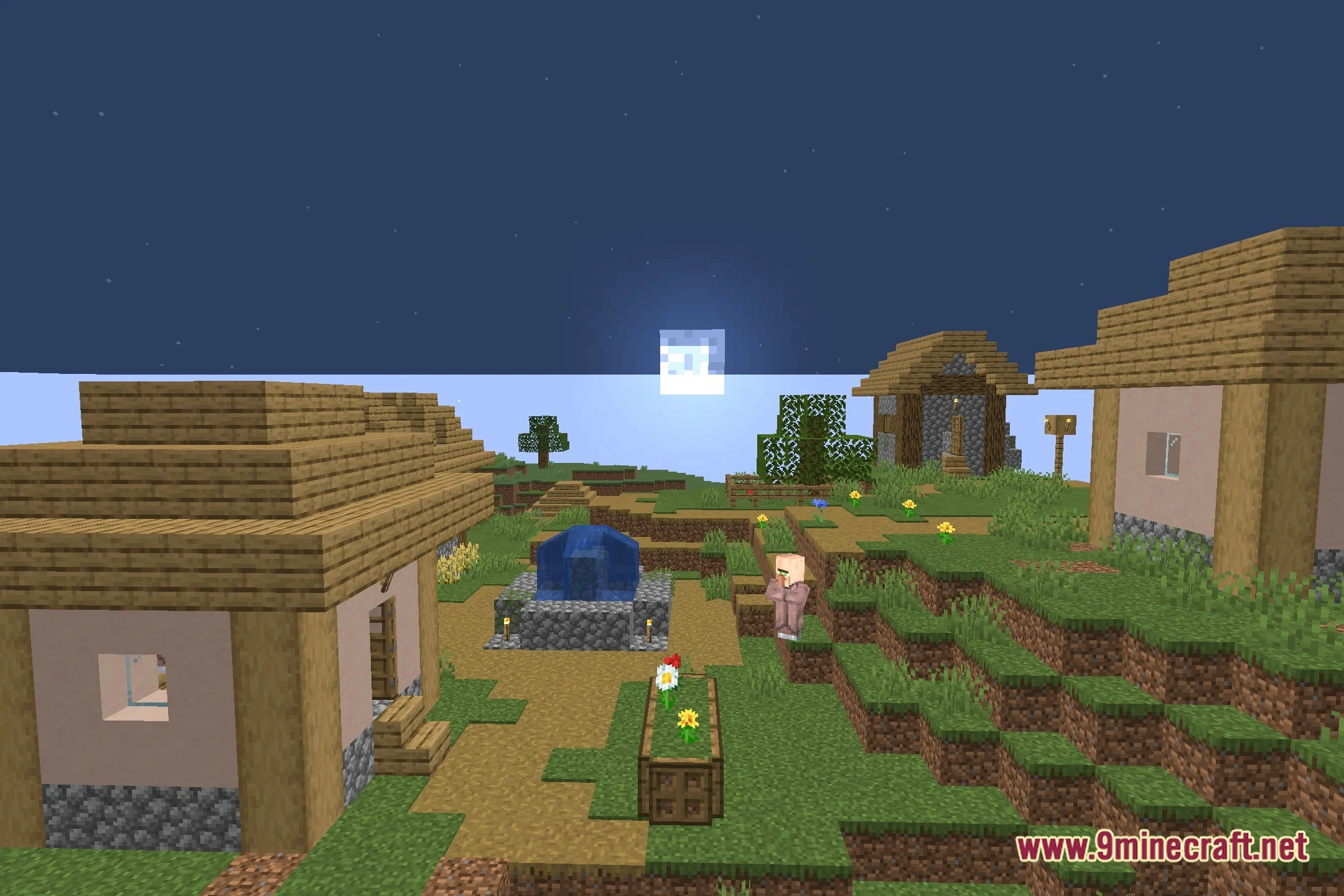
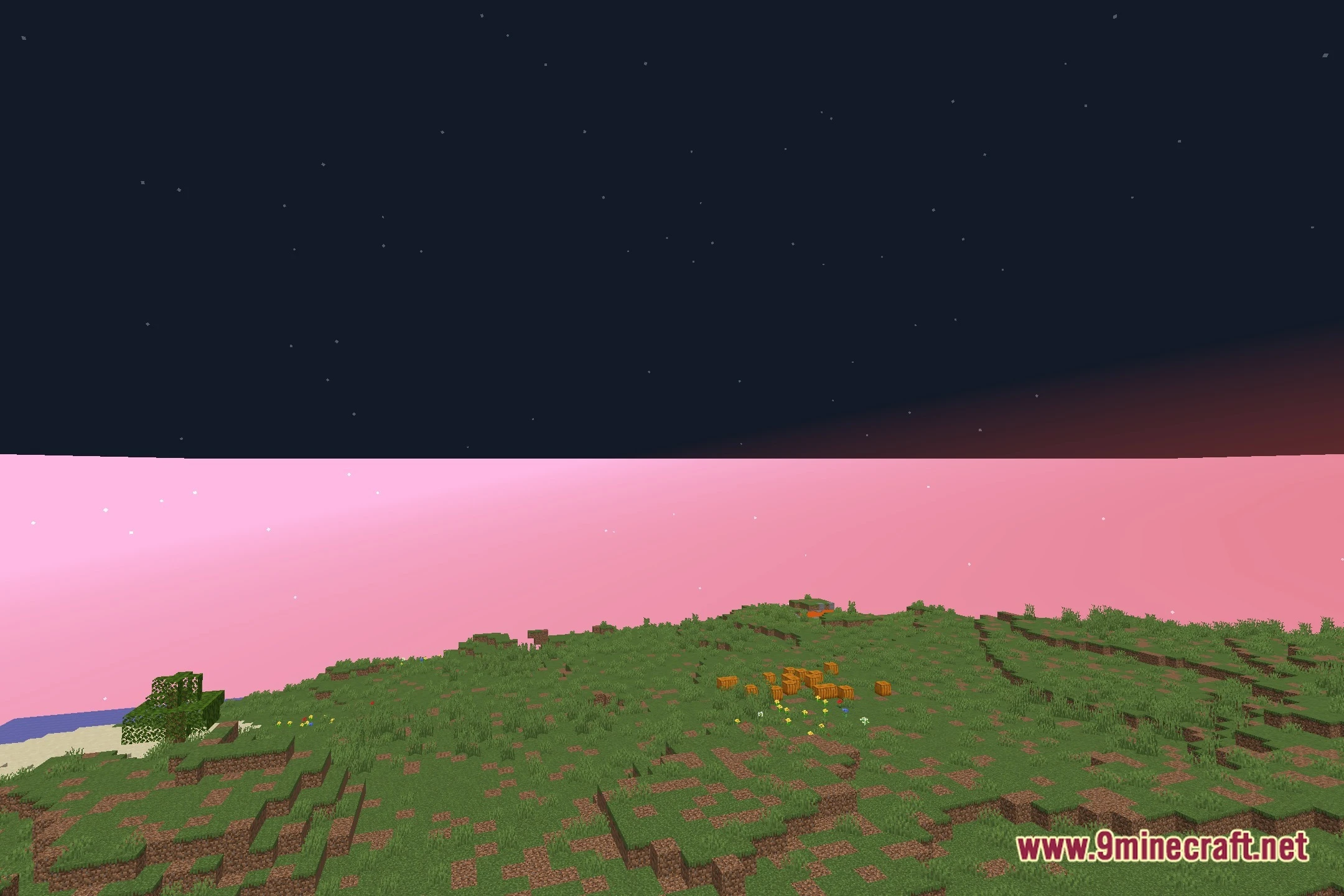
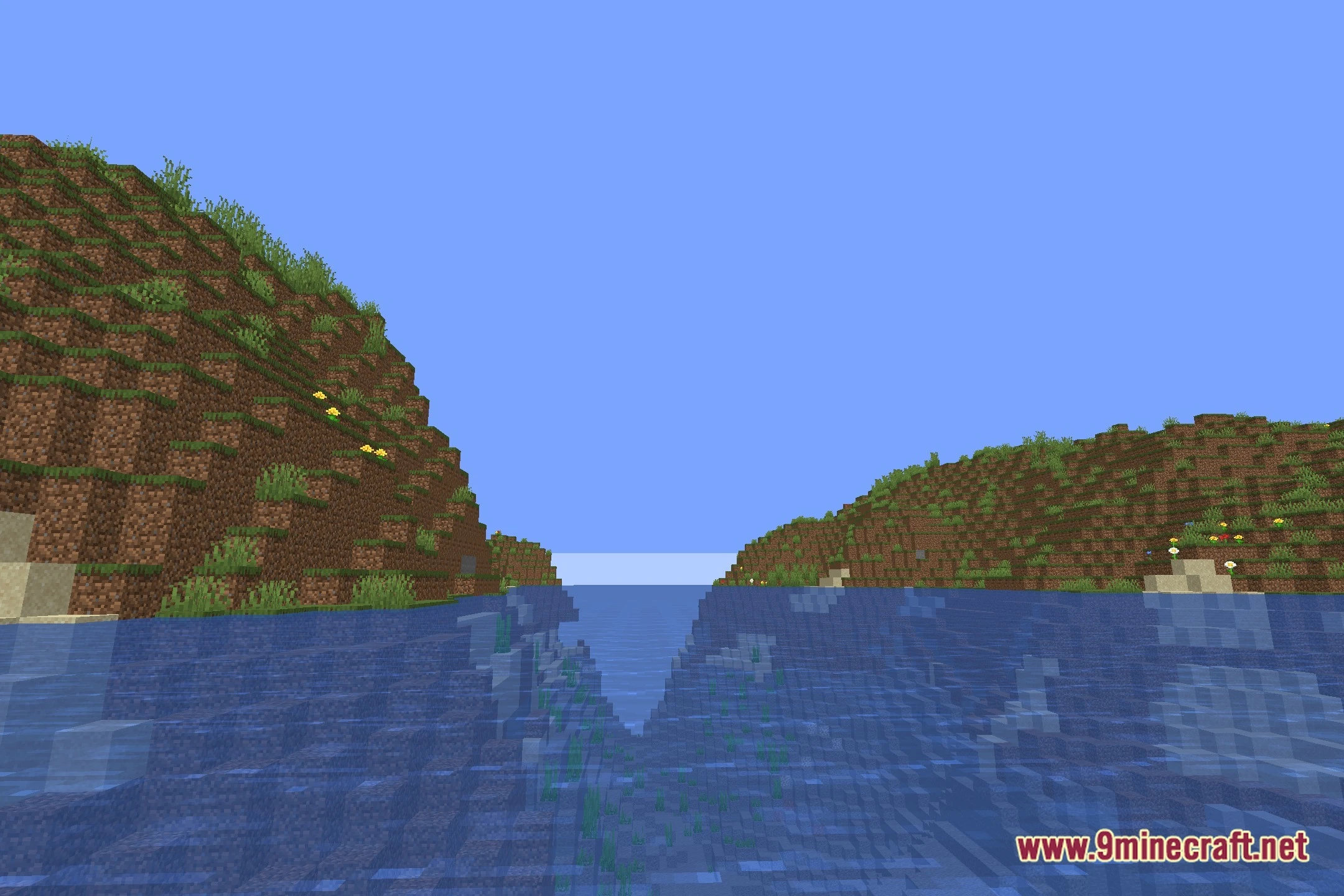
FESGlow Shaders illuminates your Minecraft world with bright cartoon visuals and colored lighting. The shader pack offers multiple performance profiles ranging from potato up to high settings. It provides clear visibility for PvP combat while creating vibrant scenes for video recording and replay clips. Custom shadow settings and fantasy tones help make every block stand out during gameplay.
Features:
- Brings colorful lighting and cartoon visual tones to the environment.
- Offers multiple performance presets from potato and low up to medium and high.
- Improves visual clarity during PvP fights so targets remain easy to see.
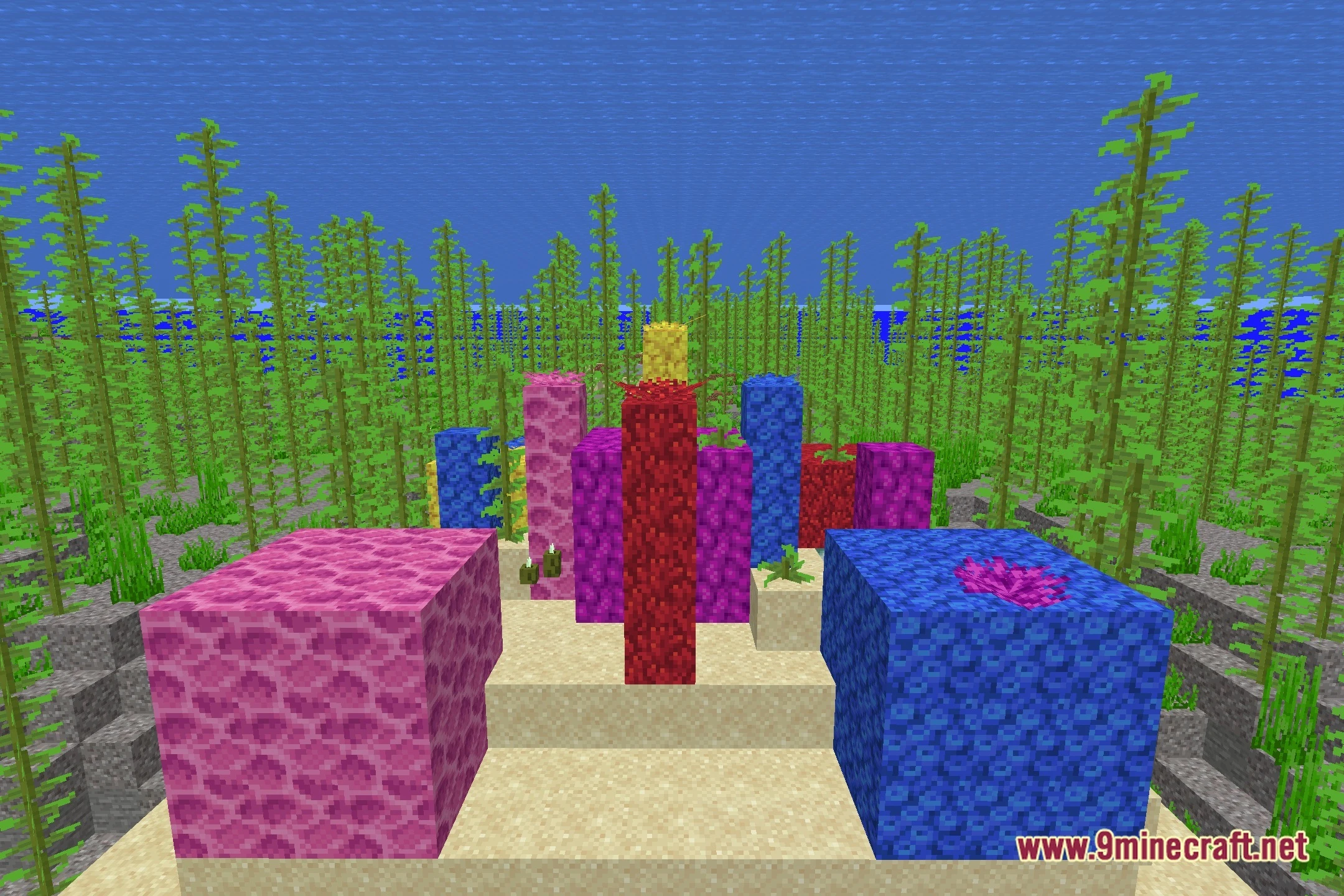
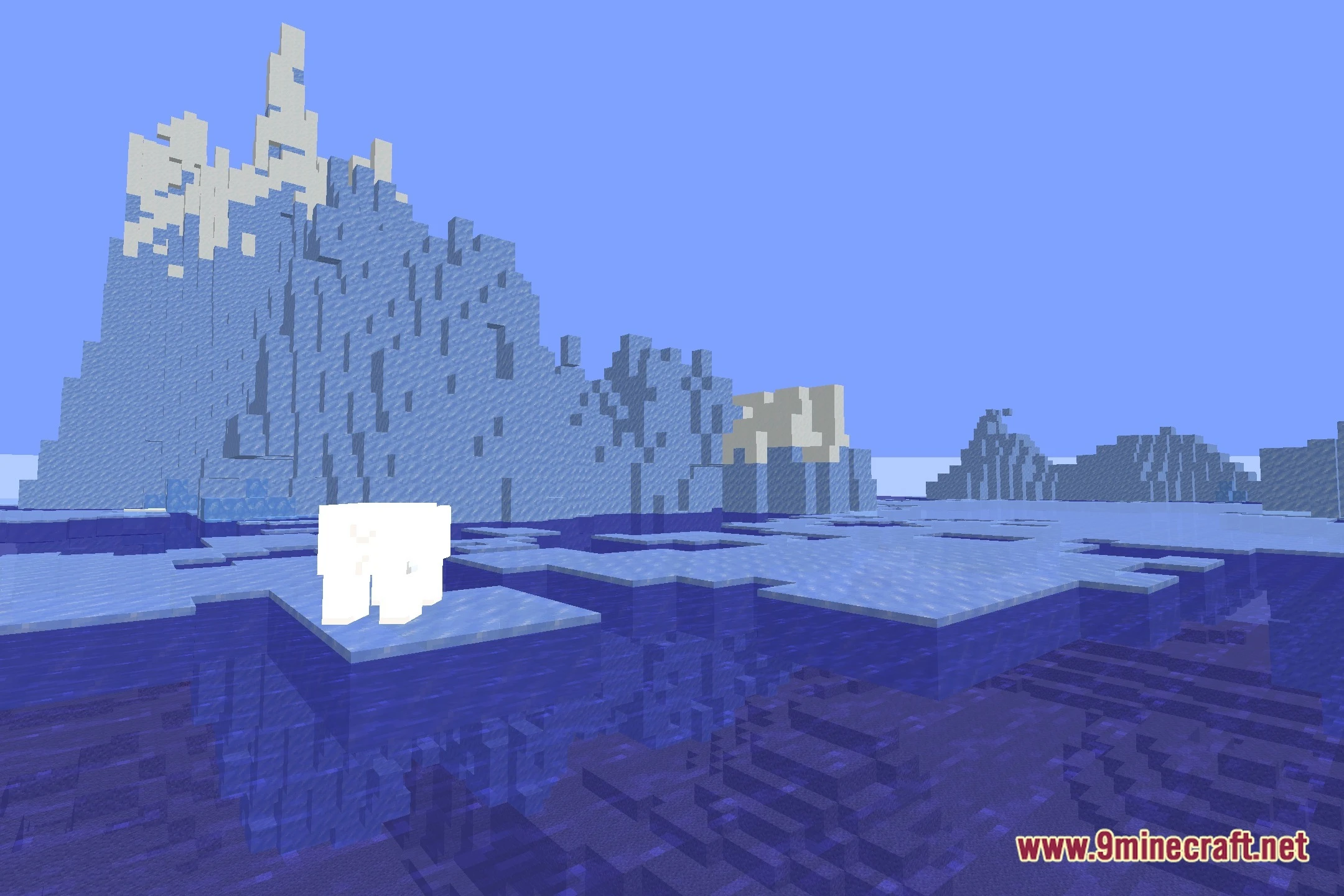
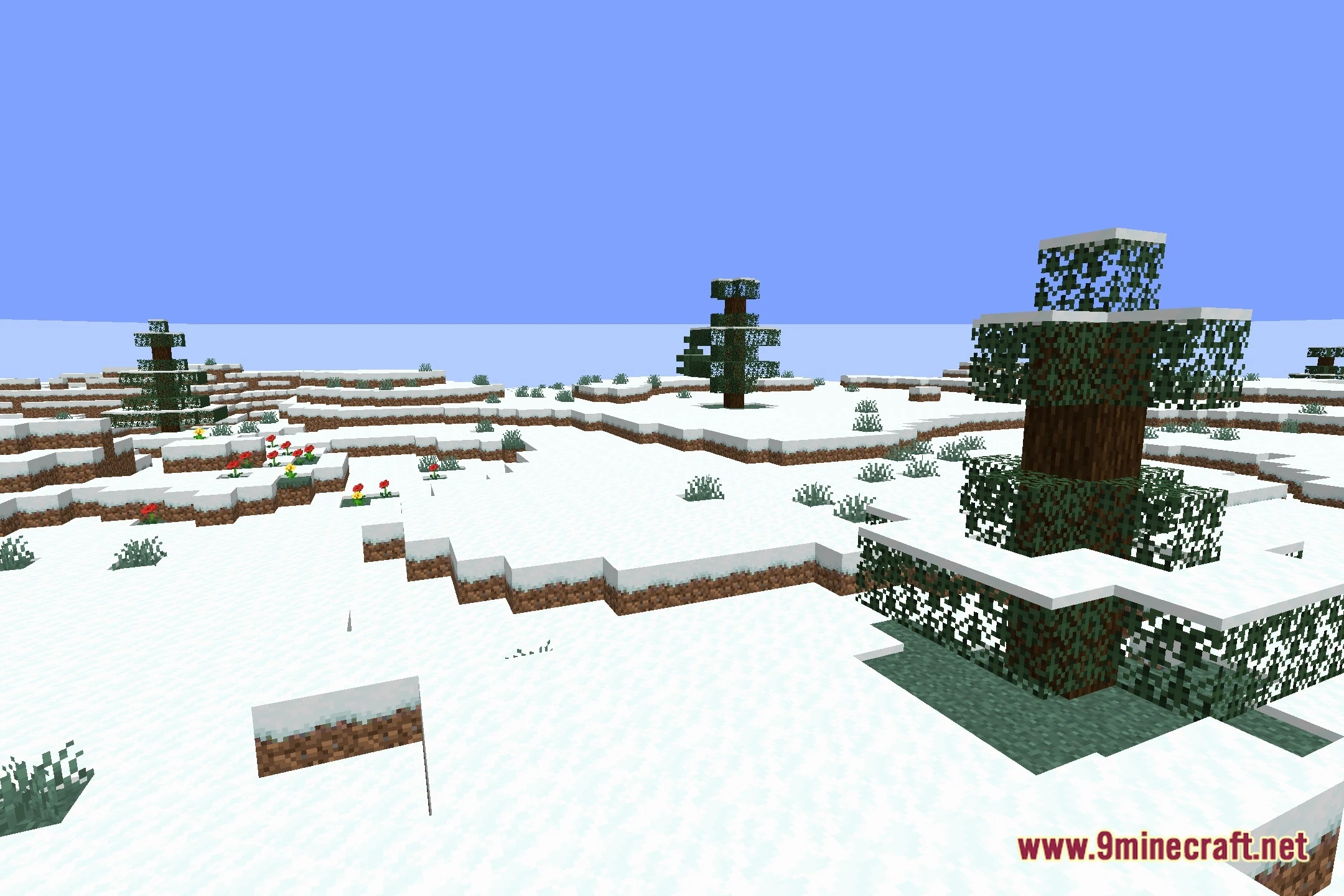
- Adds clean shadows and fantasy colors suited for video recording and replays.
- Runs on different computer setups thanks to adjustable profile options.
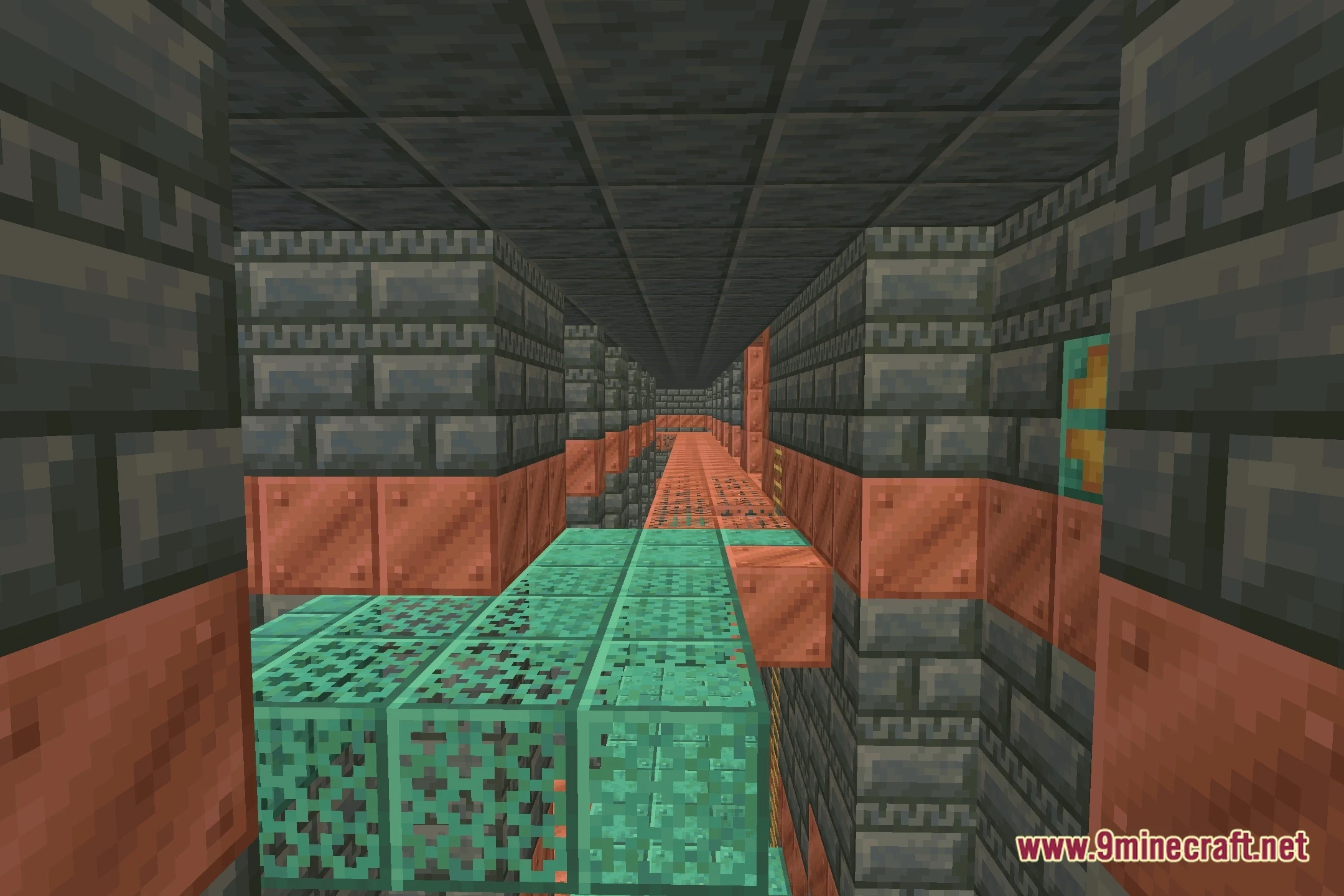
Screenshots:
FESGlow Shaders Download Links
Quick facts
- Edition: Minecraft Java
- File type: .zip (resource pack)
- Minecraft version listed: 1.20.1
- How to install: Download the .zip resource pack — do not unzip it. → Put it in .minecraft/resourcepacks. → Enable it in Options → Resource Packs.
- Where to get it: Opens on the file's original source — not every file is mirrored on our own servers.
Install steps are the general flow for this file type — see the MC Java Mods guides for the full walkthrough.
FESGlow Shaders (26.2, 1.20.1) – Cartoon Visuals and Colored Lighting is a free Minecraft Java shader. Compatible with Minecraft 1.20.1. Download it and open it directly in the game.