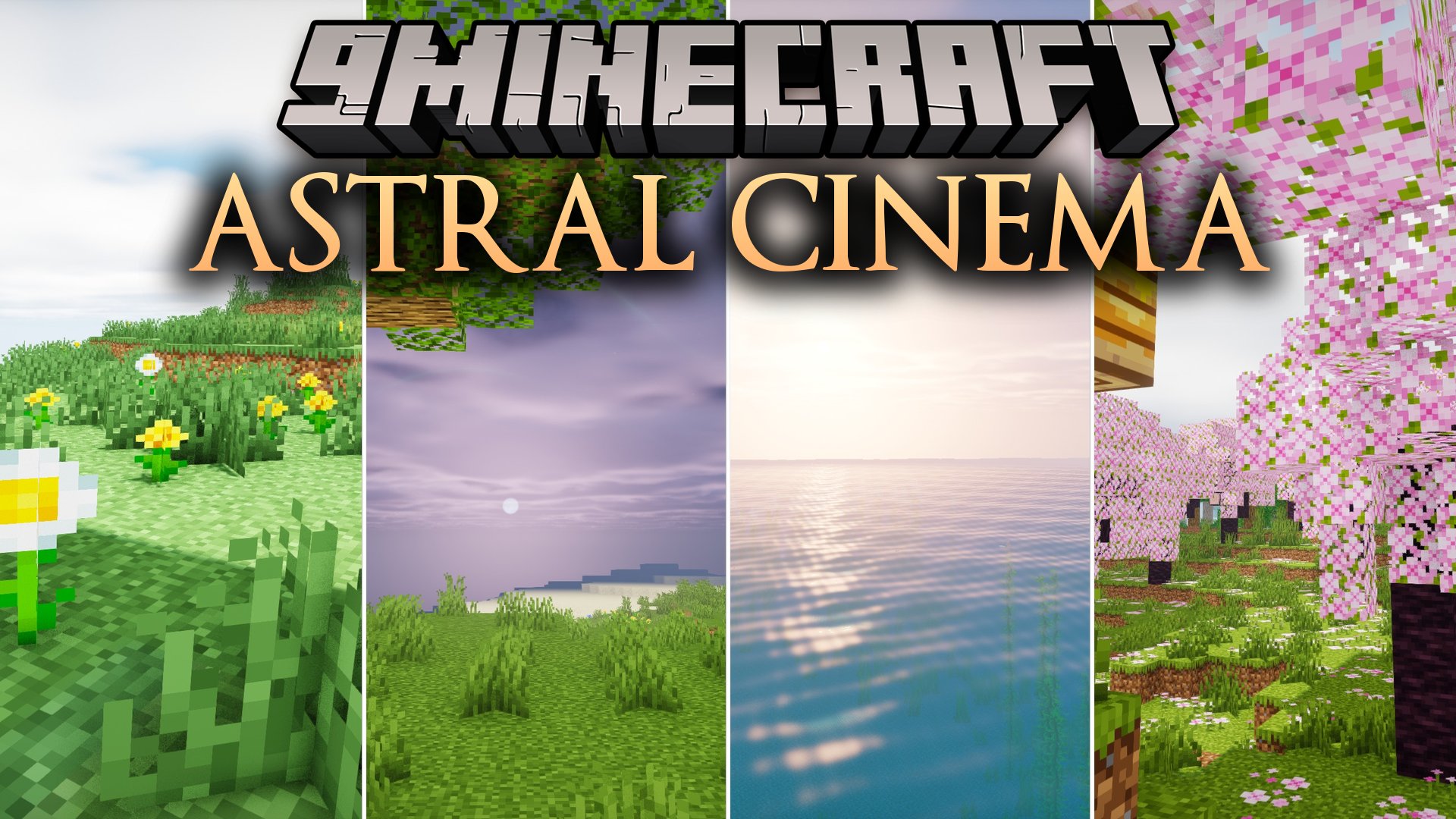
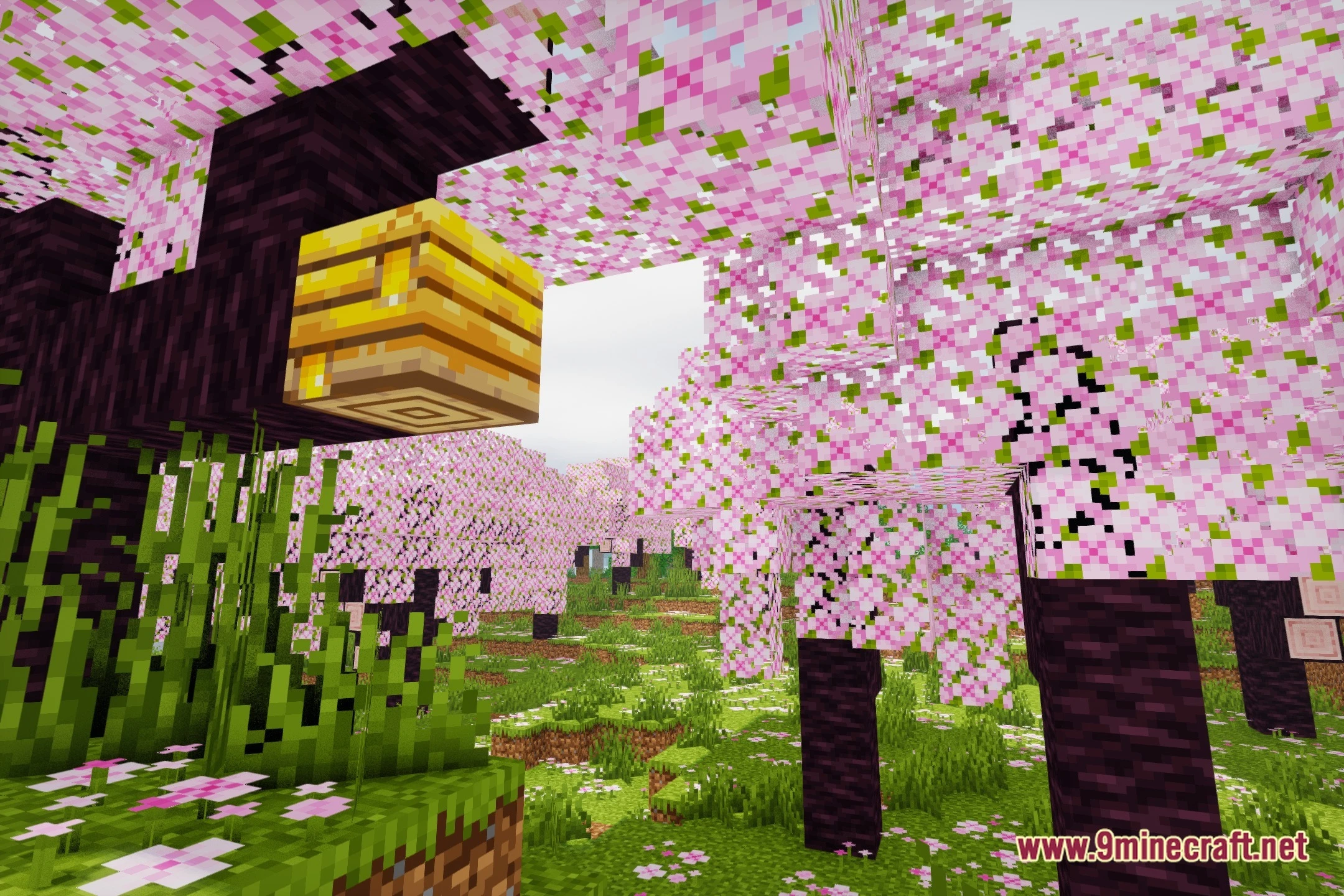
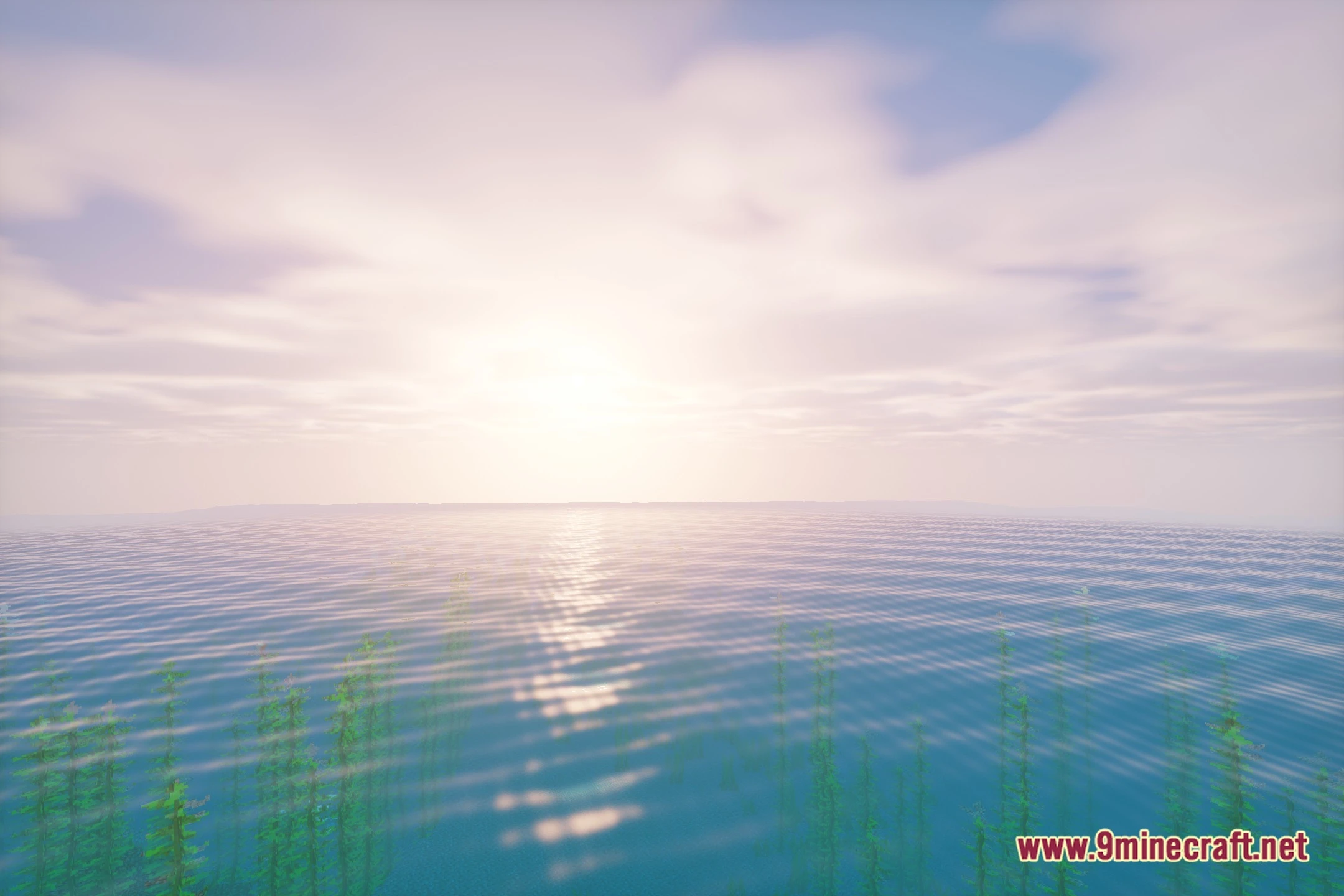
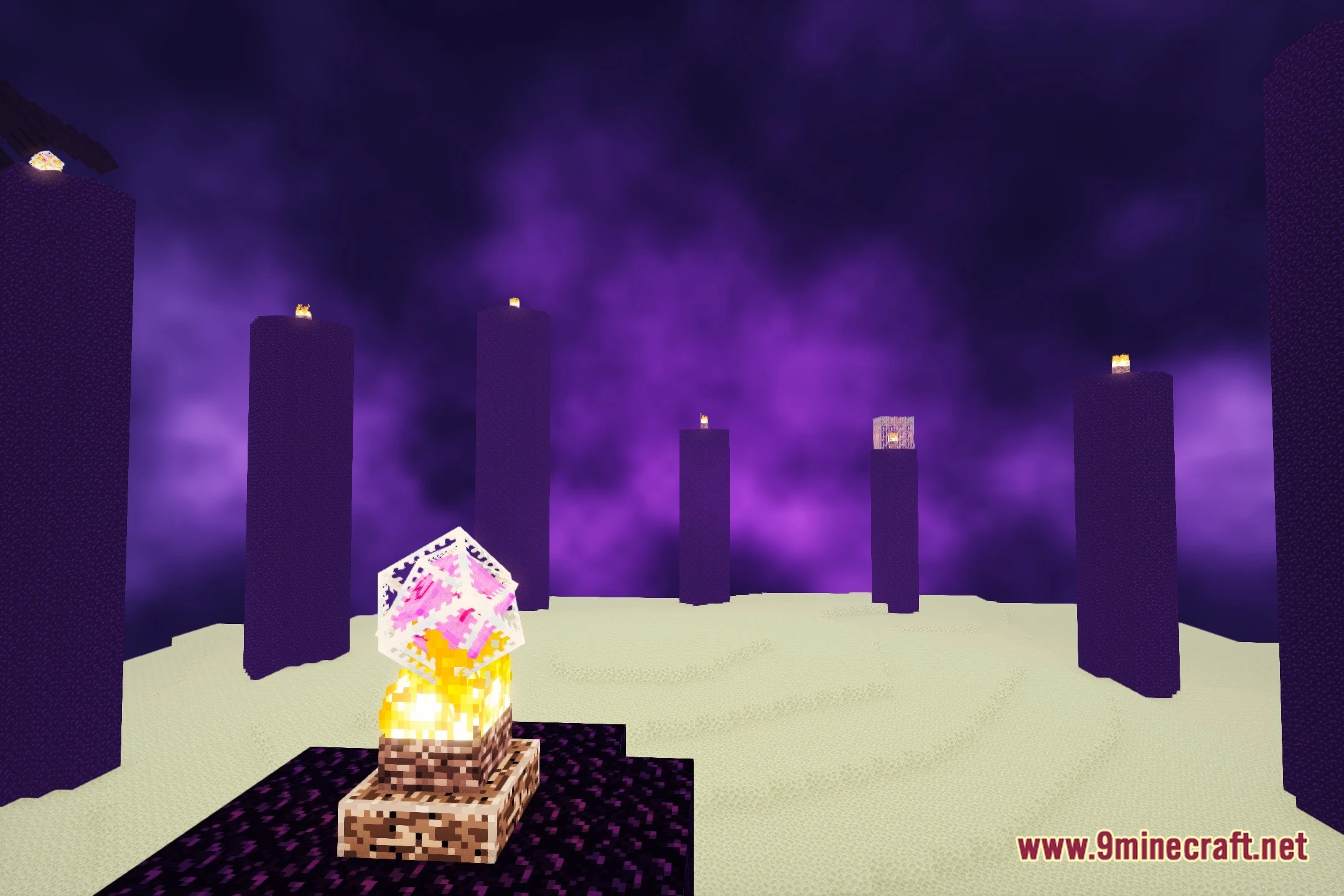
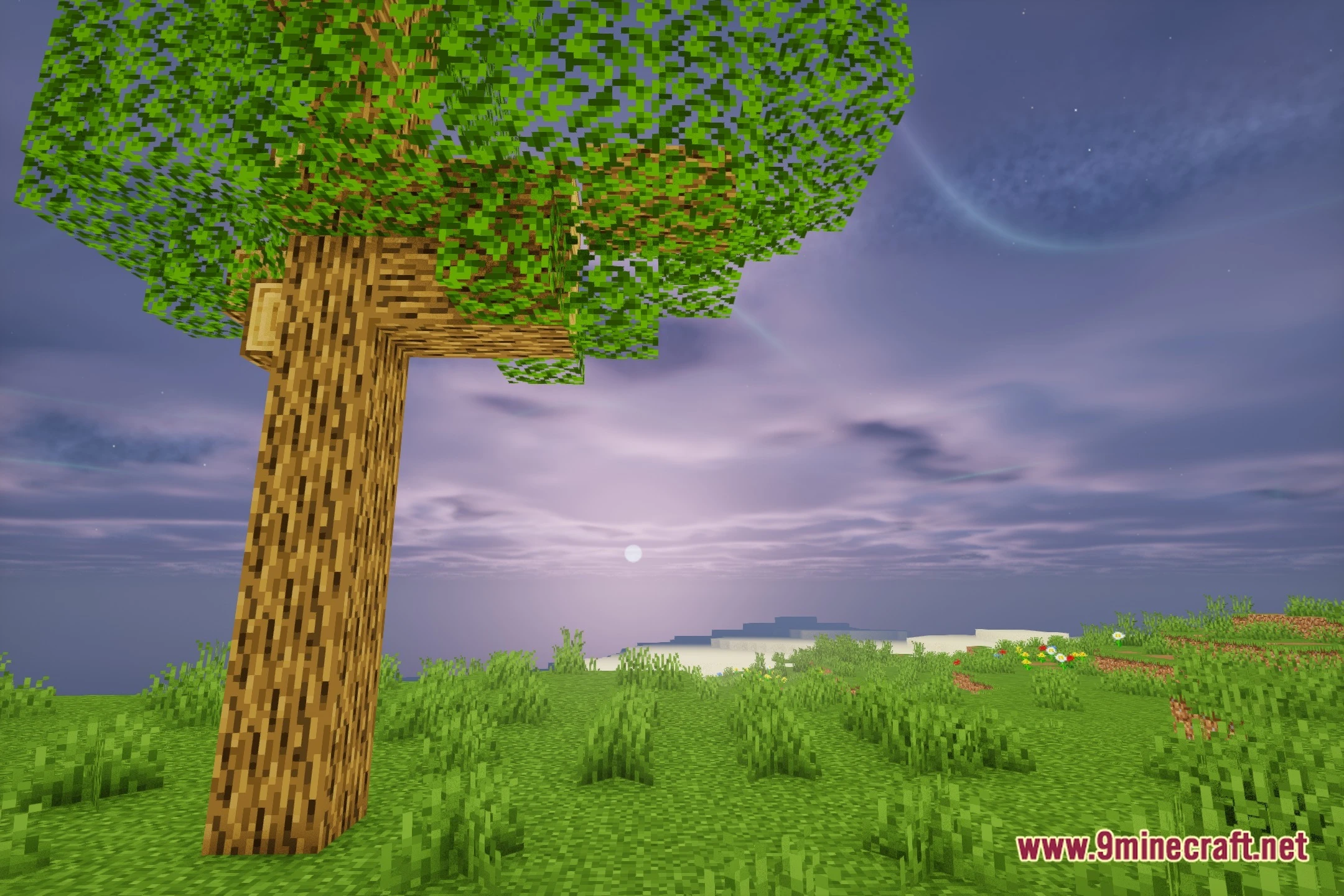
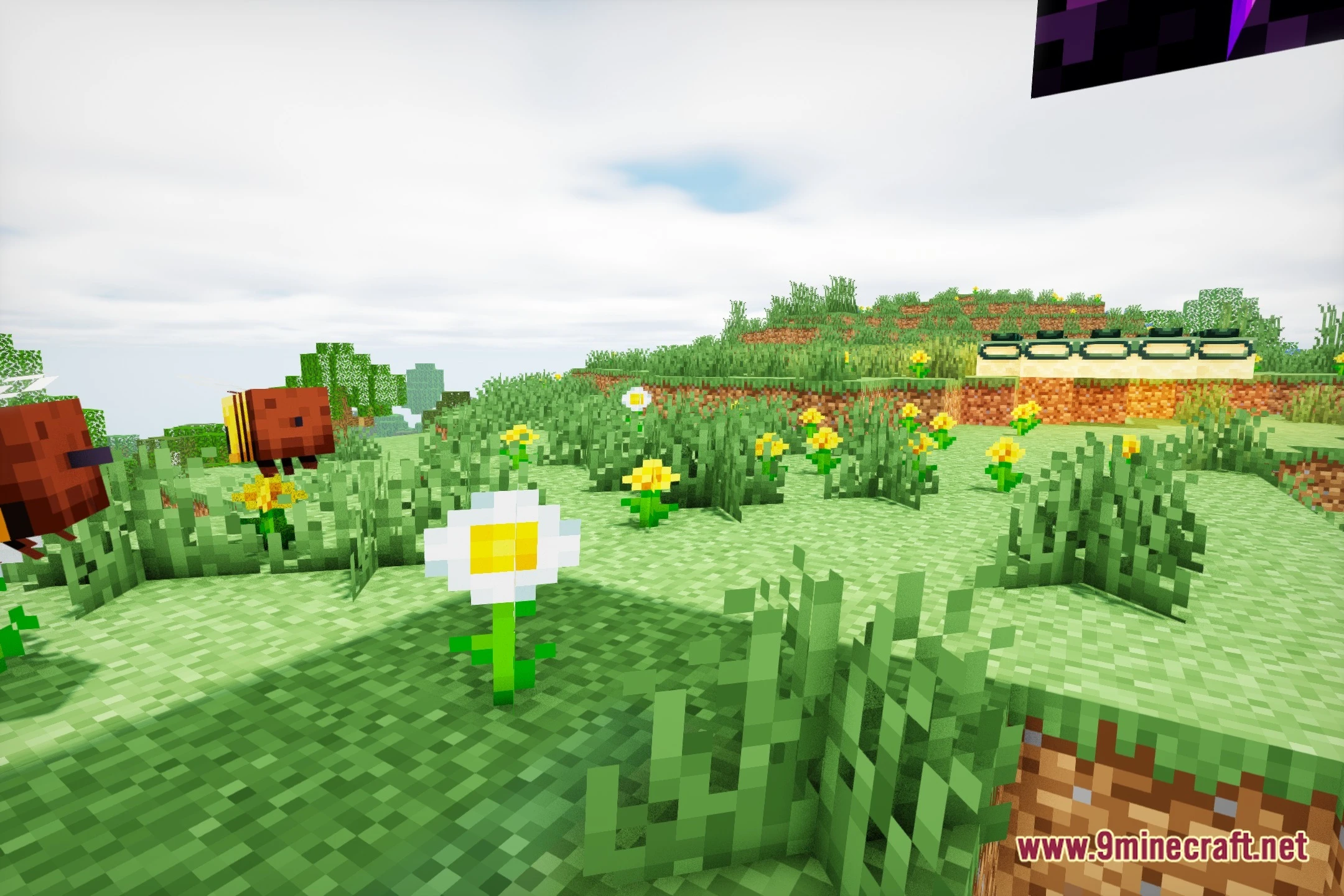
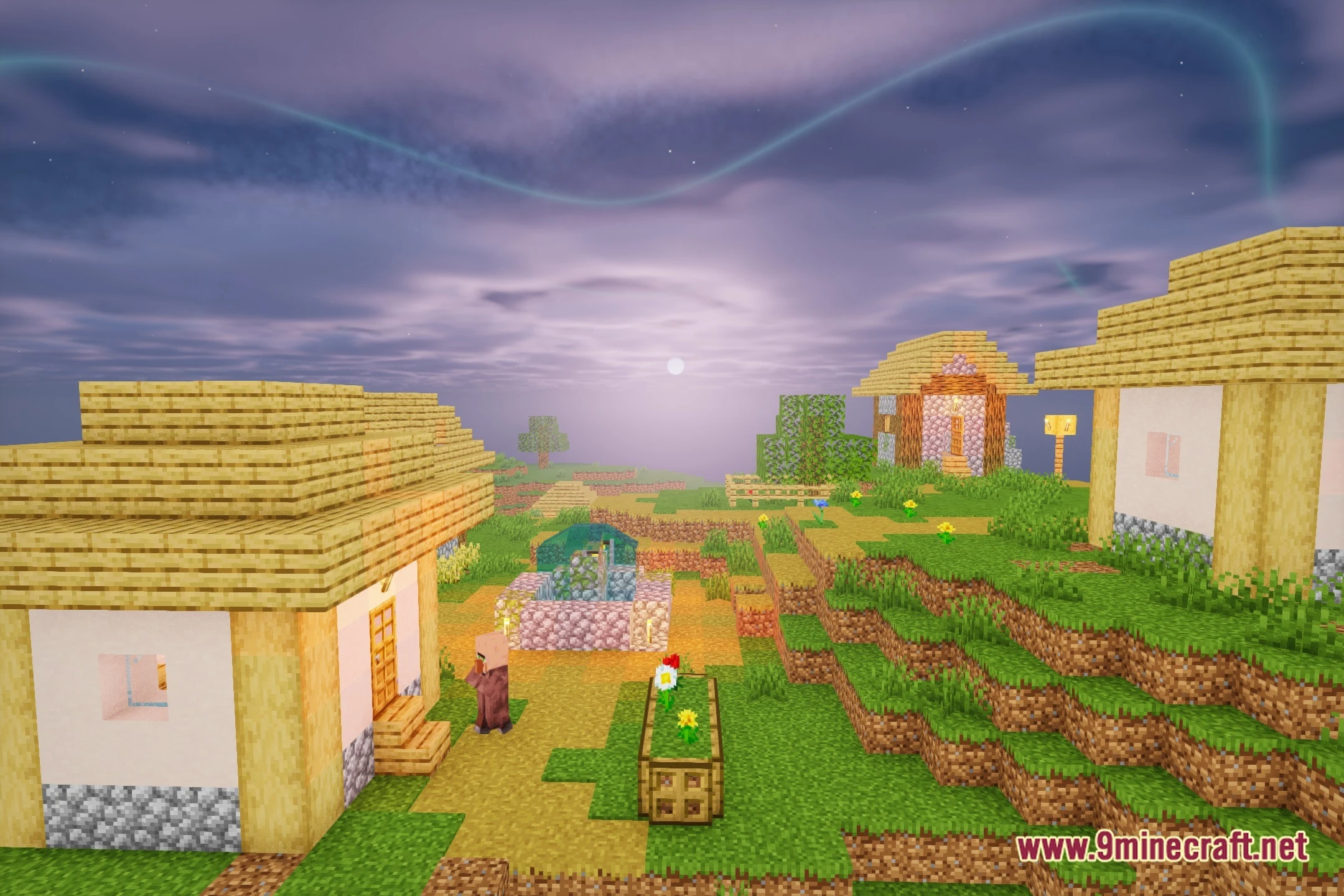

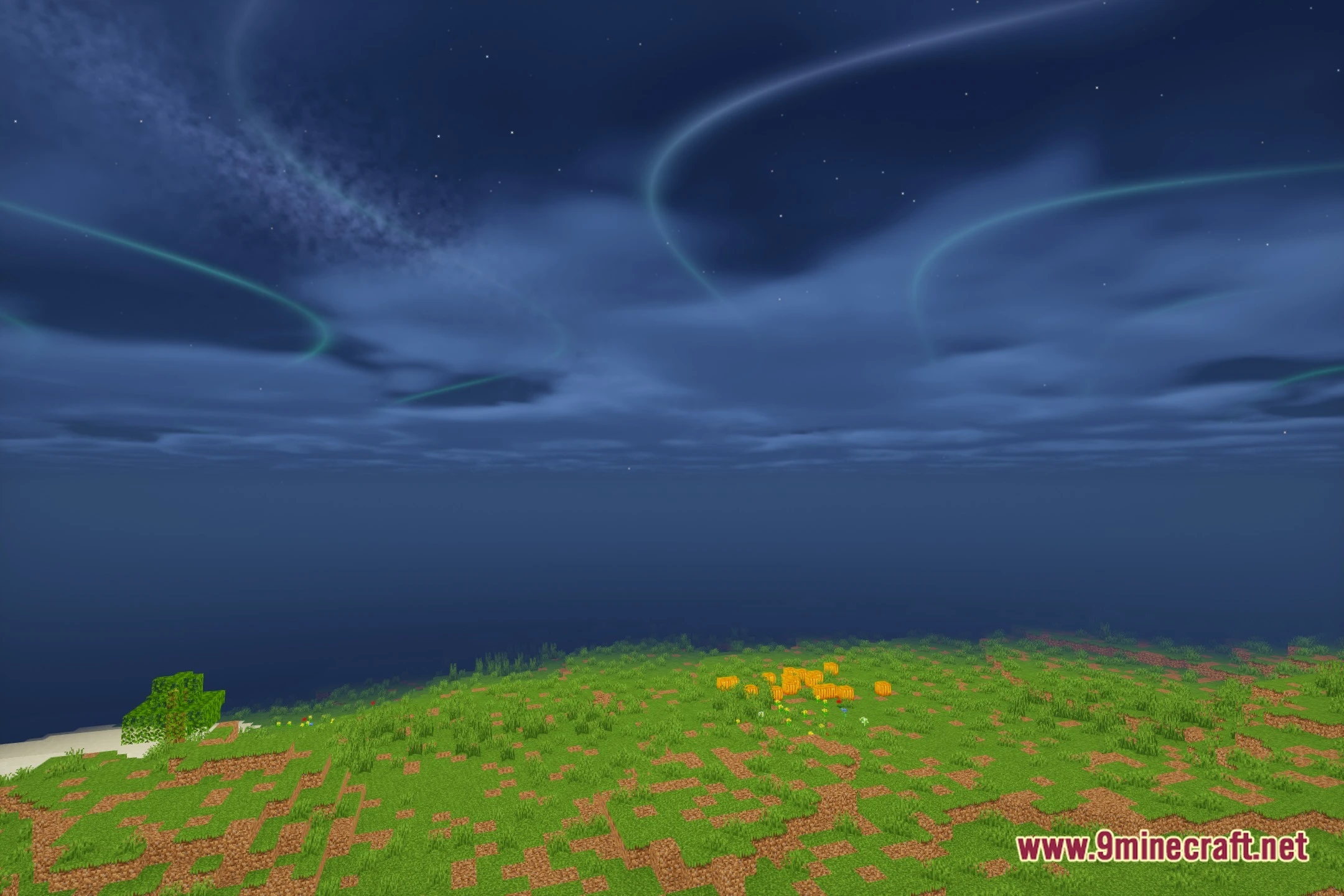
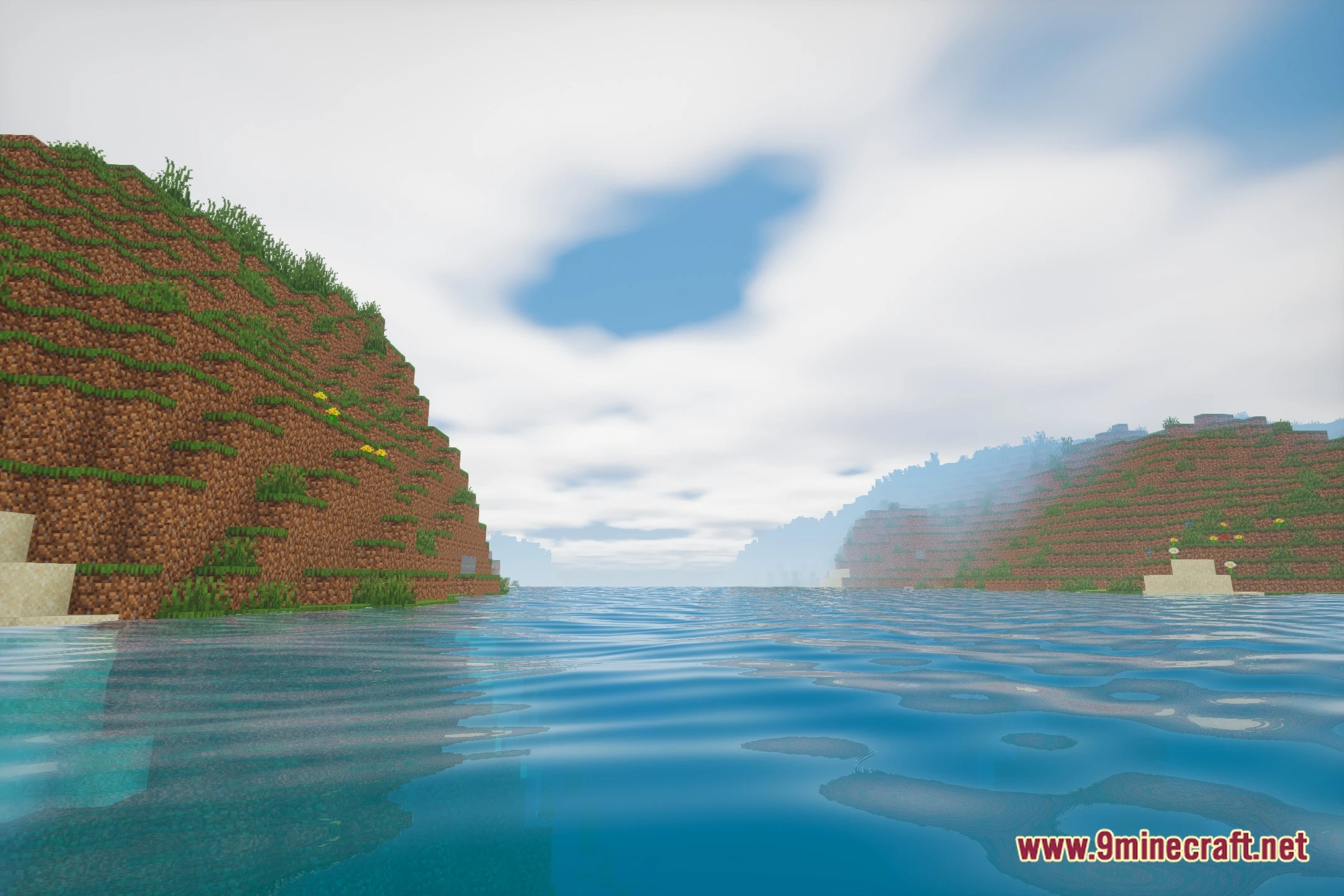
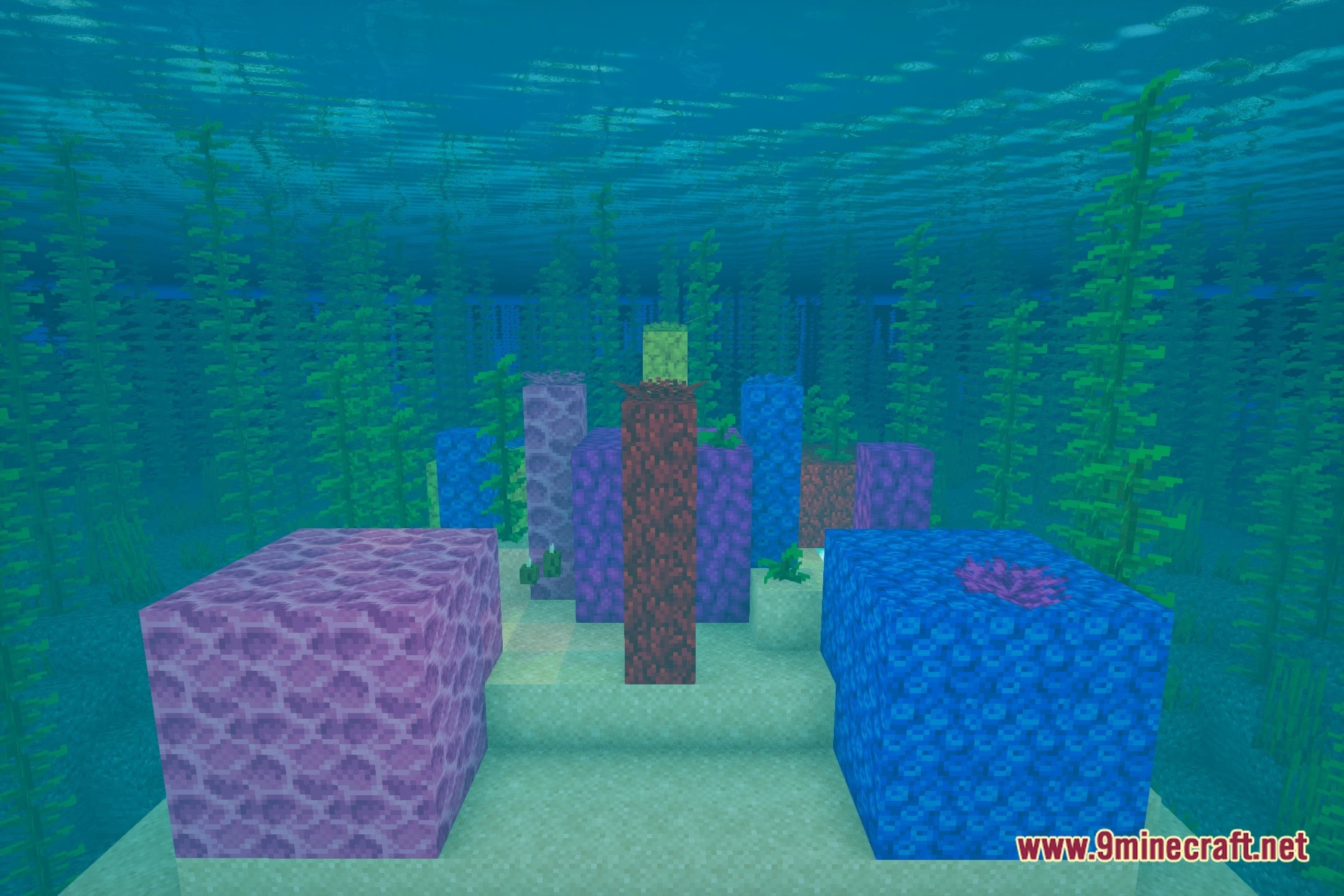
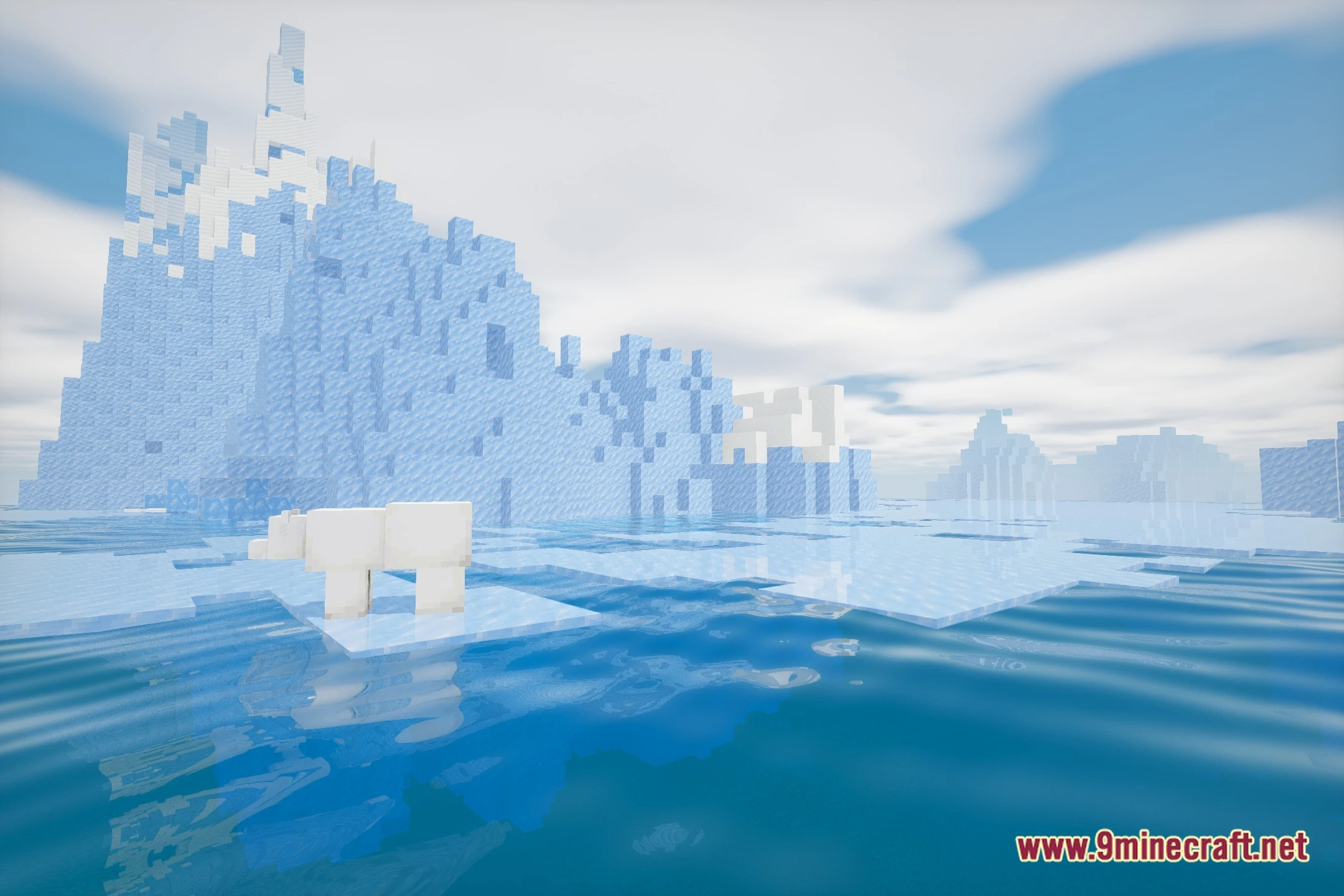
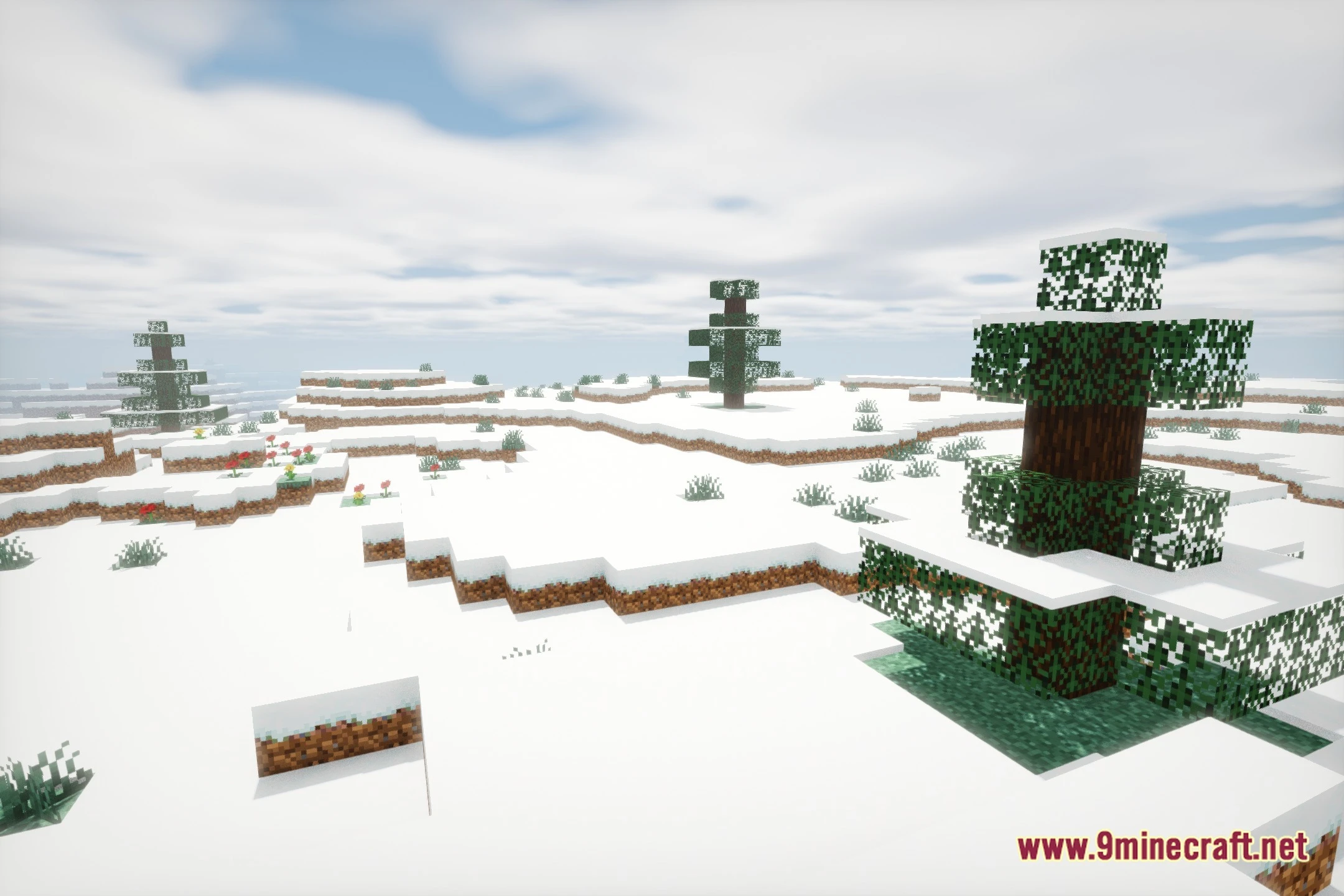
Astral Cinema Shaders transforms lighting across your world to give every view a movie-style look. This shader pack adds soft illumination, clear shadows, and lovely color tones during both day and night. It makes forests, mountains, and player builds look like scenes from a film while keeping the world clear and easy to explore.
Features:
- Brings soft cinematic lighting to daytime and nighttime environments.
- Adjusts color tones to create a warm and pleasant look across all biomes.
- Softens block shadows so dark areas remain easy to see.
- Adds smooth lighting effects to water and skies for a cleaner view.
🎛️ Compare 40+ Minecraft Shaders Side by Side →
Drag the slider across 16 real in-game scenes — find YOUR perfect shader.
Screenshots:
Astral Cinema Shaders Download Links
- Edition: Minecraft Java
- File type: .zip (resource pack)
- Minecraft version listed: 1.20.1
- How to install: Download the .zip resource pack — do not unzip it. → Put it in .minecraft/resourcepacks. → Enable it in Options → Resource Packs.
- Where to get it: Opens on the file's original source — not every file is mirrored on our own servers.
Install steps are the general flow for this file type — see the MC Java Mods guides for the full walkthrough.
Astral Cinema Shaders (26.2, 1.20.1) – Cinematic Lighting and Soft Shadows is a free Minecraft Java shader. Compatible with Minecraft 1.20.1. Download it and open it directly in the game.