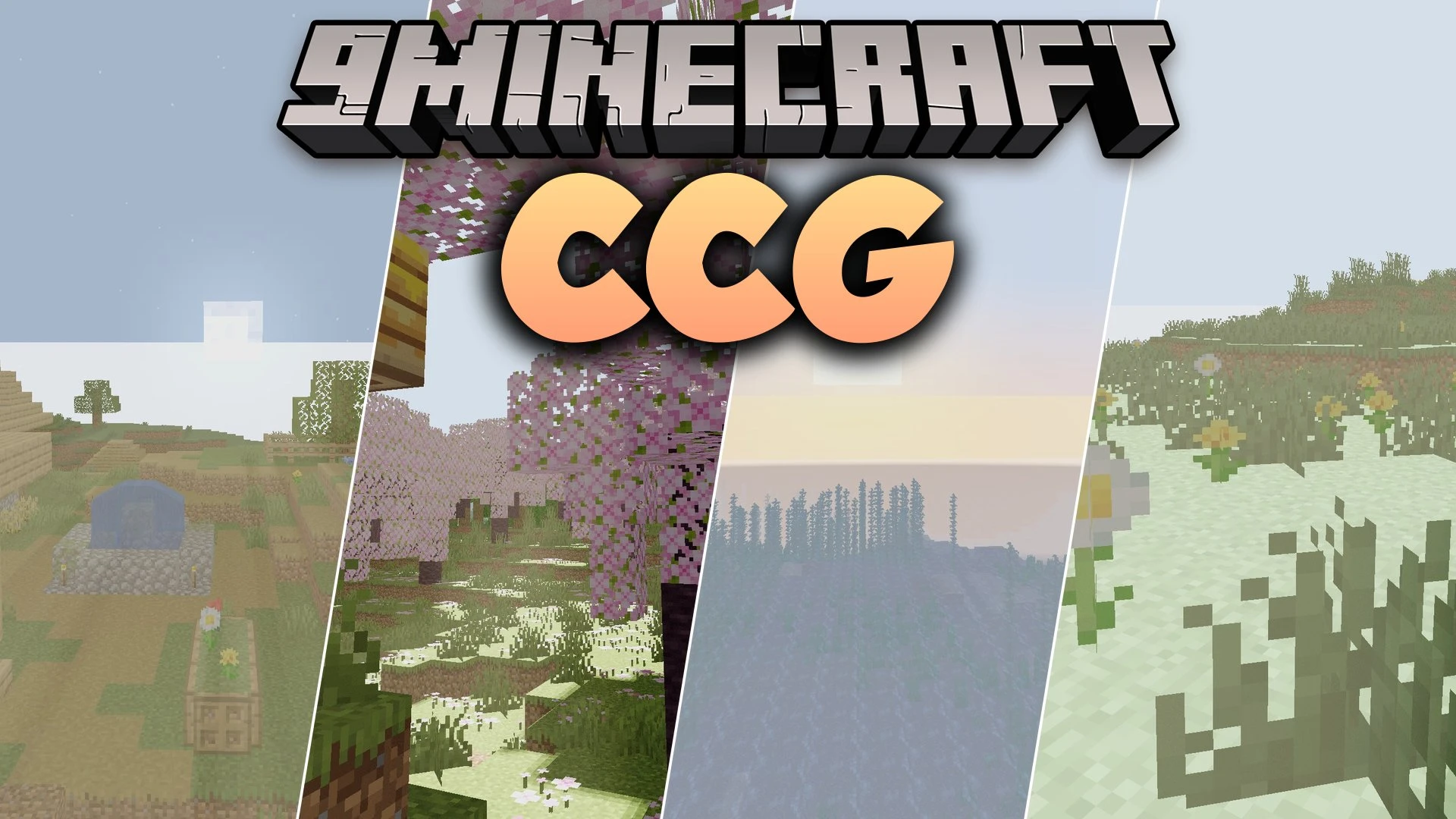
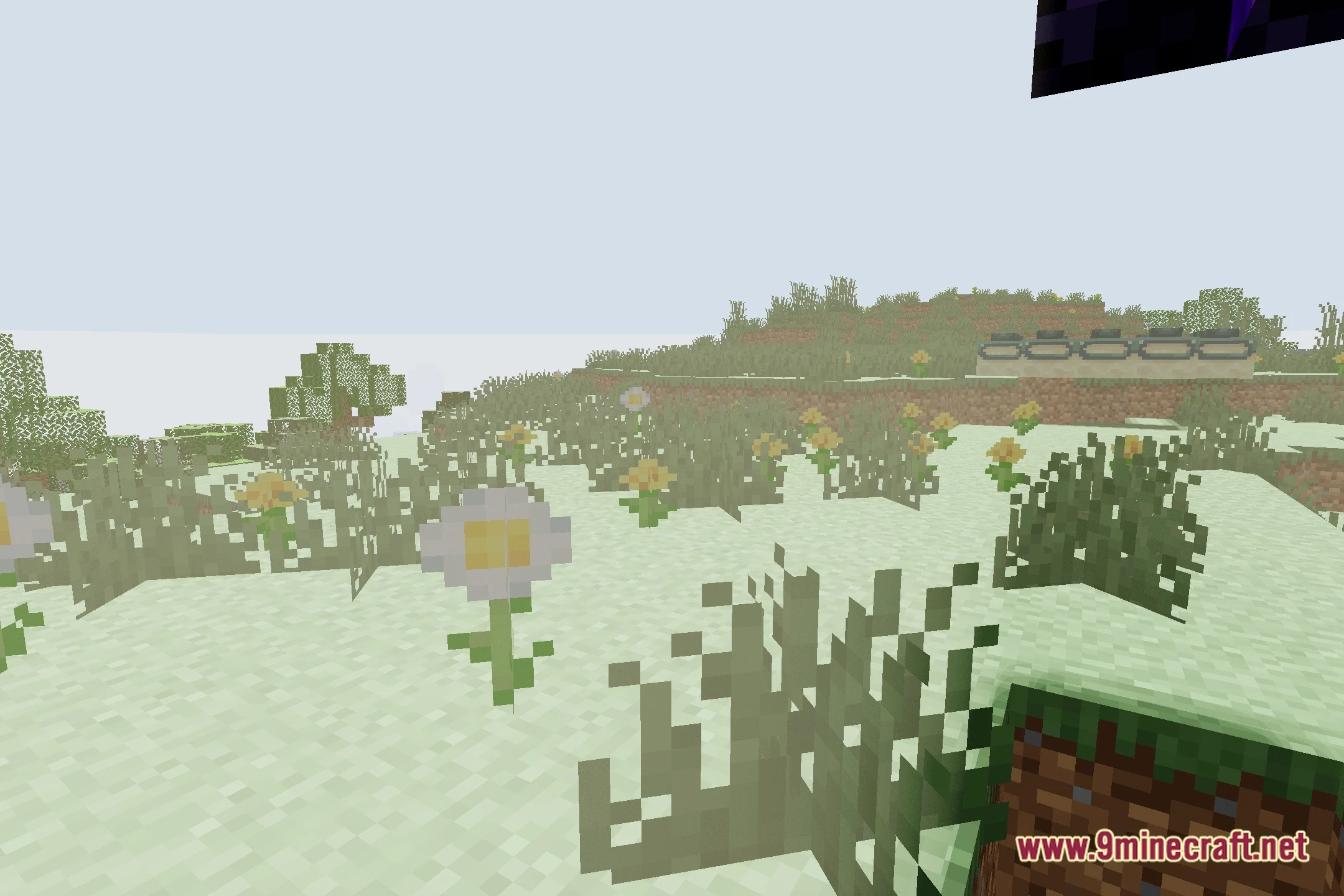
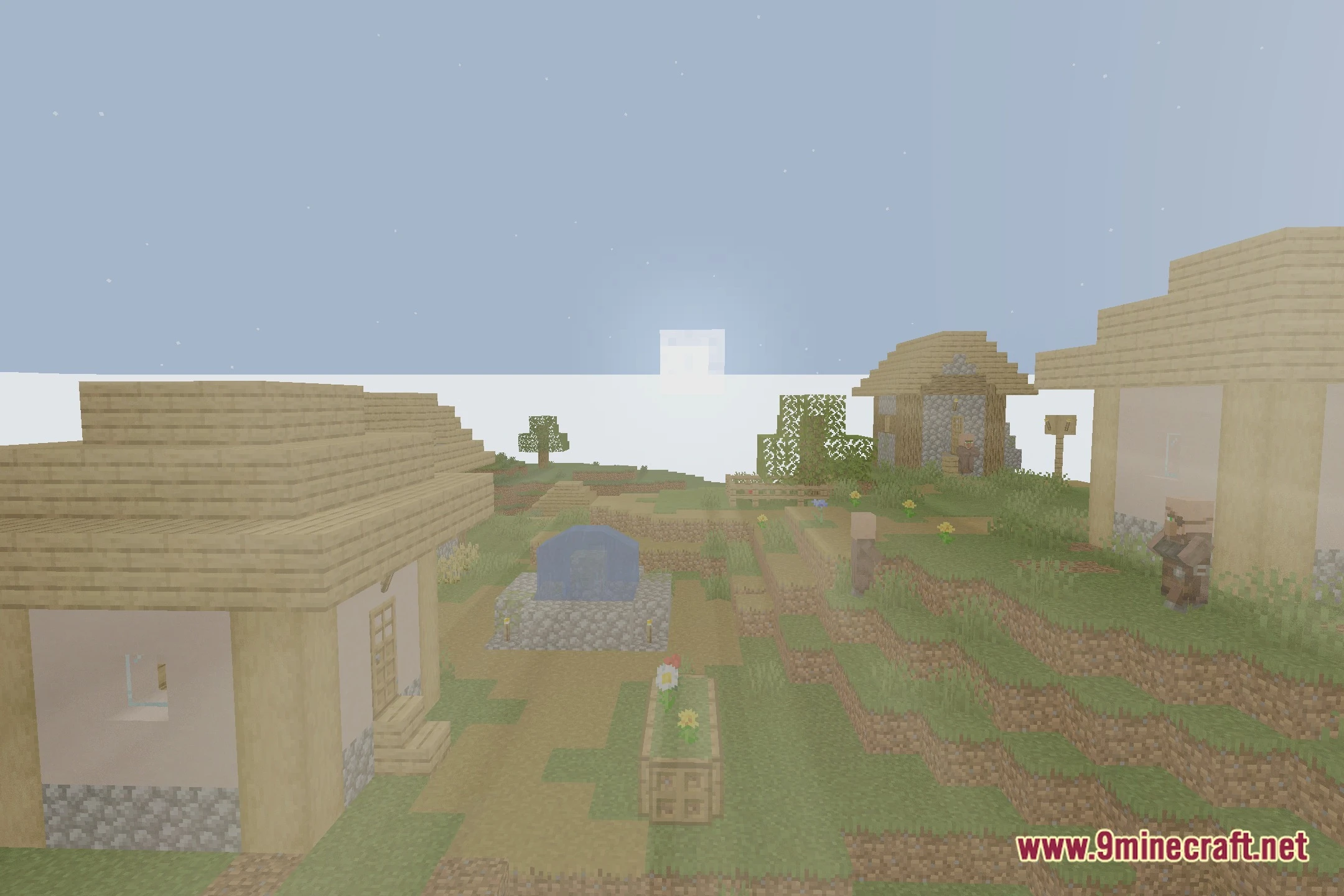
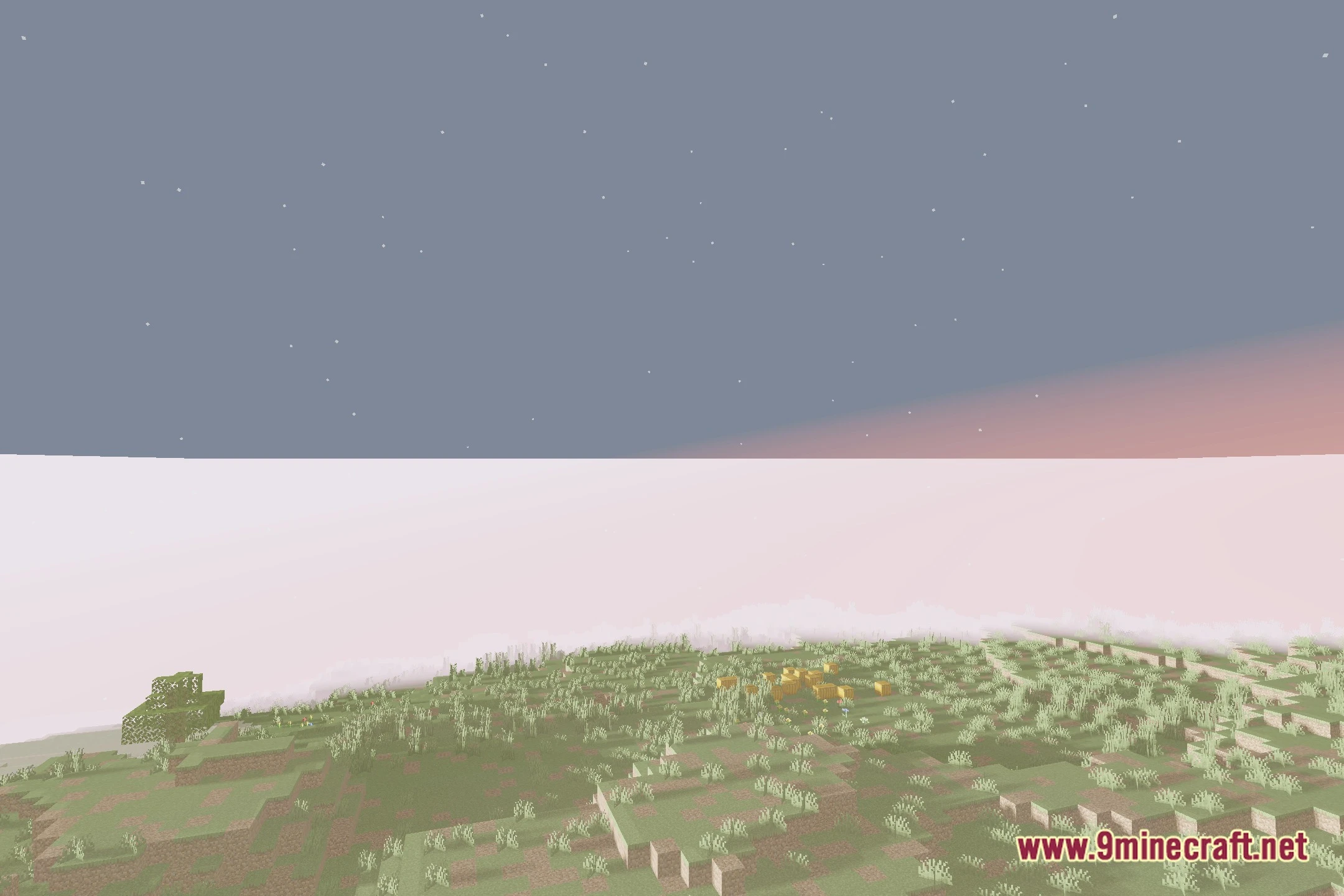
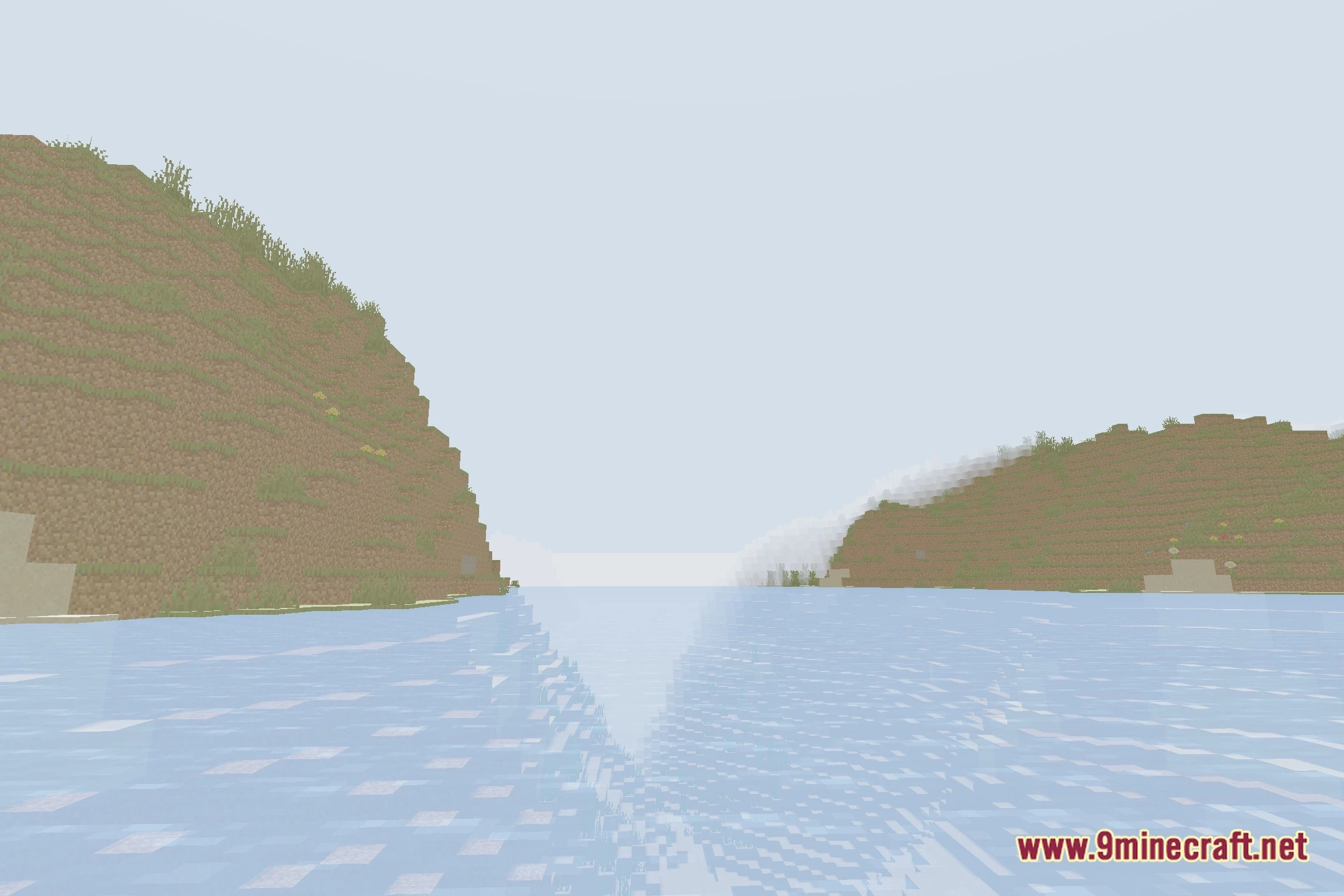
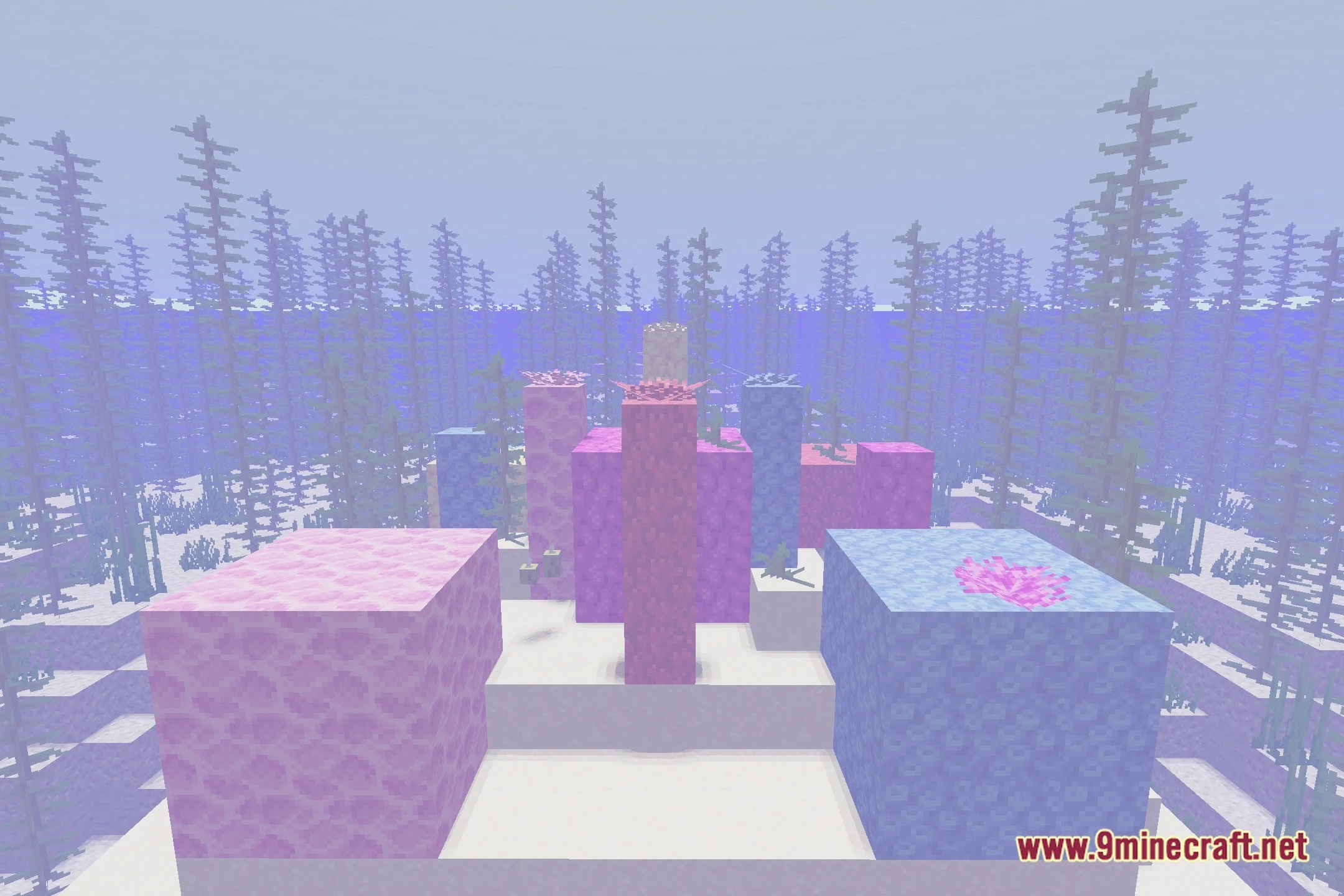
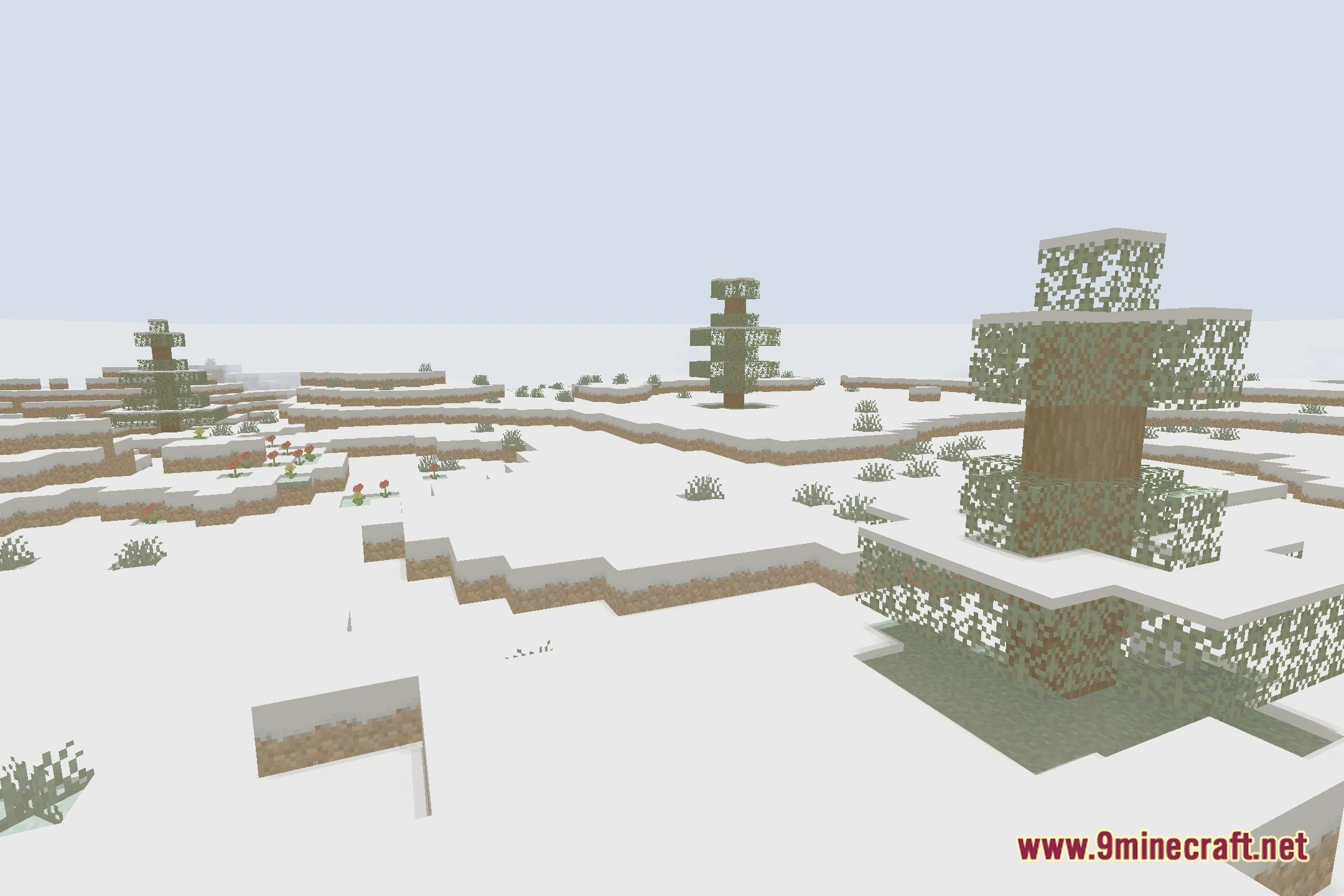
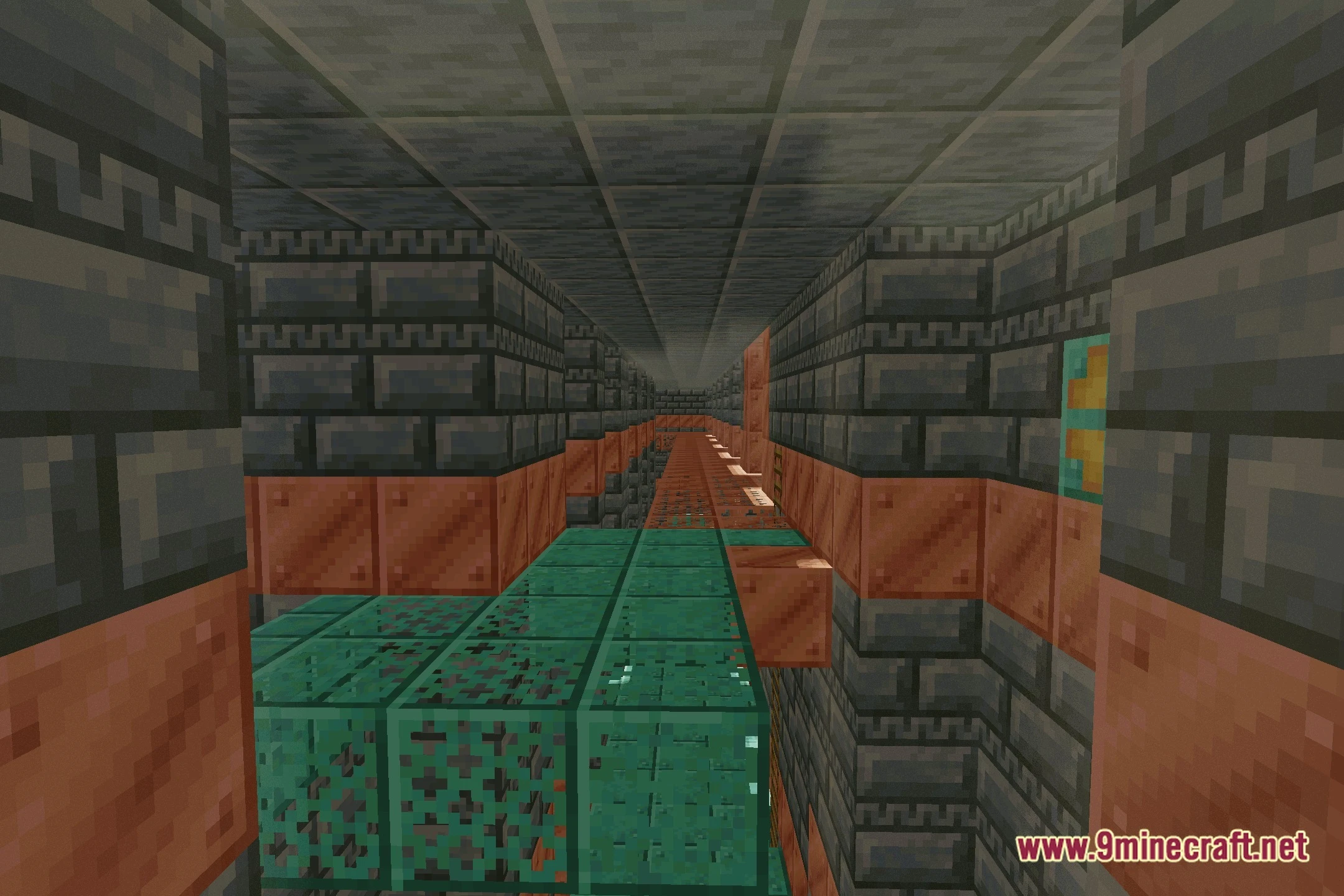
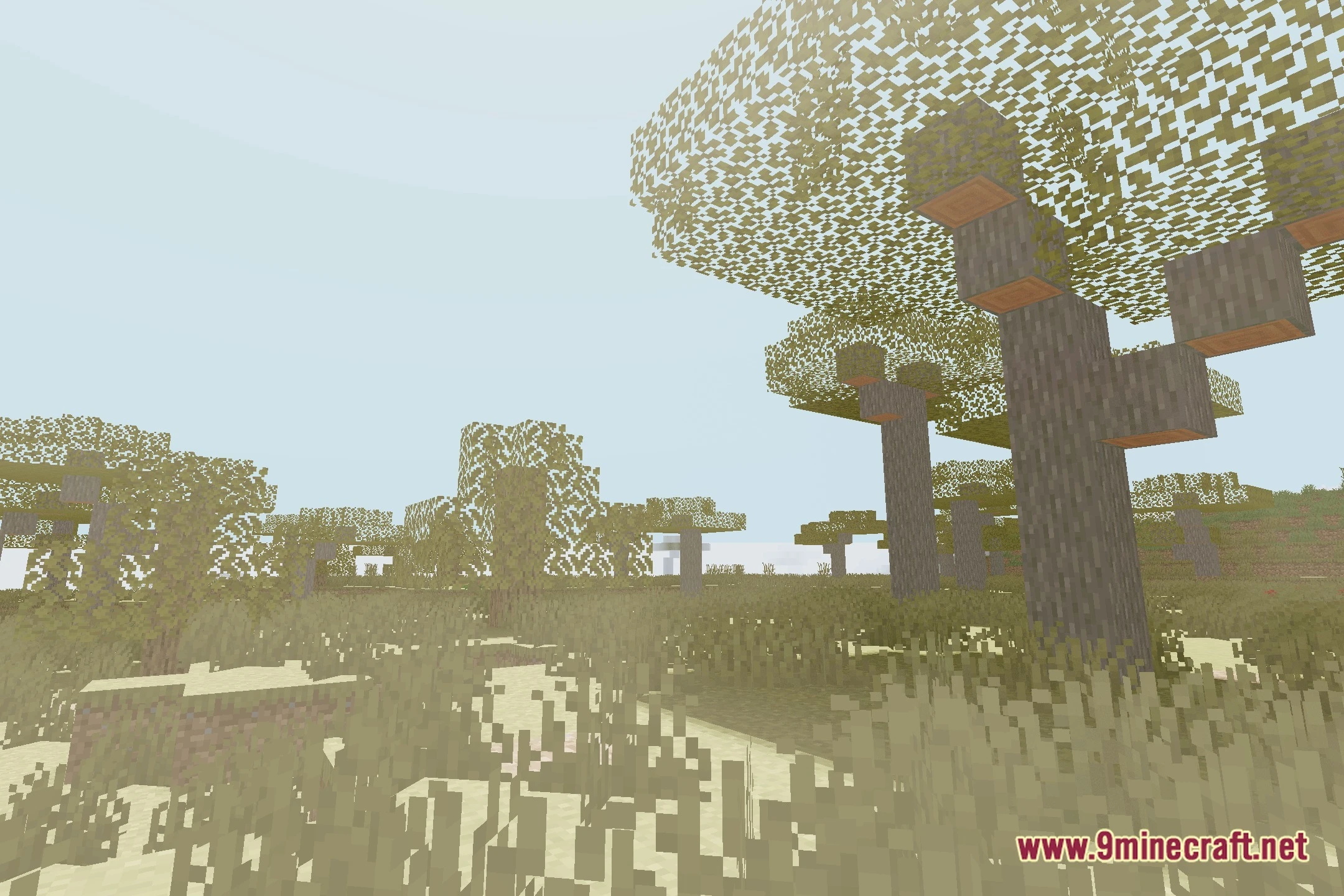
CCG Shaders lights up your Minecraft world using rendering code generated by artificial intelligence. This shader pack brings realistic atmospheric lighting, smooth shadows, and glowing bloom to every biome. It runs smoothly across low-end and medium setups, giving potato computers a clean visual boost. Players get improved lighting and shadow effects without heavy frame drops during gameplay.
Features:
- Features code generated entirely by AI to test modern game rendering.
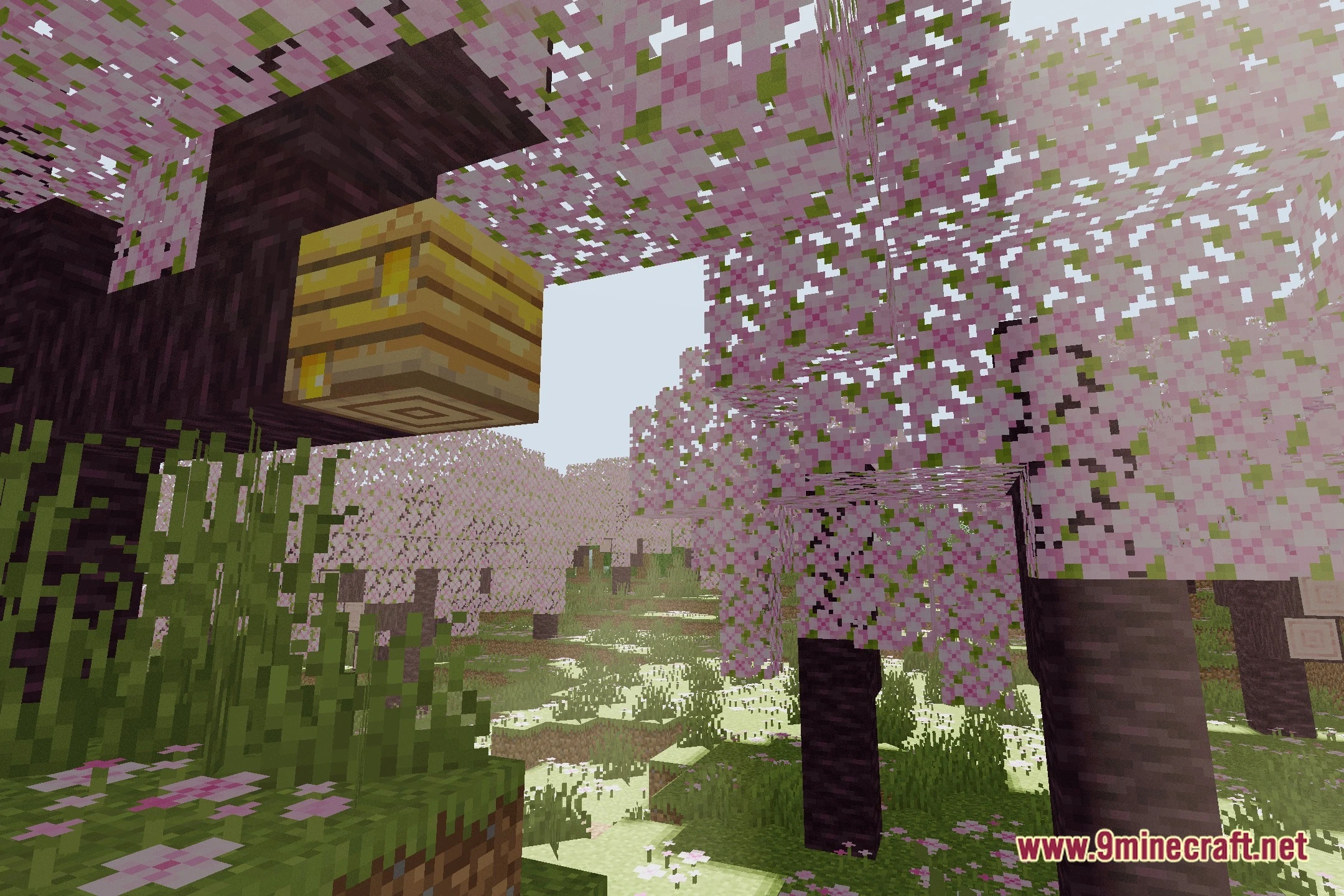
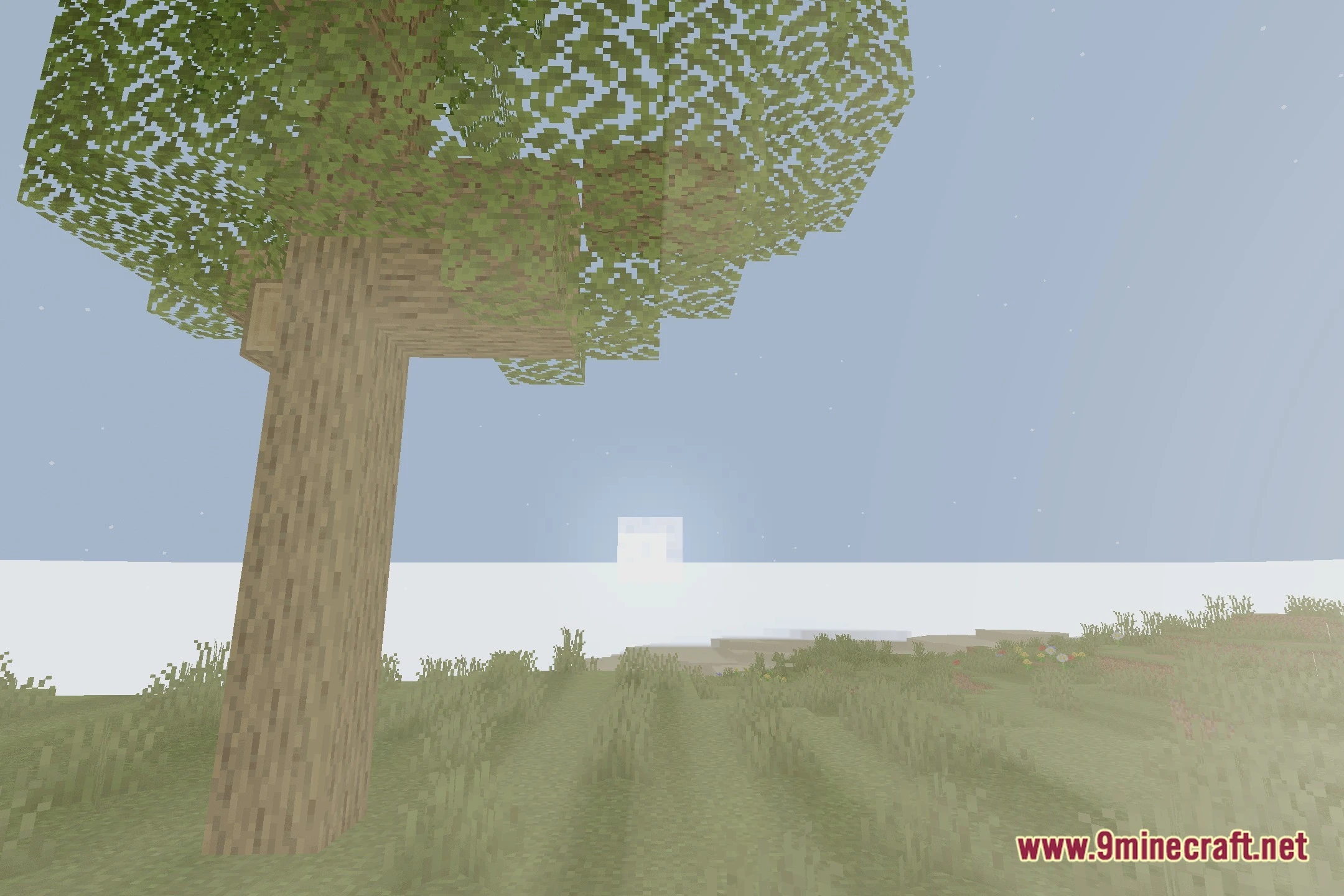
- Adds soft shadows that cast naturally across blocks and terrain.
- Adds vibrant bloom effects to torches, fire, and bright blocks.
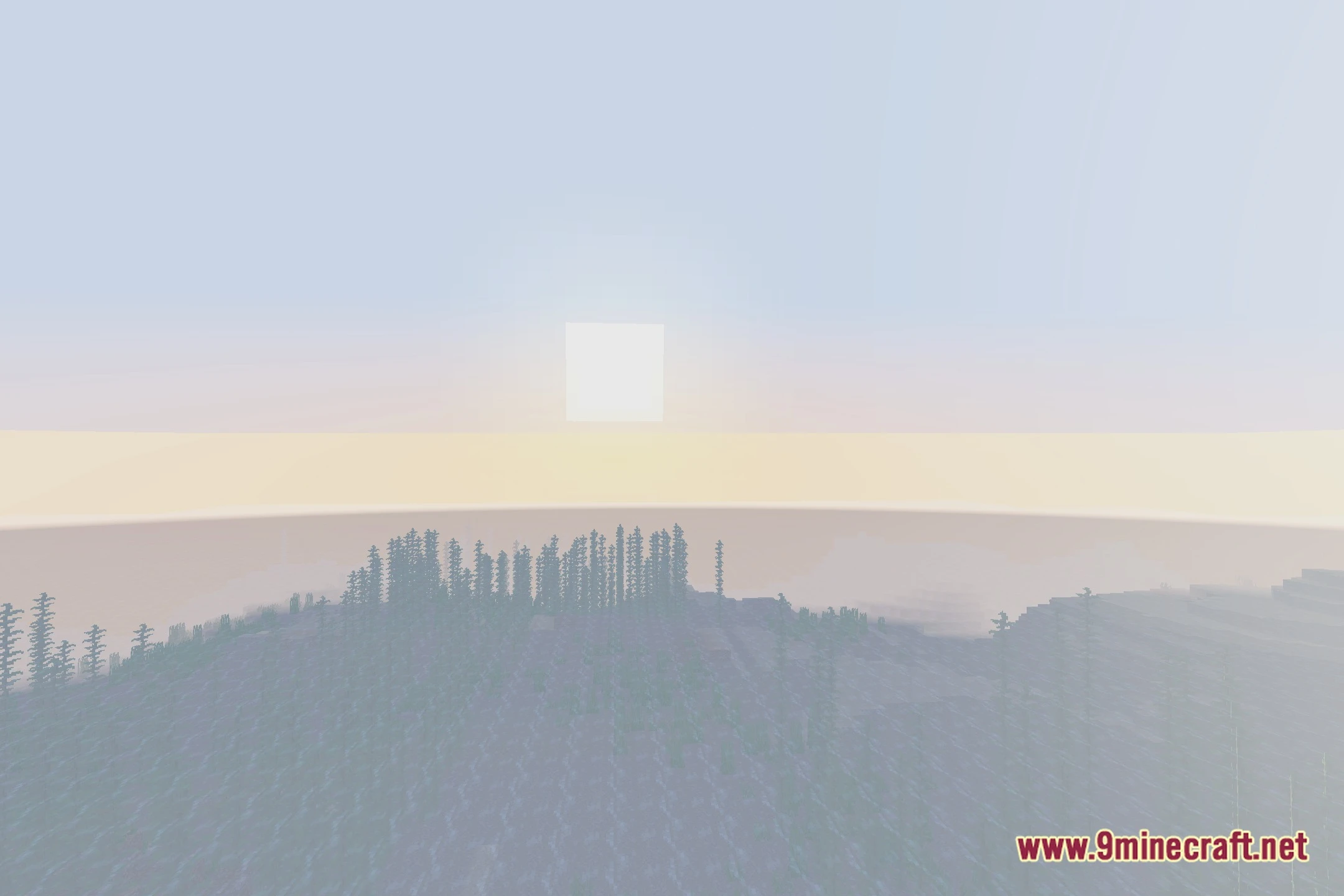
- Paints the sky and horizon with realistic atmospheric lighting.
- Runs smoothly on potato PCs, low-end laptops, and mid-range hardware.
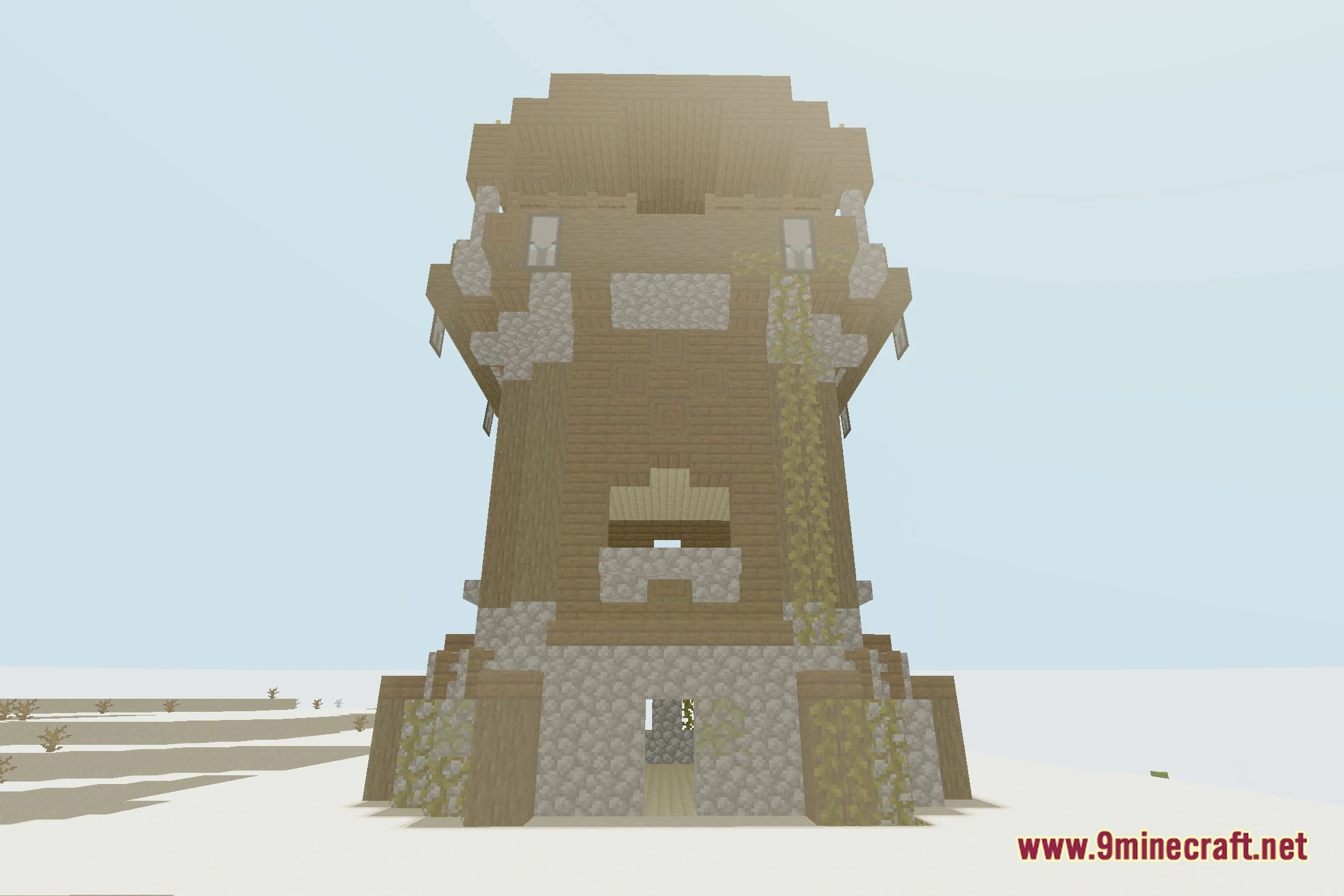
Screenshots:
CCG Shaders Download Links
Quick facts
- Edition: Minecraft Java
- File type: .zip (resource pack)
- Minecraft version listed: 1.20.1
- How to install: Download the .zip resource pack — do not unzip it. → Put it in .minecraft/resourcepacks. → Enable it in Options → Resource Packs.
- Where to get it: Opens on the file's original source — not every file is mirrored on our own servers.
Install steps are the general flow for this file type — see the MC Java Mods guides for the full walkthrough.
CCG Shaders (26.2, 1.20.1) – AI Generated Lighting with Soft Shadows is a free Minecraft Java shader. Compatible with Minecraft 1.20.1. Download it and open it directly in the game.