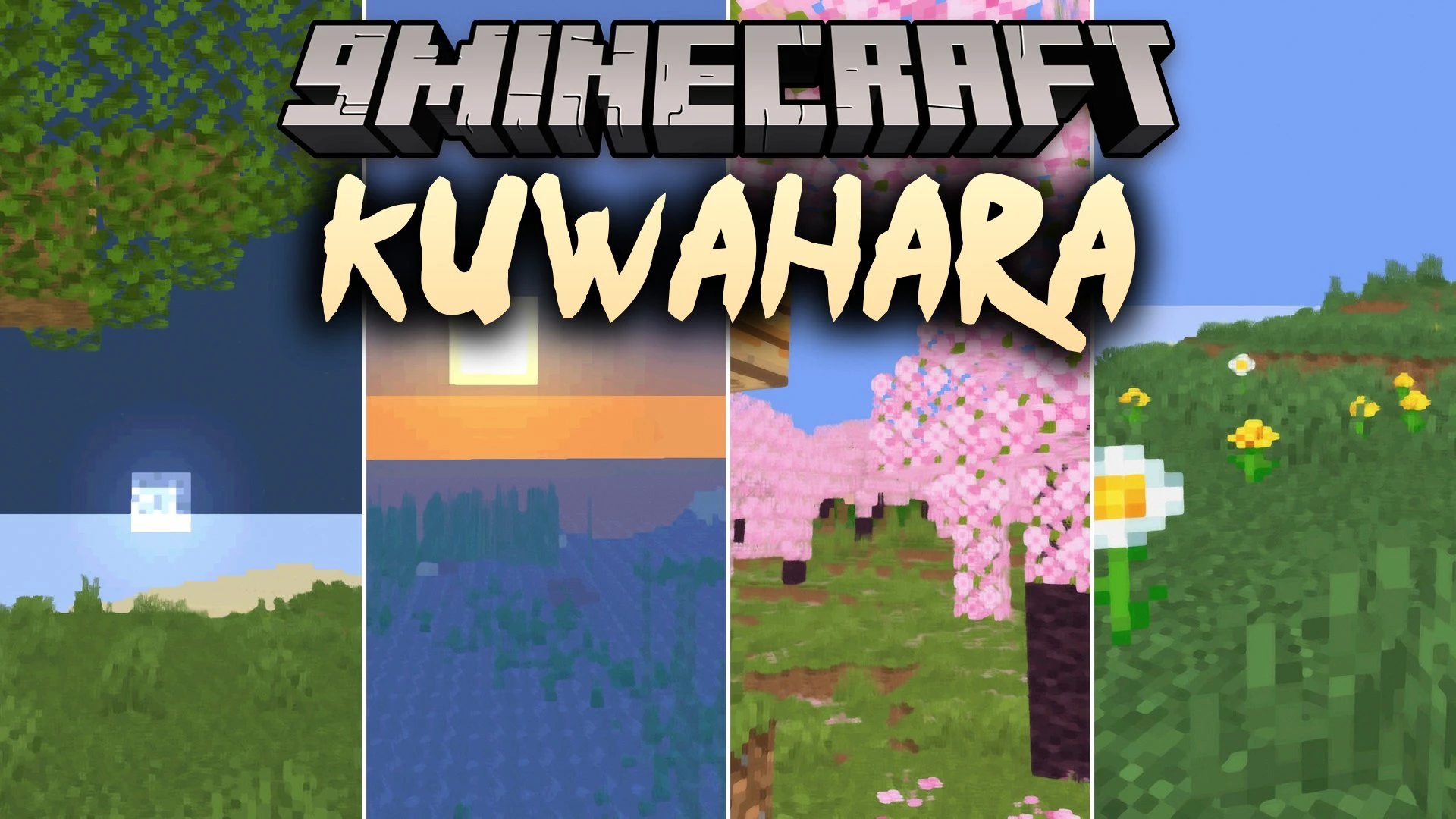
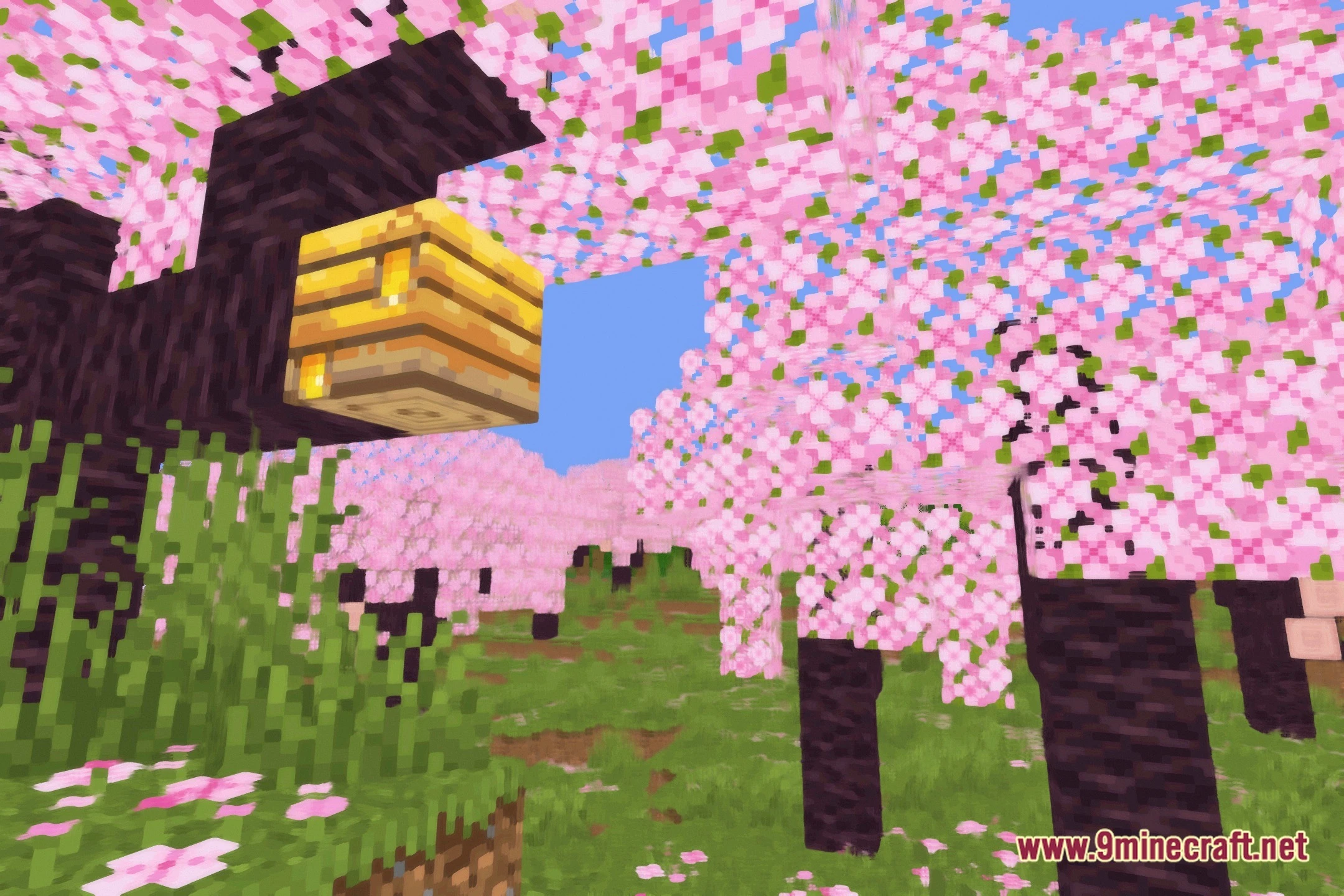
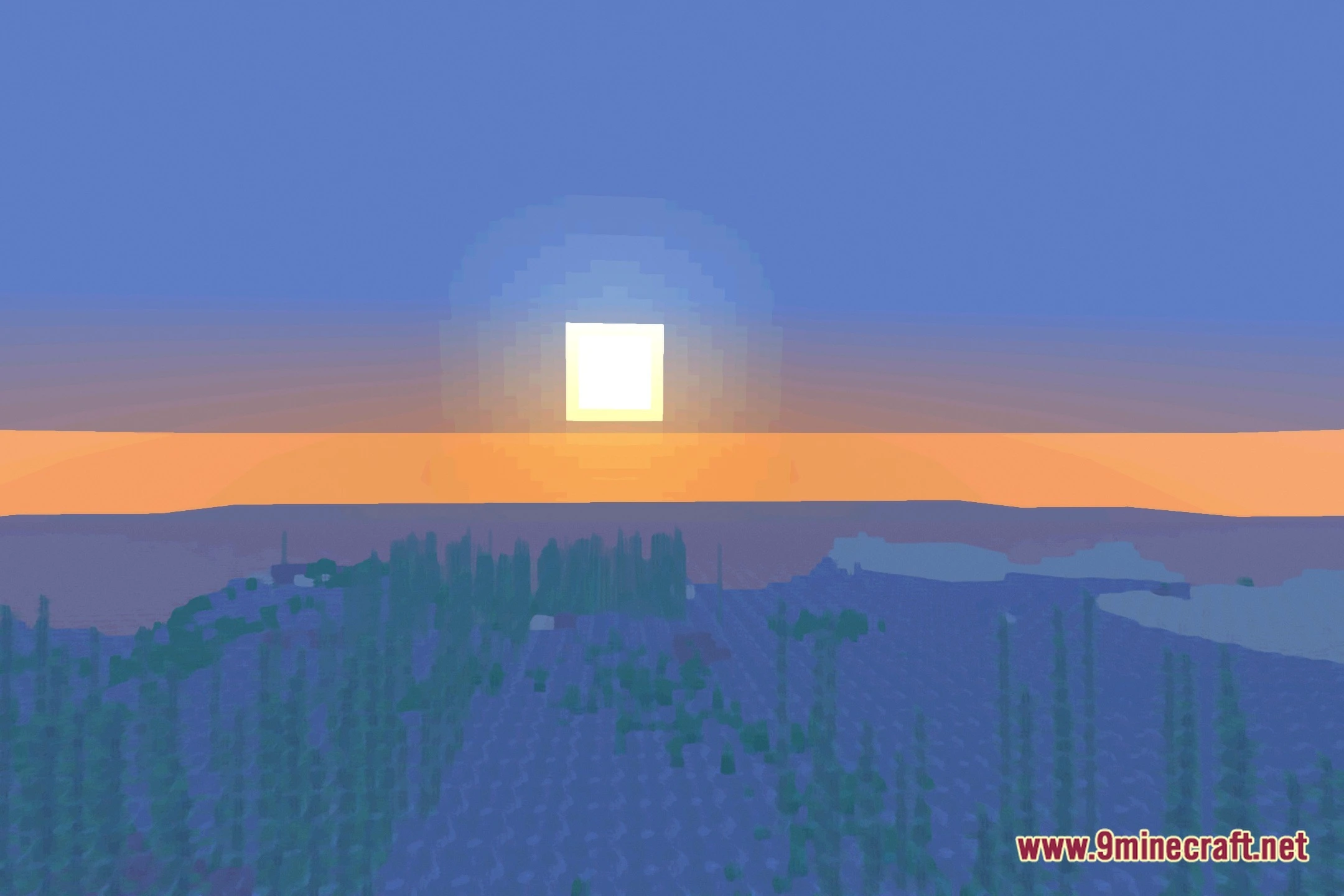
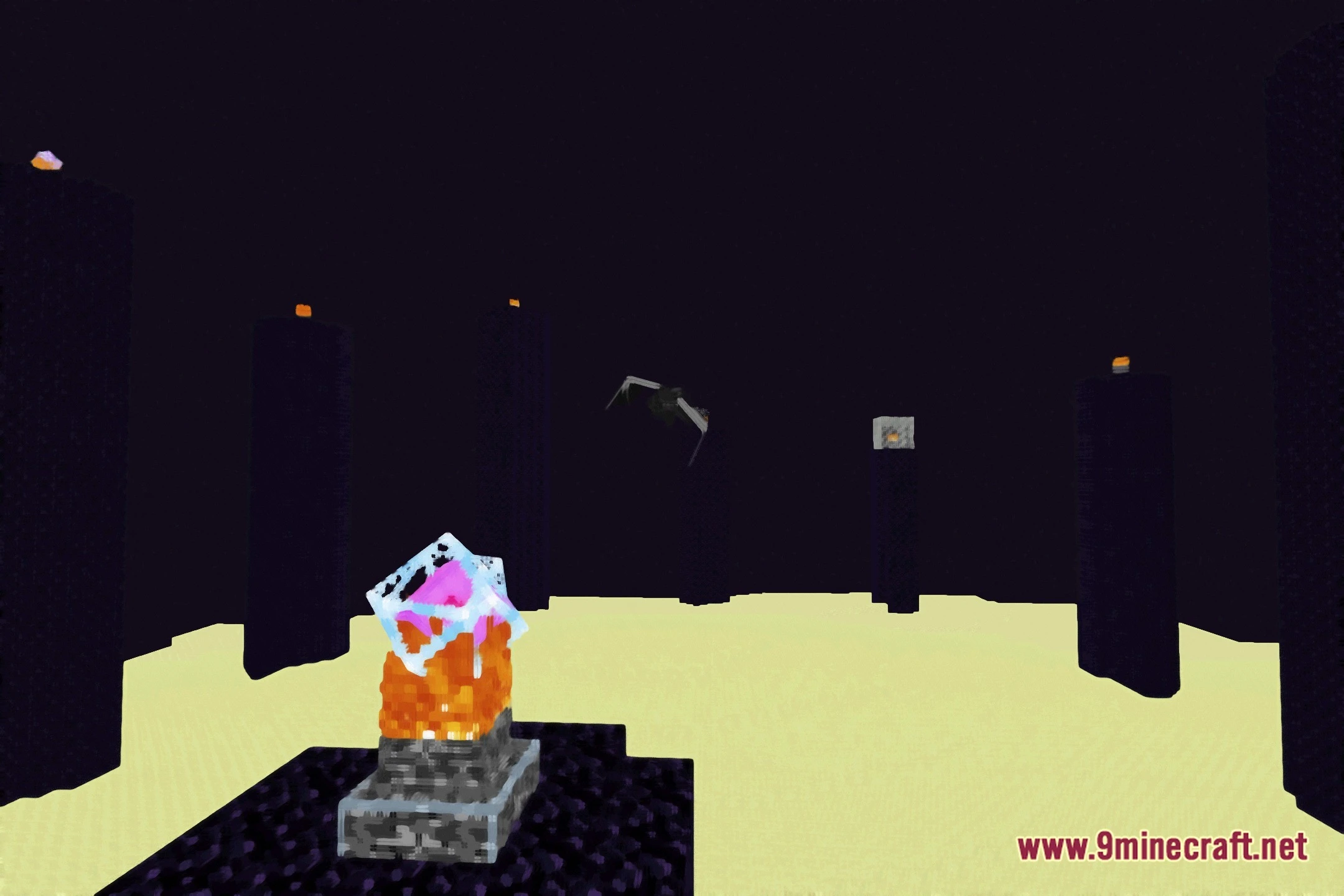
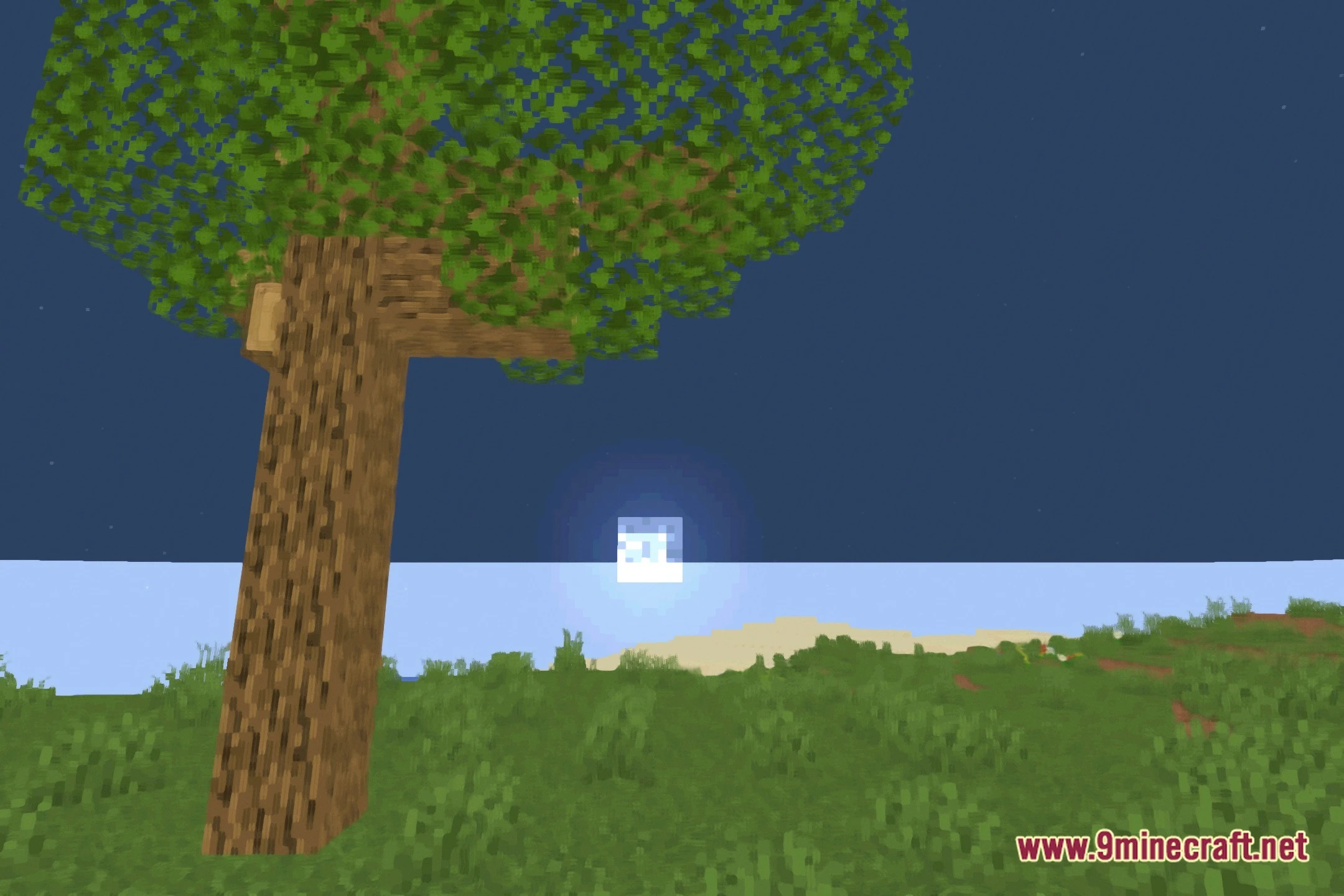
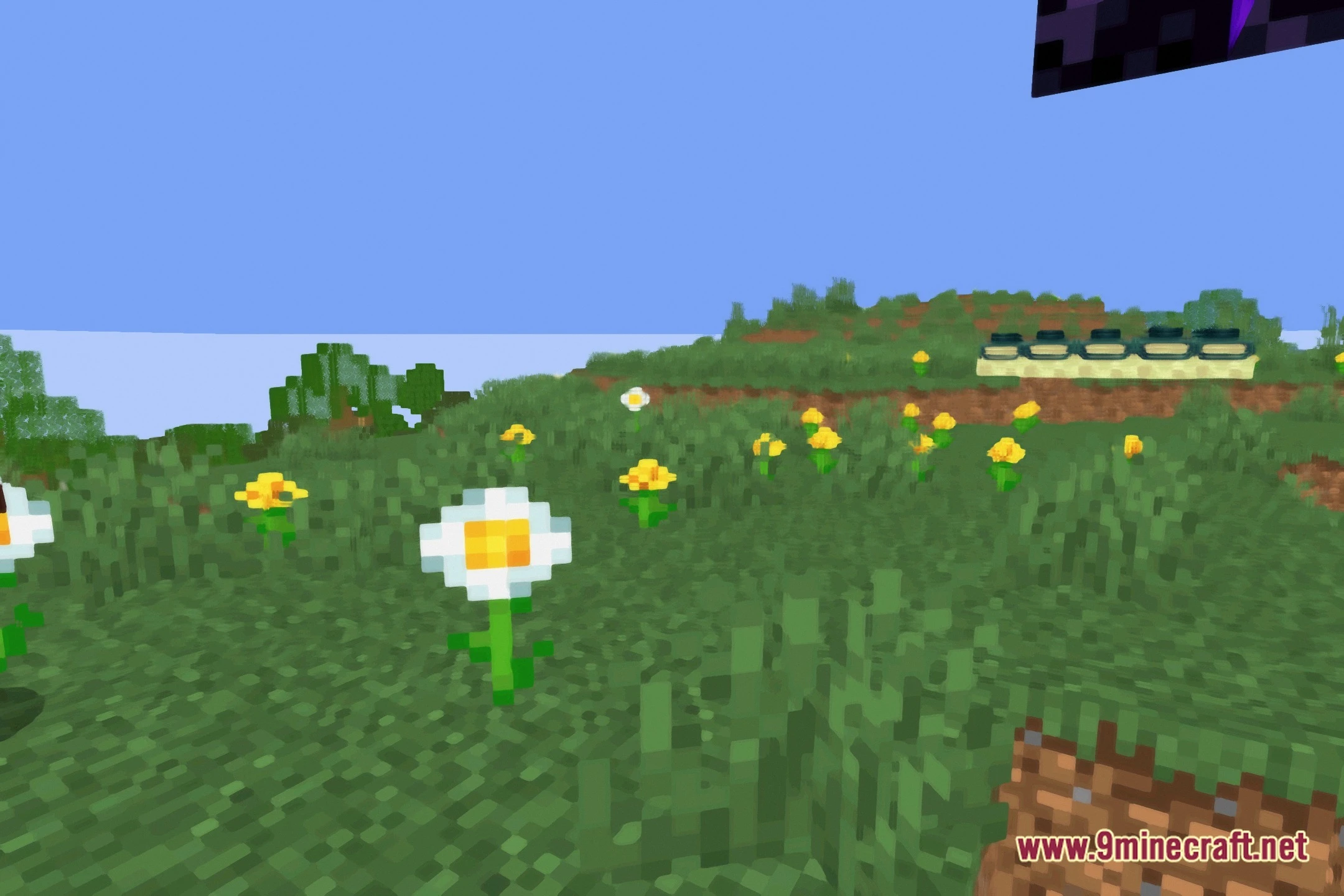
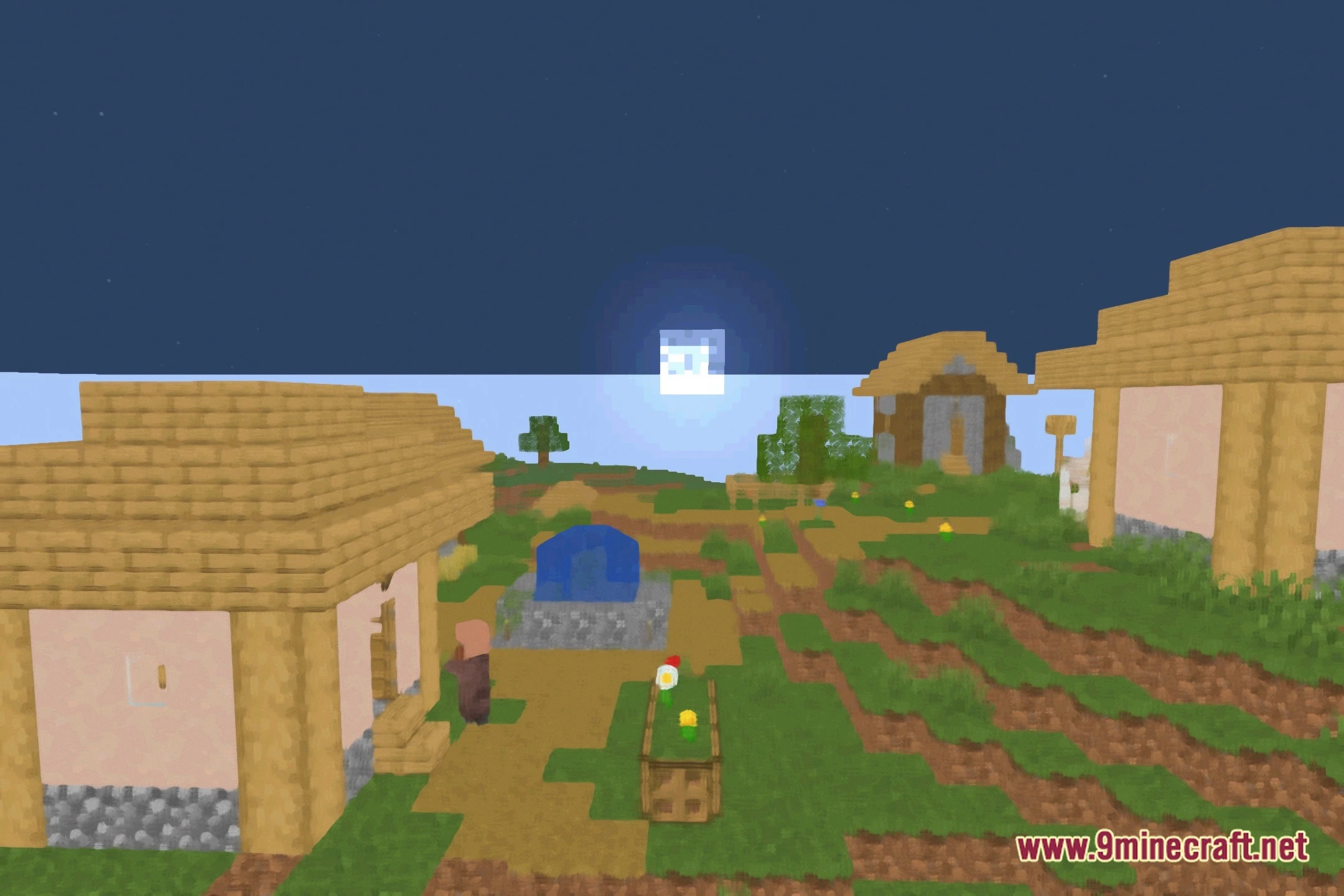
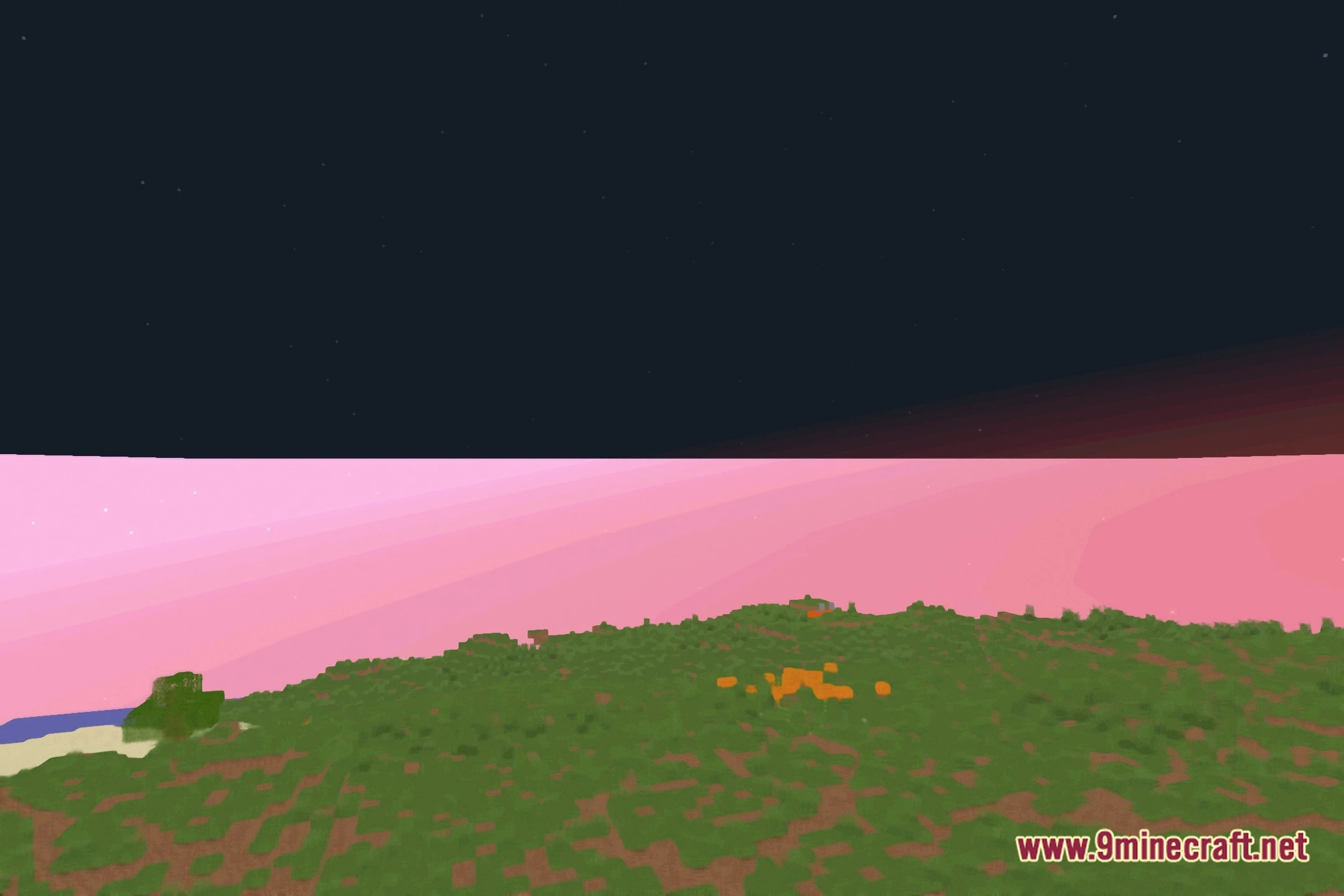
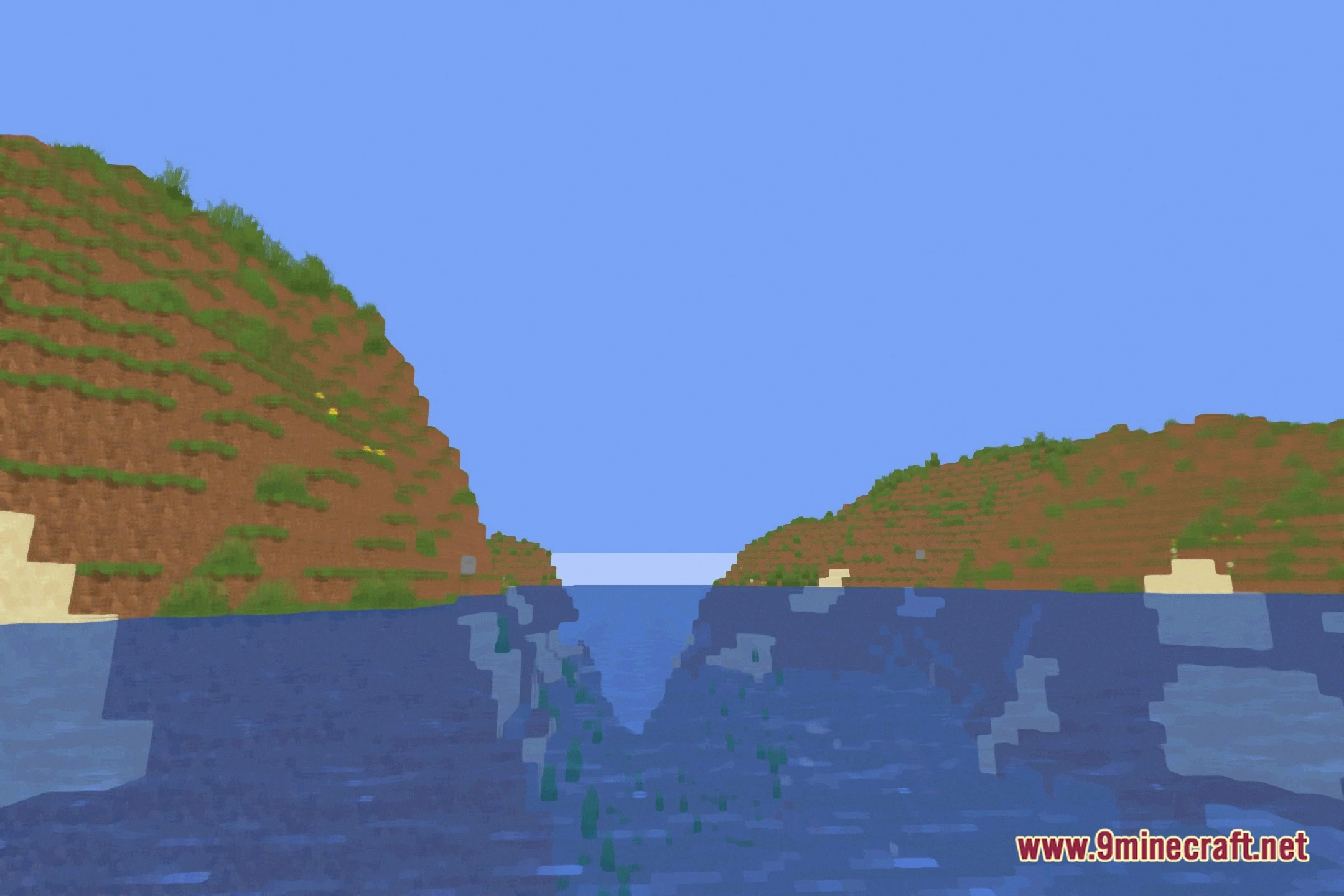
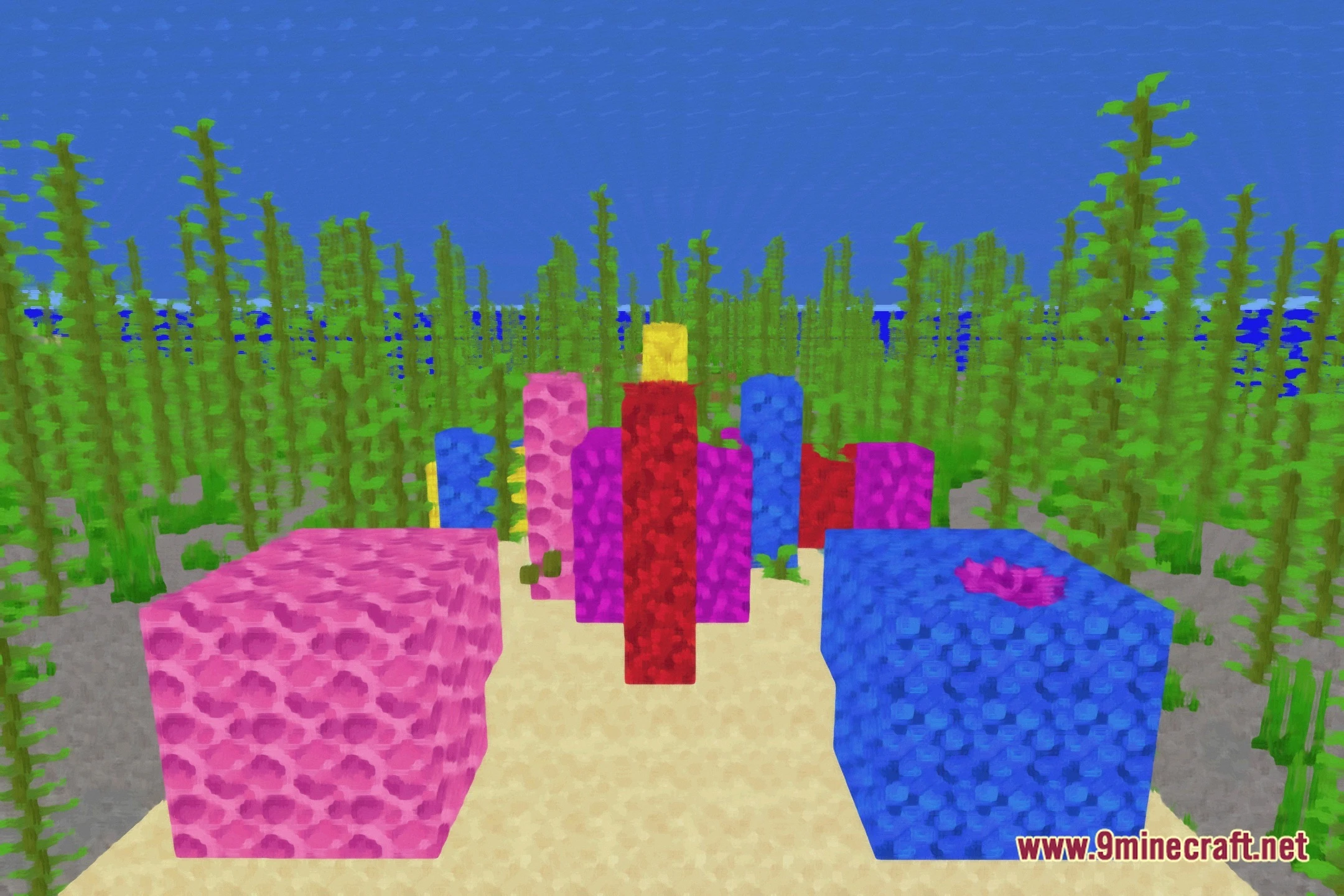
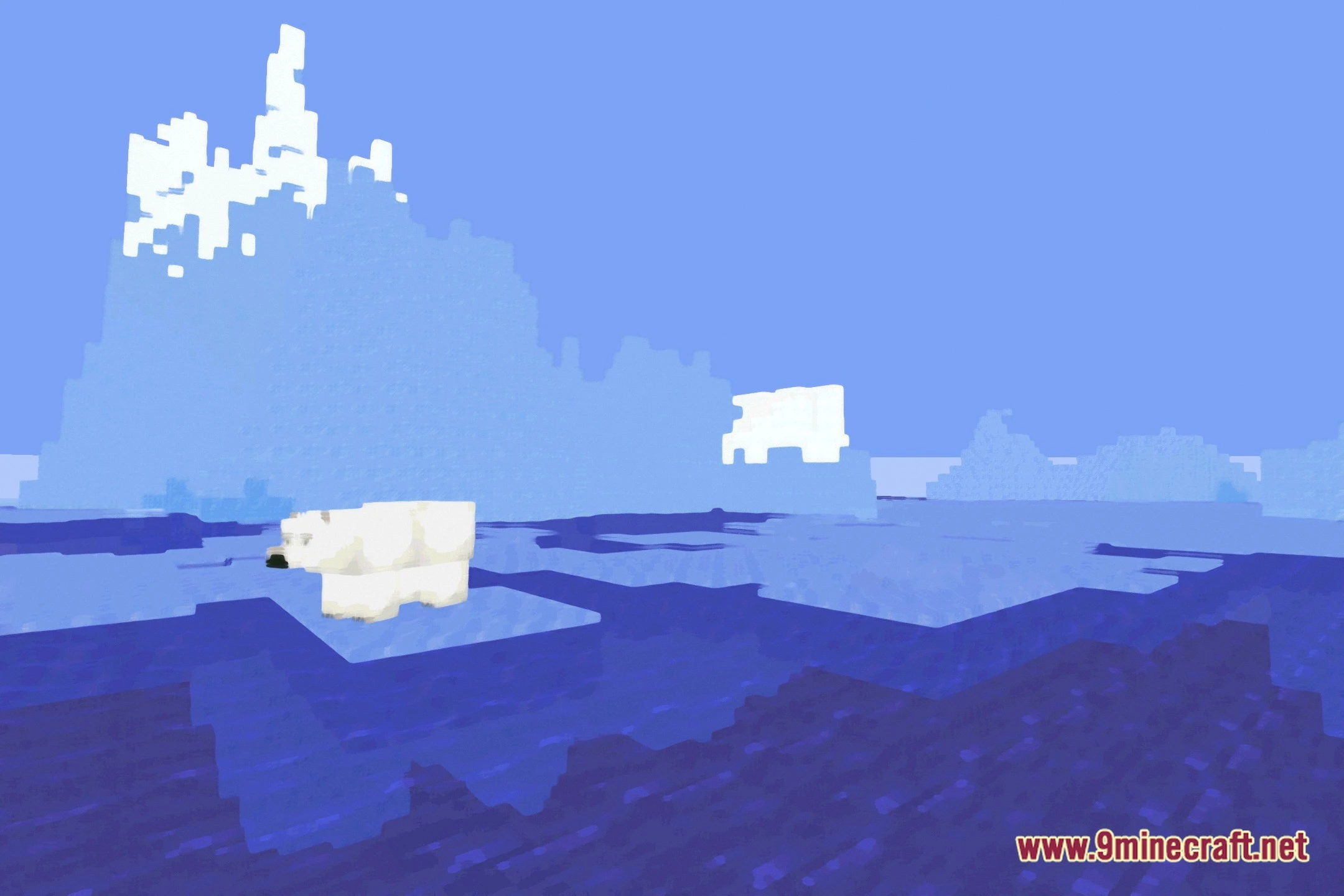
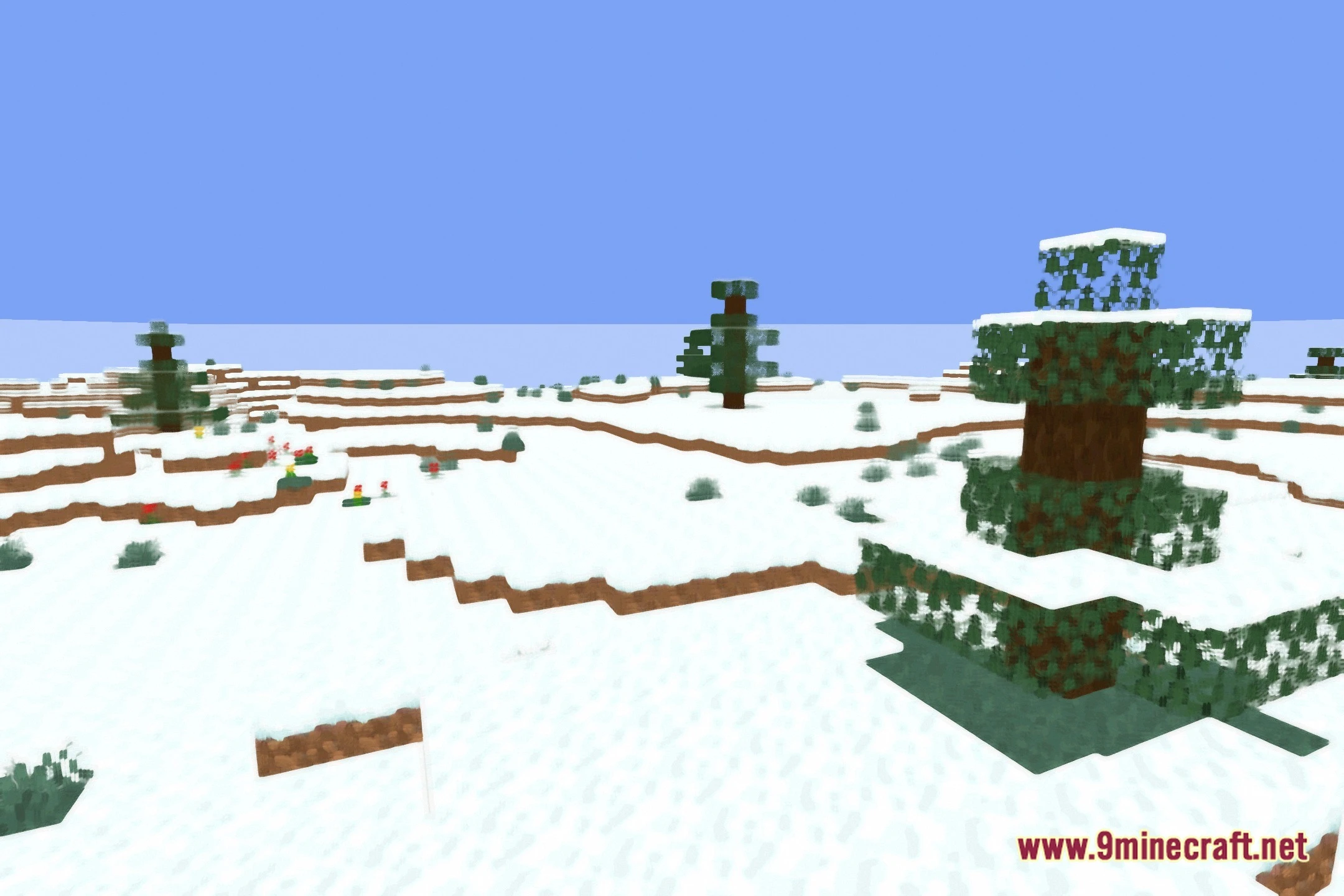
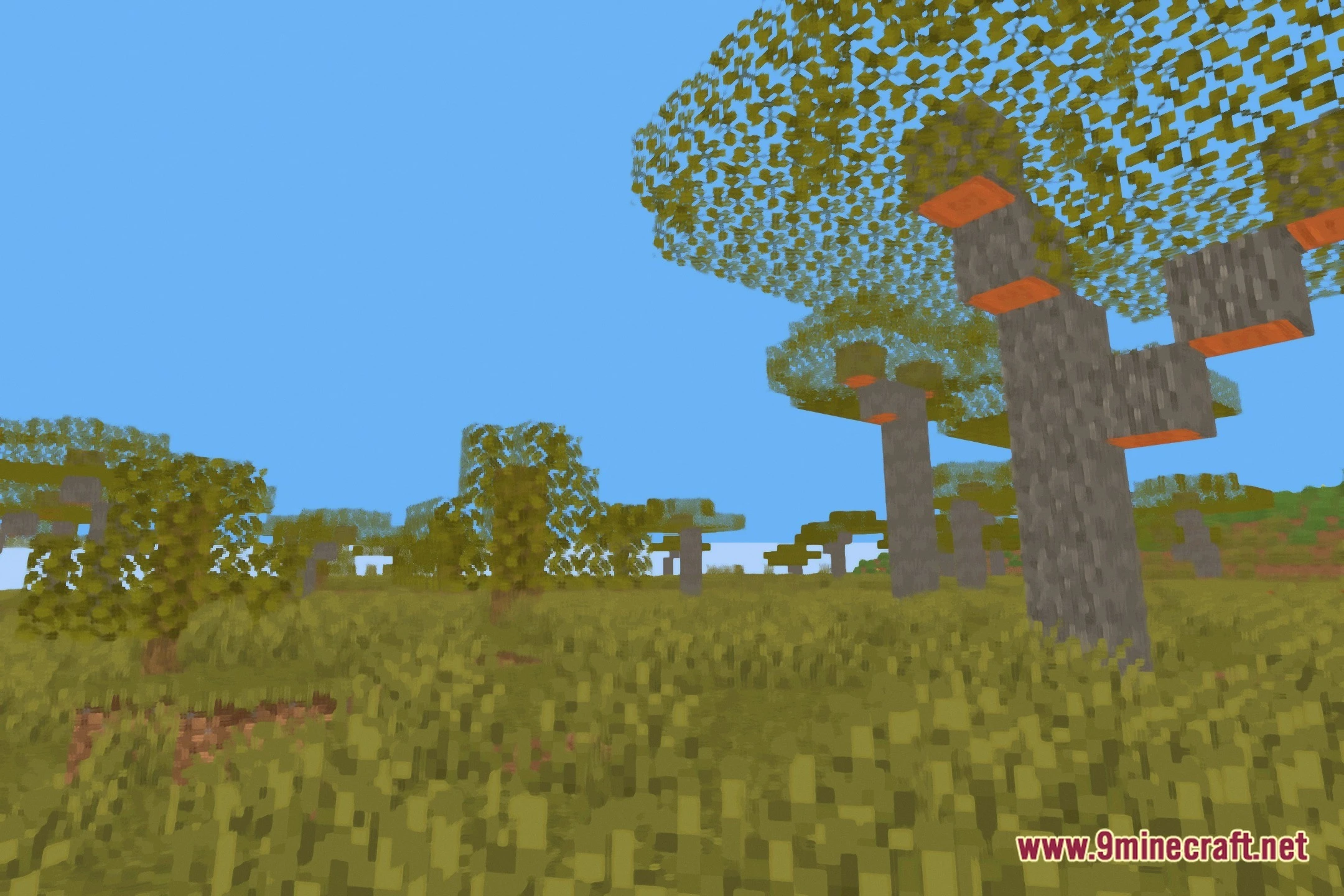
Kuwahara Shaders transforms the game into a stylized painting with smooth, oily textures. The shader applies a special filter that softens sharp pixel edges while keeping the classic blocky feel. It also includes subtle bloom lighting to give bright areas a gentle glow. You can enjoy a clean cartoon look that runs well even on low-end computers.
Features:
- Oil Paint Filter: Softens block textures to give the world an artistic, painted look.
- Subtle Bloom Effect: Bright blocks and light sources produce a soft, warm glow.
- Keeps the core vanilla feel so you can easily recognize blocks and items.
- Runs smoothly on low-end hardware without heavy lag.
- Softens harsh pixel edges across landscapes, skies, and mobs.
Screenshots:
Kuwahara Shaders Download Links
Quick facts
- Edition: Minecraft Java
- File type: .zip (resource pack)
- Minecraft version listed: 1.20.1
- How to install: Download the .zip resource pack — do not unzip it. → Put it in .minecraft/resourcepacks. → Enable it in Options → Resource Packs.
- Where to get it: Opens on the file's original source — not every file is mirrored on our own servers.
Install steps are the general flow for this file type — see the MC Java Mods guides for the full walkthrough.
Kuwahara Shaders (26.2, 1.20.1) – Oil Paint Filter with Soft Bloom is a free Minecraft Java shader. Compatible with Minecraft 1.20.1. Download it and open it directly in the game.