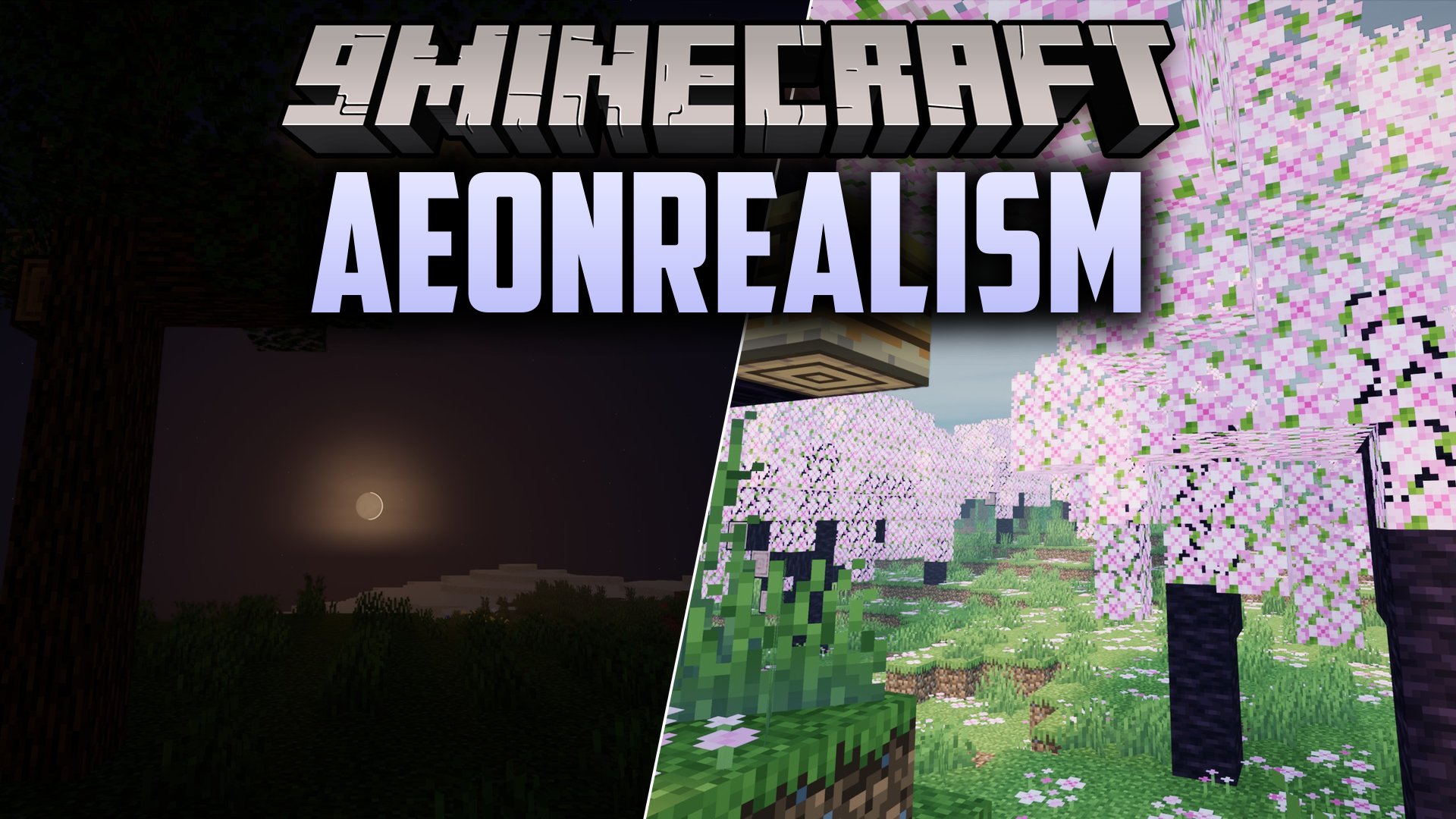
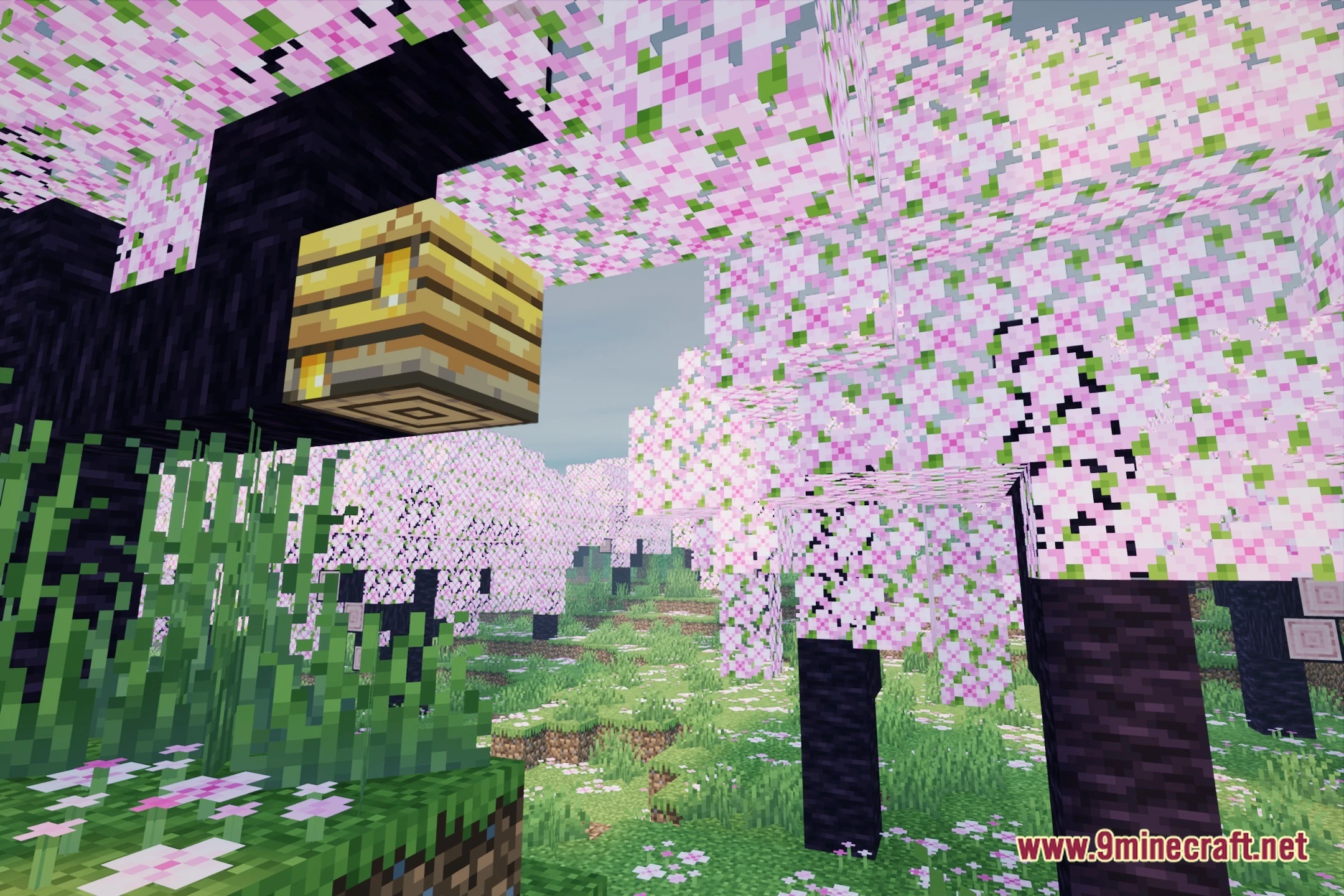
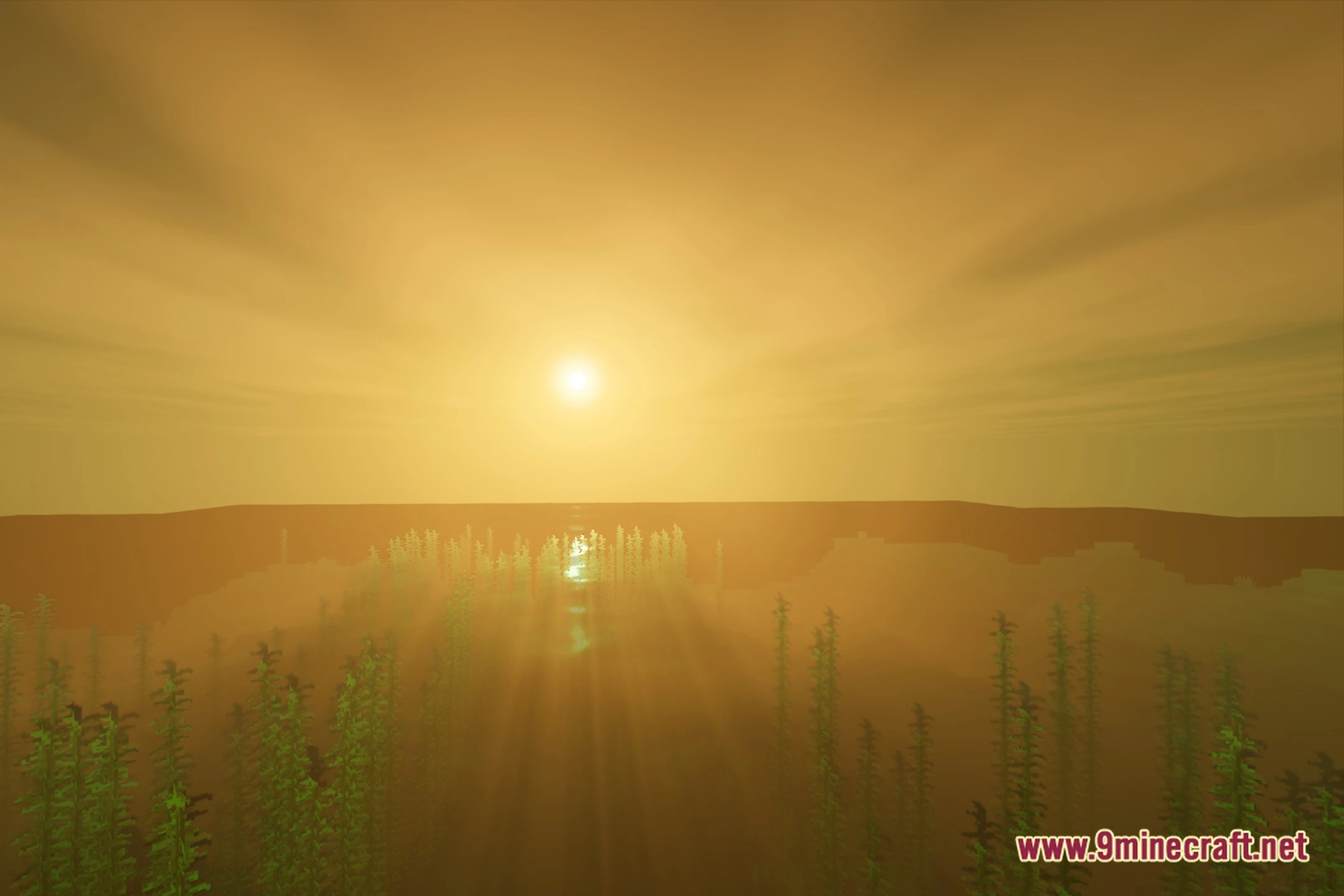
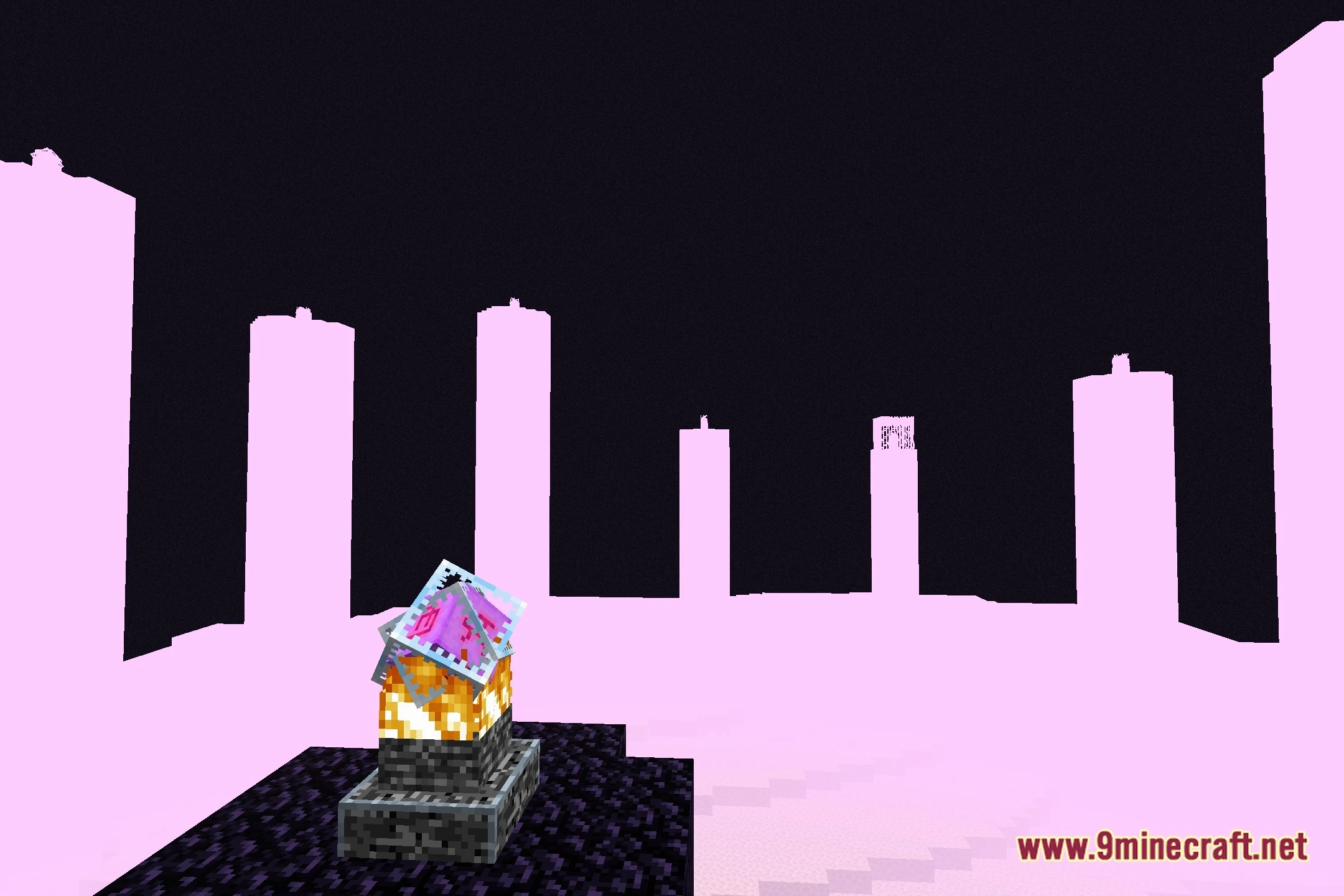
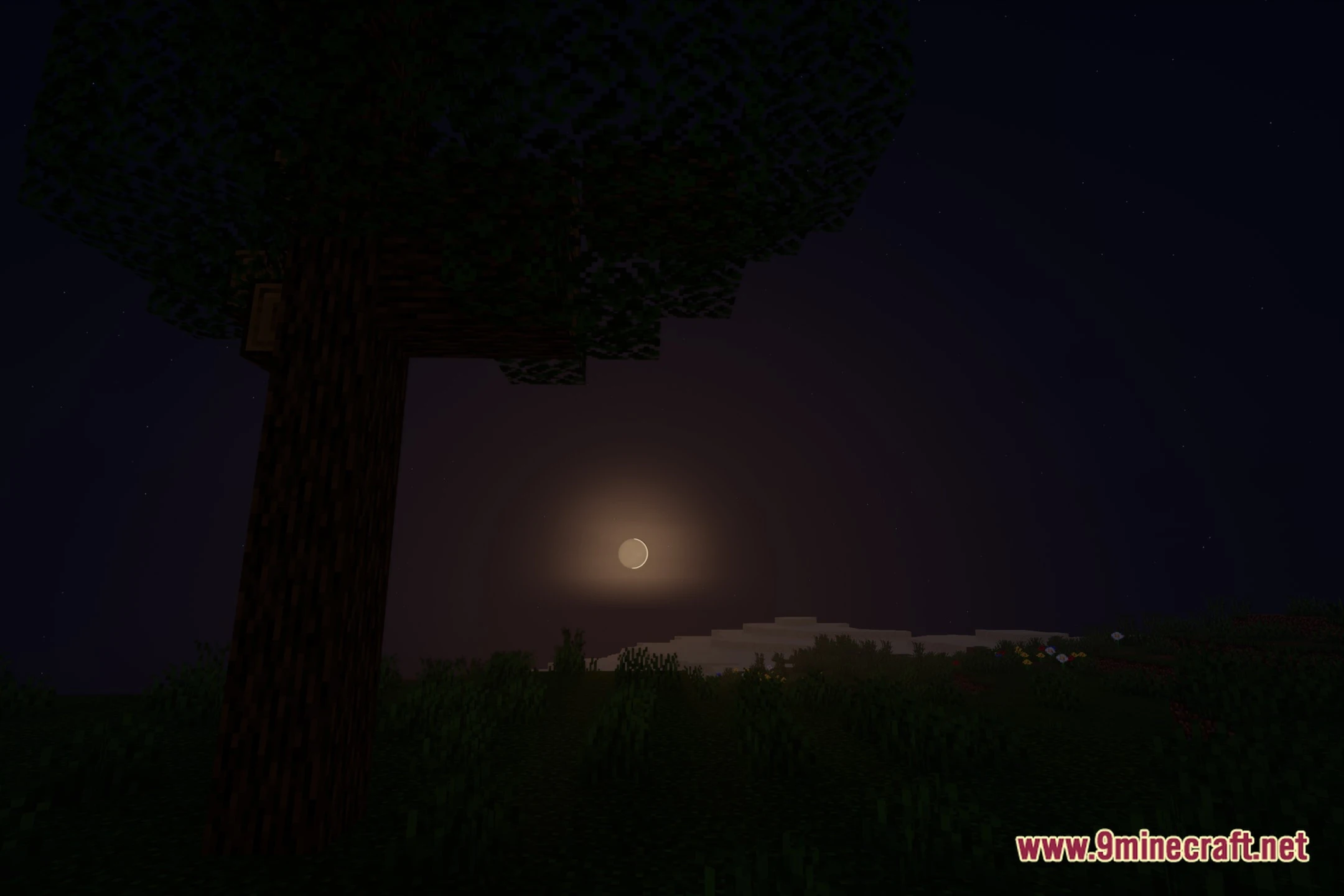
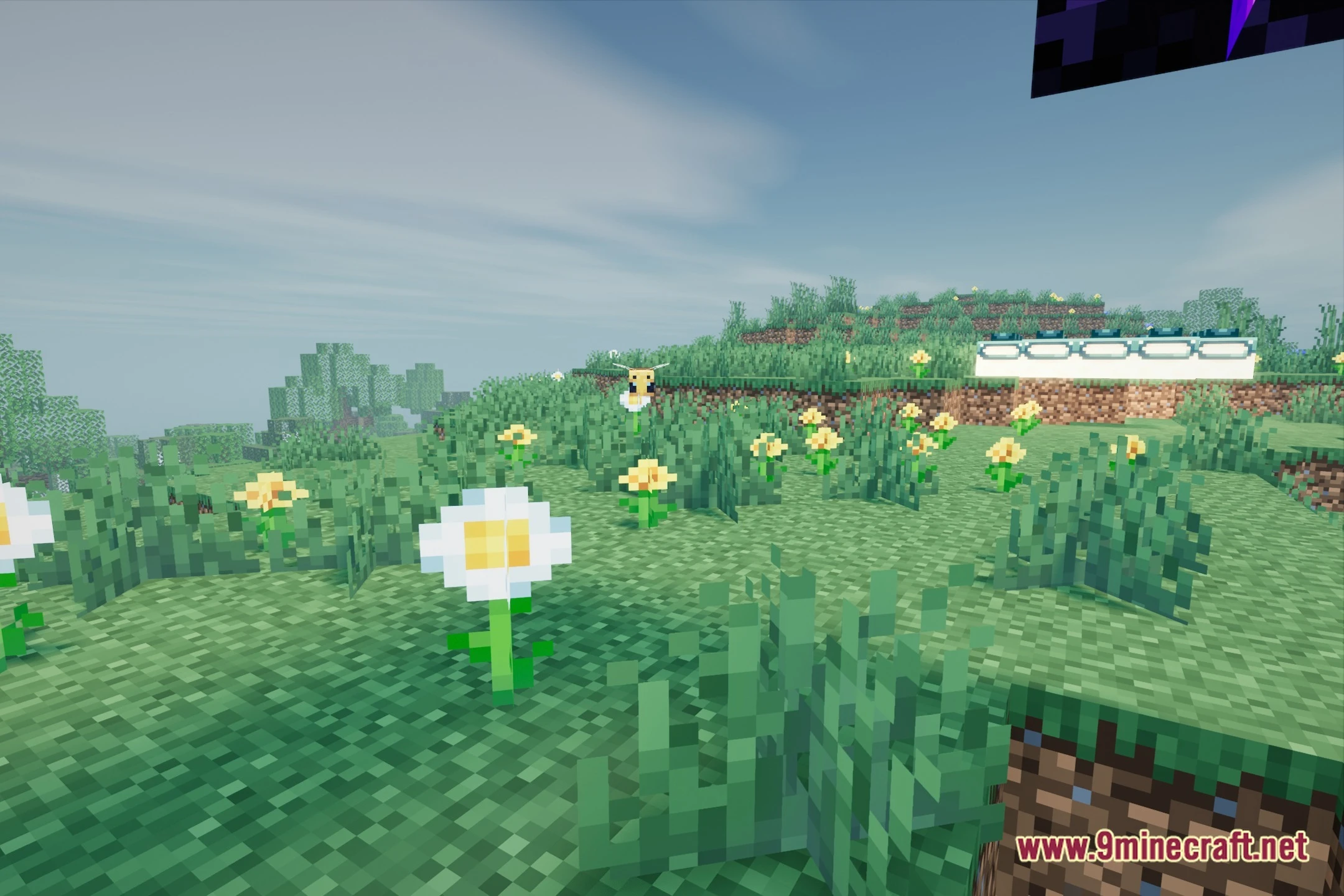
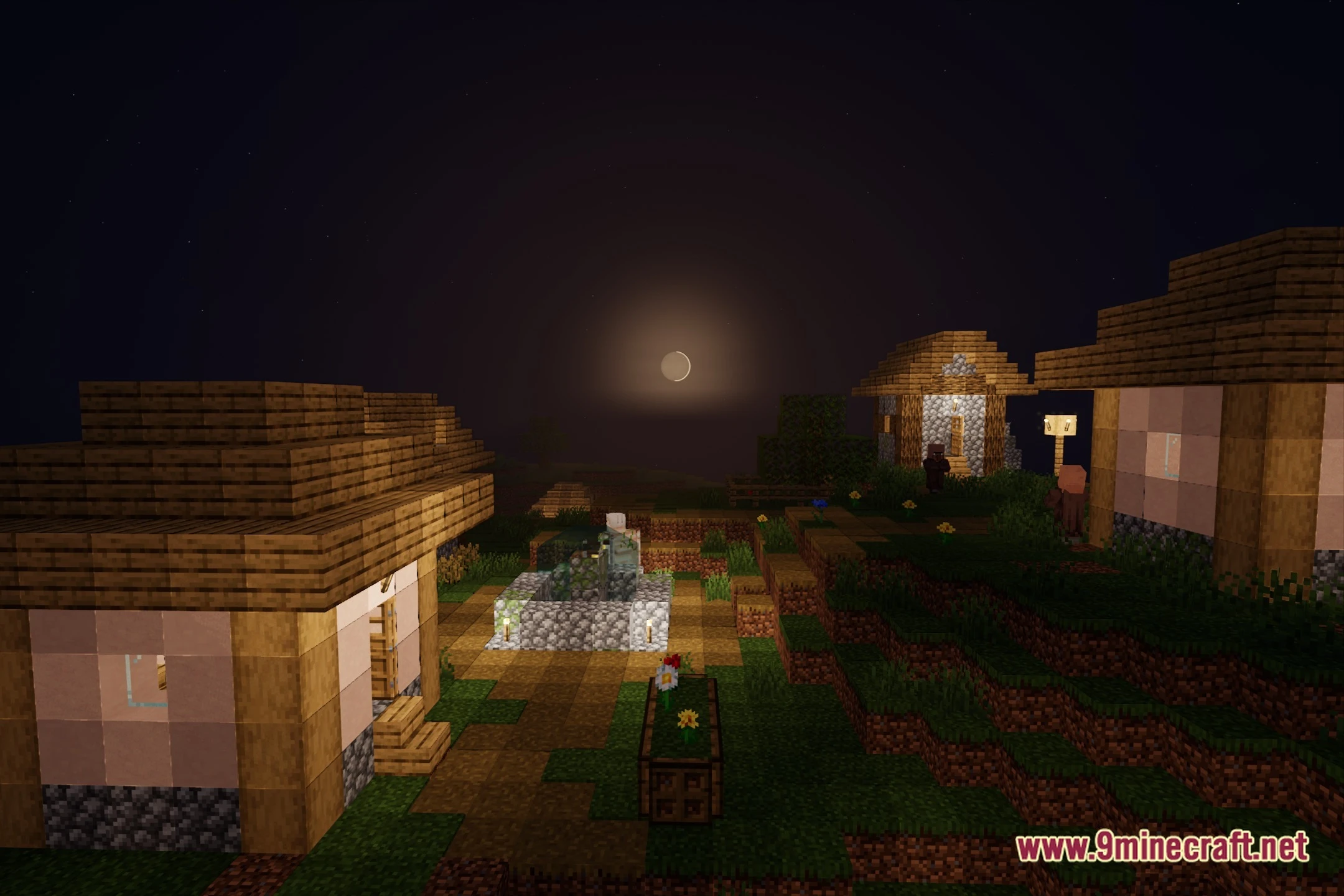
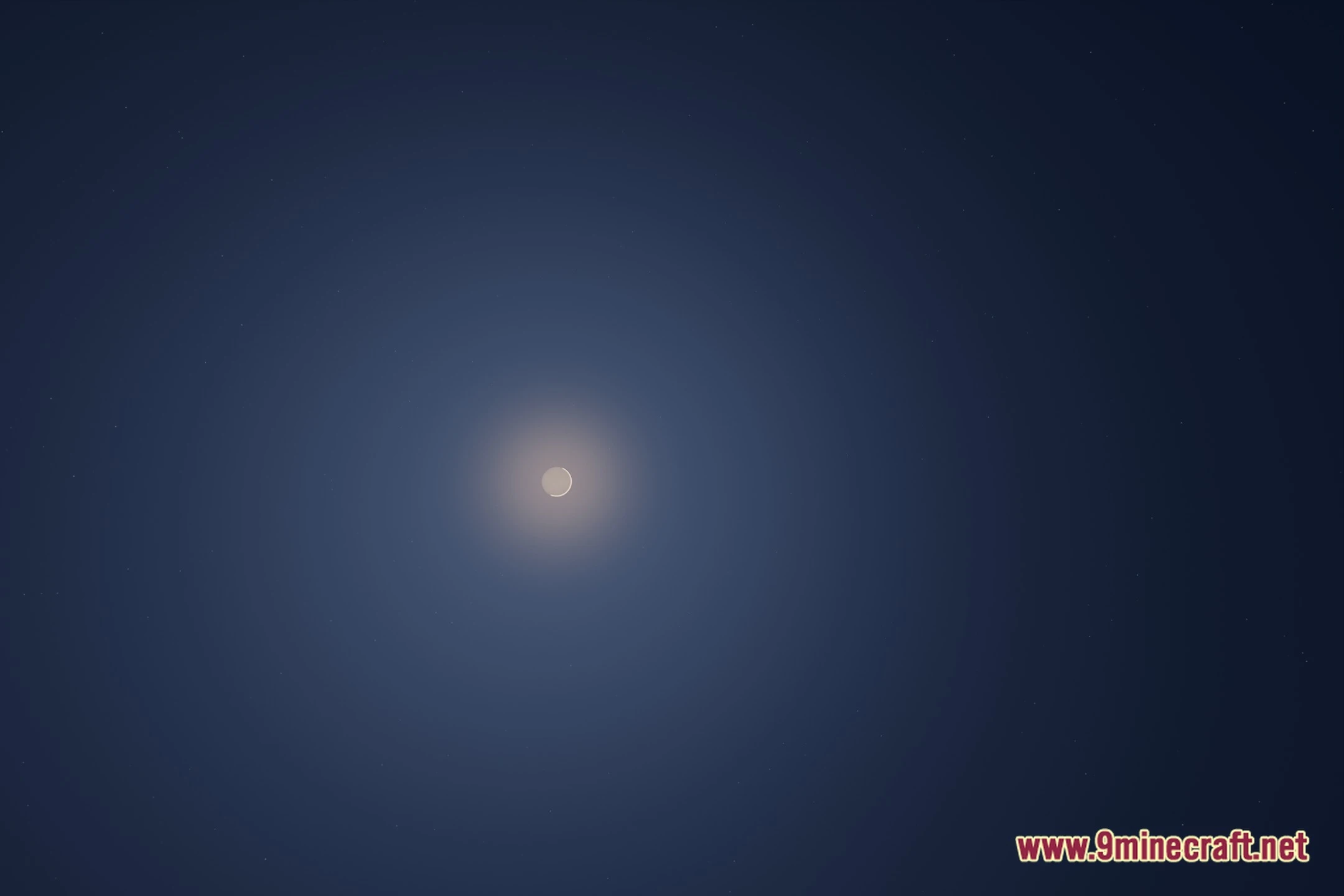
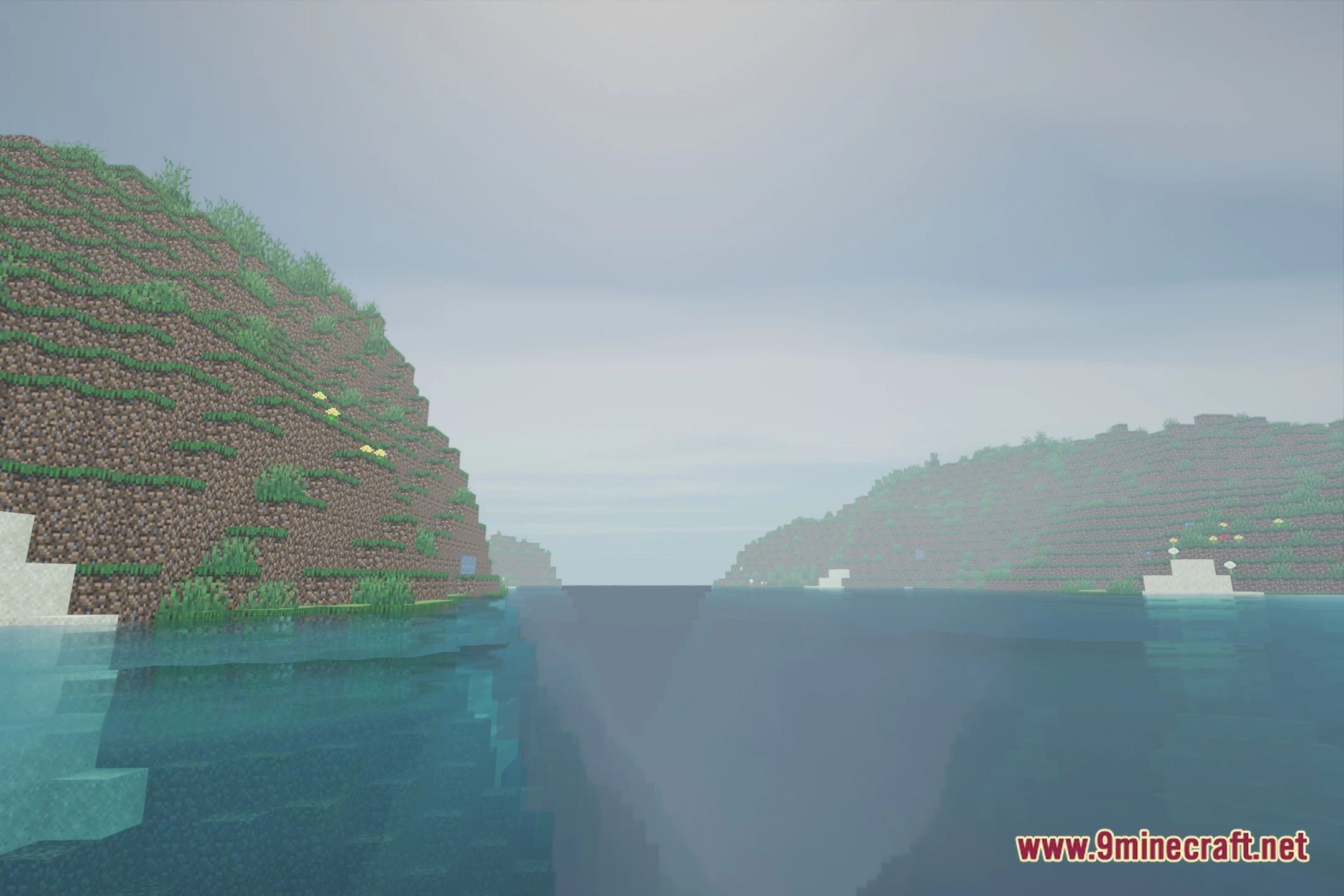
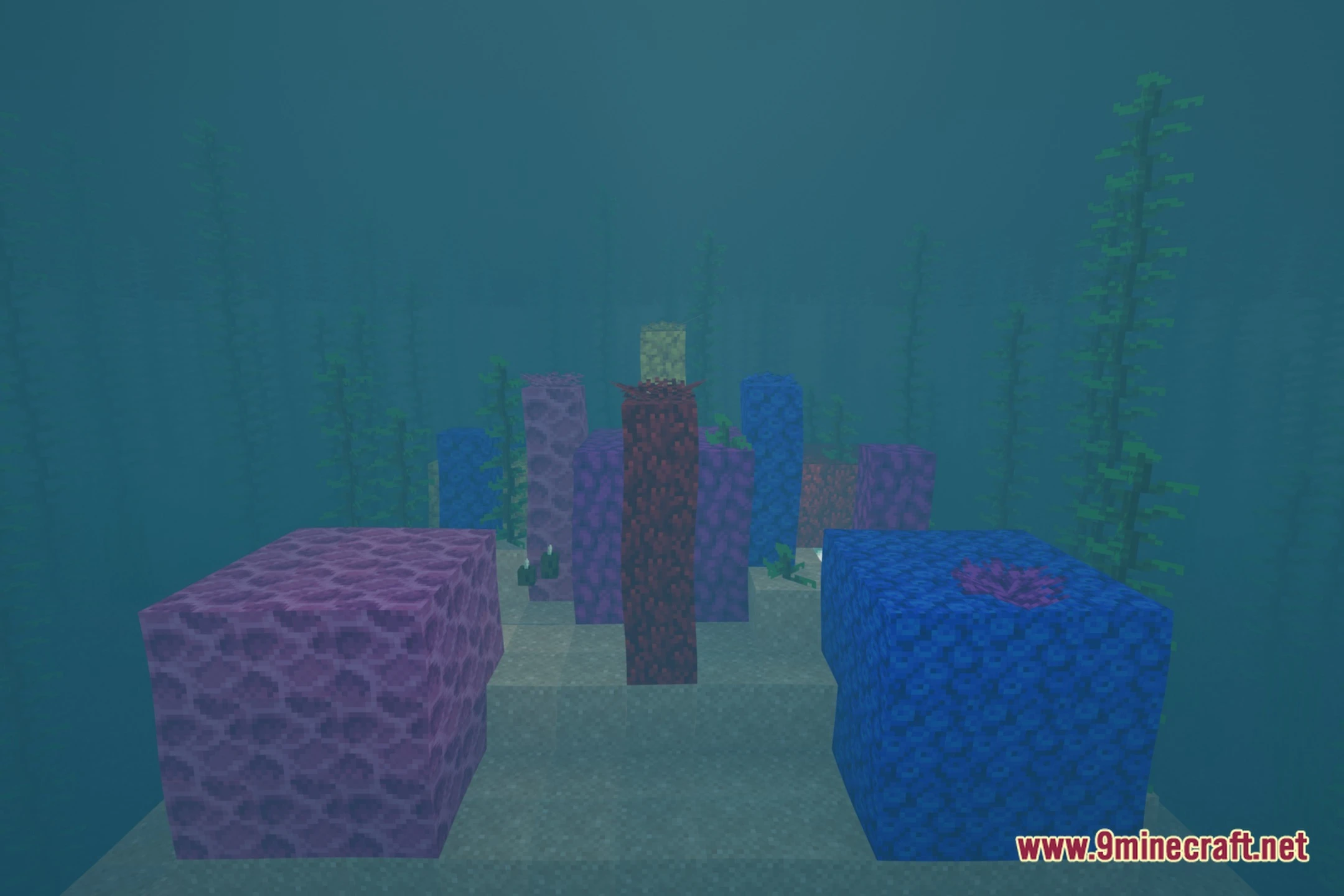
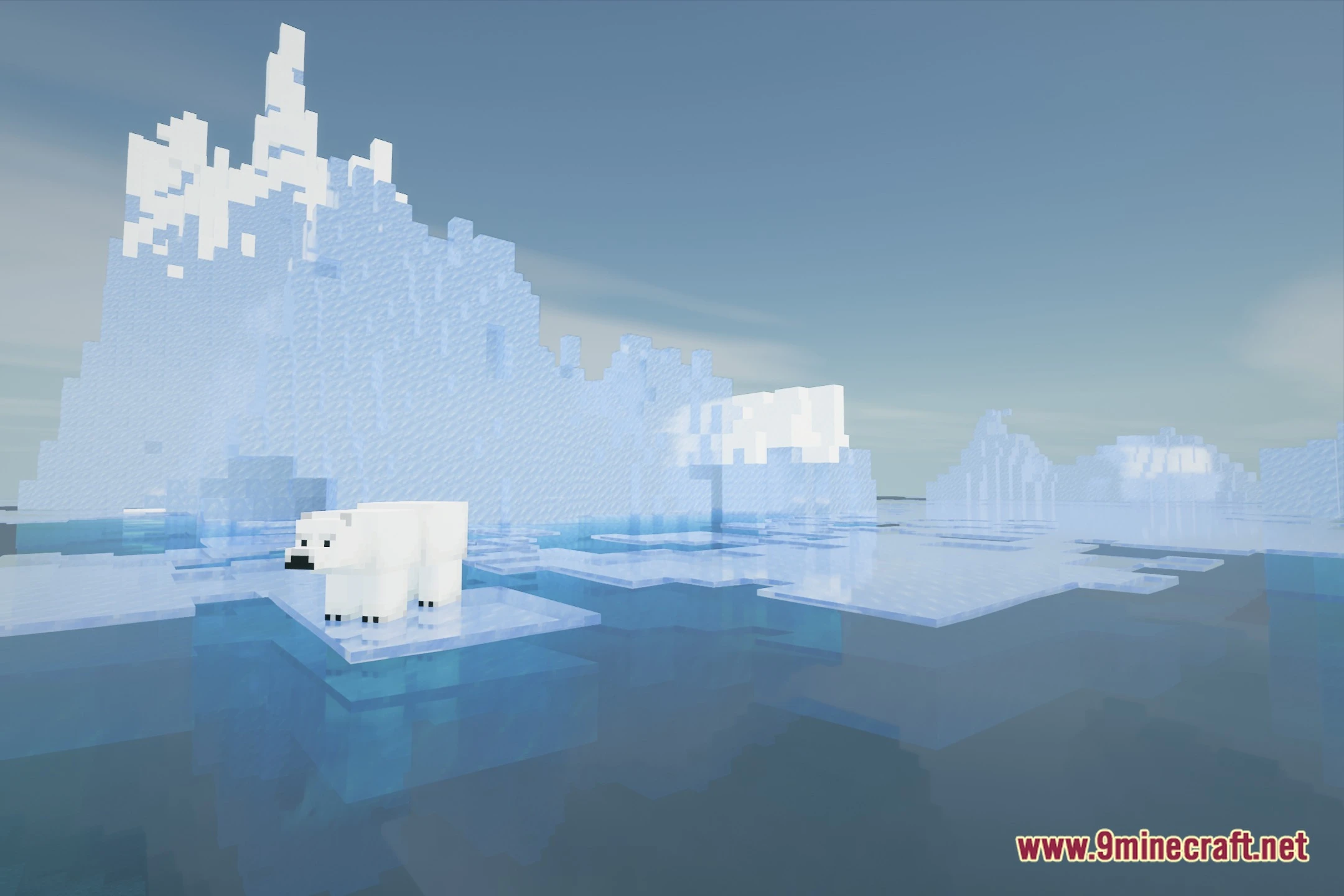
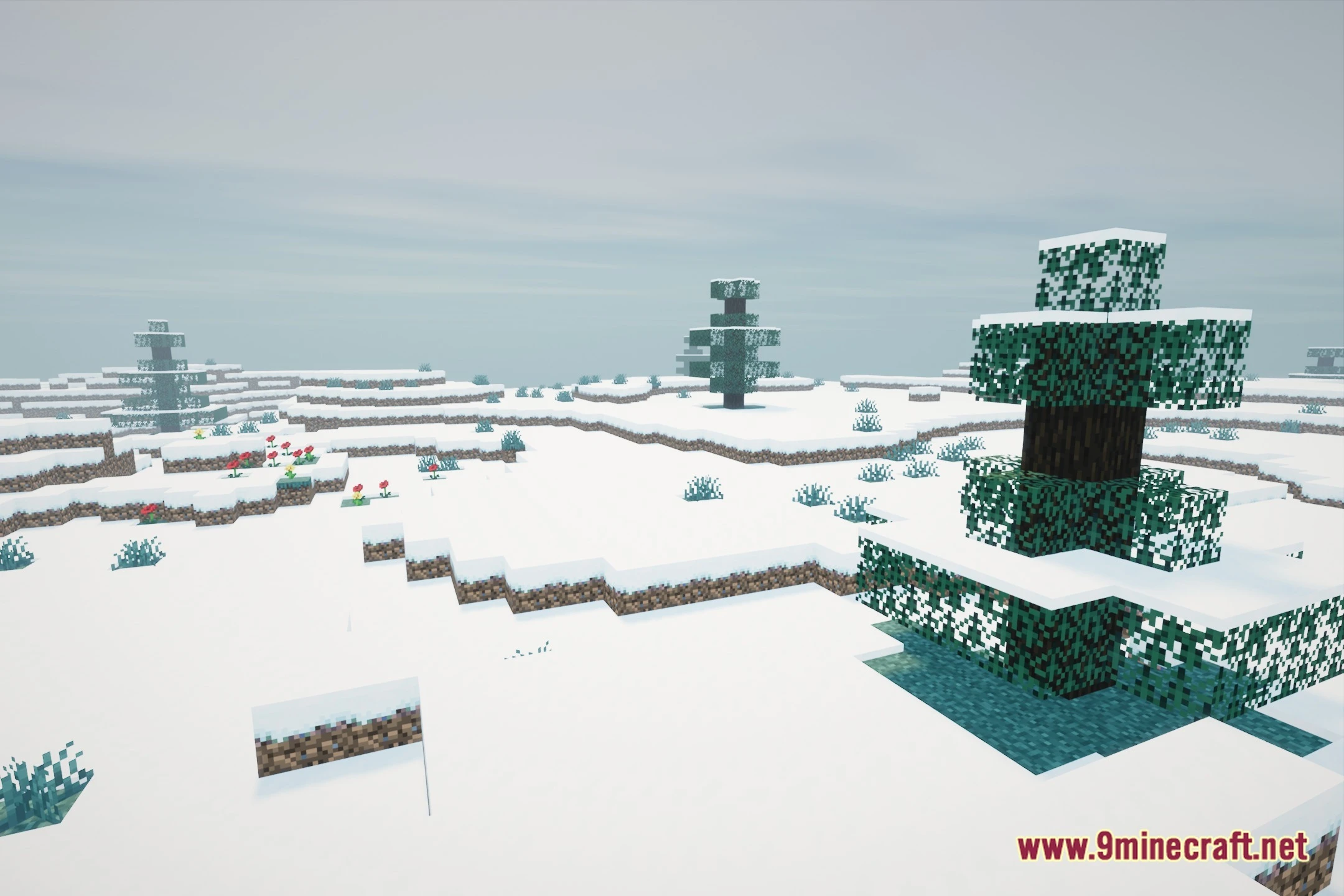
AeonRealism Shaders brings realistic lighting and soft shadows to your world while keeping performance smooth on low-end hardware. The shader uses temporal anti-aliasing to clean up jagged edges across blocks and leaves. It adds physically based rendering materials, bloom glow, and clear sky lighting. You get modern graphical upgrades without needing an expensive graphics card to run the game.
Features:
- Runs smoothly on budget systems and potato computers without big frame drops.
- Uses temporal anti-aliasing to smooth rough block outlines and flickering pixels.
- Adds physically based rendering materials for realistic block textures and surface shine.
- Produces bright bloom effects around light sources like torches, fire, and sunbeams.
- Casts clean shadows under trees, structures, and terrain during the day.
- Presents balanced daytime and nighttime lighting for easy visibility while exploring.
🎛️ Compare 40+ Minecraft Shaders Side by Side →
Drag the slider across 16 real in-game scenes — find YOUR perfect shader.
Screenshots:
AeonRealism Shaders Download Links
- Edition: Minecraft Java
- File type: .zip (resource pack)
- Minecraft version listed: 1.20.1
- How to install: Download the .zip resource pack — do not unzip it. → Put it in .minecraft/resourcepacks. → Enable it in Options → Resource Packs.
- Where to get it: Opens on the file's original source — not every file is mirrored on our own servers.
Install steps are the general flow for this file type — see the MC Java Mods guides for the full walkthrough.
AeonRealism Shaders (26.2, 1.20.1) – Lightweight PBR and Soft Shadows is a free Minecraft Java shader. Compatible with Minecraft 1.20.1. Download it and open it directly in the game.
Related Java mods
Miniature Shaders (26.3, 1.20.1) – Lighting and Reflection
Oculus Mod (1.20.1, 1.19.4) – Iris Shaders for Minecraft Forge

VTXS Screen Space Demo

white sharp shader

Anime Sky
![ExploitShield [Lite]](https://files.mcmodshub.com/thumb/spiget/161233.webp)