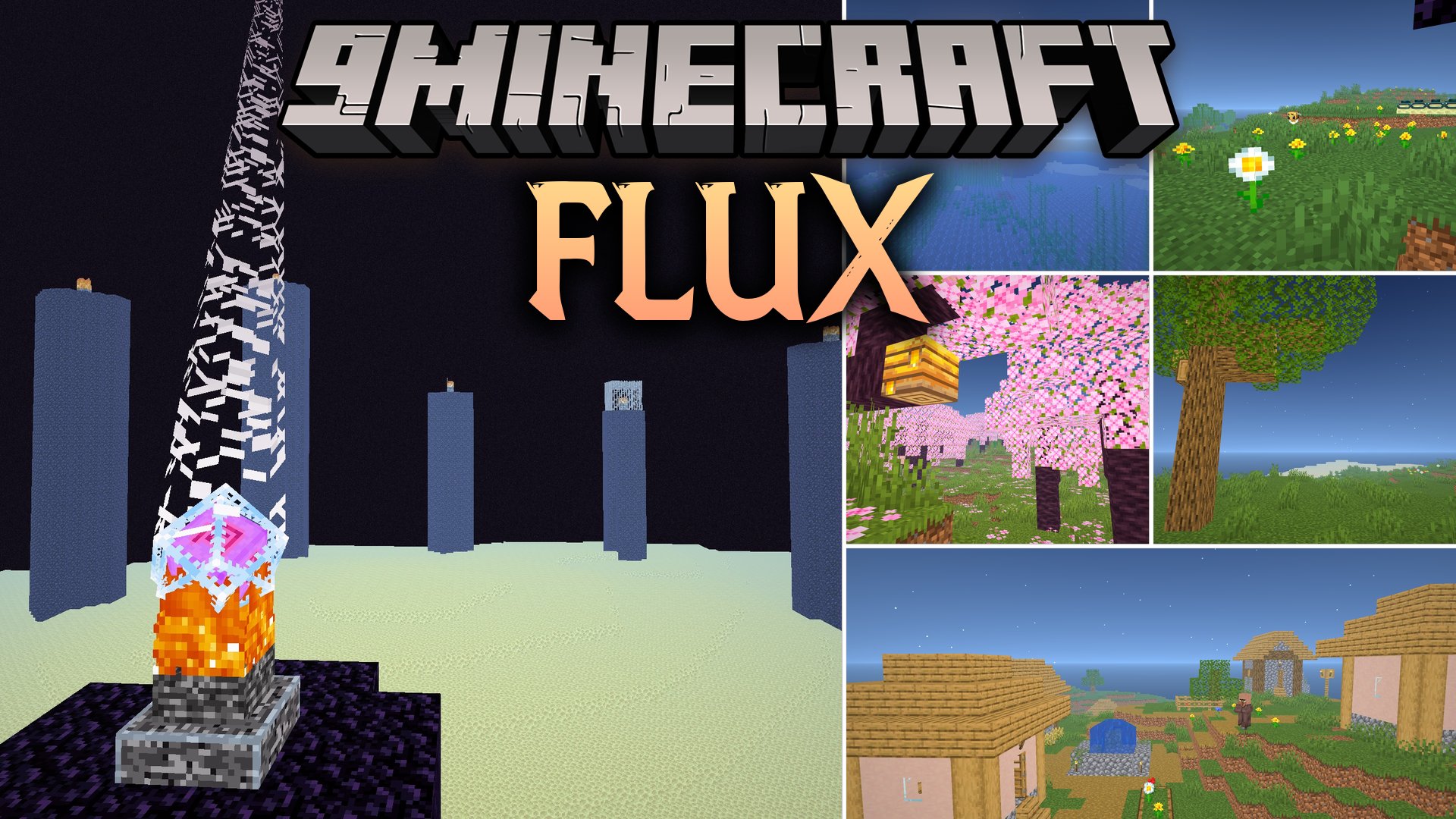
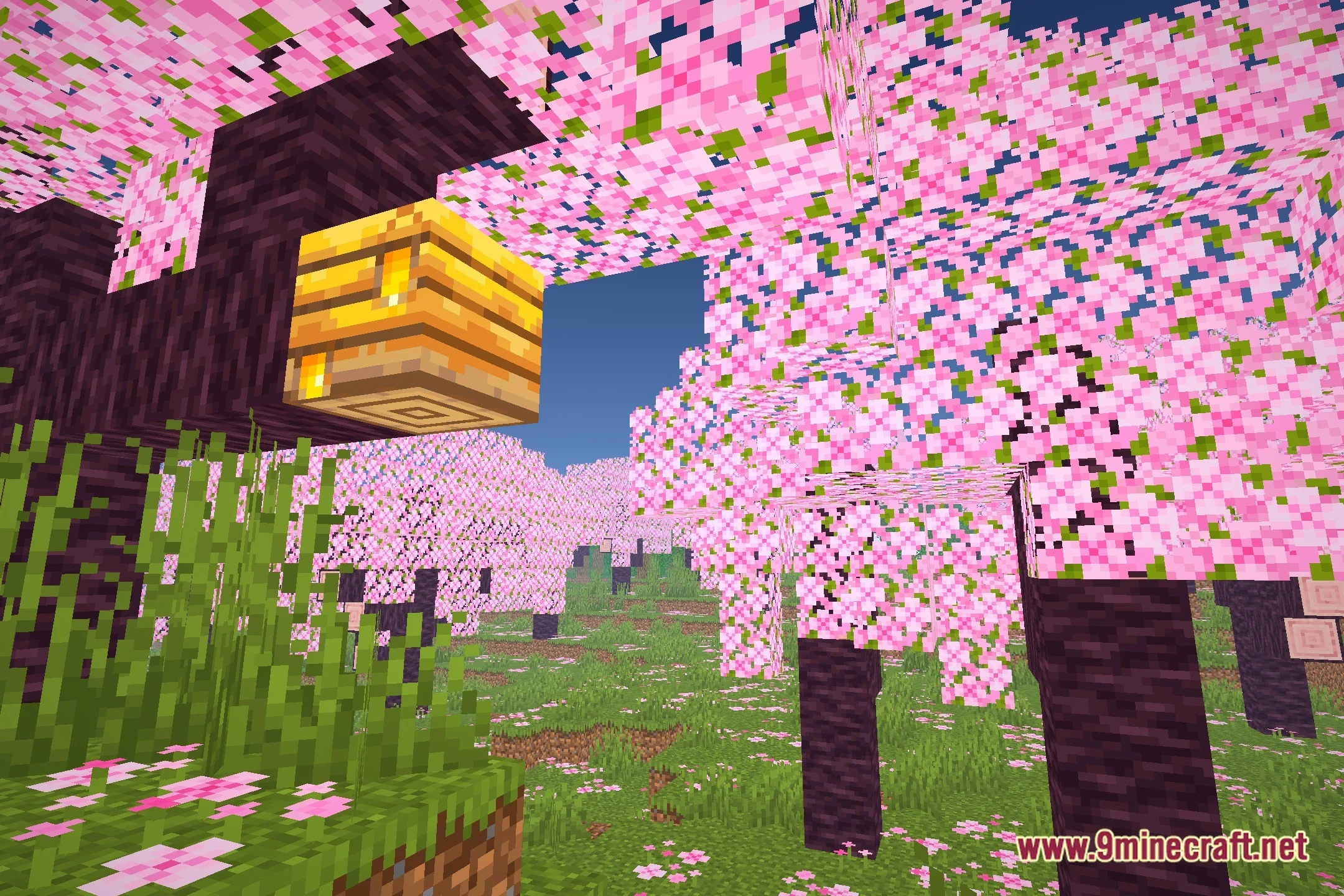
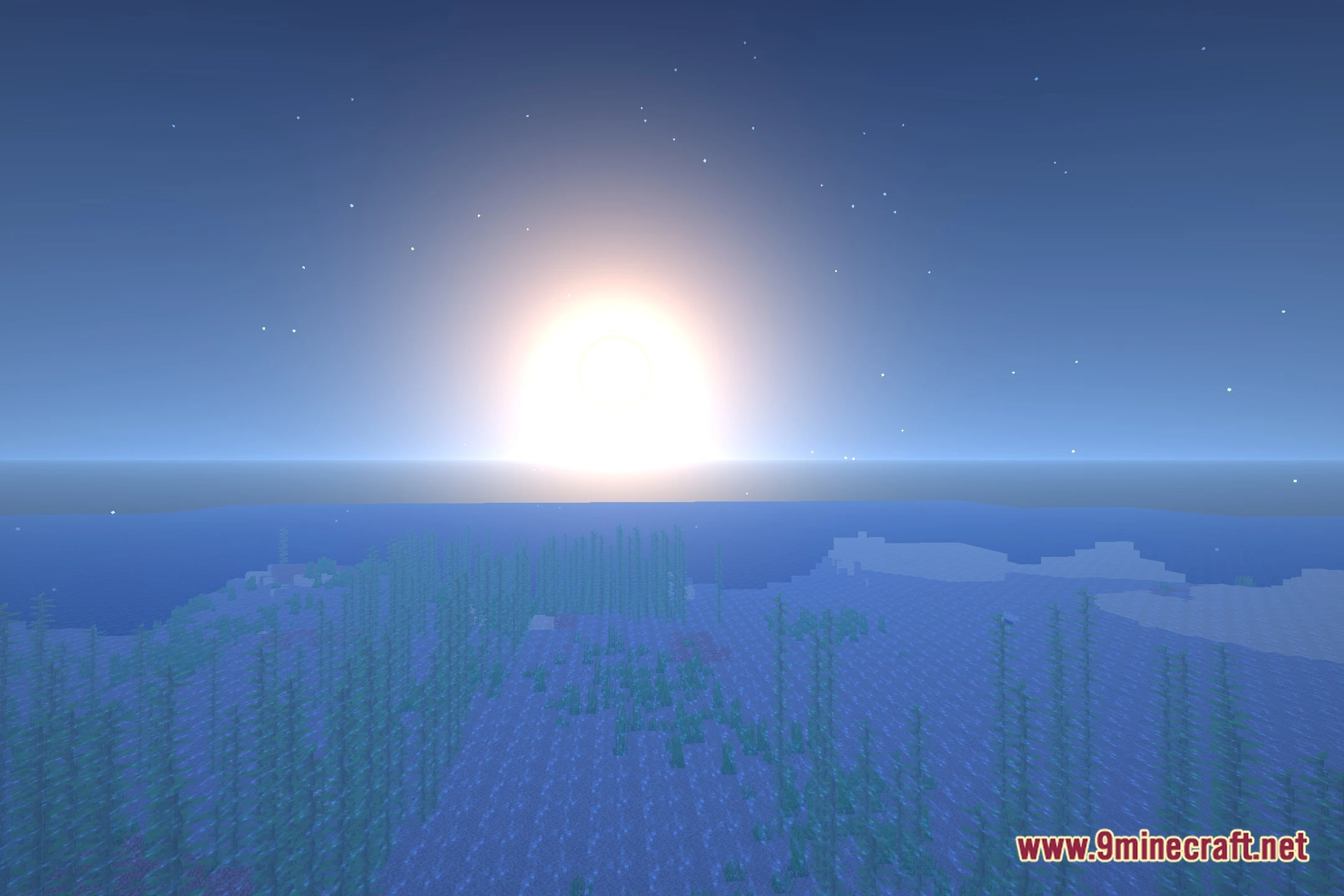
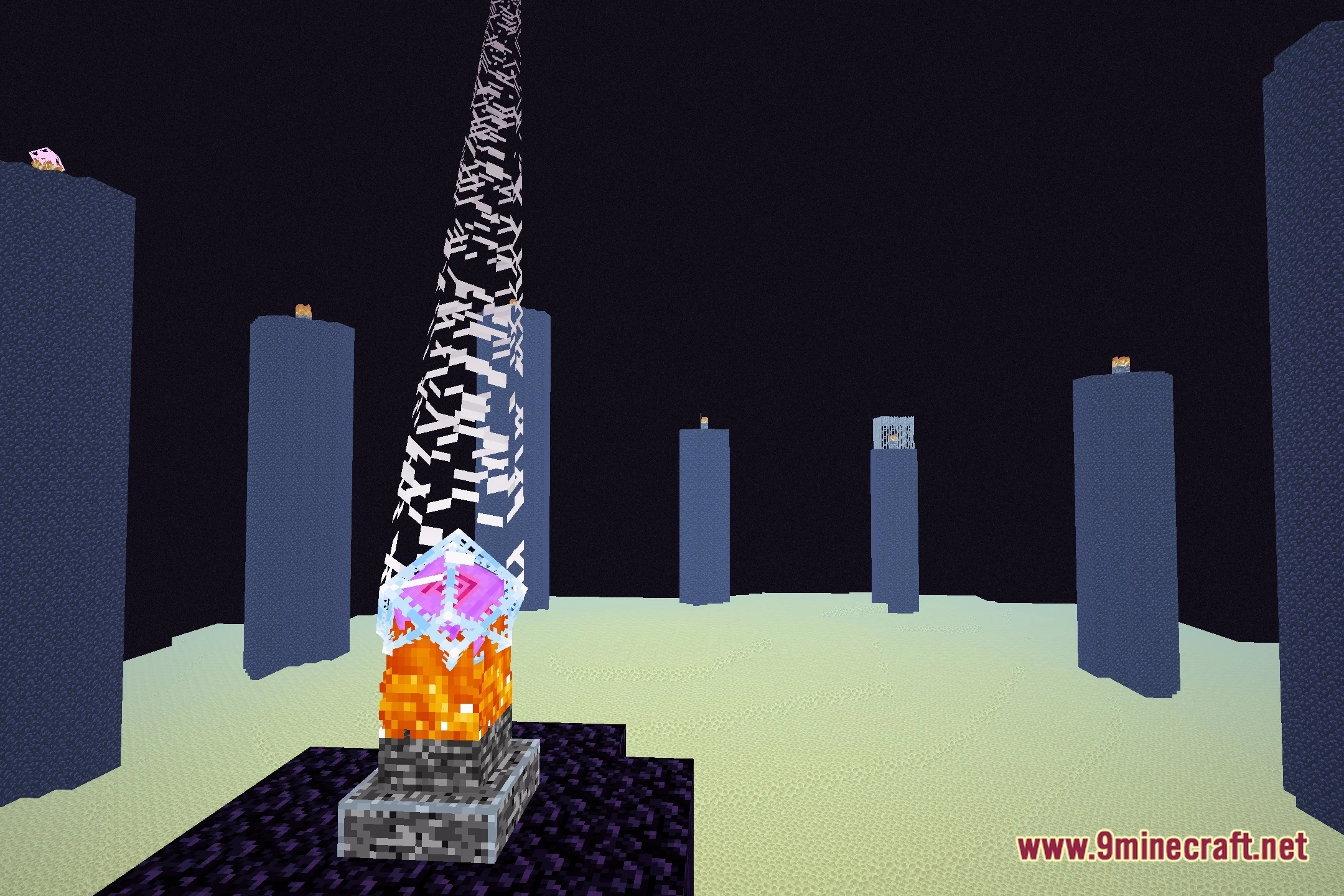
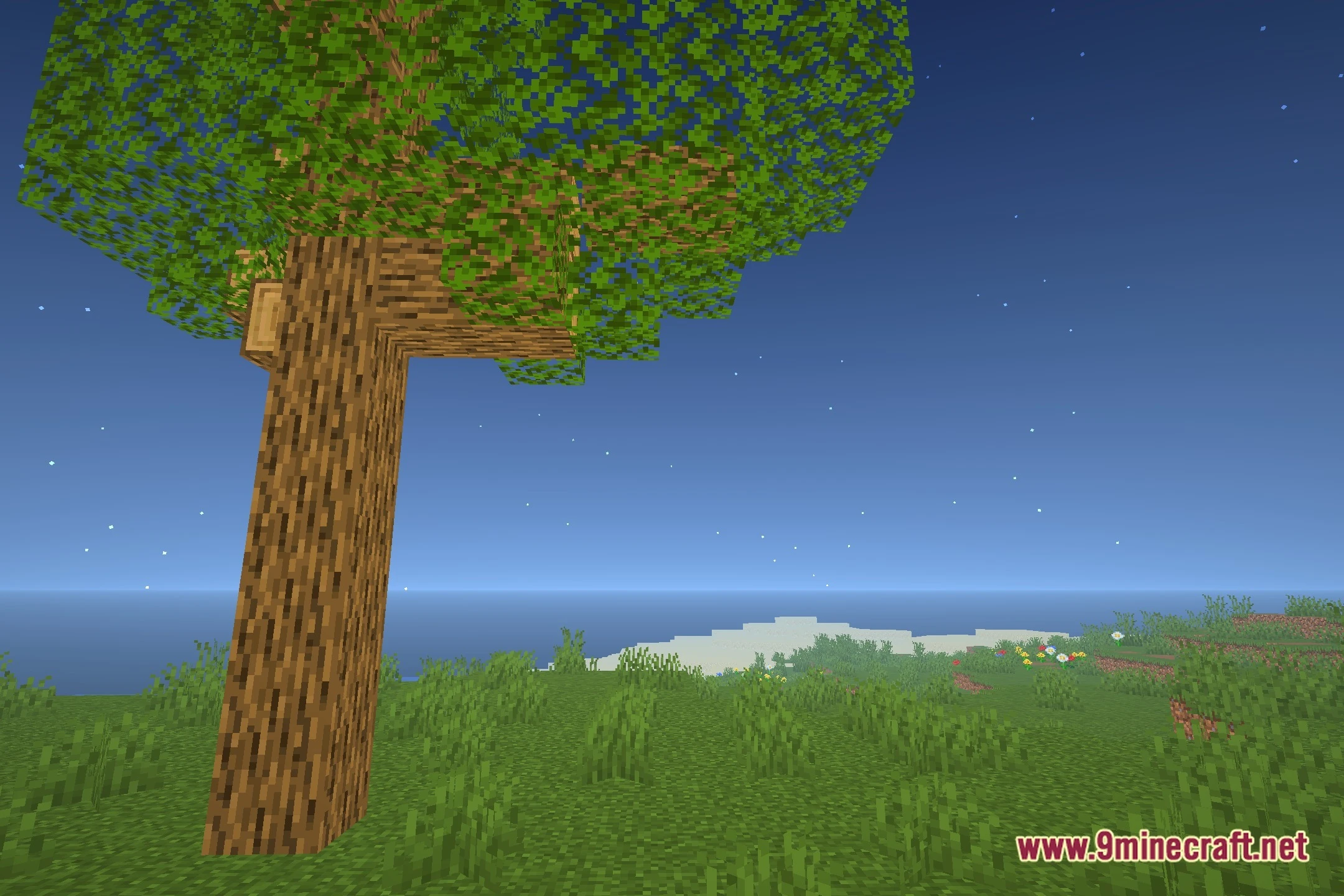
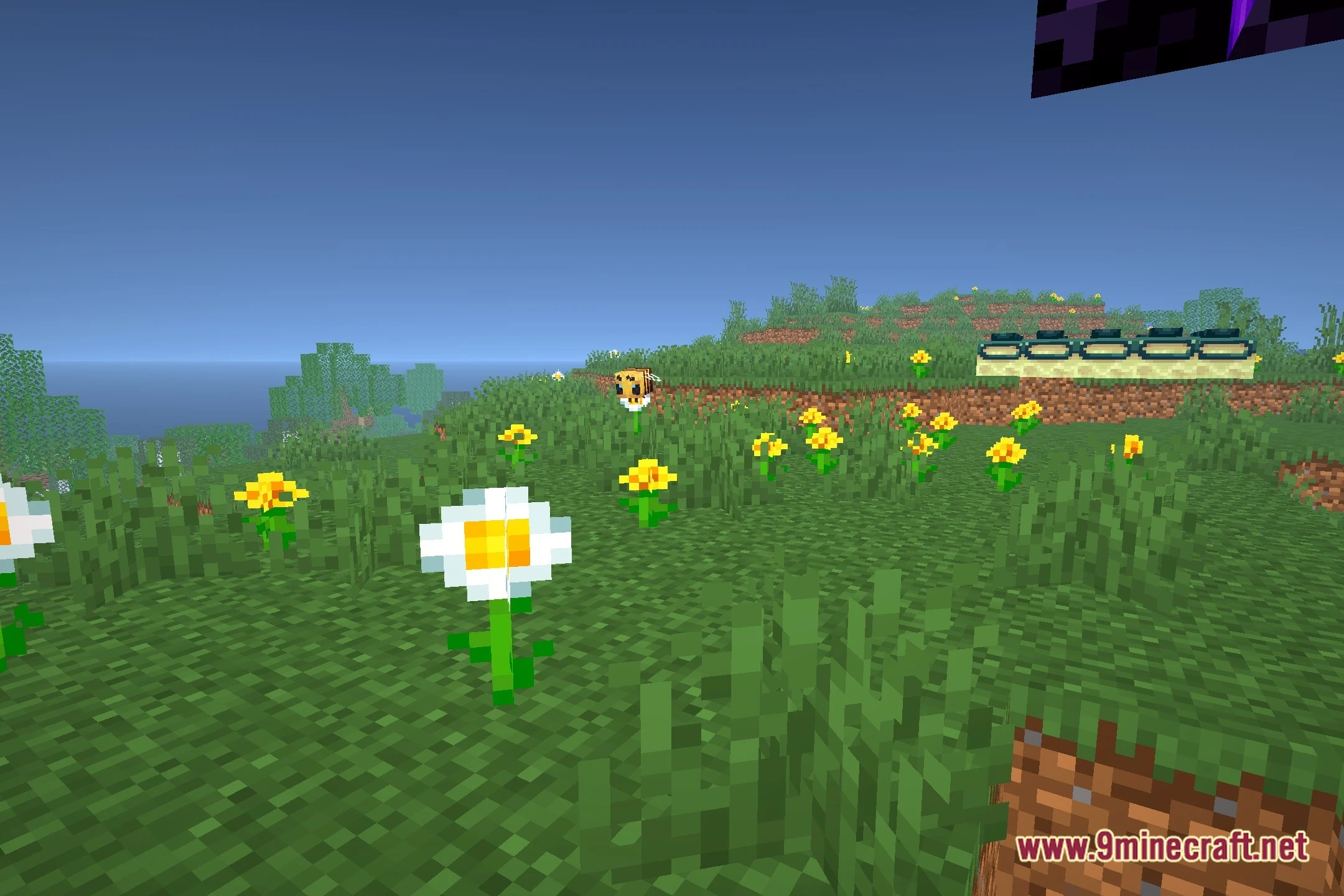
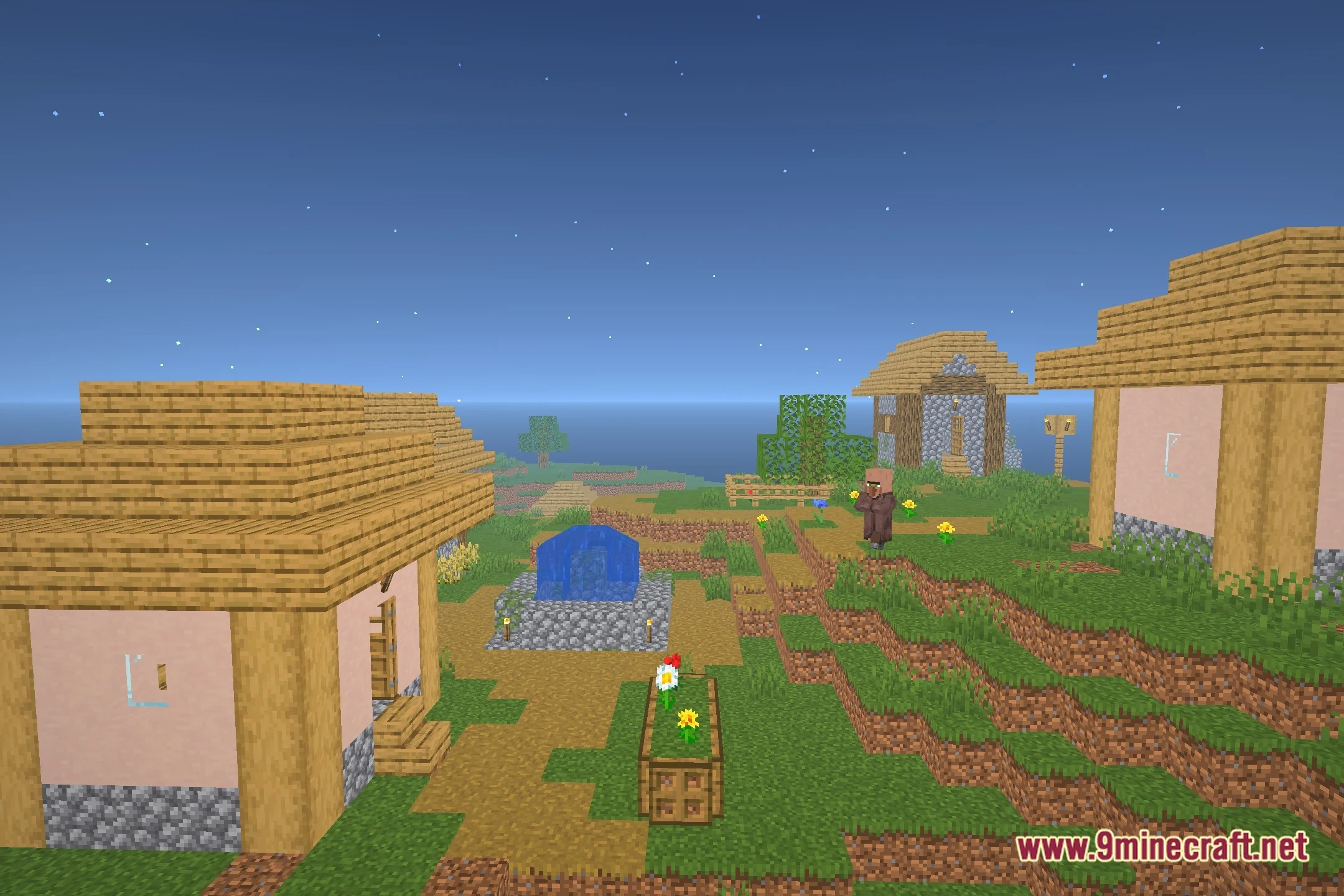

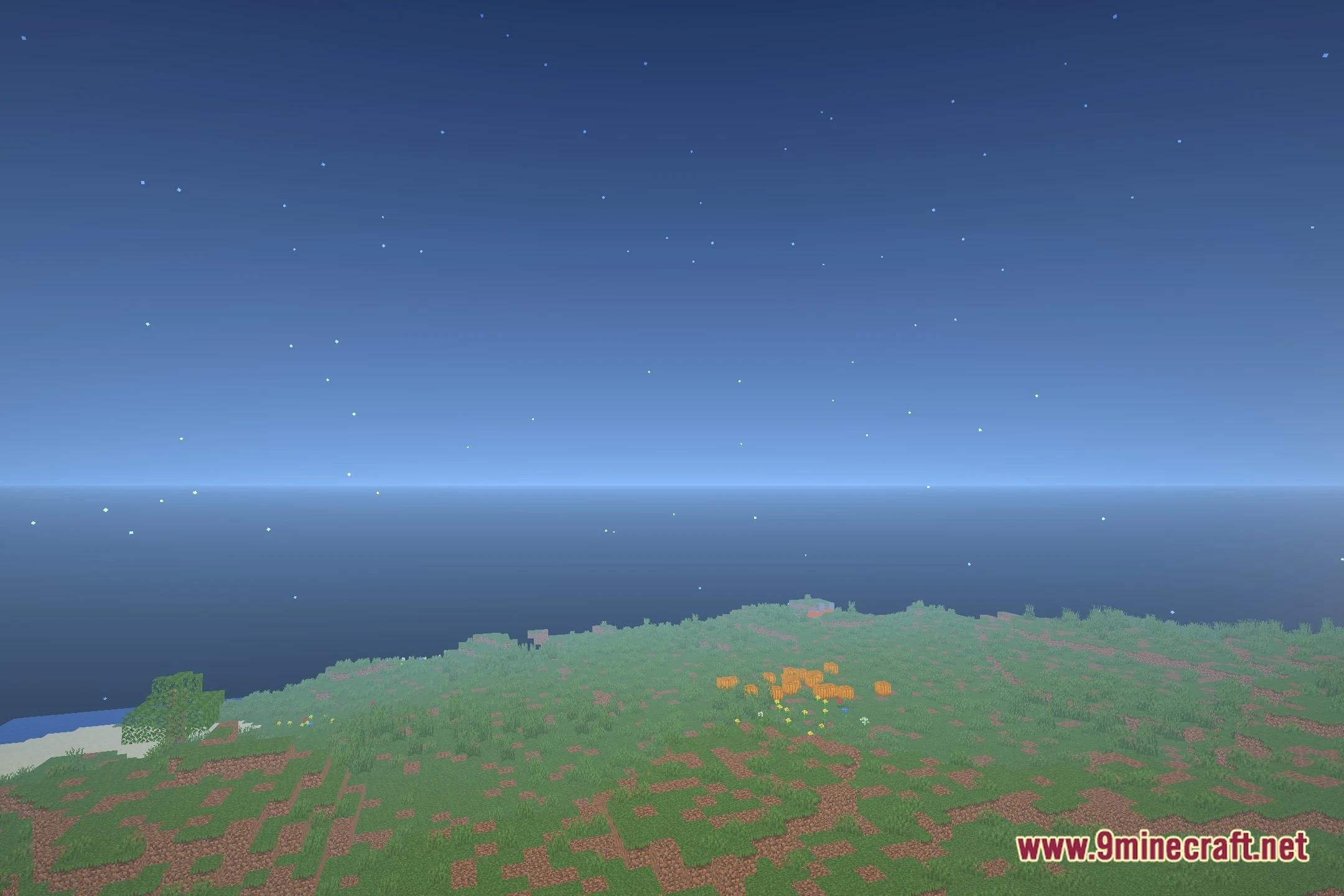
Flux Shaders transforms lighting and shadows across your world while keeping frame rates steady. It adds a round sun, clean sky gradients, and cinematic fog that changes how outdoor views look. The shader pack also brings soft bloom and colored light sources to your builds. It gives you a semi-realistic look without losing the familiar blocky feel.
Features:
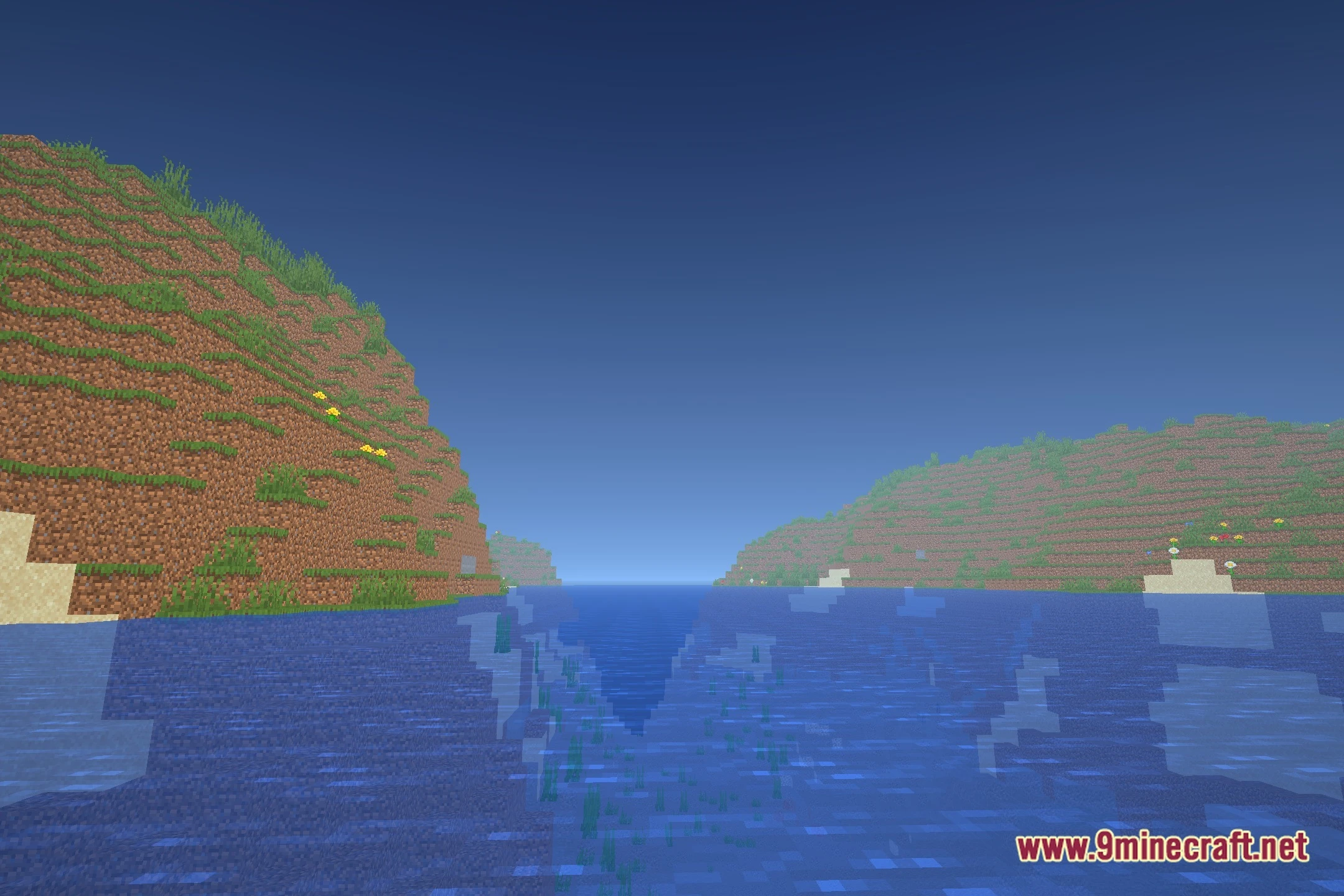
- Cinematic Fog: Adds soft fog effects that blend distant terrain into the horizon.
- Custom Sky Gradients: Replaces the default sky with smooth, natural color transitions.
- Round Sun: Introduces a circular sun shape for a cleaner celestial view.
- Brings colored lighting that matches the glow of placed light sources.
- Adds soft bloom around glowing blocks and lanterns.
- Runs well on low-end and medium-range graphics hardware.
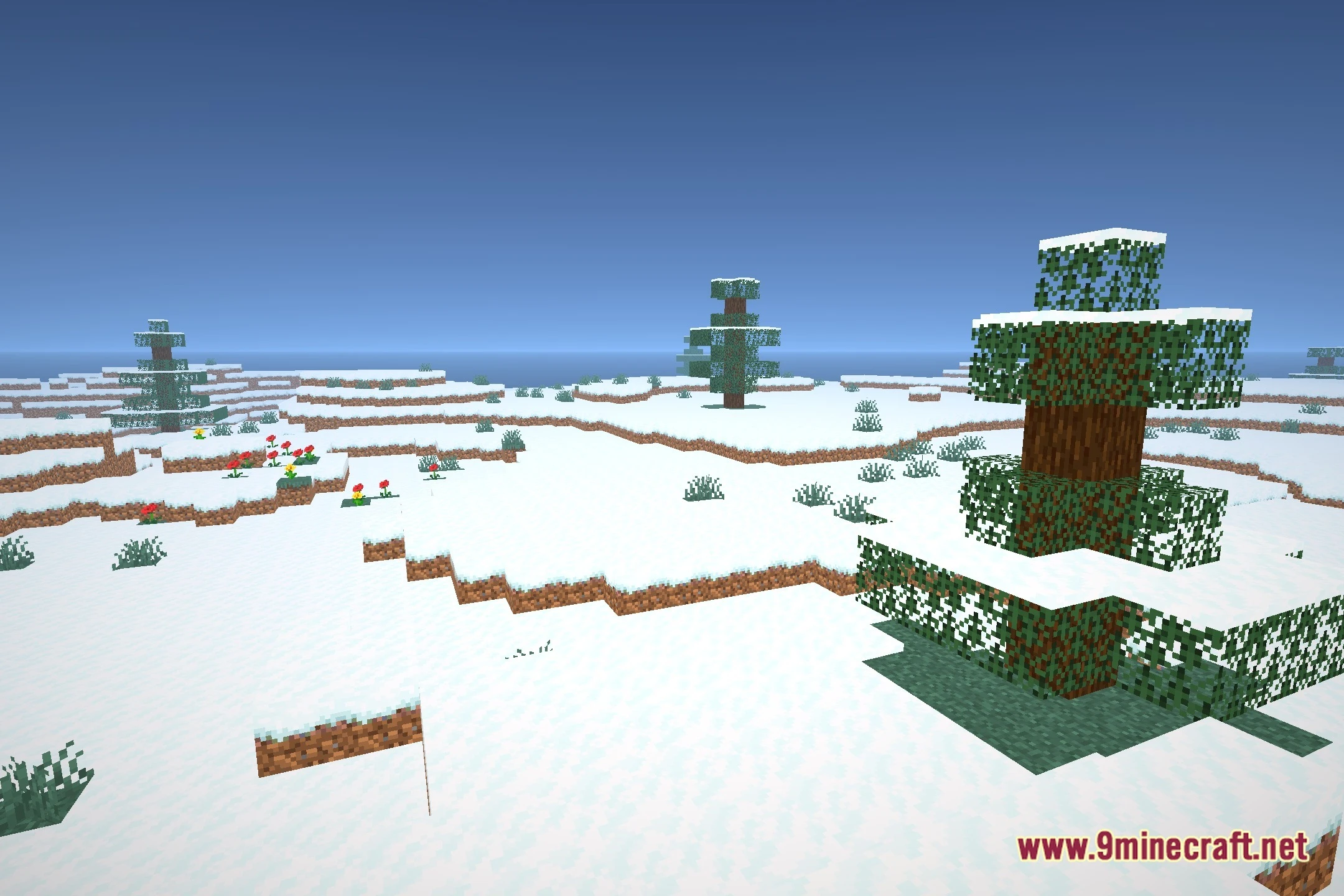
- Provides soft shadows under trees, blocks, and structures.
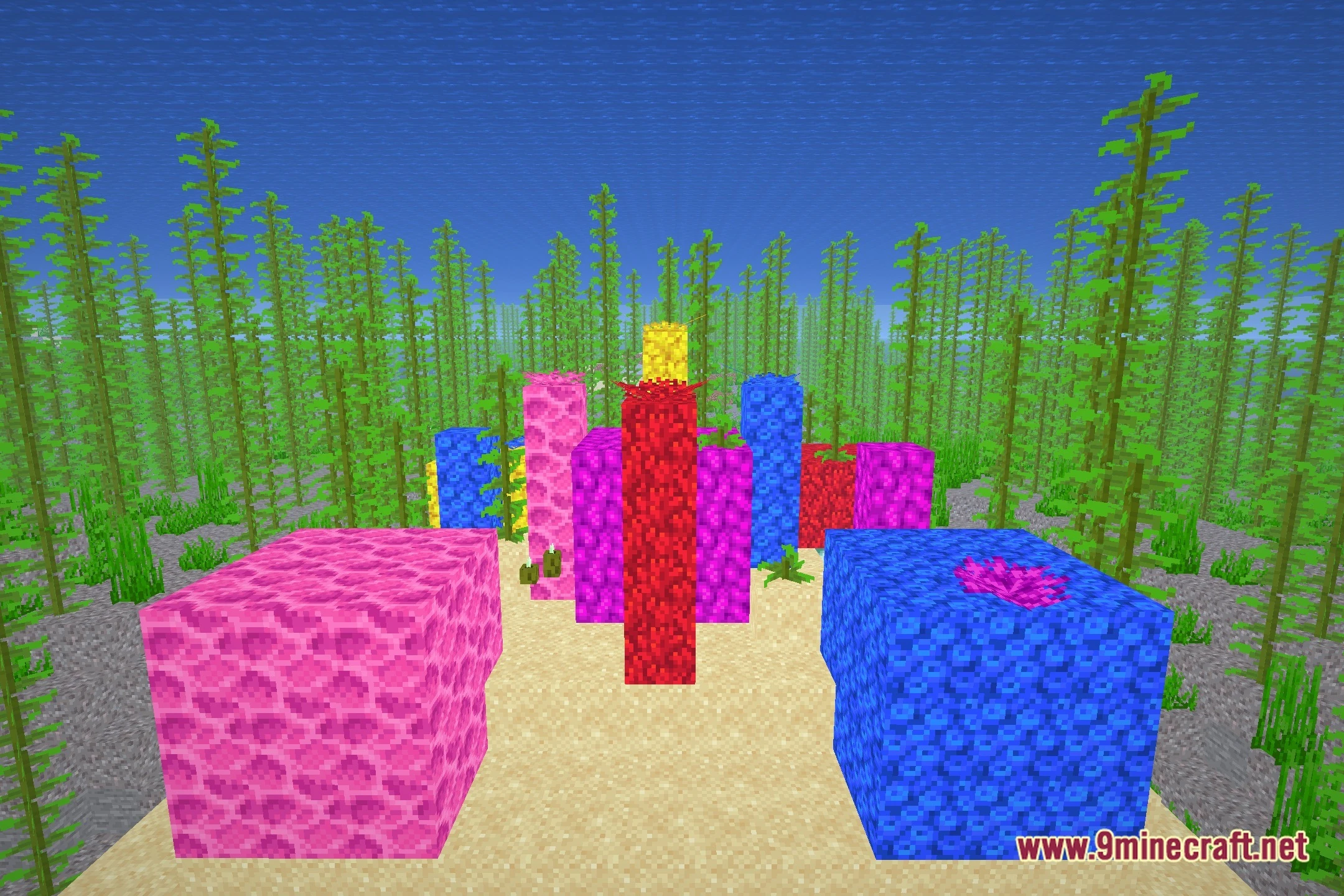
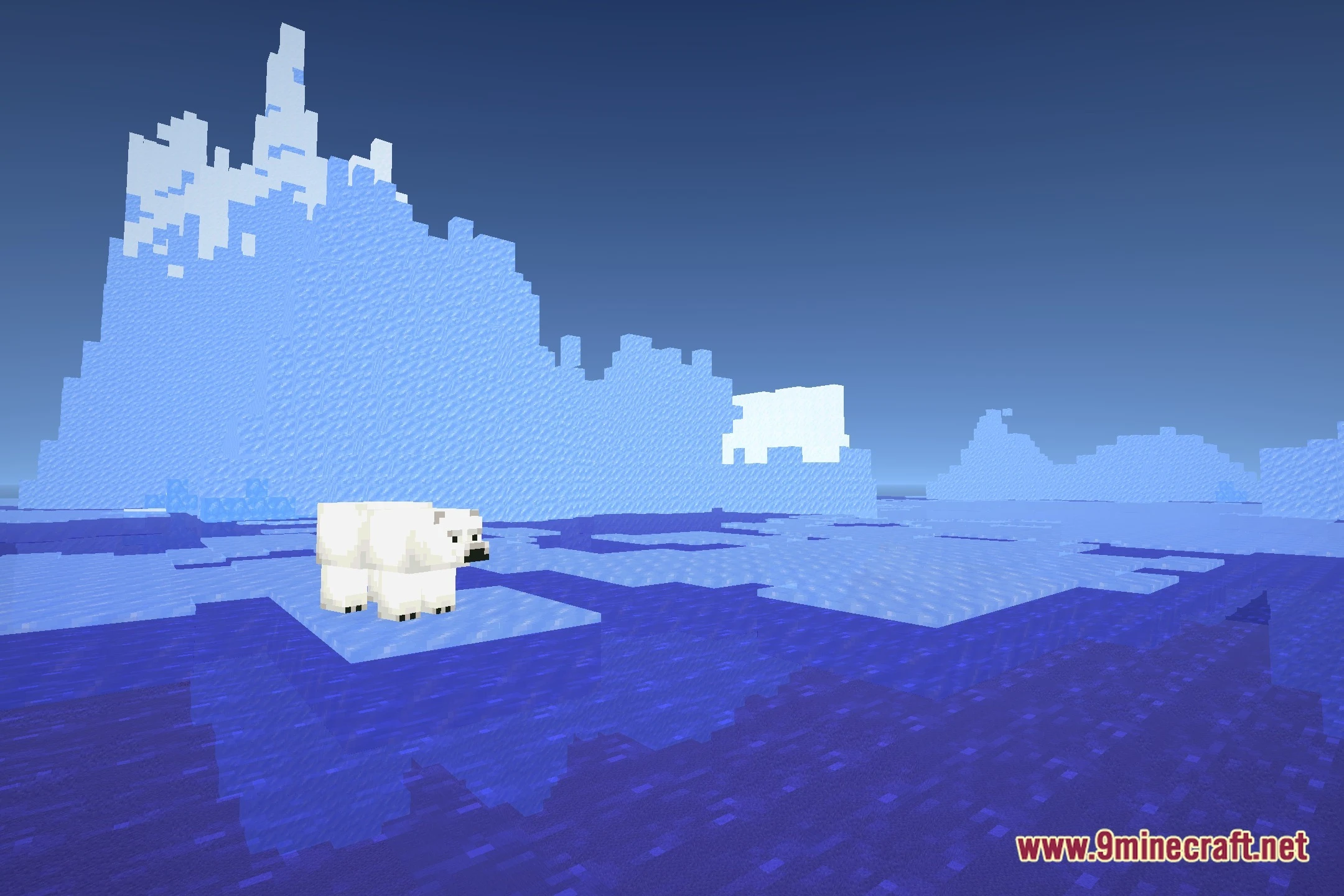
- Keeps the core vanilla feel while adding semi-realistic visual upgrades.
Screenshots:
Flux Shaders Download Links
Quick facts
- Edition: Minecraft Java
- File type: .zip (resource pack)
- Minecraft version listed: 1.20.1
- How to install: Download the .zip resource pack — do not unzip it. → Put it in .minecraft/resourcepacks. → Enable it in Options → Resource Packs.
- Where to get it: Opens on the file's original source — not every file is mirrored on our own servers.
Install steps are the general flow for this file type — see the MC Java Mods guides for the full walkthrough.
Flux Shaders (26.2, 1.20.1) – Colored Lighting and Soft Shadows is a free Minecraft Java shader. Compatible with Minecraft 1.20.1. Download it and open it directly in the game.